Get your site
Microsoft Edge Ready
Mostafa Elzoghbi
Sr. Technical Evangelist
Twitter: @MostafaElzoghbi
“With Windows 10, we’re moving from a
product release model to a service
model. Windows 10 could become the
largest internet service on the planet as
Windows becomes ‘evergreen’.”
– Terry Myerson
Why Edge Compat matters
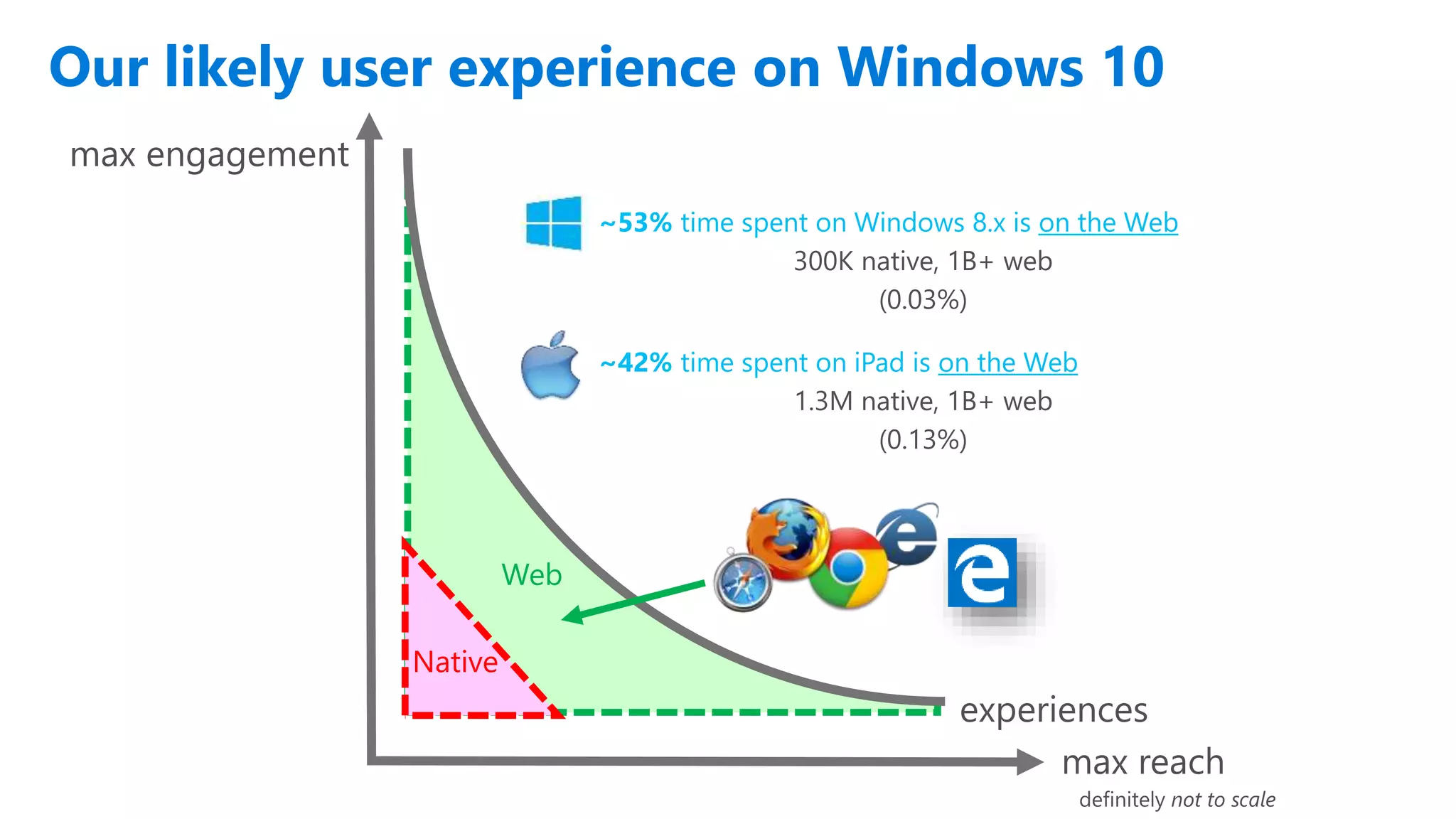
Our likely user experience on Windows 10
~53% time spent on Windows 8.x is on the Web
300K native, 1B+ web
(0.03%)
Web
~42% time spent on iPad is on the Web
1.3M native, 1B+ web
(0.13%)
Native
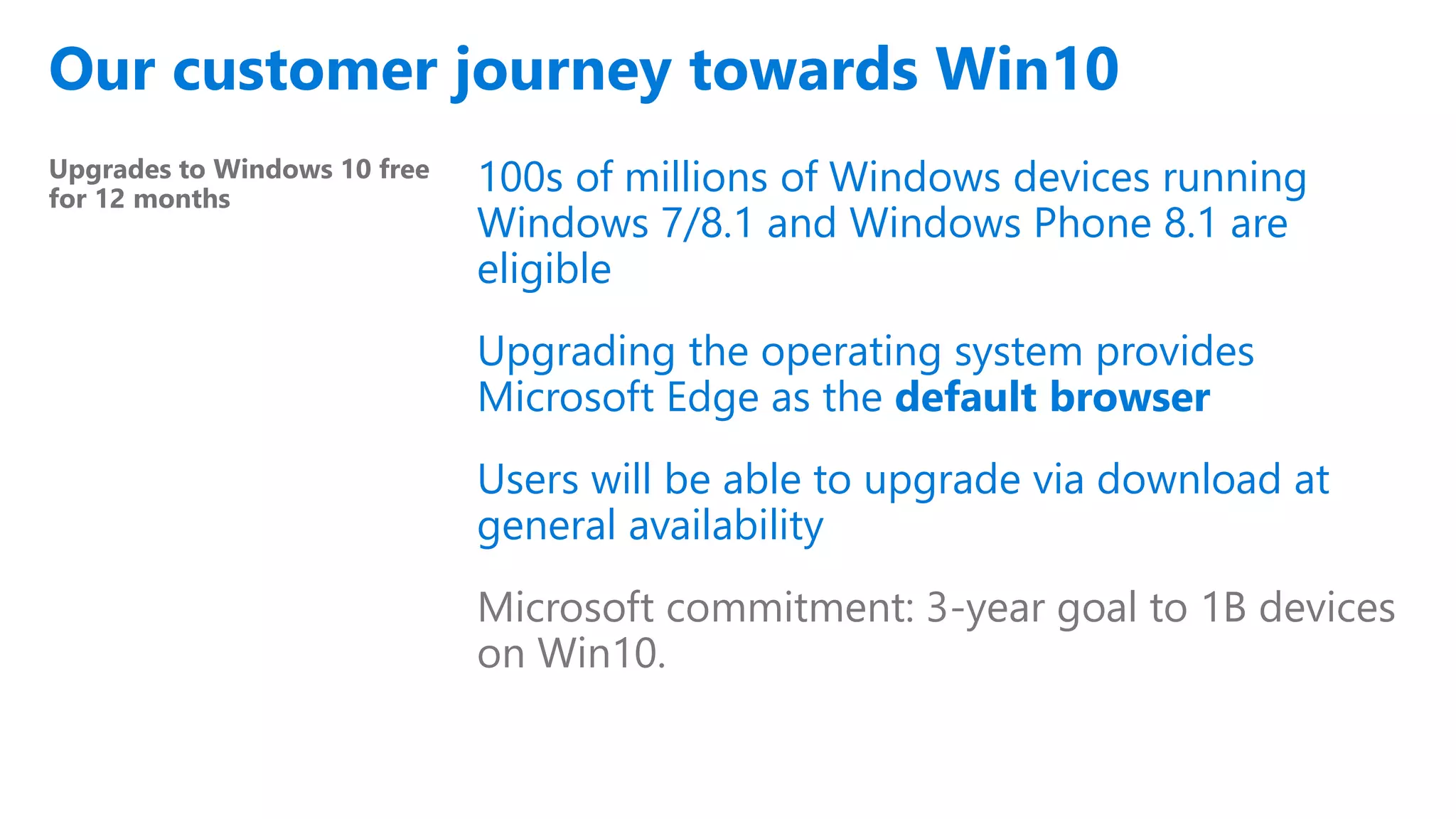
Our customer journey towards Win10
Upgrades to Windows 10 free
for 12 months
100s of millions of Windows devices running
Windows 7/8.1 and Windows Phone 8.1 are
eligible
Upgrading the operating system provides
Microsoft Edge as the default browser
Users will be able to upgrade via download at
general availability
Microsoft commitment: 3-year goal to 1B devices
on Win10.
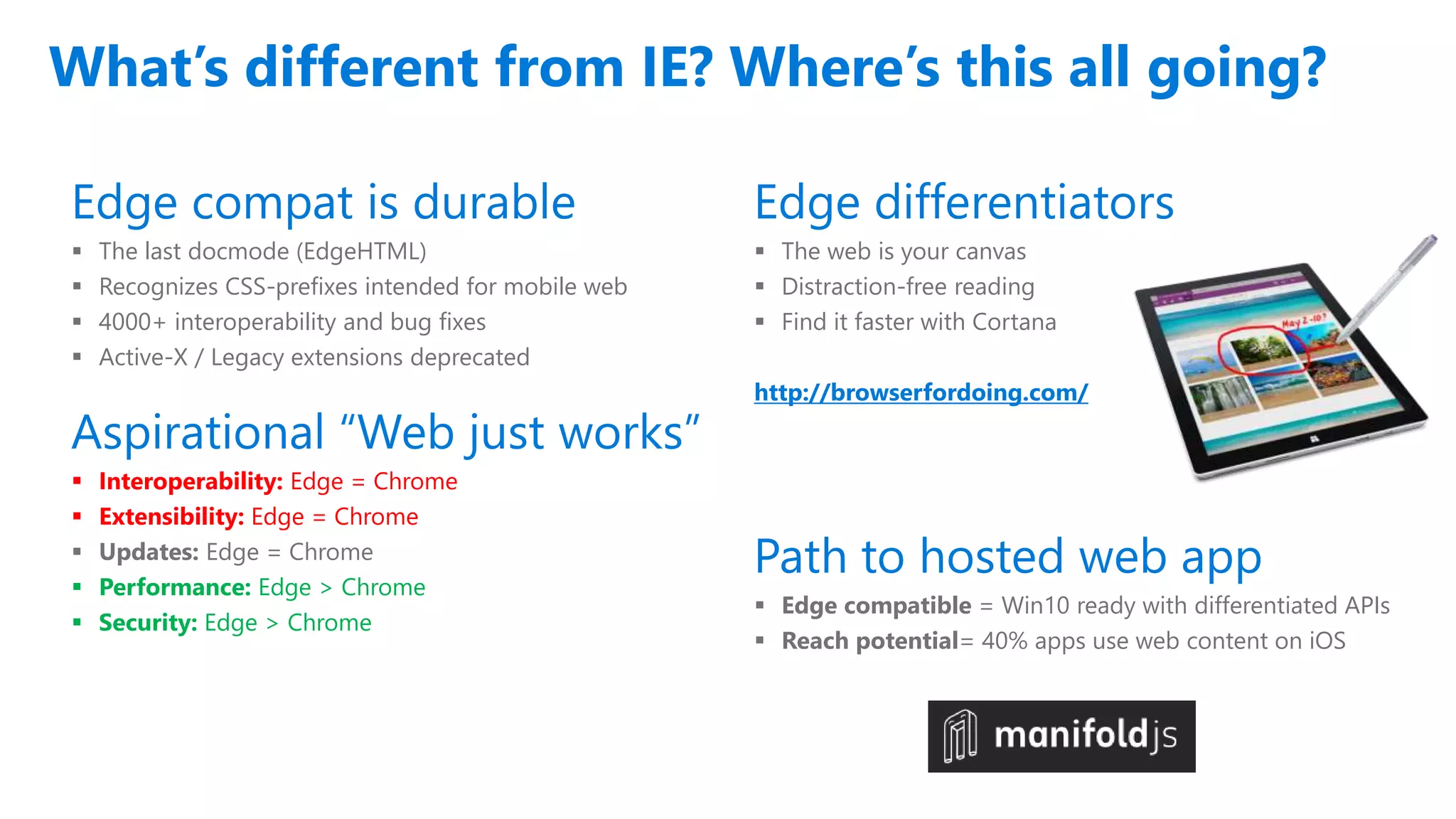
What’s different from IE? Where’s this all going?
Edge compat is durable
 The last docmode (EdgeHTML)
 Recognizes CSS-prefixes intended for mobile web
 4000+ interoperability and bug fixes
 Active-X / Legacy extensions deprecated
Aspirational “Web just works”
 Interoperability: Edge = Chrome
 Extensibility: Edge = Chrome
 Updates: Edge = Chrome
 Performance: Edge > Chrome
 Security: Edge > Chrome
Edge differentiators
 The web is your canvas
 Distraction-free reading
 Find it faster with Cortana
http://browserfordoing.com/
Path to hosted web app
 Edge compatible = Win10 ready with differentiated APIs
 Reach potential= 40% apps use web content on iOS
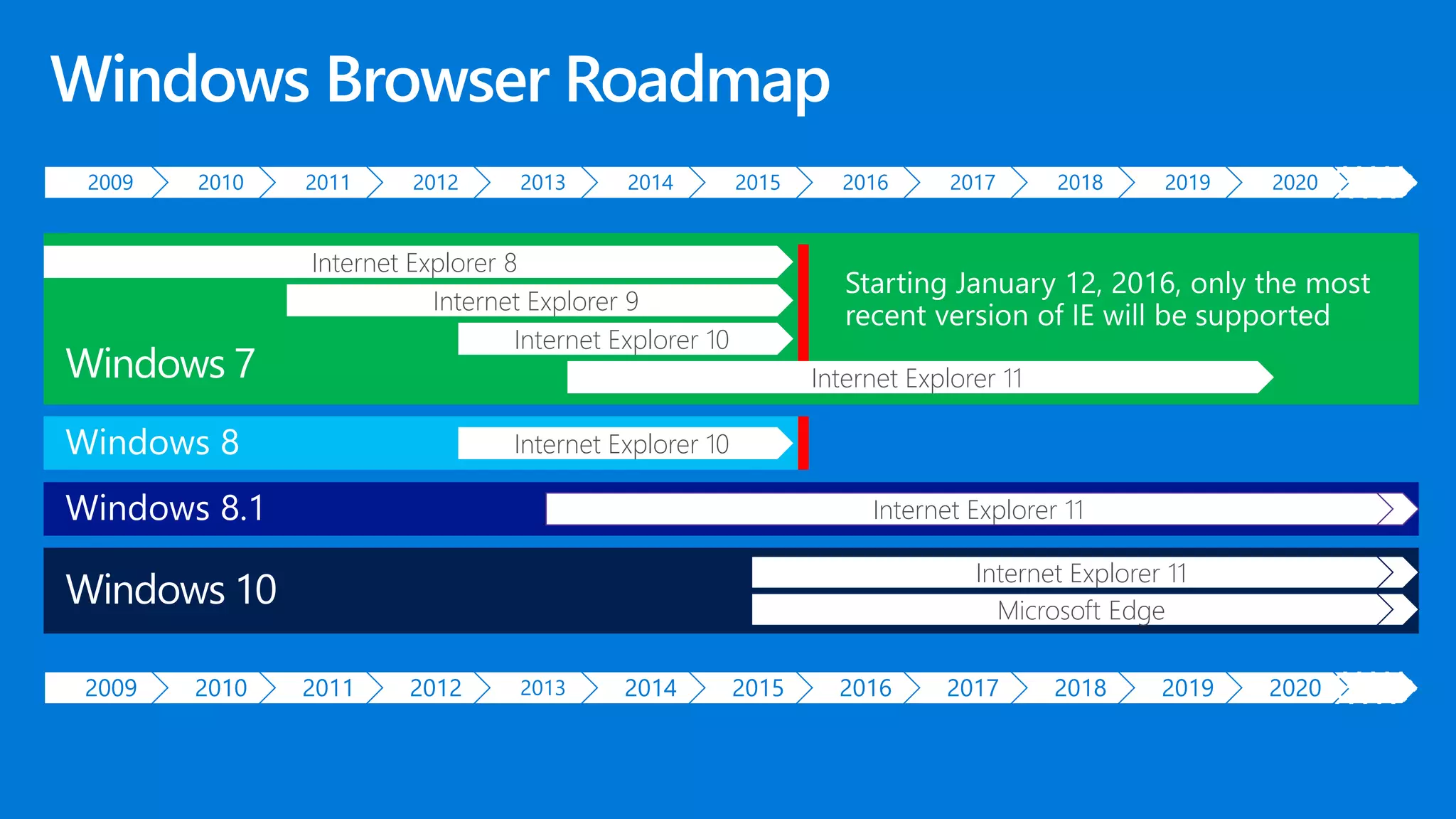
2009 2010 2011 2012 2013 2014 2015 2016 2017 2018 2019 2020
2009 2010 2011 2012 2013 2014 2015 2016 2017 2018 2019 2020
Internet Explorer 10
Internet Explorer 11
Internet Explorer 8
Internet Explorer 9
Internet Explorer 11
Internet Explorer 10
Internet Explorer 11
Microsoft Edge
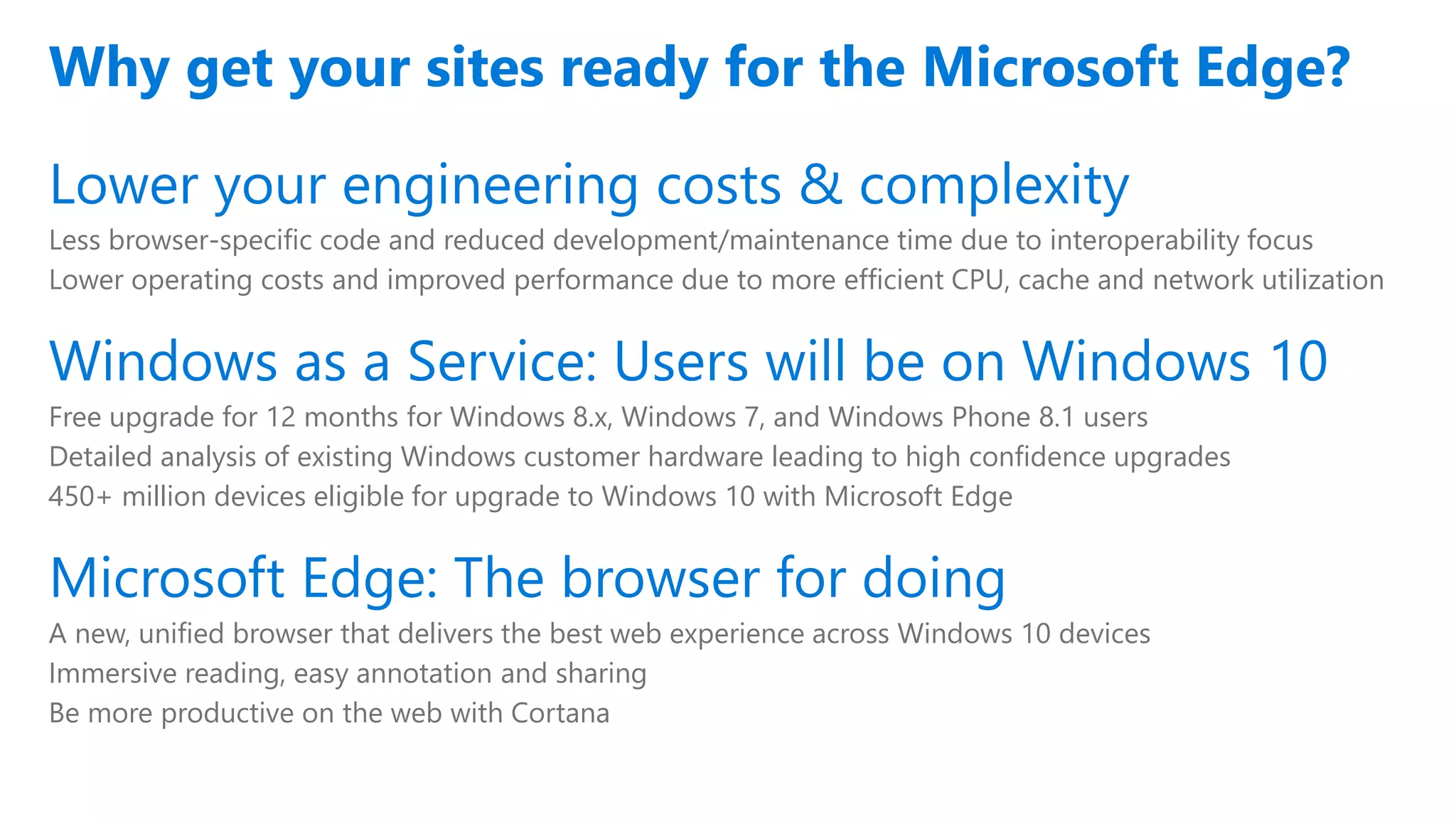
Lower your engineering costs & complexity
Less browser-specific code and reduced development/maintenance time due to interoperability focus
Lower operating costs and improved performance due to more efficient CPU, cache and network utilization
Windows as a Service: Users will be on Windows 10
Free upgrade for 12 months for Windows 8.x, Windows 7, and Windows Phone 8.1 users
Detailed analysis of existing Windows customer hardware leading to high confidence upgrades
450+ million devices eligible for upgrade to Windows 10 with Microsoft Edge
Microsoft Edge: The browser for doing
A new, unified browser that delivers the best web experience across Windows 10 devices
Immersive reading, easy annotation and sharing
Be more productive on the web with Cortana
Why get your sites ready for the Microsoft Edge?
Save time & money
Reduce development time and effort
New rendering engine targets the interoperable intersection of Webkit (Safari) and Blink (Chrome)
Developers can write one code path for all browsers reducing engineering costs
Lower operating costs
With consolidated single code path you can cache more content on the edge of network infrastructure
Less round-trip traffic back to server, resulting in less CPU time & lower bandwidth costs
Performance increase
Single code path means increased cache hits (e.g. edge in-memory cache, web server cache)
More of your site can be pushed to edge cache increasing response time for end users
New engine will save time & money
Footnote
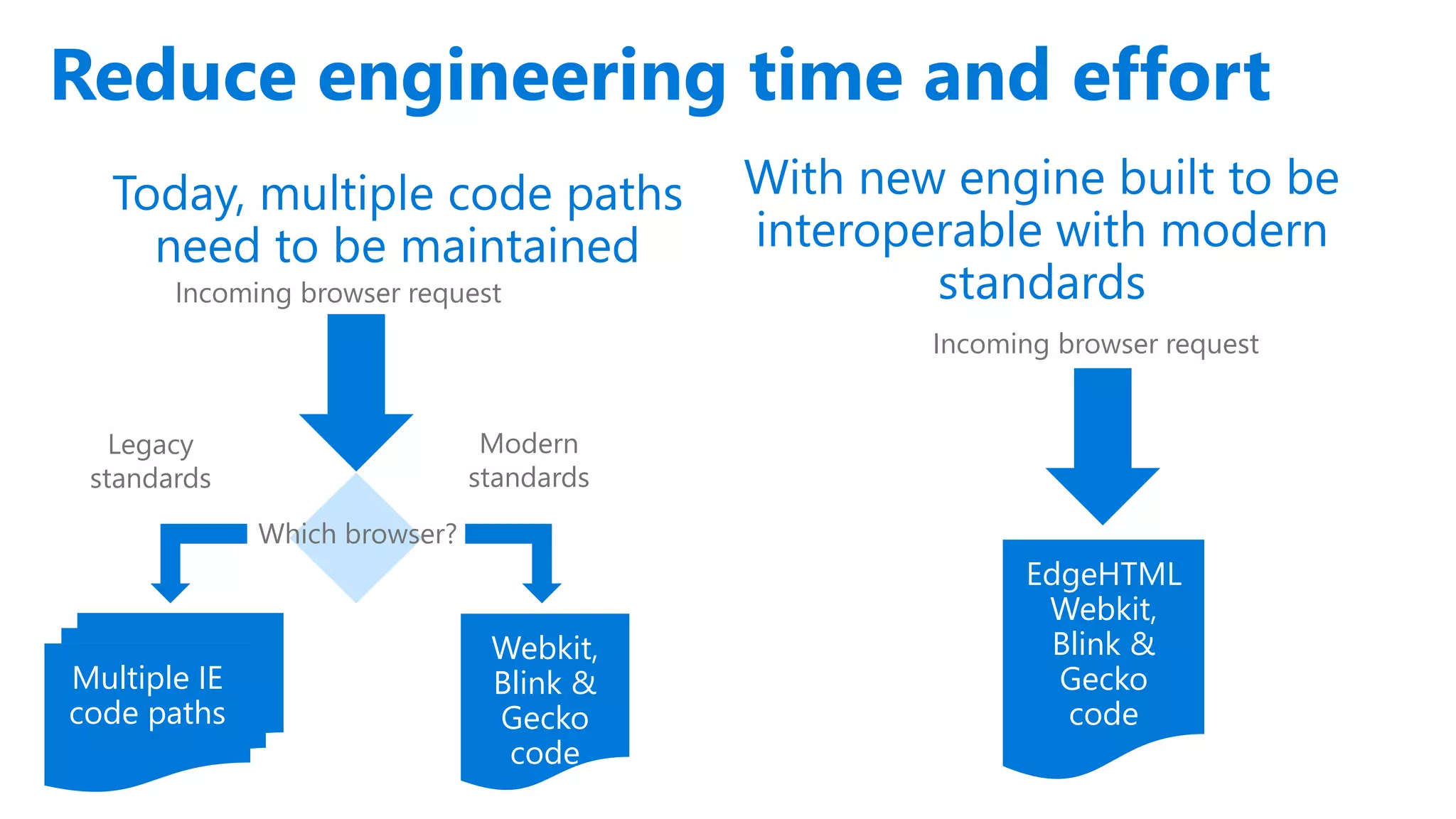
With new engine built to be
interoperable with modern
standards
Reduce engineering time and effort
Incoming browser request
Which browser?
Webkit,
Blink &
Gecko
code
Today, multiple code paths
need to be maintained
Incoming browser request
EdgeHTML
Webkit,
Blink &
Gecko
code
Multiple IE
code paths
Legacy
standards
Modern
standards
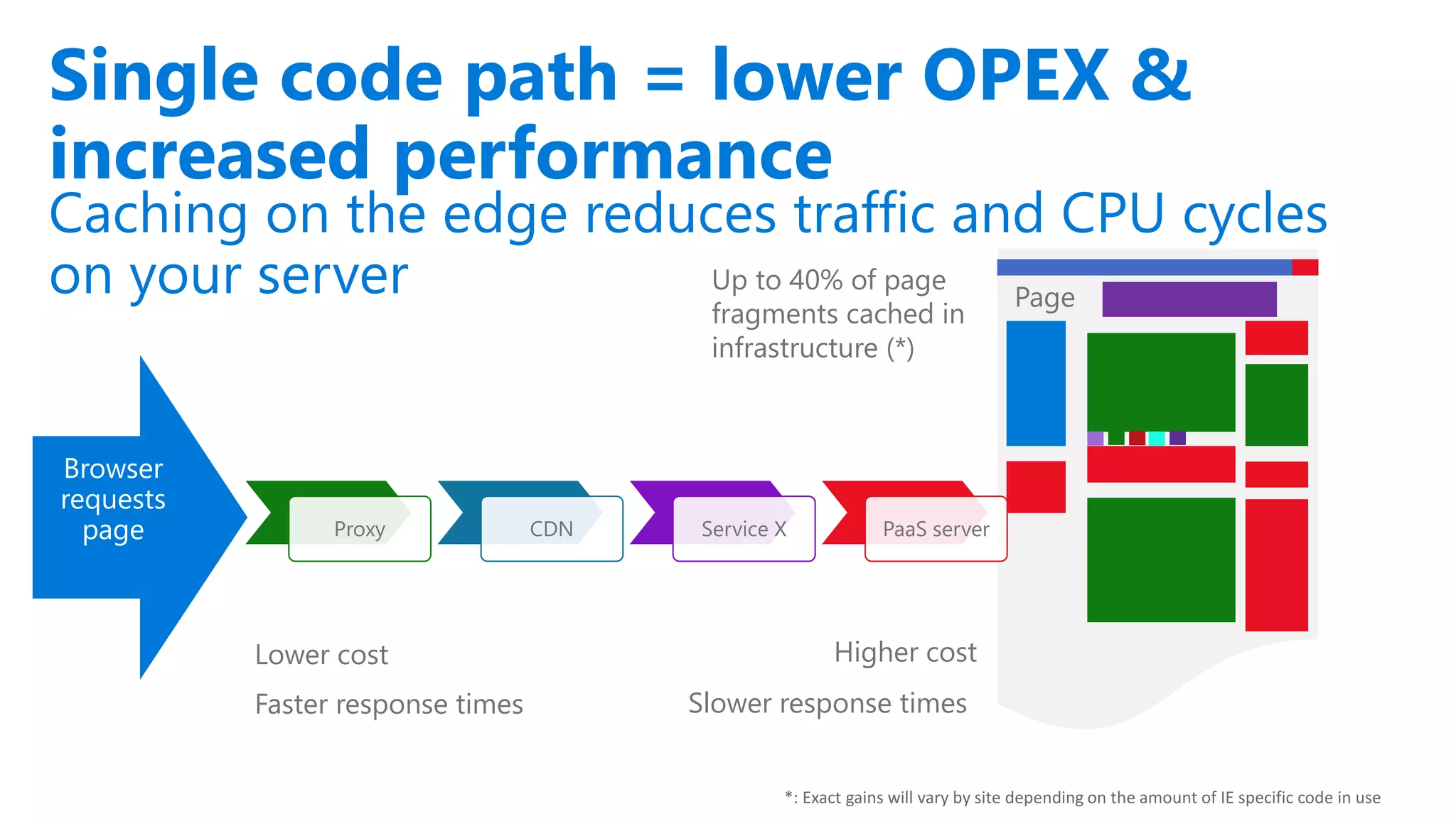
Caching on the edge reduces traffic and CPU cycles
on your server
Single code path = lower OPEX &
increased performance
Browser
requests
page Proxy CDN Service X PaaS server
Up to 40% of page
fragments cached in
infrastructure (*)
Lower cost Higher cost
Page
Faster response times Slower response times
*: Exact gains will vary by site depending on the amount of IE specific code in use
Overview
MICROSOFT CONFIDENTIAL
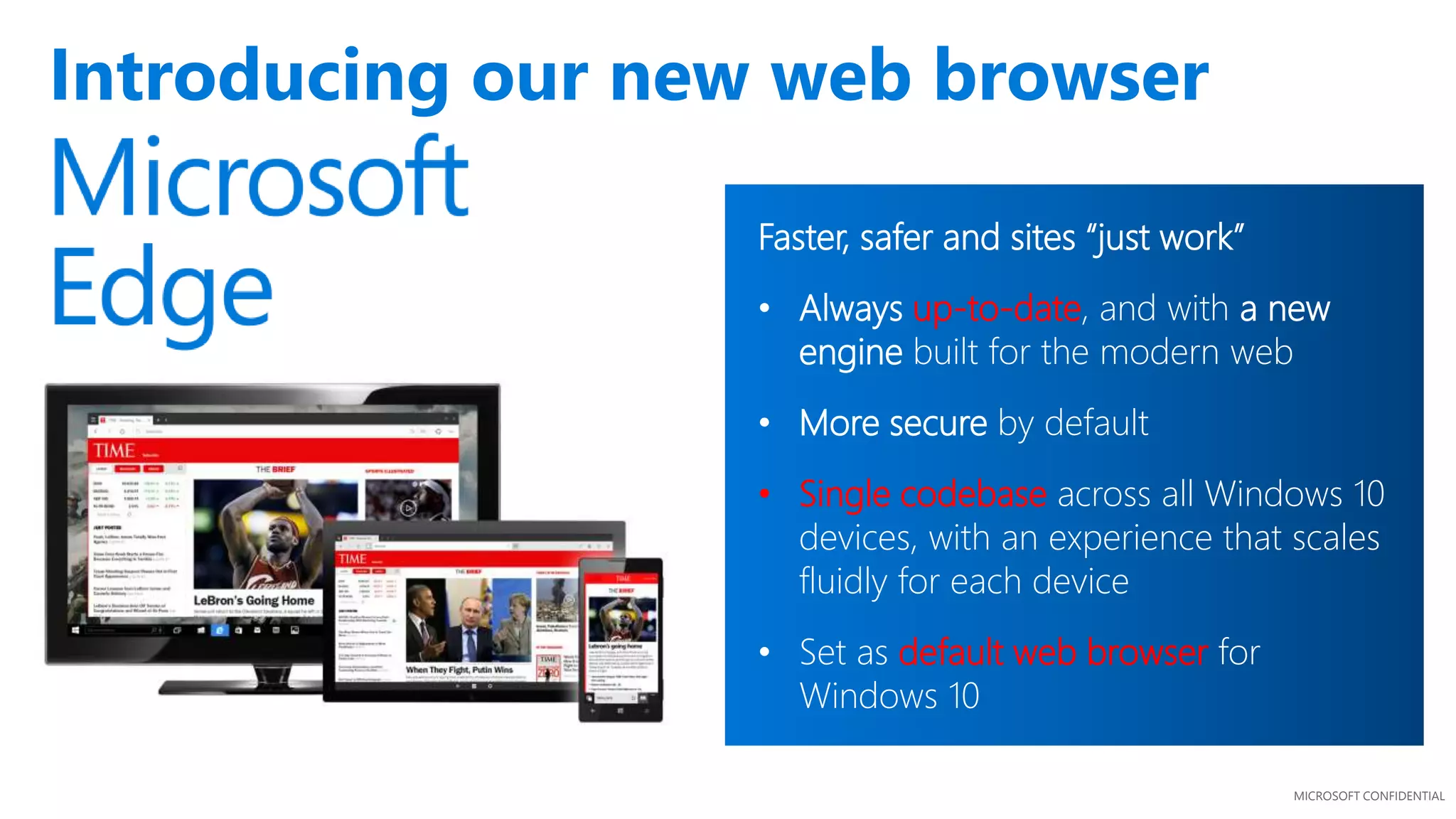
Introducing our new web browser
Faster, safer and sites “just work”
• Always up-to-date, and with a new
engine built for the modern web
• More secure by default
• Single codebase across all Windows 10
devices, with an experience that scales
fluidly for each device
• Set as default web browser for
Windows 10
MICROSOFT CONFIDENTIAL
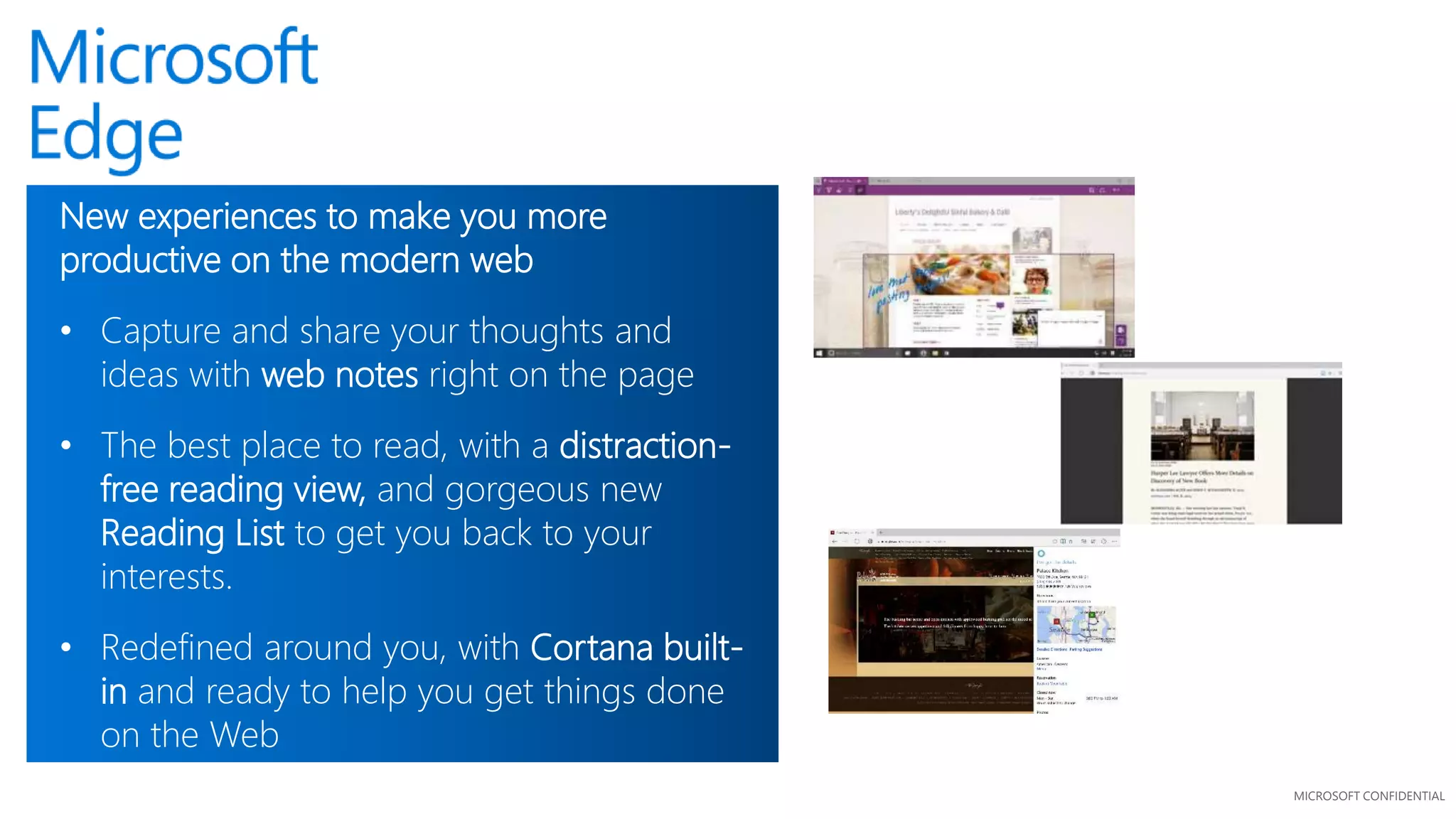
New experiences to make you more
productive on the modern web
• Capture and share your thoughts and
ideas with web notes right on the page
• The best place to read, with a distraction-
free reading view, and gorgeous new
Reading List to get you back to your
interests.
• Redefined around you, with Cortana built-
in and ready to help you get things done
on the Web
A Technical View
A Technical View
MICROSOFT CONFIDENTIAL
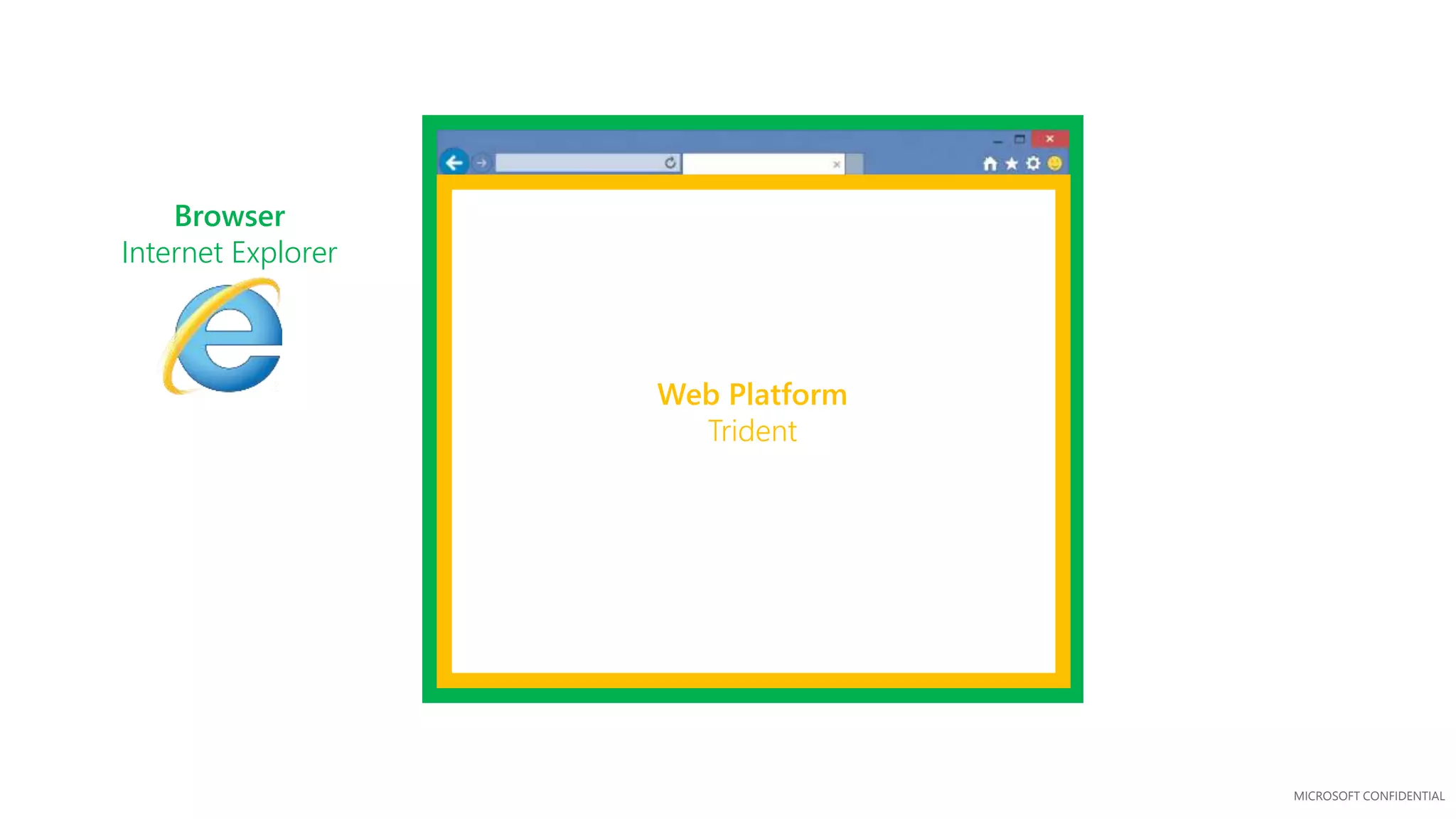
Web Platform
Trident
Browser
Internet Explorer
MICROSOFT CONFIDENTIAL
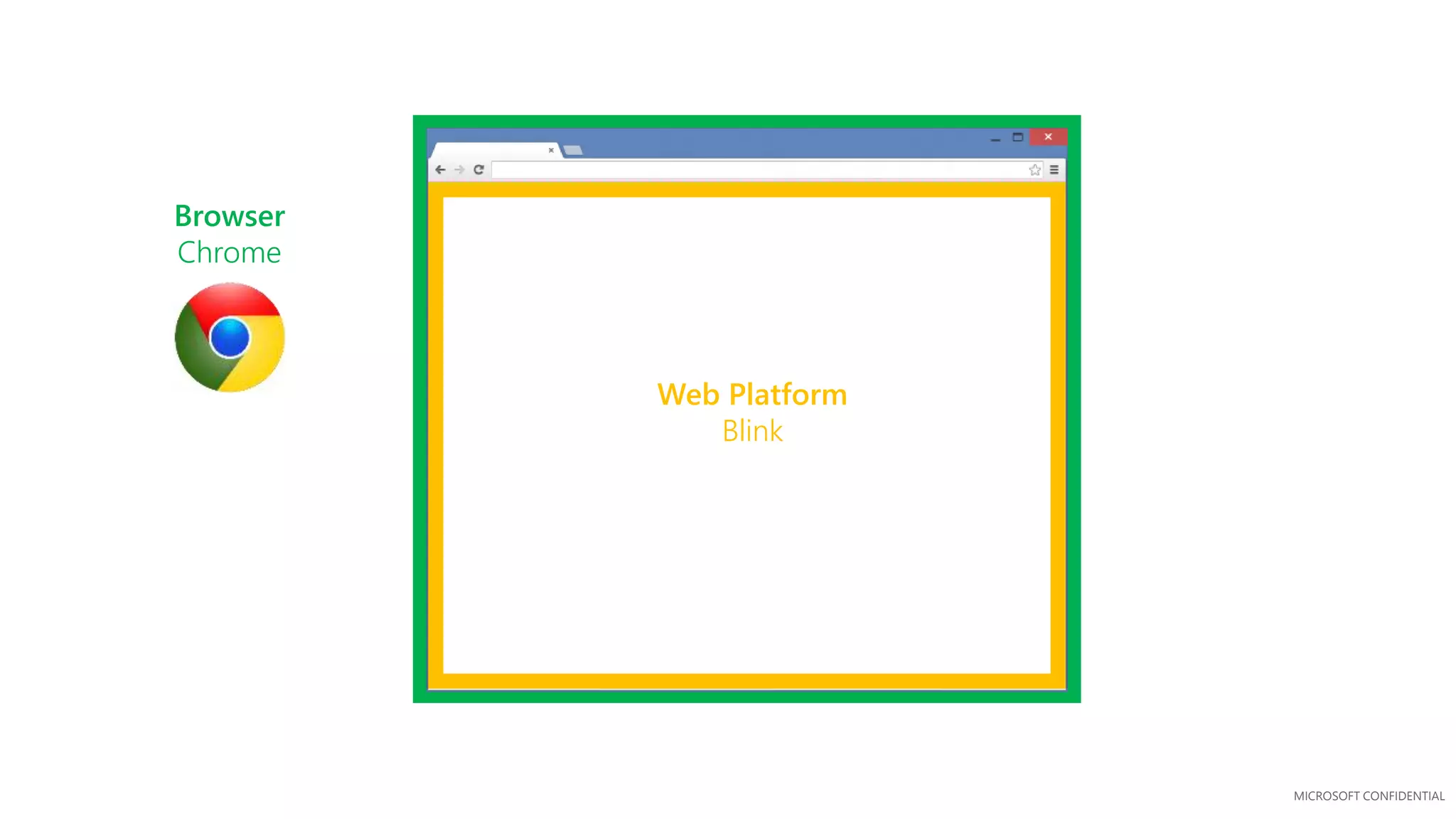
Web Platform
Blink
Browser
Chrome
MICROSOFT CONFIDENTIAL
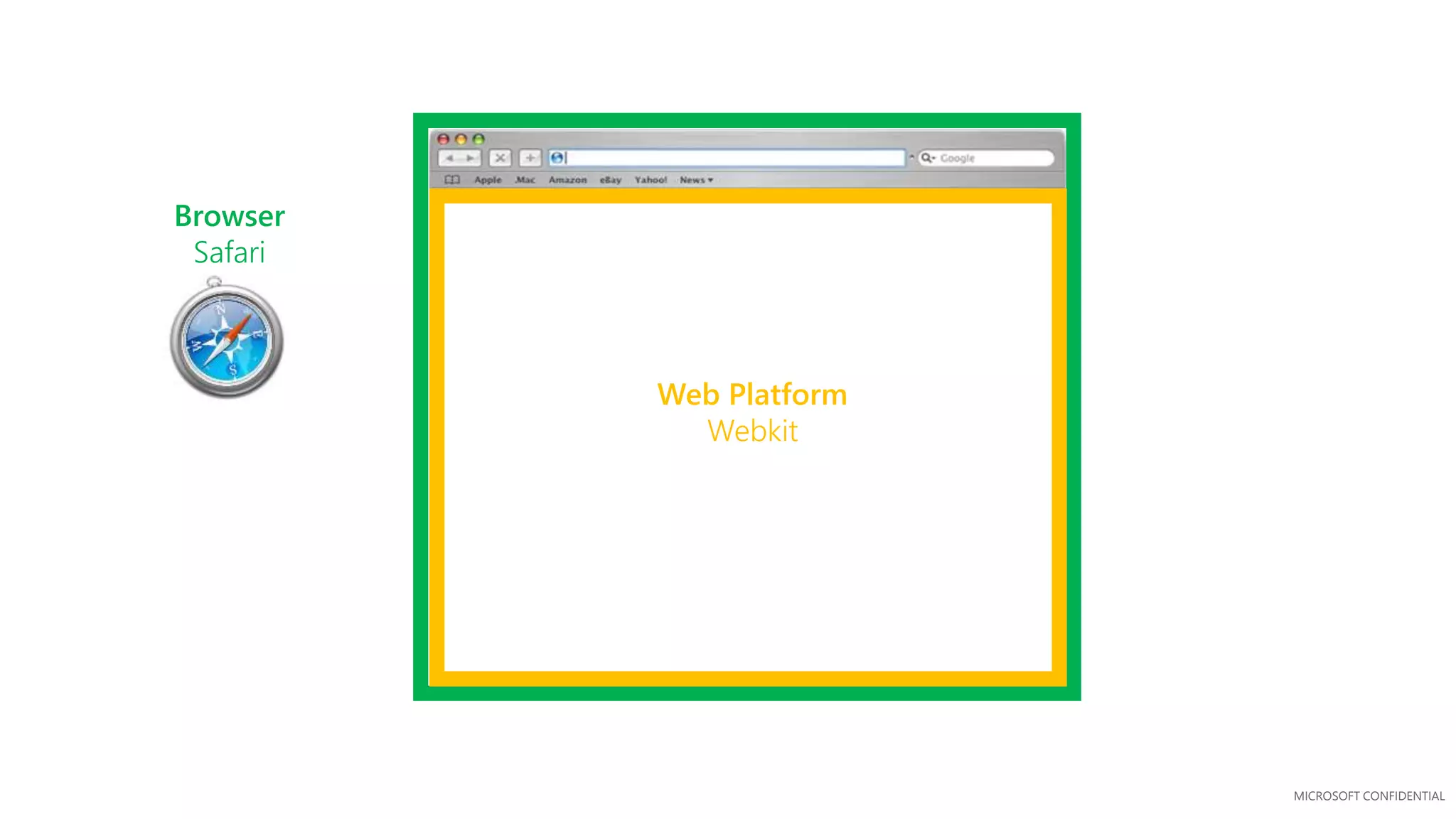
Web Platform
Webkit
Browser
Safari
MICROSOFT CONFIDENTIAL
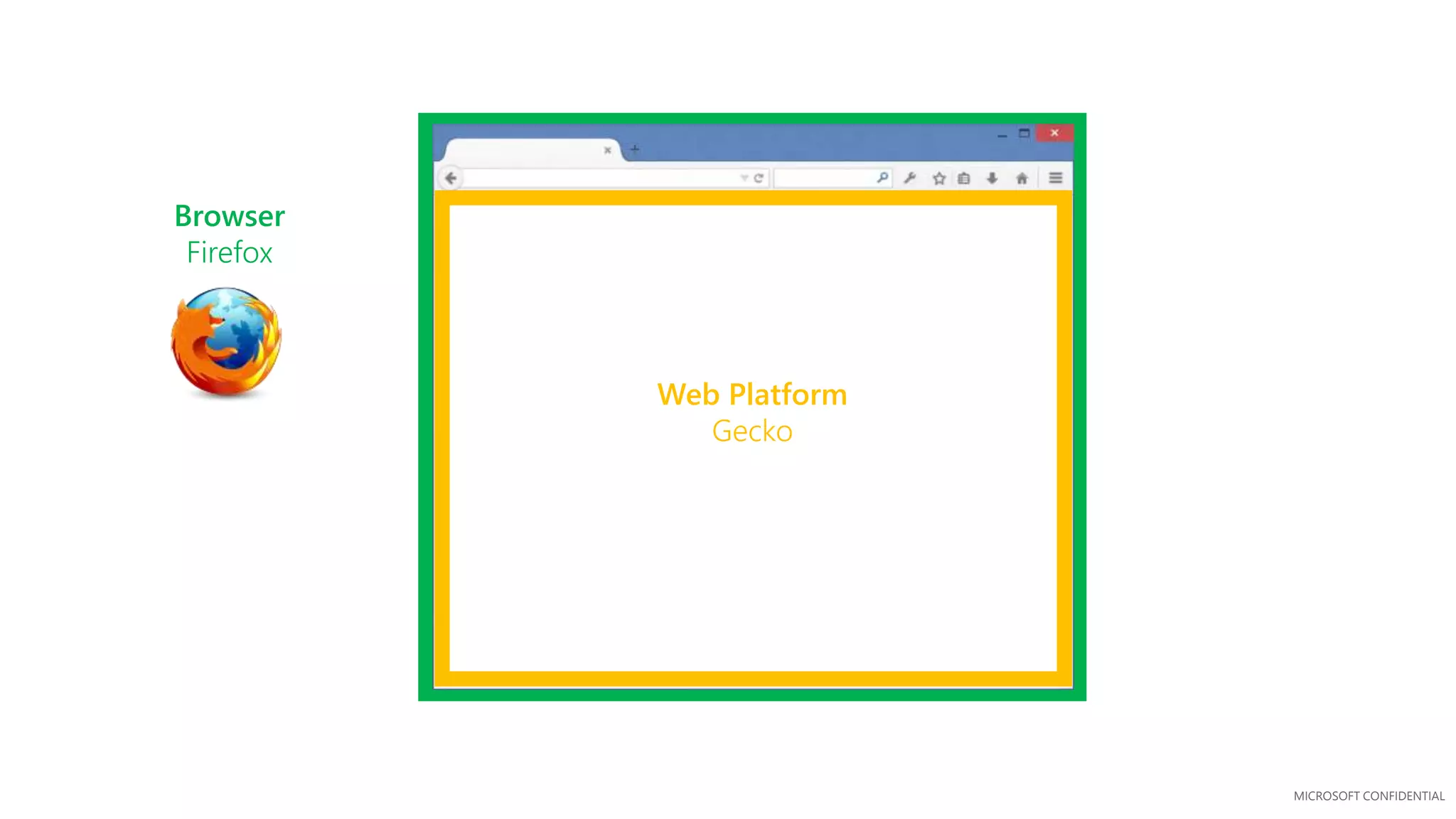
Web Platform
Gecko
Browser
Firefox
MICROSOFT CONFIDENTIAL
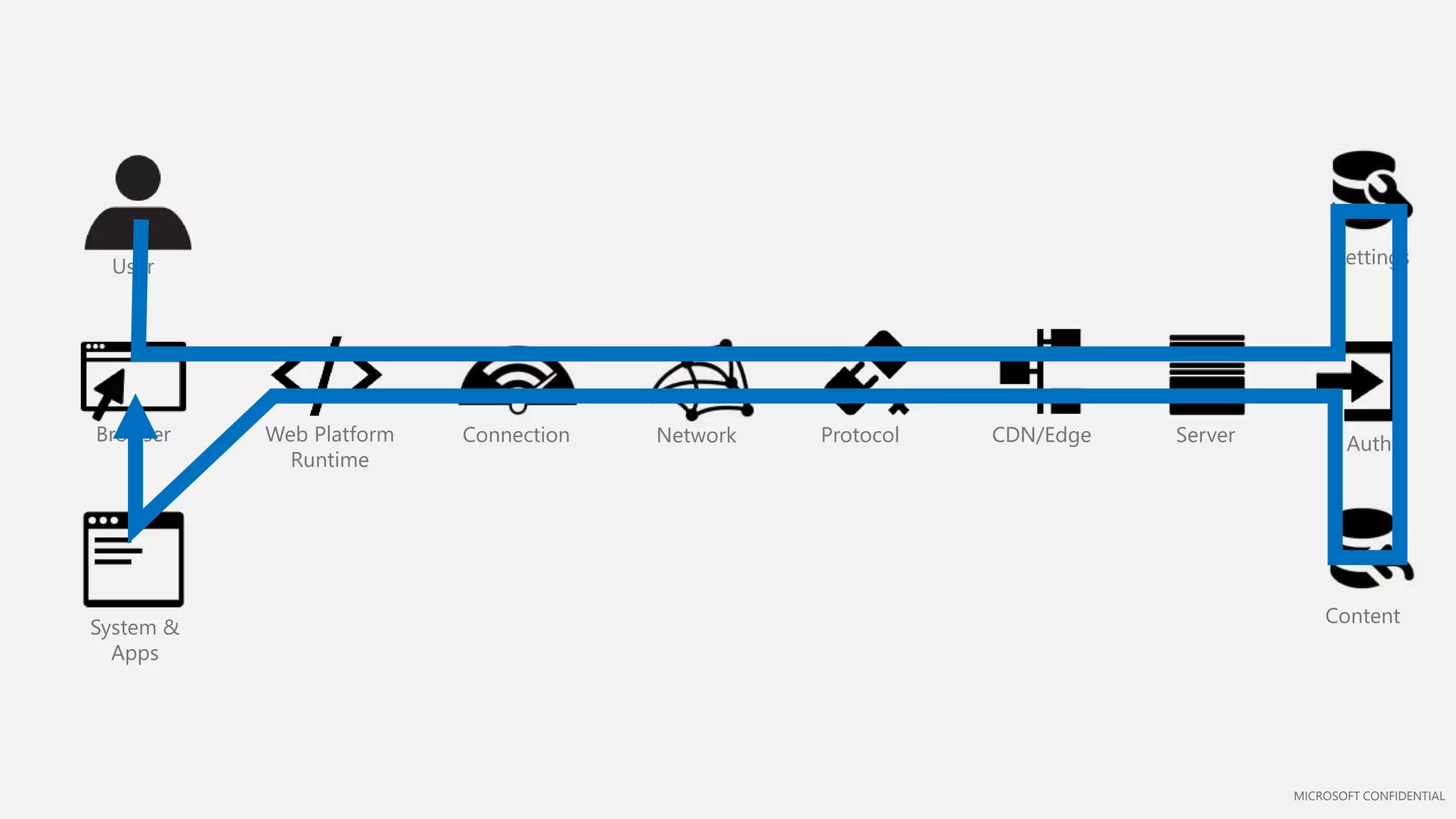
Browser
User
NetworkConnection Protocol
System &
Apps
Server
Settings
Auth
Content
CDN/EdgeWeb Platform
Runtime
MICROSOFT CONFIDENTIAL
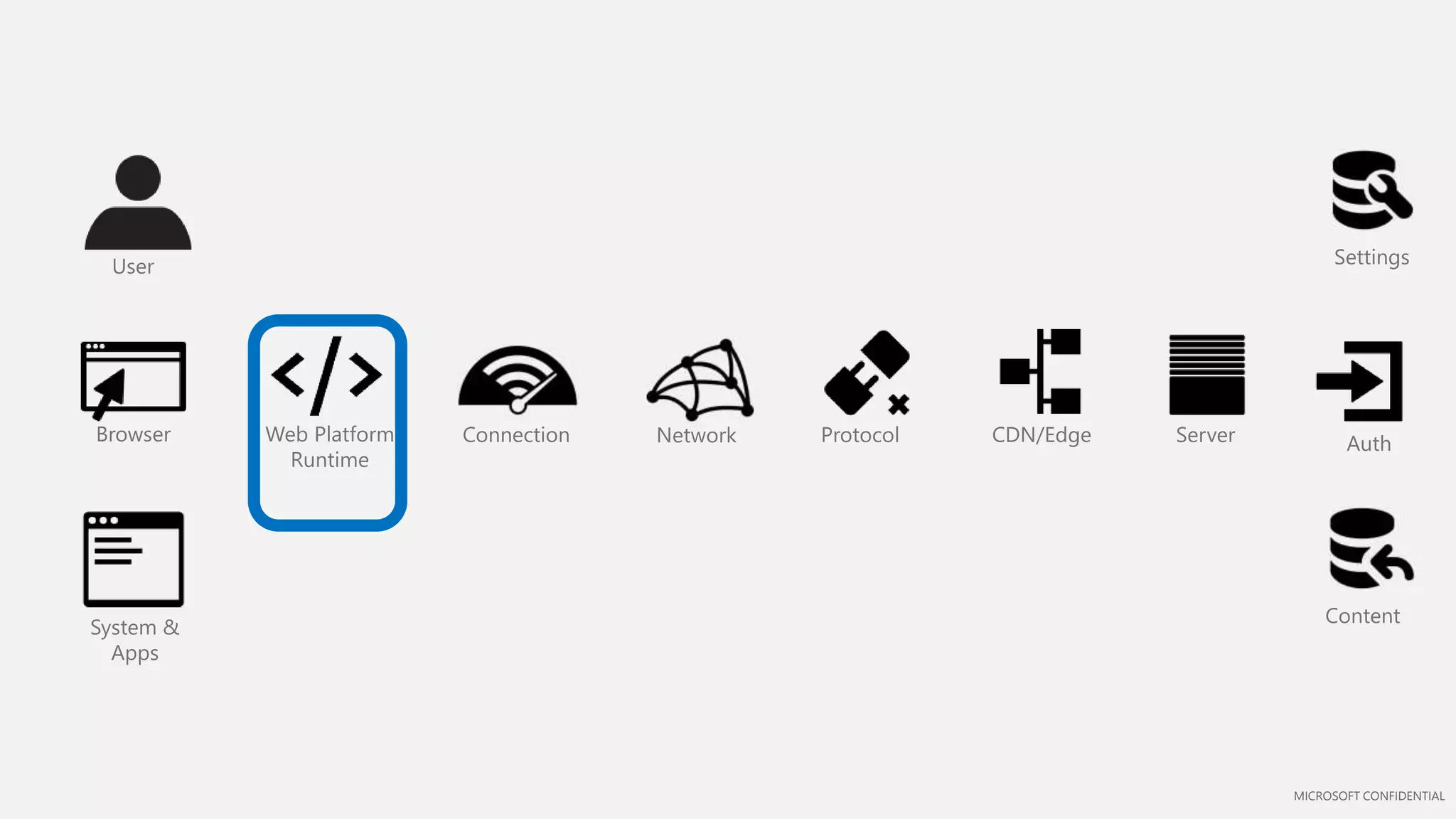
Browser
User
NetworkConnection Protocol
System &
Apps
Server
Settings
Auth
Content
CDN/EdgeWeb Platform
Runtime
MICROSOFT CONFIDENTIAL
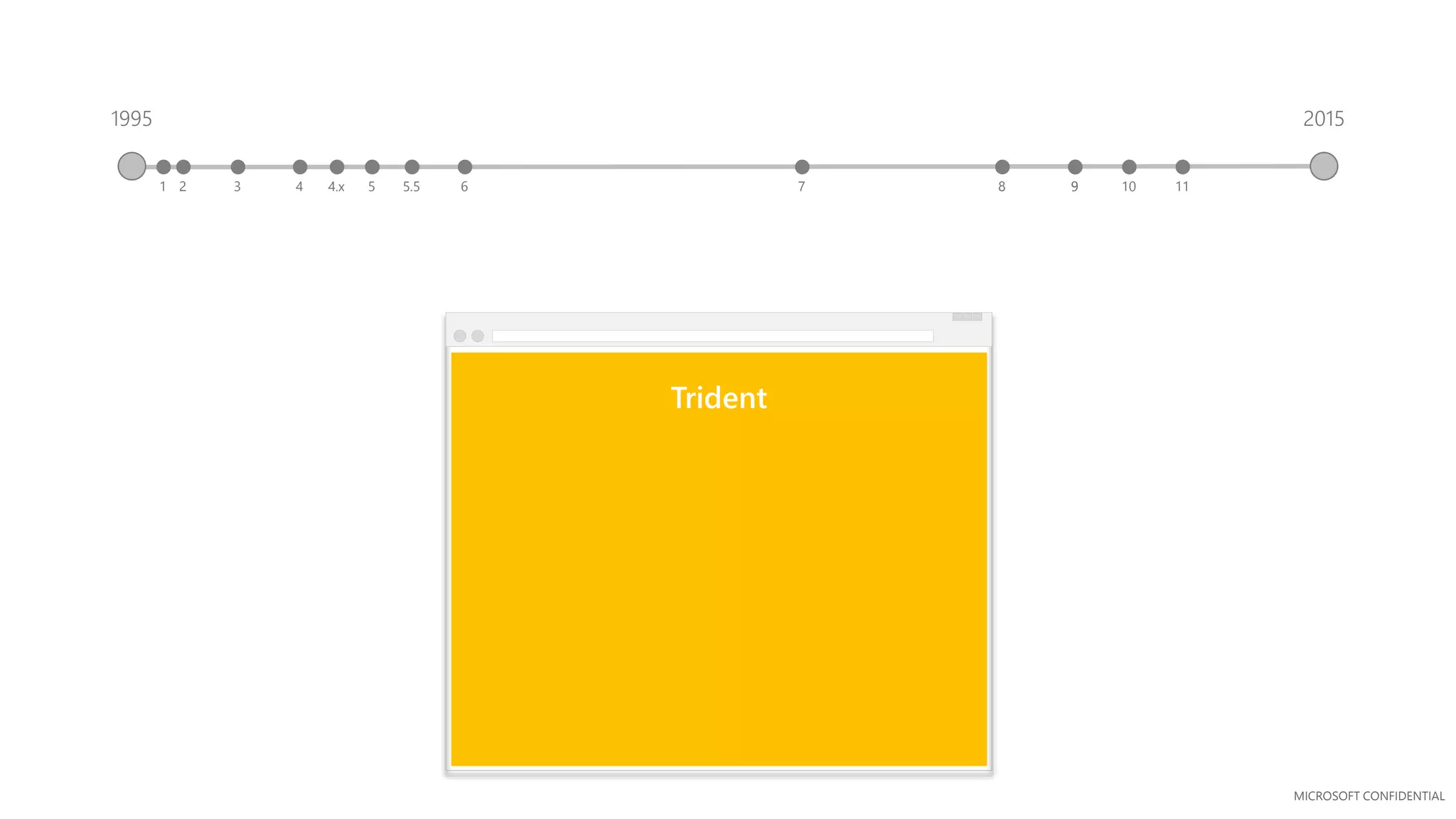
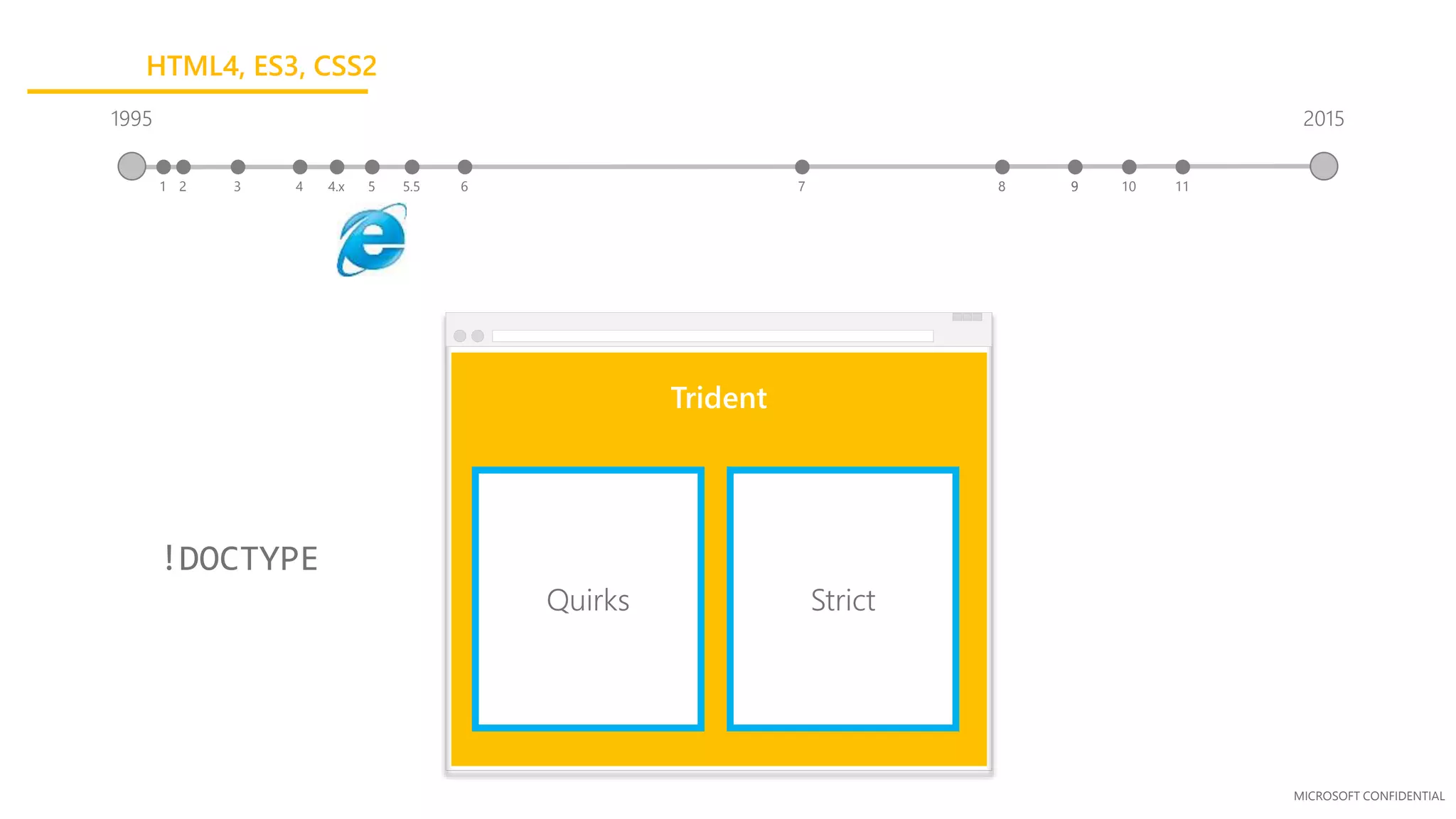
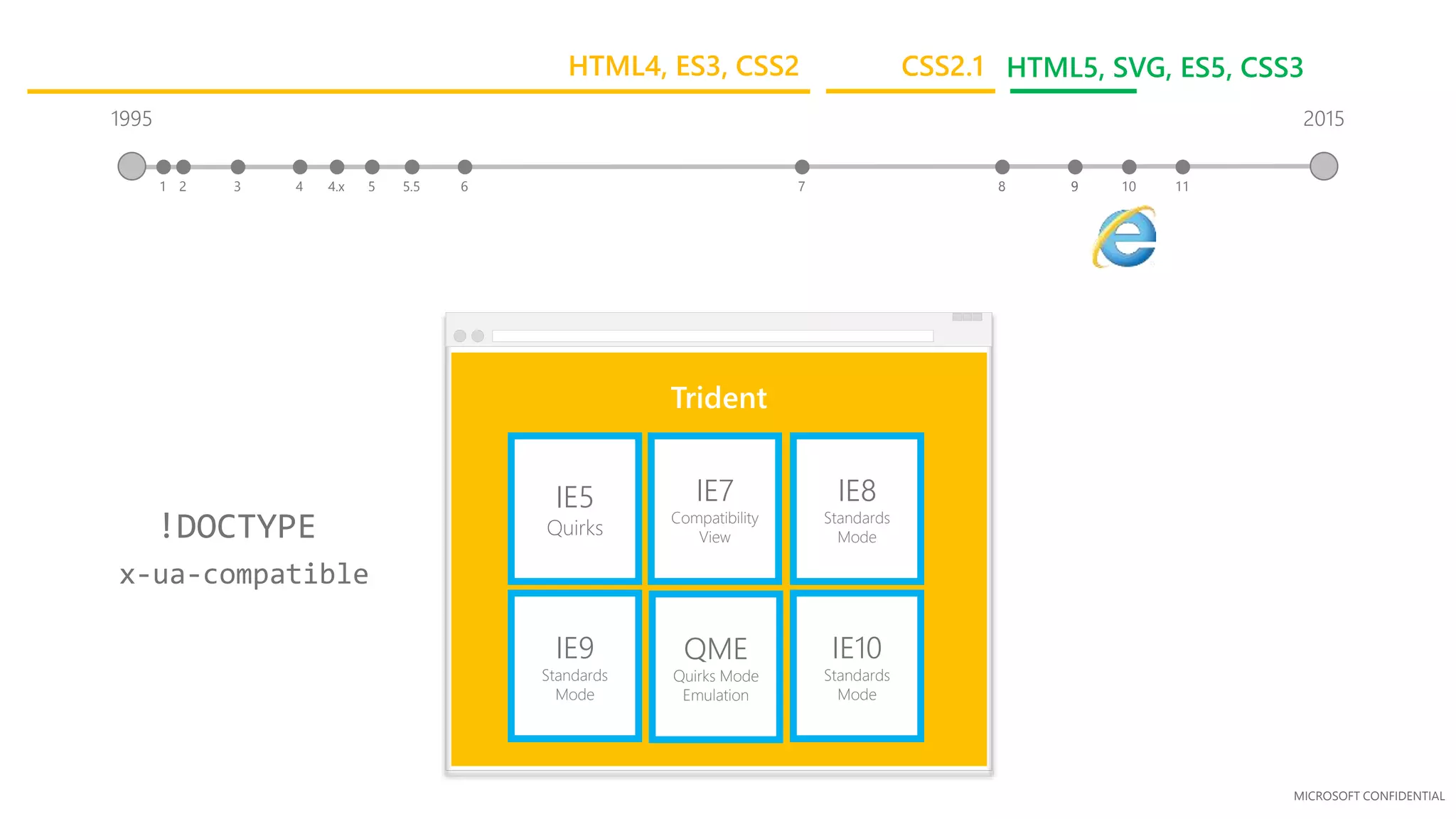
Trident
1995
3 41 2 5.5 65 7 84.x 9
2015
9 10 11
MICROSOFT CONFIDENTIAL
Trident
Quirks Strict
!DOCTYPE
1995
3 41 2 5.5 65 7 84.x 9
2015
9 10 11
HTML4, ES3, CSS2
MICROSOFT CONFIDENTIAL
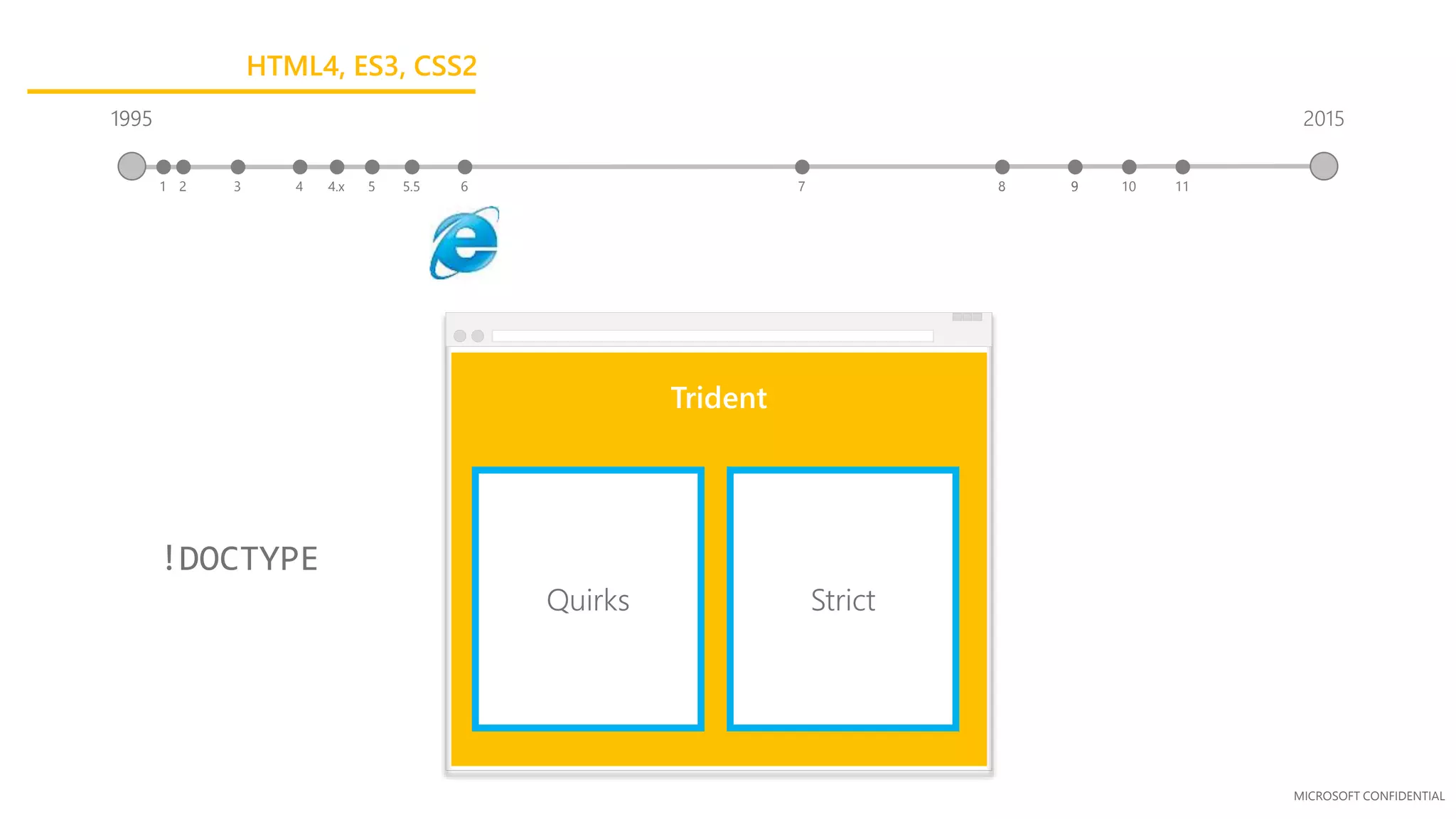
Trident
!DOCTYPE
1995
3 41 2 5.5 65 7 84.x 9
2015
9 10 11
Quirks Strict
1995
HTML4, ES3, CSS2
MICROSOFT CONFIDENTIAL
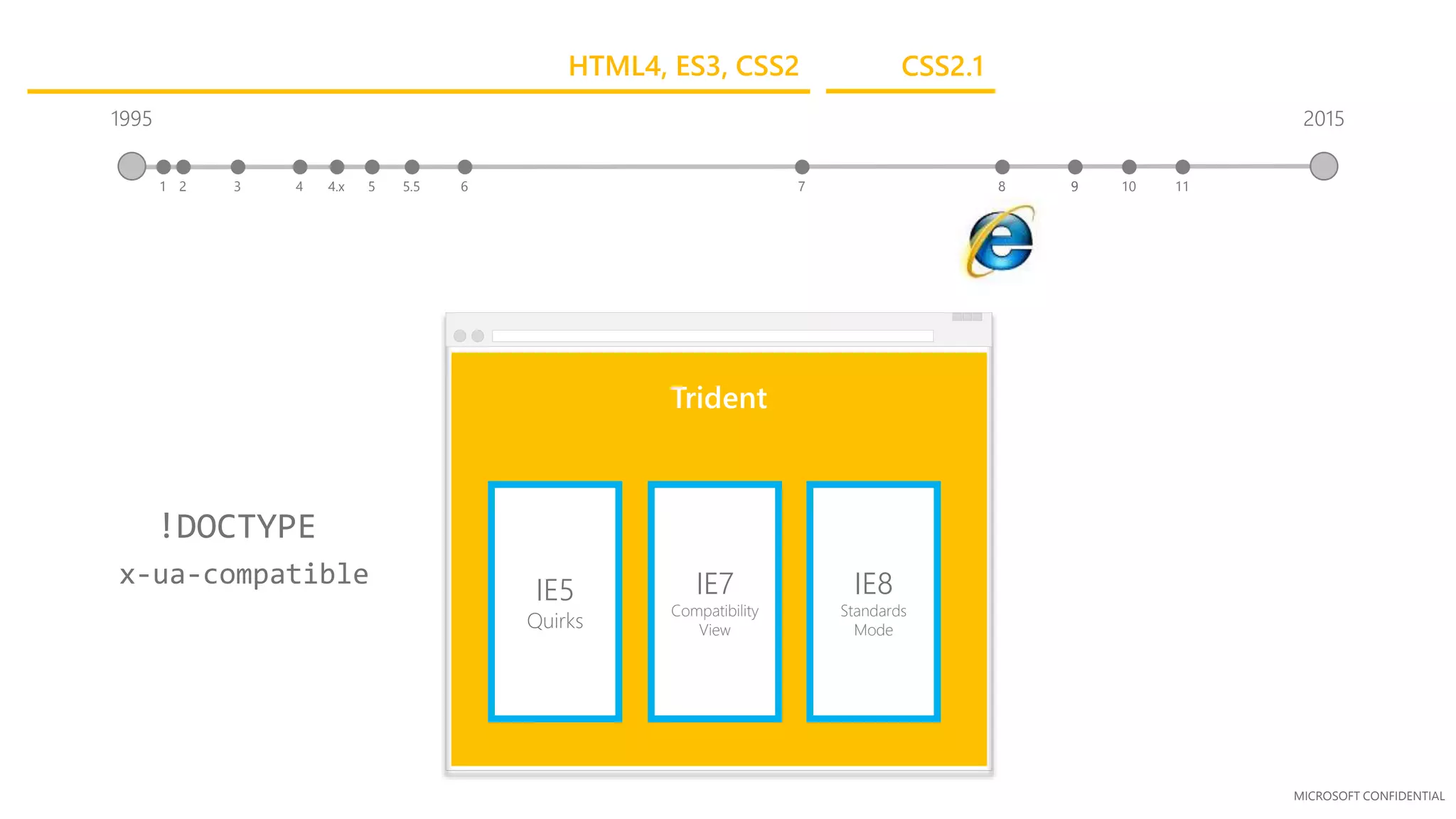
Trident
IE5
Quirks
IE7
Compatibility
View
IE8
Standards
Mode
x-ua-compatible
!DOCTYPE
1995
3 41 2 5.5 65 7 84.x 9
2015
9 10 11
CSS2.1HTML4, ES3, CSS2
MICROSOFT CONFIDENTIAL
3
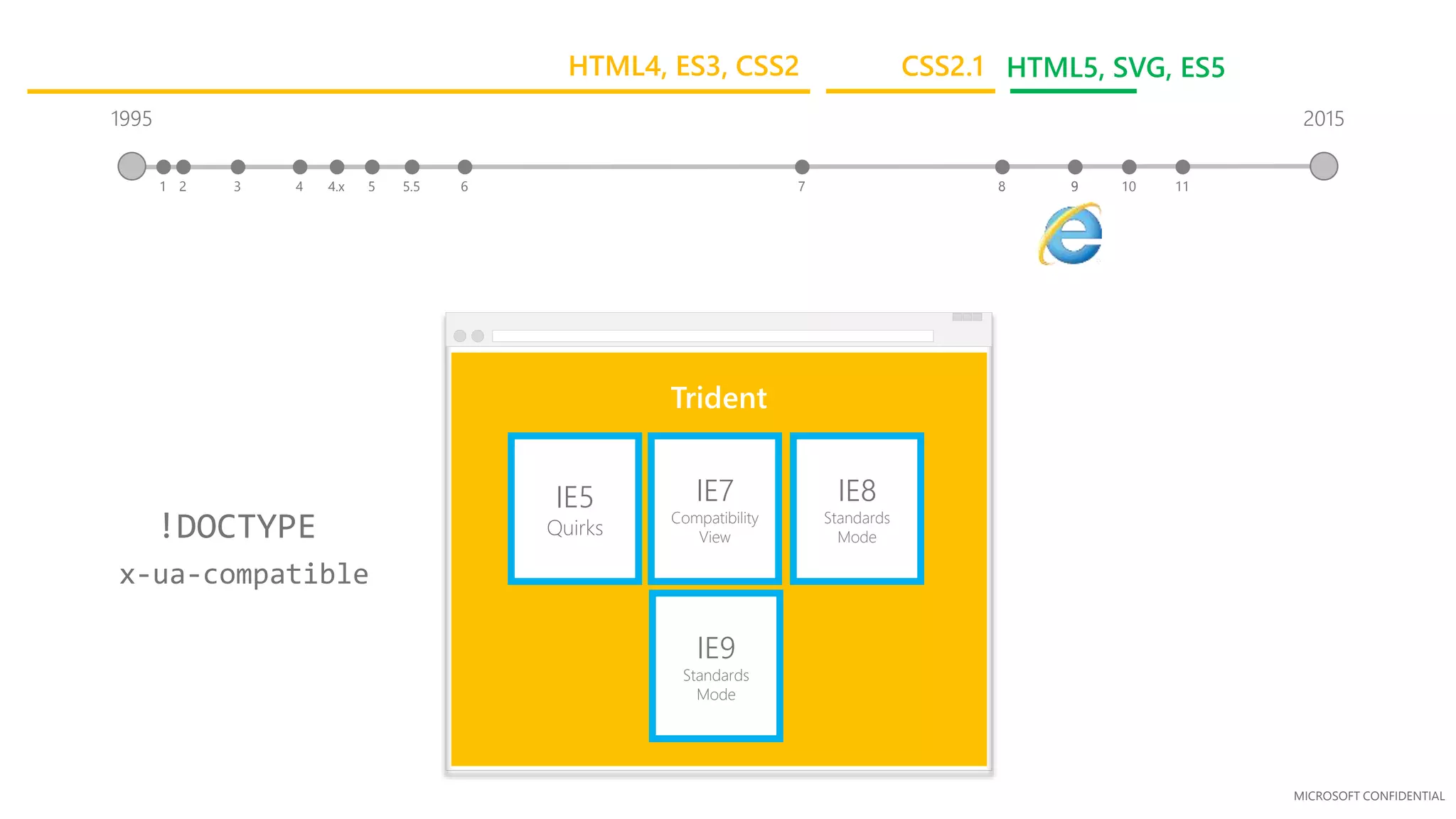
Trident
IE5
Quirks
IE7
Compatibility
View
IE8
Standards
Mode
IE9
Standards
Mode
x-ua-compatible
!DOCTYPE
1995
41 2 5.5 65 7 84.x 9
2015
9 10 11
CSS2.1 HTML5, SVG, ES5HTML4, ES3, CSS2
MICROSOFT CONFIDENTIAL
Trident
IE5
Quirks
IE7
Compatibility
View
IE8
Standards
Mode
IE9
Standards
Mode
QME
Quirks Mode
Emulation
IE10
Standards
Mode
x-ua-compatible
!DOCTYPE
1995
3 41 2 5.5 65 7 84.x 9
2015
9 10 11
CSS2.1 HTML5, SVG, ES5, CSS3HTML4, ES3, CSS2
MICROSOFT CONFIDENTIAL
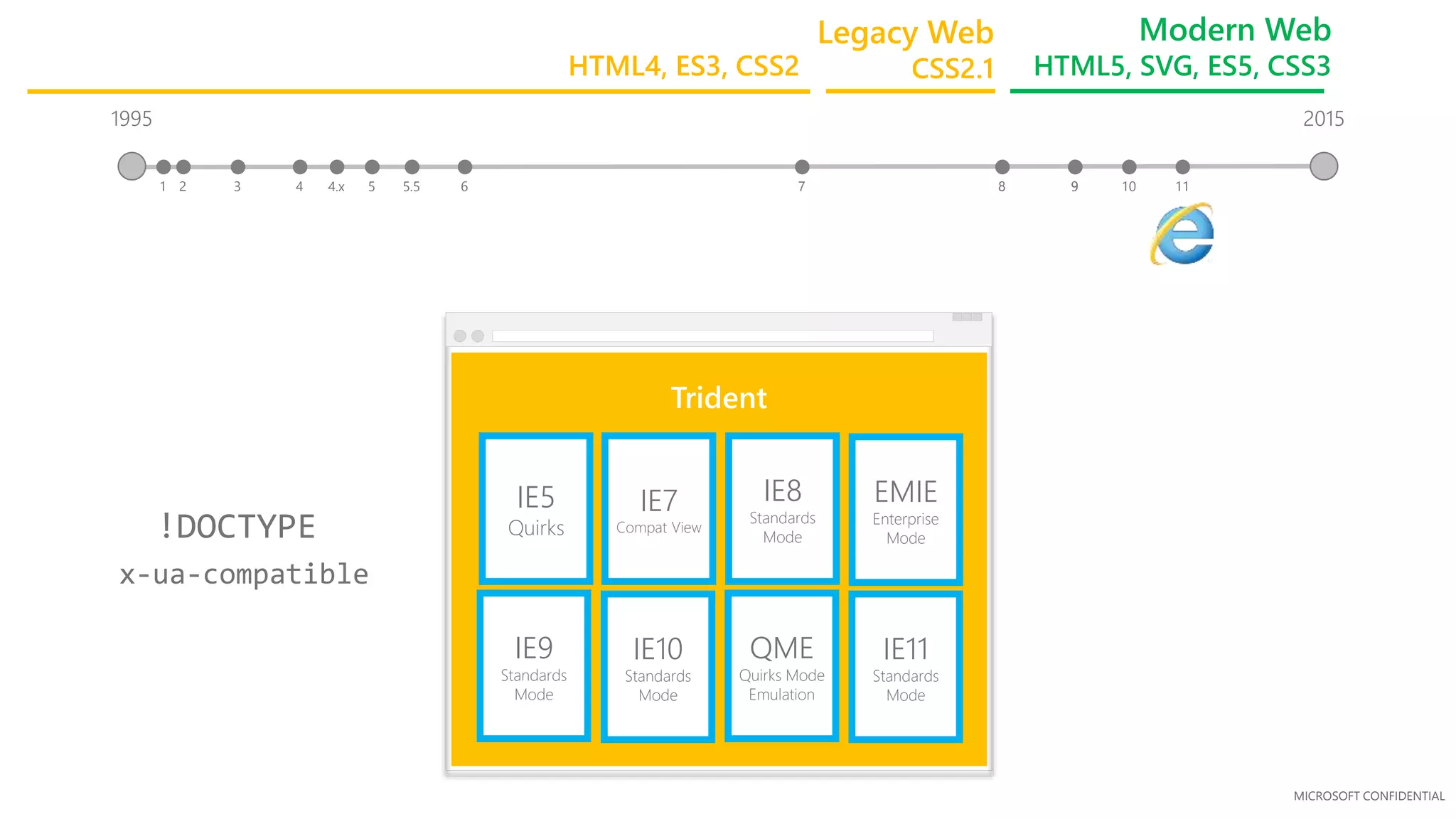
1995
3 41 2 5.5 65 7 84.x
Trident
IE5
Quirks
IE7
Compat View
IE8
Standards
Mode
9
IE9
Standards
Mode
IE10
Standards
Mode
QME
Quirks Mode
Emulation
2015
9 10 11
x-ua-compatible
!DOCTYPE
IE11
Standards
Mode
EMIE
Enterprise
Mode
Legacy Web
CSS2.1
Modern Web
HTML5, SVG, ES5, CSS3HTML4, ES3, CSS2
MICROSOFT CONFIDENTIAL
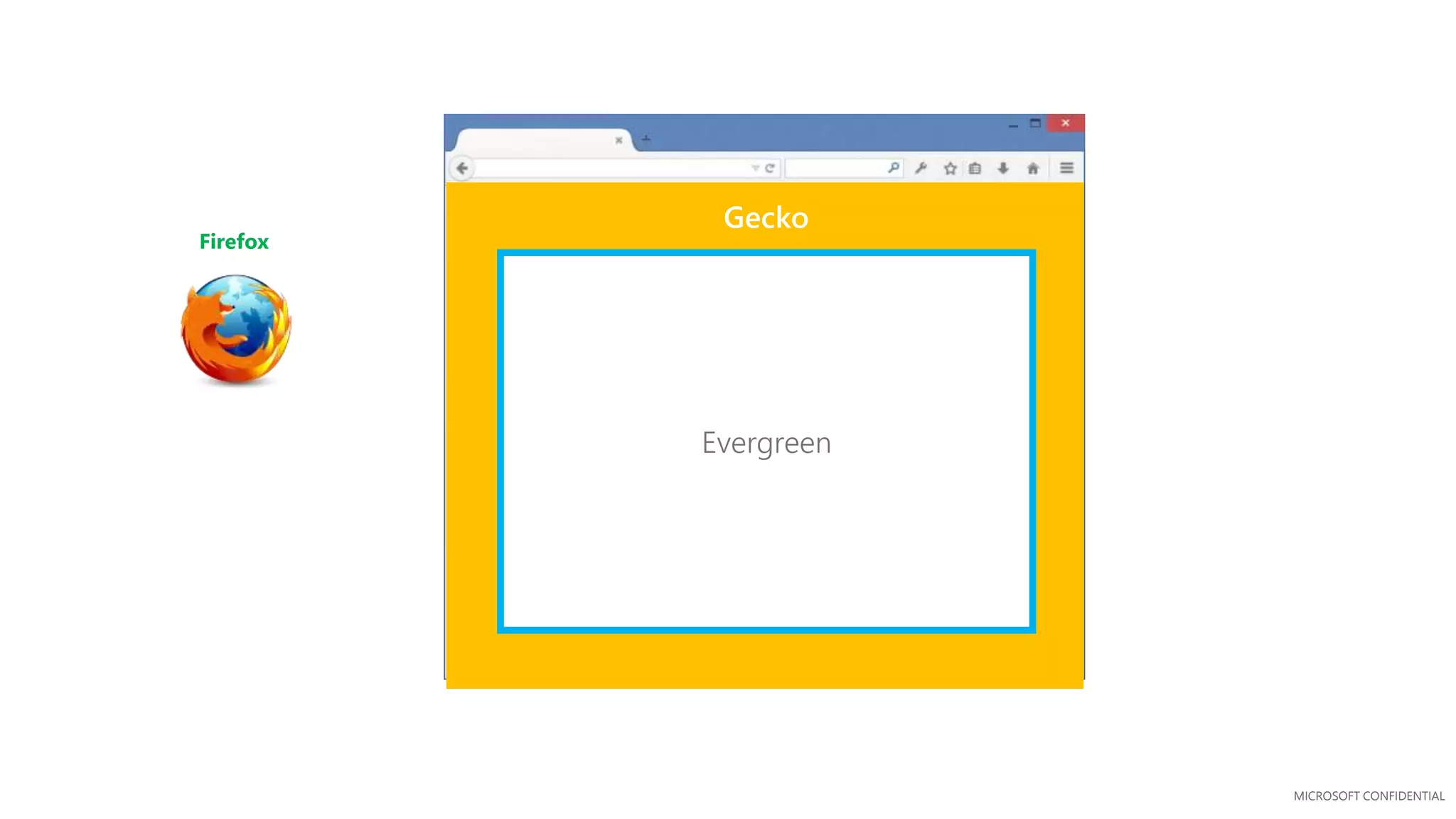
Firefox
Gecko
Evergreen
MICROSOFT CONFIDENTIAL
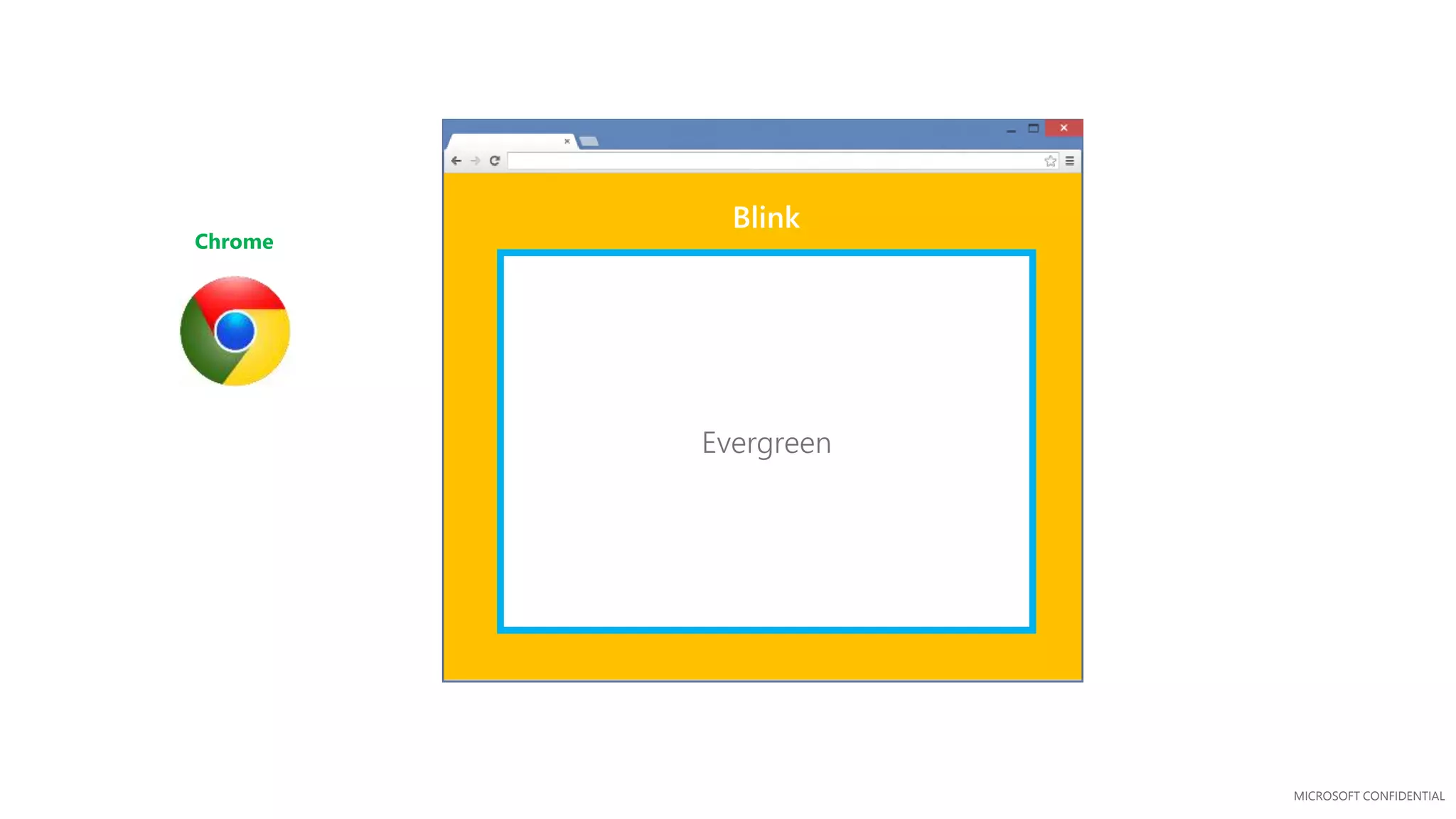
Chrome
Blink
Evergreen
MICROSOFT CONFIDENTIAL
Evergreen
Microsoft EdgeHTML
Modern web interoperability
MICROSOFT CONFIDENTIAL
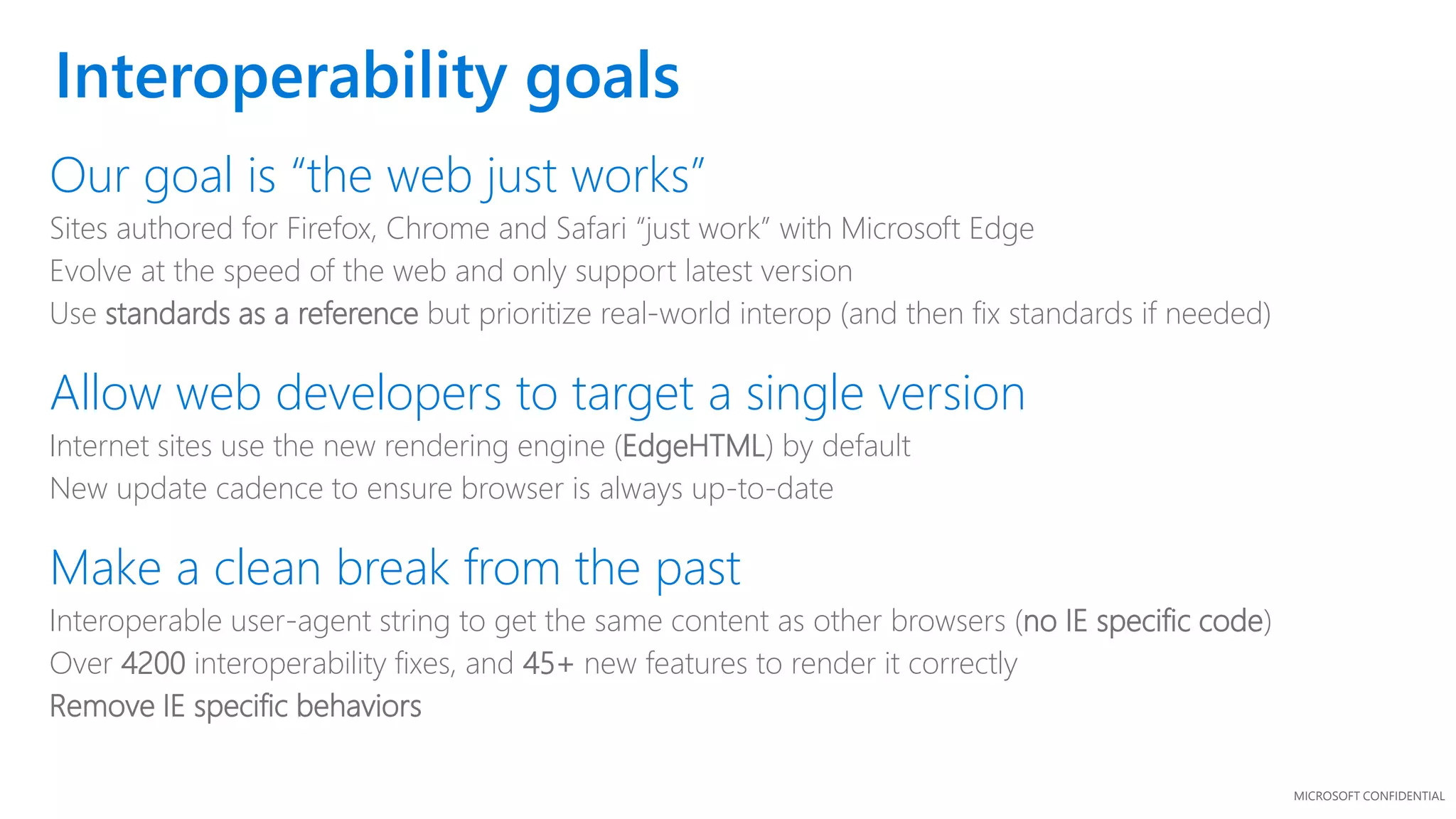
Interoperability goals
Our goal is “the web just works”
Sites authored for Firefox, Chrome and Safari “just work” with Microsoft Edge
Evolve at the speed of the web and only support latest version
Use standards as a reference but prioritize real-world interop (and then fix standards if needed)
Allow web developers to target a single version
Internet sites use the new rendering engine (EdgeHTML) by default
New update cadence to ensure browser is always up-to-date
Make a clean break from the past
Interoperable user-agent string to get the same content as other browsers (no IE specific code)
Over 4200 interoperability fixes, and 45+ new features to render it correctly
Remove IE specific behaviors
MICROSOFT CONFIDENTIAL
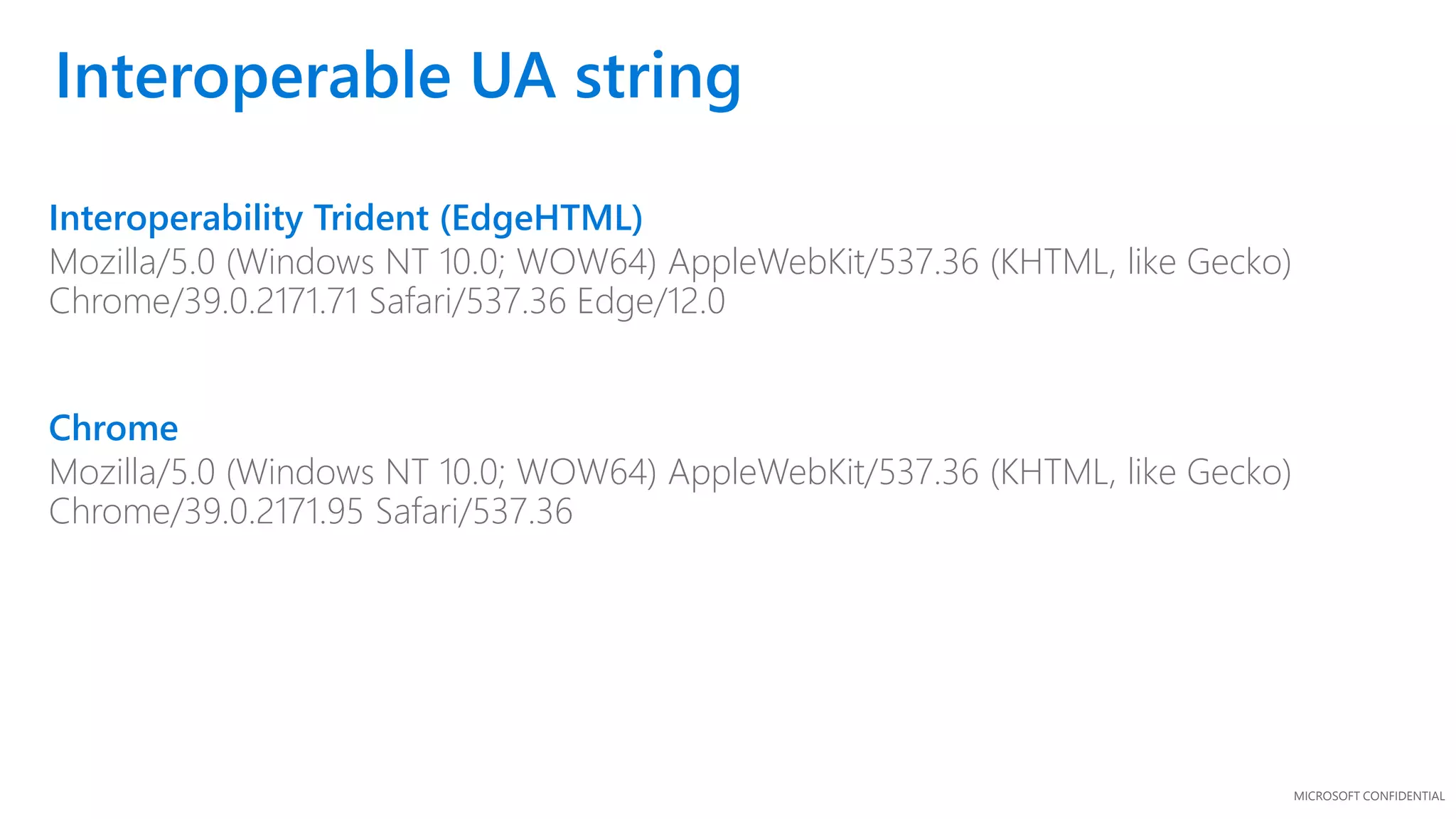
Interoperability Trident (EdgeHTML)
Mozilla/5.0 (Windows NT 10.0; WOW64) AppleWebKit/537.36 (KHTML, like Gecko)
Chrome/39.0.2171.71 Safari/537.36 Edge/12.0
Chrome
Mozilla/5.0 (Windows NT 10.0; WOW64) AppleWebKit/537.36 (KHTML, like Gecko)
Chrome/39.0.2171.95 Safari/537.36
Interoperable UA string
MICROSOFT CONFIDENTIAL
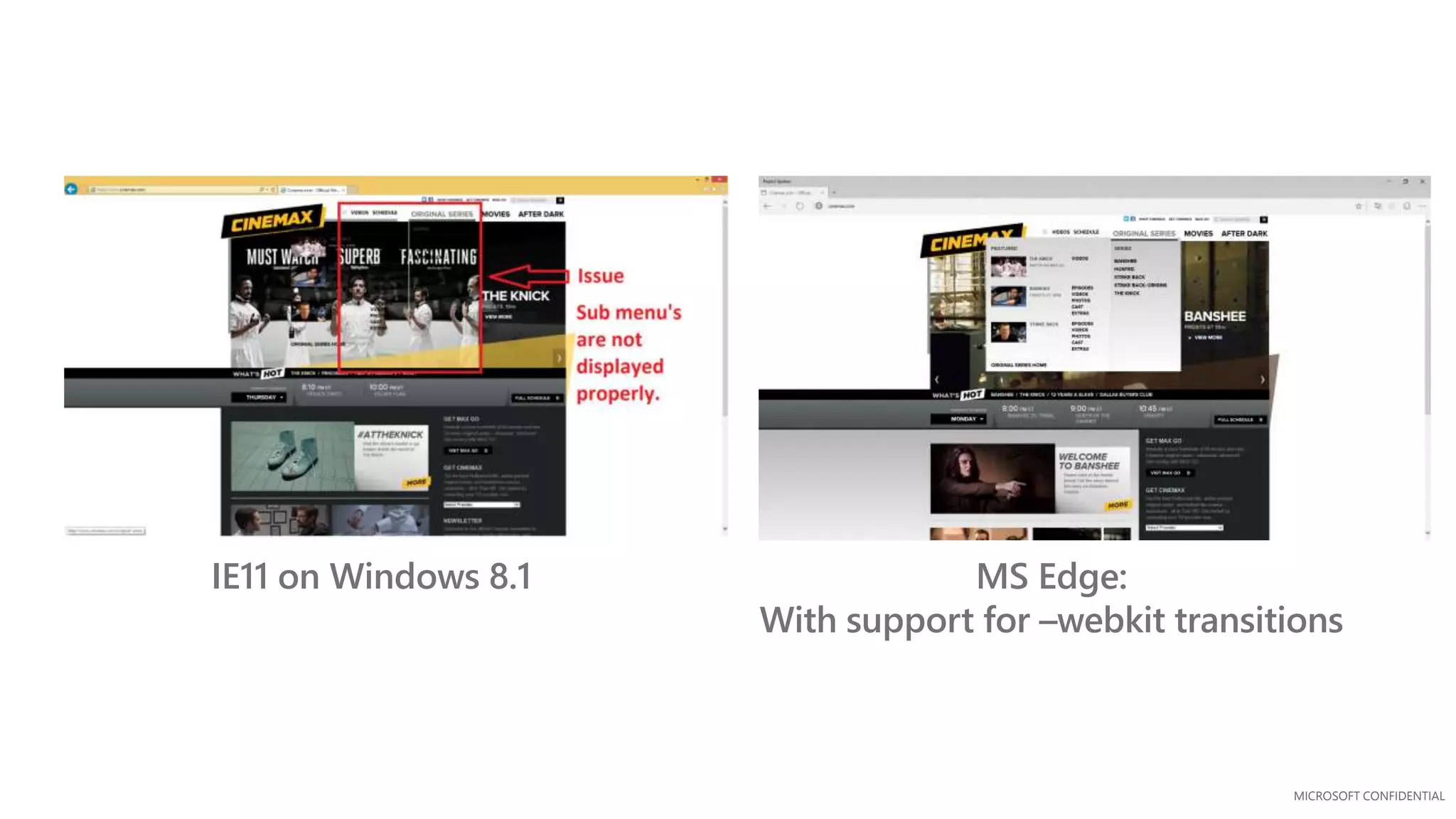
IE11 on Windows 8.1 MS Edge:
With support for –webkit transitions
MICROSOFT CONFIDENTIAL
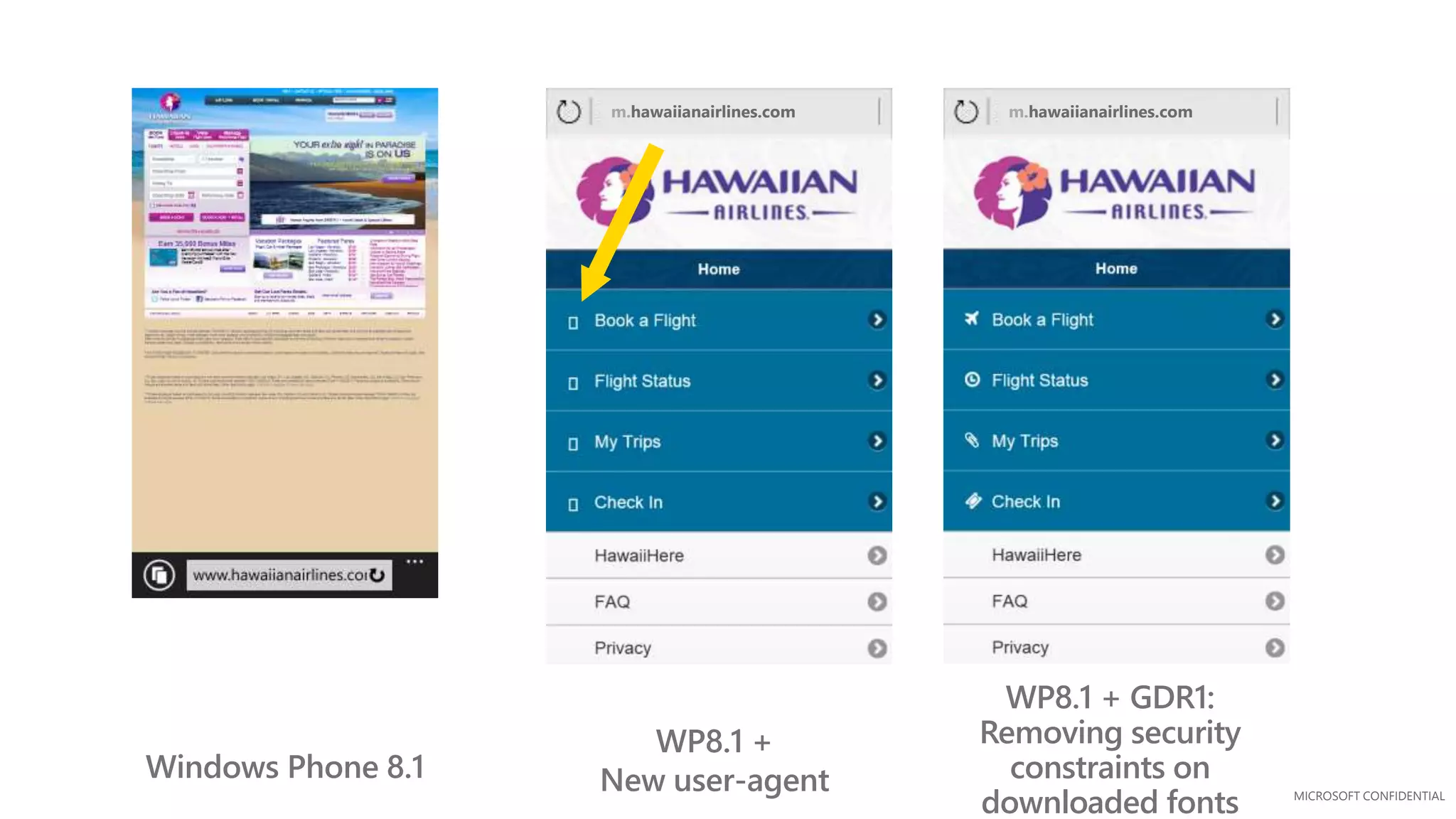
m.hawaiianairlines.comm.hawaiianairlines.com
Windows Phone 8.1
WP8.1 +
New user-agent
WP8.1 + GDR1:
Removing security
constraints on
downloaded fonts
MICROSOFT CONFIDENTIAL
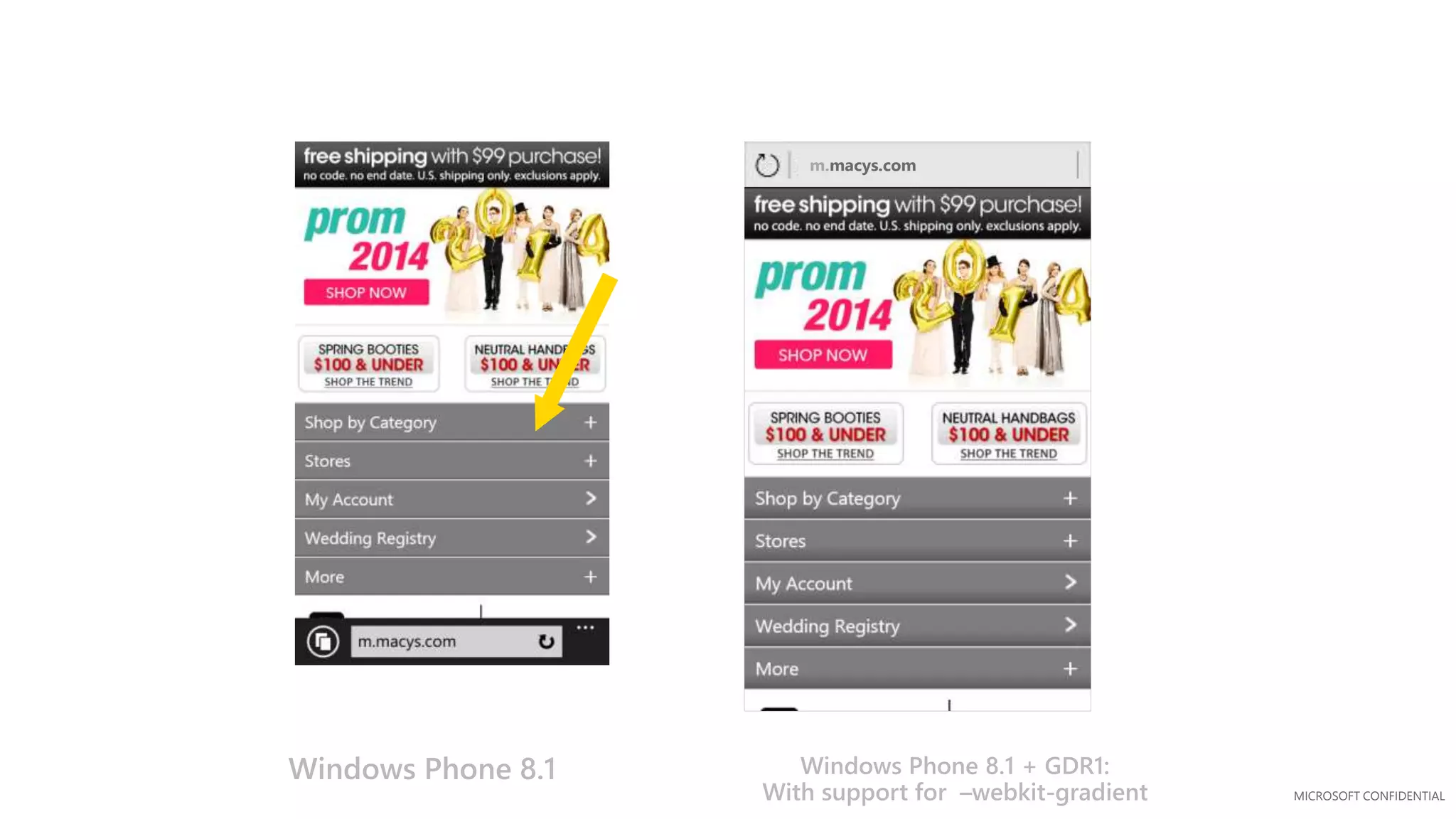
m.macys.com
Windows Phone 8.1 Windows Phone 8.1 + GDR1:
With support for –webkit-gradient
MICROSOFT CONFIDENTIAL
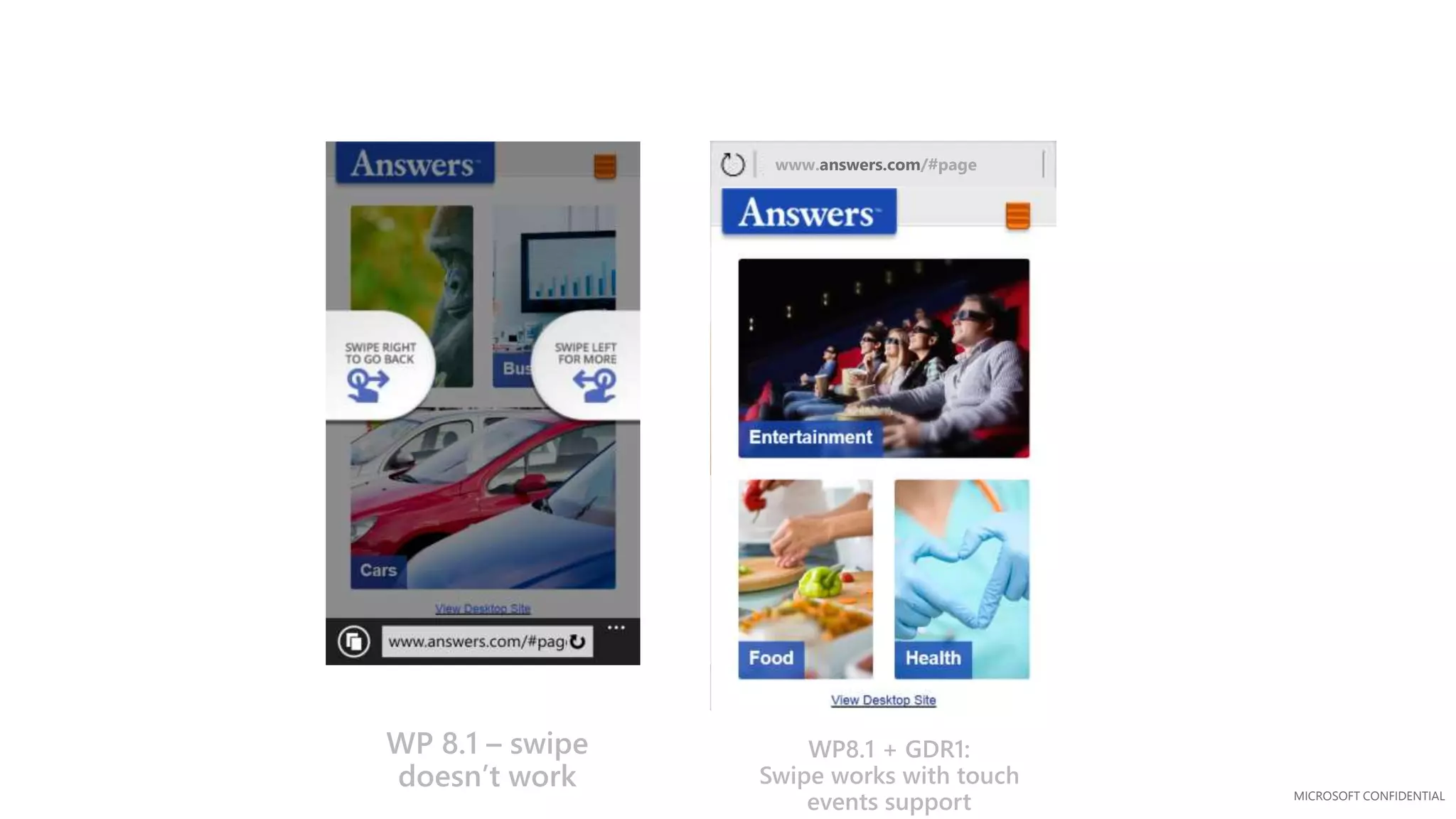
www.answers.com/#page
WP 8.1 – swipe
doesn’t work
WP8.1 + GDR1:
Swipe works with touch
events support
MICROSOFT CONFIDENTIAL
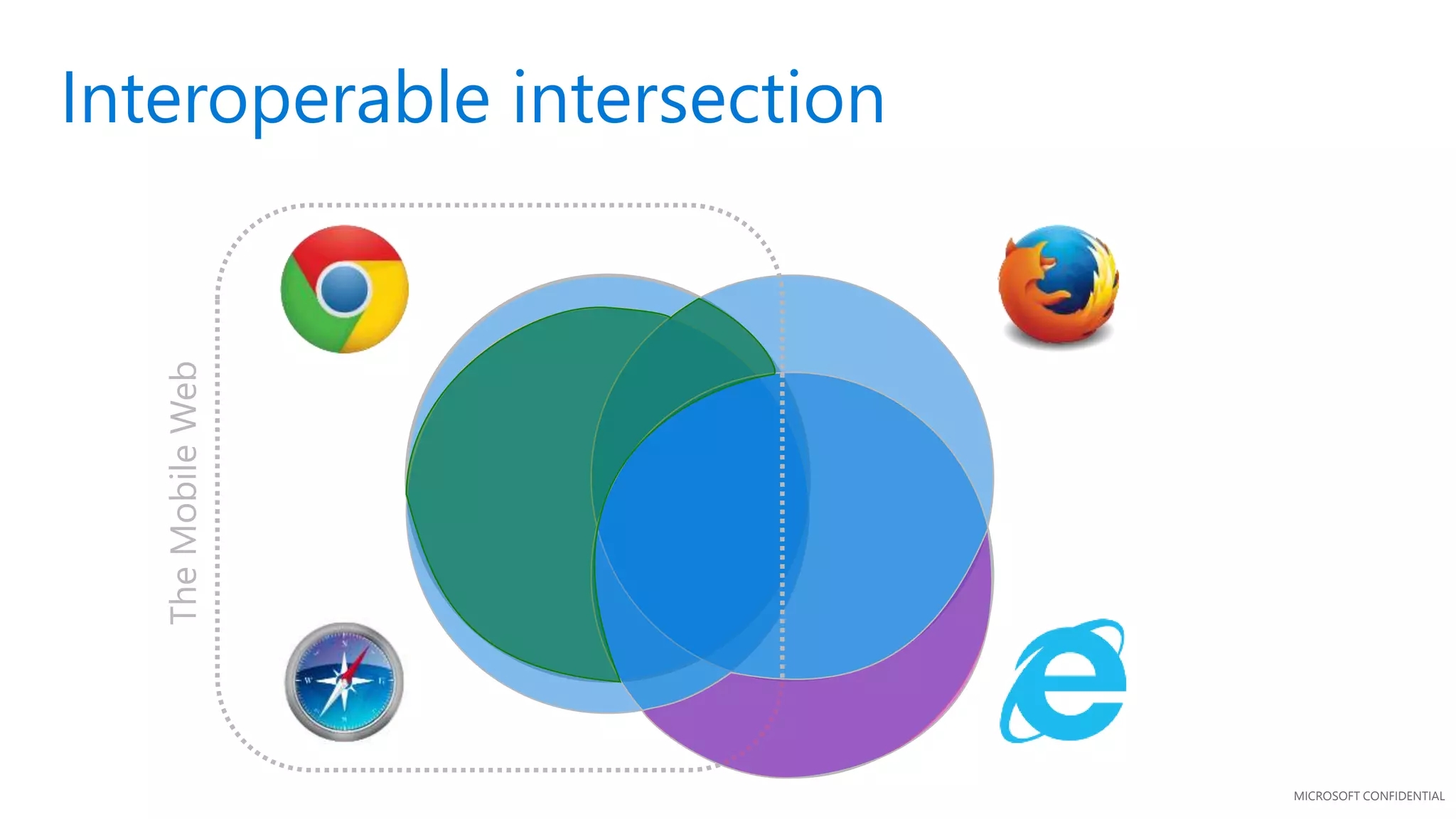
Interoperable intersection
TheMobileWeb
MICROSOFT CONFIDENTIAL
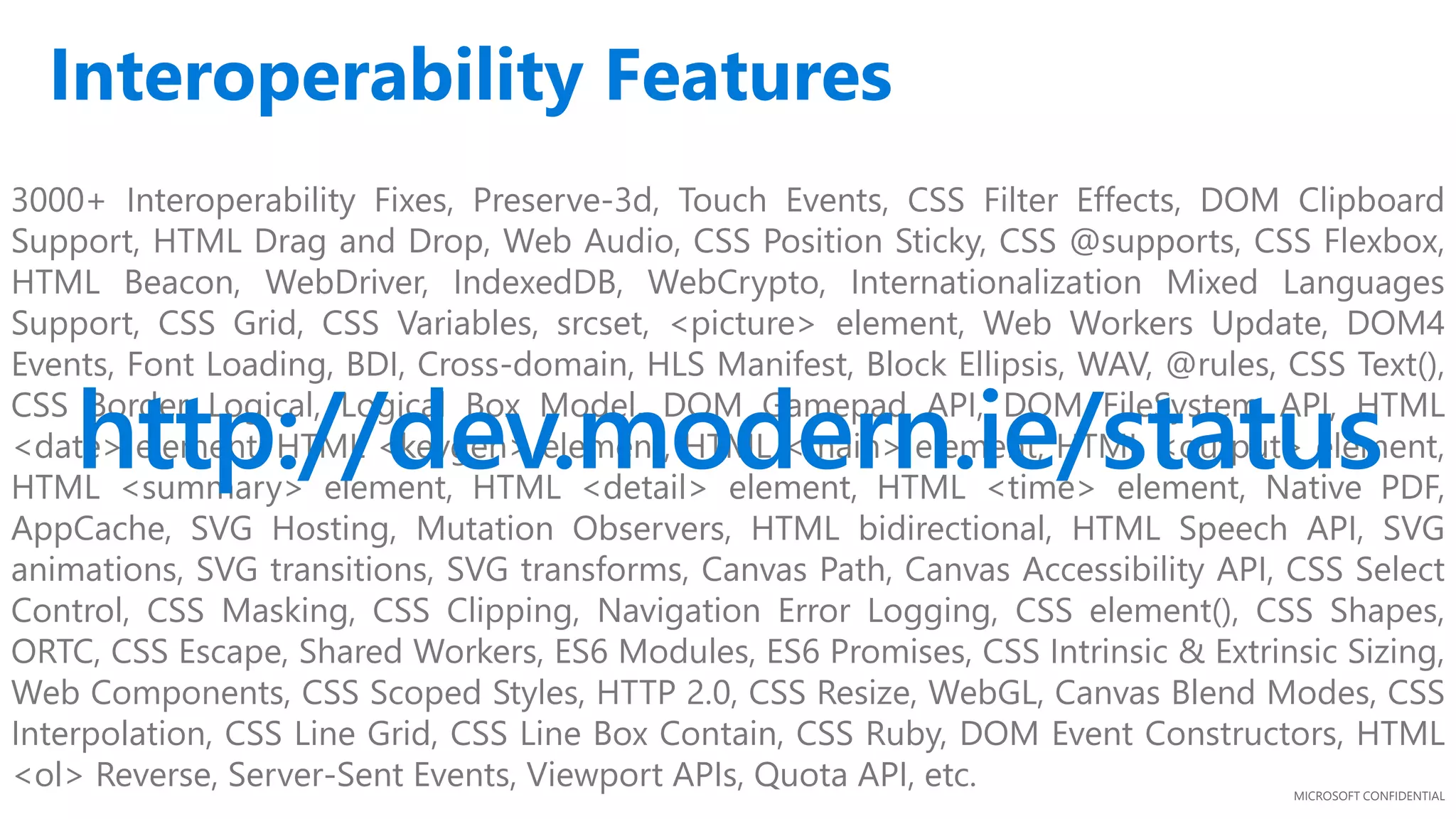
3000+ Interoperability Fixes, Preserve-3d, Touch Events, CSS Filter Effects, DOM Clipboard
Support, HTML Drag and Drop, Web Audio, CSS Position Sticky, CSS @supports, CSS Flexbox,
HTML Beacon, WebDriver, IndexedDB, WebCrypto, Internationalization Mixed Languages
Support, CSS Grid, CSS Variables, srcset, <picture> element, Web Workers Update, DOM4
Events, Font Loading, BDI, Cross-domain, HLS Manifest, Block Ellipsis, WAV, @rules, CSS Text(),
CSS Border Logical, Logical Box Model, DOM Gamepad API, DOM FileSystem API, HTML
<date> element, HTML <keygen> element, HTML <main> element, HTML <output> element,
HTML <summary> element, HTML <detail> element, HTML <time> element, Native PDF,
AppCache, SVG Hosting, Mutation Observers, HTML bidirectional, HTML Speech API, SVG
animations, SVG transitions, SVG transforms, Canvas Path, Canvas Accessibility API, CSS Select
Control, CSS Masking, CSS Clipping, Navigation Error Logging, CSS element(), CSS Shapes,
ORTC, CSS Escape, Shared Workers, ES6 Modules, ES6 Promises, CSS Intrinsic & Extrinsic Sizing,
Web Components, CSS Scoped Styles, HTTP 2.0, CSS Resize, WebGL, Canvas Blend Modes, CSS
Interpolation, CSS Line Grid, CSS Line Box Contain, CSS Ruby, DOM Event Constructors, HTML
<ol> Reverse, Server-Sent Events, Viewport APIs, Quota API, etc.
http://dev.modern.ie/status
Interoperability Features
DEMO: (4) Free testing tools to test
your website
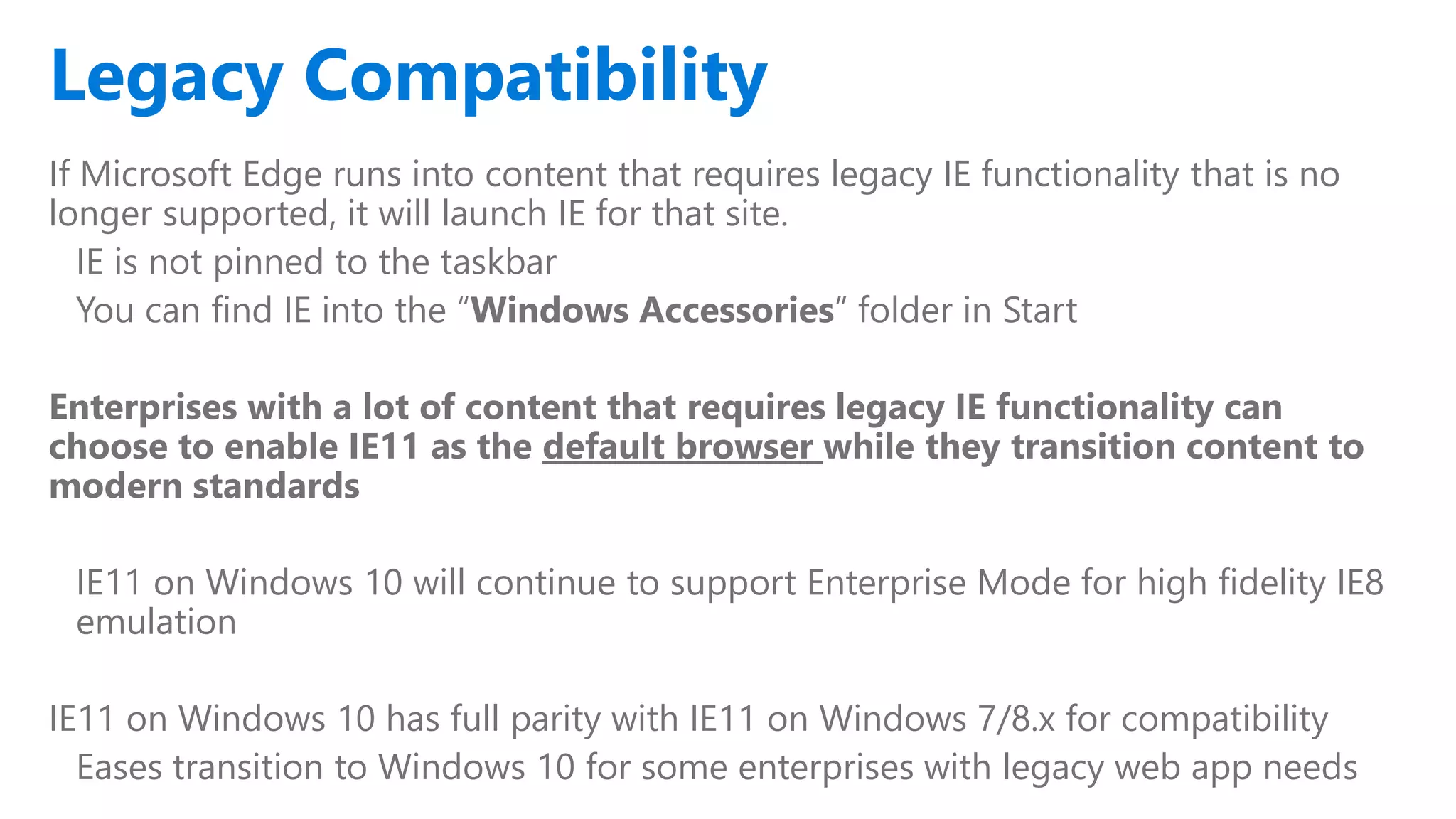
Legacy Compatibility
If Microsoft Edge runs into content that requires legacy IE functionality that is no
longer supported, it will launch IE for that site.
IE is not pinned to the taskbar
You can find IE into the “Windows Accessories” folder in Start
Enterprises with a lot of content that requires legacy IE functionality can
choose to enable IE11 as the default browser while they transition content to
modern standards
IE11 on Windows 10 will continue to support Enterprise Mode for high fidelity IE8
emulation
IE11 on Windows 10 has full parity with IE11 on Windows 7/8.x for compatibility
Eases transition to Windows 10 for some enterprises with legacy web app needs
Legacy Compatibility
MICROSOFT CONFIDENTIAL
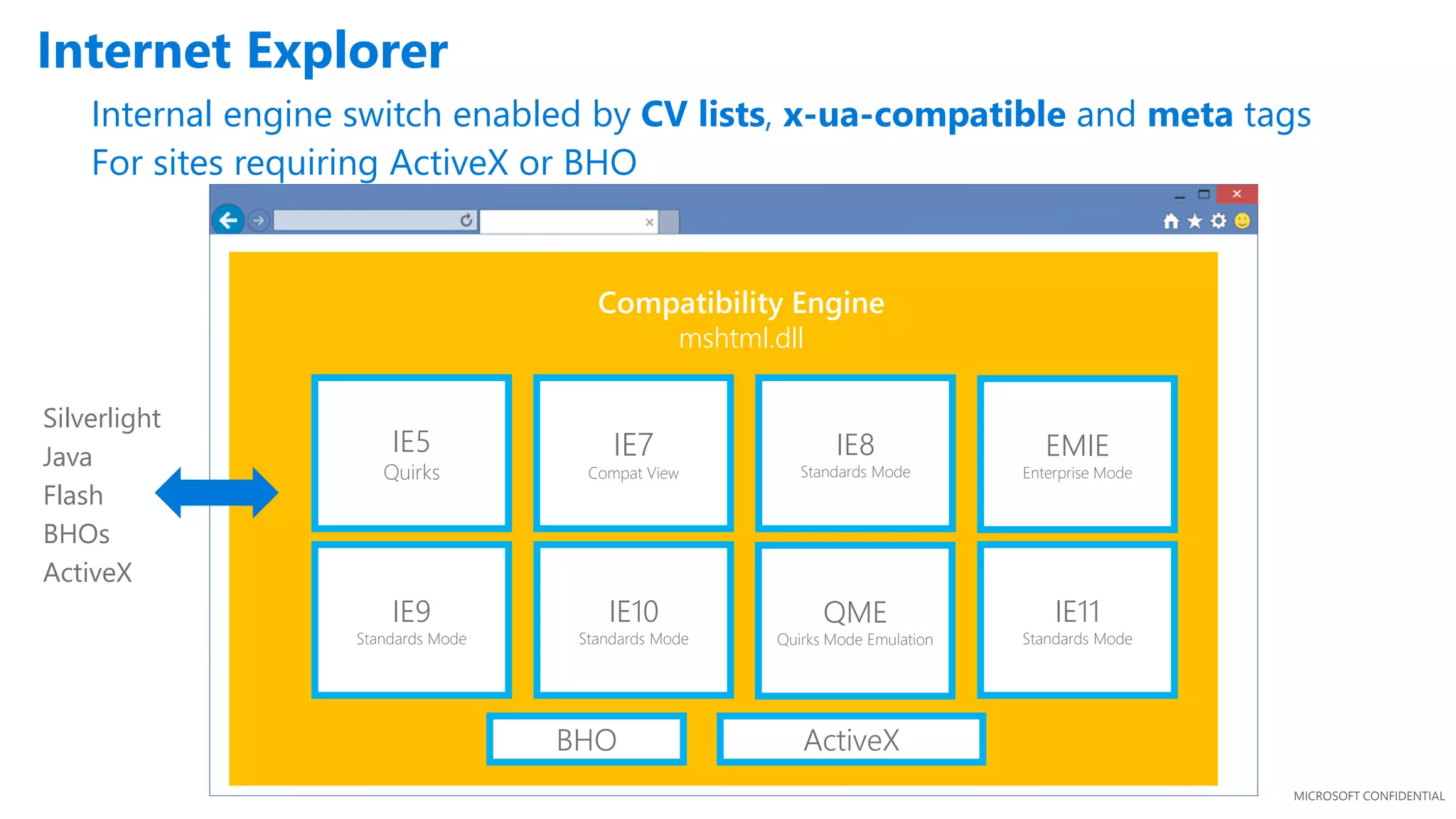
Compatibility Engine
mshtml.dll
IE5
Quirks
IE7
Compat View
IE8
Standards Mode
IE9
Standards Mode
IE10
Standards Mode
QME
Quirks Mode Emulation
IE11
Standards Mode
EMIE
Enterprise Mode
Silverlight
Java
Flash
BHOs
ActiveX
BHO ActiveX
Internet Explorer
Internal engine switch enabled by CV lists, x-ua-compatible and meta tags
For sites requiring ActiveX or BHO
Extensions
MICROSOFT CONFIDENTIAL
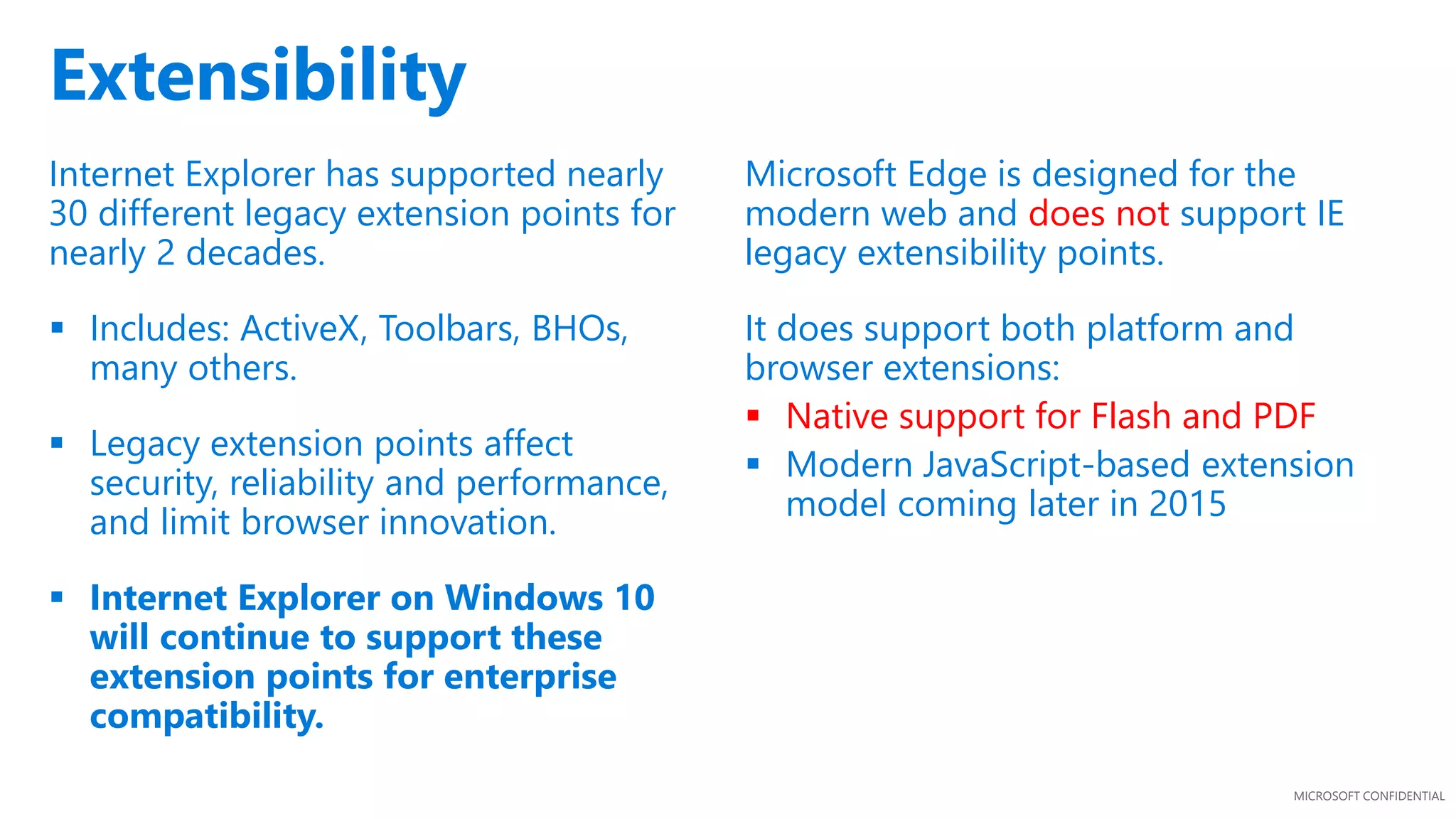
Extensibility
Internet Explorer has supported nearly
30 different legacy extension points for
nearly 2 decades.
 Includes: ActiveX, Toolbars, BHOs,
many others.
 Legacy extension points affect
security, reliability and performance,
and limit browser innovation.
 Internet Explorer on Windows 10
will continue to support these
extension points for enterprise
compatibility.
Microsoft Edge is designed for the
modern web and does not support IE
legacy extensibility points.
It does support both platform and
browser extensions:
 Native support for Flash and PDF
 Modern JavaScript-based extension
model coming later in 2015
Deployment & Security
MICROSOFT CONFIDENTIAL
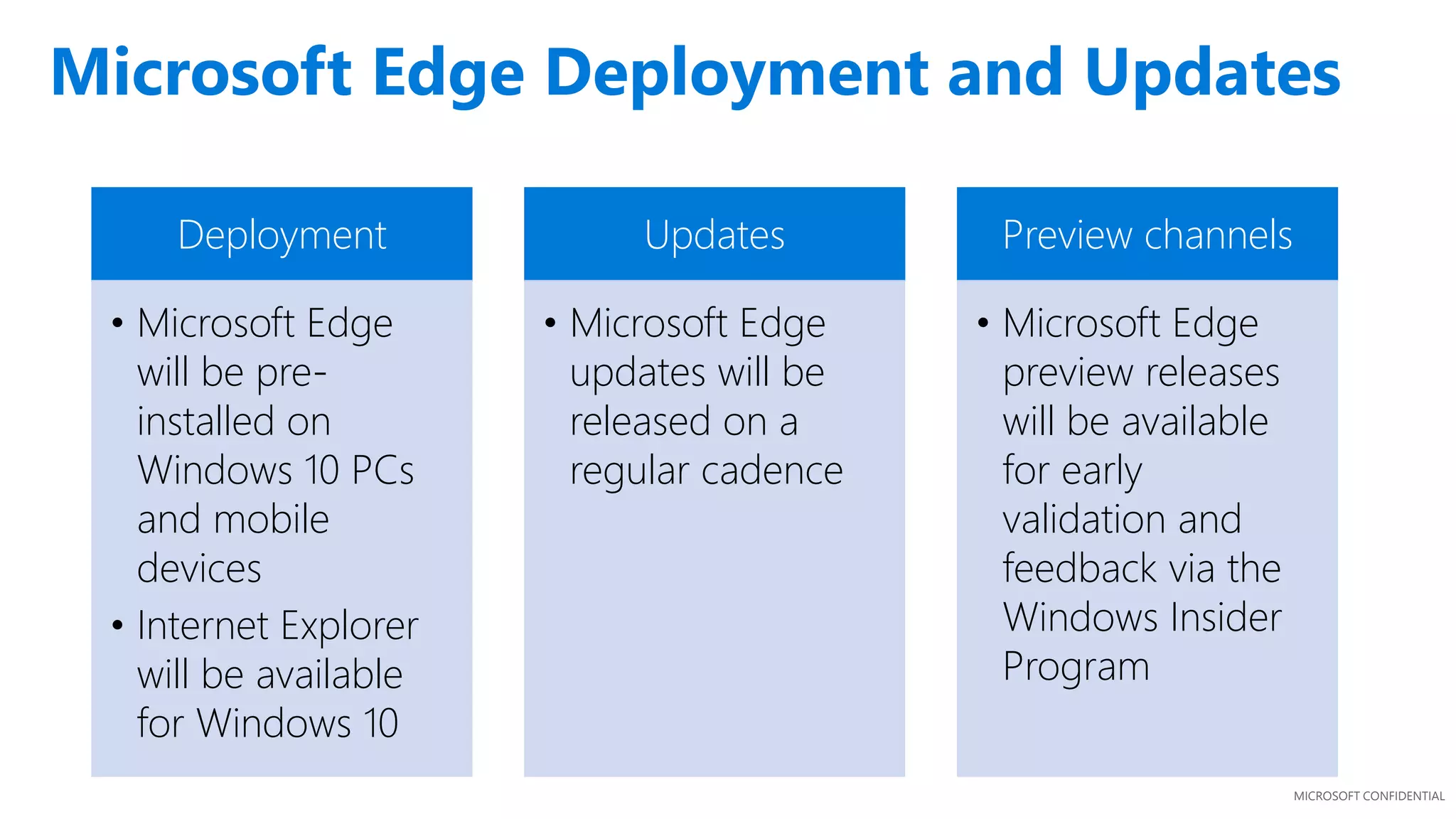
Deployment
• Microsoft Edge
will be pre-
installed on
Windows 10 PCs
and mobile
devices
• Internet Explorer
will be available
for Windows 10
Updates
• Microsoft Edge
updates will be
released on a
regular cadence
Preview channels
• Microsoft Edge
preview releases
will be available
for early
validation and
feedback via the
Windows Insider
Program
Microsoft Edge Deployment and Updates
MICROSOFT CONFIDENTIAL
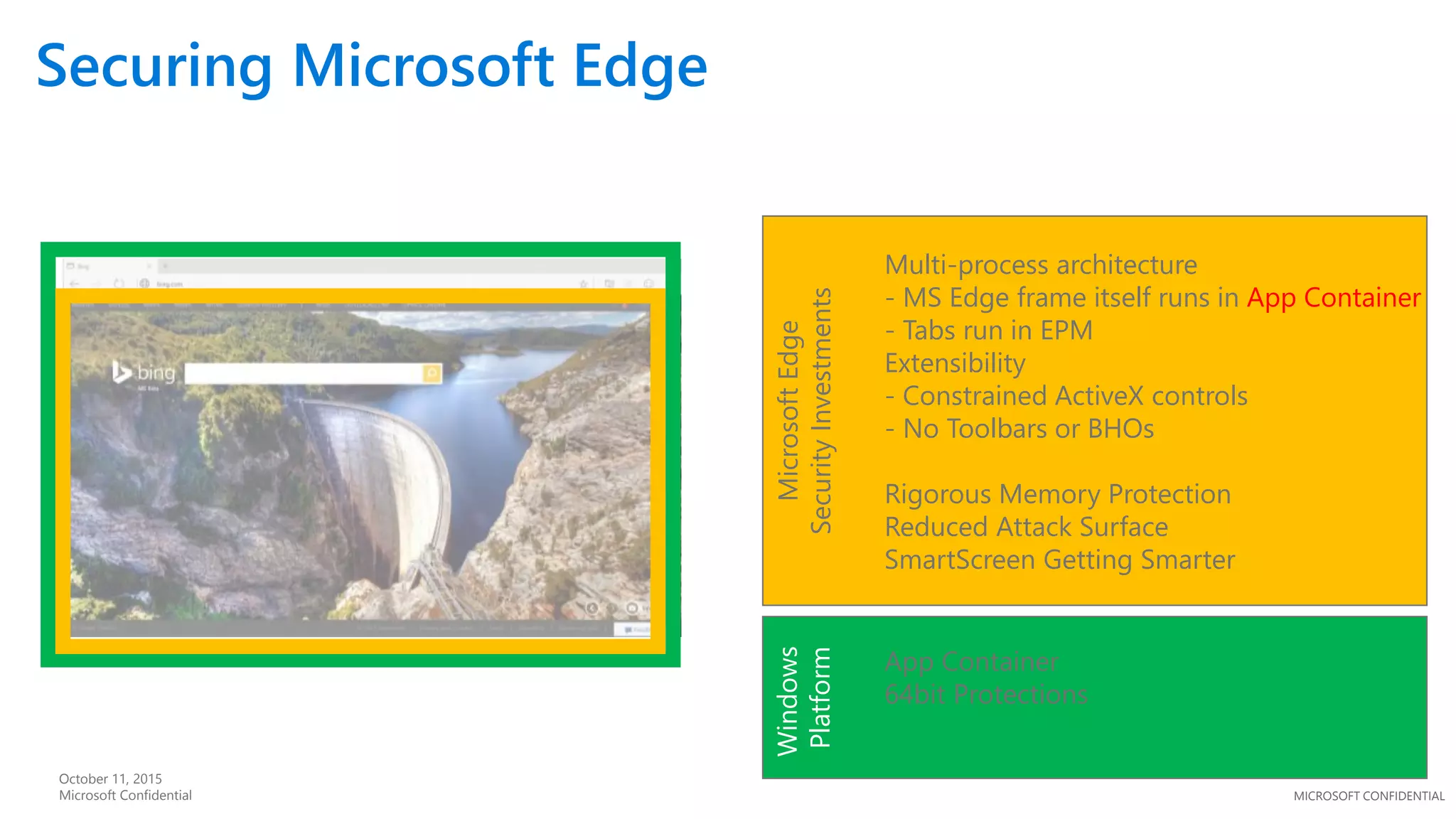
Securing Microsoft Edge
October 11, 2015
Microsoft Confidential Windows
Platform
App Container
64bit Protections
MicrosoftEdge
SecurityInvestments
Multi-process architecture
- MS Edge frame itself runs in App Container
- Tabs run in EPM
Extensibility
- Constrained ActiveX controls
- No Toolbars or BHOs
Rigorous Memory Protection
Reduced Attack Surface
SmartScreen Getting Smarter
Testing Compatibility
MICROSOFT CONFIDENTIAL
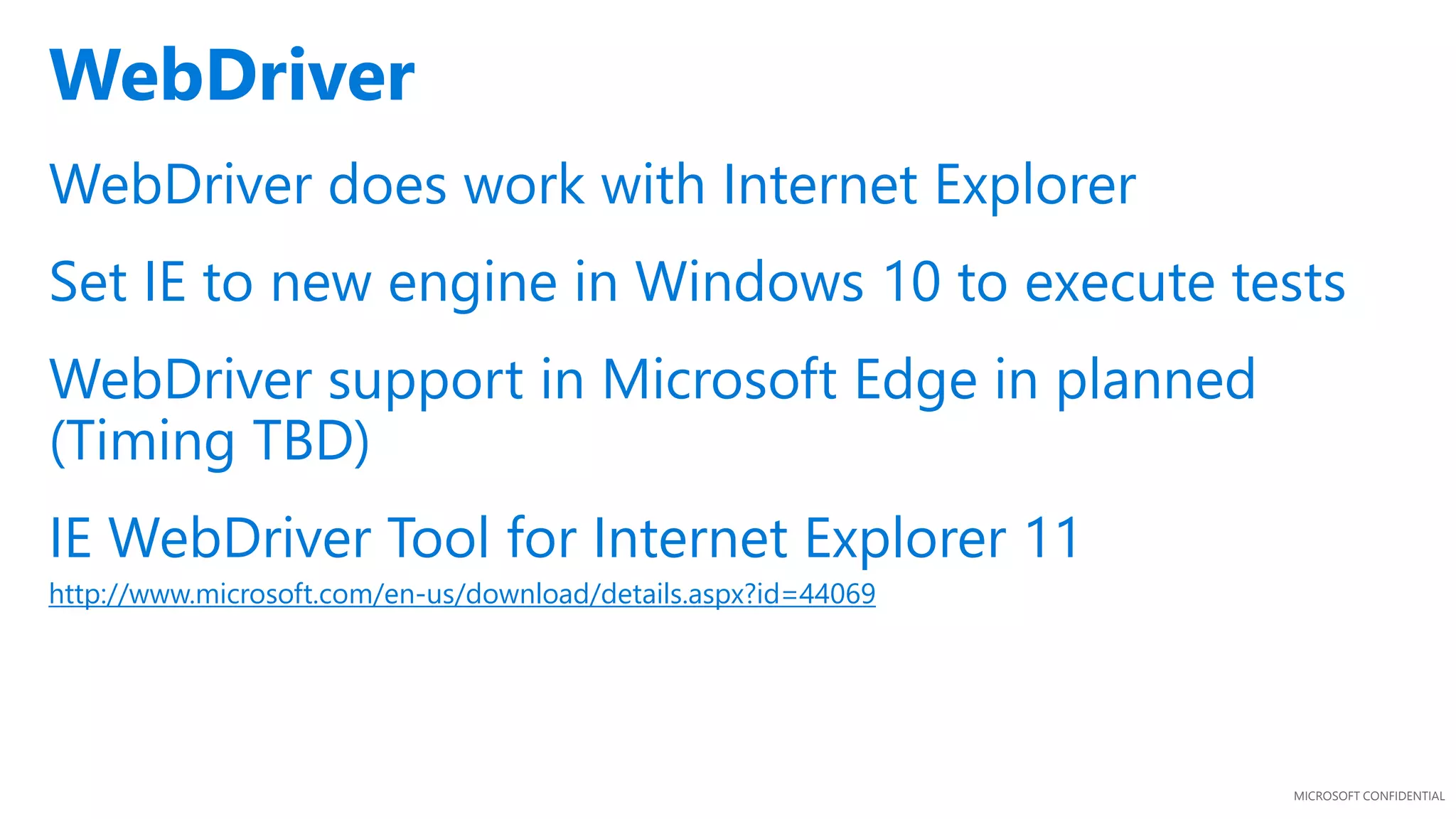
WebDriver does work with Internet Explorer
Set IE to new engine in Windows 10 to execute tests
WebDriver support in Microsoft Edge in planned
(Timing TBD)
IE WebDriver Tool for Internet Explorer 11
http://www.microsoft.com/en-us/download/details.aspx?id=44069
WebDriver
MICROSOFT CONFIDENTIAL
http://dev.modern.IE
MICROSOFT CONFIDENTIAL
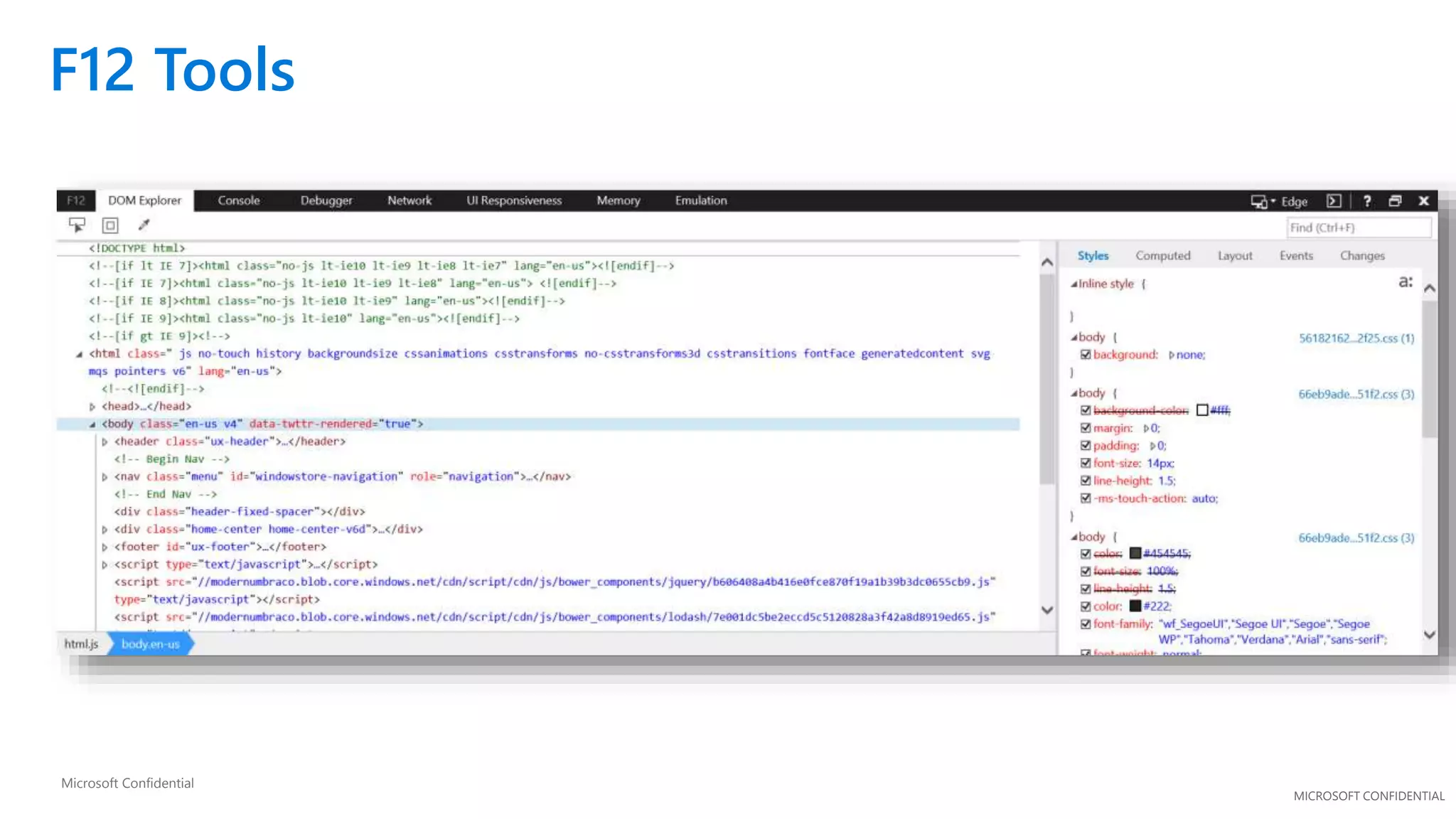
F12 Tools
Microsoft Confidential
MICROSOFT CONFIDENTIAL
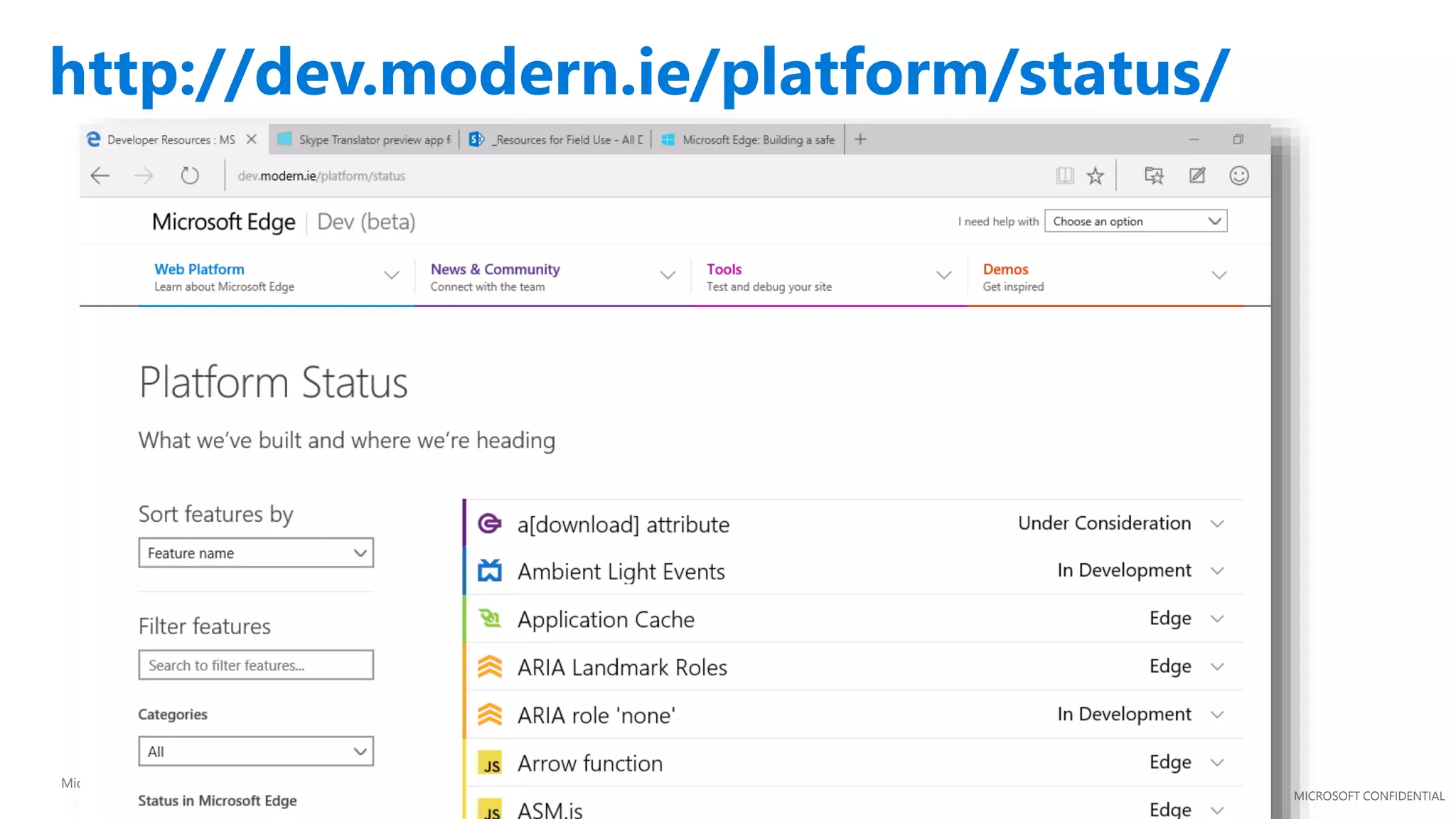
http://dev.modern.ie/platform/status/
Microsoft Confidential
MICROSOFT CONFIDENTIAL
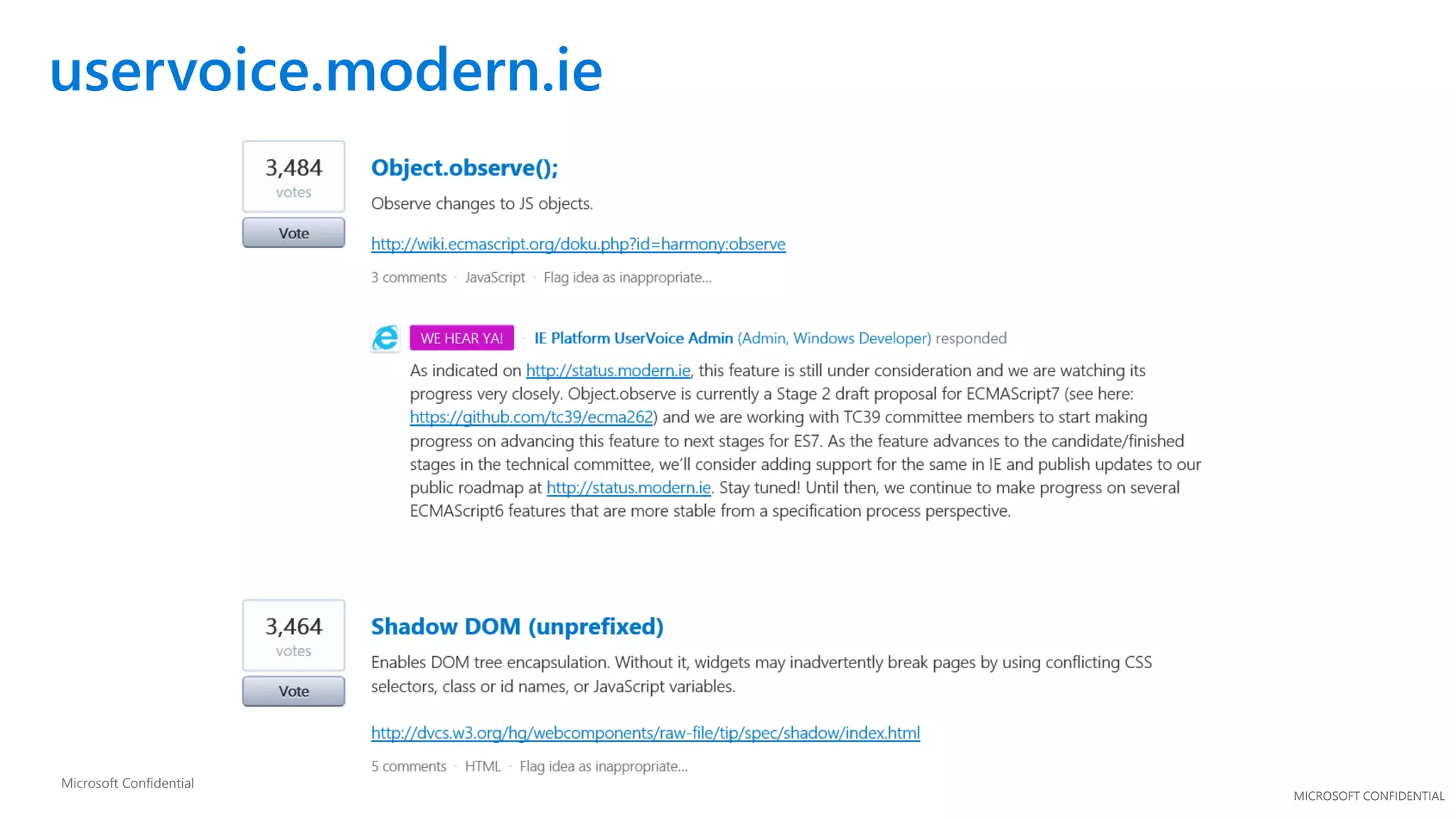
uservoice.modern.ie
Microsoft Confidential
Summary
MICROSOFT CONFIDENTIAL
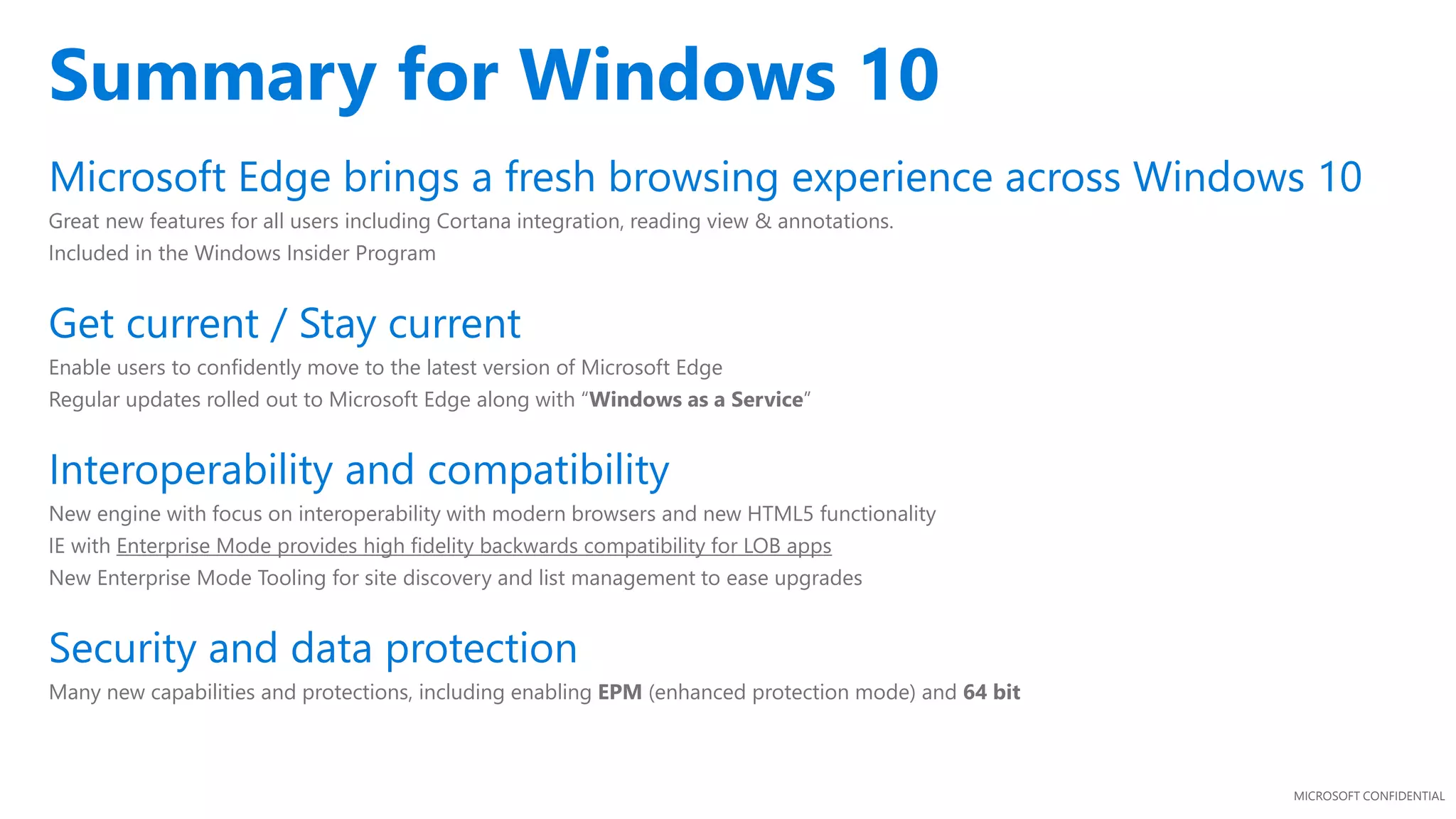
Microsoft Edge brings a fresh browsing experience across Windows 10
Great new features for all users including Cortana integration, reading view & annotations.
Included in the Windows Insider Program
Get current / Stay current
Enable users to confidently move to the latest version of Microsoft Edge
Regular updates rolled out to Microsoft Edge along with “Windows as a Service”
Interoperability and compatibility
New engine with focus on interoperability with modern browsers and new HTML5 functionality
IE with Enterprise Mode provides high fidelity backwards compatibility for LOB apps
New Enterprise Mode Tooling for site discovery and list management to ease upgrades
Security and data protection
Many new capabilities and protections, including enabling EPM (enhanced protection mode) and 64 bit
Summary for Windows 10
MICROSOFT CONFIDENTIAL
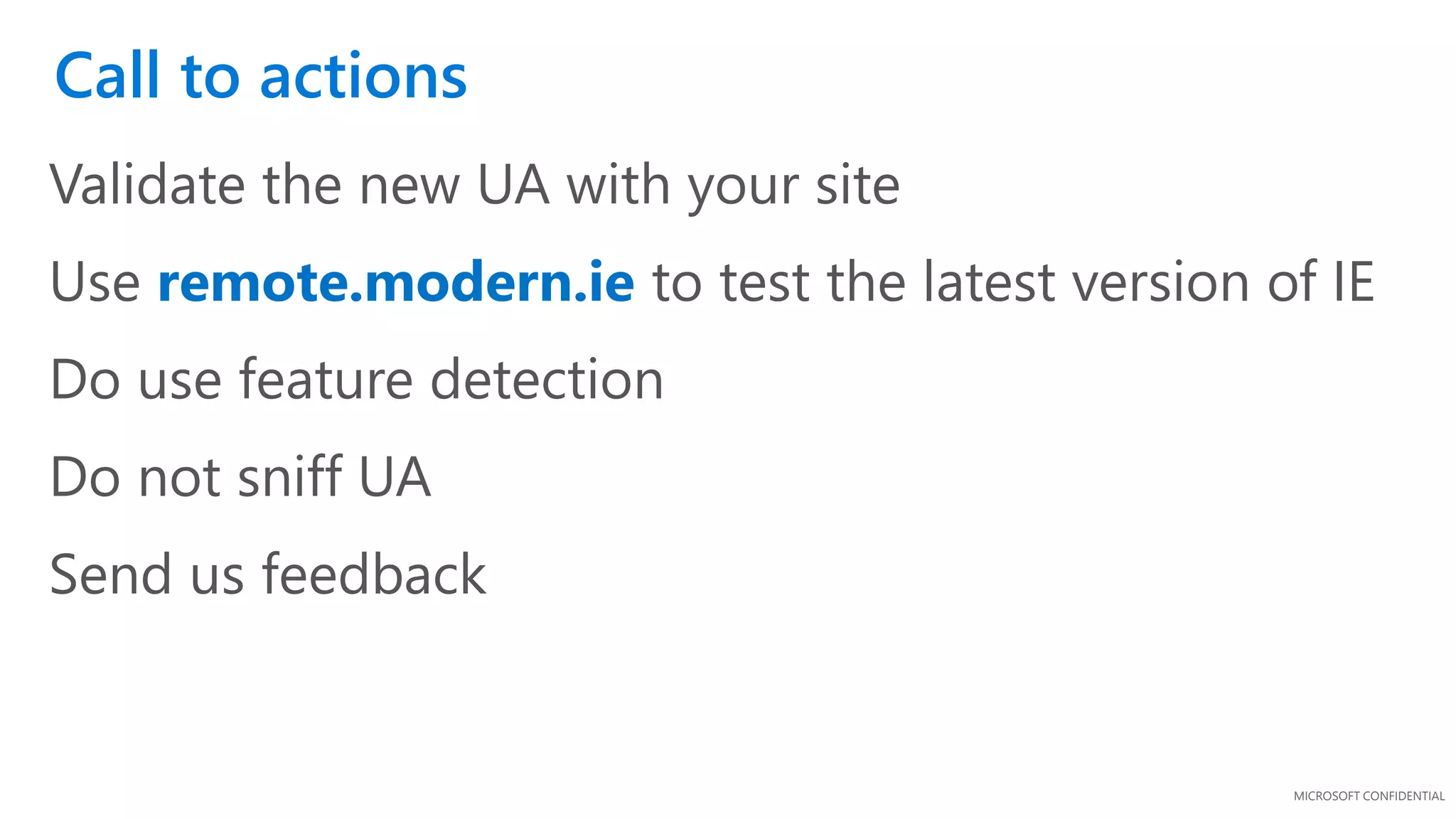
Validate the new UA with your site
Use remote.modern.ie to test the latest version of IE
Do use feature detection
Do not sniff UA
Send us feedback
Call to actions
MICROSOFT CONFIDENTIAL
Microsoft Edge Dev blog
http://blogs.windows.com/msedgedev/
Hands on labs:
https://github.com/deltakosh/interoperable-web-development
MVA:
http://www.microsoftvirtualacademy.com/training-courses/how-to-debug-a-
website-with-internet-explorer-f12-tools
Resources
MICROSOFT CONFIDENTIAL
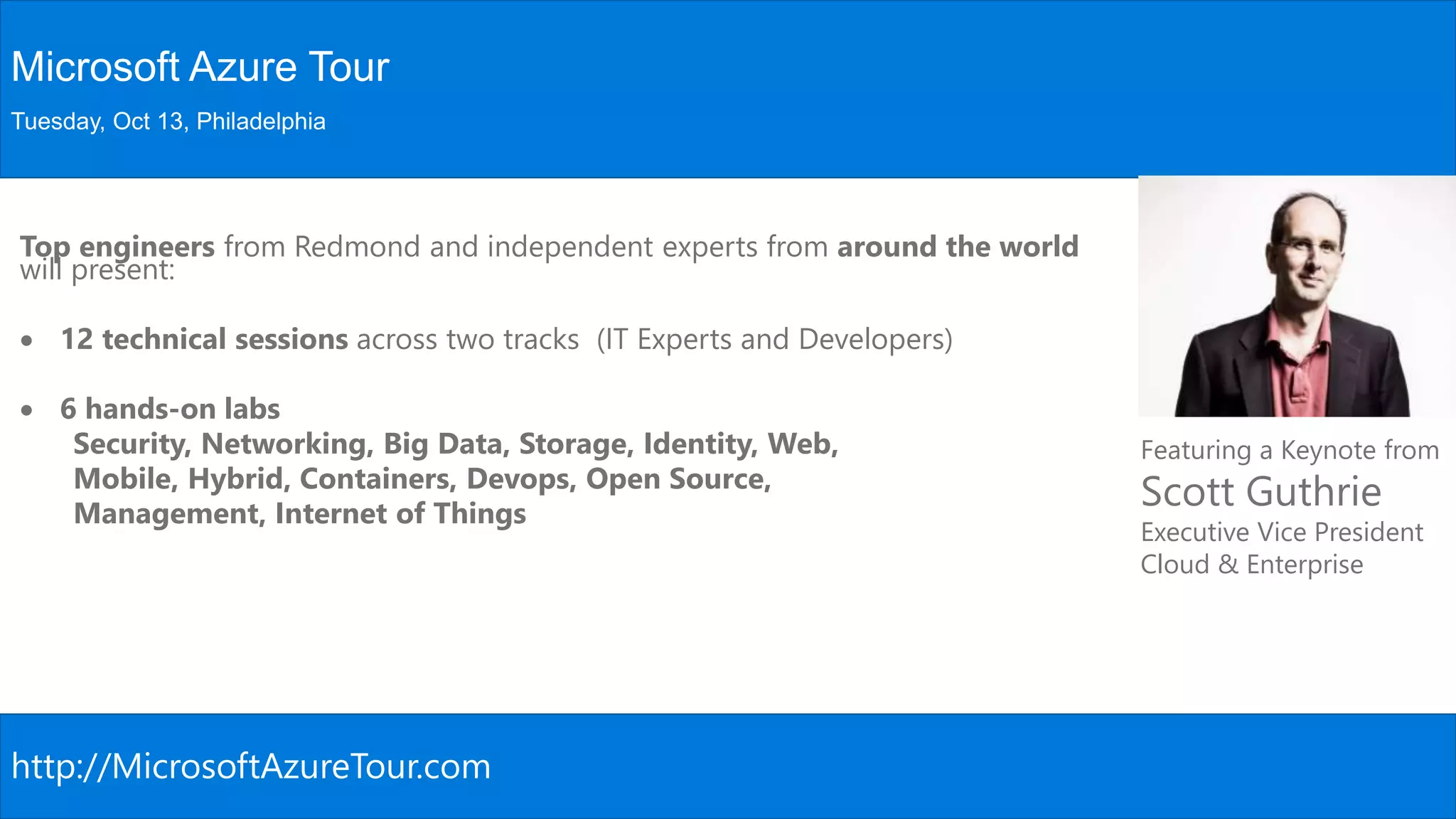
Microsoft Azure Tour
Tuesday, Oct 13, Philadelphia
Featuring a Keynote from
Scott Guthrie
Executive Vice President
Cloud & Enterprise
http://MicrosoftAzureTour.com
Top engineers from Redmond and independent experts from around the world
will present:
 12 technical sessions across two tracks (IT Experts and Developers)
 6 hands-on labs
Security, Networking, Big Data, Storage, Identity, Web,
Mobile, Hybrid, Containers, Devops, Open Source,
Management, Internet of Things
Thank you!
Questions?
Twitter: @MostafaElzoghbi
Blog: www.MostafaElzoghbi.com

Get your site microsoft edge ready

  • 1.
    Get your site MicrosoftEdge Ready Mostafa Elzoghbi Sr. Technical Evangelist Twitter: @MostafaElzoghbi
  • 2.
    “With Windows 10,we’re moving from a product release model to a service model. Windows 10 could become the largest internet service on the planet as Windows becomes ‘evergreen’.” – Terry Myerson
  • 3.
  • 4.
    Our likely userexperience on Windows 10 ~53% time spent on Windows 8.x is on the Web 300K native, 1B+ web (0.03%) Web ~42% time spent on iPad is on the Web 1.3M native, 1B+ web (0.13%) Native
  • 5.
    Our customer journeytowards Win10 Upgrades to Windows 10 free for 12 months 100s of millions of Windows devices running Windows 7/8.1 and Windows Phone 8.1 are eligible Upgrading the operating system provides Microsoft Edge as the default browser Users will be able to upgrade via download at general availability Microsoft commitment: 3-year goal to 1B devices on Win10.
  • 6.
    What’s different fromIE? Where’s this all going? Edge compat is durable  The last docmode (EdgeHTML)  Recognizes CSS-prefixes intended for mobile web  4000+ interoperability and bug fixes  Active-X / Legacy extensions deprecated Aspirational “Web just works”  Interoperability: Edge = Chrome  Extensibility: Edge = Chrome  Updates: Edge = Chrome  Performance: Edge > Chrome  Security: Edge > Chrome Edge differentiators  The web is your canvas  Distraction-free reading  Find it faster with Cortana http://browserfordoing.com/ Path to hosted web app  Edge compatible = Win10 ready with differentiated APIs  Reach potential= 40% apps use web content on iOS
  • 7.
    2009 2010 20112012 2013 2014 2015 2016 2017 2018 2019 2020 2009 2010 2011 2012 2013 2014 2015 2016 2017 2018 2019 2020 Internet Explorer 10 Internet Explorer 11 Internet Explorer 8 Internet Explorer 9 Internet Explorer 11 Internet Explorer 10 Internet Explorer 11 Microsoft Edge
  • 8.
    Lower your engineeringcosts & complexity Less browser-specific code and reduced development/maintenance time due to interoperability focus Lower operating costs and improved performance due to more efficient CPU, cache and network utilization Windows as a Service: Users will be on Windows 10 Free upgrade for 12 months for Windows 8.x, Windows 7, and Windows Phone 8.1 users Detailed analysis of existing Windows customer hardware leading to high confidence upgrades 450+ million devices eligible for upgrade to Windows 10 with Microsoft Edge Microsoft Edge: The browser for doing A new, unified browser that delivers the best web experience across Windows 10 devices Immersive reading, easy annotation and sharing Be more productive on the web with Cortana Why get your sites ready for the Microsoft Edge?
  • 9.
  • 10.
    Reduce development timeand effort New rendering engine targets the interoperable intersection of Webkit (Safari) and Blink (Chrome) Developers can write one code path for all browsers reducing engineering costs Lower operating costs With consolidated single code path you can cache more content on the edge of network infrastructure Less round-trip traffic back to server, resulting in less CPU time & lower bandwidth costs Performance increase Single code path means increased cache hits (e.g. edge in-memory cache, web server cache) More of your site can be pushed to edge cache increasing response time for end users New engine will save time & money Footnote
  • 11.
    With new enginebuilt to be interoperable with modern standards Reduce engineering time and effort Incoming browser request Which browser? Webkit, Blink & Gecko code Today, multiple code paths need to be maintained Incoming browser request EdgeHTML Webkit, Blink & Gecko code Multiple IE code paths Legacy standards Modern standards
  • 12.
    Caching on theedge reduces traffic and CPU cycles on your server Single code path = lower OPEX & increased performance Browser requests page Proxy CDN Service X PaaS server Up to 40% of page fragments cached in infrastructure (*) Lower cost Higher cost Page Faster response times Slower response times *: Exact gains will vary by site depending on the amount of IE specific code in use
  • 13.
  • 14.
    MICROSOFT CONFIDENTIAL Introducing ournew web browser Faster, safer and sites “just work” • Always up-to-date, and with a new engine built for the modern web • More secure by default • Single codebase across all Windows 10 devices, with an experience that scales fluidly for each device • Set as default web browser for Windows 10
  • 15.
    MICROSOFT CONFIDENTIAL New experiencesto make you more productive on the modern web • Capture and share your thoughts and ideas with web notes right on the page • The best place to read, with a distraction- free reading view, and gorgeous new Reading List to get you back to your interests. • Redefined around you, with Cortana built- in and ready to help you get things done on the Web
  • 16.
    A Technical View ATechnical View
  • 17.
  • 18.
  • 19.
  • 20.
  • 21.
  • 22.
    MICROSOFT CONFIDENTIAL Browser User NetworkConnection Protocol System& Apps Server Settings Auth Content CDN/EdgeWeb Platform Runtime
  • 23.
    MICROSOFT CONFIDENTIAL Browser User NetworkConnection Protocol System& Apps Server Settings Auth Content CDN/EdgeWeb Platform Runtime
  • 24.
    MICROSOFT CONFIDENTIAL Trident 1995 3 412 5.5 65 7 84.x 9 2015 9 10 11
  • 25.
    MICROSOFT CONFIDENTIAL Trident Quirks Strict !DOCTYPE 1995 341 2 5.5 65 7 84.x 9 2015 9 10 11 HTML4, ES3, CSS2
  • 26.
    MICROSOFT CONFIDENTIAL Trident !DOCTYPE 1995 3 412 5.5 65 7 84.x 9 2015 9 10 11 Quirks Strict 1995 HTML4, ES3, CSS2
  • 27.
  • 28.
  • 29.
  • 30.
    MICROSOFT CONFIDENTIAL 1995 3 412 5.5 65 7 84.x Trident IE5 Quirks IE7 Compat View IE8 Standards Mode 9 IE9 Standards Mode IE10 Standards Mode QME Quirks Mode Emulation 2015 9 10 11 x-ua-compatible !DOCTYPE IE11 Standards Mode EMIE Enterprise Mode Legacy Web CSS2.1 Modern Web HTML5, SVG, ES5, CSS3HTML4, ES3, CSS2
  • 31.
  • 32.
  • 33.
  • 34.
  • 35.
    MICROSOFT CONFIDENTIAL Interoperability goals Ourgoal is “the web just works” Sites authored for Firefox, Chrome and Safari “just work” with Microsoft Edge Evolve at the speed of the web and only support latest version Use standards as a reference but prioritize real-world interop (and then fix standards if needed) Allow web developers to target a single version Internet sites use the new rendering engine (EdgeHTML) by default New update cadence to ensure browser is always up-to-date Make a clean break from the past Interoperable user-agent string to get the same content as other browsers (no IE specific code) Over 4200 interoperability fixes, and 45+ new features to render it correctly Remove IE specific behaviors
  • 36.
    MICROSOFT CONFIDENTIAL Interoperability Trident(EdgeHTML) Mozilla/5.0 (Windows NT 10.0; WOW64) AppleWebKit/537.36 (KHTML, like Gecko) Chrome/39.0.2171.71 Safari/537.36 Edge/12.0 Chrome Mozilla/5.0 (Windows NT 10.0; WOW64) AppleWebKit/537.36 (KHTML, like Gecko) Chrome/39.0.2171.95 Safari/537.36 Interoperable UA string
  • 37.
    MICROSOFT CONFIDENTIAL IE11 onWindows 8.1 MS Edge: With support for –webkit transitions
  • 38.
    MICROSOFT CONFIDENTIAL m.hawaiianairlines.comm.hawaiianairlines.com Windows Phone8.1 WP8.1 + New user-agent WP8.1 + GDR1: Removing security constraints on downloaded fonts
  • 39.
    MICROSOFT CONFIDENTIAL m.macys.com Windows Phone8.1 Windows Phone 8.1 + GDR1: With support for –webkit-gradient
  • 40.
    MICROSOFT CONFIDENTIAL www.answers.com/#page WP 8.1– swipe doesn’t work WP8.1 + GDR1: Swipe works with touch events support
  • 41.
  • 42.
    MICROSOFT CONFIDENTIAL 3000+ InteroperabilityFixes, Preserve-3d, Touch Events, CSS Filter Effects, DOM Clipboard Support, HTML Drag and Drop, Web Audio, CSS Position Sticky, CSS @supports, CSS Flexbox, HTML Beacon, WebDriver, IndexedDB, WebCrypto, Internationalization Mixed Languages Support, CSS Grid, CSS Variables, srcset, <picture> element, Web Workers Update, DOM4 Events, Font Loading, BDI, Cross-domain, HLS Manifest, Block Ellipsis, WAV, @rules, CSS Text(), CSS Border Logical, Logical Box Model, DOM Gamepad API, DOM FileSystem API, HTML <date> element, HTML <keygen> element, HTML <main> element, HTML <output> element, HTML <summary> element, HTML <detail> element, HTML <time> element, Native PDF, AppCache, SVG Hosting, Mutation Observers, HTML bidirectional, HTML Speech API, SVG animations, SVG transitions, SVG transforms, Canvas Path, Canvas Accessibility API, CSS Select Control, CSS Masking, CSS Clipping, Navigation Error Logging, CSS element(), CSS Shapes, ORTC, CSS Escape, Shared Workers, ES6 Modules, ES6 Promises, CSS Intrinsic & Extrinsic Sizing, Web Components, CSS Scoped Styles, HTTP 2.0, CSS Resize, WebGL, Canvas Blend Modes, CSS Interpolation, CSS Line Grid, CSS Line Box Contain, CSS Ruby, DOM Event Constructors, HTML <ol> Reverse, Server-Sent Events, Viewport APIs, Quota API, etc. http://dev.modern.ie/status Interoperability Features
  • 43.
    DEMO: (4) Freetesting tools to test your website
  • 44.
  • 45.
    If Microsoft Edgeruns into content that requires legacy IE functionality that is no longer supported, it will launch IE for that site. IE is not pinned to the taskbar You can find IE into the “Windows Accessories” folder in Start Enterprises with a lot of content that requires legacy IE functionality can choose to enable IE11 as the default browser while they transition content to modern standards IE11 on Windows 10 will continue to support Enterprise Mode for high fidelity IE8 emulation IE11 on Windows 10 has full parity with IE11 on Windows 7/8.x for compatibility Eases transition to Windows 10 for some enterprises with legacy web app needs Legacy Compatibility
  • 46.
    MICROSOFT CONFIDENTIAL Compatibility Engine mshtml.dll IE5 Quirks IE7 CompatView IE8 Standards Mode IE9 Standards Mode IE10 Standards Mode QME Quirks Mode Emulation IE11 Standards Mode EMIE Enterprise Mode Silverlight Java Flash BHOs ActiveX BHO ActiveX Internet Explorer Internal engine switch enabled by CV lists, x-ua-compatible and meta tags For sites requiring ActiveX or BHO
  • 47.
  • 48.
    MICROSOFT CONFIDENTIAL Extensibility Internet Explorerhas supported nearly 30 different legacy extension points for nearly 2 decades.  Includes: ActiveX, Toolbars, BHOs, many others.  Legacy extension points affect security, reliability and performance, and limit browser innovation.  Internet Explorer on Windows 10 will continue to support these extension points for enterprise compatibility. Microsoft Edge is designed for the modern web and does not support IE legacy extensibility points. It does support both platform and browser extensions:  Native support for Flash and PDF  Modern JavaScript-based extension model coming later in 2015
  • 49.
  • 50.
    MICROSOFT CONFIDENTIAL Deployment • MicrosoftEdge will be pre- installed on Windows 10 PCs and mobile devices • Internet Explorer will be available for Windows 10 Updates • Microsoft Edge updates will be released on a regular cadence Preview channels • Microsoft Edge preview releases will be available for early validation and feedback via the Windows Insider Program Microsoft Edge Deployment and Updates
  • 51.
    MICROSOFT CONFIDENTIAL Securing MicrosoftEdge October 11, 2015 Microsoft Confidential Windows Platform App Container 64bit Protections MicrosoftEdge SecurityInvestments Multi-process architecture - MS Edge frame itself runs in App Container - Tabs run in EPM Extensibility - Constrained ActiveX controls - No Toolbars or BHOs Rigorous Memory Protection Reduced Attack Surface SmartScreen Getting Smarter
  • 52.
  • 53.
    MICROSOFT CONFIDENTIAL WebDriver doeswork with Internet Explorer Set IE to new engine in Windows 10 to execute tests WebDriver support in Microsoft Edge in planned (Timing TBD) IE WebDriver Tool for Internet Explorer 11 http://www.microsoft.com/en-us/download/details.aspx?id=44069 WebDriver
  • 54.
  • 55.
  • 56.
  • 57.
  • 58.
  • 59.
    MICROSOFT CONFIDENTIAL Microsoft Edgebrings a fresh browsing experience across Windows 10 Great new features for all users including Cortana integration, reading view & annotations. Included in the Windows Insider Program Get current / Stay current Enable users to confidently move to the latest version of Microsoft Edge Regular updates rolled out to Microsoft Edge along with “Windows as a Service” Interoperability and compatibility New engine with focus on interoperability with modern browsers and new HTML5 functionality IE with Enterprise Mode provides high fidelity backwards compatibility for LOB apps New Enterprise Mode Tooling for site discovery and list management to ease upgrades Security and data protection Many new capabilities and protections, including enabling EPM (enhanced protection mode) and 64 bit Summary for Windows 10
  • 60.
    MICROSOFT CONFIDENTIAL Validate thenew UA with your site Use remote.modern.ie to test the latest version of IE Do use feature detection Do not sniff UA Send us feedback Call to actions
  • 61.
    MICROSOFT CONFIDENTIAL Microsoft EdgeDev blog http://blogs.windows.com/msedgedev/ Hands on labs: https://github.com/deltakosh/interoperable-web-development MVA: http://www.microsoftvirtualacademy.com/training-courses/how-to-debug-a- website-with-internet-explorer-f12-tools Resources
  • 62.
    MICROSOFT CONFIDENTIAL Microsoft AzureTour Tuesday, Oct 13, Philadelphia Featuring a Keynote from Scott Guthrie Executive Vice President Cloud & Enterprise http://MicrosoftAzureTour.com Top engineers from Redmond and independent experts from around the world will present:  12 technical sessions across two tracks (IT Experts and Developers)  6 hands-on labs Security, Networking, Big Data, Storage, Identity, Web, Mobile, Hybrid, Containers, Devops, Open Source, Management, Internet of Things
  • 63.

Editor's Notes

  • #2 Get Your Site Microsoft Edge Ready 3:00 pm on MPR III Mostafa Elzoghbi Microsoft Edge – what are the technical details of Microsoft’s new browser, what’s new in Edge, and what’s the best way to develop for it? This session will go over the technical details of Microsoft Edge. We’ll discuss the value of the browser and how you can make sure your web sites are ready for Edge!
  • #3 Going evergreen Ok cool – what’s the plan for updates? Monthly? Regular? Working on the code all the time. At least every month to consumers. Magnitude of update will be determined. Pushing out fixes and features. Solid roadmap expectation Spartan features are through the store. Platfom (Edge) is part of the OS Windows as a service.
  • #6 Confirmed: Win10 will likely not be free forever
  • #7  Not true yet = why we’re doing this program [[Red]] True right now = Chrome will innovate too [[Green]]
  • #9 Timeline slide Your users will be on Windows 10 Lower you engineering costs and complexity Innovative new web based experiences to your users
  • #12  IE 8: Sunsetting old versions. What do you do about the existing IE versions that are still coming in? Need to mention the older versions. We’ll help by sunsetting and reducing fragmentation.
  • #13 On the right is the server where the page source is stored. Some parts of the page will be computed by the local server. Parts of the page that are processed on the server every time are shown in Red. Other parts of the page don’t need to hit the server CPU every time. These could be fragments or shards of the page like social networking buttons or display ads for example (shown in purple) The users browser actually making the request is on the far left. As the request hit network infrastructure, caching kicks in and can reduce round trips to the server. Here the parts of the page that have been proxied and haven’t expired are shipped down to the requesting browser at minimal cost and increased response time. (shown in green). CDNs also take load off the server for images and video and get sent down to the users browser without requiring a round trip – again reducing costs and increasing performance (shown in blue)
  • #15 Talking Points: Microsoft listened. The next major version of our browser will work well with touch AND mouse/keyboard, across all Windows devices. The Microsoft EdgeHTML rendering engine will be always up to date with modern standards. Microsoft Edge is more secure by default, running with Enhanced Protected Mode and 64-bit processes. Microsoft Edge will be the default browser for Windows 10 clean installs. For upgrades, users will be prompted to “reset app defaults” and MS Edge will also be set as default for upgrades if that is selected. Enterprises can override and set IE as default using group policy.
  • #16 Talking Points: Microsoft listened. The next major version of our browser will work well with touch AND mouse/keyboard, across all Windows devices. The “Edge” engine will be always up to date with modern standards, and Spartan also includes all of IE11’s backward compatibility features, so it’s easier to upgrade to Windows 10. Spartan is more secure by default, running with Enhanced Protected Mode and 64-bit processes.
  • #31 ES5: ECMA Script
  • #38 Note: cinemax is currently CV-listed to IE9 docmode, so if someone tries this, they won’t see any bugs.
  • #39 Note: these changes were shipped in an update to Windows Phone 8.1, so if someone tries this, they won’t see the bug. GDR: General Distribution Release 1
  • #42 Start: all browsers had unique behaviors (not drawn to scale – meant to emphasize the point) Build: Purple overlay - First step was to remove IE specific behaviors once EdgeHTML was split from MSHTML Build: Green overlay - Second step was to add behaviors at the intersection of other modern browsers – these are especially important for the mobile web, but not exclusively.
  • #43 In addition to more than 2,000 interoperability fixes, we are focusing efforts on many interoperability features. For example, the Edge mode will now support webkit extensions that are popular on many websites. For more detail on the status of a particular web standard, you can visit http://status.modern.ie.
  • #45 Just because we have built this new engine and browser focused on the modern web doesn’t mean we’ve forgotten about legacy compat.
  • #46 IE in “Windows Accessories” shows that IE should be viewed as a utility in the Win10 timeframe (by default).
  • #47  BHO: Browser Helper Objects CV: Compatibility View
  • #52 Talking points: Microsoft Edge is a modern Windows App, taking full advantages of the platform protections offered by App Container. Even if MS Edge is compromised, the platform prevents malicious code from escaping the sandbox. IE Classic in contrast, runs the frame process at MediumIL EPM: Tabs run in separate processes also protected by app container By default ActiveX will be limited to a small list of known good ActiveX controls beyond Flash, which remains built in. Toolbars and BHOs, a common source of security and performance problems will simply not load in Microsoft Edge See http://blogs.windows.com/msedgedev/2015/05/11/microsoft-edge-building-a-safer-browser/ In IE 11 over the last several months we have introduced memory protections that have eliminated broad sets of security threats IsoHeap and Memory Protector have proven valuable. http://securityintelligence.com/understanding-ies-new-exploit-mitigations-the-memory-protector-and-the-isolated-heap/#.VMrz-P50wuU We are continuing to invest in stopping exploits where they start – by preventing memory from being abused by an attacker These protections will appear in Windows 10/Microsoft Edge first and will be backported as makes sense. 64bit by default also makes it very hard to attack memory via a heapspray or by breaking ALSR Microsoft Edge is a complete re-write of the Browser, allowing us to deprecate a significant amount of code, and legacy interfaces that are no longer present to be attacked We are working to make SmartScreen even smarter – currently protects users from Phishing and malicious downloads, in the future will also project you from malicious sites.
  • #61 Read more: https://msdn.microsoft.com/en-us/library/gg622935(v=vs.85).aspx