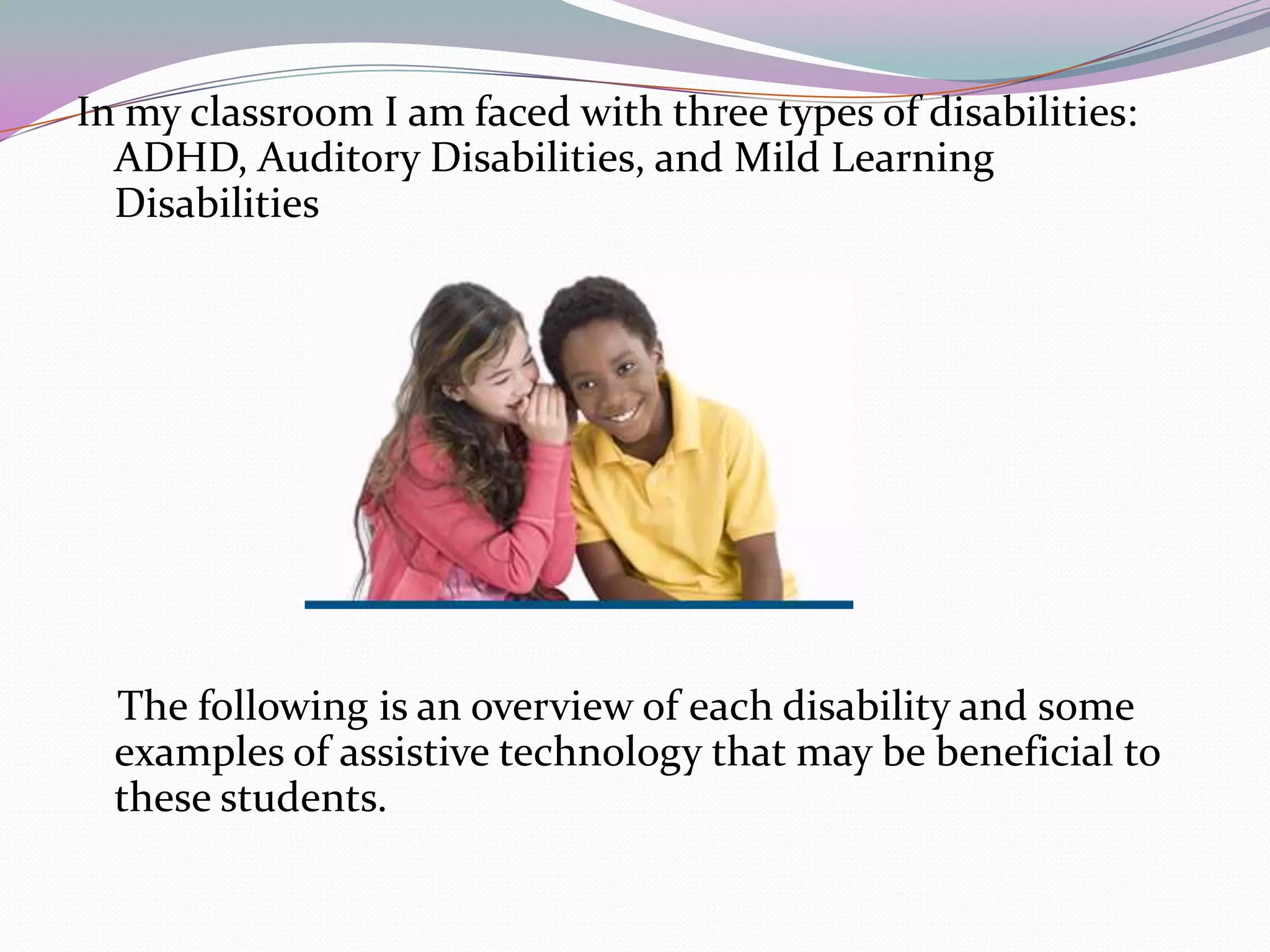
1) Assistive technology promotes independence for students with disabilities and helps teachers balance the needs of all students.
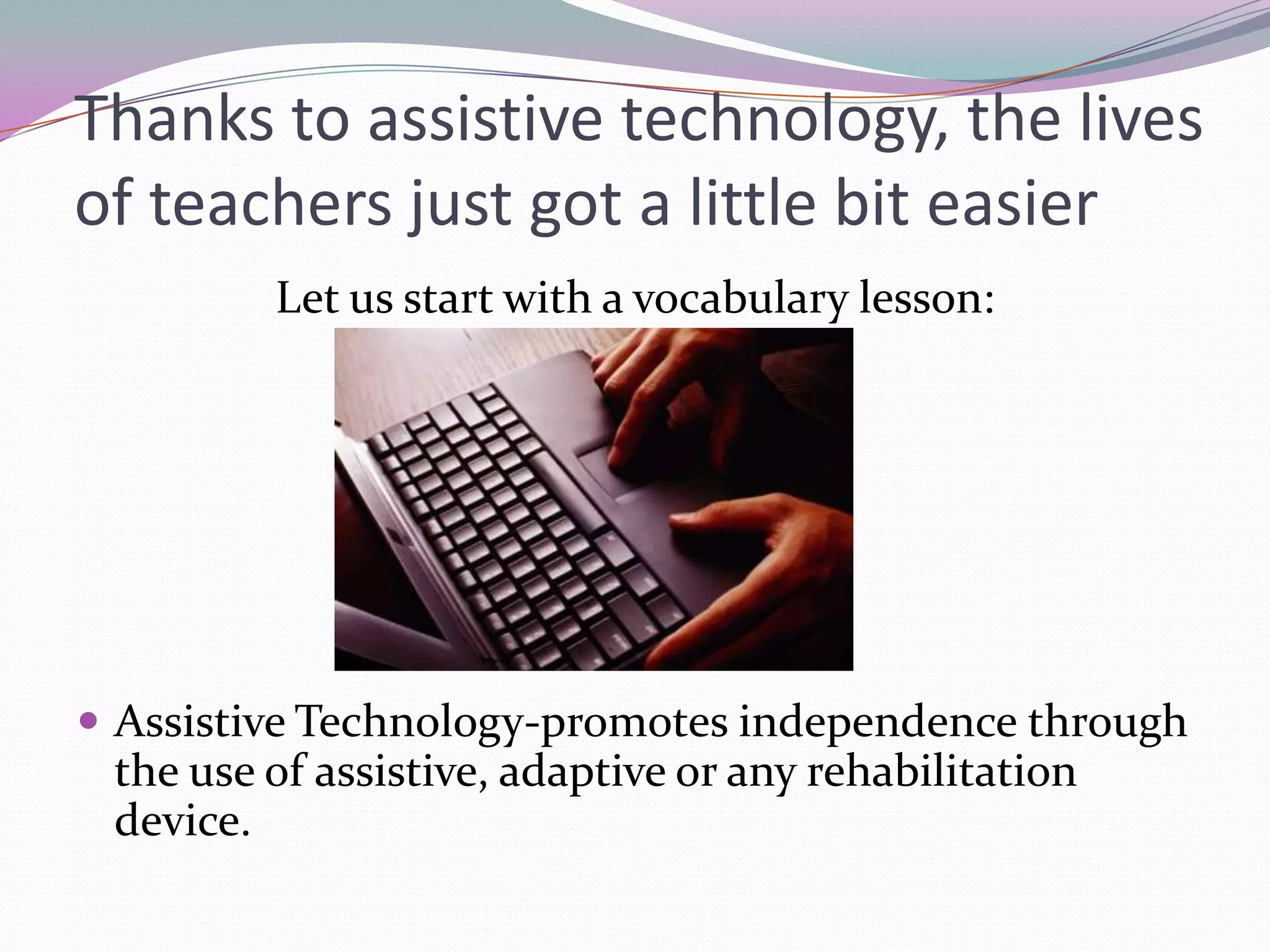
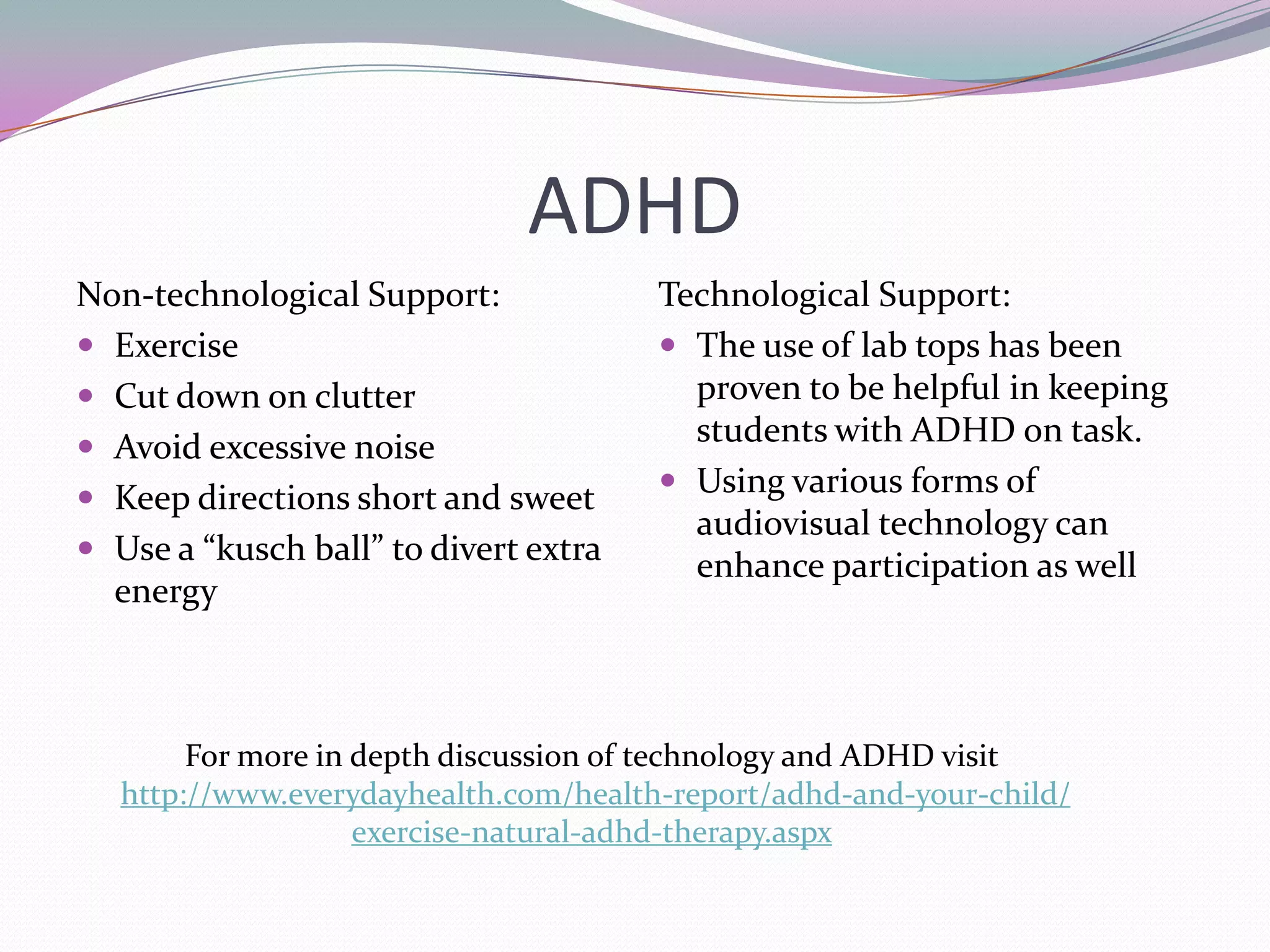
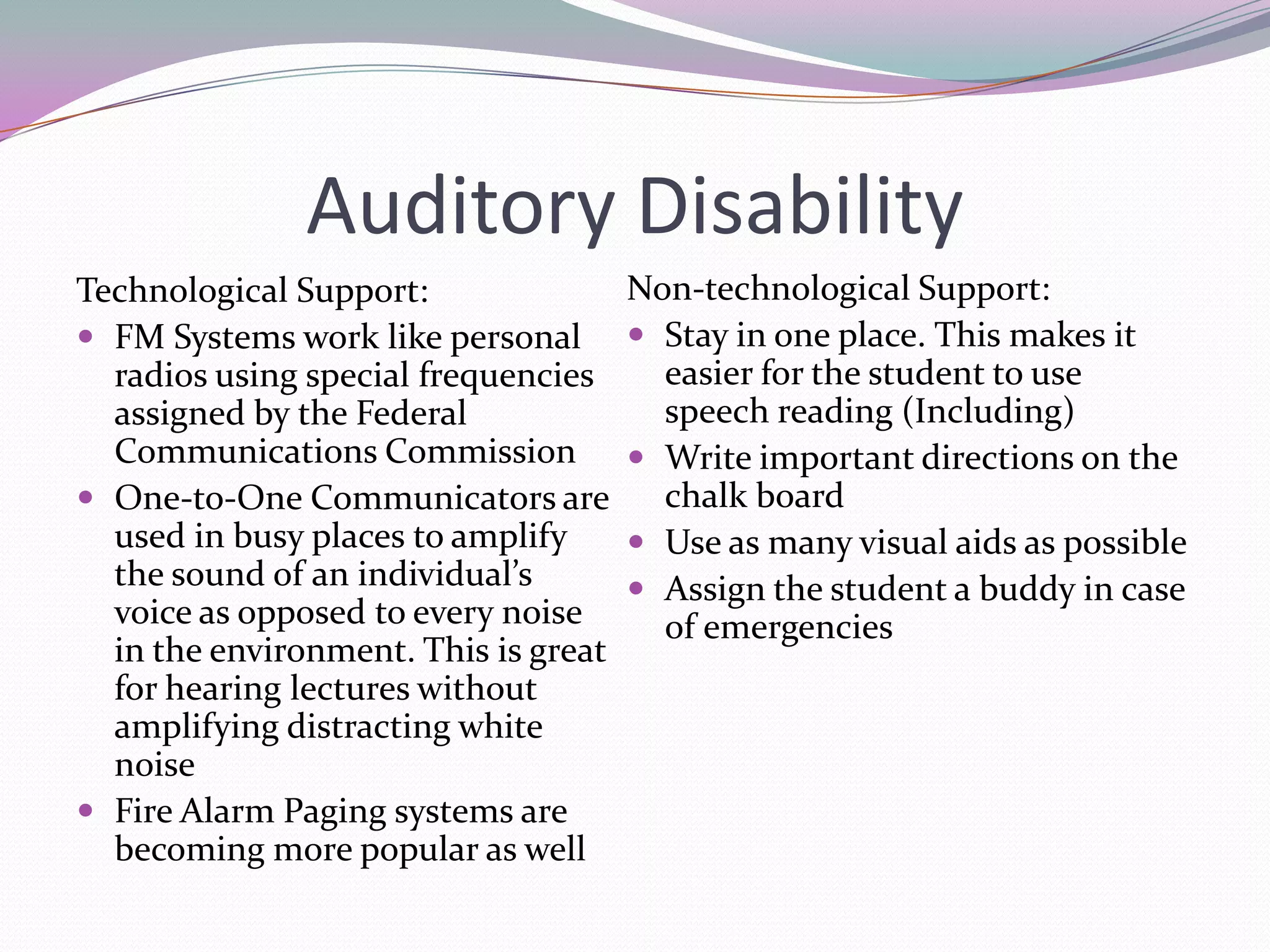
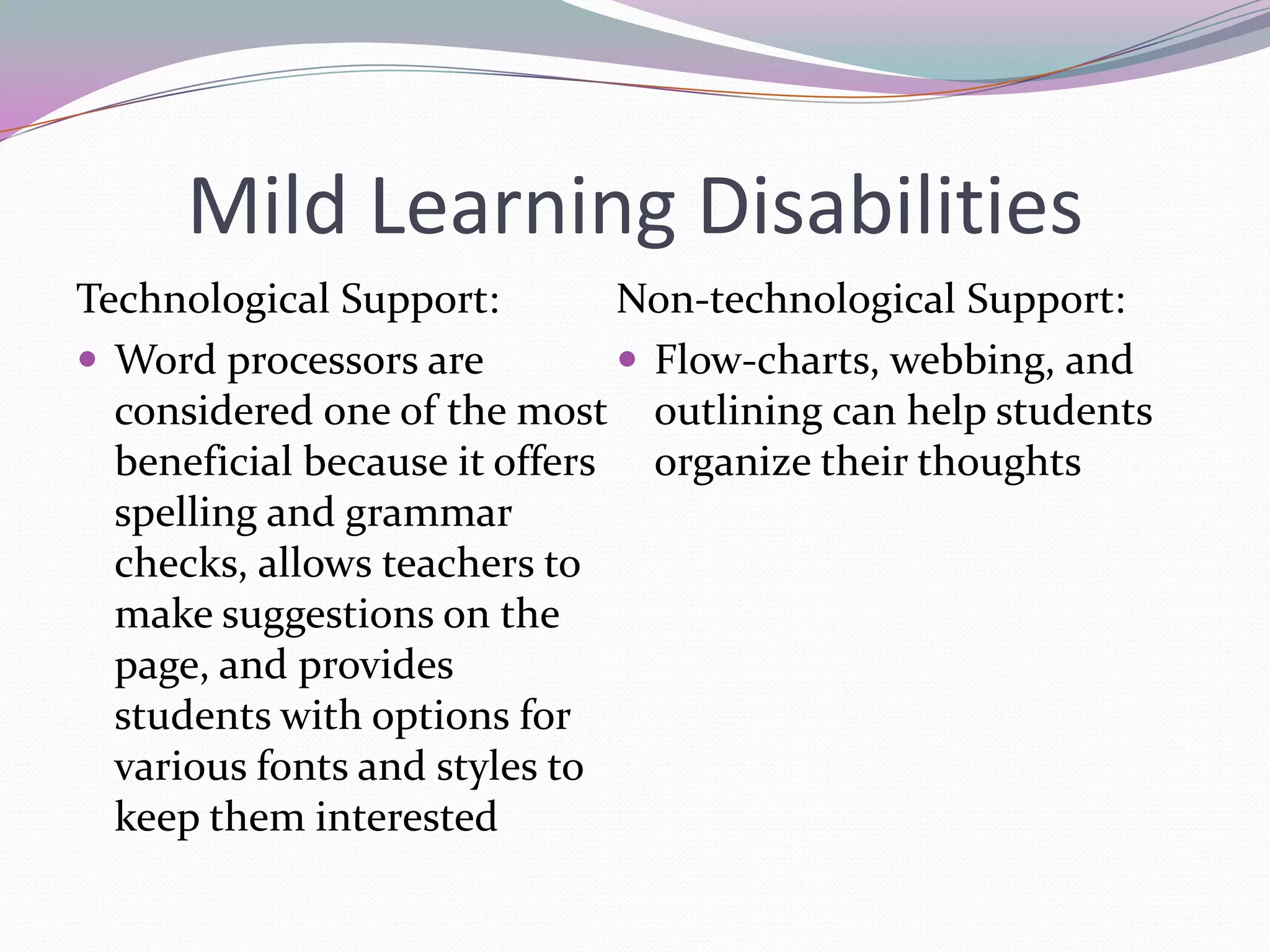
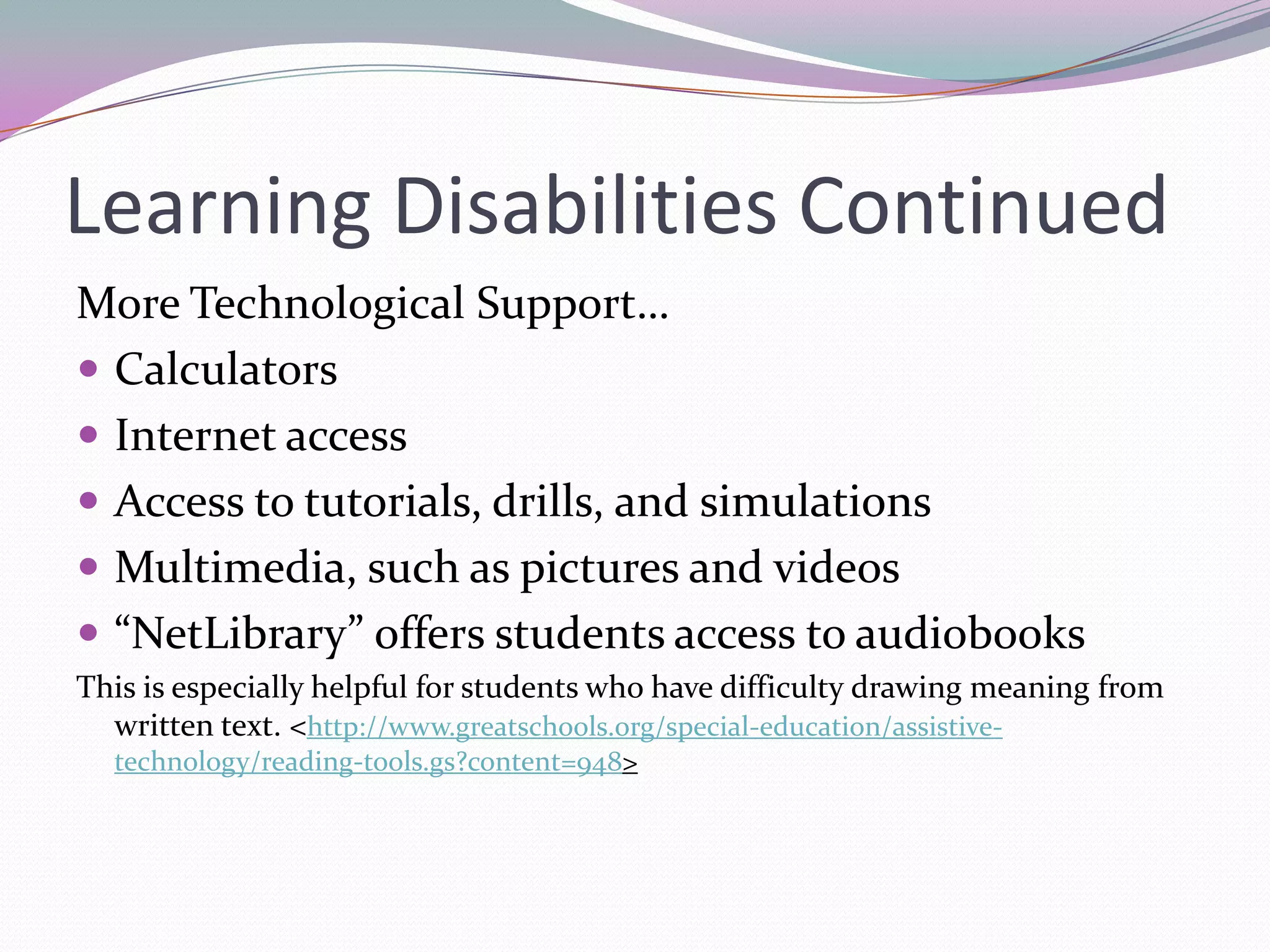
2) Examples of assistive technology that can help students with ADHD, auditory disabilities, and mild learning disabilities include laptops, audiovisual aids, FM systems, word processors, and multimedia tools.
3) Teachers should collect information about students, identify activities that need support, set goals, trial technologies, and adjust techniques based on outcomes to determine the most effective assistive technologies.