
Visio Professional 2007 for your EPM Process Webcast  September 30, 2009Sharon Summers               ITVAMP, LLCa Microsoft partnerRyan PaceRolanda RascoeMicrosoft Corporation
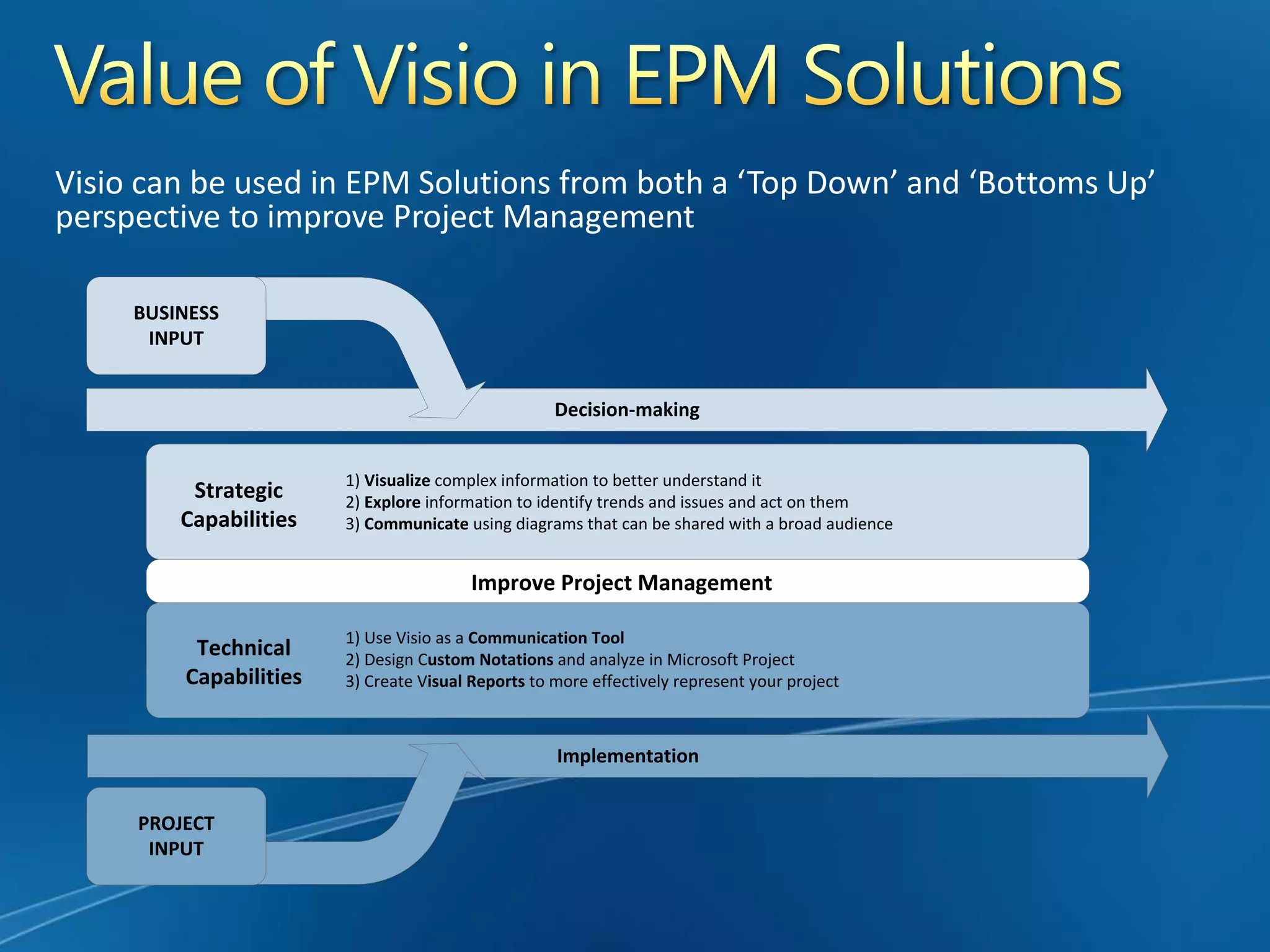
Value of Visio in EPM SolutionsVisio can be used in EPM Solutions from both a ‘Top Down’ and ‘Bottoms Up’ perspective to improve Project Management
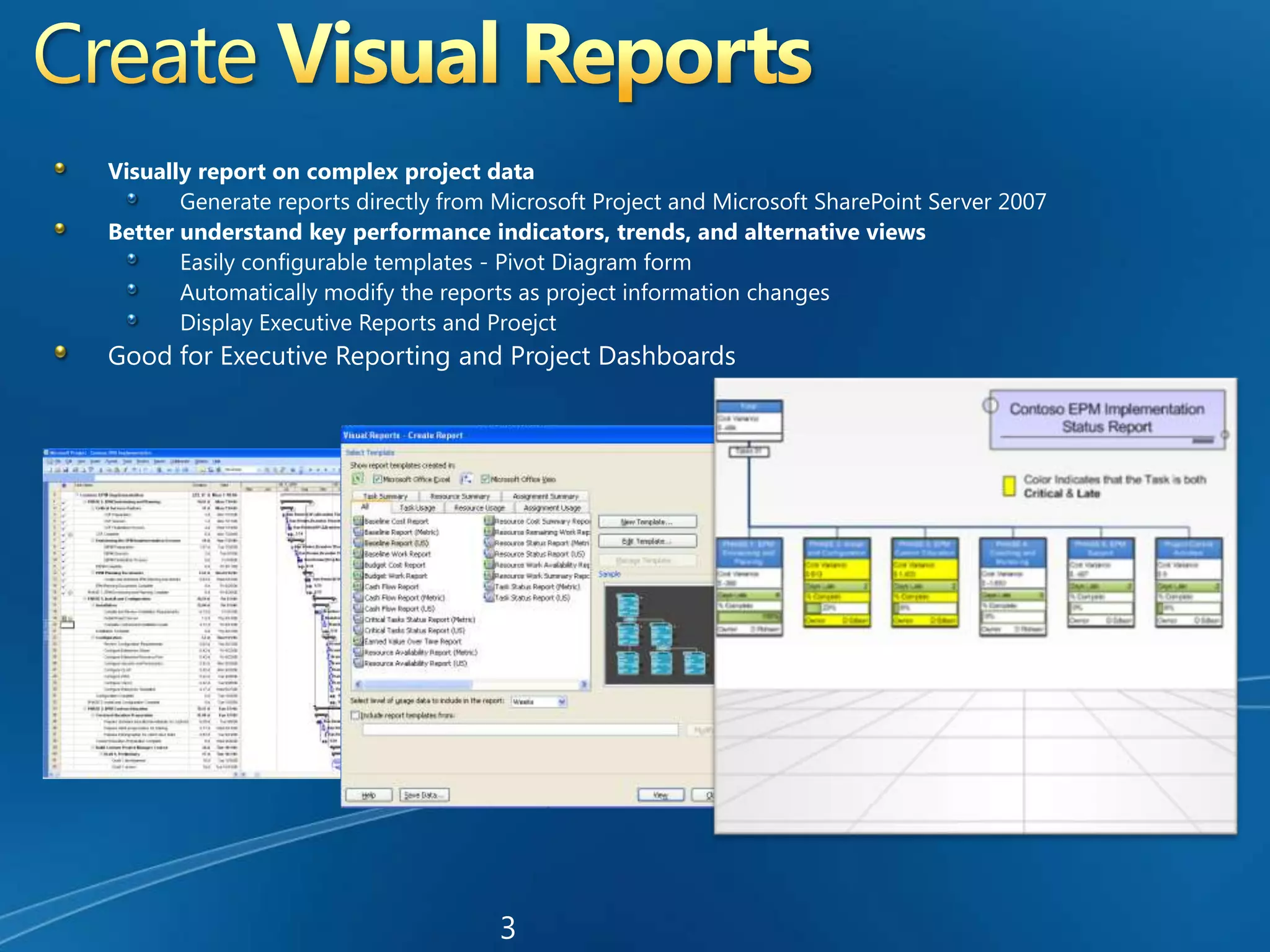
Create Visual ReportsVisually report on complex project dataGenerate reports directly from Microsoft Project and Microsoft SharePoint Server 2007Better understand key performance indicators, trends, and alternative viewsEasily configurable templates - Pivot Diagram formAutomatically modify the reports as project information changesDisplay Executive Reports and Proejct Good for Executive Reporting and Project Dashboards3
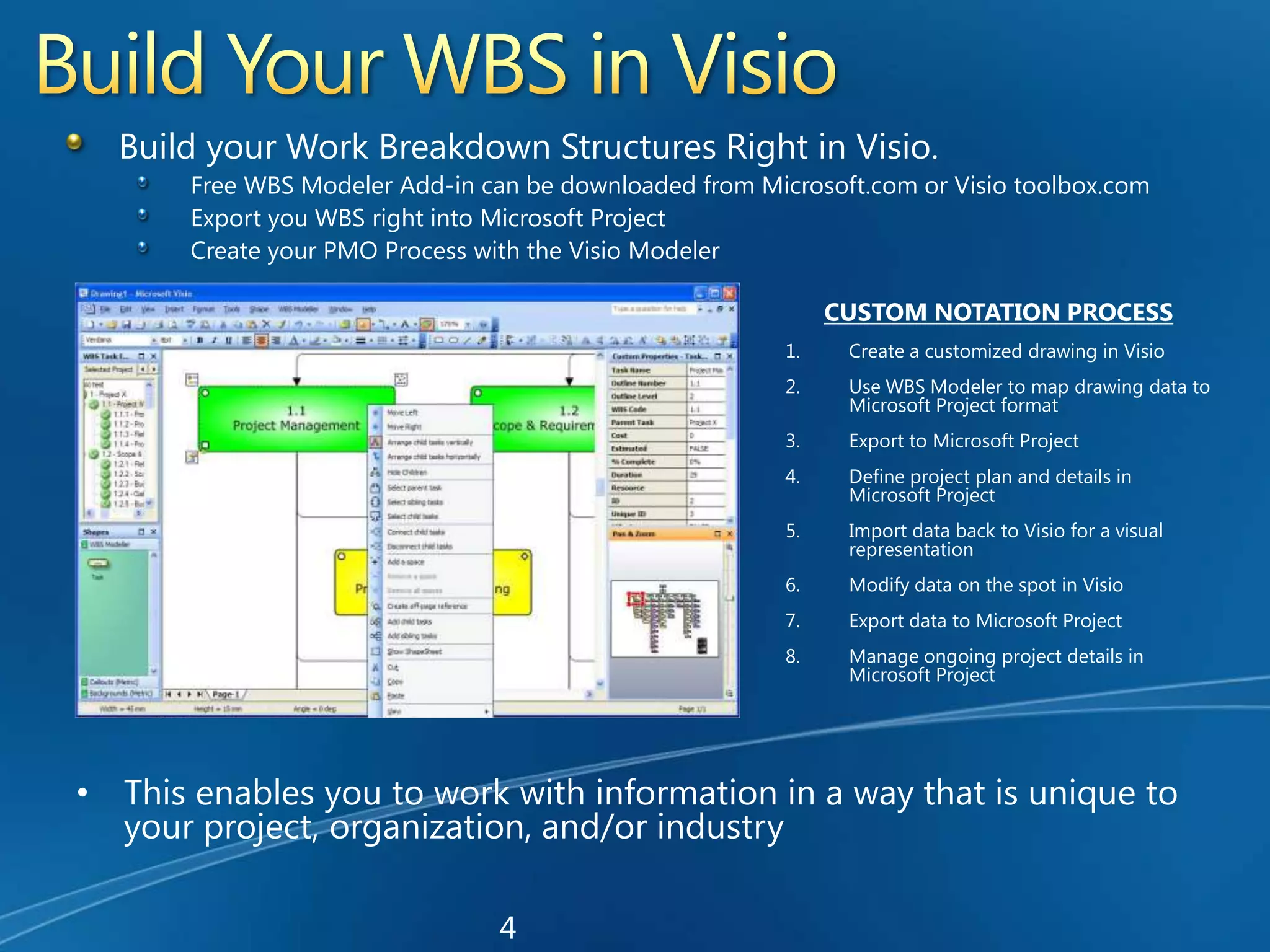
Build Your WBS in VisioBuild your Work Breakdown Structures Right in Visio.Free WBS Modeler Add-in can be downloaded from Microsoft.com or Visio toolbox.comExport you WBS right into Microsoft ProjectCreate your PMO Process with the Visio ModelerCUSTOM NOTATION PROCESSCreate a customized drawing in VisioUse WBS Modeler to map drawing data to Microsoft Project formatExport to Microsoft ProjectDefine project plan and details in Microsoft ProjectImport data back to Visio for a visual representationModify data on the spot in VisioExport data to Microsoft ProjectManage ongoing project details in Microsoft ProjectThis enables you to work with information in a way that is unique to your project, organization, and/or industry4
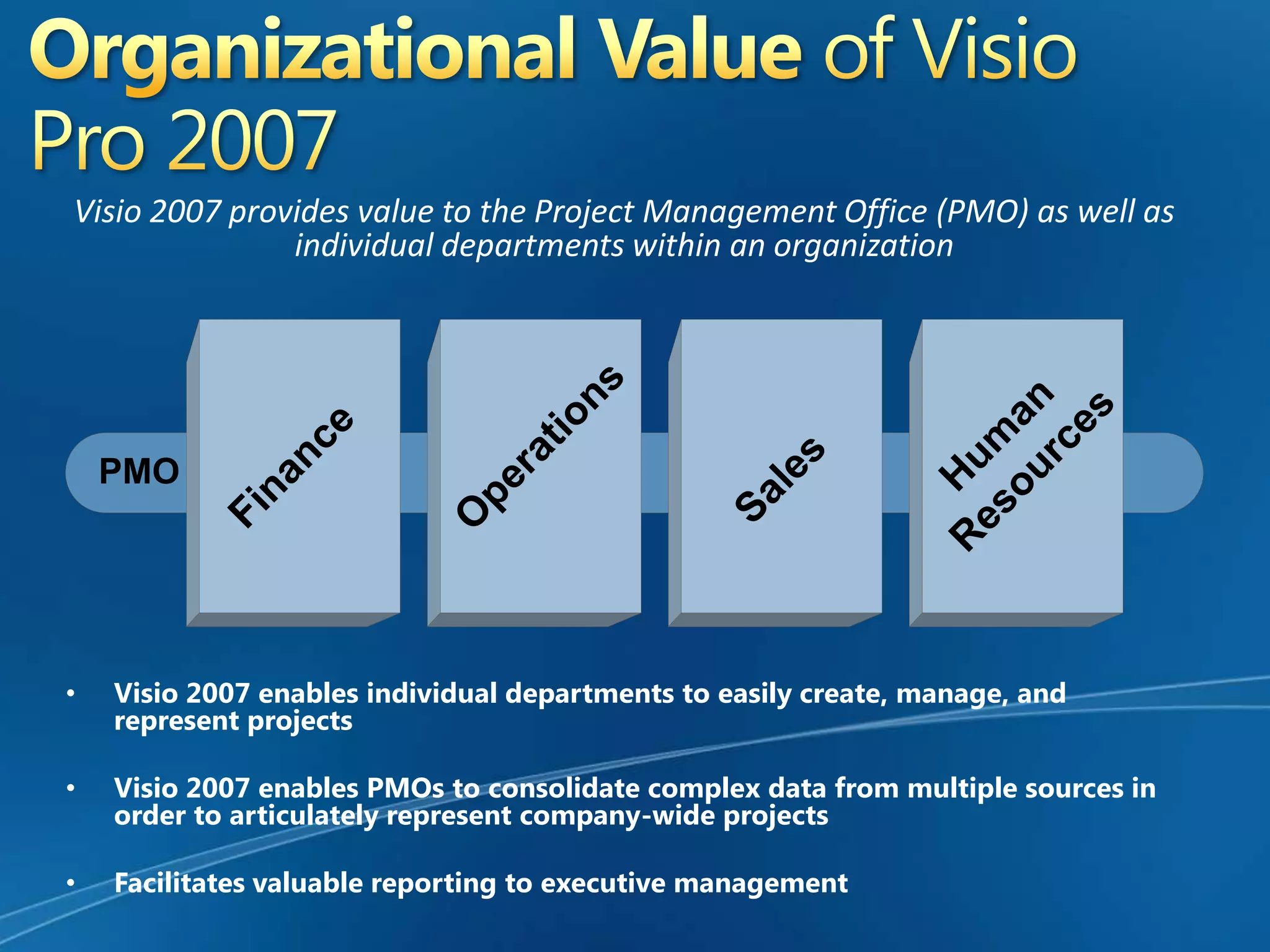
Organizational Value of Visio Pro 2007Visio 2007 provides value to the Project Management Office (PMO) as well as individual departments within an organizationVisio 2007 enables individual departments to easily create, manage, and represent projects
Visio 2007 enables PMOs to consolidate complex data from multiple sources in order to articulately represent company-wide projects
Facilitates valuable reporting to executive management
Enterprise Project ManagementThe Management of Projects from an enterprise level.In order to establish an EPM Solution, a Microsoft Technology Solution is installed that provides a shared view to all projects, such as a Project Server.The primary step to building an ePMO (Enterprise Project Management Office)      is to build your EPM Process.The Process Tool to the EPM is Visio Professional 2007
What can Visio Pro 2007 do?Build  your EPM Process ModelVisio can directly map process to the Microsoft EPM Tool.Map your technical requirements to the Business ProcessHelps with understanding the difference between IT Process vs. PMO ProcessCapture all Audit controlsDisplays all Associated ArtifactsSees all handoffsAssists in managing communications Know who is performing the work and more
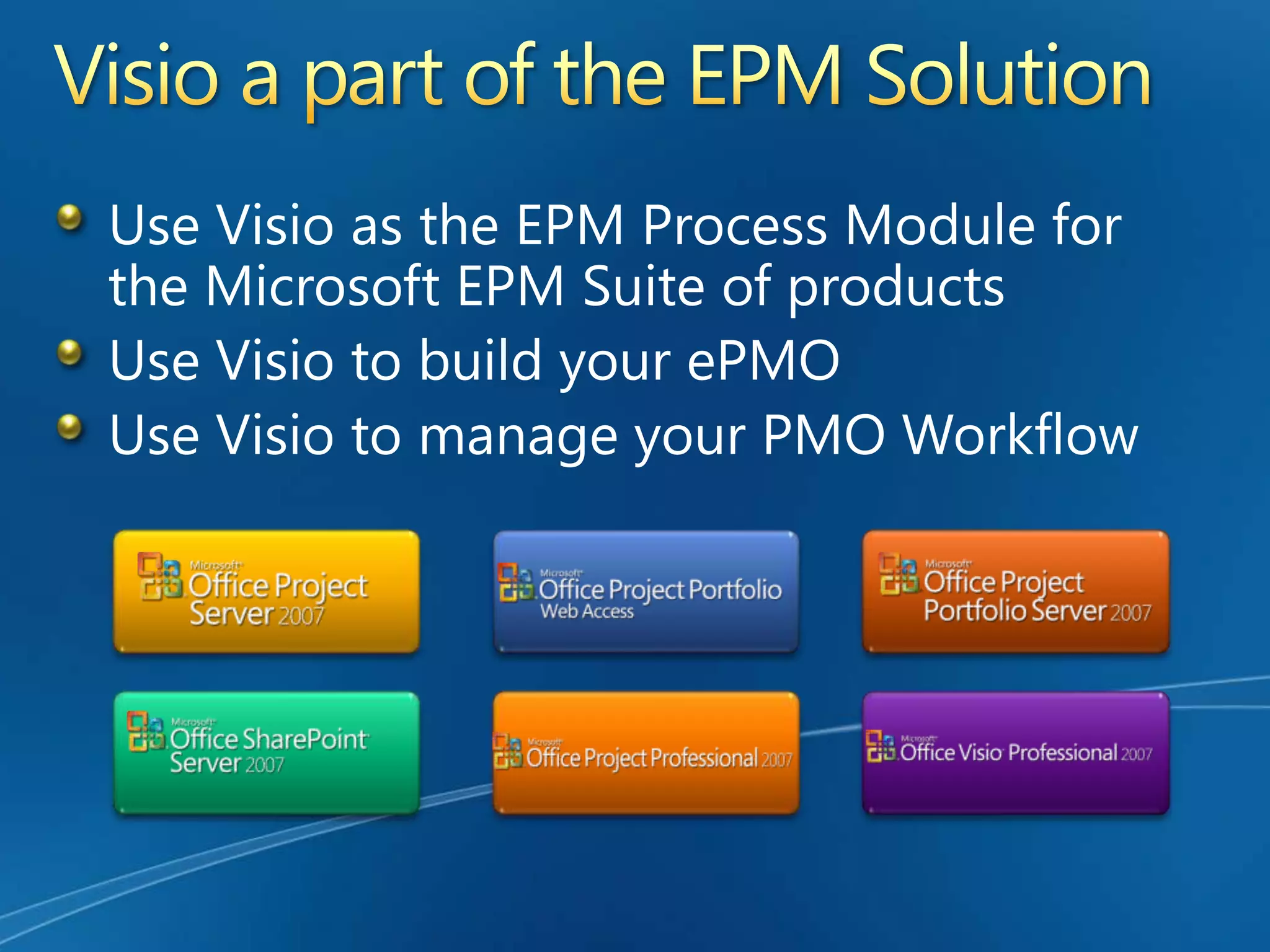
Visio a part of the EPM SolutionUse Visio as the EPM Process Module for the Microsoft EPM Suite of productsUse Visio to build your ePMOUse Visio to manage your PMO Workflow
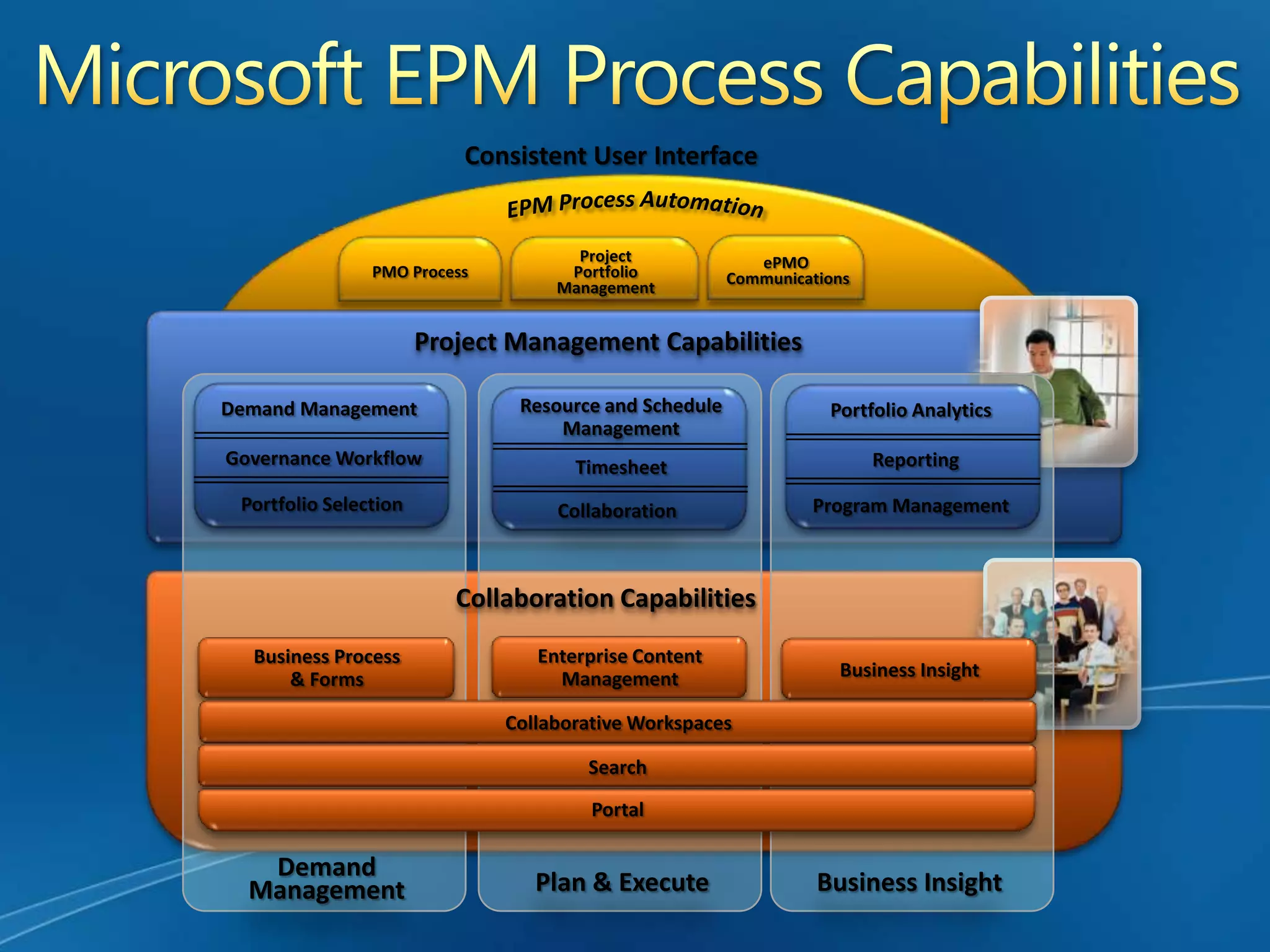
Microsoft EPM Process CapabilitiesConsistent User InterfaceEPM Process AutomationePMO CommunicationsProjectPortfolioManagementPMO ProcessProject Management CapabilitiesResource and Schedule ManagementDemand ManagementPortfolio AnalyticsGovernance WorkflowTimesheetReportingCollaborationPortfolio SelectionProgram ManagementCollaboration CapabilitiesEnterprise Content ManagementBusiness Process & FormsBusiness InsightCollaborative WorkspacesSearchPortalDemandManagementPlan & ExecuteBusiness Insight
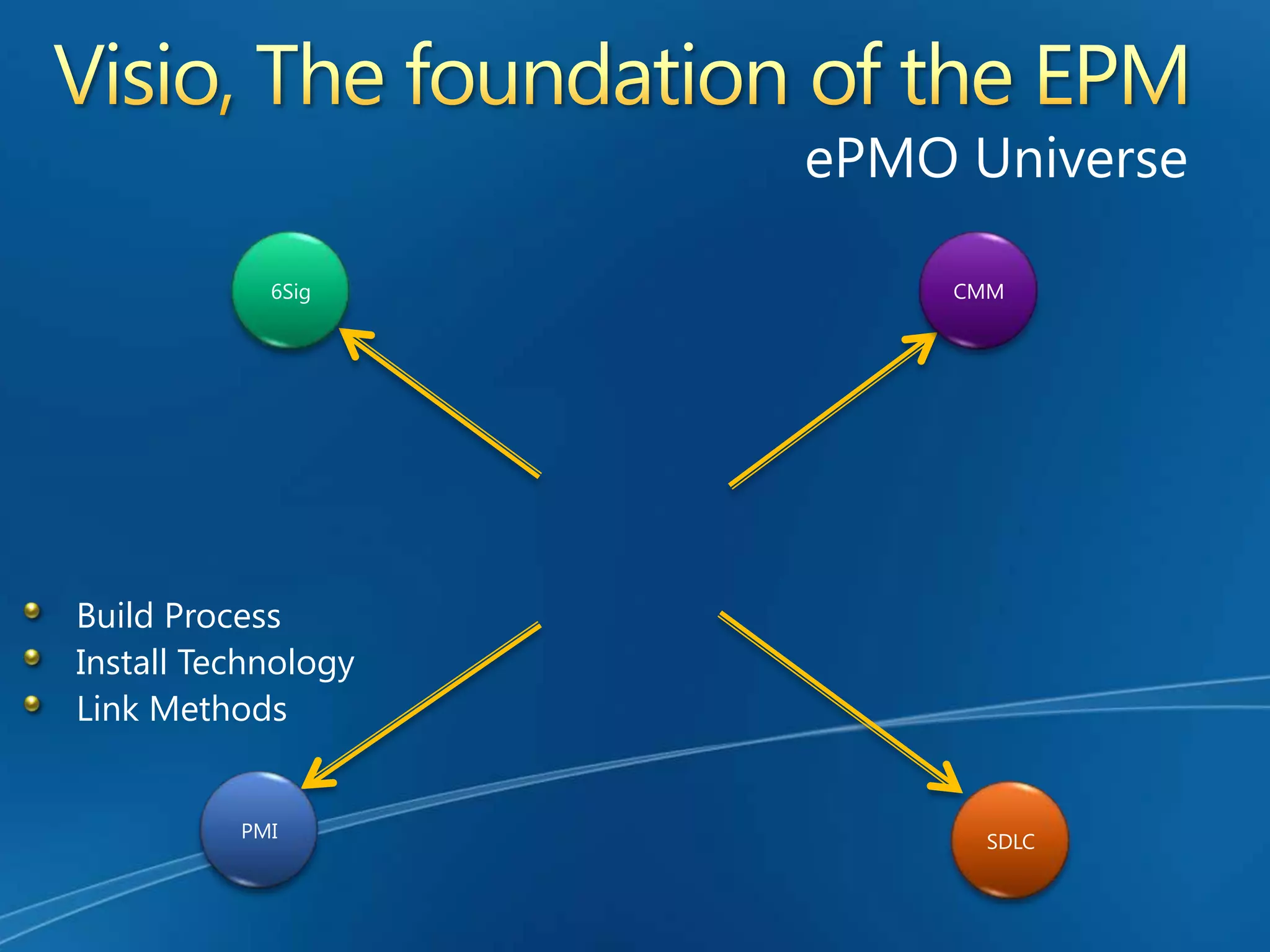
Visio, The foundation of the EPMePMO UniverseCMM6SigBuild ProcessInstall TechnologyLink MethodsPMISDLC
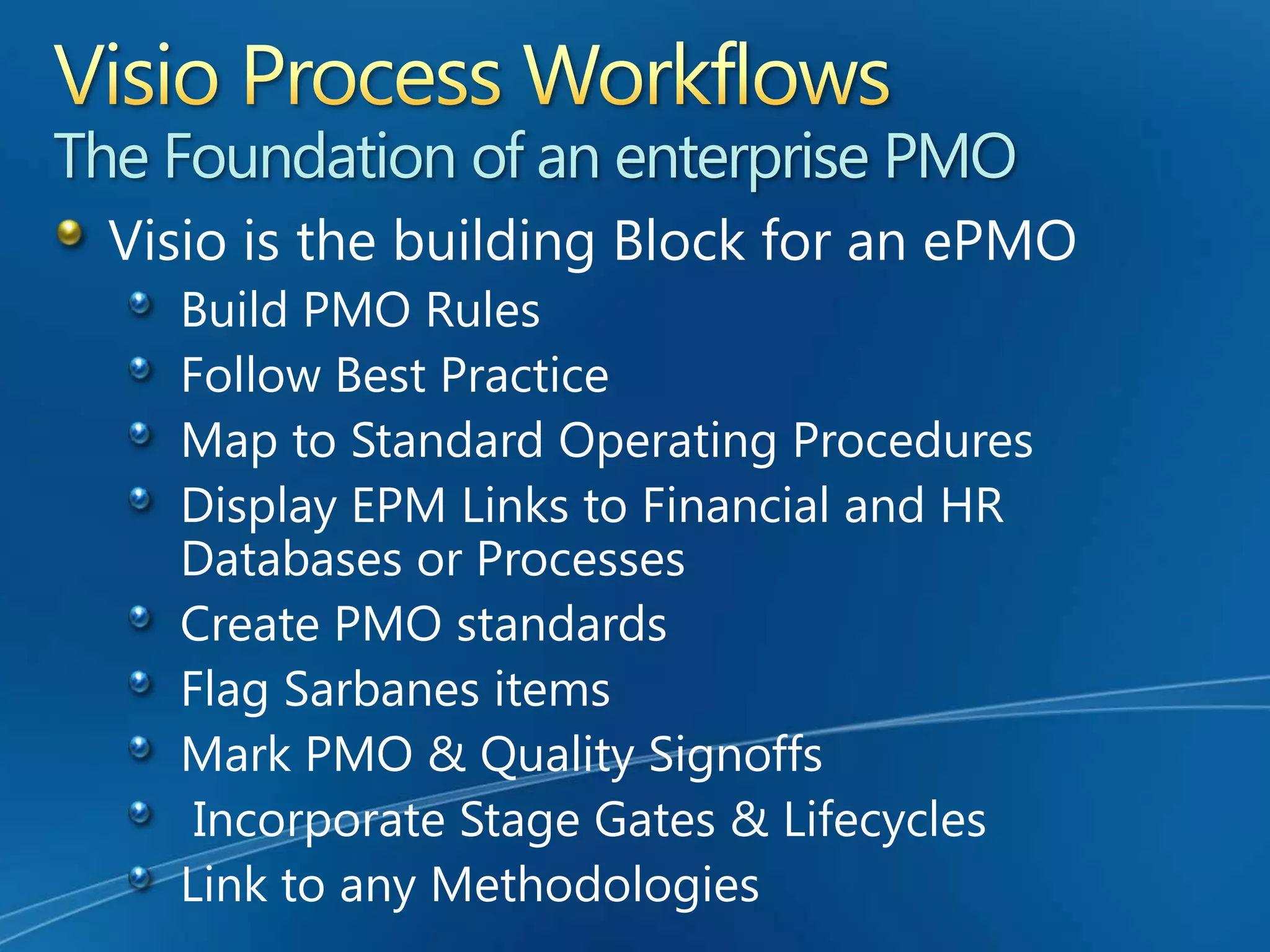
Visio Process WorkflowsThe Foundation of an enterprise PMOVisio is the building Block for an ePMOBuild PMO RulesFollow Best PracticeMap to Standard Operating ProceduresDisplay EPM Links to Financial and HR Databases or ProcessesCreate PMO standardsFlag Sarbanes itemsMark PMO & Quality Signoffs Incorporate Stage Gates & LifecyclesLink to any Methodologies
Visio Pro 2007 CommunicatesTrack communications in Visio WorkflowsFlag correspondences via email or phoneNote handoffs & key ePMO deliverablesShow MeetingsFlag SOX controls
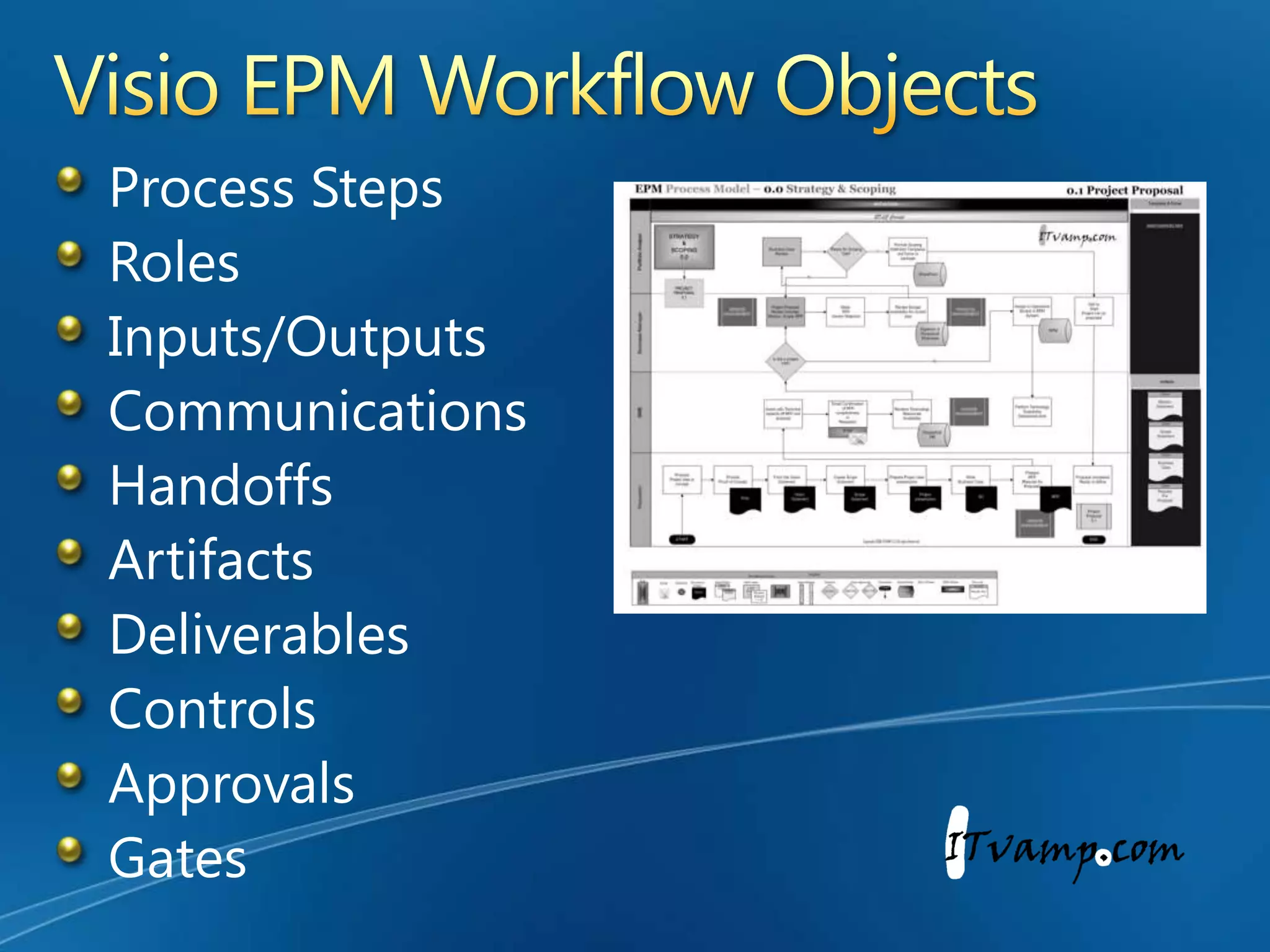
Visio EPM Workflow ObjectsProcess StepsRolesInputs/OutputsCommunicationsHandoffsArtifactsDeliverablesControlsApprovalsGates
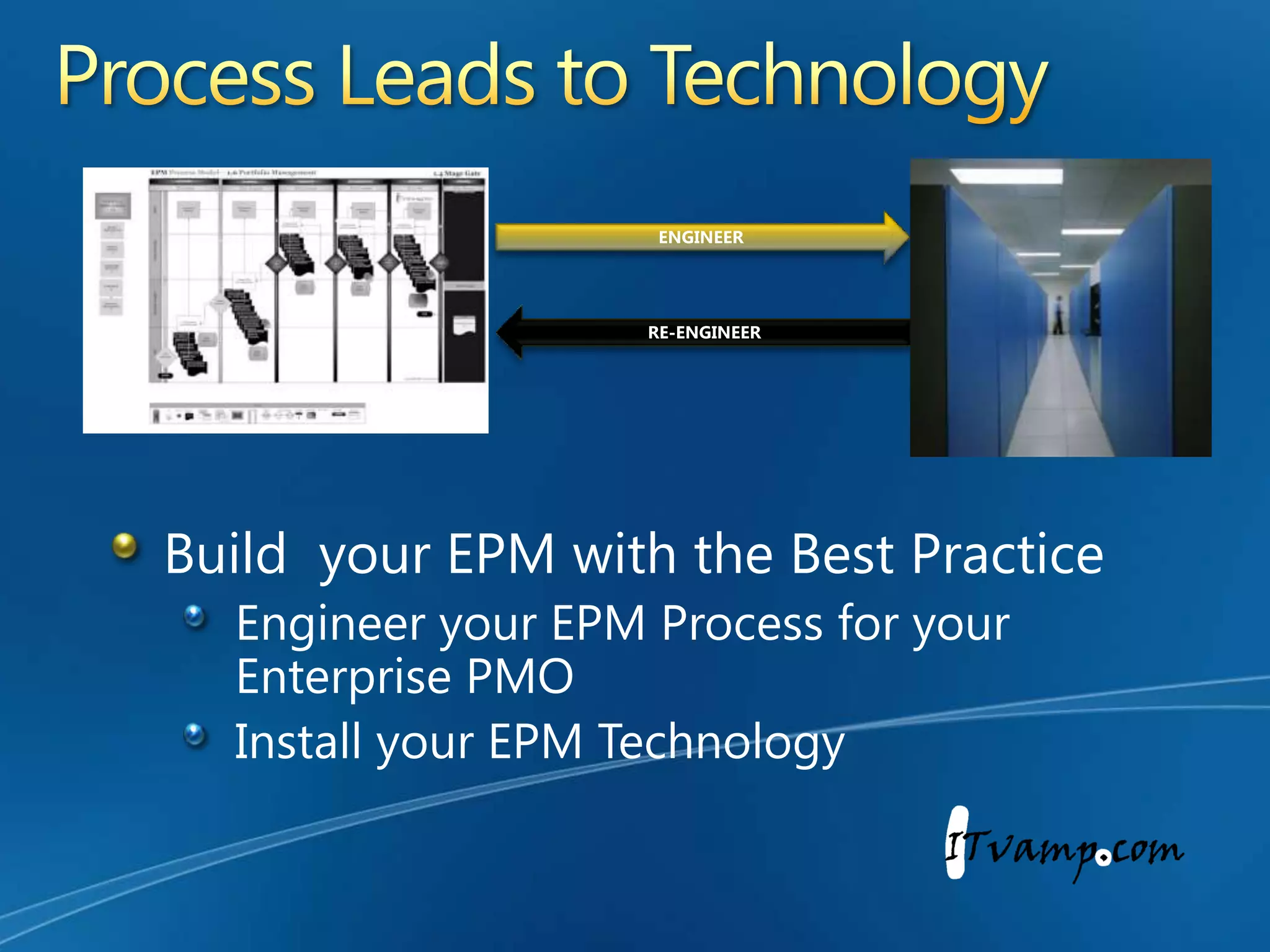
Process Leads to TechnologyENGINEERRE-ENGINEERBuild  your EPM with the Best PracticeEngineer your EPM Process for your Enterprise PMOInstall your EPM Technology
Who needs Visio Pro 2007?Resource AnalystsResource AdministratorsResource ManagerIT ArchitectsProject AdministratorsProject CoordinatorsSr. Project ManagersHR RepresentativesKey StakeholdersCustomer Relationship ManagersProcess EngineersPMO DirectorsPMO AnalystsPortfolio ManagersPortfolio AnalystsProgram ManagersProject ManagersFinancial AnalystsFinancial ManagersFunctional & Dept. Managers
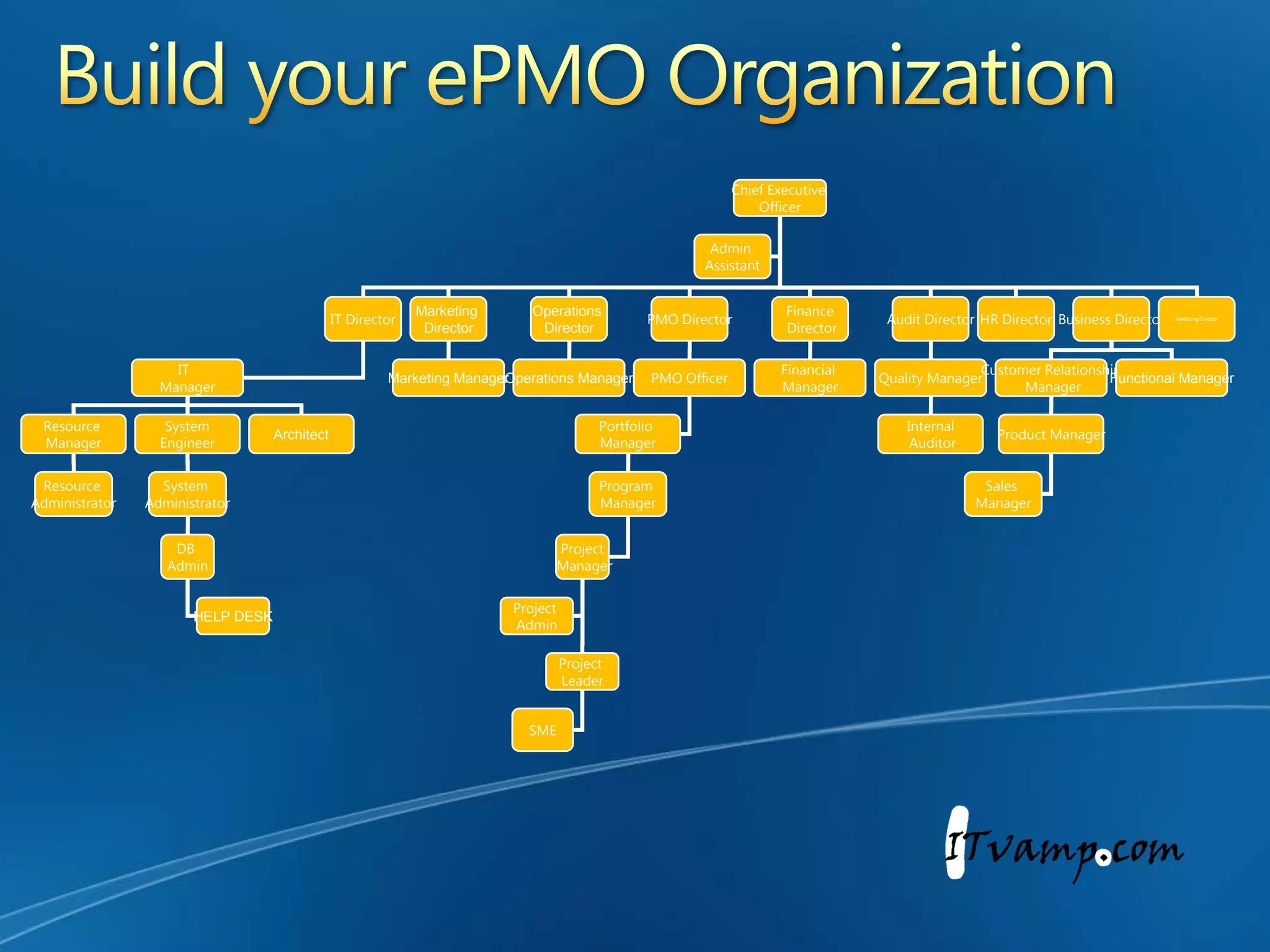
Chief Executive OfficerAdmin AssistantIT DirectorPMO DirectorFinance DirectorAudit DirectorHR DirectorBusiness DirectorOperations DirectorMarketing DirectorMarketing DirectorIT  ManagerPMO OfficerFinancial ManagerQuality ManagerCustomer Relationship ManagerFunctional ManagerOperations ManagerMarketing ManagerPortfolio ManagerResource ManagerSystemEngineerInternal AuditorProduct ManagerArchitectProgram ManagerResource AdministratorSales ManagerSystem AdministratorProject ManagerDB AdminProject AdminHELP DESKProject LeaderSMEBuild your ePMO Organization
Visio 2007 ePMO Process Workflow DesignLive examples Build your ePMO in VisioSharon Summers
Enterprise Project Manangement Office BuildsSharon SummersPresident & CEOITVAMP, LLCpartner
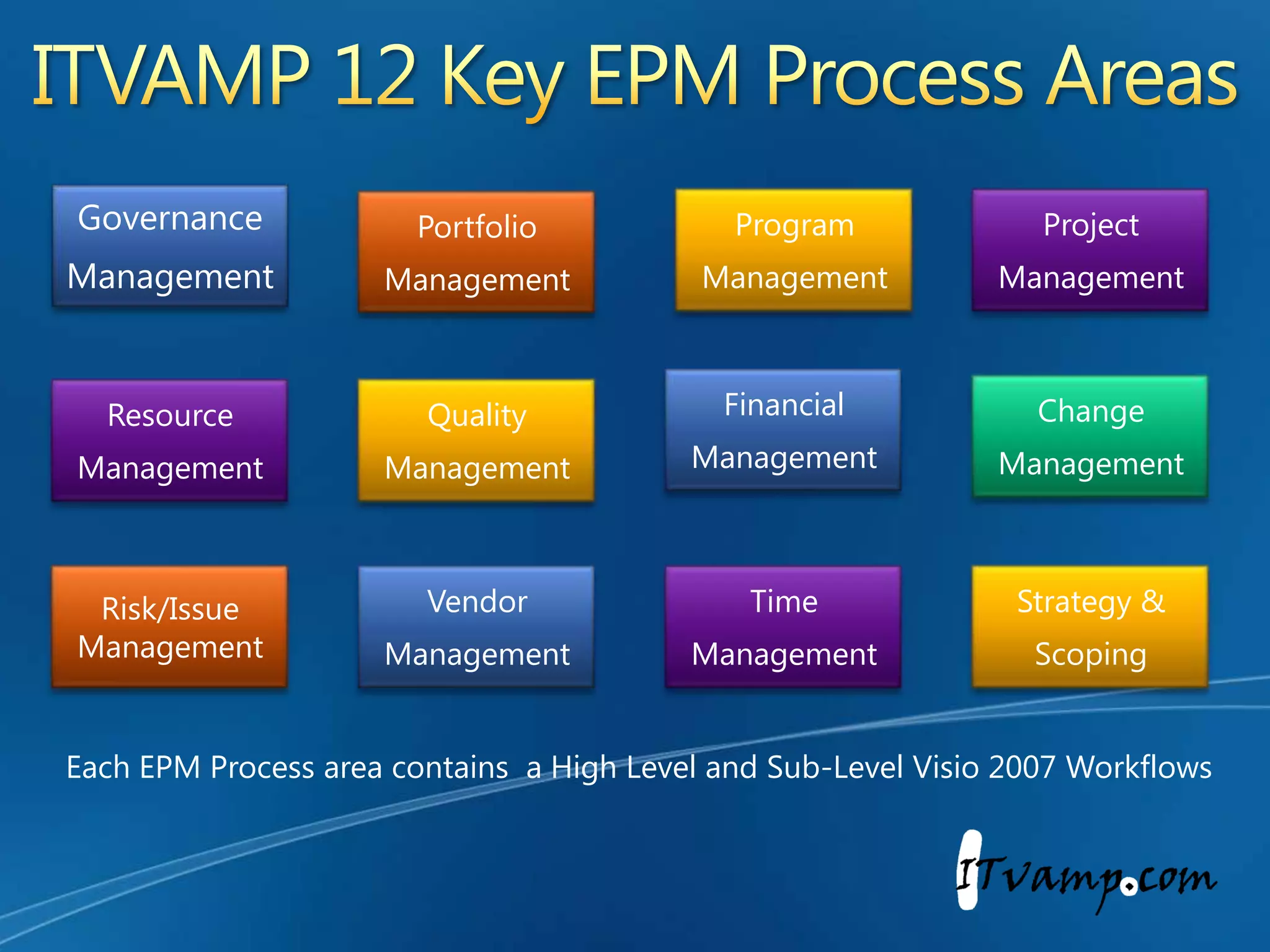
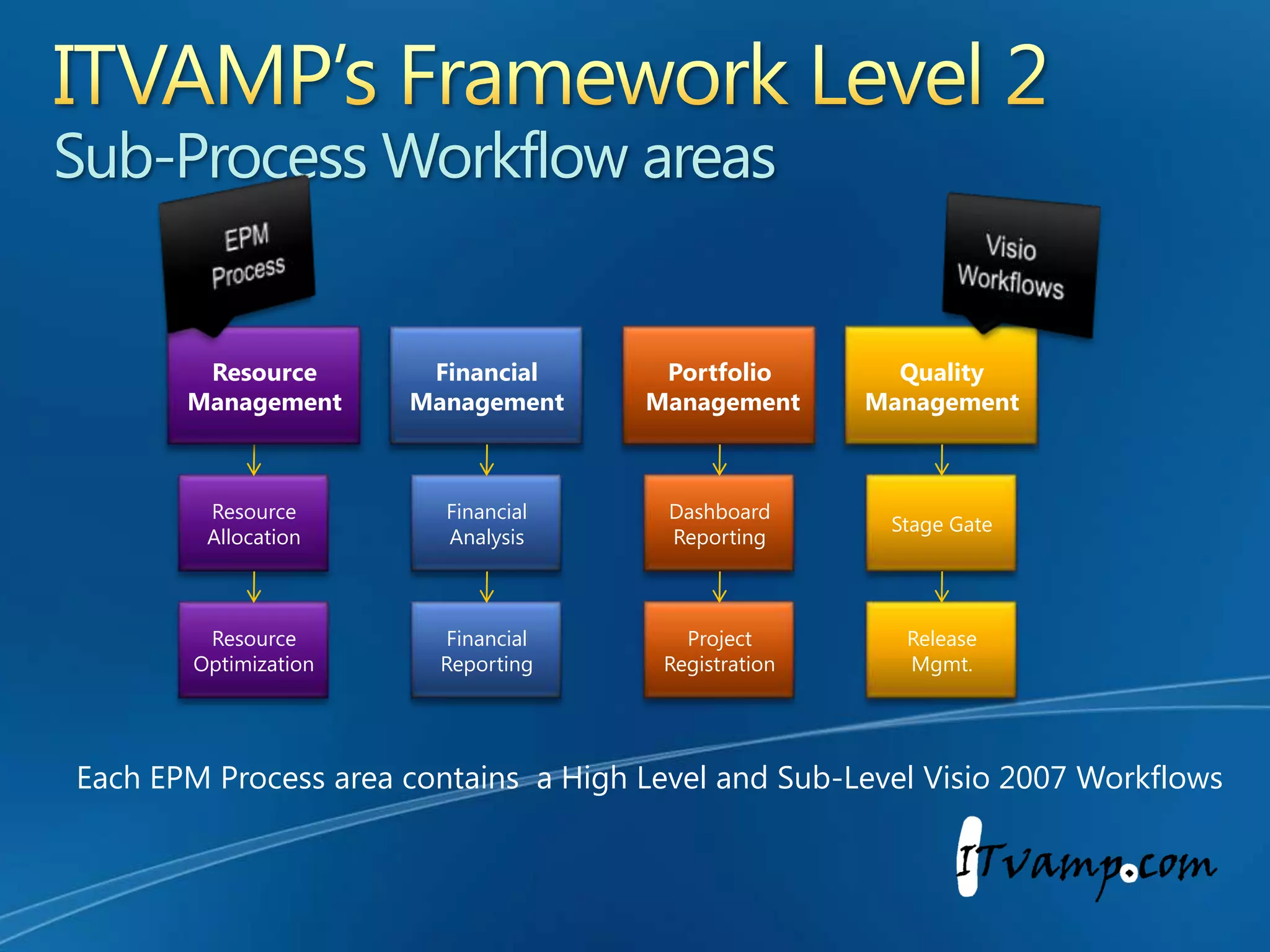
ITVAMP 12 Key EPM Process AreasEach EPM Process area contains  a High Level and Sub-Level Visio 2007 Workflows
ITVAMP’s Framework Level 2Sub-Process Workflow areas EPMProcessVisio WorkflowsFinancial ManagementPortfolio ManagementQuality  ManagementResource ManagementStage GateFinancialAnalysisResource AllocationDashboardReportingProject RegistrationResourceOptimizationFinancialReportingReleaseMgmt.Each EPM Process area contains  a High Level and Sub-Level Visio 2007 Workflows
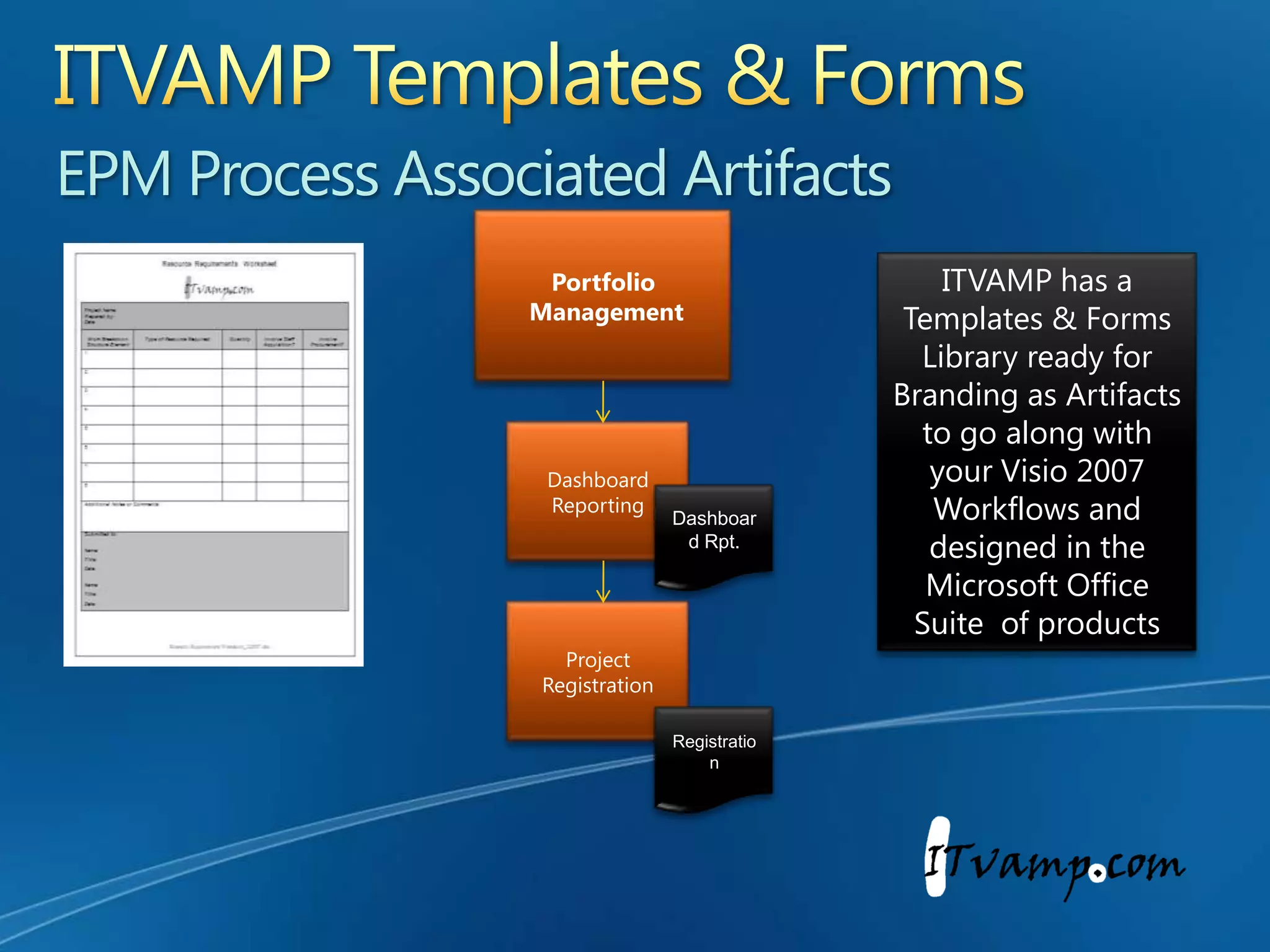
ITVAMP Templates & FormsEPM Process Associated Artifacts ITVAMP has a Templates & Forms Library ready for Branding as Artifacts to go along with your Visio 2007 Workflows and designed in the Microsoft Office Suite  of productsPortfolio ManagementDashboardReportingDashboard Rpt.Project RegistrationRegistration
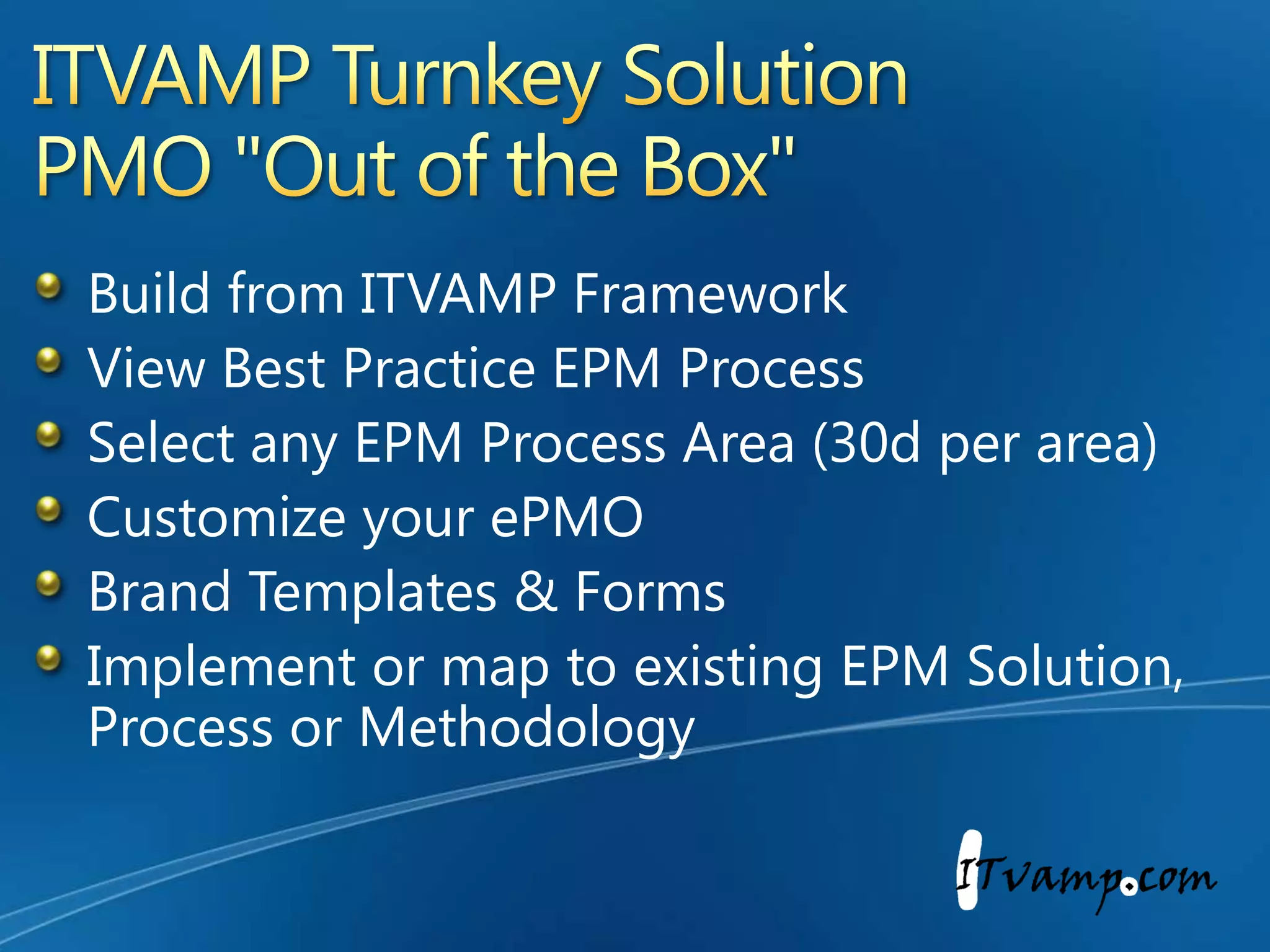
ITVAMP Turnkey SolutionPMO "Out of the Box"Build from ITVAMP FrameworkView Best Practice EPM ProcessSelect any EPM Process Area (30d per area) Customize your ePMOBrand Templates & FormsImplement or map to existing EPM Solution, Process or Methodology
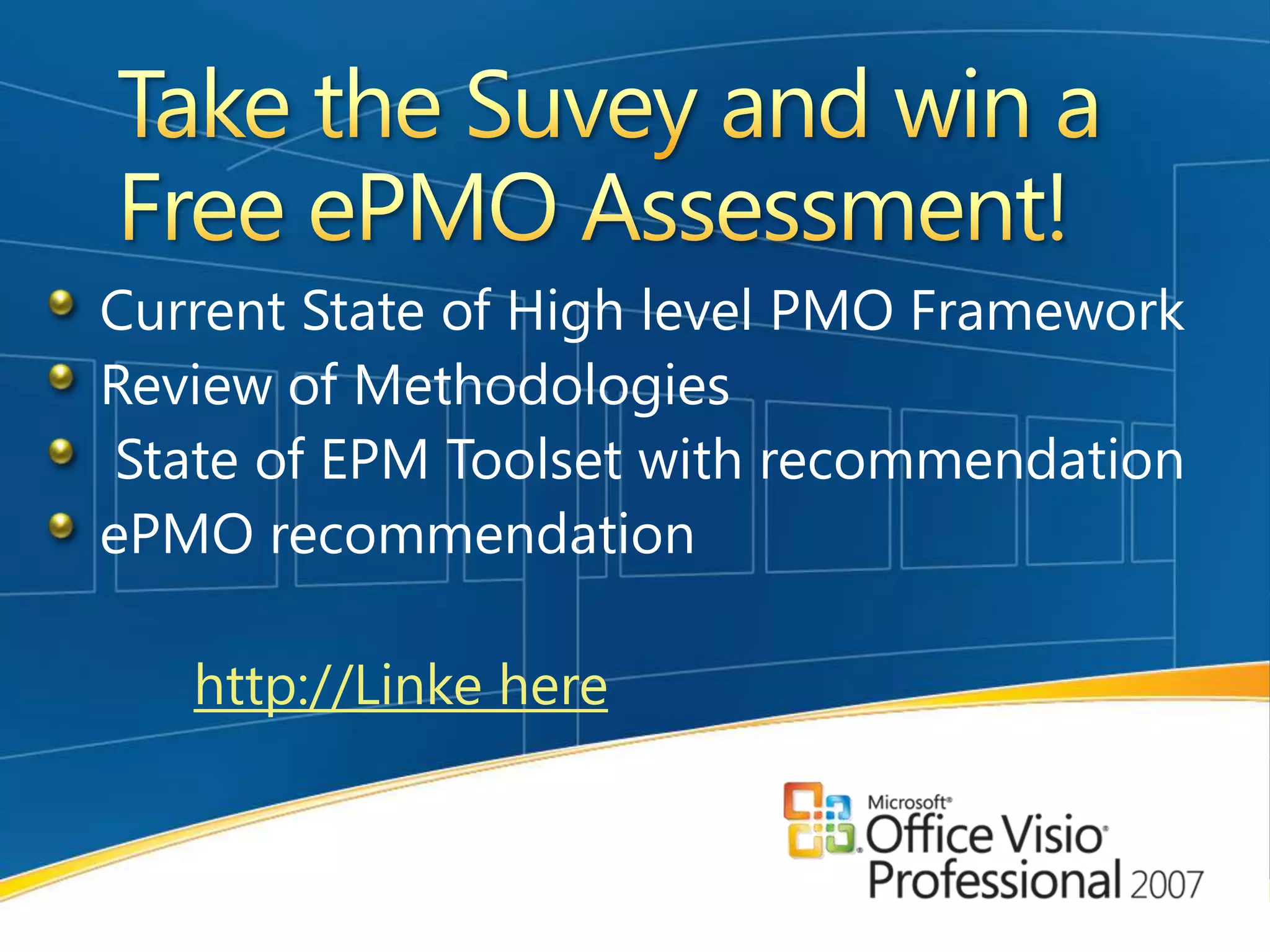
Take the Suvey and win a Free ePMO Assessment!Current State of High level PMO FrameworkReview of Methodologies State of EPM Toolset with recommendationePMO recommendationhttp://Linke here
Contact us!ITVAMP, LLC200 Campbell Drive, Suite 236Willingboro, New Jersey 08046609-532-4430We Revamp Your IT with Project Management Methodology!http://itvamp.wordpress.com

It Vamp Visio 2007 Presentation 090309

  • 1.
    Visio Professional 2007for your EPM Process Webcast September 30, 2009Sharon Summers ITVAMP, LLCa Microsoft partnerRyan PaceRolanda RascoeMicrosoft Corporation
  • 2.
    Value of Visioin EPM SolutionsVisio can be used in EPM Solutions from both a ‘Top Down’ and ‘Bottoms Up’ perspective to improve Project Management
  • 3.
    Create Visual ReportsVisuallyreport on complex project dataGenerate reports directly from Microsoft Project and Microsoft SharePoint Server 2007Better understand key performance indicators, trends, and alternative viewsEasily configurable templates - Pivot Diagram formAutomatically modify the reports as project information changesDisplay Executive Reports and Proejct Good for Executive Reporting and Project Dashboards3
  • 4.
    Build Your WBSin VisioBuild your Work Breakdown Structures Right in Visio.Free WBS Modeler Add-in can be downloaded from Microsoft.com or Visio toolbox.comExport you WBS right into Microsoft ProjectCreate your PMO Process with the Visio ModelerCUSTOM NOTATION PROCESSCreate a customized drawing in VisioUse WBS Modeler to map drawing data to Microsoft Project formatExport to Microsoft ProjectDefine project plan and details in Microsoft ProjectImport data back to Visio for a visual representationModify data on the spot in VisioExport data to Microsoft ProjectManage ongoing project details in Microsoft ProjectThis enables you to work with information in a way that is unique to your project, organization, and/or industry4
  • 5.
    Organizational Value ofVisio Pro 2007Visio 2007 provides value to the Project Management Office (PMO) as well as individual departments within an organizationVisio 2007 enables individual departments to easily create, manage, and represent projects
  • 6.
    Visio 2007 enablesPMOs to consolidate complex data from multiple sources in order to articulately represent company-wide projects
  • 7.
    Facilitates valuable reportingto executive management
  • 8.
    Enterprise Project ManagementTheManagement of Projects from an enterprise level.In order to establish an EPM Solution, a Microsoft Technology Solution is installed that provides a shared view to all projects, such as a Project Server.The primary step to building an ePMO (Enterprise Project Management Office) is to build your EPM Process.The Process Tool to the EPM is Visio Professional 2007
  • 9.
    What can VisioPro 2007 do?Build your EPM Process ModelVisio can directly map process to the Microsoft EPM Tool.Map your technical requirements to the Business ProcessHelps with understanding the difference between IT Process vs. PMO ProcessCapture all Audit controlsDisplays all Associated ArtifactsSees all handoffsAssists in managing communications Know who is performing the work and more
  • 10.
    Visio a partof the EPM SolutionUse Visio as the EPM Process Module for the Microsoft EPM Suite of productsUse Visio to build your ePMOUse Visio to manage your PMO Workflow
  • 11.
    Microsoft EPM ProcessCapabilitiesConsistent User InterfaceEPM Process AutomationePMO CommunicationsProjectPortfolioManagementPMO ProcessProject Management CapabilitiesResource and Schedule ManagementDemand ManagementPortfolio AnalyticsGovernance WorkflowTimesheetReportingCollaborationPortfolio SelectionProgram ManagementCollaboration CapabilitiesEnterprise Content ManagementBusiness Process & FormsBusiness InsightCollaborative WorkspacesSearchPortalDemandManagementPlan & ExecuteBusiness Insight
  • 12.
    Visio, The foundationof the EPMePMO UniverseCMM6SigBuild ProcessInstall TechnologyLink MethodsPMISDLC
  • 13.
    Visio Process WorkflowsTheFoundation of an enterprise PMOVisio is the building Block for an ePMOBuild PMO RulesFollow Best PracticeMap to Standard Operating ProceduresDisplay EPM Links to Financial and HR Databases or ProcessesCreate PMO standardsFlag Sarbanes itemsMark PMO & Quality Signoffs Incorporate Stage Gates & LifecyclesLink to any Methodologies
  • 14.
    Visio Pro 2007CommunicatesTrack communications in Visio WorkflowsFlag correspondences via email or phoneNote handoffs & key ePMO deliverablesShow MeetingsFlag SOX controls
  • 15.
    Visio EPM WorkflowObjectsProcess StepsRolesInputs/OutputsCommunicationsHandoffsArtifactsDeliverablesControlsApprovalsGates
  • 16.
    Process Leads toTechnologyENGINEERRE-ENGINEERBuild your EPM with the Best PracticeEngineer your EPM Process for your Enterprise PMOInstall your EPM Technology
  • 17.
    Who needs VisioPro 2007?Resource AnalystsResource AdministratorsResource ManagerIT ArchitectsProject AdministratorsProject CoordinatorsSr. Project ManagersHR RepresentativesKey StakeholdersCustomer Relationship ManagersProcess EngineersPMO DirectorsPMO AnalystsPortfolio ManagersPortfolio AnalystsProgram ManagersProject ManagersFinancial AnalystsFinancial ManagersFunctional & Dept. Managers
  • 18.
    Chief Executive OfficerAdminAssistantIT DirectorPMO DirectorFinance DirectorAudit DirectorHR DirectorBusiness DirectorOperations DirectorMarketing DirectorMarketing DirectorIT ManagerPMO OfficerFinancial ManagerQuality ManagerCustomer Relationship ManagerFunctional ManagerOperations ManagerMarketing ManagerPortfolio ManagerResource ManagerSystemEngineerInternal AuditorProduct ManagerArchitectProgram ManagerResource AdministratorSales ManagerSystem AdministratorProject ManagerDB AdminProject AdminHELP DESKProject LeaderSMEBuild your ePMO Organization
  • 19.
    Visio 2007 ePMOProcess Workflow DesignLive examples Build your ePMO in VisioSharon Summers
  • 20.
    Enterprise Project ManangementOffice BuildsSharon SummersPresident & CEOITVAMP, LLCpartner
  • 21.
    ITVAMP 12 KeyEPM Process AreasEach EPM Process area contains a High Level and Sub-Level Visio 2007 Workflows
  • 22.
    ITVAMP’s Framework Level2Sub-Process Workflow areas EPMProcessVisio WorkflowsFinancial ManagementPortfolio ManagementQuality ManagementResource ManagementStage GateFinancialAnalysisResource AllocationDashboardReportingProject RegistrationResourceOptimizationFinancialReportingReleaseMgmt.Each EPM Process area contains a High Level and Sub-Level Visio 2007 Workflows
  • 23.
    ITVAMP Templates &FormsEPM Process Associated Artifacts ITVAMP has a Templates & Forms Library ready for Branding as Artifacts to go along with your Visio 2007 Workflows and designed in the Microsoft Office Suite of productsPortfolio ManagementDashboardReportingDashboard Rpt.Project RegistrationRegistration
  • 24.
    ITVAMP Turnkey SolutionPMO"Out of the Box"Build from ITVAMP FrameworkView Best Practice EPM ProcessSelect any EPM Process Area (30d per area) Customize your ePMOBrand Templates & FormsImplement or map to existing EPM Solution, Process or Methodology
  • 25.
    Take the Suveyand win a Free ePMO Assessment!Current State of High level PMO FrameworkReview of Methodologies State of EPM Toolset with recommendationePMO recommendationhttp://Linke here
  • 26.
    Contact us!ITVAMP, LLC200Campbell Drive, Suite 236Willingboro, New Jersey 08046609-532-4430We Revamp Your IT with Project Management Methodology!http://itvamp.wordpress.com
  • 27.
    © 2009 MicrosoftCorporation. All rights reserved. Microsoft, Windows, Windows Vista and other product names are or may be registered trademarks and/or trademarks in the U.S. and/or other countries.The information herein is for informational purposes only and represents the current view of Microsoft Corporation as of the date of this presentation. Because Microsoft must respond to changing market conditions, it should not be interpreted to be a commitment on the part of Microsoft, and Microsoft cannot guarantee the accuracy of any information provided after the date of this presentation. MICROSOFT MAKES NO WARRANTIES, EXPRESS, IMPLIED OR STATUTORY, AS TO THE INFORMATION IN THIS PRESENTATION.

Editor's Notes

  • #4 Examples shown in FOSH scenarios (slides 17-21)