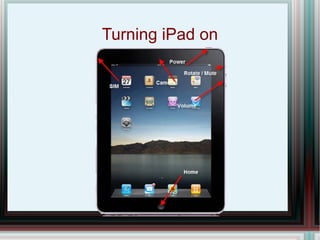
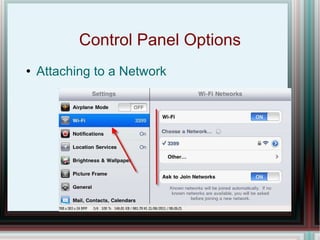
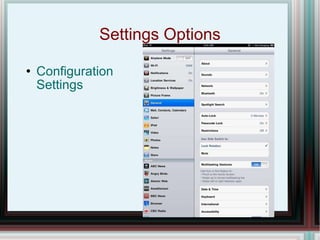
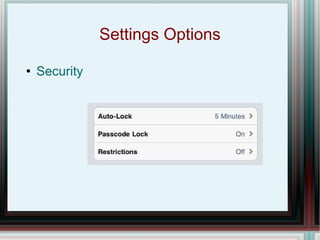
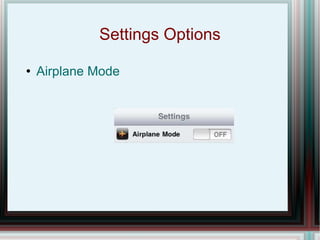
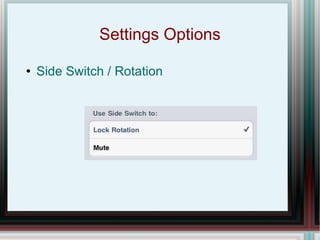
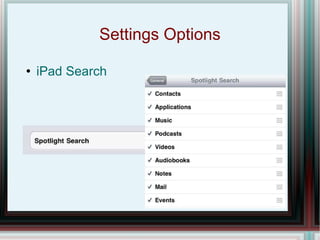
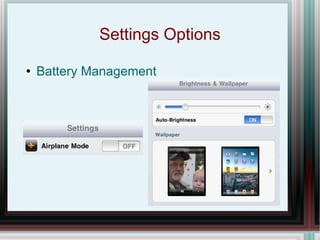
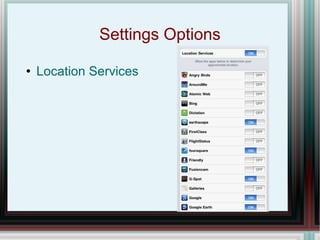
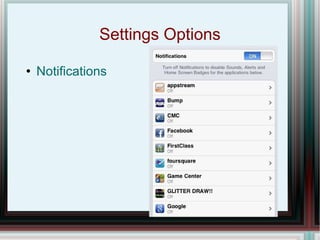
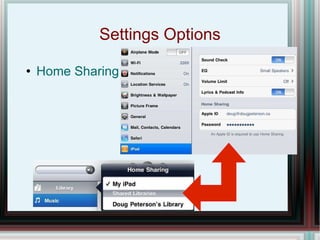
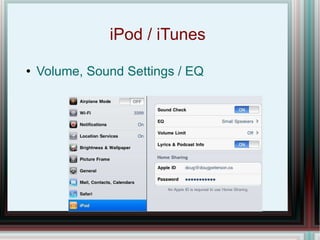
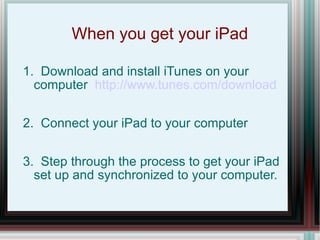
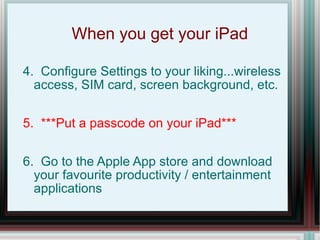
1. The document provides tips and instructions for setting up and configuring an iPad, including how to turn it on, connect to WiFi, and adjust settings like notifications, location services, and security.
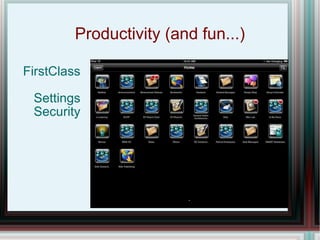
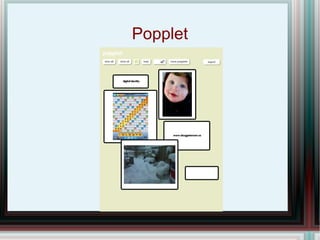
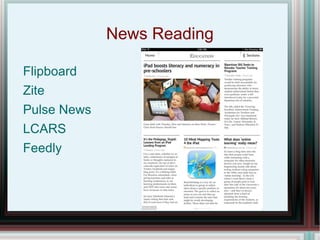
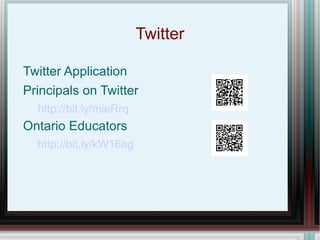
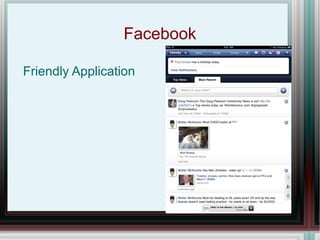
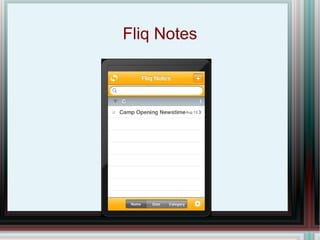
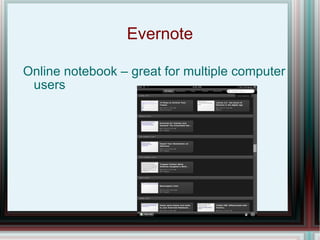
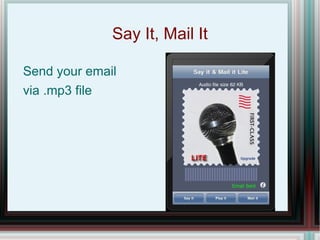
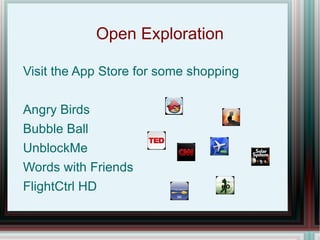
2. It also recommends downloading useful apps for productivity, news, social media, notes, and entertainment, and provides specific app examples.
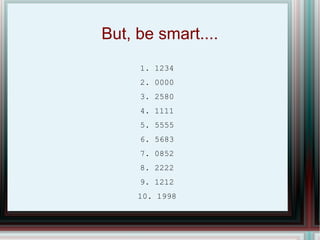
3. The instructions emphasize setting a passcode for security and downloading iTunes to sync the iPad to a computer during initial setup.
![Learning to iPad Doug Peterson [email_address] @dougpete http://www.dougpeterson.ca](https://image.slidesharecdn.com/ipad-110712110059-phpapp01/85/Ipad-Training-Doug-Peterson-1-320.jpg)
![Learning to iPad Doug Peterson [email_address] @dougpete http://www.dougpeterson.ca](https://image.slidesharecdn.com/ipad-110712110059-phpapp01/75/Ipad-Training-Doug-Peterson-1-2048.jpg)