


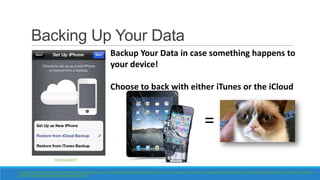


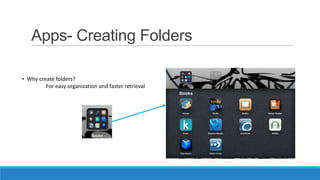


The document provides guidance on discovering and using the basic functions of the iPad, including connecting to WiFi, using gestures, finding and installing apps, camera functions, settings, and tips for extending battery life. It discusses Apple ID, software updates, passcode lock, reset options, and using iCloud, Calendar, Notes, Reminders, and Safari. Instructions are given for taking screenshots, changing keyboard settings, and sending photos by email.


![Ipad user guide[1]](https://cdn.slidesharecdn.com/ss_thumbnails/ipaduserguide1-121106065649-phpapp02-thumbnail.jpg?width=640&height=640&fit=bounds)


