Relational Database Management
Systems
Books?
Software required?
Data vs. Information
Data:
– Raw facts; building blocks of information
– Unprocessed information
Information:
– Data processed to reveal meaning– Data processed to reveal meaning
• Accurate, relevant, and timely information is key
to good decision making.
• Good decision making is key to survival in global
environment
Manual File Systems
• Traditionally composed of collection of file folders
kept in file cabinet.
• Organization within folders was based on data’s
expected use (ideally logically related).expected use (ideally logically related).
• System was adequate for small amounts of data
with few reporting requirements.
• Finding and using data in growing collections of file
folders became time-consuming and cumbersome
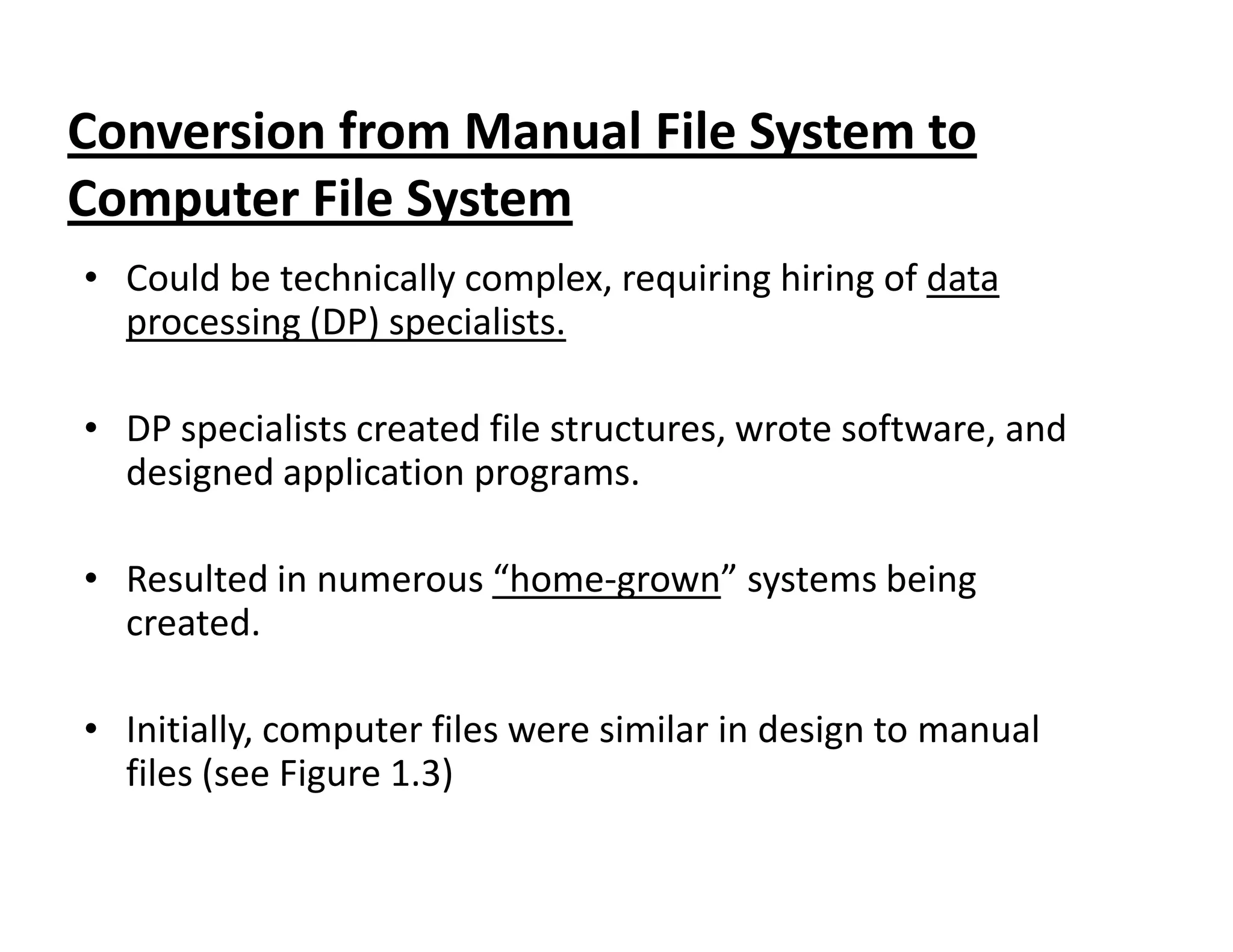
Conversion from Manual File System to
Computer File System
• Could be technically complex, requiring hiring of data
processing (DP) specialists.
• DP specialists created file structures, wrote software, and
designed application programs.designed application programs.
• Resulted in numerous “home-grown” systems being
created.
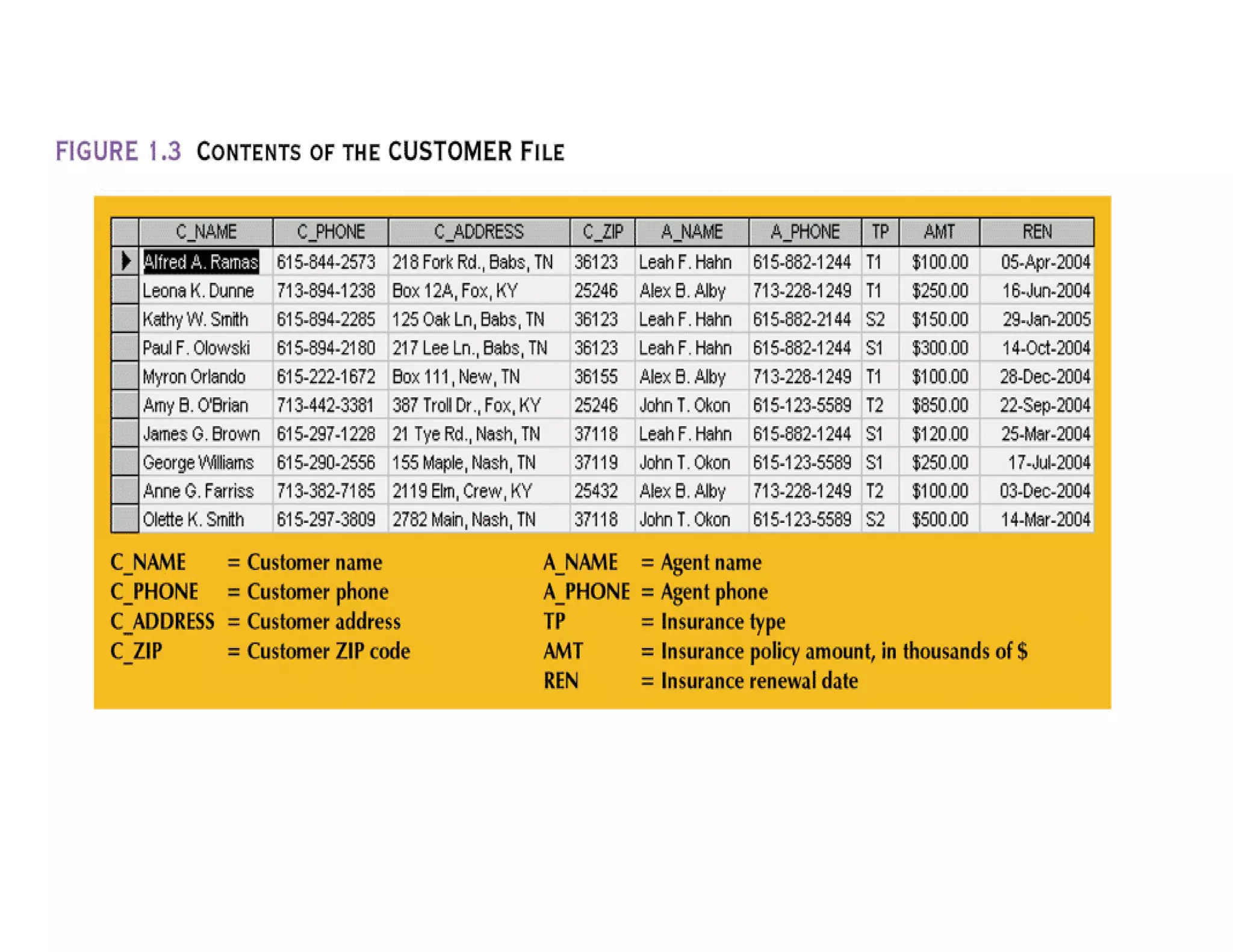
• Initially, computer files were similar in design to manual
files (see Figure 1.3)
Contents of Customer File
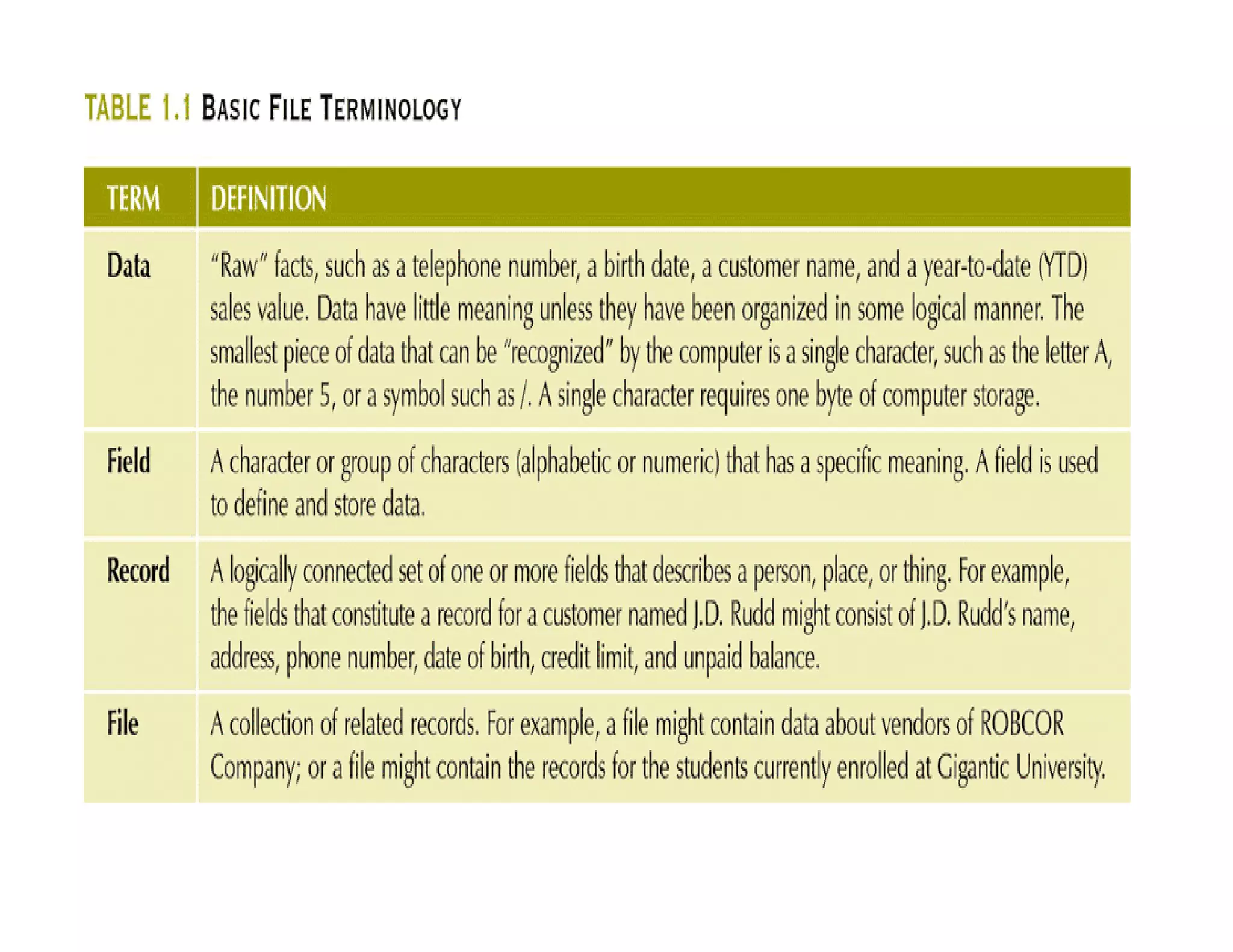
Basic File Terminology
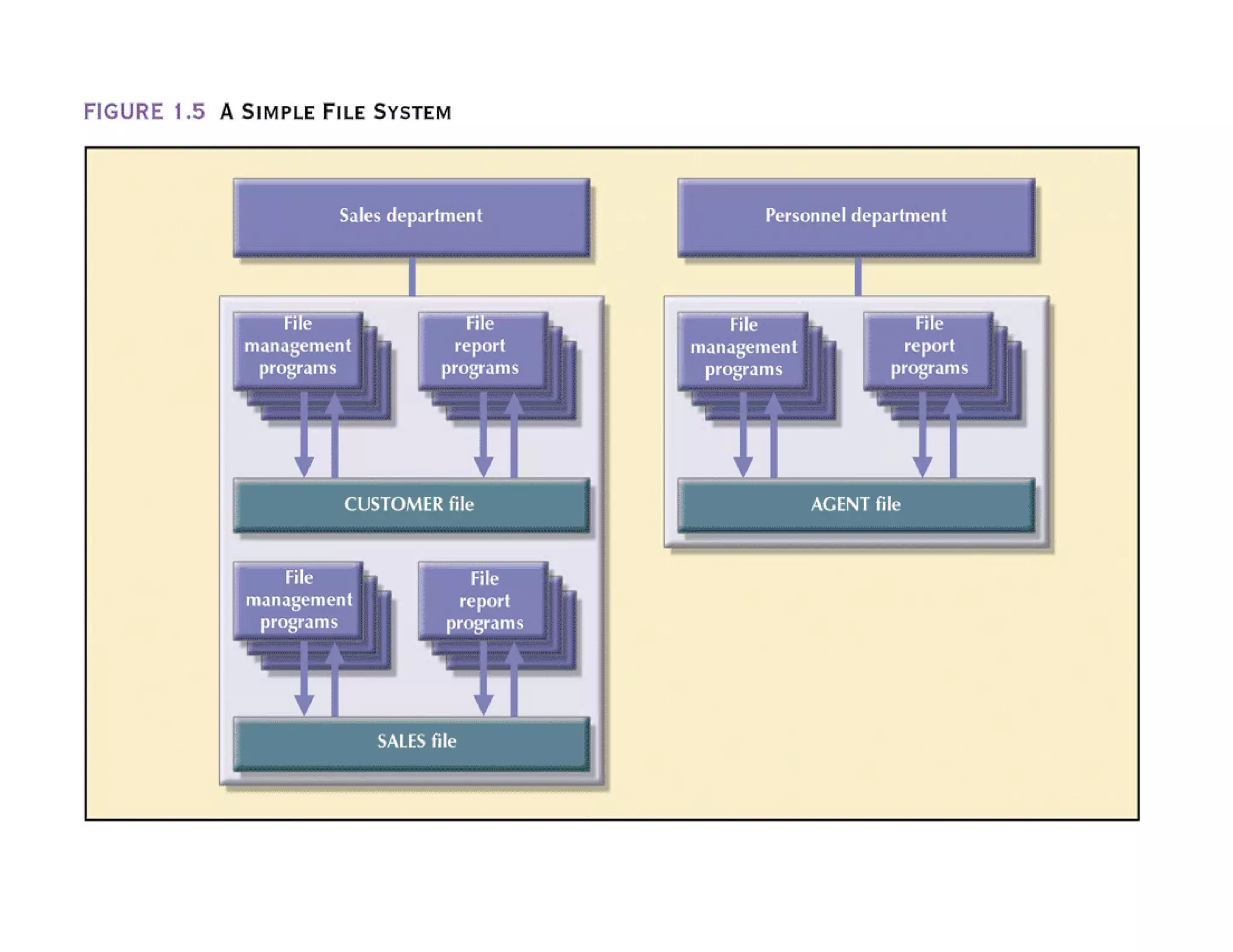
A Simple File System
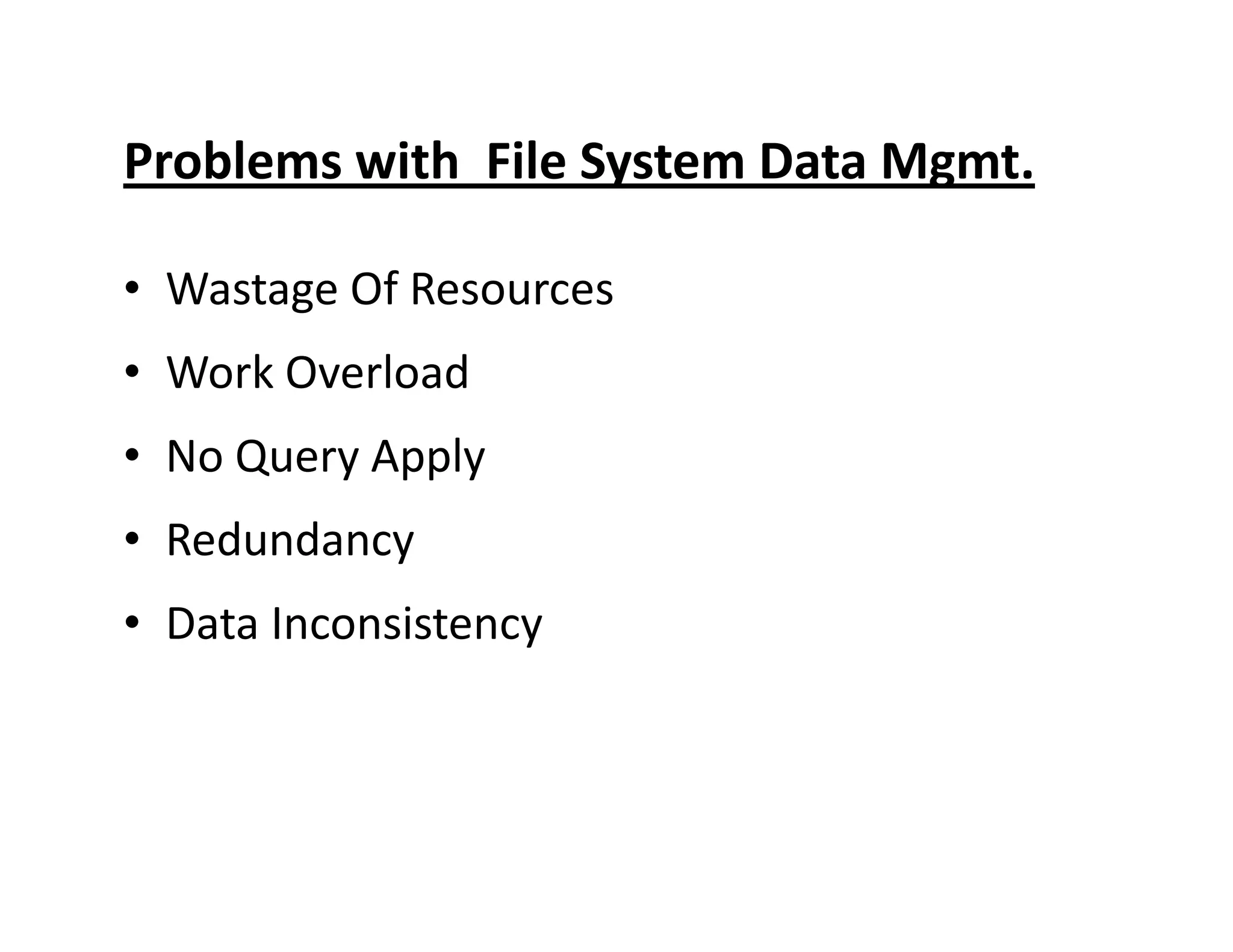
Problems with File System Data Mgmt.
• Wastage Of Resources
• Work Overload
• No Query Apply• No Query Apply
• Redundancy
• Data Inconsistency
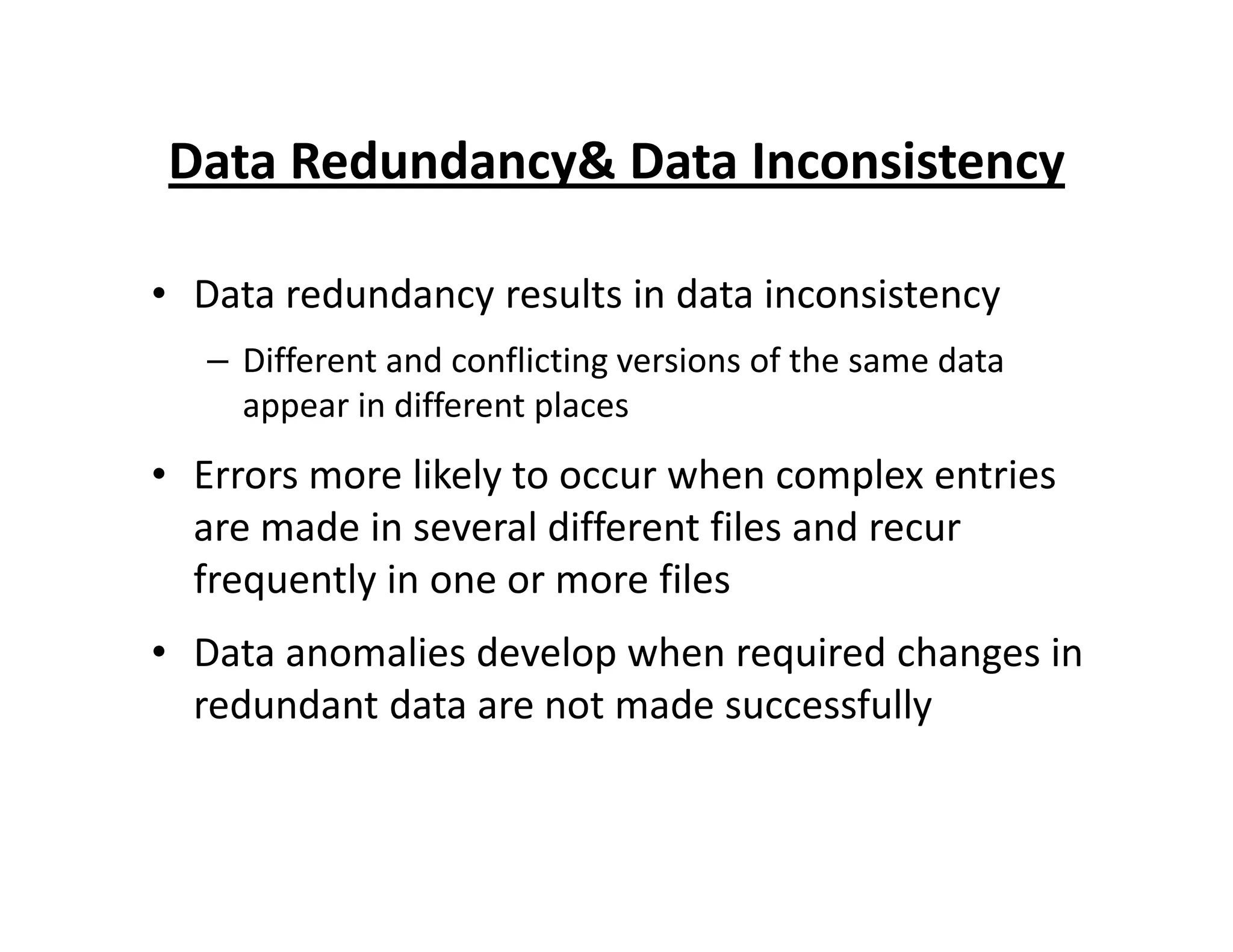
Data Redundancy& Data Inconsistency
• Data redundancy results in data inconsistency
– Different and conflicting versions of the same data
appear in different places
• Errors more likely to occur when complex entries• Errors more likely to occur when complex entries
are made in several different files and recur
frequently in one or more files
• Data anomalies develop when required changes in
redundant data are not made successfully
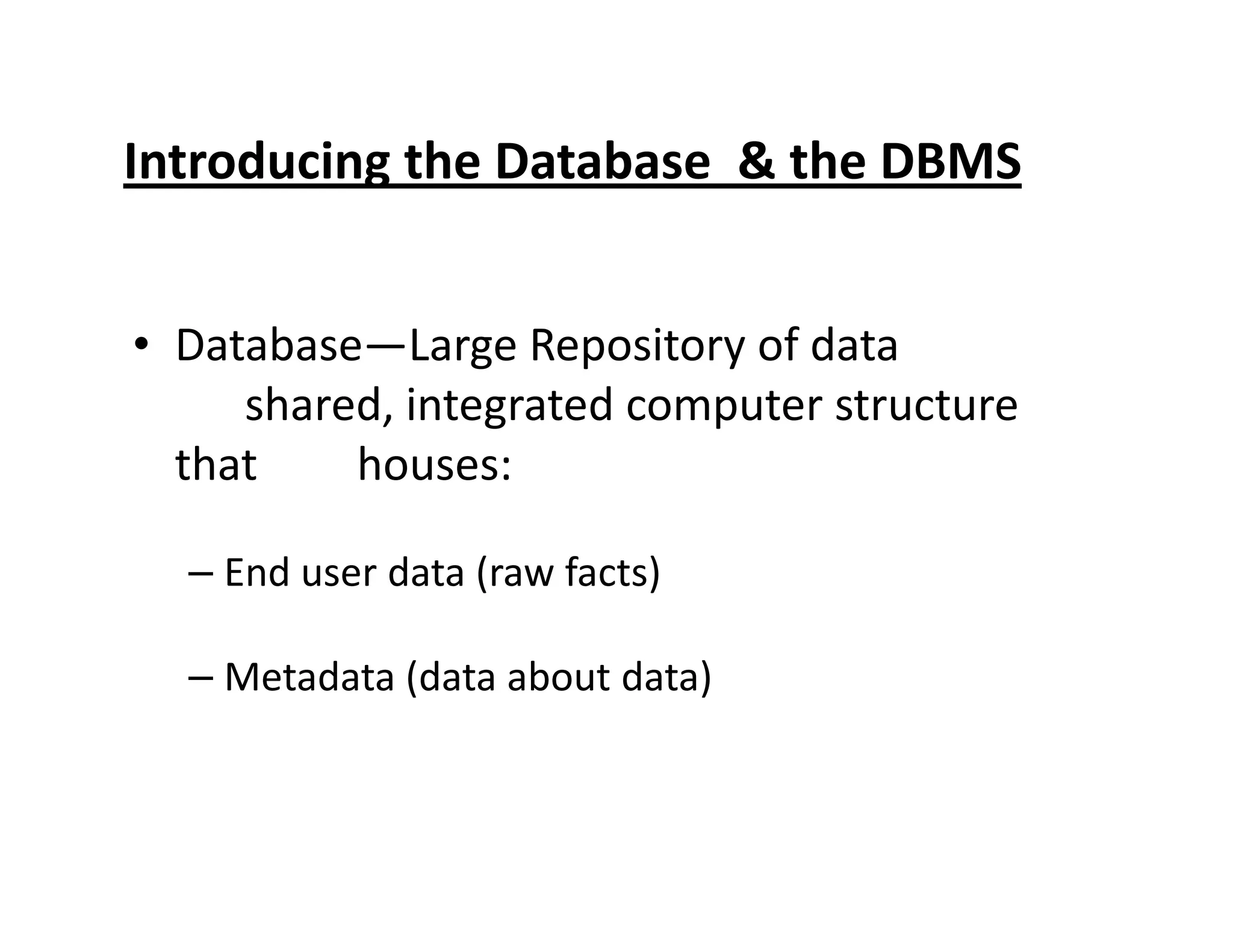
Introducing the Database & the DBMS
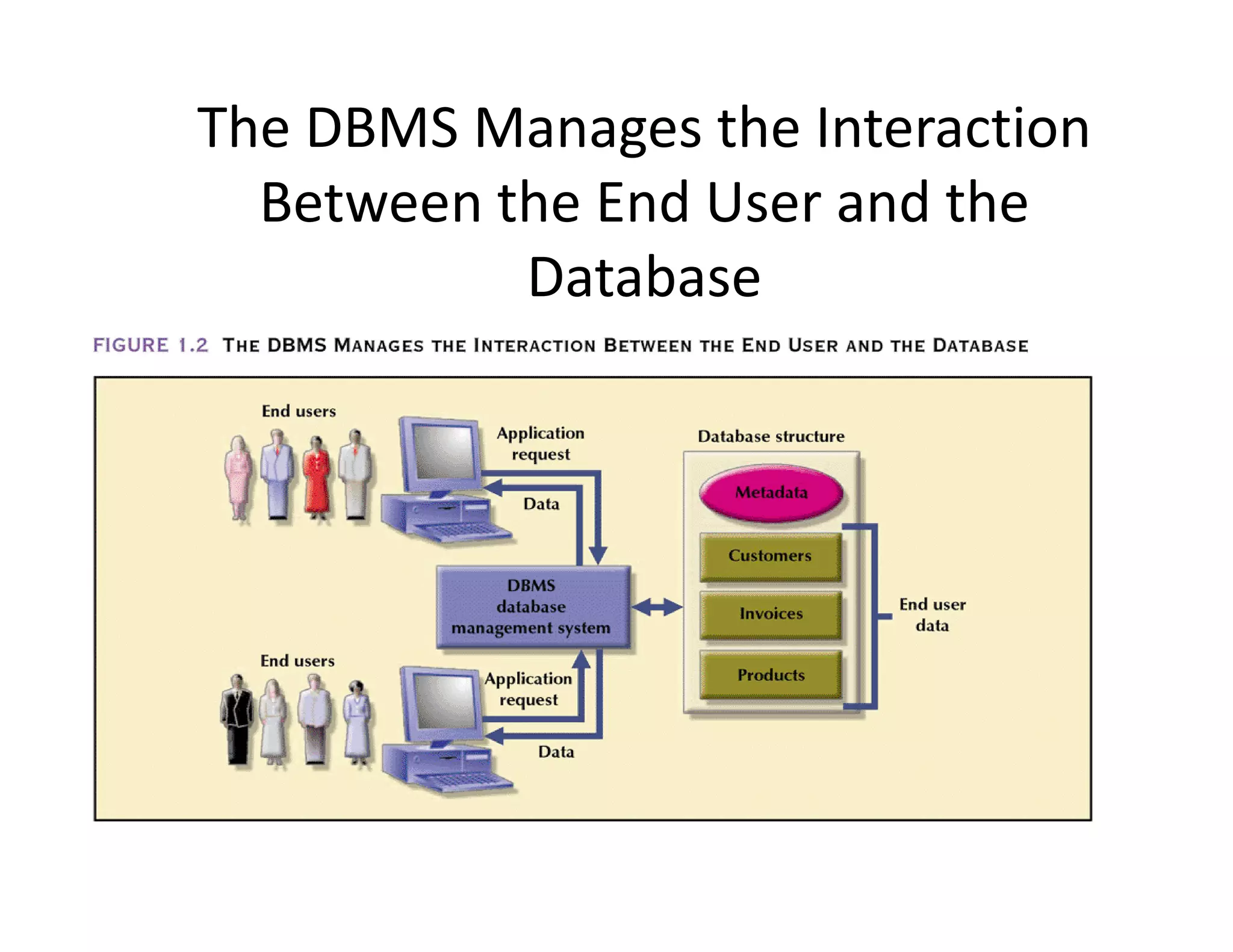
• Database—Large Repository of data
shared, integrated computer structure
that houses:that houses:
– End user data (raw facts)
– Metadata (data about data)
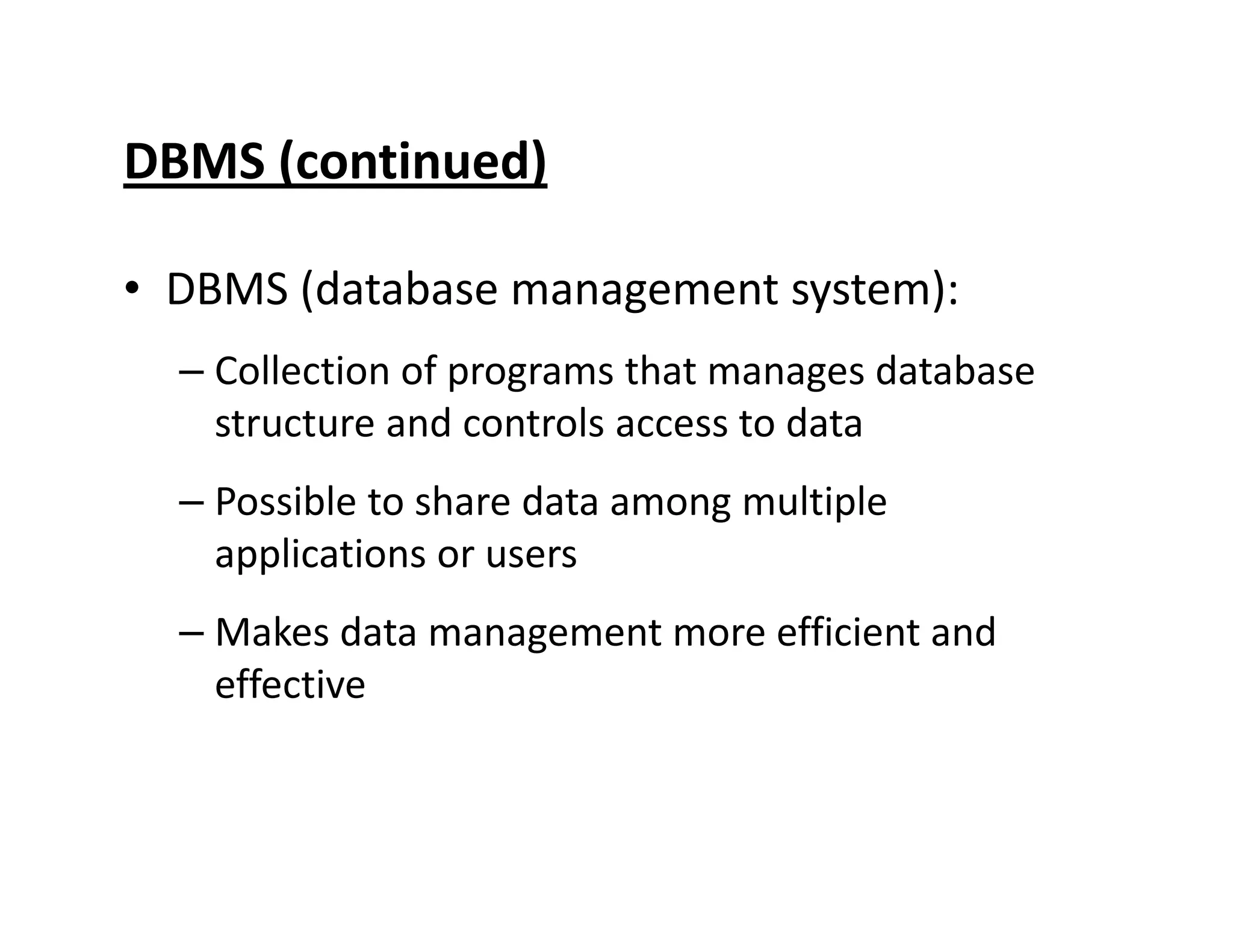
DBMS (continued)
• DBMS (database management system):
– Collection of programs that manages database
structure and controls access to data
– Possible to share data among multiple– Possible to share data among multiple
applications or users
– Makes data management more efficient and
effective
DBMS Makes Data Management More
Efficient and Effective
• End users have better access to more and
better-managed data
– Promotes integrated view of organization’s
operationsoperations
– Probability of data inconsistency is greatly
reduced
– Possible to produce quick answers to ad hoc
queries
The DBMS Manages the Interaction
Between the End User and the
Database
DBMS Functions
• Performs functions that guarantee integrity and
consistency of data.
– Data dictionary management
• defines data elements and their relationships
– Data storage management– Data storage management
• stores data and related data entry forms,
report definitions, etc.
– Data transformation and presentation
• translates logical requests into commands to
physically locate and retrieve the requested
data
DBMS Functions (continued)
– Security management
• enforces user security and data privacy within
database
– Multi-user access control– Multi-user access control
• creates structures that allow multiple users to
access the data
– Backup and recovery management
• provides backup and data recovery procedures
DBMS Functions (continued)
– Data integrity management
• promotes and enforces integrity rules to eliminate
data integrity problems
– Database access languages and application– Database access languages and application
programming interfaces
• provides data access through a query language
– Database communication interfaces
• allows database to accept end-user requests within
a computer network environment

Introduction to RDBMS

  • 2.
  • 3.
  • 4.
    Data vs. Information Data: –Raw facts; building blocks of information – Unprocessed information Information: – Data processed to reveal meaning– Data processed to reveal meaning • Accurate, relevant, and timely information is key to good decision making. • Good decision making is key to survival in global environment
  • 5.
    Manual File Systems •Traditionally composed of collection of file folders kept in file cabinet. • Organization within folders was based on data’s expected use (ideally logically related).expected use (ideally logically related). • System was adequate for small amounts of data with few reporting requirements. • Finding and using data in growing collections of file folders became time-consuming and cumbersome
  • 6.
    Conversion from ManualFile System to Computer File System • Could be technically complex, requiring hiring of data processing (DP) specialists. • DP specialists created file structures, wrote software, and designed application programs.designed application programs. • Resulted in numerous “home-grown” systems being created. • Initially, computer files were similar in design to manual files (see Figure 1.3)
  • 7.
  • 8.
  • 9.
  • 10.
    Problems with FileSystem Data Mgmt. • Wastage Of Resources • Work Overload • No Query Apply• No Query Apply • Redundancy • Data Inconsistency
  • 11.
    Data Redundancy& DataInconsistency • Data redundancy results in data inconsistency – Different and conflicting versions of the same data appear in different places • Errors more likely to occur when complex entries• Errors more likely to occur when complex entries are made in several different files and recur frequently in one or more files • Data anomalies develop when required changes in redundant data are not made successfully
  • 12.
    Introducing the Database& the DBMS • Database—Large Repository of data shared, integrated computer structure that houses:that houses: – End user data (raw facts) – Metadata (data about data)
  • 13.
    DBMS (continued) • DBMS(database management system): – Collection of programs that manages database structure and controls access to data – Possible to share data among multiple– Possible to share data among multiple applications or users – Makes data management more efficient and effective
  • 14.
    DBMS Makes DataManagement More Efficient and Effective • End users have better access to more and better-managed data – Promotes integrated view of organization’s operationsoperations – Probability of data inconsistency is greatly reduced – Possible to produce quick answers to ad hoc queries
  • 15.
    The DBMS Managesthe Interaction Between the End User and the Database
  • 16.
    DBMS Functions • Performsfunctions that guarantee integrity and consistency of data. – Data dictionary management • defines data elements and their relationships – Data storage management– Data storage management • stores data and related data entry forms, report definitions, etc. – Data transformation and presentation • translates logical requests into commands to physically locate and retrieve the requested data
  • 17.
    DBMS Functions (continued) –Security management • enforces user security and data privacy within database – Multi-user access control– Multi-user access control • creates structures that allow multiple users to access the data – Backup and recovery management • provides backup and data recovery procedures
  • 18.
    DBMS Functions (continued) –Data integrity management • promotes and enforces integrity rules to eliminate data integrity problems – Database access languages and application– Database access languages and application programming interfaces • provides data access through a query language – Database communication interfaces • allows database to accept end-user requests within a computer network environment