



Introduction to Docker 
Containerization is the new virtualization 
James Turnbull 
@kartar 
1
who 
• VP of Engineering at Kickstarter 
• Advisor at Docker 
• Open source chap 
• Funny accent 
2
Kickstarter live in 
Sweden 
3
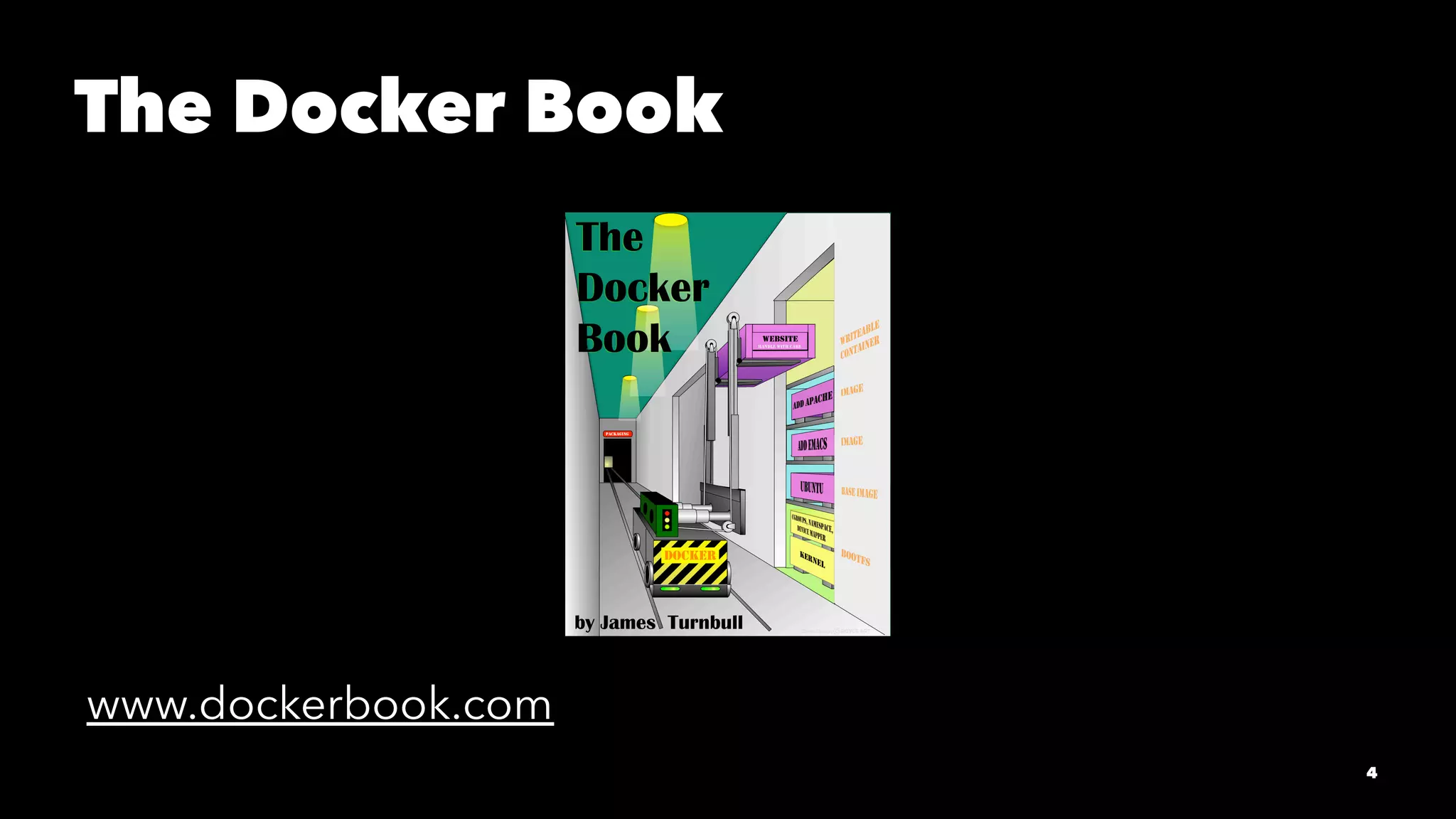
The Docker Book 
www.dockerbook.com 
4
Who are you folks? 
5
What's this all about? 
6
What is Docker? 
7
Container 
virtualization 
8
Build, ship, run 
9
Build once 
10
Run in many places 
11
Isolated 
Layered 
Standard 
Content agnostic 
12
But this isn't new?!? 
13
So why should I care? 
Software delivery mechanism 
Portability 
A bit like a VM but ... 
14
... not like a VM 
1. Containers boot faster 
2. Containers have less overhead 
3. Containers bring native performance 
4. Containers are Cloud & VM-compatible 
15
Devs care about their 
app 
Ops cares about the 
containers 
16
Why developers care... 
• Clean, safe, hygienic and portable 
• No worries about dependencies 
• Encourage good architecture 
17
Why operations care... 
• Make the lifecycle more efficient 
• Eliminate inconsistencies 
• Support segregation of duties 
18
What can I use Docker for? 
• Docker for CI/CD 
• Packaging and deploying applications 
• Build your own PAAS 
• Deploy applications at hyperscale! 
19
Does this work with Puppet or Chef? 
• Chef and Puppet are state management tools 
• Less complex 
• Docker images are version controlled and layered 
• Smaller, self-contained and lightweight 
20
Technology Stack 
• Runs on most Linux distros 
• Boot2Docker for OSX and Windows 
• Windows in the works! 
• Uses Linux kernel features 
21
Docker Basics 
Image & Dockerfile 
The Docker Hub 
Container 
22
Building Docker images 
FROM ubuntu 
MAINTAINER James Turnbull "james@example.com" 
RUN apt-get -qqy update 
RUN apt-get install -qqy apache2 
ADD index.html /var/www/ 
ENV APACHE_RUN_USER www-data 
ENV APACHE_RUN_GROUP www-data 
ENV APACHE_LOG_DIR /var/log/apache2 
VOLUME [ "/var/log/apache2" ] 
EXPOSE 80 
ENTRYPOINT ["/usr/sbin/apache2"] 
CMD ["-D", "FOREGROUND"] 
23
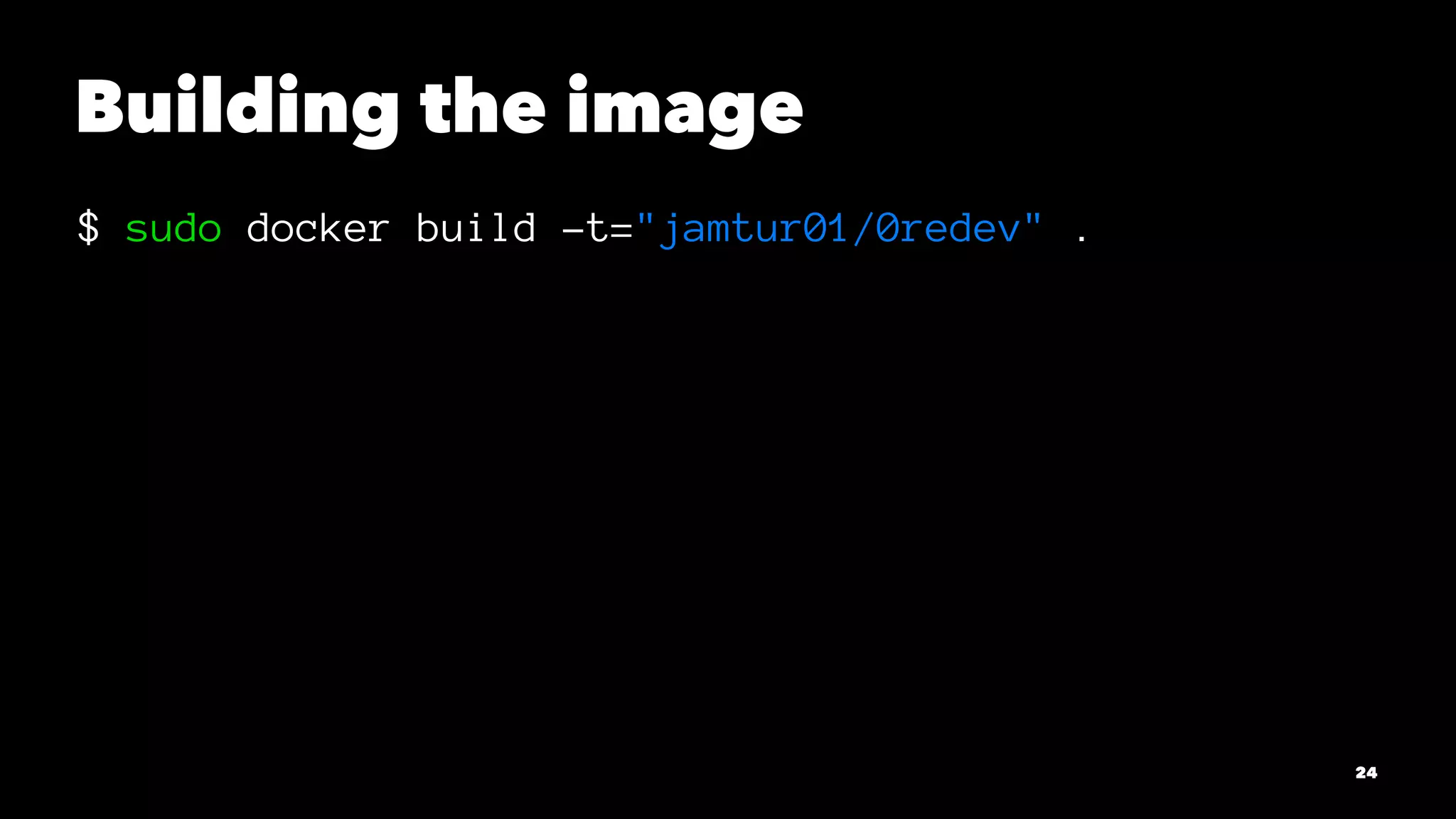
Building the image 
$ sudo docker build -t="jamtur01/0redev" . 
24
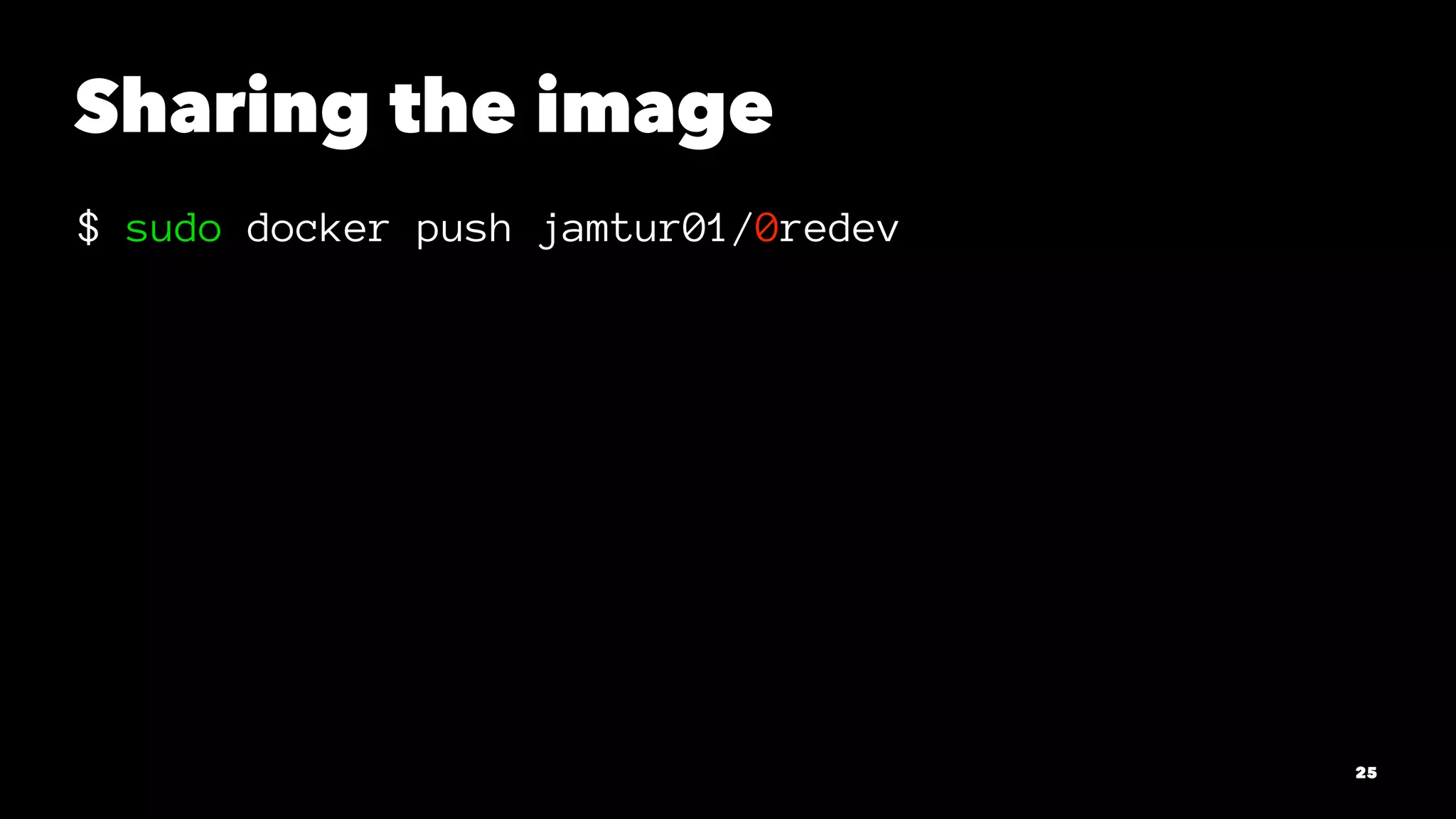
Sharing the image 
$ sudo docker push jamtur01/0redev 
25
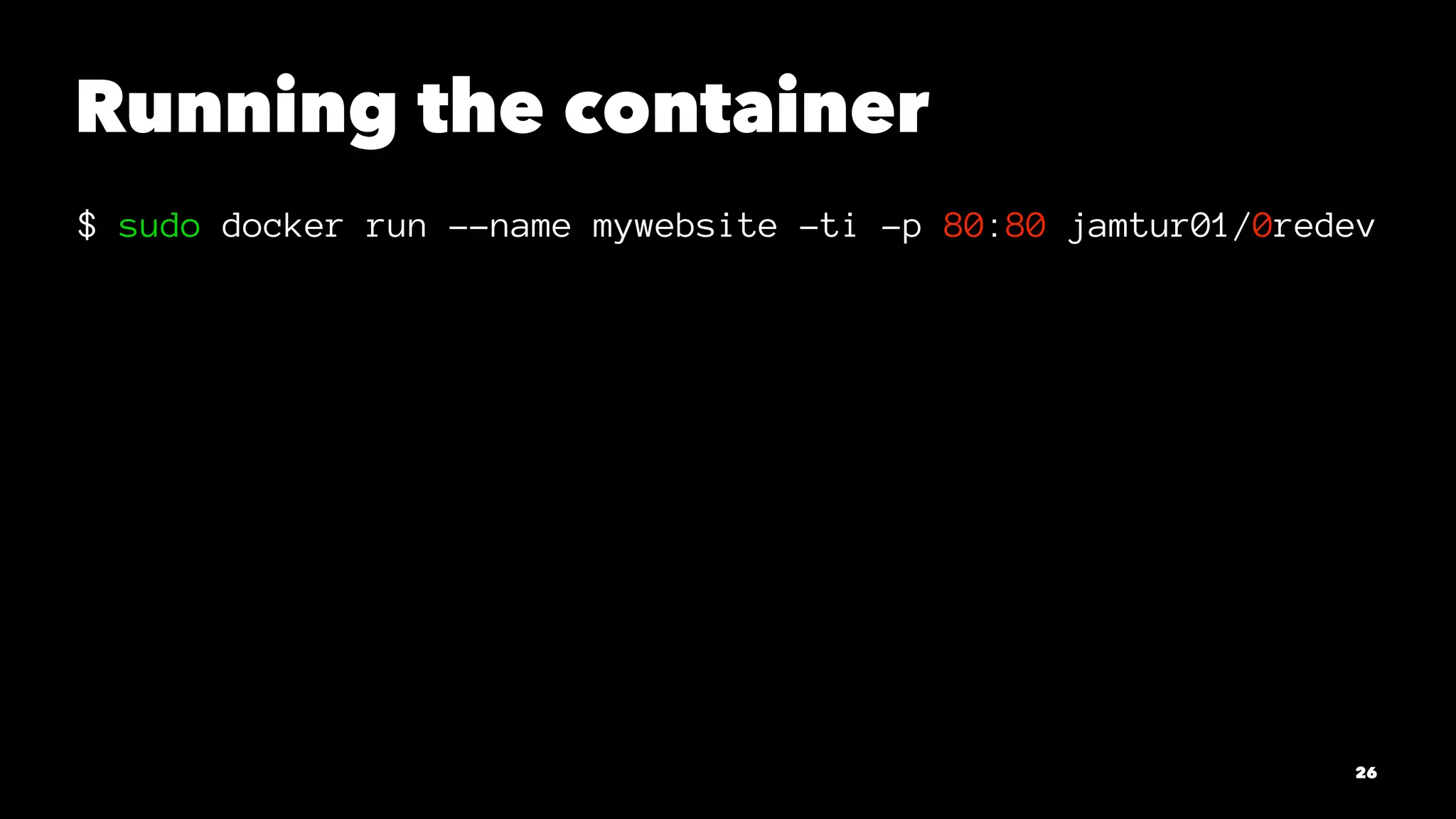
Running the container 
$ sudo docker run --name mywebsite -ti -p 80:80 jamtur01/0redev 
26
But there's more! 
27
What if we could 
componentize . . . 
28
SSH 
29
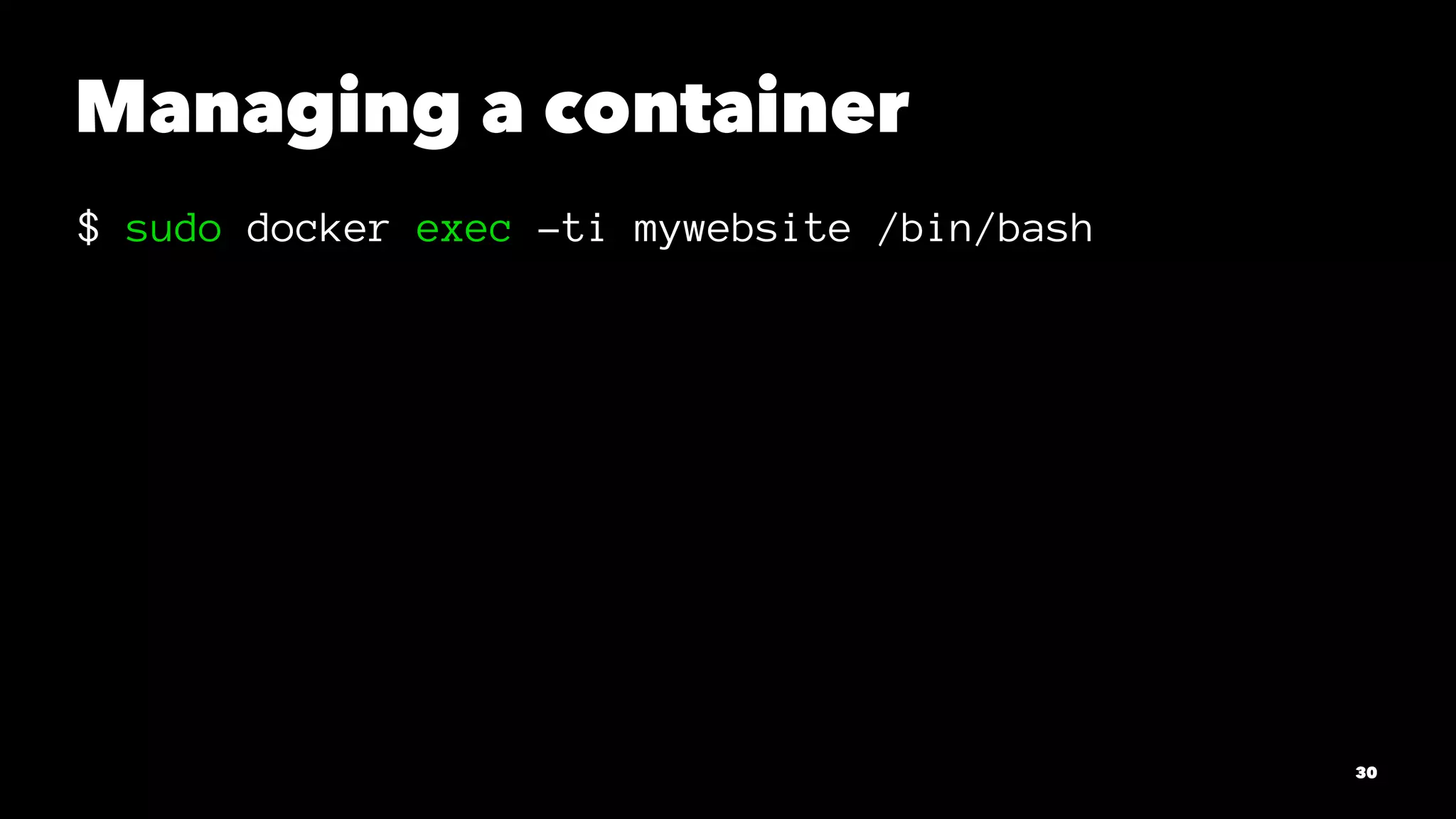
Managing a container 
$ sudo docker exec -ti mywebsite /bin/bash 
30
Scheduling and jobs 
31
Logging 
32
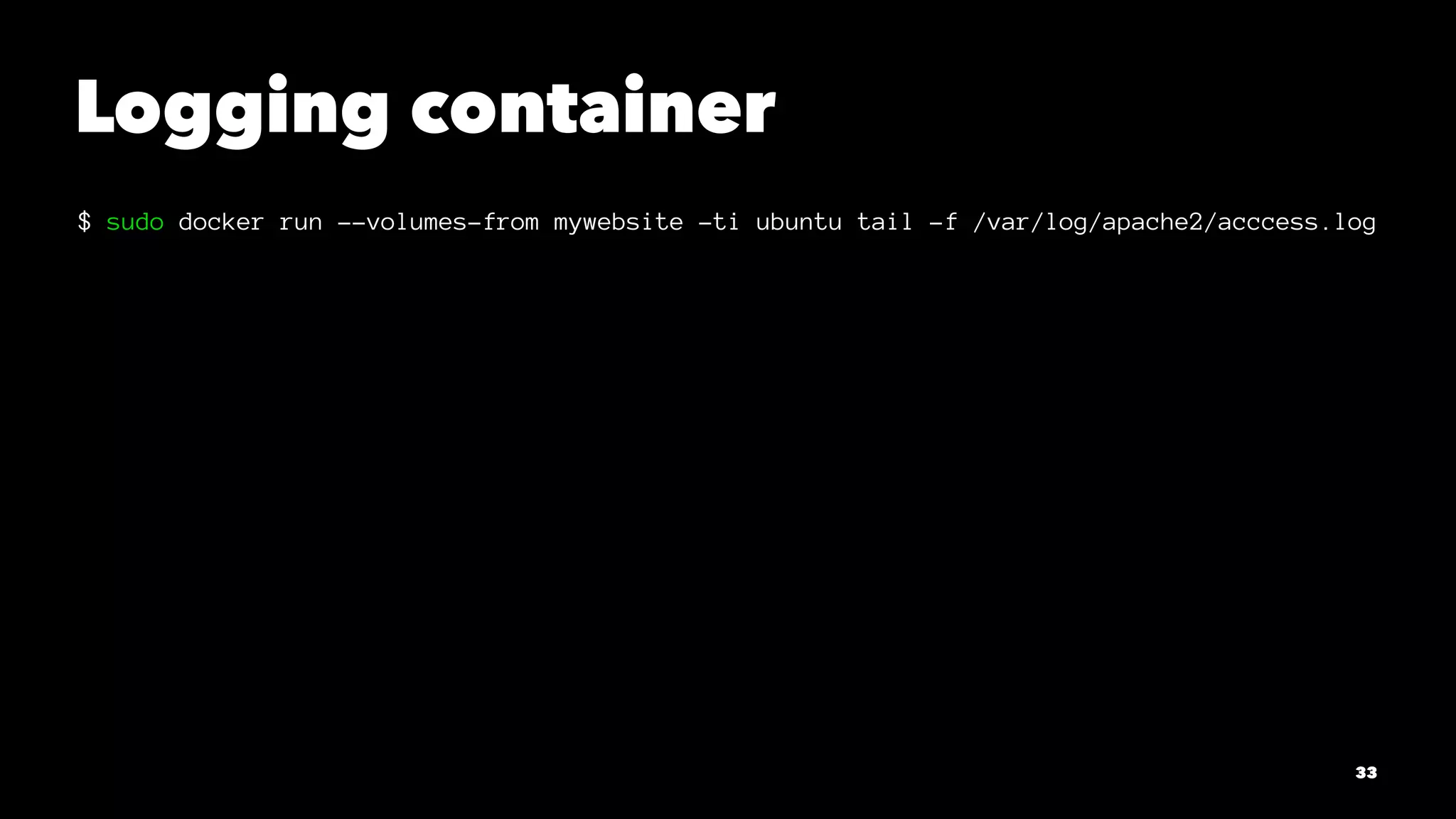
Logging container 
$ sudo docker run --volumes-from mywebsite -ti ubuntu tail -f /var/log/apache2/acccess.log 
33
Creates a new 
architecture 
34
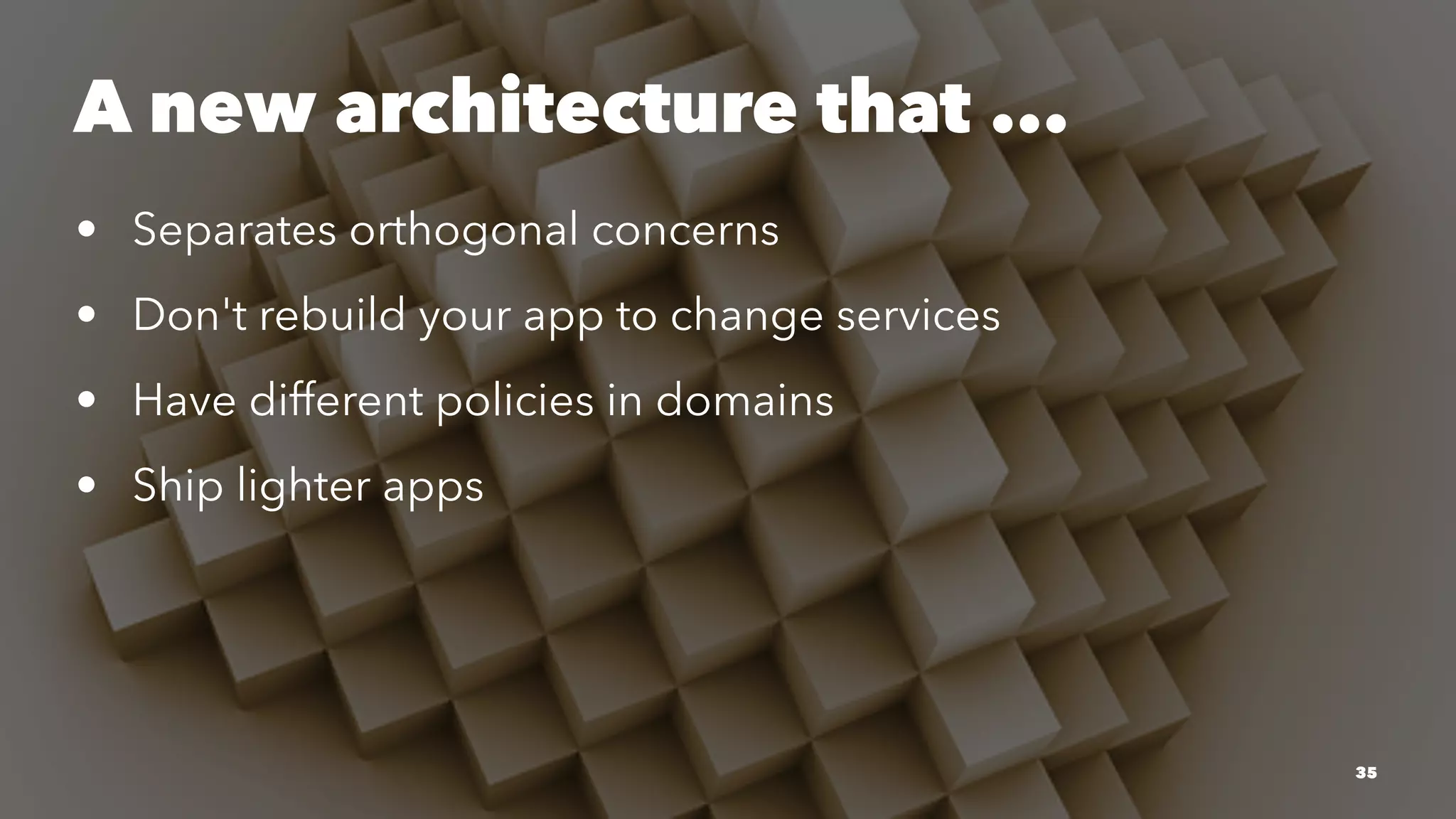
A new architecture that ... 
• Separates orthogonal concerns 
• Don't rebuild your app to change services 
• Have different policies in domains 
• Ship lighter apps 
35
Questions? 
36

Introduction to Docker