


@ChrisGriffith
These opinions and thoughts are my own, and
may or may not reflect the opinions of the
company that I work for.
Disclaimer
I need to make a mobile app…
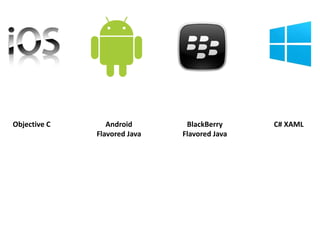
Objective C Android
Flavored Java
BlackBerry
Flavored Java
C# XAML
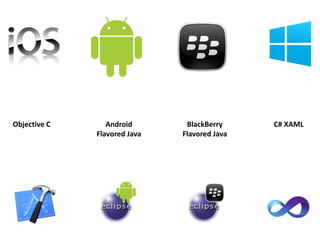
Objective C Android
Flavored Java
C# XAMLBlackBerry
Flavored Java
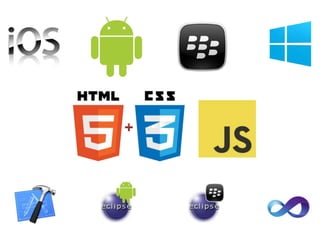
PhoneGap
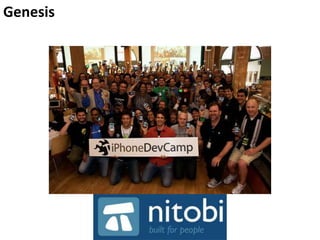
Genesis
Getting Started
cordova.apache.org
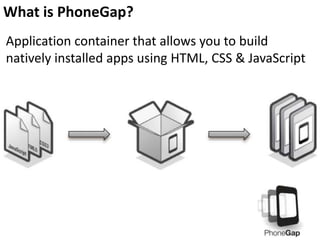
Application container that allows you to build
natively installed apps using HTML, CSS & JavaScript
What is PhoneGap?
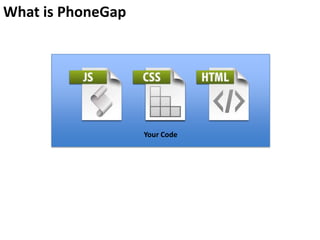
What is PhoneGap
Your Code
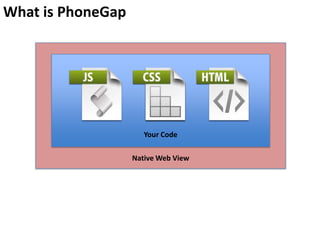
What is PhoneGap
Your Code
Native Web View
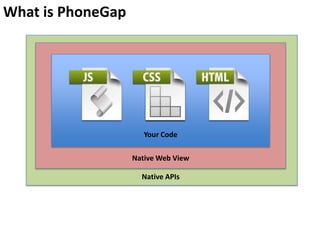
What is PhoneGap
Your Code
Native Web View
Native APIs
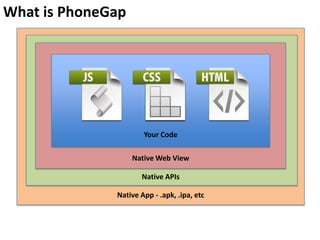
What is PhoneGap
Your Code
Native Web View
Native APIs
Native App - .apk, .ipa, etc
What platforms support PhoneGap?
Since it is HTML, CSS & JSS, can I use existing
tools/frameworks?
Caution…
PhoneGap uses the NATIVE browser on the
device to render the HTML/CSS/JS
Keep that in mind, as that can affect the
experience
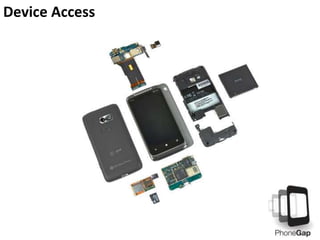
Device Access
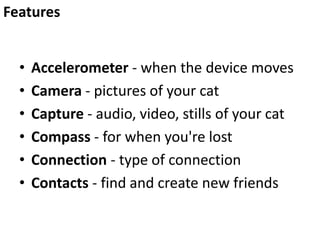
• Accelerometer - when the device moves
• Camera - pictures of your cat
• Capture - audio, video, stills of your cat
• Compass - for when you're lost
• Connection - type of connection
• Contacts - find and create new friends
Features
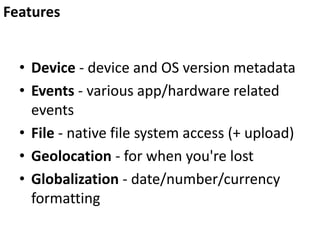
• Device - device and OS version metadata
• Events - various app/hardware related
events
• File - native file system access (+ upload)
• Geolocation - for when you're lost
• Globalization - date/number/currency
formatting
Features
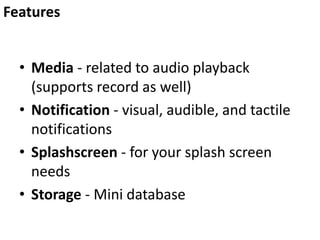
• Media - related to audio playback
(supports record as well)
• Notification - visual, audible, and tactile
notifications
• Splashscreen - for your splash screen
needs
• Storage - Mini database
Features
Beyond the mobile web
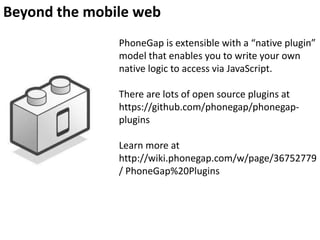
PhoneGap is extensible with a “native plugin”
model that enables you to write your own
native logic to access via JavaScript.
There are lots of open source plugins at
https://github.com/phonegap/phonegap-
plugins
Learn more at
http://wiki.phonegap.com/w/page/36752779
/ PhoneGap%20Plugins
PhoneGap Community (some…)
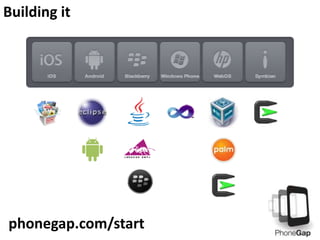
Building it
phonegap.com/start
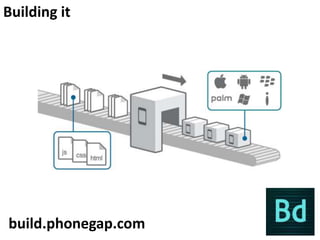
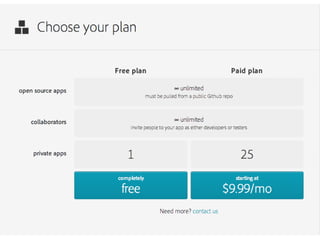
Building it
build.phonegap.com
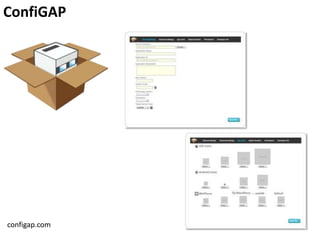
ConfiGAP
configap.com
Building it
<Demo>
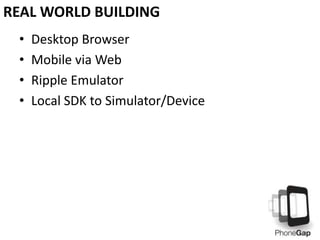
• Desktop Browser
• Mobile via Web
• Ripple Emulator
• Local SDK to Simulator/Device
REAL WORLD BUILDING
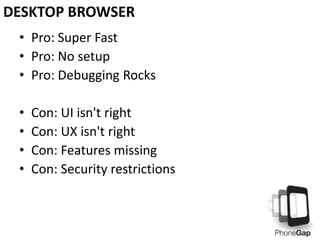
• Pro: Super Fast
• Pro: No setup
• Pro: Debugging Rocks
• Con: UI isn't right
• Con: UX isn't right
• Con: Features missing
• Con: Security restrictions
DESKTOP BROWSER
• Pro: Kinda Fast
• Pro: Minimal setup
• Pro: UI and UX testing
• Con: Features missing
• Con: Security restrictions
• Con: Debugging (kinda) sucks
MOBILE VIA WEB
• Pro: Fast
• Pro: Similar UI
• Pro: Free
• Pro: Security restrictions gone
• Con: Doesn't support 100% of the PhoneGap
APIs
• Con: Still not on the device
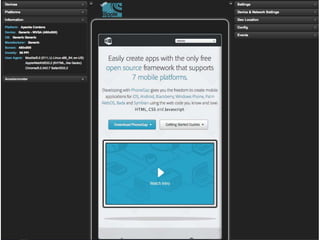
RIPPLE EMULATOR
• Go to the Chrome Web Store:
https://chrome.google.com/webstore/category/
home
• Search for "ripple"
• Click Extensions
TO INSTALL
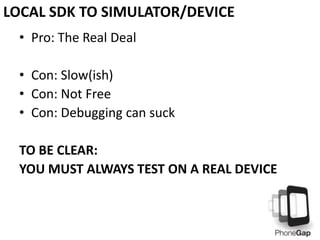
• Pro: The Real Deal
• Con: Slow(ish)
• Con: Not Free
• Con: Debugging can suck
TO BE CLEAR:
YOU MUST ALWAYS TEST ON A REAL DEVICE
LOCAL SDK TO SIMULATOR/DEVICE
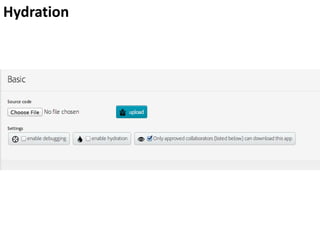
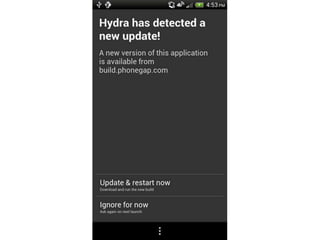
Hydration
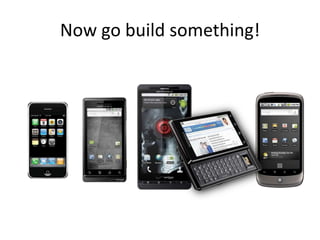
Now go build something!
Thanks!
chris.griffith@gmail.com
@chrisgriffith
http://chrisgriffith.wordpress.com/

Intro to PhoneGap

Editor's Notes

  • #4 UI prototyper 15 yrsDeveloping mobile for the past 5 yearsMgr SDFUGACP
  • #11 Built at an iPhoneDevCamp in 2009Started by NitobiAdobe bought Nitobi (2011)
  • #12 PhoneGap is Adobe&apos;s implementationPhoneGap == Cordova
  • #24 Windows Phone 7/8 (+ Windows 8)
  • #25 Windows Phone 7/8 (+ Windows 8)
  • #28 Some variability here, based on exact platform.