


Developing AIR for Android using Flash CS5	Chris Griffith
DisclaimerThese opinions and thoughts are my own, and may or may not reflect the opinions of the company that I work for.
My Mobile App Portfolio
Mobile is Everywhere
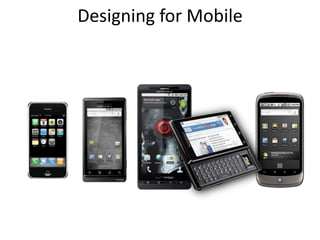
Designing for Mobile
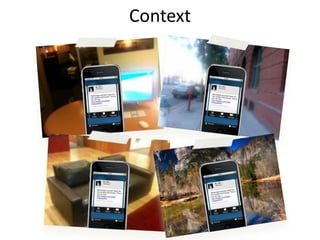
Context
mobile vs. desktop
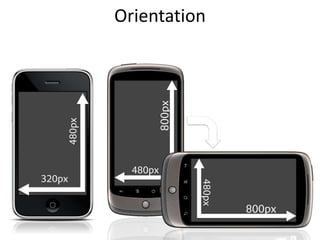
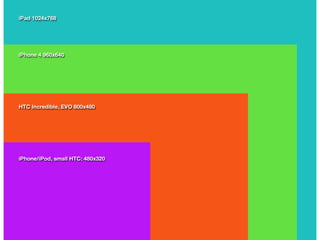
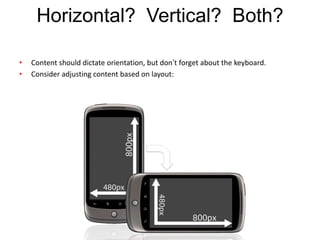
Orientation
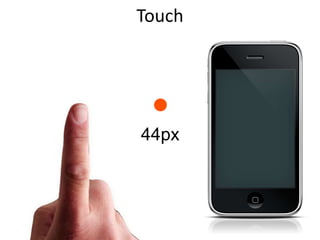
Touch44px10
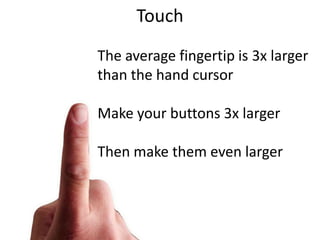
TouchThe average fingertip is 3x larger than the hand cursorMake your buttons 3x largerThen make them even larger 11
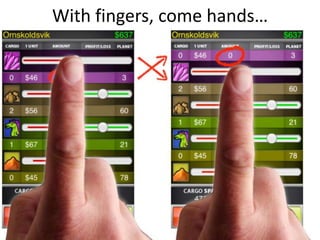
With fingers, come hands…
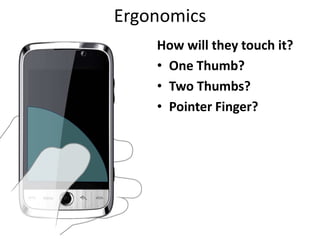
ErgonomicsHow will they touch it?One Thumb?Two Thumbs?Pointer Finger?
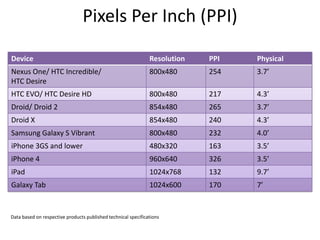
Data based on respective products published technical specificationsPixels Per Inch (PPI)
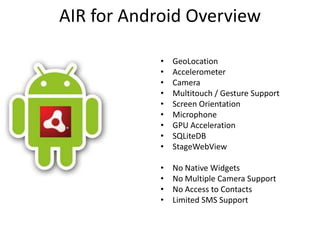
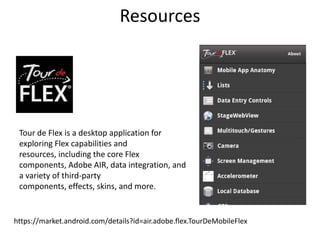
AIR for Android OverviewGeoLocationAccelerometerCameraMultitouch / Gesture SupportScreen OrientationMicrophoneGPU AccelerationSQLiteDBStageWebViewNo Native WidgetsNo Multiple Camera SupportNo Access to ContactsLimited SMS Support
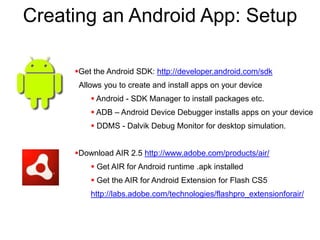
Creating an Android App: SetupGet the Android SDK: http://developer.android.com/sdk  Allows you to create and install apps on your device Android - SDK Manager to install packages etc.
 ADB – Android Device Debugger installs apps on your device
 DDMS - Dalvik Debug Monitor for desktop simulation.
Download AIR 2.5 http://www.adobe.com/products/air/
 Get AIR for Android runtime .apk installed
 Get the AIR for Android Extension for Flash CS5http://labs.adobe.com/technologies/flashpro_extensionforair/
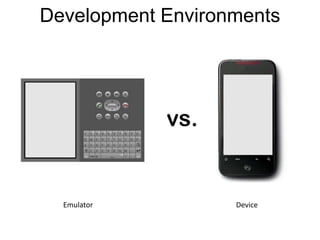
Development EnvironmentsEmulatorDevice
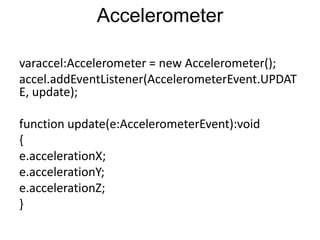
Accelerometervaraccel:Accelerometer = new Accelerometer();accel.addEventListener(AccelerometerEvent.UPDATE, update);function update(e:AccelerometerEvent):void{e.accelerationX;e.accelerationY;e.accelerationZ;}
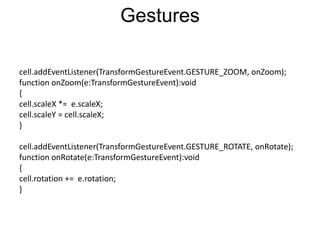
Gesturescell.addEventListener(TransformGestureEvent.GESTURE_ZOOM, onZoom);function onZoom(e:TransformGestureEvent):void{cell.scaleX *=  e.scaleX;cell.scaleY = cell.scaleX;}cell.addEventListener(TransformGestureEvent.GESTURE_ROTATE, onRotate);function onRotate(e:TransformGestureEvent):void{cell.rotation +=  e.rotation;}
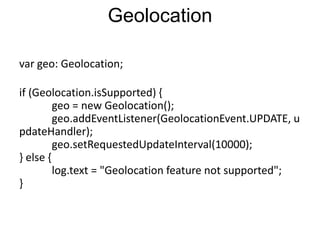
Geolocationvar geo: Geolocation;if (Geolocation.isSupported) {            geo = new Geolocation();            geo.addEventListener(GeolocationEvent.UPDATE, updateHandler);            geo.setRequestedUpdateInterval(10000);} else {            log.text = "Geolocation feature not supported"; }
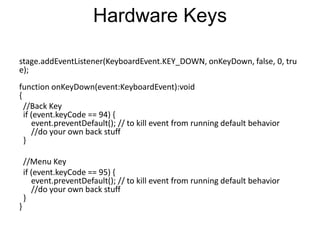
Hardware Keysstage.addEventListener(KeyboardEvent.KEY_DOWN, onKeyDown, false, 0, true);function onKeyDown(event:KeyboardEvent):void {  //Back Key  if (event.keyCode == 94) {      event.preventDefault(); // to kill event from running default behavior       //do your own back stuff  }  //Menu Key  if (event.keyCode == 95) {      event.preventDefault(); // to kill event from running default behavior       //do your own back stuff  }}
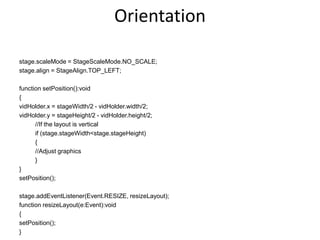
Orientation stage.scaleMode = StageScaleMode.NO_SCALE;stage.align = StageAlign.TOP_LEFT;function setPosition():void{vidHolder.x = stageWidth/2 - vidHolder.width/2;vidHolder.y = stageHeight/2 - vidHolder.height/2;	//If the layout is vertical	if (stage.stageWidth < stage.stageHeight)	{	//Adjust graphics	}}setPosition();stage.addEventListener(Event.RESIZE, resizeLayout);function resizeLayout(e:Event):void{setPosition();}
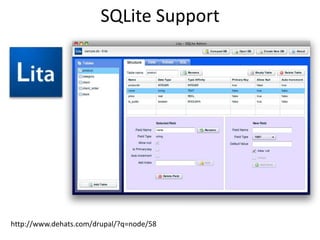
SQLite Supporthttp://www.dehats.com/drupal/?q=node/58
StageWebViewYou get a browser in your Flash app!Good solution forMapsFacebook ConnectRemote Content
Limitations
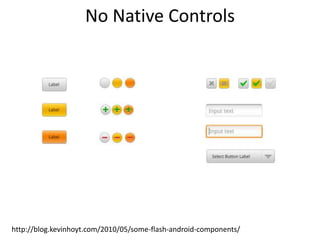
No Native Controlshttp://blog.kevinhoyt.com/2010/05/some-flash-android-components/
No Access to Contacts
Building Applicationshttp://labs.adobe.com/technologies/flashpro_extensionforair/
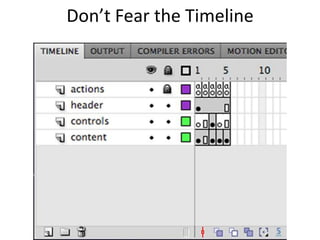
Don’t Fear the Timeline
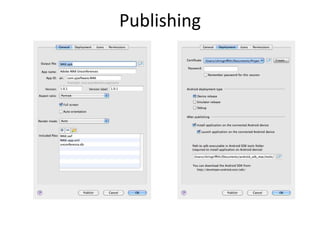
Publishing
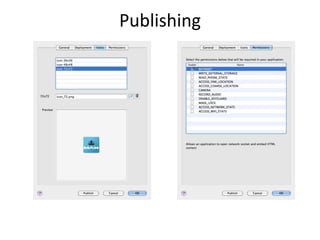
Publishing
To the Market…
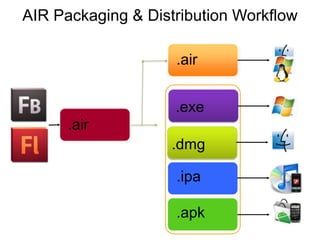
.air.exe.air.dmg.ipa.apkAIR Packaging & Distribution Workflow
Development Guidelines
GraphicsConsider bitmaps over vectorsKeep bitmaps as small as possibleMinimize number of vectorsTest your animations with different qualities of StageAvoid, if possible: Filters Blend modes Transparency Perspective distortion
GPU AcclerationSet rendering mode to GPUMake sure cacheAsBitmap is set to true on your DisplayObject like this:square.cacheAsBitmap = true;
GPU AcclerationMake sure to assign a Matrix to the cacheAsBitmapMatrix property on your DisplayObject like this:square.cacheAsBitmapMatrix = new Matrix();http://blogs.adobe.com/cantrell/archives/2010/10/gpu-rendering-in-adobe-air-for-android.html
GPU Acclerationblog.theflashblog.com/?p=2386
TextUse opaque background over transparency
Avoid TLF
Test different anti-aliasing techniques (animation, bitmap text...)
 Avoid frequently-updated textHorizontal?  Vertical?  Both? Content should dictate orientation, but don’t forget about the keyboard.Consider adjusting content based on layout:

Developing AIR for Android with Flash Professional