Intel QuickAssist Technology (QAT) provides hardware acceleration for security and compression, allowing applications to run across multiple generations of QAT hardware. The technology supports various Intel chipsets and offers APIs and software resources for users to optimize performance. QAT enables offloading to free up CPU cores and includes a range of cryptographic and compression algorithms.
Network Platforms Group2
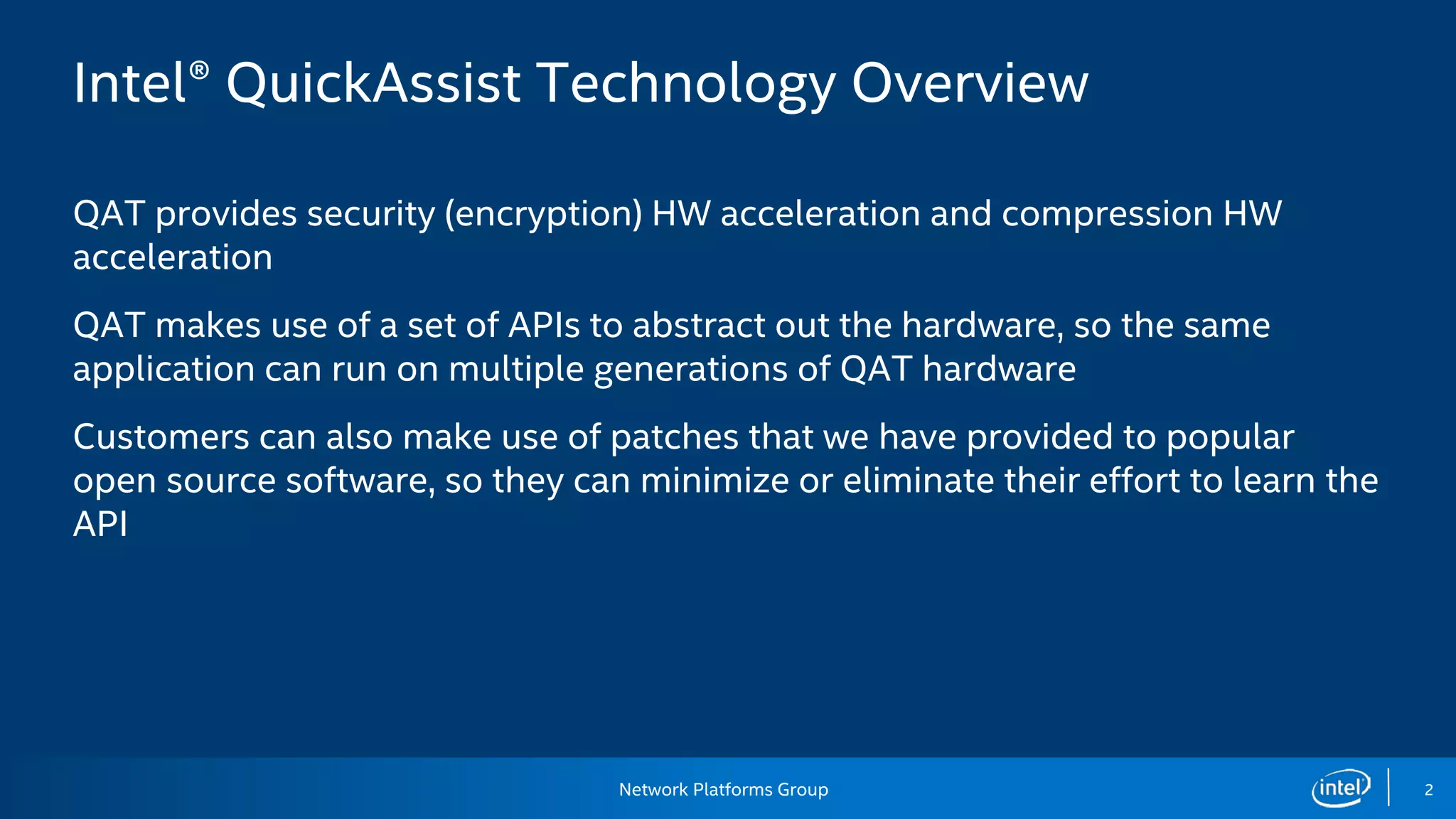
Intel® QuickAssist Technology Overview
QAT provides security (encryption) HW acceleration and compression HW
acceleration
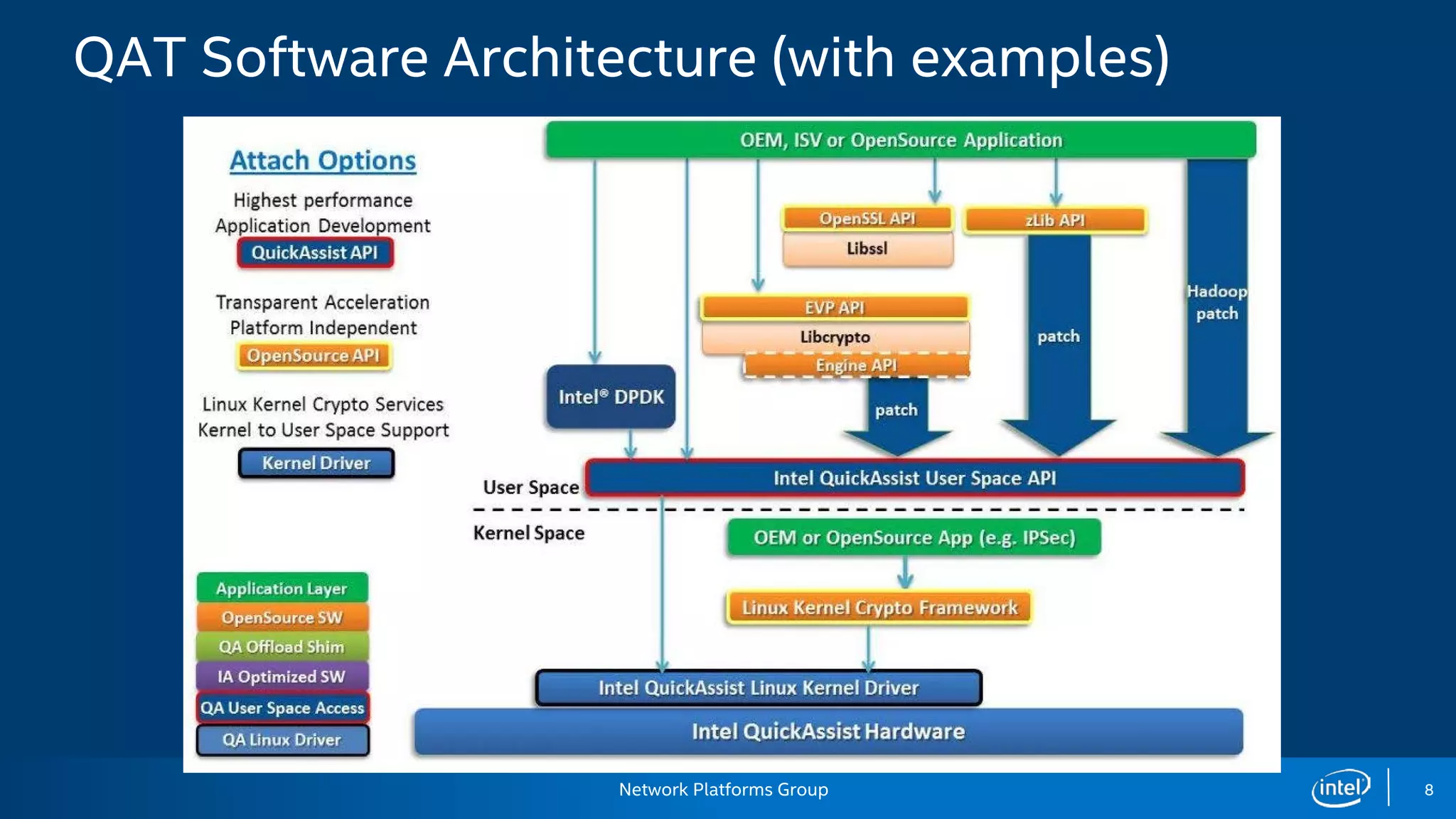
QAT makes use of a set of APIs to abstract out the hardware, so the same
application can run on multiple generations of QAT hardware
Customers can also make use of patches that we have provided to popular
open source software, so they can minimize or eliminate their effort to learn the
API
3.
Network Platforms Group3
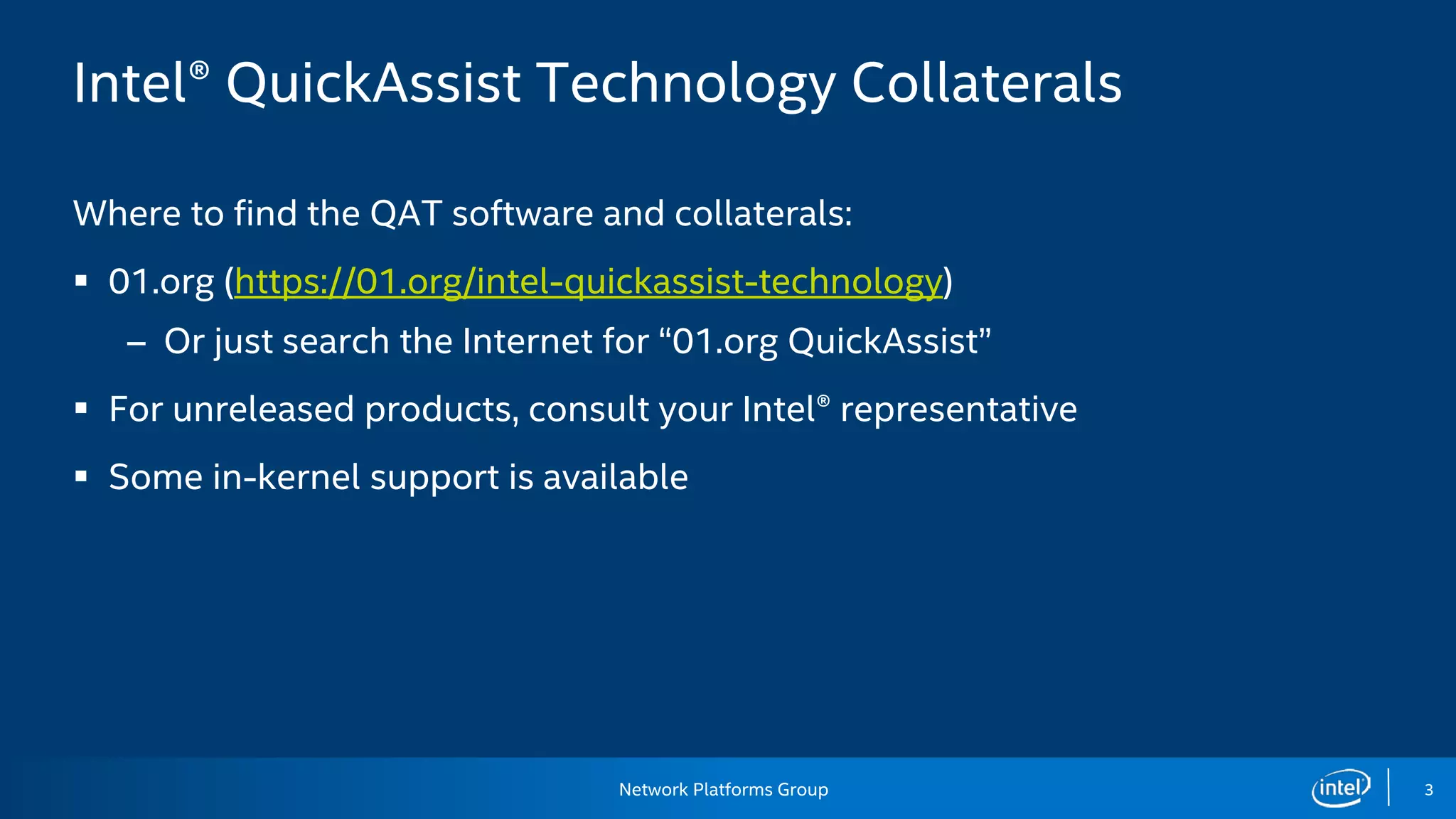
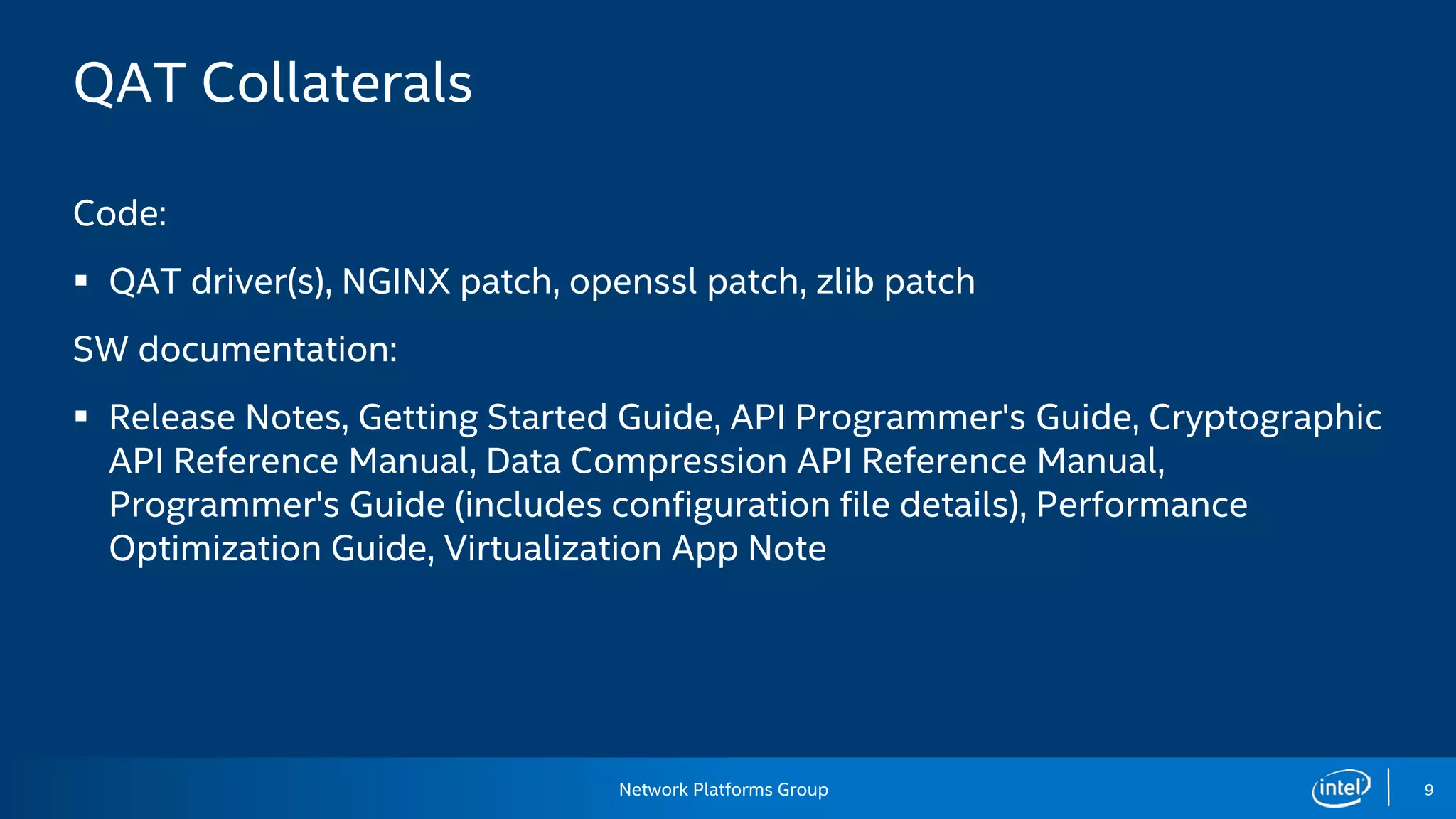
Intel® QuickAssist Technology Collaterals
Where to find the QAT software and collaterals:
01.org (https://01.org/intel-quickassist-technology)
– Or just search the Internet for “01.org QuickAssist”
For unreleased products, consult your Intel® representative
Some in-kernel support is available
4.
Network Platforms Group4
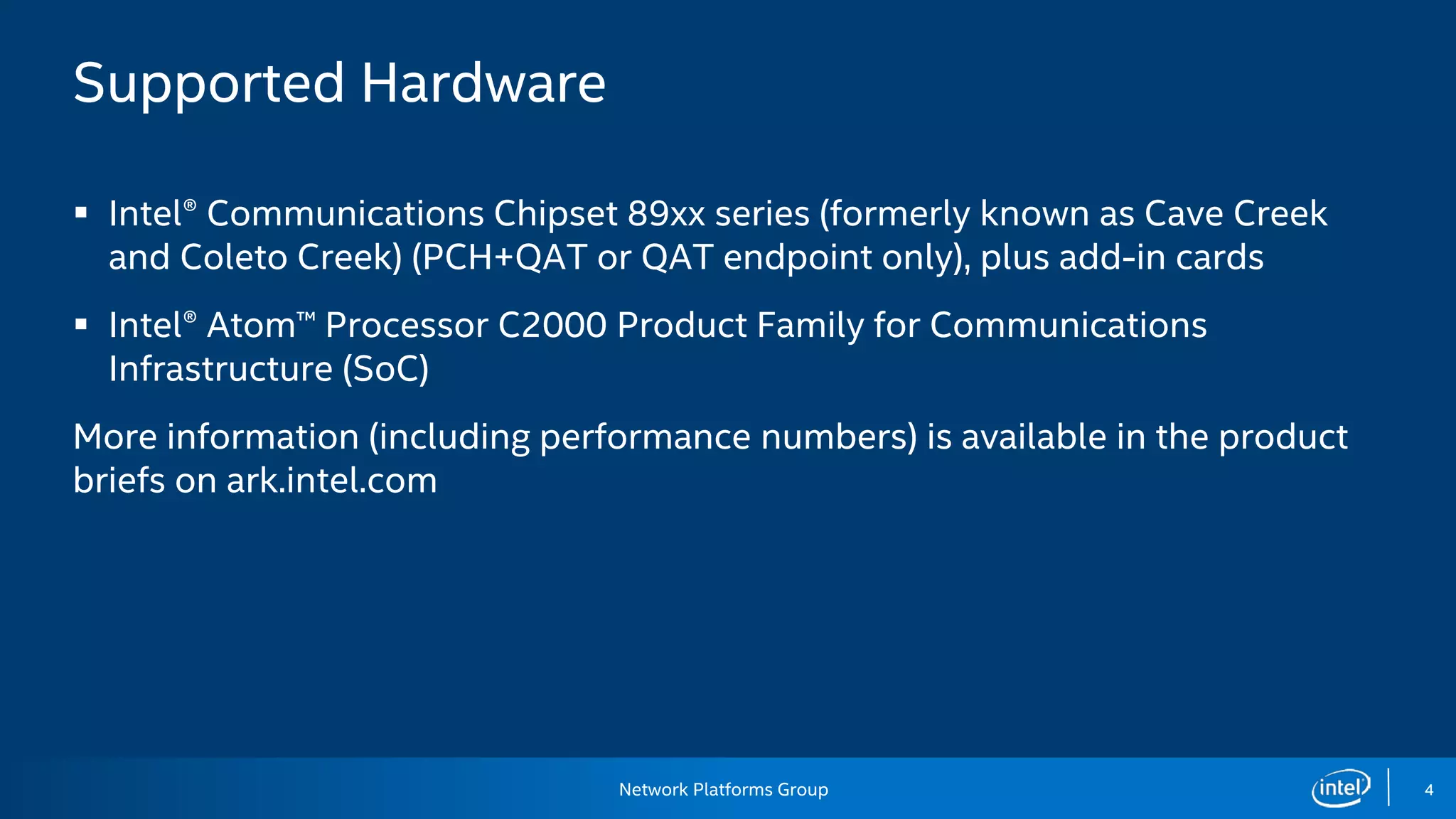
Supported Hardware
Intel® Communications Chipset 89xx series (formerly known as Cave Creek
and Coleto Creek) (PCH+QAT or QAT endpoint only), plus add-in cards
Intel® Atom™ Processor C2000 Product Family for Communications
Infrastructure (SoC)
More information (including performance numbers) is available in the product
briefs on ark.intel.com
5.
Network Platforms Group5
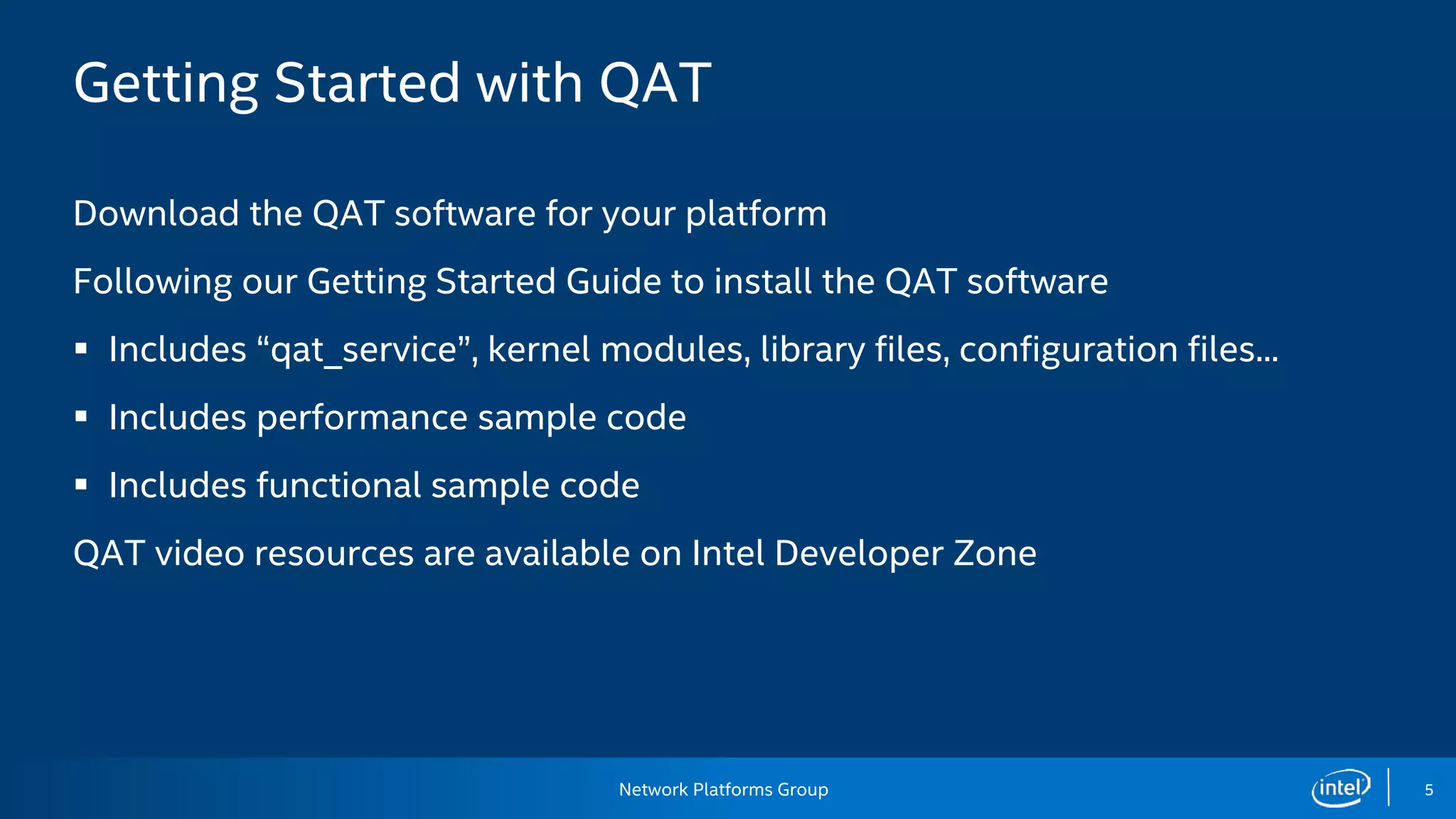
Getting Started with QAT
Download the QAT software for your platform
Following our Getting Started Guide to install the QAT software
Includes “qat_service”, kernel modules, library files, configuration files...
Includes performance sample code
Includes functional sample code
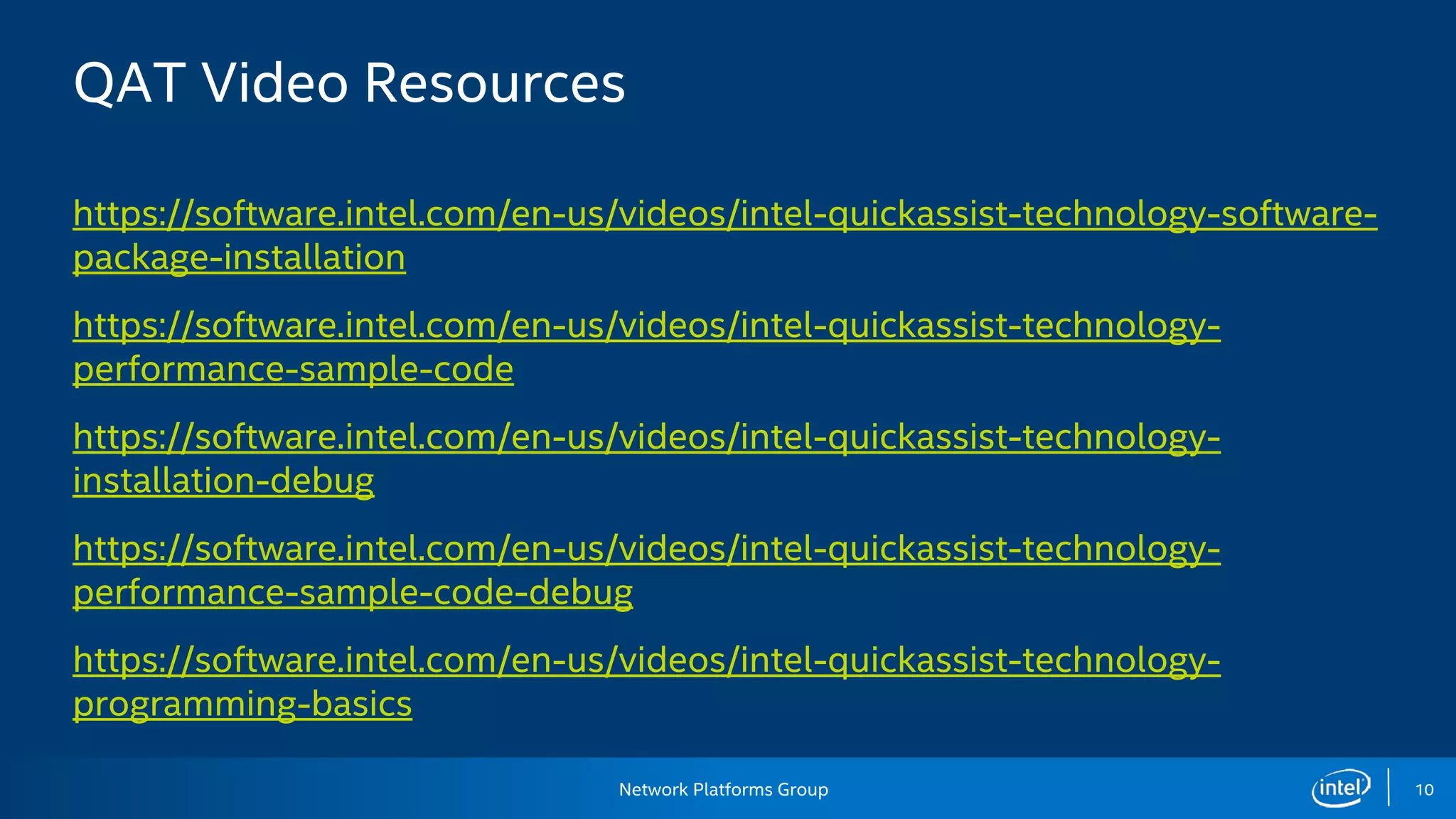
QAT video resources are available on Intel Developer Zone
6.
Network Platforms Group6
Offloading to QAT frees up CPU cores!
QAT endpoints show up as a PCIe Device
Exposes request/response ring interface
User application allocates memory and puts input data (including payload,
keys...) in DRAM
QAT API is called
API handles DMA, etc
Poll or interrupt for result
Take advantage of QAT parallelism
7.
Network Platforms Group7
QAT Algorithms
Symmetric cryptography functions include: cipher operations (AES, DES, 3DES,
ARC4); wireless (Kasumi, Snow 3G); hash/authenticate operations (SHA-1, MD5;
SHA-2 [SHA-224, SHA-256, SHA-384, SHA-512]); authentication (HMAC, AES-
XCBC, AES-CCM); AES-XTS (8925, 8950 and 8955 only); and random number
generation
Public Key functions include: RSA operation; Diffie-Hellman operation; digital
signature standard operation; key derivation operation; elliptic curve
cryptography (ECDSA and ECDH); random number generation; and prime
number testing.
Compression/decompression include: DEFLATE
Network Platforms Group11
“Transforming the 5G Network Edge: More
Power, Performance and Intelligence”
https://newsroom.intel.com/editorials/transforming-5g-network-edge-more-power-
performance-intelligence/
Available mid-year (2017):
Intel Atom® processor C3000 product family enables network edge device vendors to
reach a wide range of cost-performance and power-performance points and integrates
Intel® QuickAssist technology for up to 20 Gbps crypto and compression acceleration.
New Networking Series for the Intel® Xeon® processor D-1500 product family allows
CoSPs to scale up performance beyond the Intel Atom processor C3000 product family
while securing and compressing data at the network edge at rates up to 40 Gbps.
Next-generation Intel QuickAssist Adapter family can process even larger amounts of data
coming from IoT and network edge devices, delivering up to 100 Gbps of crypto,
compression and public key acceleration.
12.
Network Platforms Group12
Other topics
Synchronous vs asynchronous
SHA-1 “shattered”?
QAT Getting Started Guide walkthrough
QAT OS support
Programmer’s Guide content overview
13.
Network Platforms Group13
Knowledge Check and advanced topics
T/F: QAT is part of all CPUs?
Explain: QAT is a “black box”
Explain: QAT can operate in “endpoint-only mode”
Where is the QAT documentation?
What software works with QAT out of the box?
Where are the configuration files located? Why are configuration files needed?
Under what conditions might I see less than Intel’s best performance numbers for a
particular product?
How do I upgrade QAT firmware?
How do I show that QAT is working on a particular platform?
What Linux kernels are supported?

![Network Platforms Group 7
QAT Algorithms
Symmetric cryptography functions include: cipher operations (AES, DES, 3DES,
ARC4); wireless (Kasumi, Snow 3G); hash/authenticate operations (SHA-1, MD5;
SHA-2 [SHA-224, SHA-256, SHA-384, SHA-512]); authentication (HMAC, AES-
XCBC, AES-CCM); AES-XTS (8925, 8950 and 8955 only); and random number
generation
Public Key functions include: RSA operation; Diffie-Hellman operation; digital
signature standard operation; key derivation operation; elliptic curve
cryptography (ECDSA and ECDH); random number generation; and prime
number testing.
Compression/decompression include: DEFLATE](https://image.slidesharecdn.com/17w09qatintrodevlabthursamjoels-170308033016/75/Intel-r-Quick-Assist-Technology-Overview-7-2048.jpg)

![Network Platforms Group
Legal Disclaimers
Technology Disclaimer:
Intel technologies’ features and benefits depend on system configuration and may require enabled hardware, software or service
activation. Performance varies depending on system configuration. No computer system can be absolutely secure. Check with your
system manufacturer or retailer or learn more at [intel.com].
General Disclaimer:
© Copyright 2015 Intel Corporation. All rights reserved. Intel, the Intel logo, Intel Inside, the Intel Inside logo, Intel.
Experience What’s Inside are trademarks of Intel. Corporation in the U.S. and/or other countries. *Other names and
brands may be claimed as the property of others.
15](https://image.slidesharecdn.com/17w09qatintrodevlabthursamjoels-170308033016/75/Intel-r-Quick-Assist-Technology-Overview-15-2048.jpg)


![Overview_Of_Intel_x86[1].pdf](https://cdn.slidesharecdn.com/ss_thumbnails/overviewofintelx861-230818125933-e767db13-thumbnail.jpg?width=640&height=640&fit=bounds)


