











Getting Organized and Avoiding
     Information Overload


     http://bit.ly/cag2012
       Angela Housand and Brian Housand
         CAG 2012 – Palm Springs, CA
FUTURE!
SHOCK!
ALVIN TOFFLER
The	
  illiterate	
  of	
  
the	
  21st	
  Century	
  
will	
  not	
  be	
  those	
  
who	
  cannot	
  read	
  
or	
  write,	
  	
  
       but	
  those	
  who	
  cannot	
  	
  
       LEARN,	
  UNLEARN	
  AND	
  
                RELEARN.	
  
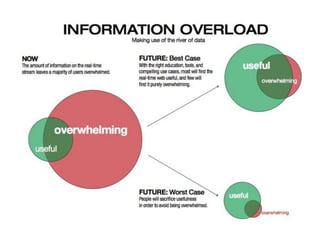
Cognitive overstimulation that
 interferes with our ability to
                       “think”
             (Toffler, 1970, p. 350)
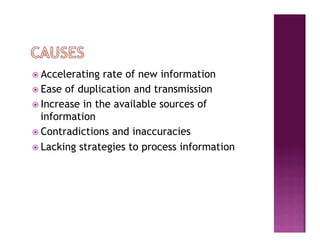
ž  Accelerating  rate of new information
ž  Ease of duplication and transmission
ž  Increase in the available sources of
    information
ž  Contradictions and inaccuracies

ž  Lacking strategies to process information
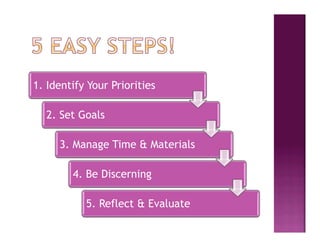
1. Identify Your Priorities

  2. Set Goals

     3. Manage Time & Materials

        4. Be Discerning

           5. Reflect & Evaluate
Step 1

Identify Your Priorities
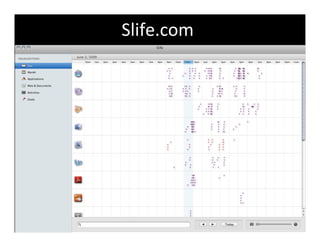
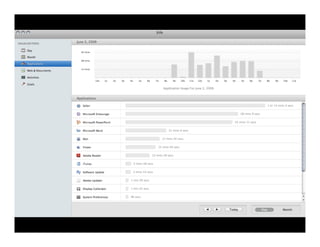
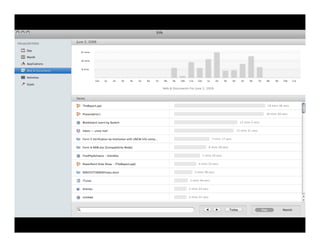
Slife.com	
  
SLIFE

n  A retroactive view of productivity
n  Enables a needs assessment

n  Helps to identify priorities
    related to action & time
Planning & Goal Setting

n  Time management
n  Sequencing
      l  Priorities

      l  Deadlines
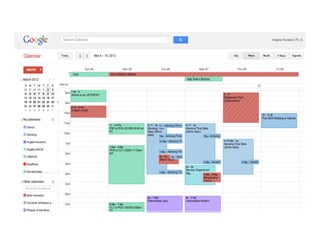
Google Calendar Supports

n  Time management
n  Sequencing
      l  Setting Priorities
      l  Notification of Deadlines
Step 2

   Set Goals
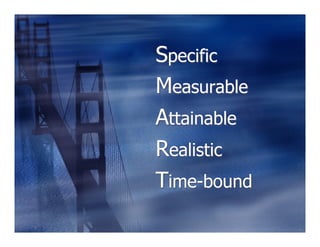
Specific
Measurable
Attainable
Realistic
Time-bound
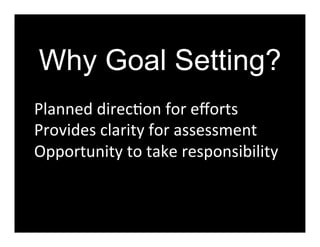
Why Goal Setting?
Planned	
  direc?on	
  for	
  efforts	
  
Provides	
  clarity	
  for	
  assessment	
  
Opportunity	
  to	
  take	
  responsibility	


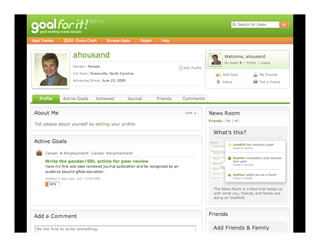
What does
goal setting
look like for
adults?
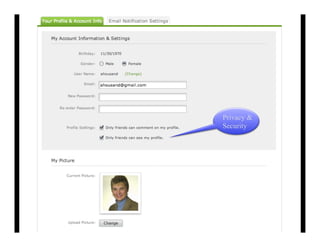
Privacy &
Security
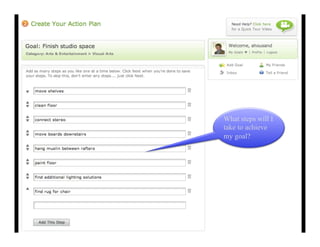
What steps will I
take to achieve
my goal?
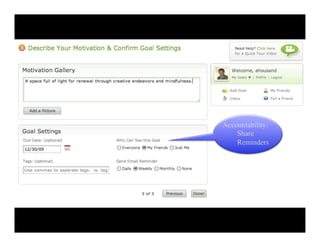
Accountability:
    Share
    Reminders
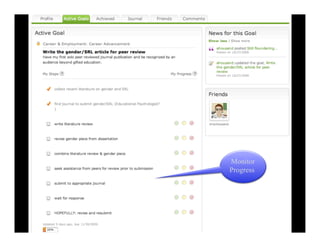
Monitor
Progress
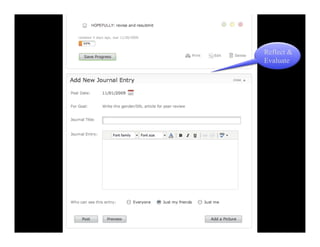
Reflect &
Evaluate
Attainment

l  Demonstrates  forward progress
l  Measure and take pride in the
    achievement
l  Celebrate and enjoy the satisfaction of
    achievement
l  Set a new goal
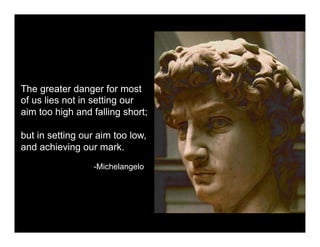
The greater danger for most
of us lies not in setting our
aim too high and falling short;

but in setting our aim too low,
and achieving our mark.
                 -Michelangelo
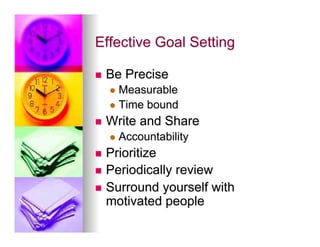
Effective Goal Setting

n    Be Precise
      l  Measurable
      l  Time   bound
n    Write and Share
      l  Accountability

n  Prioritize
n  Periodically review
n  Surround yourself with
    motivated people
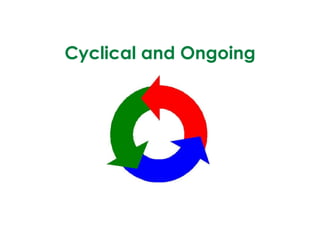
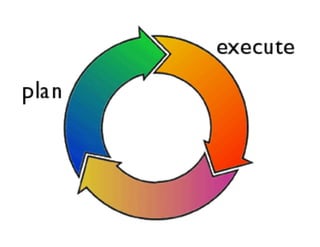
Cyclical and Ongoing
Step 3

Manage Time & Materials
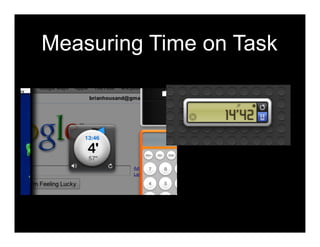
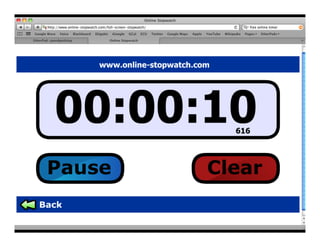
Measuring Time on Task
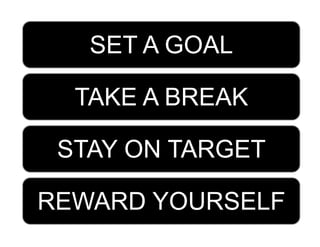
SET A GOAL

  TAKE A BREAK

 STAY ON TARGET

REWARD YOURSELF
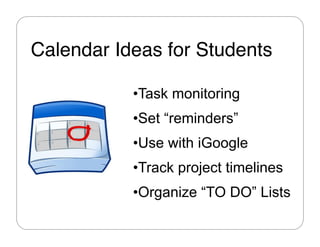
Calendar Ideas for Students"

           • Task monitoring
           • Set “reminders”
           • Use with iGoogle
           • Track project timelines
           • Organize “TO DO” Lists
DO’s and DON’Ts
 of To Do Lists
BE EFFICIENT
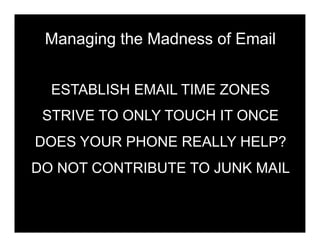
Managing the Madness of Email


  ESTABLISH EMAIL TIME ZONES
 STRIVE TO ONLY TOUCH IT ONCE
DOES YOUR PHONE REALLY HELP?
DO NOT CONTRIBUTE TO JUNK MAIL
“GET YOURSELF A FOLDER.”
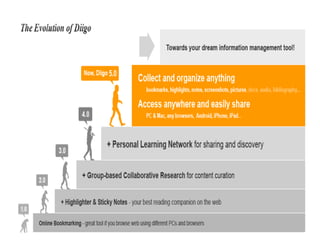
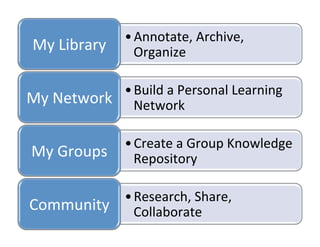
• Annotate,	
  Archive,	
  
 My	
  Library	
       Organize	
  

                 • Build	
  a	
  Personal	
  Learning	
  
My	
  Network	
   Network	
  

                  • Create	
  a	
  Group	
  Knowledge	
  
 My	
  Groups	
   Repository	
  

              • Research,	
  Share,	
  
Community	
   Collaborate	
  
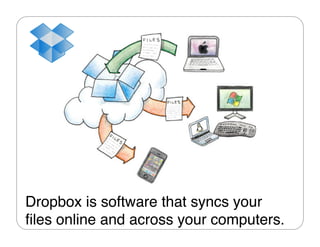
Dropbox is software that syncs your
files online and across your computers."
"
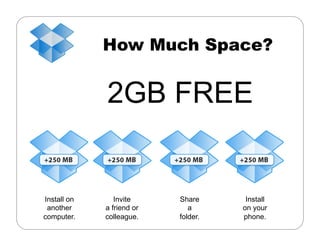
How Much Space?


             2GB FREE


Install on      Invite     Share      Install
 another     a friend or      a      on your
computer.    colleague.    folder.   phone.
I
Step 4

 Be Discerning
Do I really need this tool or
information?

n  Be a purposeful adopter
n  Right tool right job

n  Specialize in your needs
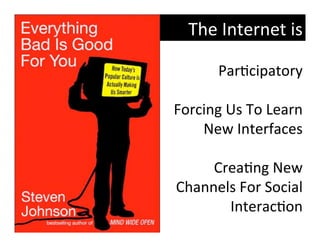
The	
  Internet	
  is	
  

       Par?cipatory	


Forcing	
  Us	
  To	
  Learn	
  
    New	
  Interfaces	


      Crea?ng	
  New	
  
Channels	
  For	
  Social	
  
           Interac?on	
  
Critical    Responsible
Consumers    Producers
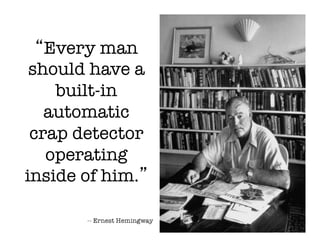
“Every man
 should have a
    built-in
   automatic
 crap detector
   operating
inside of him.”
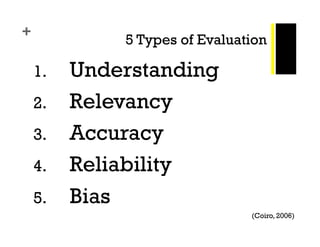
+
              5 Types of Evaluation

    1.    Understanding
    2.    Relevancy
    3.    Accuracy
    4.    Reliability
    5.    Bias
                                (Coiro, 2006)
http://www.google.com/educators
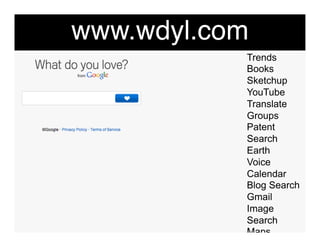
www.wdyl.com"
            Trends
            Books
            Sketchup
            YouTube
            Translate
            Groups
            Patent
            Search
            Earth
            Voice
            Calendar
            Blog Search
            Gmail
            Image
            Search
            Maps
            Moderator
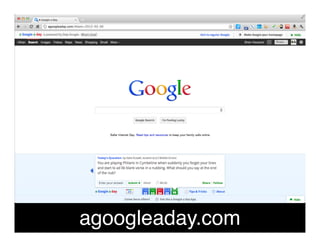
agoogleaday.com"
Step 5

Reflect & Evaluate
Ask Yourself

l  DidI accomplish what I planned to do?
l  Was I distracted?
   l  Were  you successful with your email?
   l  Did you delay gratification?
l  Did   I plan enough time?
   l  Was I productive or was I spending time
     figuring out how to use the technology?
Ask Yourself

l  What    worked well?
  l  Are certain technologies easier for me to
      adopt?
  l  Are some more appropriate than others?
l  What    do I need help with?
  l  Find   a tech buddy.
l  What    do I still need know?
BE A RESPONSIBLE

DIGITAL CITIZEN…"


Don’t add to information overload!"
Thank You!

Information Overload CAG 2012