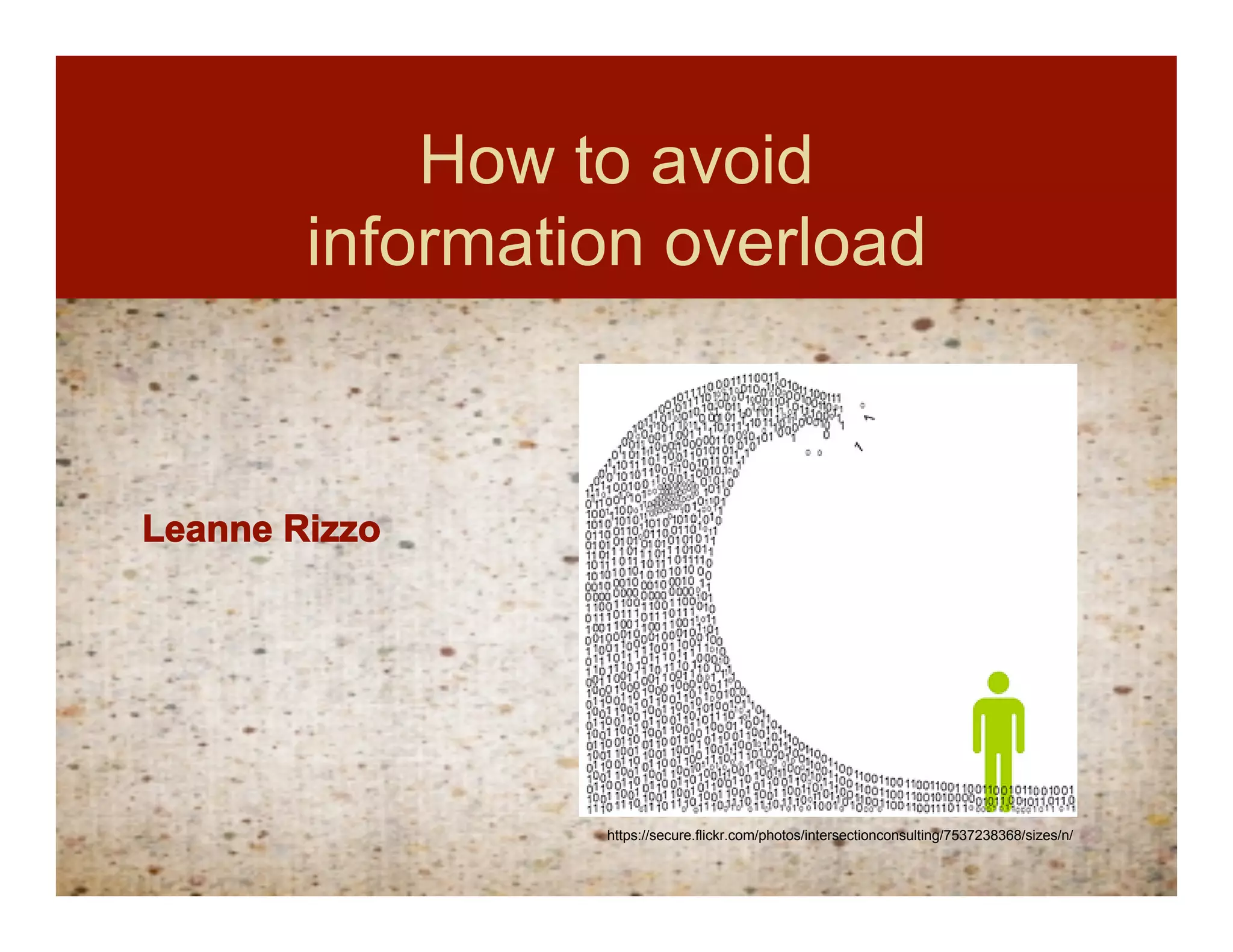
How to avoid
        information overload


Leanne Rizzo


                 https://secure.flickr.com/photos/intersectionconsulting/7537238368/sizes/n/
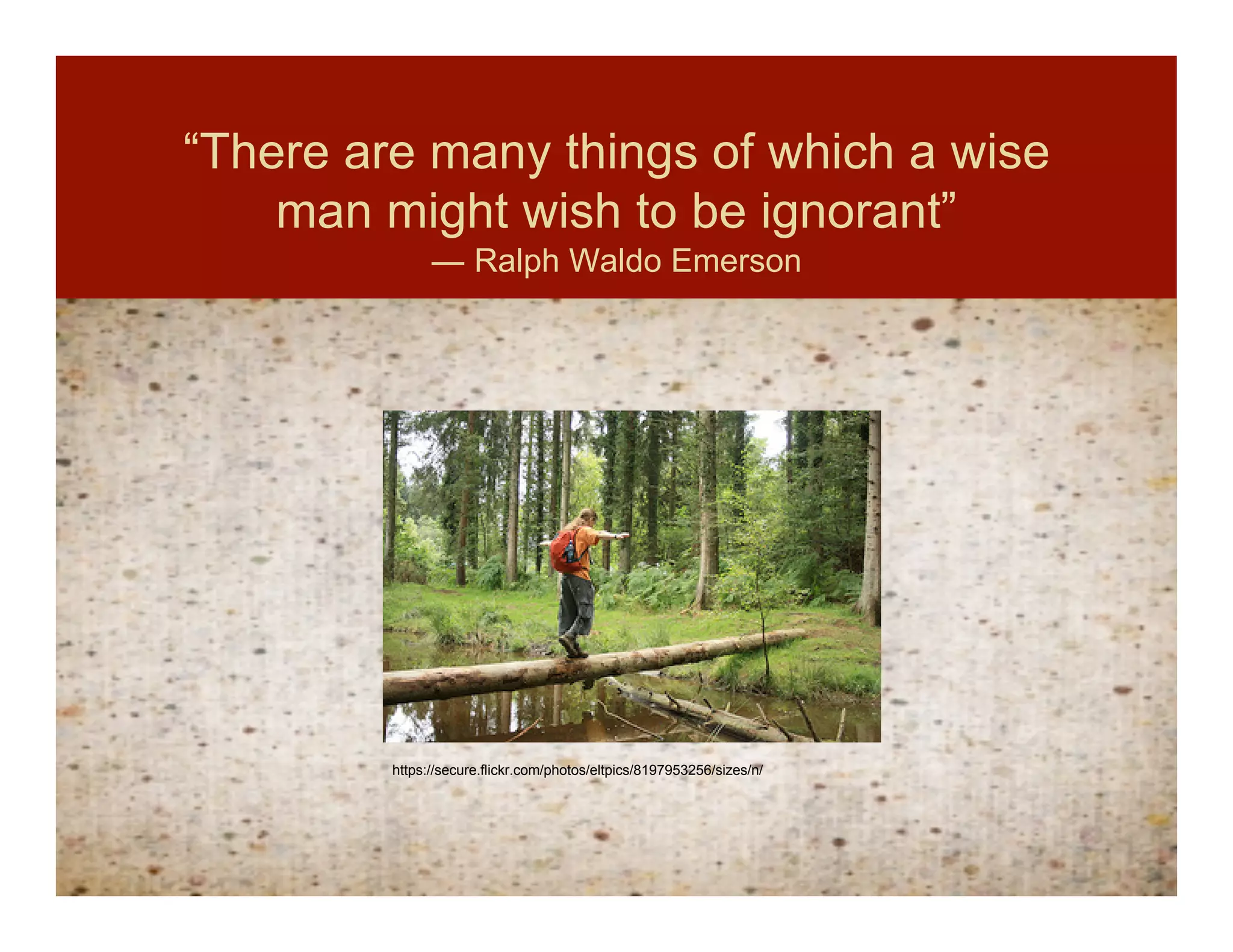
“There are many things of which a wise
    man might wish to be ignorant”
               ― Ralph Waldo Emerson


         https://secure.flickr.com/photos/eltpics/8197953256/sizes/n/
The quest for
        elegance

     Quest for elegance

                        Less can be MORE


Empty space is OK!
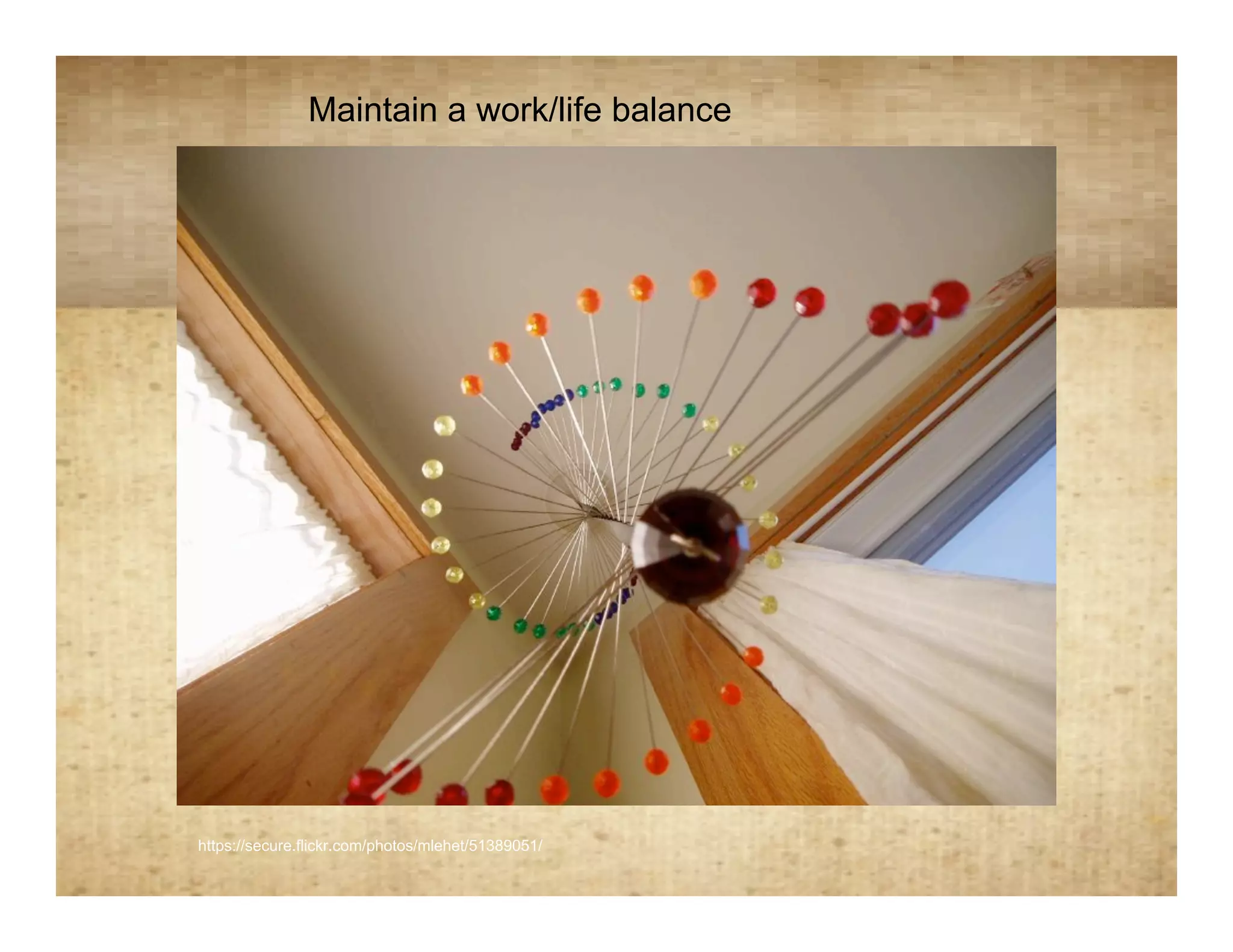
Maintain a work/life balance

                                            Spirals


https://secure.flickr.com/photos/mlehet/51389051/
“…a bulging [email] in-box demoralizes
   users with feelings of overload”
                                               (Hurst, 2007,p. 25)


 https://secure.flickr.com/photos/slipstreamblue/2638690797/sizes/n/
Practical Tips on Managing
      your Email In-box

• Delete all spam
• Save FYI emails or action items in
  appropriate digital folder
• Finish 2 minute tasks immediately
• Have a to do list for items that will take longer
  than 2 minutes
• Empty out entire email inbox every day
• “Induction” process may be needed
Hurst’s definition of the email
            Inductionprocess:
             “induction” definition


The massive cleaning out of several emails that have piled up
  over a specific amount of time and therefore make your
  in-box a total count of 0.


Hurst suggests that your inbox is a mere temporary holding place
  for communication and it’s not meant to live there.
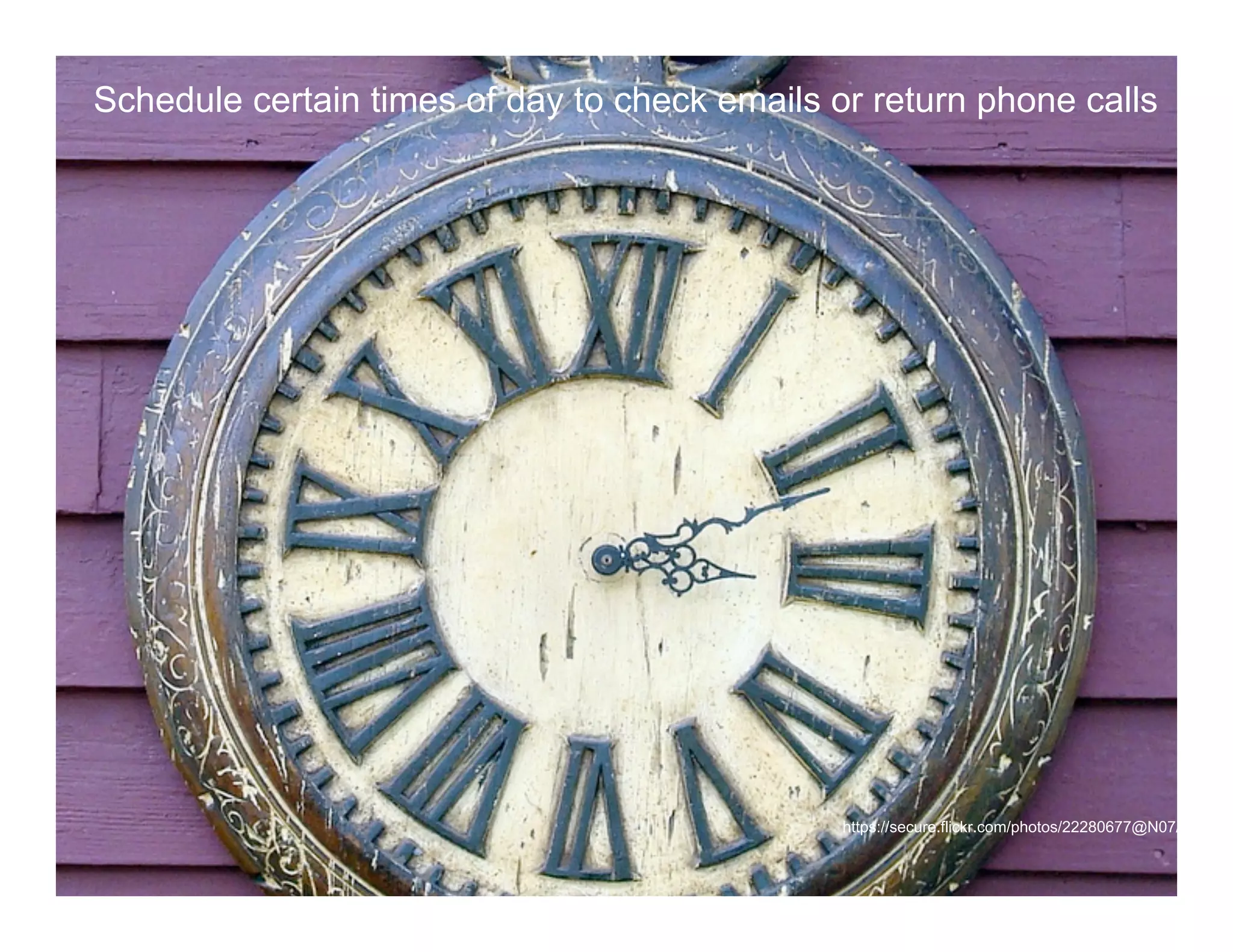
Schedule certain times of day to check emails or return phone calls


              Time management
              Time Management Tips


              Schedule certain times of day to check emails and return phone calls


                                                                      https://secure.flickr.com/photos/22280677@N07/3910685
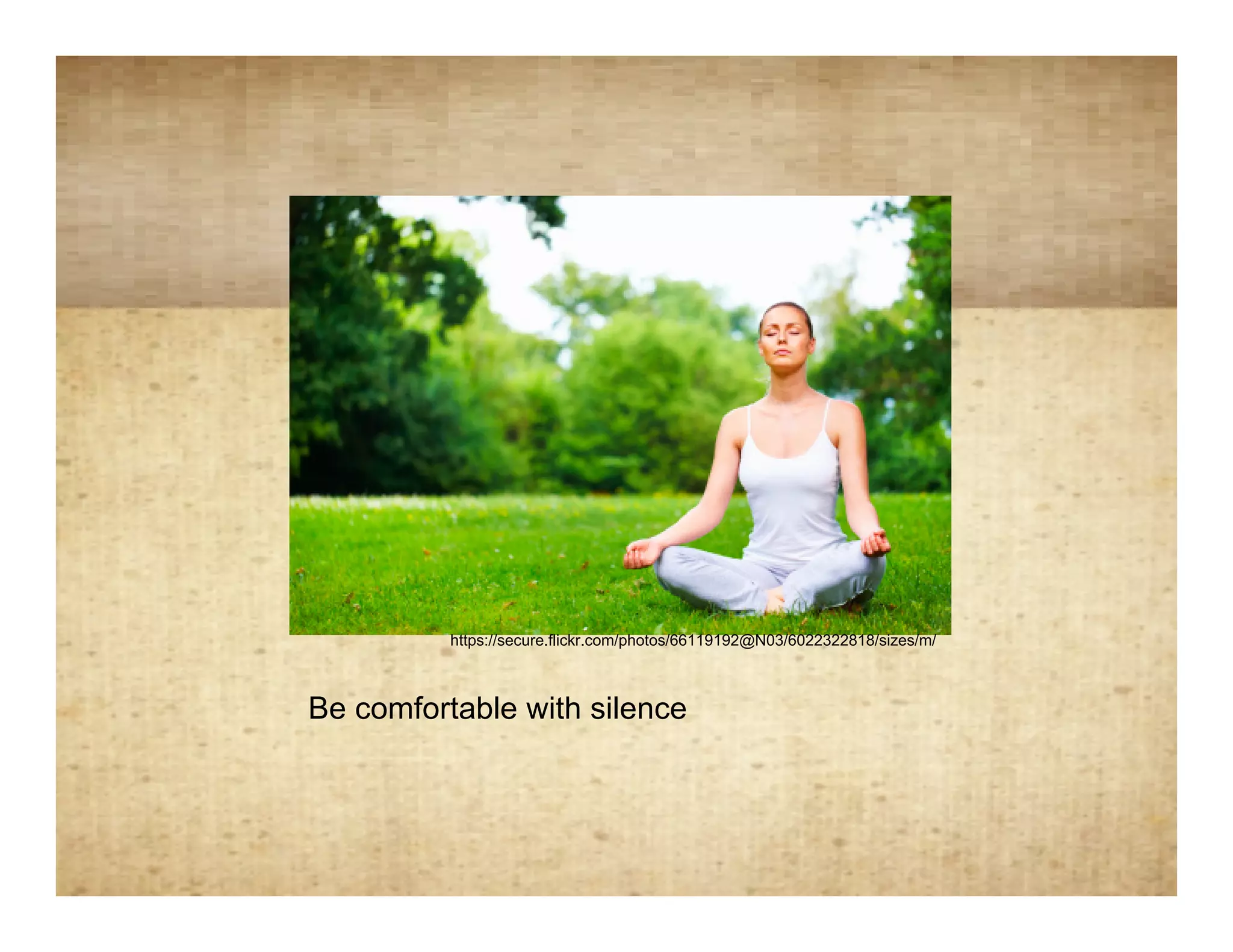
Be comfortable with silence


             https://secure.flickr.com/photos/66119192@N03/6022322818/sizes/m/


   Be comfortable with silence
Debrief after meetings

• “Ask yourselves, ‘Did we accomplish
  everything we set out to do? Is everyone
  clear on the next steps?’ “ (Levine, 2006,
  p.113)
• Schedule follow-up tasks that need to be
  completed
• Stay in touch with the front lines. “Find some
  way to ‘meet’ with your customers and ask
  them about them about their needs” (Levine,
  2006, p. 117).
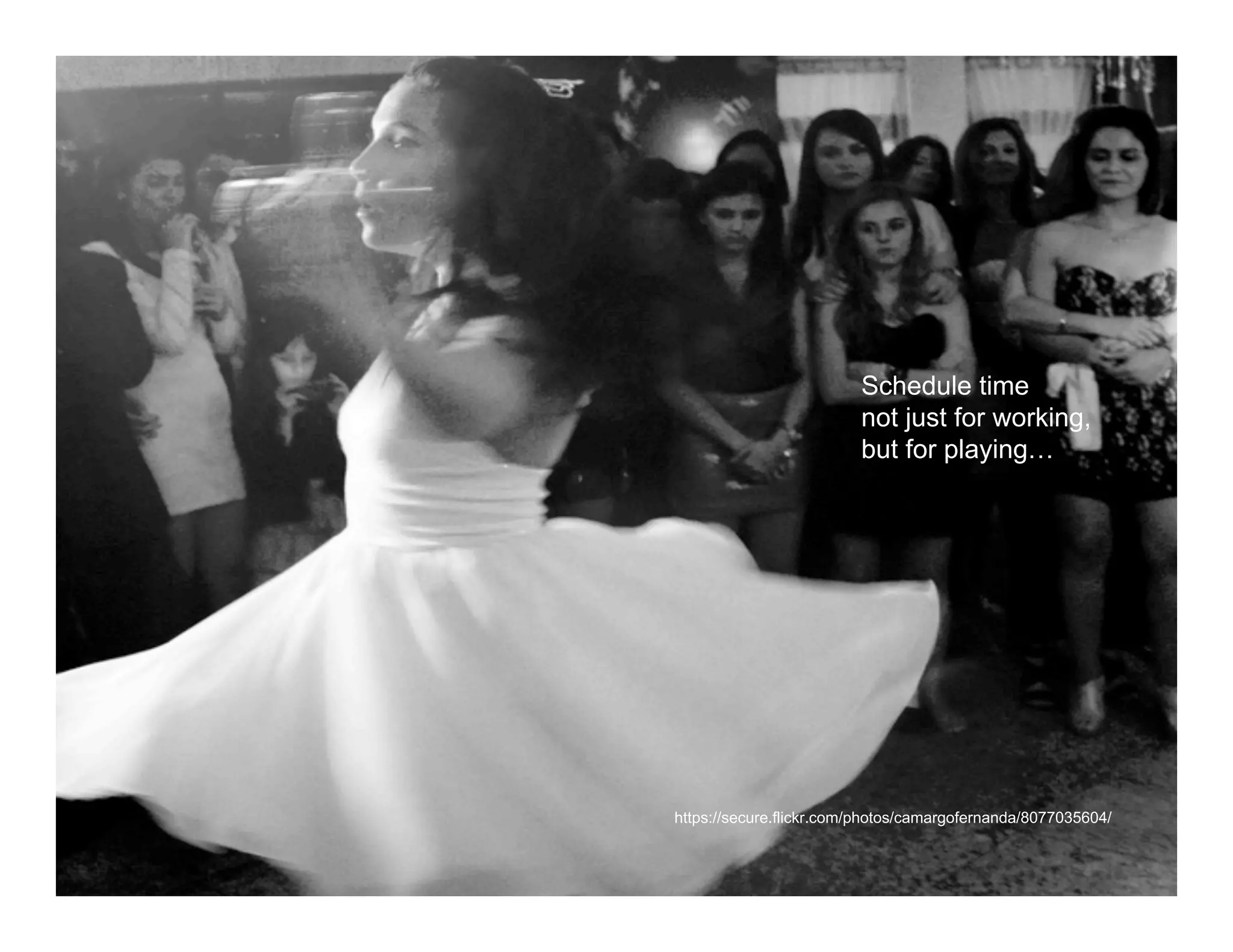
Dance

                            Schedule time
                            not just for working,
                            but for playing…


   https://secure.flickr.com/photos/camargofernanda/8077035604/
Mistakes
    Be OK with mistakes


Anyone who has never made a mistake
has never tried anything new.
~ Albert Einstein
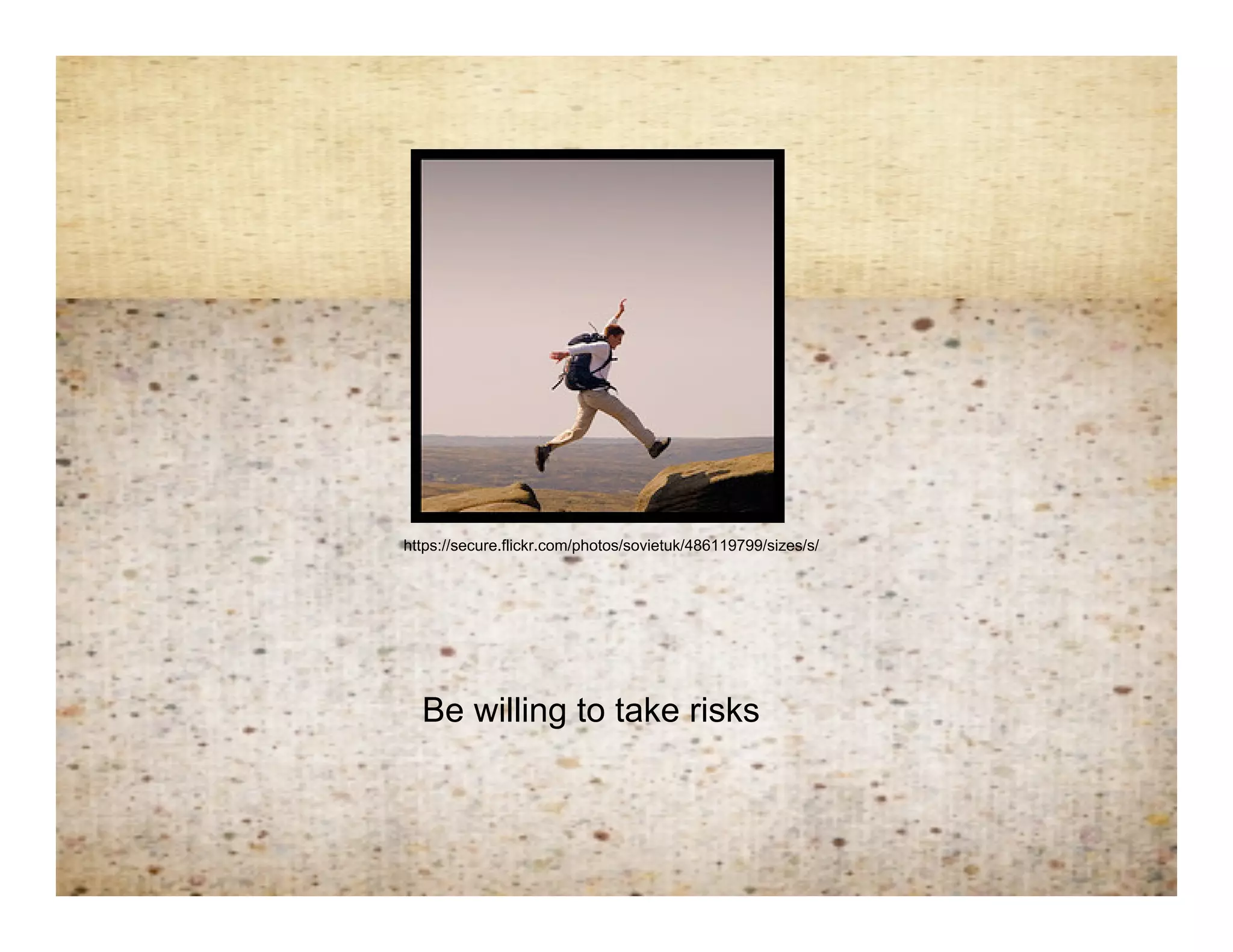
Jump on 2- risk taking


    https://secure.flickr.com/photos/sovietuk/486119799/sizes/s/


      Be willing to take risks
“People today are in danger of drowning in information; but, because
they have been taught that information is useful, they are more willing
                      to drown than they need be.
 If they could handle information, they would not have to drown at all.”
                         ― Idries Shah, Reflections
Other Resources:
                                             Resources
                                                                  1)   Blur: How to Know What’s True in
                                                                       the Age of Information Overload
                                                                       by Bill Kovach and Tom Rosenstiel

                                                                  2)   Bit Literacy: Productivity in the Age
                                                                       of Information and E-mail Overload
                                                                       by Mark Hurst

                                                                  3)   The Dip
                                                                       by Seth Godin

                                                                  4)   Cut to the Chase: And 99 Other
                                                                       Rules to Liberate Yourself and
                                                                       Gain Back the Gift of Time
                                                                       by Stuart R. Levine

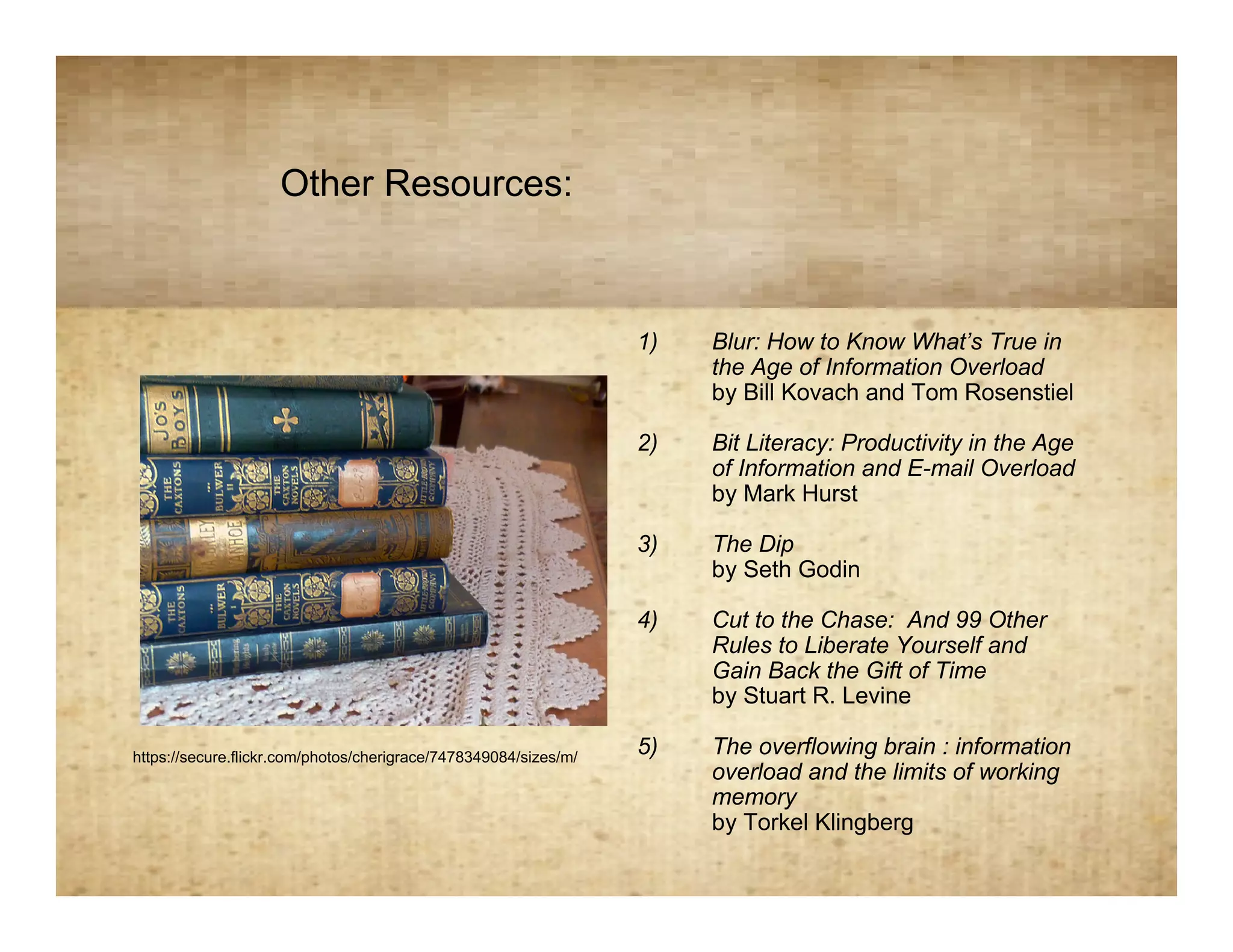
https://secure.flickr.com/photos/cherigrace/7478349084/sizes/m/
                                                                  5)   The overflowing brain : information
                                                                       overload and the limits of working
                                                                       memory
                                                                       by Torkel Klingberg
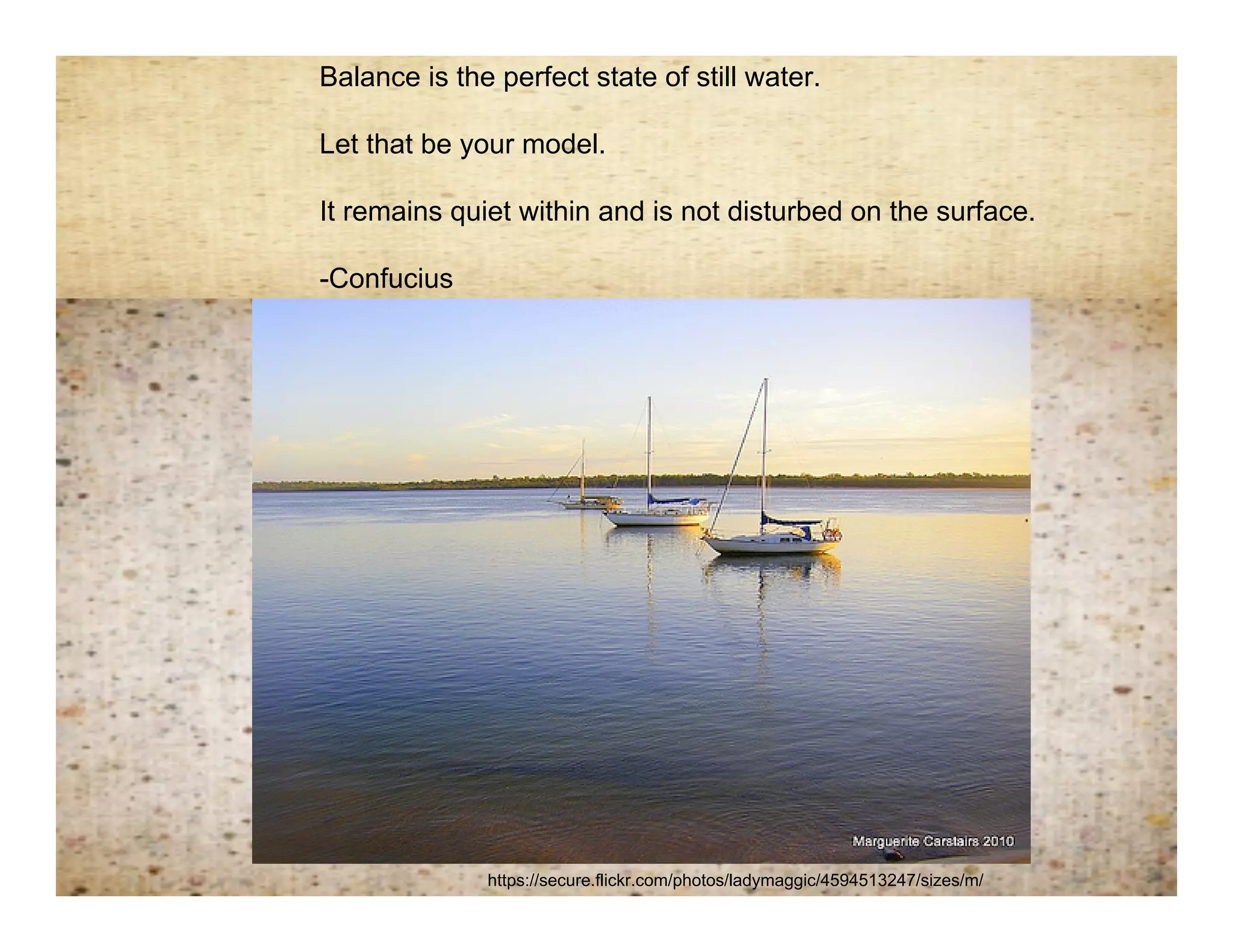
Balance is the perfect state of still water.

   Let that be your model.

Remembering balance
 It remains quiet within and is not disturbed on the surface.

   -Confucius


                 https://secure.flickr.com/photos/ladymaggic/4594513247/sizes/m/
References
                         References


ba1969. (Photographer). (2012). Canvas texture 1, 2, 4, & 5. [Web Photo].
    Retrieved from
    http://www.sxc.hu/browse.phtml?f=search&txt=texture&w=1&x=0&y=0


Hurst, M. (2007). Bit literacy: Productivity in the age of information and e-mail
    overload. New York: Good Experience Press.


Levine, S. (2006). Cut to the chase: And 99 other rules to liberate yourself and
    gain back the gift of time. (pp. 113-117). New York: Doubleday.

How to Avoid Information Overload

  • 1.
    How to avoid information overload Leanne Rizzo https://secure.flickr.com/photos/intersectionconsulting/7537238368/sizes/n/
  • 2.
    “There are manythings of which a wise man might wish to be ignorant” ― Ralph Waldo Emerson https://secure.flickr.com/photos/eltpics/8197953256/sizes/n/
  • 3.
    The quest for elegance Quest for elegance Less can be MORE Empty space is OK!
  • 4.
    Maintain a work/lifebalance Spirals https://secure.flickr.com/photos/mlehet/51389051/
  • 5.
    “…a bulging [email]in-box demoralizes users with feelings of overload” (Hurst, 2007,p. 25) https://secure.flickr.com/photos/slipstreamblue/2638690797/sizes/n/
  • 6.
    Practical Tips onManaging your Email In-box • Delete all spam • Save FYI emails or action items in appropriate digital folder • Finish 2 minute tasks immediately • Have a to do list for items that will take longer than 2 minutes • Empty out entire email inbox every day • “Induction” process may be needed
  • 7.
    Hurst’s definition ofthe email Inductionprocess: “induction” definition The massive cleaning out of several emails that have piled up over a specific amount of time and therefore make your in-box a total count of 0. Hurst suggests that your inbox is a mere temporary holding place for communication and it’s not meant to live there.
  • 8.
    Schedule certain timesof day to check emails or return phone calls Time management Time Management Tips Schedule certain times of day to check emails and return phone calls https://secure.flickr.com/photos/22280677@N07/3910685
  • 9.
    Be comfortable withsilence https://secure.flickr.com/photos/66119192@N03/6022322818/sizes/m/ Be comfortable with silence
  • 10.
    Debrief after meetings •“Ask yourselves, ‘Did we accomplish everything we set out to do? Is everyone clear on the next steps?’ “ (Levine, 2006, p.113) • Schedule follow-up tasks that need to be completed • Stay in touch with the front lines. “Find some way to ‘meet’ with your customers and ask them about them about their needs” (Levine, 2006, p. 117).
  • 11.
    Dance Schedule time not just for working, but for playing… https://secure.flickr.com/photos/camargofernanda/8077035604/
  • 12.
    Mistakes Be OK with mistakes Anyone who has never made a mistake has never tried anything new. ~ Albert Einstein
  • 13.
    Jump on 2-risk taking https://secure.flickr.com/photos/sovietuk/486119799/sizes/s/ Be willing to take risks
  • 14.
    “People today arein danger of drowning in information; but, because they have been taught that information is useful, they are more willing to drown than they need be. If they could handle information, they would not have to drown at all.” ― Idries Shah, Reflections
  • 15.
    Other Resources: Resources 1) Blur: How to Know What’s True in the Age of Information Overload by Bill Kovach and Tom Rosenstiel 2) Bit Literacy: Productivity in the Age of Information and E-mail Overload by Mark Hurst 3) The Dip by Seth Godin 4) Cut to the Chase: And 99 Other Rules to Liberate Yourself and Gain Back the Gift of Time by Stuart R. Levine https://secure.flickr.com/photos/cherigrace/7478349084/sizes/m/ 5) The overflowing brain : information overload and the limits of working memory by Torkel Klingberg
  • 16.
    Balance is theperfect state of still water. Let that be your model. Remembering balance It remains quiet within and is not disturbed on the surface. -Confucius https://secure.flickr.com/photos/ladymaggic/4594513247/sizes/m/
  • 17.
    References References ba1969. (Photographer). (2012). Canvas texture 1, 2, 4, & 5. [Web Photo]. Retrieved from http://www.sxc.hu/browse.phtml?f=search&txt=texture&w=1&x=0&y=0 Hurst, M. (2007). Bit literacy: Productivity in the age of information and e-mail overload. New York: Good Experience Press. Levine, S. (2006). Cut to the chase: And 99 other rules to liberate yourself and gain back the gift of time. (pp. 113-117). New York: Doubleday.