
Information Architecture for  Educators and Students Michael Zarro & Dave Cooksey
About Us Mike Zarro, MSLIS Information Architect at gsi interactive, a Division of GSI Commerce, Inc. Co-founder of The Educational Technology Center at Bryn Mawr College.  Web / multimedia technology lead for the Virtual Curriculum at The University of Pennsylvania School of Medicine.  Dave Cooksey, MA, MSIS User Experience Lead at gsi interactive, a Division of GSI Commerce, Inc. 2007 - 2008 Chair of PhillyCHI, Philadelphia chapter for the ACM’s special interest group in Human-Computer Interaction (SIG-CHI) Speaking Invitations: ACM SIG-CHI, IA Summit (ASIS&T) Performed taxonomy / IA work for: 
 Ace Hardware  |  Babies’R’Us  |  Bath & Body Works  |  Dick ’s  Sporting Goods  |  Ecko  |  Filson  |  Hershey ’s  Gifts  |  iRobot  |  Linens  ‘n  Things  |  Toys ’R’U s
Introduction to Information Architecture (IA) Information Seeking Behaviors  State of Educational IA  Best Practices  Conclusion & Resources  Q&A
Introduction to  Information Architecture (IA)
Information Architecture Is “ the art and science of organizing and labeling websites, intranets, online communities and software to support usability.” - The Information Architecture Institute “ What Is Information Architecture?” - http://iainstitute.org/documents/learn/What_is_IA.pdf
Why IA? As information proliferates exponentially, findability and usability become critical.  Good IA lays the groundwork for an information system that makes sense to users. - The Information Architecture Institute “ What Is Information Architecture?” - http://iainstitute.org/documents/learn/What_is_IA.pdf
The Facets of IA An Occupation A Job Title Series of Design Activities An Industry Community of Practice A Frame of Mind
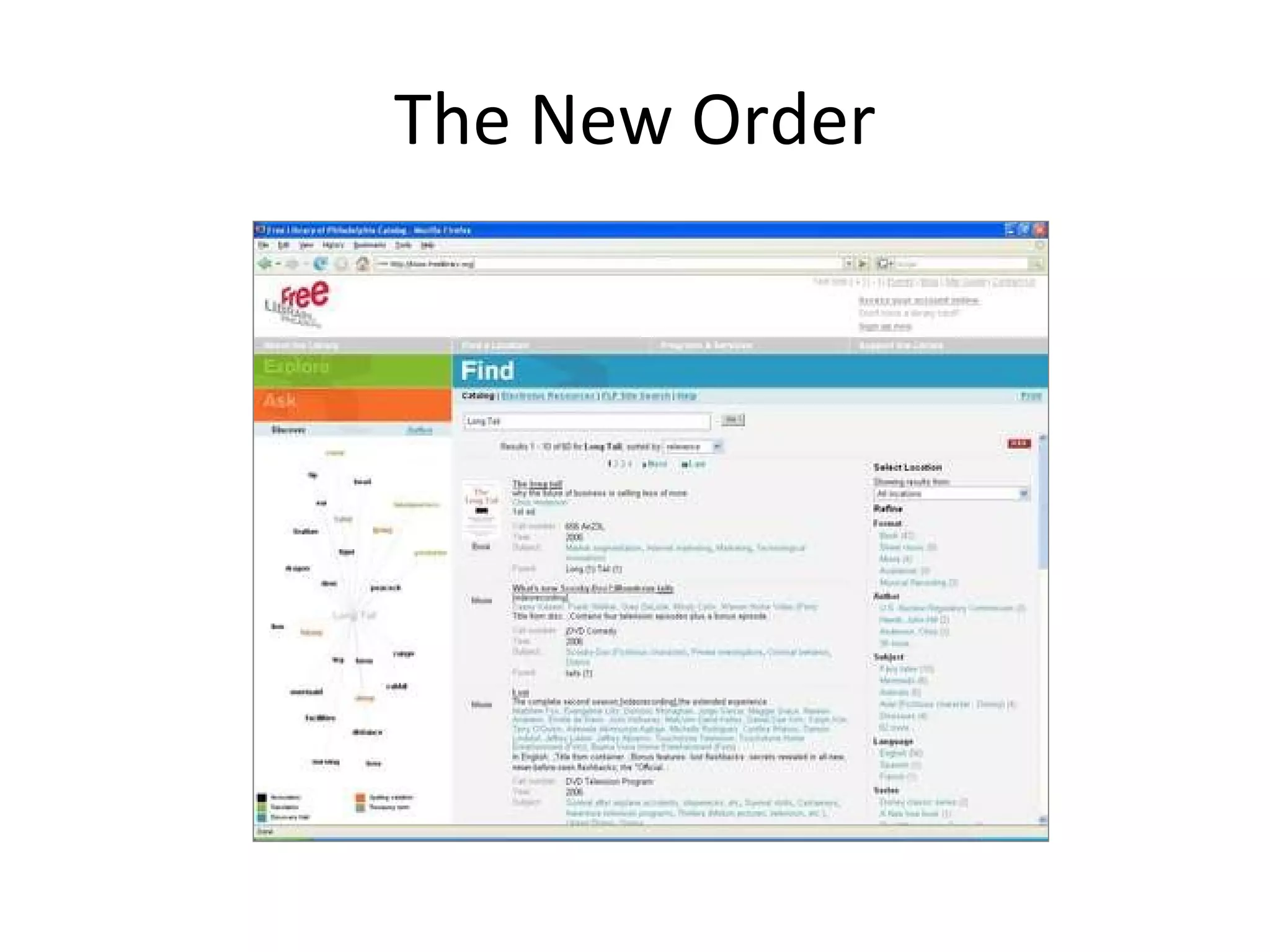
The New Order
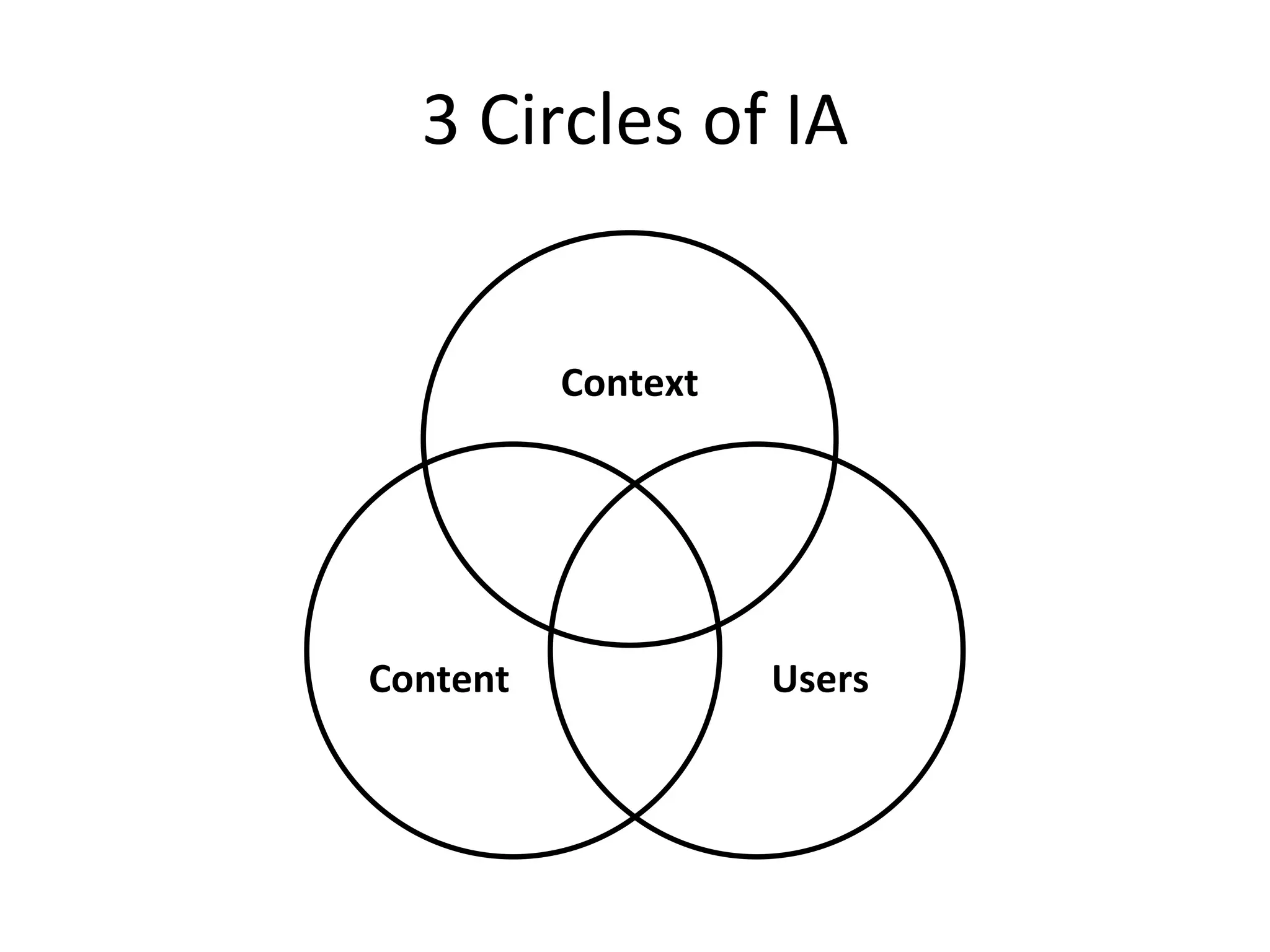
Context Users Content 3 Circles of IA
Educational IA
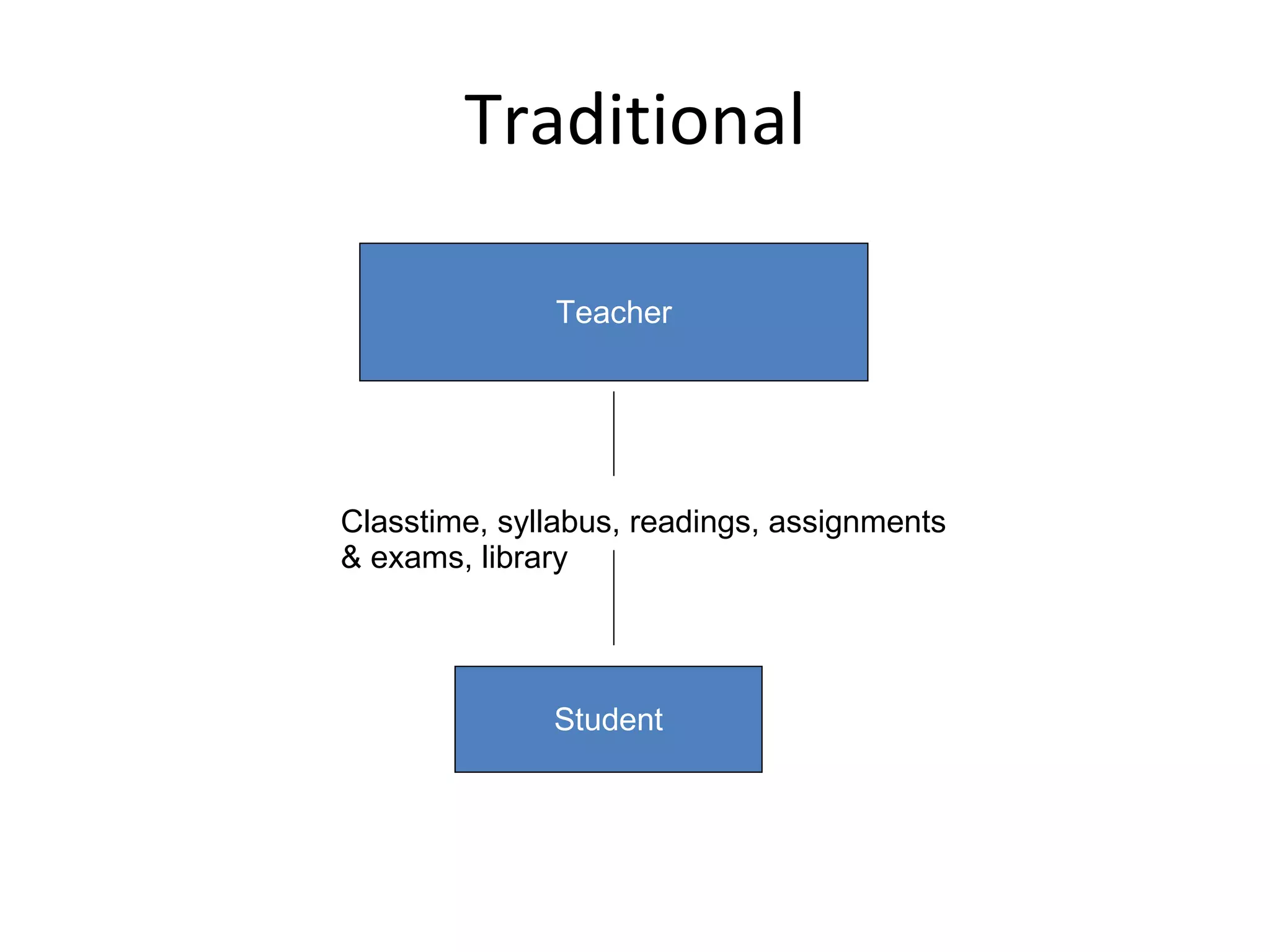
Traditional Teacher Student Classtime, syllabus, readings, assignments & exams, library
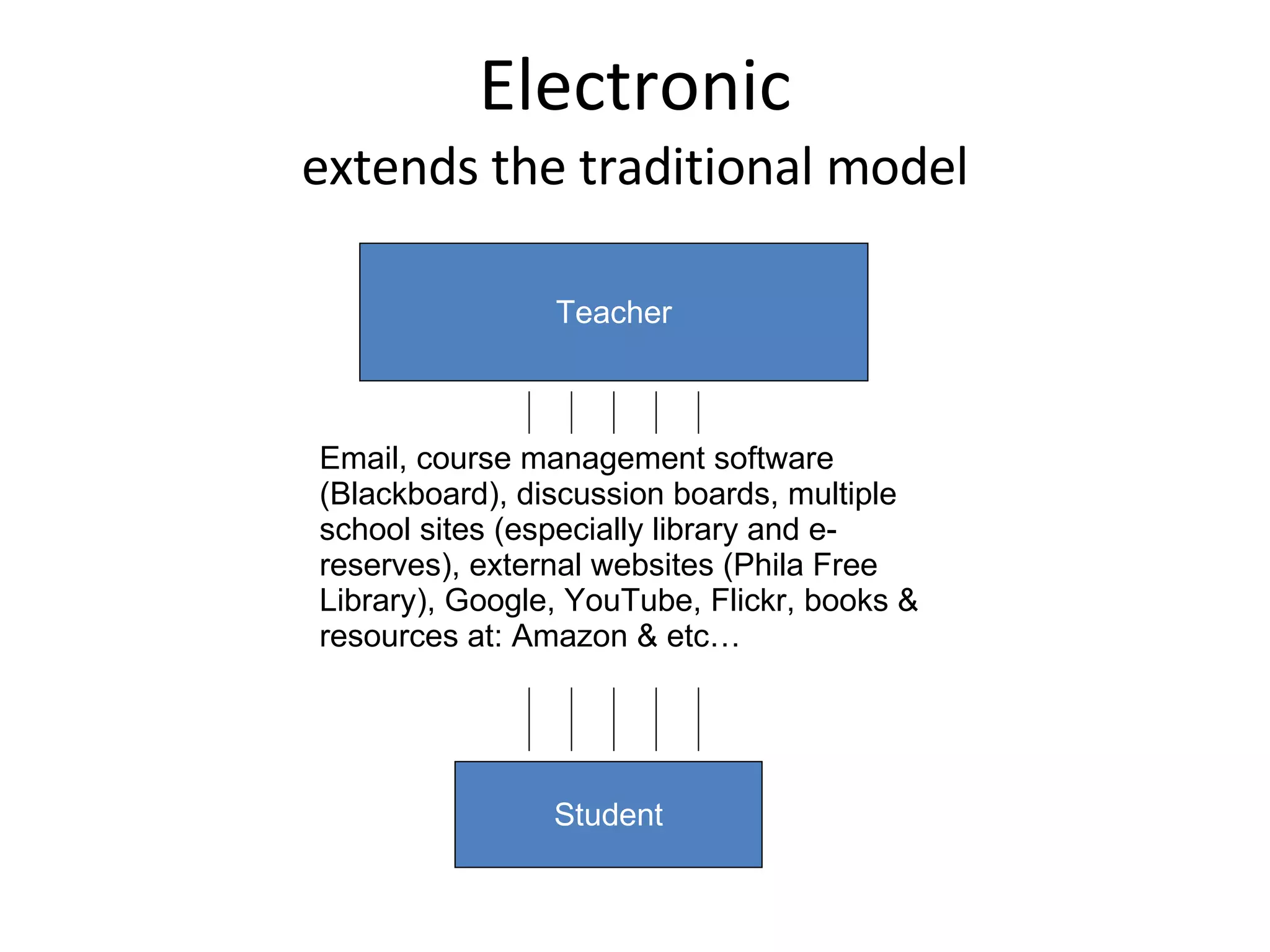
Electronic extends the traditional model Teacher Student Email, course management software (Blackboard), discussion boards, multiple school sites (especially library and e-reserves), external websites (Phila Free Library), Google, YouTube, Flickr, books & resources at: Amazon & etc…
Places MIT – Open Courseware University of California, Berkeley iTunes U Oxford University Internet Institute Harvard University Extension School –  YouTube video classes
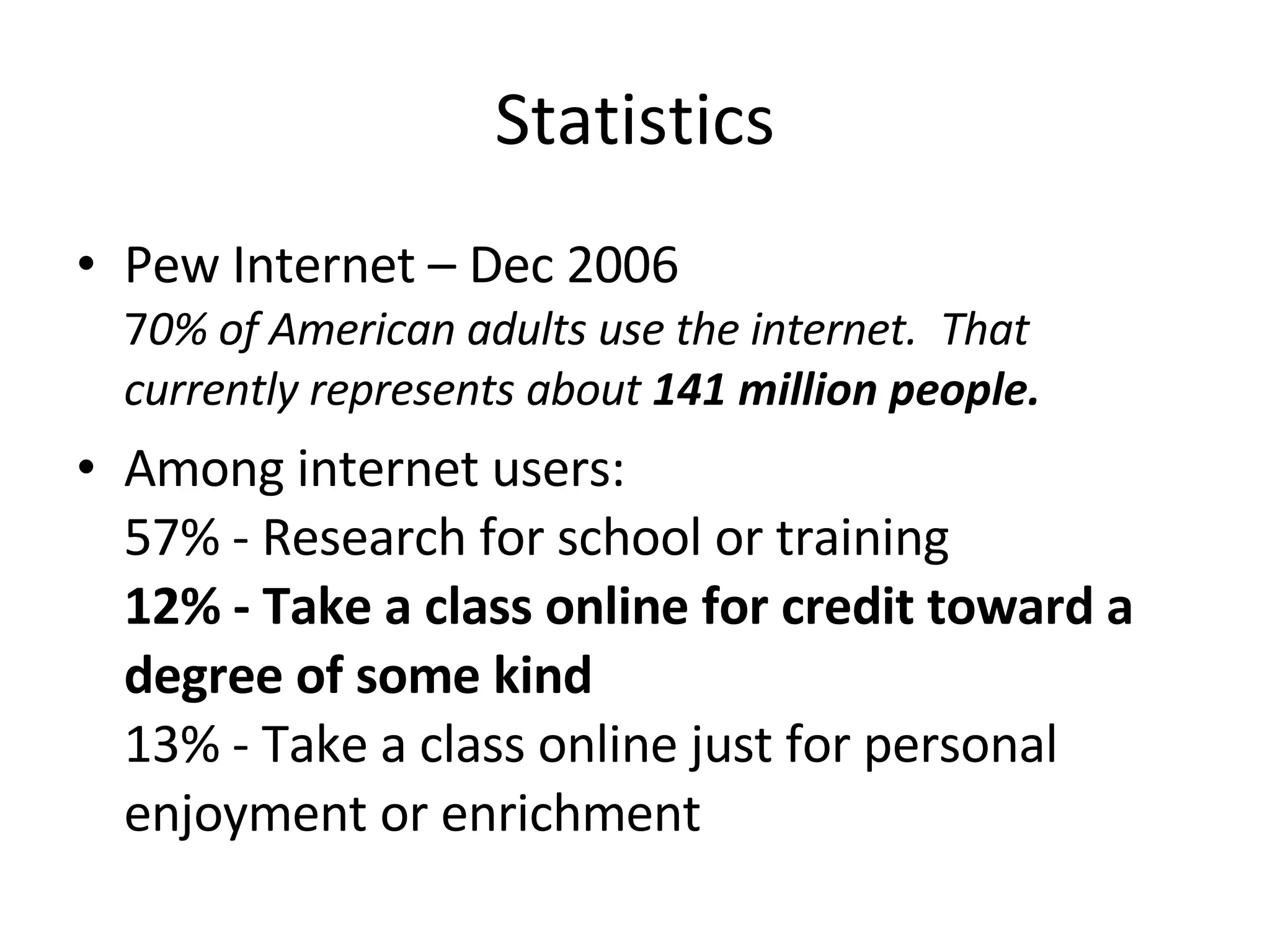
Statistics Pew Internet – Dec 2006 7 0% of American adults use the internet.  That currently represents about  141 million people. Among internet users:  57% - Research for school or training  12% - Take a class online for credit toward a degree of some kind 13% - Take a class online just for personal enjoyment or enrichment
Information Seeking Behavior
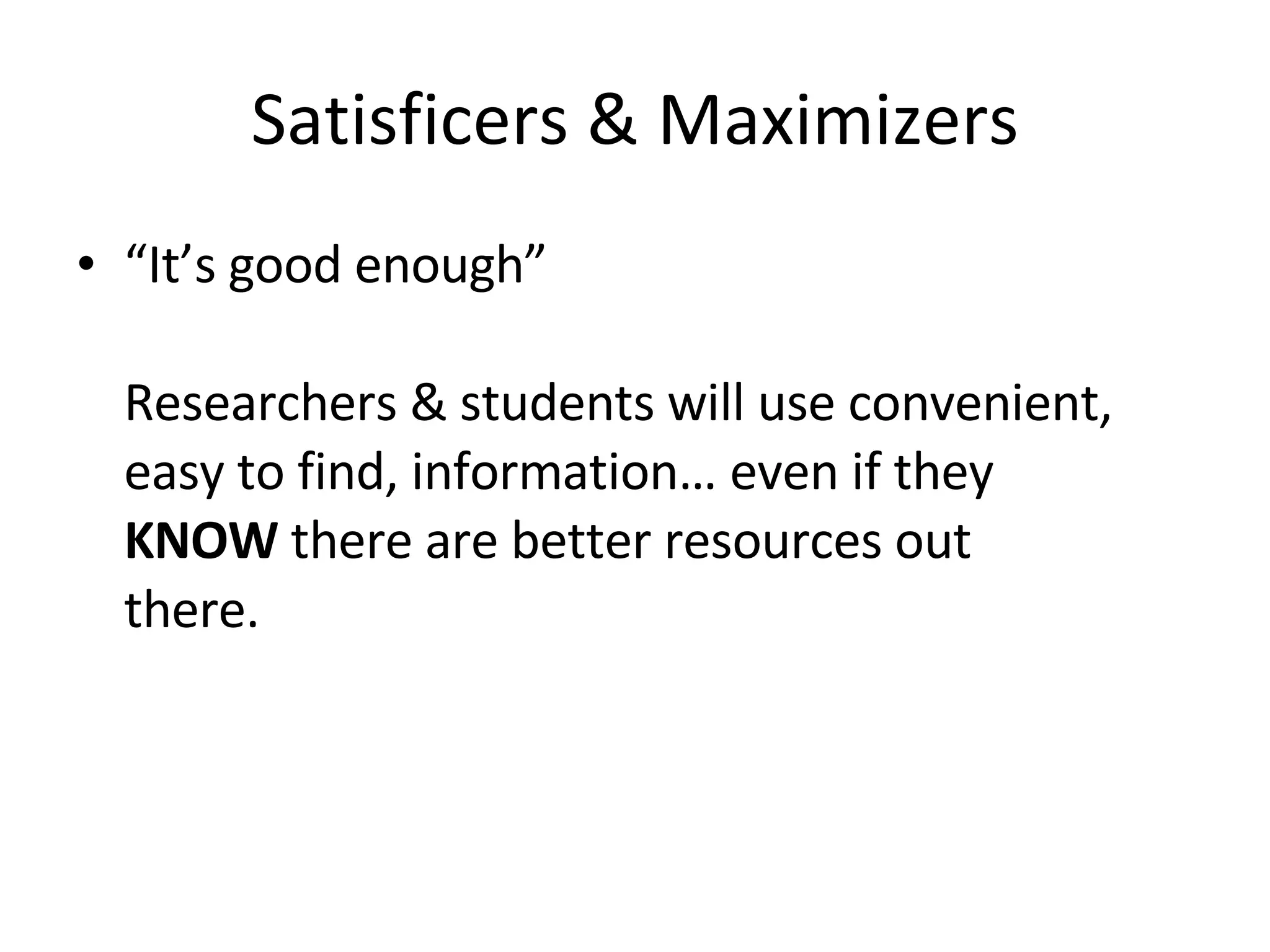
Satisficers & Maximizers “ It’s good enough” Researchers & students will use convenient, easy to find, information… even if they  KNOW  there are better resources out there.
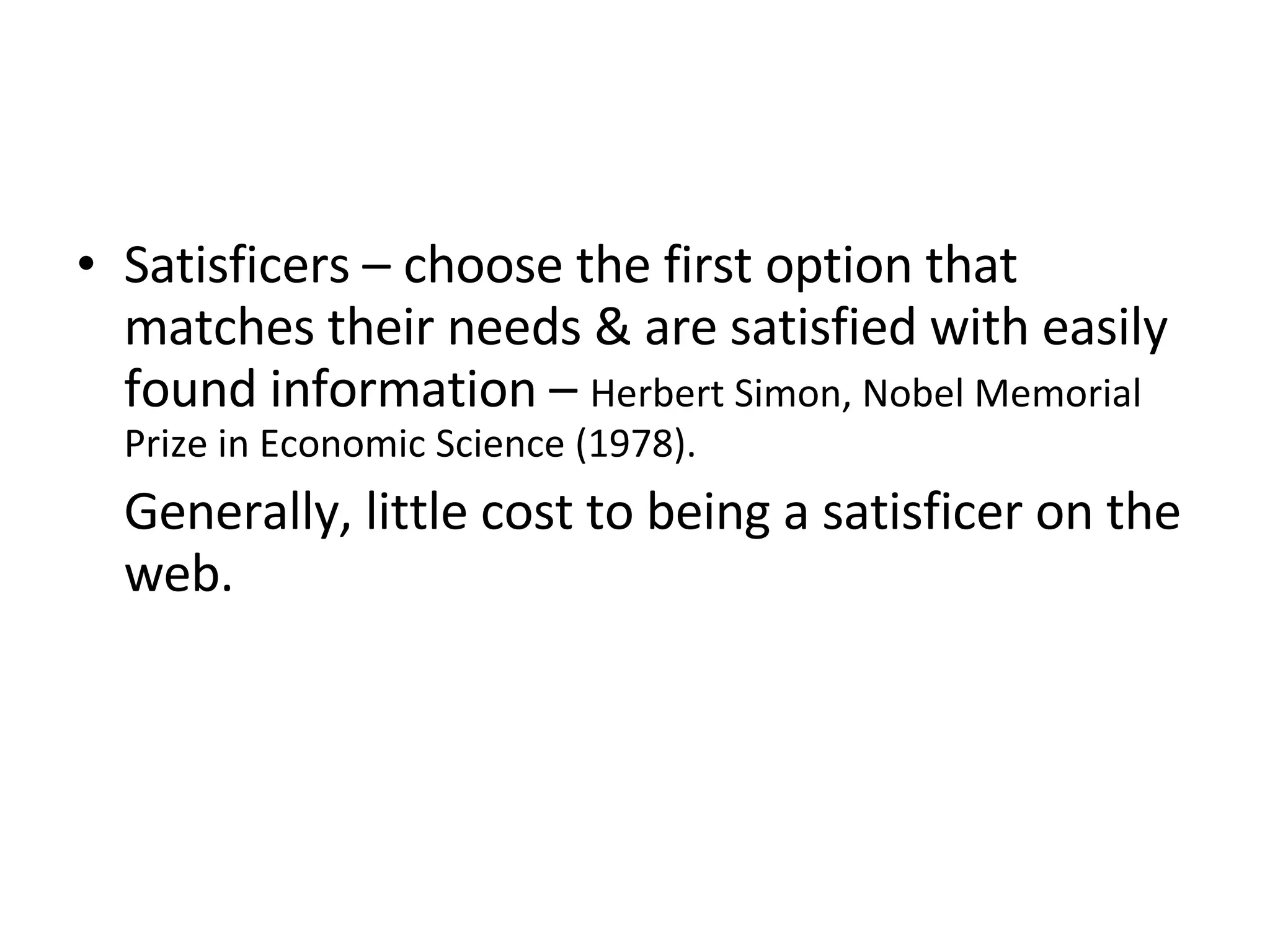
Satisficers – choose the first option that matches their needs & are satisfied with easily found information –  Herbert Simon, Nobel Memorial Prize in Economic Science (1978).  Generally, little cost to being a satisficer on the web.
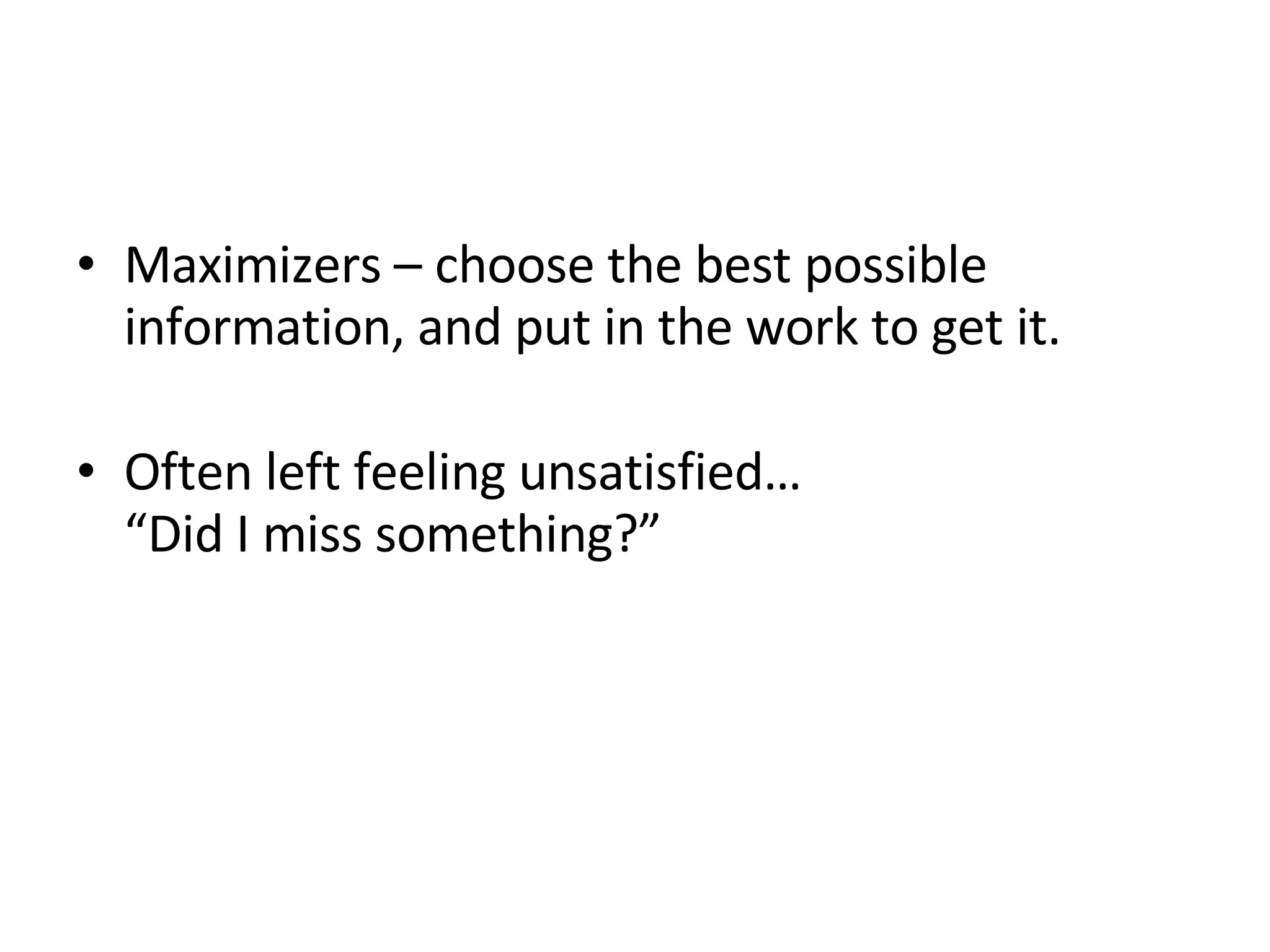
Maximizers – choose the best possible information, and put in the work to get it.  Often left feeling unsatisfied…  “Did I miss something?”
Fitts’ Law
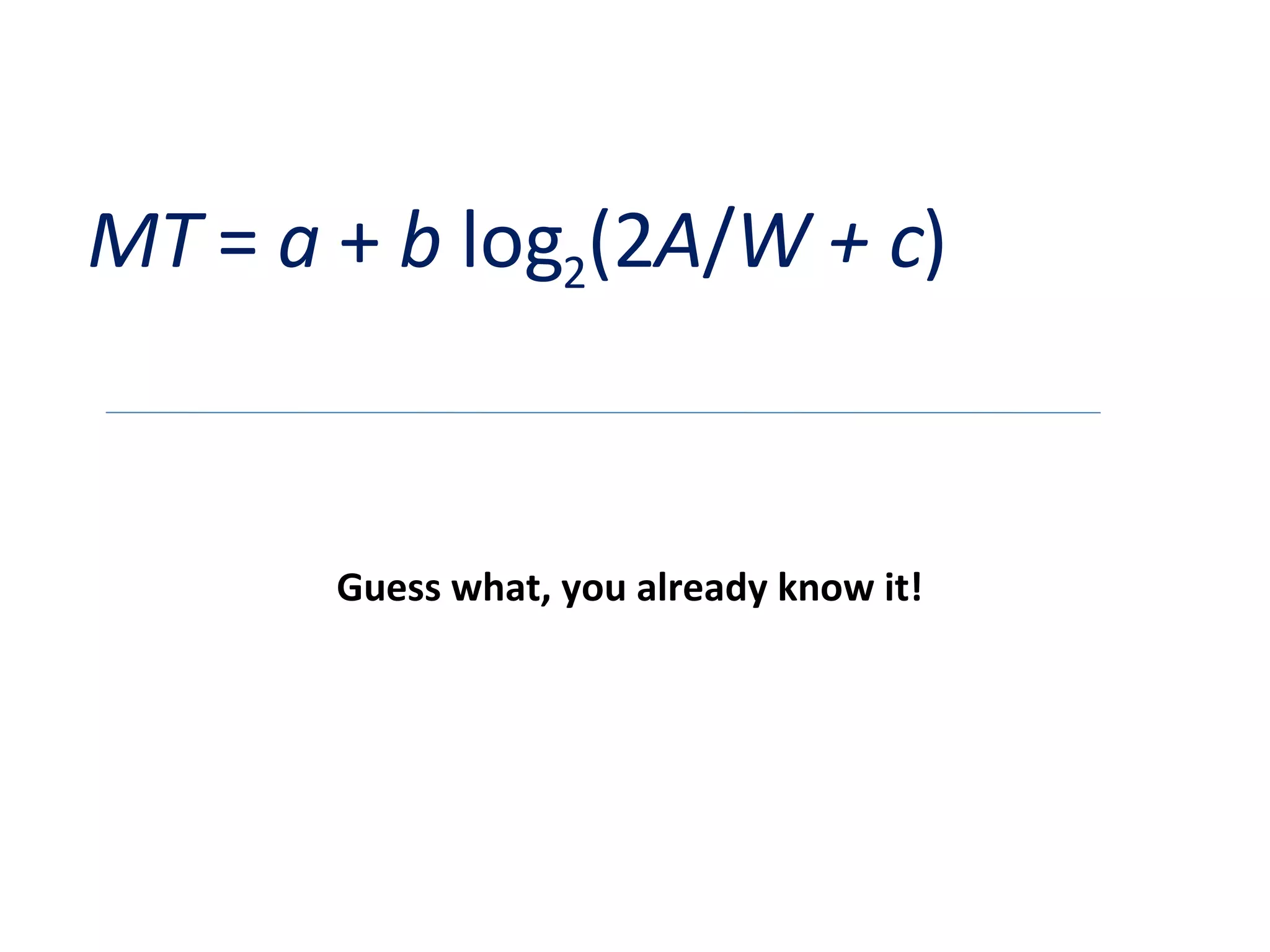
MT  =  a  +  b  log 2 (2 A / W + c ) Guess what, you already know it!
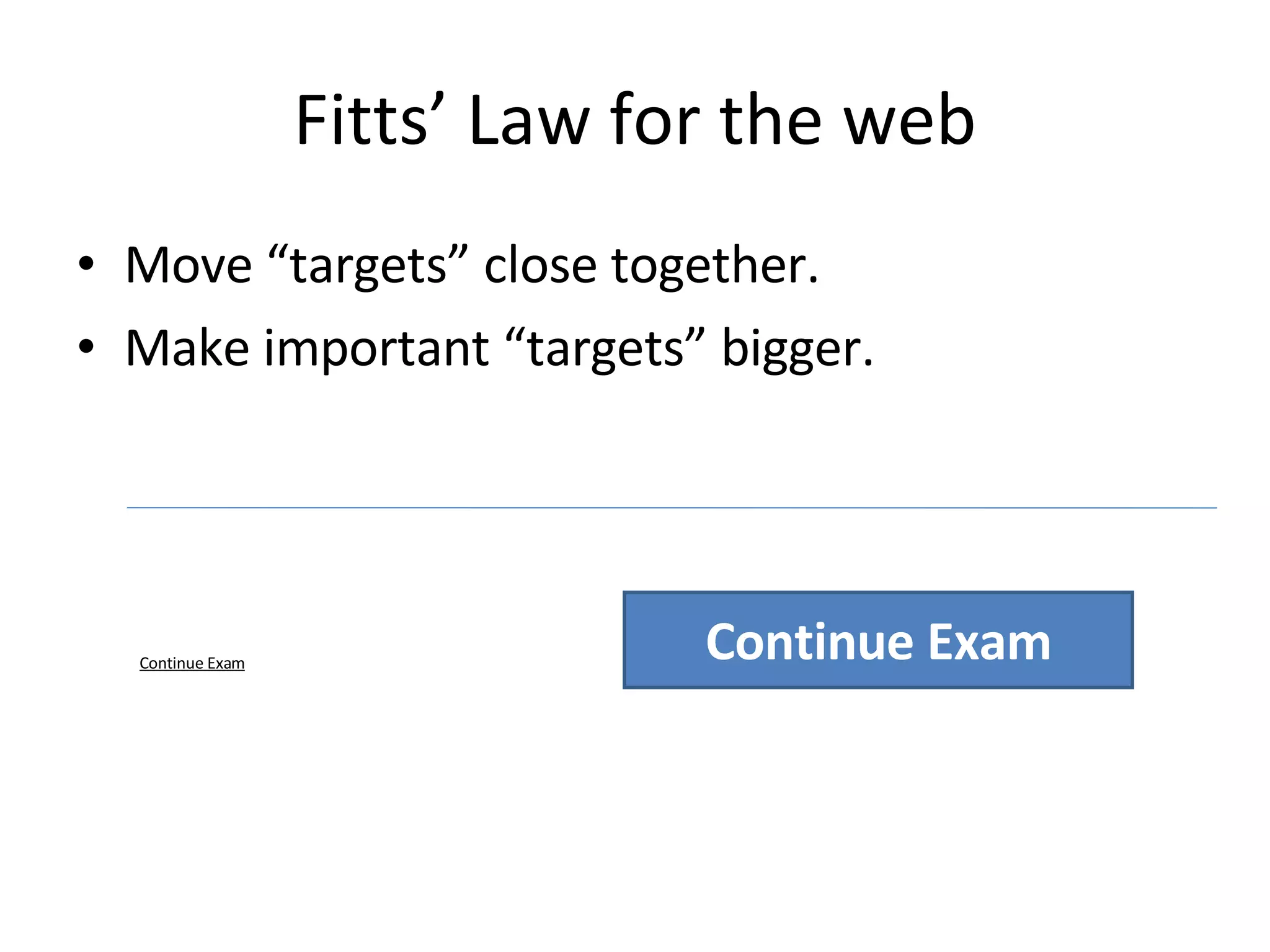
Fitts’ Law for the web Move “targets” close together.  Make important “targets” bigger.  Continue Exam Continue Exam
On Screen Reading Highlight keywords Use headers with meaning Use bulleted lists.  One idea per paragraph.  Be concise.
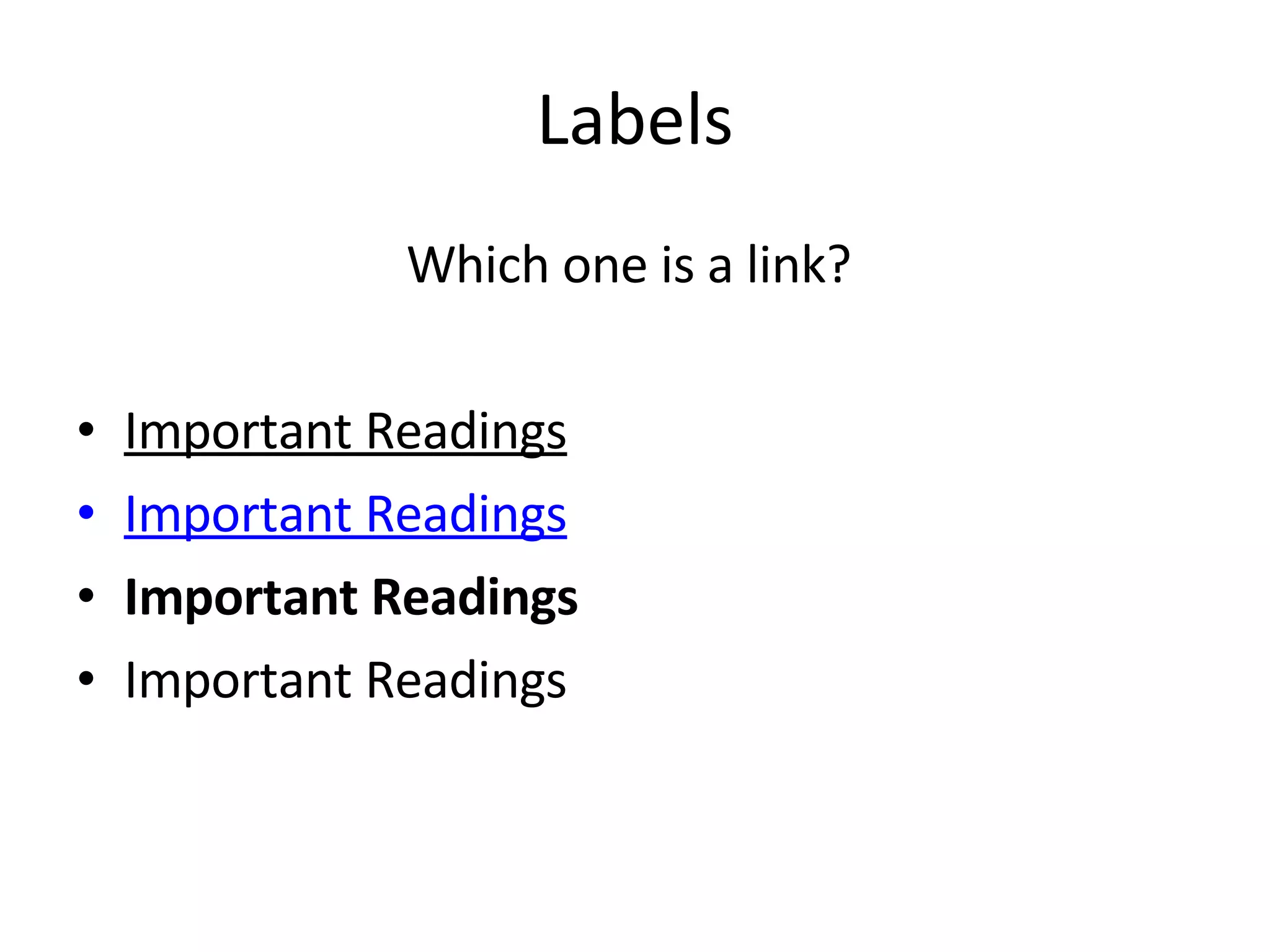
Labels Which one is a link?  Important Readings Important Readings Important Readings Important Readings
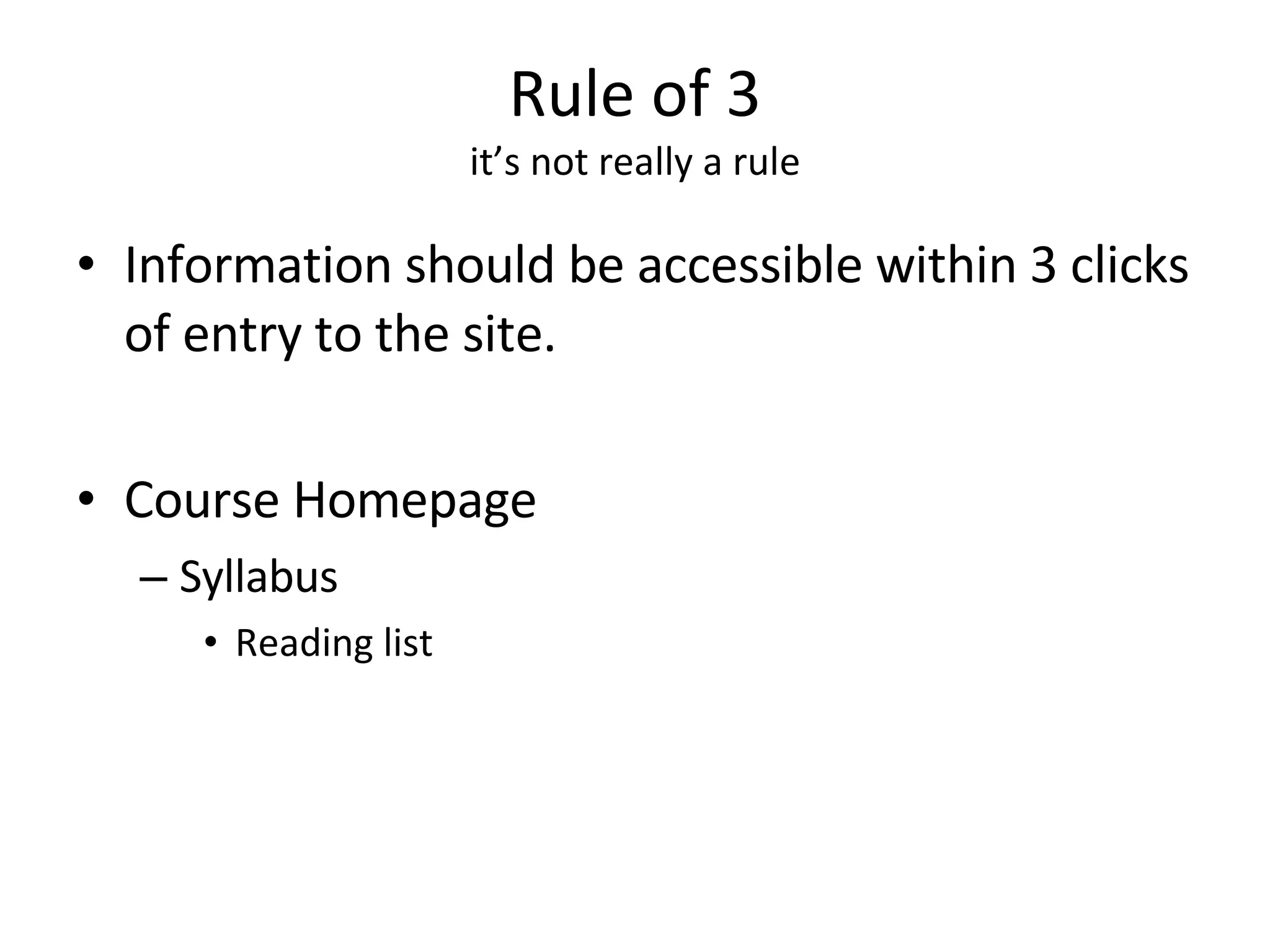
Rule of 3 it’s not really a rule Information should be accessible within 3 clicks of entry to the site.  Course Homepage Syllabus Reading list
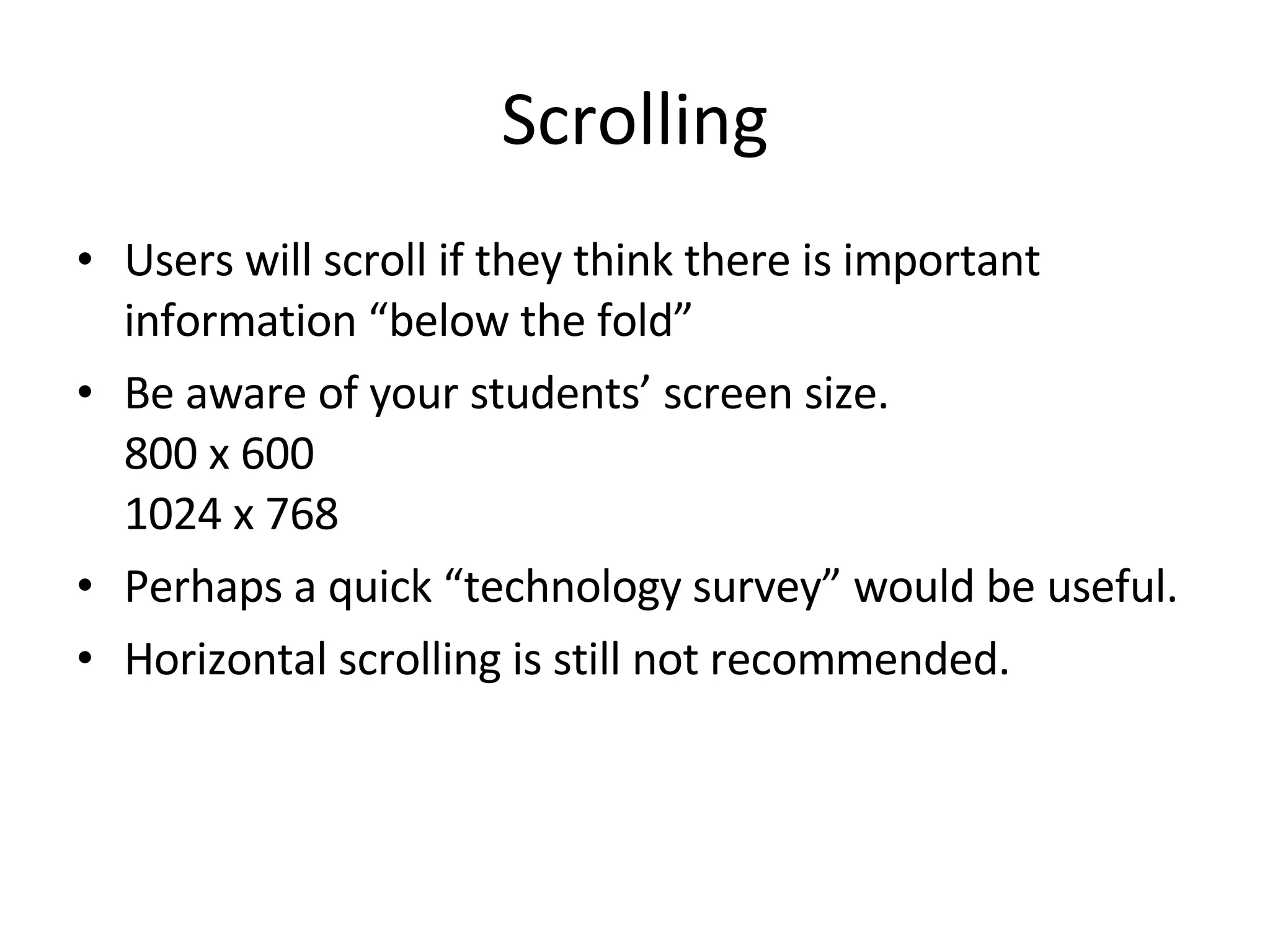
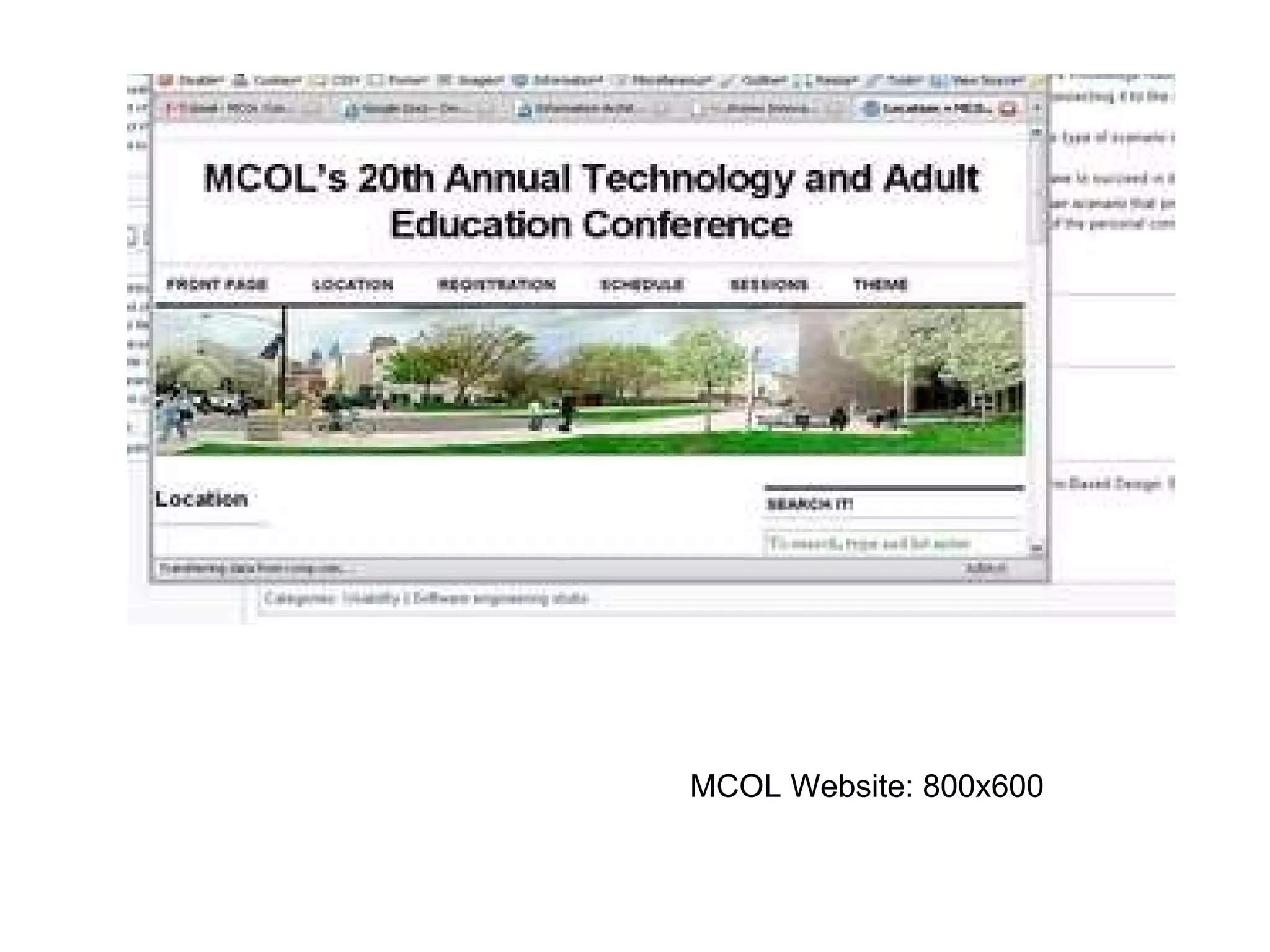
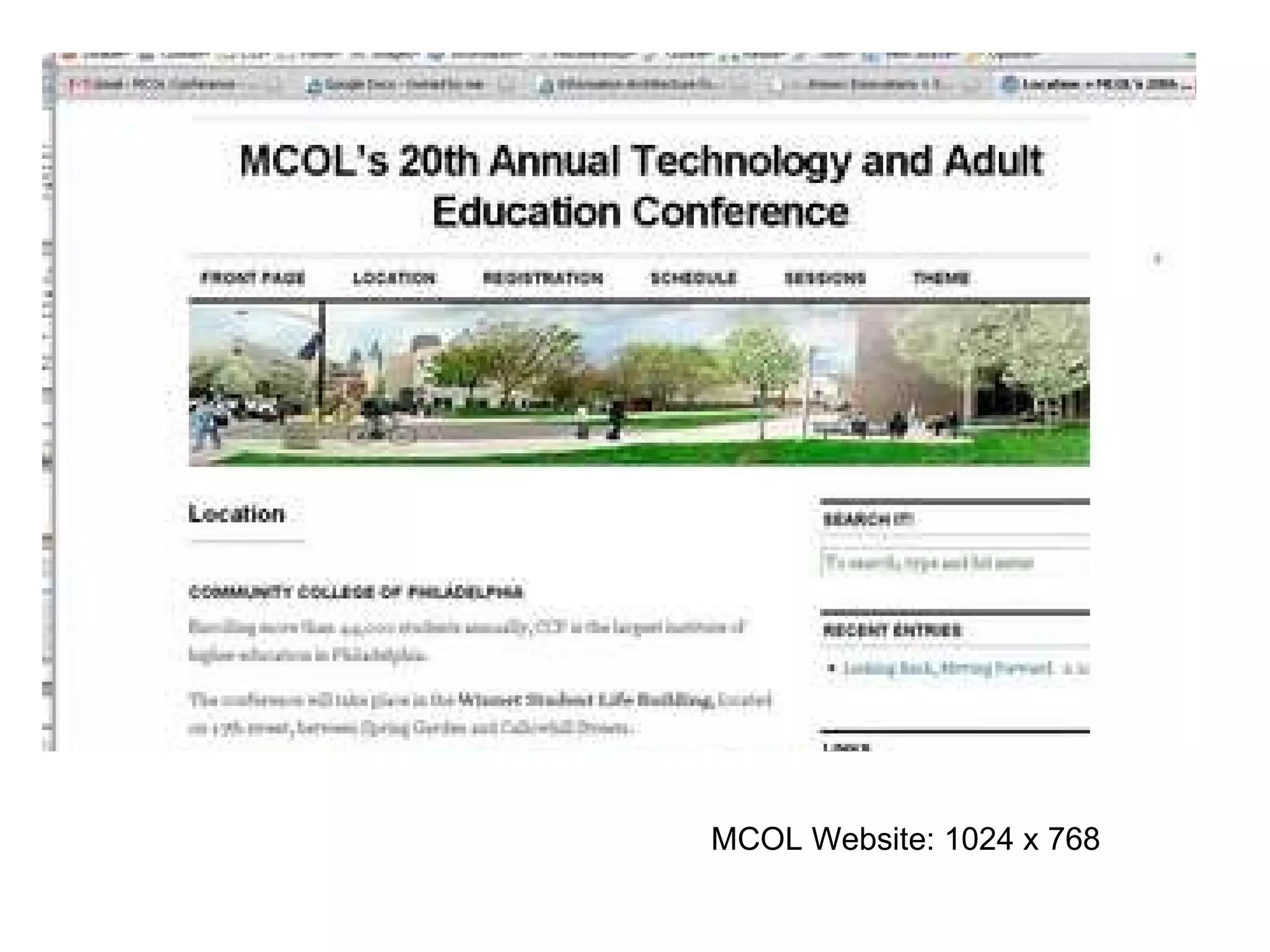
Scrolling Users will scroll if they think there is important information “below the fold” Be aware of your students’ screen size.  800 x 600 1024 x 768 Perhaps a quick “technology survey” would be useful.  Horizontal scrolling is still not recommended.
MCOL Website: 800x600
MCOL Website: 1024 x 768
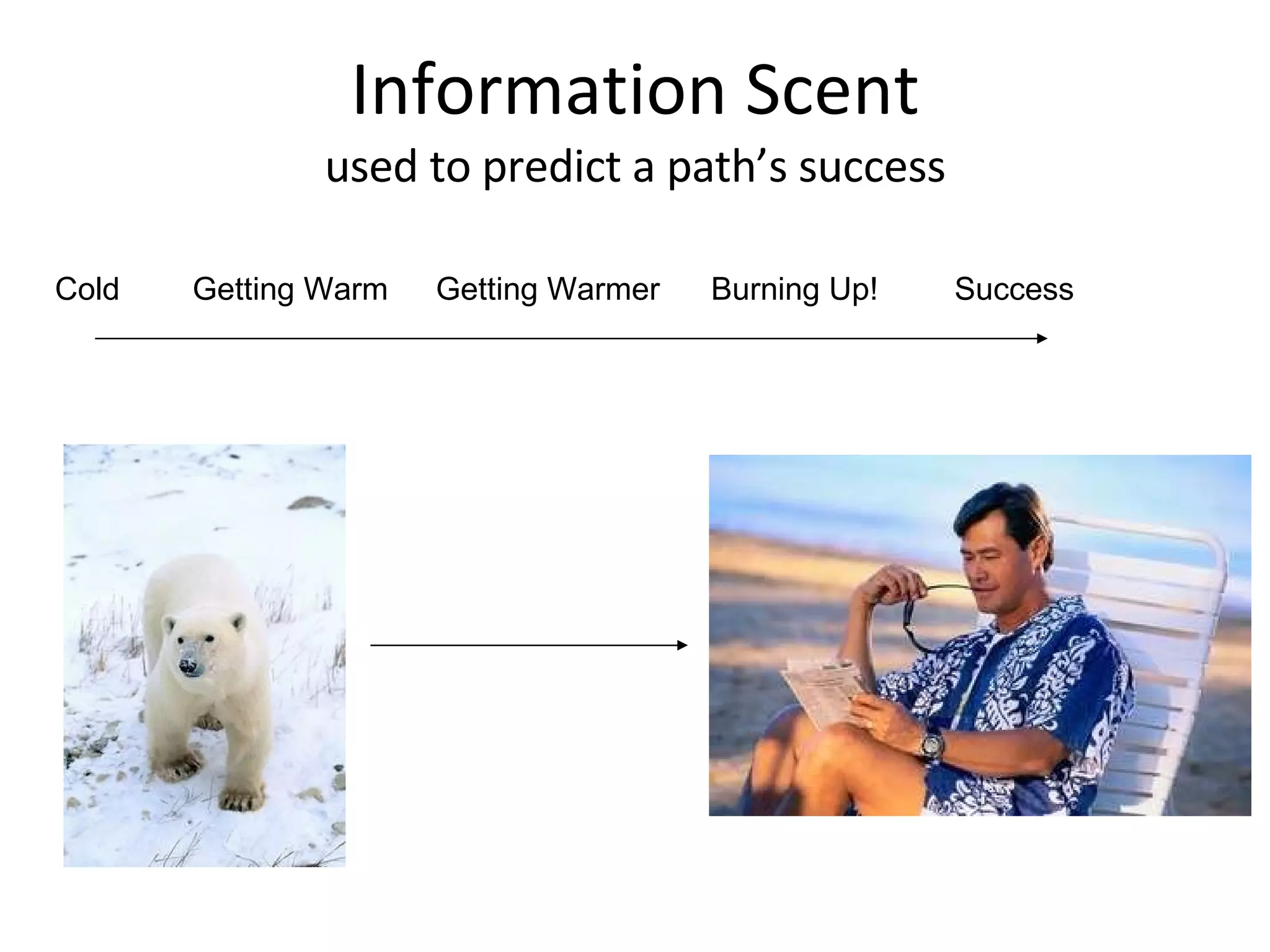
Information Scent used to predict a path’s success Cold  Getting Warmer Burning Up! Success Getting Warm
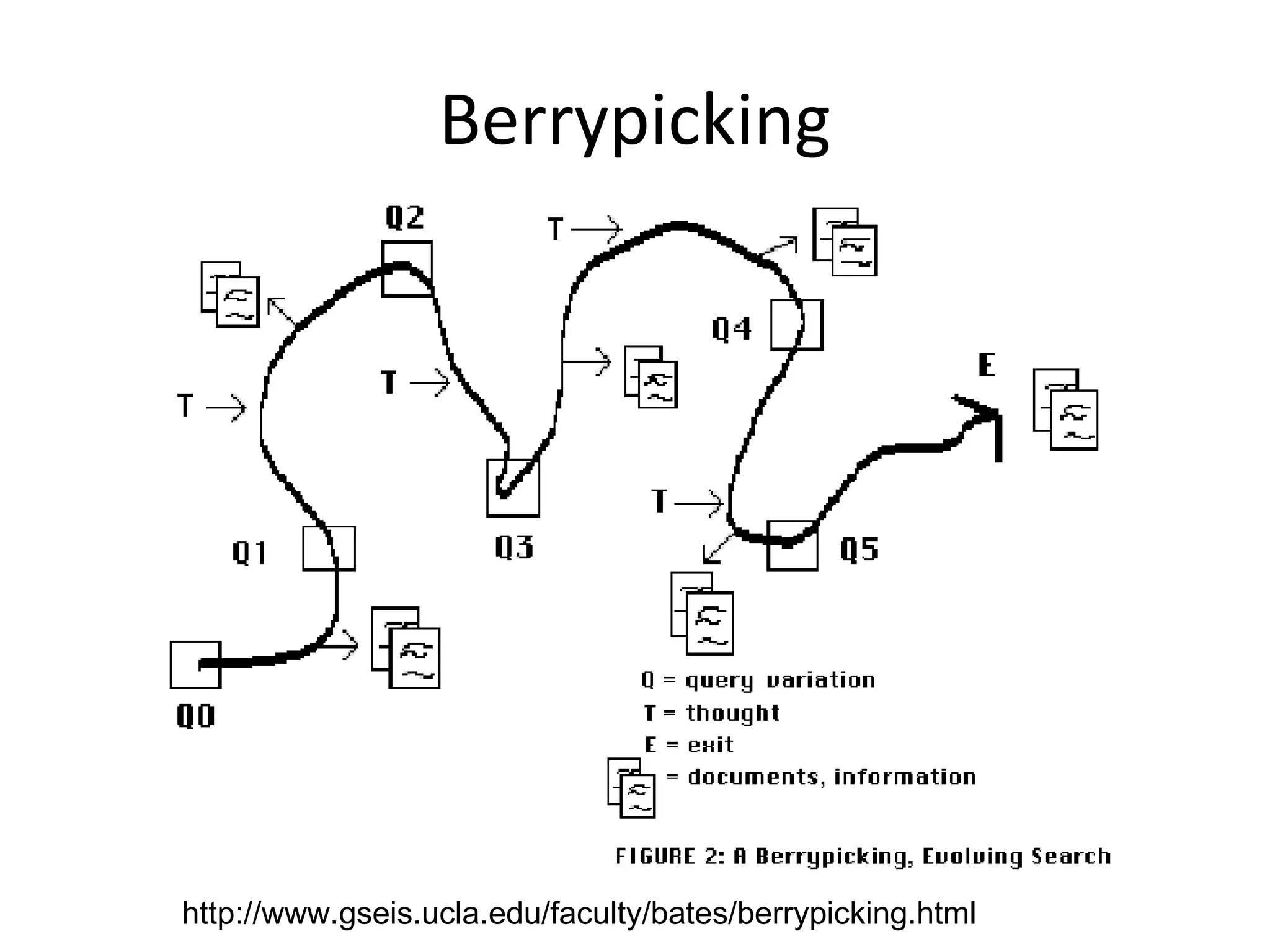
Berry Picking
Information needs evolve.  Selections of bits and pieces along the way.
Berrypicking http://www.gseis.ucla.edu/faculty/bates/berrypicking.html
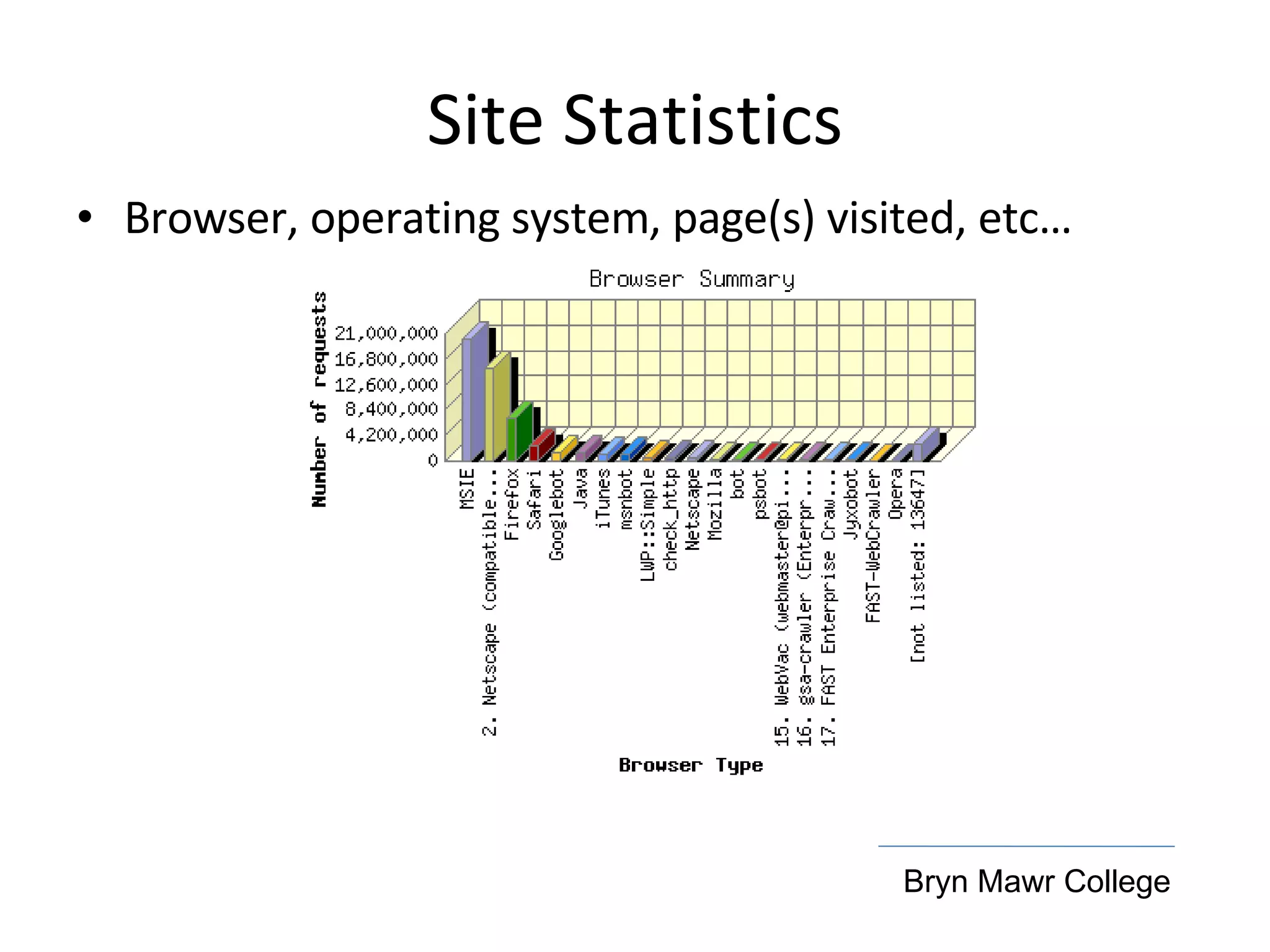
Site Statistics Browser, operating system, page(s) visited, etc… Bryn Mawr College
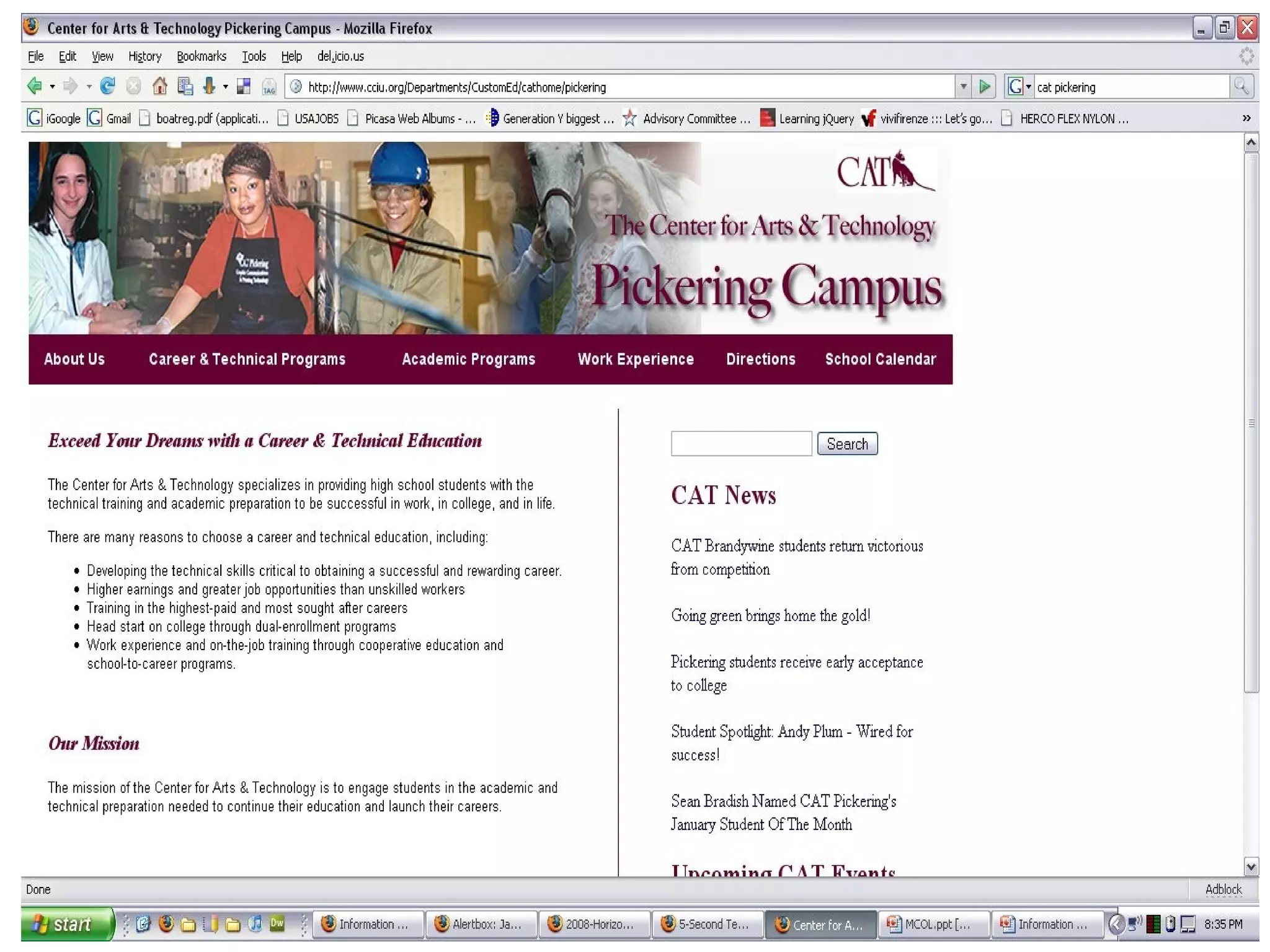
5 second tests Look at a site for 5 seconds.  What can you remember?
 
Questions What is the mission of the school. What kind of students does the school teach?
Answers The mission of the Center for Arts & Technology is to engage students in the academic and technical preparation needed to continue their education and launch their careers. The Center for Arts & Technology specializes in providing high school students with the technical training and academic preparation to be successful in work, in college, and in life.
Personas What is a persona?  Fictional characters created to represent the different user types. An aggregate of the real users based on research data about users.  What’s included? Name, photo, age, gender Tasks, scenarios, settings, social context Interests, desires, needs & goals
Scenarios Users interaction with the system. What they want to do, rather than exactly how.  Example:  Jane wants to find the assignments due for week 6. She is on a shared library computer  with a 30 minute time limit.
Sitemaps & Wirefames The IA basics
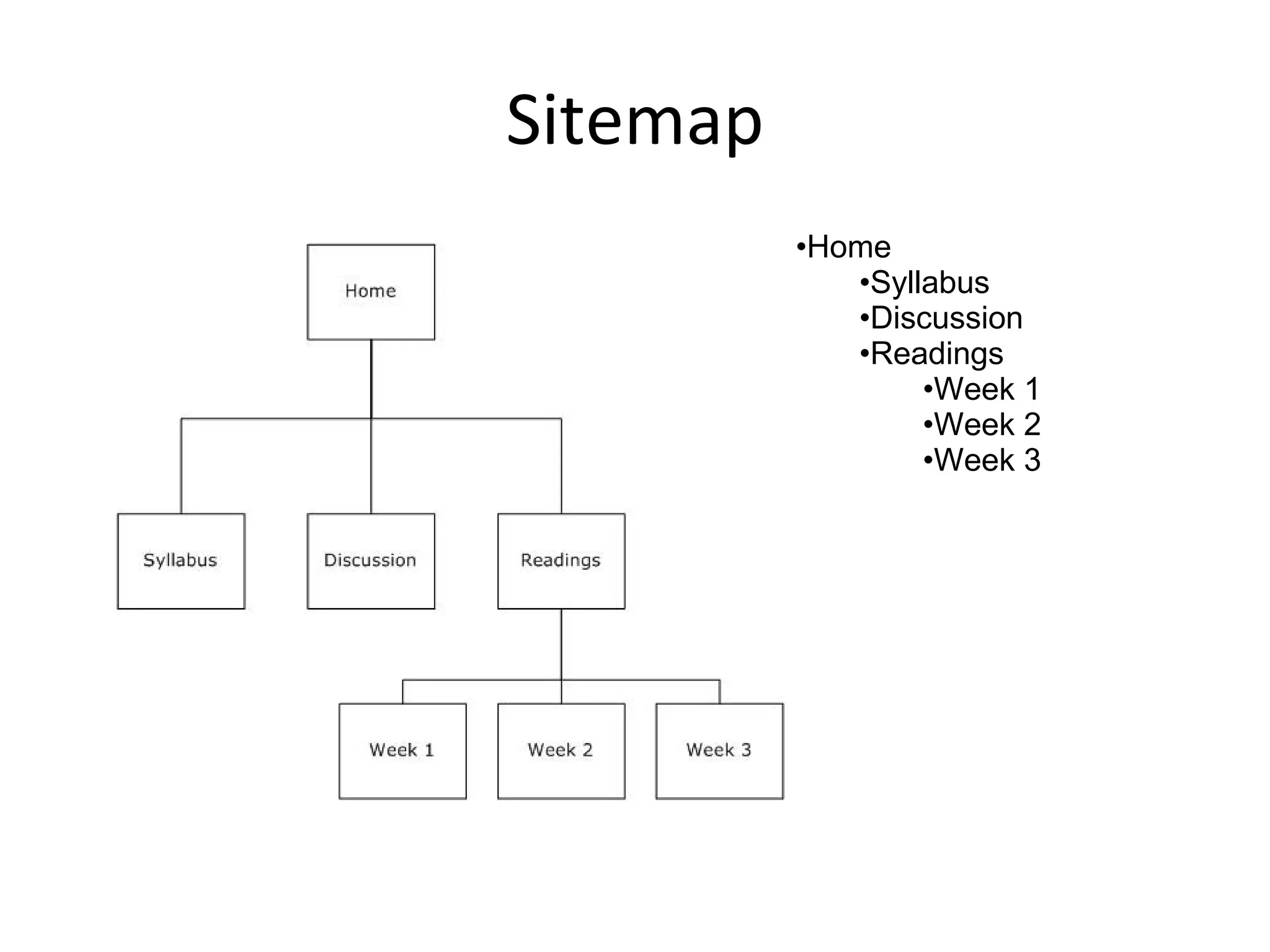
Sitemap Home Syllabus Discussion Readings Week 1 Week 2 Week 3
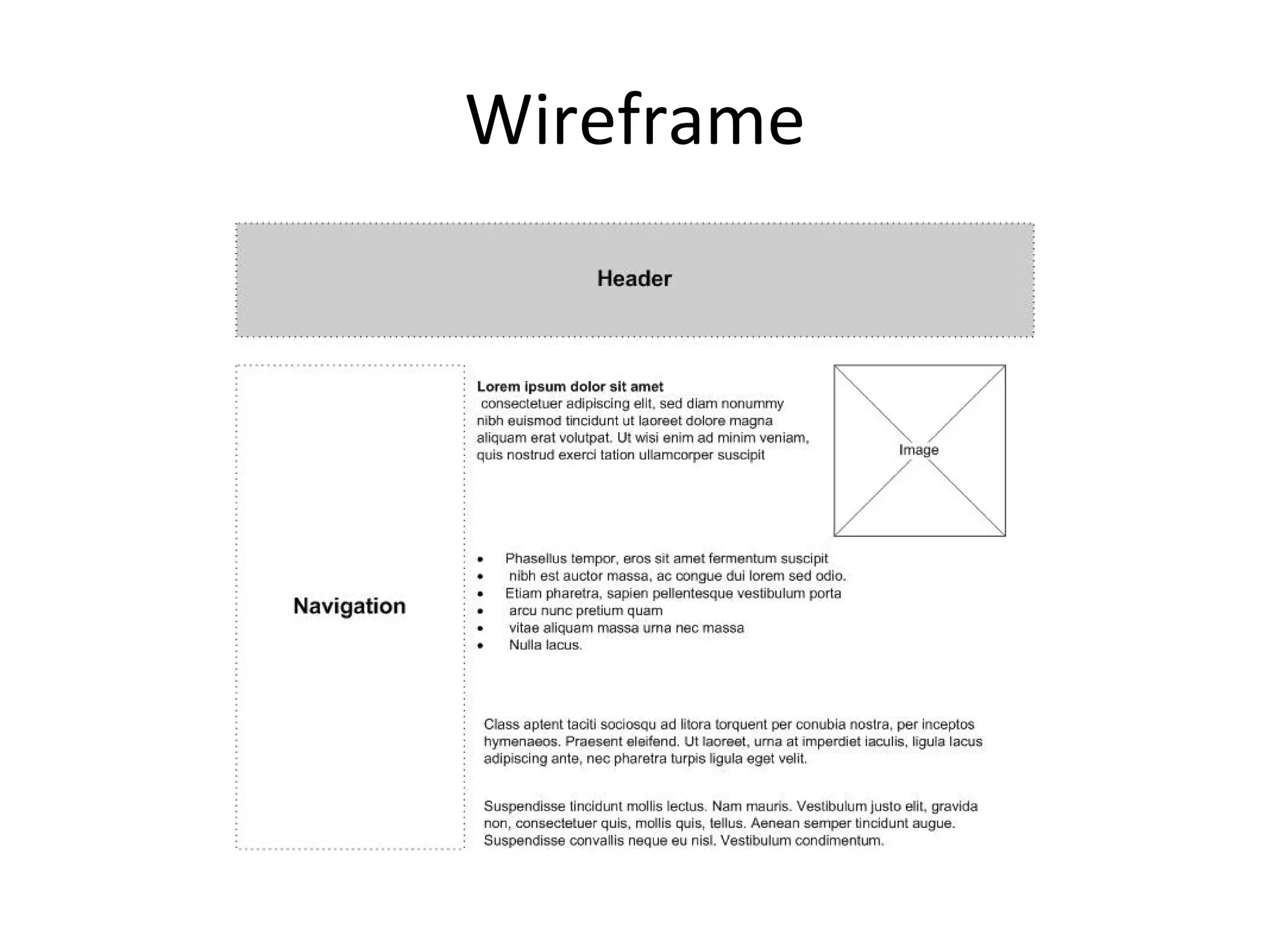
Wireframe
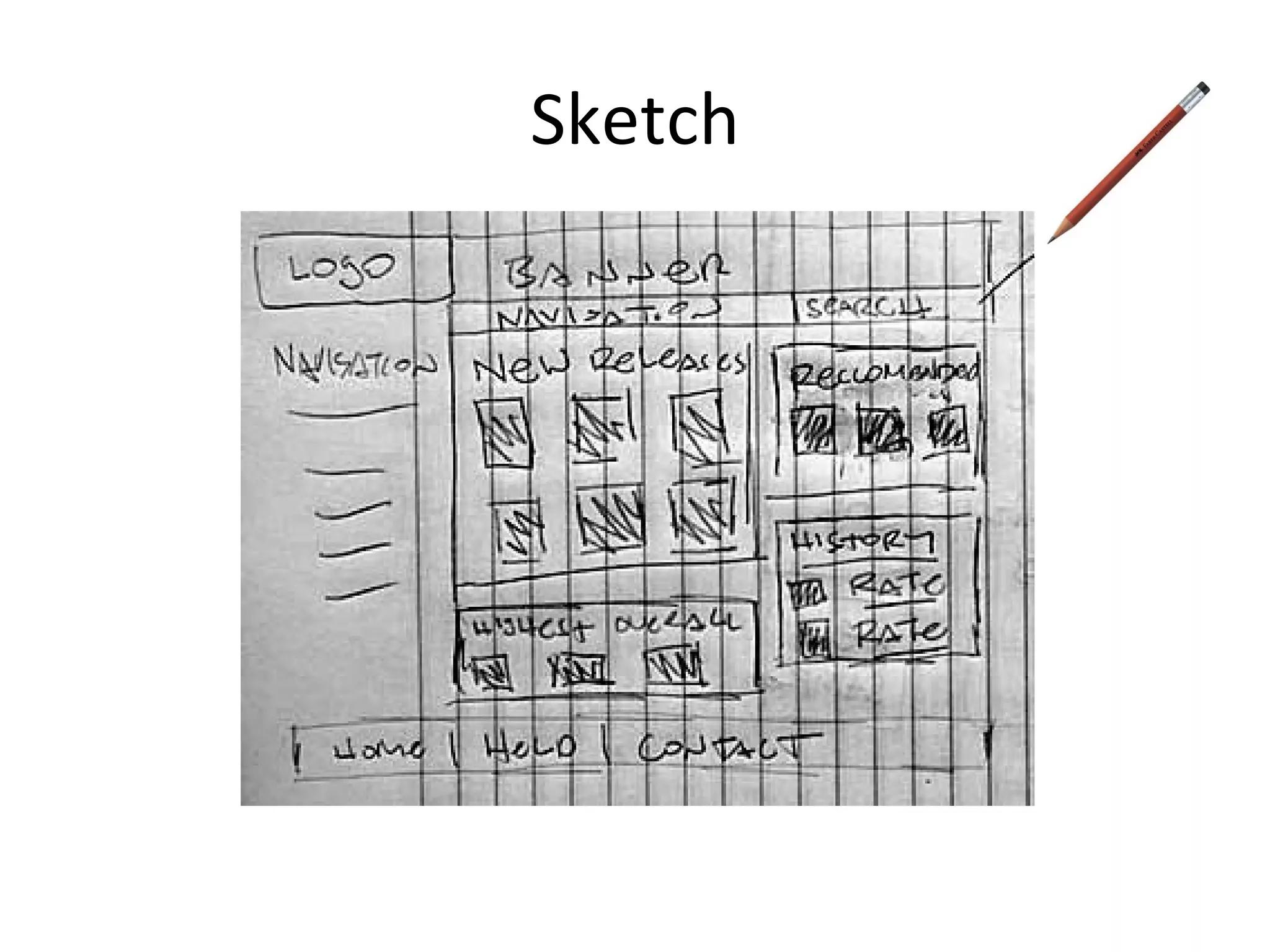
Sketch
Collaboration Webs New Media Consortium & Educause Happening this year Virtual collaboration  Students creating and maintaining their own content. Examples: Google Docs, Flickr, and Facebook  Beats a $160+ cell phone bill incurred by a naïve graduate student…
Conclusion Put yourself in the student’s shoes  (and vice versa).  Ask questions, open a dialogue.  Sketch out the user interface and your website.  Iterations… changing technology and user expectations.  Have fun, there are very few wrong answers and  a lot of right ones .
Resources Information Architecture Morville & Rosenfeld: “Information for the World Wide Web, Third Edition” http://www.amazon.com/Information-Architecture-World-Wide-Web/dp/0596527349/ Information Architecture Institute (professional organization) http://iainstitute.org/ Boxes and Arrows (peer-written industry journal) http://boxesandarrows.com/ Information Architecture Summit (annual industry gathering hosted by ASIS&T) http://www.iasummit.org/
Resources User Experience Norman: “The Design of Everyday Things” http://www.amazon.com/Design-Everyday-Things-Don-Norman/dp/0465067107/ Krug: “Don’t Make Me Think” http://www.amazon.com/Dont-Make-Me-Think-Usability/dp/0321344758/ Garrett: “The Elements of User Experience” http://www.amazon.com/Elements-User-Experience-User-Centered-Design/dp/0735712026/ User Experience Network http://uxnet.org PhillyCHI (Interest group for Human-Computer Interaction sponsored by the ACM) http://phillychi.acm.org
Resources http://www.elearningpost.com/articles/archives/jakob_nielsen_on_e_learning/ http://www.useit.com/alertbox/ http://www.uie.com/articles/five_second_test/ http://www.nmc.org/pdf/2008-Horizon-Report.pdf Pew Internet and American Life:  http://www.pewinternet.org/ University of Minnesota, Duluth: Information Architecture Resources http://www.d.umn.edu/itss/support/Training/Online/webdesign/architecture.html Will be available at www.mikezarro.com/resources
Thank You Dave Cooksey [email_address] saturdave.com Mike Zarro [email_address] mikezarro.com

Information Architecture For Educators

  • 1.
    Information Architecture for Educators and Students Michael Zarro & Dave Cooksey
  • 2.
    About Us MikeZarro, MSLIS Information Architect at gsi interactive, a Division of GSI Commerce, Inc. Co-founder of The Educational Technology Center at Bryn Mawr College. Web / multimedia technology lead for the Virtual Curriculum at The University of Pennsylvania School of Medicine. Dave Cooksey, MA, MSIS User Experience Lead at gsi interactive, a Division of GSI Commerce, Inc. 2007 - 2008 Chair of PhillyCHI, Philadelphia chapter for the ACM’s special interest group in Human-Computer Interaction (SIG-CHI) Speaking Invitations: ACM SIG-CHI, IA Summit (ASIS&T) Performed taxonomy / IA work for: 
 Ace Hardware | Babies’R’Us | Bath & Body Works | Dick ’s Sporting Goods | Ecko | Filson | Hershey ’s Gifts | iRobot | Linens ‘n Things | Toys ’R’U s
  • 3.
    Introduction to InformationArchitecture (IA) Information Seeking Behaviors State of Educational IA Best Practices Conclusion & Resources Q&A
  • 4.
    Introduction to Information Architecture (IA)
  • 5.
    Information Architecture Is“ the art and science of organizing and labeling websites, intranets, online communities and software to support usability.” - The Information Architecture Institute “ What Is Information Architecture?” - http://iainstitute.org/documents/learn/What_is_IA.pdf
  • 6.
    Why IA? Asinformation proliferates exponentially, findability and usability become critical. Good IA lays the groundwork for an information system that makes sense to users. - The Information Architecture Institute “ What Is Information Architecture?” - http://iainstitute.org/documents/learn/What_is_IA.pdf
  • 7.
    The Facets ofIA An Occupation A Job Title Series of Design Activities An Industry Community of Practice A Frame of Mind
  • 8.
  • 9.
    Context Users Content3 Circles of IA
  • 10.
  • 11.
    Traditional Teacher StudentClasstime, syllabus, readings, assignments & exams, library
  • 12.
    Electronic extends thetraditional model Teacher Student Email, course management software (Blackboard), discussion boards, multiple school sites (especially library and e-reserves), external websites (Phila Free Library), Google, YouTube, Flickr, books & resources at: Amazon & etc…
  • 13.
    Places MIT –Open Courseware University of California, Berkeley iTunes U Oxford University Internet Institute Harvard University Extension School – YouTube video classes
  • 14.
    Statistics Pew Internet– Dec 2006 7 0% of American adults use the internet.  That currently represents about 141 million people. Among internet users: 57% - Research for school or training 12% - Take a class online for credit toward a degree of some kind 13% - Take a class online just for personal enjoyment or enrichment
  • 15.
  • 16.
    Satisficers & Maximizers“ It’s good enough” Researchers & students will use convenient, easy to find, information… even if they KNOW there are better resources out there.
  • 17.
    Satisficers – choosethe first option that matches their needs & are satisfied with easily found information – Herbert Simon, Nobel Memorial Prize in Economic Science (1978). Generally, little cost to being a satisficer on the web.
  • 18.
    Maximizers – choosethe best possible information, and put in the work to get it. Often left feeling unsatisfied… “Did I miss something?”
  • 19.
  • 20.
    MT = a + b log 2 (2 A / W + c ) Guess what, you already know it!
  • 21.
    Fitts’ Law forthe web Move “targets” close together. Make important “targets” bigger. Continue Exam Continue Exam
  • 22.
    On Screen ReadingHighlight keywords Use headers with meaning Use bulleted lists. One idea per paragraph. Be concise.
  • 23.
    Labels Which oneis a link? Important Readings Important Readings Important Readings Important Readings
  • 24.
    Rule of 3it’s not really a rule Information should be accessible within 3 clicks of entry to the site. Course Homepage Syllabus Reading list
  • 25.
    Scrolling Users willscroll if they think there is important information “below the fold” Be aware of your students’ screen size. 800 x 600 1024 x 768 Perhaps a quick “technology survey” would be useful. Horizontal scrolling is still not recommended.
  • 26.
  • 27.
  • 28.
    Information Scent usedto predict a path’s success Cold Getting Warmer Burning Up! Success Getting Warm
  • 29.
  • 30.
    Information needs evolve. Selections of bits and pieces along the way.
  • 31.
  • 32.
    Site Statistics Browser,operating system, page(s) visited, etc… Bryn Mawr College
  • 33.
    5 second testsLook at a site for 5 seconds. What can you remember?
  • 34.
  • 35.
    Questions What isthe mission of the school. What kind of students does the school teach?
  • 36.
    Answers The missionof the Center for Arts & Technology is to engage students in the academic and technical preparation needed to continue their education and launch their careers. The Center for Arts & Technology specializes in providing high school students with the technical training and academic preparation to be successful in work, in college, and in life.
  • 37.
    Personas What isa persona? Fictional characters created to represent the different user types. An aggregate of the real users based on research data about users. What’s included? Name, photo, age, gender Tasks, scenarios, settings, social context Interests, desires, needs & goals
  • 38.
    Scenarios Users interactionwith the system. What they want to do, rather than exactly how. Example: Jane wants to find the assignments due for week 6. She is on a shared library computer with a 30 minute time limit.
  • 39.
    Sitemaps & WirefamesThe IA basics
  • 40.
    Sitemap Home SyllabusDiscussion Readings Week 1 Week 2 Week 3
  • 41.
  • 42.
  • 43.
    Collaboration Webs NewMedia Consortium & Educause Happening this year Virtual collaboration Students creating and maintaining their own content. Examples: Google Docs, Flickr, and Facebook Beats a $160+ cell phone bill incurred by a naïve graduate student…
  • 44.
    Conclusion Put yourselfin the student’s shoes (and vice versa). Ask questions, open a dialogue. Sketch out the user interface and your website. Iterations… changing technology and user expectations. Have fun, there are very few wrong answers and a lot of right ones .
  • 45.
    Resources Information ArchitectureMorville & Rosenfeld: “Information for the World Wide Web, Third Edition” http://www.amazon.com/Information-Architecture-World-Wide-Web/dp/0596527349/ Information Architecture Institute (professional organization) http://iainstitute.org/ Boxes and Arrows (peer-written industry journal) http://boxesandarrows.com/ Information Architecture Summit (annual industry gathering hosted by ASIS&T) http://www.iasummit.org/
  • 46.
    Resources User ExperienceNorman: “The Design of Everyday Things” http://www.amazon.com/Design-Everyday-Things-Don-Norman/dp/0465067107/ Krug: “Don’t Make Me Think” http://www.amazon.com/Dont-Make-Me-Think-Usability/dp/0321344758/ Garrett: “The Elements of User Experience” http://www.amazon.com/Elements-User-Experience-User-Centered-Design/dp/0735712026/ User Experience Network http://uxnet.org PhillyCHI (Interest group for Human-Computer Interaction sponsored by the ACM) http://phillychi.acm.org
  • 47.
    Resources http://www.elearningpost.com/articles/archives/jakob_nielsen_on_e_learning/ http://www.useit.com/alertbox/http://www.uie.com/articles/five_second_test/ http://www.nmc.org/pdf/2008-Horizon-Report.pdf Pew Internet and American Life: http://www.pewinternet.org/ University of Minnesota, Duluth: Information Architecture Resources http://www.d.umn.edu/itss/support/Training/Online/webdesign/architecture.html Will be available at www.mikezarro.com/resources
  • 48.
    Thank You DaveCooksey [email_address] saturdave.com Mike Zarro [email_address] mikezarro.com