
Implementation Planning Byron Public Schools July 28, 2008
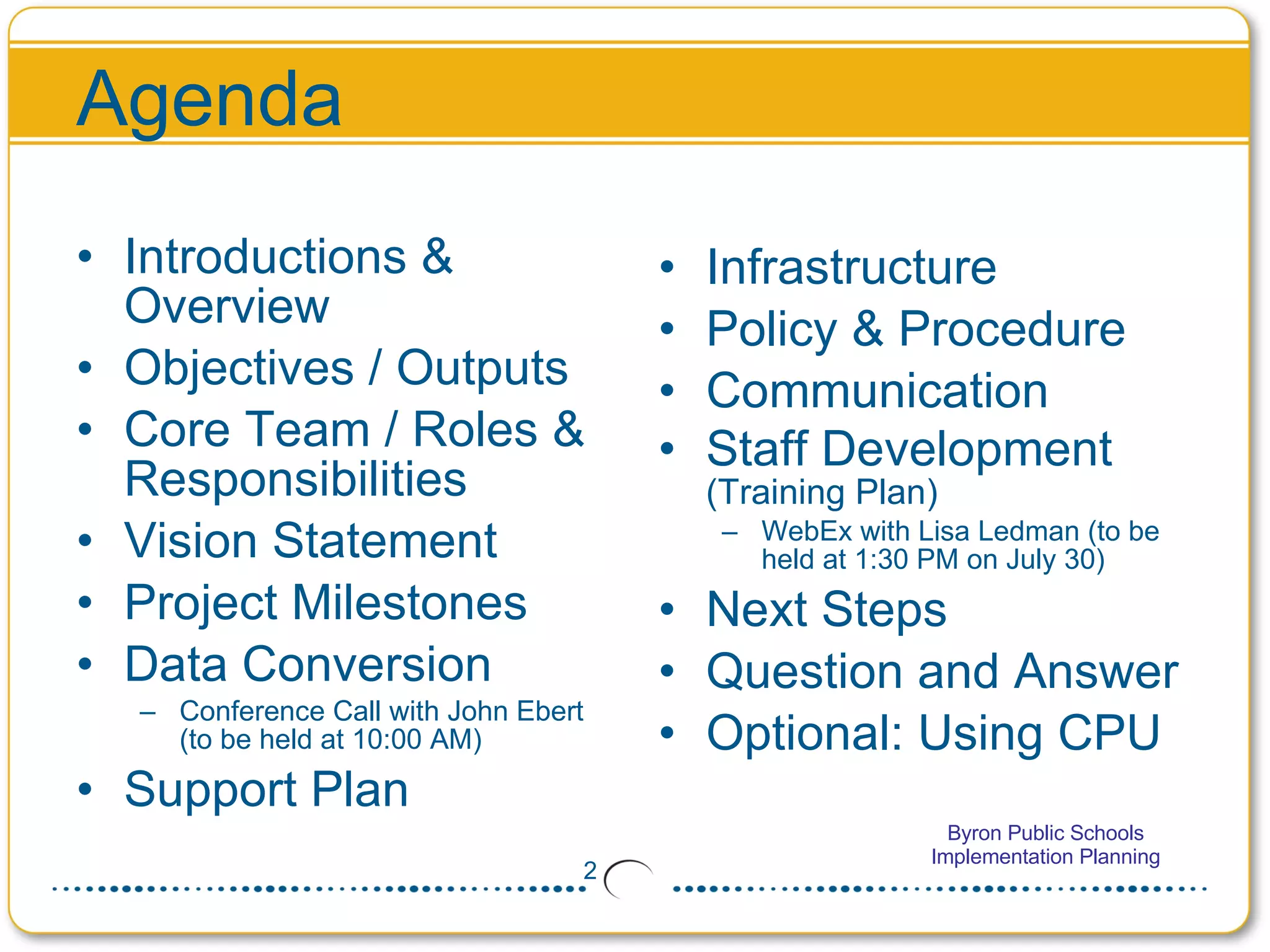
Agenda Introductions & Overview Objectives / Outputs Core Team / Roles & Responsibilities Vision Statement Project Milestones Data Conversion Conference Call with John Ebert (to be held at 10:00 AM) Support Plan Infrastructure Policy & Procedure Communication Staff Development  (Training Plan) WebEx with Lisa Ledman (to be held at 1:30 PM on July 30) Next Steps Question and Answer Optional: Using CPU
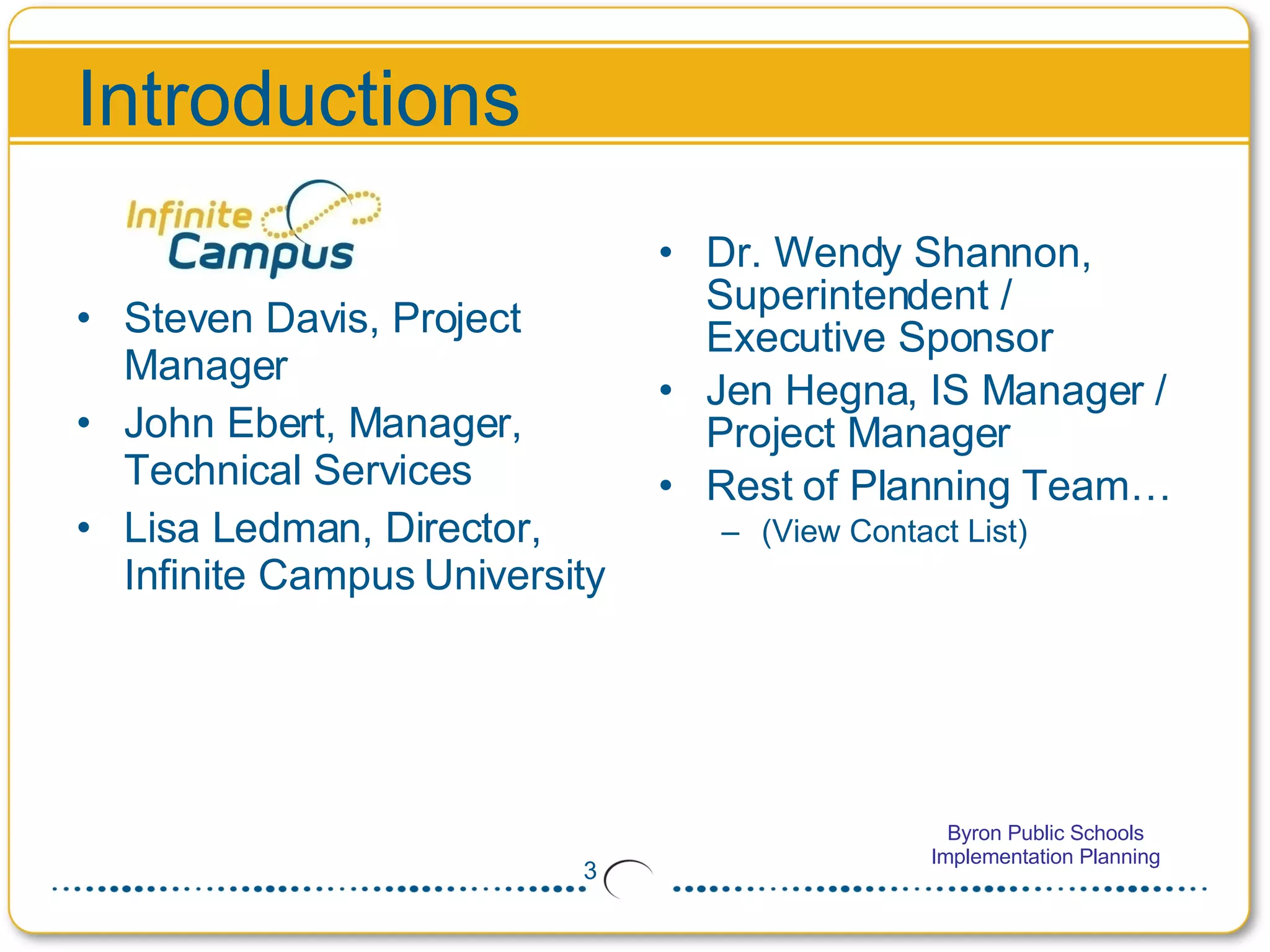
Introductions Steven Davis, Project Manager John Ebert, Manager, Technical Services Lisa Ledman, Director, Infinite Campus University Dr. Wendy Shannon, Superintendent / Executive Sponsor Jen Hegna, IS Manager / Project Manager Rest of Planning Team…  (View Contact List)
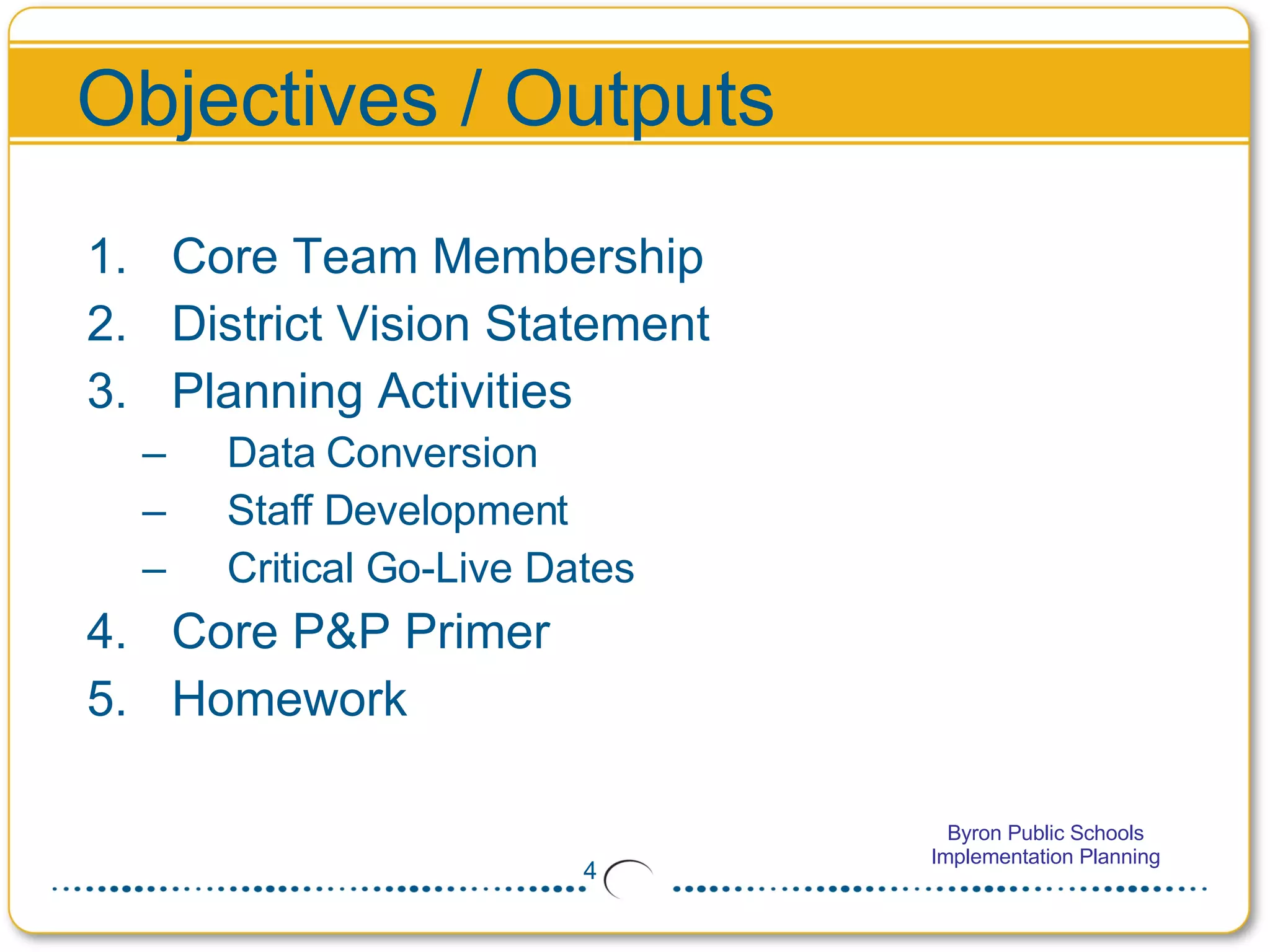
Objectives / Outputs Core Team Membership  District Vision Statement Planning Activities Data Conversion Staff Development Critical Go-Live Dates Core P&P Primer Homework
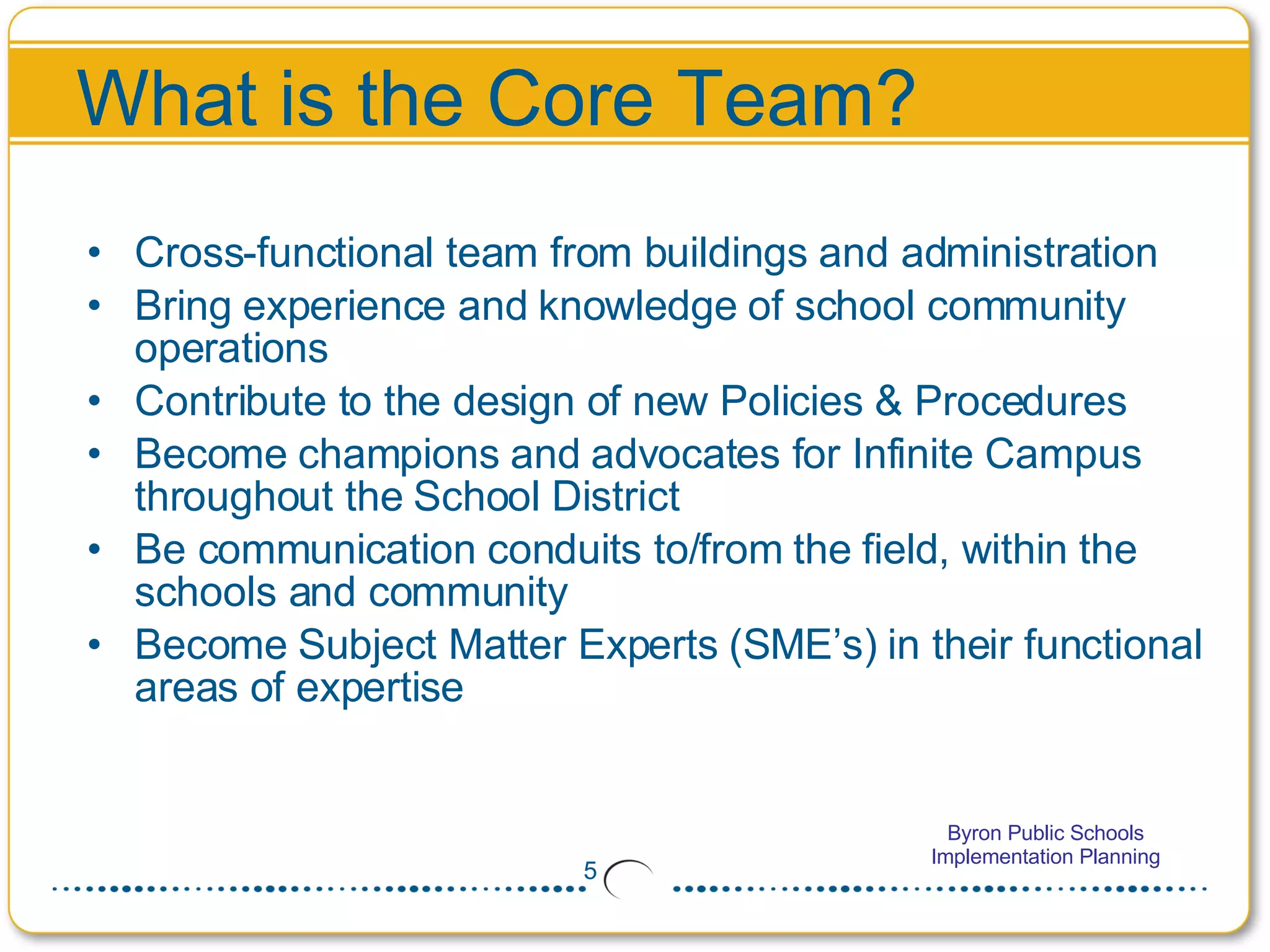
What is the Core Team? Cross-functional team from buildings and administration Bring experience and knowledge of school community operations  Contribute to the design of new Policies & Procedures Become champions and advocates for Infinite Campus throughout the School District Be communication conduits to/from the field, within the schools and community Become Subject Matter Experts (SME’s) in their functional areas of expertise
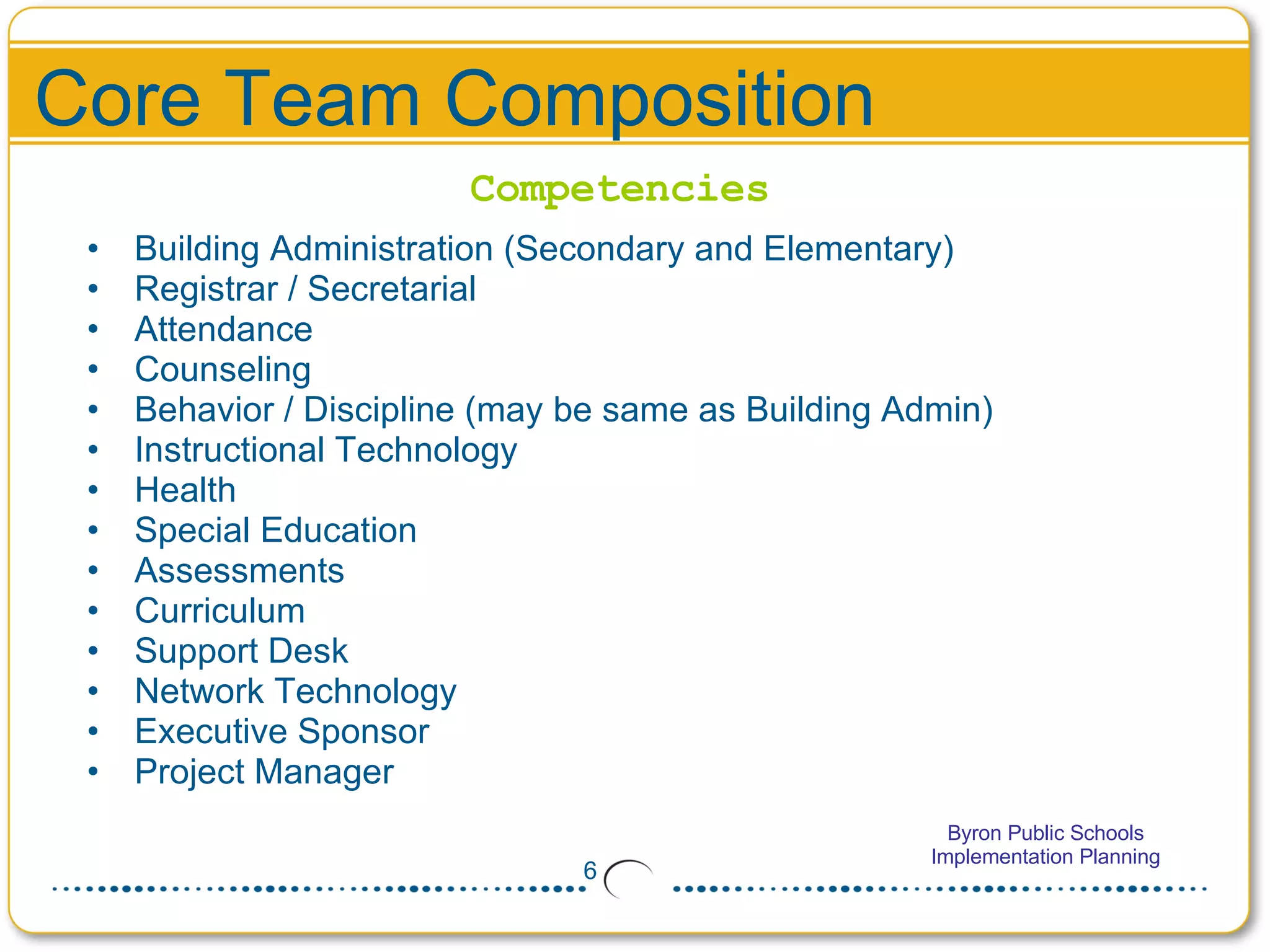
Core Team Composition Building Administration (Secondary and Elementary)  Registrar / Secretarial  Attendance  Counseling  Behavior / Discipline (may be same as Building Admin)  Instructional Technology  Health Special Education Assessments  Curriculum Support Desk  Network Technology  Executive Sponsor  Project Manager Competencies
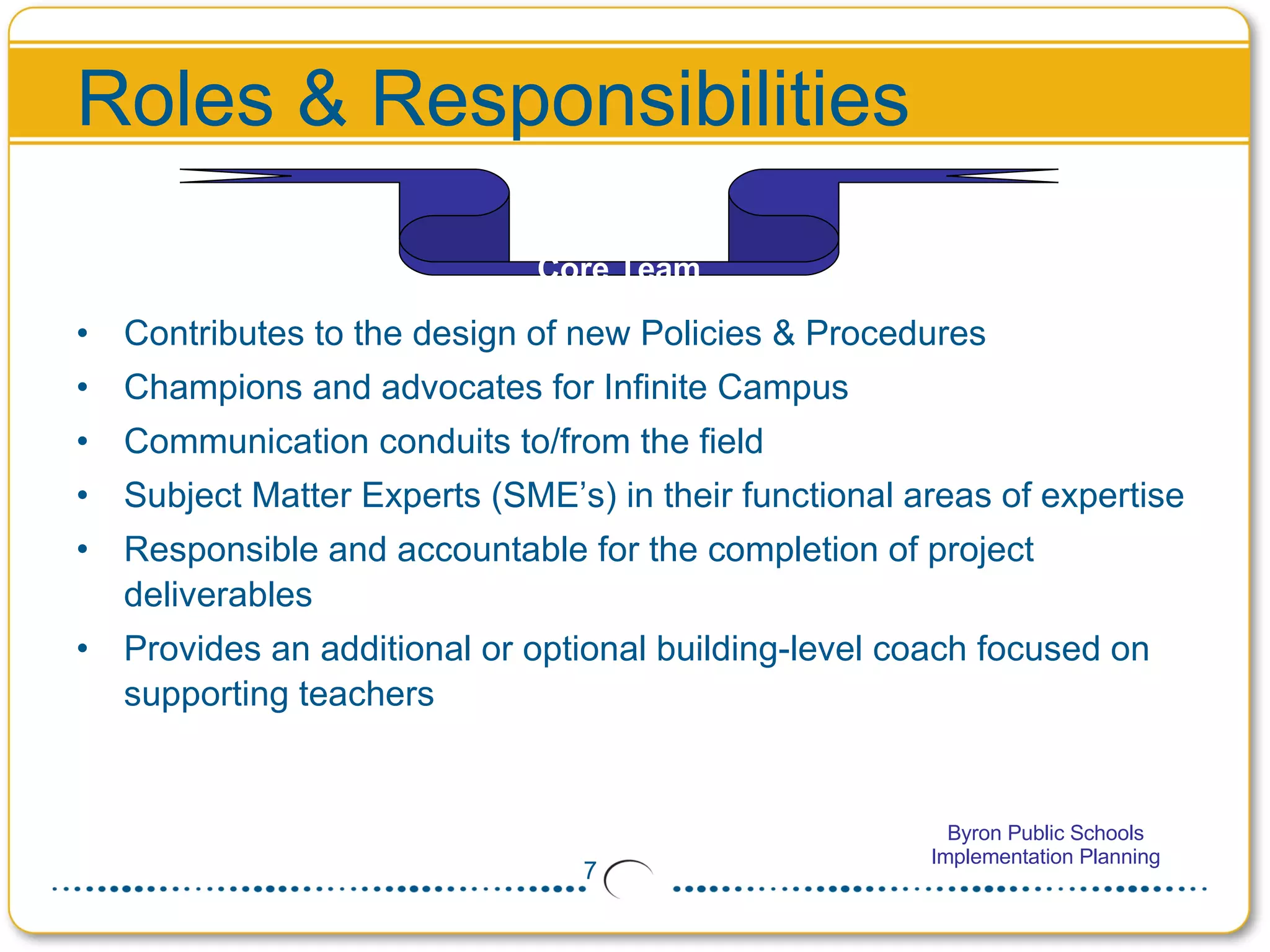
Roles & Responsibilities Contributes to the design of new Policies & Procedures Champions and advocates for Infinite Campus  Communication conduits to/from the field Subject Matter Experts (SME’s) in their functional areas of expertise Responsible and accountable for the completion of project deliverables Provides an additional or optional building-level coach focused on supporting teachers Core Team
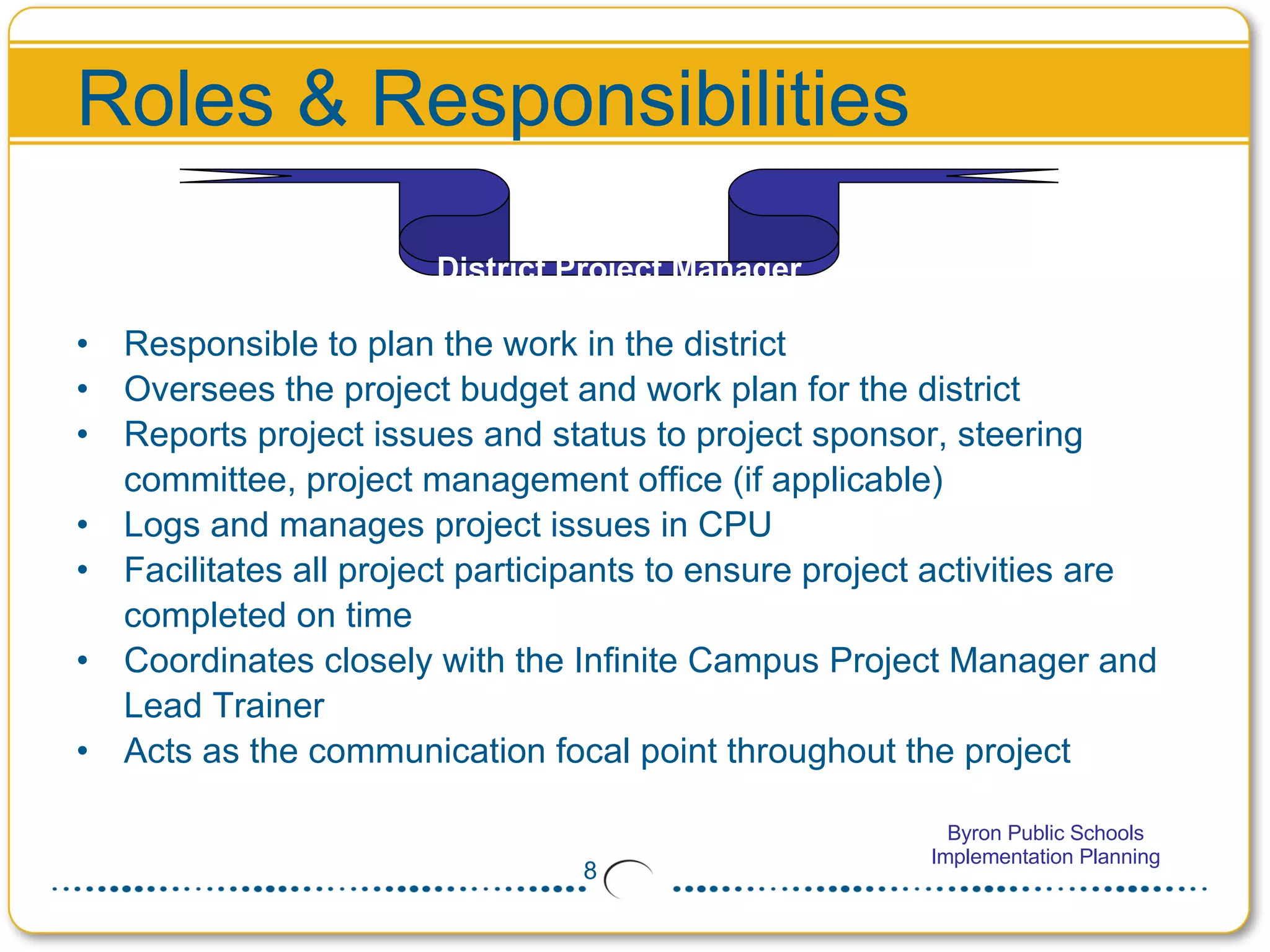
Roles & Responsibilities Responsible to plan the work in the district Oversees the project budget and work plan for the district  Reports project issues and status to project sponsor, steering committee, project management office (if applicable) Logs and manages project issues in CPU Facilitates all project participants to ensure project activities are completed on time Coordinates closely with the Infinite Campus Project Manager and Lead Trainer  Acts as the communication focal point throughout the project District Project Manager
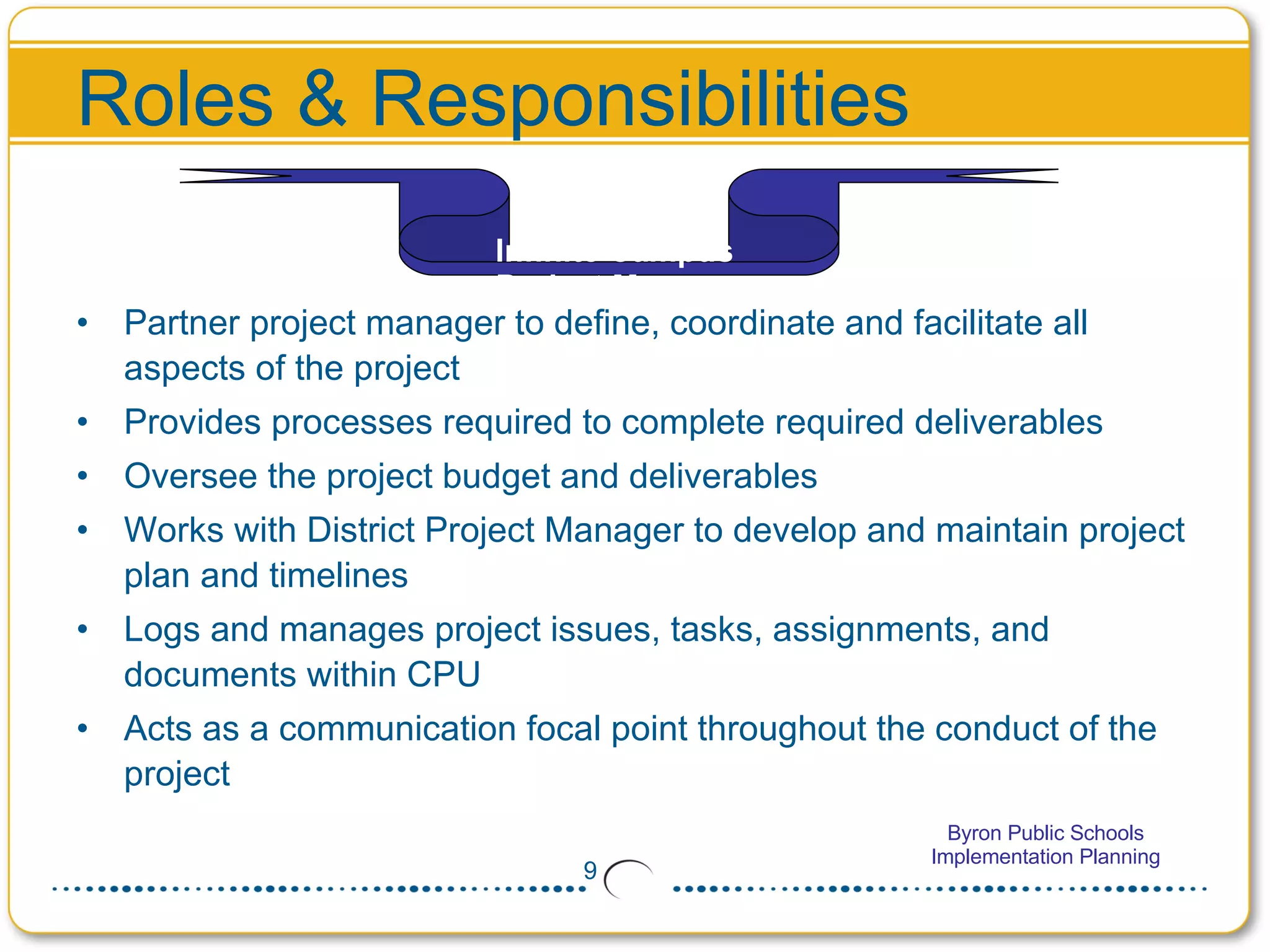
Roles & Responsibilities Partner project manager to define, coordinate and facilitate all aspects of the project Provides processes required to complete required deliverables  Oversee the project budget and deliverables Works with District Project Manager to develop and maintain project plan and timelines Logs and manages project issues, tasks, assignments, and documents within CPU Acts as a communication focal point throughout the conduct of the project  Infinite Campus  Project Manager
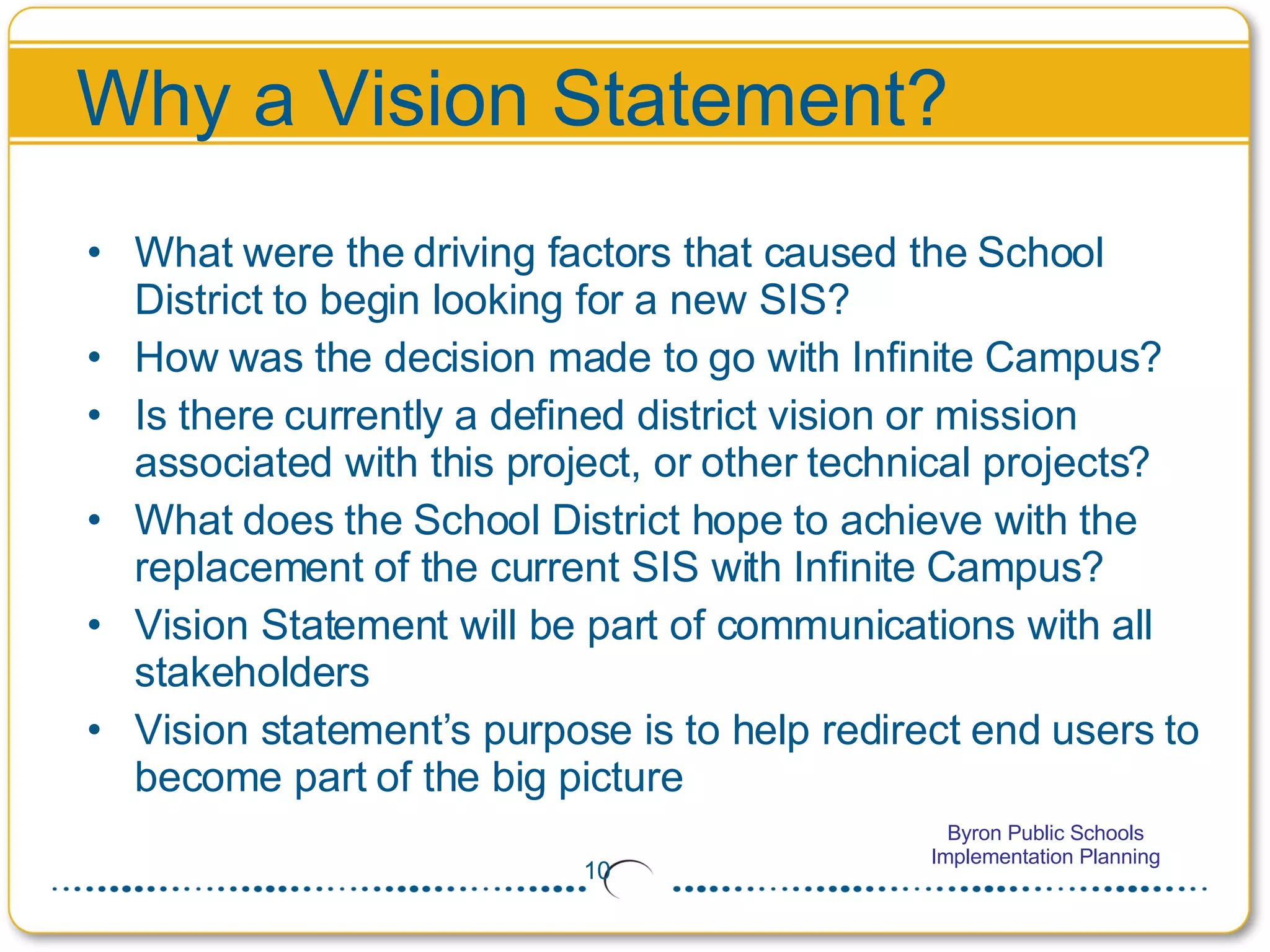
Why a Vision Statement? What were the driving factors that caused the School District to begin looking for a new SIS? How was the decision made to go with Infinite Campus? Is there currently a defined district vision or mission associated with this project, or other technical projects? What does the School District hope to achieve with the replacement of the current SIS with Infinite Campus? Vision Statement will be part of communications with all stakeholders Vision statement’s purpose is to help redirect end users to become part of the big picture
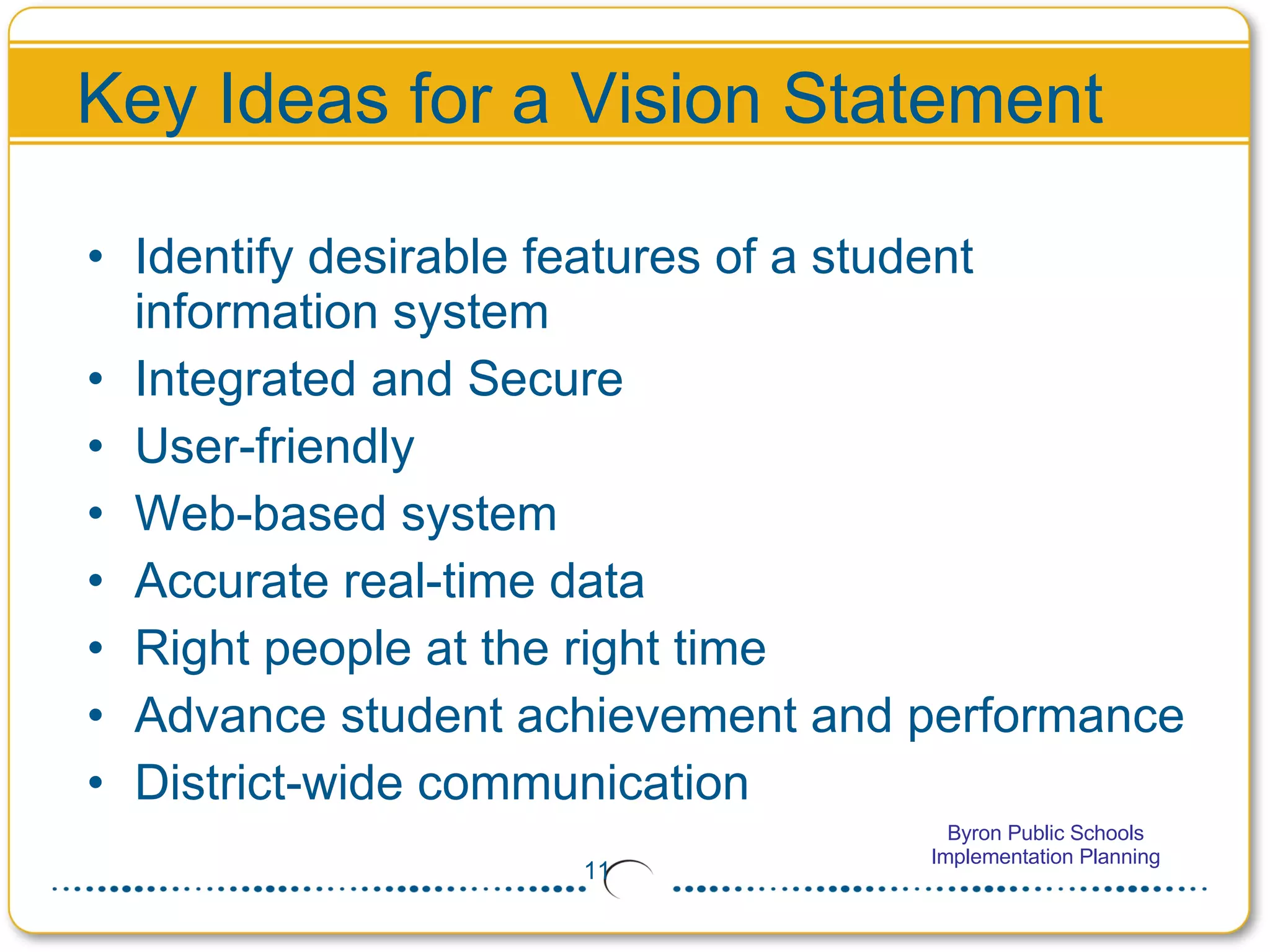
Key Ideas for a Vision Statement Identify desirable features of a student information system Integrated and Secure User-friendly  Web-based system  Accurate real-time data  Right people at the right time Advance student achievement and performance District-wide communication
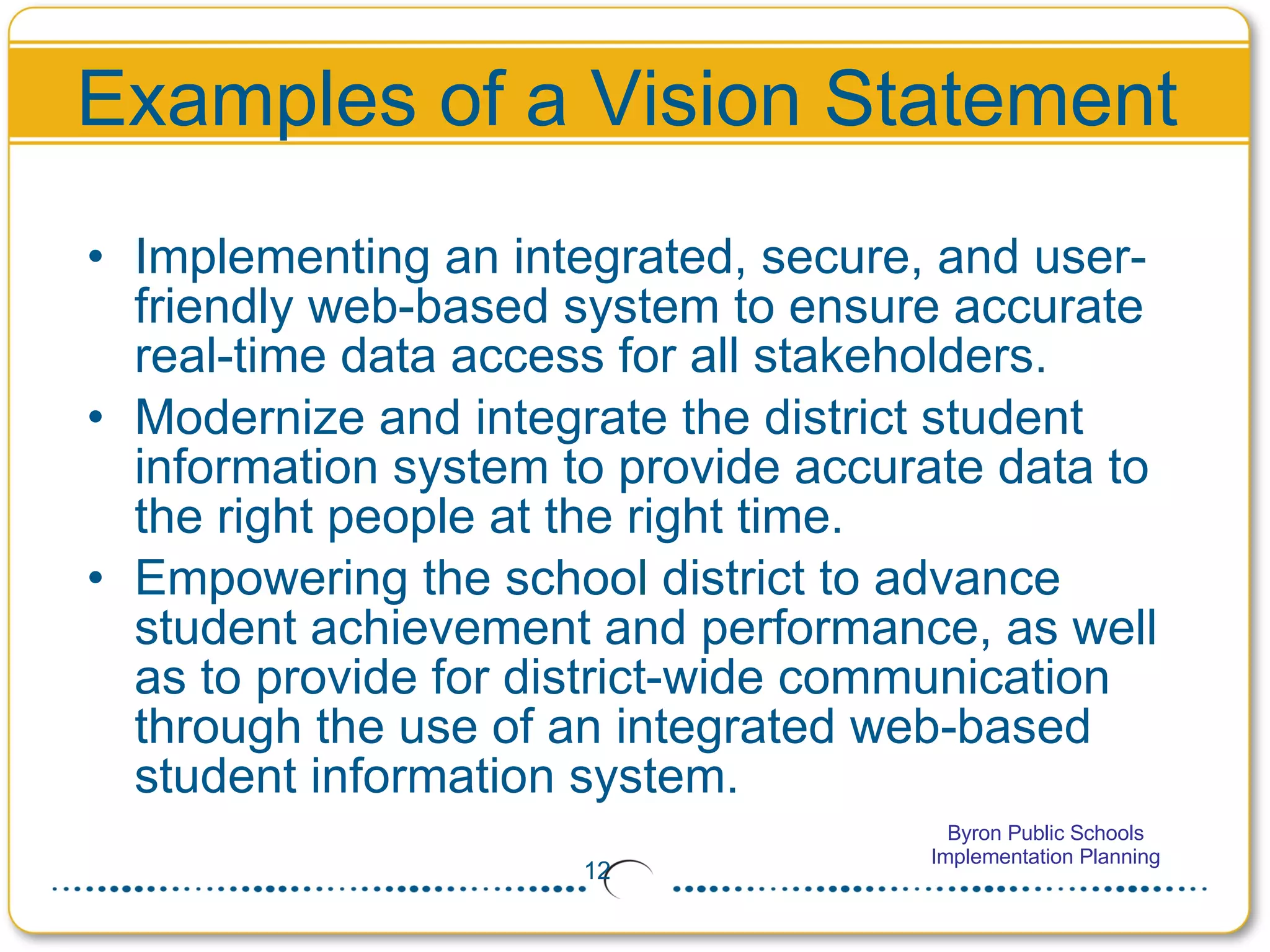
Examples of a Vision Statement Implementing an integrated, secure, and user-friendly web-based system to ensure accurate real-time data access for all stakeholders. Modernize and integrate the district student information system to provide accurate data to the right people at the right time. Empowering the school district to advance student achievement and performance, as well as to provide for district-wide communication through the use of an integrated web-based student information system.
Develop your Vision Statement Divide up into groups of 3 or 4 Within your group, assign someone to be the recorder and another person to be the presenter Create a vision statement for this project (Time limit = 10 minutes)  Present your vision to the full group and capture it on a writing space (white board or large pad of paper in the front of the room) Combine the vision statements into one vision statement for the district Will be used in all communications for this project
Your District’s Vision Statement The Byron School District will use Infinite Campus to provide a web-based integrated student data system that will bring real-time communication to a wider audience, achieve efficiencies to let us spend more time focusing on our students, and is scalable to meet our stakeholder’s future needs.
Planning Activities Project Milestones Critical Go-Live Dates Data Conversion Trial Conversions / Live Conversion Staff Development Policy and Procedures (P&P) Communications Infrastructure
Project Milestones Project Milestone Jul Aug Sep Oct Nov Dec Jan Feb Implementation Planning 28 Project Charter X Legacy Data Cleanup X X X X X X Core Team Training X X X Policy & Procedures X X Trial Data Conversion X X X X Infrastructure in Place X Staff Training X X X Live Conversion X X Live on Campus X Students Live on Campus X
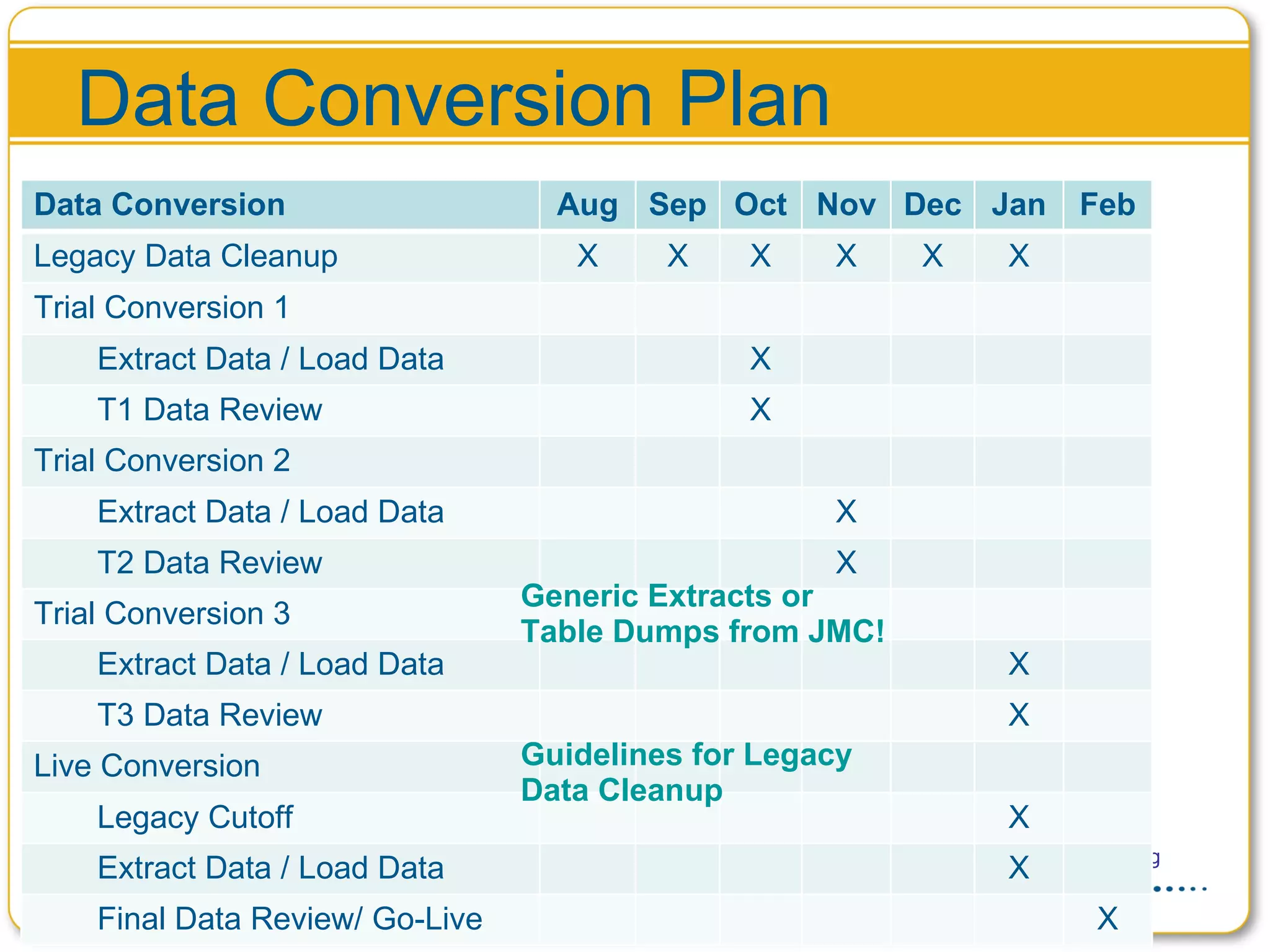
Data Conversion Plan Guidelines for Legacy Data Cleanup Generic Extracts or Table Dumps from JMC! Data Conversion Aug Sep Oct Nov Dec Jan Feb Legacy Data Cleanup X X X X X X Trial Conversion 1 Extract Data / Load Data X T1 Data Review X Trial Conversion 2 Extract Data / Load Data X T2 Data Review  X Trial Conversion 3 Extract Data / Load Data X T3 Data Review  X Live Conversion Legacy Cutoff X Extract Data / Load Data X Final Data Review/ Go-Live X
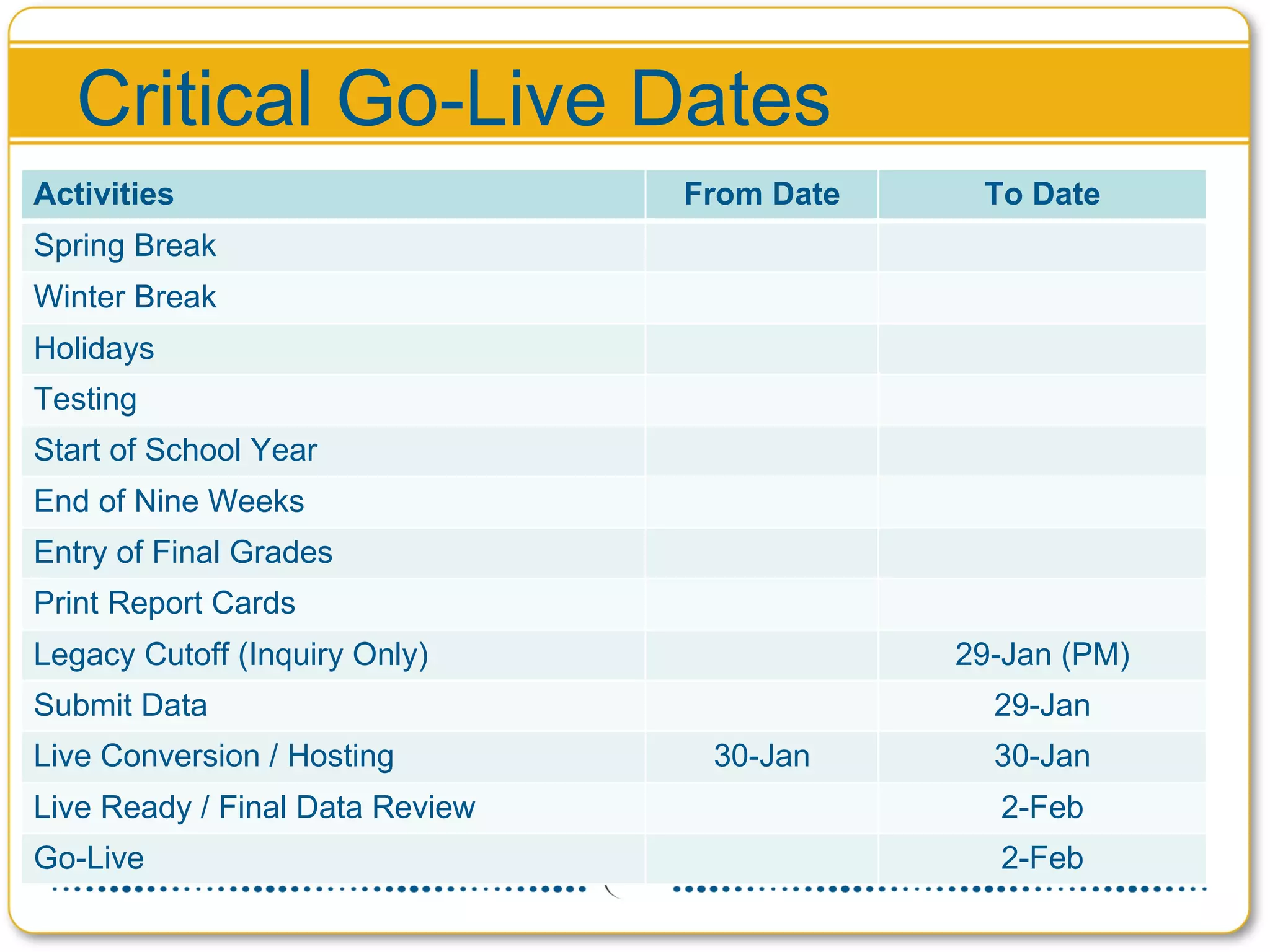
Critical Go-Live Dates Activities From Date To Date Spring Break Winter Break Holidays Testing Start of School Year End of Nine Weeks Entry of Final Grades Print Report Cards Legacy Cutoff (Inquiry Only) 29-Jan (PM) Submit Data 29-Jan Live Conversion / Hosting 30-Jan 30-Jan Live Ready / Final Data Review 2-Feb Go-Live 2-Feb
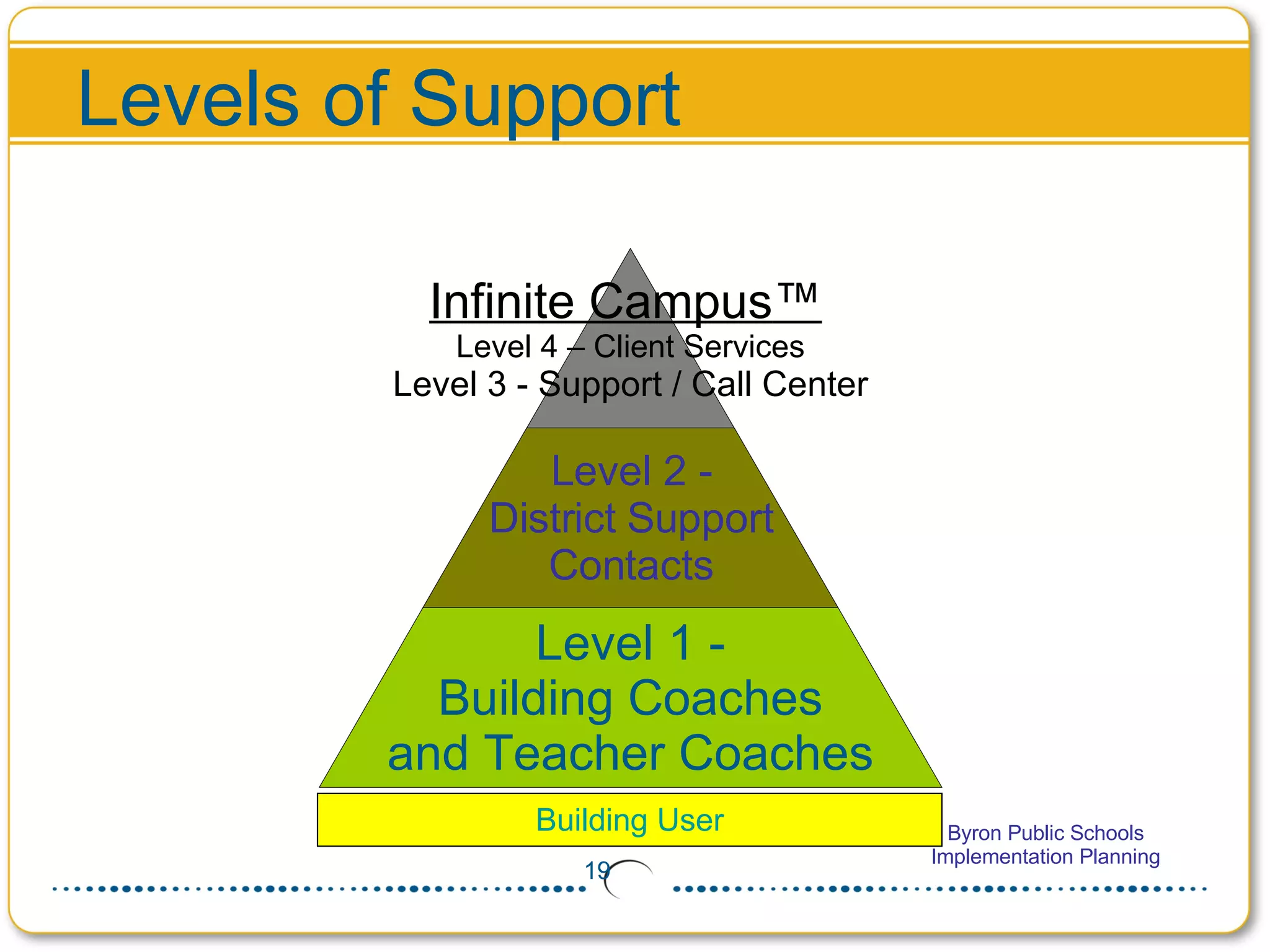
Levels of Support Building User Infinite Campus ™   Level 4 – Client Services Level 3 - Support / Call Center Level 2 - District Support Contacts Level 1 - Building Coaches and Teacher Coaches
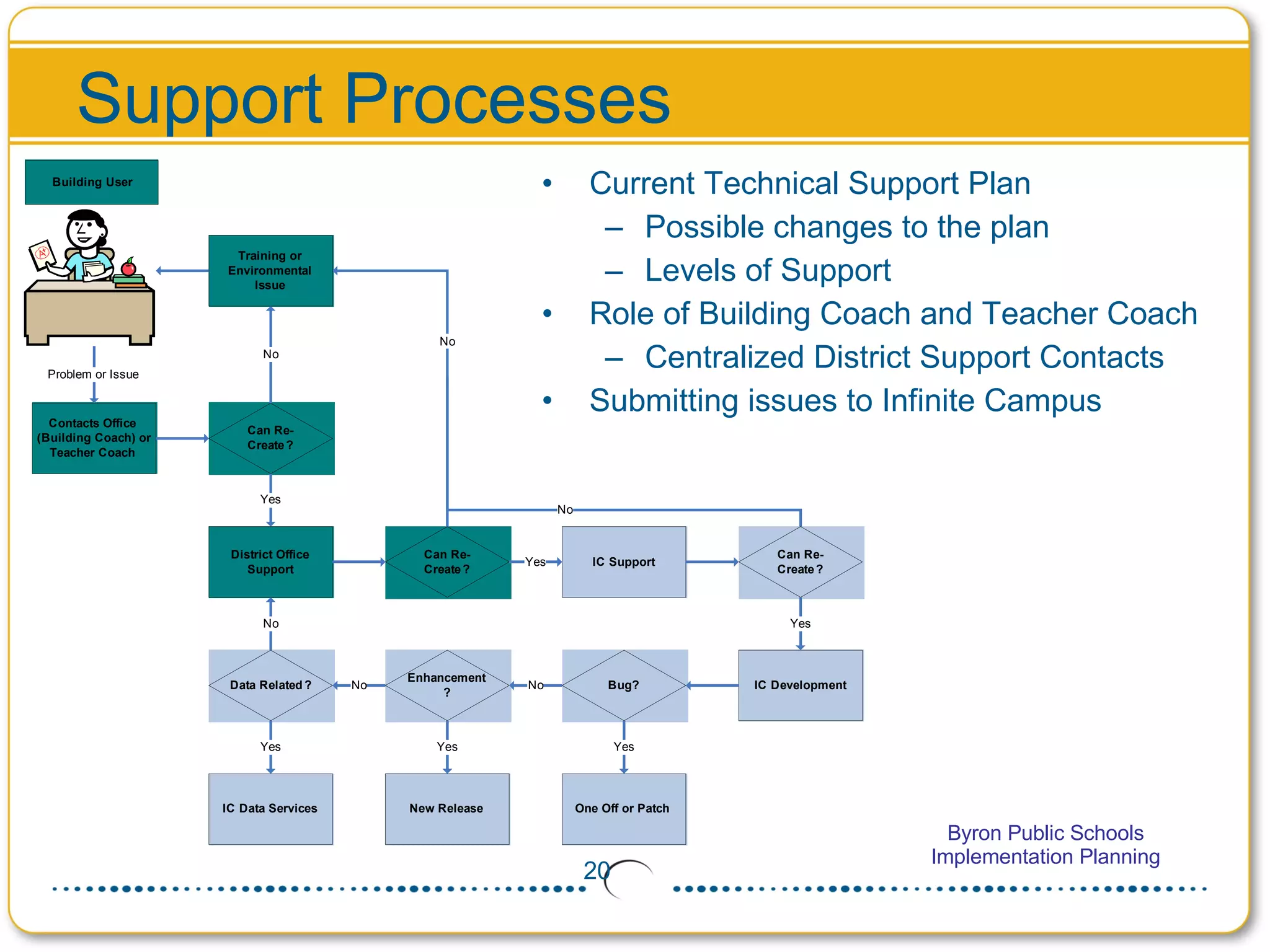
Support Processes Current Technical Support Plan Possible changes to the plan Levels of Support Role of Building Coach and Teacher Coach Centralized District Support Contacts Submitting issues to Infinite Campus
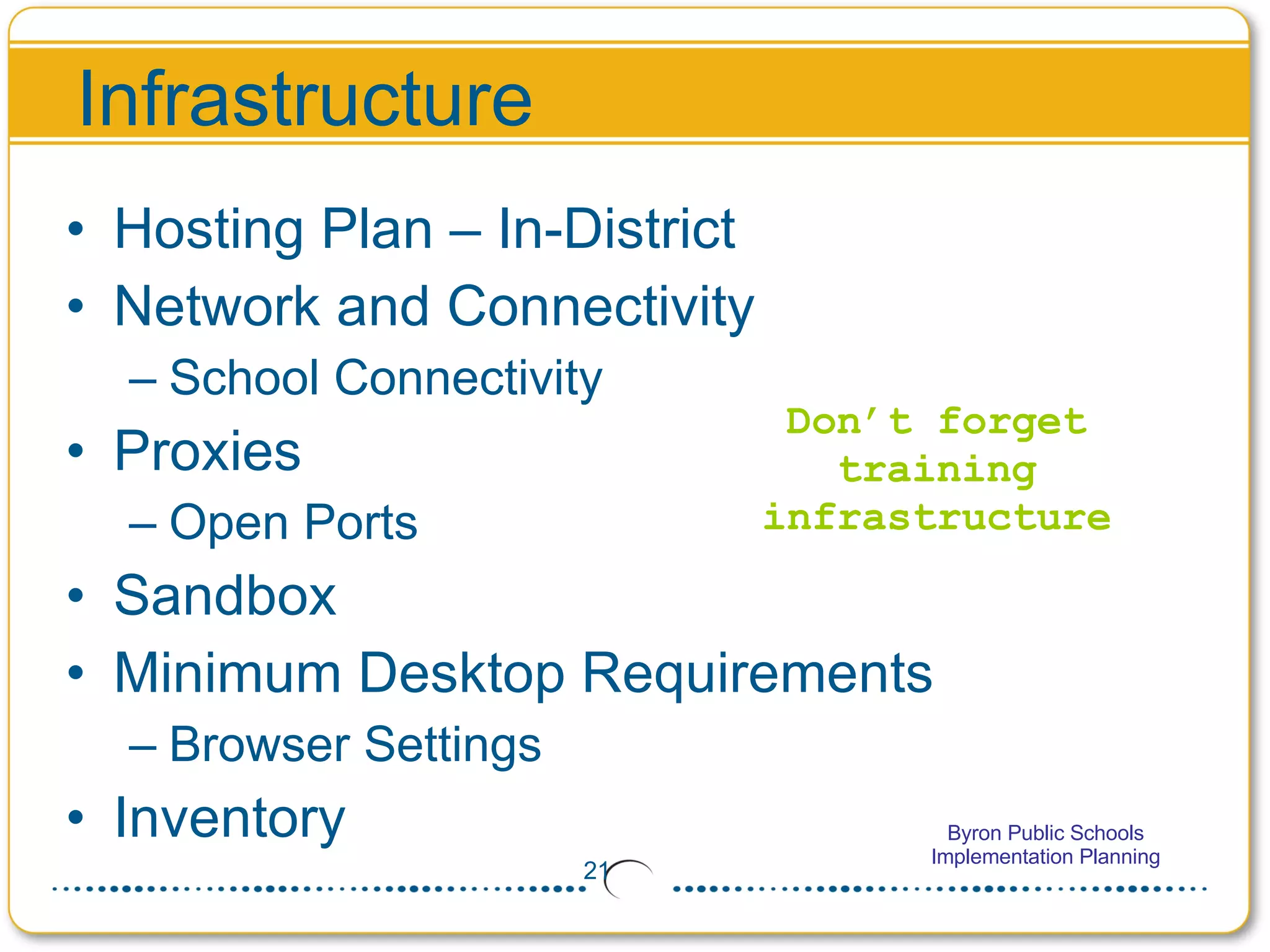
Infrastructure Hosting Plan – In-District Network and Connectivity School Connectivity Proxies Open Ports Sandbox Minimum Desktop Requirements Browser Settings Inventory Don’t forget training infrastructure
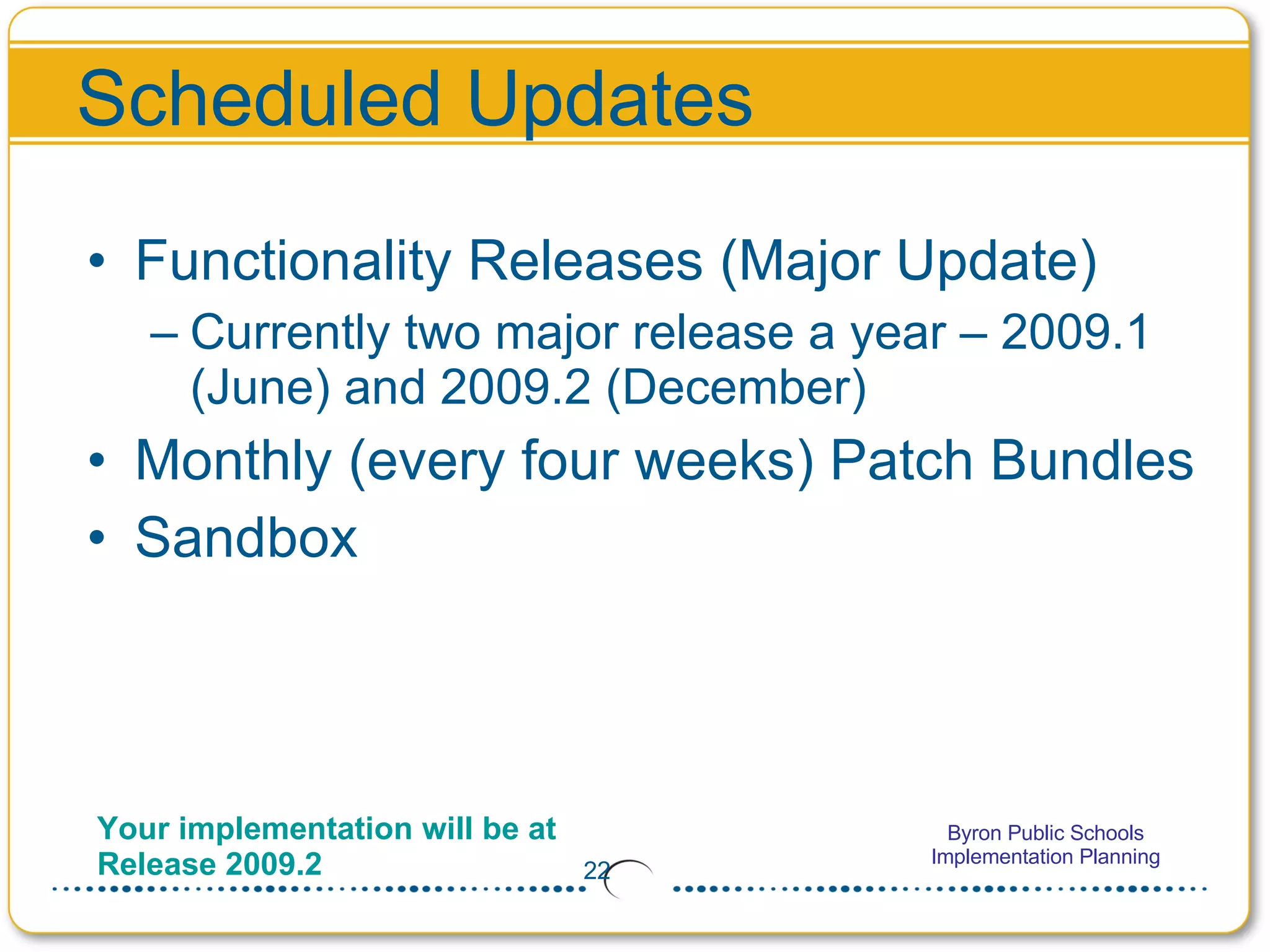
Functionality Releases (Major Update) Currently two major release a year – 2009.1 (June) and 2009.2 (December) Monthly (every four weeks) Patch Bundles Sandbox Scheduled Updates Your implementation will be at Release 2009.2
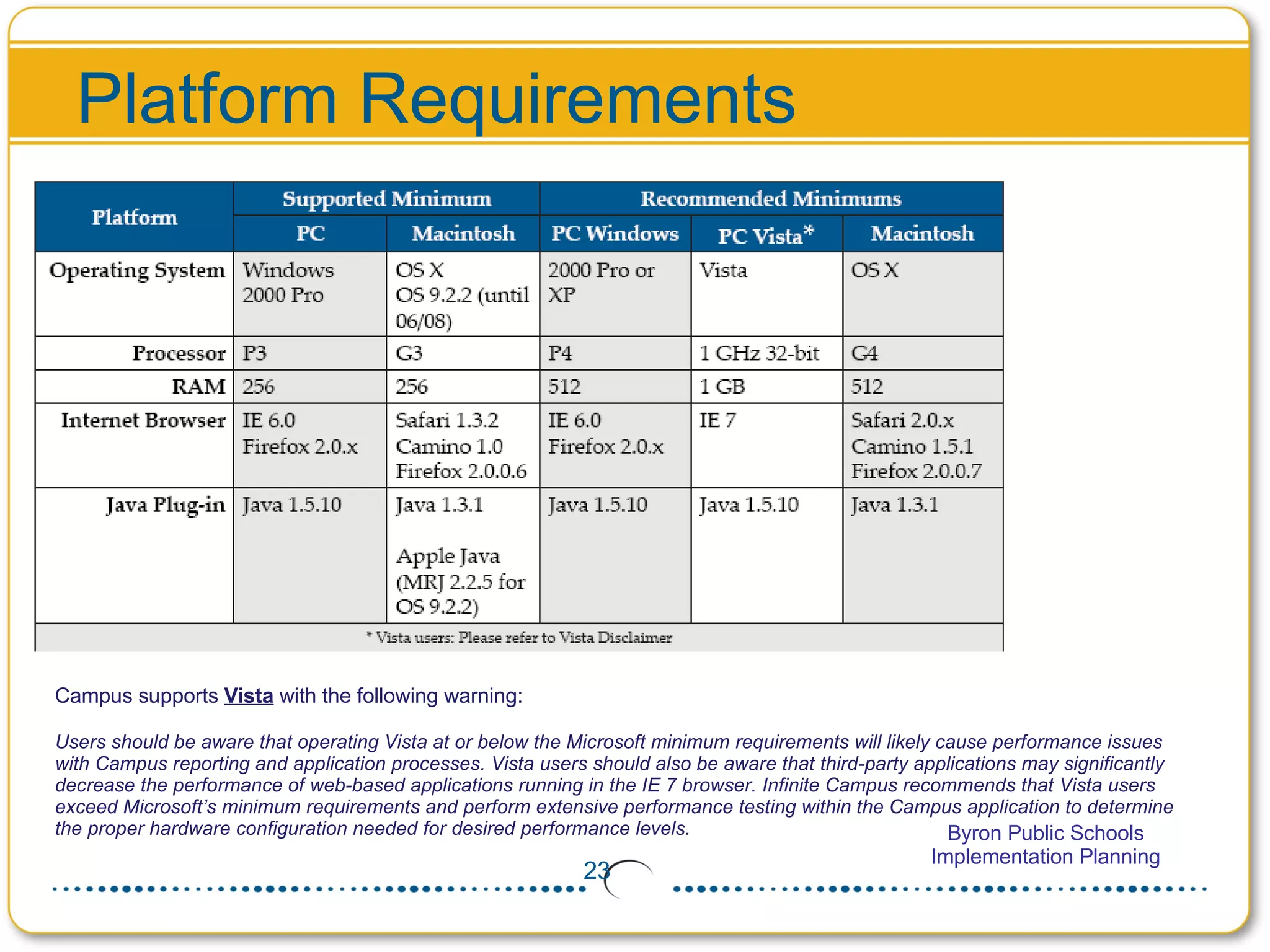
Platform Requirements Campus supports  Vista  with the following warning:  Users should be aware that operating Vista at or below the Microsoft minimum requirements will likely cause performance issues with Campus reporting and application processes. Vista users should also be aware that third-party applications may significantly decrease the performance of web-based applications running in the IE 7 browser. Infinite Campus recommends that Vista users exceed Microsoft’s minimum requirements and perform extensive performance testing within the Campus application to determine the proper hardware configuration needed for desired performance levels.
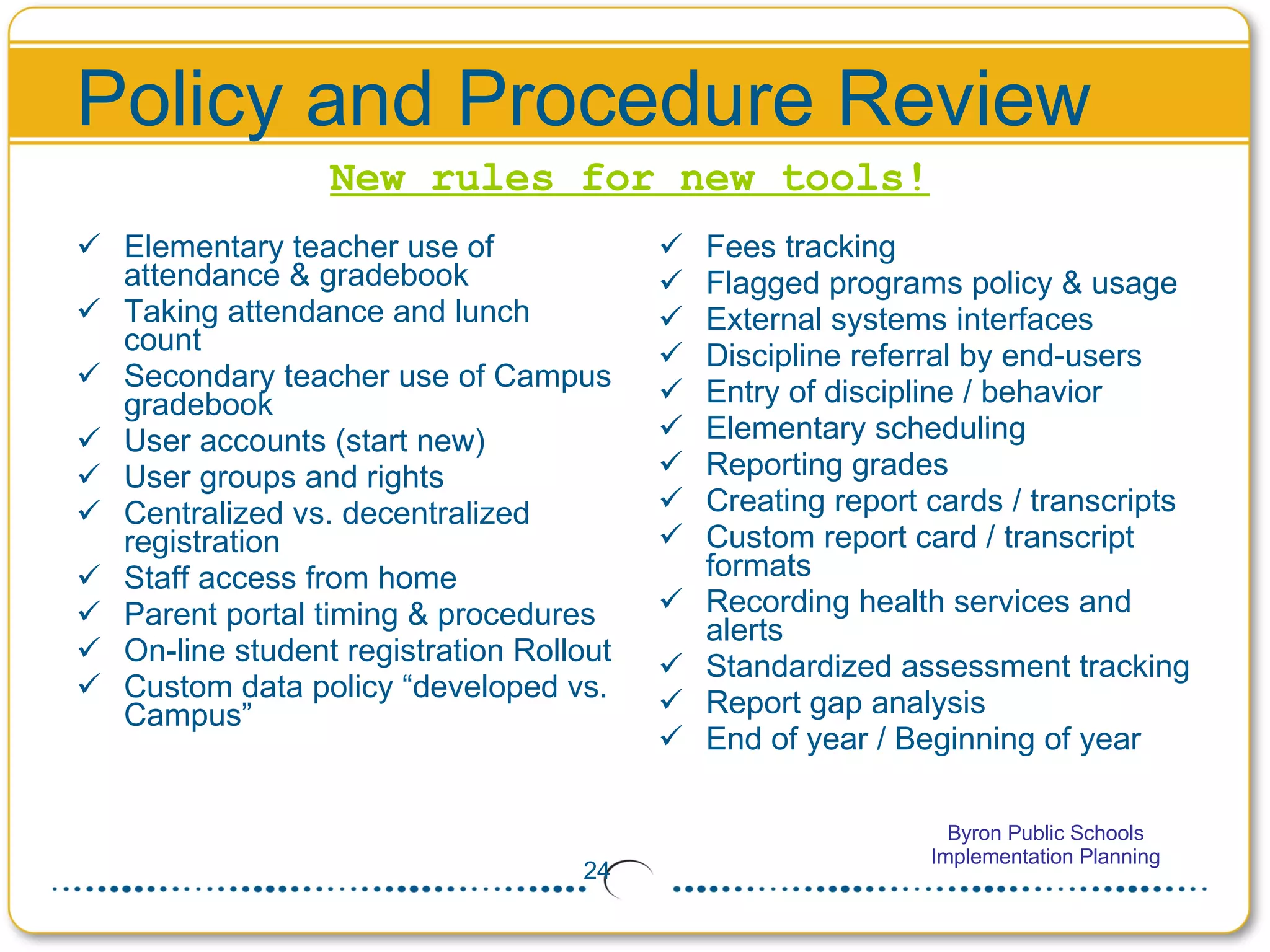
Policy and Procedure Review Elementary teacher use of attendance & gradebook Taking attendance and lunch count Secondary teacher use of Campus gradebook User accounts (start new) User groups and rights Centralized vs. decentralized registration Staff access from home Parent portal timing & procedures On-line student registration Rollout Custom data policy “developed vs. Campus” Fees tracking Flagged programs policy & usage External systems interfaces Discipline referral by end-users Entry of discipline / behavior Elementary scheduling  Reporting grades Creating report cards / transcripts Custom report card / transcript formats Recording health services and alerts Standardized assessment tracking Report gap analysis End of year / Beginning of year New rules for new tools!
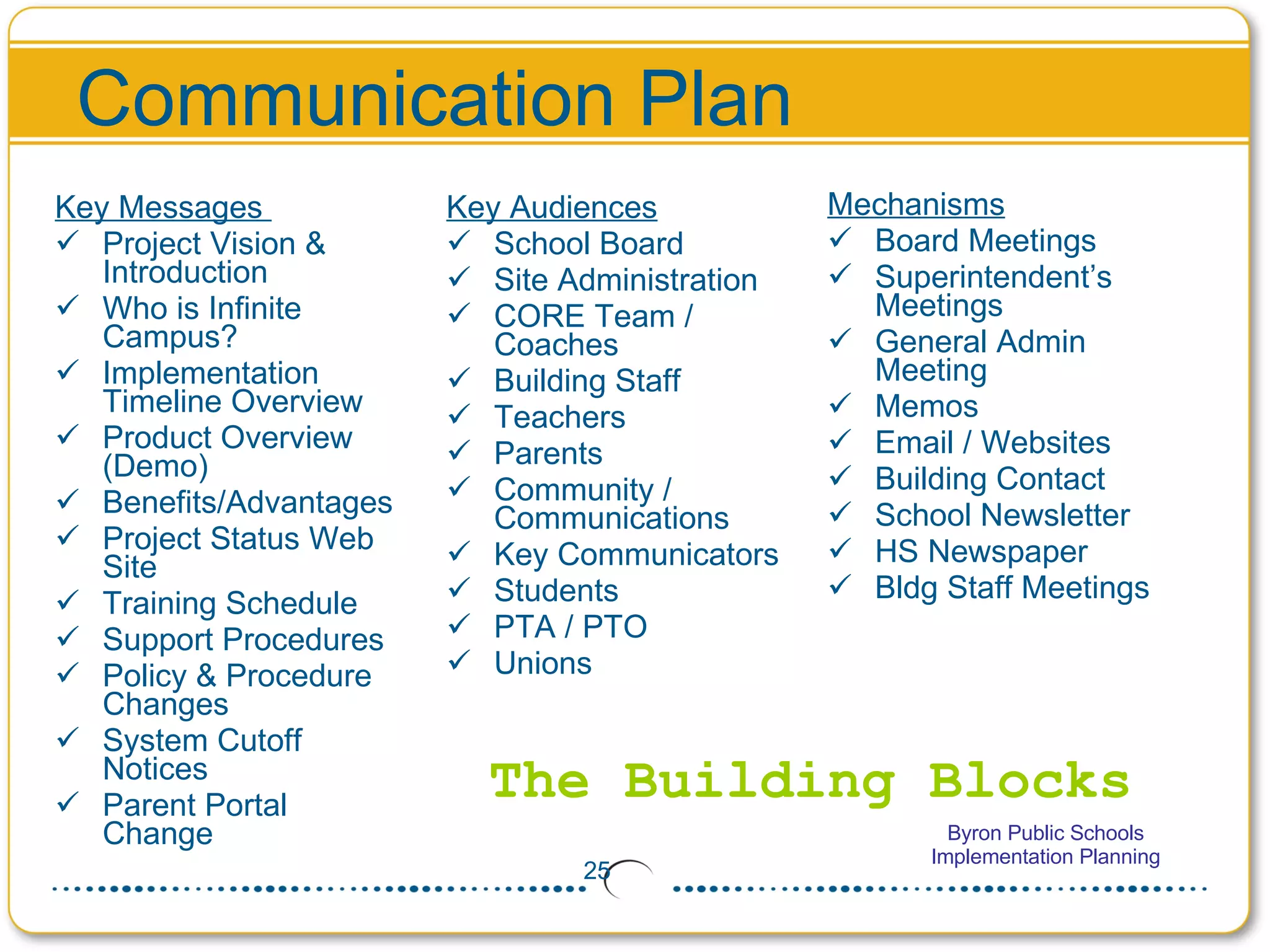
Communication Plan Mechanisms Board Meetings Superintendent’s Meetings General Admin Meeting Memos Email / Websites Building Contact School Newsletter HS Newspaper Bldg Staff Meetings The Building Blocks Key Messages  Project Vision & Introduction  Who is Infinite Campus? Implementation Timeline Overview Product Overview (Demo) Benefits/Advantages Project Status Web Site Training Schedule Support Procedures Policy & Procedure Changes System Cutoff Notices Parent Portal Change Key Audiences School Board Site Administration CORE Team / Coaches Building Staff Teachers Parents Community / Communications Key Communicators Students PTA / PTO Unions
Activity: Communication Plan <Communication Activities>
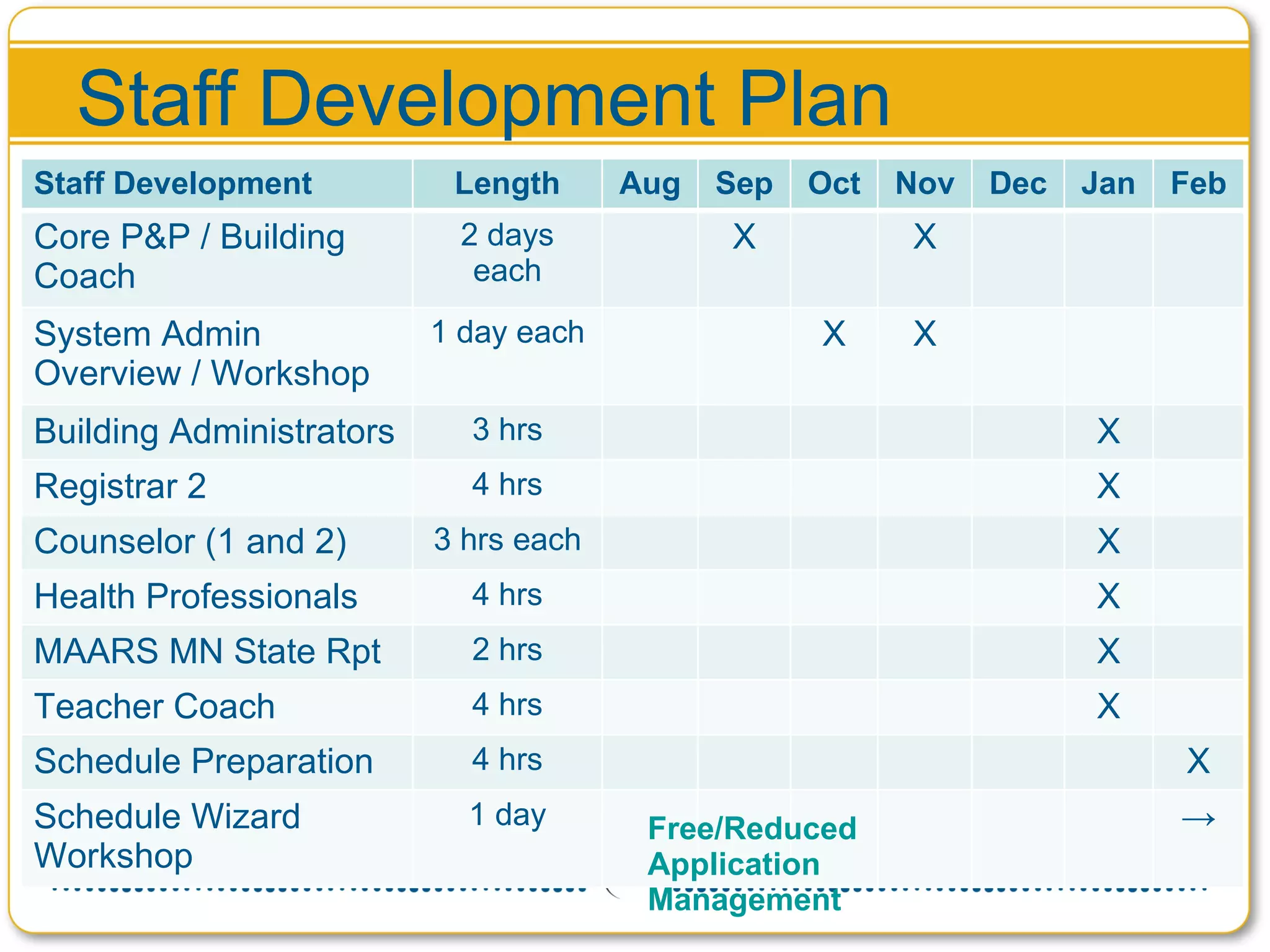
Staff Development Plan Free/Reduced Application Management Staff Development Length Aug Sep Oct Nov Dec Jan Feb Core P&P / Building Coach 2 days each X X System Admin Overview / Workshop 1 day each X X Building Administrators 3 hrs X Registrar 2 4 hrs X Counselor (1 and 2) 3 hrs each X Health Professionals 4 hrs X MAARS MN State Rpt 2 hrs X Teacher Coach 4 hrs X Schedule Preparation 4 hrs X Schedule Wizard Workshop 1 day ->
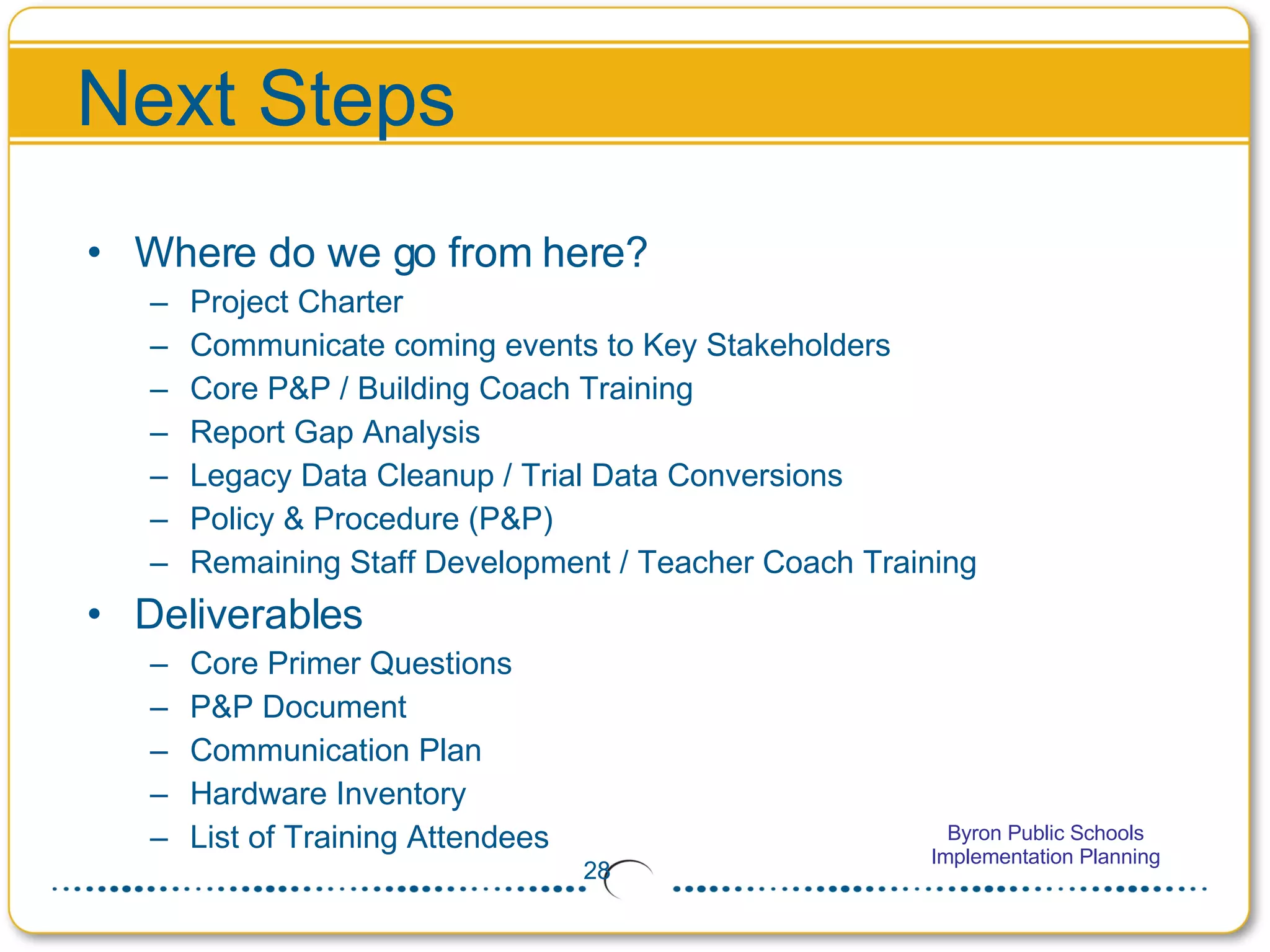
Next Steps Where do we go from here? Project Charter Communicate coming events to Key Stakeholders Core P&P / Building Coach Training Report Gap Analysis Legacy Data Cleanup / Trial Data Conversions Policy & Procedure (P&P) Remaining Staff Development / Teacher Coach Training Deliverables Core Primer Questions P&P Document Communication Plan Hardware Inventory List of Training Attendees
Question and Answer Open Discussion
CPU Introduction and Setup User Name Userid Password http://cpu.infinitecampus.com/ Jen Hegna jen.hegna

Infinite Campus Implementation

  • 1.
    Implementation Planning ByronPublic Schools July 28, 2008
  • 2.
    Agenda Introductions &Overview Objectives / Outputs Core Team / Roles & Responsibilities Vision Statement Project Milestones Data Conversion Conference Call with John Ebert (to be held at 10:00 AM) Support Plan Infrastructure Policy & Procedure Communication Staff Development (Training Plan) WebEx with Lisa Ledman (to be held at 1:30 PM on July 30) Next Steps Question and Answer Optional: Using CPU
  • 3.
    Introductions Steven Davis,Project Manager John Ebert, Manager, Technical Services Lisa Ledman, Director, Infinite Campus University Dr. Wendy Shannon, Superintendent / Executive Sponsor Jen Hegna, IS Manager / Project Manager Rest of Planning Team… (View Contact List)
  • 4.
    Objectives / OutputsCore Team Membership District Vision Statement Planning Activities Data Conversion Staff Development Critical Go-Live Dates Core P&P Primer Homework
  • 5.
    What is theCore Team? Cross-functional team from buildings and administration Bring experience and knowledge of school community operations Contribute to the design of new Policies & Procedures Become champions and advocates for Infinite Campus throughout the School District Be communication conduits to/from the field, within the schools and community Become Subject Matter Experts (SME’s) in their functional areas of expertise
  • 6.
    Core Team CompositionBuilding Administration (Secondary and Elementary) Registrar / Secretarial Attendance Counseling Behavior / Discipline (may be same as Building Admin) Instructional Technology Health Special Education Assessments Curriculum Support Desk Network Technology Executive Sponsor Project Manager Competencies
  • 7.
    Roles & ResponsibilitiesContributes to the design of new Policies & Procedures Champions and advocates for Infinite Campus Communication conduits to/from the field Subject Matter Experts (SME’s) in their functional areas of expertise Responsible and accountable for the completion of project deliverables Provides an additional or optional building-level coach focused on supporting teachers Core Team
  • 8.
    Roles & ResponsibilitiesResponsible to plan the work in the district Oversees the project budget and work plan for the district Reports project issues and status to project sponsor, steering committee, project management office (if applicable) Logs and manages project issues in CPU Facilitates all project participants to ensure project activities are completed on time Coordinates closely with the Infinite Campus Project Manager and Lead Trainer Acts as the communication focal point throughout the project District Project Manager
  • 9.
    Roles & ResponsibilitiesPartner project manager to define, coordinate and facilitate all aspects of the project Provides processes required to complete required deliverables Oversee the project budget and deliverables Works with District Project Manager to develop and maintain project plan and timelines Logs and manages project issues, tasks, assignments, and documents within CPU Acts as a communication focal point throughout the conduct of the project Infinite Campus Project Manager
  • 10.
    Why a VisionStatement? What were the driving factors that caused the School District to begin looking for a new SIS? How was the decision made to go with Infinite Campus? Is there currently a defined district vision or mission associated with this project, or other technical projects? What does the School District hope to achieve with the replacement of the current SIS with Infinite Campus? Vision Statement will be part of communications with all stakeholders Vision statement’s purpose is to help redirect end users to become part of the big picture
  • 11.
    Key Ideas fora Vision Statement Identify desirable features of a student information system Integrated and Secure User-friendly Web-based system Accurate real-time data Right people at the right time Advance student achievement and performance District-wide communication
  • 12.
    Examples of aVision Statement Implementing an integrated, secure, and user-friendly web-based system to ensure accurate real-time data access for all stakeholders. Modernize and integrate the district student information system to provide accurate data to the right people at the right time. Empowering the school district to advance student achievement and performance, as well as to provide for district-wide communication through the use of an integrated web-based student information system.
  • 13.
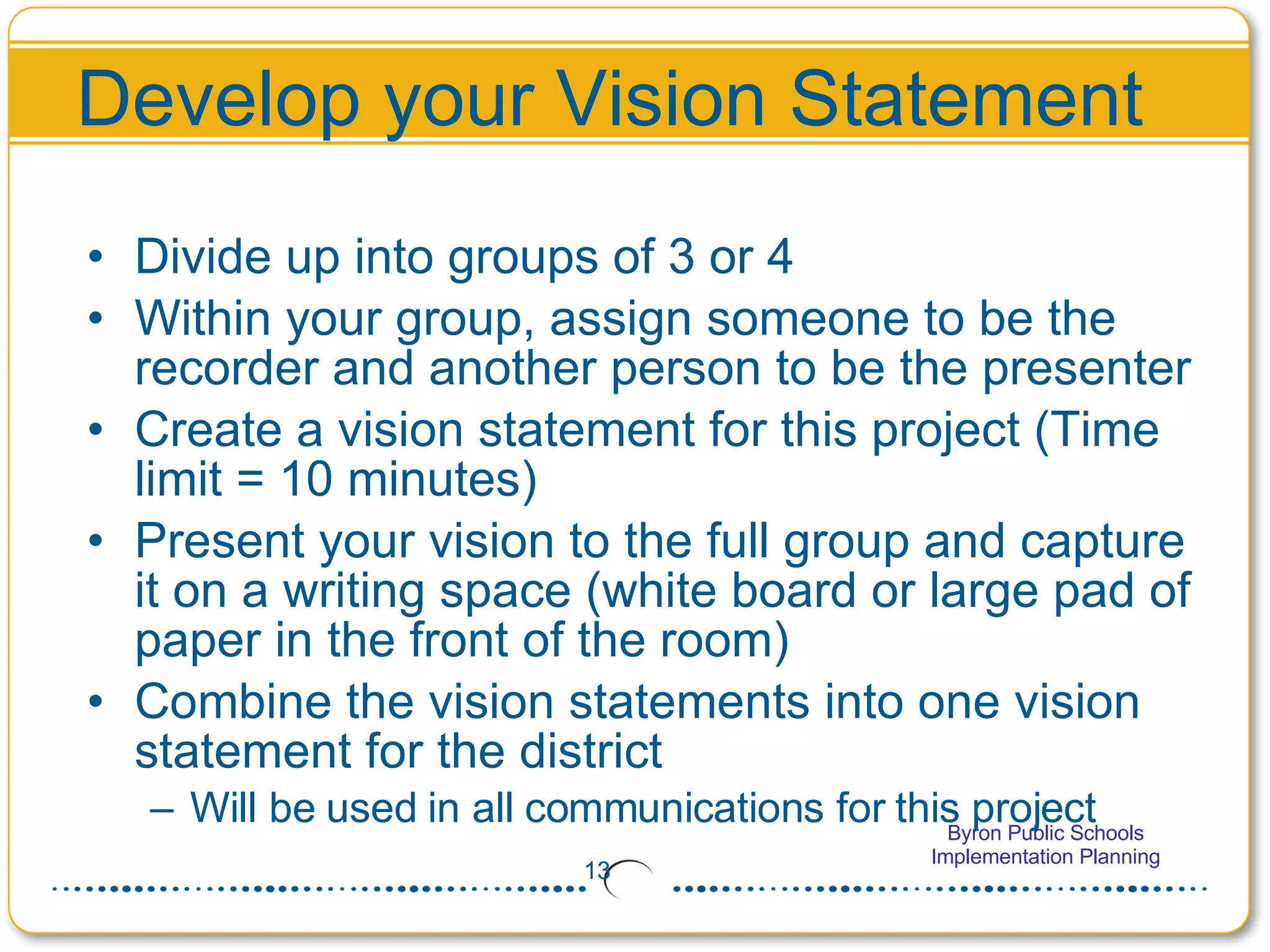
    Develop your VisionStatement Divide up into groups of 3 or 4 Within your group, assign someone to be the recorder and another person to be the presenter Create a vision statement for this project (Time limit = 10 minutes) Present your vision to the full group and capture it on a writing space (white board or large pad of paper in the front of the room) Combine the vision statements into one vision statement for the district Will be used in all communications for this project
  • 14.
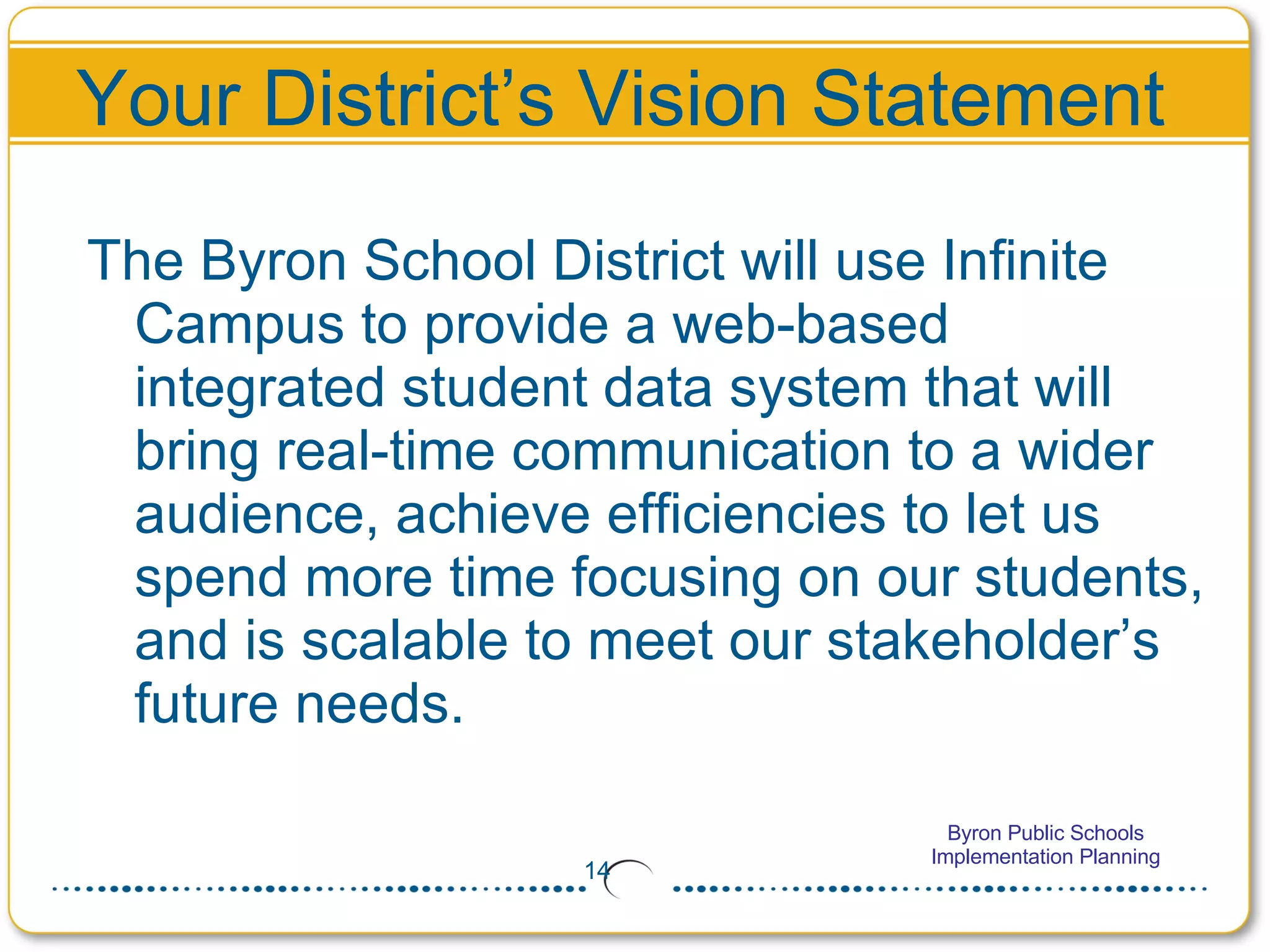
    Your District’s VisionStatement The Byron School District will use Infinite Campus to provide a web-based integrated student data system that will bring real-time communication to a wider audience, achieve efficiencies to let us spend more time focusing on our students, and is scalable to meet our stakeholder’s future needs.
  • 15.
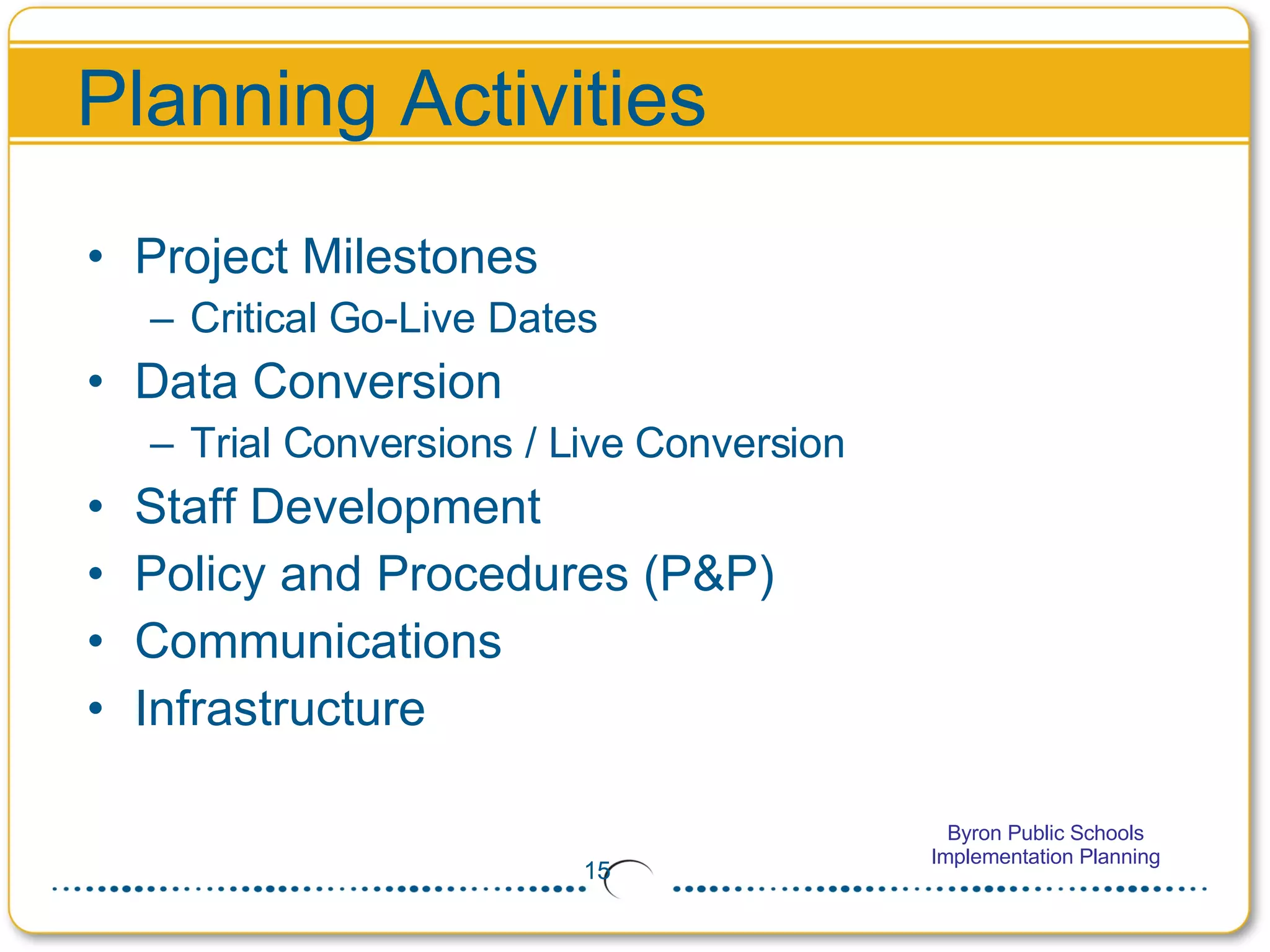
    Planning Activities ProjectMilestones Critical Go-Live Dates Data Conversion Trial Conversions / Live Conversion Staff Development Policy and Procedures (P&P) Communications Infrastructure
  • 16.
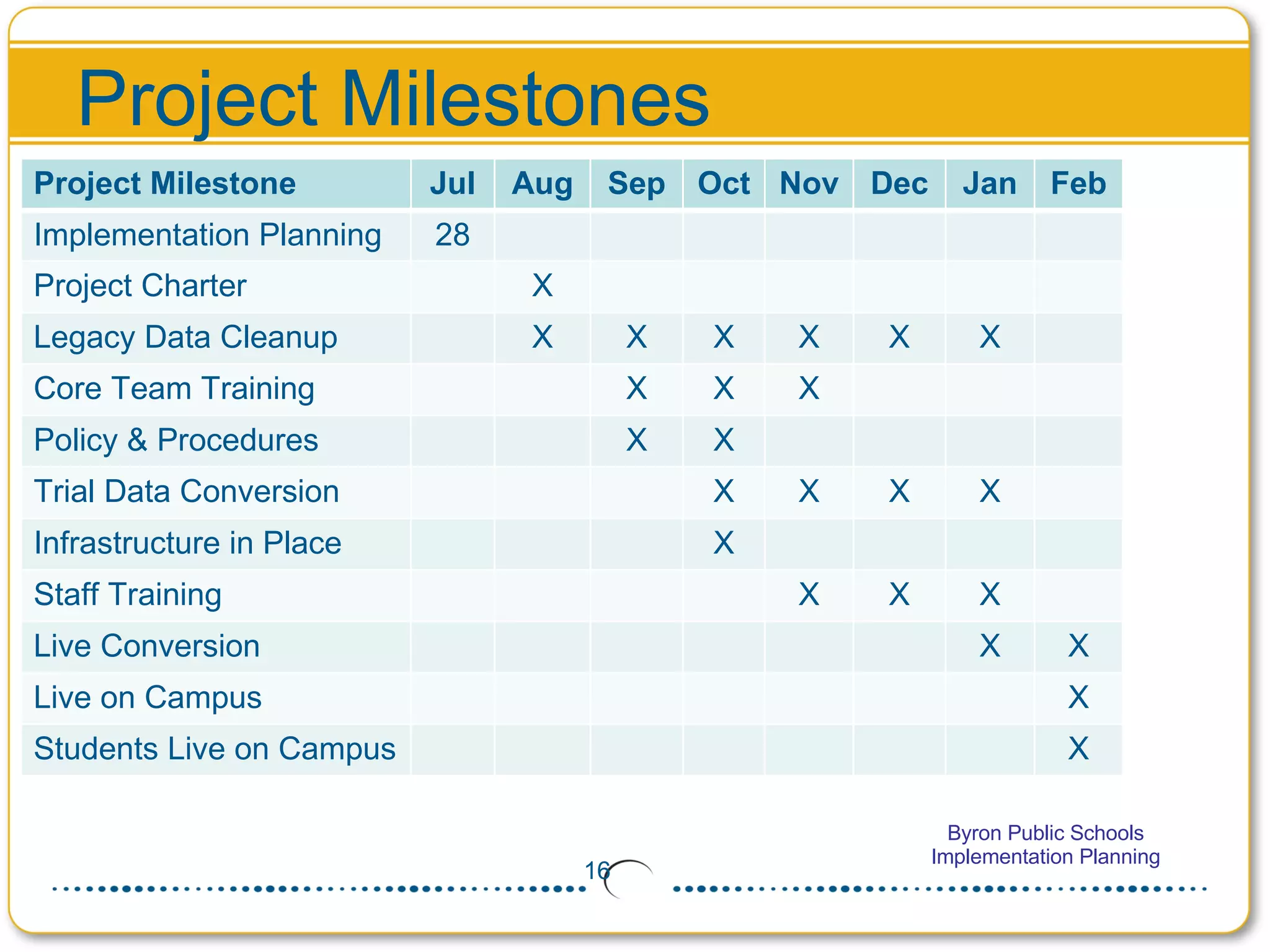
    Project Milestones ProjectMilestone Jul Aug Sep Oct Nov Dec Jan Feb Implementation Planning 28 Project Charter X Legacy Data Cleanup X X X X X X Core Team Training X X X Policy & Procedures X X Trial Data Conversion X X X X Infrastructure in Place X Staff Training X X X Live Conversion X X Live on Campus X Students Live on Campus X
  • 17.
    Data Conversion PlanGuidelines for Legacy Data Cleanup Generic Extracts or Table Dumps from JMC! Data Conversion Aug Sep Oct Nov Dec Jan Feb Legacy Data Cleanup X X X X X X Trial Conversion 1 Extract Data / Load Data X T1 Data Review X Trial Conversion 2 Extract Data / Load Data X T2 Data Review X Trial Conversion 3 Extract Data / Load Data X T3 Data Review X Live Conversion Legacy Cutoff X Extract Data / Load Data X Final Data Review/ Go-Live X
  • 18.
    Critical Go-Live DatesActivities From Date To Date Spring Break Winter Break Holidays Testing Start of School Year End of Nine Weeks Entry of Final Grades Print Report Cards Legacy Cutoff (Inquiry Only) 29-Jan (PM) Submit Data 29-Jan Live Conversion / Hosting 30-Jan 30-Jan Live Ready / Final Data Review 2-Feb Go-Live 2-Feb
  • 19.
    Levels of SupportBuilding User Infinite Campus ™ Level 4 – Client Services Level 3 - Support / Call Center Level 2 - District Support Contacts Level 1 - Building Coaches and Teacher Coaches
  • 20.
    Support Processes CurrentTechnical Support Plan Possible changes to the plan Levels of Support Role of Building Coach and Teacher Coach Centralized District Support Contacts Submitting issues to Infinite Campus
  • 21.
    Infrastructure Hosting Plan– In-District Network and Connectivity School Connectivity Proxies Open Ports Sandbox Minimum Desktop Requirements Browser Settings Inventory Don’t forget training infrastructure
  • 22.
    Functionality Releases (MajorUpdate) Currently two major release a year – 2009.1 (June) and 2009.2 (December) Monthly (every four weeks) Patch Bundles Sandbox Scheduled Updates Your implementation will be at Release 2009.2
  • 23.
    Platform Requirements Campussupports Vista with the following warning: Users should be aware that operating Vista at or below the Microsoft minimum requirements will likely cause performance issues with Campus reporting and application processes. Vista users should also be aware that third-party applications may significantly decrease the performance of web-based applications running in the IE 7 browser. Infinite Campus recommends that Vista users exceed Microsoft’s minimum requirements and perform extensive performance testing within the Campus application to determine the proper hardware configuration needed for desired performance levels.
  • 24.
    Policy and ProcedureReview Elementary teacher use of attendance & gradebook Taking attendance and lunch count Secondary teacher use of Campus gradebook User accounts (start new) User groups and rights Centralized vs. decentralized registration Staff access from home Parent portal timing & procedures On-line student registration Rollout Custom data policy “developed vs. Campus” Fees tracking Flagged programs policy & usage External systems interfaces Discipline referral by end-users Entry of discipline / behavior Elementary scheduling Reporting grades Creating report cards / transcripts Custom report card / transcript formats Recording health services and alerts Standardized assessment tracking Report gap analysis End of year / Beginning of year New rules for new tools!
  • 25.
    Communication Plan MechanismsBoard Meetings Superintendent’s Meetings General Admin Meeting Memos Email / Websites Building Contact School Newsletter HS Newspaper Bldg Staff Meetings The Building Blocks Key Messages Project Vision & Introduction Who is Infinite Campus? Implementation Timeline Overview Product Overview (Demo) Benefits/Advantages Project Status Web Site Training Schedule Support Procedures Policy & Procedure Changes System Cutoff Notices Parent Portal Change Key Audiences School Board Site Administration CORE Team / Coaches Building Staff Teachers Parents Community / Communications Key Communicators Students PTA / PTO Unions
  • 26.
    Activity: Communication Plan<Communication Activities>
  • 27.
    Staff Development PlanFree/Reduced Application Management Staff Development Length Aug Sep Oct Nov Dec Jan Feb Core P&P / Building Coach 2 days each X X System Admin Overview / Workshop 1 day each X X Building Administrators 3 hrs X Registrar 2 4 hrs X Counselor (1 and 2) 3 hrs each X Health Professionals 4 hrs X MAARS MN State Rpt 2 hrs X Teacher Coach 4 hrs X Schedule Preparation 4 hrs X Schedule Wizard Workshop 1 day ->
  • 28.
    Next Steps Wheredo we go from here? Project Charter Communicate coming events to Key Stakeholders Core P&P / Building Coach Training Report Gap Analysis Legacy Data Cleanup / Trial Data Conversions Policy & Procedure (P&P) Remaining Staff Development / Teacher Coach Training Deliverables Core Primer Questions P&P Document Communication Plan Hardware Inventory List of Training Attendees
  • 29.
    Question and AnswerOpen Discussion
  • 30.
    CPU Introduction andSetup User Name Userid Password http://cpu.infinitecampus.com/ Jen Hegna jen.hegna