Reva Narasimhan
Kean University, NJ
Overview
 Context
 Overview of online course setup
 Challenges of teaching math online
 Meeting spaces
 Tools for interaction
 Questions
Context
    Institution : Kean University – regional
     university; students have modest math
     preparation

    Online courses : Math for Liberal Arts and
     Introductory Statistics

    Students are used to doing problems
     from text; articulating math concepts is
     not easy for students
Screening students
 Students are told before registration
  about the nature of the course
 They must be approved by me before
  registration
 Most students who are self
  acknowledged “math-phobes” email me
  back to say they do not wish to register
  for online sections
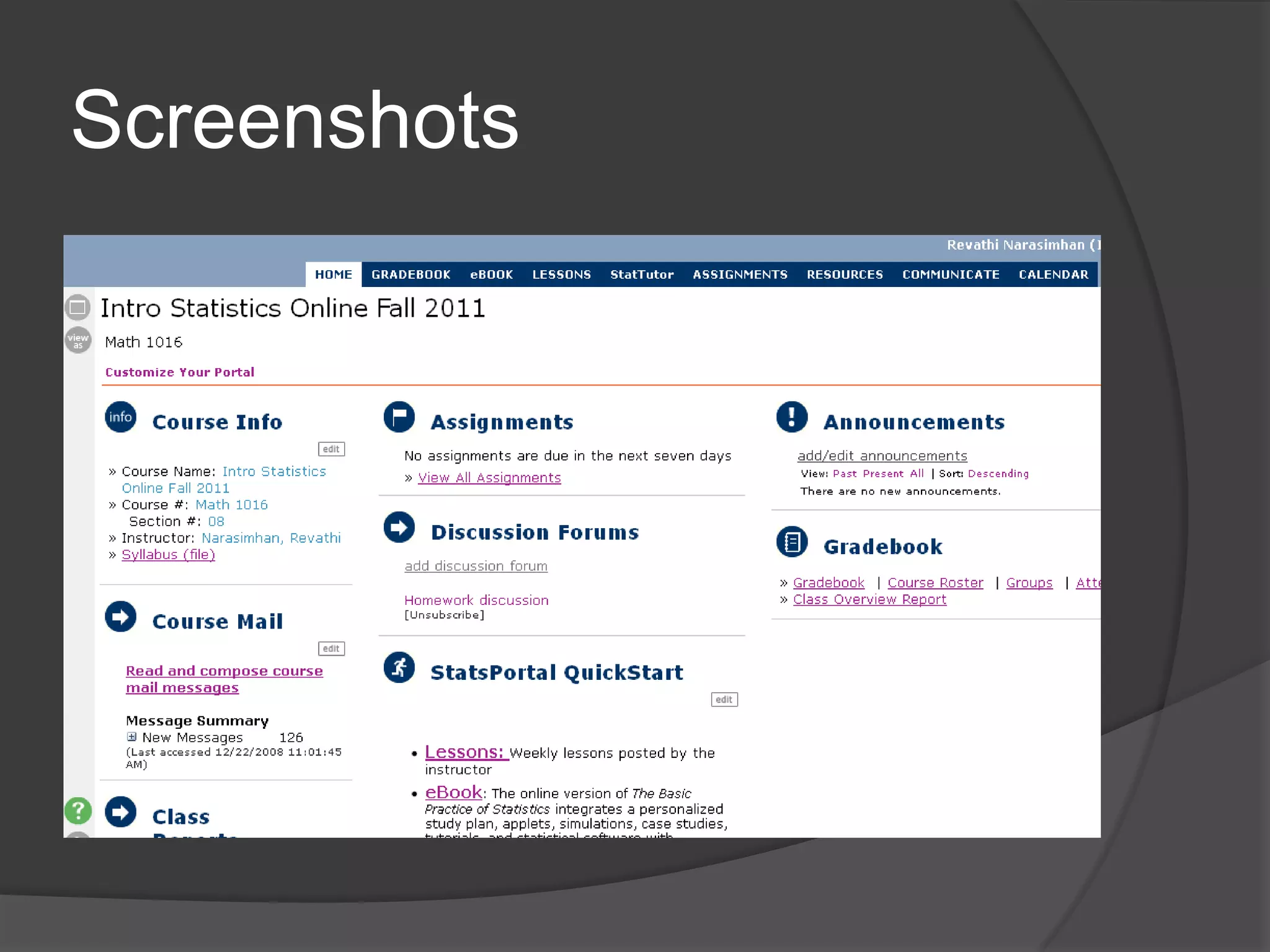
The Evolving Online Course
 Early stages: static online textbook;
  formulaic homework problems; a CMS
  that was essentially a bulletin board
 Each week :
     Read text
     Do online homework problem set
     Email prof with any questions
And then…
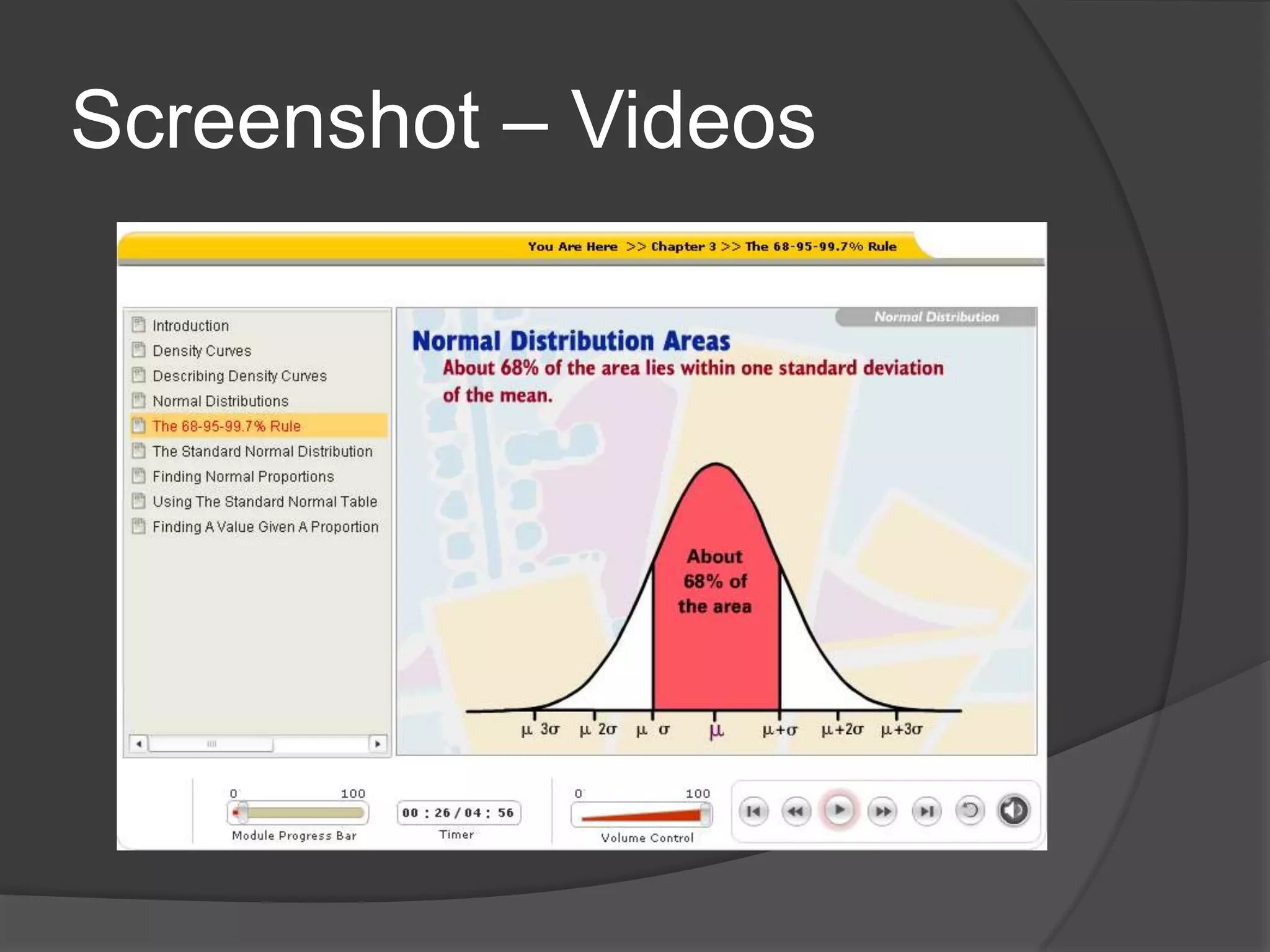
 Add video clips
 Interactive Applets
 Discussion forums
Hurdles in the past
   In the distant technological past (about 5
    years ago):
     Real time video technology not so readily
      available
     Students had limited broadband access
Asynchronous delivery
 Difficult to see students’ progress except
  with online homework and emails from
  students
 Many students tend not to make use of
  all resources available; only work on
  items that are graded
Screenshots
Screenshot – Videos
Challenges
 Facilitating conceptual understanding
  online
 Lack of facial cues in online learning
 Math problem solving and online
  homework tend to be isolating
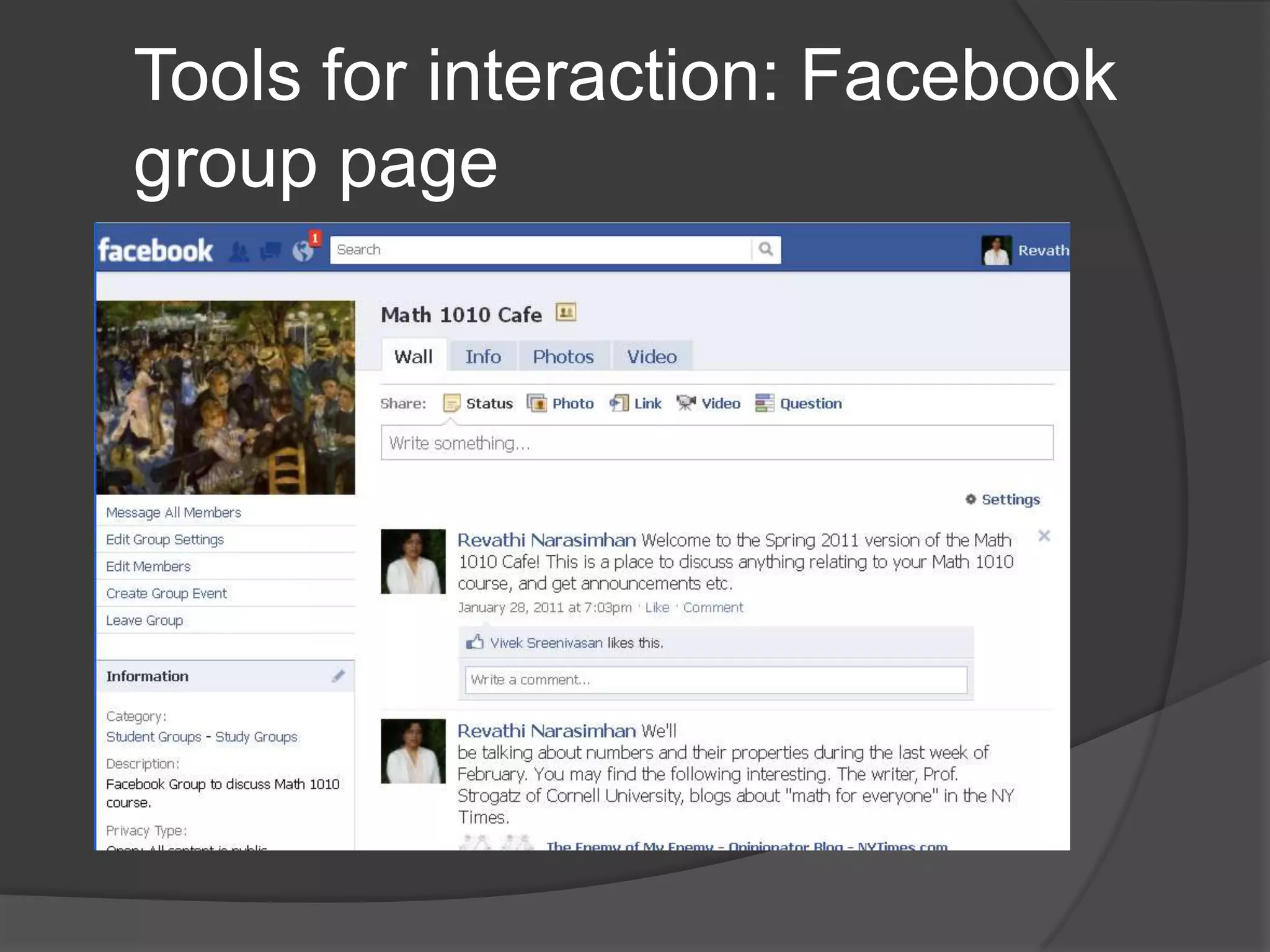
Tools for interaction: Facebook
group page
Online Meeting Spaces
 Elluminate, vyew.com, WizIQ
 Real time discussion
 Can become “death by PowerPoint”
 Interaction is key
Tools for Interaction:
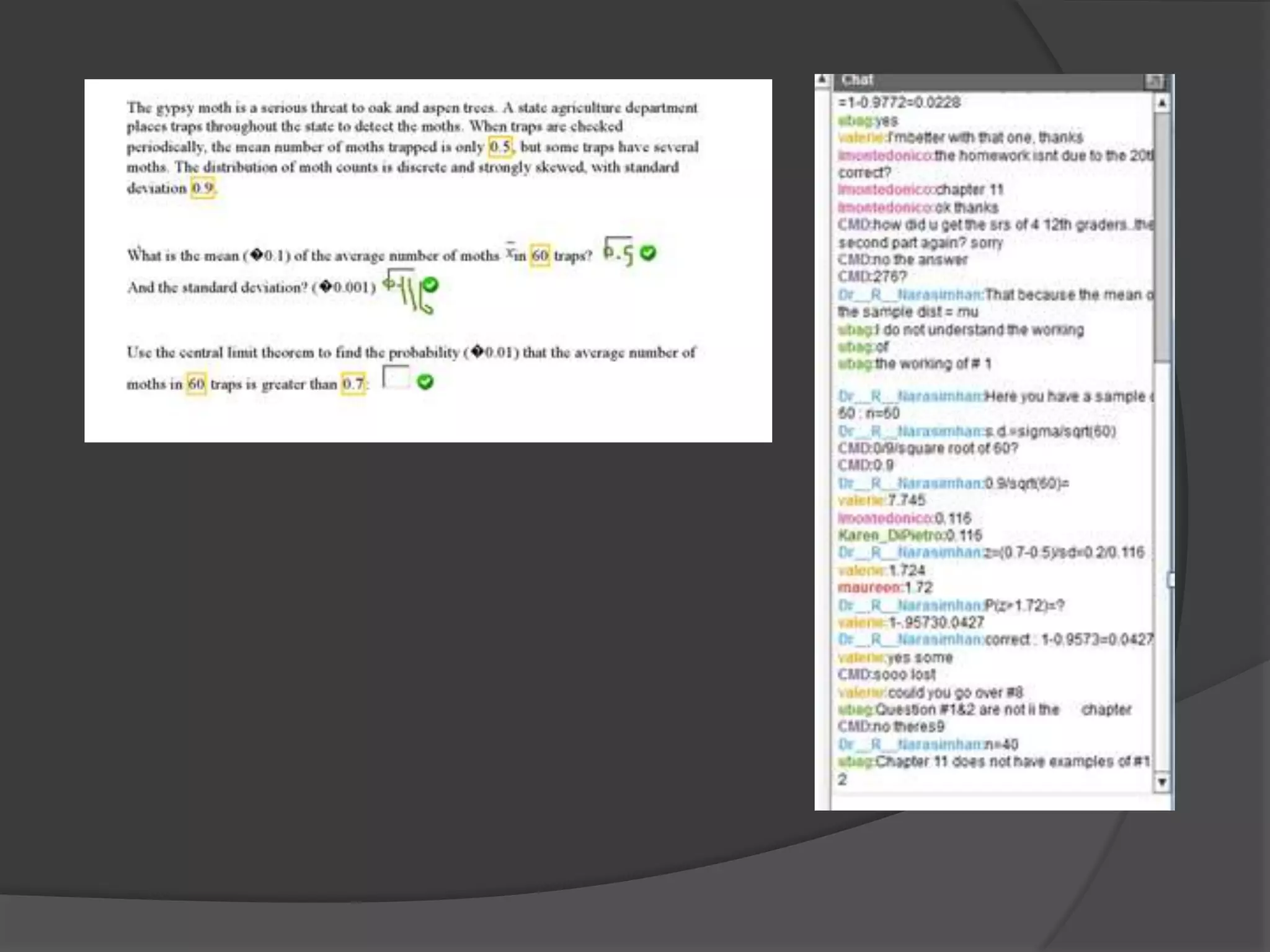
Backchannelling
   Use the text window in an online meeting
    space to participate
   Very successful – simultaneous
    participation; peer help
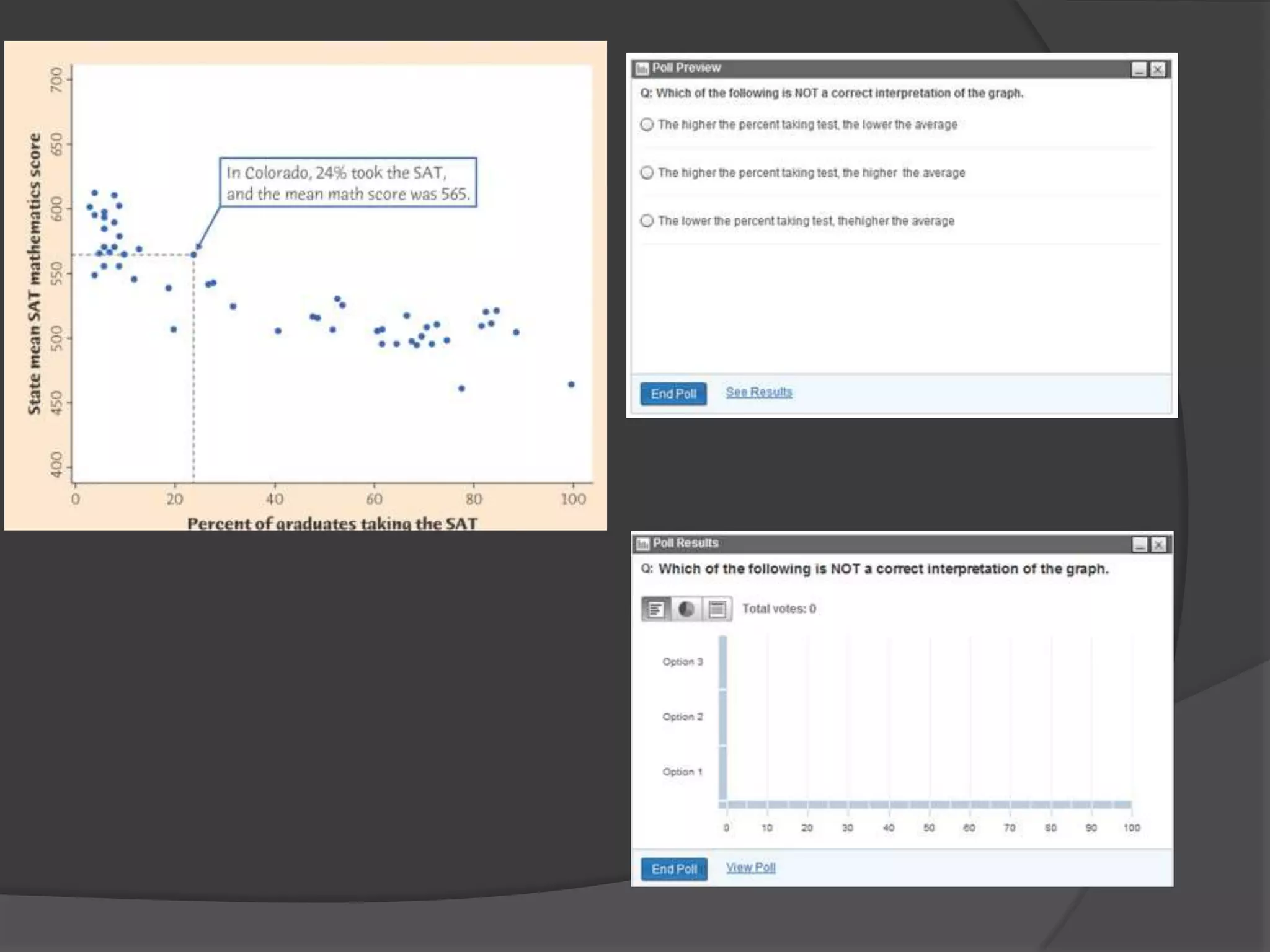
Tools for interaction: Polls

 Allow you to quickly ascertain whether
  students are following along
 Also successful – kept students focused
  on material and they liked the
  participation
Tools for Interaction: explore
applets

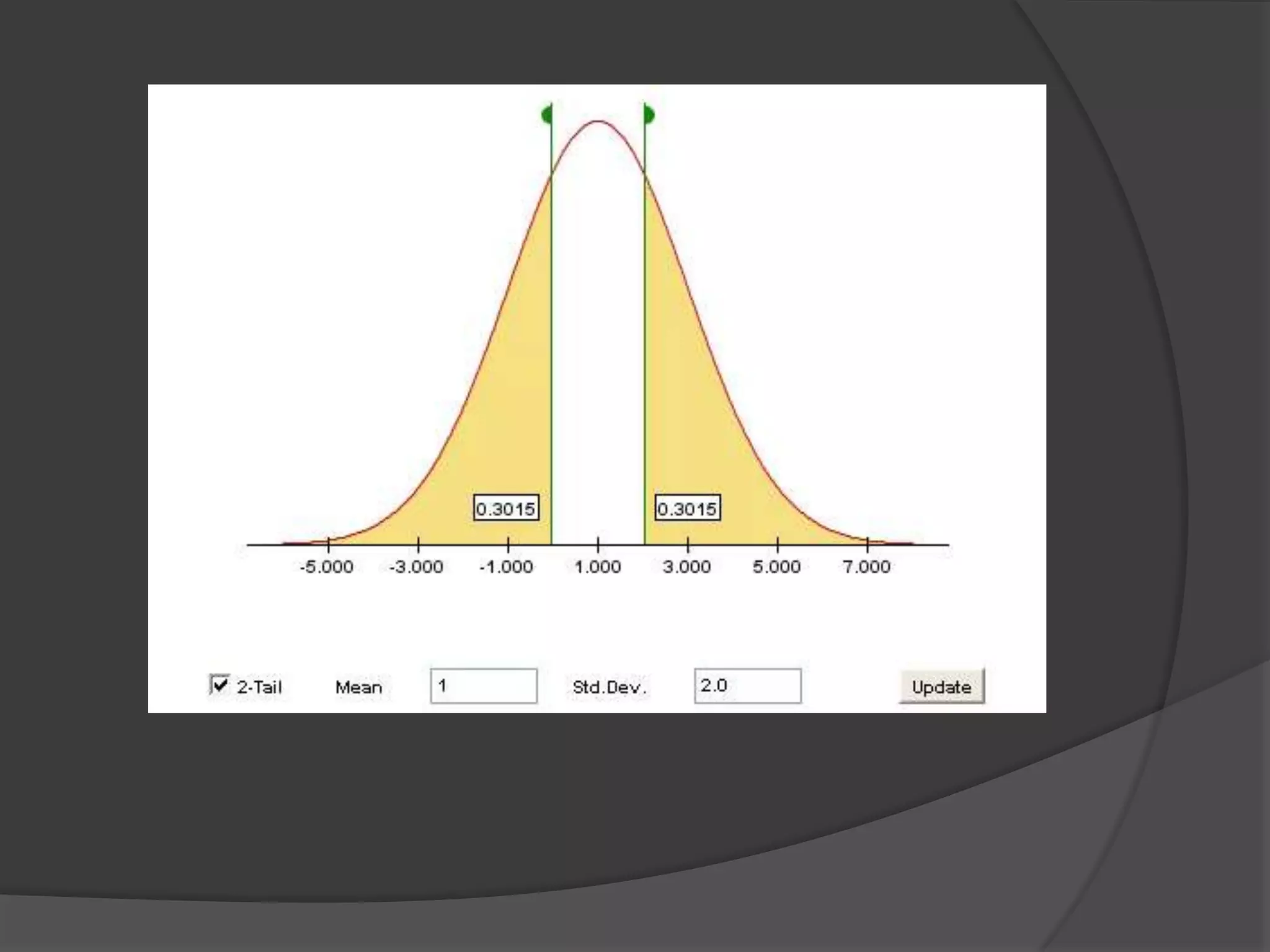
   During online meetings, post link and ask
    students to explore online applets and
    demos; then ask them to post their
    observations
   Or have a poll reviewing the
    concepts/ideas you expected them to
    become aware of
Be a participant
   Attend webinars of different types
     Sit through a prerecorded webinar
     Participate in a real time webinar with some
     interaction


   Even a modest amount of interaction
    seems to make a difference in how one
    interacts with the material
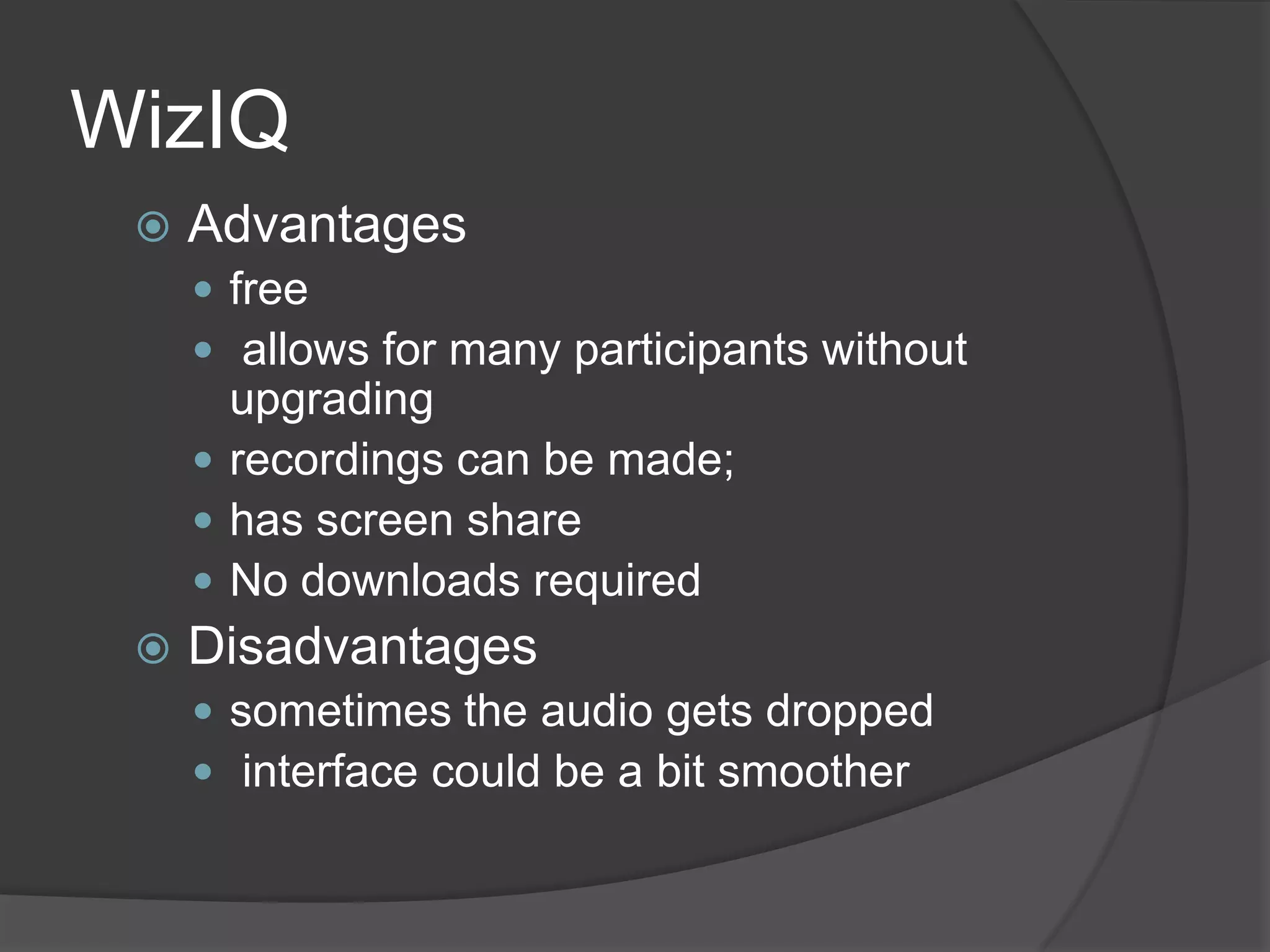
WizIQ
    Advantages
      free
      allows for many participants without
       upgrading
      recordings can be made;
      has screen share
      No downloads required
    Disadvantages
      sometimes the audio gets dropped
      interface could be a bit smoother
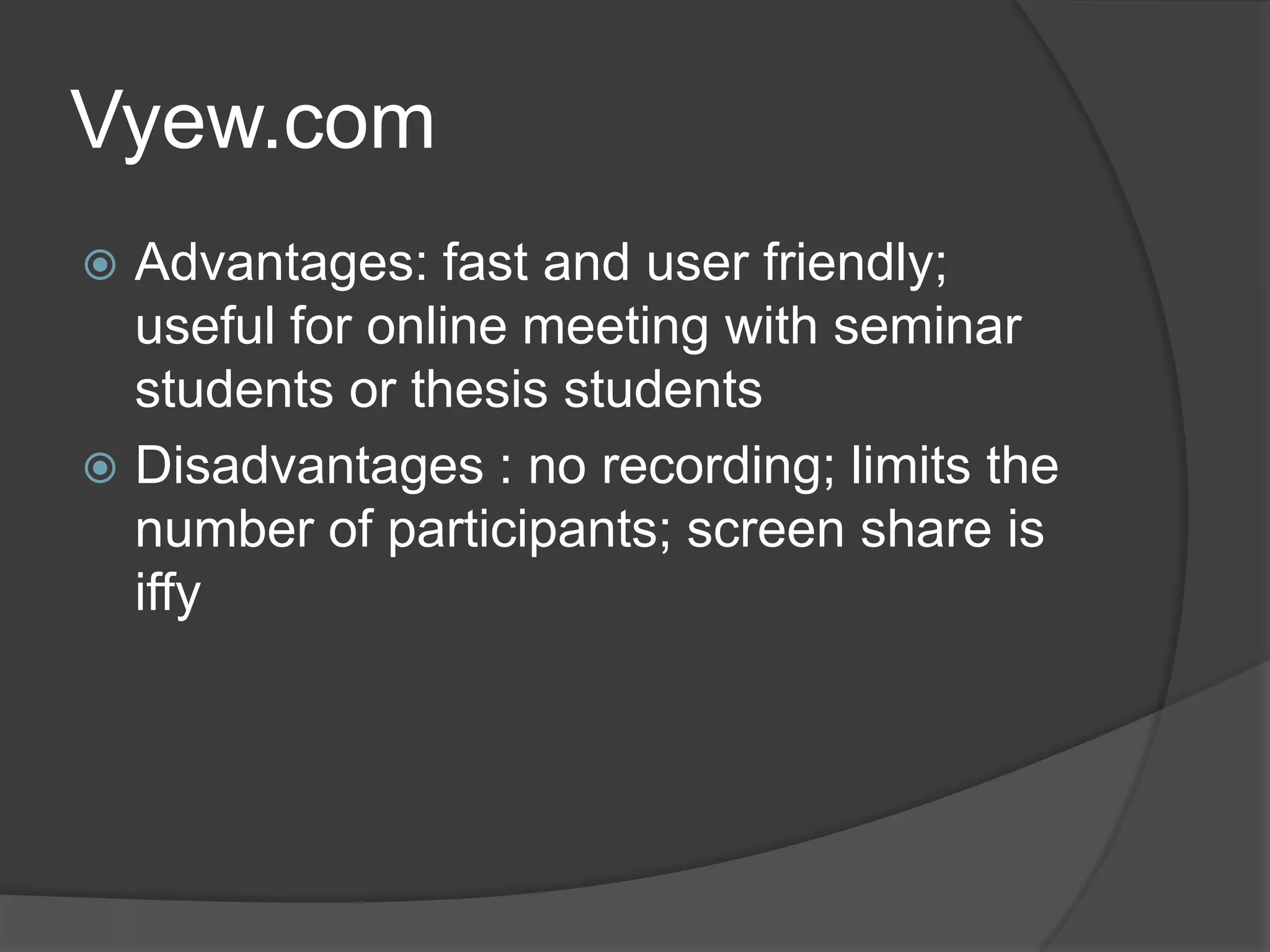
Vyew.com
 Advantages: fast and user friendly;
  useful for online meeting with seminar
  students or thesis students
 Disadvantages : no recording; limits the
  number of participants; screen share is
  iffy
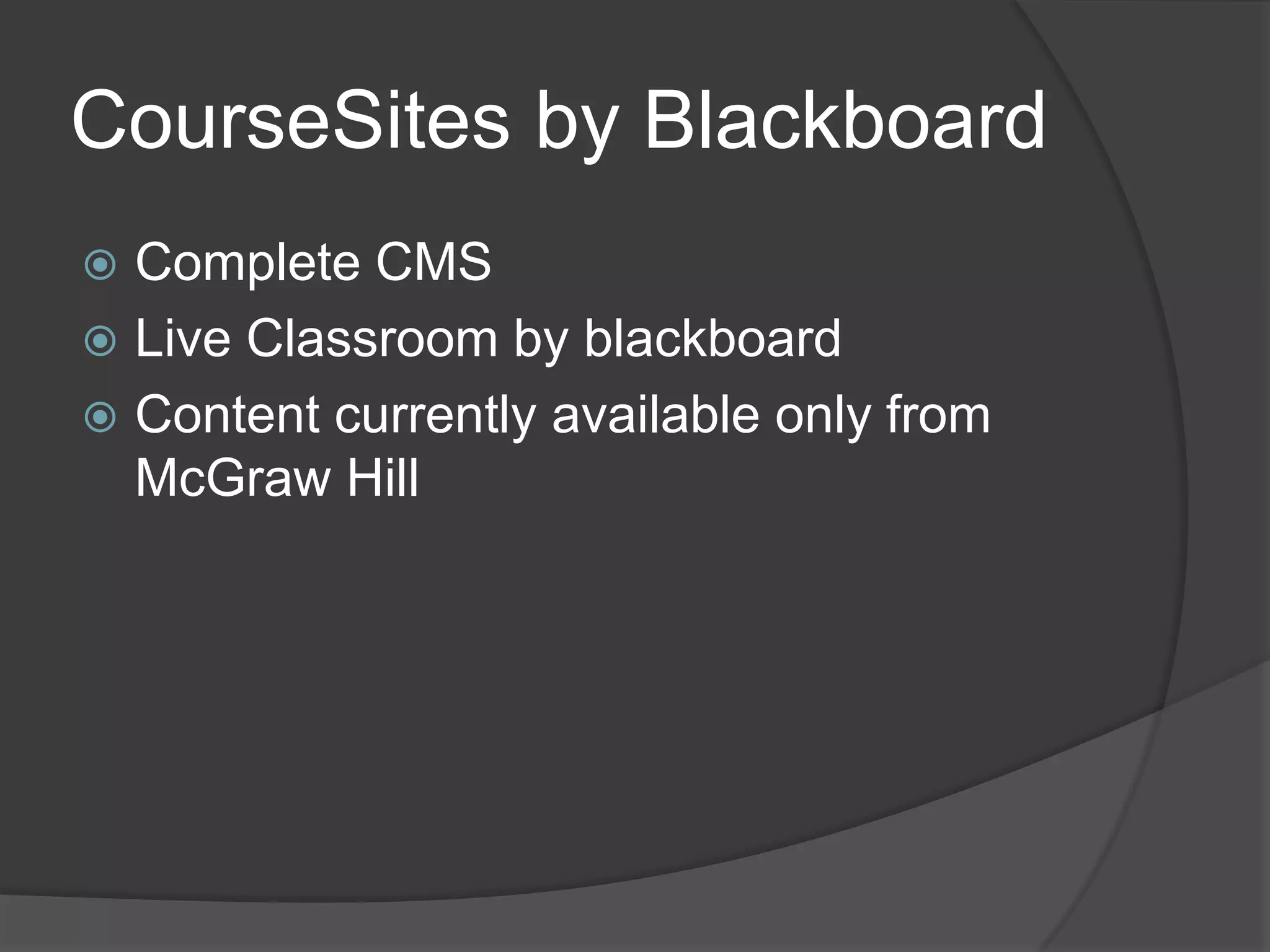
CourseSites by Blackboard
 Complete CMS
 Live Classroom by blackboard
 Content currently available only from
  McGraw Hill
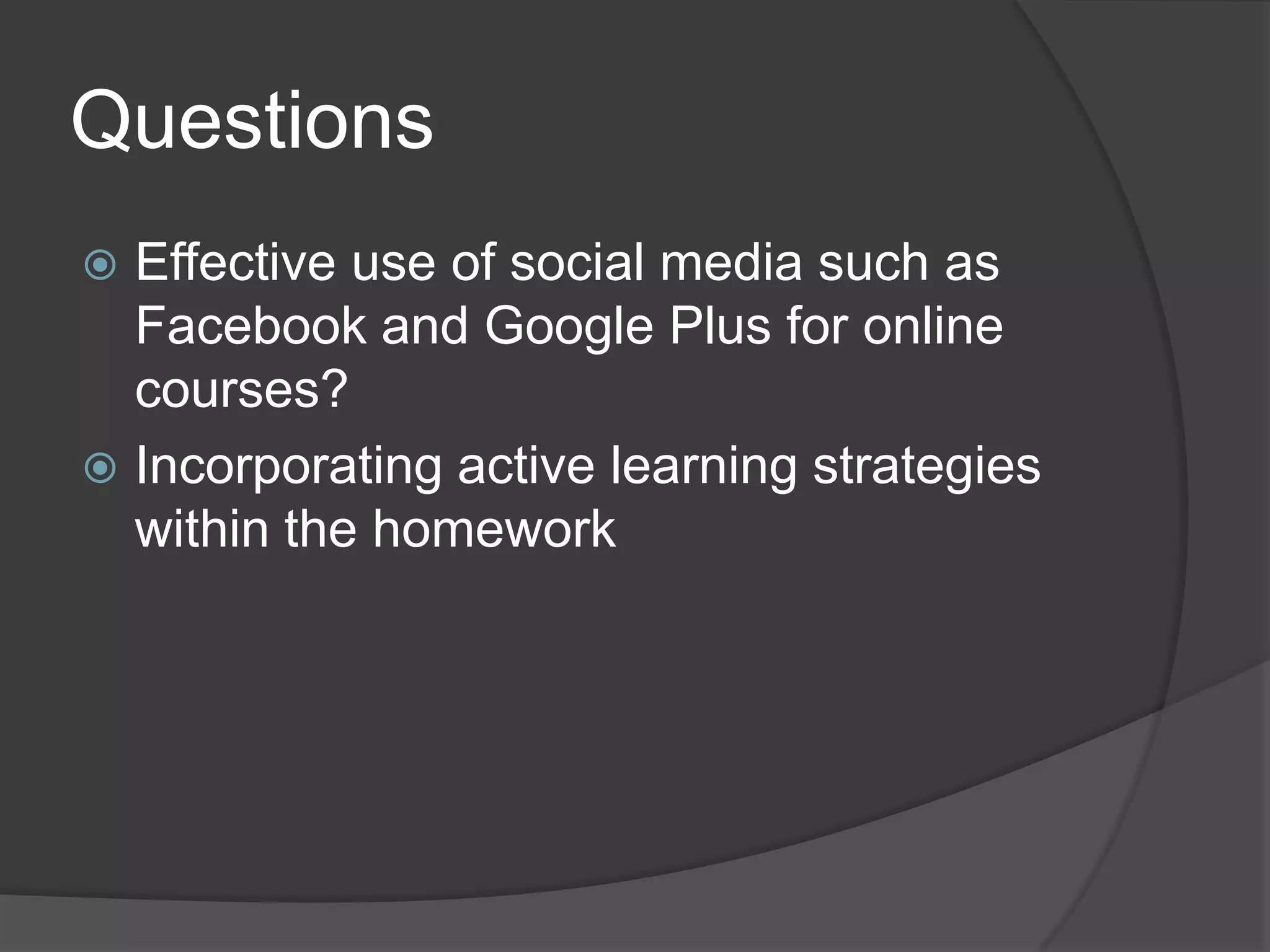
Questions
 Effective use of social media such as
  Facebook and Google Plus for online
  courses?
 Incorporating active learning strategies
  within the homework
Limitations of Online
Delivery
 Classroom collaboration lacking
 In class activities difficult to incorporate
 Talking in to a headset is not nearly as
  much fun as an in-person lecture!
Thank you!

  Reva Narasimhan
  Kean University
www.mymathspace.net
 rnarasim@kean.edu

Increasing interaction

  • 1.
  • 2.
    Overview  Context  Overviewof online course setup  Challenges of teaching math online  Meeting spaces  Tools for interaction  Questions
  • 3.
    Context  Institution : Kean University – regional university; students have modest math preparation  Online courses : Math for Liberal Arts and Introductory Statistics  Students are used to doing problems from text; articulating math concepts is not easy for students
  • 4.
    Screening students  Studentsare told before registration about the nature of the course  They must be approved by me before registration  Most students who are self acknowledged “math-phobes” email me back to say they do not wish to register for online sections
  • 5.
    The Evolving OnlineCourse  Early stages: static online textbook; formulaic homework problems; a CMS that was essentially a bulletin board  Each week :  Read text  Do online homework problem set  Email prof with any questions
  • 6.
    And then…  Addvideo clips  Interactive Applets  Discussion forums
  • 7.
    Hurdles in thepast  In the distant technological past (about 5 years ago):  Real time video technology not so readily available  Students had limited broadband access
  • 8.
    Asynchronous delivery  Difficultto see students’ progress except with online homework and emails from students  Many students tend not to make use of all resources available; only work on items that are graded
  • 9.
  • 10.
  • 11.
    Challenges  Facilitating conceptualunderstanding online  Lack of facial cues in online learning  Math problem solving and online homework tend to be isolating
  • 12.
    Tools for interaction:Facebook group page
  • 13.
    Online Meeting Spaces Elluminate, vyew.com, WizIQ  Real time discussion  Can become “death by PowerPoint”  Interaction is key
  • 14.
    Tools for Interaction: Backchannelling  Use the text window in an online meeting space to participate  Very successful – simultaneous participation; peer help
  • 16.
    Tools for interaction:Polls  Allow you to quickly ascertain whether students are following along  Also successful – kept students focused on material and they liked the participation
  • 18.
    Tools for Interaction:explore applets  During online meetings, post link and ask students to explore online applets and demos; then ask them to post their observations  Or have a poll reviewing the concepts/ideas you expected them to become aware of
  • 20.
    Be a participant  Attend webinars of different types  Sit through a prerecorded webinar  Participate in a real time webinar with some interaction  Even a modest amount of interaction seems to make a difference in how one interacts with the material
  • 21.
    WizIQ  Advantages  free  allows for many participants without upgrading  recordings can be made;  has screen share  No downloads required  Disadvantages  sometimes the audio gets dropped  interface could be a bit smoother
  • 22.
    Vyew.com  Advantages: fastand user friendly; useful for online meeting with seminar students or thesis students  Disadvantages : no recording; limits the number of participants; screen share is iffy
  • 23.
    CourseSites by Blackboard Complete CMS  Live Classroom by blackboard  Content currently available only from McGraw Hill
  • 24.
    Questions  Effective useof social media such as Facebook and Google Plus for online courses?  Incorporating active learning strategies within the homework
  • 25.
    Limitations of Online Delivery Classroom collaboration lacking  In class activities difficult to incorporate  Talking in to a headset is not nearly as much fun as an in-person lecture!
  • 26.
    Thank you! Reva Narasimhan Kean University www.mymathspace.net rnarasim@kean.edu