GETTING YOUR
CLASS ONLINE
 Michael Magboo

 Merced County Office of Education     @allurbaser

 Andrew Schwab                         @anotherschwab
 Le Grand Union High School District
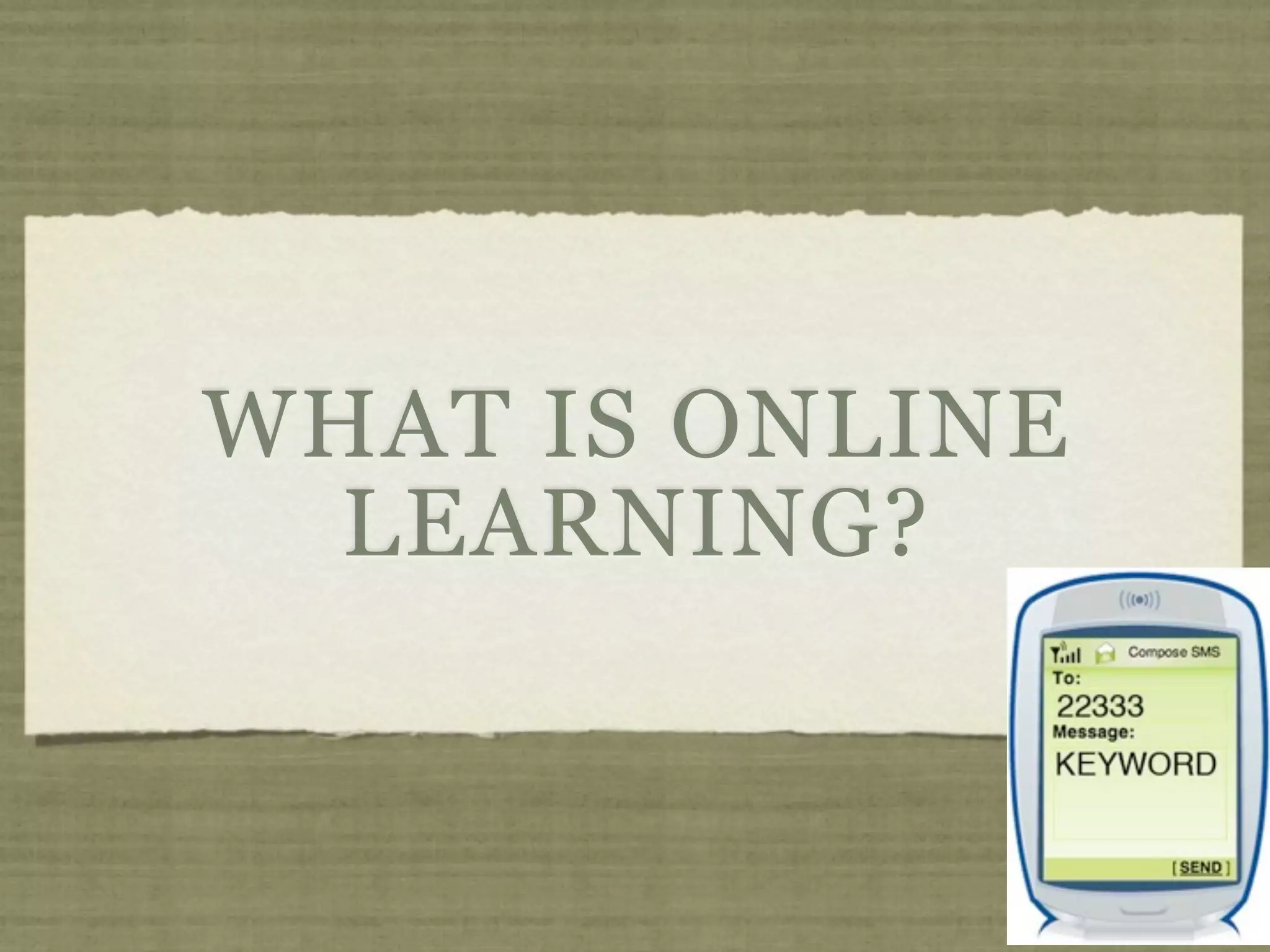
WHAT IS ONLINE
  LEARNING?
ABOUT US

SB70 Distance Learning Grant

  Created online courses for rural students

  Mainly worked in blended learning mode

K12HSN ANU Grant

  Developed videos on getting your class online

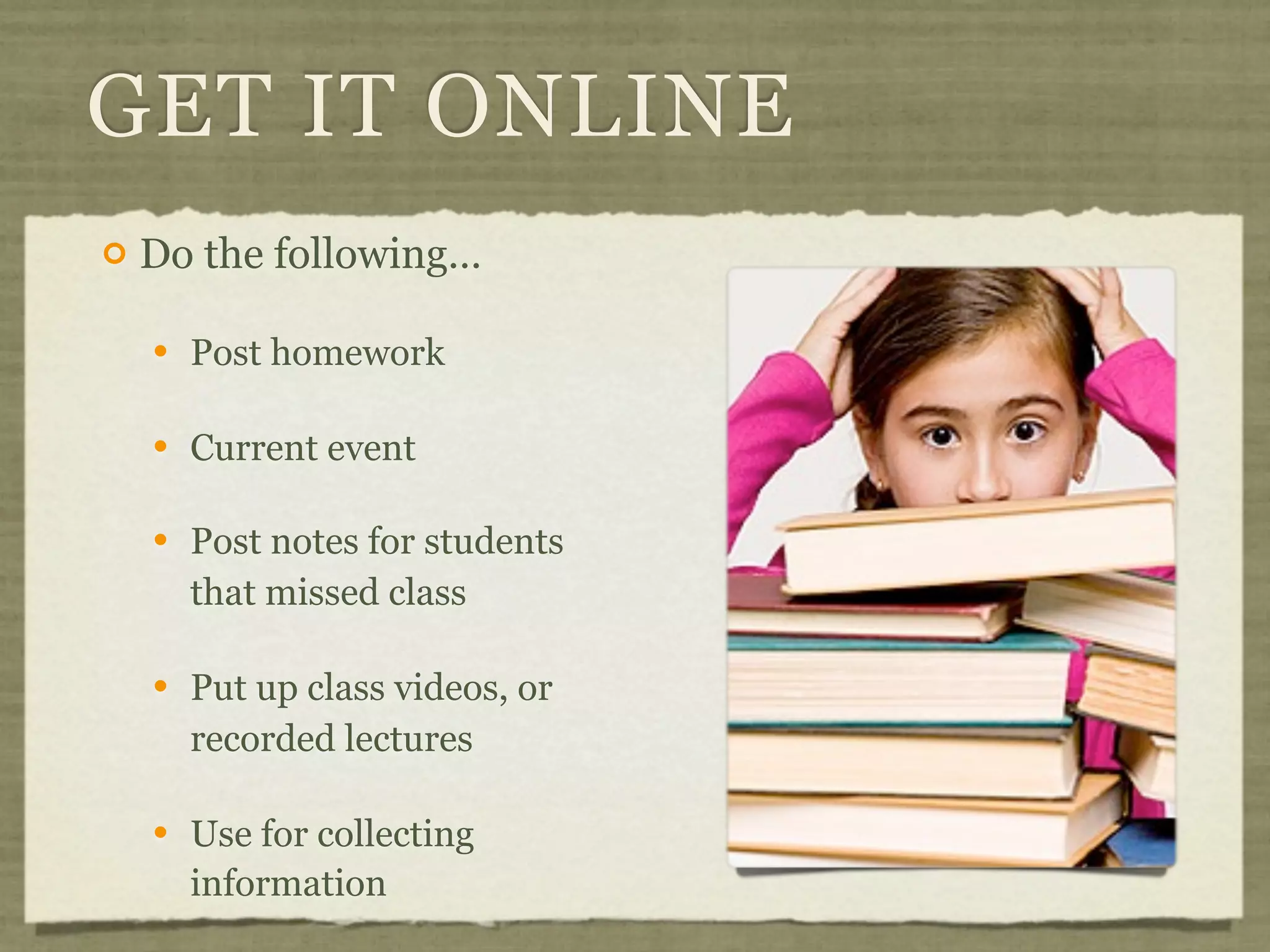
  Using the K12 HSN’s Calaxy site
TODAY’S TOPICS


   What does “online” mean?

   Getting your class online the easy way.

   Using online learning with students

   Resources and people of interest
GET IT ONLINE
   keep it simple
GET IT ONLINE
   Do the following…

       Post homework

       Current event

       Post notes for students
        that missed class

       Put up class videos, or
        recorded lectures

       Use for collecting
        information
WHERE TO POST
Wikis              Google Sites

  wikispaces.com   Pen.io

  Calaxy           Learning Management
                   Systems (LMS)
School web site
                     Moodle
Blogs
                     Haiku
  Edublogs.org
                     CaliQity (Calaxy)
  Calaxy
WHEN TO USE
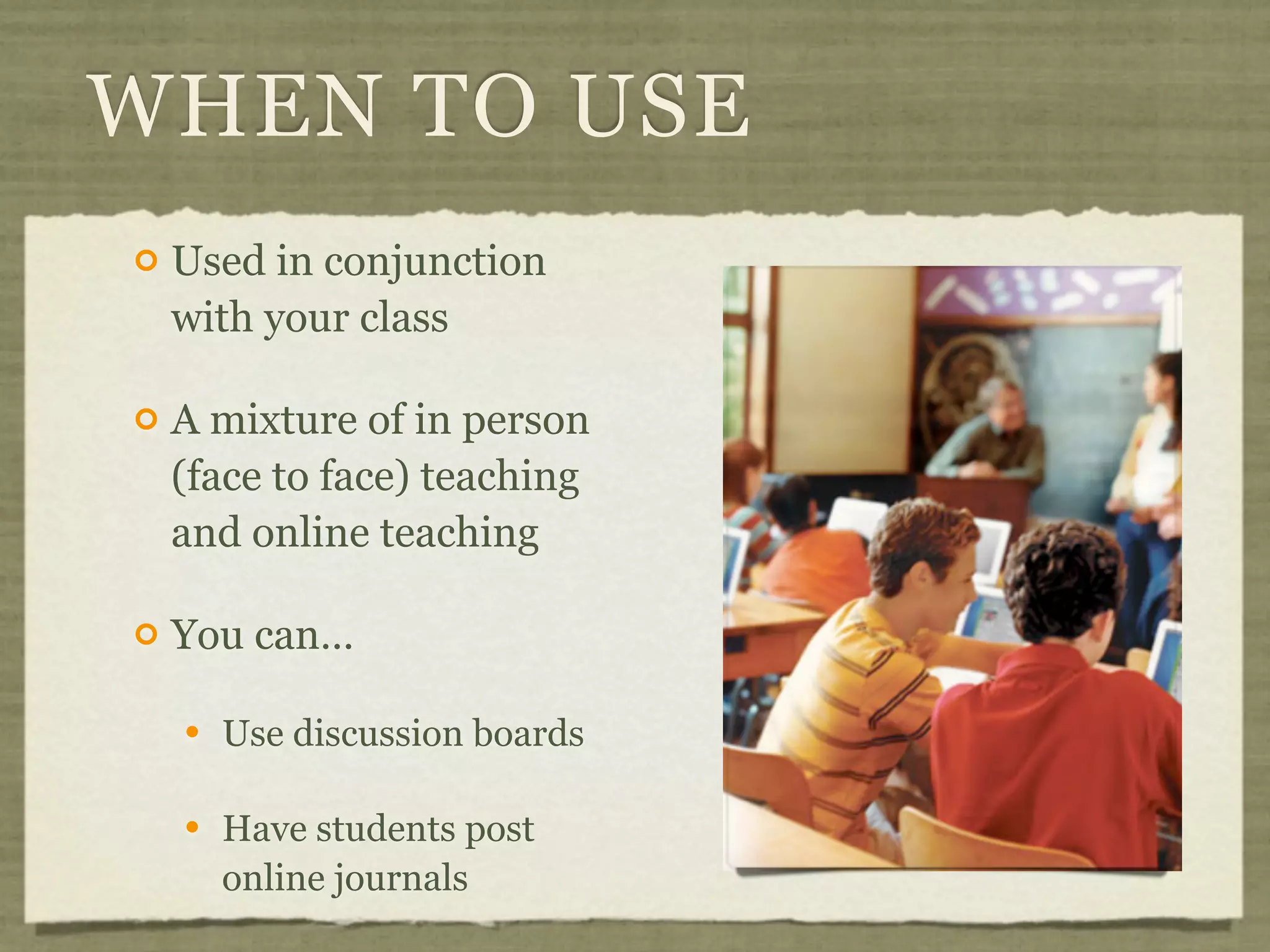
   Used in conjunction
    with your class

   A mixture of in person
    (face to face) teaching
    and online teaching

   You can…

       Use discussion boards

       Have students post
        online journals
INTERACT
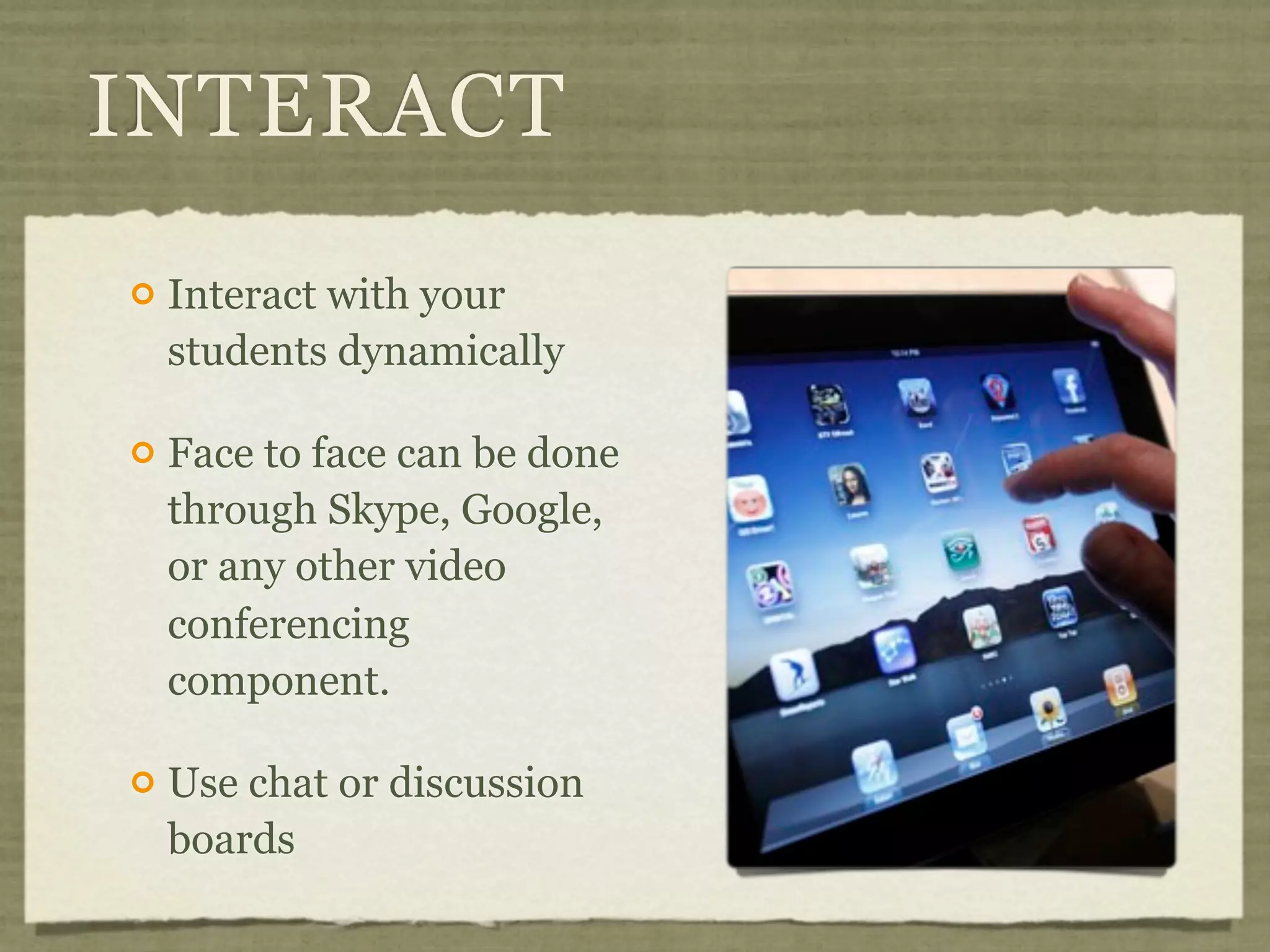
   Interact with your
    students dynamically

   Face to face can be done
    through Skype, Google,
    or any other video
    conferencing
    component.

   Use chat or discussion
    boards
FLIP TEACHING


http://flipteaching.com/
KEEP UP TO DATE

People to Follow:

  Rob Darrow @robdarrow

  Chris Bell @cbell619

  Ramsey Musallam @ramusallam

  Will Kimbley @willkimbley

  Vicki Davis @coolcatteacher http://goo.gl/f3t8m
RESOURCES
   T3 Online Learning

       http://www.t3onlinelearning.com

   Merced County Office of Education
                                            @allurbaser
       http://rop.mercedlearn.org/t3
                                          @anotherschwab
   Brokers of Expertise

       http://www.myboe.org

       http://goo.gl/aRo15
CHANGE
  THE
WORLD
make a difference
QUESTIONS?
EVALUATION
HTTP://GOO.GL/OEO8C

Getting your class online

  • 1.
    GETTING YOUR CLASS ONLINE Michael Magboo Merced County Office of Education @allurbaser Andrew Schwab @anotherschwab Le Grand Union High School District
  • 2.
    WHAT IS ONLINE LEARNING?
  • 3.
    ABOUT US SB70 DistanceLearning Grant Created online courses for rural students Mainly worked in blended learning mode K12HSN ANU Grant Developed videos on getting your class online Using the K12 HSN’s Calaxy site
  • 4.
    TODAY’S TOPICS  What does “online” mean?  Getting your class online the easy way.  Using online learning with students  Resources and people of interest
  • 5.
    GET IT ONLINE keep it simple
  • 6.
    GET IT ONLINE  Do the following…  Post homework  Current event  Post notes for students that missed class  Put up class videos, or recorded lectures  Use for collecting information
  • 7.
    WHERE TO POST Wikis Google Sites wikispaces.com Pen.io Calaxy Learning Management Systems (LMS) School web site Moodle Blogs Haiku Edublogs.org CaliQity (Calaxy) Calaxy
  • 8.
    WHEN TO USE  Used in conjunction with your class  A mixture of in person (face to face) teaching and online teaching  You can…  Use discussion boards  Have students post online journals
  • 10.
    INTERACT  Interact with your students dynamically  Face to face can be done through Skype, Google, or any other video conferencing component.  Use chat or discussion boards
  • 11.
  • 12.
    KEEP UP TODATE People to Follow: Rob Darrow @robdarrow Chris Bell @cbell619 Ramsey Musallam @ramusallam Will Kimbley @willkimbley Vicki Davis @coolcatteacher http://goo.gl/f3t8m
  • 13.
    RESOURCES  T3 Online Learning  http://www.t3onlinelearning.com  Merced County Office of Education @allurbaser  http://rop.mercedlearn.org/t3 @anotherschwab  Brokers of Expertise  http://www.myboe.org  http://goo.gl/aRo15
  • 14.
  • 15.
  • 16.

Editor's Notes

  • #2 \n
  • #3 Press F5 or enter presentation mode to view the pollIn an emergency during your presentation, if the poll isn't showing, navigate to this link in your web browser:http://www.polleverywhere.com/multiple_choice_polls/LTExMTYyMjA2MA\n\nIf you like, you can use this slide as a template for your own voting slides. You might use a slide like this if you feel your audience would benefit from the picture showing a text message on a phone.\n
  • #4 \n
  • #5 \n
  • #6 \n
  • #7 \n
  • #8 \n
  • #9 \n
  • #10 \n
  • #11 \n
  • #12 \n
  • #13 \n
  • #14 \n
  • #15 \n
  • #16 \n
  • #17 \n
  • #18 \n