Drum into understanding of prediction builder with NBA
Hands-on Workshop: Step-by-Step Guide
Rajat Jain, Program Specialist @ MTX Group Inc.
rajat.jain@mtxb2b.com
@rajat_307
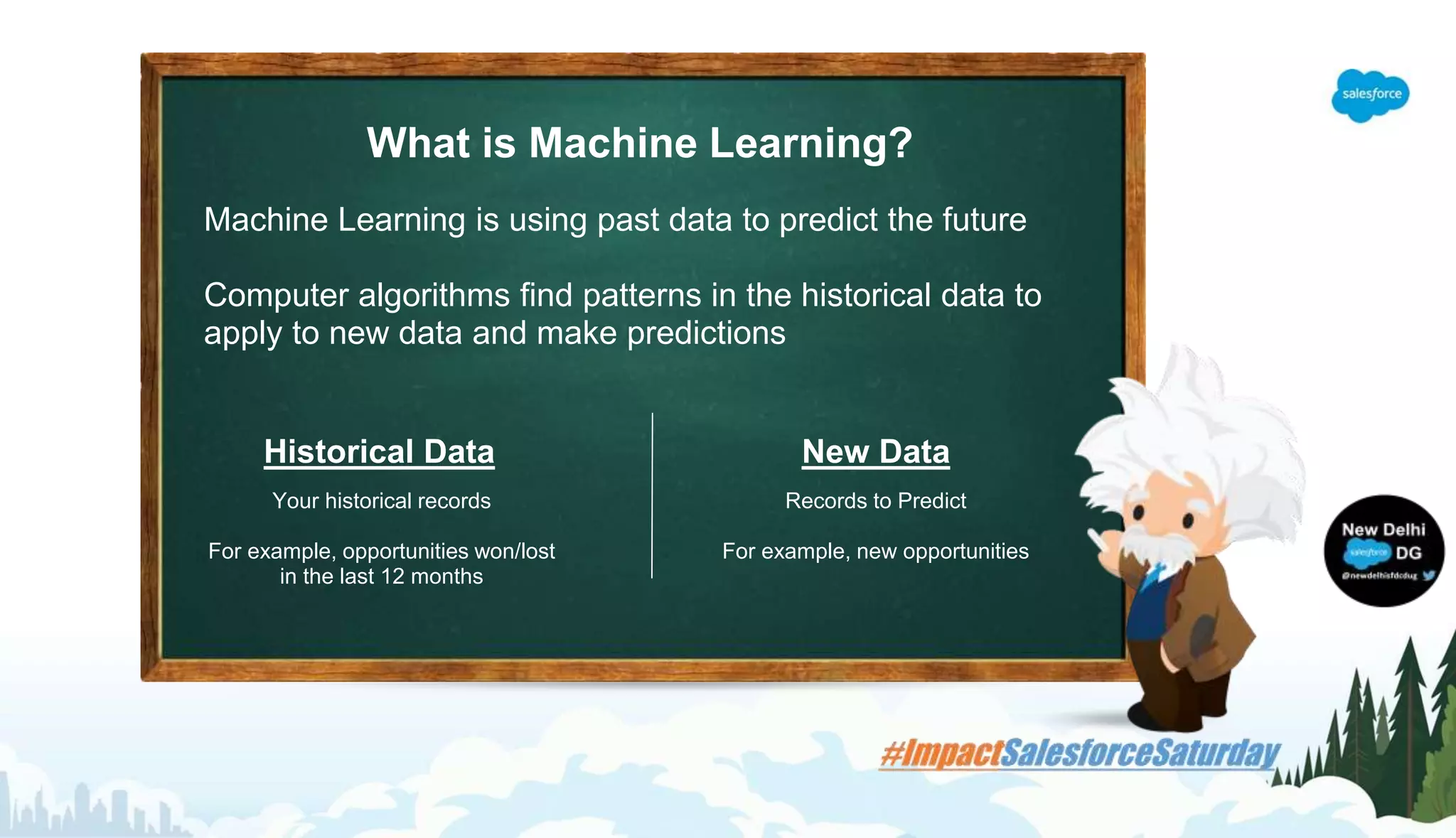
What is Machine Learning?
Machine Learning is using past data to predict the future
Computer algorithms find patterns in the historical data to
apply to new data and make predictions
Historical Data
Your historical records
For example, opportunities won/lost
in the last 12 months
New Data
Records to Predict
For example, new opportunities
What is it?
A wizard where you can define a machine
learning problem for the Einstein Platform to
solve
Who is it for?
Salesforce admins, in conjunction with with
their data experts
What is the value?
Easy to create predictions, iterate on
them and use predictions in production
Einstein Prediction Builder
Point, Click, Predict
Subtitle placeholder
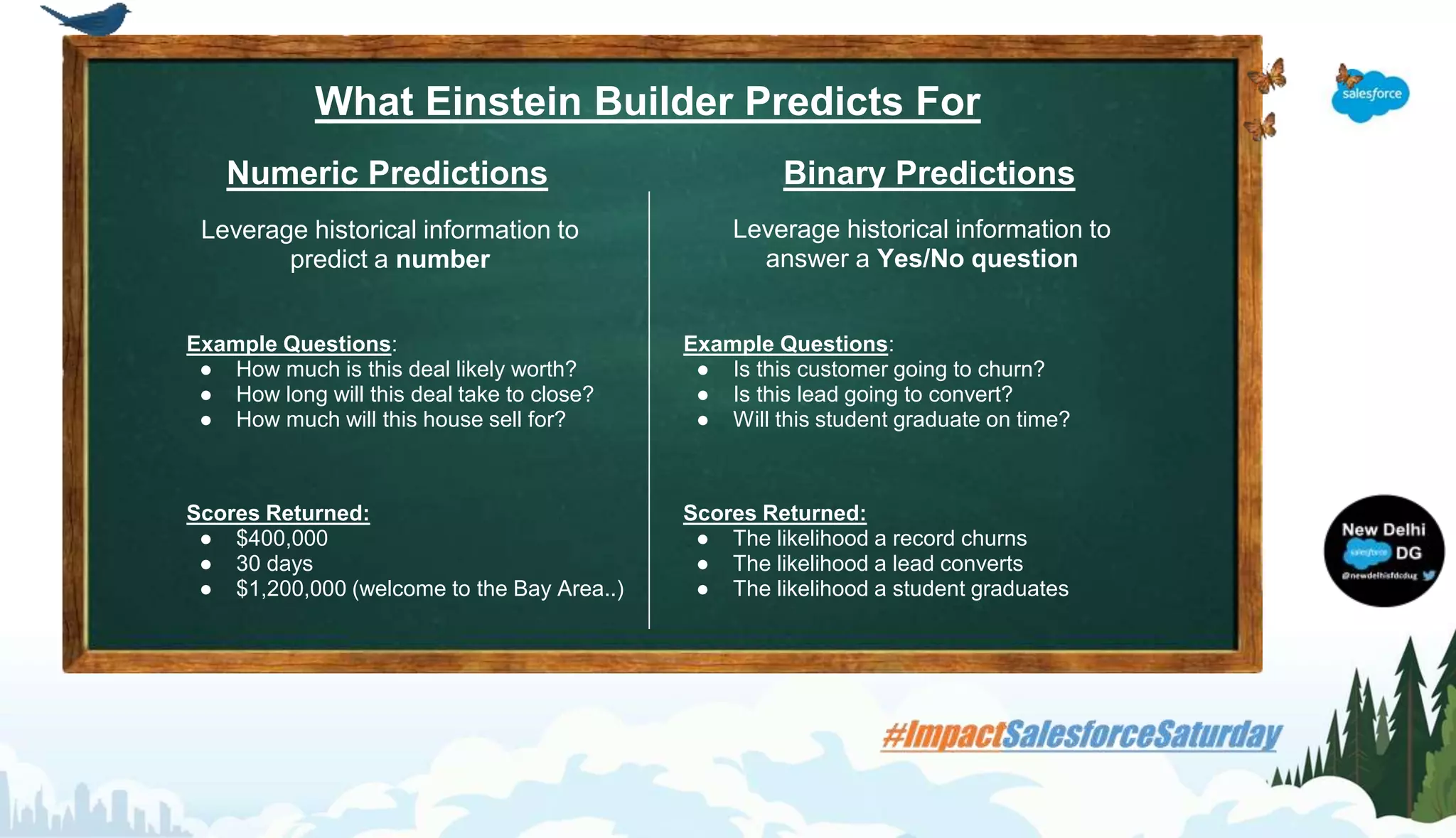
What Einstein Builder Predicts For
Numeric Predictions
Leverage historical information to
predict a number
Binary Predictions
Leverage historical information to
answer a Yes/No question
Scores Returned:
● $400,000
● 30 days
● $1,200,000 (welcome to the Bay Area..)
Scores Returned:
● The likelihood a record churns
● The likelihood a lead converts
● The likelihood a student graduates
Example Questions:
● Is this customer going to churn?
● Is this lead going to convert?
● Will this student graduate on time?
Example Questions:
● How much is this deal likely worth?
● How long will this deal take to close?
● How much will this house sell for?
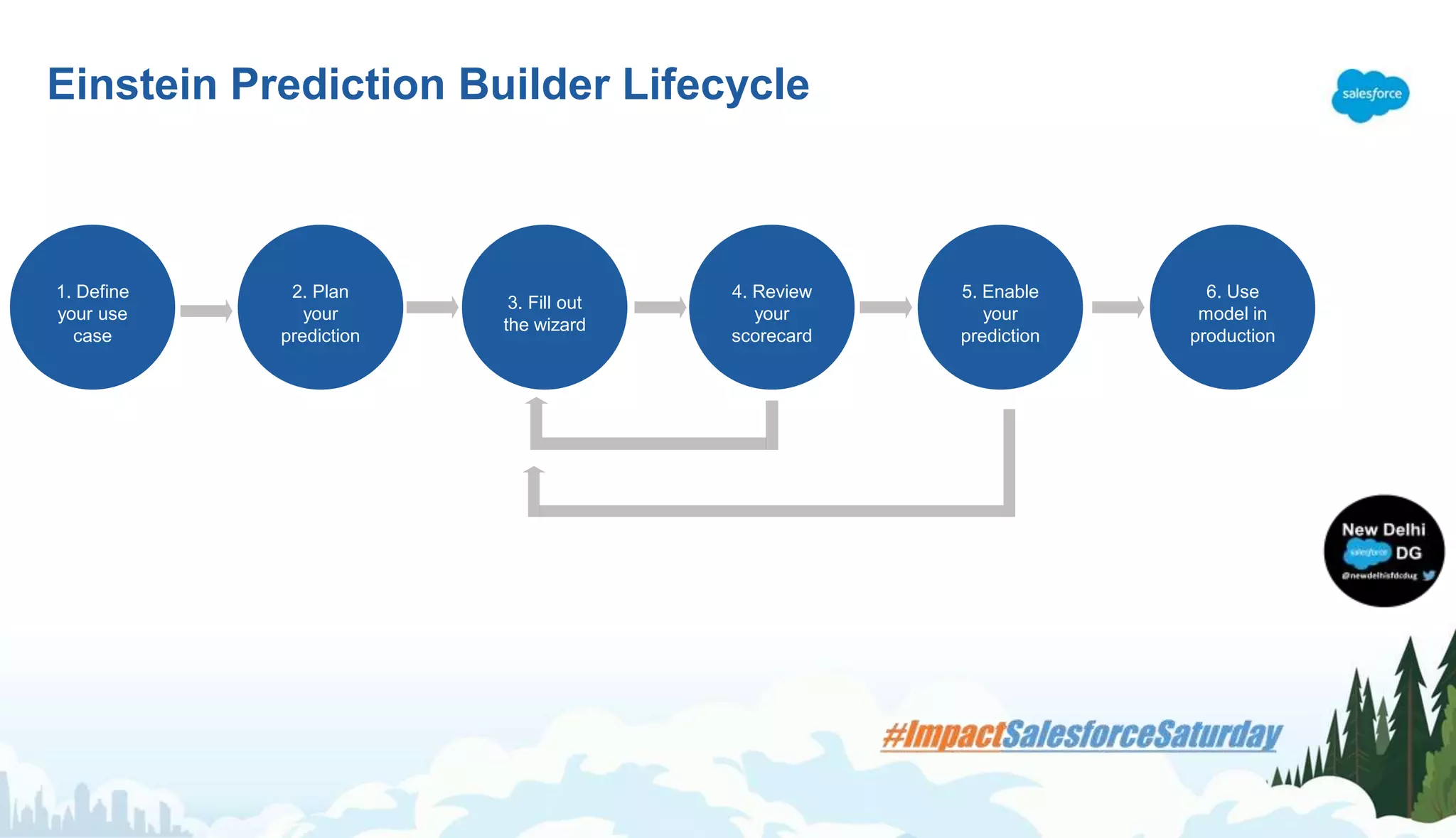
1. Define
your use
case
2. Plan
your
prediction
3. Fill out
the wizard
4. Review
your
scorecard
5. Enable
your
prediction
6. Use
model in
production
Einstein Prediction Builder Lifecycle
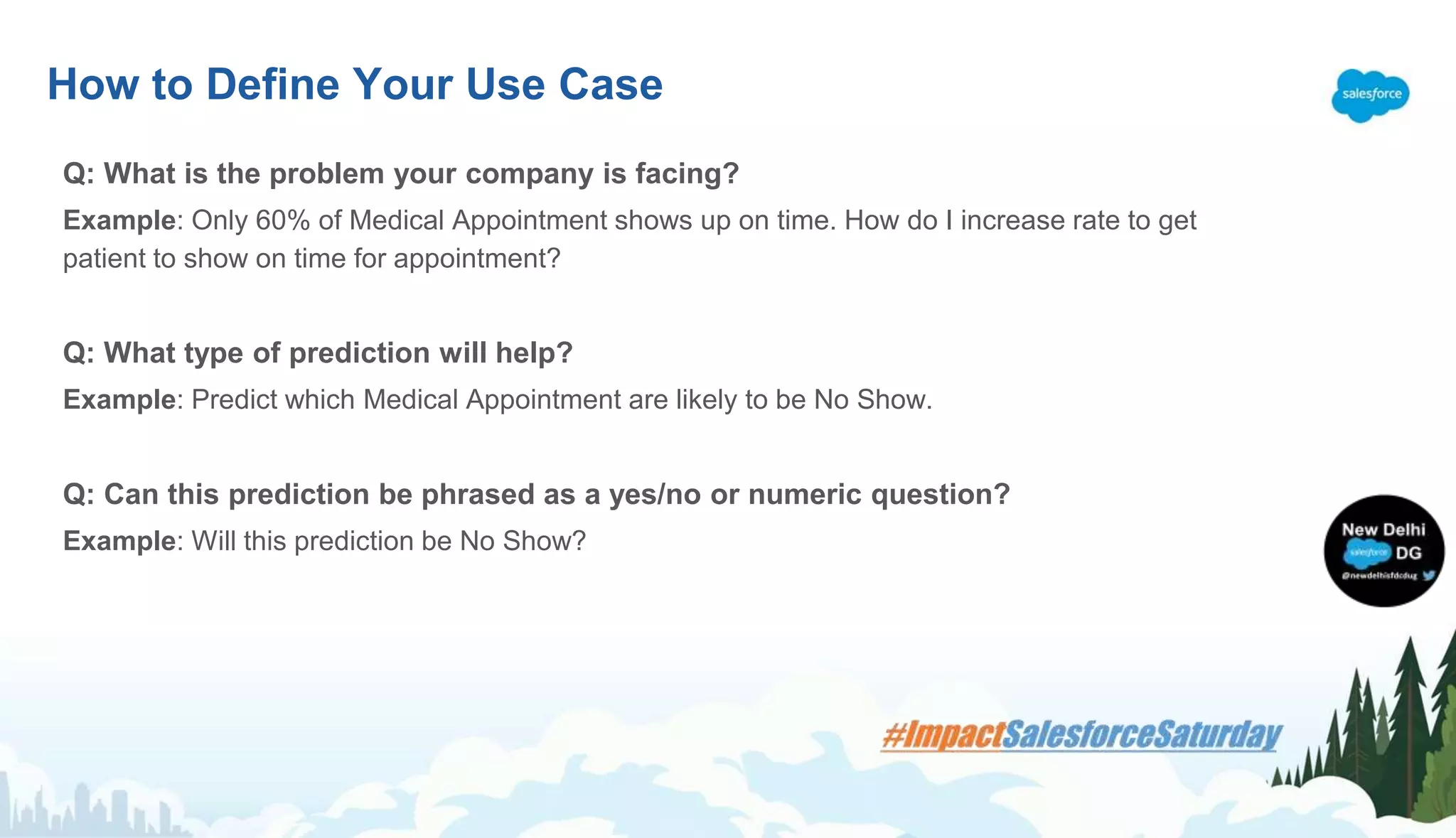
Q: What is the problem your company is facing?
Example: Only 60% of Medical Appointment shows up on time. How do I increase rate to get
patient to show on time for appointment?
Q: What type of prediction will help?
Example: Predict which Medical Appointment are likely to be No Show.
Q: Can this prediction be phrased as a yes/no or numeric question?
Example: Will this prediction be No Show?
How to Define Your Use Case
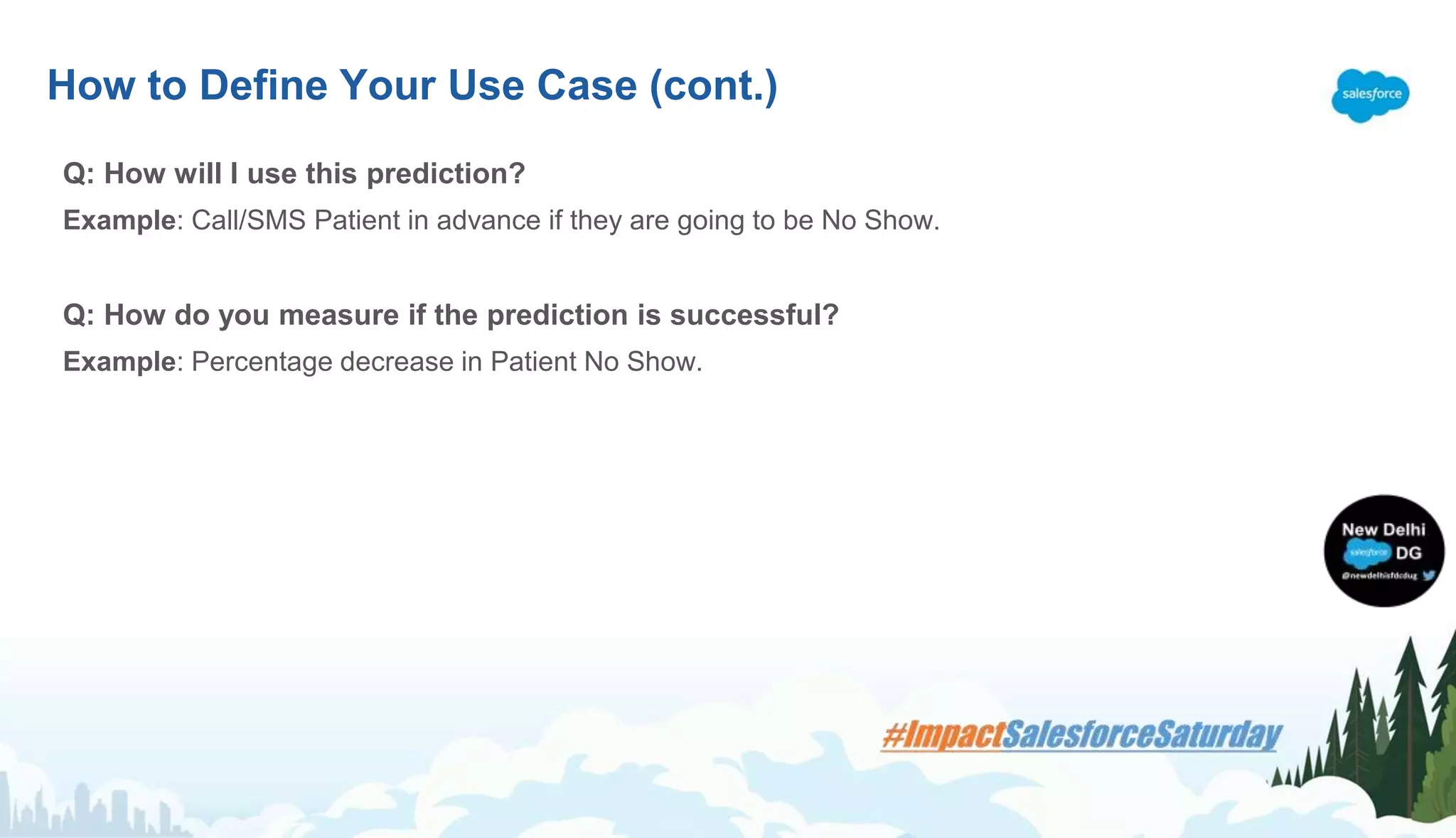
Q: How will I use this prediction?
Example: Call/SMS Patient in advance if they are going to be No Show.
Q: How do you measure if the prediction is successful?
Example: Percentage decrease in Patient No Show.
How to Define Your Use Case (cont.)
Plan Your Prediction
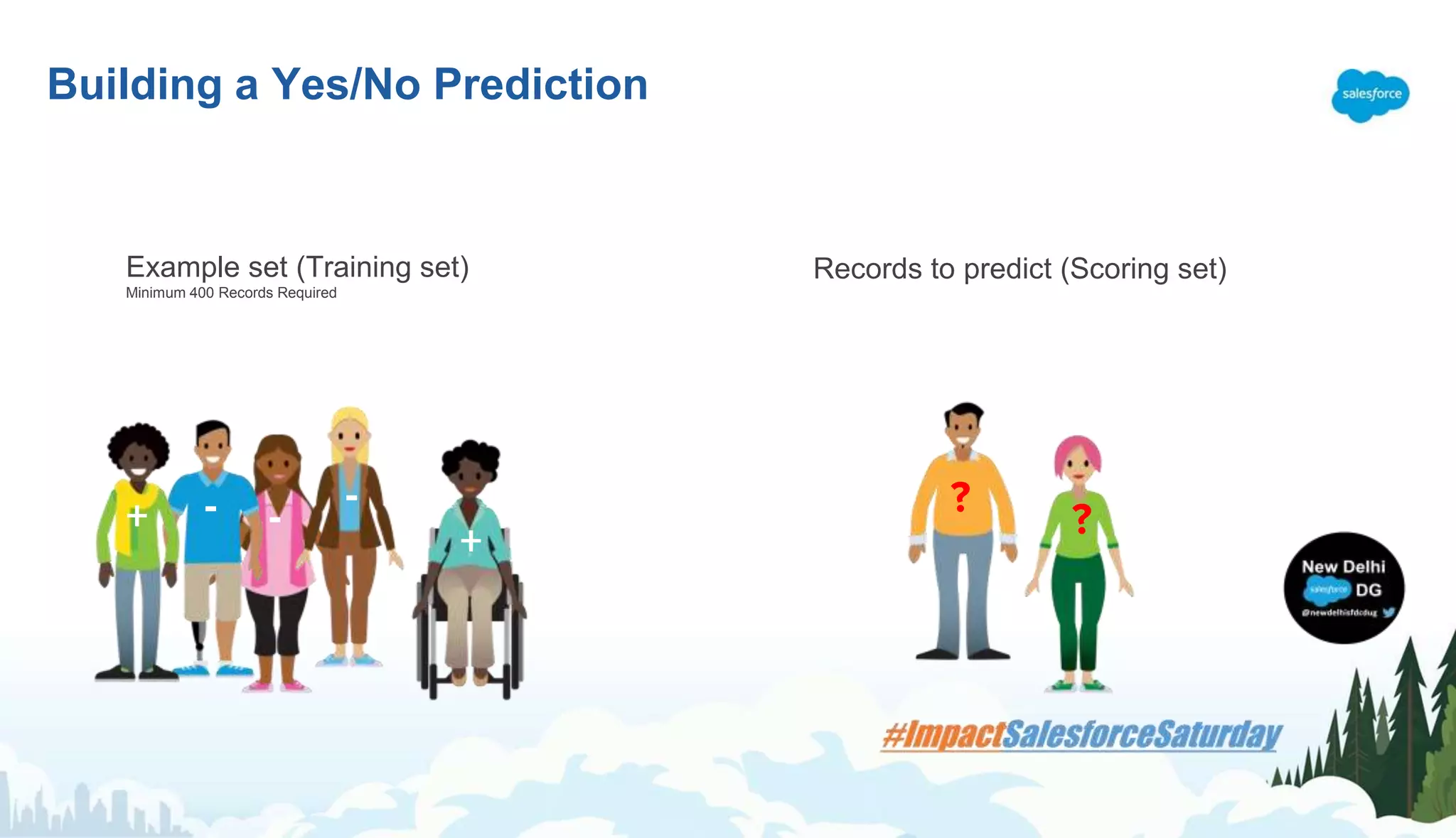
Building a Yes/No Prediction
-
+
-+ - ?
Example set (Training set)
Minimum 400 Records Required
Records to predict (Scoring set)
?
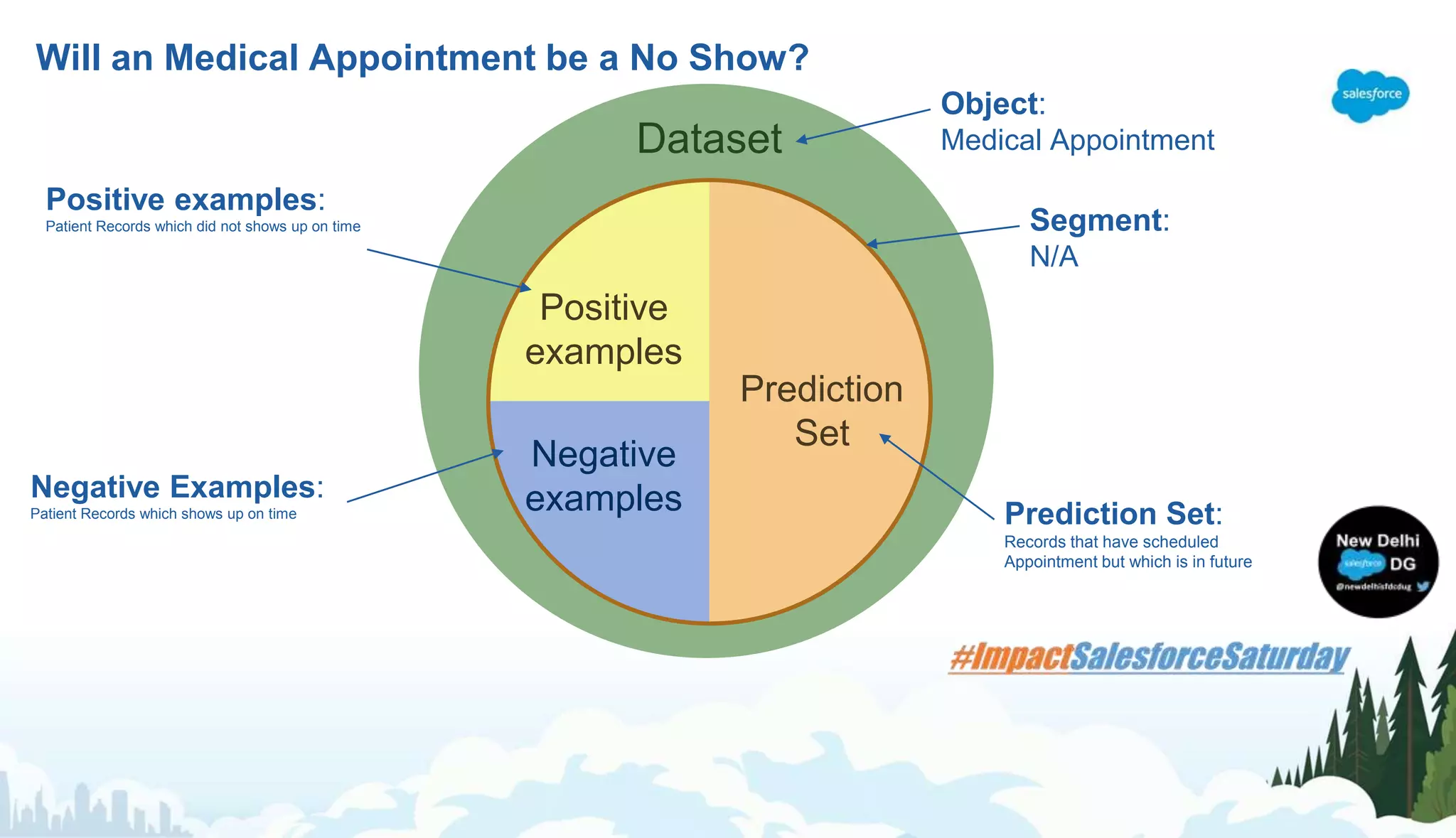
Will an Medical Appointment be a No Show?
Dataset
Segment
Positive
examples
Negative
examples
Prediction
Set
Prediction Set:
Records that have scheduled
Appointment but which is in future
Object:
Medical Appointment
Segment:
N/A
Positive examples:
Patient Records which did not shows up on time
Negative Examples:
Patient Records which shows up on time
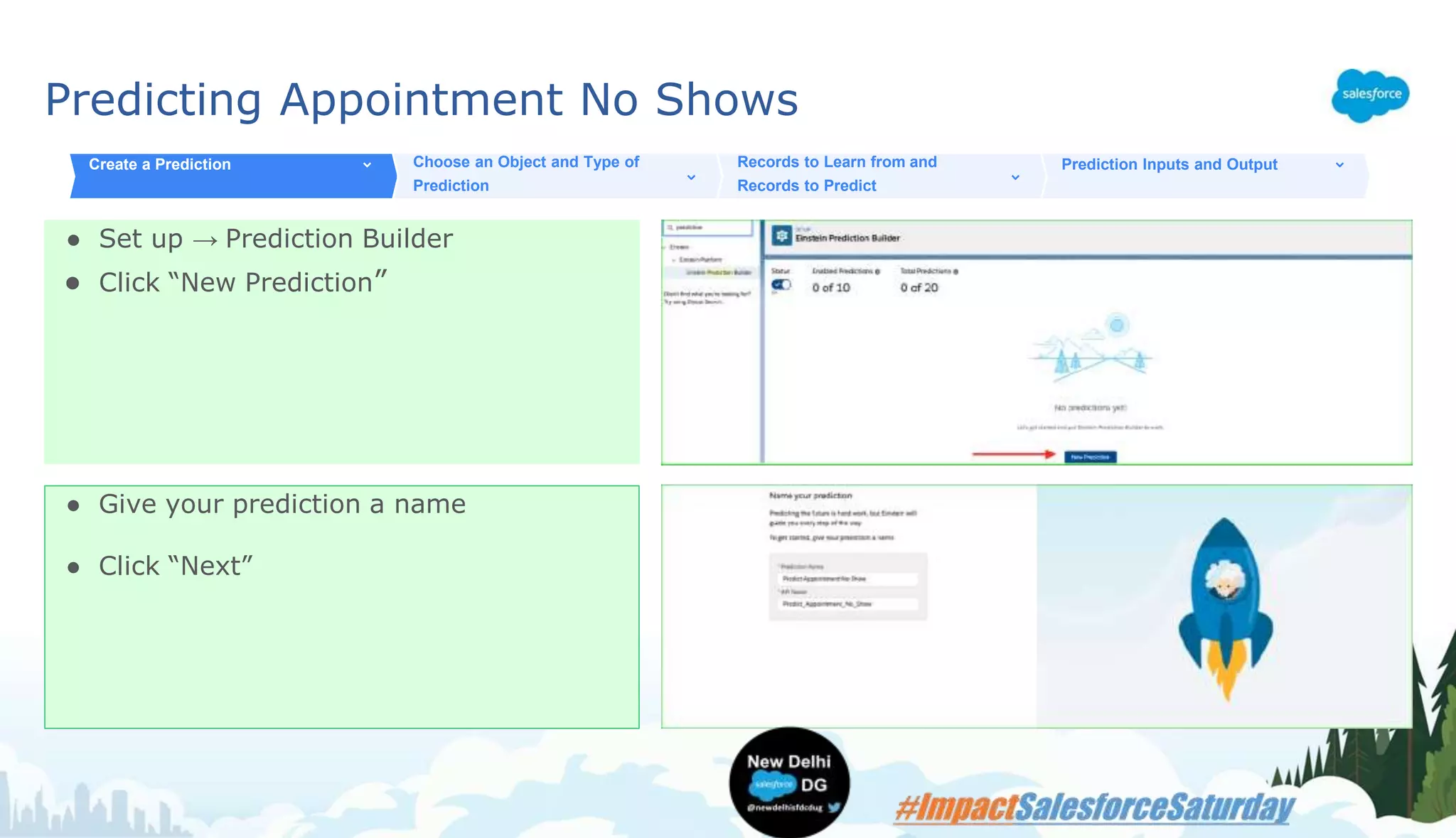
Predicting Appointment No Shows
● Set up → Prediction Builder
● Click “New Prediction”
Create a Prediction Choose an Object and Type of
Prediction
Records to Learn from and
Records to Predict
Prediction Inputs and Output
● Give your prediction a name
● Click “Next”
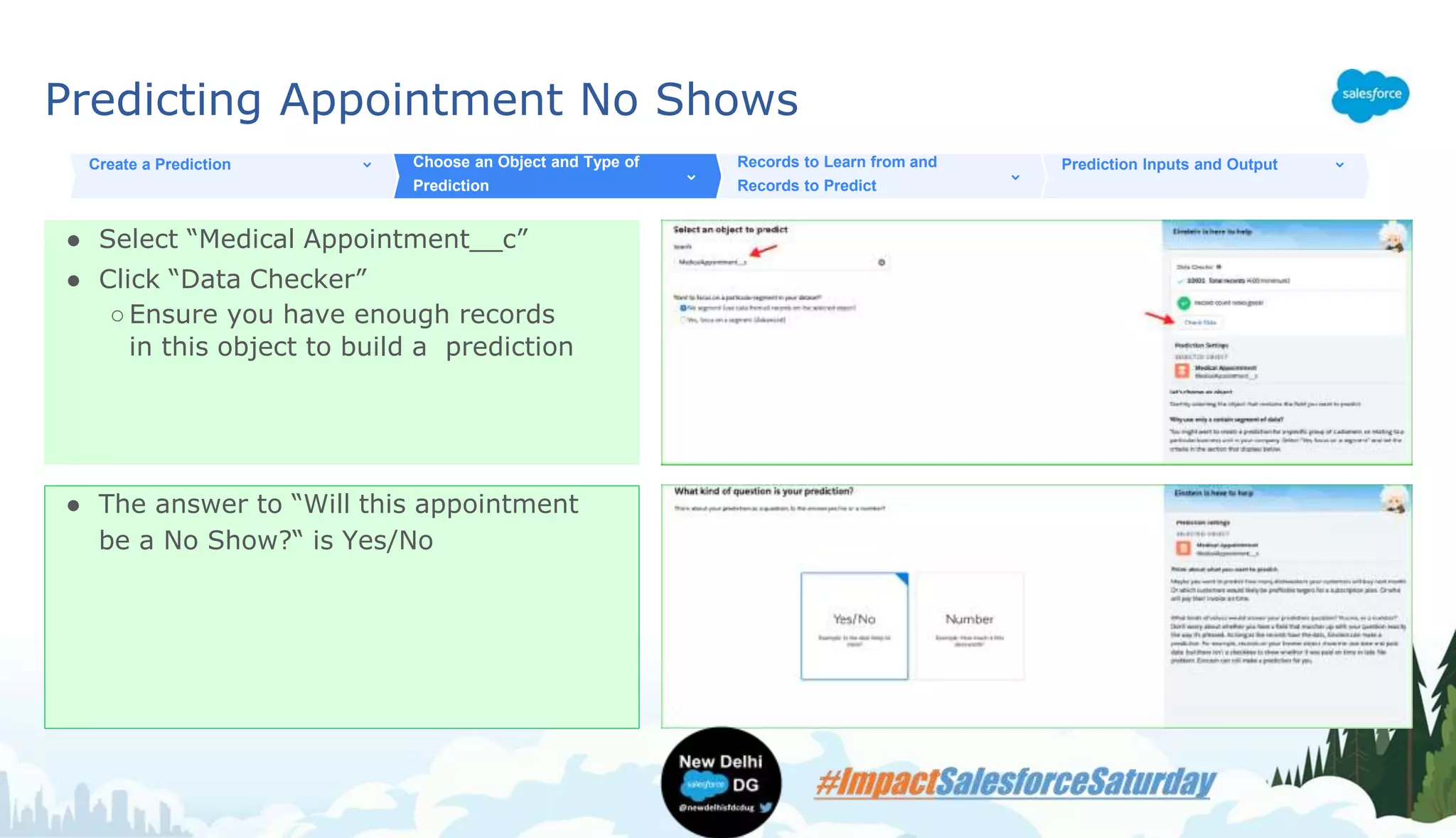
Predicting Appointment No Shows
● Select “Medical Appointment__c”
● Click “Data Checker”
○Ensure you have enough records
in this object to build a prediction
Create a Prediction Choose an Object and Type of
Prediction
Records to Learn from and
Records to Predict
Prediction Inputs and Output
● The answer to “Will this appointment
be a No Show?“ is Yes/No
Predicting Appointment No Shows
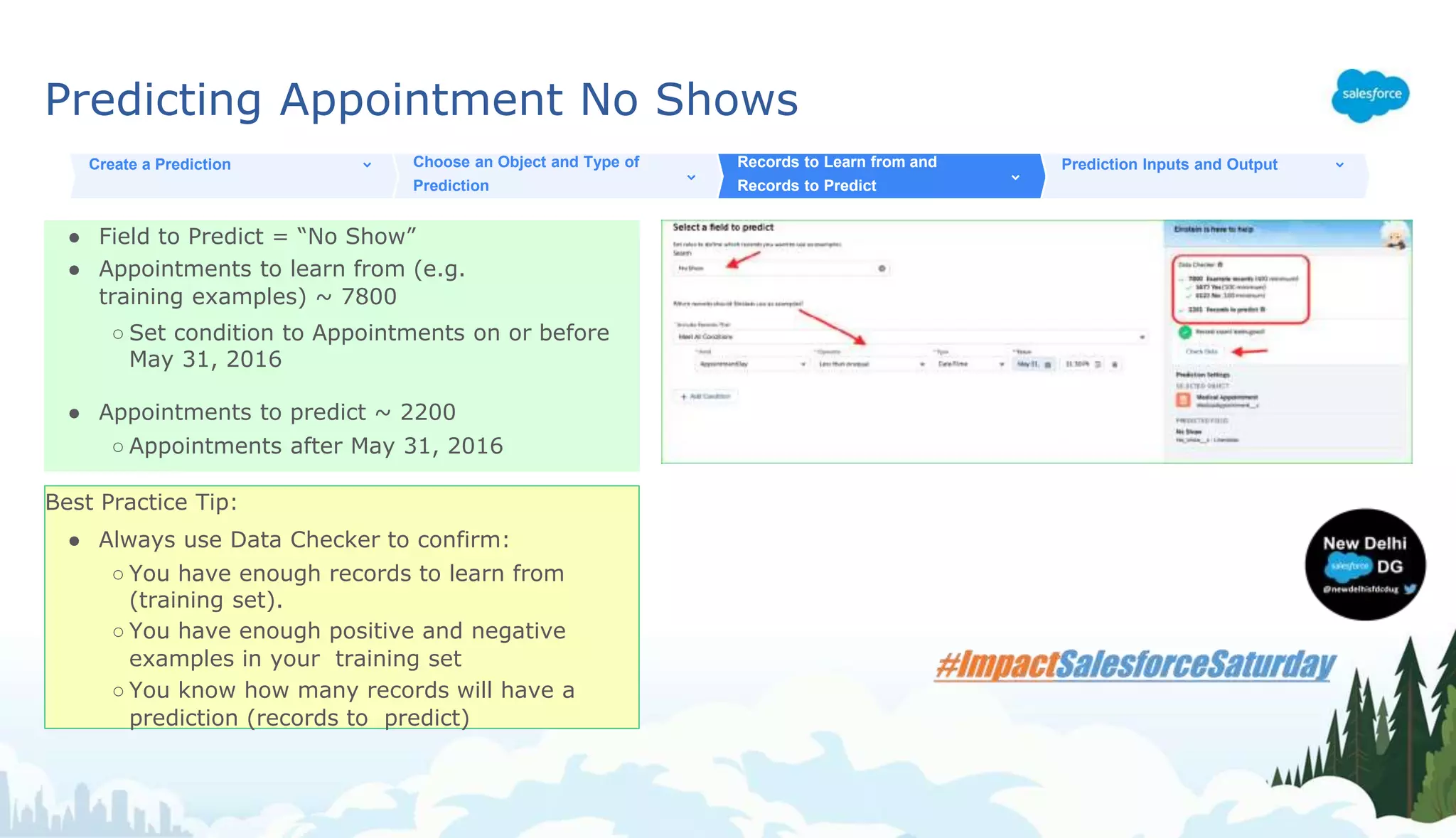
● Field to Predict = “No Show”
● Appointments to learn from (e.g.
training examples) ~ 7800
○ Set condition to Appointments on or before
May 31, 2016
● Appointments to predict ~ 2200
○ Appointments after May 31, 2016
Create a Prediction Choose an Object and Type of
Prediction
Records to Learn from and
Records to Predict
Prediction Inputs and Output
Best Practice Tip:
● Always use Data Checker to confirm:
○ You have enough records to learn from
(training set).
○ You have enough positive and negative
examples in your training set
○ You know how many records will have a
prediction (records to predict)
Predicting Appointment No Shows
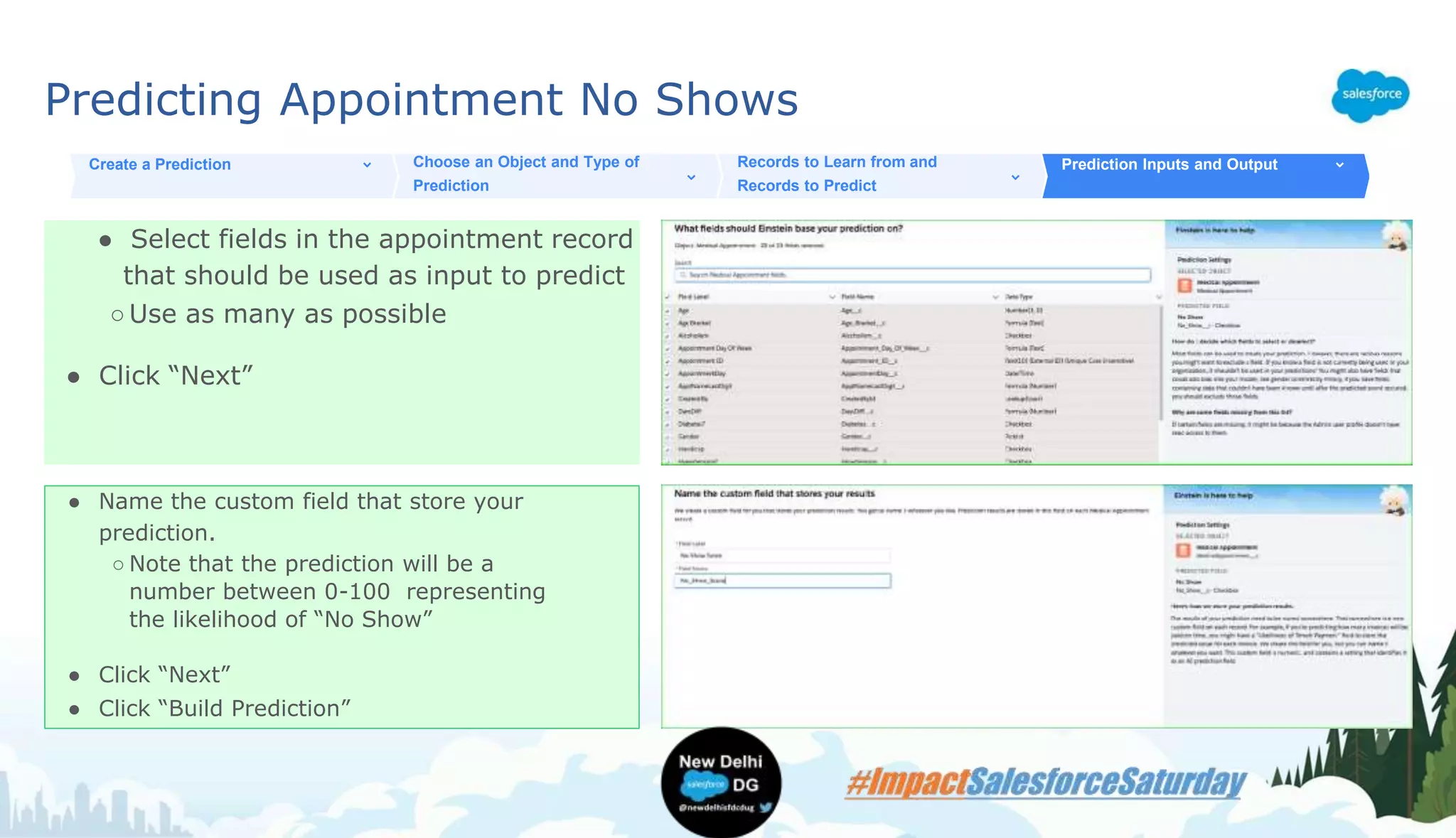
● Select fields in the appointment record
that should be used as input to predict
○Use as many as possible
● Click “Next”
Create a Prediction Choose an Object and Type of
Prediction
Records to Learn from and
Records to Predict
Prediction Inputs and Output
● Name the custom field that store your
prediction.
○ Note that the prediction will be a
number between 0-100 representing
the likelihood of “No Show”
● Click “Next”
● Click “Build Prediction”
Evaluating Prediction Accuracy
How good was that predictive model?
Use EPB Model Accuracy Package
Evaluating Prediction Accuracy
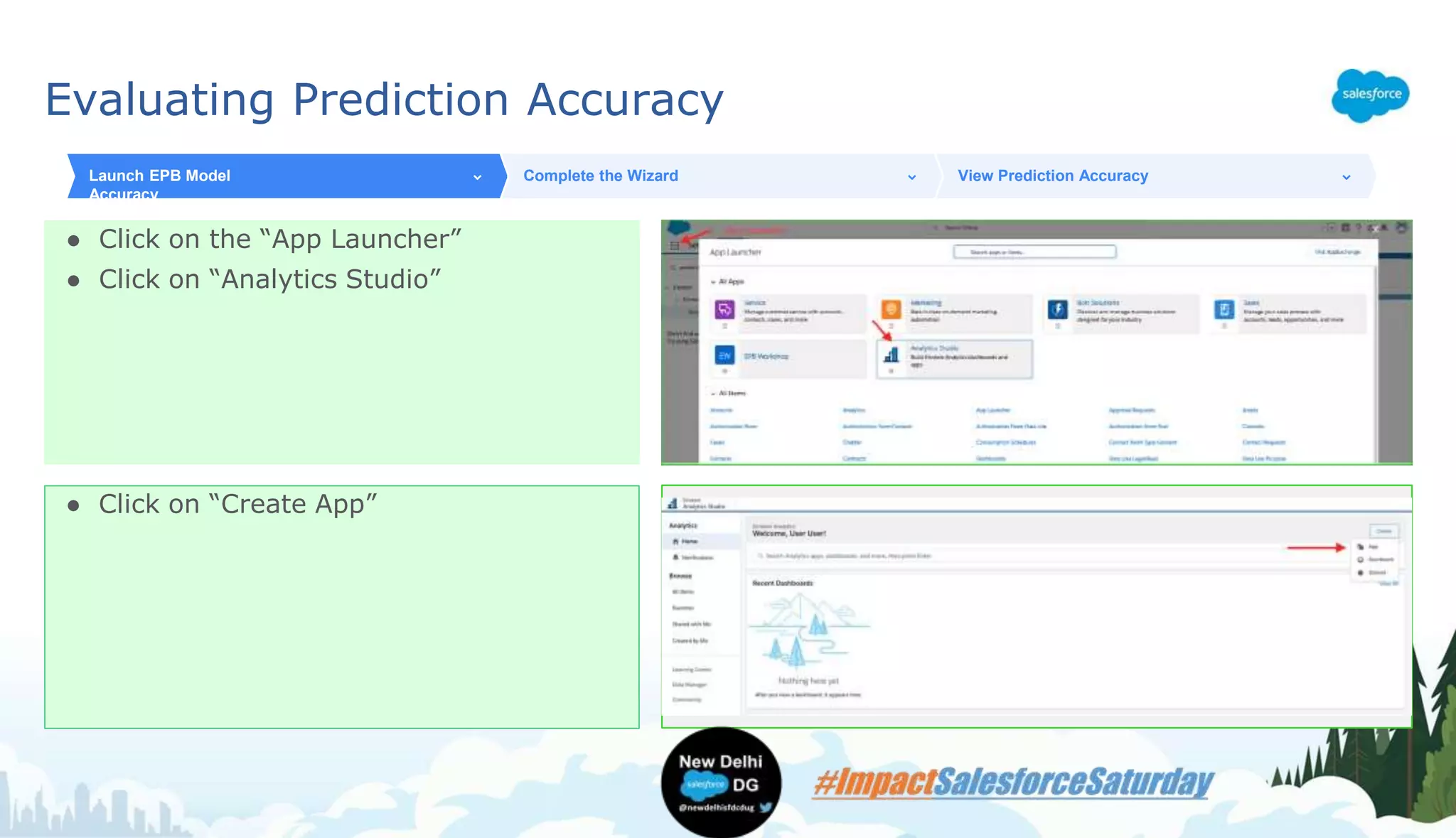
● Click on the “App Launcher”
● Click on “Analytics Studio”
Launch EPB Model
Accuracy
Complete the Wizard View Prediction Accuracy
● Click on “Create App”
Evaluating Prediction Accuracy
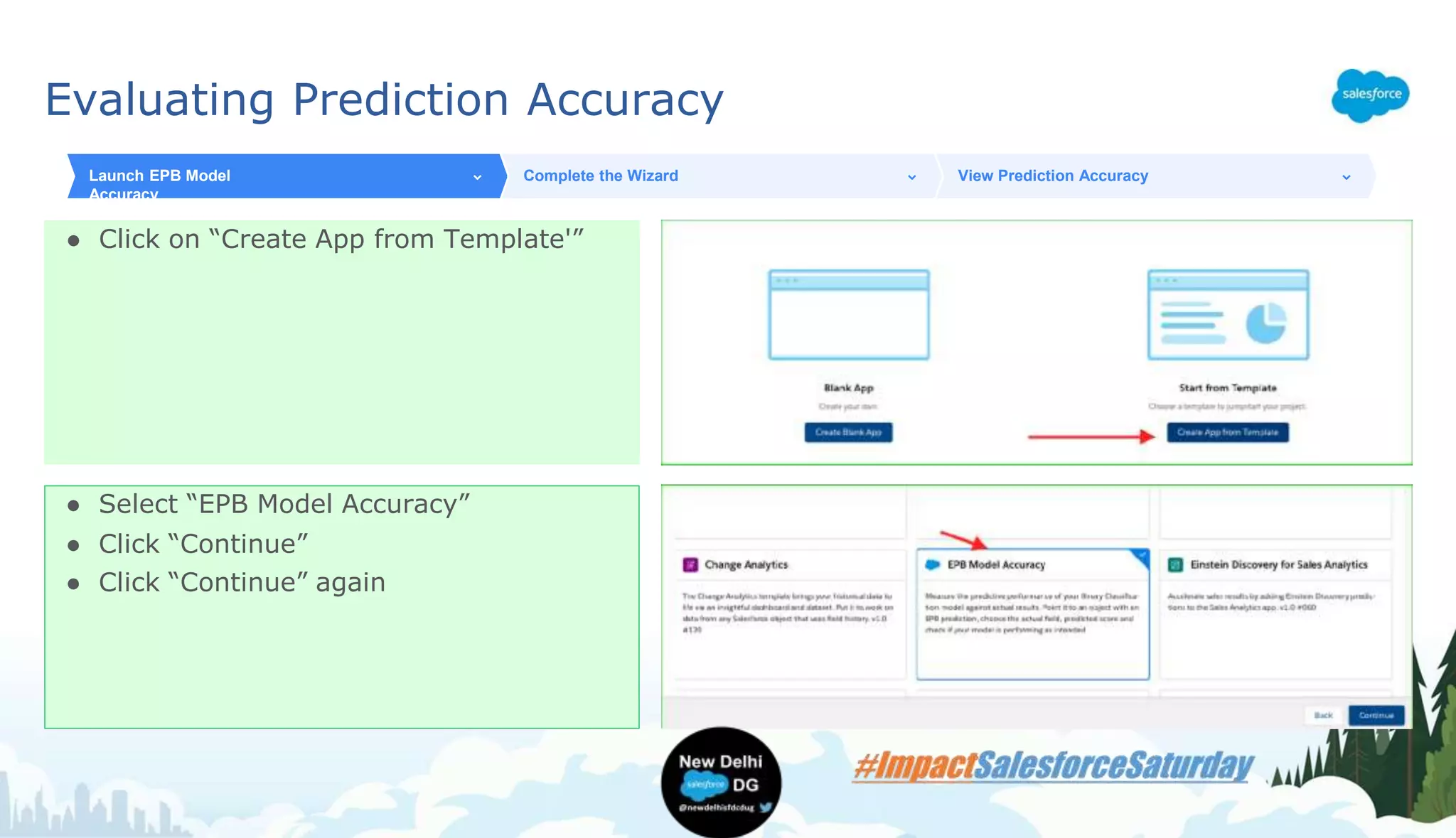
● Click on “Create App from Template'”
Launch EPB Model
Accuracy
Complete the Wizard View Prediction Accuracy
● Select “EPB Model Accuracy”
● Click “Continue”
● Click “Continue” again
Evaluating Prediction Accuracy
Fill in the following details about your
prediction
Fill in the following details about your
prediction
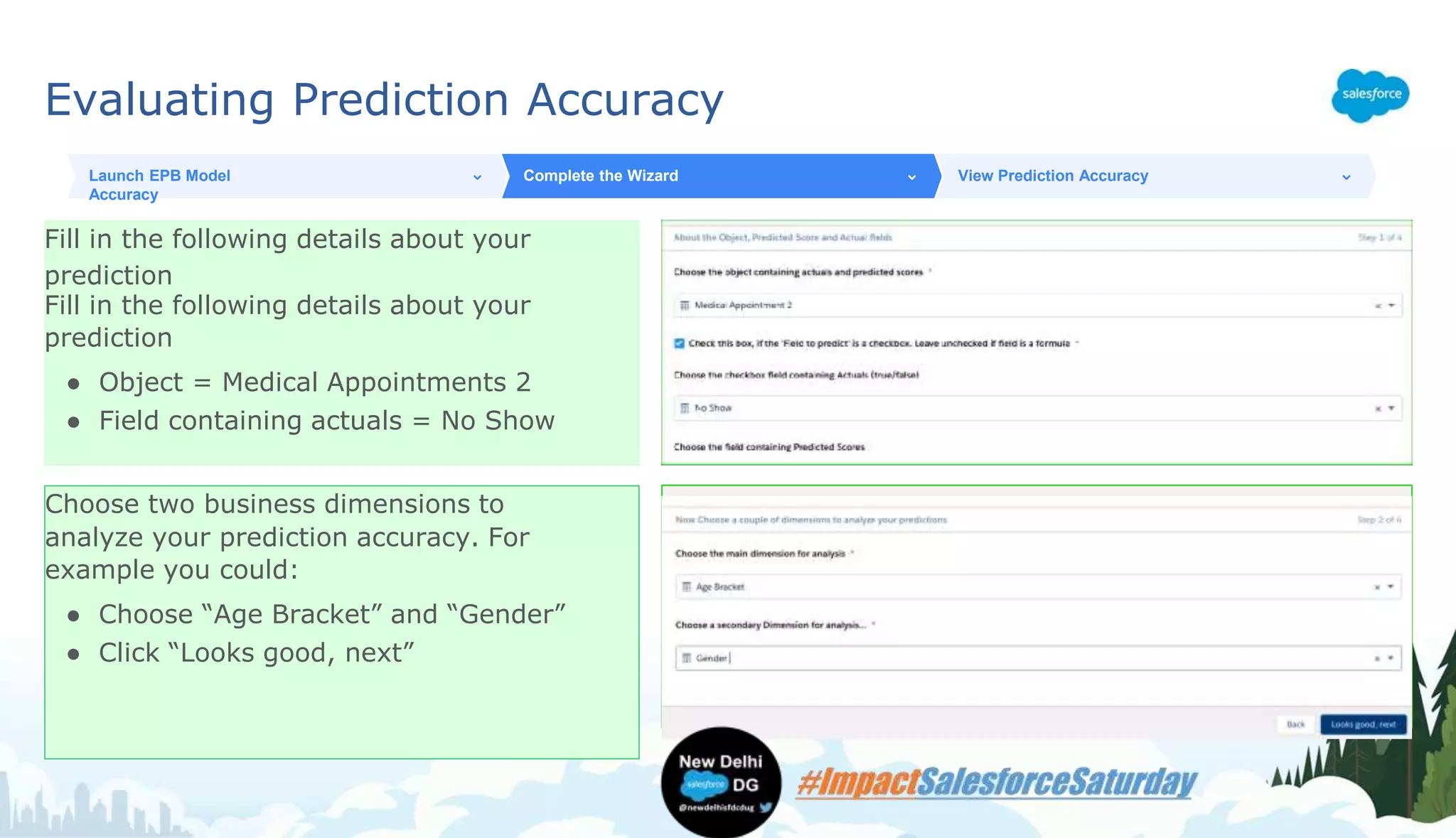
● Object = Medical Appointments 2
● Field containing actuals = No Show
Launch EPB Model
Accuracy
Complete the Wizard View Prediction Accuracy
Choose two business dimensions to
analyze your prediction accuracy. For
example you could:
● Choose “Age Bracket” and “Gender”
● Click “Looks good, next”
Evaluating Prediction Accuracy
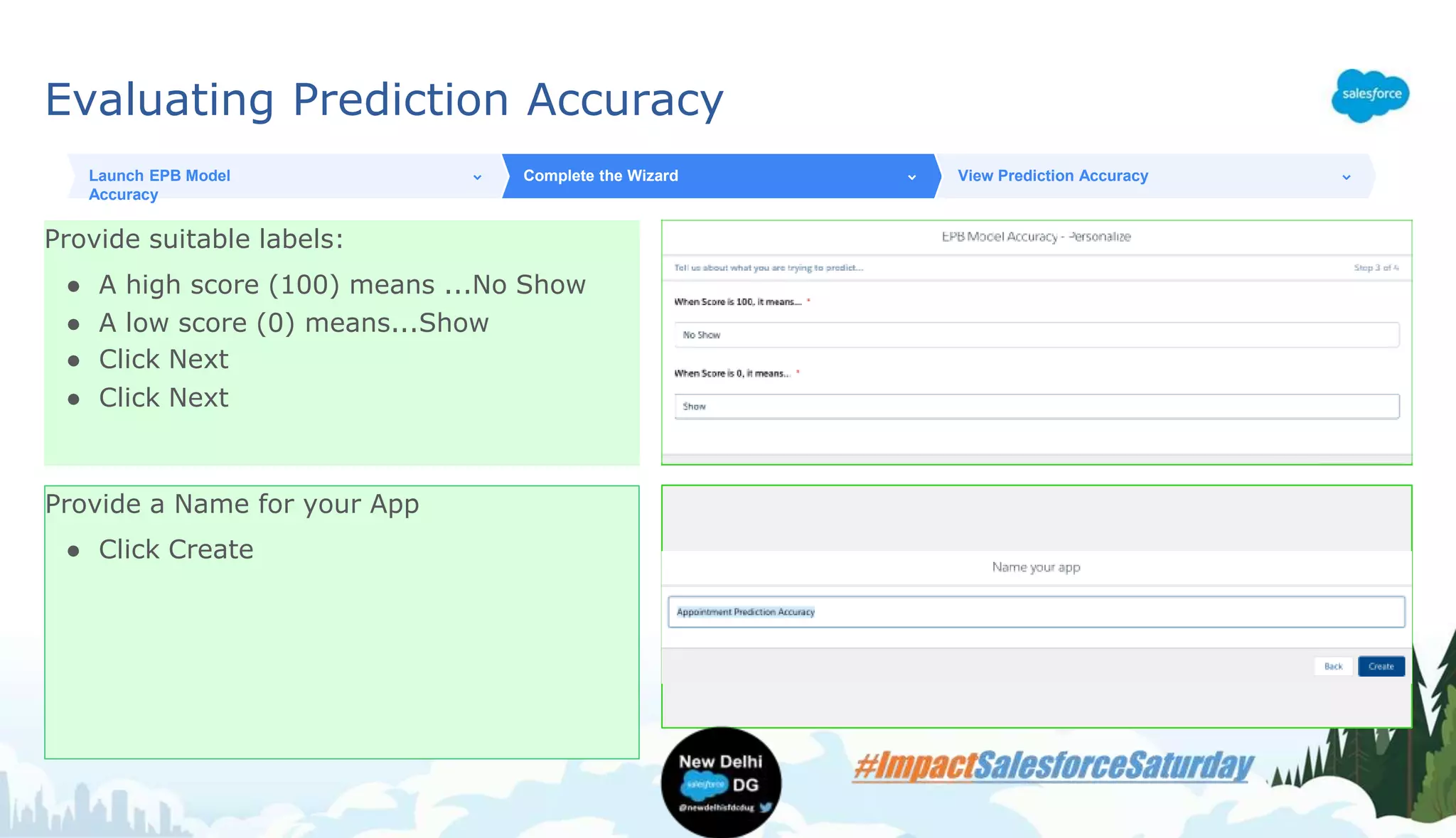
Provide suitable labels:
● A high score (100) means ...No Show
● A low score (0) means...Show
● Click Next
● Click Next
Launch EPB Model
Accuracy
Complete the Wizard View Prediction Accuracy
Provide a Name for your App
● Click Create
Evaluating Prediction Accuracy
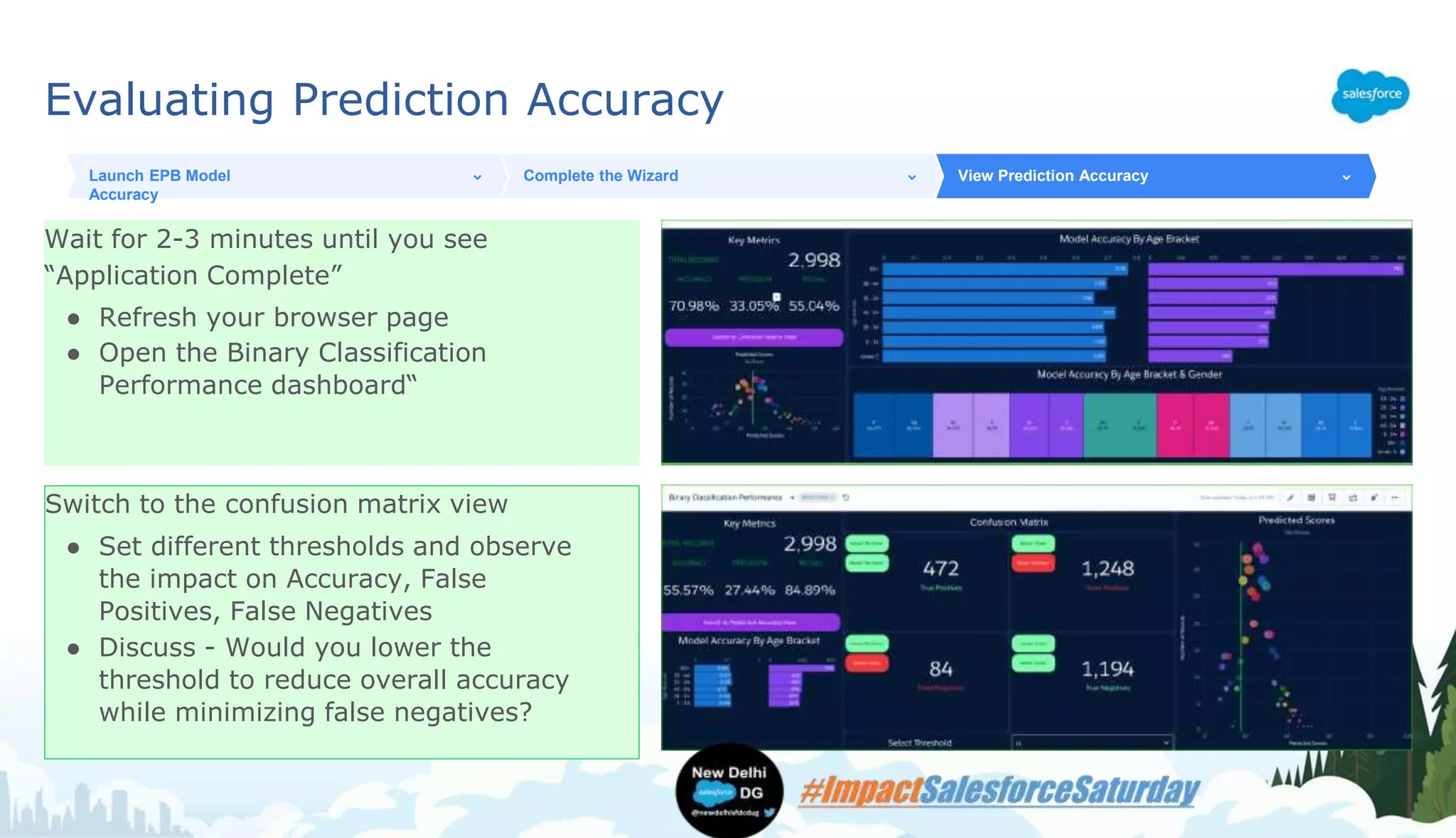
Wait for 2-3 minutes until you see
“Application Complete”
● Refresh your browser page
● Open the Binary Classification
Performance dashboard“
Launch EPB Model
Accuracy
Complete the Wizard View Prediction Accuracy
Switch to the confusion matrix view
● Set different thresholds and observe
the impact on Accuracy, False
Positives, False Negatives
● Discuss - Would you lower the
threshold to reduce overall accuracy
while minimizing false negatives?
Acting on your Prediction
Next Best Action
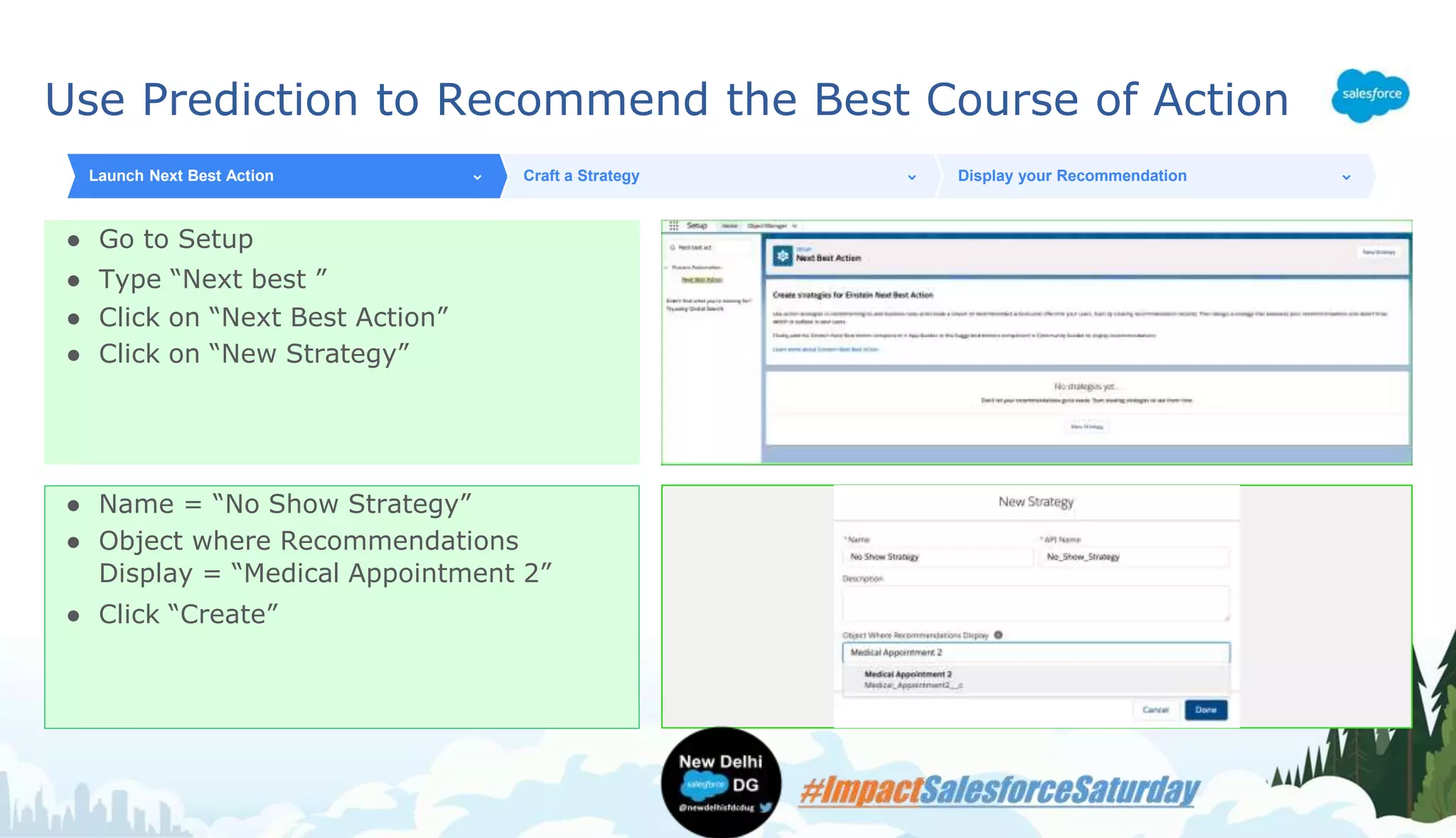
Use Prediction to Recommend the Best Course of Action
● Go to Setup
● Type “Next best ”
● Click on “Next Best Action”
● Click on “New Strategy”
Launch Next Best Action Craft a Strategy Display your Recommendation
● Name = “No Show Strategy”
● Object where Recommendations
Display = “Medical Appointment 2”
● Click “Create”
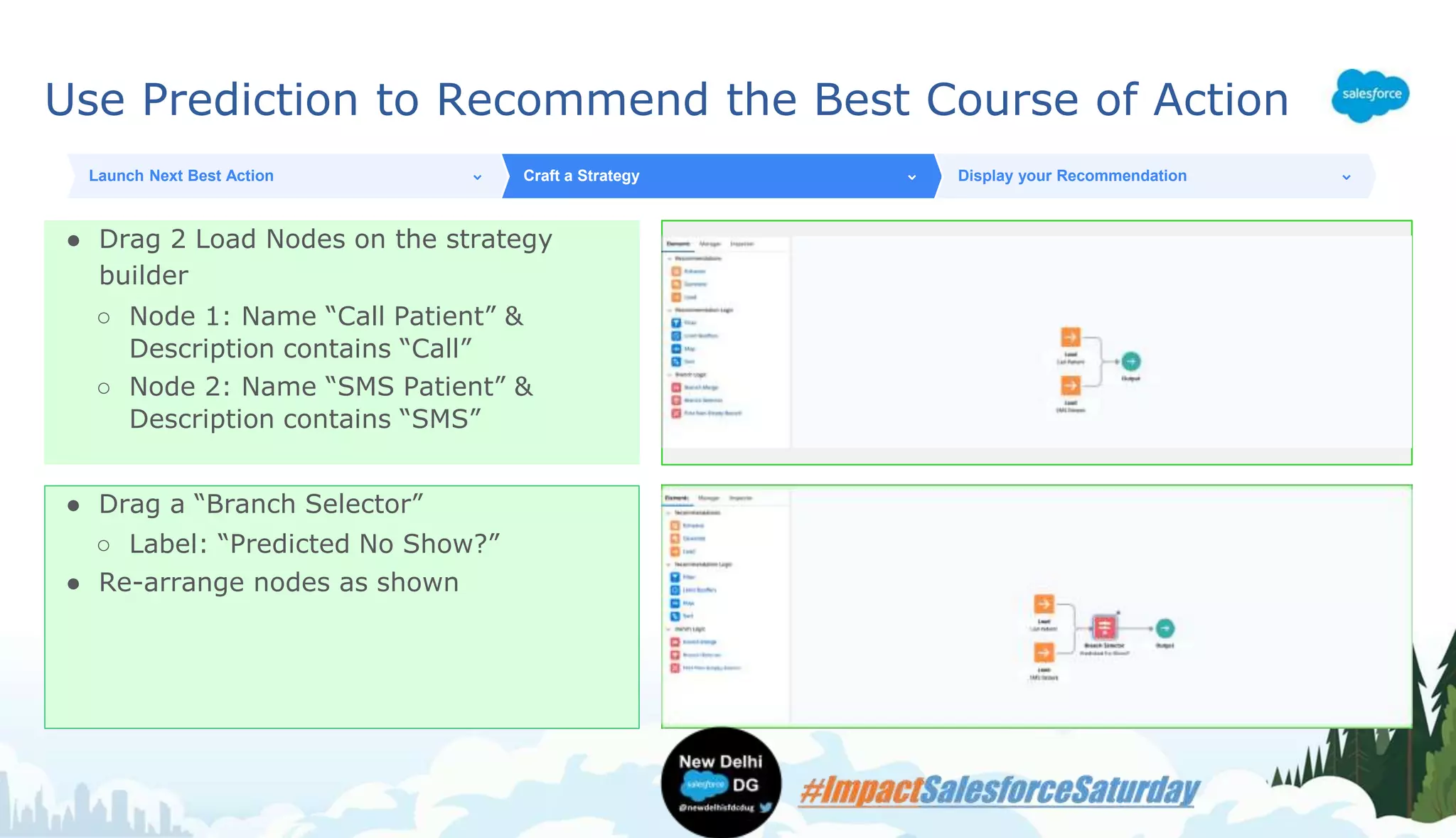
Use Prediction to Recommend the Best Course of Action
● Drag 2 Load Nodes on the strategy
builder
○ Node 1: Name “Call Patient” &
Description contains “Call”
○ Node 2: Name “SMS Patient” &
Description contains “SMS”
Launch Next Best Action Craft a Strategy Display your Recommendation
● Drag a “Branch Selector”
○ Label: “Predicted No Show?”
● Re-arrange nodes as shown
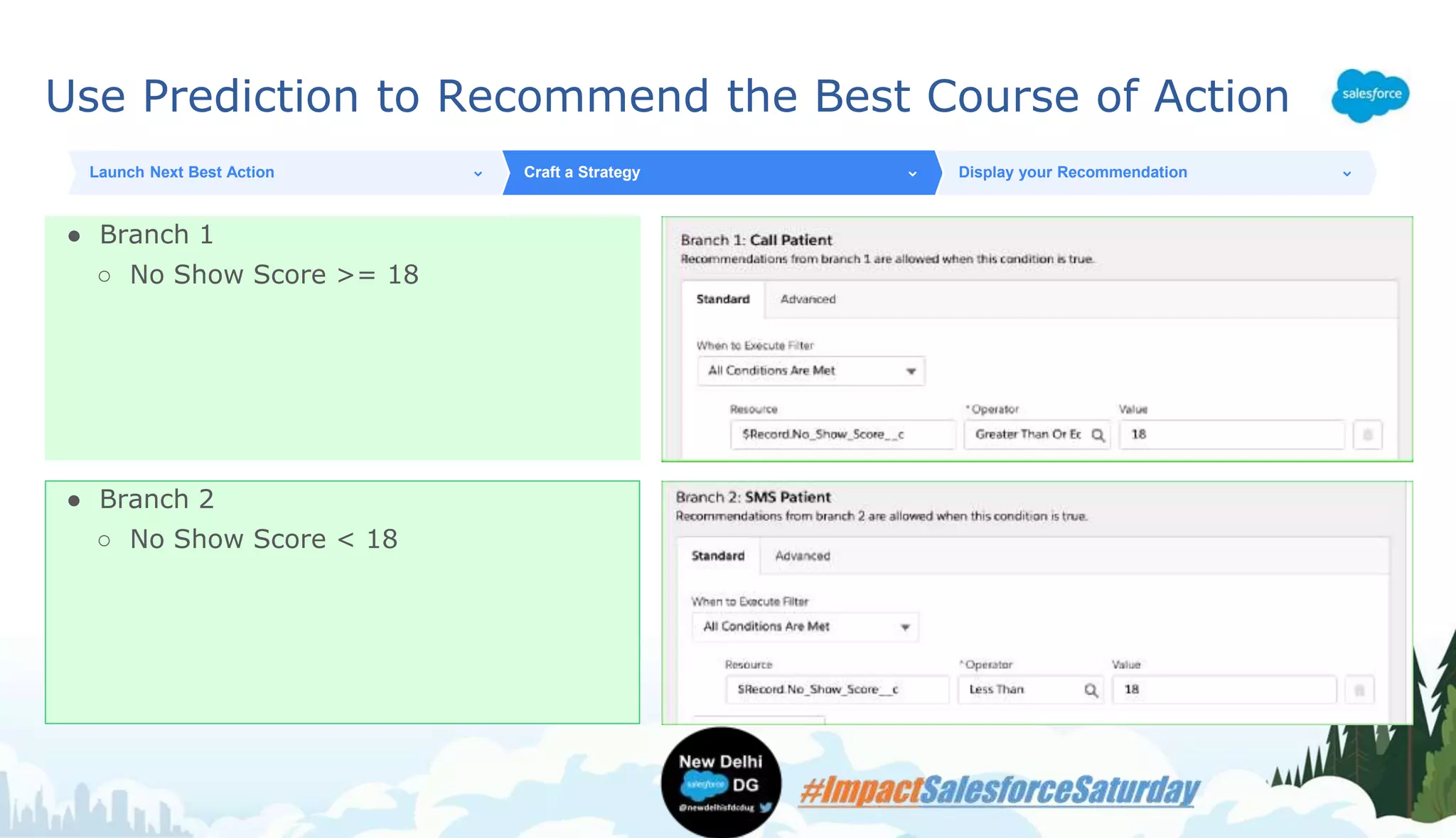
Use Prediction to Recommend the Best Course of Action
● Branch 1
○ No Show Score >= 18
Launch Next Best Action Craft a Strategy Display your Recommendation
● Branch 2
○ No Show Score < 18
Use Prediction to Recommend the Best Course of Action
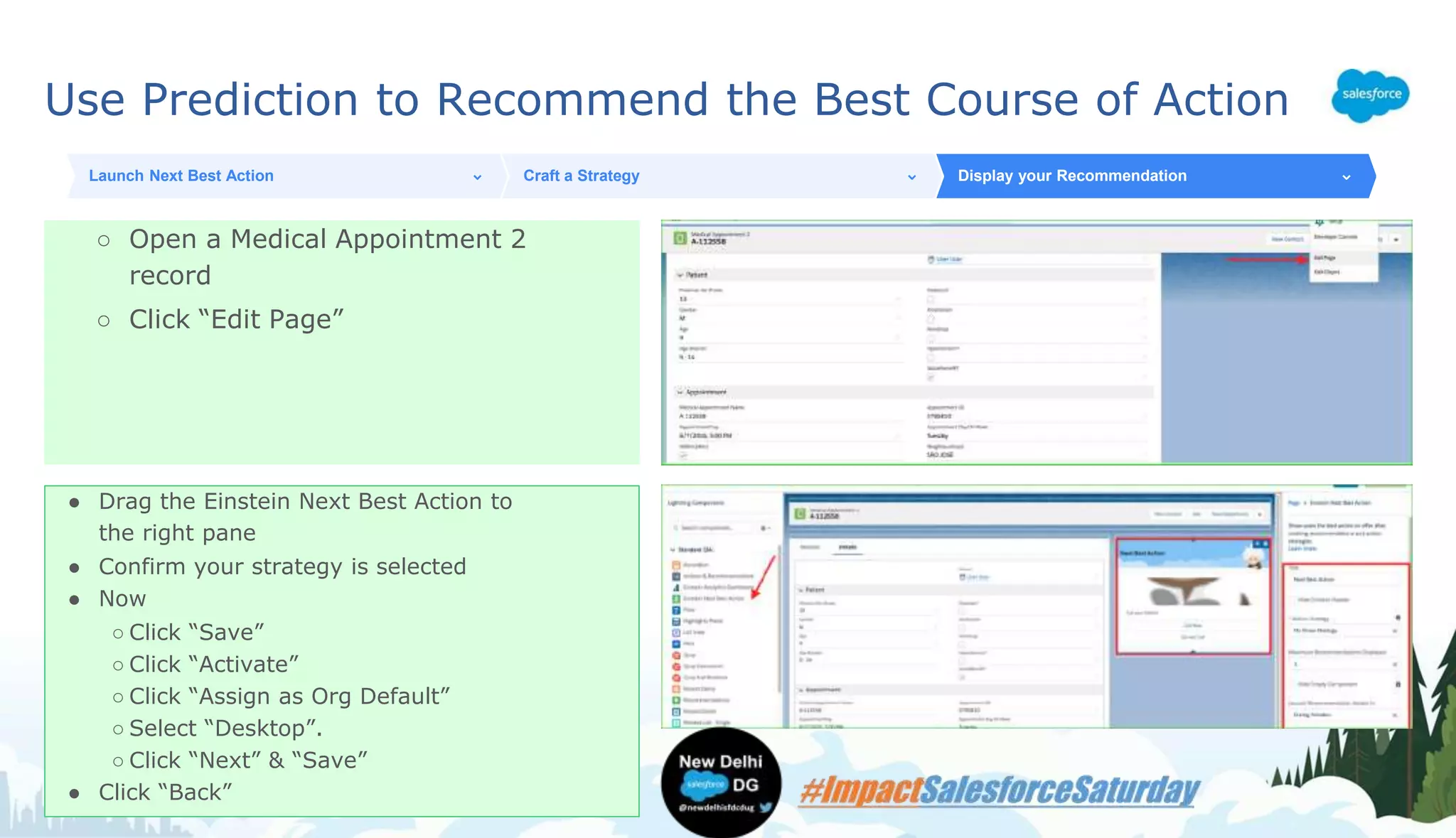
○ Open a Medical Appointment 2
record
○ Click “Edit Page”
Launch Next Best Action Craft a Strategy Display your Recommendation
● Drag the Einstein Next Best Action to
the right pane
● Confirm your strategy is selected
● Now
○ Click “Save”
○ Click “Activate”
○ Click “Assign as Org Default”
○ Select “Desktop”.
○ Click “Next” & “Save”
● Click “Back”
Use Prediction to Recommend the Best Course of Action
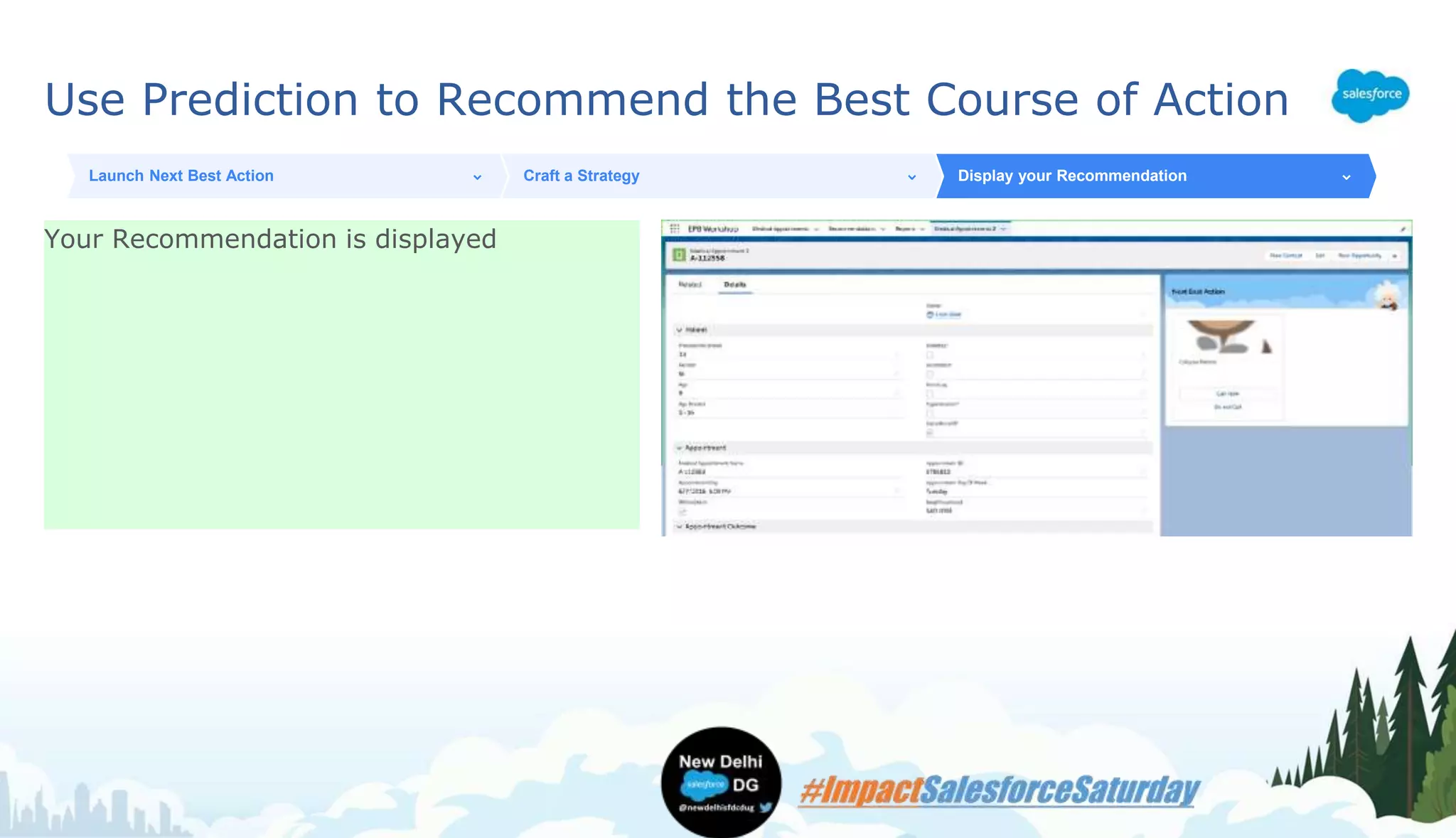
Your Recommendation is displayed
Launch Next Best Action Craft a Strategy Display your Recommendation
Continue Learning About Einstein!
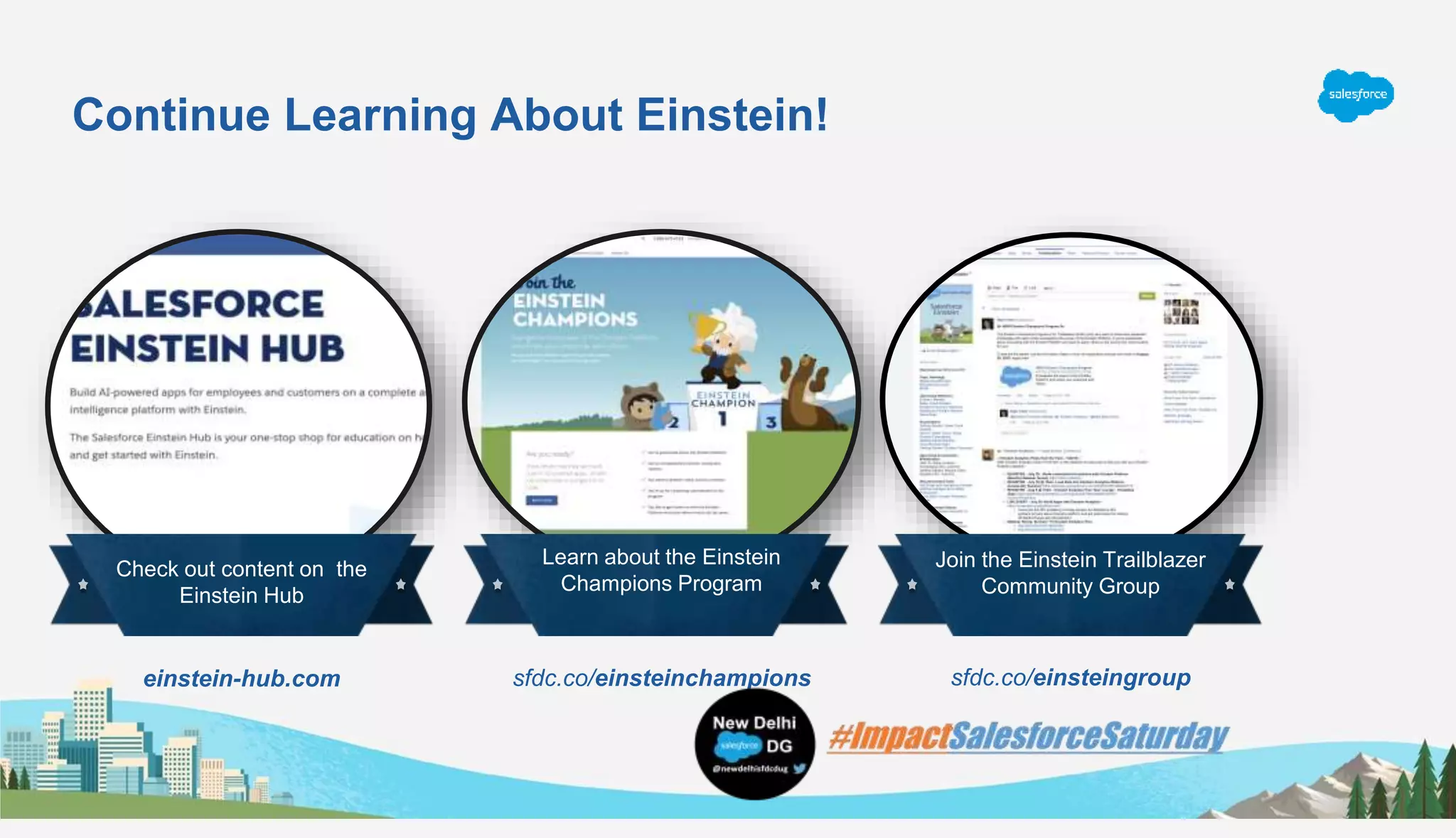
Check out content on the
Einstein Hub
Learn about the Einstein
Champions Program
Join the Einstein Trailblazer
Community Group
einstein-hub.com sfdc.co/einsteinchampions sfdc.co/einsteingroup
Questions?
Follow & Join New Delhi Salesforce DG
• Join to know about future events and to RSVP:
https://trailblazercommunitygroups.com/delhi-in-developers-group/
• Let’s start conversations on Success Community:
http://bit.ly/NewDelhiCommunity
• Follow us on Twitter: https://twitter.com/newdelhisfdcdug
• Hashtag: #ImpactSalesforceSaturday
• Follow us on Facebook: https://www.facebook.com/newdelhisfdcdug
• For all the content: https://newdelhisfdcdug.com

#ImpactSalesforceSaturday: Drum into understanding of prediction builder with NBA

  • 1.
    Drum into understandingof prediction builder with NBA Hands-on Workshop: Step-by-Step Guide Rajat Jain, Program Specialist @ MTX Group Inc. rajat.jain@mtxb2b.com @rajat_307
  • 2.
    What is MachineLearning? Machine Learning is using past data to predict the future Computer algorithms find patterns in the historical data to apply to new data and make predictions Historical Data Your historical records For example, opportunities won/lost in the last 12 months New Data Records to Predict For example, new opportunities
  • 3.
    What is it? Awizard where you can define a machine learning problem for the Einstein Platform to solve Who is it for? Salesforce admins, in conjunction with with their data experts What is the value? Easy to create predictions, iterate on them and use predictions in production Einstein Prediction Builder Point, Click, Predict
  • 4.
    Subtitle placeholder What EinsteinBuilder Predicts For Numeric Predictions Leverage historical information to predict a number Binary Predictions Leverage historical information to answer a Yes/No question Scores Returned: ● $400,000 ● 30 days ● $1,200,000 (welcome to the Bay Area..) Scores Returned: ● The likelihood a record churns ● The likelihood a lead converts ● The likelihood a student graduates Example Questions: ● Is this customer going to churn? ● Is this lead going to convert? ● Will this student graduate on time? Example Questions: ● How much is this deal likely worth? ● How long will this deal take to close? ● How much will this house sell for?
  • 5.
    1. Define your use case 2.Plan your prediction 3. Fill out the wizard 4. Review your scorecard 5. Enable your prediction 6. Use model in production Einstein Prediction Builder Lifecycle
  • 6.
    Q: What isthe problem your company is facing? Example: Only 60% of Medical Appointment shows up on time. How do I increase rate to get patient to show on time for appointment? Q: What type of prediction will help? Example: Predict which Medical Appointment are likely to be No Show. Q: Can this prediction be phrased as a yes/no or numeric question? Example: Will this prediction be No Show? How to Define Your Use Case
  • 7.
    Q: How willI use this prediction? Example: Call/SMS Patient in advance if they are going to be No Show. Q: How do you measure if the prediction is successful? Example: Percentage decrease in Patient No Show. How to Define Your Use Case (cont.)
  • 8.
  • 9.
    Building a Yes/NoPrediction - + -+ - ? Example set (Training set) Minimum 400 Records Required Records to predict (Scoring set) ?
  • 10.
    Will an MedicalAppointment be a No Show? Dataset Segment Positive examples Negative examples Prediction Set Prediction Set: Records that have scheduled Appointment but which is in future Object: Medical Appointment Segment: N/A Positive examples: Patient Records which did not shows up on time Negative Examples: Patient Records which shows up on time
  • 11.
    Predicting Appointment NoShows ● Set up → Prediction Builder ● Click “New Prediction” Create a Prediction Choose an Object and Type of Prediction Records to Learn from and Records to Predict Prediction Inputs and Output ● Give your prediction a name ● Click “Next”
  • 12.
    Predicting Appointment NoShows ● Select “Medical Appointment__c” ● Click “Data Checker” ○Ensure you have enough records in this object to build a prediction Create a Prediction Choose an Object and Type of Prediction Records to Learn from and Records to Predict Prediction Inputs and Output ● The answer to “Will this appointment be a No Show?“ is Yes/No
  • 13.
    Predicting Appointment NoShows ● Field to Predict = “No Show” ● Appointments to learn from (e.g. training examples) ~ 7800 ○ Set condition to Appointments on or before May 31, 2016 ● Appointments to predict ~ 2200 ○ Appointments after May 31, 2016 Create a Prediction Choose an Object and Type of Prediction Records to Learn from and Records to Predict Prediction Inputs and Output Best Practice Tip: ● Always use Data Checker to confirm: ○ You have enough records to learn from (training set). ○ You have enough positive and negative examples in your training set ○ You know how many records will have a prediction (records to predict)
  • 14.
    Predicting Appointment NoShows ● Select fields in the appointment record that should be used as input to predict ○Use as many as possible ● Click “Next” Create a Prediction Choose an Object and Type of Prediction Records to Learn from and Records to Predict Prediction Inputs and Output ● Name the custom field that store your prediction. ○ Note that the prediction will be a number between 0-100 representing the likelihood of “No Show” ● Click “Next” ● Click “Build Prediction”
  • 15.
    Evaluating Prediction Accuracy Howgood was that predictive model? Use EPB Model Accuracy Package
  • 16.
    Evaluating Prediction Accuracy ●Click on the “App Launcher” ● Click on “Analytics Studio” Launch EPB Model Accuracy Complete the Wizard View Prediction Accuracy ● Click on “Create App”
  • 17.
    Evaluating Prediction Accuracy ●Click on “Create App from Template'” Launch EPB Model Accuracy Complete the Wizard View Prediction Accuracy ● Select “EPB Model Accuracy” ● Click “Continue” ● Click “Continue” again
  • 18.
    Evaluating Prediction Accuracy Fillin the following details about your prediction Fill in the following details about your prediction ● Object = Medical Appointments 2 ● Field containing actuals = No Show Launch EPB Model Accuracy Complete the Wizard View Prediction Accuracy Choose two business dimensions to analyze your prediction accuracy. For example you could: ● Choose “Age Bracket” and “Gender” ● Click “Looks good, next”
  • 19.
    Evaluating Prediction Accuracy Providesuitable labels: ● A high score (100) means ...No Show ● A low score (0) means...Show ● Click Next ● Click Next Launch EPB Model Accuracy Complete the Wizard View Prediction Accuracy Provide a Name for your App ● Click Create
  • 20.
    Evaluating Prediction Accuracy Waitfor 2-3 minutes until you see “Application Complete” ● Refresh your browser page ● Open the Binary Classification Performance dashboard“ Launch EPB Model Accuracy Complete the Wizard View Prediction Accuracy Switch to the confusion matrix view ● Set different thresholds and observe the impact on Accuracy, False Positives, False Negatives ● Discuss - Would you lower the threshold to reduce overall accuracy while minimizing false negatives?
  • 21.
    Acting on yourPrediction Next Best Action
  • 22.
    Use Prediction toRecommend the Best Course of Action ● Go to Setup ● Type “Next best ” ● Click on “Next Best Action” ● Click on “New Strategy” Launch Next Best Action Craft a Strategy Display your Recommendation ● Name = “No Show Strategy” ● Object where Recommendations Display = “Medical Appointment 2” ● Click “Create”
  • 23.
    Use Prediction toRecommend the Best Course of Action ● Drag 2 Load Nodes on the strategy builder ○ Node 1: Name “Call Patient” & Description contains “Call” ○ Node 2: Name “SMS Patient” & Description contains “SMS” Launch Next Best Action Craft a Strategy Display your Recommendation ● Drag a “Branch Selector” ○ Label: “Predicted No Show?” ● Re-arrange nodes as shown
  • 24.
    Use Prediction toRecommend the Best Course of Action ● Branch 1 ○ No Show Score >= 18 Launch Next Best Action Craft a Strategy Display your Recommendation ● Branch 2 ○ No Show Score < 18
  • 25.
    Use Prediction toRecommend the Best Course of Action ○ Open a Medical Appointment 2 record ○ Click “Edit Page” Launch Next Best Action Craft a Strategy Display your Recommendation ● Drag the Einstein Next Best Action to the right pane ● Confirm your strategy is selected ● Now ○ Click “Save” ○ Click “Activate” ○ Click “Assign as Org Default” ○ Select “Desktop”. ○ Click “Next” & “Save” ● Click “Back”
  • 26.
    Use Prediction toRecommend the Best Course of Action Your Recommendation is displayed Launch Next Best Action Craft a Strategy Display your Recommendation
  • 27.
    Continue Learning AboutEinstein! Check out content on the Einstein Hub Learn about the Einstein Champions Program Join the Einstein Trailblazer Community Group einstein-hub.com sfdc.co/einsteinchampions sfdc.co/einsteingroup
  • 28.
  • 30.
    Follow & JoinNew Delhi Salesforce DG • Join to know about future events and to RSVP: https://trailblazercommunitygroups.com/delhi-in-developers-group/ • Let’s start conversations on Success Community: http://bit.ly/NewDelhiCommunity • Follow us on Twitter: https://twitter.com/newdelhisfdcdug • Hashtag: #ImpactSalesforceSaturday • Follow us on Facebook: https://www.facebook.com/newdelhisfdcdug • For all the content: https://newdelhisfdcdug.com