
http://technologiesjvillis.weebly.com/ 
By Joanne Villis
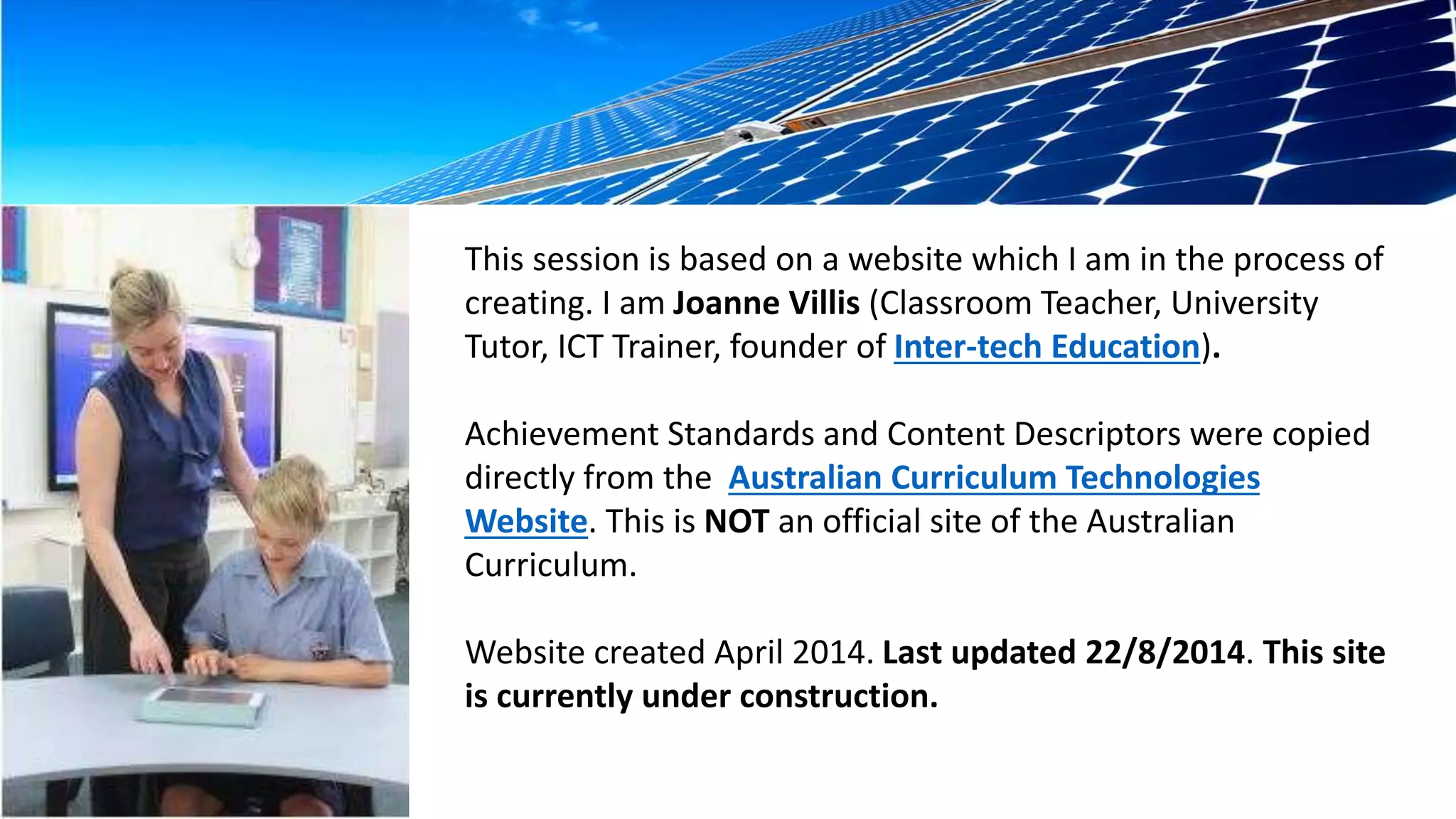
This session is based on a website which I am in the process of 
creating. I am Joanne Villis (Classroom Teacher, University 
Tutor, ICT Trainer, founder of Inter-tech Education). 
Achievement Standards and Content Descriptors were copied 
directly from the Australian Curriculum Technologies 
Website. This is NOT an official site of the Australian 
Curriculum. 
Website created April 2014. Last updated 22/8/2014. This site 
is currently under construction.
Content Structure 
There are two subjects: 
1. Design and Technologies 
2. Digital Technologies 
There are two strands for each 
subject: 
1. Knowledge and understanding 
2. Processes and production skills
Bands descriptors: 
Band descriptions provide information about the learning contexts 
that apply to the content descriptions and achievement standards in 
each Technologies subject in each band. The curriculum for each 
Technologies subject is written in bands of year levels: 
• Foundation to Year 2 
• Years 3 and 4 
• Years 5 and 6 
• Years 7 and 8 
• Years 9 and 10.
Design and Technologies 
My prediction on the future direction of 
design technologies in Australian schools and 
my reasons (spoken).
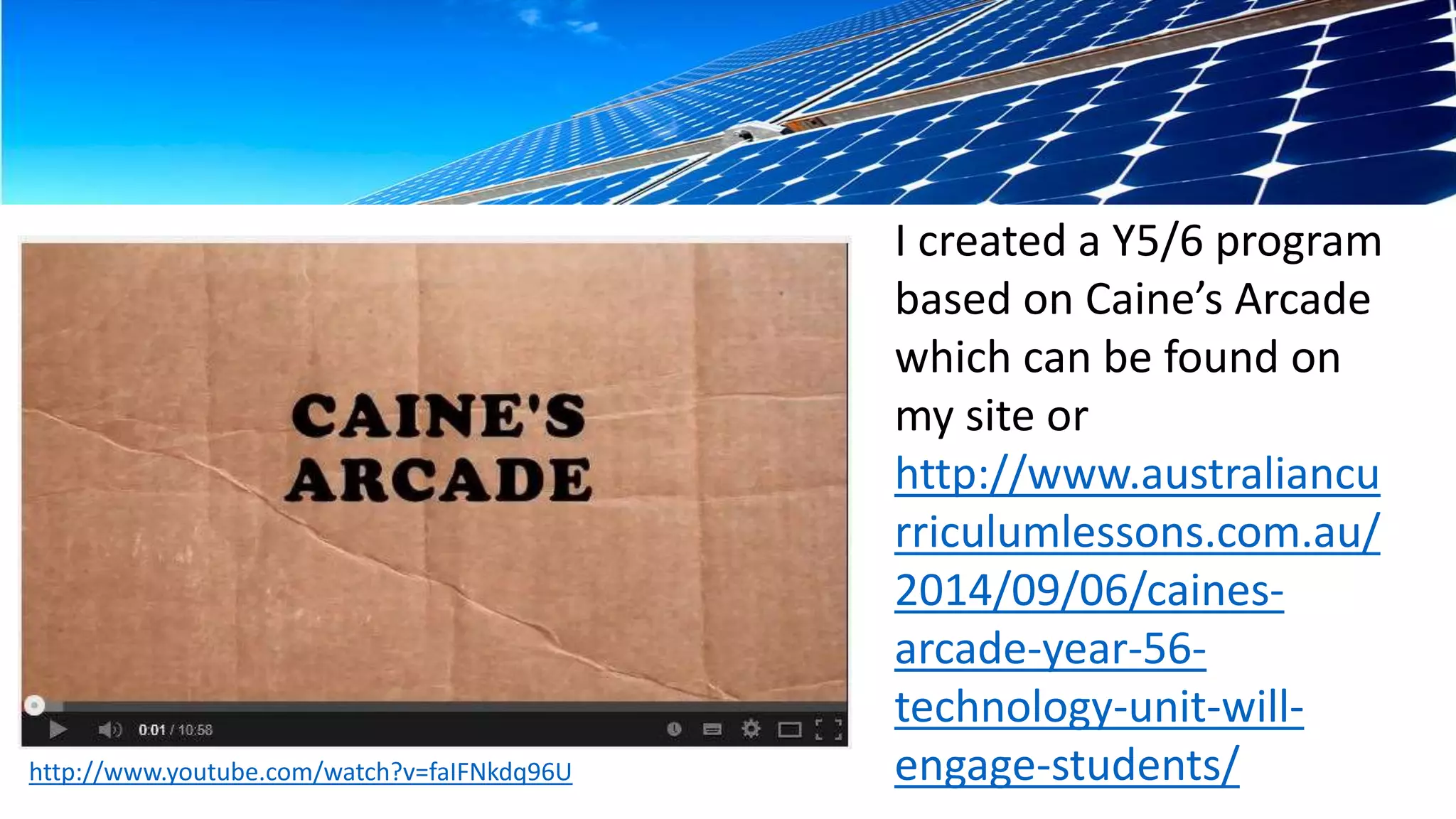
I created a Y5/6 program 
based on Caine’s Arcade 
which can be found on 
my site or 
http://www.australiancu 
rriculumlessons.com.au/ 
2014/09/06/caines-arcade- 
year-56- 
technology-unit-will-engage- 
students/
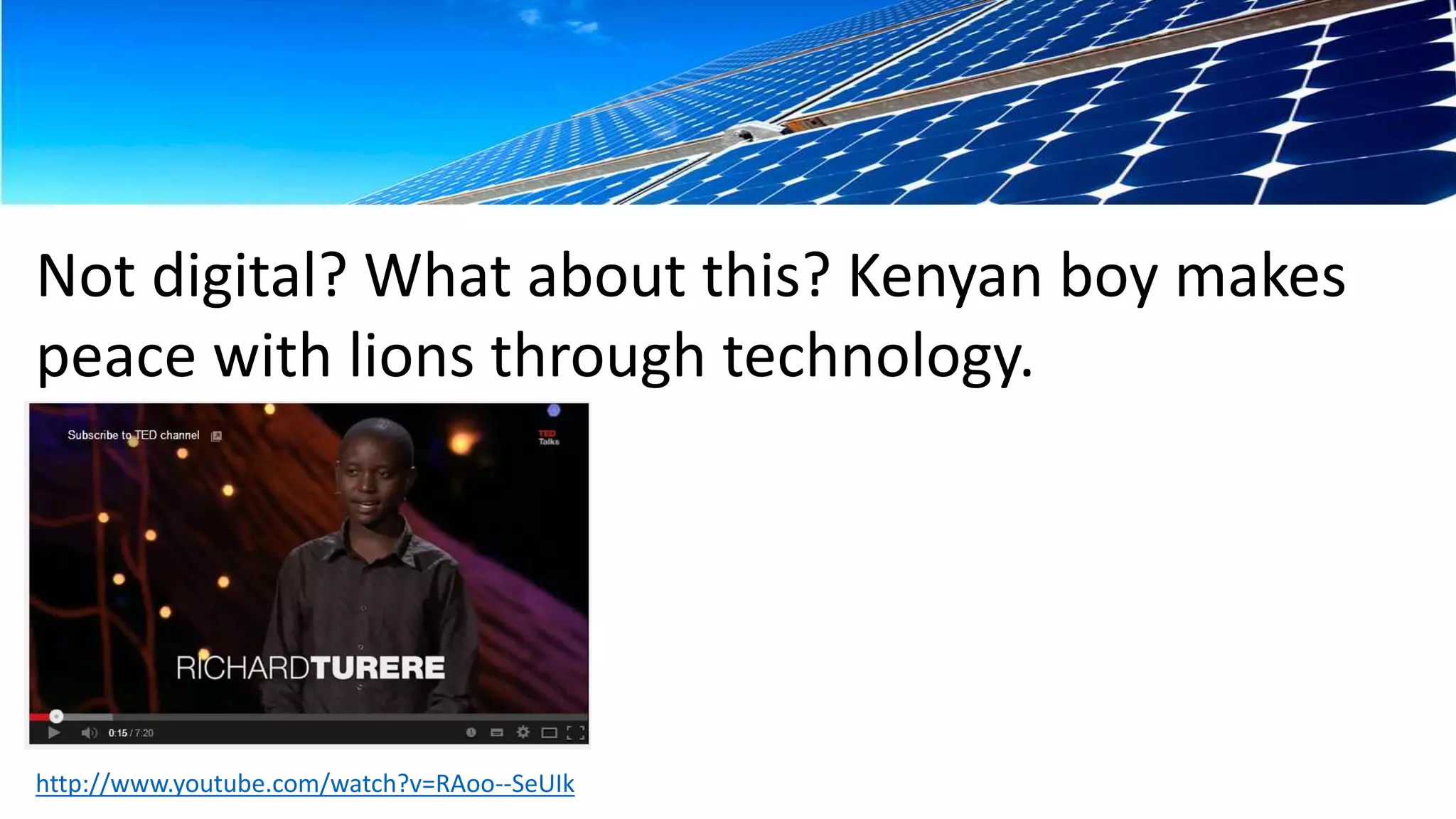
Not digital? What about this? Kenyan boy makes 
peace with lions through technology. 
http://www.youtube.com/watch?v=RAoo--SeUIk
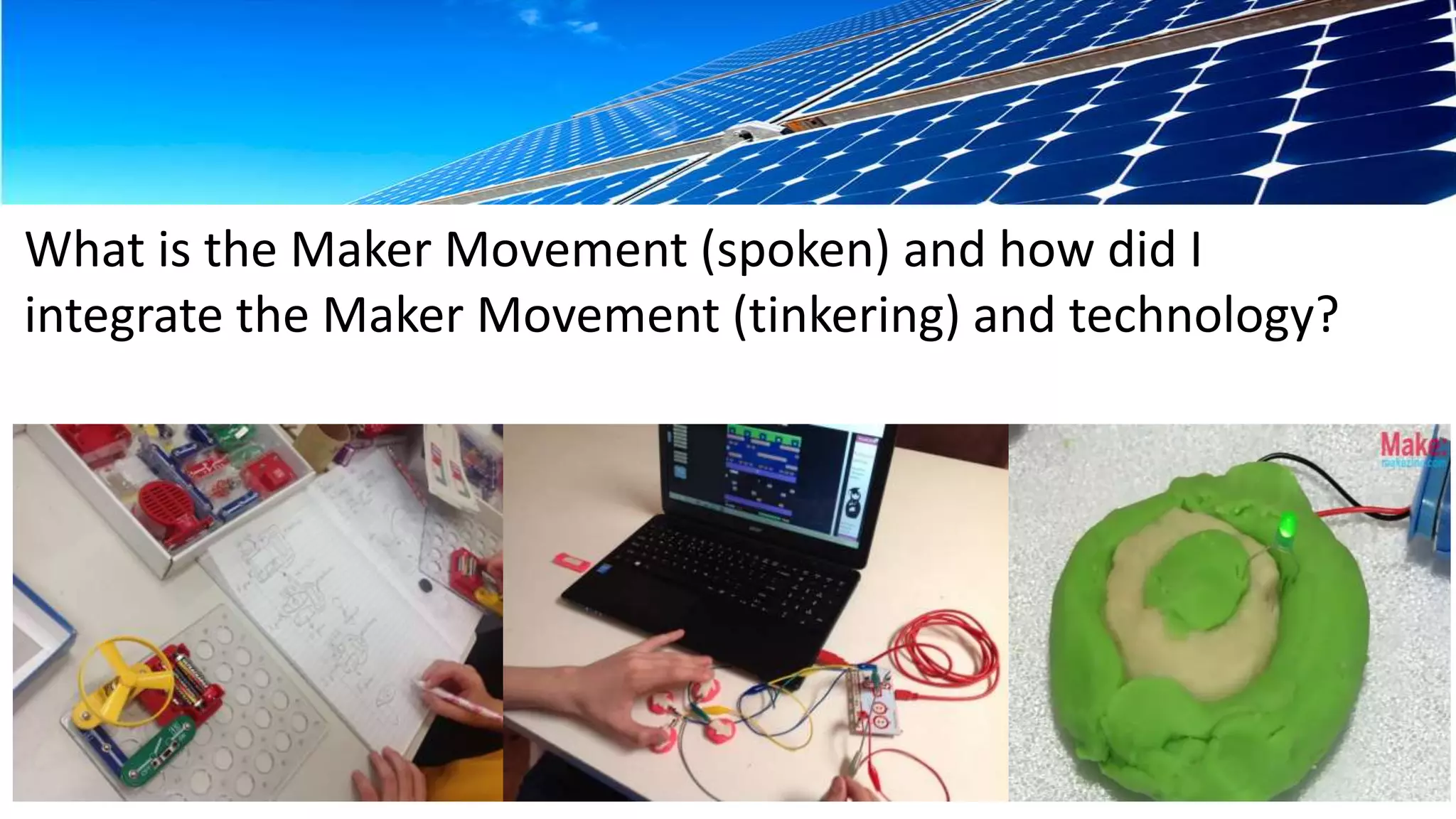
What is the Maker Movement (spoken) and how did I 
integrate the Maker Movement (tinkering) and technology?
Have you heard of Sylvia? 
http://sylviashow.com/episodes
However, todays focus is 
something scarier than 
the Maker Movement 
for many teachers as it is 
in our curriculum which 
we must teach!
But don’t worry, you can 
learn with your students. 
Does this sound 
convincing?
Here are the basics: 
Algorithm : A description of the steps and decisions required to solve 
a problem 
Branching: Occurs when an algorithm makes a choice to do one of 
two or more actions depending on sets of conditions and the data 
provided 
Digital solution: The result (or output) of transforming data into 
information using digital systems, skills, techniques and processes to 
meet a need or opportunity.
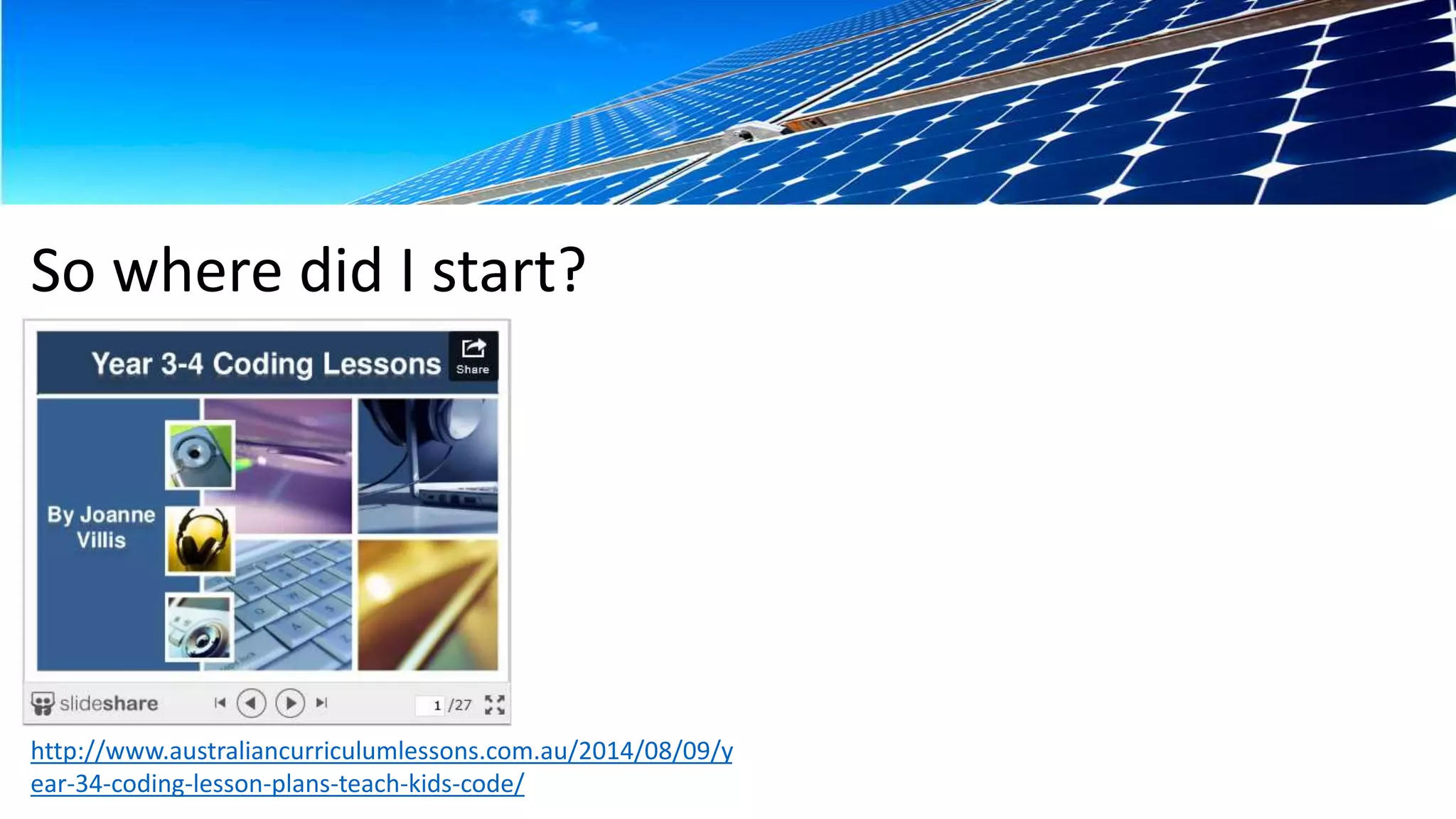
So where did I start? 
http://www.australiancurriculumlessons.com.au/2014/08/09/y 
ear-34-coding-lesson-plans-teach-kids-code/
Now for the hands-on part. What can you tinker 
with? 
1. Scratch software (you’ll need my USB) 
2. TurtleArt software (you’ll need my USB) 
3. Makey Makey (I have 2 to share, need a laptop) 
4. BeeBots(I have 3 to work with) 
5. iPad Apps for coding (I have 5 iPads to share)
Cool ideas 
http://www.youtube.com/watch?v=FlusxM 
HVAVo
Did you know that Sheldon believes that he has 
isolated the algorithm for making friends? 
https://www.youtube.com/watch?v=k0xgjUhEG3U
Created by Joanne Villis for a 
presentation at the IWBNet Oz Tech 
Conference 2014 
http://intertecheducation.edublogs.org/ 
http://www.pinterest.com/joannevillis/ 
Images: 
http://pixabay.com/
Thank you to the Sponsors

Ideas primary technologies_j_villis

  • 1.
  • 2.
    This session isbased on a website which I am in the process of creating. I am Joanne Villis (Classroom Teacher, University Tutor, ICT Trainer, founder of Inter-tech Education). Achievement Standards and Content Descriptors were copied directly from the Australian Curriculum Technologies Website. This is NOT an official site of the Australian Curriculum. Website created April 2014. Last updated 22/8/2014. This site is currently under construction.
  • 3.
    Content Structure Thereare two subjects: 1. Design and Technologies 2. Digital Technologies There are two strands for each subject: 1. Knowledge and understanding 2. Processes and production skills
  • 4.
    Bands descriptors: Banddescriptions provide information about the learning contexts that apply to the content descriptions and achievement standards in each Technologies subject in each band. The curriculum for each Technologies subject is written in bands of year levels: • Foundation to Year 2 • Years 3 and 4 • Years 5 and 6 • Years 7 and 8 • Years 9 and 10.
  • 5.
    Design and Technologies My prediction on the future direction of design technologies in Australian schools and my reasons (spoken).
  • 6.
    I created aY5/6 program based on Caine’s Arcade which can be found on my site or http://www.australiancu rriculumlessons.com.au/ 2014/09/06/caines-arcade- year-56- technology-unit-will-engage- students/
  • 7.
    Not digital? Whatabout this? Kenyan boy makes peace with lions through technology. http://www.youtube.com/watch?v=RAoo--SeUIk
  • 8.
    What is theMaker Movement (spoken) and how did I integrate the Maker Movement (tinkering) and technology?
  • 9.
    Have you heardof Sylvia? http://sylviashow.com/episodes
  • 10.
    However, todays focusis something scarier than the Maker Movement for many teachers as it is in our curriculum which we must teach!
  • 12.
    But don’t worry,you can learn with your students. Does this sound convincing?
  • 13.
    Here are thebasics: Algorithm : A description of the steps and decisions required to solve a problem Branching: Occurs when an algorithm makes a choice to do one of two or more actions depending on sets of conditions and the data provided Digital solution: The result (or output) of transforming data into information using digital systems, skills, techniques and processes to meet a need or opportunity.
  • 14.
    So where didI start? http://www.australiancurriculumlessons.com.au/2014/08/09/y ear-34-coding-lesson-plans-teach-kids-code/
  • 15.
    Now for thehands-on part. What can you tinker with? 1. Scratch software (you’ll need my USB) 2. TurtleArt software (you’ll need my USB) 3. Makey Makey (I have 2 to share, need a laptop) 4. BeeBots(I have 3 to work with) 5. iPad Apps for coding (I have 5 iPads to share)
  • 16.
  • 17.
    Did you knowthat Sheldon believes that he has isolated the algorithm for making friends? https://www.youtube.com/watch?v=k0xgjUhEG3U
  • 18.
    Created by JoanneVillis for a presentation at the IWBNet Oz Tech Conference 2014 http://intertecheducation.edublogs.org/ http://www.pinterest.com/joannevillis/ Images: http://pixabay.com/
  • 19.
    Thank you tothe Sponsors