Technologies
12th October, 2015
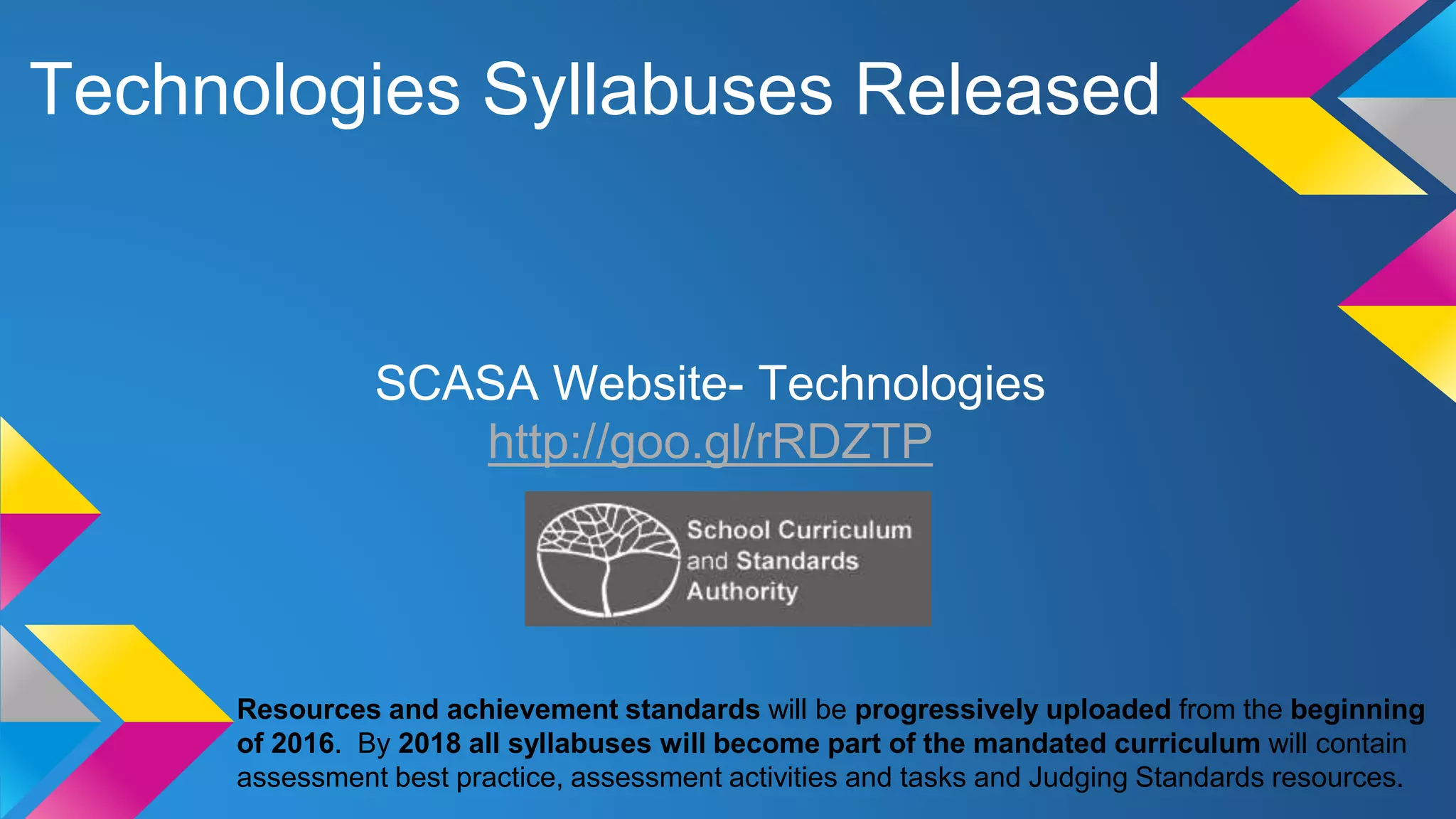
Technologies Syllabuses Released
SCASA Website- Technologies
http://goo.gl/rRDZTP
Resources and achievement standards will be progressively uploaded from the beginning
of 2016. By 2018 all syllabuses will become part of the mandated curriculum will contain
assessment best practice, assessment activities and tasks and Judging Standards resources.
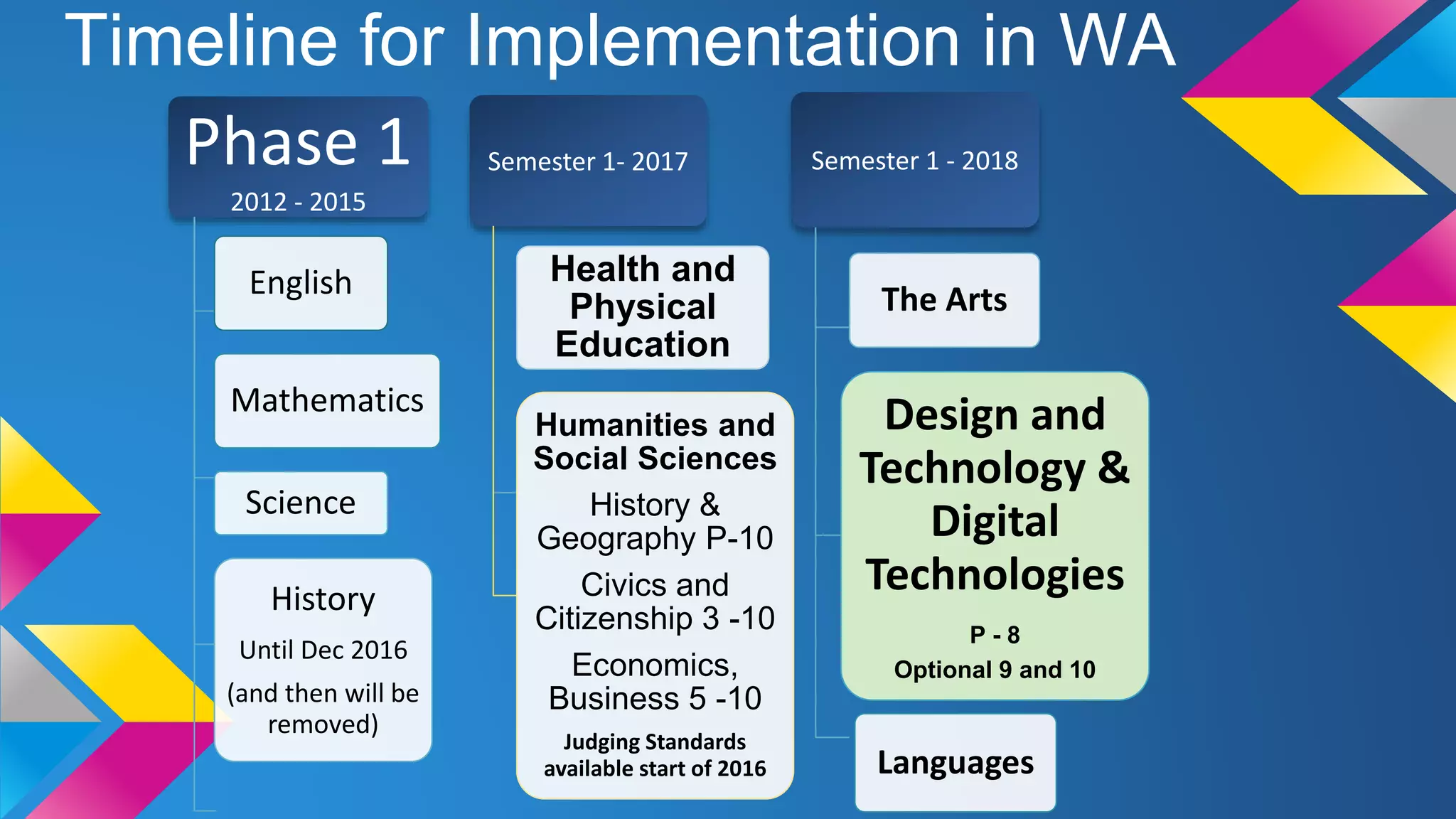
Timeline for Implementation in WA
Phase 1
2012 - 2015
English
Mathematics
Science
History
Until Dec 2016
(and then will be
removed)
Semester 1- 2017
Health and
Physical
Education
Humanities and
Social Sciences
History &
Geography P-10
Civics and
Citizenship 3 -10
Economics,
Business 5 -10
Judging Standards
available start of 2016
Semester 1 - 2018
The Arts
Design and
Technology &
Digital
Technologies
P - 8
Optional 9 and 10
Languages
Technologies: Aims
The Western Australian Curriculum: Technologies aims to develop the knowledge, skills, and
understandings, individually and collaboratively to:
 Investigate, design, plan, manage, create and evaluate solutions
[TECHNOLOGY PROCESS]
 Are creative, innovative and enterprising when using traditional, contemporary
and emerging technologies, and understand how technologies have developed
over time
[ENTERPRISE]
 Make informed and ethical decisions about the role, impact and use of
technologies in the economy, environment and society for a sustainable
future
[TECHNOLOGY & SOCIETY]
 Engage confidently with and responsibly select and manipulate appropriate
technologies − materials, data, systems, components, tools and equipment
− when designing and creating solutions
[TECHNOLOGY SKILLS and TECHNOLOGY & SOCIETY, MATERIALS, INFORMATION AND SYSTEMS]
 Critique, analyse and evaluate problems, needs or opportunities to identify and
create solutions. [TECHNOLOGY PROCESS]
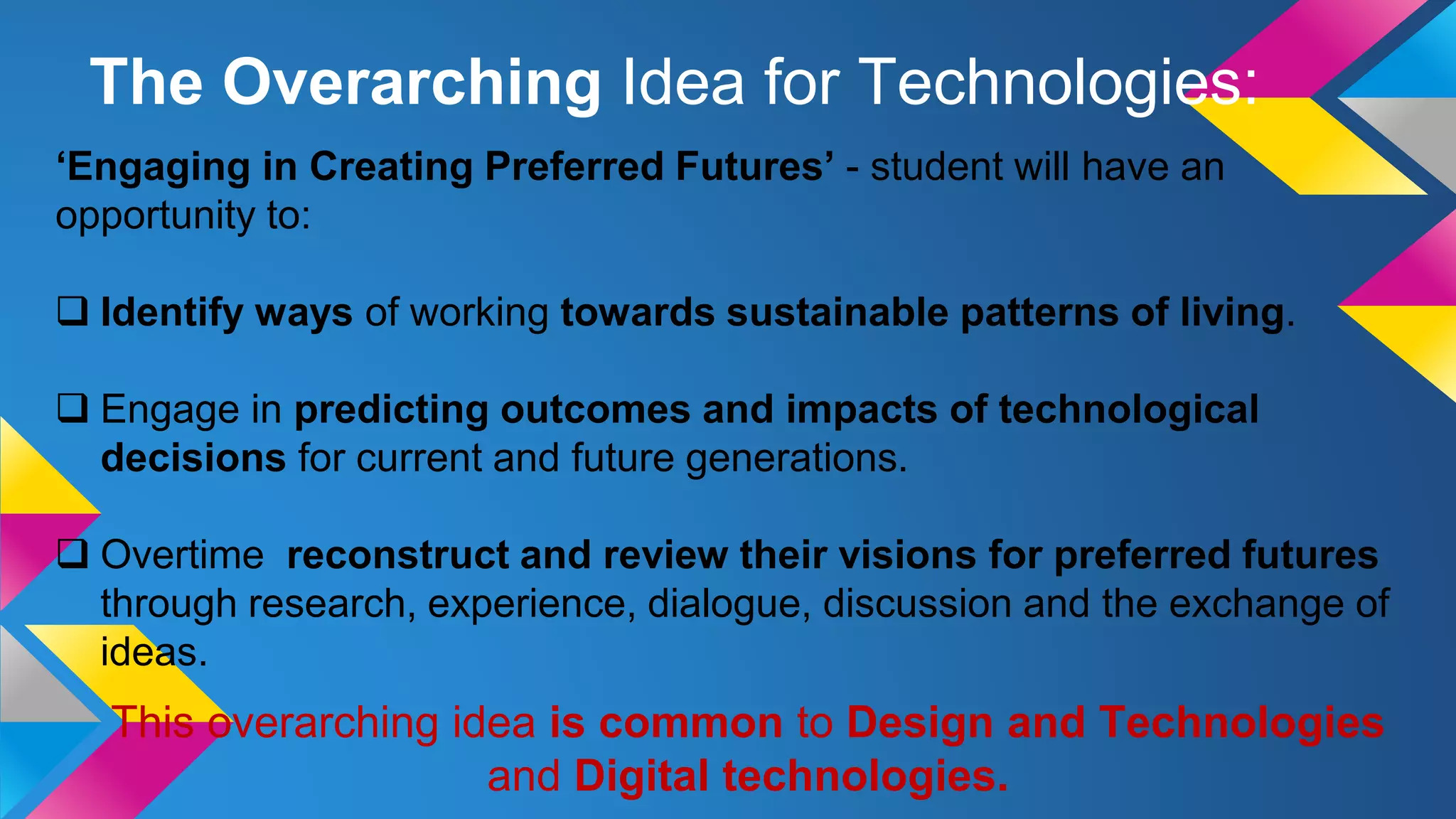
‘Engaging in Creating Preferred Futures’ - student will have an
opportunity to:
 Identify ways of working towards sustainable patterns of living.
 Engage in predicting outcomes and impacts of technological
decisions for current and future generations.
 Overtime reconstruct and review their visions for preferred futures
through research, experience, dialogue, discussion and the exchange of
ideas.
This overarching idea is common to Design and Technologies
and Digital technologies.
The Overarching Idea for Technologies:
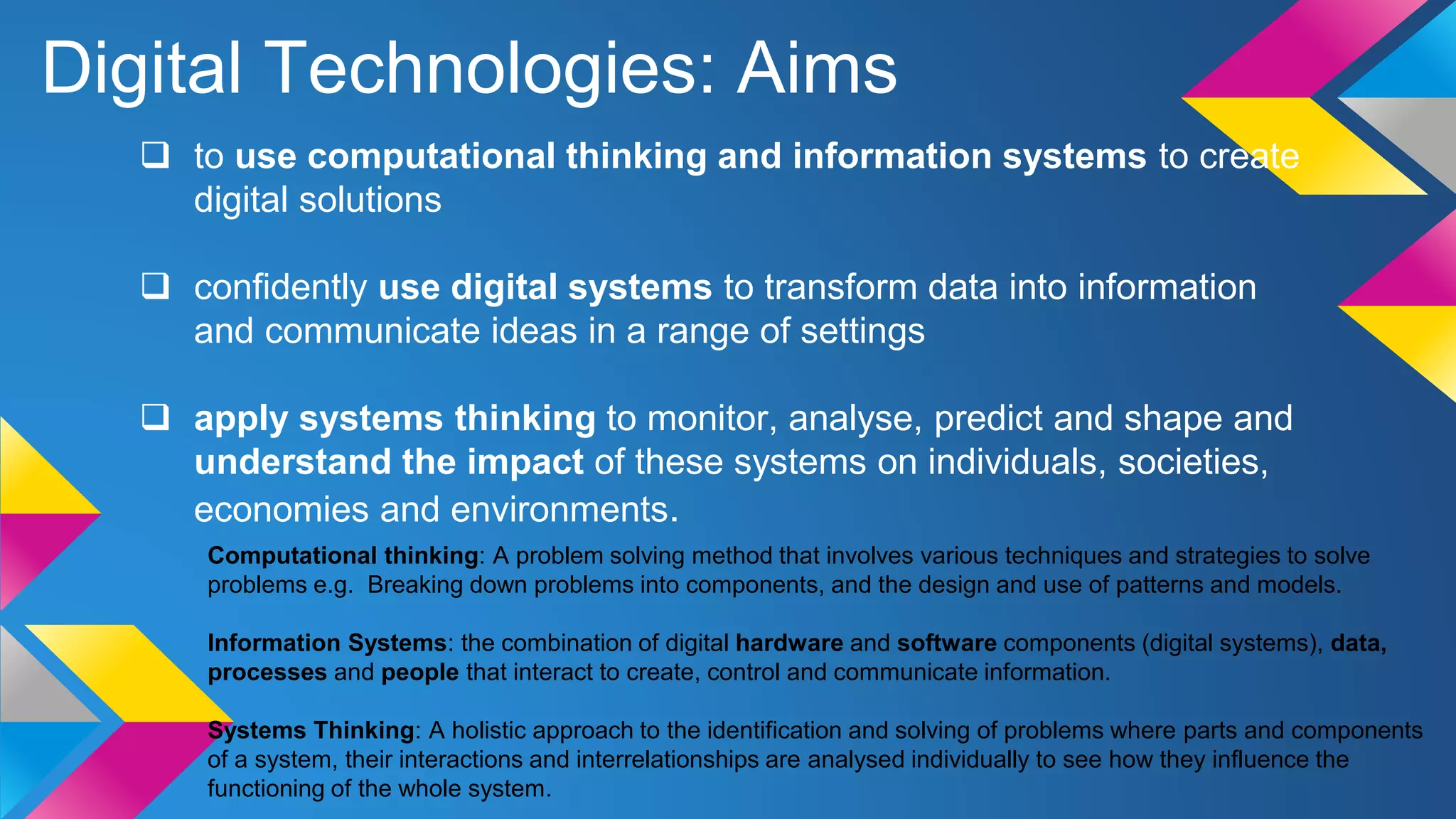
Digital Technologies: Aims
 to use computational thinking and information systems to create
digital solutions
 confidently use digital systems to transform data into information
and communicate ideas in a range of settings
 apply systems thinking to monitor, analyse, predict and shape and
understand the impact of these systems on individuals, societies,
economies and environments.
Computational thinking: A problem solving method that involves various techniques and strategies to solve
problems e.g. Breaking down problems into components, and the design and use of patterns and models.
Information Systems: the combination of digital hardware and software components (digital systems), data,
processes and people that interact to create, control and communicate information.
Systems Thinking: A holistic approach to the identification and solving of problems where parts and components
of a system, their interactions and interrelationships are analysed individually to see how they influence the
functioning of the whole system.
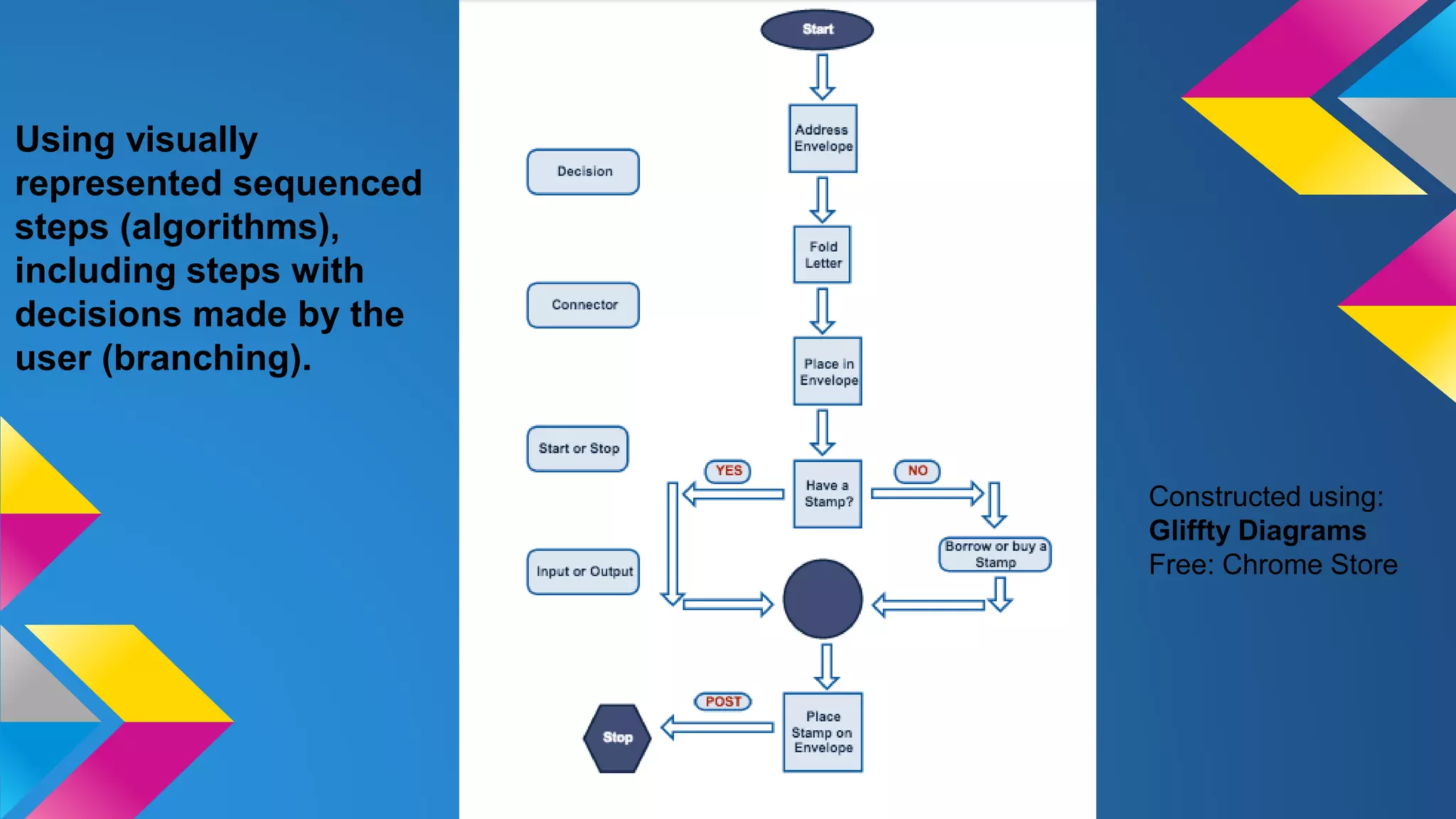
Using visually
represented sequenced
steps (algorithms),
including steps with
decisions made by the
user (branching).
Constructed using:
Gliffty Diagrams
Free: Chrome Store
WA Curriculum: Technologies
Scope and Sequence
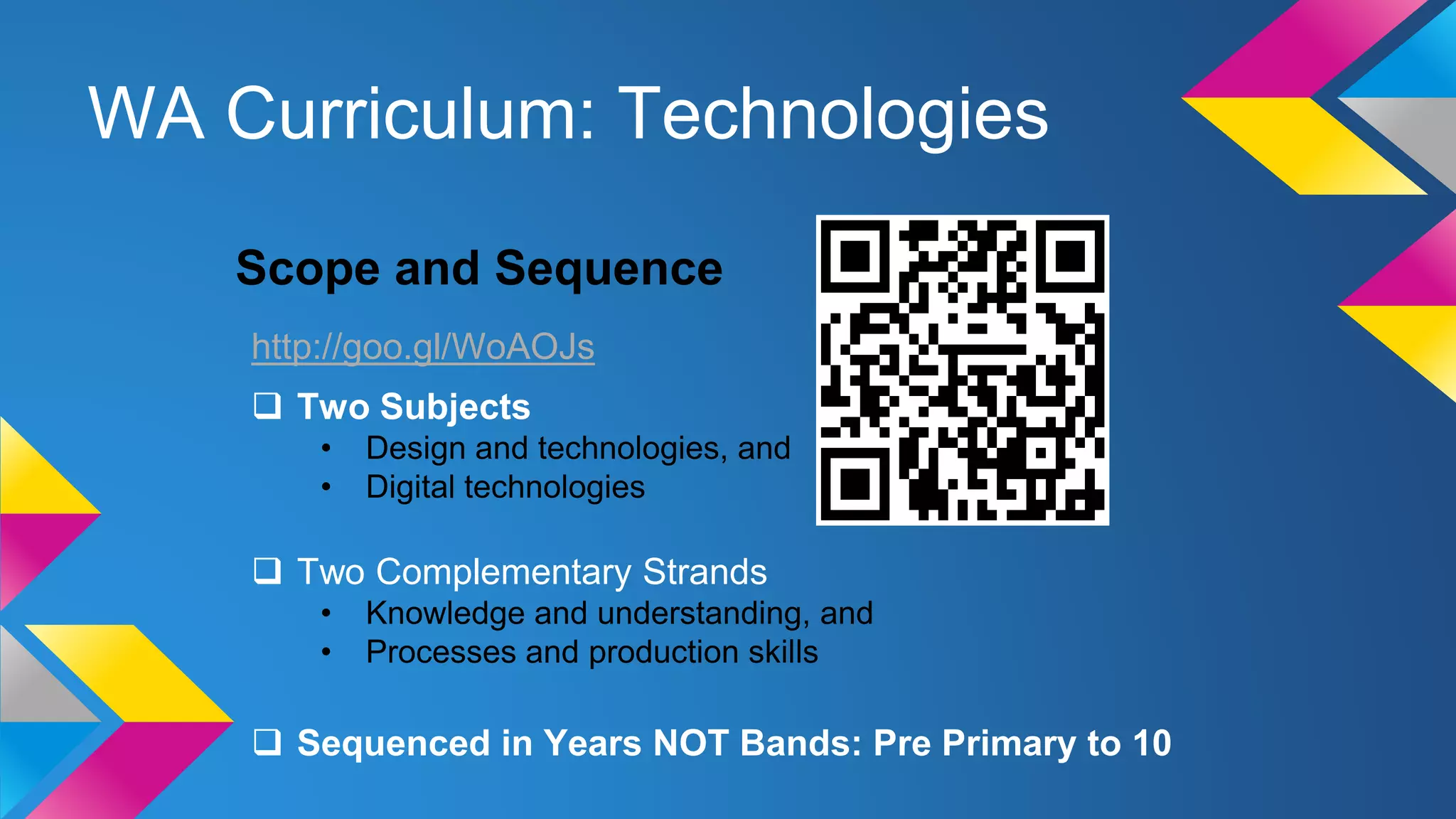
http://goo.gl/WoAOJs
 Two Subjects
• Design and technologies, and
• Digital technologies
 Two Complementary Strands
• Knowledge and understanding, and
• Processes and production skills
 Sequenced in Years NOT Bands: Pre Primary to 10
Ways of Teaching: Design and Technology
In Design and Technologies students learn about technologies and societies through different
technologies contexts. In each year students will be given opportunities to create designed
solutions in at least one of the technologies contexts below:
Engineering principles and systems –focus is on how forces can be used to create light, sound,
heat, movement, control or support in systems.
Food and fibre production –focus is on the process of producing food or fibre as natural materials
for the design and development of a range of products. Fibre includes materials from forestry.
Food specialisations –focus is on the application of nutrition principles and knowledge about the
characteristics and properties of food to food selection, preparation; and contemporary technology-
related food issues.
Materials and technologies specialisations –focus is on a broad range of traditional,
contemporary and emerging materials and specialist areas, this includes materials such as,
textiles, metal, wood and plastics.
Ways of Teaching: Digital Technologies
Digital Technologies is a subject that has a specific curriculum and includes the
practical application of the ICT general capability.
In Digital Technologies, students develop an understanding of the characteristics of
data, digital systems, audiences, procedures and computational thinking. They
apply this when they investigate, communicate and create digital solutions.
The ICT capability involves students in learning to make the most of the technologies
available to them, adapting to new ways of doing things as technologies evolve, and
limiting the risks to themselves and others in a digital environment.
The clear difference between the Digital Technologies curriculum and the ICT
general capability is that the capability helps students to become effective users of
digital technologies while the Digital Technologies curriculum helps students to
become confident developers of digital solutions.
Framework Structure
Subject: Digital Technology
Year Level: 3
Strand: Processes and production skills
Sub Strand: Collecting, managing and analysing data
Content descriptor: Collect and present different types of data using
simple software to create useful information
Selected General Capabilities, Cross Curricular and Priorities:
• Literacy, Numeracy, Information and Communication Technology (ICT) capability, Critical and creative thinking
Elaborations:
• Selecting appropriate formats or layout styles to present data as information e.g. lists,
tables, graphs, animations, info graphics and presentations
• Using different techniques to present data as information, e.g. creating a column chart in a
spreadsheet by colouring cells to represent different items
• Improving the appearance and usability of data, e.g. using colour, headings and labelling of
images to organise and accurately identify data
Example:
http://goo.gl/7zyngW
Framework Structure
Example:
Subject: Digital Technology
Year Level: 3
Strand: Processes and production skills
Sub Strand: Digital implementation
Content descriptor: Using visually represented sequenced steps (algorithms), including
steps with decisions made by the user (branching).
Selected General Capabilities, Cross Curricular and Priorities:
• Literacy, Numeracy, Information and Communication Technology (ICT) capability, Critical and creative thinking
Elaborations:
• Using different design tools to record ways in which digital solutions will be developed, e.g.
creating storyboards or flowcharts to record relationships or instructions about content or
processes
• Exploring common elements of standard user interfaces that are familiar and appeal to
users, e.g. navigation links on the left and top of web pages to help users interact with the site
• Designing and implementing a simple interactive digital solution using a visual
programming language, e.g. preparing the content and design of a simple guessing game that
provides options in English and an Asian language
Is computer programming hard to learn?
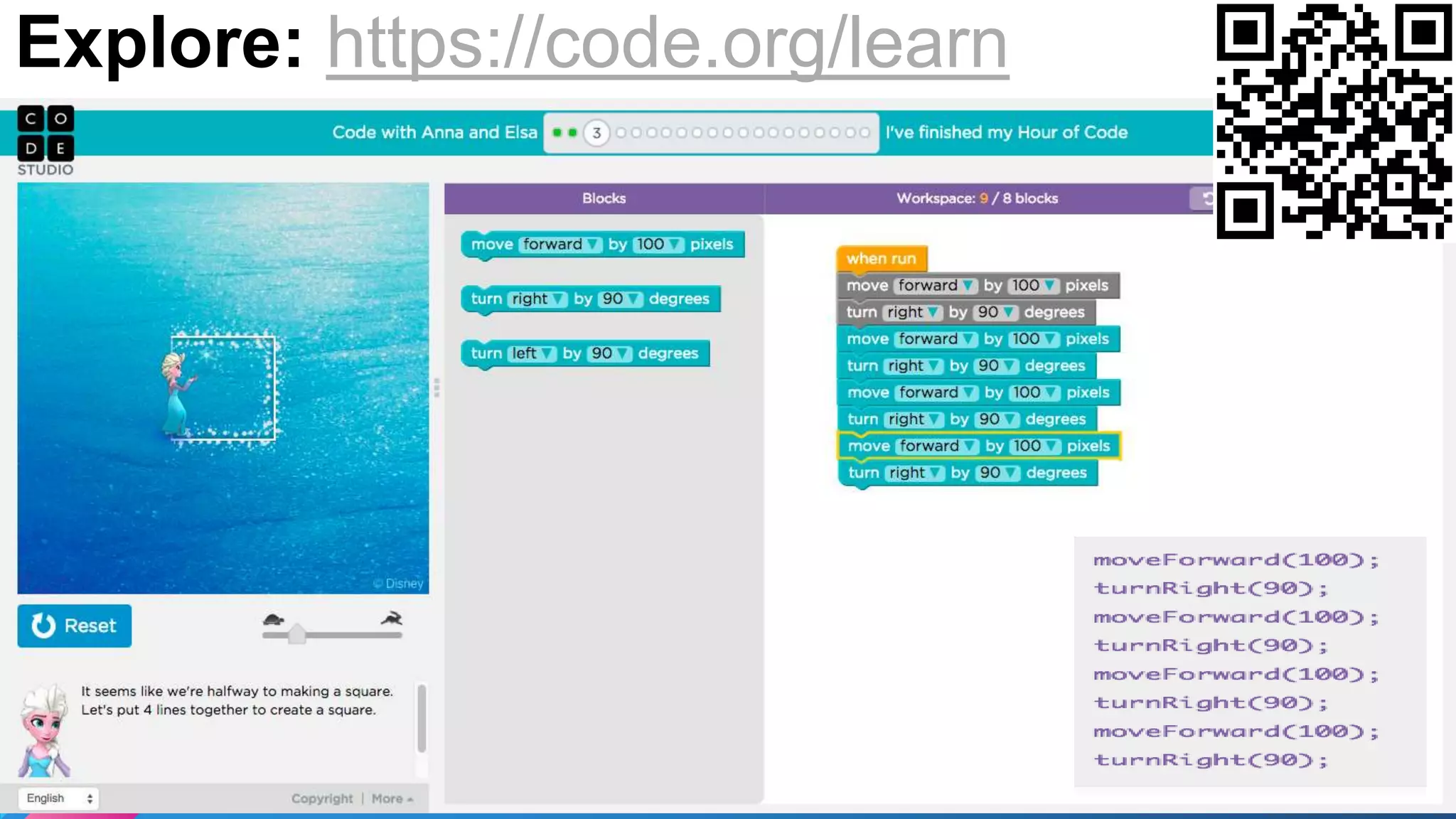
Explore: https://code.org/learn
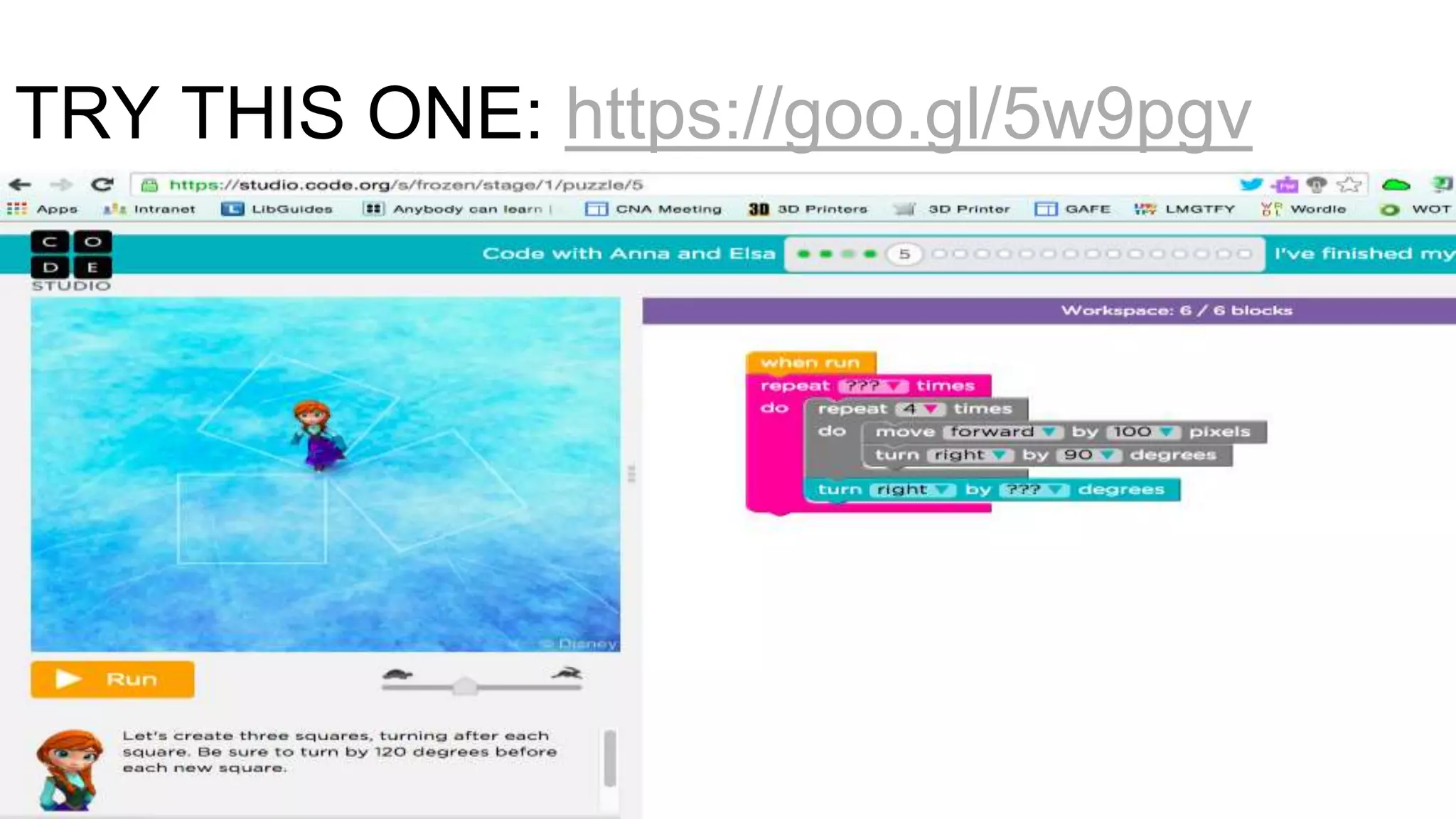
TRY THIS ONE: https://goo.gl/5w9pgv
Task: Create a 3-4 week coding
programming to complete with
the children in your class.
https://goo.gl/y5EkuQ
Approx 5mins
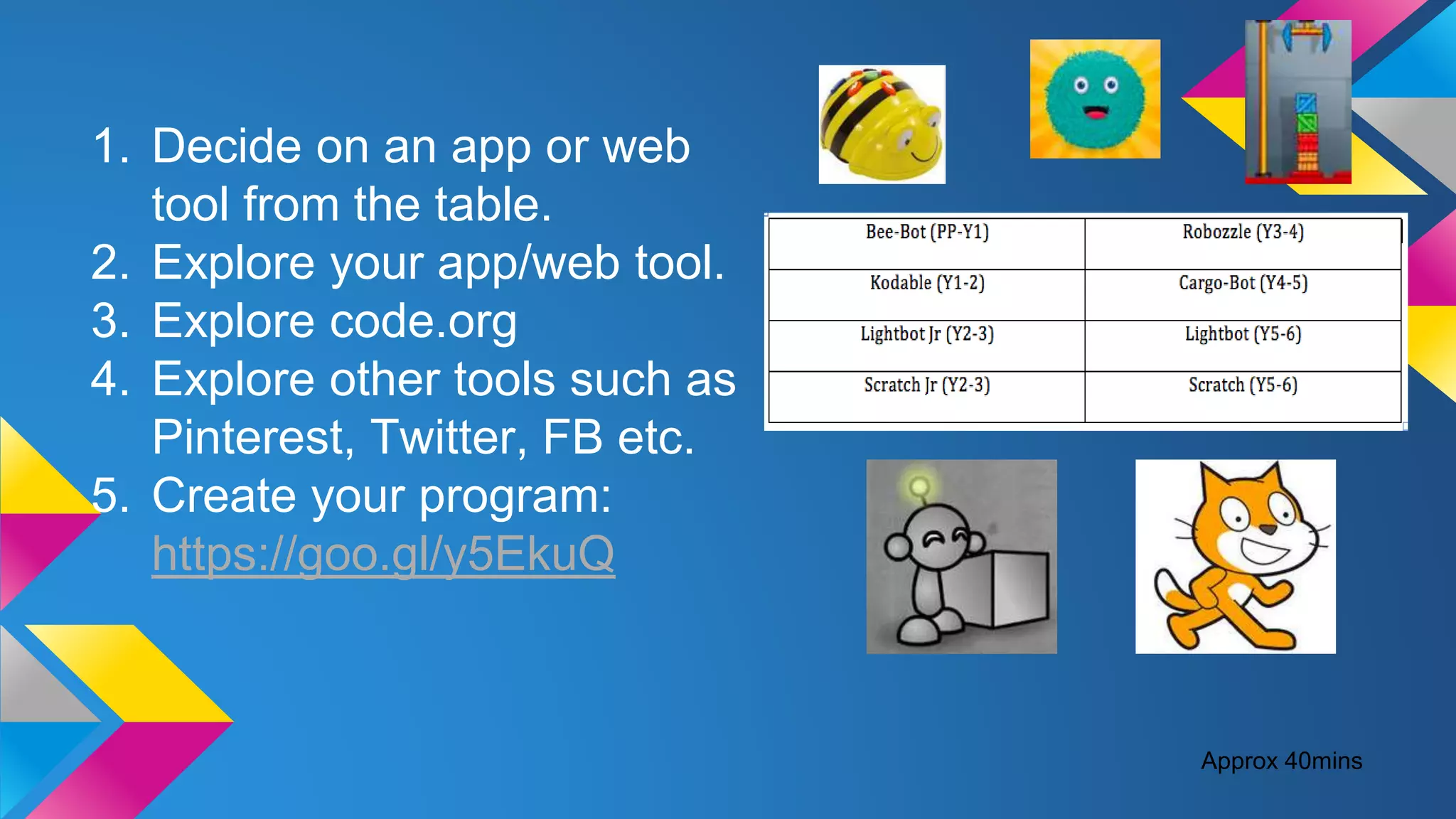
1. Decide on an app or web
tool from the table.
2. Explore your app/web tool.
3. Explore code.org
4. Explore other tools such as
Pinterest, Twitter, FB etc.
5. Create your program:
https://goo.gl/y5EkuQ
Approx 40mins
Share programs with one
another...
Approx 10mins

WA Curriculum: Technologies Presentation

  • 1.
  • 2.
    Technologies Syllabuses Released SCASAWebsite- Technologies http://goo.gl/rRDZTP Resources and achievement standards will be progressively uploaded from the beginning of 2016. By 2018 all syllabuses will become part of the mandated curriculum will contain assessment best practice, assessment activities and tasks and Judging Standards resources.
  • 3.
    Timeline for Implementationin WA Phase 1 2012 - 2015 English Mathematics Science History Until Dec 2016 (and then will be removed) Semester 1- 2017 Health and Physical Education Humanities and Social Sciences History & Geography P-10 Civics and Citizenship 3 -10 Economics, Business 5 -10 Judging Standards available start of 2016 Semester 1 - 2018 The Arts Design and Technology & Digital Technologies P - 8 Optional 9 and 10 Languages
  • 4.
    Technologies: Aims The WesternAustralian Curriculum: Technologies aims to develop the knowledge, skills, and understandings, individually and collaboratively to:  Investigate, design, plan, manage, create and evaluate solutions [TECHNOLOGY PROCESS]  Are creative, innovative and enterprising when using traditional, contemporary and emerging technologies, and understand how technologies have developed over time [ENTERPRISE]  Make informed and ethical decisions about the role, impact and use of technologies in the economy, environment and society for a sustainable future [TECHNOLOGY & SOCIETY]  Engage confidently with and responsibly select and manipulate appropriate technologies − materials, data, systems, components, tools and equipment − when designing and creating solutions [TECHNOLOGY SKILLS and TECHNOLOGY & SOCIETY, MATERIALS, INFORMATION AND SYSTEMS]  Critique, analyse and evaluate problems, needs or opportunities to identify and create solutions. [TECHNOLOGY PROCESS]
  • 5.
    ‘Engaging in CreatingPreferred Futures’ - student will have an opportunity to:  Identify ways of working towards sustainable patterns of living.  Engage in predicting outcomes and impacts of technological decisions for current and future generations.  Overtime reconstruct and review their visions for preferred futures through research, experience, dialogue, discussion and the exchange of ideas. This overarching idea is common to Design and Technologies and Digital technologies. The Overarching Idea for Technologies:
  • 6.
    Digital Technologies: Aims to use computational thinking and information systems to create digital solutions  confidently use digital systems to transform data into information and communicate ideas in a range of settings  apply systems thinking to monitor, analyse, predict and shape and understand the impact of these systems on individuals, societies, economies and environments. Computational thinking: A problem solving method that involves various techniques and strategies to solve problems e.g. Breaking down problems into components, and the design and use of patterns and models. Information Systems: the combination of digital hardware and software components (digital systems), data, processes and people that interact to create, control and communicate information. Systems Thinking: A holistic approach to the identification and solving of problems where parts and components of a system, their interactions and interrelationships are analysed individually to see how they influence the functioning of the whole system.
  • 7.
    Using visually represented sequenced steps(algorithms), including steps with decisions made by the user (branching). Constructed using: Gliffty Diagrams Free: Chrome Store
  • 8.
    WA Curriculum: Technologies Scopeand Sequence http://goo.gl/WoAOJs  Two Subjects • Design and technologies, and • Digital technologies  Two Complementary Strands • Knowledge and understanding, and • Processes and production skills  Sequenced in Years NOT Bands: Pre Primary to 10
  • 9.
    Ways of Teaching:Design and Technology In Design and Technologies students learn about technologies and societies through different technologies contexts. In each year students will be given opportunities to create designed solutions in at least one of the technologies contexts below: Engineering principles and systems –focus is on how forces can be used to create light, sound, heat, movement, control or support in systems. Food and fibre production –focus is on the process of producing food or fibre as natural materials for the design and development of a range of products. Fibre includes materials from forestry. Food specialisations –focus is on the application of nutrition principles and knowledge about the characteristics and properties of food to food selection, preparation; and contemporary technology- related food issues. Materials and technologies specialisations –focus is on a broad range of traditional, contemporary and emerging materials and specialist areas, this includes materials such as, textiles, metal, wood and plastics.
  • 10.
    Ways of Teaching:Digital Technologies Digital Technologies is a subject that has a specific curriculum and includes the practical application of the ICT general capability. In Digital Technologies, students develop an understanding of the characteristics of data, digital systems, audiences, procedures and computational thinking. They apply this when they investigate, communicate and create digital solutions. The ICT capability involves students in learning to make the most of the technologies available to them, adapting to new ways of doing things as technologies evolve, and limiting the risks to themselves and others in a digital environment. The clear difference between the Digital Technologies curriculum and the ICT general capability is that the capability helps students to become effective users of digital technologies while the Digital Technologies curriculum helps students to become confident developers of digital solutions.
  • 11.
    Framework Structure Subject: DigitalTechnology Year Level: 3 Strand: Processes and production skills Sub Strand: Collecting, managing and analysing data Content descriptor: Collect and present different types of data using simple software to create useful information Selected General Capabilities, Cross Curricular and Priorities: • Literacy, Numeracy, Information and Communication Technology (ICT) capability, Critical and creative thinking Elaborations: • Selecting appropriate formats or layout styles to present data as information e.g. lists, tables, graphs, animations, info graphics and presentations • Using different techniques to present data as information, e.g. creating a column chart in a spreadsheet by colouring cells to represent different items • Improving the appearance and usability of data, e.g. using colour, headings and labelling of images to organise and accurately identify data Example: http://goo.gl/7zyngW
  • 12.
    Framework Structure Example: Subject: DigitalTechnology Year Level: 3 Strand: Processes and production skills Sub Strand: Digital implementation Content descriptor: Using visually represented sequenced steps (algorithms), including steps with decisions made by the user (branching). Selected General Capabilities, Cross Curricular and Priorities: • Literacy, Numeracy, Information and Communication Technology (ICT) capability, Critical and creative thinking Elaborations: • Using different design tools to record ways in which digital solutions will be developed, e.g. creating storyboards or flowcharts to record relationships or instructions about content or processes • Exploring common elements of standard user interfaces that are familiar and appeal to users, e.g. navigation links on the left and top of web pages to help users interact with the site • Designing and implementing a simple interactive digital solution using a visual programming language, e.g. preparing the content and design of a simple guessing game that provides options in English and an Asian language
  • 13.
  • 14.
  • 15.
    TRY THIS ONE:https://goo.gl/5w9pgv
  • 16.
    Task: Create a3-4 week coding programming to complete with the children in your class. https://goo.gl/y5EkuQ Approx 5mins
  • 17.
    1. Decide onan app or web tool from the table. 2. Explore your app/web tool. 3. Explore code.org 4. Explore other tools such as Pinterest, Twitter, FB etc. 5. Create your program: https://goo.gl/y5EkuQ Approx 40mins
  • 18.
    Share programs withone another... Approx 10mins