




The Shadow DOM
A Talk about Web Components in HTML5
Mihai Bîrsan
October 2013
The Shadow DOM
A Talk about Web Components in HTML5
Mihai Bîrsan
October 2013
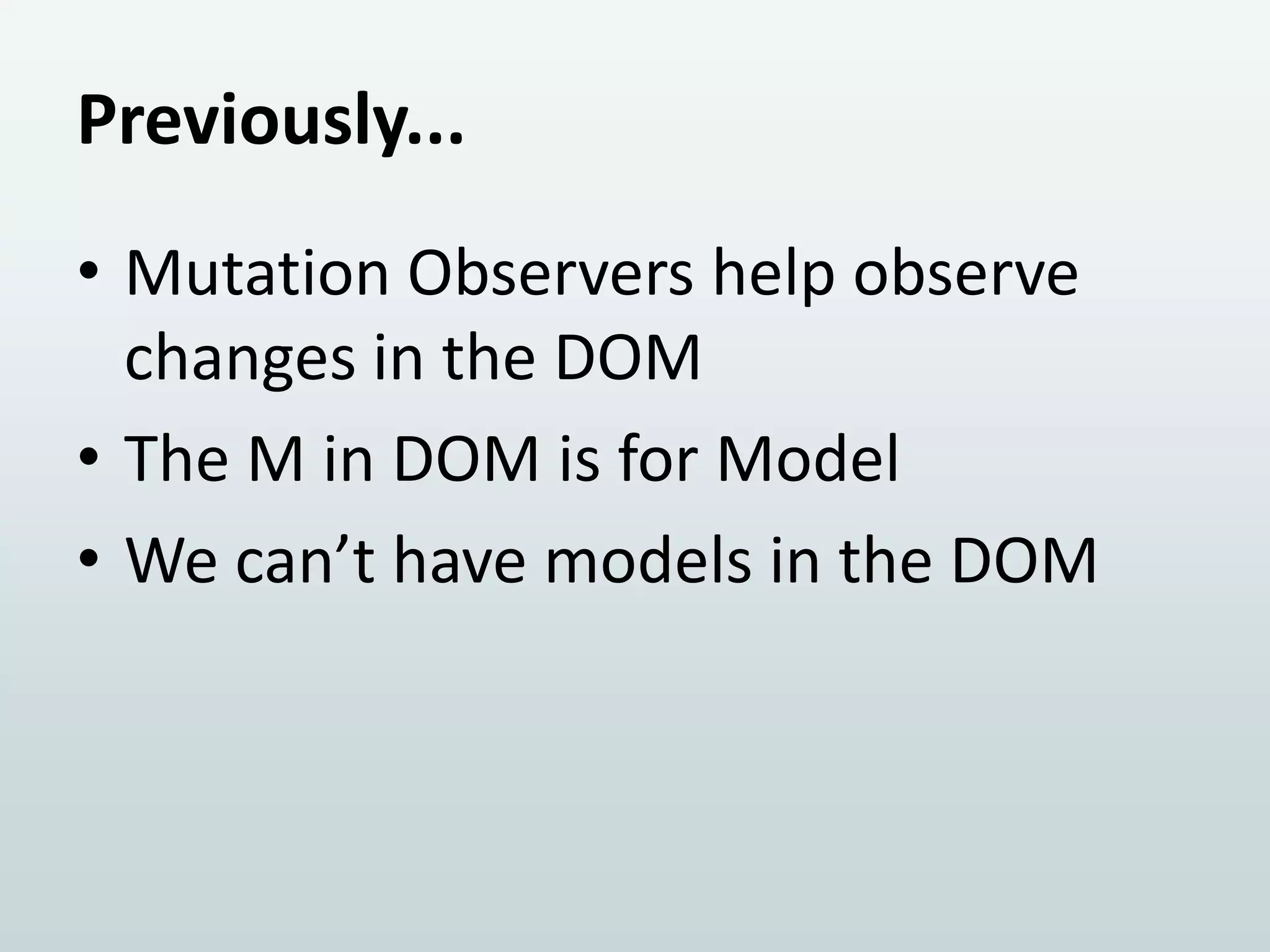
Previously...
• Mutation Observers help observe
changes in the DOM
• The M in DOM is for Model
• We can’t have models in the DOM
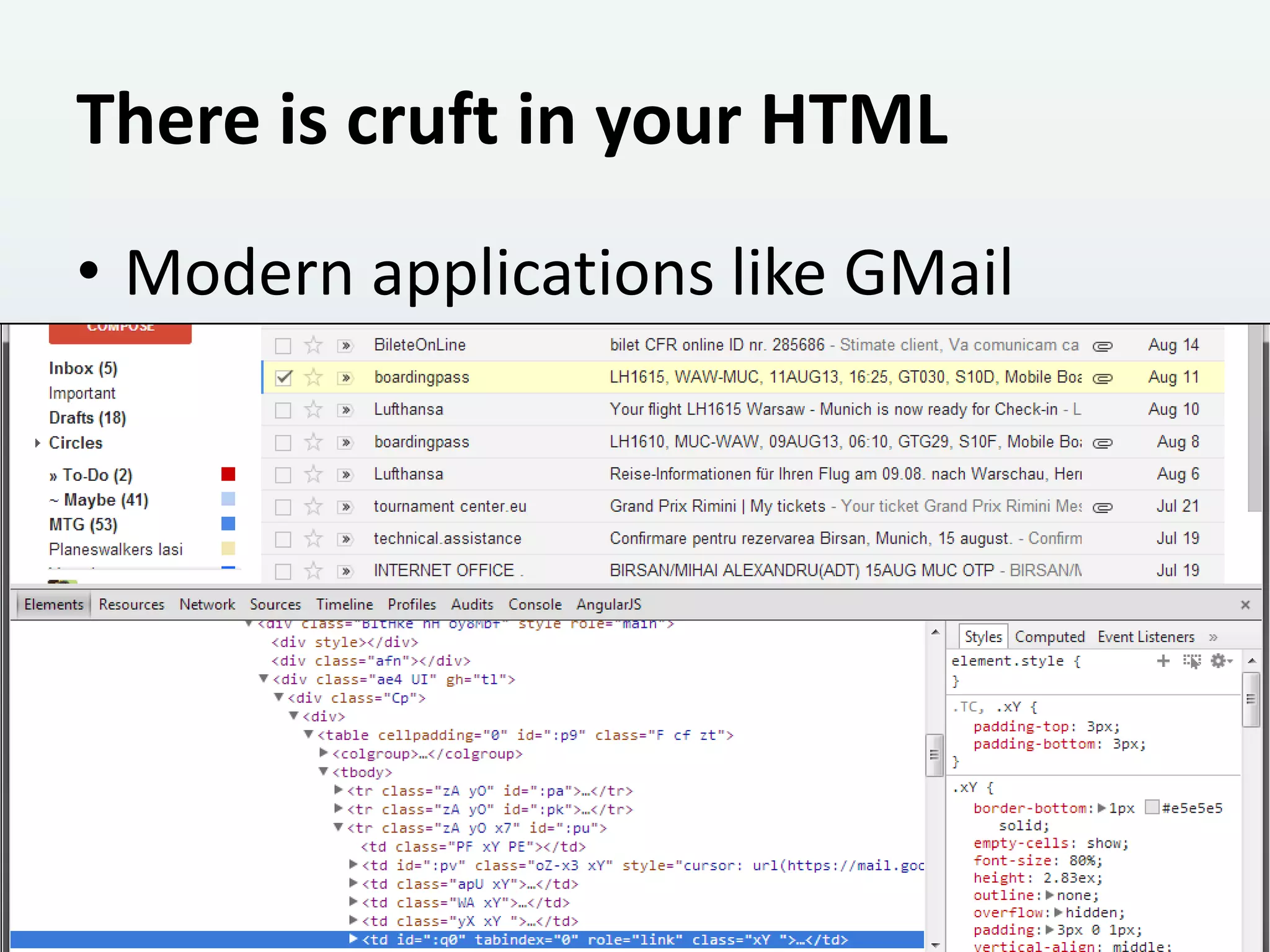
There is cruft in your HTML
• Modern applications like GMail
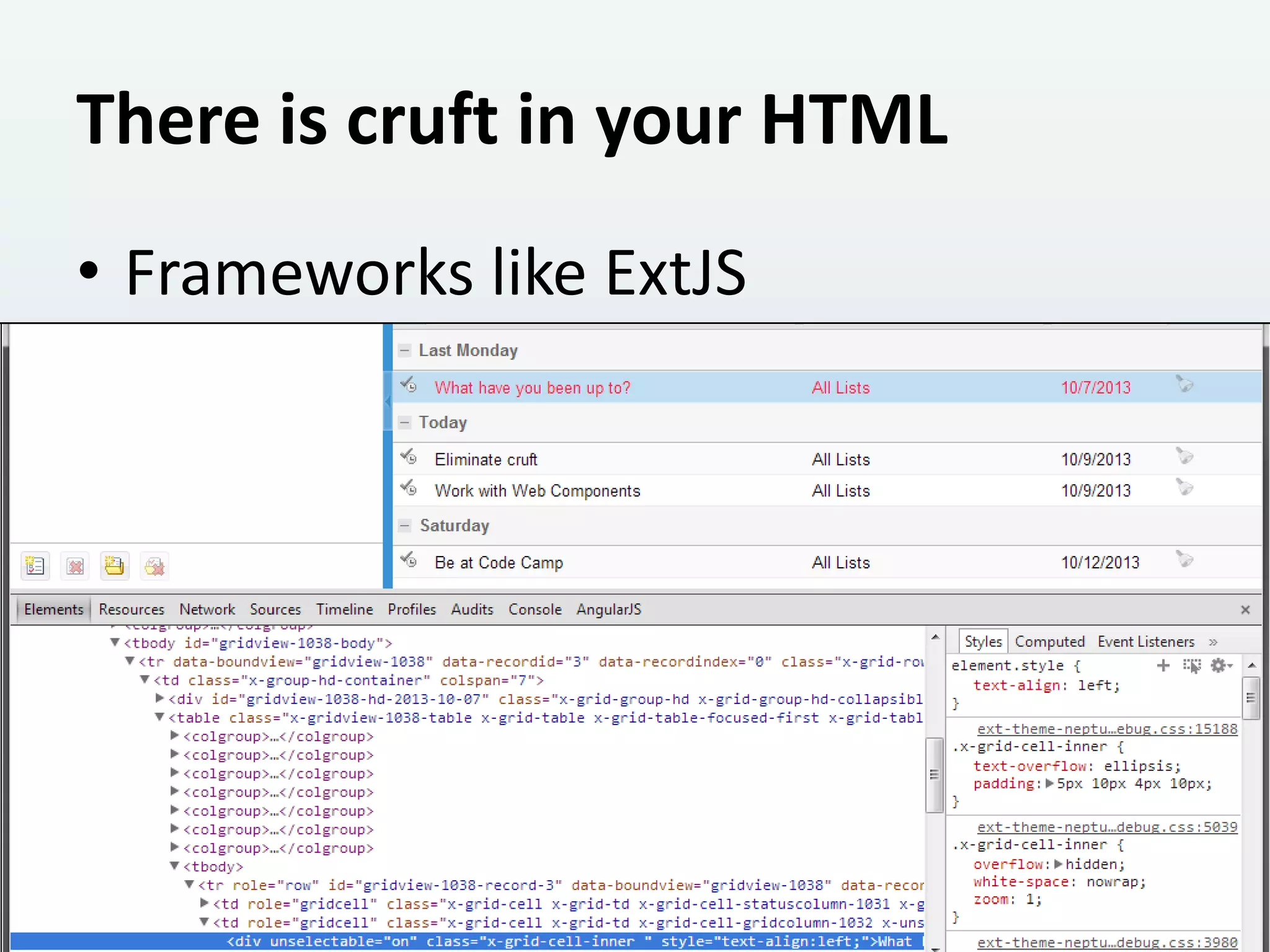
There is cruft in your HTML
• Frameworks like ExtJS
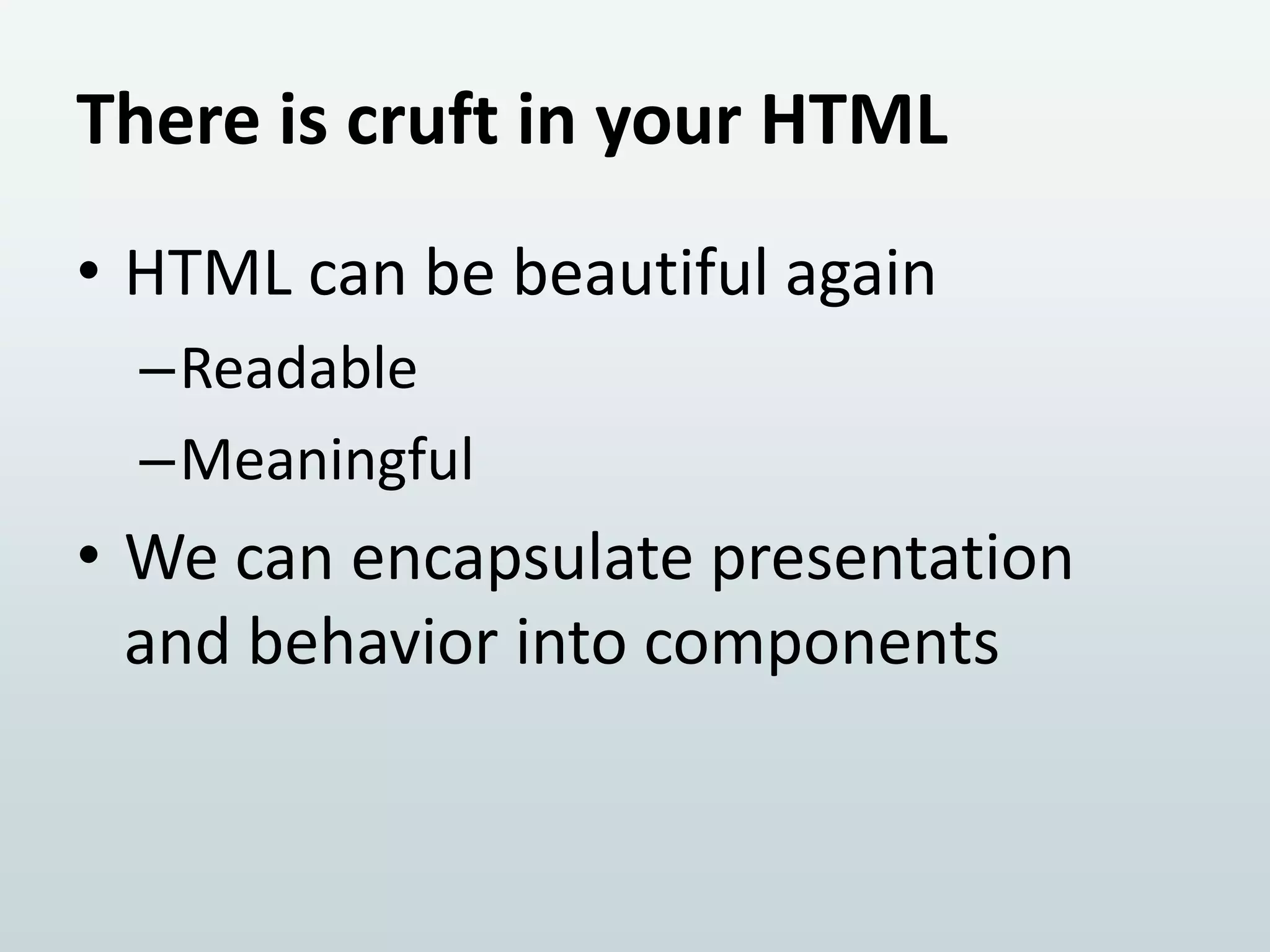
There is cruft in your HTML
• HTML can be beautiful again
–Readable
–Meaningful

• We can encapsulate presentation
and behavior into components
Solutions from the future
1. Shadow DOM
2. HTML Templates
3. Custom Elements
Warning!
• We’re about to talk about The Edge!
• The Edge is bound to change rapidly
• DO NOT use in production

• Polyfills are available for the
technologically impatient
2. It’s nice to stamp out DOM

TEMPLATES
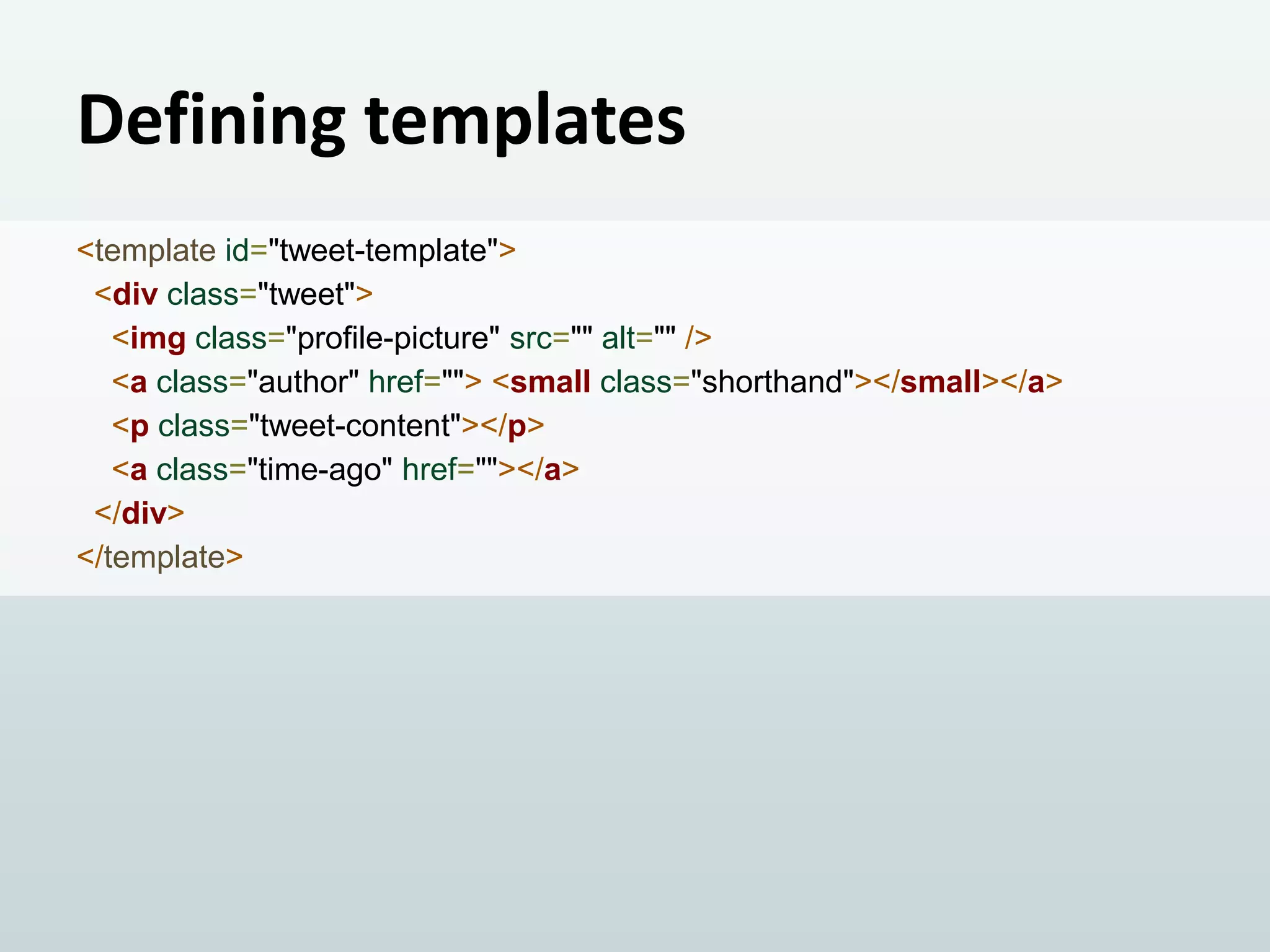
Defining templates
<template id="tweet-template">
<div class="tweet">
<img class="profile-picture" src="" alt="" />
<a class="author" href=""> <small class="shorthand"></small></a>
<p class="tweet-content"></p>
<a class="time-ago" href=""></a>
</div>
</template>
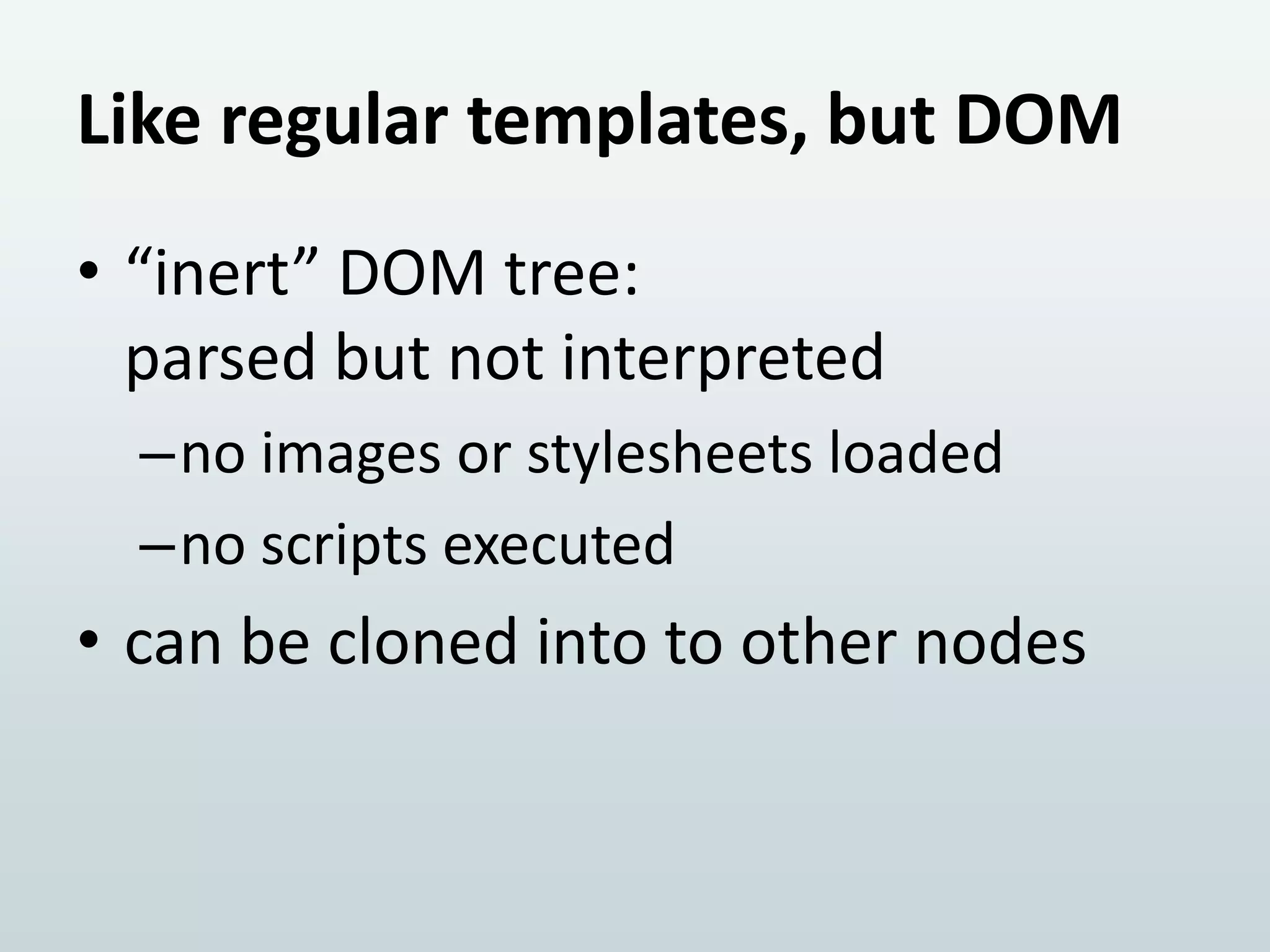
Like regular templates, but DOM
• “inert” DOM tree:
parsed but not interpreted
–no images or stylesheets loaded
–no scripts executed

• can be cloned into to other nodes
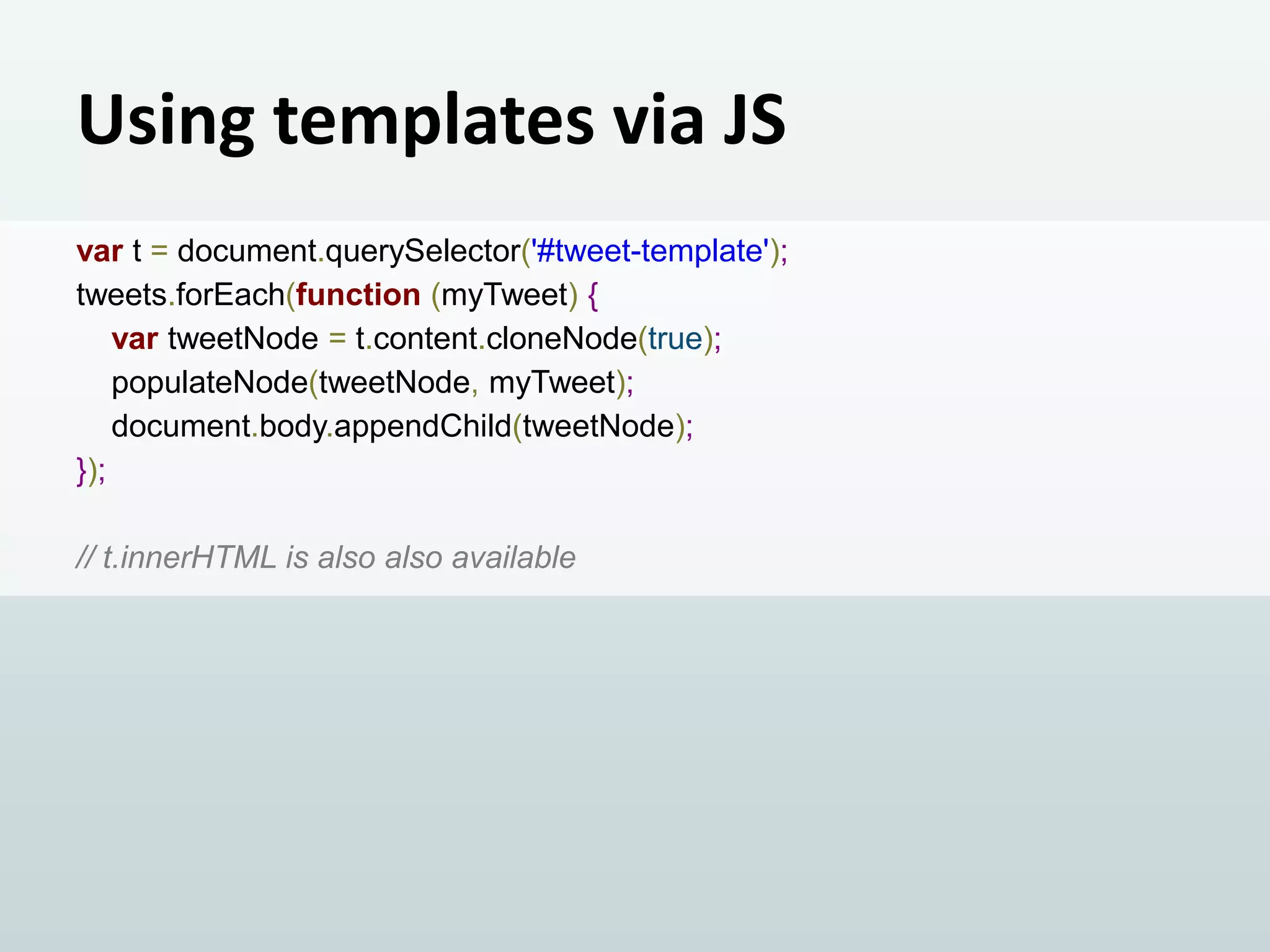
Using templates via JS
var t = document.querySelector('#tweet-template');
tweets.forEach(function (myTweet) {
var tweetNode = t.content.cloneNode(true);
populateNode(tweetNode, myTweet);
document.body.appendChild(tweetNode);
});
// t.innerHTML is also also available
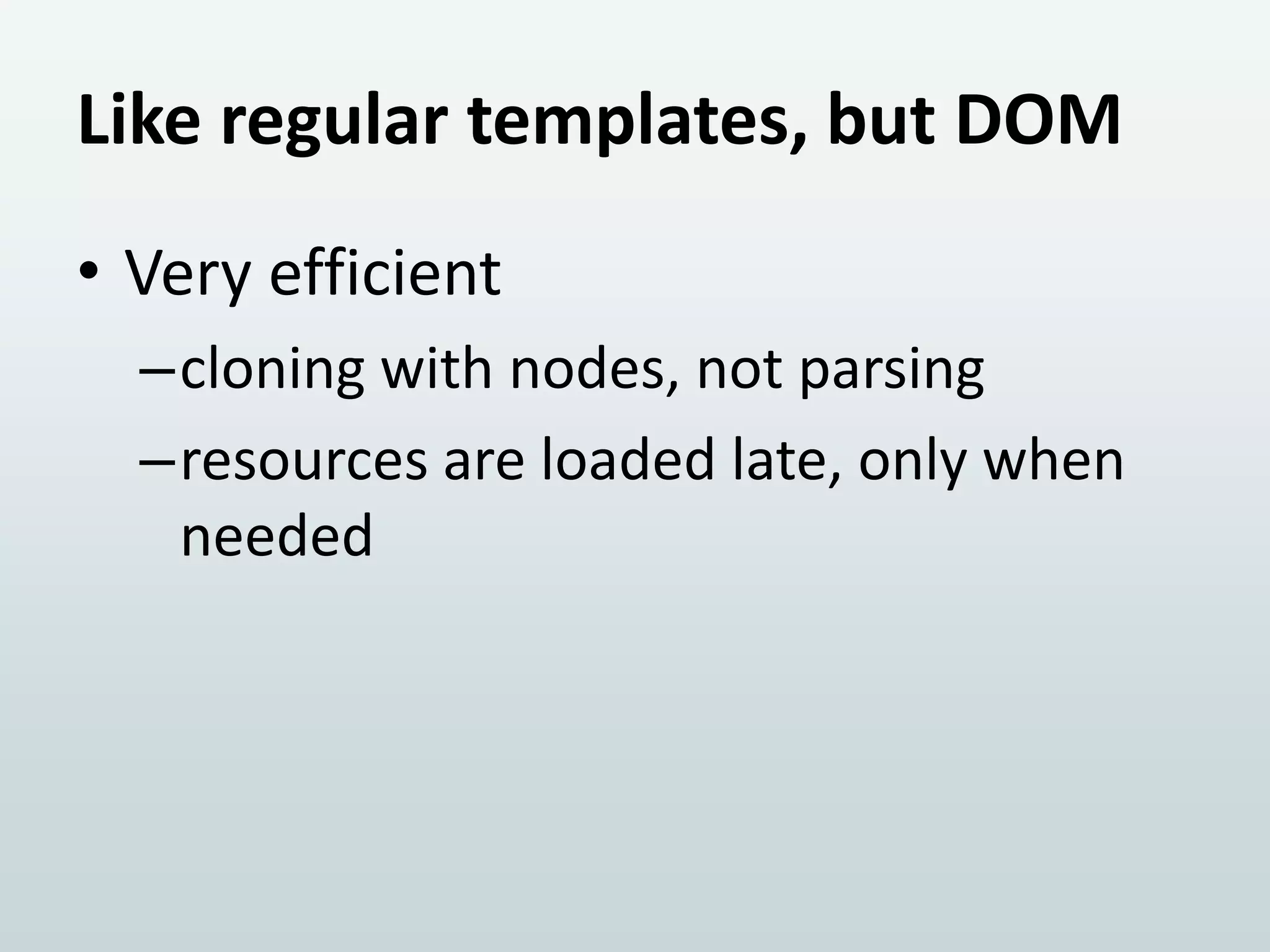
Like regular templates, but DOM
• Very efficient
–cloning with nodes, not parsing
–resources are loaded late, only when
needed
3. Bringing it home with

CUSTOM ELEMENTS
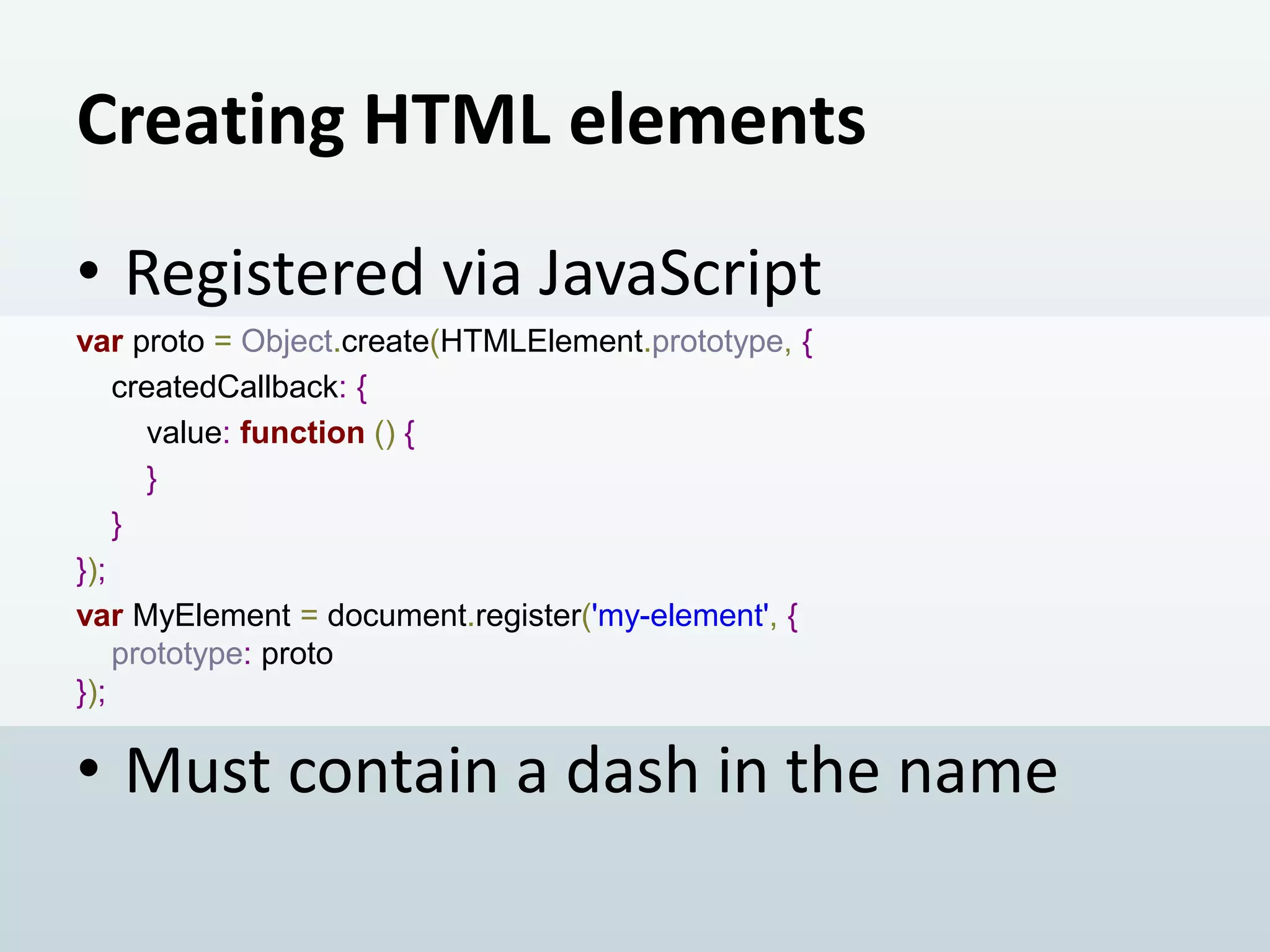
Creating HTML elements
• Registered via JavaScript
var proto = Object.create(HTMLElement.prototype, {
createdCallback: {
value: function () {
}
}
});
var MyElement = document.register('my-element', {
prototype: proto
});

• Must contain a dash in the name
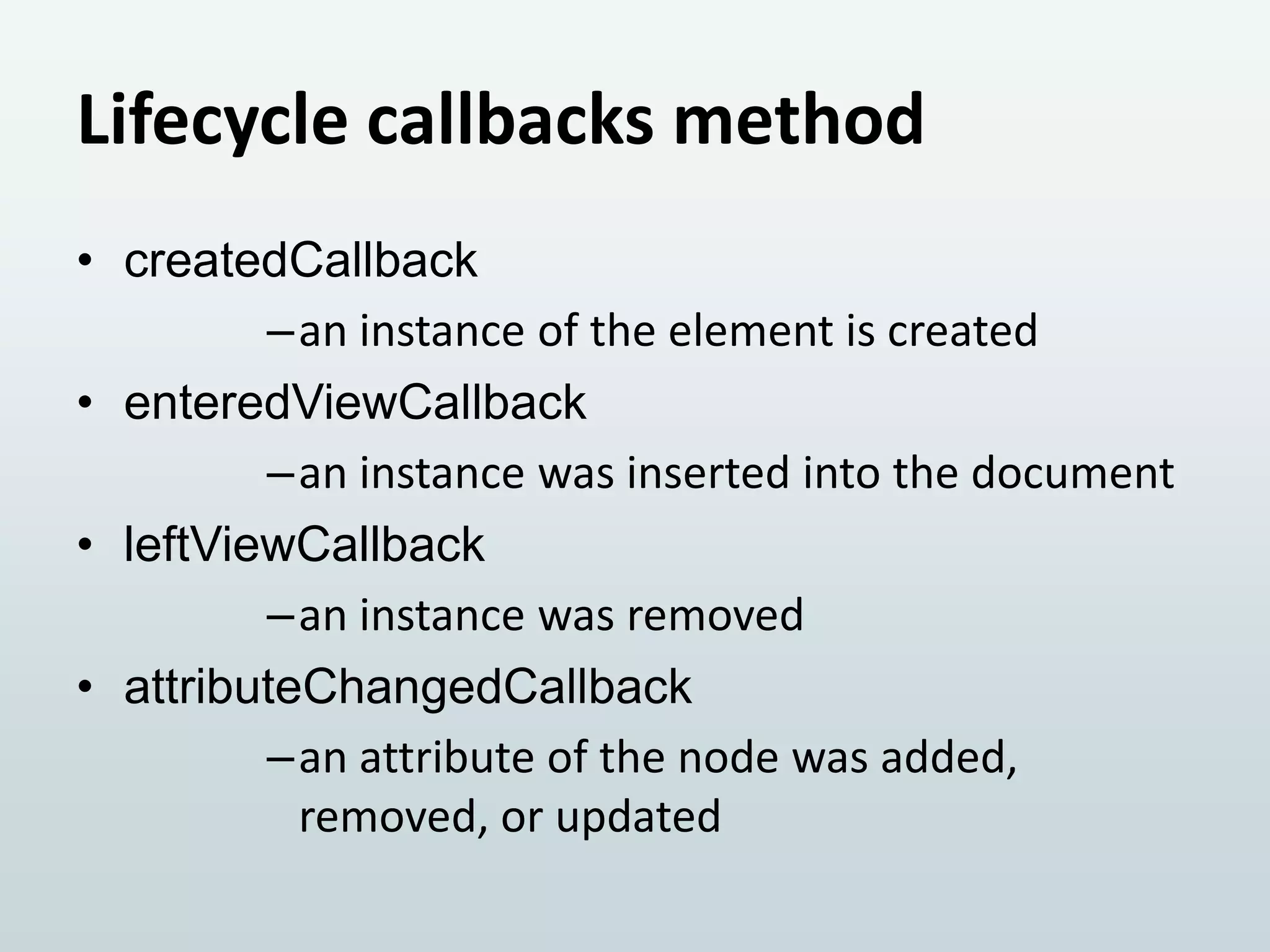
Lifecycle callbacks method
• createdCallback
–an instance of the element is created
• enteredViewCallback
–an instance was inserted into the document
• leftViewCallback
–an instance was removed
• attributeChangedCallback
–an attribute of the node was added,
removed, or updated
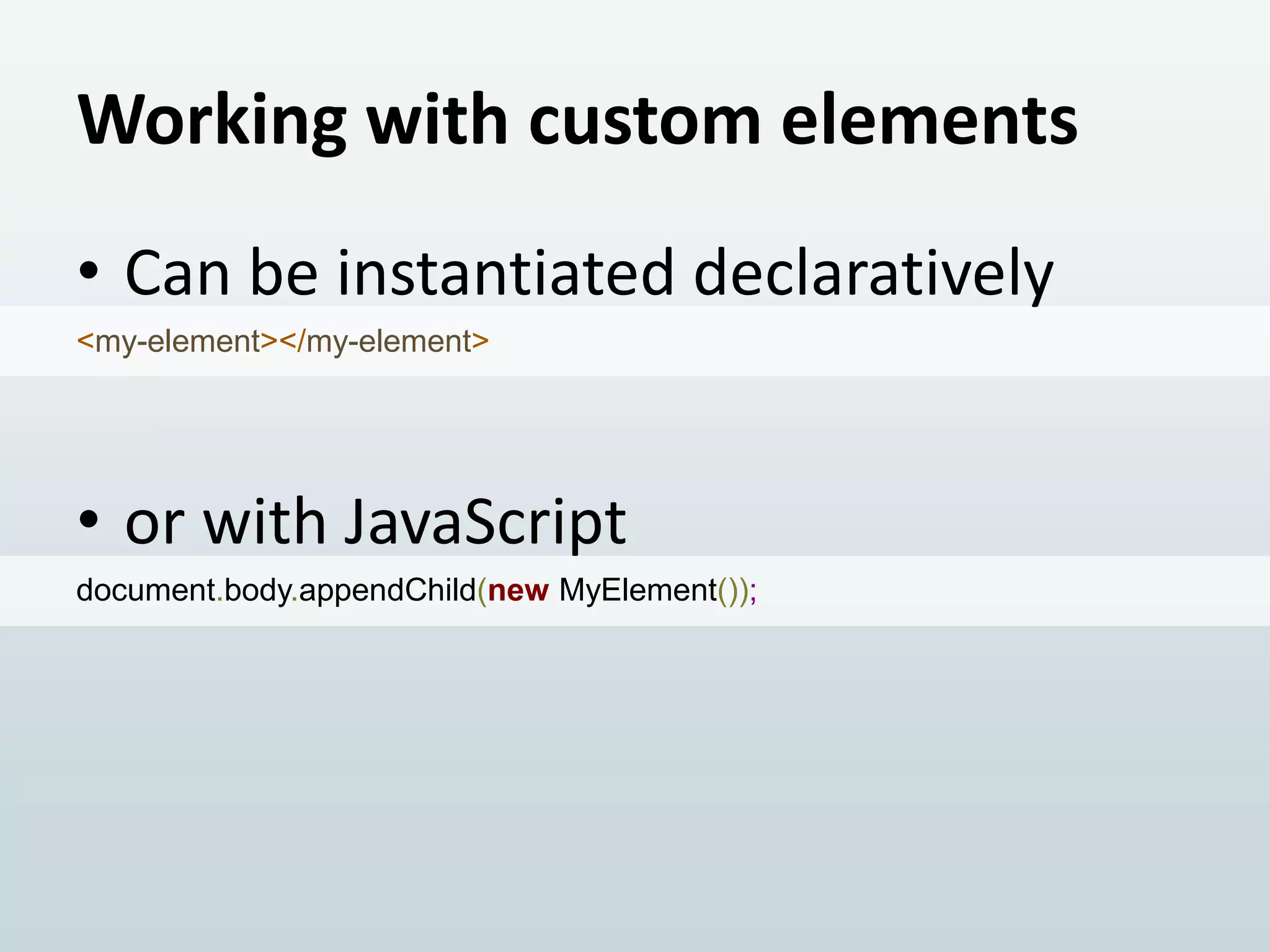
Working with custom elements
• Can be instantiated declaratively
<my-element></my-element>

• or with JavaScript
document.body.appendChild(new MyElement());
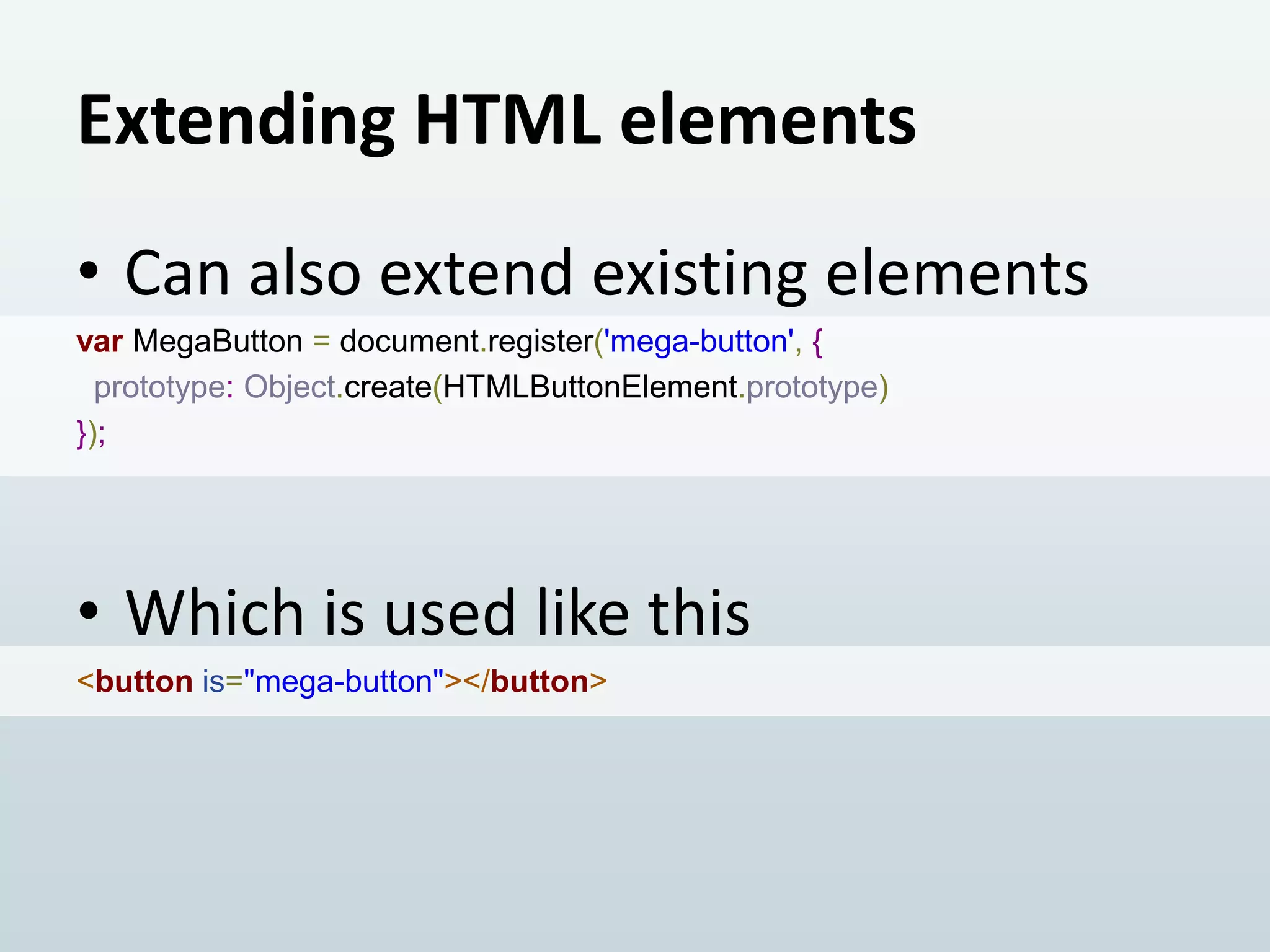
Extending HTML elements
• Can also extend existing elements
var MegaButton = document.register('mega-button', {
prototype: Object.create(HTMLButtonElement.prototype)
});

• Which is used like this
<button is="mega-button"></button>
A brief note on FOUC
• Flash of Unstyled Content
• Unresolved HTML elements
–that’s why they must contain a dash
–target in CSS with :unresolved
1. The most awesome and most important piece

SHADOW DOM
What’s a Shadow DOM?
• A tree of nodes attached to a host
node, but is not a child
• Meant to abstract away the
presentation layer from it’s
semantics
How does Shadow DOM work?
• Through composition
before layout and rendering
• The shadow tree replaces all of the
host’s content
• The host’s children are pulled into
the shadow tree
The two trees

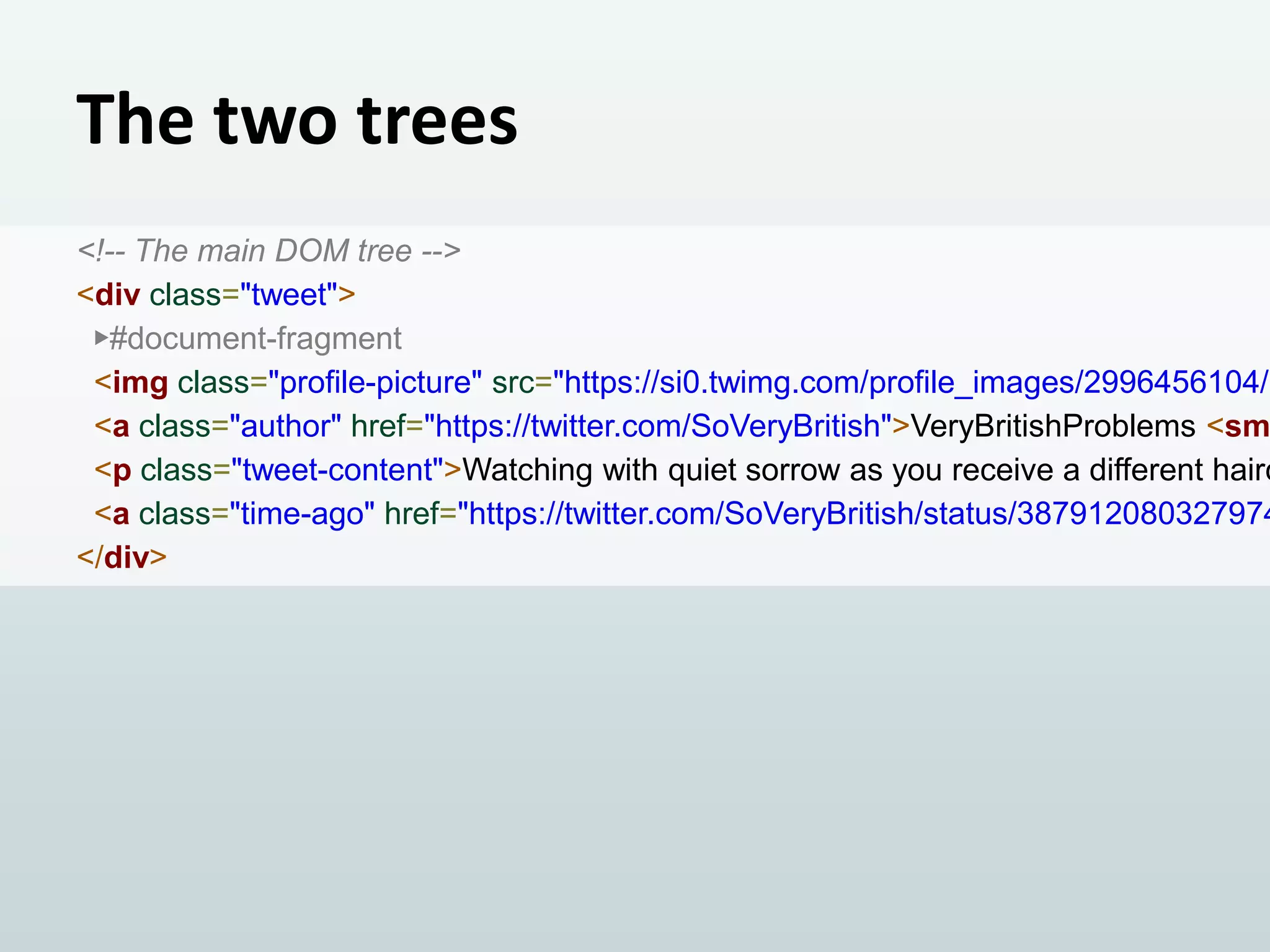
<!-- The main DOM tree -->
<div class="tweet">
▶#document-fragment
<img class="profile-picture" src="https://si0.twimg.com/profile_images/2996456104/b
<a class="author" href="https://twitter.com/SoVeryBritish">VeryBritishProblems <sm
<p class="tweet-content">Watching with quiet sorrow as you receive a different hairc
<a class="time-ago" href="https://twitter.com/SoVeryBritish/status/387912080327974
</div>
The two trees
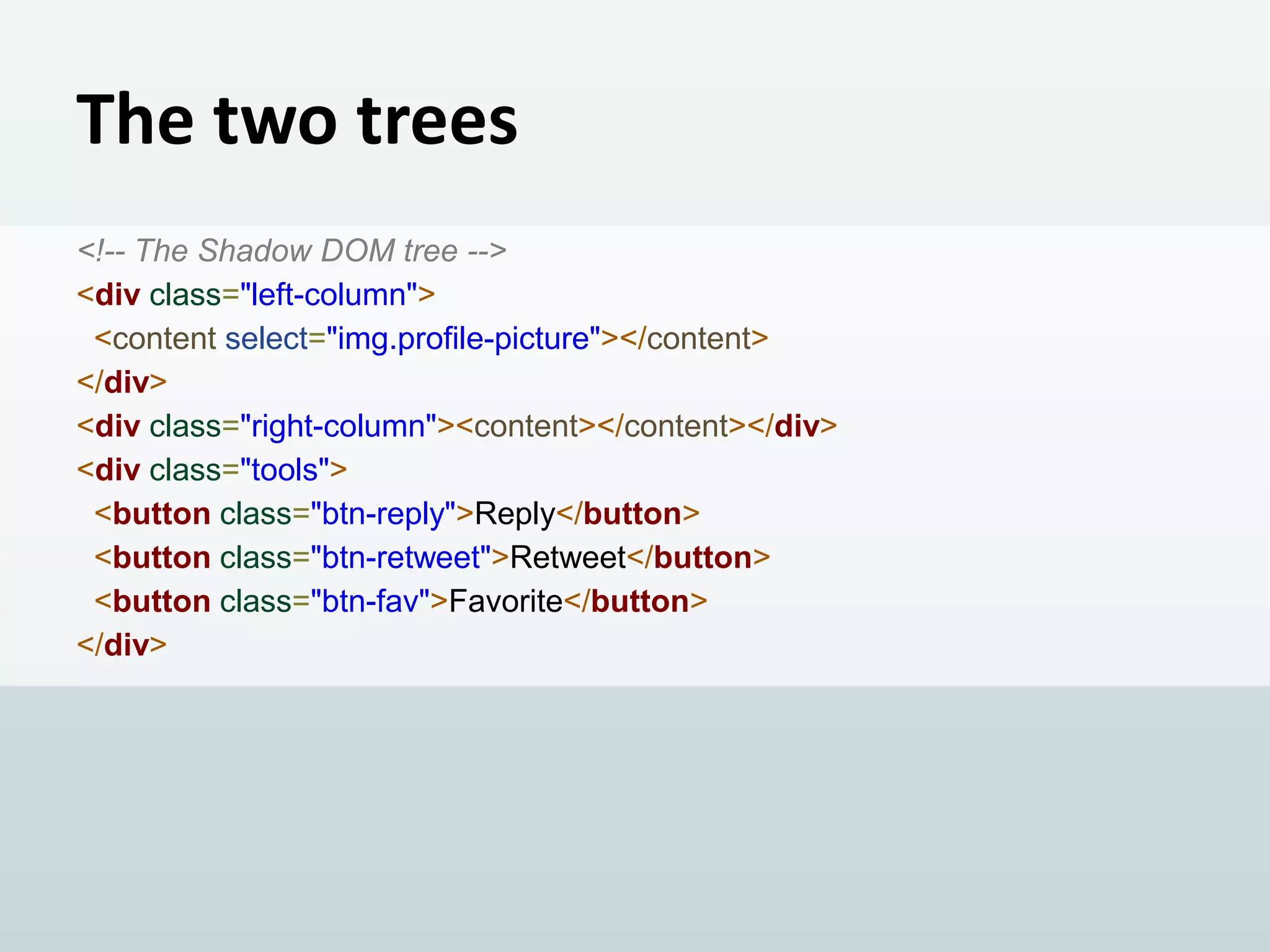
<!-- The Shadow DOM tree -->
<div class="left-column">
<content select="img.profile-picture"></content>
</div>
<div class="right-column"><content></content></div>
<div class="tools">
<button class="btn-reply">Reply</button>
<button class="btn-retweet">Retweet</button>
<button class="btn-fav">Favorite</button>
</div>
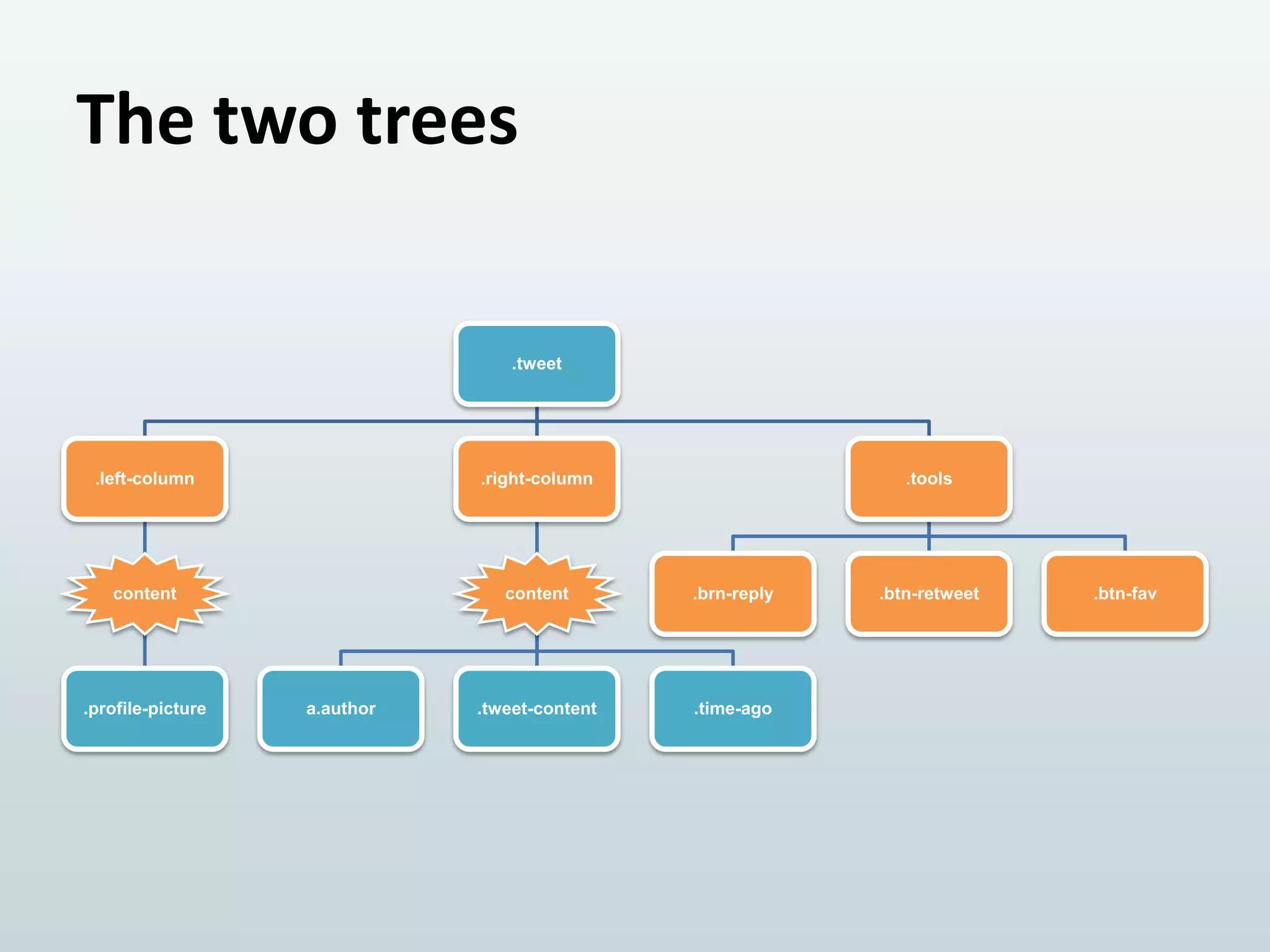
The two trees
.tweet

.left-column

.right-column

content

content

.brn-reply

.tweet-content

.time-ago

.profile-picture

a.author

.tools

.btn-retweet

.btn-fav
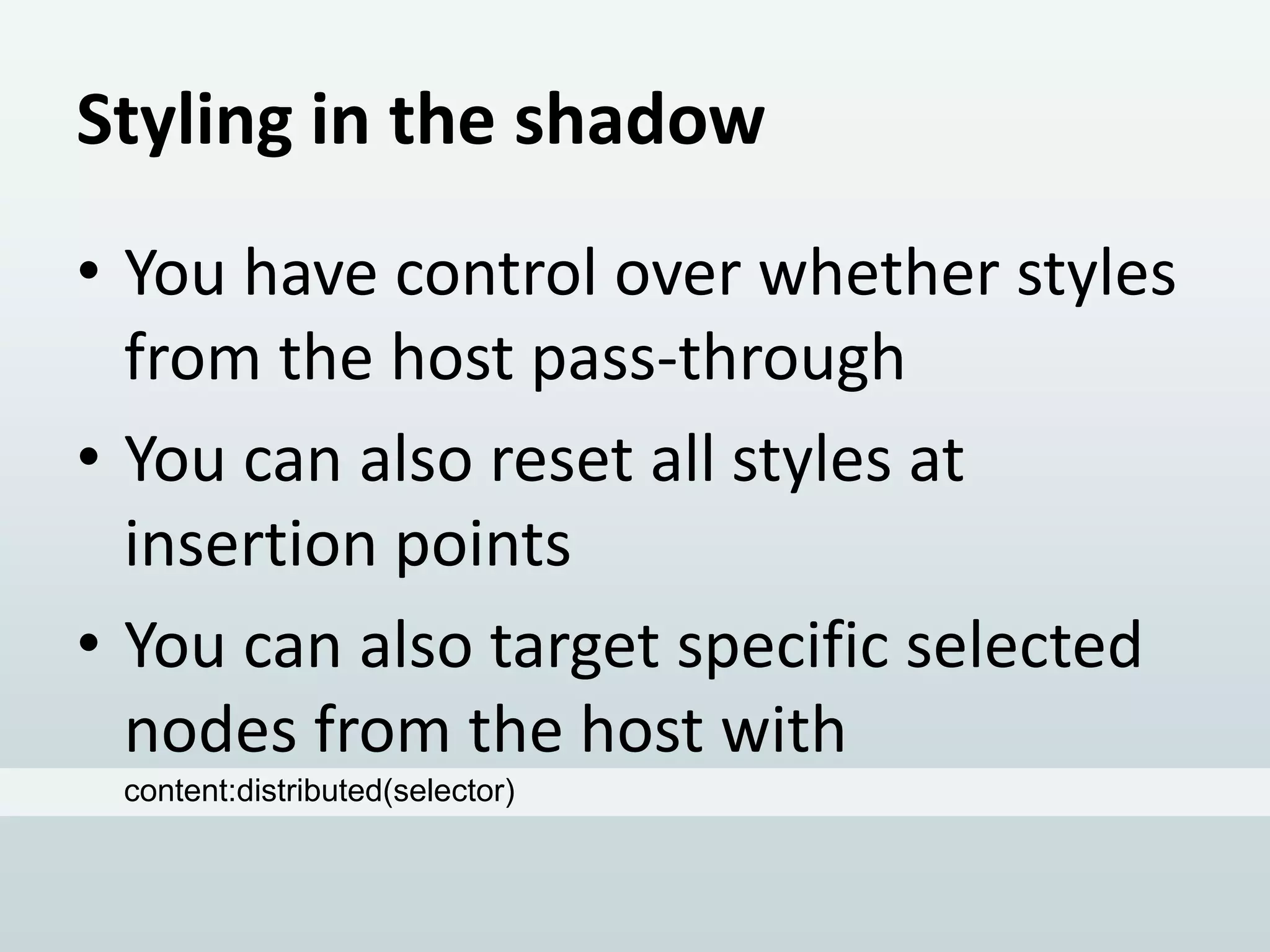
Styling in the shadow
• You have control over whether styles
from the host pass-through
• You can also reset all styles at
insertion points
• You can also target specific selected
nodes from the host with
content:distributed(selector)
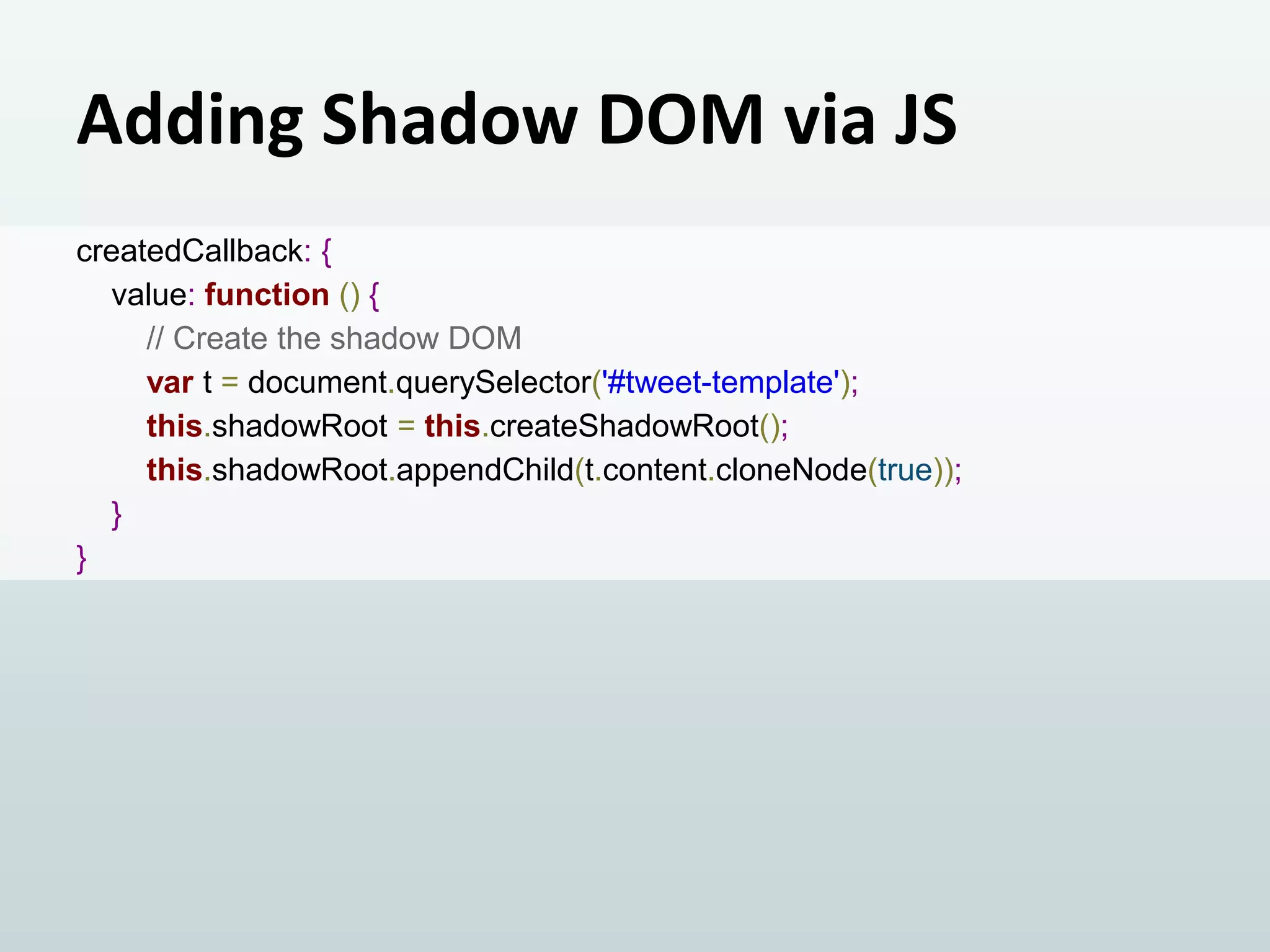
Adding Shadow DOM via JS
createdCallback: {
value: function () {
// Create the shadow DOM
var t = document.querySelector('#tweet-template');
this.shadowRoot = this.createShadowRoot();
this.shadowRoot.appendChild(t.content.cloneNode(true));
}
}
ALTOGETHER NOW!

WEB COMPONENTS
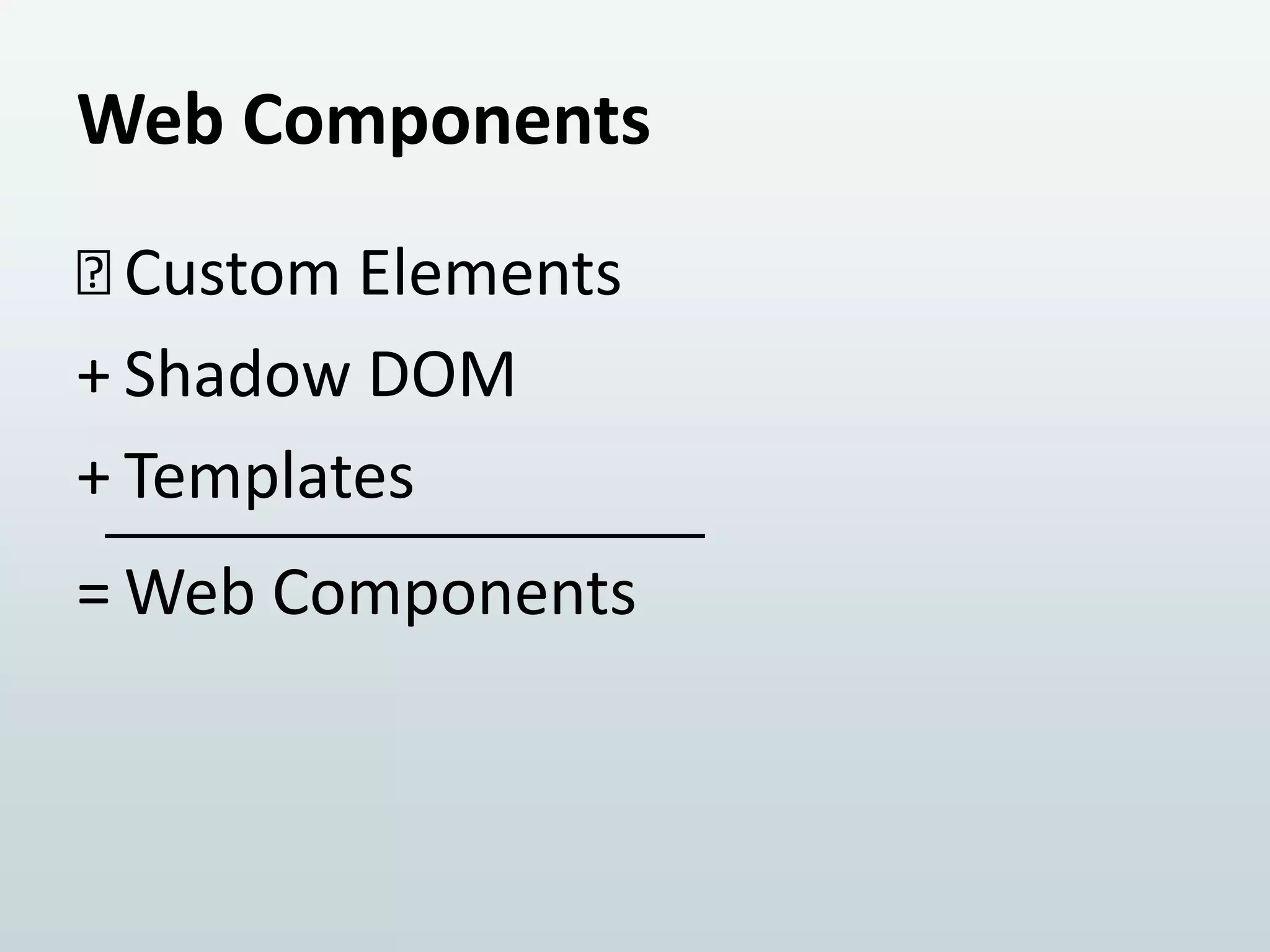
Web Components

Custom Elements
+ Shadow DOM
+ Templates

= Web Components
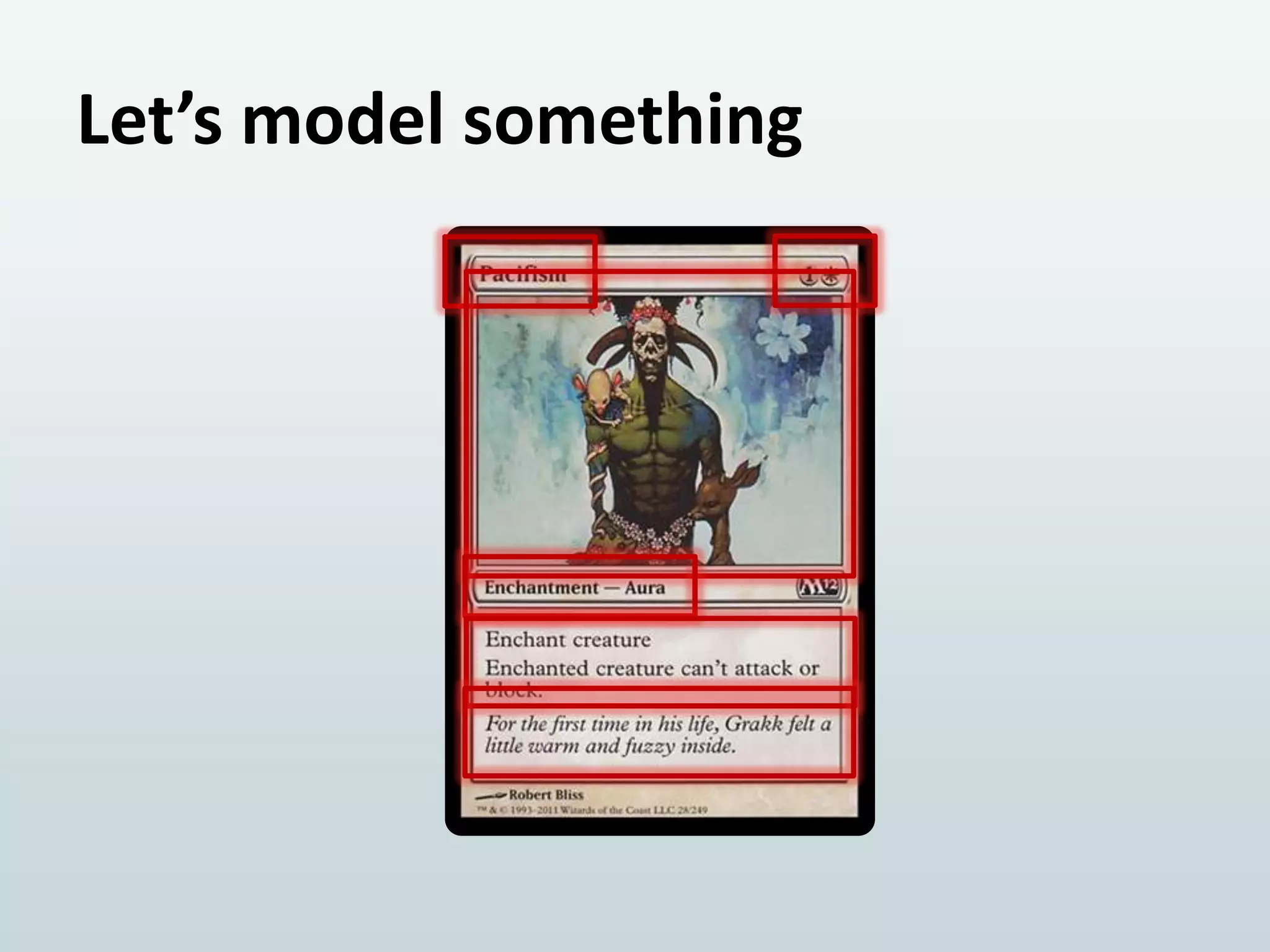
Let’s model something

0
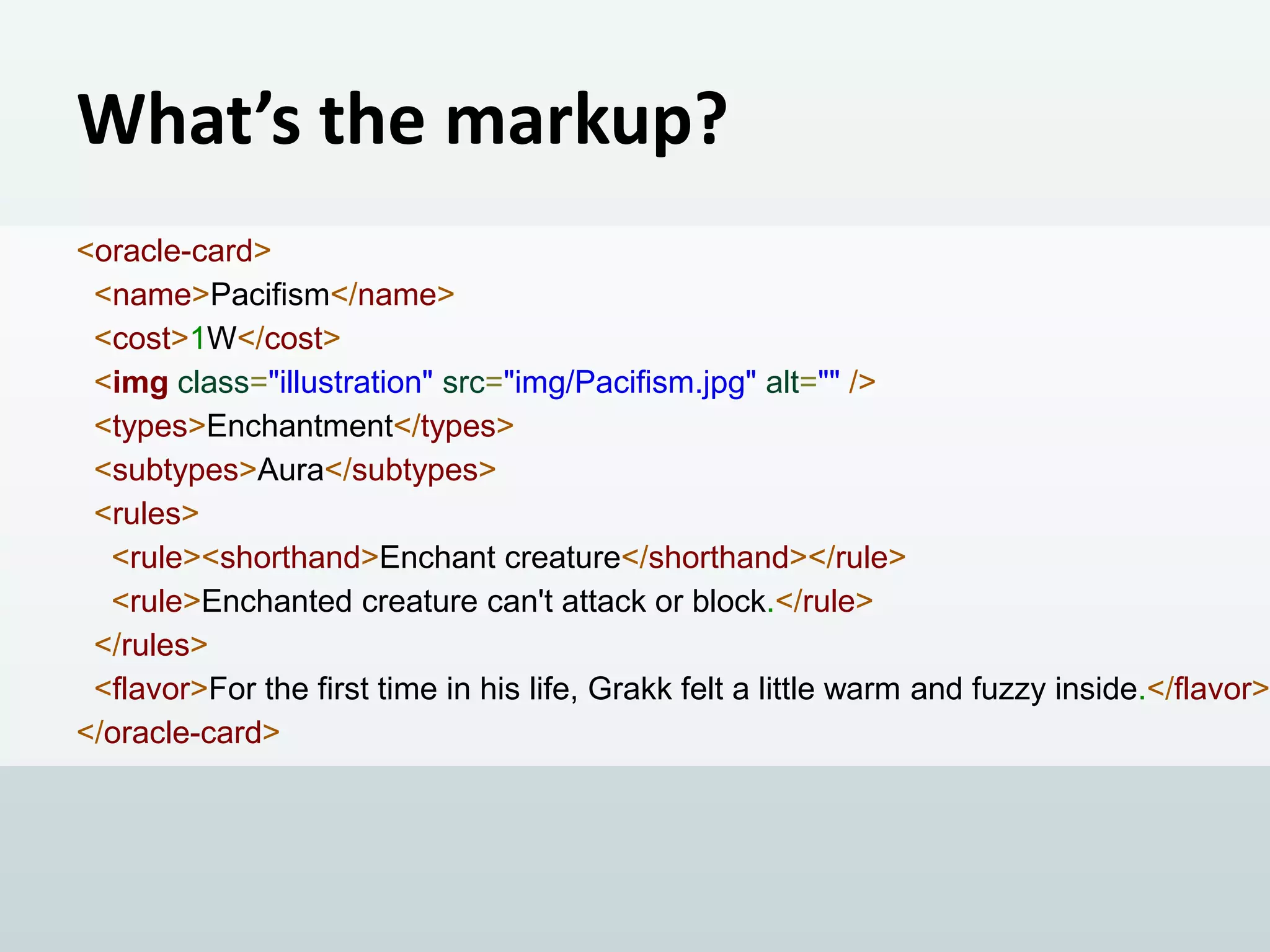
What’s the markup?

<oracle-card>
<name>Pacifism</name>
<cost>1W</cost>
<img class="illustration" src="img/Pacifism.jpg" alt="" />
<types>Enchantment</types>
<subtypes>Aura</subtypes>
<rules>
<rule><shorthand>Enchant creature</shorthand></rule>
<rule>Enchanted creature can't attack or block.</rule>
</rules>
<flavor>For the first time in his life, Grakk felt a little warm and fuzzy inside.</flavor>
</oracle-card>
DEMO
Well, you just had to be there...
But for good measure, check my GitHub.
I’ll post it there soon
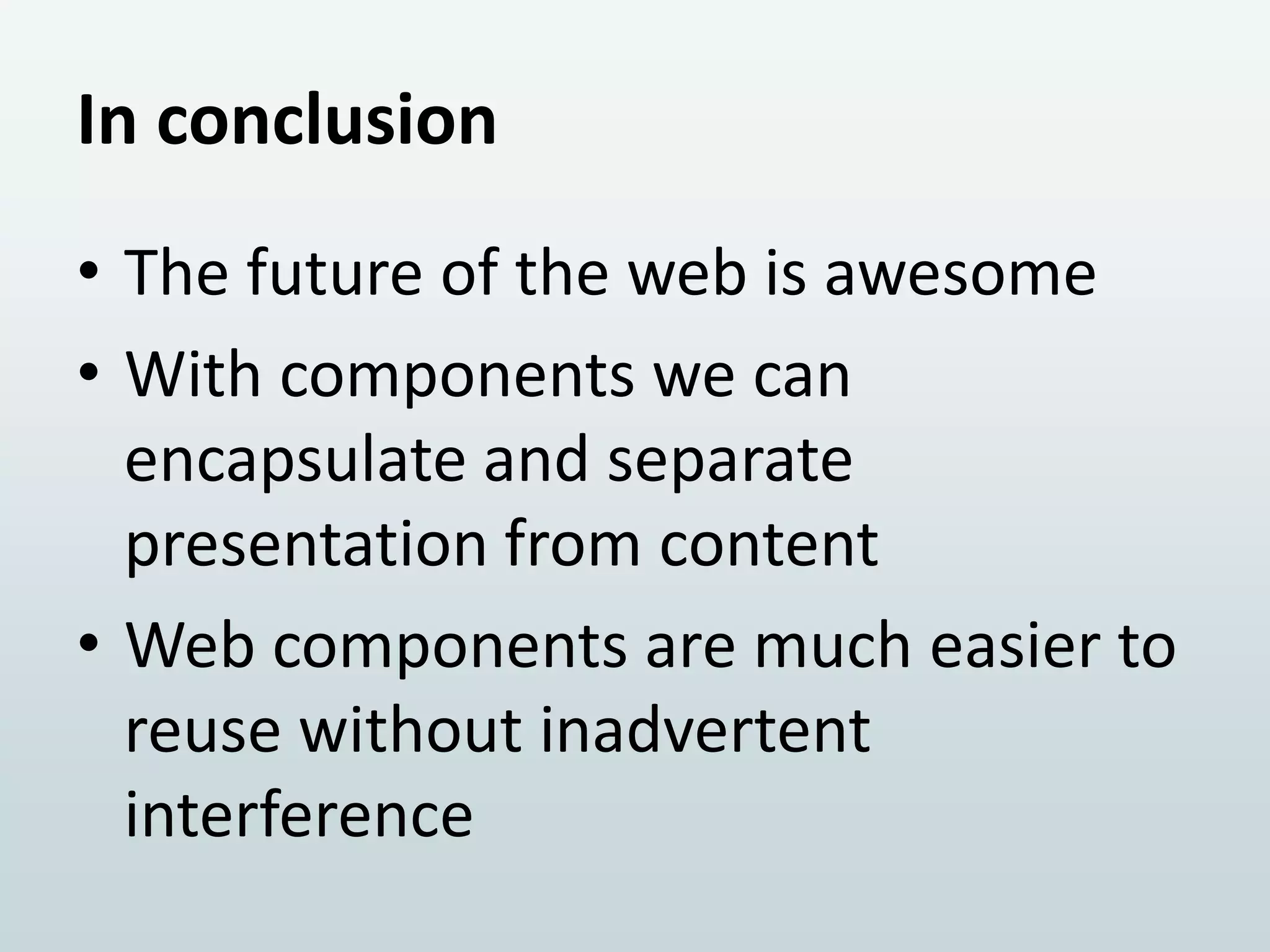
In conclusion
• The future of the web is awesome
• With components we can
encapsulate and separate
presentation from content
• Web components are much easier to
reuse without inadvertent
interference
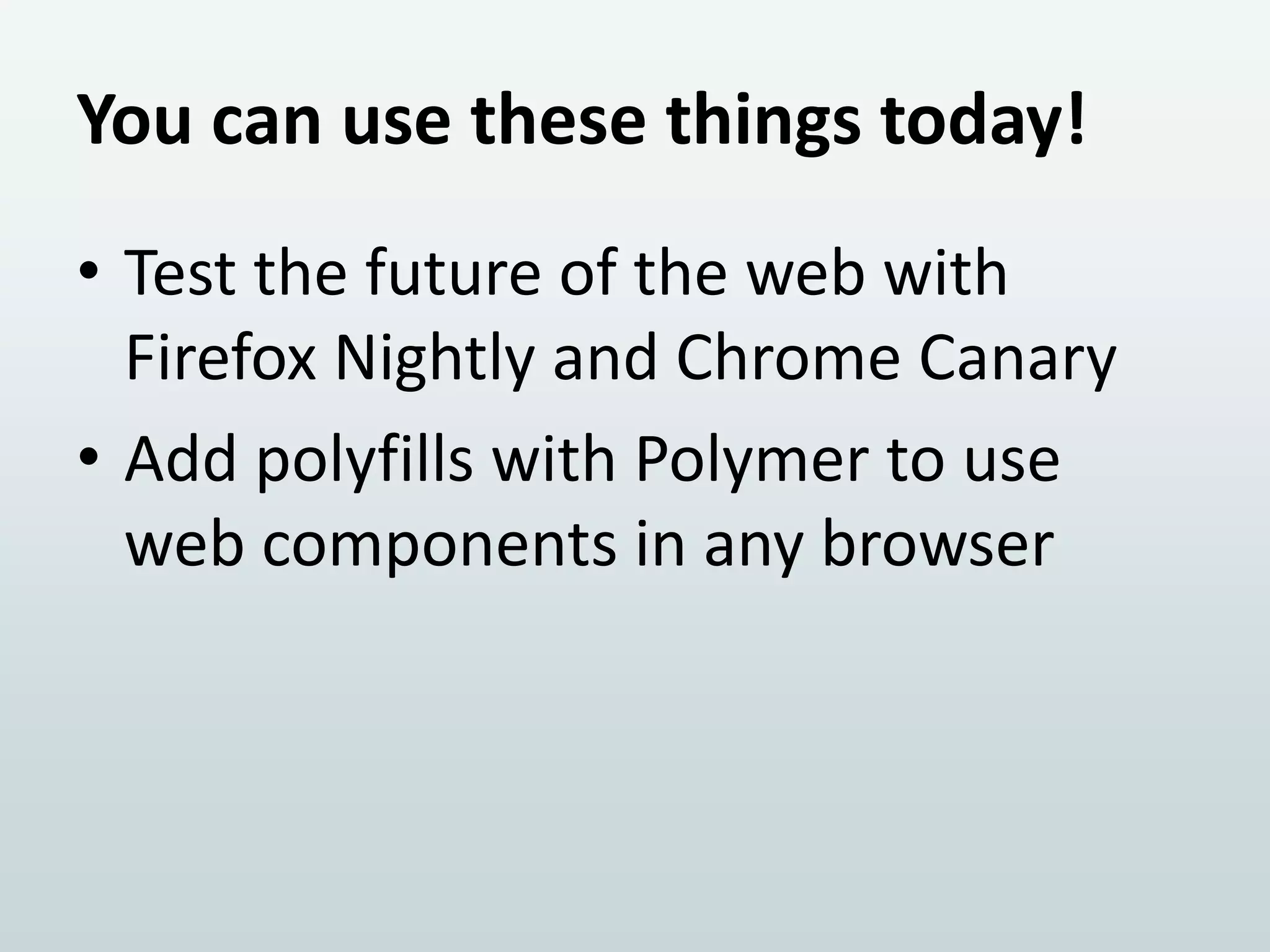
You can use these things today!
• Test the future of the web with
Firefox Nightly and Chrome Canary
• Add polyfills with Polymer to use
web components in any browser
It’s that time when you ask me questions and I hand out prizes!

THANK YOU!
PLEASE FILL YOUR REVIEW FORMS!

Iasi code camp 12 october 2013 shadow dom - mihai bîrsan

  • 1.
    The Shadow DOM ATalk about Web Components in HTML5 Mihai Bîrsan October 2013
  • 3.
    The Shadow DOM ATalk about Web Components in HTML5 Mihai Bîrsan October 2013
  • 4.
    Previously... • Mutation Observershelp observe changes in the DOM • The M in DOM is for Model • We can’t have models in the DOM
  • 5.
    There is cruftin your HTML • Modern applications like GMail
  • 6.
    There is cruftin your HTML • Frameworks like ExtJS
  • 7.
    There is cruftin your HTML • HTML can be beautiful again –Readable –Meaningful • We can encapsulate presentation and behavior into components
  • 8.
    Solutions from thefuture 1. Shadow DOM 2. HTML Templates 3. Custom Elements
  • 9.
    Warning! • We’re aboutto talk about The Edge! • The Edge is bound to change rapidly • DO NOT use in production • Polyfills are available for the technologically impatient
  • 10.
    2. It’s niceto stamp out DOM TEMPLATES
  • 11.
    Defining templates <template id="tweet-template"> <divclass="tweet"> <img class="profile-picture" src="" alt="" /> <a class="author" href=""> <small class="shorthand"></small></a> <p class="tweet-content"></p> <a class="time-ago" href=""></a> </div> </template>
  • 12.
    Like regular templates,but DOM • “inert” DOM tree: parsed but not interpreted –no images or stylesheets loaded –no scripts executed • can be cloned into to other nodes
  • 13.
    Using templates viaJS var t = document.querySelector('#tweet-template'); tweets.forEach(function (myTweet) { var tweetNode = t.content.cloneNode(true); populateNode(tweetNode, myTweet); document.body.appendChild(tweetNode); }); // t.innerHTML is also also available
  • 14.
    Like regular templates,but DOM • Very efficient –cloning with nodes, not parsing –resources are loaded late, only when needed
  • 15.
    3. Bringing ithome with CUSTOM ELEMENTS
  • 16.
    Creating HTML elements •Registered via JavaScript var proto = Object.create(HTMLElement.prototype, { createdCallback: { value: function () { } } }); var MyElement = document.register('my-element', { prototype: proto }); • Must contain a dash in the name
  • 17.
    Lifecycle callbacks method •createdCallback –an instance of the element is created • enteredViewCallback –an instance was inserted into the document • leftViewCallback –an instance was removed • attributeChangedCallback –an attribute of the node was added, removed, or updated
  • 18.
    Working with customelements • Can be instantiated declaratively <my-element></my-element> • or with JavaScript document.body.appendChild(new MyElement());
  • 19.
    Extending HTML elements •Can also extend existing elements var MegaButton = document.register('mega-button', { prototype: Object.create(HTMLButtonElement.prototype) }); • Which is used like this <button is="mega-button"></button>
  • 20.
    A brief noteon FOUC • Flash of Unstyled Content • Unresolved HTML elements –that’s why they must contain a dash –target in CSS with :unresolved
  • 21.
    1. The mostawesome and most important piece SHADOW DOM
  • 22.
    What’s a ShadowDOM? • A tree of nodes attached to a host node, but is not a child • Meant to abstract away the presentation layer from it’s semantics
  • 23.
    How does ShadowDOM work? • Through composition before layout and rendering • The shadow tree replaces all of the host’s content • The host’s children are pulled into the shadow tree
  • 24.
    The two trees <!--The main DOM tree --> <div class="tweet"> ▶#document-fragment <img class="profile-picture" src="https://si0.twimg.com/profile_images/2996456104/b <a class="author" href="https://twitter.com/SoVeryBritish">VeryBritishProblems <sm <p class="tweet-content">Watching with quiet sorrow as you receive a different hairc <a class="time-ago" href="https://twitter.com/SoVeryBritish/status/387912080327974 </div>
  • 25.
    The two trees <!--The Shadow DOM tree --> <div class="left-column"> <content select="img.profile-picture"></content> </div> <div class="right-column"><content></content></div> <div class="tools"> <button class="btn-reply">Reply</button> <button class="btn-retweet">Retweet</button> <button class="btn-fav">Favorite</button> </div>
  • 26.
  • 27.
    Styling in theshadow • You have control over whether styles from the host pass-through • You can also reset all styles at insertion points • You can also target specific selected nodes from the host with content:distributed(selector)
  • 28.
    Adding Shadow DOMvia JS createdCallback: { value: function () { // Create the shadow DOM var t = document.querySelector('#tweet-template'); this.shadowRoot = this.createShadowRoot(); this.shadowRoot.appendChild(t.content.cloneNode(true)); } }
  • 29.
  • 30.
    Web Components  Custom Elements +Shadow DOM + Templates = Web Components
  • 31.
  • 32.
    What’s the markup? <oracle-card> <name>Pacifism</name> <cost>1W</cost> <imgclass="illustration" src="img/Pacifism.jpg" alt="" /> <types>Enchantment</types> <subtypes>Aura</subtypes> <rules> <rule><shorthand>Enchant creature</shorthand></rule> <rule>Enchanted creature can't attack or block.</rule> </rules> <flavor>For the first time in his life, Grakk felt a little warm and fuzzy inside.</flavor> </oracle-card>
  • 33.
    DEMO Well, you justhad to be there... But for good measure, check my GitHub. I’ll post it there soon
  • 34.
    In conclusion • Thefuture of the web is awesome • With components we can encapsulate and separate presentation from content • Web components are much easier to reuse without inadvertent interference
  • 35.
    You can usethese things today! • Test the future of the web with Firefox Nightly and Chrome Canary • Add polyfills with Polymer to use web components in any browser
  • 36.
    It’s that timewhen you ask me questions and I hand out prizes! THANK YOU! PLEASE FILL YOUR REVIEW FORMS!