Web Components - The Future is
Here
Gil Fink
CEO and Senior Consultant, sparXys
The Pyramid of Doom
About Me
• sparXys CEO and senior consultant
• ASP.NET/IIS Microsoft MVP in the last 7 years
• Pro Single Page Application Development (Apress)
co-author
• 4 Microsoft Official Courses (MOCs) co-author
• GDG Rashlatz and ng-conf Israel co-organizer
Agenda
• The problems we face
• Web Components APIs
o Templates
o Imports
o Shadow DOM
o Custom Elements
1. Undescriptive Markup
Markup Example
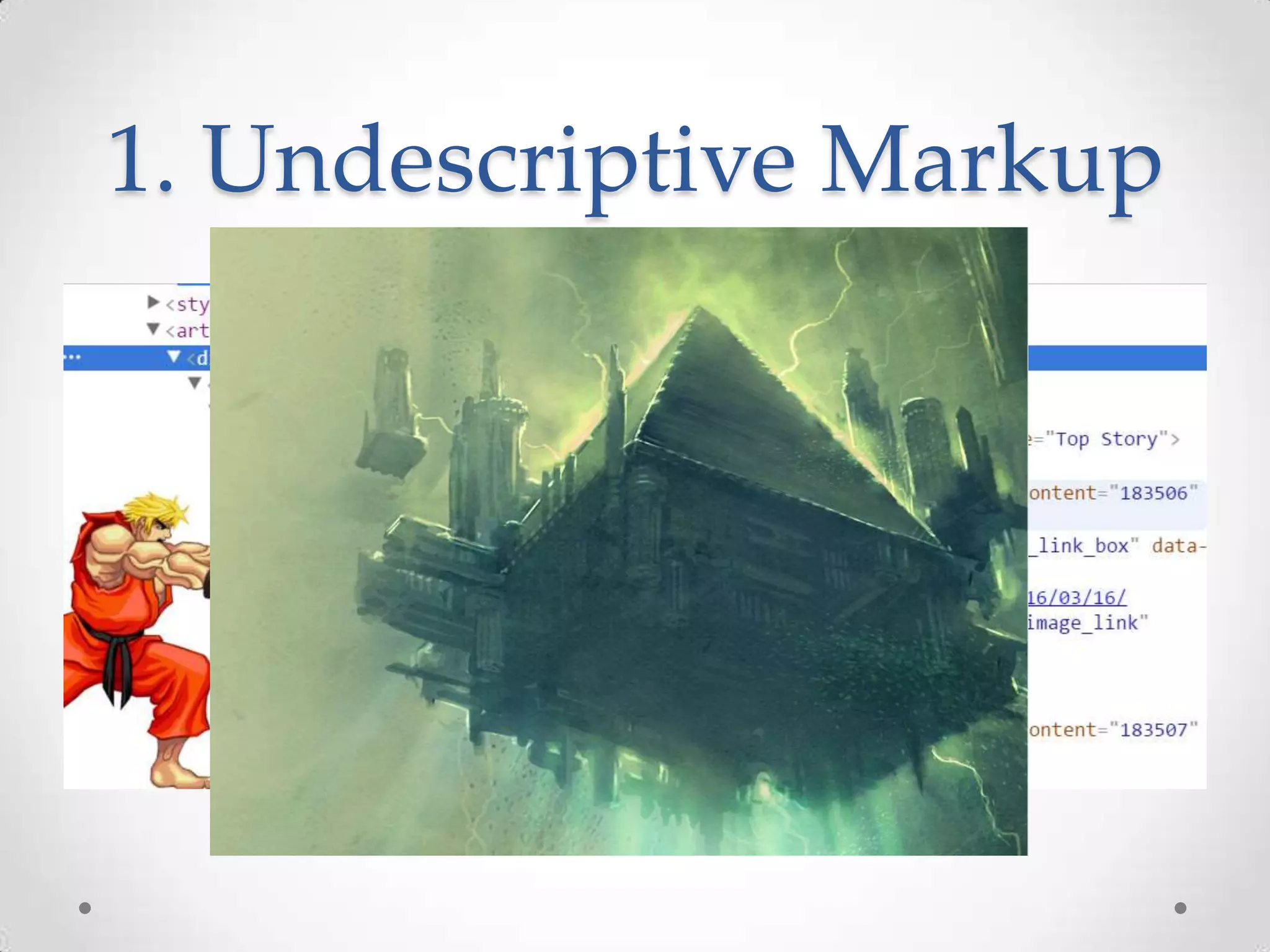
2. Poor Separation of
Concerns
You want HTML, CSS and
JavaScript to work together
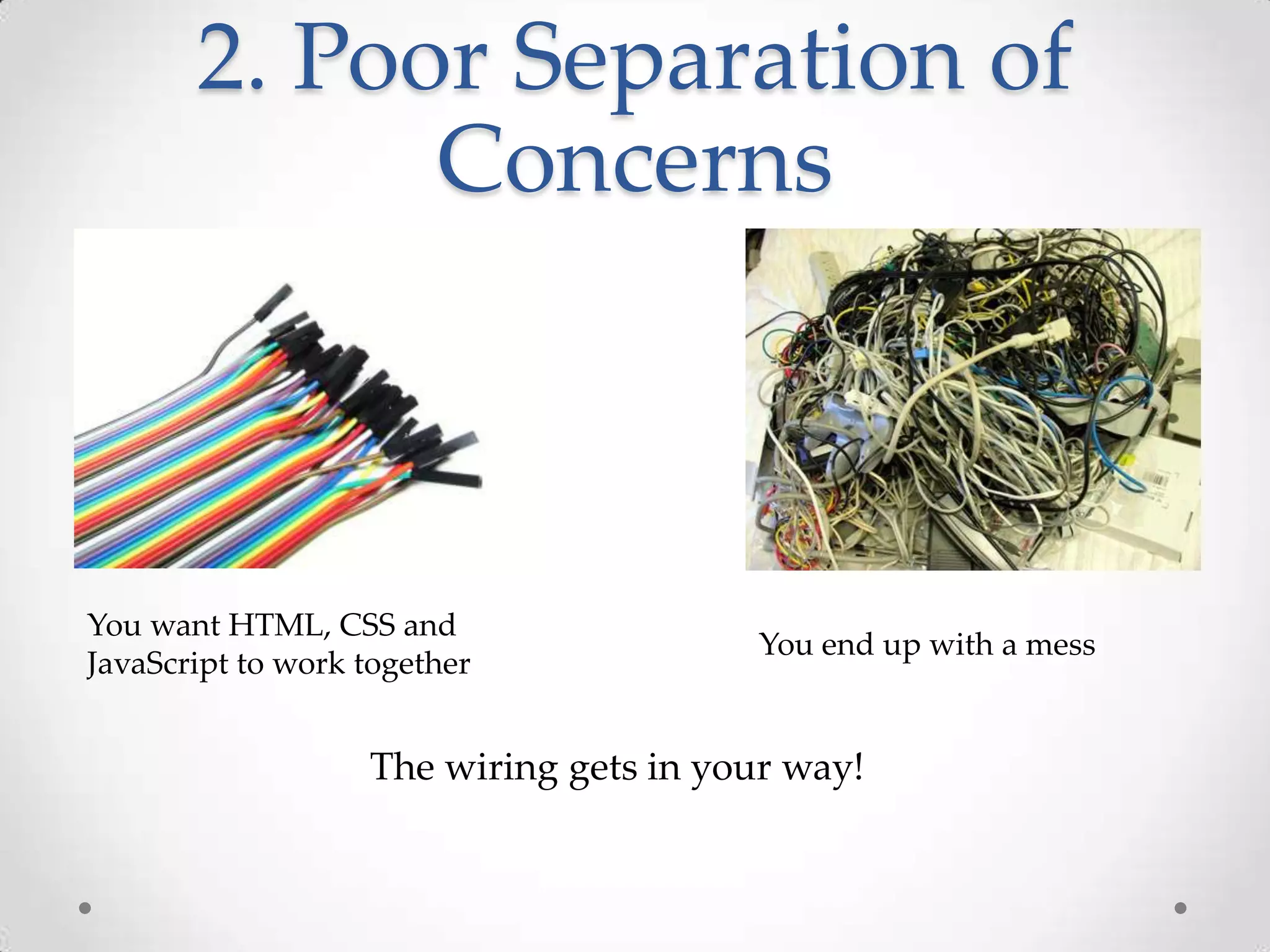
You end up with a mess
The wiring gets in your way!
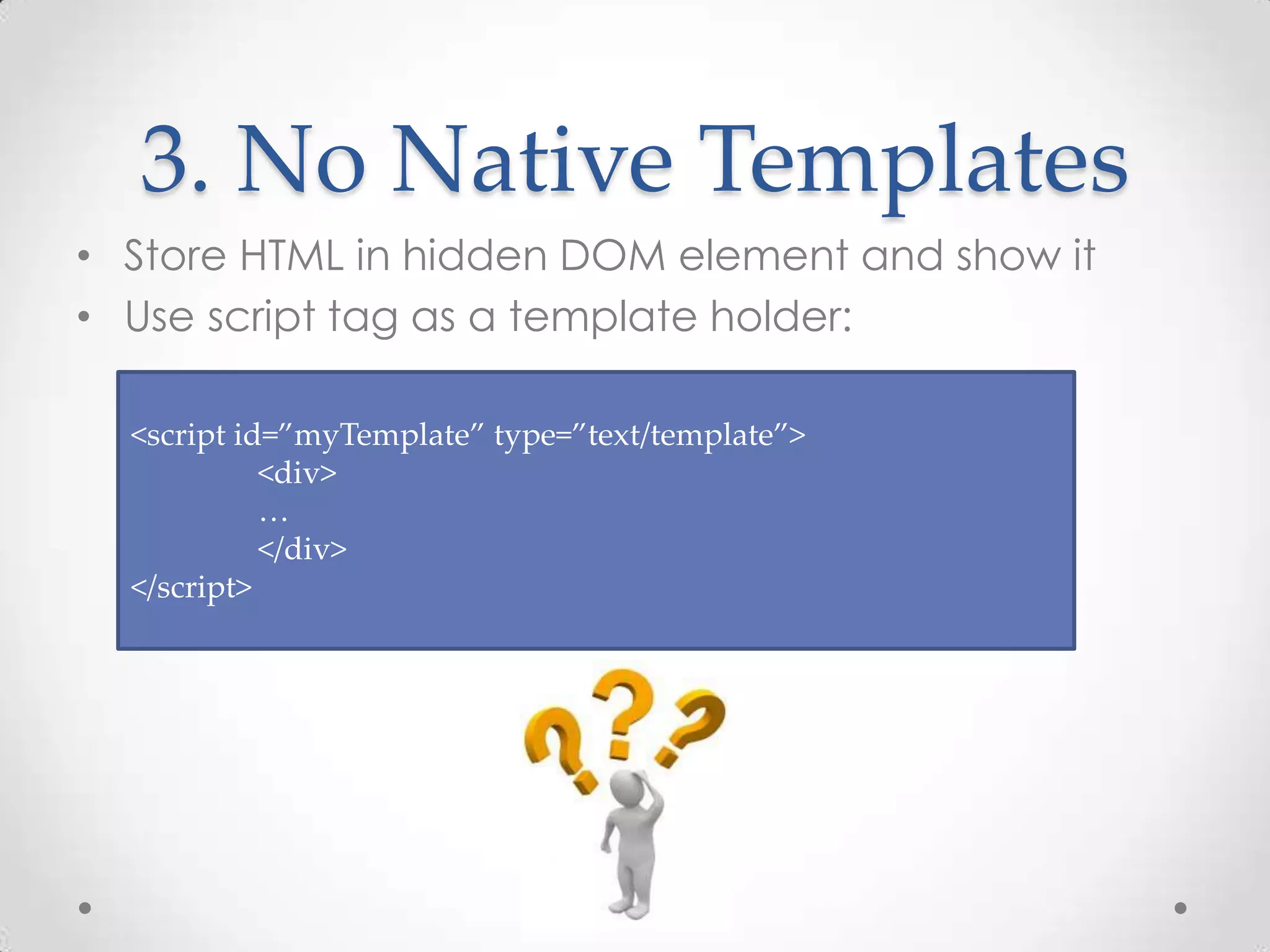
3. No Native Templates
• Store HTML in hidden DOM element and show it
• Use script tag as a template holder:
<script id=”myTemplate” type=”text/template”>
<div>
…
</div>
</script>
4. No Bundling
• You want to bundle a complex component
The component includes HTML, CSS and JavaScript
how would you do that?
o Use a server side wrapping mechanism?
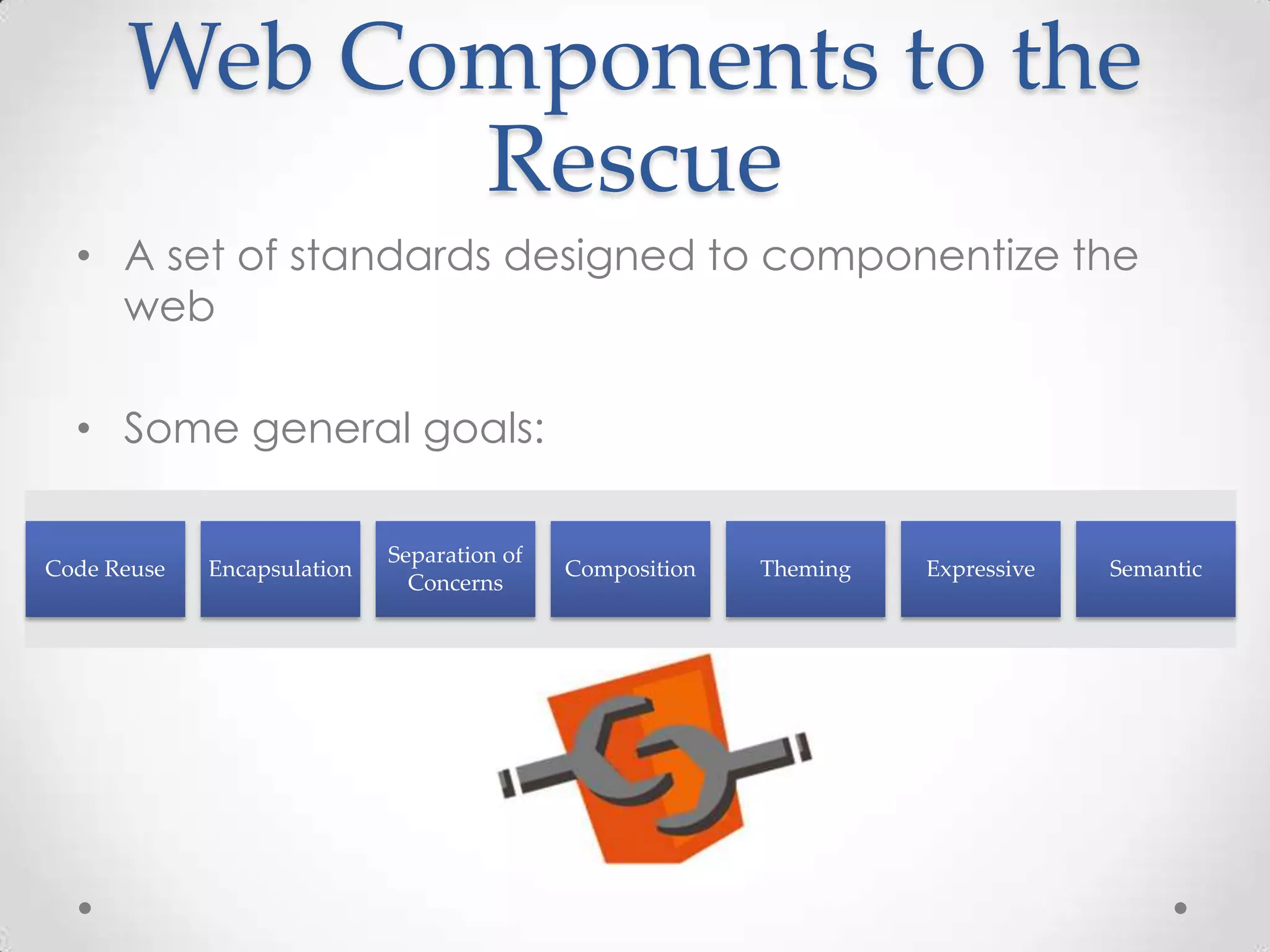
Web Components to the
Rescue
• A set of standards designed to componentize the
web
• Some general goals:
Code Reuse Encapsulation
Separation of
Concerns
Composition Theming Expressive Semantic
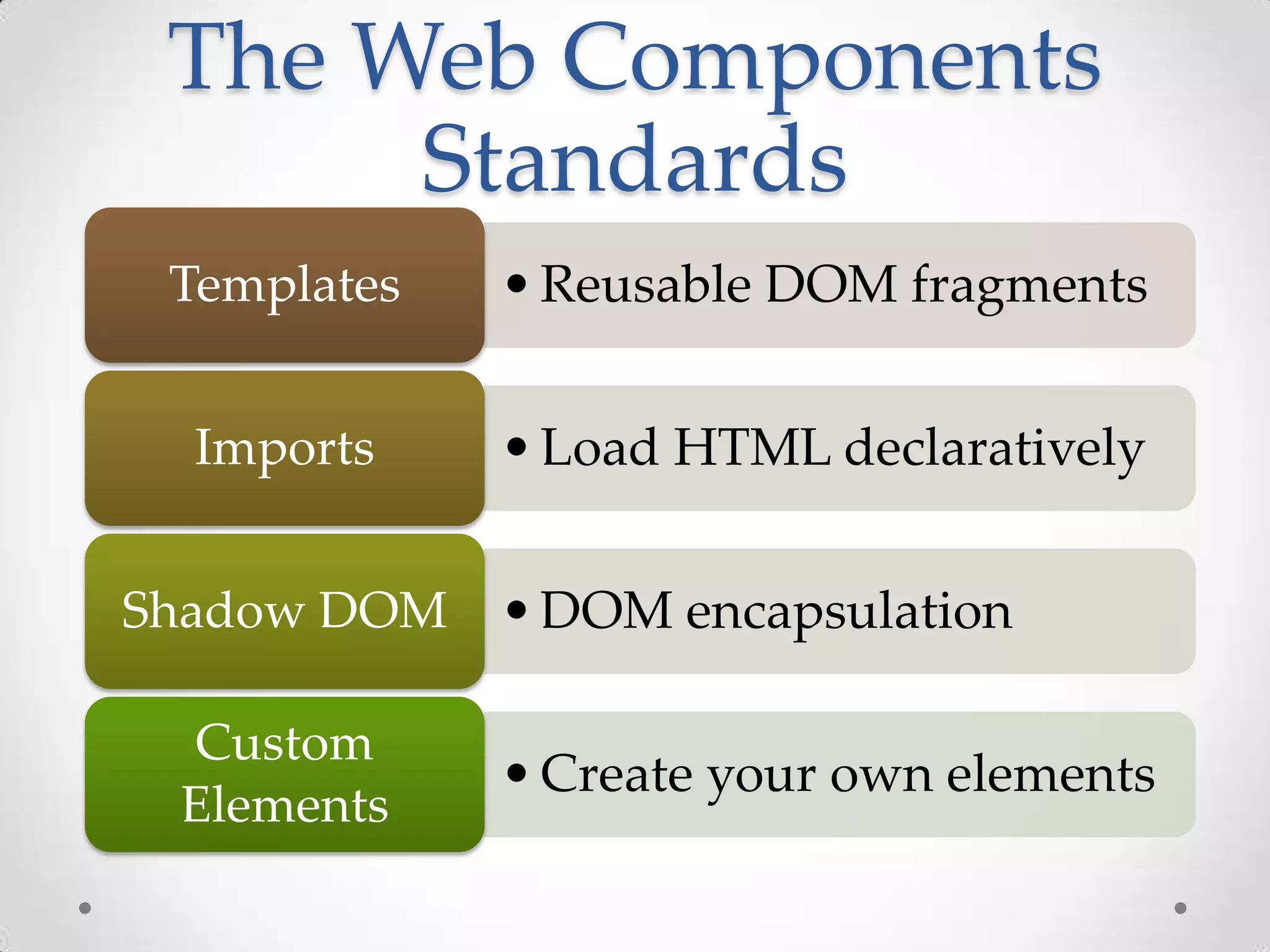
The Web Components
Standards
•Reusable DOM fragmentsTemplates
•Load HTML declarativelyImports
•DOM encapsulationShadow DOM
•Create your own elements
Custom
Elements
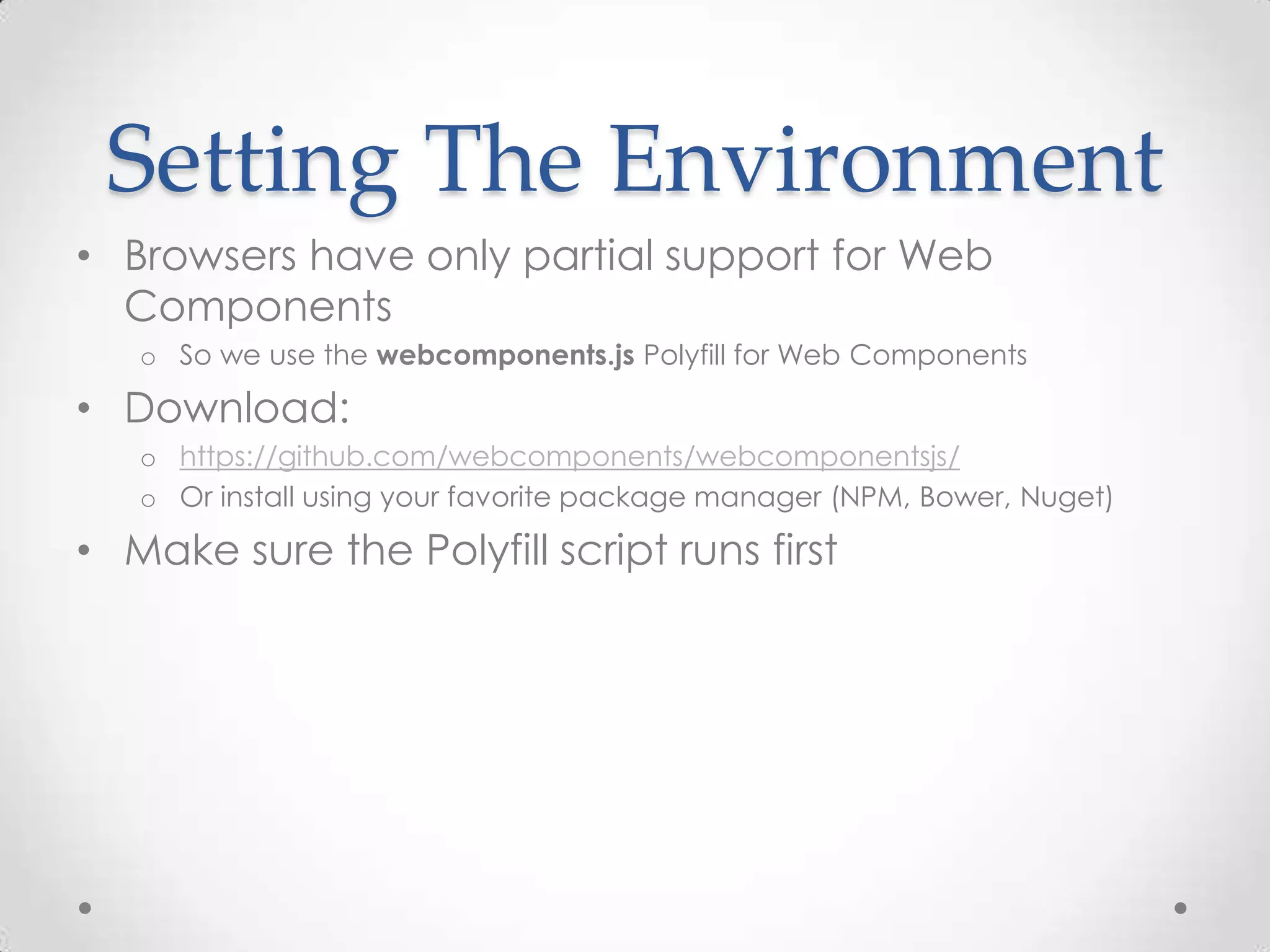
Setting The Environment
• Browsers have only partial support for Web
Components
o So we use the webcomponents.js Polyfill for Web Components
• Download:
o https://github.com/webcomponents/webcomponentsjs/
o Or install using your favorite package manager (NPM, Bower, Nuget)
• Make sure the Polyfill script runs first
Demo
Setting the environment
Let’s Drill Down
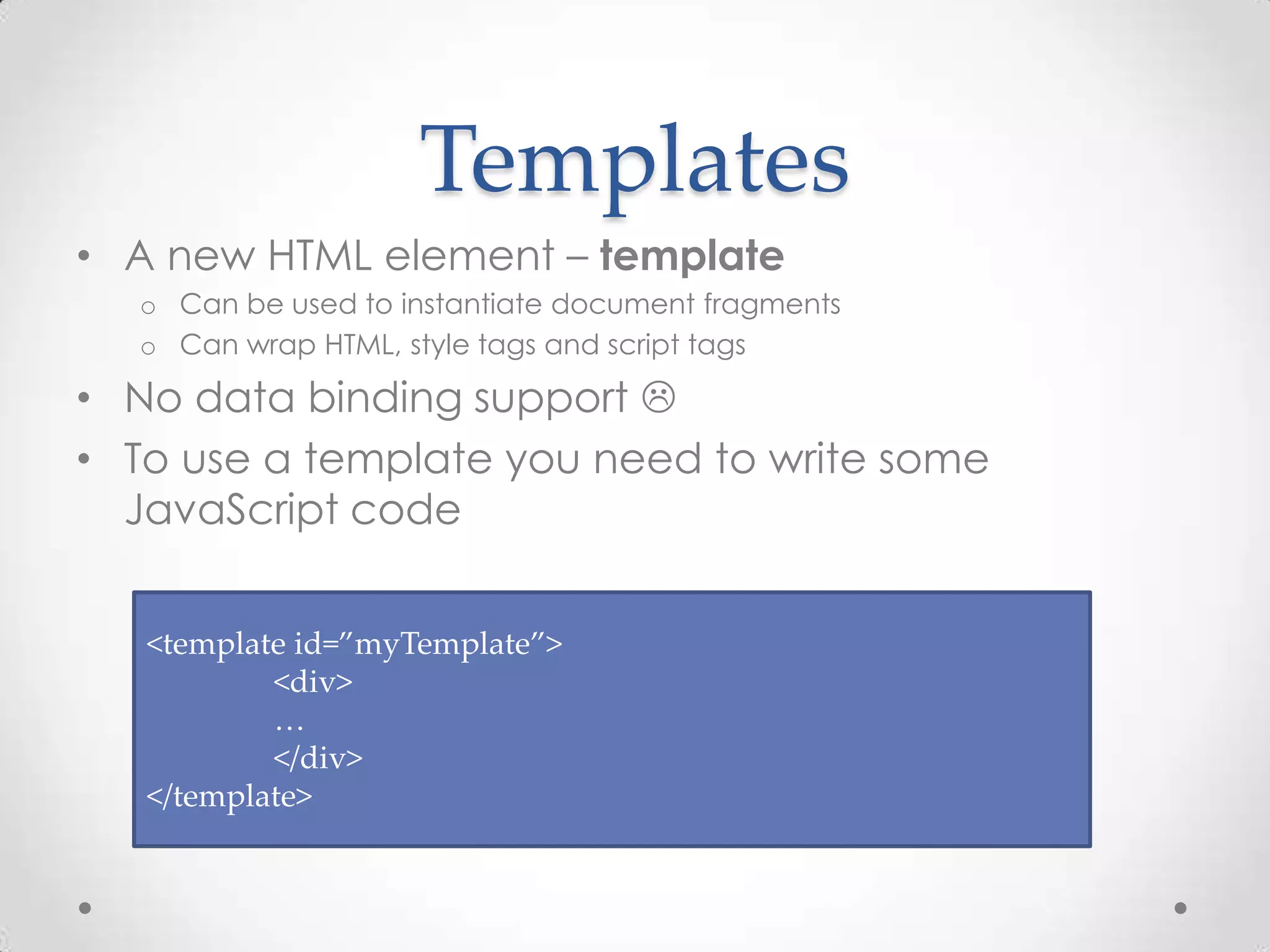
Templates
• A new HTML element – template
o Can be used to instantiate document fragments
o Can wrap HTML, style tags and script tags
• No data binding support 
• To use a template you need to write some
JavaScript code
<template id=”myTemplate”>
<div>
…
</div>
</template>
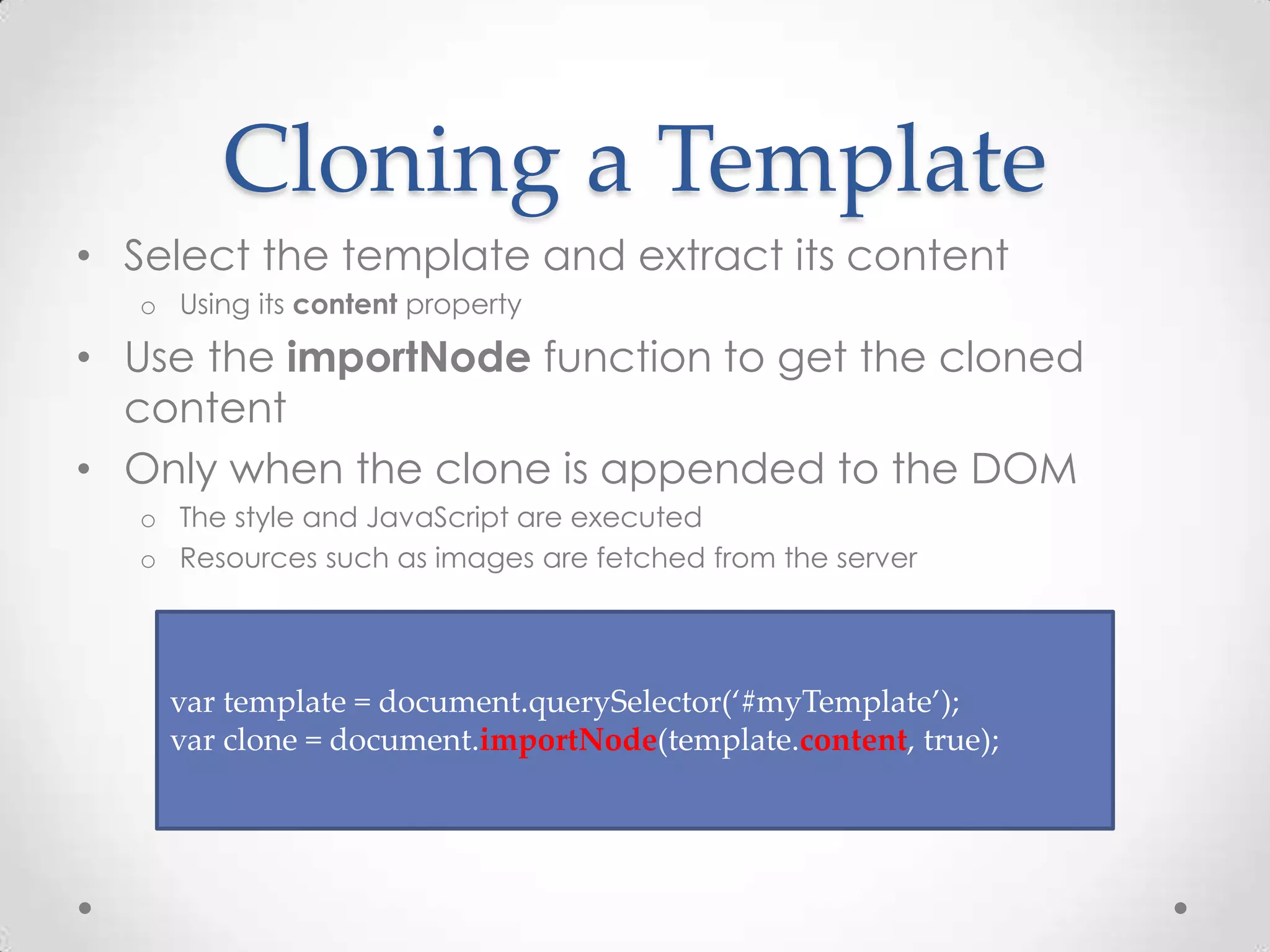
Cloning a Template
• Select the template and extract its content
o Using its content property
• Use the importNode function to get the cloned
content
• Only when the clone is appended to the DOM
o The style and JavaScript are executed
o Resources such as images are fetched from the server
var template = document.querySelector(‘#myTemplate’);
var clone = document.importNode(template.content, true);
Templates
Demo
Imports
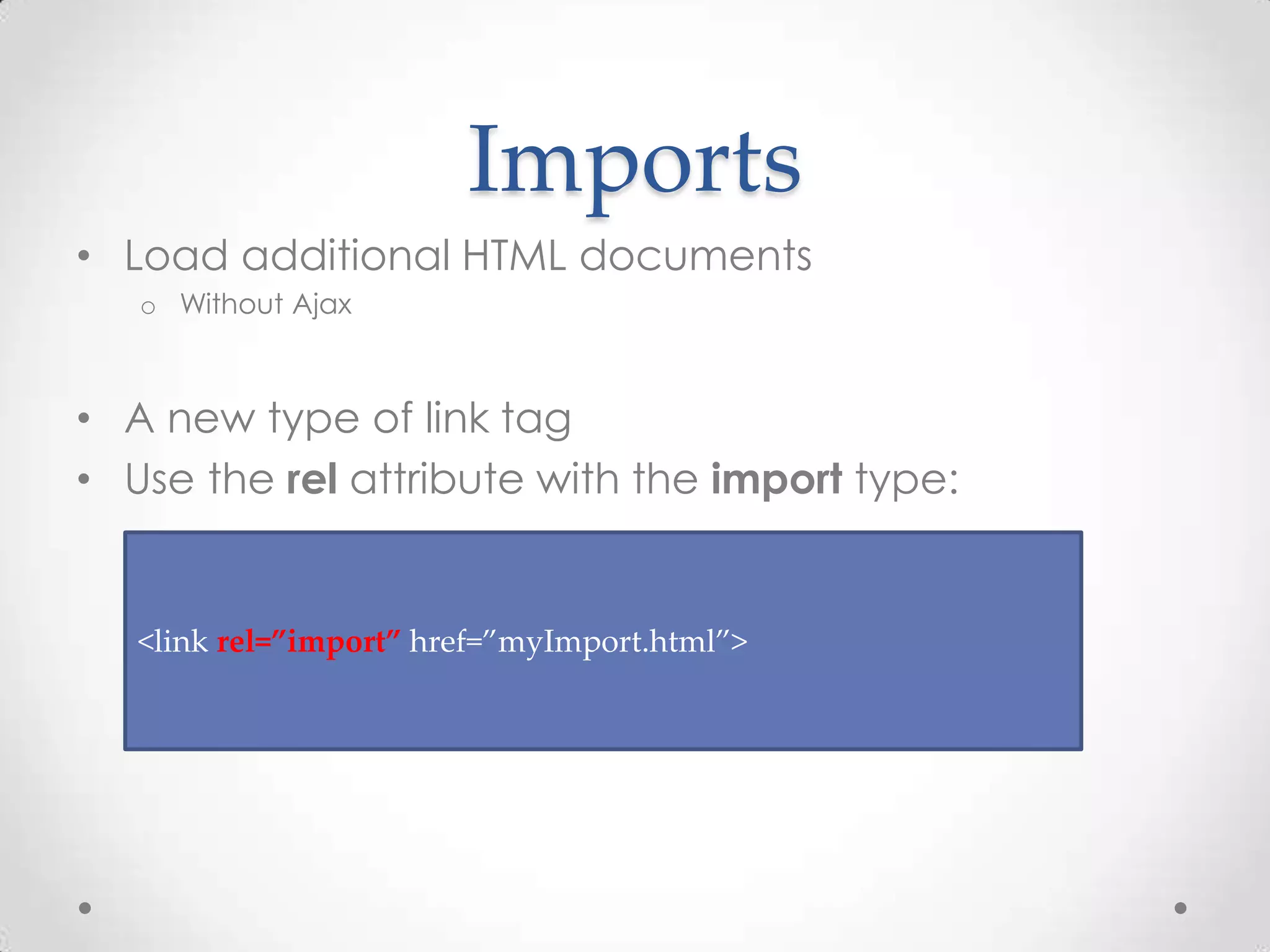
• Load additional HTML documents
o Without Ajax
• A new type of link tag
• Use the rel attribute with the import type:
<link rel=”import” href=”myImport.html”>
Imports and Bundling
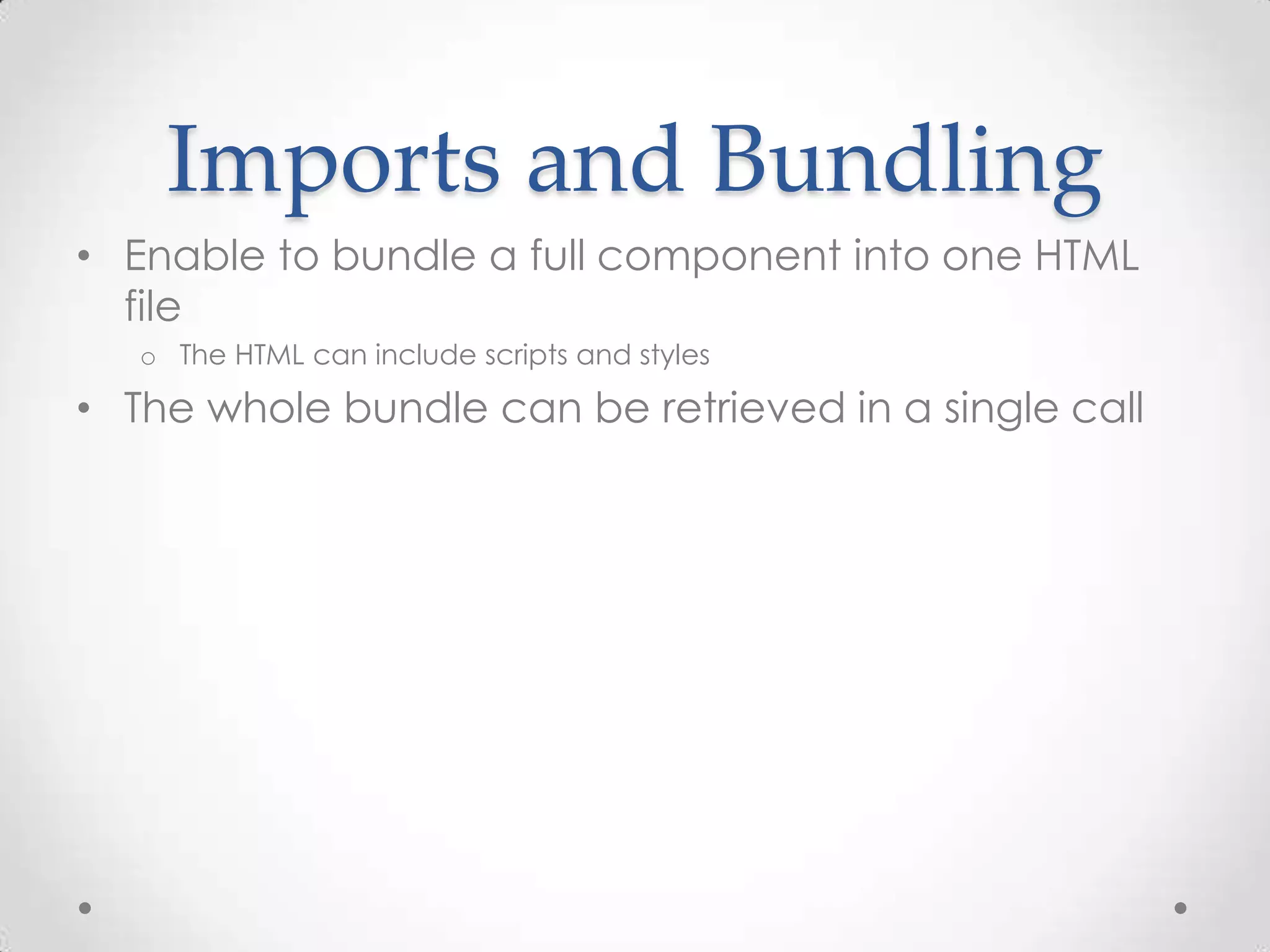
• Enable to bundle a full component into one HTML
file
o The HTML can include scripts and styles
• The whole bundle can be retrieved in a single call
Imports and The DOM
• Importing a document doesn’t include it into the
DOM
o It will parse it in memory and load all the additional resources
• Use the import property of the link tag:
var content =
document.querySelector(‘link[rel=”import”]’).import;
Imports
Demo
Import Notes
• Scripts running inside the import can reference the
containing document
o By calling document.currentScript.ownerDocument
• CORS constraints apply to documents imported
from other domains
Shadow DOM
• Encapsulate DOM parts
o The browser will know how to present those parts
o The browser won’t show the encapsulated parts in the source code
• Creates a boundary between the component and
its user
The Problems Shadow
DOM Tries to Solve
• Encapsulation of components/widgets
• Style leakage
o Leaks from one component to another
o Leaks from imported 3th party library/framework
• Global DOM
o id or class attributes all over the place
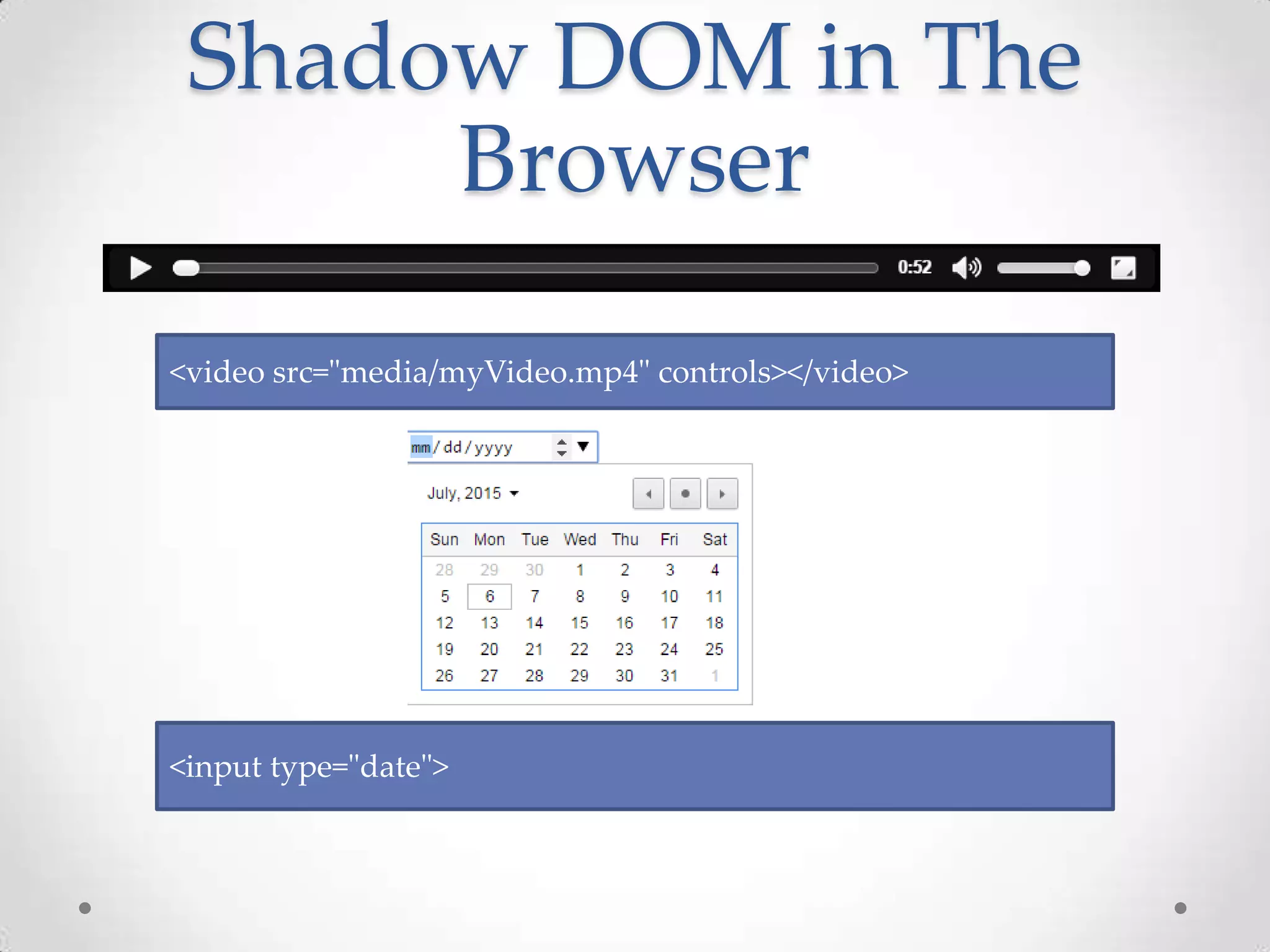
Shadow DOM in The
Browser
<video src="media/myVideo.mp4" controls></video>
<input type="date">
Show Shadow DOM
Elements in Chrome
Demo
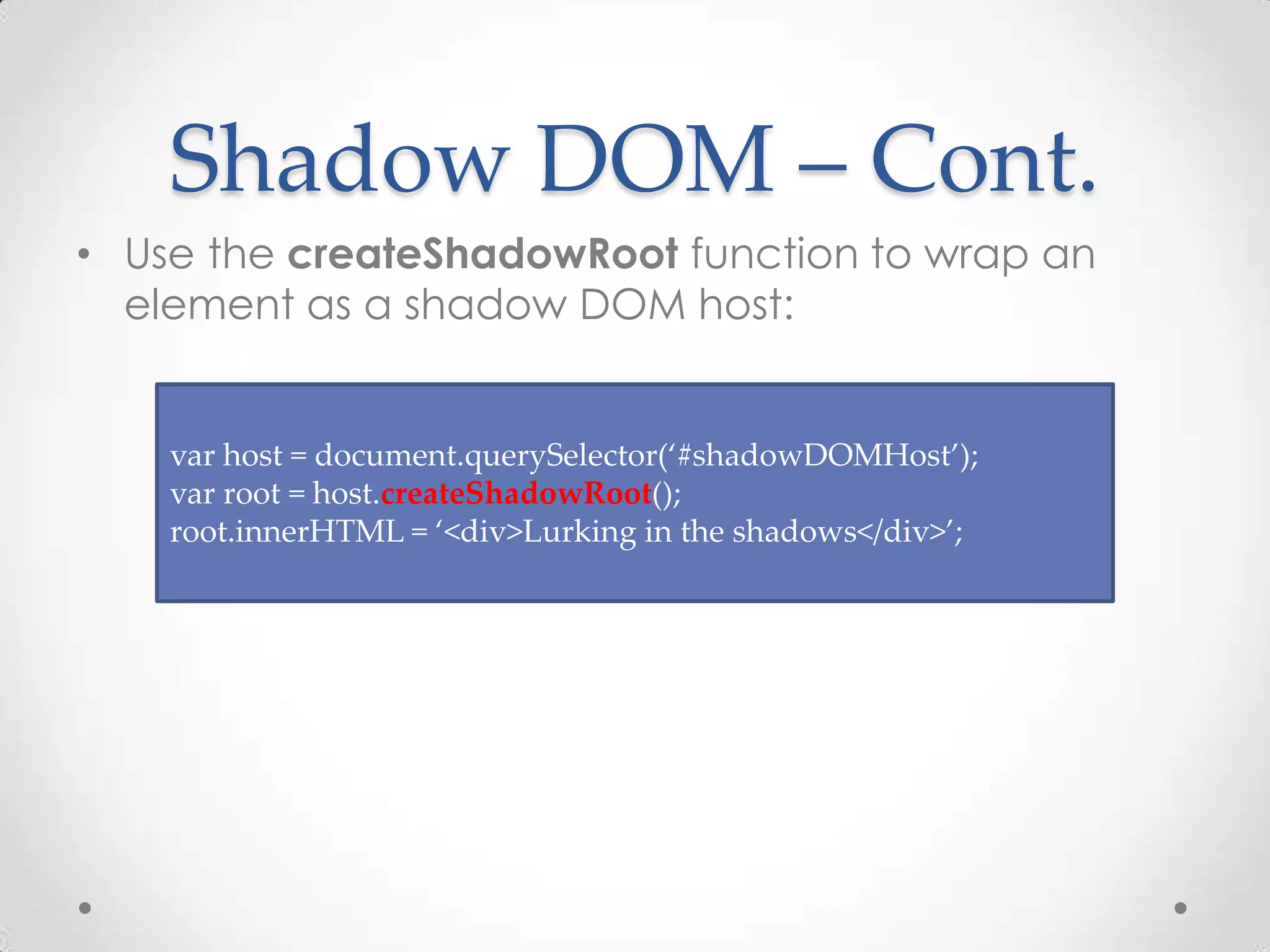
Shadow DOM – Cont.
• Use the createShadowRoot function to wrap an
element as a shadow DOM host:
var host = document.querySelector(‘#shadowDOMHost’);
var root = host.createShadowRoot();
root.innerHTML = ‘<div>Lurking in the shadows</div>’;
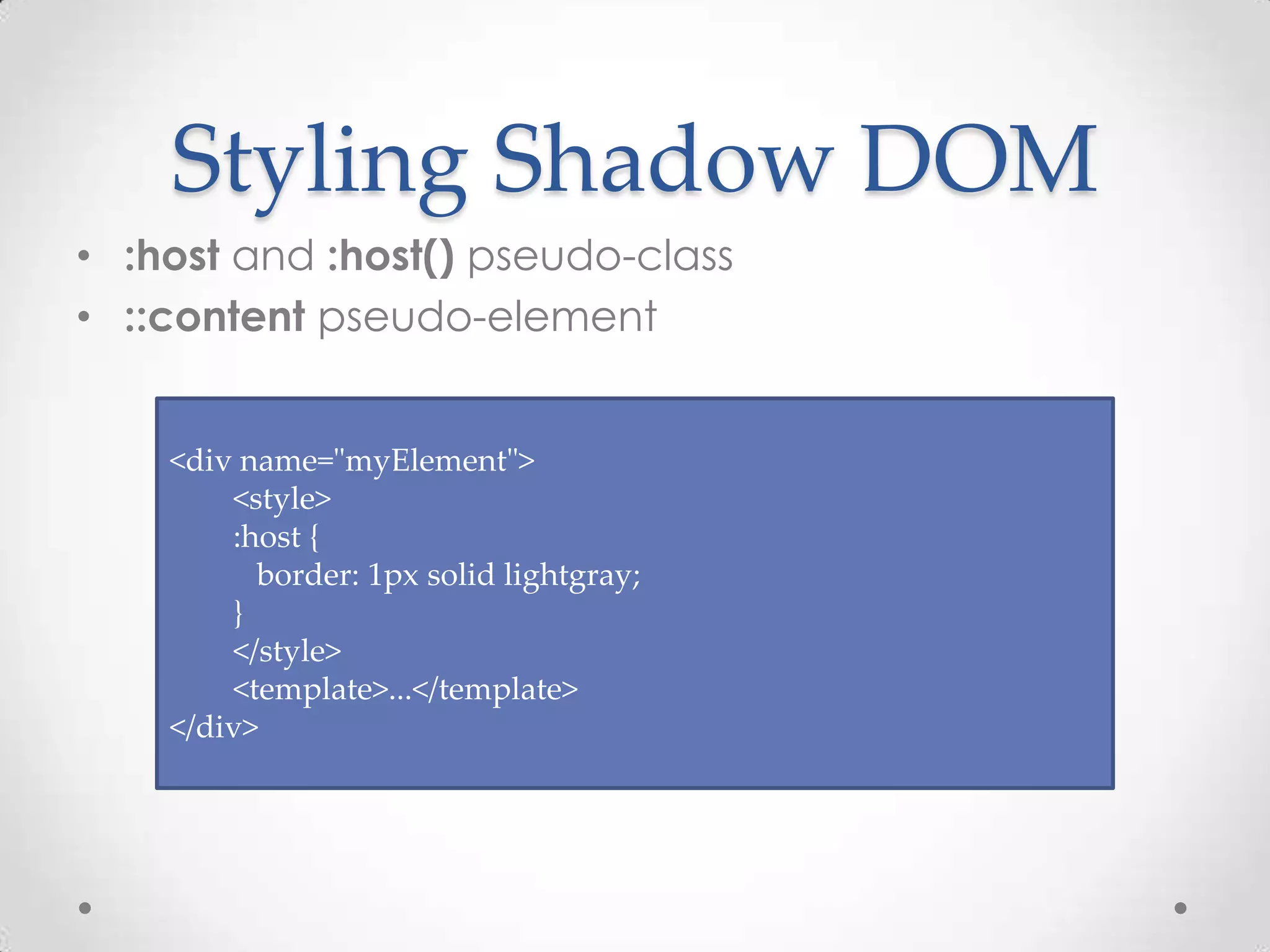
Styling Shadow DOM
• :host and :host() pseudo-class
• ::content pseudo-element
<div name="myElement">
<style>
:host {
border: 1px solid lightgray;
}
</style>
<template>...</template>
</div>
Shadow DOM
Demo
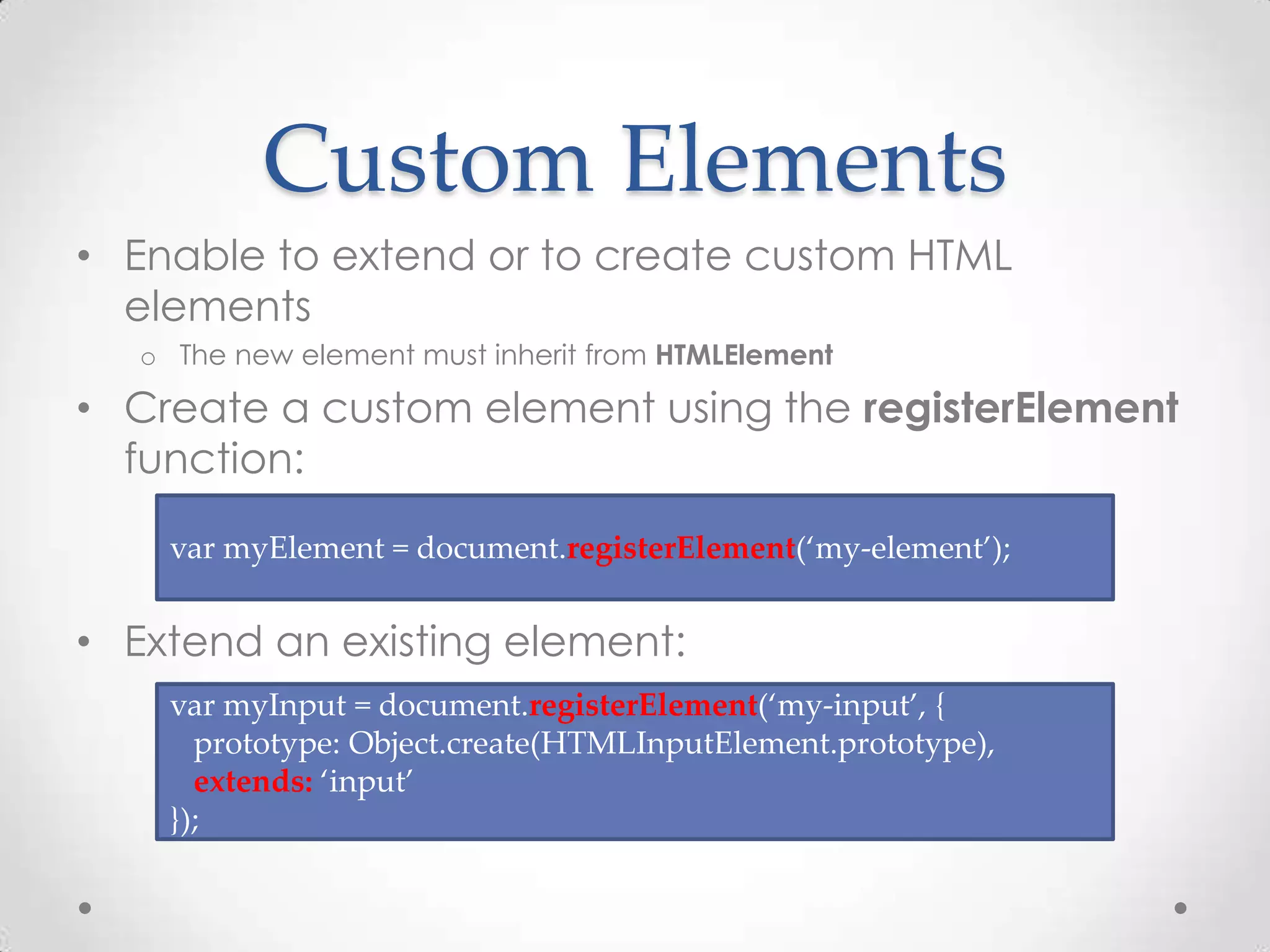
Custom Elements
• Enable to extend or to create custom HTML
elements
o The new element must inherit from HTMLElement
• Create a custom element using the registerElement
function:
• Extend an existing element:
var myElement = document.registerElement(‘my-element’);
var myInput = document.registerElement(‘my-input’, {
prototype: Object.create(HTMLInputElement.prototype),
extends: ‘input’
});
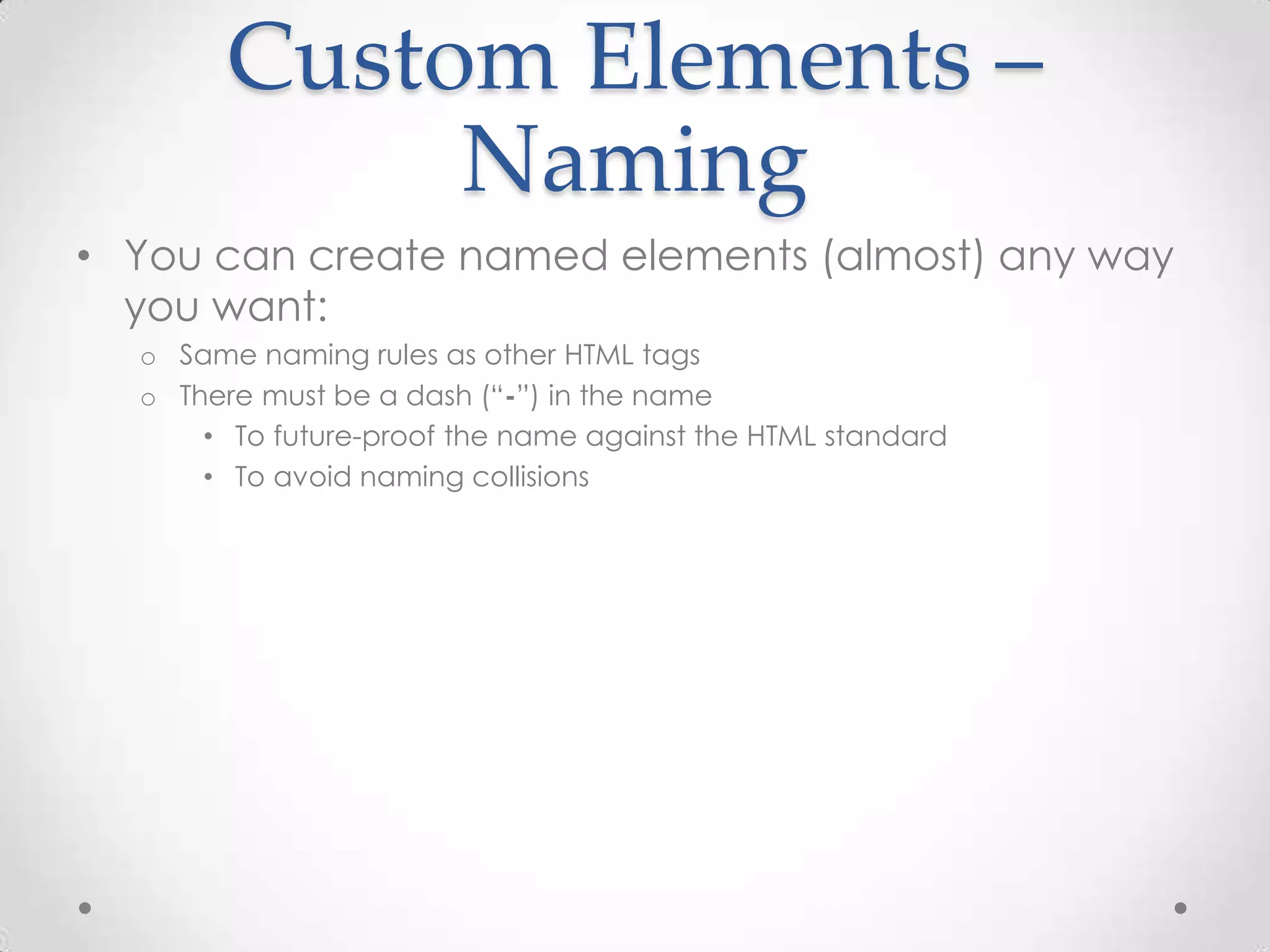
Custom Elements –
Naming
• You can create named elements (almost) any way
you want:
o Same naming rules as other HTML tags
o There must be a dash (“-”) in the name
• To future-proof the name against the HTML standard
• To avoid naming collisions
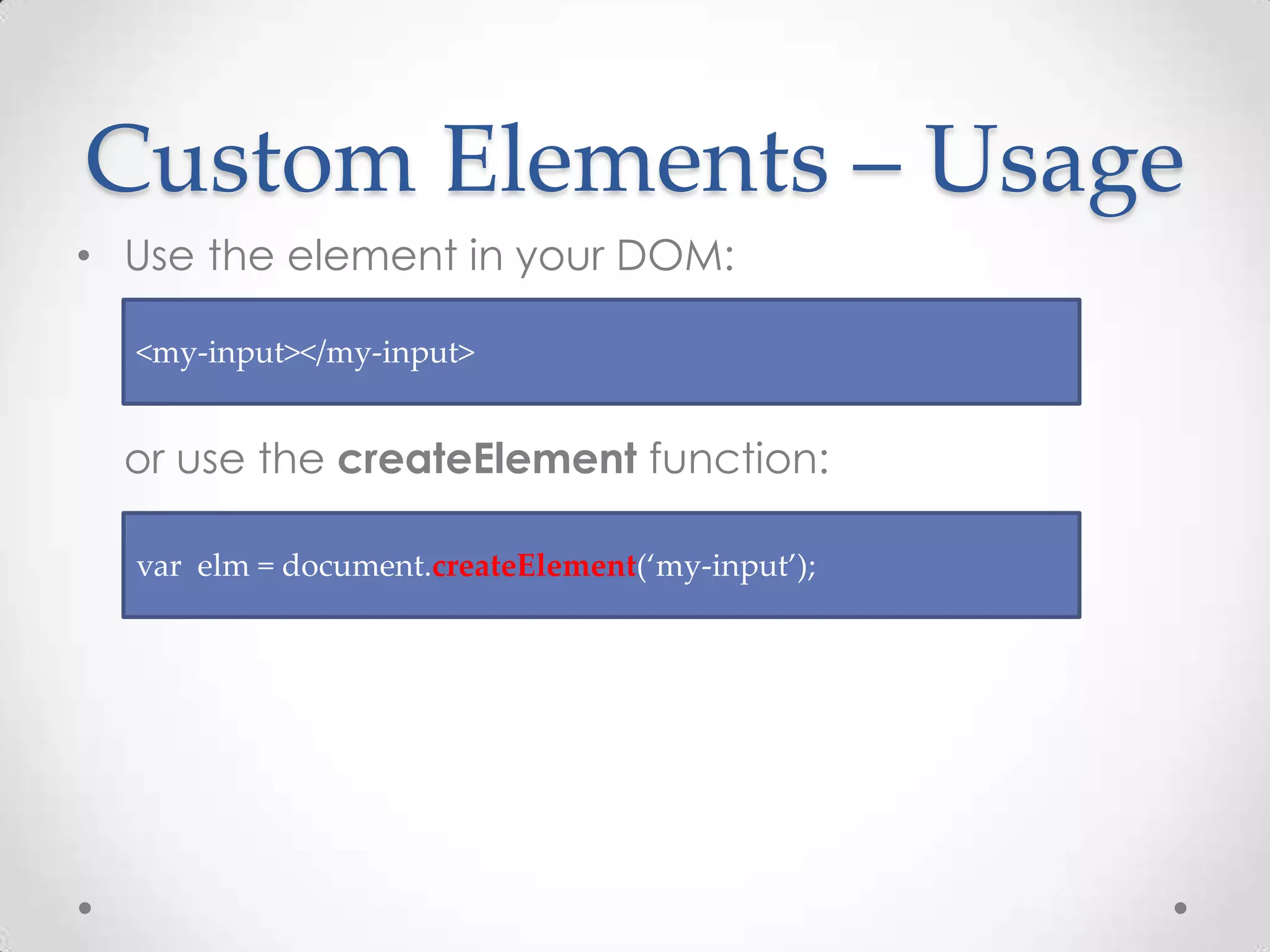
Custom Elements – Usage
• Use the element in your DOM:
or use the createElement function:
<my-input></my-input>
var elm = document.createElement(‘my-input’);
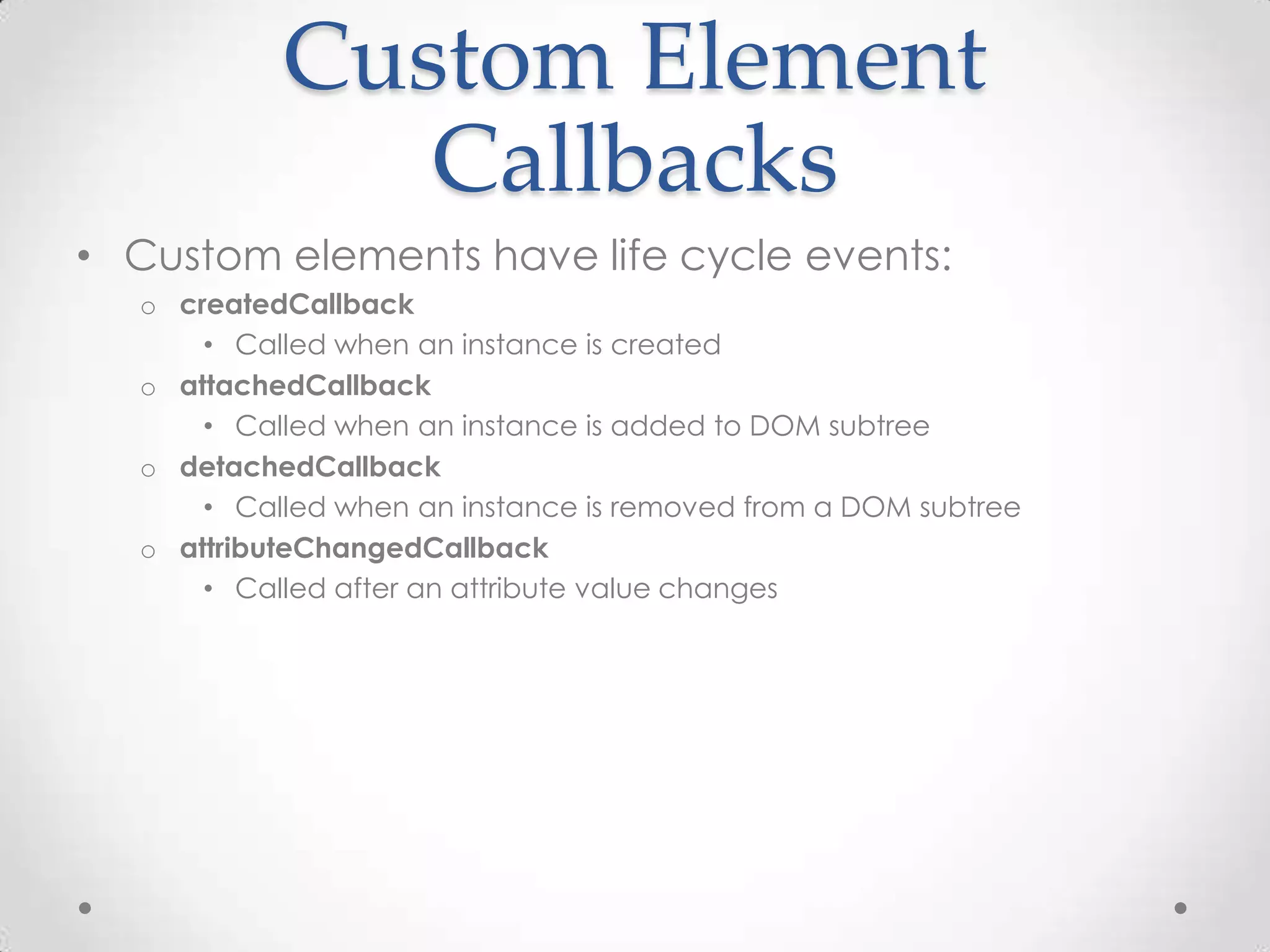
Custom Element
Callbacks
• Custom elements have life cycle events:
o createdCallback
• Called when an instance is created
o attachedCallback
• Called when an instance is added to DOM subtree
o detachedCallback
• Called when an instance is removed from a DOM subtree
o attributeChangedCallback
• Called after an attribute value changes
Custom Elements
Demo
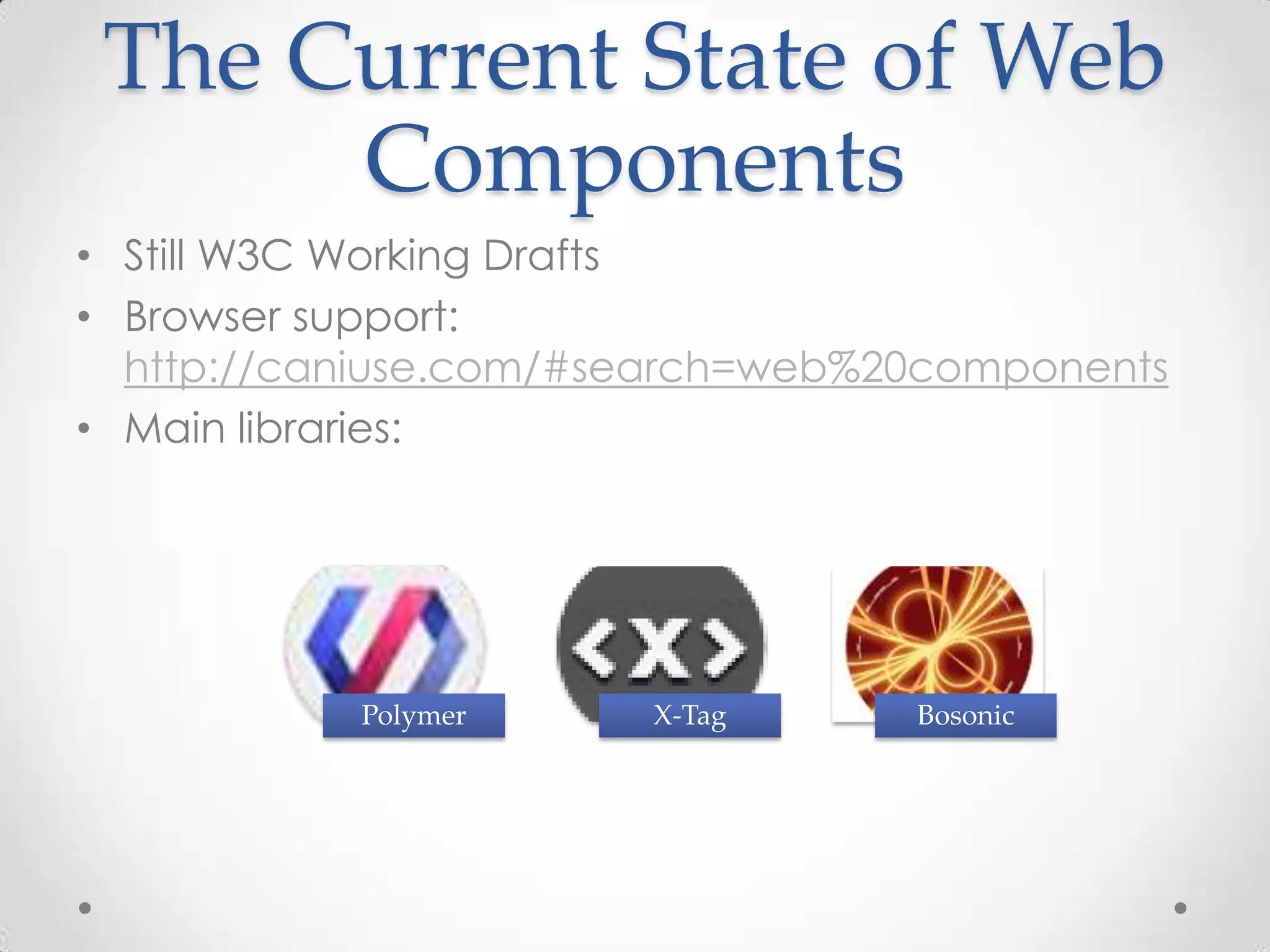
The Current State of Web
Components
• Still W3C Working Drafts
• Browser support:
http://caniuse.com/#search=web%20components
• Main libraries:
Polymer X-Tag Bosonic
Questions?
Summary
• Web Components are emerging standards that
enables:
• Encapsulation
• Separation of Concerns
• Element portability
• And more
• They are still in development
• Taking the web one step forward!
Resources
• Download the slide deck:
http://bit.ly/1OCOnbL
• http://webcomponents.org/
https://www.polymer-project.org/1.0/
http://www.x-tags.org/
• My Blog – http://www.gilfink.net
• Follow me on Twitter – @gilfink
Thank You!

Web Components - The Future is Here

  • 1.
    Web Components -The Future is Here Gil Fink CEO and Senior Consultant, sparXys
  • 2.
  • 3.
    About Me • sparXysCEO and senior consultant • ASP.NET/IIS Microsoft MVP in the last 7 years • Pro Single Page Application Development (Apress) co-author • 4 Microsoft Official Courses (MOCs) co-author • GDG Rashlatz and ng-conf Israel co-organizer
  • 4.
    Agenda • The problemswe face • Web Components APIs o Templates o Imports o Shadow DOM o Custom Elements
  • 5.
  • 6.
    2. Poor Separationof Concerns You want HTML, CSS and JavaScript to work together You end up with a mess The wiring gets in your way!
  • 7.
    3. No NativeTemplates • Store HTML in hidden DOM element and show it • Use script tag as a template holder: <script id=”myTemplate” type=”text/template”> <div> … </div> </script>
  • 8.
    4. No Bundling •You want to bundle a complex component The component includes HTML, CSS and JavaScript how would you do that? o Use a server side wrapping mechanism?
  • 9.
    Web Components tothe Rescue • A set of standards designed to componentize the web • Some general goals: Code Reuse Encapsulation Separation of Concerns Composition Theming Expressive Semantic
  • 10.
    The Web Components Standards •ReusableDOM fragmentsTemplates •Load HTML declarativelyImports •DOM encapsulationShadow DOM •Create your own elements Custom Elements
  • 11.
    Setting The Environment •Browsers have only partial support for Web Components o So we use the webcomponents.js Polyfill for Web Components • Download: o https://github.com/webcomponents/webcomponentsjs/ o Or install using your favorite package manager (NPM, Bower, Nuget) • Make sure the Polyfill script runs first
  • 12.
  • 13.
  • 14.
    Templates • A newHTML element – template o Can be used to instantiate document fragments o Can wrap HTML, style tags and script tags • No data binding support  • To use a template you need to write some JavaScript code <template id=”myTemplate”> <div> … </div> </template>
  • 15.
    Cloning a Template •Select the template and extract its content o Using its content property • Use the importNode function to get the cloned content • Only when the clone is appended to the DOM o The style and JavaScript are executed o Resources such as images are fetched from the server var template = document.querySelector(‘#myTemplate’); var clone = document.importNode(template.content, true);
  • 16.
  • 17.
    Imports • Load additionalHTML documents o Without Ajax • A new type of link tag • Use the rel attribute with the import type: <link rel=”import” href=”myImport.html”>
  • 18.
    Imports and Bundling •Enable to bundle a full component into one HTML file o The HTML can include scripts and styles • The whole bundle can be retrieved in a single call
  • 19.
    Imports and TheDOM • Importing a document doesn’t include it into the DOM o It will parse it in memory and load all the additional resources • Use the import property of the link tag: var content = document.querySelector(‘link[rel=”import”]’).import;
  • 20.
  • 21.
    Import Notes • Scriptsrunning inside the import can reference the containing document o By calling document.currentScript.ownerDocument • CORS constraints apply to documents imported from other domains
  • 22.
    Shadow DOM • EncapsulateDOM parts o The browser will know how to present those parts o The browser won’t show the encapsulated parts in the source code • Creates a boundary between the component and its user
  • 23.
    The Problems Shadow DOMTries to Solve • Encapsulation of components/widgets • Style leakage o Leaks from one component to another o Leaks from imported 3th party library/framework • Global DOM o id or class attributes all over the place
  • 24.
    Shadow DOM inThe Browser <video src="media/myVideo.mp4" controls></video> <input type="date">
  • 25.
  • 26.
    Shadow DOM –Cont. • Use the createShadowRoot function to wrap an element as a shadow DOM host: var host = document.querySelector(‘#shadowDOMHost’); var root = host.createShadowRoot(); root.innerHTML = ‘<div>Lurking in the shadows</div>’;
  • 27.
    Styling Shadow DOM •:host and :host() pseudo-class • ::content pseudo-element <div name="myElement"> <style> :host { border: 1px solid lightgray; } </style> <template>...</template> </div>
  • 28.
  • 29.
    Custom Elements • Enableto extend or to create custom HTML elements o The new element must inherit from HTMLElement • Create a custom element using the registerElement function: • Extend an existing element: var myElement = document.registerElement(‘my-element’); var myInput = document.registerElement(‘my-input’, { prototype: Object.create(HTMLInputElement.prototype), extends: ‘input’ });
  • 30.
    Custom Elements – Naming •You can create named elements (almost) any way you want: o Same naming rules as other HTML tags o There must be a dash (“-”) in the name • To future-proof the name against the HTML standard • To avoid naming collisions
  • 31.
    Custom Elements –Usage • Use the element in your DOM: or use the createElement function: <my-input></my-input> var elm = document.createElement(‘my-input’);
  • 32.
    Custom Element Callbacks • Customelements have life cycle events: o createdCallback • Called when an instance is created o attachedCallback • Called when an instance is added to DOM subtree o detachedCallback • Called when an instance is removed from a DOM subtree o attributeChangedCallback • Called after an attribute value changes
  • 33.
  • 34.
    The Current Stateof Web Components • Still W3C Working Drafts • Browser support: http://caniuse.com/#search=web%20components • Main libraries: Polymer X-Tag Bosonic
  • 35.
  • 36.
    Summary • Web Componentsare emerging standards that enables: • Encapsulation • Separation of Concerns • Element portability • And more • They are still in development • Taking the web one step forward!
  • 37.
    Resources • Download theslide deck: http://bit.ly/1OCOnbL • http://webcomponents.org/ https://www.polymer-project.org/1.0/ http://www.x-tags.org/ • My Blog – http://www.gilfink.net • Follow me on Twitter – @gilfink
  • 38.