Downloaded 68 times




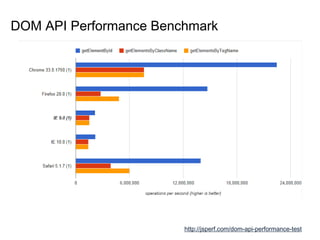
![DOM API Performance Test
<ul>
<li>
<label>What's your name?</label>
<input id="inputBox" type="text" value="Huns">
</li>
</ul>
getElementById("inputBox");
getElementsByClassName("input-box")[0];
getElementsByTagName("input")[0];](https://image.slidesharecdn.com/domselectingjquery-140418230942-phpapp01/85/Dom-selecting-jQuery-9-320.jpg)

![Selector…?
ul li > input[type=‘text’] {
color : red
}
http://www.w3.org/TR/2013/WD-selectors4-20130502
ul li > input[type=‘text’] {
color : red
}](https://image.slidesharecdn.com/domselectingjquery-140418230942-phpapp01/85/Dom-selecting-jQuery-13-320.jpg)
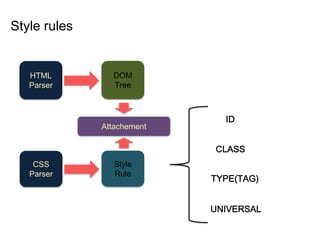
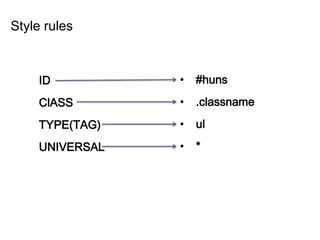
![Simple Selector
ul { … }
#huns { … }
h1[title] { … }
.huns-class { … }
* { … }
type selector
id selector
attribute selector
class selector
universal selector](https://image.slidesharecdn.com/domselectingjquery-140418230942-phpapp01/85/Dom-selecting-jQuery-14-320.jpg)
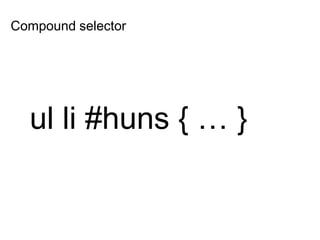
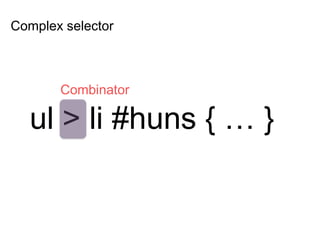
![Selector…?
ul li > input[type=‘text’]
?](https://image.slidesharecdn.com/domselectingjquery-140418230942-phpapp01/85/Dom-selecting-jQuery-17-320.jpg)

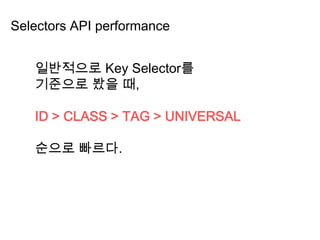
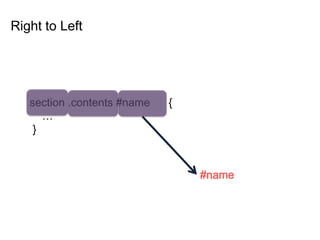
![• #main-navigation { }
• body.home #page-wrap { }
• .main-navigation { }
• ul li a.current { }
• ul { }
• ul li a { }
• * { }
• #content[title='home']
• #main-navigation { }
• body.home #page-wrap { }
• .main-navigation { }
• ul li a.current { }
• ul { }
• ul li a { }
• * { }
• #content[title='home']
Key Selectors](https://image.slidesharecdn.com/domselectingjquery-140418230942-phpapp01/85/Dom-selecting-jQuery-24-320.jpg)
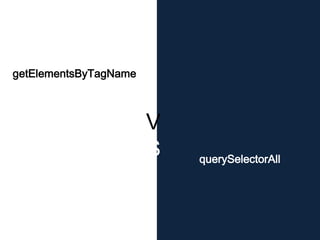
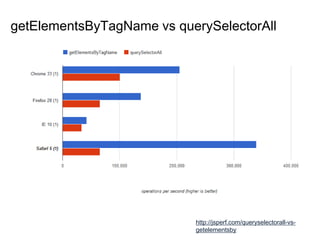
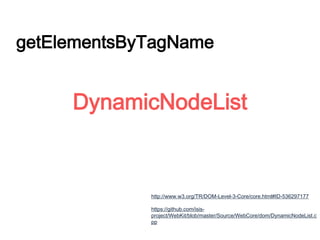
![var HTMLCollection = document.getElementsByTagName("div");
for(var i = 0; i < HTMLCollection.length; i++){
document.body.appendChild( document.createElement( "div" ) );
}
HTMLCollection[N]
Infinite Loop](https://image.slidesharecdn.com/domselectingjquery-140418230942-phpapp01/85/Dom-selecting-jQuery-34-320.jpg)

![var nodeList = document.querySelectorAll("div");
for(var i = 0; i < nodeList .length; i++){
document.body.appendChild( document.createElement( "div" ) );
}
NodeList[N]](https://image.slidesharecdn.com/domselectingjquery-140418230942-phpapp01/85/Dom-selecting-jQuery-36-320.jpg)
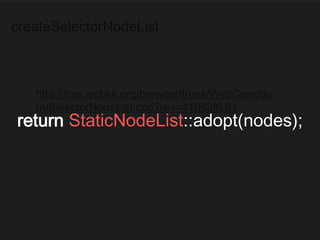



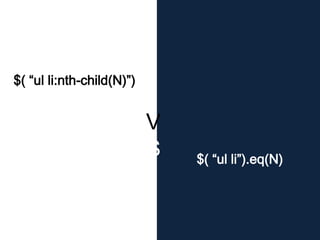
![jQuery.eq(N)
$( … ).eq(N)는…
$( … )[N] 와 비슷한 성능을 보임](https://image.slidesharecdn.com/domselectingjquery-140418230942-phpapp01/85/Dom-selecting-jQuery-57-320.jpg)
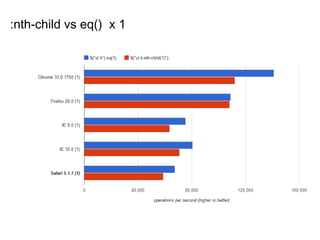
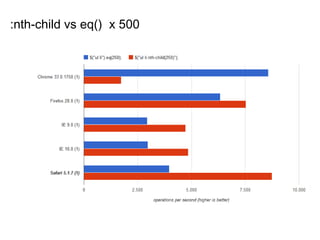
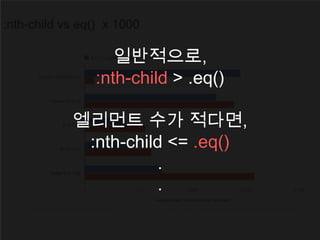
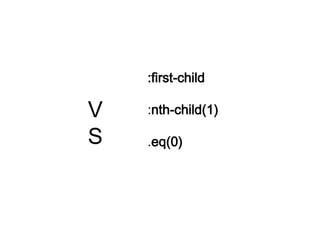
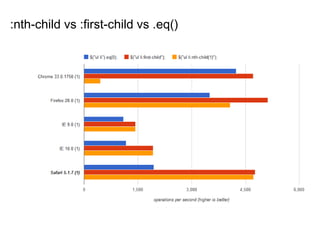



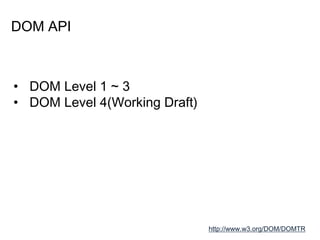
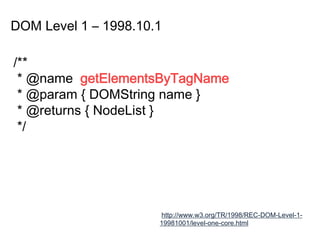
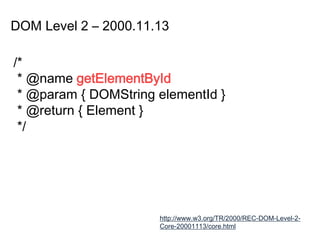
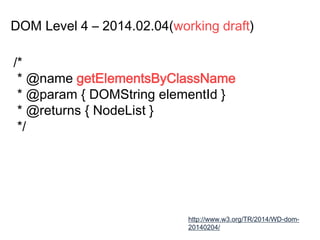
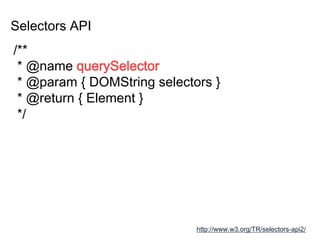
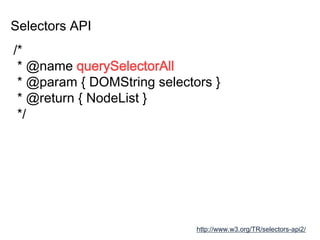
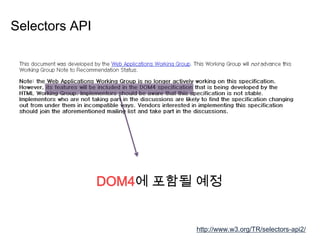
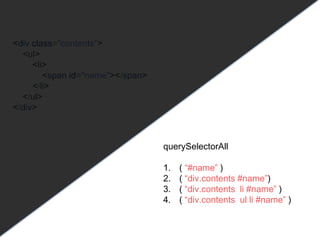
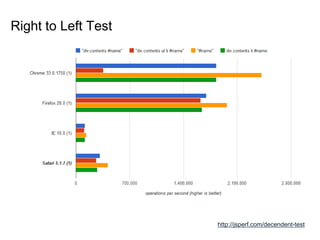
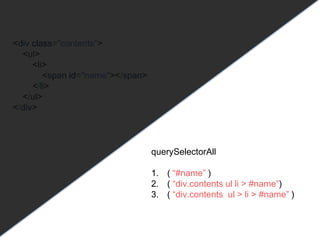
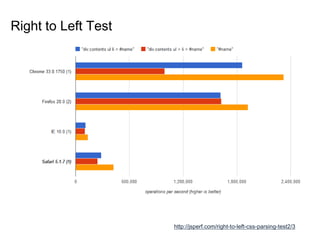
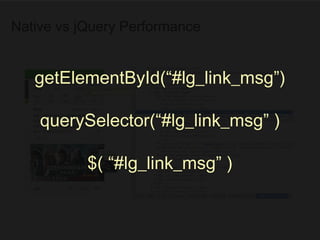
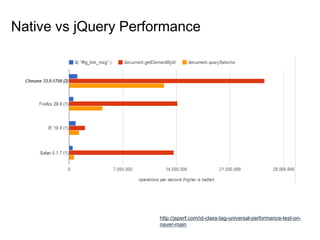
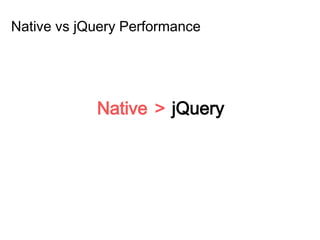
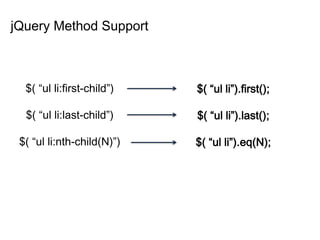
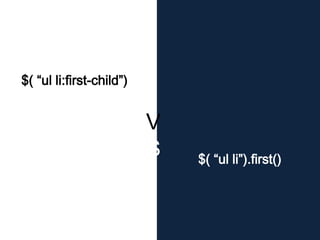
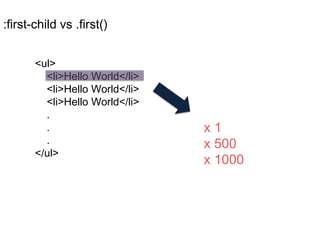
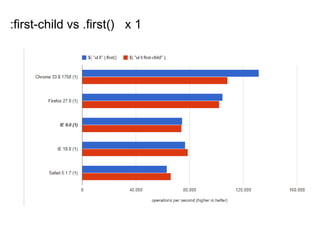
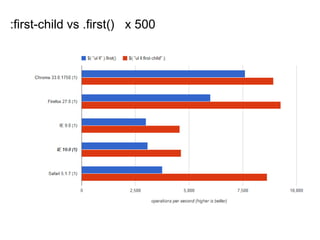
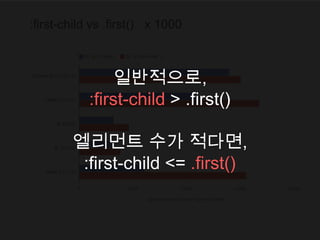
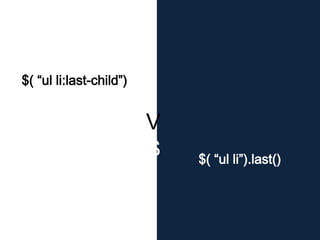
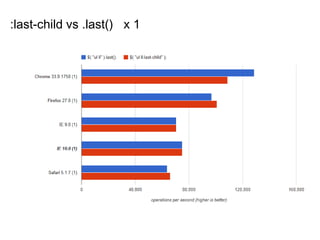
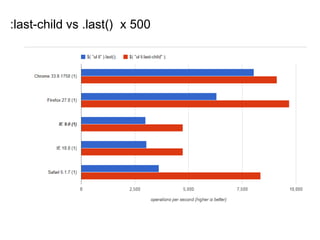
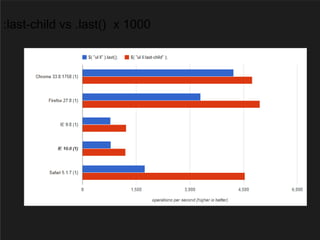
This document discusses DOM selection and jQuery. It begins by explaining the DOM API and its levels. It then covers DOM selection methods like getElementById and querySelectorAll. It finds getElementById is typically fastest. The document also discusses CSS selectors and structural pseudo-classes. It shows querySelectorAll generally outperforms getElementsByTagName. Finally, it compares jQuery selector performance to native methods, finding native often faster, especially for structural pseudo-classes like :first-child versus jQuery's .first() method.


![[FEConf Korea 2017]Angular 컴포넌트 대화법](https://cdn.slidesharecdn.com/ss_thumbnails/angular-171022050314-thumbnail.jpg?width=640&height=640&fit=bounds)


![谷歌留痕技术教程[ 𝙩𝙤𝙥 𝟮𝟯𝟯. 𝙘 𝙤𝙢 ]](https://cdn.slidesharecdn.com/ss_thumbnails/top233-260130173900-2eb784f9-thumbnail.jpg?width=640&height=640&fit=bounds)


![20260201 [FOSDEM] gomodjail - library sandboxing for Go modules.pdf](https://cdn.slidesharecdn.com/ss_thumbnails/20260201fosdemgomodjail-librarysandboxingforgomodules-260201225659-76609ec4-thumbnail.jpg?width=640&height=640&fit=bounds)


