


Microsoft
Virtual
Academy
Microsoft
Virtual
Academy
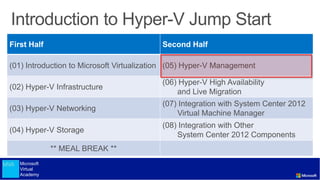
First Half Second Half
(01) Introduction to Microsoft Virtualization (05) Hyper-V Management
(02) Hyper-V Infrastructure
(06) Hyper-V High Availability
and Live Migration
(03) Hyper-V Networking
(07) Integration with System Center 2012
Virtual Machine Manager
(04) Hyper-V Storage
(08) Integration with Other
System Center 2012 Components
** MEAL BREAK **
Microsoft
Virtual
Academy
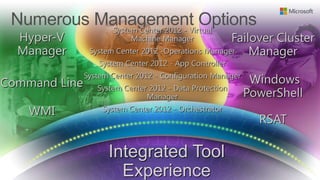
Hyper-V
Manager
Command Line
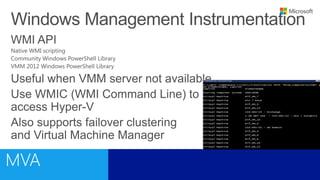
WMI
Integrated Tool
Experience
System Center 2012 - Virtual
Machine Manager
System Center 2012 -Operations Manager
System Center 2012 - App Controller
System Center 2012 - Configuration Manager
System Center 2012 - Data Protection
Manager
System Center 2012 - Orchestrator
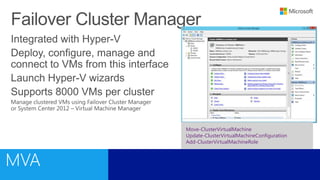
Failover Cluster
Manager
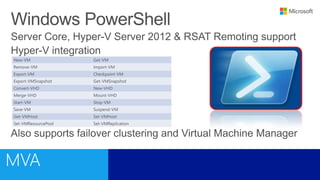
Windows
PowerShell
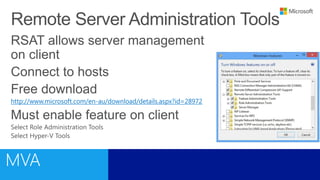
RSAT
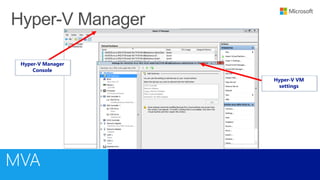
Hyper-V Manager
Console
Hyper-V VM
settings
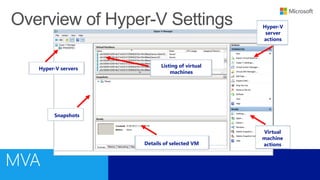
Hyper-V servers
Listing of virtual
machines
Hyper-V
server
actions
Virtual
machine
actions
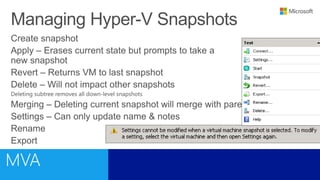
Snapshots
Details of selected VM
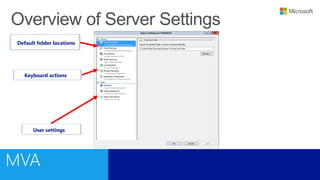
Default folder locations
User settings
Keyboard actions
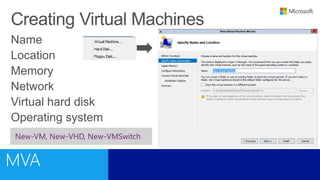
New-VM, New-VHD, New-VMSwitch
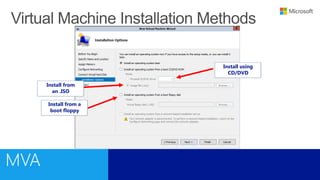
Install from
an .ISO
Install from a
boot floppy
Install using
CD/DVD
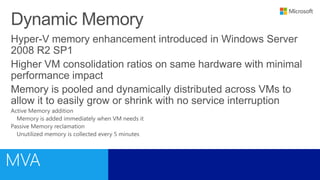
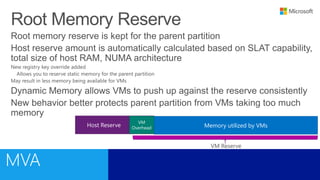
Host Reserve
VM
Overhead Memory utilized by VMs
VM Reserve
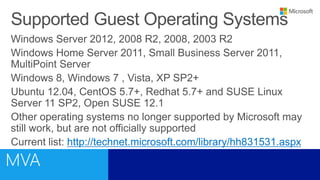
http://technet.microsoft.com/library/hh831531.aspx
Move-ClusterVirtualMachine
Update-ClusterVirtualMachineConfiguration
Add-ClusterVirtualMachineRole
http://www.microsoft.com/en-au/download/details.aspx?id=28972
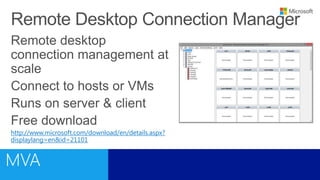
http://www.microsoft.com/download/en/details.aspx?
displaylang=en&id=21101
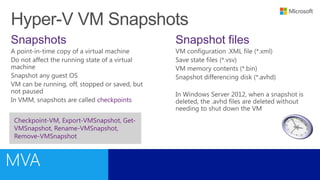
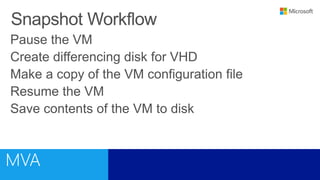
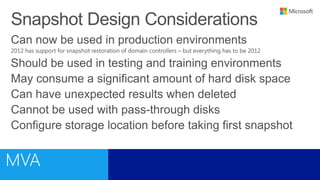
Snapshots
checkpoints
Snapshot files
Checkpoint-VM, Export-VMSnapshot, Get-
VMSnapshot, Rename-VMSnapshot,
Remove-VMSnapshot
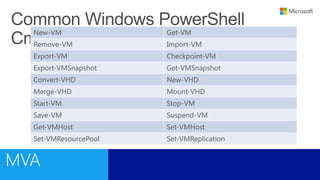
New-VM Get-VM
Remove-VM Import-VM
Export-VM Checkpoint-VM
Export-VMSnapshot Get-VMSnapshot
Convert-VHD New-VHD
Merge-VHD Mount-VHD
Start-VM Stop-VM
Save-VM Suspend-VM
Get-VMHost Set-VMHost
Set-VMResourcePool Set-VMReplication
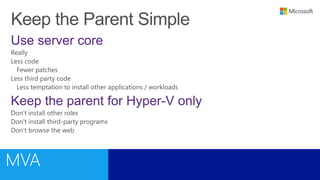
Use server core
Keep the parent for Hyper-V only
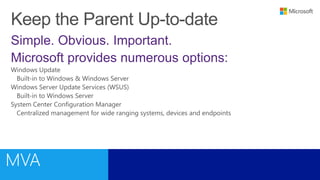
Simple. Obvious. Important.
Microsoft provides numerous options:
Parent Administrator = Power over everything
Parent Administrator not needed for virtualization
administration
Can be done with in-box tools or with SCVMM
Simple. Obvious. Important.
Microsoft provides numerous options:
Hyper-V support built-in
Free Download
http://technet.microsoft.com/en-us/library/gg236605.aspx
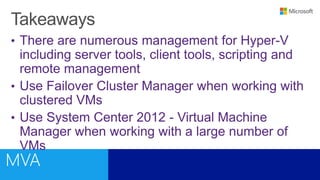
• There are numerous management for Hyper-V
including server tools, client tools, scripting and
remote management
• Use Failover Cluster Manager when working with
clustered VMs
• Use System Center 2012 - Virtual Machine
Manager when working with a large number of
VMs
©2013 Microsoft Corporation. All rights reserved. Microsoft, Windows, Office, Azure, System Center, Dynamics and other product names are or may be registered trademarks and/or trademarks in the
U.S. and/or other countries. The information herein is for informational purposes only and represents the current view of Microsoft Corporation as of the date of this presentation. Because Microsoft
must respond to changing market conditions, it should not be interpreted to be a commitment on the part of Microsoft, and Microsoft cannot guarantee the accuracy of any information provided
after the date of this presentation. MICROSOFT MAKES NO WARRANTIES, EXPRESS, IMPLIED OR STATUTORY, AS TO THE INFORMATION IN THIS PRESENTATION.

Hyper-V Management