1
By: M.R.M.Nowfeek MSc in IT
HTML(Hyper Text Markup Language
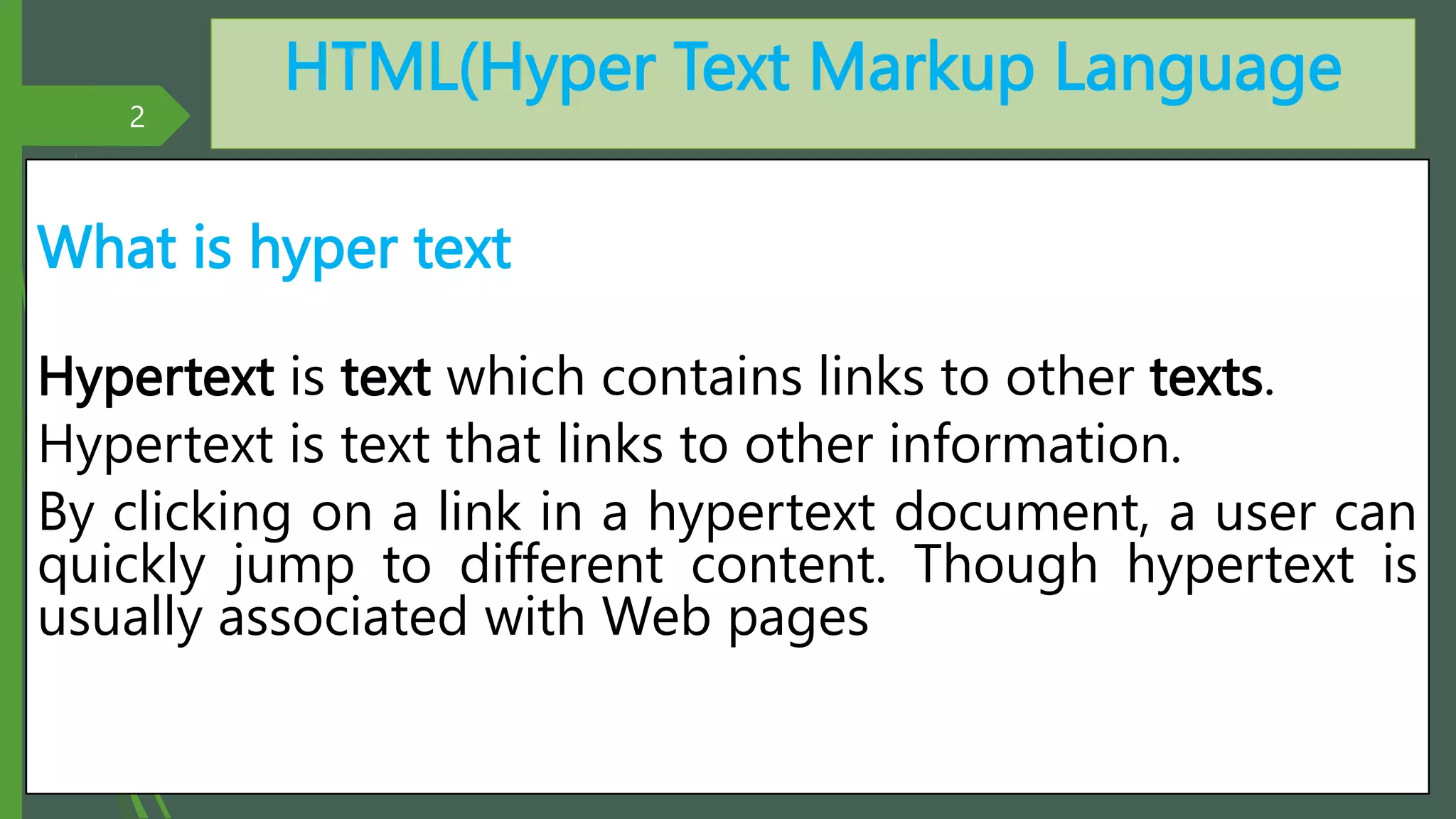
What is hyper text
Hypertext is text which contains links to other texts.
Hypertext is text that links to other information.
By clicking on a link in a hypertext document, a user can
quickly jump to different content. Though hypertext is
usually associated with Web pages
2
By: M.R.M.Nowfeek MSc in IT
HTML(Hyper Text Markup Language
What is HTML?
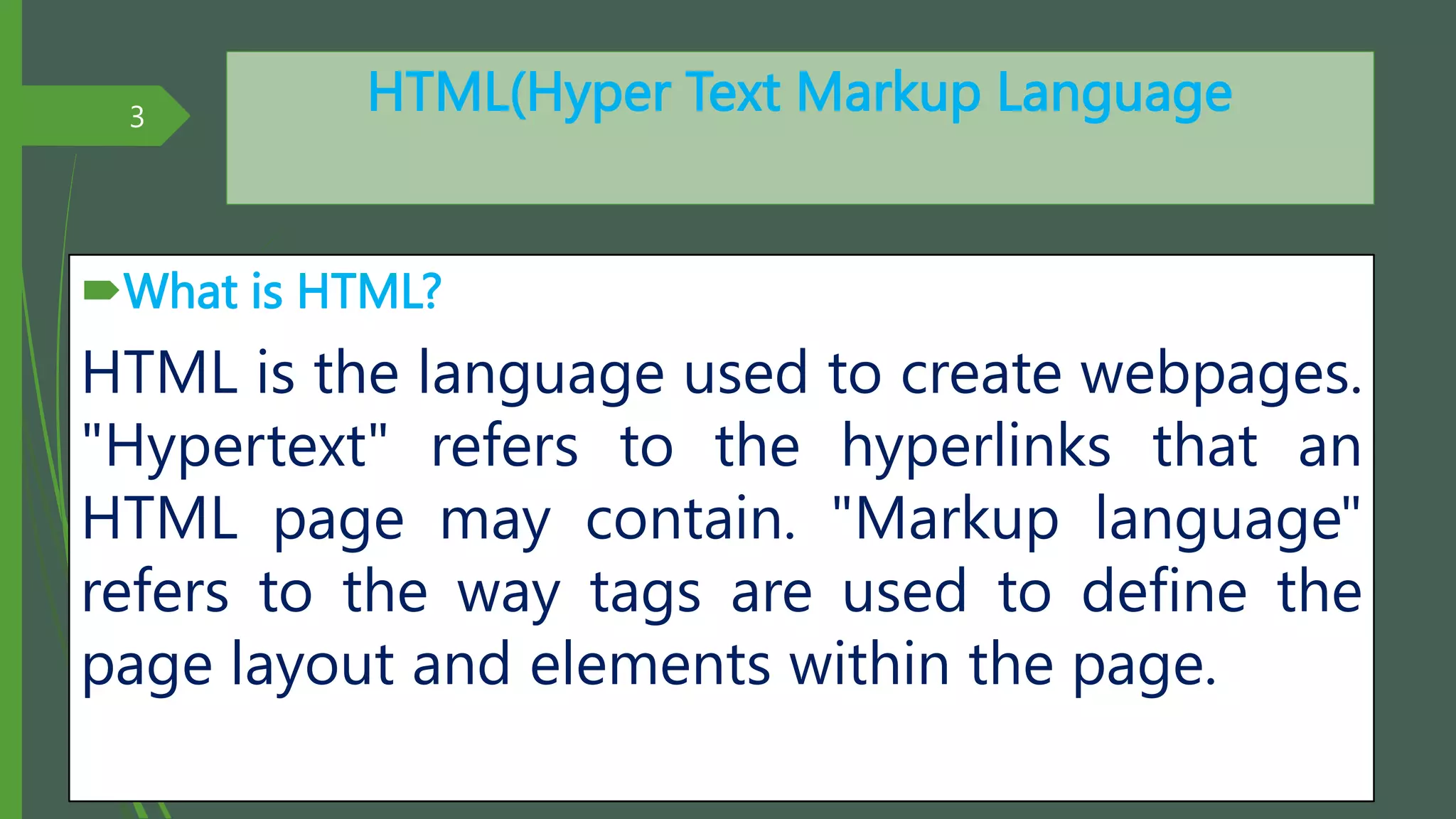
HTML is the language used to create webpages.
"Hypertext" refers to the hyperlinks that an
HTML page may contain. "Markup language"
refers to the way tags are used to define the
page layout and elements within the page.
3
By: M.R.M.Nowfeek MSc in IT
HTML(Hyper Text Markup Language
What is HTML TAG?
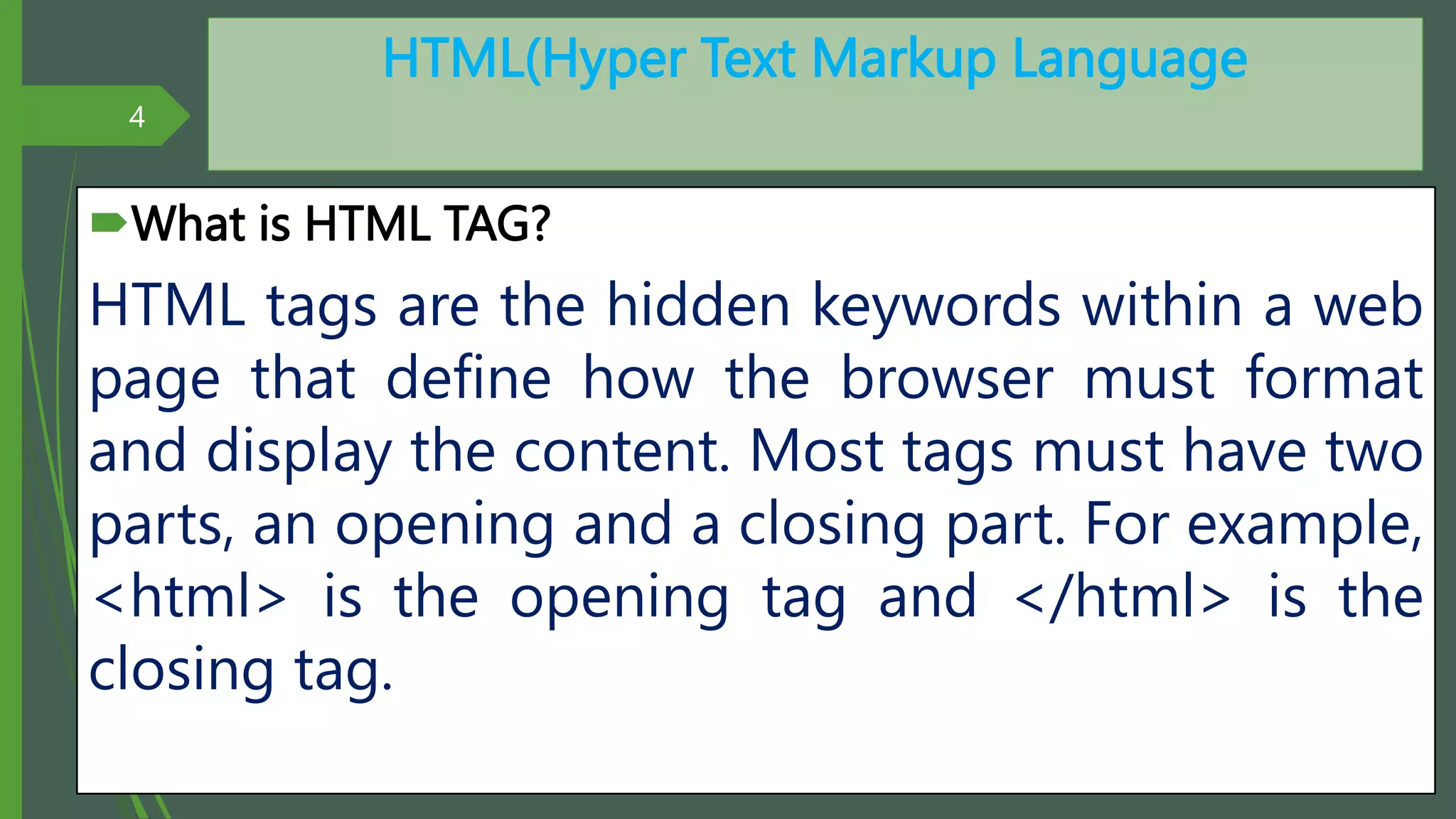
HTML tags are the hidden keywords within a web
page that define how the browser must format
and display the content. Most tags must have two
parts, an opening and a closing part. For example,
<html> is the opening tag and </html> is the
closing tag.
4
By: M.R.M.Nowfeek MSc in IT
HTML(Hyper Text Markup Language
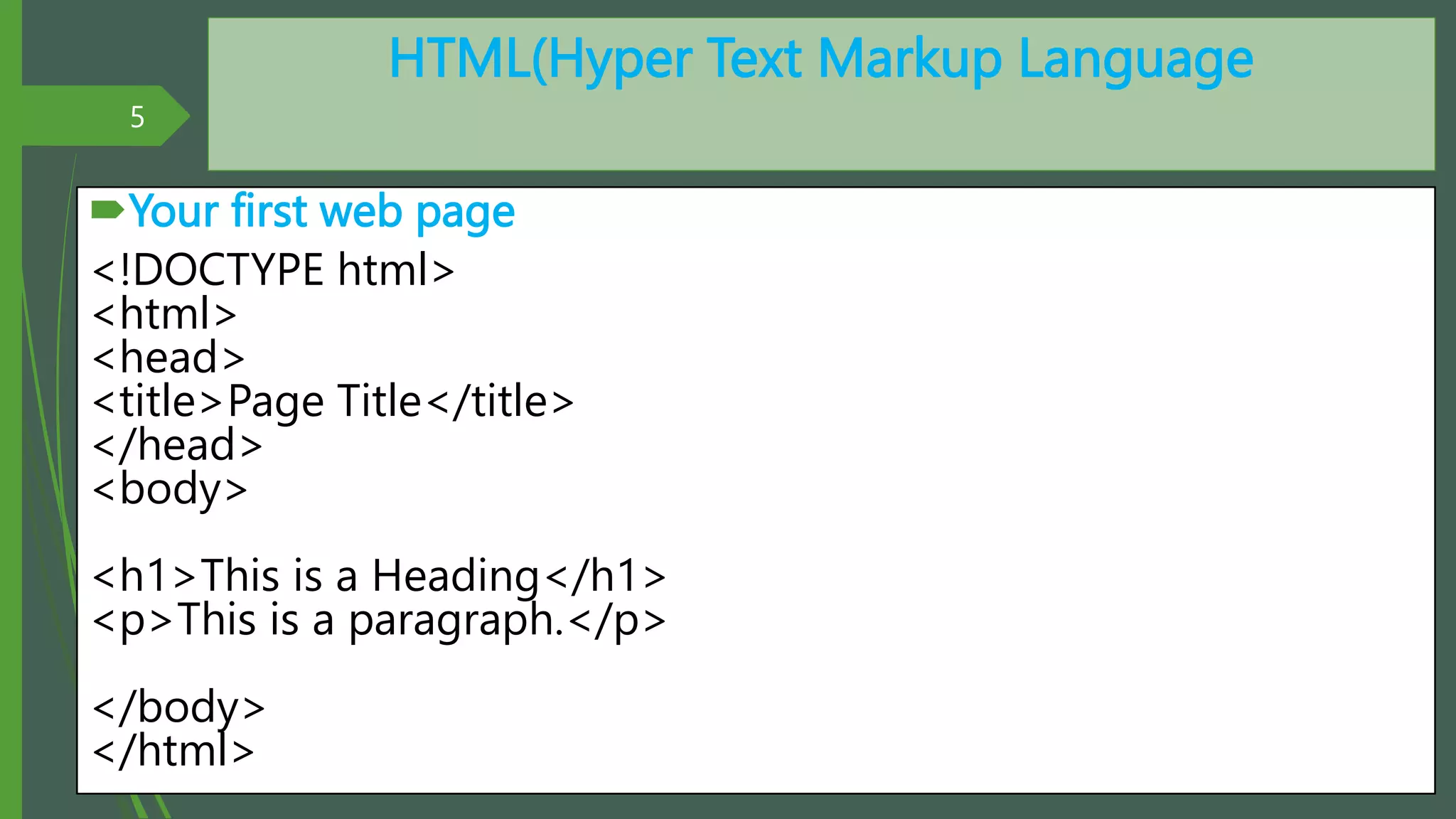
Your first web page
<!DOCTYPE html>
<html>
<head>
<title>Page Title</title>
</head>
<body>
<h1>This is a Heading</h1>
<p>This is a paragraph.</p>
</body>
</html>
5
By: M.R.M.Nowfeek MSc in IT
HTML Lists
An unordered list starts with the <ul> tag. Each
list item starts with the <li> tag.
The list items will be marked with bullets (small
black circles):
6
By: M.R.M.Nowfeek MSc in IT
HTML Lists
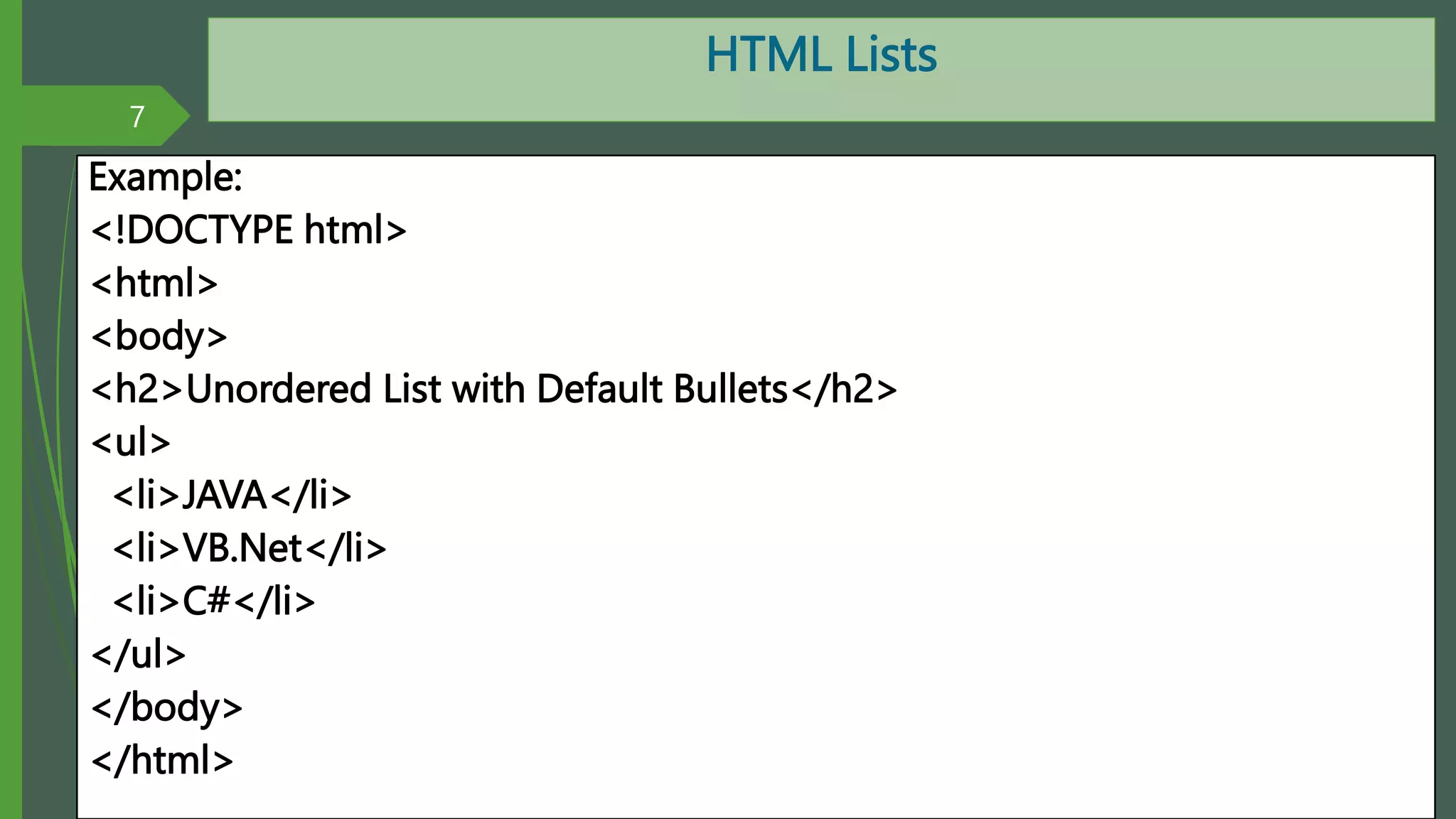
Example:
<!DOCTYPE html>
<html>
<body>
<h2>Unordered List with Default Bullets</h2>
<ul>
<li>JAVA</li>
<li>VB.Net</li>
<li>C#</li>
</ul>
</body>
</html>
7
By: M.R.M.Nowfeek MSc in IT
Unordered HTML Lists
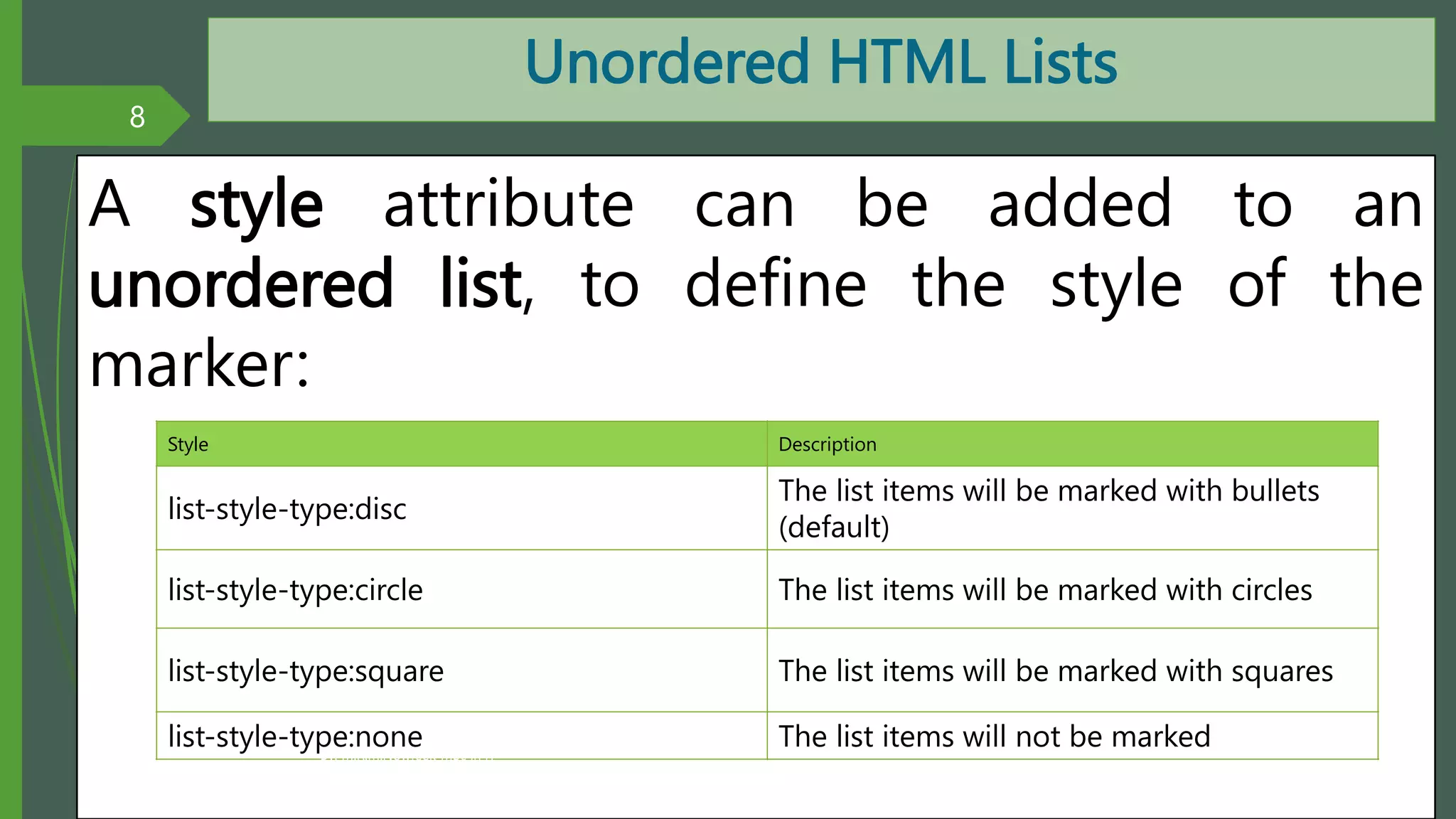
A style attribute can be added to an
unordered list, to define the style of the
marker:
8
Style Description
list-style-type:disc
The list items will be marked with bullets
(default)
list-style-type:circle The list items will be marked with circles
list-style-type:square The list items will be marked with squares
list-style-type:none The list items will not be marked
By: M.R.M.Nowfeek MSc in IT
Unordered HTML Lists
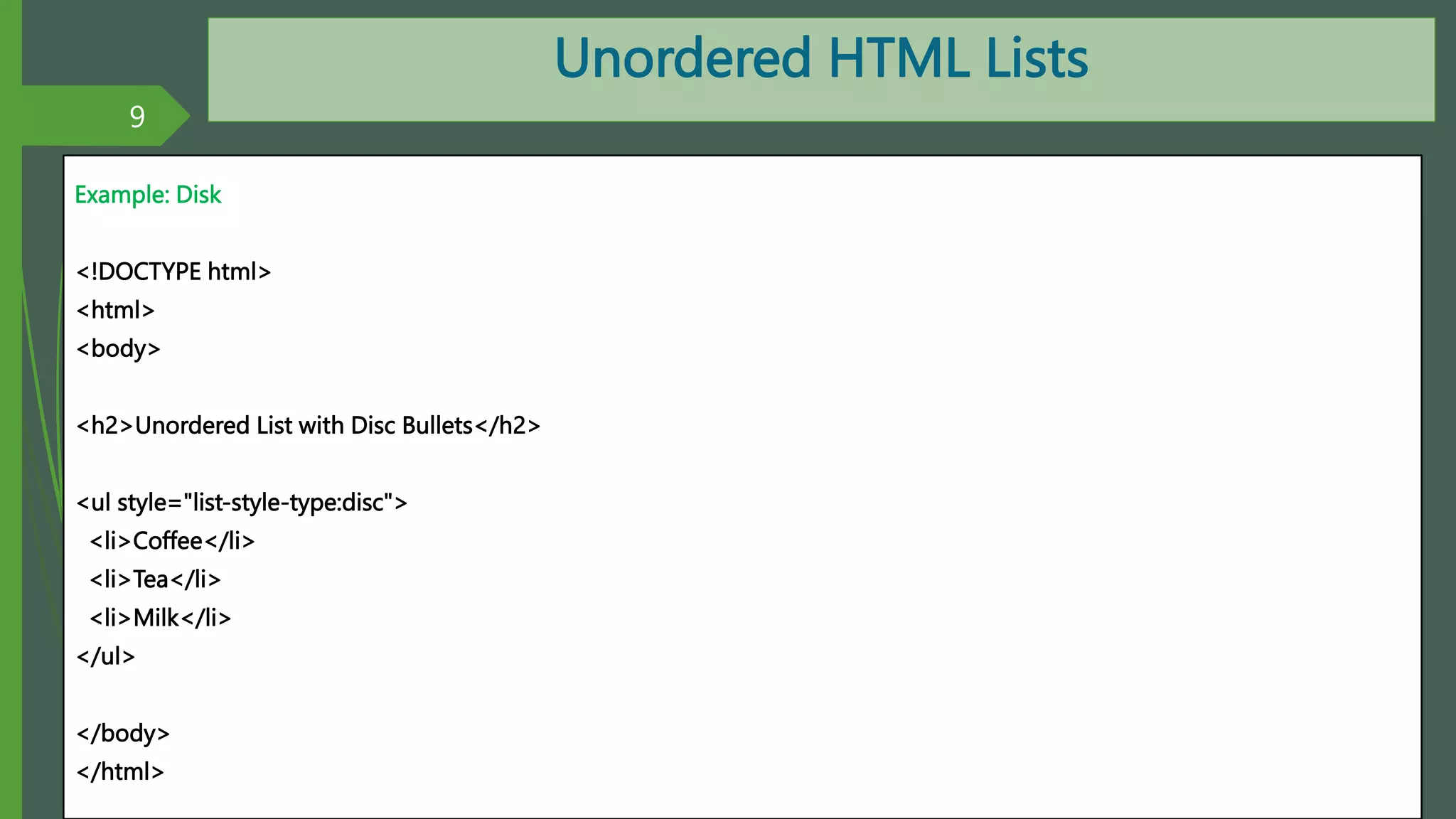
Example: Disk
<!DOCTYPE html>
<html>
<body>
<h2>Unordered List with Disc Bullets</h2>
<ul style="list-style-type:disc">
<li>Coffee</li>
<li>Tea</li>
<li>Milk</li>
</ul>
</body>
</html>
9
By: M.R.M.Nowfeek MSc in IT
Unordered HTML Lists
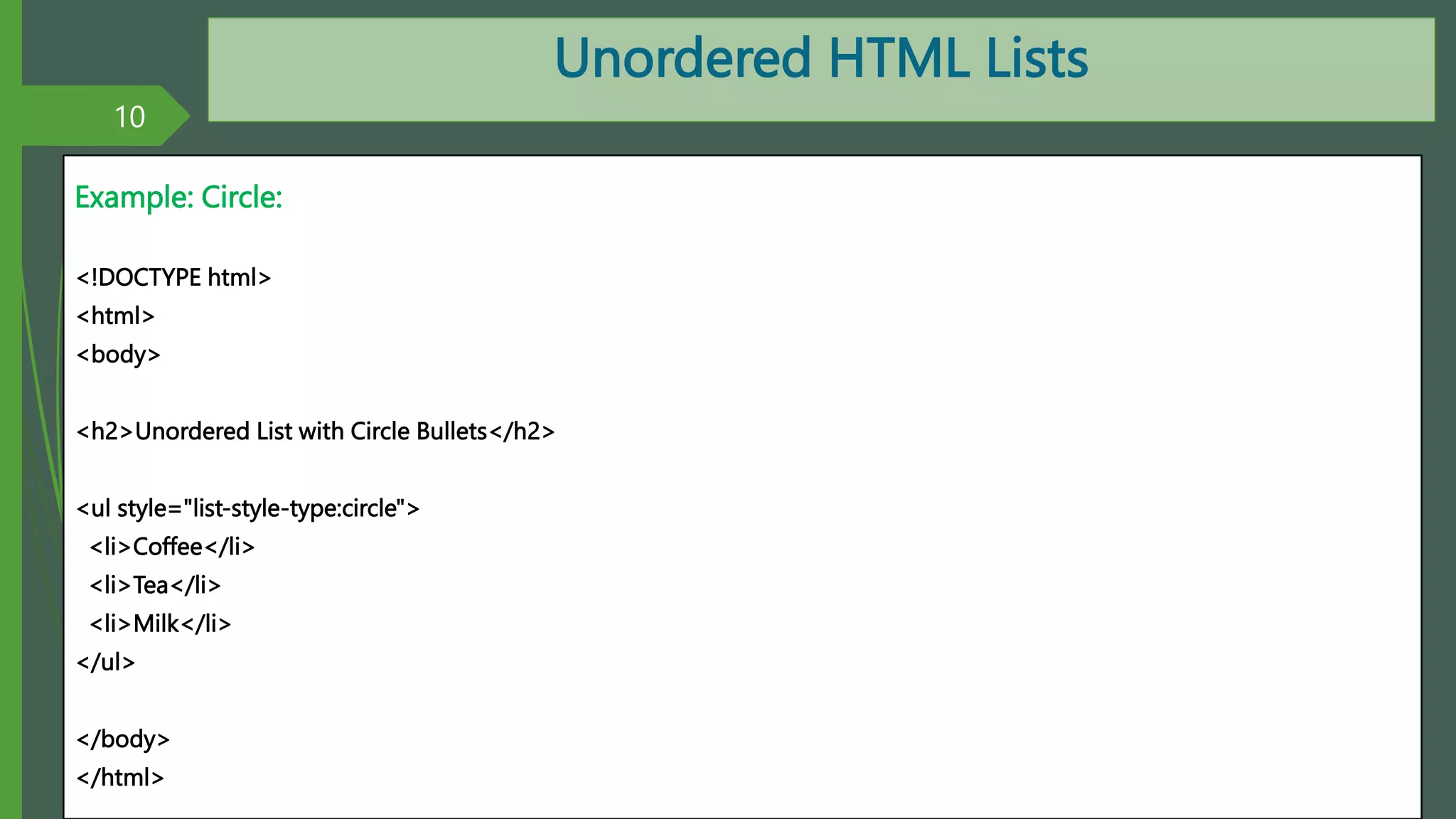
Example: Circle:
<!DOCTYPE html>
<html>
<body>
<h2>Unordered List with Circle Bullets</h2>
<ul style="list-style-type:circle">
<li>Coffee</li>
<li>Tea</li>
<li>Milk</li>
</ul>
</body>
</html>
10
By: M.R.M.Nowfeek MSc in IT
Unordered HTML Lists
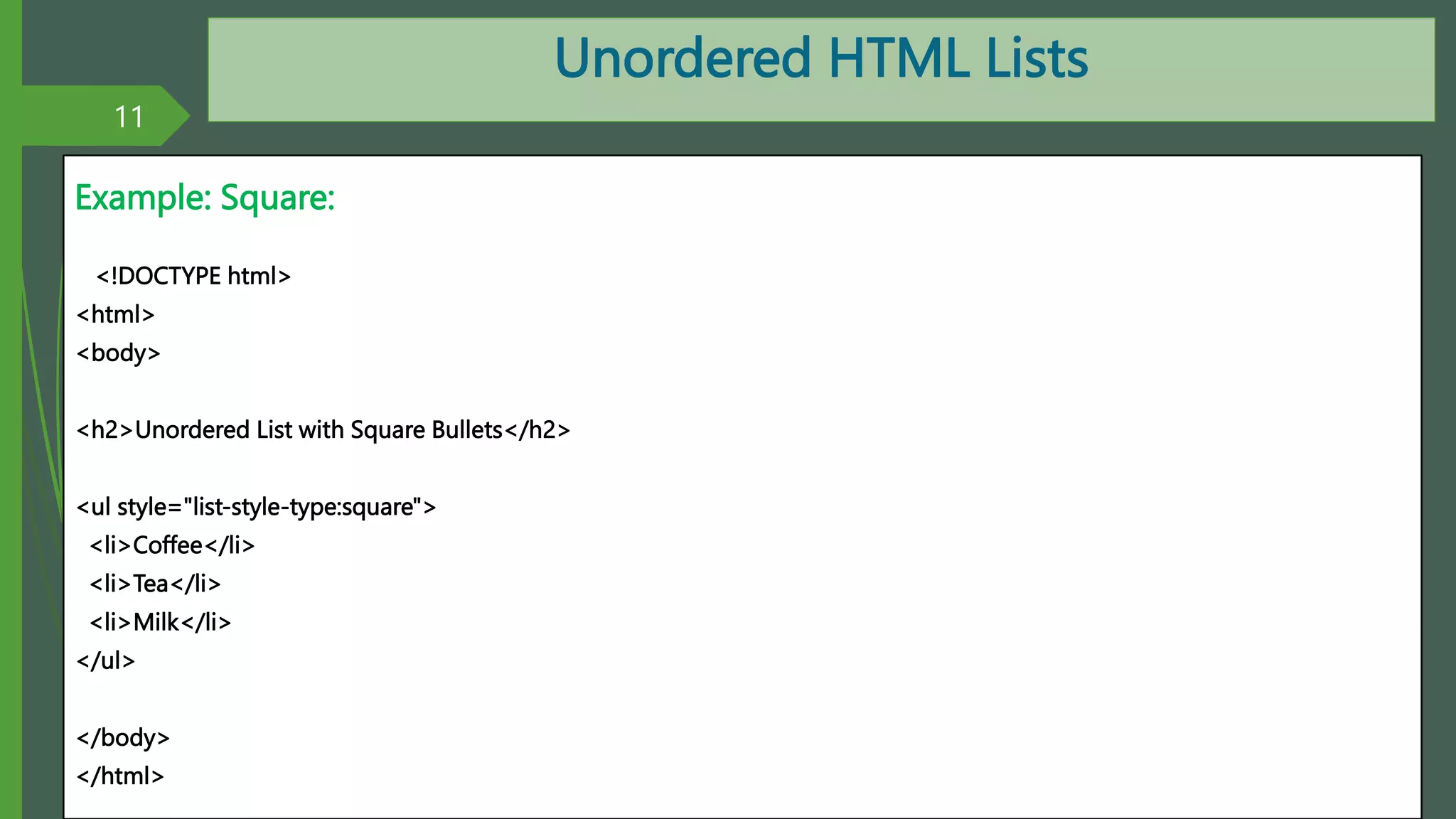
Example: Square:
<!DOCTYPE html>
<html>
<body>
<h2>Unordered List with Square Bullets</h2>
<ul style="list-style-type:square">
<li>Coffee</li>
<li>Tea</li>
<li>Milk</li>
</ul>
</body>
</html>
11
By: M.R.M.Nowfeek MSc in IT
Unordered HTML Lists
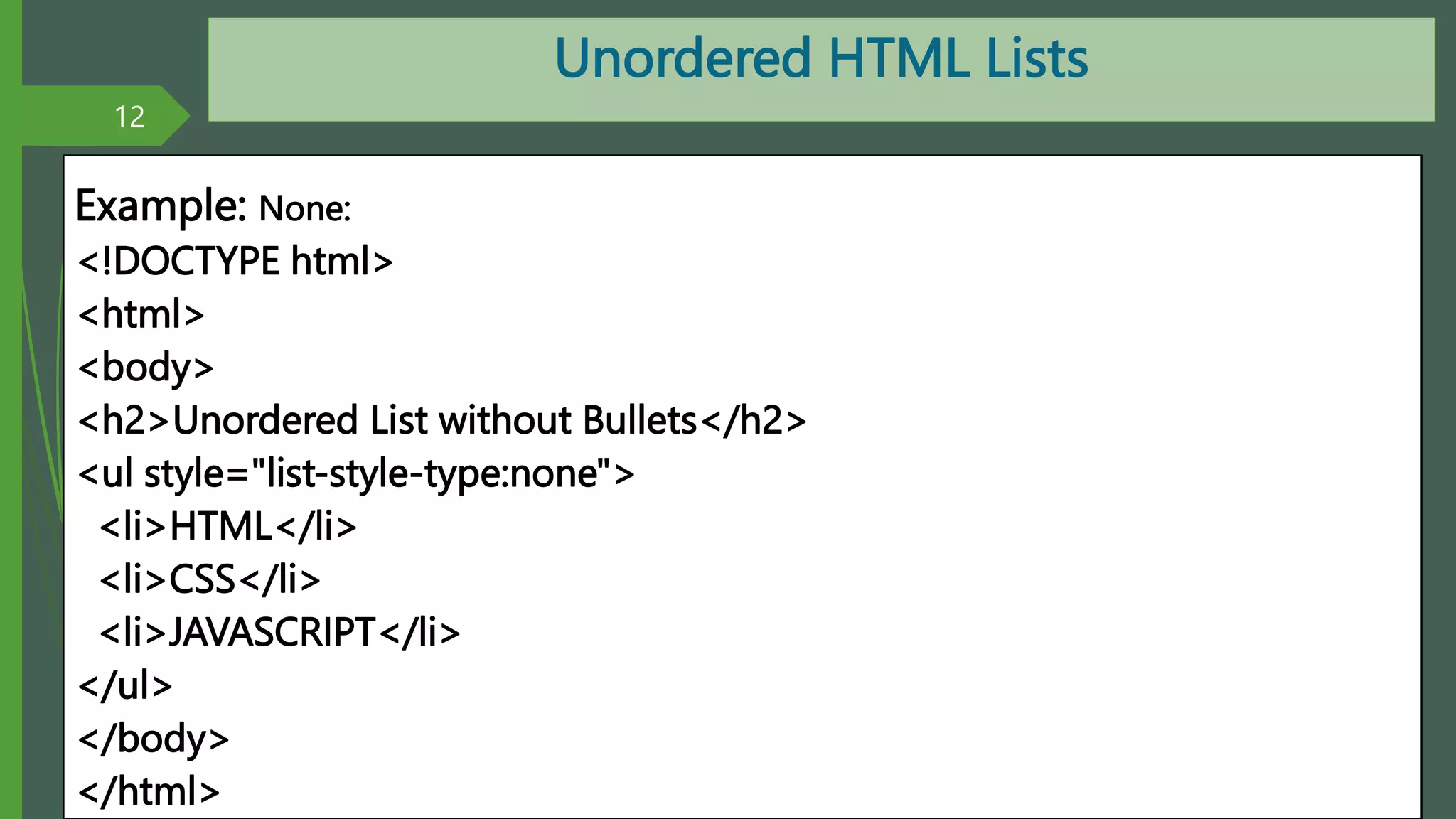
Example: None:
<!DOCTYPE html>
<html>
<body>
<h2>Unordered List without Bullets</h2>
<ul style="list-style-type:none">
<li>HTML</li>
<li>CSS</li>
<li>JAVASCRIPT</li>
</ul>
</body>
</html>
12
By: M.R.M.Nowfeek MSc in IT
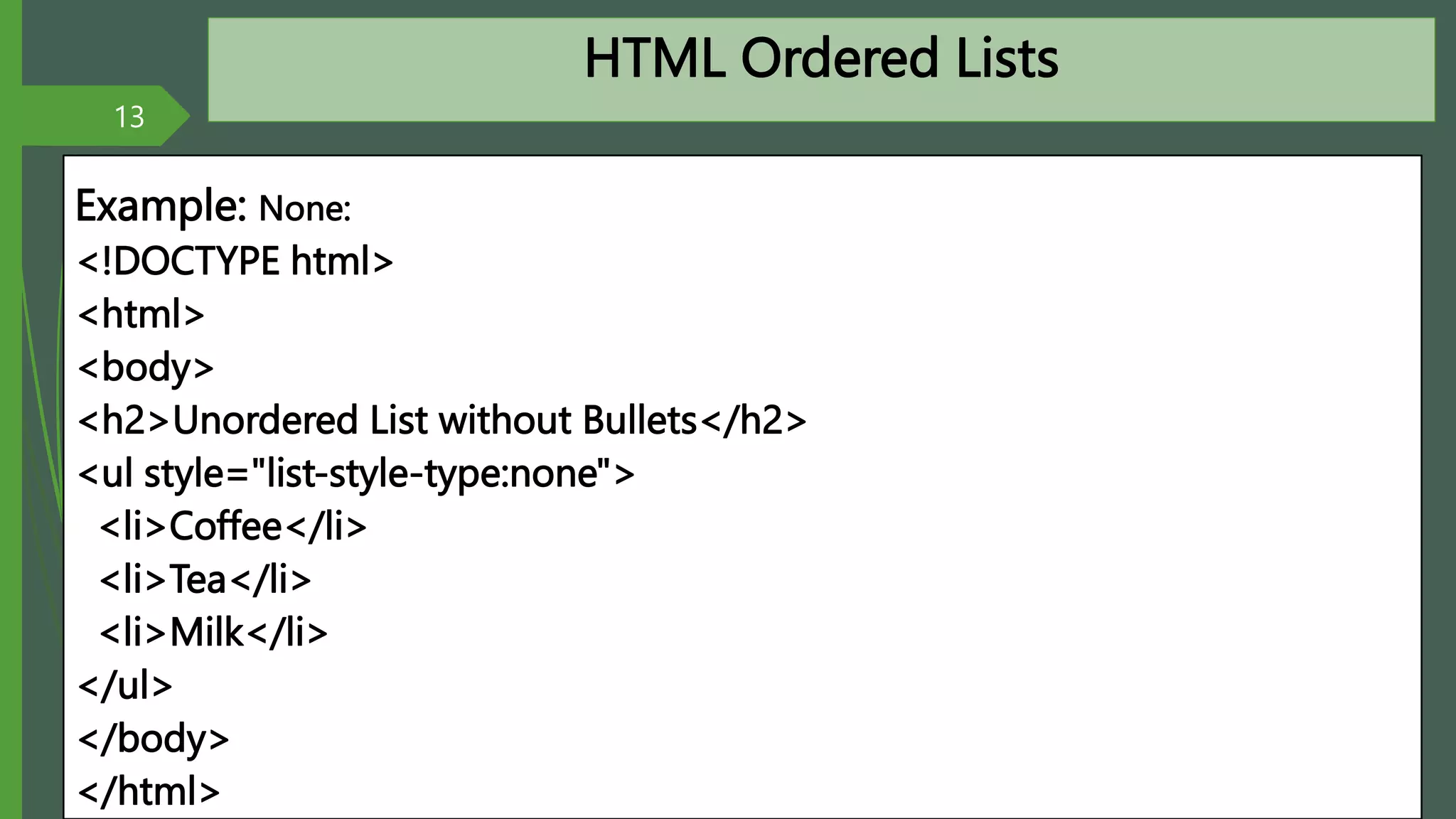
HTML Ordered Lists
Example: None:
<!DOCTYPE html>
<html>
<body>
<h2>Unordered List without Bullets</h2>
<ul style="list-style-type:none">
<li>Coffee</li>
<li>Tea</li>
<li>Milk</li>
</ul>
</body>
</html>
13
By: M.R.M.Nowfeek MSc in IT

HTML.pptx

  • 1.
  • 2.
    HTML(Hyper Text MarkupLanguage What is hyper text Hypertext is text which contains links to other texts. Hypertext is text that links to other information. By clicking on a link in a hypertext document, a user can quickly jump to different content. Though hypertext is usually associated with Web pages 2 By: M.R.M.Nowfeek MSc in IT
  • 3.
    HTML(Hyper Text MarkupLanguage What is HTML? HTML is the language used to create webpages. "Hypertext" refers to the hyperlinks that an HTML page may contain. "Markup language" refers to the way tags are used to define the page layout and elements within the page. 3 By: M.R.M.Nowfeek MSc in IT
  • 4.
    HTML(Hyper Text MarkupLanguage What is HTML TAG? HTML tags are the hidden keywords within a web page that define how the browser must format and display the content. Most tags must have two parts, an opening and a closing part. For example, <html> is the opening tag and </html> is the closing tag. 4 By: M.R.M.Nowfeek MSc in IT
  • 5.
    HTML(Hyper Text MarkupLanguage Your first web page <!DOCTYPE html> <html> <head> <title>Page Title</title> </head> <body> <h1>This is a Heading</h1> <p>This is a paragraph.</p> </body> </html> 5 By: M.R.M.Nowfeek MSc in IT
  • 6.
    HTML Lists An unorderedlist starts with the <ul> tag. Each list item starts with the <li> tag. The list items will be marked with bullets (small black circles): 6 By: M.R.M.Nowfeek MSc in IT
  • 7.
    HTML Lists Example: <!DOCTYPE html> <html> <body> <h2>UnorderedList with Default Bullets</h2> <ul> <li>JAVA</li> <li>VB.Net</li> <li>C#</li> </ul> </body> </html> 7 By: M.R.M.Nowfeek MSc in IT
  • 8.
    Unordered HTML Lists Astyle attribute can be added to an unordered list, to define the style of the marker: 8 Style Description list-style-type:disc The list items will be marked with bullets (default) list-style-type:circle The list items will be marked with circles list-style-type:square The list items will be marked with squares list-style-type:none The list items will not be marked By: M.R.M.Nowfeek MSc in IT
  • 9.
    Unordered HTML Lists Example:Disk <!DOCTYPE html> <html> <body> <h2>Unordered List with Disc Bullets</h2> <ul style="list-style-type:disc"> <li>Coffee</li> <li>Tea</li> <li>Milk</li> </ul> </body> </html> 9 By: M.R.M.Nowfeek MSc in IT
  • 10.
    Unordered HTML Lists Example:Circle: <!DOCTYPE html> <html> <body> <h2>Unordered List with Circle Bullets</h2> <ul style="list-style-type:circle"> <li>Coffee</li> <li>Tea</li> <li>Milk</li> </ul> </body> </html> 10 By: M.R.M.Nowfeek MSc in IT
  • 11.
    Unordered HTML Lists Example:Square: <!DOCTYPE html> <html> <body> <h2>Unordered List with Square Bullets</h2> <ul style="list-style-type:square"> <li>Coffee</li> <li>Tea</li> <li>Milk</li> </ul> </body> </html> 11 By: M.R.M.Nowfeek MSc in IT
  • 12.
    Unordered HTML Lists Example:None: <!DOCTYPE html> <html> <body> <h2>Unordered List without Bullets</h2> <ul style="list-style-type:none"> <li>HTML</li> <li>CSS</li> <li>JAVASCRIPT</li> </ul> </body> </html> 12 By: M.R.M.Nowfeek MSc in IT
  • 13.
    HTML Ordered Lists Example:None: <!DOCTYPE html> <html> <body> <h2>Unordered List without Bullets</h2> <ul style="list-style-type:none"> <li>Coffee</li> <li>Tea</li> <li>Milk</li> </ul> </body> </html> 13 By: M.R.M.Nowfeek MSc in IT