HTML
Review


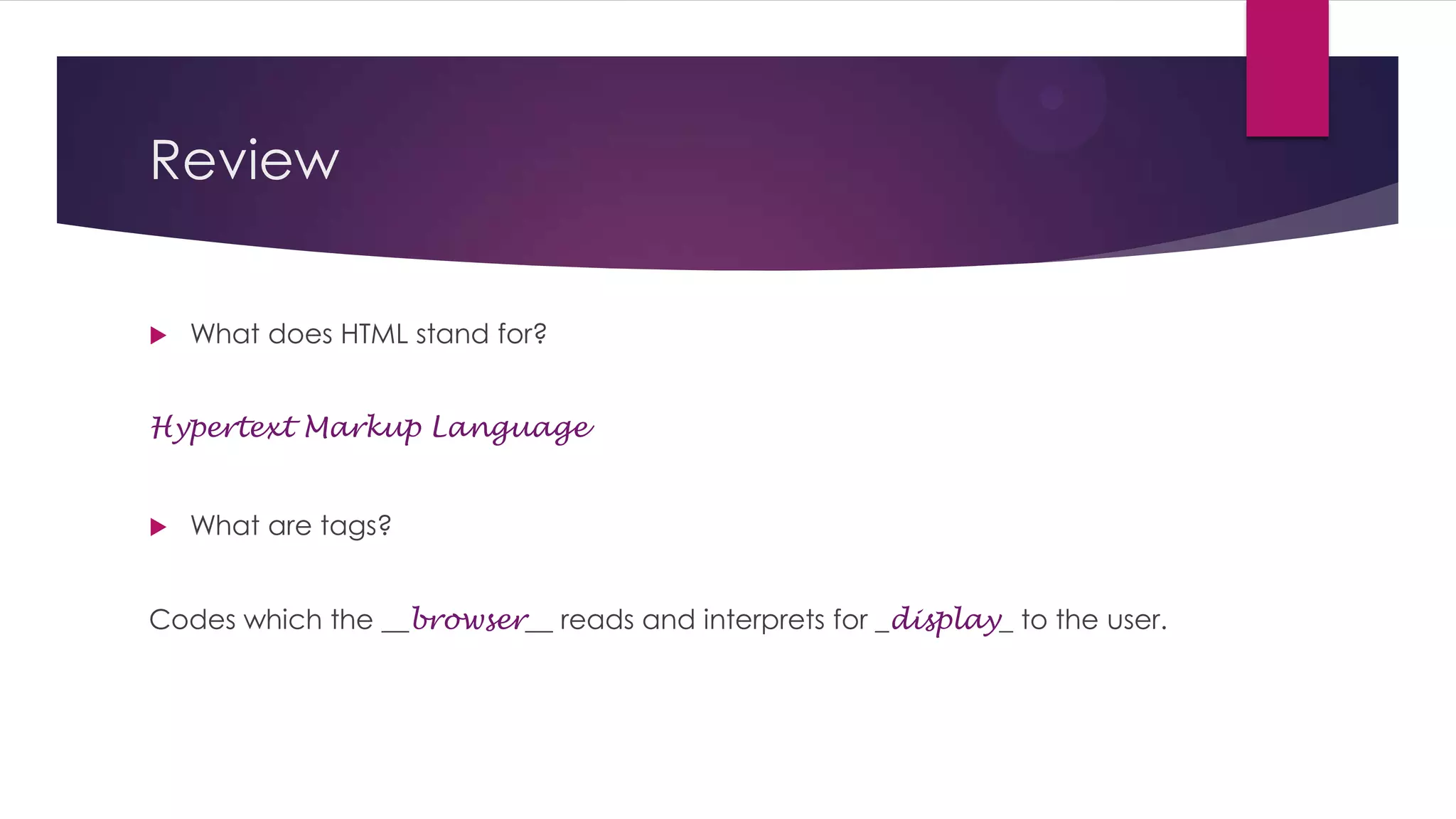
What does HTML stand for?

Hypertext Markup Language



What are tags?

Codes which the __browser__ reads and interprets for _display_ to the user.
Review


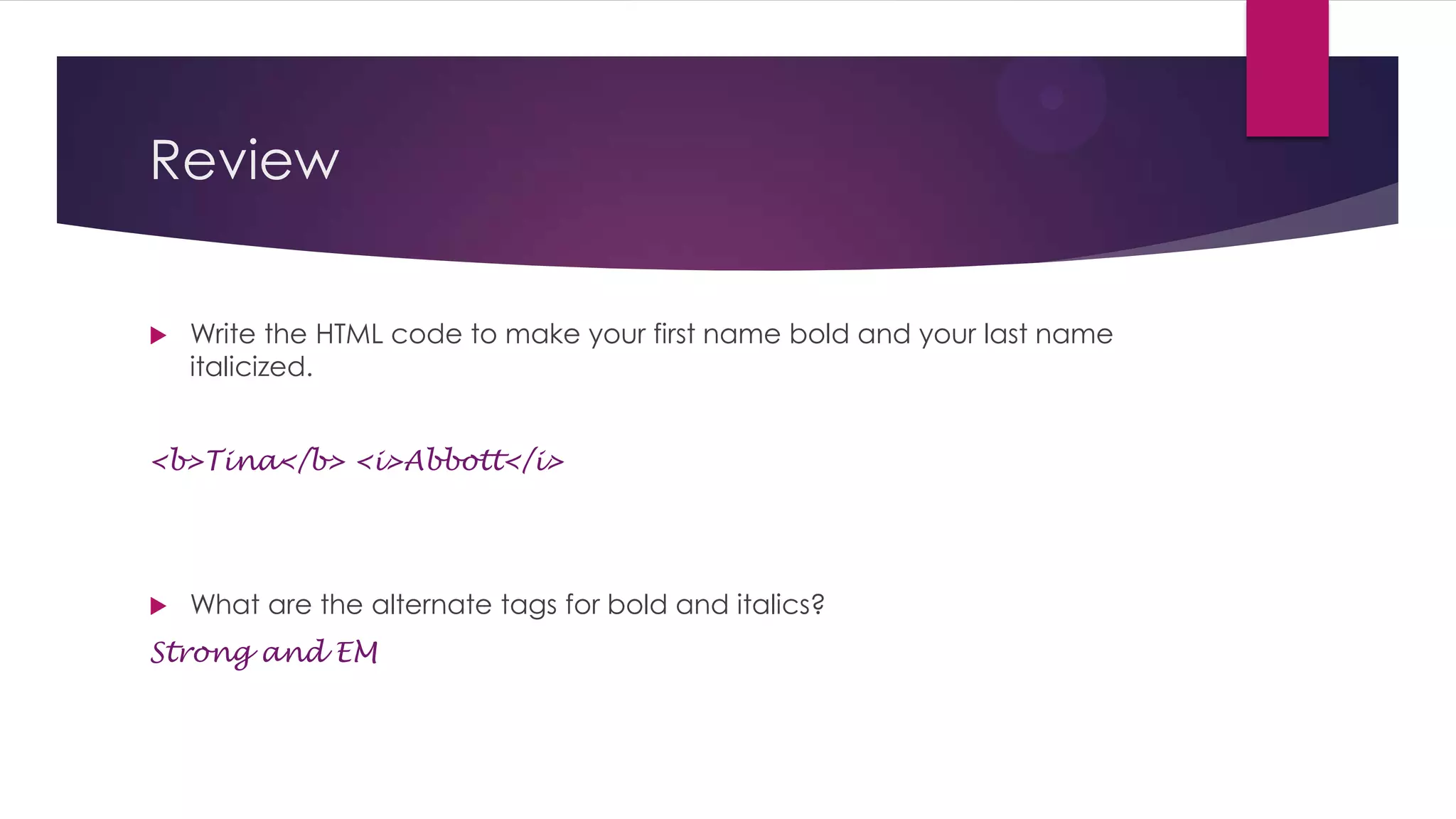
Write the HTML code to make your first name bold and your last name
italicized.

<b>Tina</b> <i>Abbott</i>



What are the alternate tags for bold and italics?

Strong and EM
Review


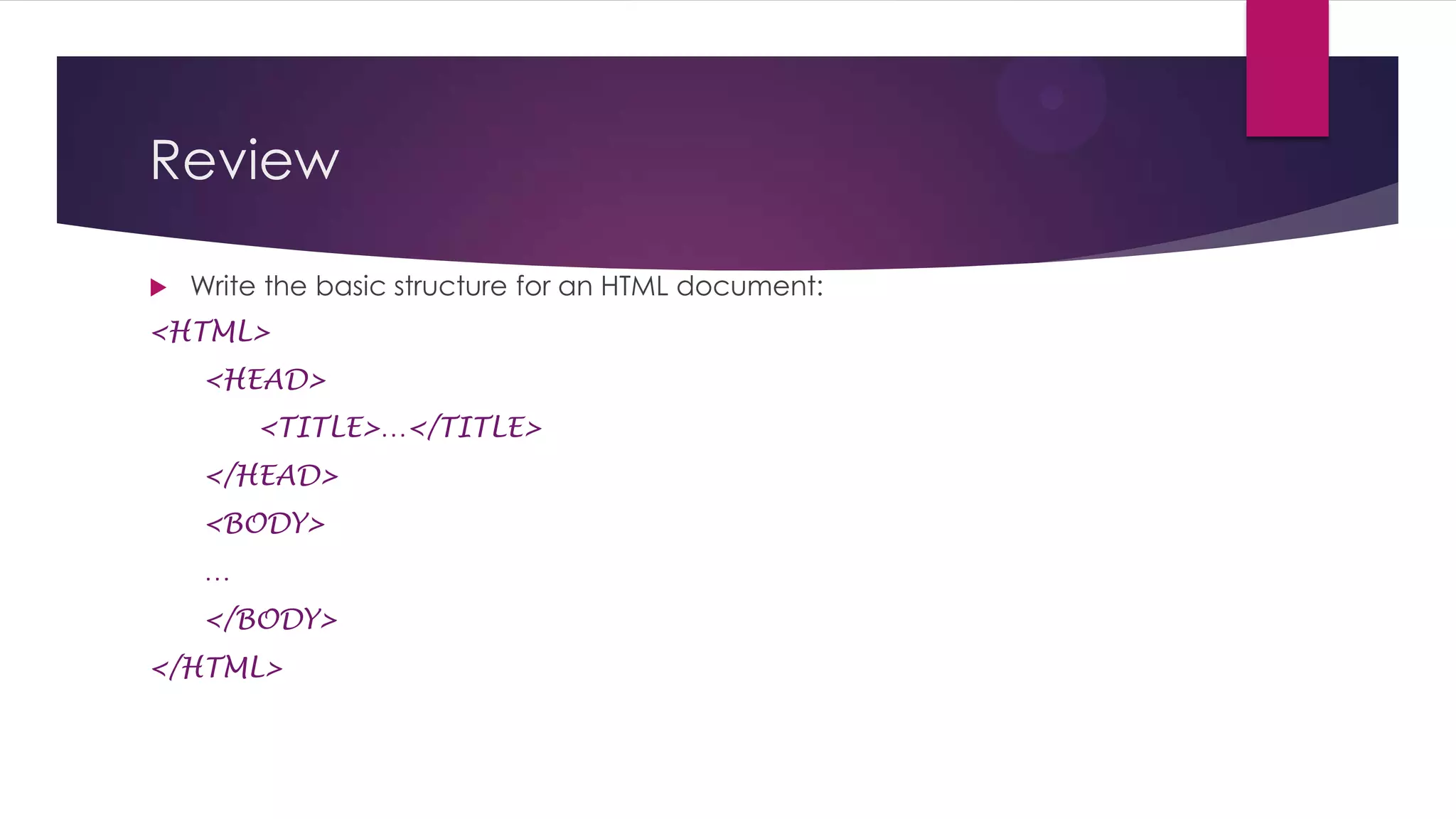
Write the basic structure for an HTML document:

<HTML>
<HEAD>
<TITLE>…</TITLE>
</HEAD>
<BODY>
…
</BODY>
</HTML>
Review


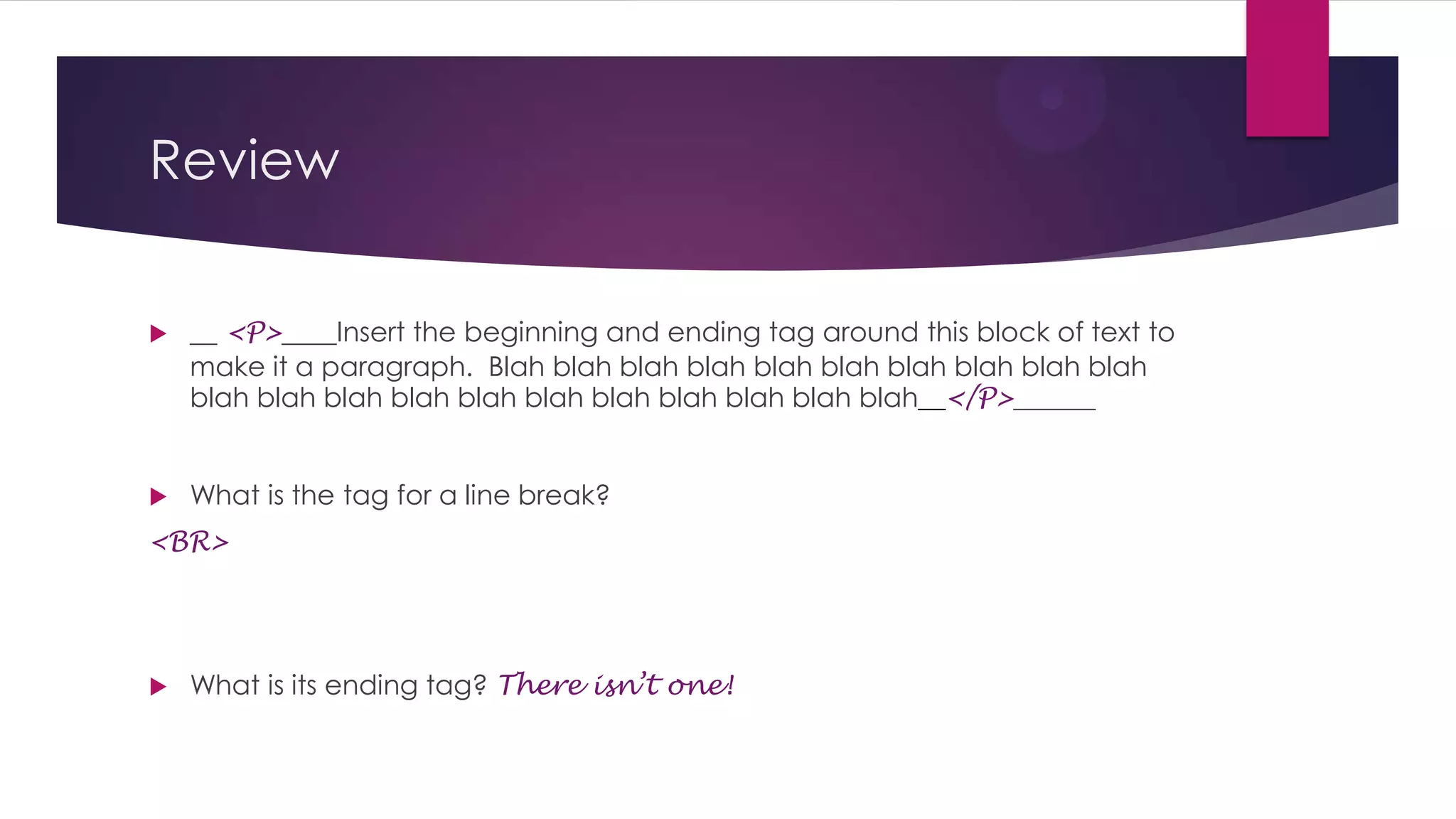
__ <P>____Insert the beginning and ending tag around this block of text to
make it a paragraph. Blah blah blah blah blah blah blah blah blah blah
blah blah blah blah blah blah blah blah blah blah blah__</P>______



What is the tag for a line break?

<BR>



What is its ending tag? There isn’t one!
Review
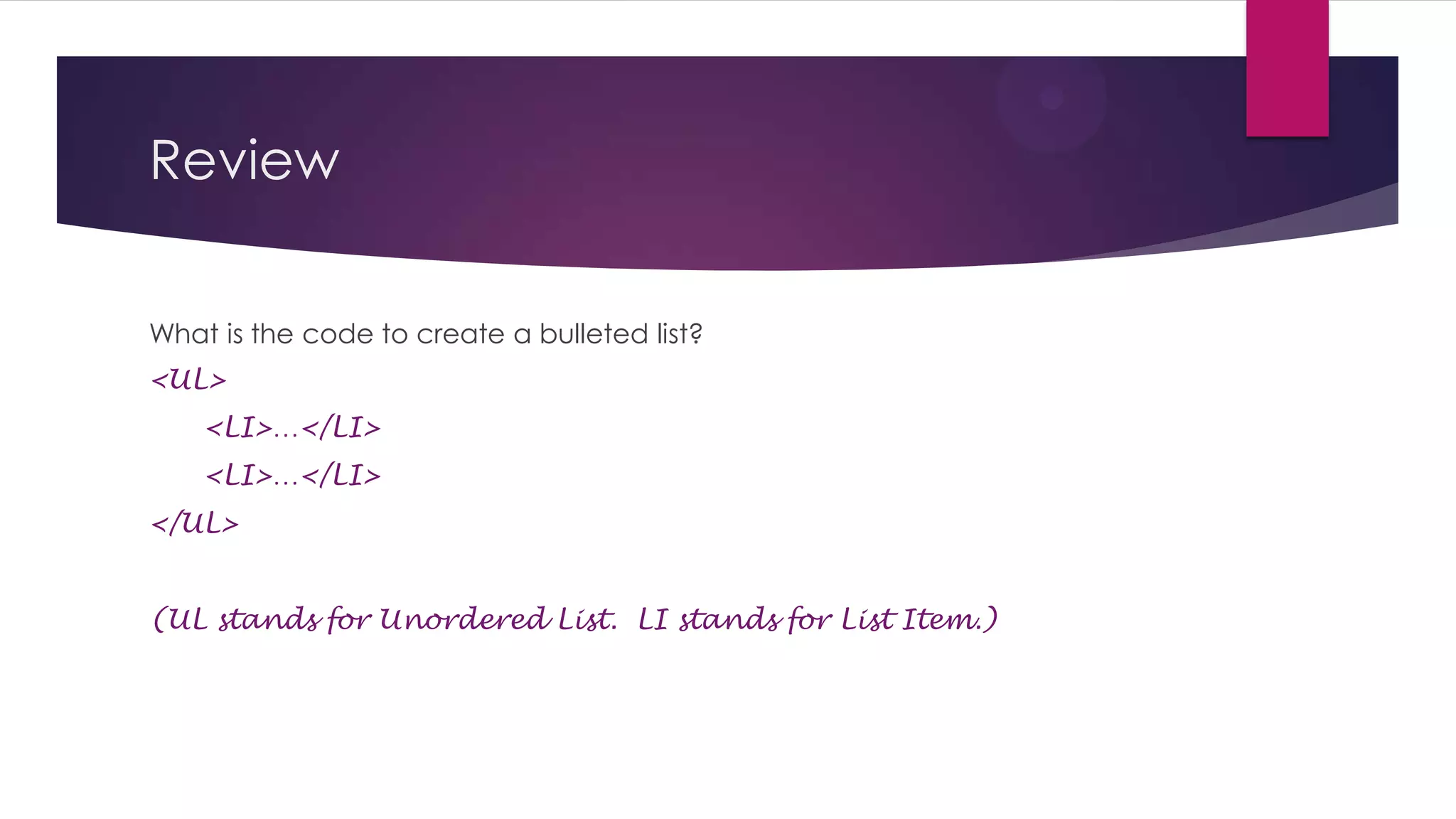
What is the code to create a bulleted list?
<UL>
<LI>…</LI>
<LI>…</LI>
</UL>
(UL stands for Unordered List. LI stands for List Item.)
Review
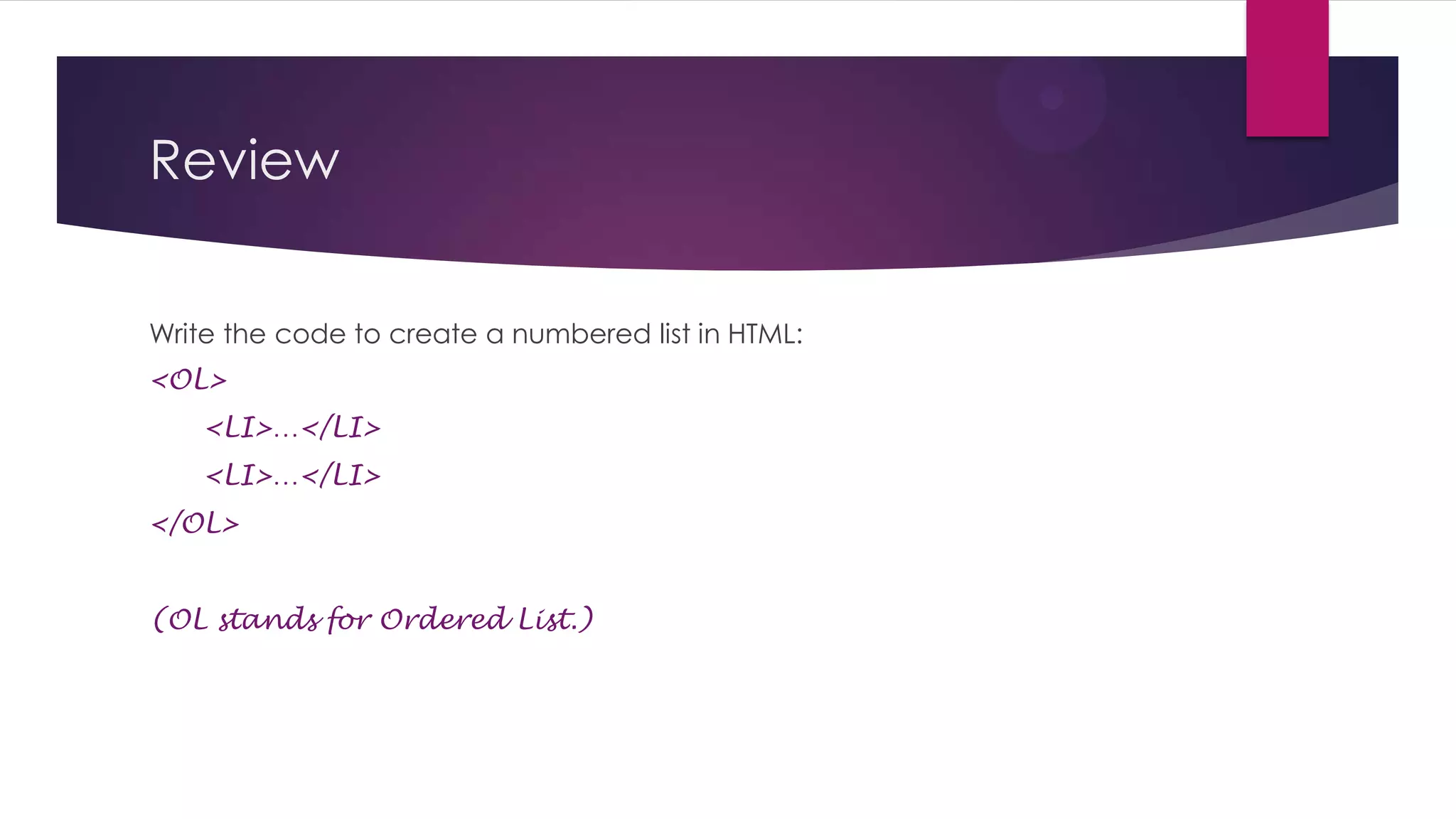
Write the code to create a numbered list in HTML:
<OL>
<LI>…</LI>
<LI>…</LI>
</OL>
(OL stands for Ordered List.)
Review


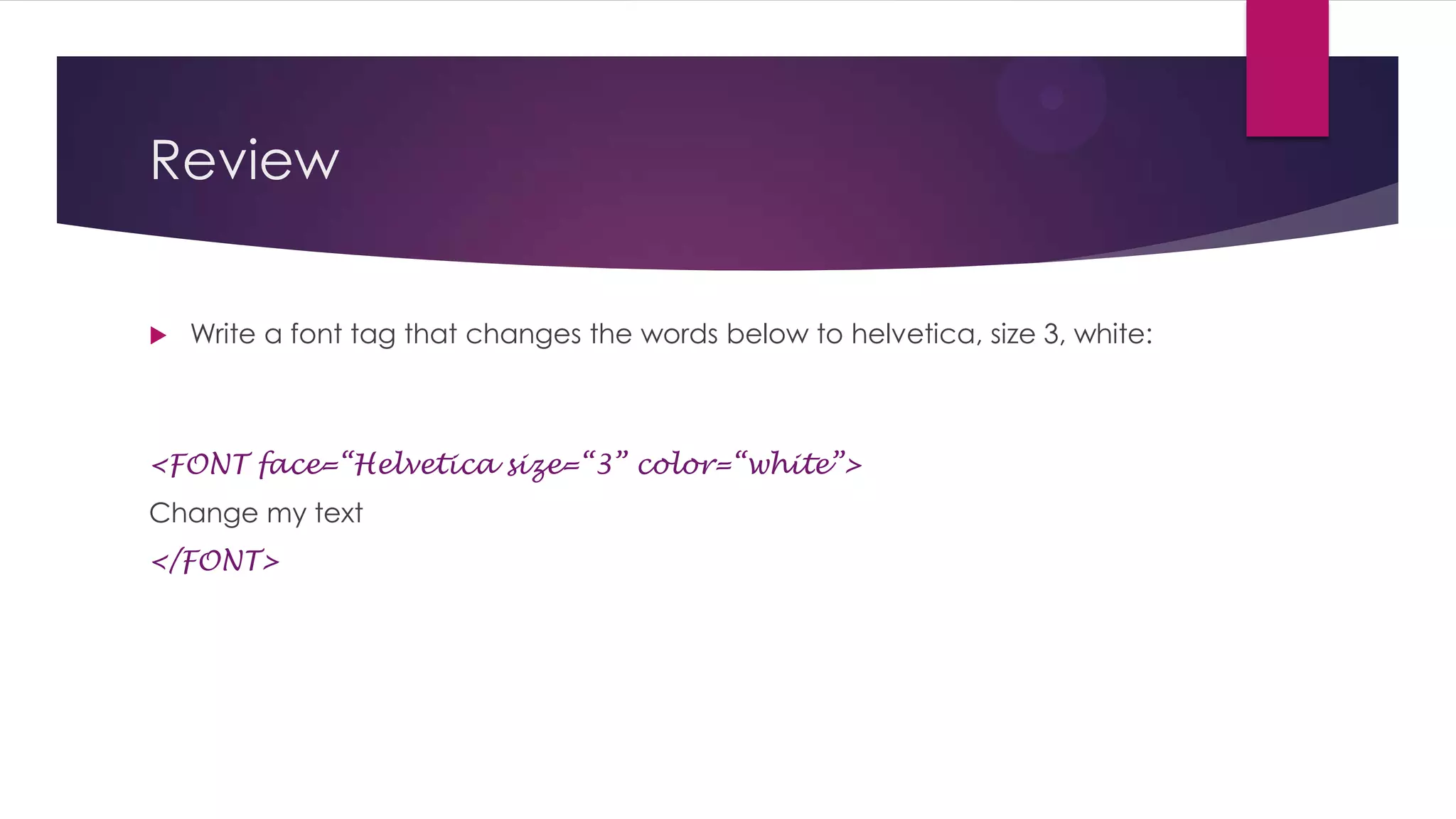
Write a font tag that changes the words below to helvetica, size 3, white:

<FONT face=“Helvetica” size=“3” color=“white”>
Change my text
</FONT>
Review - Attributes


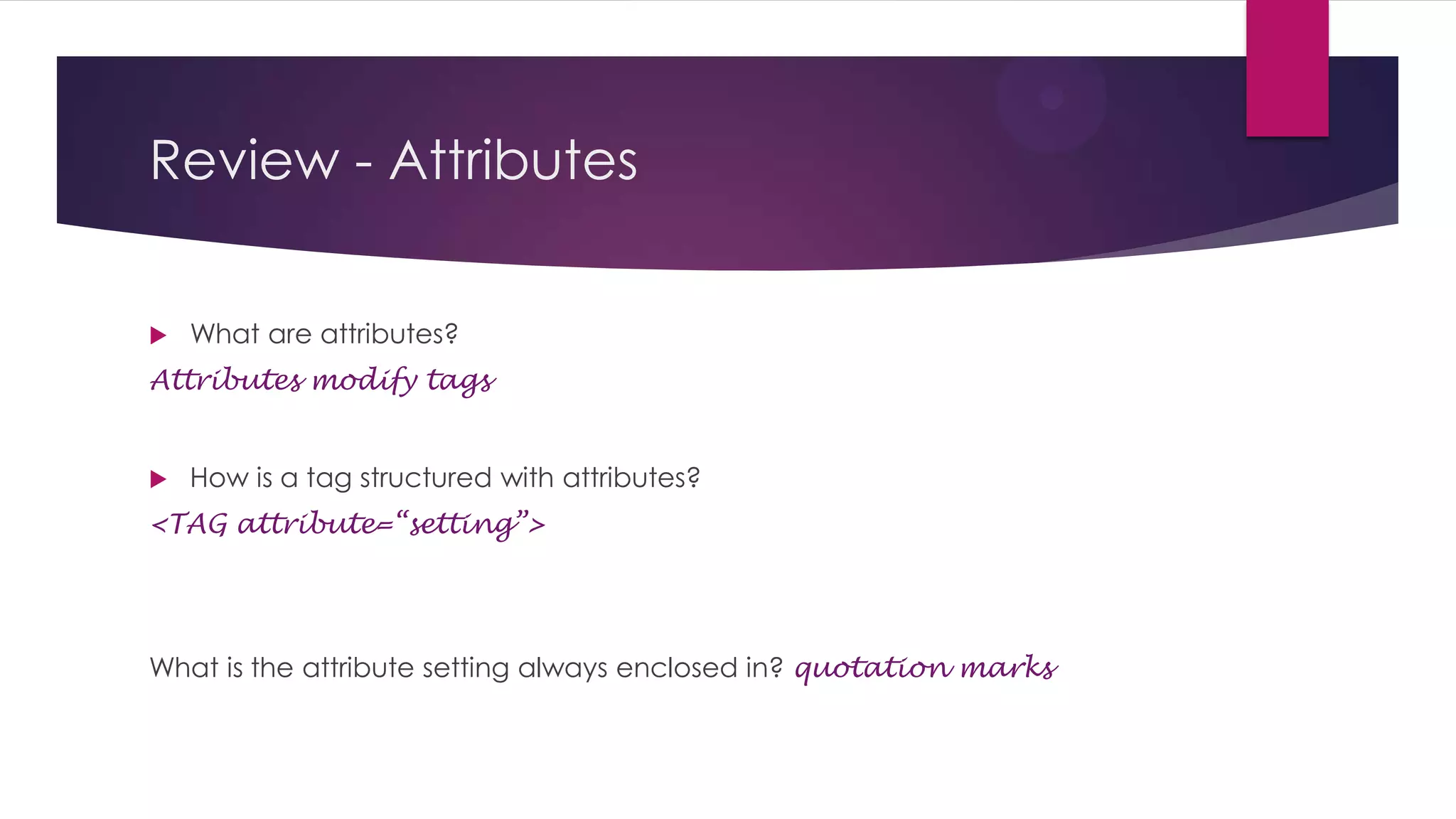
What are attributes?

Attributes modify tags



How is a tag structured with attributes?

<TAG attribute=“setting”>

What is the attribute setting always enclosed in? quotation marks
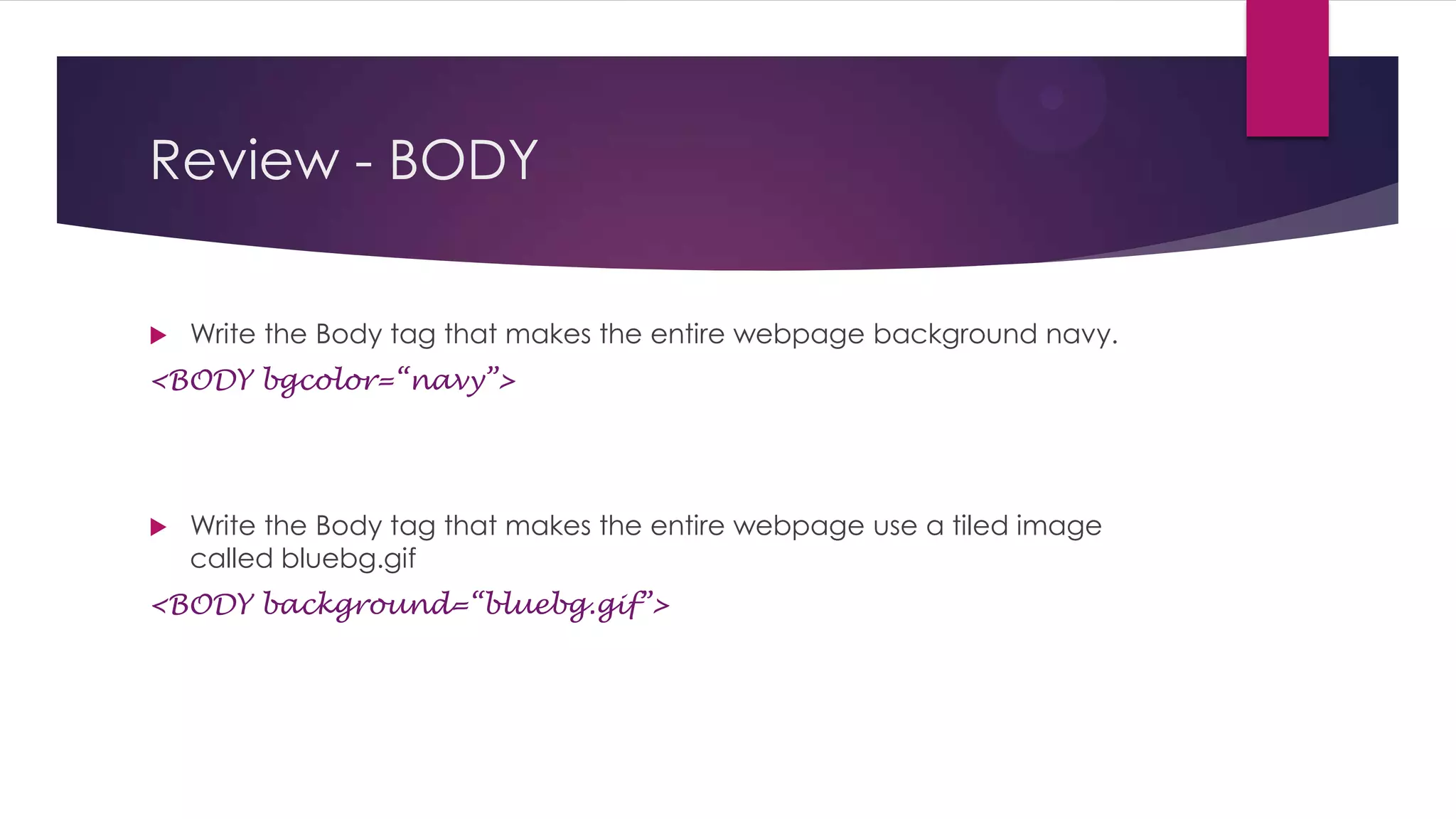
Review - BODY


Write the Body tag that makes the entire webpage background navy.

<BODY bgcolor=“navy”>



Write the Body tag that makes the entire webpage use a tiled image
called bluebg.gif

<BODY background=“bluebg.gif”>
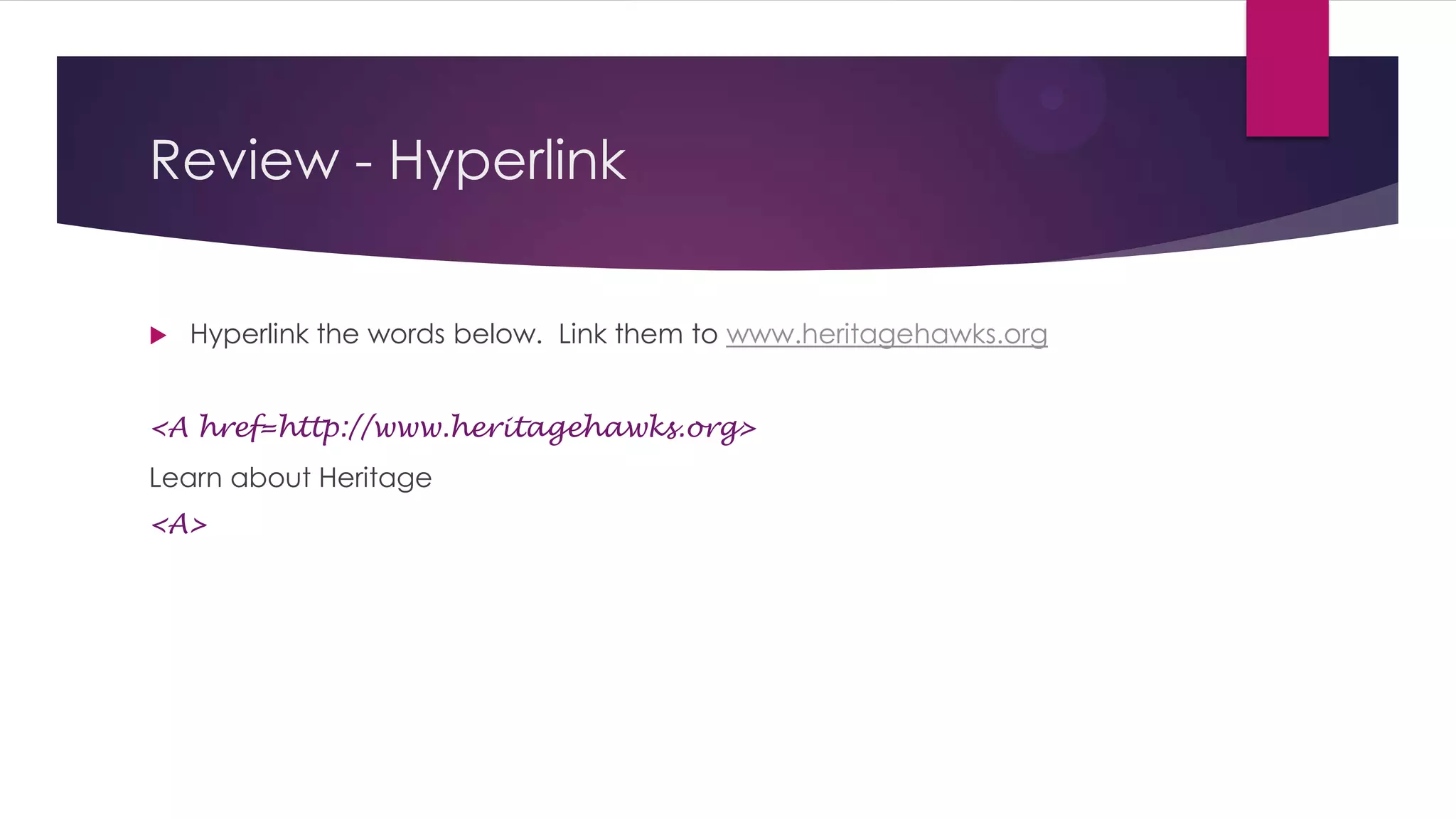
Review - Hyperlink


Hyperlink the words below. Link them to www.heritagehawks.org

<A href=http://www.heritagehawks.org>
Learn about Heritage
</A>
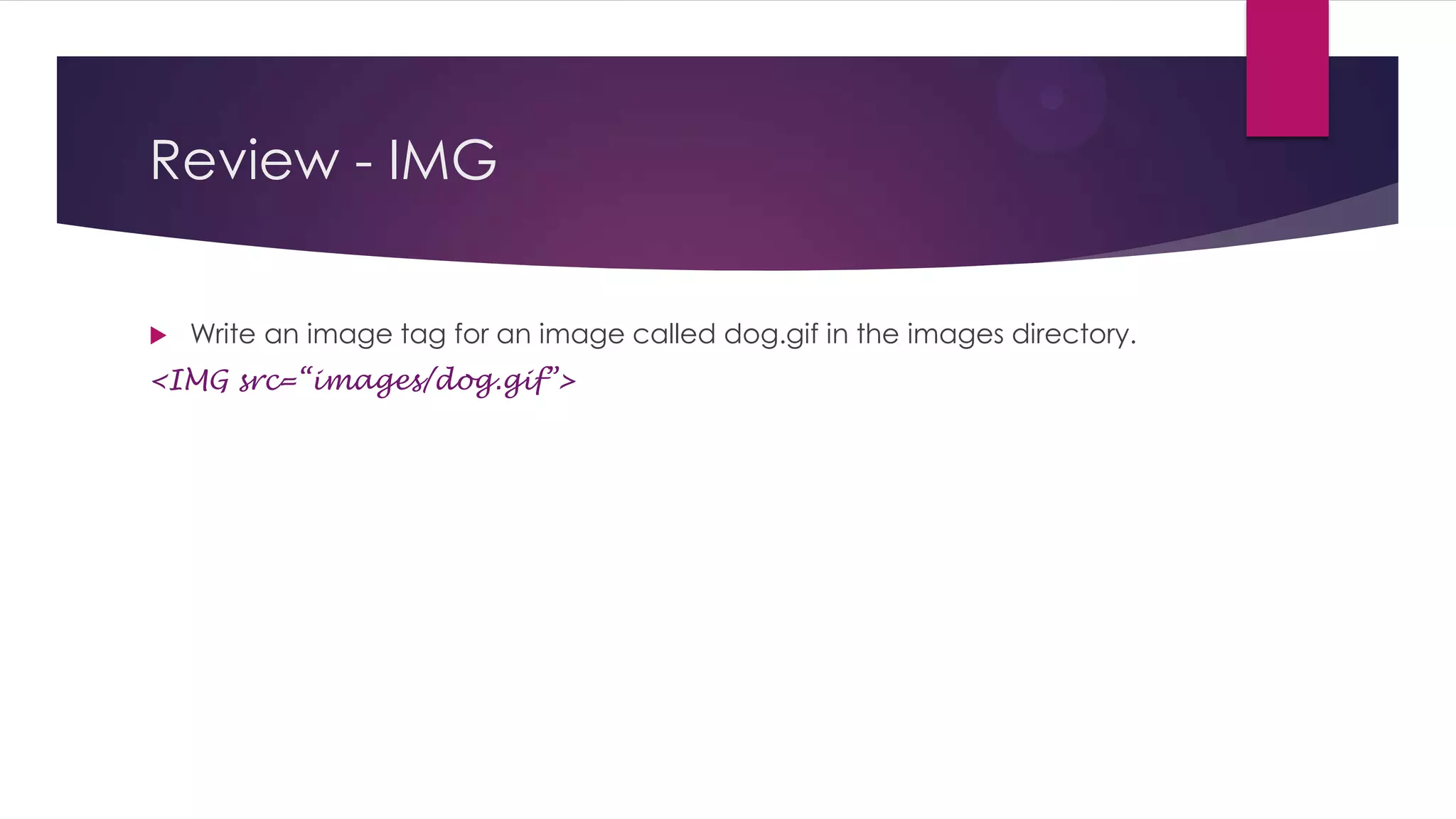
Review - IMG


Write an image tag for an image called dog.gif in the images directory.

<IMG src=“images/dog.gif”>
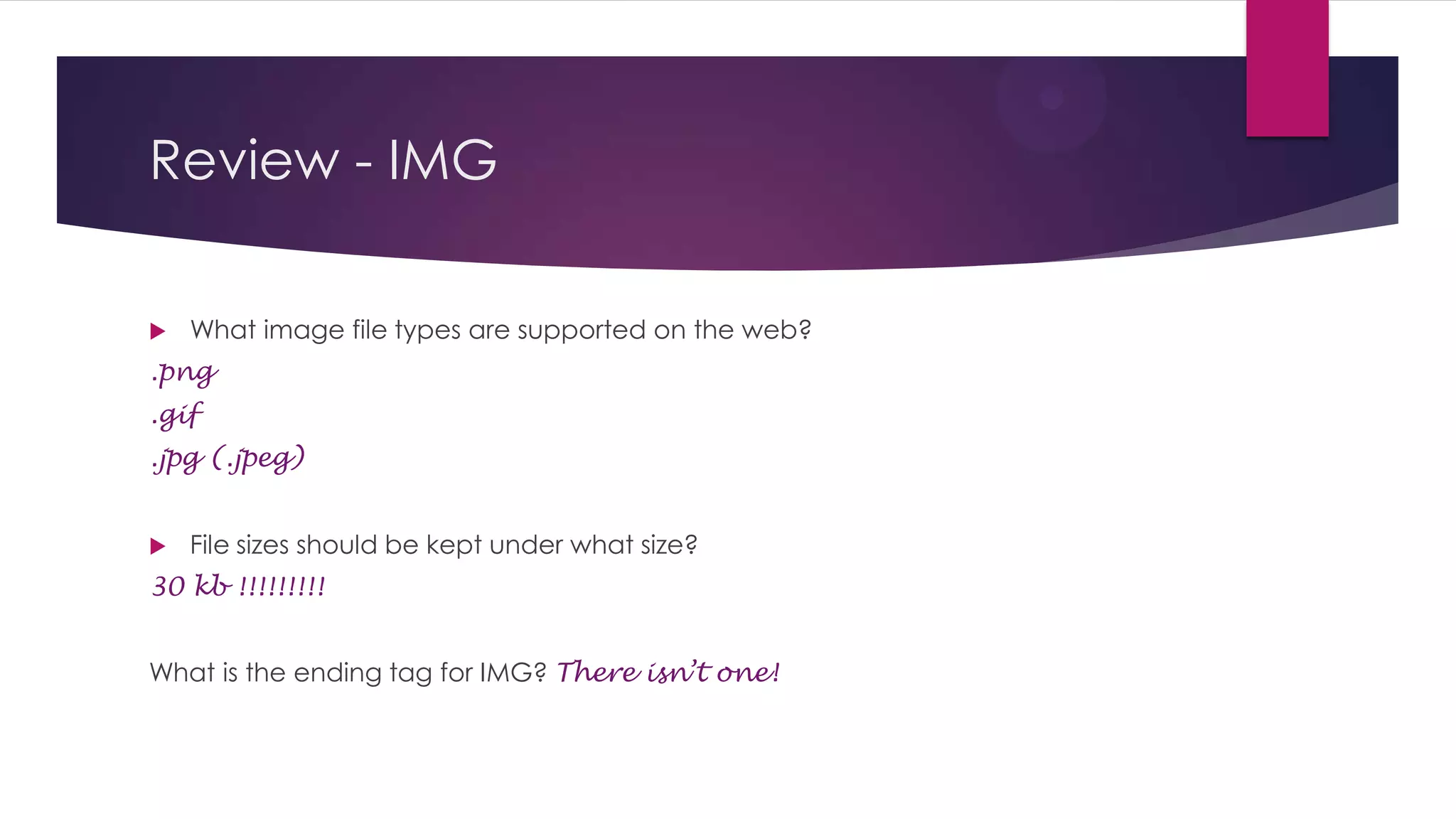
Review - IMG


What image file types are supported on the web?

.png
.gif
.jpg (.jpeg)


File sizes should be kept under what size?

30 kb !!!!!!!!!
What is the ending tag for IMG? There isn’t one!
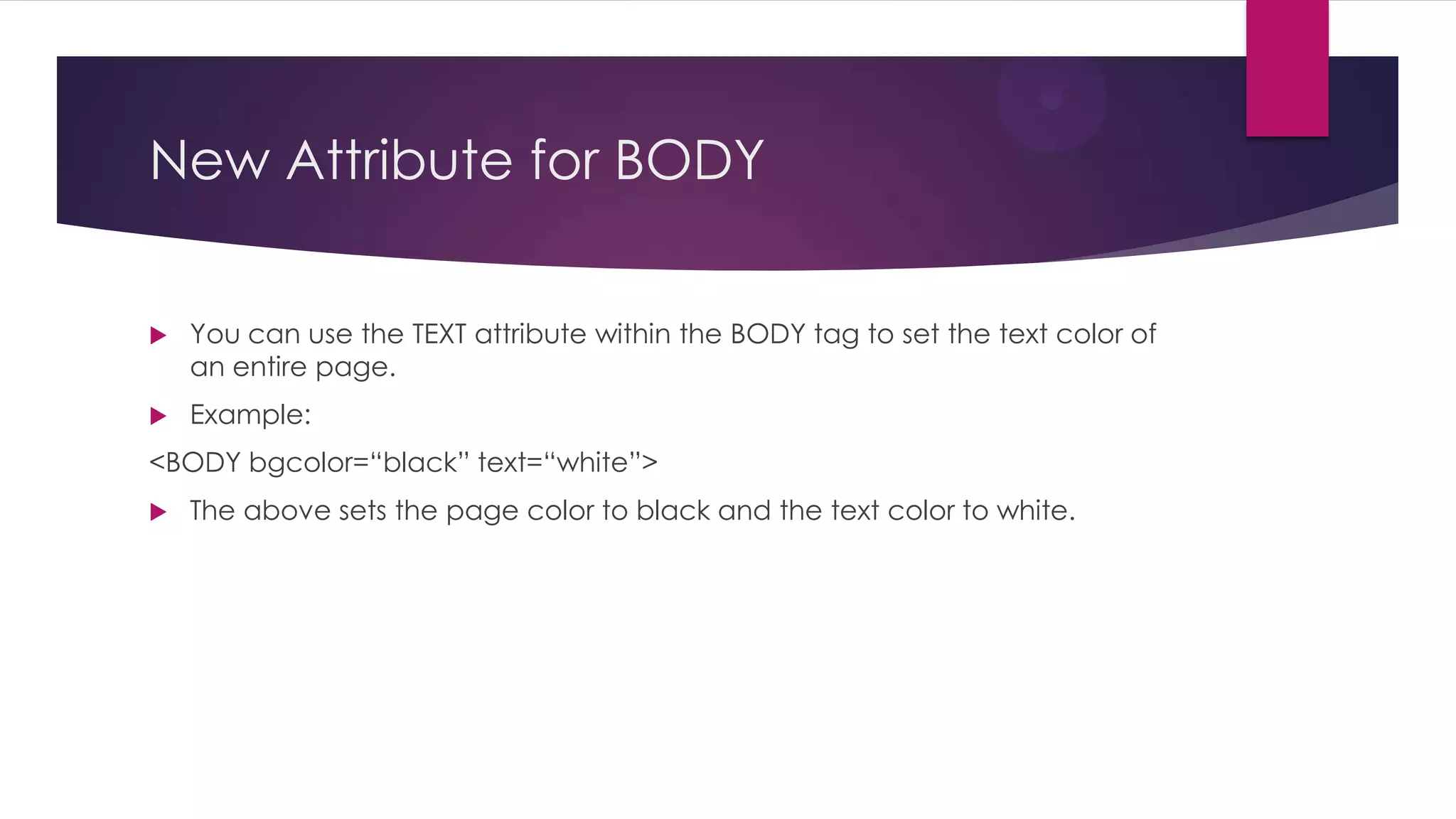
New Attribute for BODY


You can use the TEXT attribute within the BODY tag to set the text color of
an entire page.



Example:

<BODY bgcolor=“black” text=“white”>


The above sets the page color to black and the text color to white.
HTML Tables


Tables in HTML are like tables in Word.



They help add structure to a page.



Three tags are used to create tables.


<TABLE>…</TABLE> encloses the entire table.



<TR>…</TR> stands for Table Row and encloses an entire row, which is made up
of Table Data cells



<TD>…</TD> stands for Table Data and represents a column within a row.



A table can have multiple rows (TRs).



A row can have multiple data cells (TDs)
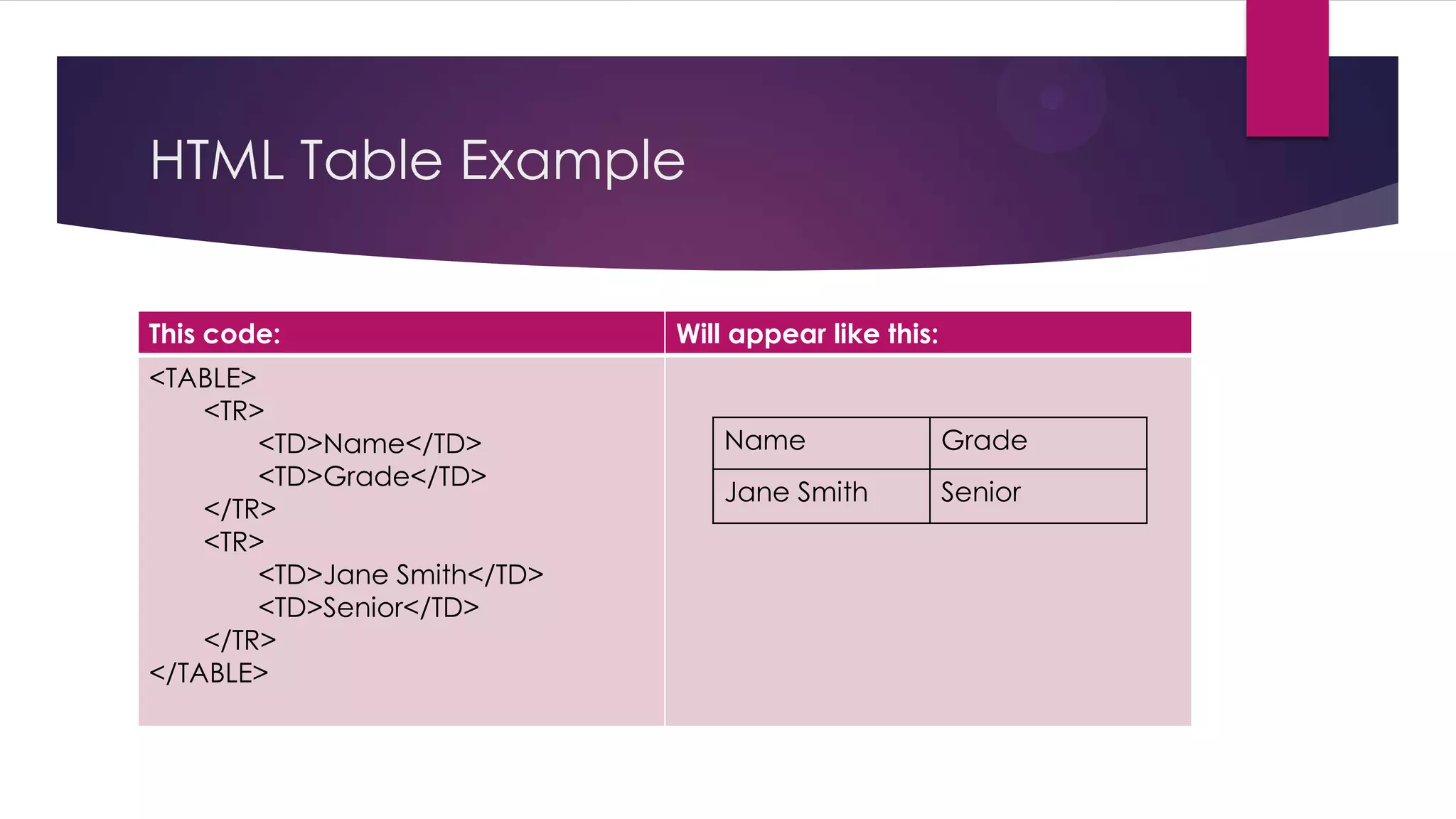
HTML Table Example
This code:
<TABLE>
<TR>
<TD>Name</TD>
<TD>Grade</TD>
</TR>
<TR>
<TD>Jane Smith</TD>
<TD>Senior</TD>
</TR>
</TABLE>

Will appear like this:

Name

Grade

Jane Smith

Senior
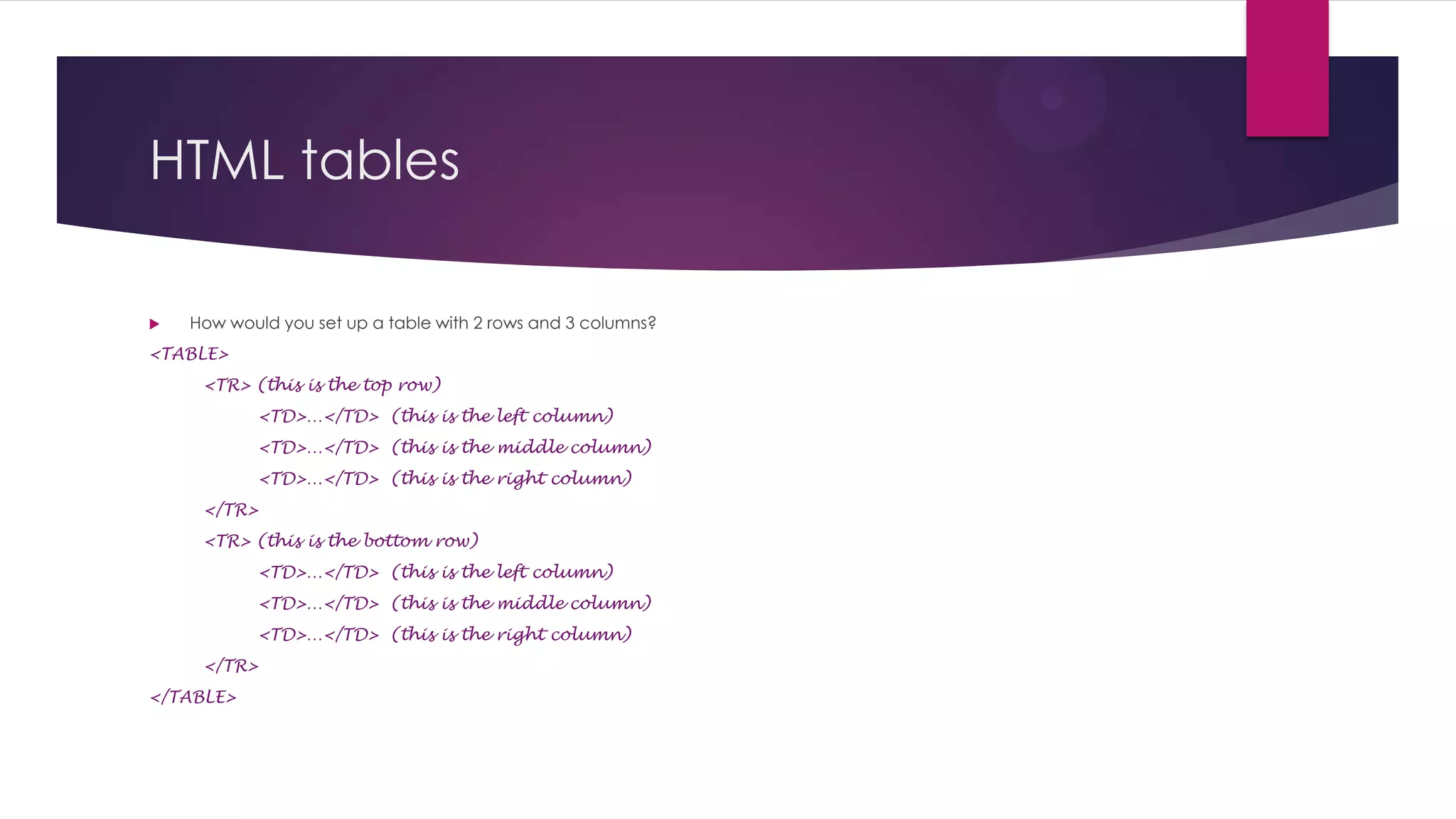
HTML tables


How would you set up a table with 2 rows and 3 columns?

<TABLE>
<TR> (this is the top row)
<TD>…</TD> (this is the left column)
<TD>…</TD> (this is the middle column)
<TD>…</TD> (this is the right column)
</TR>

<TR> (this is the bottom row)
<TD>…</TD> (this is the left column)
<TD>…</TD> (this is the middle column)
<TD>…</TD> (this is the right column)
</TR>
</TABLE>
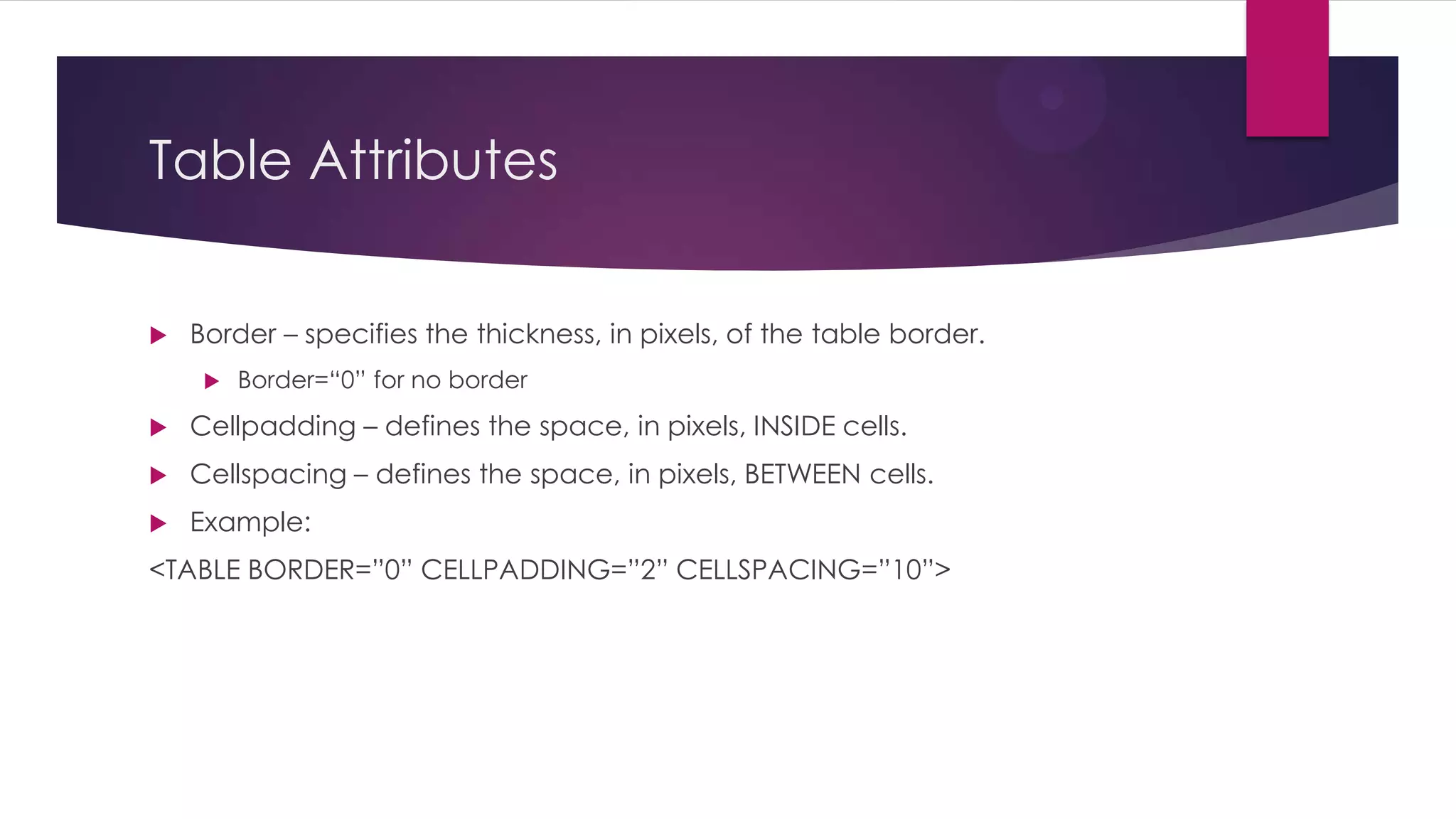
Table Attributes


Border – specifies the thickness, in pixels, of the table border.


Border=“0” for no border



Cellpadding – defines the space, in pixels, INSIDE cells.



Cellspacing – defines the space, in pixels, BETWEEN cells.



Example:

<TABLE BORDER=”0” CELLPADDING=”2” CELLSPACING=”10”>
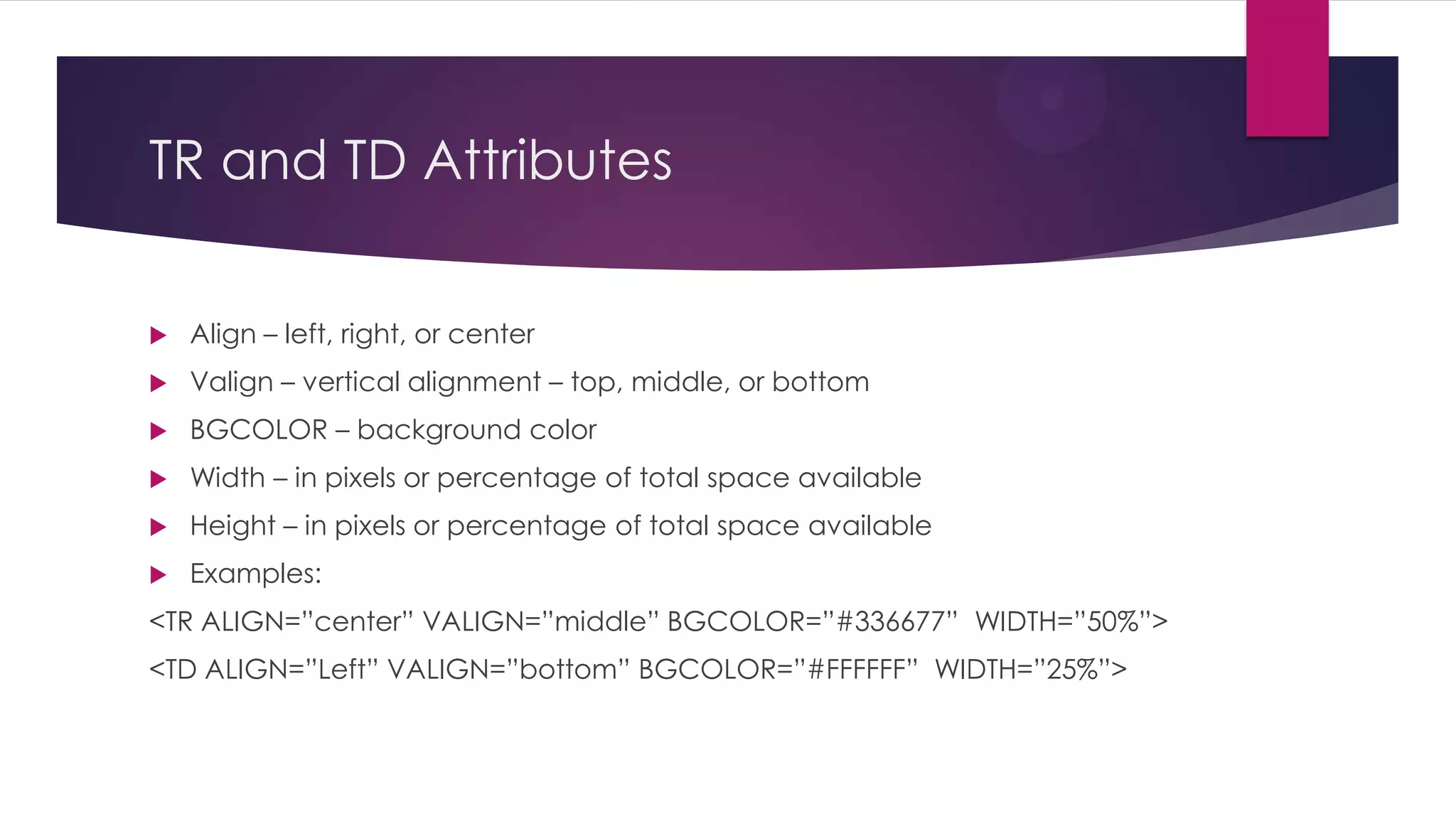
TR and TD Attributes


Align – left, right, or center



Valign – vertical alignment – top, middle, or bottom



BGCOLOR – background color



Width – in pixels or percentage of total space available



Height – in pixels or percentage of total space available



Examples:

<TR ALIGN=”center” VALIGN=”middle” BGCOLOR=”#336677” WIDTH=”50%”>
<TD ALIGN=”Left” VALIGN=”bottom” BGCOLOR=”#FFFFFF” WIDTH=”25%”>

Html Study Guide

  • 1.
  • 2.
    Review  What does HTMLstand for? Hypertext Markup Language  What are tags? Codes which the __browser__ reads and interprets for _display_ to the user.
  • 3.
    Review  Write the HTMLcode to make your first name bold and your last name italicized. <b>Tina</b> <i>Abbott</i>  What are the alternate tags for bold and italics? Strong and EM
  • 4.
    Review  Write the basicstructure for an HTML document: <HTML> <HEAD> <TITLE>…</TITLE> </HEAD> <BODY> … </BODY> </HTML>
  • 5.
    Review  __ <P>____Insert thebeginning and ending tag around this block of text to make it a paragraph. Blah blah blah blah blah blah blah blah blah blah blah blah blah blah blah blah blah blah blah blah blah__</P>______  What is the tag for a line break? <BR>  What is its ending tag? There isn’t one!
  • 6.
    Review What is thecode to create a bulleted list? <UL> <LI>…</LI> <LI>…</LI> </UL> (UL stands for Unordered List. LI stands for List Item.)
  • 7.
    Review Write the codeto create a numbered list in HTML: <OL> <LI>…</LI> <LI>…</LI> </OL> (OL stands for Ordered List.)
  • 8.
    Review  Write a fonttag that changes the words below to helvetica, size 3, white: <FONT face=“Helvetica” size=“3” color=“white”> Change my text </FONT>
  • 9.
    Review - Attributes  Whatare attributes? Attributes modify tags  How is a tag structured with attributes? <TAG attribute=“setting”> What is the attribute setting always enclosed in? quotation marks
  • 10.
    Review - BODY  Writethe Body tag that makes the entire webpage background navy. <BODY bgcolor=“navy”>  Write the Body tag that makes the entire webpage use a tiled image called bluebg.gif <BODY background=“bluebg.gif”>
  • 11.
    Review - Hyperlink  Hyperlinkthe words below. Link them to www.heritagehawks.org <A href=http://www.heritagehawks.org> Learn about Heritage </A>
  • 12.
    Review - IMG  Writean image tag for an image called dog.gif in the images directory. <IMG src=“images/dog.gif”>
  • 13.
    Review - IMG  Whatimage file types are supported on the web? .png .gif .jpg (.jpeg)  File sizes should be kept under what size? 30 kb !!!!!!!!! What is the ending tag for IMG? There isn’t one!
  • 14.
    New Attribute forBODY  You can use the TEXT attribute within the BODY tag to set the text color of an entire page.  Example: <BODY bgcolor=“black” text=“white”>  The above sets the page color to black and the text color to white.
  • 15.
    HTML Tables  Tables inHTML are like tables in Word.  They help add structure to a page.  Three tags are used to create tables.  <TABLE>…</TABLE> encloses the entire table.  <TR>…</TR> stands for Table Row and encloses an entire row, which is made up of Table Data cells  <TD>…</TD> stands for Table Data and represents a column within a row.  A table can have multiple rows (TRs).  A row can have multiple data cells (TDs)
  • 16.
    HTML Table Example Thiscode: <TABLE> <TR> <TD>Name</TD> <TD>Grade</TD> </TR> <TR> <TD>Jane Smith</TD> <TD>Senior</TD> </TR> </TABLE> Will appear like this: Name Grade Jane Smith Senior
  • 17.
    HTML tables  How wouldyou set up a table with 2 rows and 3 columns? <TABLE> <TR> (this is the top row) <TD>…</TD> (this is the left column) <TD>…</TD> (this is the middle column) <TD>…</TD> (this is the right column) </TR> <TR> (this is the bottom row) <TD>…</TD> (this is the left column) <TD>…</TD> (this is the middle column) <TD>…</TD> (this is the right column) </TR> </TABLE>
  • 18.
    Table Attributes  Border –specifies the thickness, in pixels, of the table border.  Border=“0” for no border  Cellpadding – defines the space, in pixels, INSIDE cells.  Cellspacing – defines the space, in pixels, BETWEEN cells.  Example: <TABLE BORDER=”0” CELLPADDING=”2” CELLSPACING=”10”>
  • 19.
    TR and TDAttributes  Align – left, right, or center  Valign – vertical alignment – top, middle, or bottom  BGCOLOR – background color  Width – in pixels or percentage of total space available  Height – in pixels or percentage of total space available  Examples: <TR ALIGN=”center” VALIGN=”middle” BGCOLOR=”#336677” WIDTH=”50%”> <TD ALIGN=”Left” VALIGN=”bottom” BGCOLOR=”#FFFFFF” WIDTH=”25%”>