Downloaded 11 times
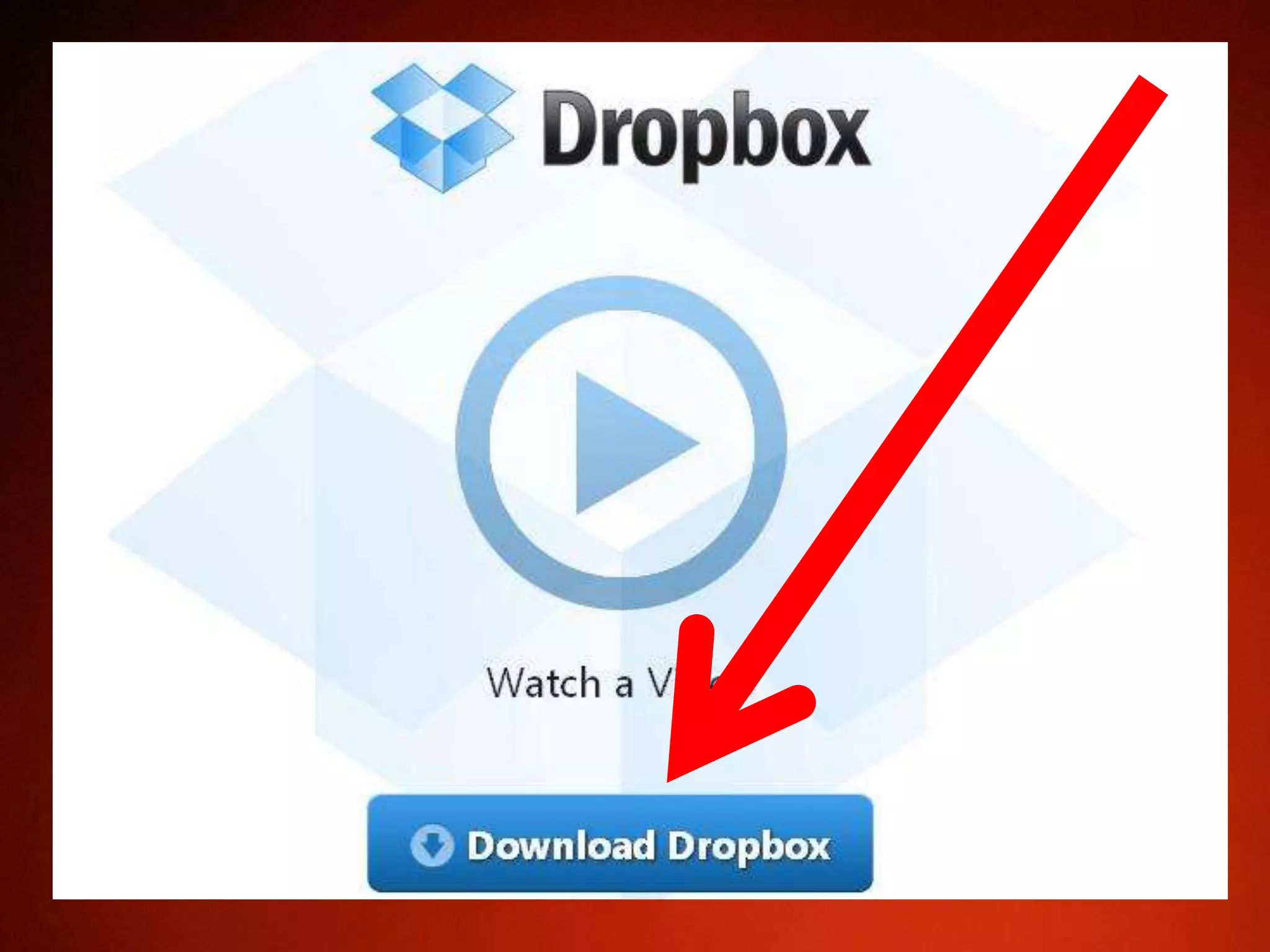

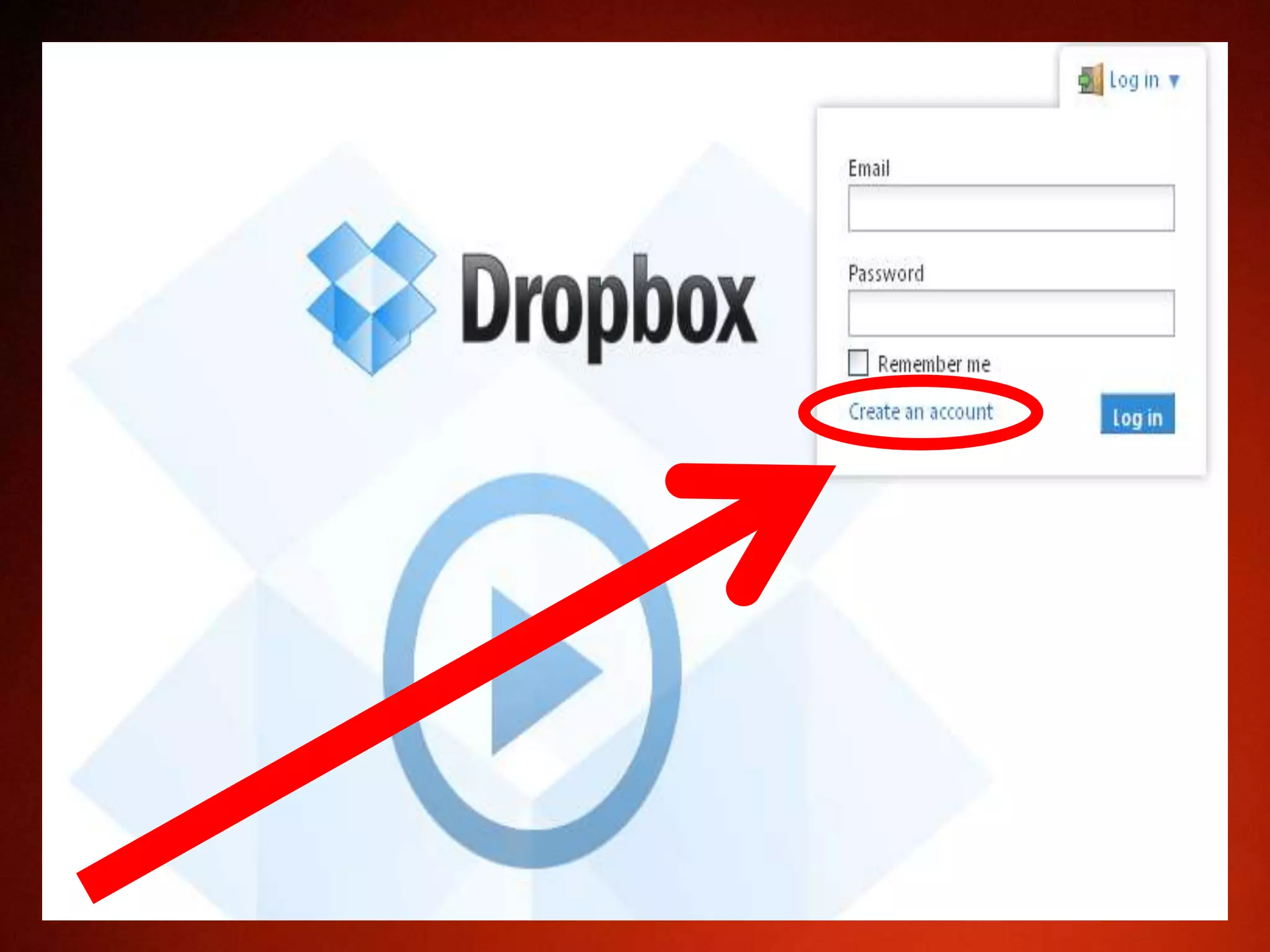
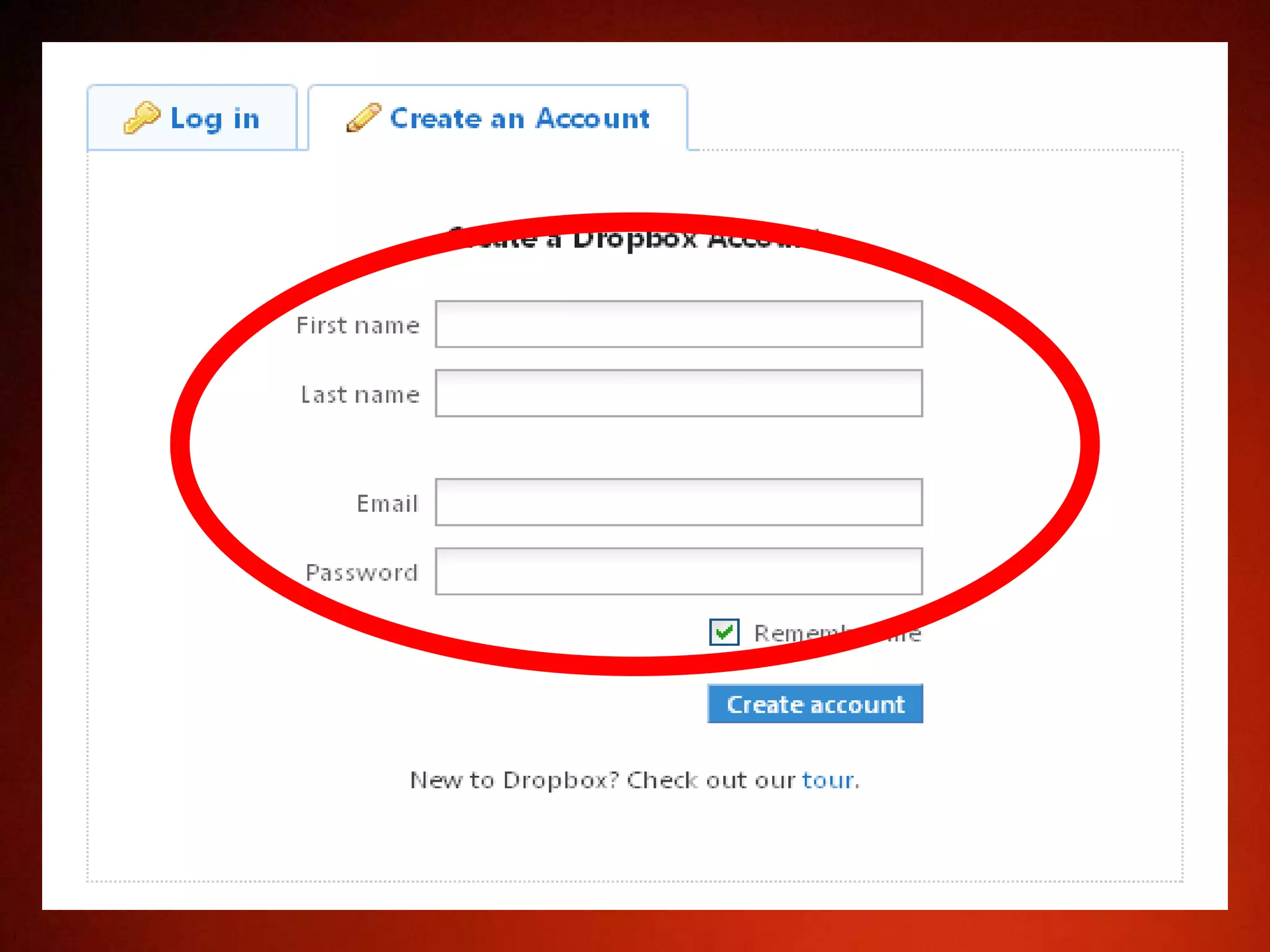

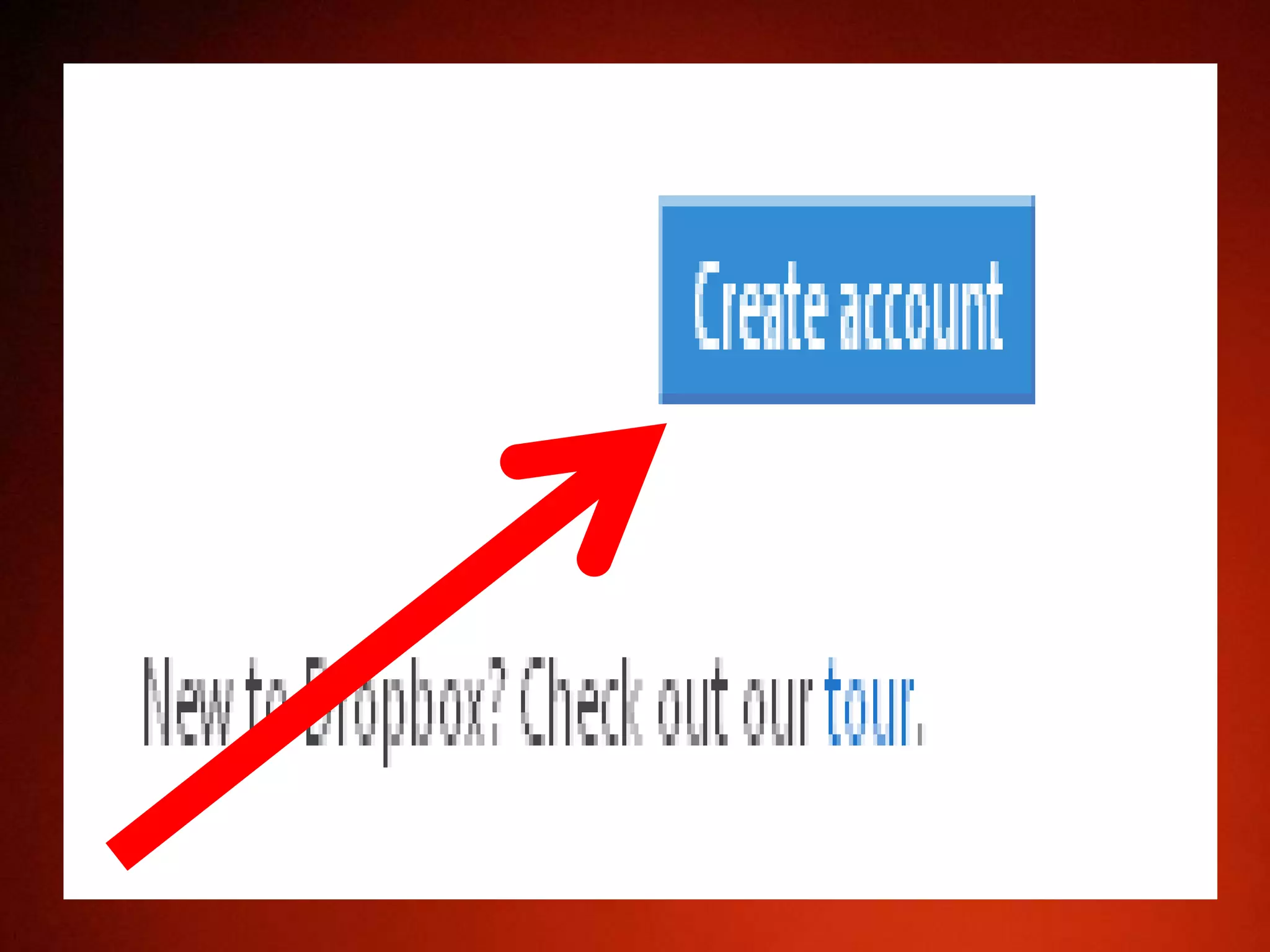
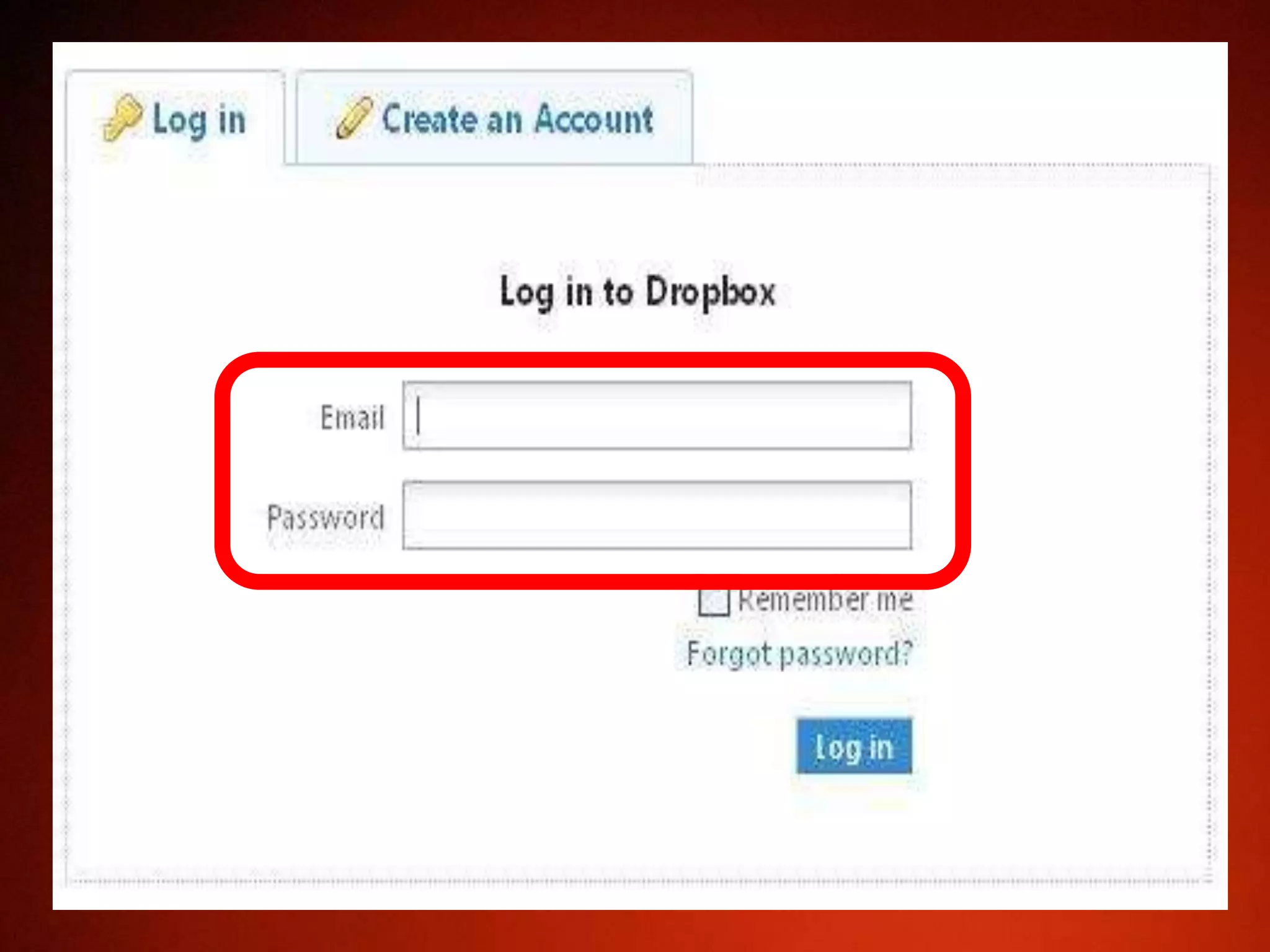

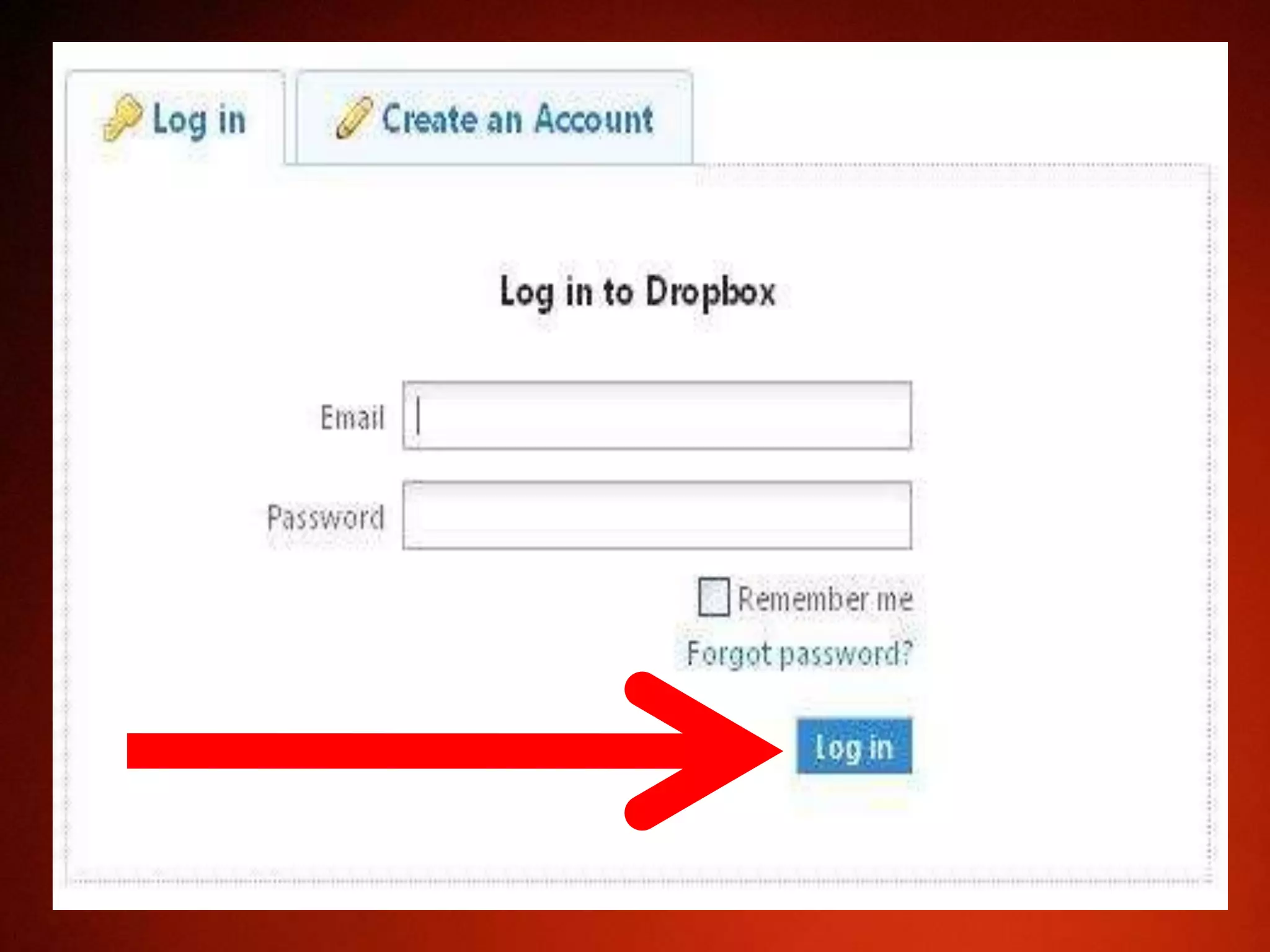
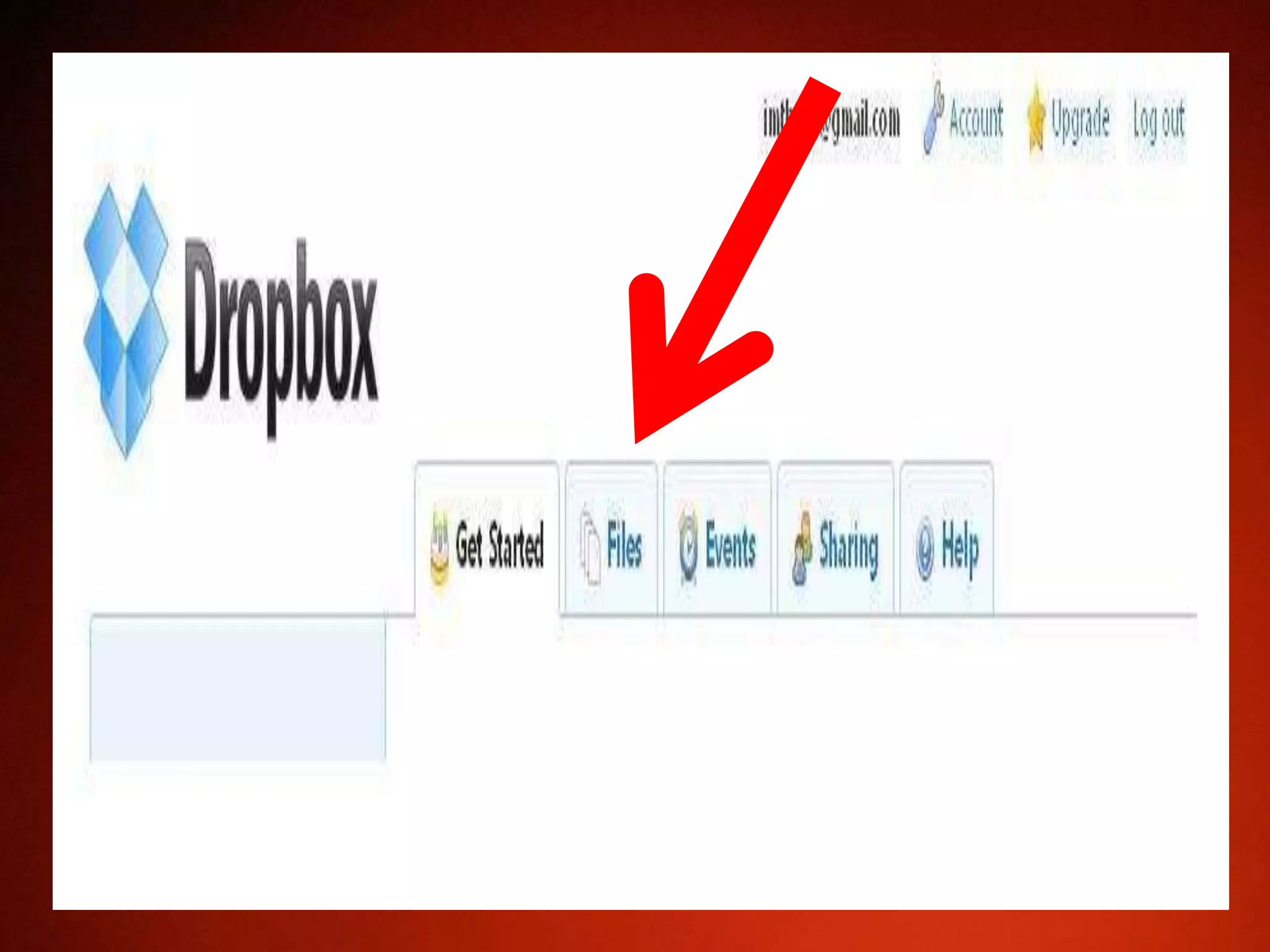

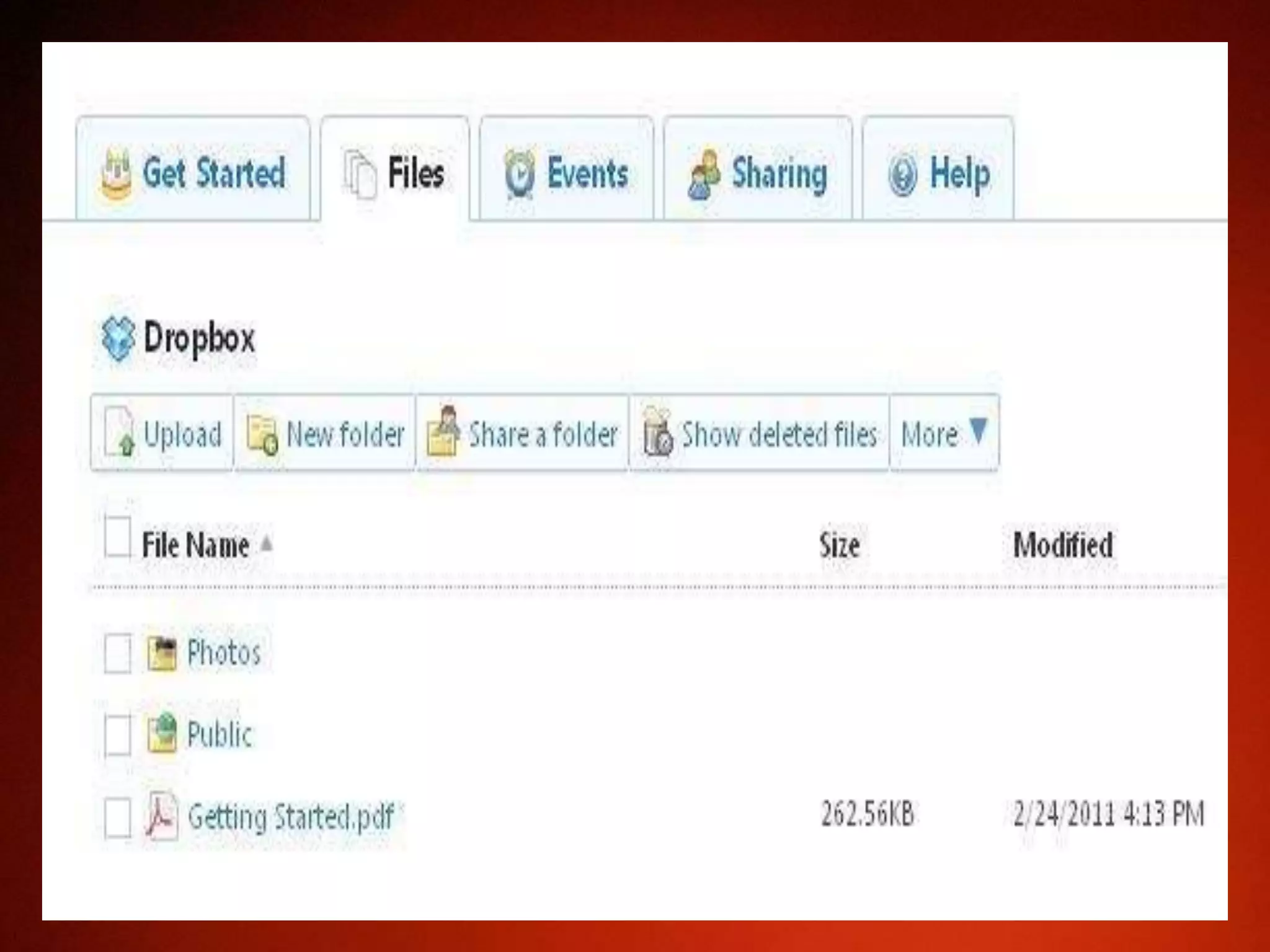
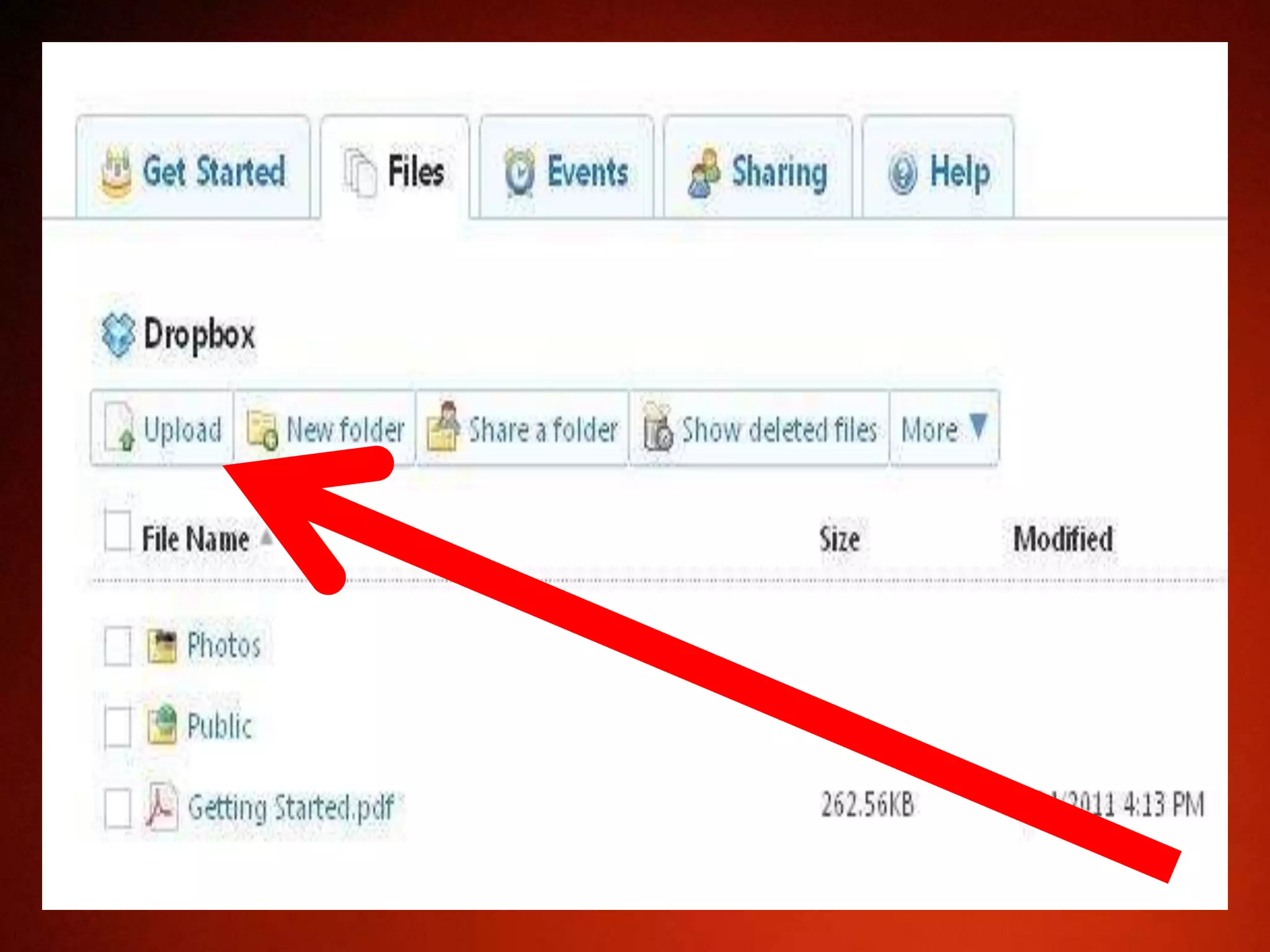

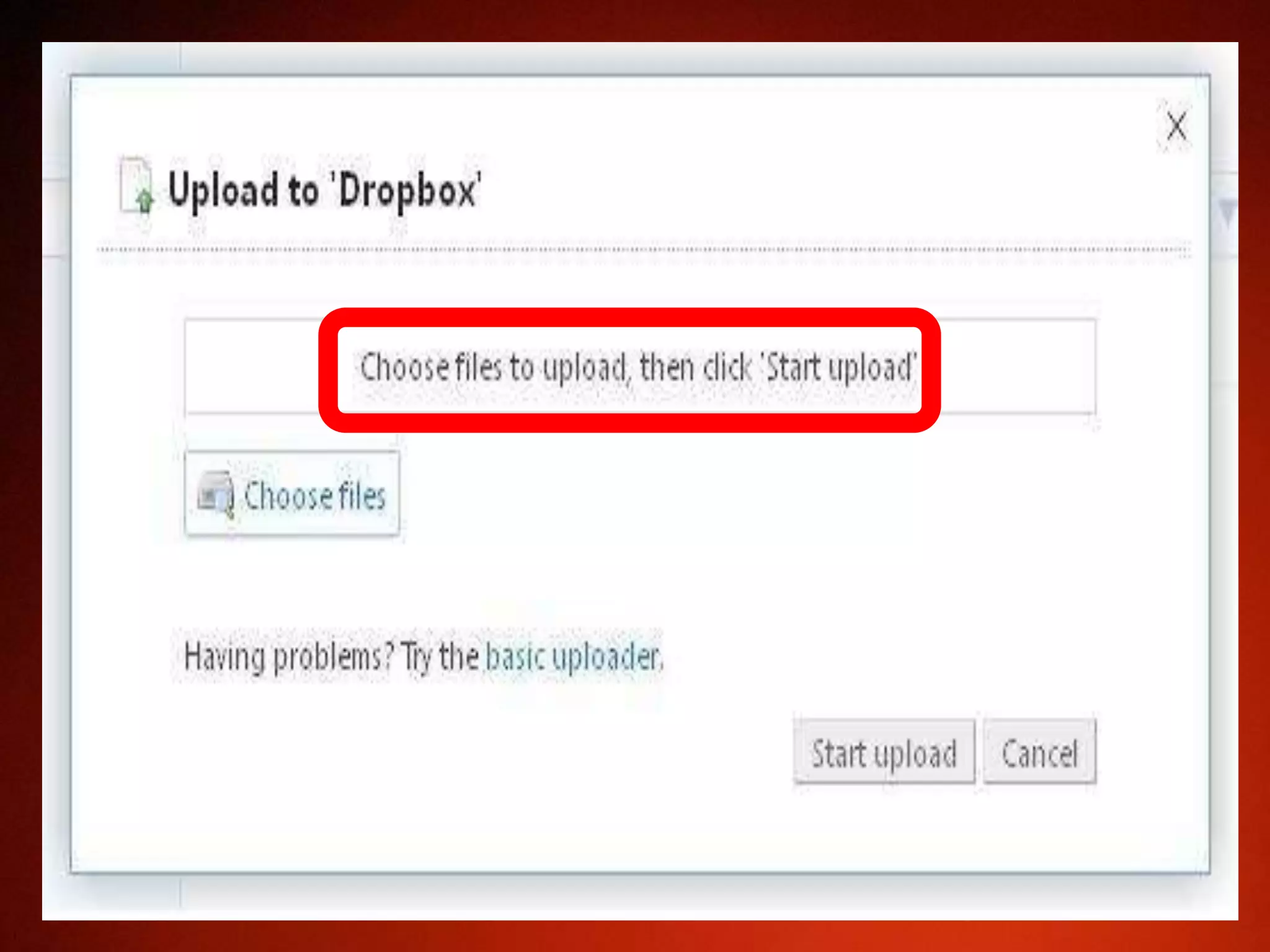
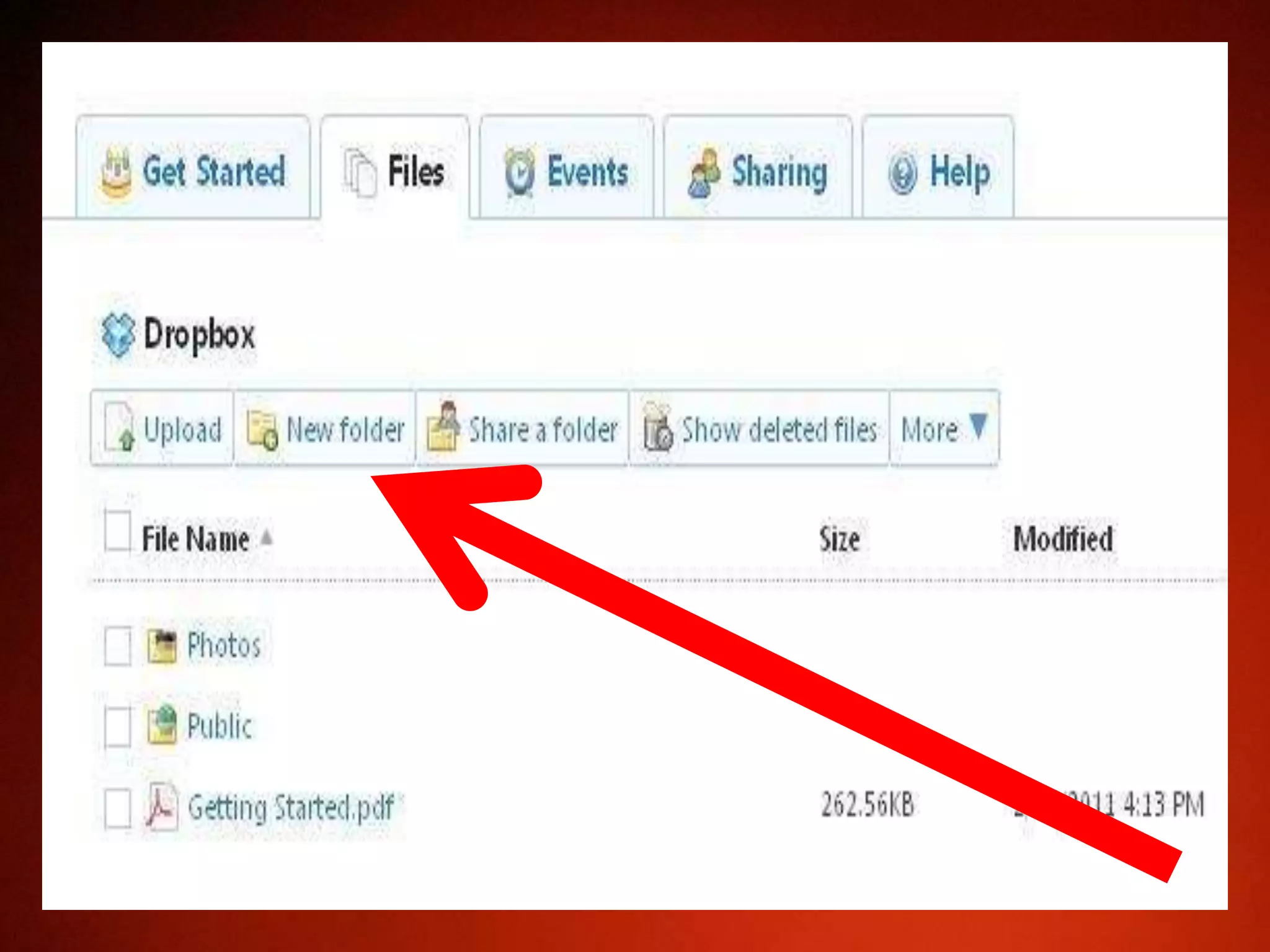
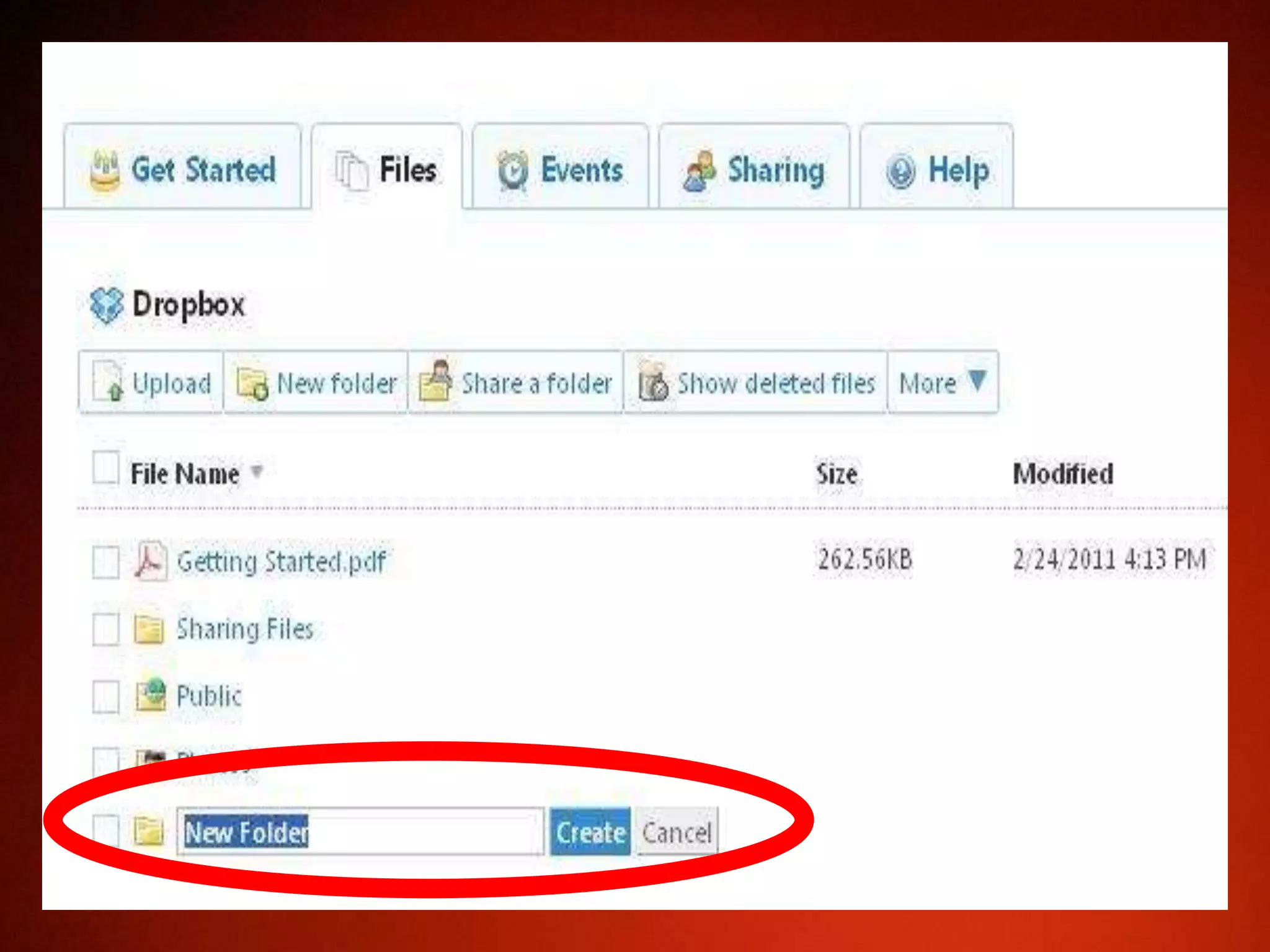
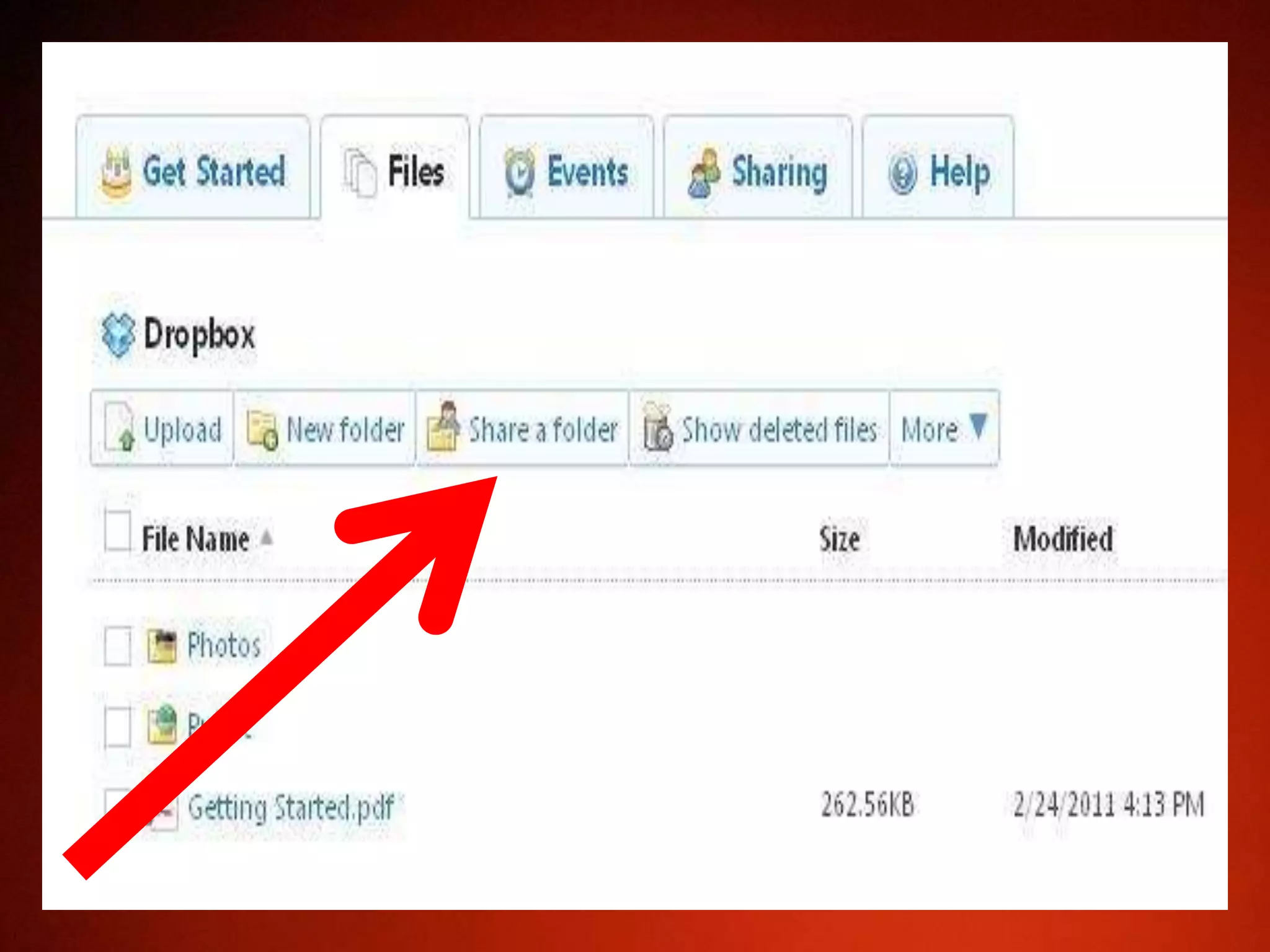
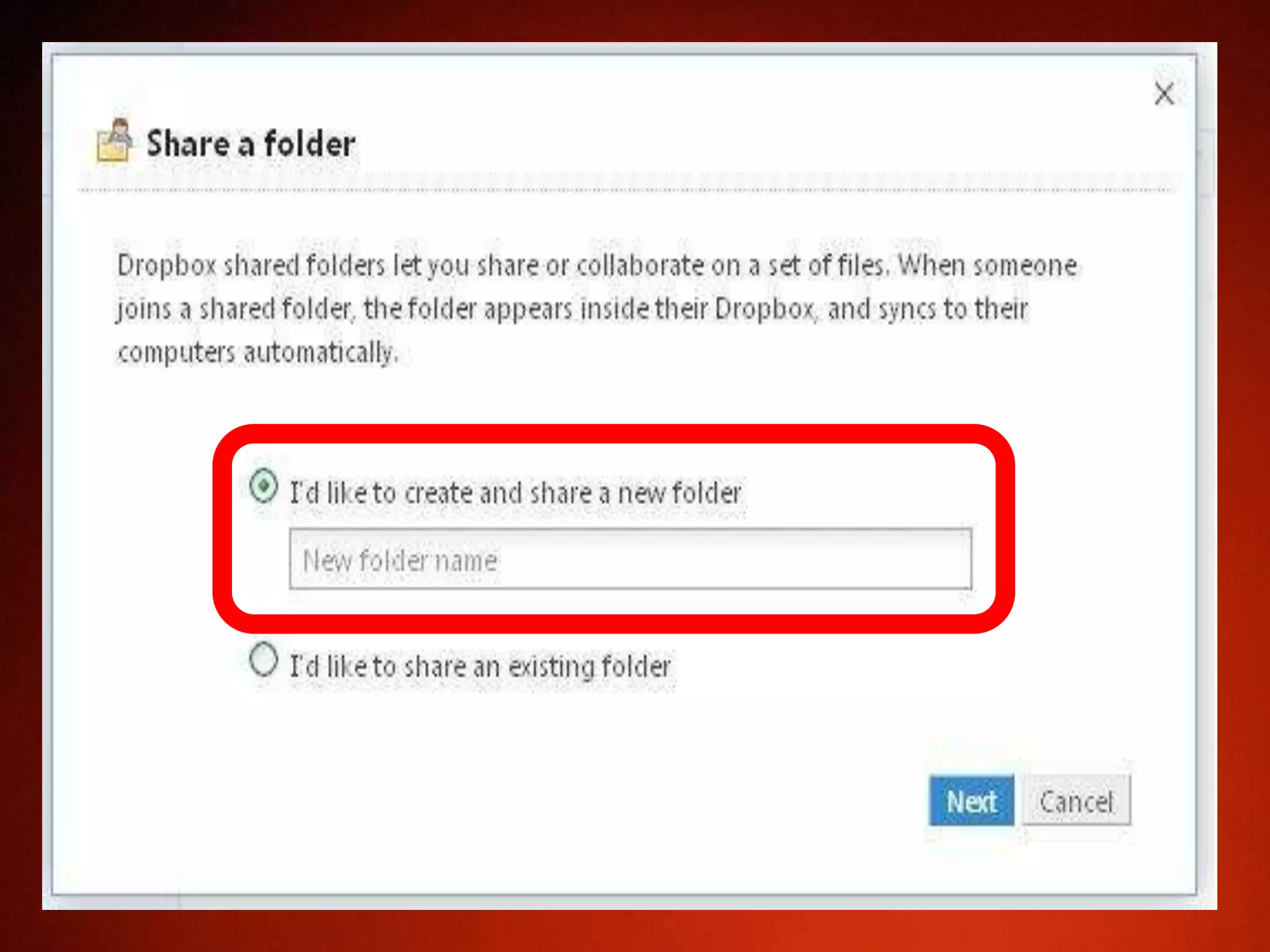
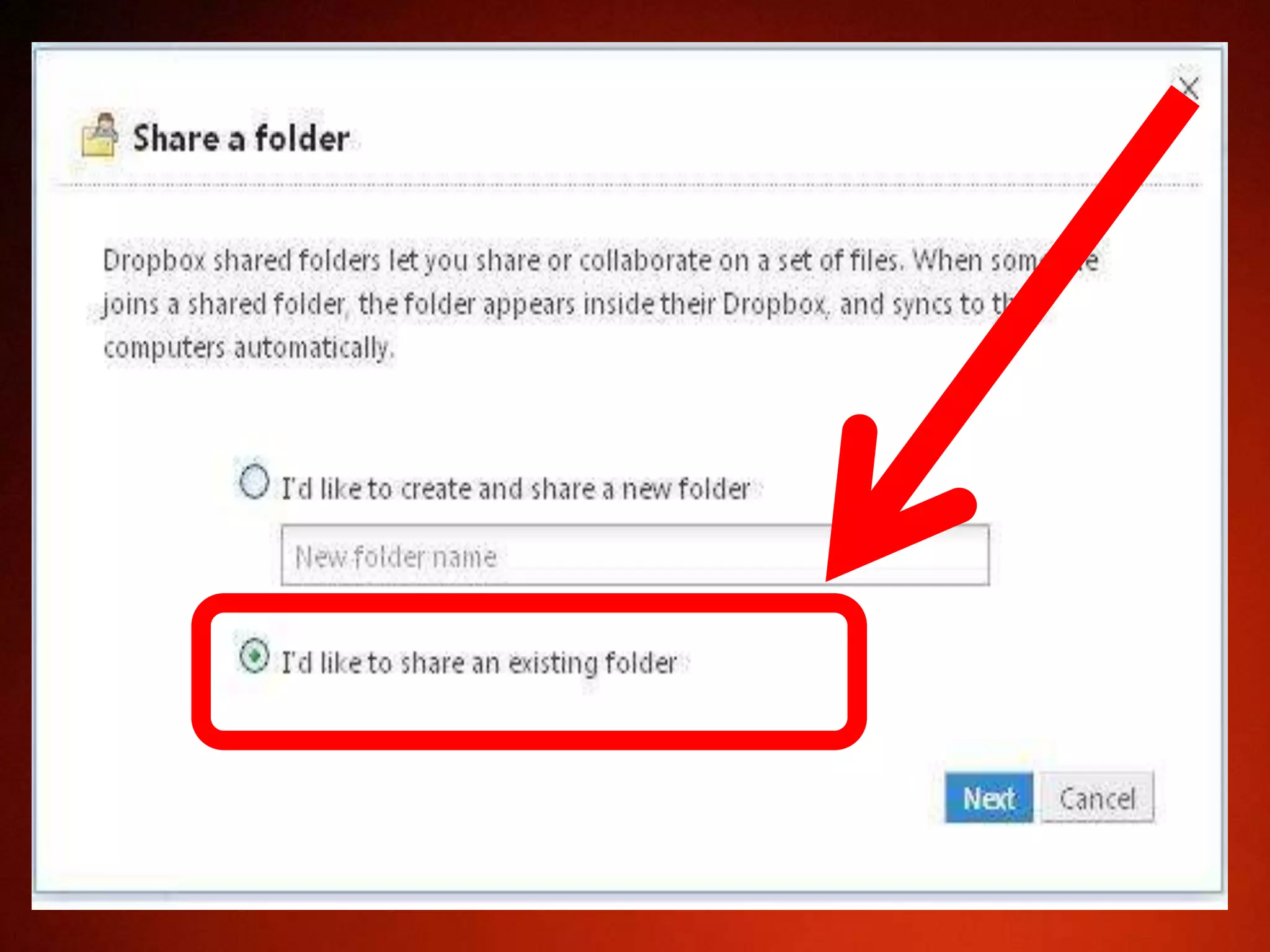

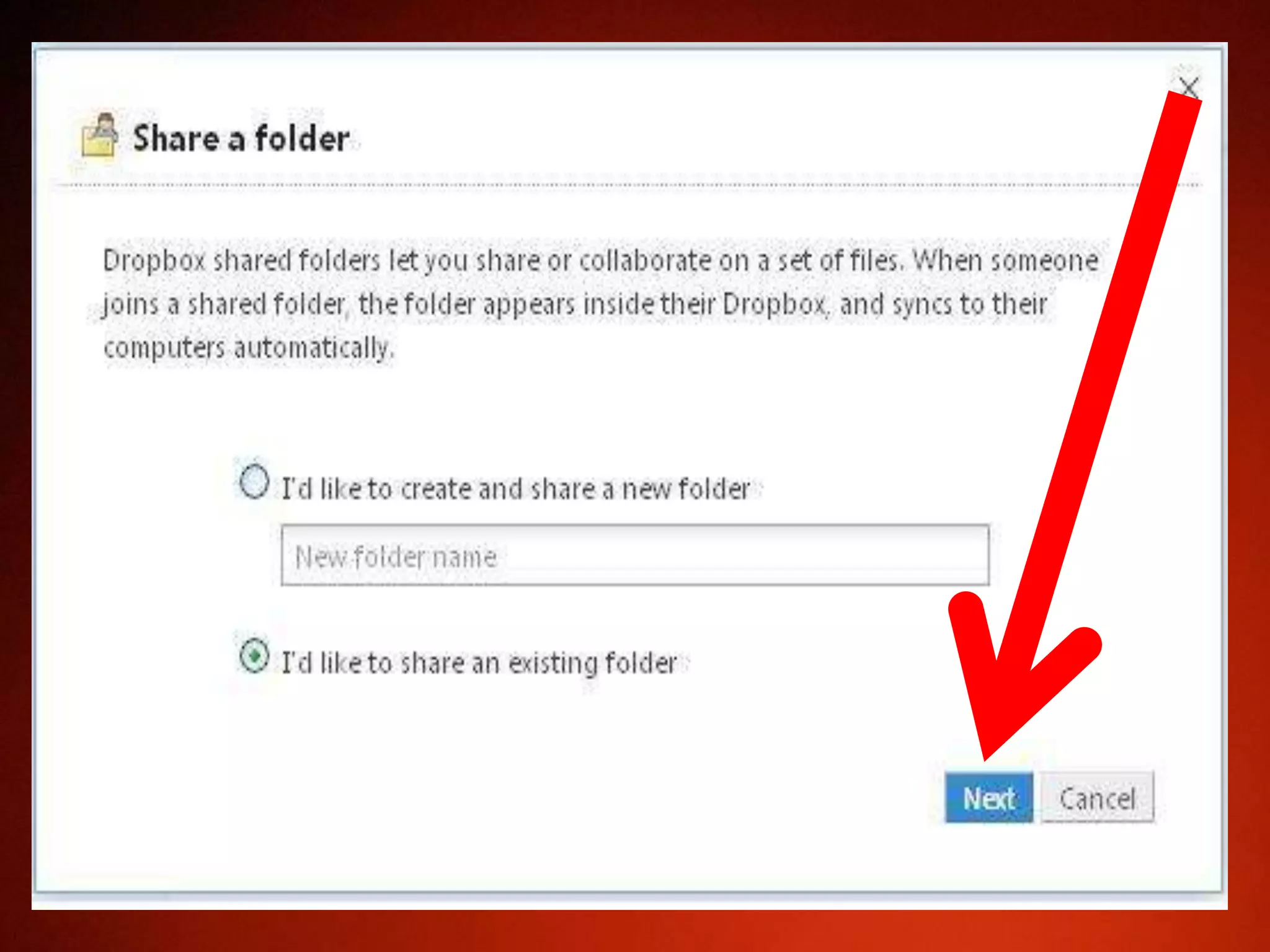
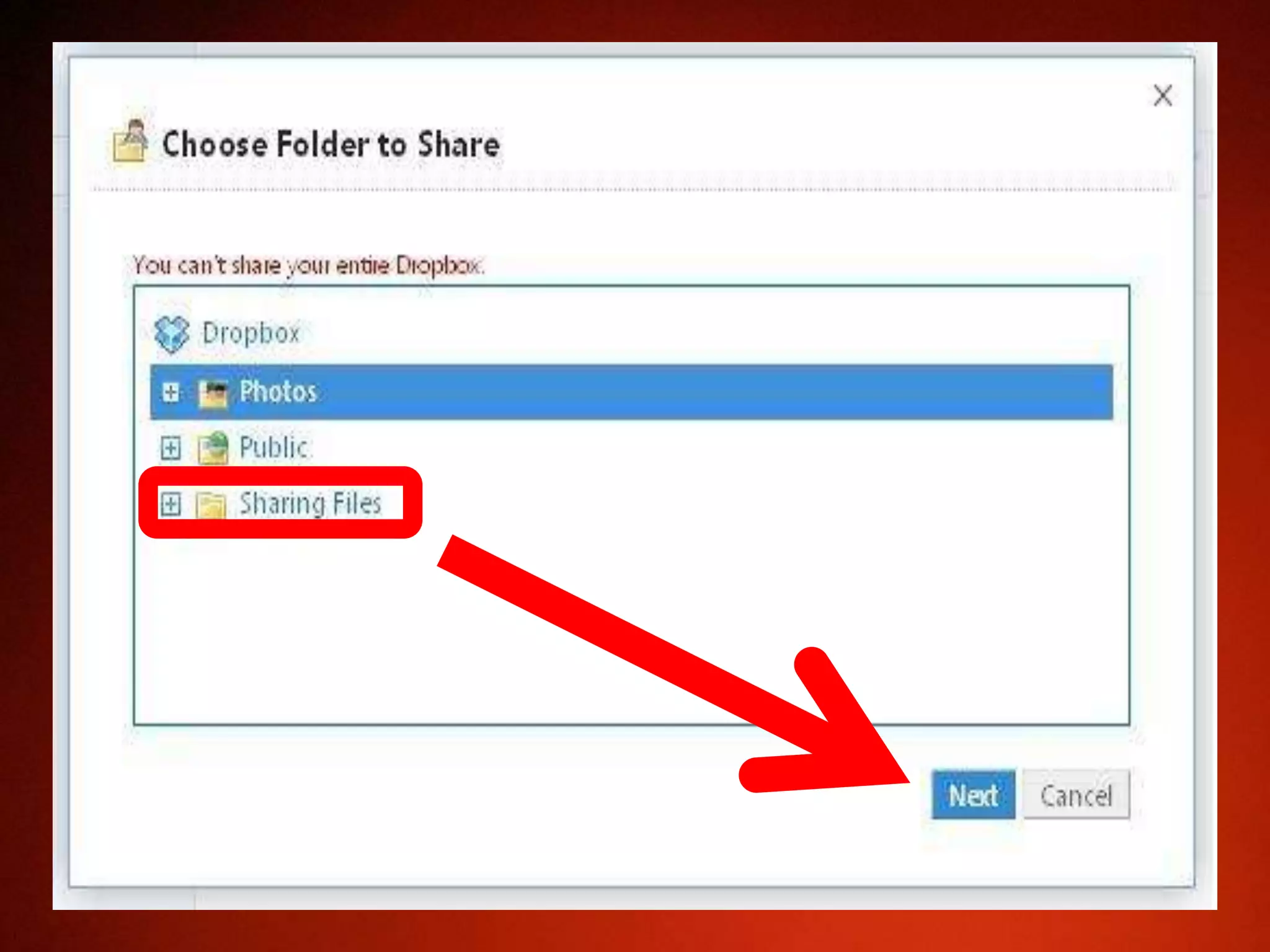
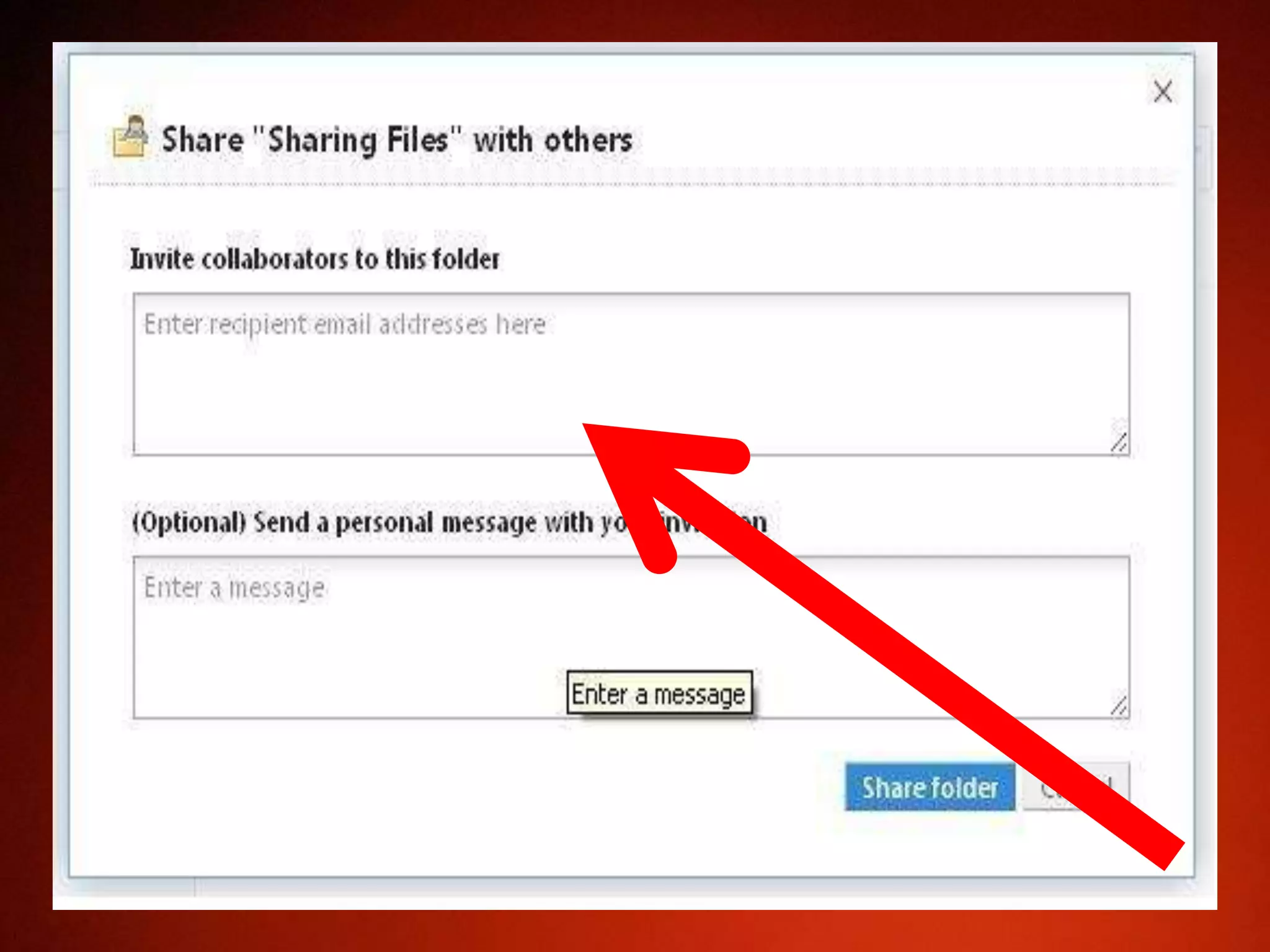
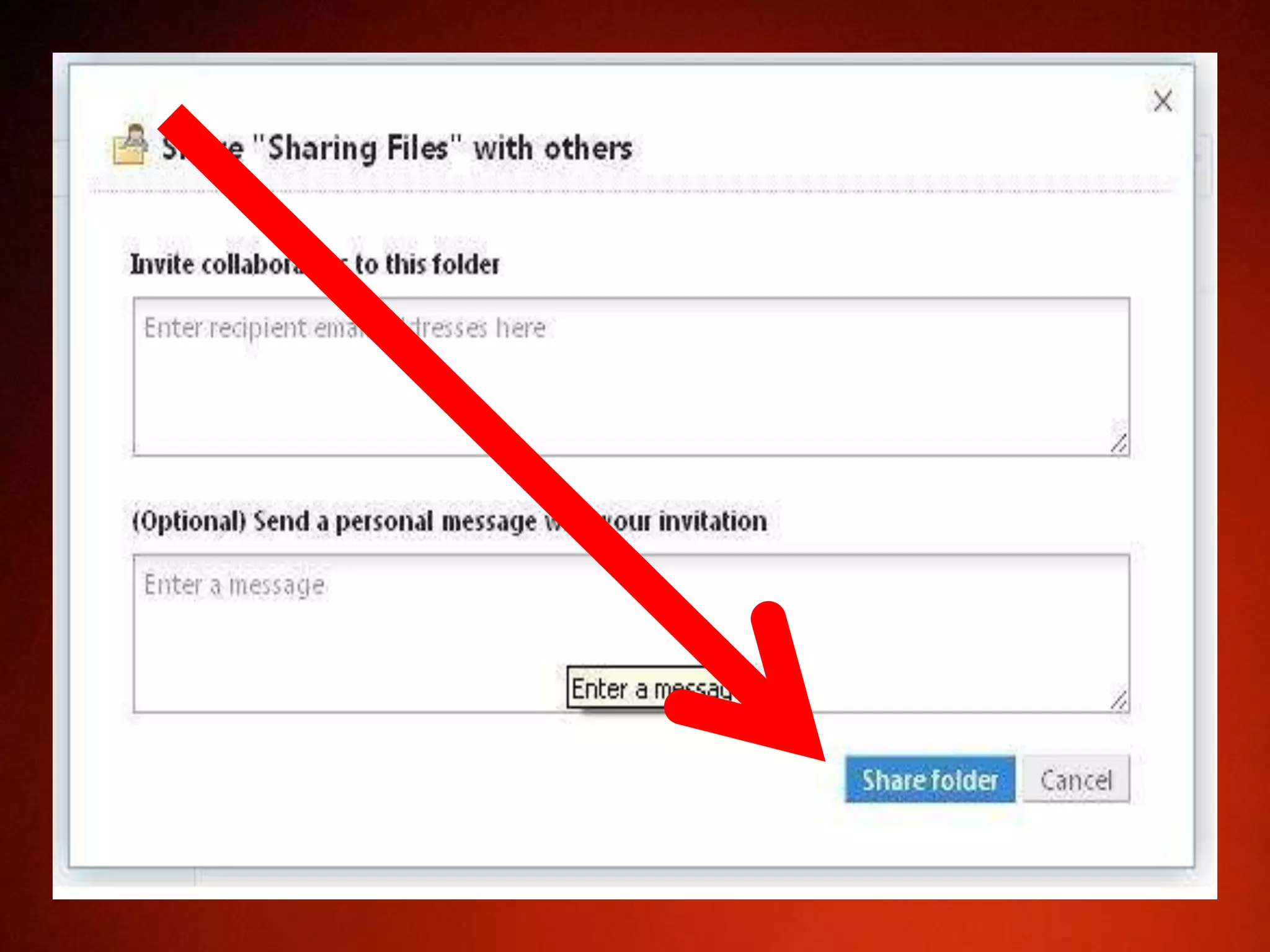
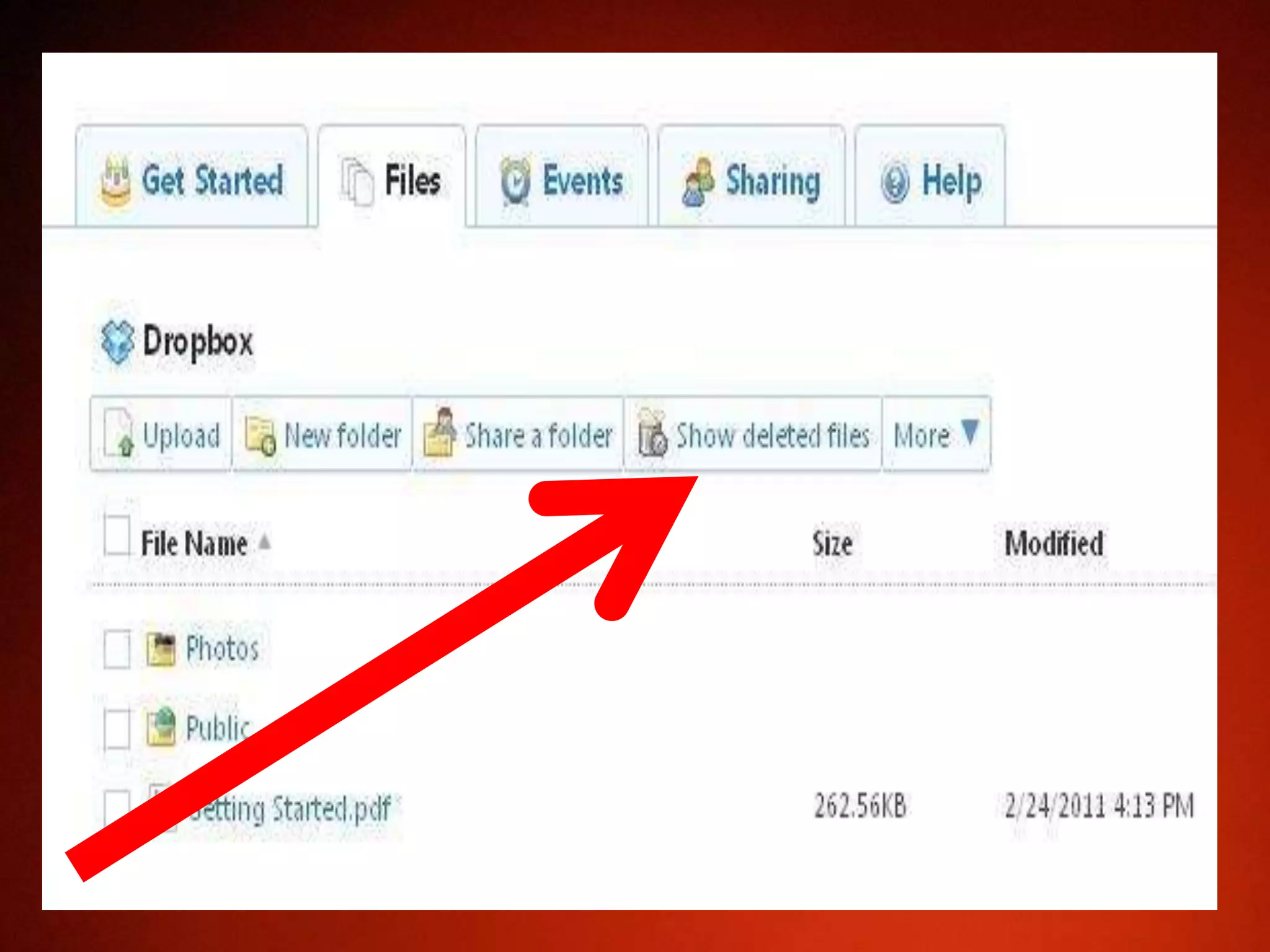
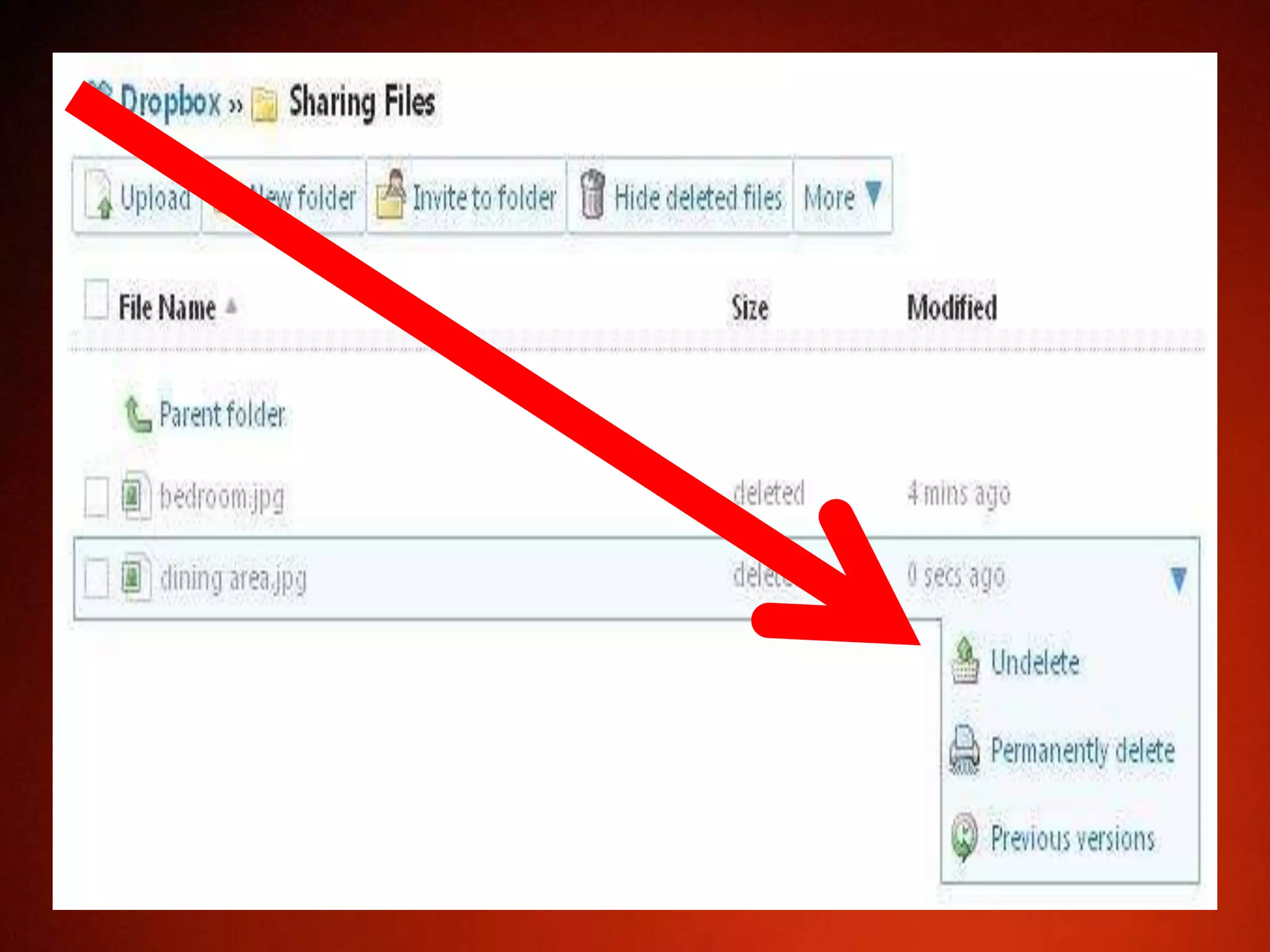

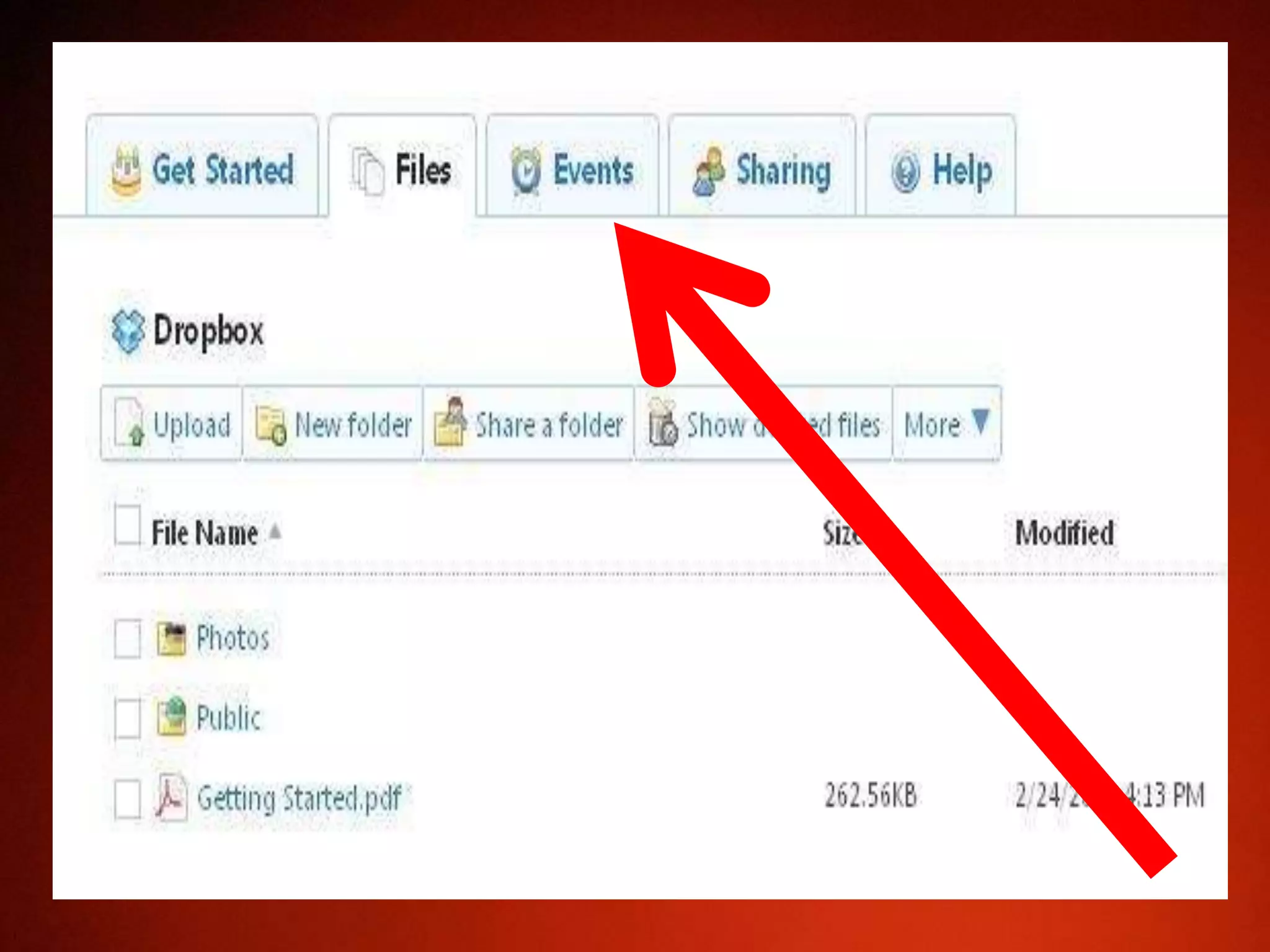
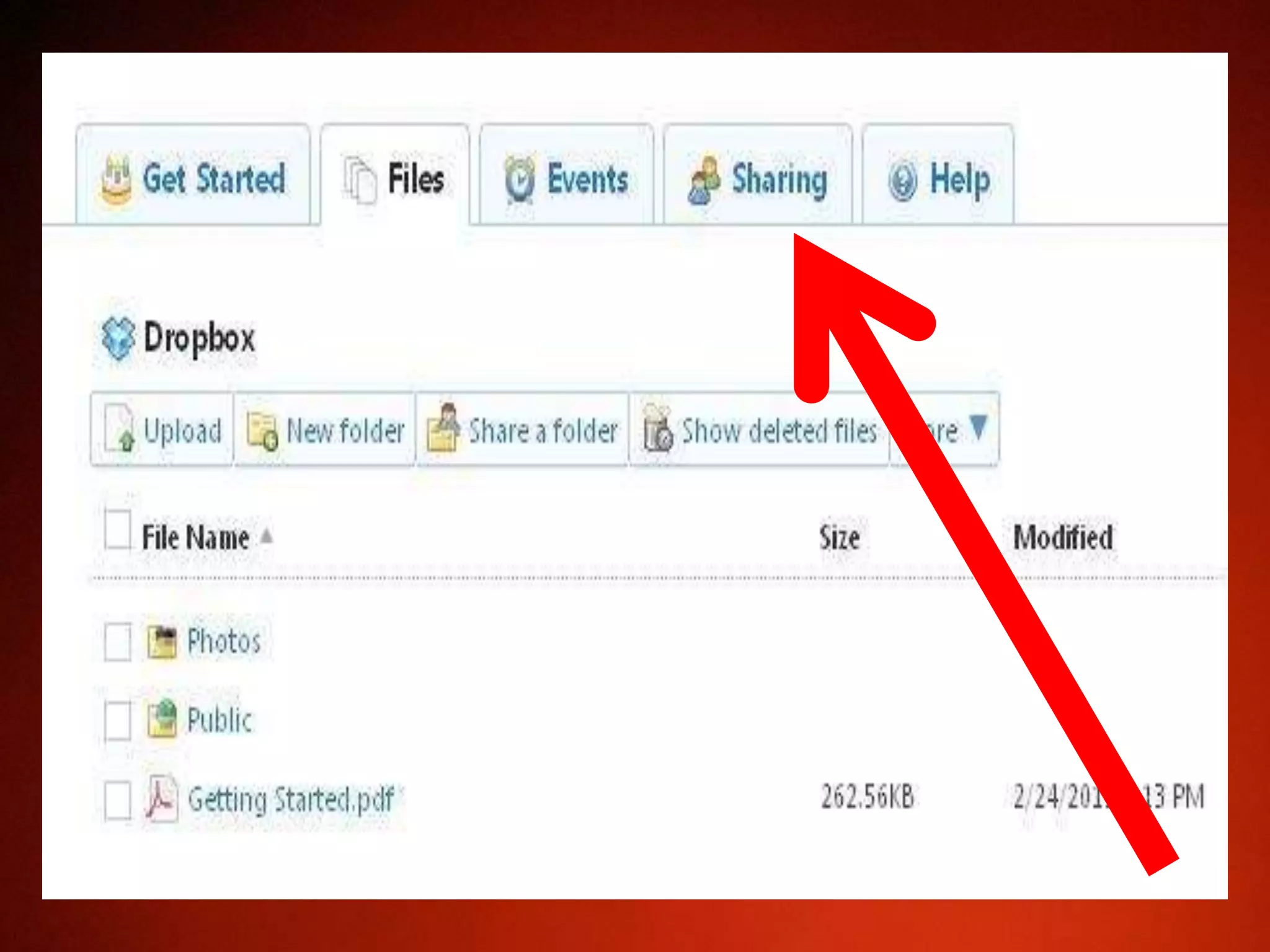




To use Dropbox, download the Dropbox application and create an account by entering your email address and choosing a password. You can then log in, upload files to your Dropbox folder from the Files tab, create new folders from the New Folder tab, and share existing folders with other users by entering their email addresses from the Share a Folder tab. Deleted files can also be restored from the Show Deleted Files tab.


![[Easy] How to Use Dropbox Tutorial](https://cdn.slidesharecdn.com/ss_thumbnails/autdropbox-160831043429-thumbnail.jpg?width=640&height=640&fit=bounds)


![[Made Easy] How to use Dropbox - Tutorial](https://cdn.slidesharecdn.com/ss_thumbnails/howtousedropbox-170421133255-thumbnail.jpg?width=640&height=640&fit=bounds)


