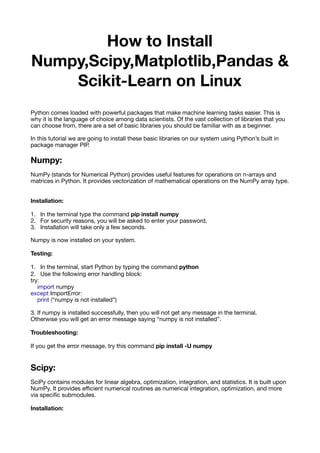
How to Install
Numpy,Scipy,Matplotlib,Pandas &
Scikit-Learn on Linux
Python comes loaded with powerful packages that make machine learning tasks easier. This is
why it is the language of choice among data scientists. Of the vast collection of libraries that you
can choose from, there are a set of basic libraries you should be familiar with as a beginner.

In this tutorial we are going to install these basic libraries on our system using Python’s built in
package manager PIP.

Numpy:
NumPy (stands for Numerical Python) provides useful features for operations on n-arrays and
matrices in Python. It provides vectorization of mathematical operations on the NumPy array type.

Installation:
1. In the terminal type the command pip install numpy
2. For security reasons, you will be asked to enter your password. 

3. Installation will take only a few seconds.

Numpy is now installed on your system.

Testing:
1. In the terminal, start Python by typing the command python
2. Use the following error handling block:

try:

import numpy

except ImportError:

print (“numpy is not installed”)

3. If numpy is installed successfully, then you will not get any message in the terminal.

Otherwise you will get an error message saying “numpy is not installed”.

Troubleshooting:
If you get the error message, try this command pip install -U numpy
Scipy:
SciPy contains modules for linear algebra, optimization, integration, and statistics. It is built upon
NumPy. It provides efficient numerical routines as numerical integration, optimization, and more
via specific submodules. 

Installation:
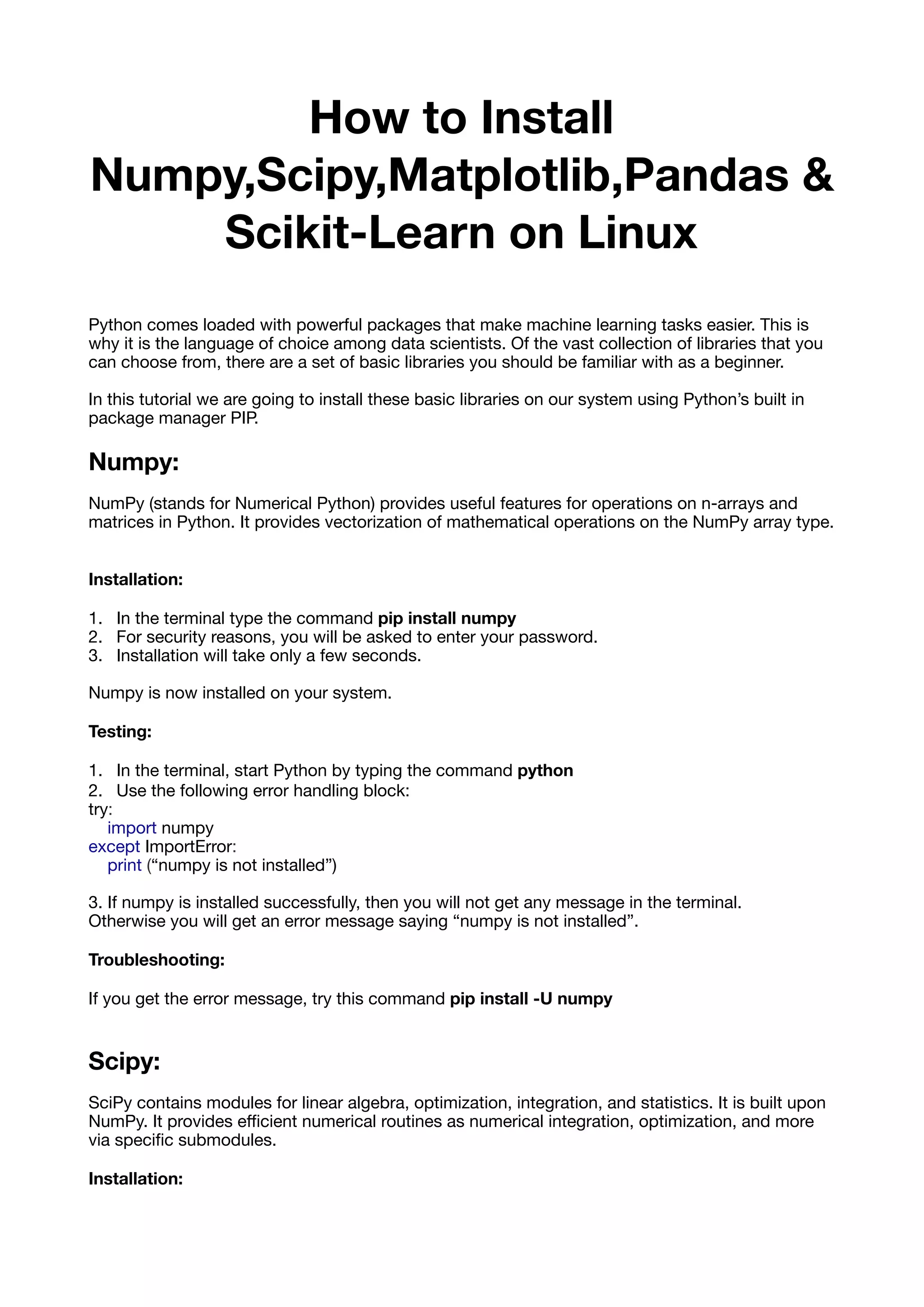
1. In the terminal type the command pip install scipy
2. For security reasons, you will be asked to enter your password. 

3. Installation will take only a few seconds.

Scipy is now installed on your system.

Testing:
1. In the terminal, start Python by typing the command python
2. Use the following error handling block:

try:

import scipy

except ImportError:

print (“scipy is not installed”)

3. If scipy is installed successfully, then you will not get any message in the terminal.

Otherwise you will get an error message saying “scipy is not installed”.

Troubleshooting:
If you get the error message, try this command pip install -U scipy
Matplotlib:
It is used for the generation of simple and powerful visualizations.

You can make just about any visualizations such as bar charts, histograms &

pie charts. There are facilities for creating labels, grids and other formatting elements.

Installation:
1. In the terminal type the command pip install matplotlib
2. For security reasons, you will be asked to enter your password. 

3. Installation will take only a few seconds.

Matplotlib is now installed on your system.

Testing:
1. In the terminal, start Python by typing the command python
2. Use the following error handling block:

try:

import matplotlib

except ImportError:

print (“matplotlib is not installed”)

3. If matplotlib is installed successfully, then you will not get any message in the terminal.

Otherwise you will get an error message saying “matplotlib is not installed”.

Troubleshooting:
If you get the error message, try this command pip install -U matplotlib
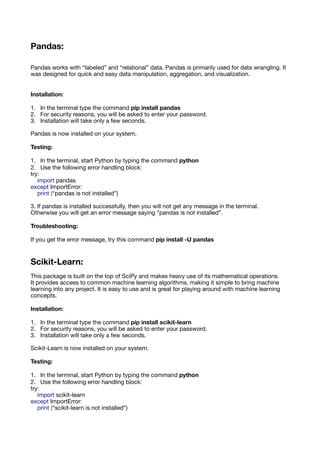
Pandas:
Pandas works with “labeled” and “relational” data. Pandas is primarily used for data wrangling. It
was designed for quick and easy data manipulation, aggregation, and visualization.

Installation:
1. In the terminal type the command pip install pandas
2. For security reasons, you will be asked to enter your password. 

3. Installation will take only a few seconds.

Pandas is now installed on your system.

Testing:
1. In the terminal, start Python by typing the command python
2. Use the following error handling block:

try:

import pandas

except ImportError:

print (“pandas is not installed”)

3. If pandas is installed successfully, then you will not get any message in the terminal.

Otherwise you will get an error message saying “pandas is not installed”.

Troubleshooting:
If you get the error message, try this command pip install -U pandas
Scikit-Learn:
This package is built on the top of SciPy and makes heavy use of its mathematical operations.

It provides access to common machine learning algorithms, making it simple to bring machine
learning into any project. It is easy to use and is great for playing around with machine learning
concepts.

Installation:
1. In the terminal type the command pip install scikit-learn
2. For security reasons, you will be asked to enter your password. 

3. Installation will take only a few seconds.

Scikit-Learn is now installed on your system.

Testing:
1. In the terminal, start Python by typing the command python
2. Use the following error handling block:

try:

import scikit-learn

except ImportError:

print (“scikit-learn is not installed”)
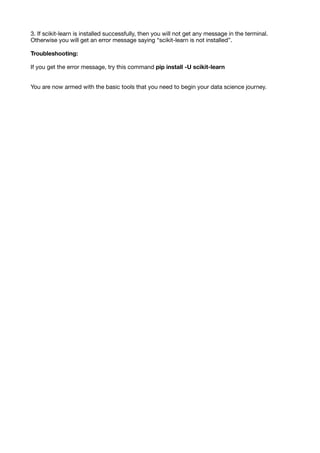
3. If scikit-learn is installed successfully, then you will not get any message in the terminal.

Otherwise you will get an error message saying “scikit-learn is not installed”.

Troubleshooting:
If you get the error message, try this command pip install -U scikit-learn
You are now armed with the basic tools that you need to begin your data science journey.

How to Install numpy, scipy, matplotlib, pandas and scikit-learn on Linux

  • 1.
    How to Install Numpy,Scipy,Matplotlib,Pandas& Scikit-Learn on Linux Python comes loaded with powerful packages that make machine learning tasks easier. This is why it is the language of choice among data scientists. Of the vast collection of libraries that you can choose from, there are a set of basic libraries you should be familiar with as a beginner. In this tutorial we are going to install these basic libraries on our system using Python’s built in package manager PIP. Numpy: NumPy (stands for Numerical Python) provides useful features for operations on n-arrays and matrices in Python. It provides vectorization of mathematical operations on the NumPy array type. Installation: 1. In the terminal type the command pip install numpy 2. For security reasons, you will be asked to enter your password. 3. Installation will take only a few seconds. Numpy is now installed on your system. Testing: 1. In the terminal, start Python by typing the command python 2. Use the following error handling block: try: import numpy except ImportError: print (“numpy is not installed”) 3. If numpy is installed successfully, then you will not get any message in the terminal. Otherwise you will get an error message saying “numpy is not installed”. Troubleshooting: If you get the error message, try this command pip install -U numpy Scipy: SciPy contains modules for linear algebra, optimization, integration, and statistics. It is built upon NumPy. It provides efficient numerical routines as numerical integration, optimization, and more via specific submodules. Installation:
  • 2.
    1. In theterminal type the command pip install scipy 2. For security reasons, you will be asked to enter your password. 3. Installation will take only a few seconds. Scipy is now installed on your system. Testing: 1. In the terminal, start Python by typing the command python 2. Use the following error handling block: try: import scipy except ImportError: print (“scipy is not installed”) 3. If scipy is installed successfully, then you will not get any message in the terminal. Otherwise you will get an error message saying “scipy is not installed”. Troubleshooting: If you get the error message, try this command pip install -U scipy Matplotlib: It is used for the generation of simple and powerful visualizations. You can make just about any visualizations such as bar charts, histograms & pie charts. There are facilities for creating labels, grids and other formatting elements. Installation: 1. In the terminal type the command pip install matplotlib 2. For security reasons, you will be asked to enter your password. 3. Installation will take only a few seconds. Matplotlib is now installed on your system. Testing: 1. In the terminal, start Python by typing the command python 2. Use the following error handling block: try: import matplotlib except ImportError: print (“matplotlib is not installed”) 3. If matplotlib is installed successfully, then you will not get any message in the terminal. Otherwise you will get an error message saying “matplotlib is not installed”. Troubleshooting: If you get the error message, try this command pip install -U matplotlib
  • 3.
    Pandas: Pandas works with“labeled” and “relational” data. Pandas is primarily used for data wrangling. It was designed for quick and easy data manipulation, aggregation, and visualization. Installation: 1. In the terminal type the command pip install pandas 2. For security reasons, you will be asked to enter your password. 3. Installation will take only a few seconds. Pandas is now installed on your system. Testing: 1. In the terminal, start Python by typing the command python 2. Use the following error handling block: try: import pandas except ImportError: print (“pandas is not installed”) 3. If pandas is installed successfully, then you will not get any message in the terminal. Otherwise you will get an error message saying “pandas is not installed”. Troubleshooting: If you get the error message, try this command pip install -U pandas Scikit-Learn: This package is built on the top of SciPy and makes heavy use of its mathematical operations. It provides access to common machine learning algorithms, making it simple to bring machine learning into any project. It is easy to use and is great for playing around with machine learning concepts. Installation: 1. In the terminal type the command pip install scikit-learn 2. For security reasons, you will be asked to enter your password. 3. Installation will take only a few seconds. Scikit-Learn is now installed on your system. Testing: 1. In the terminal, start Python by typing the command python 2. Use the following error handling block: try: import scikit-learn except ImportError: print (“scikit-learn is not installed”)
  • 4.
    3. If scikit-learnis installed successfully, then you will not get any message in the terminal. Otherwise you will get an error message saying “scikit-learn is not installed”. Troubleshooting: If you get the error message, try this command pip install -U scikit-learn You are now armed with the basic tools that you need to begin your data science journey.