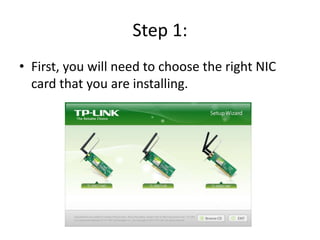
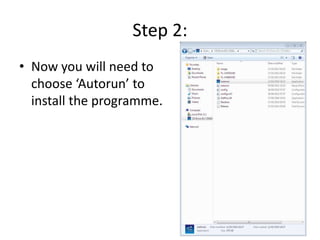
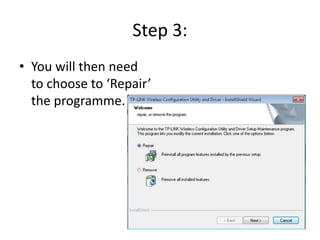
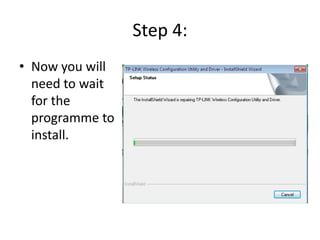
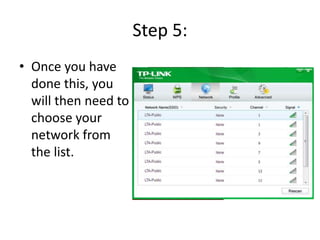
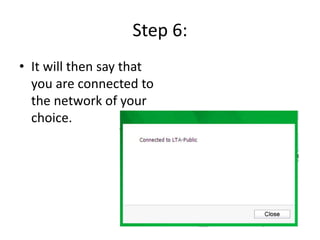
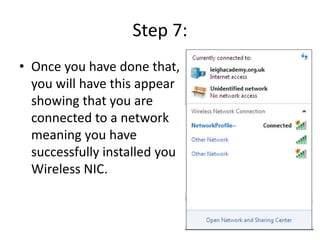
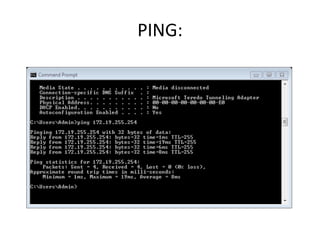
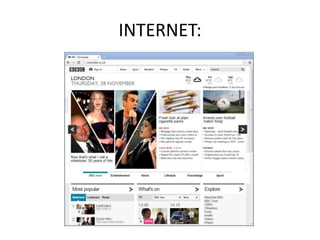
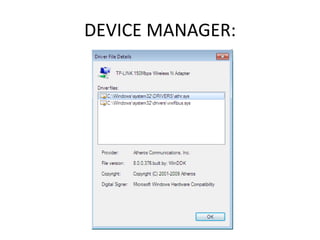
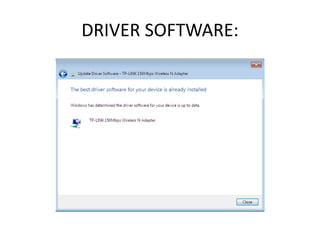
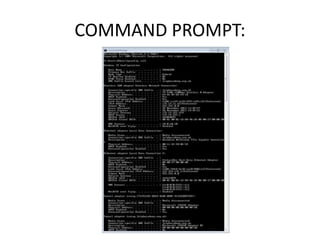
This document provides 7 steps for installing a wireless network interface card (NIC): 1) choose the right NIC, 2) run the installation program, 3) repair the program if needed, 4) wait for installation, 5) select your network from the list, 6) see a message that you are connected to the chosen network, and 7) have an indication that you are connected, showing successful installation. It also lists 5 ways to test the installation: ping, internet access, device manager, driver software, and command prompt.


![Belkin beach p75170 d f5d8231-4-man[1]](https://cdn.slidesharecdn.com/ss_thumbnails/belkinbeachp75170-df5d8231-4man1-120517001157-phpapp01-thumbnail.jpg?width=640&height=640&fit=bounds)


![5G Explained! A High Level Overview [Introduction]](https://cdn.slidesharecdn.com/ss_thumbnails/5gexplainedahighleveloverview-260119165306-cc137a3e-thumbnail.jpg?width=640&height=640&fit=bounds)


