Download to read offline
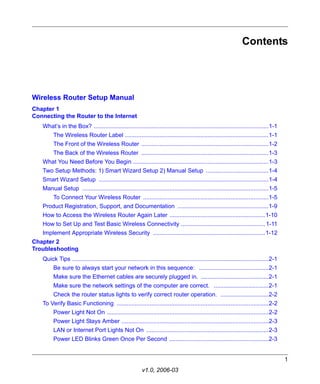
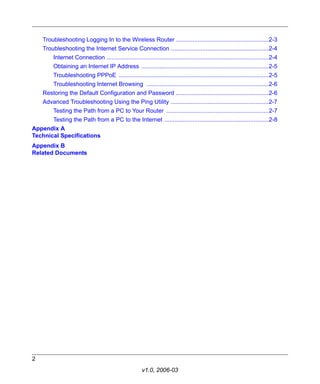
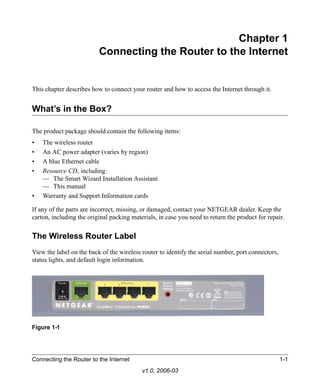
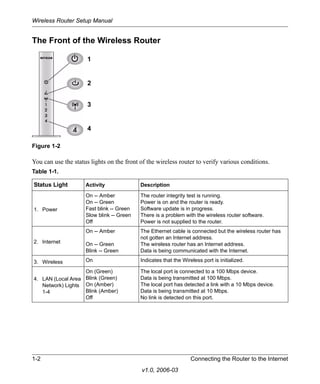
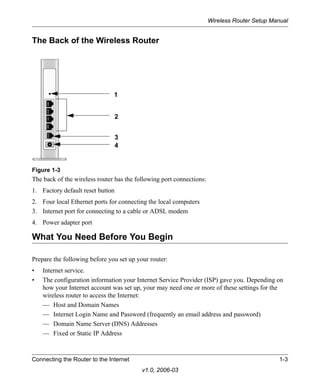
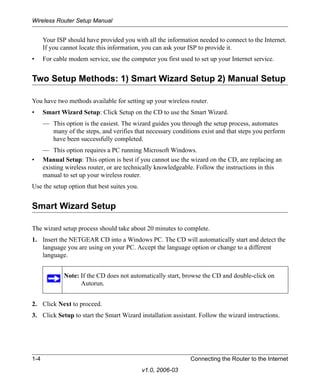
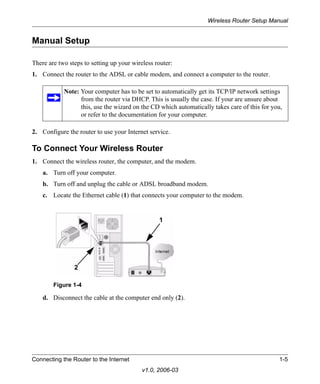
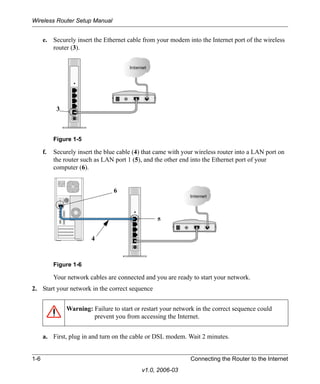
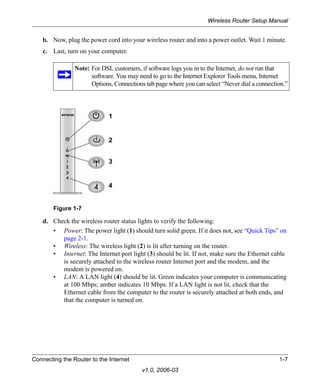
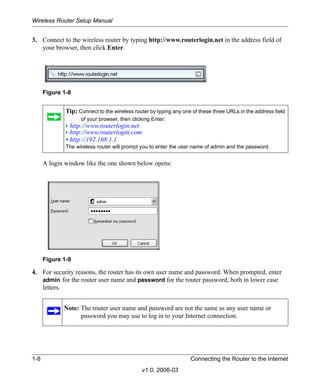
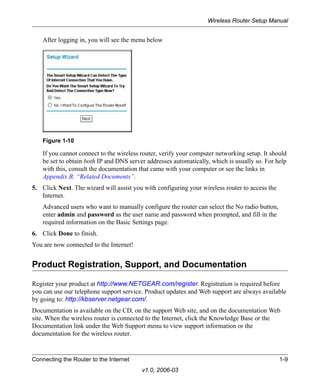
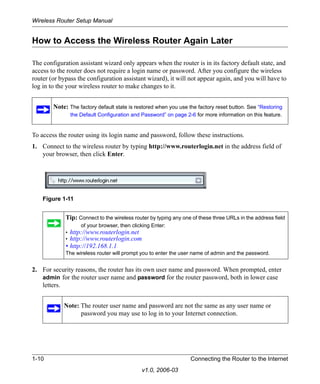
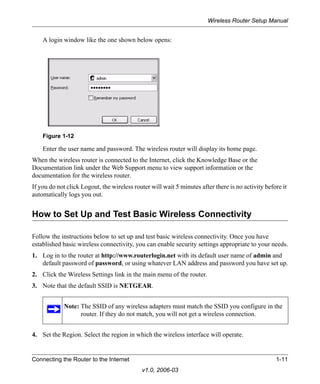
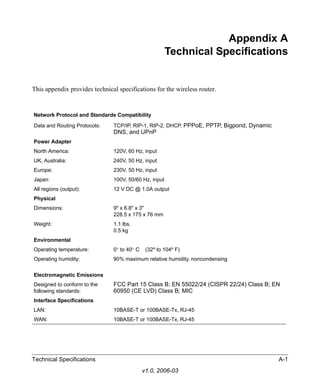


The document provides instructions for setting up a wireless router, including: 1. Connecting the wireless router to a modem and computer, and powering on devices in the correct sequence. 2. Accessing the wireless router's configuration page by entering its IP address or default login URL. 3. Configuring basic wireless settings on the router such as the SSID and region. 4. Testing wireless connectivity between computers and the router. 5. Implementing appropriate wireless security settings to prevent unauthorized access.


![Belkin beach p75170 d f5d8231-4-man[1]](https://cdn.slidesharecdn.com/ss_thumbnails/belkinbeachp75170-df5d8231-4man1-120517001157-phpapp01-thumbnail.jpg?width=640&height=640&fit=bounds)


