#SPSNL18
How to: Create a custom
connector for Microsoft Flow
Dragan Panjkov
K2NE, MVP
www.github.com/panjkov
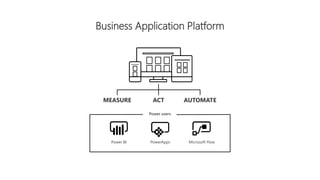
Business Application Platform
MEASURE ACT AUTOMATE
Power users
Power BI PowerApps Microsoft Flow
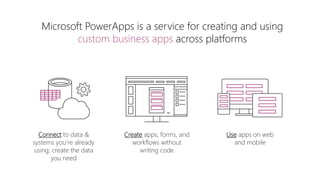
Connect to data &
systems you’re already
using; create the data
you need
Microsoft PowerApps is a service for creating and using
custom business apps across platforms
Create apps, forms, and
workflows without
writing code
Use apps on web
and mobile
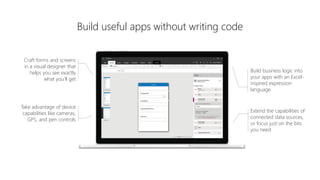
Build useful apps without writing code
Craft forms and screens
in a visual designer that
helps you see exactly
what you’ll get
Take advantage of device
capabilities like cameras,
GPS, and pen controls
Extend the capabilities of
connected data sources,
or focus just on the bits
you need
Build business logic into
your apps with an Excel-
inspired expression
language
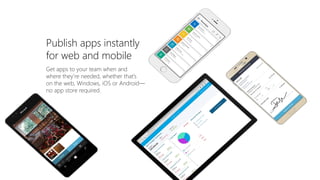
Get apps to your team when and
where they’re needed, whether that’s
on the web, Windows, iOS or Android—
no app store required.
Publish apps instantly
for web and mobile
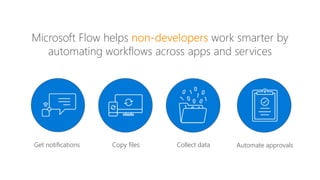
Microsoft Flow helps work smarter by
automating workflows across apps and services
Get notifications Copy files Collect data Automate approvals
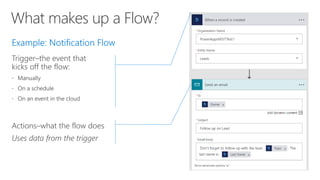
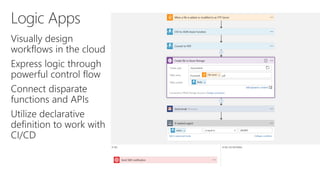
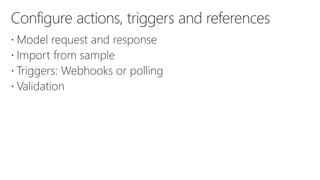
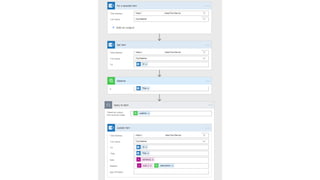
Trigger–the event that
kicks off the flow:



Actions–what the flow does
Uses data from the trigger
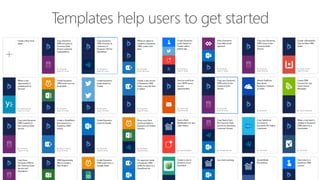
Templates help users to get started
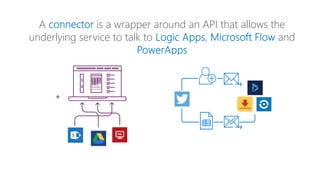
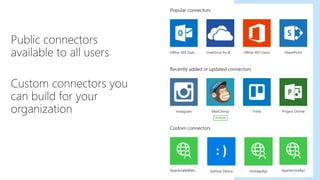
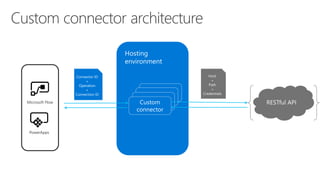
A is a wrapper around an API that allows the
underlying service to talk to , and
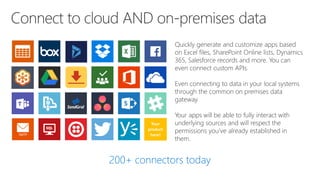
Quickly generate and customize apps based
on Excel files, SharePoint Online lists, Dynamics
365, Salesforce records and more. You can
even connect custom APIs.
Even connecting to data in your local systems
through the common on premises data
gateway.
Your apps will be able to fully interact with
underlying sources and will respect the
permissions you’ve already established in
them.
Your
product
here!
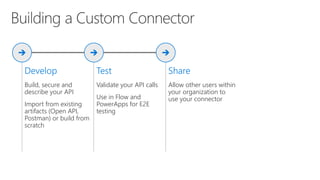
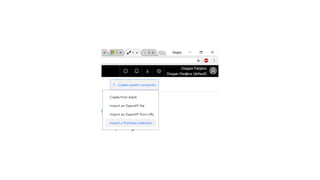
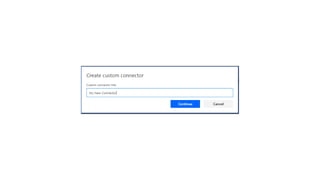
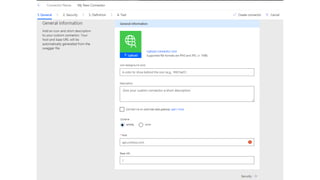
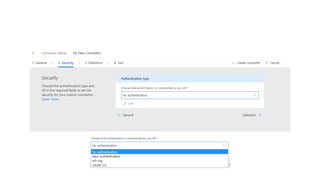
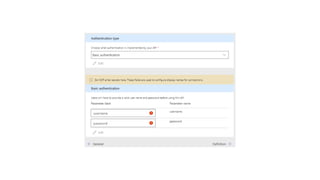
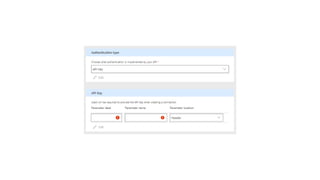
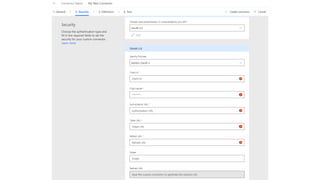
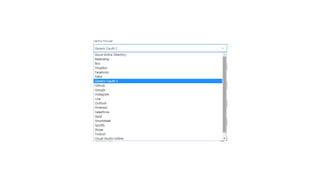
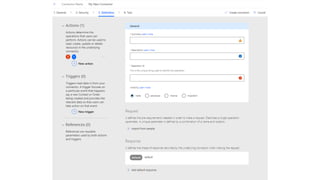
Build, secure and
describe your API
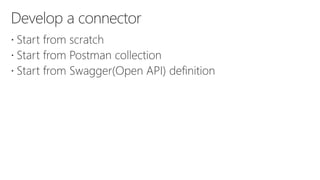
Import from existing
artifacts (Open API,
Postman) or build from
scratch
Validate your API calls
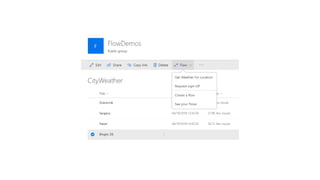
Use in Flow and
PowerApps for E2E
testing
Allow other users within
your organization to
use your connector
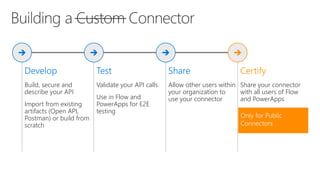
Build, secure and
describe your API
Import from existing
artifacts (Open API,
Postman) or build from
scratch
Validate your API calls
Use in Flow and
PowerApps for E2E
testing
Allow other users within
your organization to
use your connector
Share your connector
with all users of Flow
and PowerApps
PowerApps
Microsoft Flow
PowerApps
Microsoft Flow
PowerApps
Microsoft Flow
https://docs.microsoft.com/connectors
https://aka.ms/apiconnectors
https://help.k2.com/onlinehelp/k2five/userguide/5.0/default.
htm#How_Tos/WorkflowRESTAPI/Workflow-REST-with-MS-
Flow.htm
Thanks for attending
How to create custom connector for Microsoft Flow - SPSNL18

How to create custom connector for Microsoft Flow - SPSNL18