

SharePoint Apps in 2013
By: Ryan Schouten
Intermountain Technology Group
SharePoint Saturday Silicon Valley June 22nd, 2013
About Me
Ryan Schouten
Worked with SharePoint for 6 years
I have experience with SharePoint 2003 – 2013
I have worked with ASP.Net for 10 years
Contact Information
Ryan.Schouten@itg-mail.com
@shrpntknight
http://www.sharepointknight.com
Objectives
 The Need
 Hosting Options
 Development Options
 Permissions and Security
 Deployment
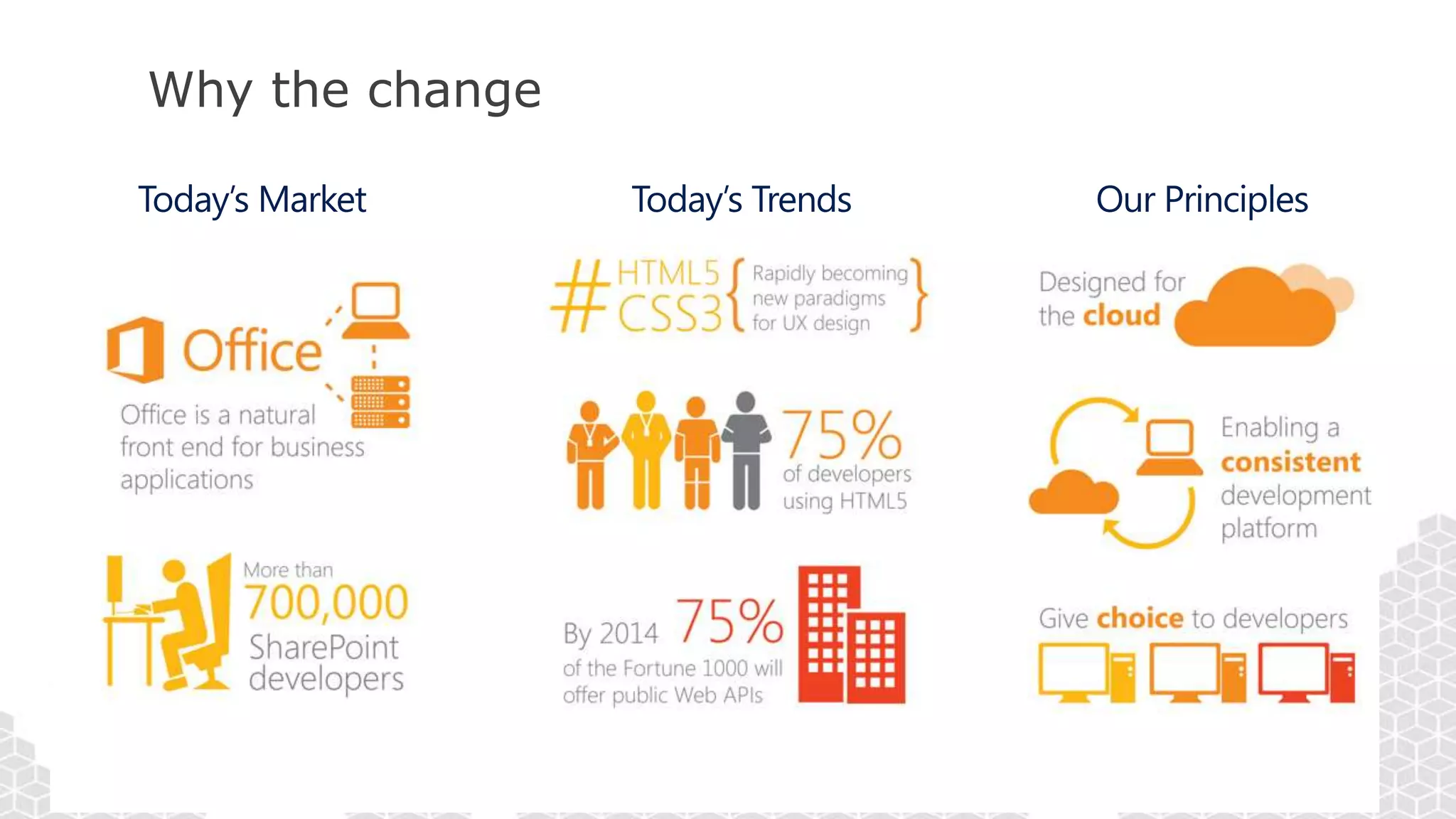
Why the change
Hence the new App Model
 No custom code on the SharePoint server
 Easier to upgrade to future versions of SharePoint
 Works in Office 365 SharePoint Online without limitations
 Reduces the ramp-up time for those building apps
 Don’t need to know/be as familiar with SharePoint “-isms”
 Leverage hosting platform features in new apps
 Enables taking SharePoint apps to different levels – further than what can be
done with farm / sandbox solutions
Benefits (continued)
 Low cost of entry for developers
 Hosted SharePoint Dev sites
 No need to have a farm per developer (Shared Development Farms/Tenants)
 No Intensive laptop requirements
Hosting Options
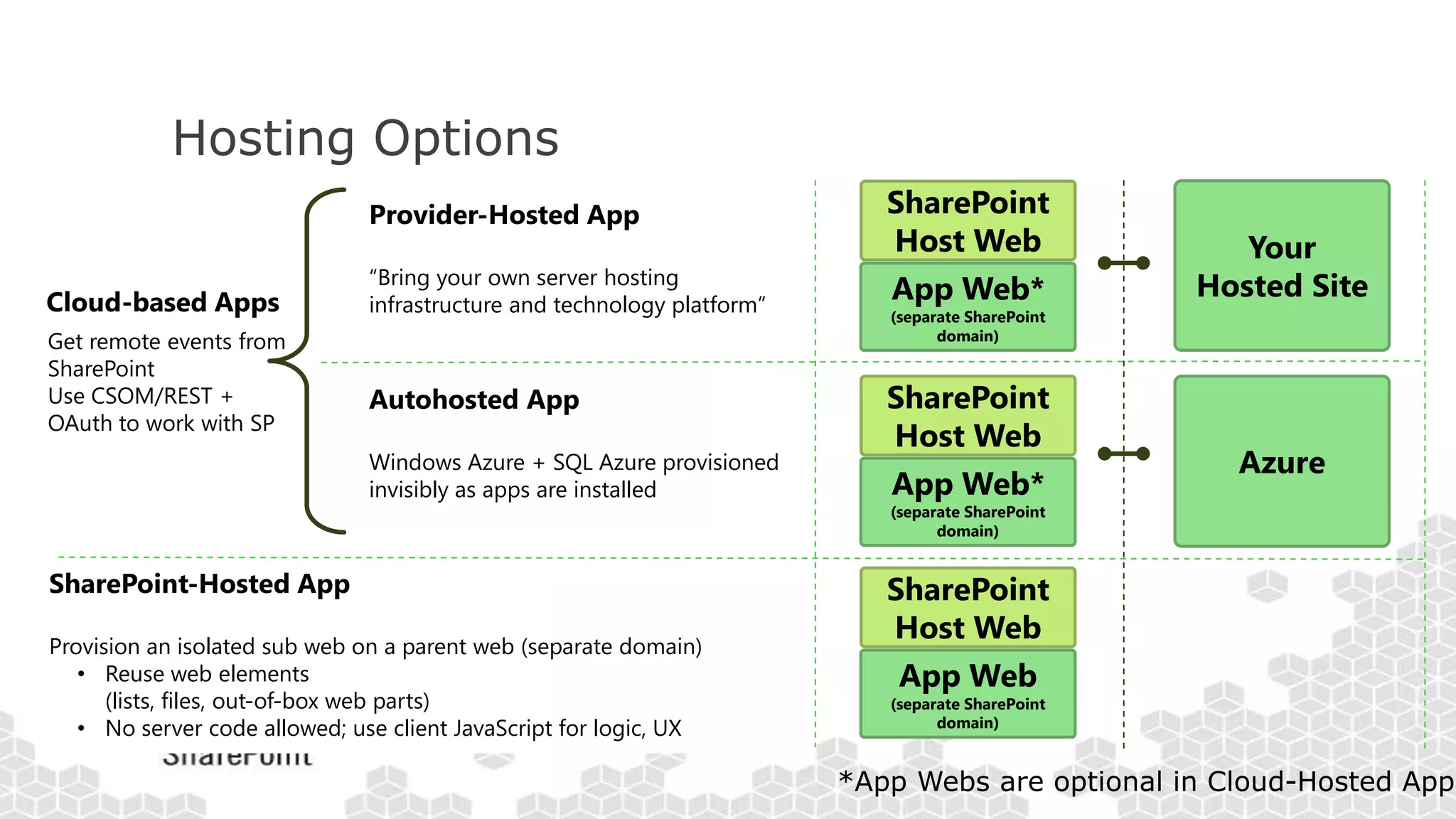
SharePoint-Hosted App
Provision an isolated sub web on a parent web (separate domain)
• Reuse web elements
(lists, files, out-of-box web parts)
• No server code allowed; use client JavaScript for logic, UX
Provider-Hosted App
“Bring your own server hosting
infrastructure and technology platform”
Get remote events from
SharePoint
Use CSOM/REST +
OAuth to work with SP
Cloud-based Apps
Your
Hosted Site
Autohosted App
Windows Azure + SQL Azure provisioned
invisibly as apps are installed
Azure
SharePoint
Host Web
App Web*
(separate SharePoint
domain)
SharePoint
Host Web
App Web*
(separate SharePoint
domain)
SharePoint
Host Web
App Web
(separate SharePoint
domain)
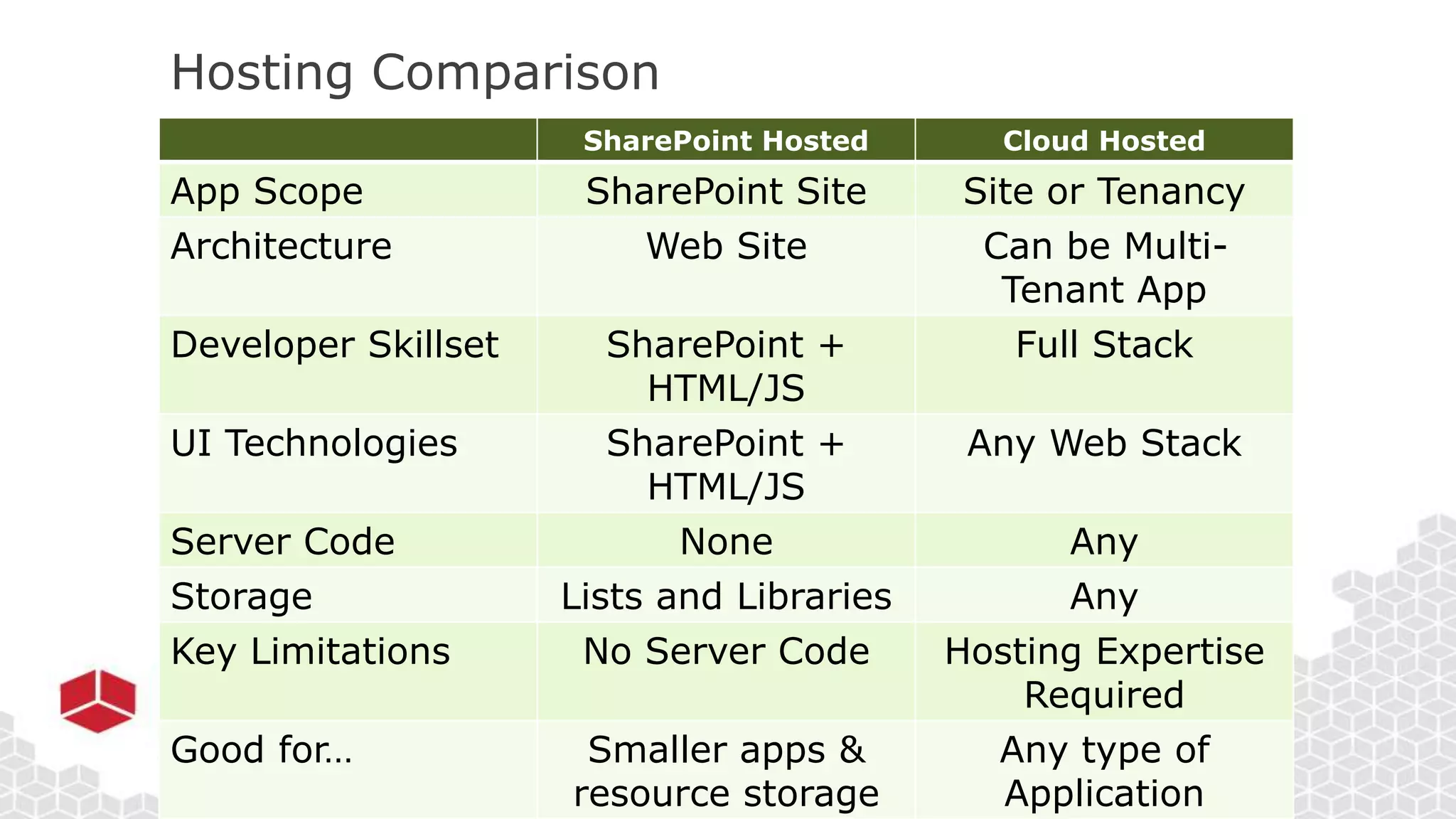
Hosting Comparison
SharePoint Hosted Cloud Hosted
App Scope SharePoint Site Site or Tenancy
Architecture Web Site Can be Multi-
Tenant App
Developer Skillset SharePoint +
HTML/JS
Full Stack
UI Technologies SharePoint +
HTML/JS
Any Web Stack
Server Code None Any
Storage Lists and Libraries Any
Key Limitations No Server Code Hosting Expertise
Required
Good for… Smaller apps &
resource storage
Any type of
Application
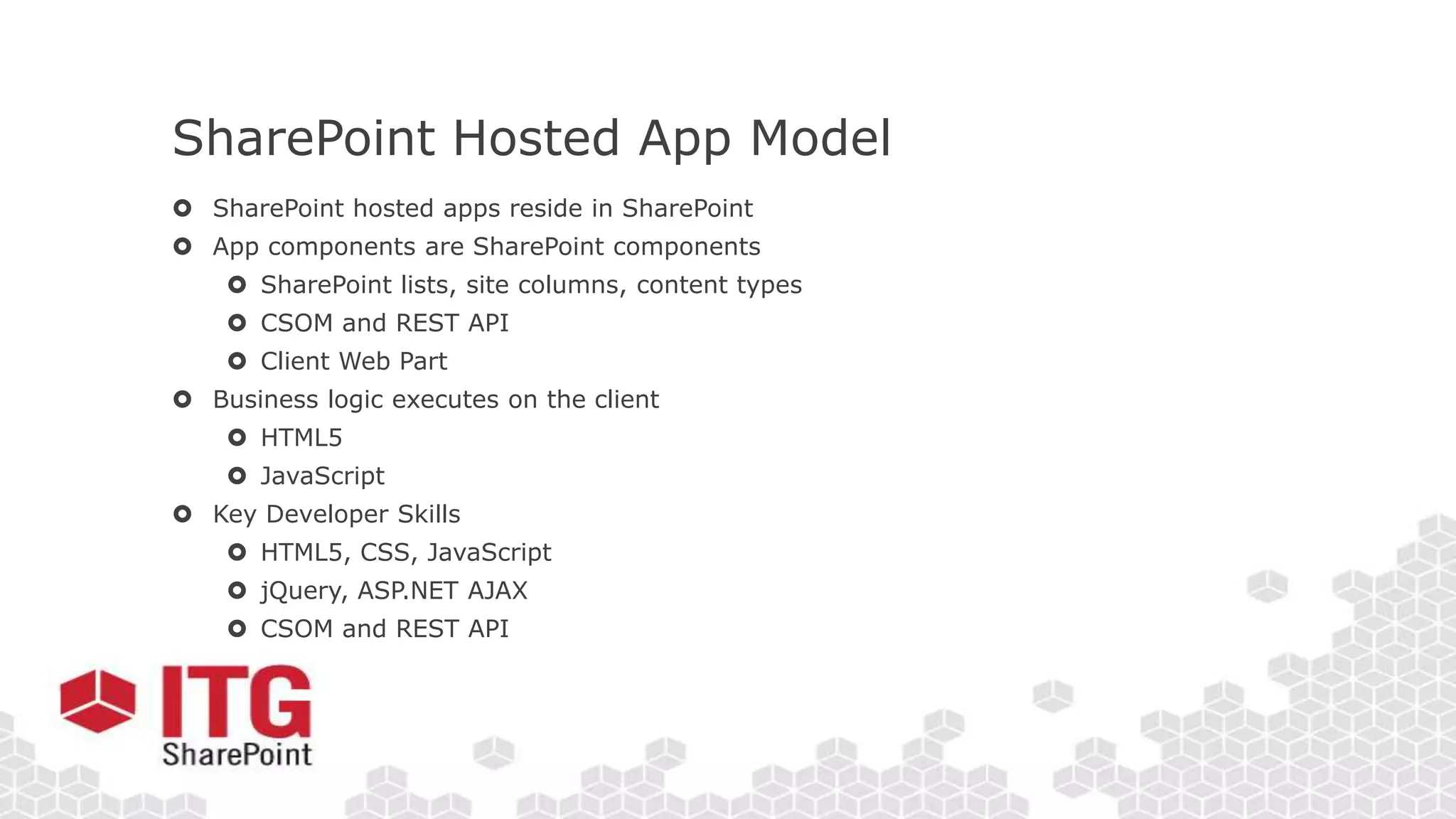
SharePoint Hosted App Model
 SharePoint hosted apps reside in SharePoint
 App components are SharePoint components
 SharePoint lists, site columns, content types
 CSOM and REST API
 Client Web Part
 Business logic executes on the client
 HTML5
 JavaScript
 Key Developer Skills
 HTML5, CSS, JavaScript
 jQuery, ASP.NET AJAX
 CSOM and REST API
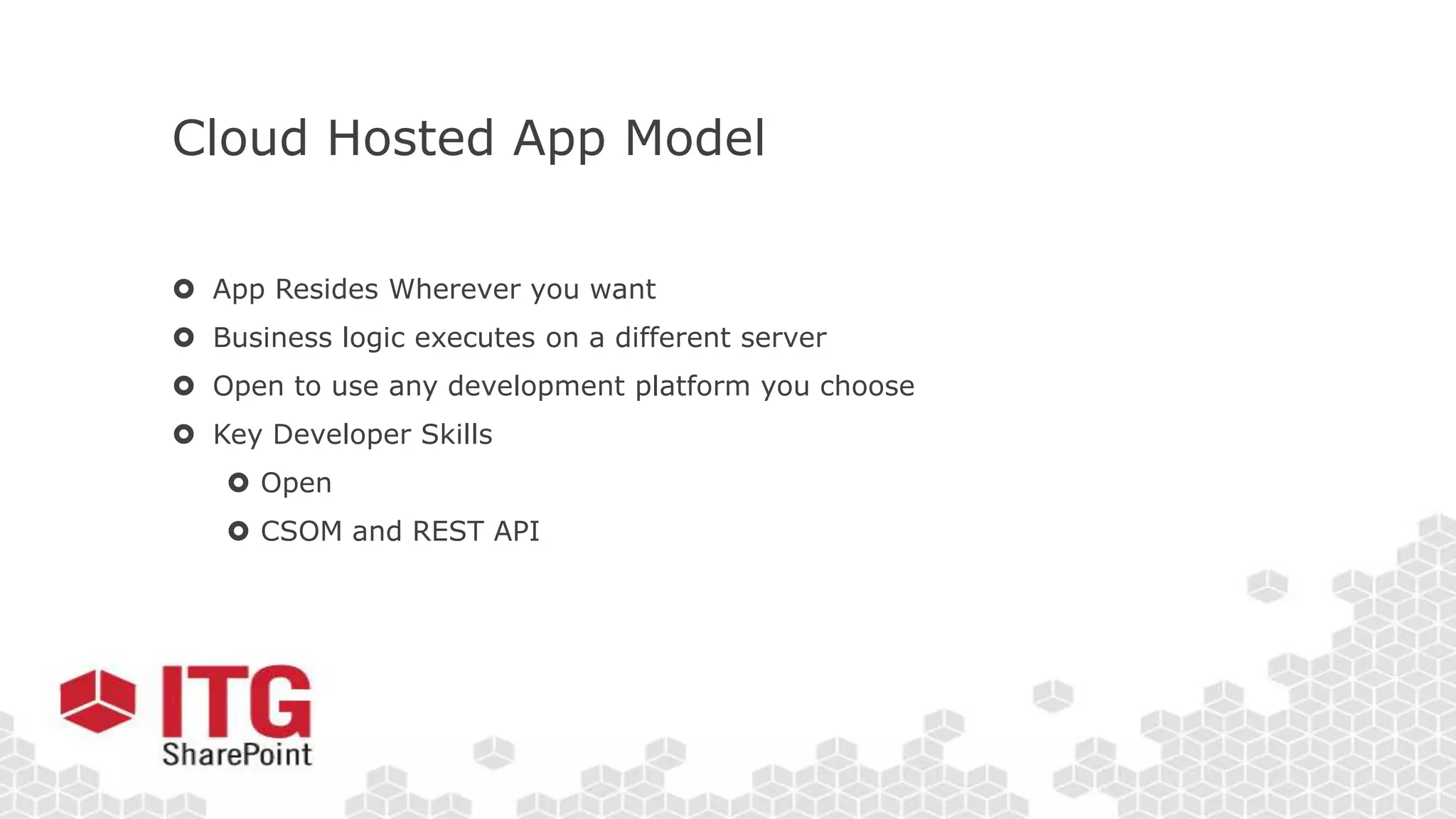
Cloud Hosted App Model
 App Resides Wherever you want
 Business logic executes on a different server
 Open to use any development platform you choose
 Key Developer Skills
 Open
 CSOM and REST API
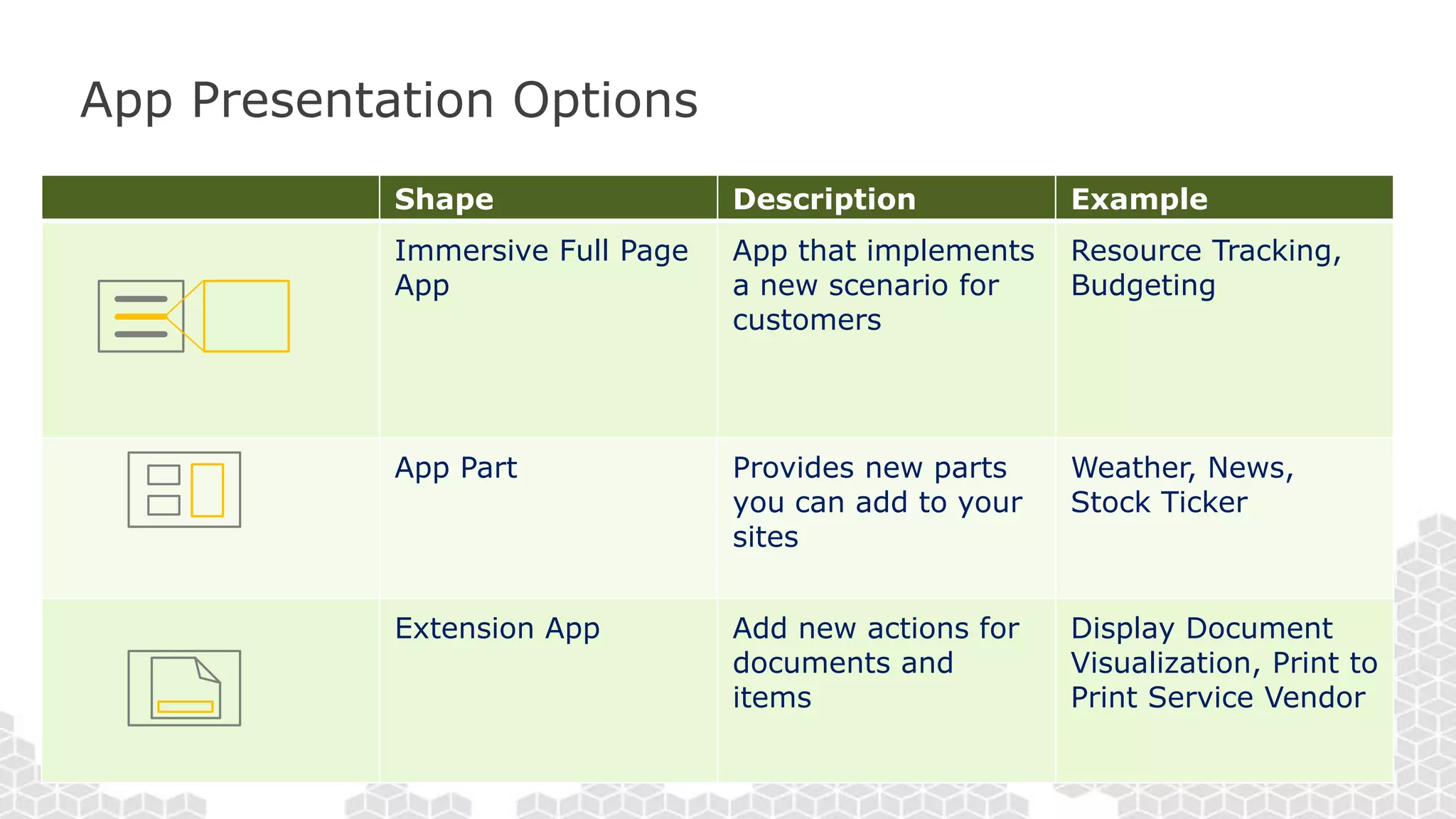
App Presentation Options
Shape Description Example
Immersive Full Page
App
App that implements
a new scenario for
customers
Resource Tracking,
Budgeting
App Part Provides new parts
you can add to your
sites
Weather, News,
Stock Ticker
Extension App Add new actions for
documents and
items
Display Document
Visualization, Print to
Print Service Vendor
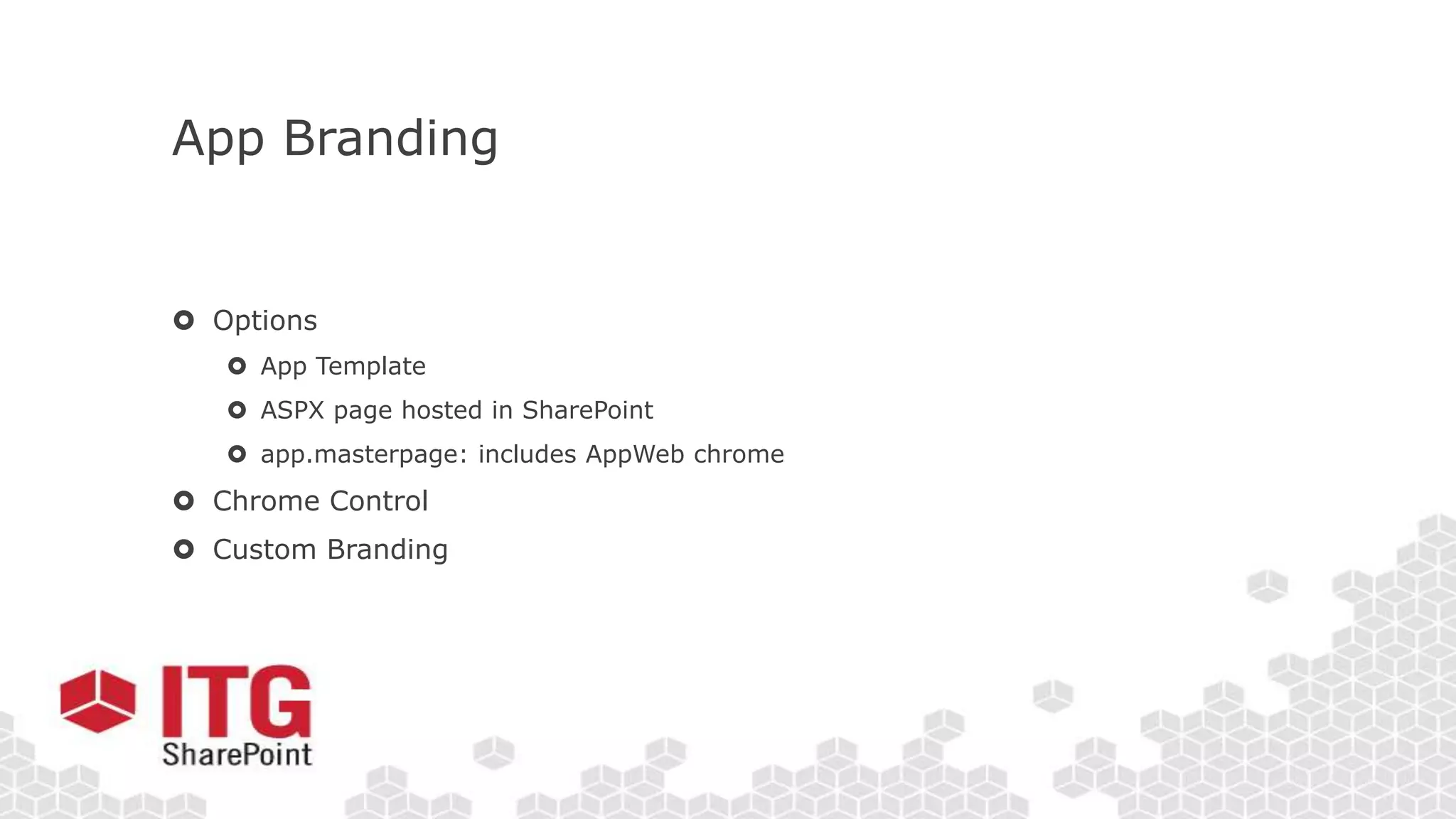
App Branding
 Options
 App Template
 ASPX page hosted in SharePoint
 app.masterpage: includes AppWeb chrome
 Chrome Control
 Custom Branding
Let’s See how this Looks
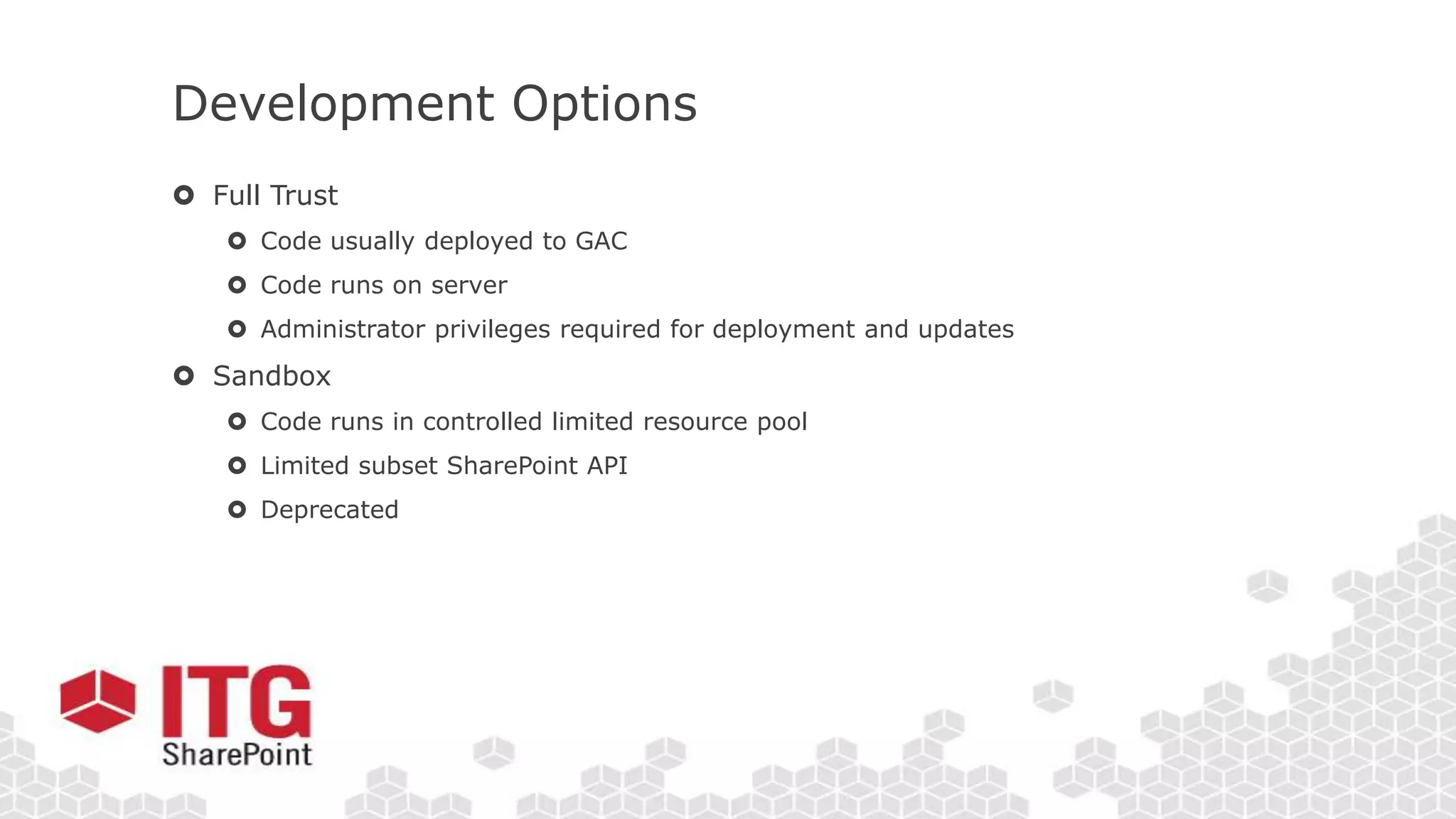
Development Options
 Full Trust
 Code usually deployed to GAC
 Code runs on server
 Administrator privileges required for deployment and updates
 Sandbox
 Code runs in controlled limited resource pool
 Limited subset SharePoint API
 Deprecated
New Option – SharePoint Apps
 New Functionality Added to Support SharePoint Apps
 Hosting Options
 Development Options
New Functionality
 Improved CSOM
 Improved Rest API
 Needed since code is not run in SharePoint Processes
 O-Auth Security
 New Security Model to allow app specific permissions
Let’s Create Our First App
Permissions and Security
 Apps have their own permissions
 You must specify what SharePoint you want to access in your Manifest
 Content is secured through Oauth
 Users must have the permissions you need for them to install
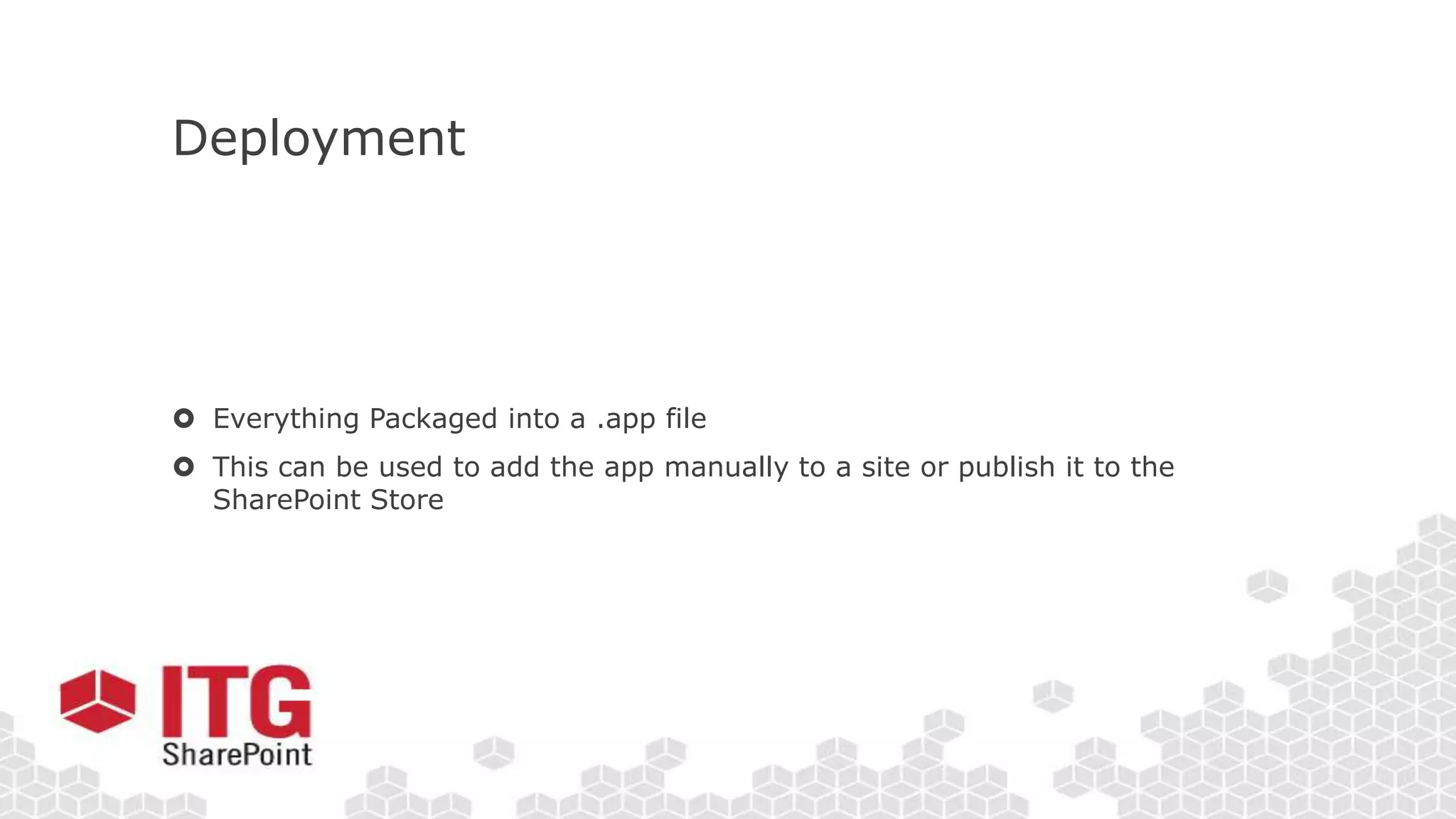
Deployment
 Everything Packaged into a .app file
 This can be used to add the app manually to a site or publish it to the
SharePoint Store
Let’s Examine How this works
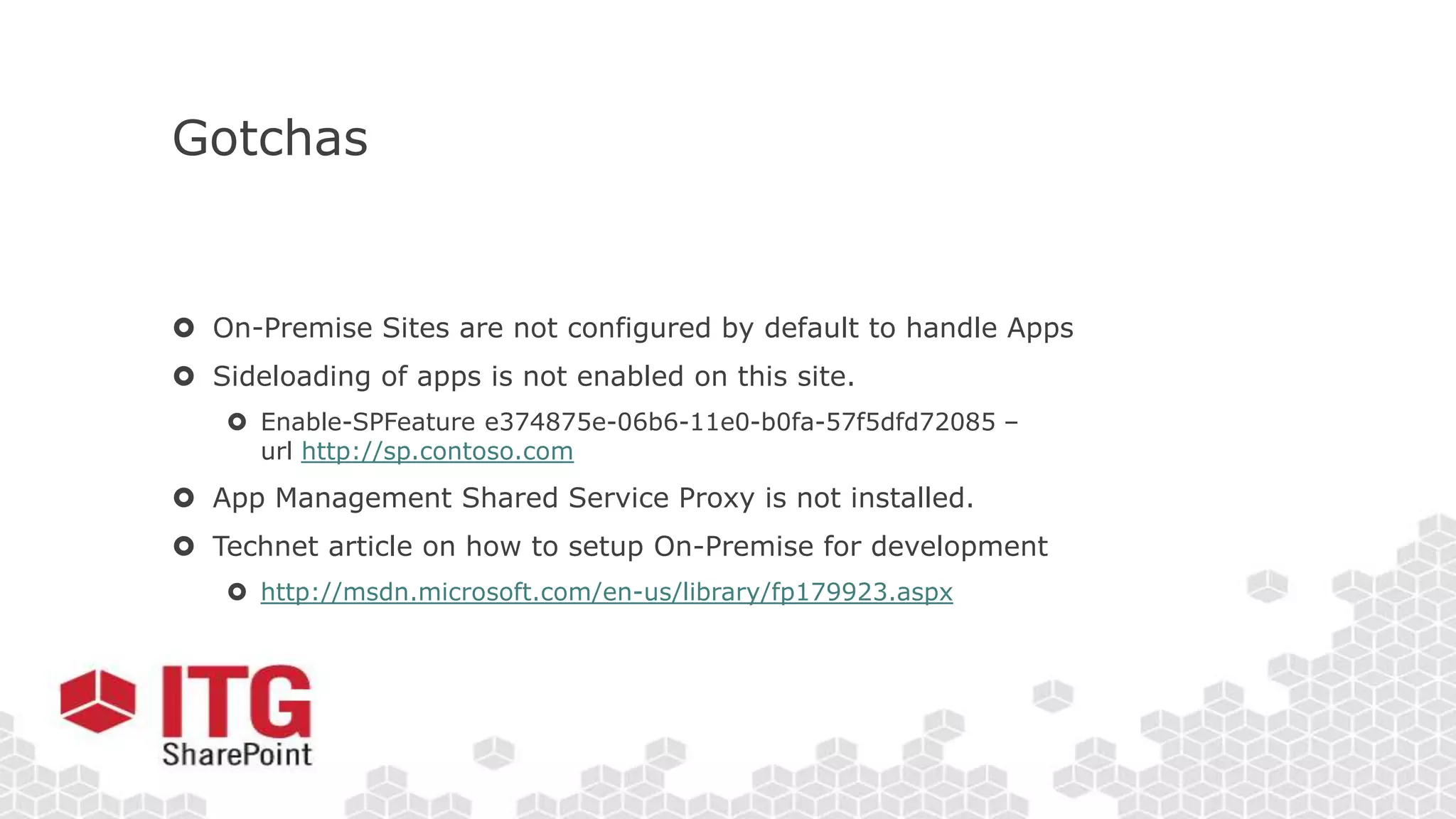
Gotchas
 On-Premise Sites are not configured by default to handle Apps
 Sideloading of apps is not enabled on this site.
 Enable-SPFeature e374875e-06b6-11e0-b0fa-57f5dfd72085 –
url http://sp.contoso.com
 App Management Shared Service Proxy is not installed.
 Technet article on how to setup On-Premise for development
 http://msdn.microsoft.com/en-us/library/fp179923.aspx
Join us right after the event at the Firehouse Grill!
Socialize and unwind after our day of learning.
1765 E. Bayshore Road
East Palo Alto, CA

SharePoint Saturday Silicon Valley - SharePoint Apps - Ryan Schouten

  • 2.
    SharePoint Apps in2013 By: Ryan Schouten Intermountain Technology Group SharePoint Saturday Silicon Valley June 22nd, 2013
  • 5.
    About Me Ryan Schouten Workedwith SharePoint for 6 years I have experience with SharePoint 2003 – 2013 I have worked with ASP.Net for 10 years Contact Information Ryan.Schouten@itg-mail.com @shrpntknight http://www.sharepointknight.com
  • 6.
    Objectives  The Need Hosting Options  Development Options  Permissions and Security  Deployment
  • 7.
  • 8.
    Hence the newApp Model  No custom code on the SharePoint server  Easier to upgrade to future versions of SharePoint  Works in Office 365 SharePoint Online without limitations  Reduces the ramp-up time for those building apps  Don’t need to know/be as familiar with SharePoint “-isms”  Leverage hosting platform features in new apps  Enables taking SharePoint apps to different levels – further than what can be done with farm / sandbox solutions
  • 9.
    Benefits (continued)  Lowcost of entry for developers  Hosted SharePoint Dev sites  No need to have a farm per developer (Shared Development Farms/Tenants)  No Intensive laptop requirements
  • 10.
    Hosting Options SharePoint-Hosted App Provisionan isolated sub web on a parent web (separate domain) • Reuse web elements (lists, files, out-of-box web parts) • No server code allowed; use client JavaScript for logic, UX Provider-Hosted App “Bring your own server hosting infrastructure and technology platform” Get remote events from SharePoint Use CSOM/REST + OAuth to work with SP Cloud-based Apps Your Hosted Site Autohosted App Windows Azure + SQL Azure provisioned invisibly as apps are installed Azure SharePoint Host Web App Web* (separate SharePoint domain) SharePoint Host Web App Web* (separate SharePoint domain) SharePoint Host Web App Web (separate SharePoint domain)
  • 11.
    Hosting Comparison SharePoint HostedCloud Hosted App Scope SharePoint Site Site or Tenancy Architecture Web Site Can be Multi- Tenant App Developer Skillset SharePoint + HTML/JS Full Stack UI Technologies SharePoint + HTML/JS Any Web Stack Server Code None Any Storage Lists and Libraries Any Key Limitations No Server Code Hosting Expertise Required Good for… Smaller apps & resource storage Any type of Application
  • 12.
    SharePoint Hosted AppModel  SharePoint hosted apps reside in SharePoint  App components are SharePoint components  SharePoint lists, site columns, content types  CSOM and REST API  Client Web Part  Business logic executes on the client  HTML5  JavaScript  Key Developer Skills  HTML5, CSS, JavaScript  jQuery, ASP.NET AJAX  CSOM and REST API
  • 13.
    Cloud Hosted AppModel  App Resides Wherever you want  Business logic executes on a different server  Open to use any development platform you choose  Key Developer Skills  Open  CSOM and REST API
  • 14.
    App Presentation Options ShapeDescription Example Immersive Full Page App App that implements a new scenario for customers Resource Tracking, Budgeting App Part Provides new parts you can add to your sites Weather, News, Stock Ticker Extension App Add new actions for documents and items Display Document Visualization, Print to Print Service Vendor
  • 15.
    App Branding  Options App Template  ASPX page hosted in SharePoint  app.masterpage: includes AppWeb chrome  Chrome Control  Custom Branding
  • 16.
    Let’s See howthis Looks
  • 17.
    Development Options  FullTrust  Code usually deployed to GAC  Code runs on server  Administrator privileges required for deployment and updates  Sandbox  Code runs in controlled limited resource pool  Limited subset SharePoint API  Deprecated
  • 18.
    New Option –SharePoint Apps  New Functionality Added to Support SharePoint Apps  Hosting Options  Development Options
  • 19.
    New Functionality  ImprovedCSOM  Improved Rest API  Needed since code is not run in SharePoint Processes  O-Auth Security  New Security Model to allow app specific permissions
  • 20.
  • 21.
    Permissions and Security Apps have their own permissions  You must specify what SharePoint you want to access in your Manifest  Content is secured through Oauth  Users must have the permissions you need for them to install
  • 22.
    Deployment  Everything Packagedinto a .app file  This can be used to add the app manually to a site or publish it to the SharePoint Store
  • 23.
  • 24.
    Gotchas  On-Premise Sitesare not configured by default to handle Apps  Sideloading of apps is not enabled on this site.  Enable-SPFeature e374875e-06b6-11e0-b0fa-57f5dfd72085 – url http://sp.contoso.com  App Management Shared Service Proxy is not installed.  Technet article on how to setup On-Premise for development  http://msdn.microsoft.com/en-us/library/fp179923.aspx
  • 26.
    Join us rightafter the event at the Firehouse Grill! Socialize and unwind after our day of learning. 1765 E. Bayshore Road East Palo Alto, CA

Editor's Notes

  • #2 Introduction slide
  • #6 Worked with all but one version of SharePoint. I missed the first version. Slides will be posted to my blog at http://www.sharepointknight.com in the next 24 hours.
  • #26 Conclusion slide
  • #27 SharePint