Downloaded 12 times
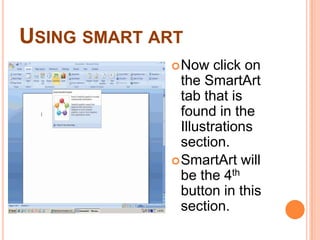
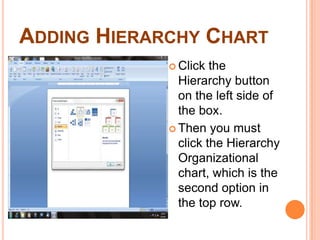
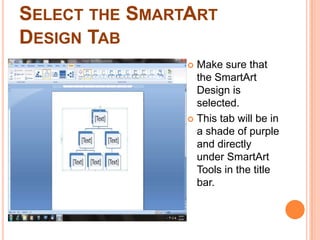
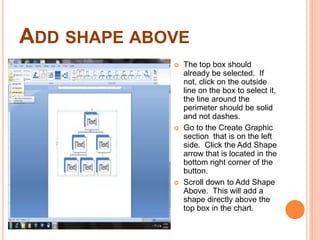
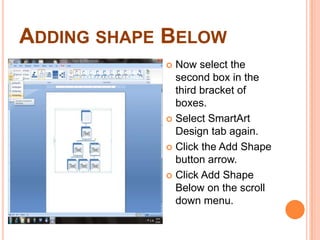
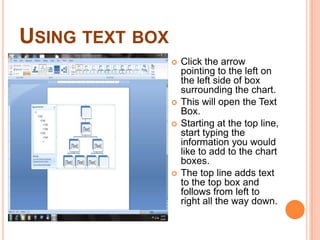
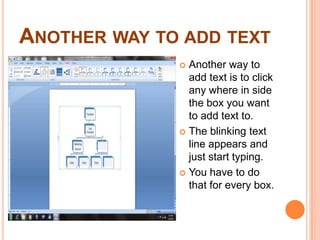
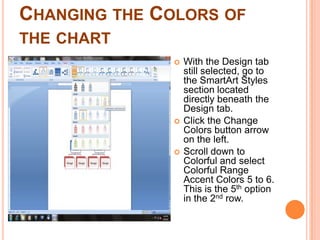
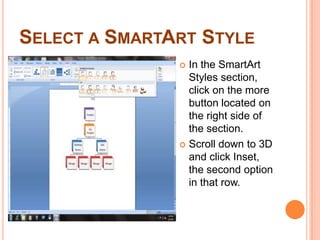
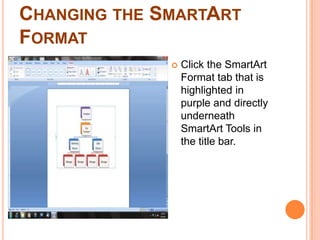
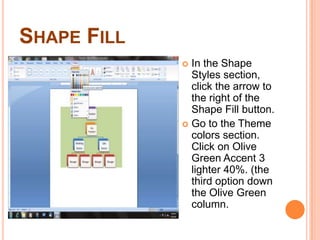
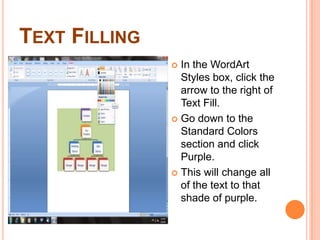
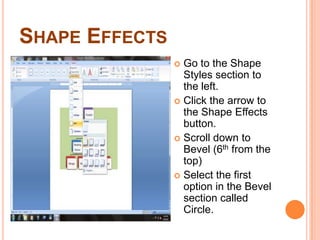
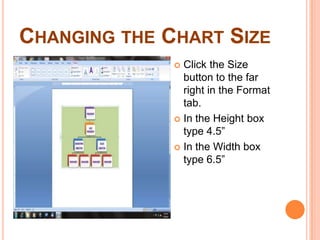
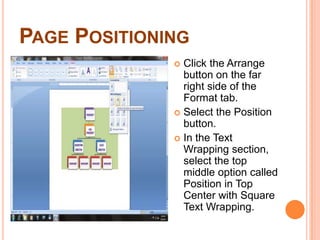
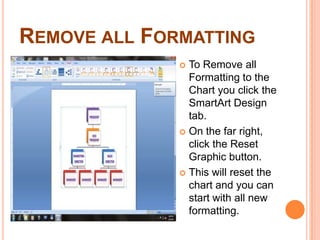
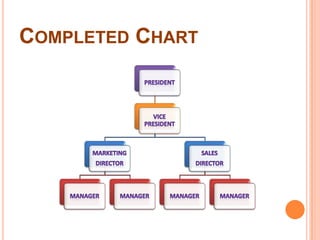

1) The document describes how to create an organizational chart using the SmartArt hierarchy tool in Microsoft Word. 2) Key steps include inserting a SmartArt hierarchy chart, adding and arranging shapes, entering text, formatting colors and styles, and changing the size and positioning of the chart. 3) Formatting options covered are fill colors, effects, and resetting the chart by removing all formatting.


