Getting the most out of RSS David Strom [email_address] (310) 857-6867
Summary Why bother with RSS? What is it good -- and not good --for How PR and the media should use RSS What are some useful RSS software tools
How RSS is useful Do you find yourself constantly checking particular Web sites for new content? Want a way around sending email broadcasts that don’t go into spam buckets? Looking for early alerts on press coverage about your clients? Want quick ways to scan the news headlines?
Advantages of RSS You can really parse a lot of information quickly You still have serendipitous searching akin to reading the daily newspaper It can become a guilty pleasure as well as a professional tool You can be the “first in your office to email” something to your colleagues
Disadvantages of RSS Yet another application to run or mess with Not everyone has RSS-readable content, yet Sometimes the feeds break or do odd things We still live in an email-centric world It moves away from the two-way media of IM and conversational blogs
How RSS and PR can work together Obviously, start posting releases via RSS Link to your own blogs and monitor your clients’ blog postings Subscribe to journalists’ and PR blogs and thought leaders ( Check out Tara’s search here :  http://www.researchbuzz.org/wp/tools/search-official-blogs)/
What about wikis? A way to enable two-way conversations Razorfish is doing this for its staff/clients Use tag clouds/blogs/photo sharing, etc. Wiki MSPs: Wetpaint,  Confluence , Google/Jotspot,  zeegzaag.com . IBM’s  Connections , Jive’s  Clearspace  also interesting alternatives
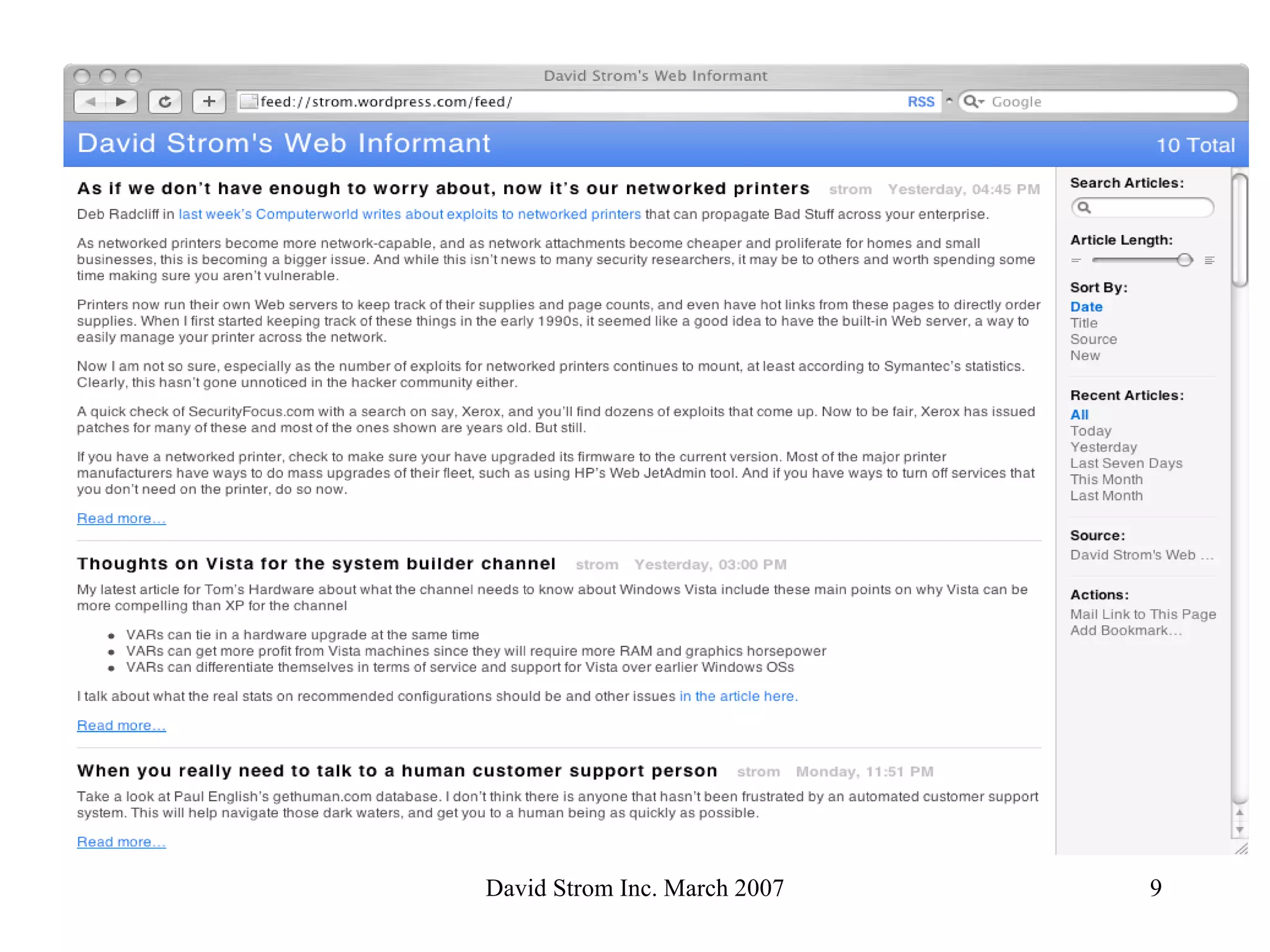
So how do I get started? First, understand the mechanics of RSS Let’s examine the three different pieces: The URL of the feed itself How to read RSS content How to create RSS content What the RSS file looks like in a browser Feed:// strom . wordpress .com/feed/ Don’t forget that ending slash! Some browsers want http:// instead of feed:// URI
 
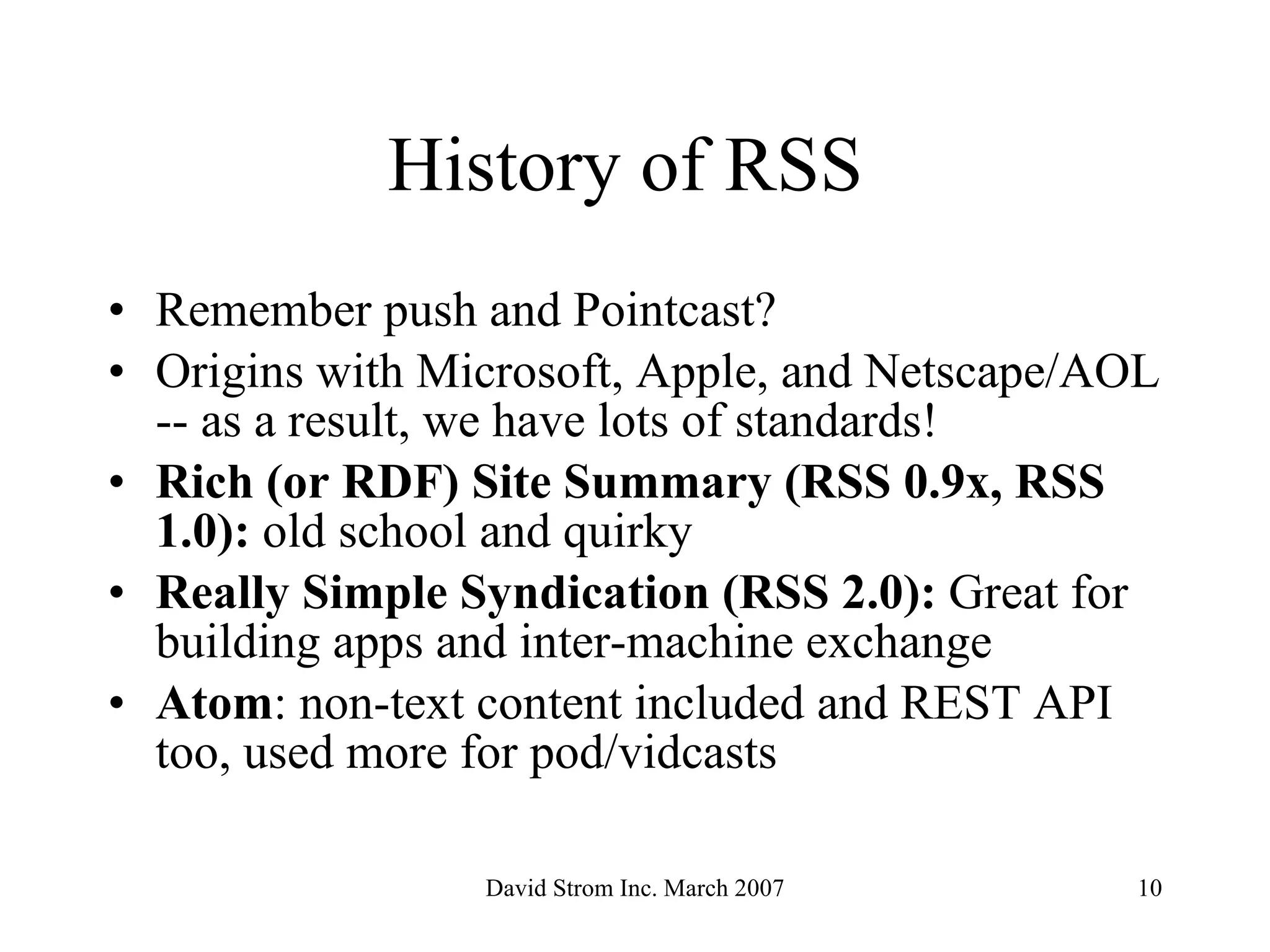
History of RSS  Remember push and Pointcast?  Origins with Microsoft, Apple, and Netscape/AOL -- as a result, we have lots of standards! Rich (or RDF) Site Summary (RSS 0.9x, RSS 1.0):  old school and quirky   Really Simple Syndication (RSS 2.0):  Great for building apps and inter-machine exchange   Atom : non-text content included and REST API too, used more for pod/vidcasts
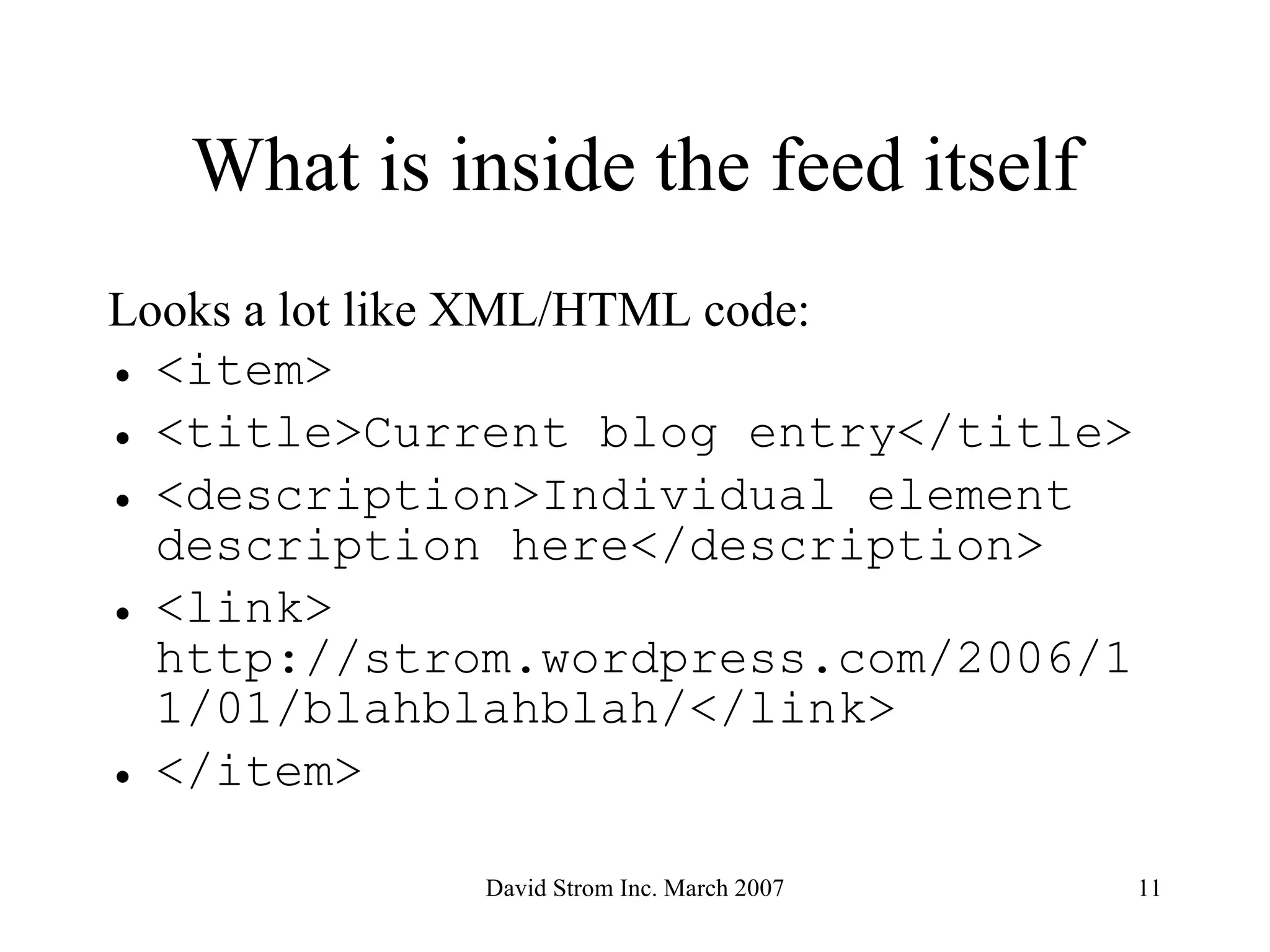
What is inside the feed itself Looks a lot like XML/HTML code: <item> <title>Current blog entry</title> <description>Individual element description here</description> <link> http://strom.wordpress.com/2006/11/01/blahblahblah/</link> </item>
So what does a feed point to? Recent blog postings New podcasts or audio/video files Changes to content on a Web site Really, anything you want!
Subscribe to a feed Go to your favorite site Find the RSS icon Click on it and add to your feed list Check once a day, lather and repeat
RSS Readers Web browsers:  IE 7 Firefox 2
 
 
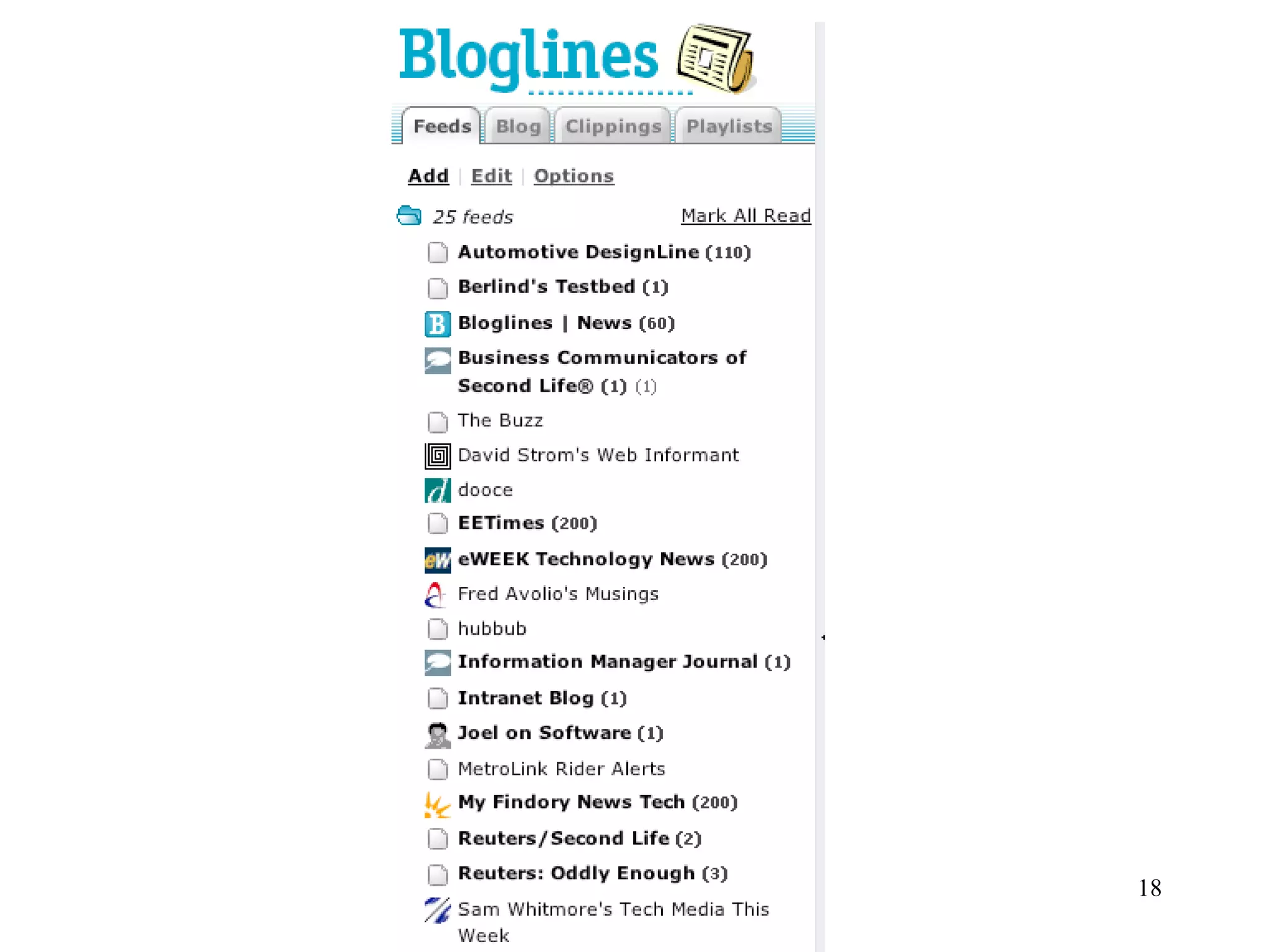
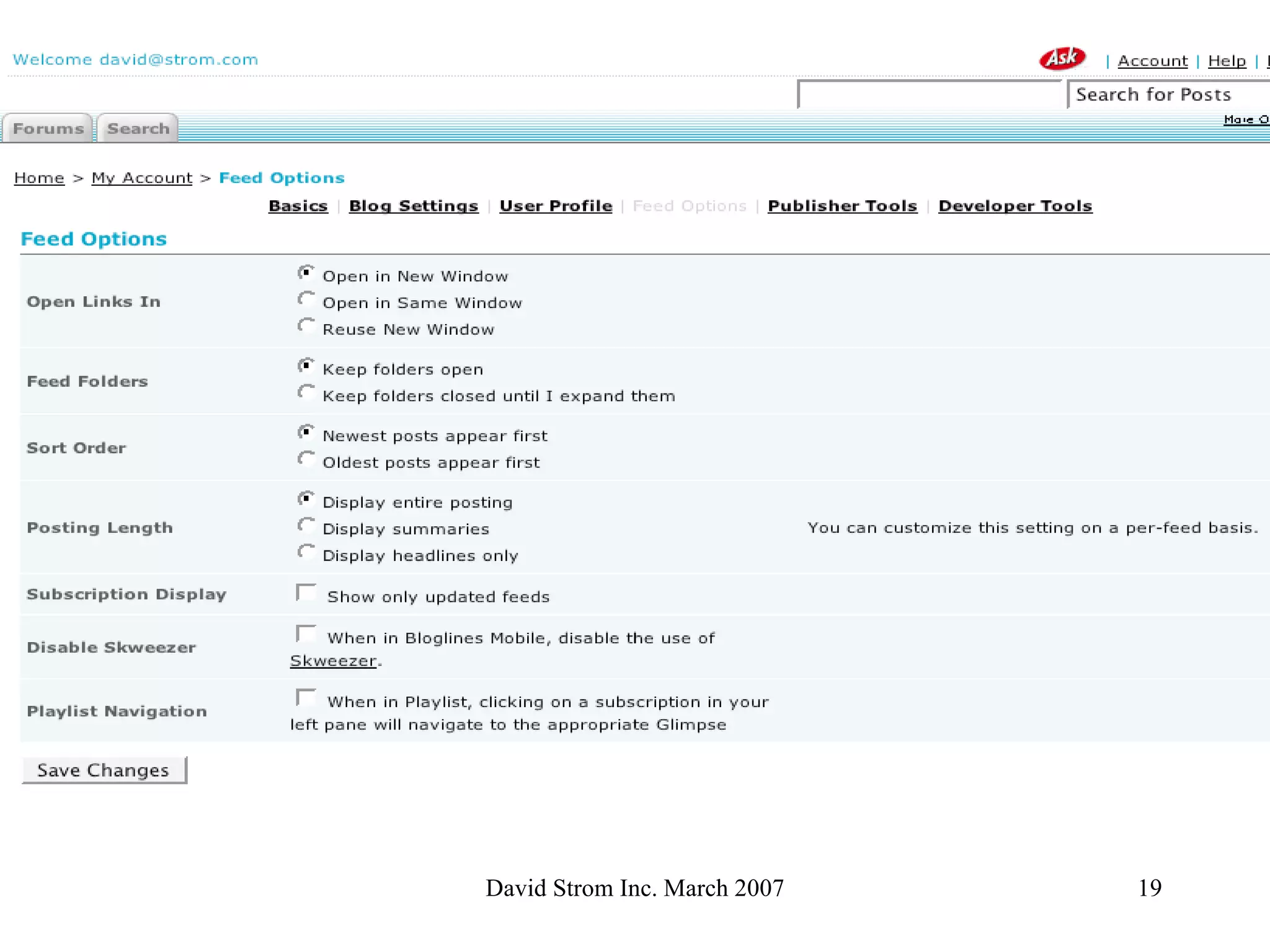
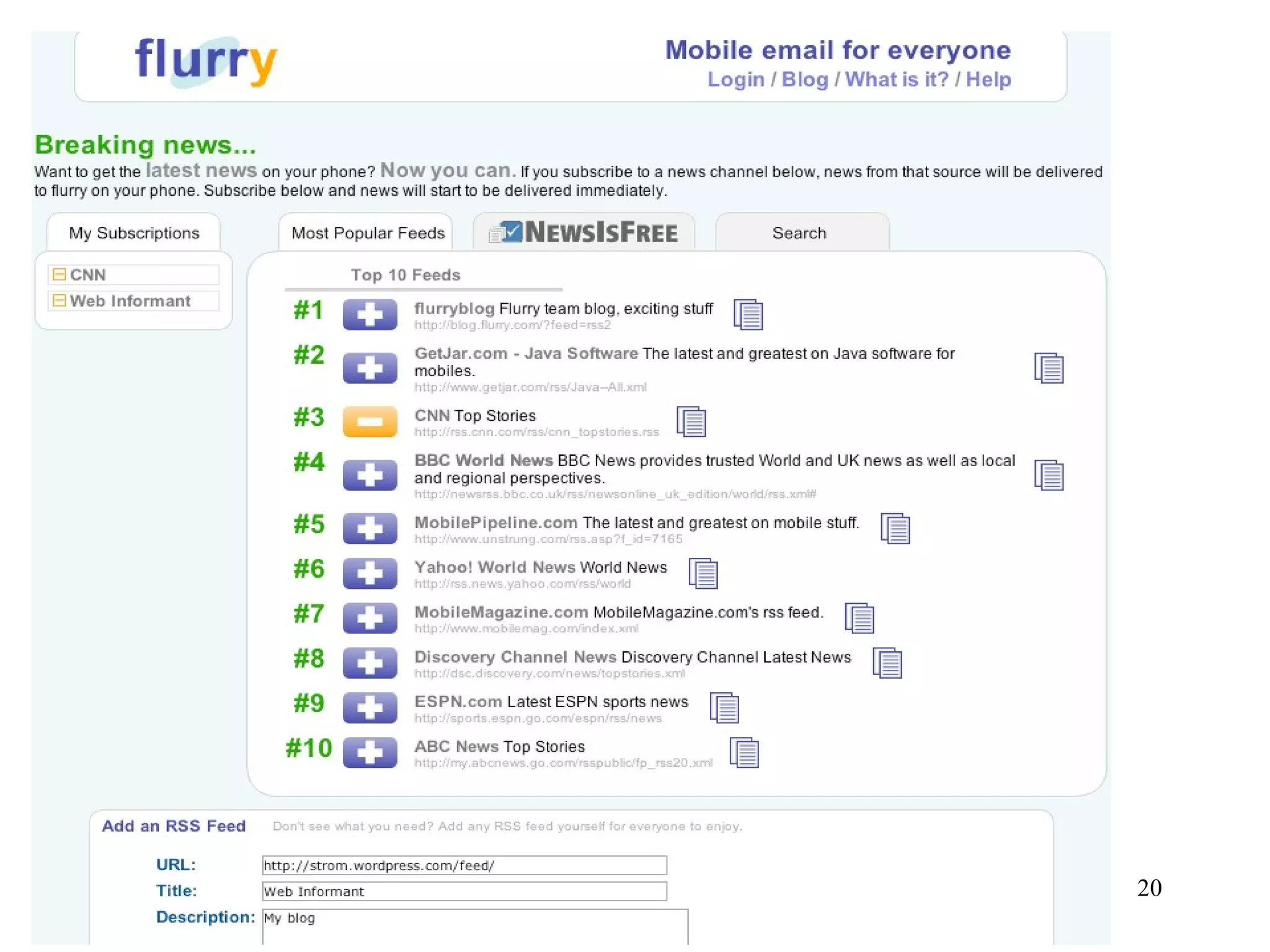
RSS Readers, con’t Web-based (hosted services): Bloglines, Newsgator, MyYahoo, GoogleReader One interesting approach: Flurry.com


RSS Readers, con’t Email client software Outlook 2007 T-bird Dedicated RSS readers: More than you want to know at  allrss.com
RSS Creators Blogging software like WordPress,  TypePad, Blogspot Social sites like YouTube, MySpace, etc.  Podcasting sites like Slapcast.com DIY software like  FeedForAll Or you can use Wordpad and write your own!
RSS Marketers Feedburner Feedcraft iTunes Music Store (for podcasts)
Any questions? David Strom [email_address] (310) 857-6867 http://strominator.com

How PR can profit from RSS (March 2007)

  • 1.
    Getting the mostout of RSS David Strom [email_address] (310) 857-6867
  • 2.
    Summary Why botherwith RSS? What is it good -- and not good --for How PR and the media should use RSS What are some useful RSS software tools
  • 3.
    How RSS isuseful Do you find yourself constantly checking particular Web sites for new content? Want a way around sending email broadcasts that don’t go into spam buckets? Looking for early alerts on press coverage about your clients? Want quick ways to scan the news headlines?
  • 4.
    Advantages of RSSYou can really parse a lot of information quickly You still have serendipitous searching akin to reading the daily newspaper It can become a guilty pleasure as well as a professional tool You can be the “first in your office to email” something to your colleagues
  • 5.
    Disadvantages of RSSYet another application to run or mess with Not everyone has RSS-readable content, yet Sometimes the feeds break or do odd things We still live in an email-centric world It moves away from the two-way media of IM and conversational blogs
  • 6.
    How RSS andPR can work together Obviously, start posting releases via RSS Link to your own blogs and monitor your clients’ blog postings Subscribe to journalists’ and PR blogs and thought leaders ( Check out Tara’s search here : http://www.researchbuzz.org/wp/tools/search-official-blogs)/
  • 7.
    What about wikis?A way to enable two-way conversations Razorfish is doing this for its staff/clients Use tag clouds/blogs/photo sharing, etc. Wiki MSPs: Wetpaint, Confluence , Google/Jotspot, zeegzaag.com . IBM’s Connections , Jive’s Clearspace also interesting alternatives
  • 8.
    So how doI get started? First, understand the mechanics of RSS Let’s examine the three different pieces: The URL of the feed itself How to read RSS content How to create RSS content What the RSS file looks like in a browser Feed:// strom . wordpress .com/feed/ Don’t forget that ending slash! Some browsers want http:// instead of feed:// URI
  • 9.
  • 10.
    History of RSS Remember push and Pointcast? Origins with Microsoft, Apple, and Netscape/AOL -- as a result, we have lots of standards! Rich (or RDF) Site Summary (RSS 0.9x, RSS 1.0): old school and quirky Really Simple Syndication (RSS 2.0): Great for building apps and inter-machine exchange Atom : non-text content included and REST API too, used more for pod/vidcasts
  • 11.
    What is insidethe feed itself Looks a lot like XML/HTML code: <item> <title>Current blog entry</title> <description>Individual element description here</description> <link> http://strom.wordpress.com/2006/11/01/blahblahblah/</link> </item>
  • 12.
    So what doesa feed point to? Recent blog postings New podcasts or audio/video files Changes to content on a Web site Really, anything you want!
  • 13.
    Subscribe to afeed Go to your favorite site Find the RSS icon Click on it and add to your feed list Check once a day, lather and repeat
  • 14.
    RSS Readers Webbrowsers: IE 7 Firefox 2
  • 15.
  • 16.
  • 17.
    RSS Readers, con’tWeb-based (hosted services): Bloglines, Newsgator, MyYahoo, GoogleReader One interesting approach: Flurry.com
  • 18.
  • 19.
  • 20.
  • 21.
    RSS Readers, con’tEmail client software Outlook 2007 T-bird Dedicated RSS readers: More than you want to know at allrss.com
  • 22.
    RSS Creators Bloggingsoftware like WordPress, TypePad, Blogspot Social sites like YouTube, MySpace, etc. Podcasting sites like Slapcast.com DIY software like FeedForAll Or you can use Wordpad and write your own!
  • 23.
    RSS Marketers FeedburnerFeedcraft iTunes Music Store (for podcasts)
  • 24.
    Any questions? DavidStrom [email_address] (310) 857-6867 http://strominator.com

Editor's Notes

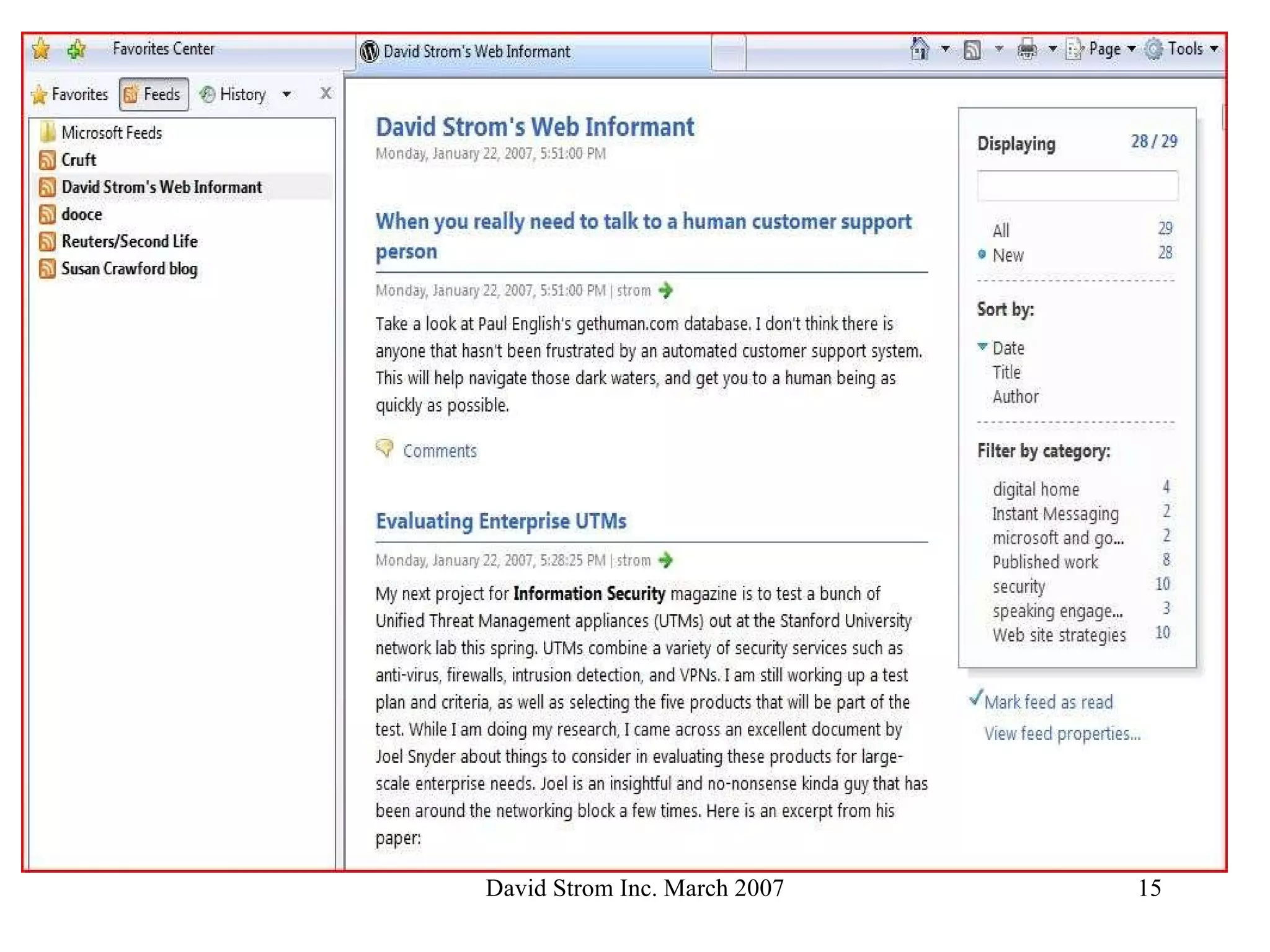
  • #16 Here is what IE7 on Vista looks like when you click on the Feeds section
  • #20 This is Bloglines options screen, so you have lots of control
  • #21 A new service that allows you to read your feeds (and email) on your mobile phone, free service (other than airtime charges)