Blogs, Podcasts,  and Web 2.0  Tools What’s in it for Teachers?
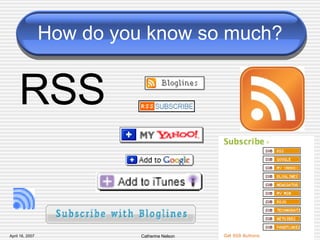
How do you know so much? RSS
What is RSS? RSS means “Really Simple Syndication” TIP: Subscription, by the way, is FREE.
What is an RSS feed?
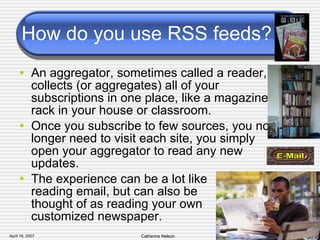
How do you use RSS feeds? An aggregator, sometimes called a reader, collects (or aggregates) all of your subscriptions in one place, like a magazine rack in your house or classroom.  Once you subscribe to few sources, you no longer need to visit each site, you simply open your aggregator to read any new updates.  The experience can be a lot like  reading email, but can also be  thought of as reading your own  customized newspaper.
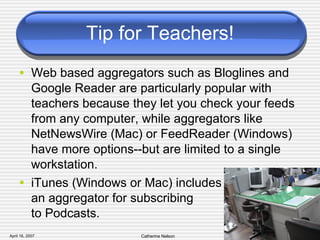
Tip for Teachers! Web based aggregators such as Bloglines and Google Reader are particularly popular with teachers because they let you check your feeds from any computer, while aggregators like NetNewsWire (Mac) or FeedReader (Windows) have more options--but are limited to a single workstation. iTunes (Windows or Mac) includes  an aggregator for subscribing  to Podcasts.
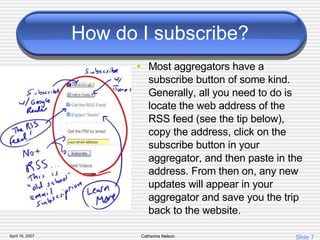
How do I subscribe? Most aggregators have a subscribe button of some kind. Generally, all you need to do is locate the web address of the RSS feed (see the tip below), copy the address, click on the subscribe button in your aggregator, and then paste in the address. From then on, any new updates will appear in your aggregator and save you the trip back to the website.
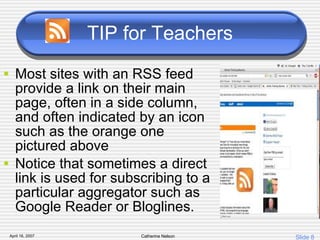
TIP for Teachers Most sites with an RSS feed provide a link on their main page, often in a side column, and often indicated by an icon such as the orange one pictured above Notice that sometimes a direct link is used for subscribing to a particular aggregator such as Google Reader or Bloglines.
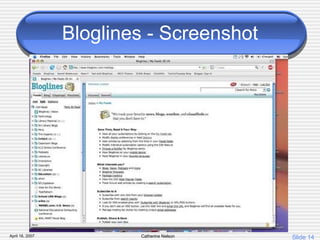
Why do you need RSS? Ultimately, RSS saves you time by bringing the updates to you when they are available. Bloglines
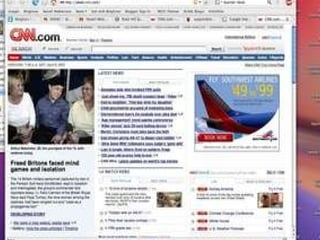
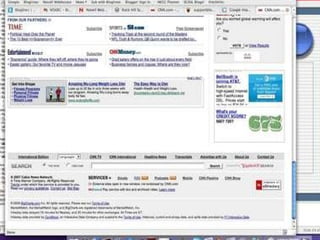
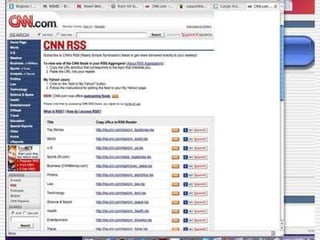
What can you subscribe to? RSS was initially intended to help people subscribe to news updates.  Not surprisingly, many news sources have RSS feeds (also called news feeds).  Check out all of the specialized feeds available at  CNN.com , including an Education feed. Demonstrate using Bloglines….


Bloglines - Screenshot
Blogs Blogs may be the most common source of RSS feeds.  Almost all blogs have an RSS feed of some kind, if not several.  Examples: Student Blogs Professional Development Blogs
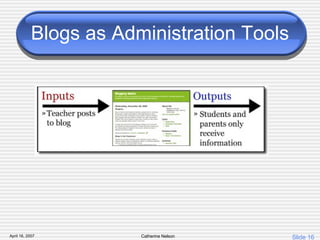
Blogs as Administration Tools
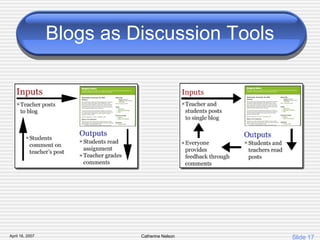
Blogs as Discussion Tools
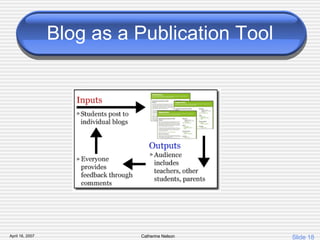
Blog as a Publication Tool
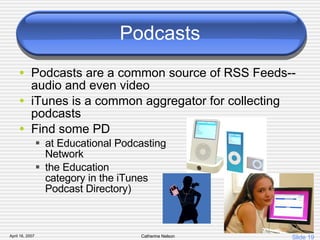
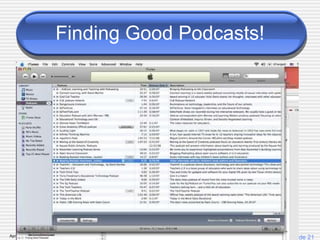
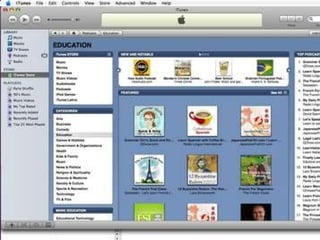
Podcasts Podcasts are a common source of RSS Feeds--audio and even video iTunes is a common aggregator for collecting podcasts Find some PD  at Educational Podcasting  Network  the Education  category in the iTunes  Podcast Directory)
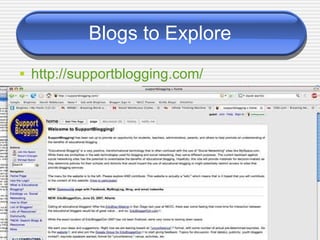
Blogs to Explore http: //supportblogging .com/
Finding Good Podcasts!
 
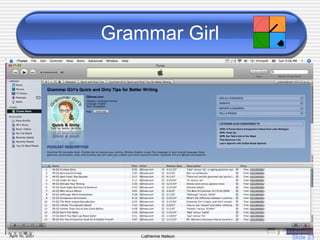
Grammar Girl
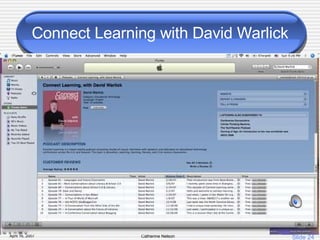
Connect Learning with David Warlick
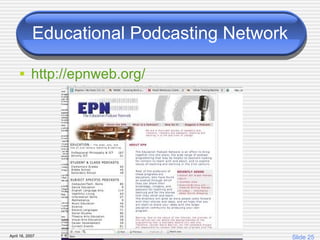
Educational Podcasting Network http: //epnweb .org/
More Web 2.0 Tools Wikis Social Bookmarks Photosharing Hitchhikr Technorati
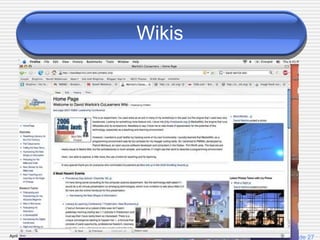
Wikis
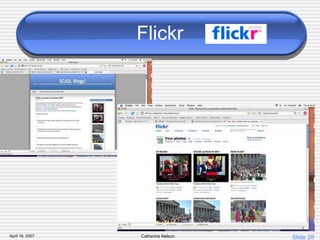
Flickr
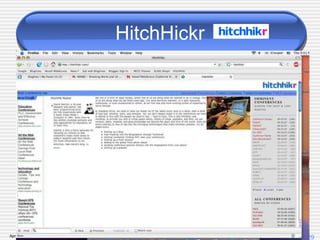
HitchHickr
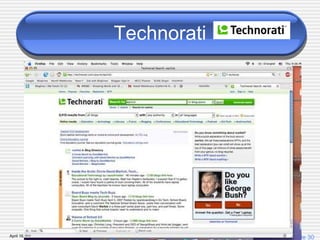
Technorati

Nti07 2

  • 1.
    Blogs, Podcasts, and Web 2.0 Tools What’s in it for Teachers?
  • 2.
    How do youknow so much? RSS
  • 3.
    What is RSS?RSS means “Really Simple Syndication” TIP: Subscription, by the way, is FREE.
  • 4.
    What is anRSS feed?
  • 5.
    How do youuse RSS feeds? An aggregator, sometimes called a reader, collects (or aggregates) all of your subscriptions in one place, like a magazine rack in your house or classroom. Once you subscribe to few sources, you no longer need to visit each site, you simply open your aggregator to read any new updates. The experience can be a lot like reading email, but can also be thought of as reading your own customized newspaper.
  • 6.
    Tip for Teachers!Web based aggregators such as Bloglines and Google Reader are particularly popular with teachers because they let you check your feeds from any computer, while aggregators like NetNewsWire (Mac) or FeedReader (Windows) have more options--but are limited to a single workstation. iTunes (Windows or Mac) includes an aggregator for subscribing to Podcasts.
  • 7.
    How do Isubscribe? Most aggregators have a subscribe button of some kind. Generally, all you need to do is locate the web address of the RSS feed (see the tip below), copy the address, click on the subscribe button in your aggregator, and then paste in the address. From then on, any new updates will appear in your aggregator and save you the trip back to the website.
  • 8.
    TIP for TeachersMost sites with an RSS feed provide a link on their main page, often in a side column, and often indicated by an icon such as the orange one pictured above Notice that sometimes a direct link is used for subscribing to a particular aggregator such as Google Reader or Bloglines.
  • 9.
    Why do youneed RSS? Ultimately, RSS saves you time by bringing the updates to you when they are available. Bloglines
  • 10.
    What can yousubscribe to? RSS was initially intended to help people subscribe to news updates. Not surprisingly, many news sources have RSS feeds (also called news feeds). Check out all of the specialized feeds available at CNN.com , including an Education feed. Demonstrate using Bloglines….
  • 11.
  • 12.
  • 13.
  • 14.
  • 15.
    Blogs Blogs maybe the most common source of RSS feeds. Almost all blogs have an RSS feed of some kind, if not several. Examples: Student Blogs Professional Development Blogs
  • 16.
  • 17.
  • 18.
    Blog as aPublication Tool
  • 19.
    Podcasts Podcasts area common source of RSS Feeds--audio and even video iTunes is a common aggregator for collecting podcasts Find some PD at Educational Podcasting Network the Education category in the iTunes Podcast Directory)
  • 20.
    Blogs to Explorehttp: //supportblogging .com/
  • 21.
  • 22.
  • 23.
  • 24.
    Connect Learning withDavid Warlick
  • 25.
    Educational Podcasting Networkhttp: //epnweb .org/
  • 26.
    More Web 2.0Tools Wikis Social Bookmarks Photosharing Hitchhikr Technorati
  • 27.
  • 28.
  • 29.
  • 30.