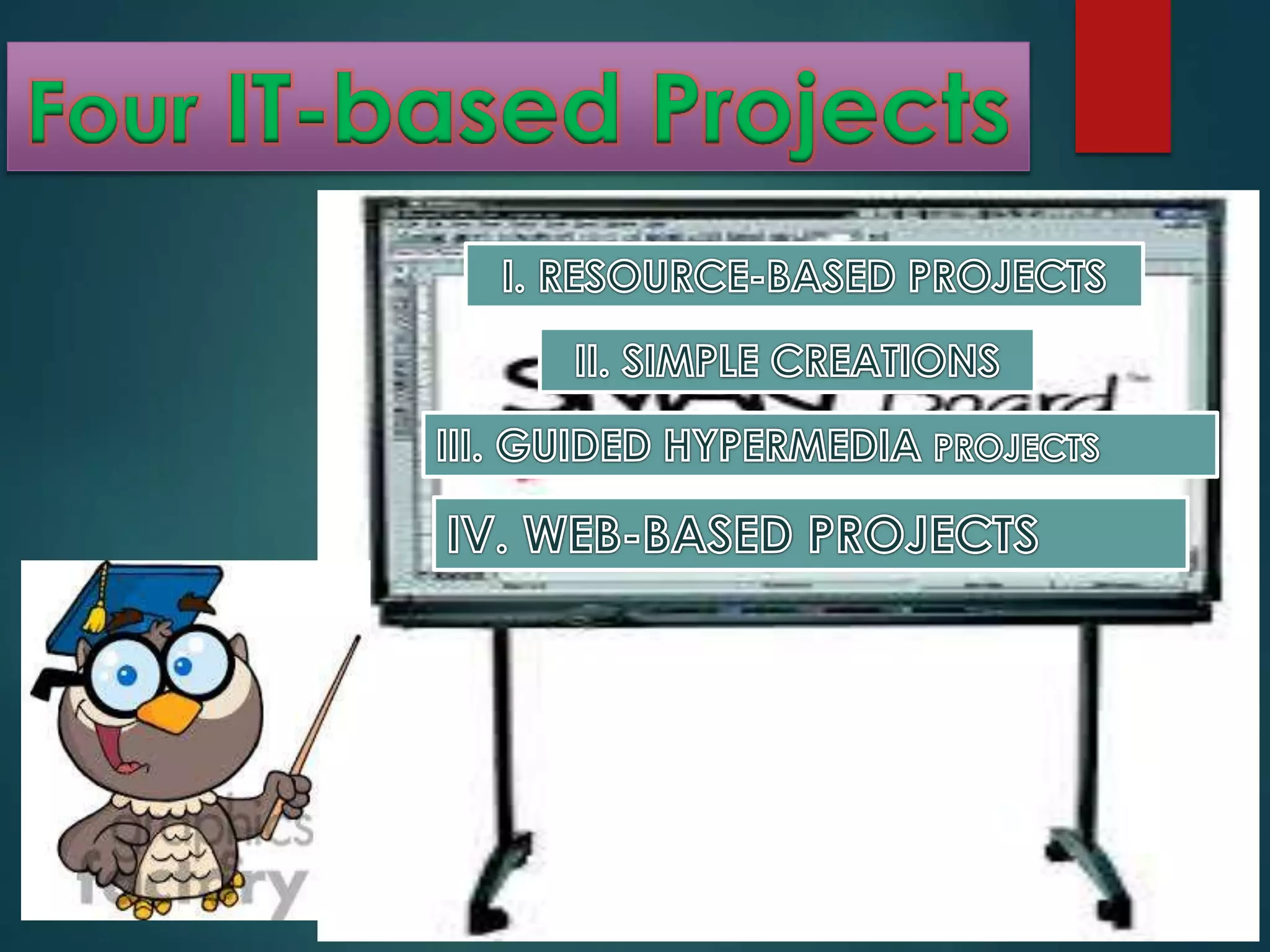
It is to be understood that
these projects do not address
all of the thinking skills shown
previously in the Thinking
Skills Framework. But these
projects represent
constructivist project.
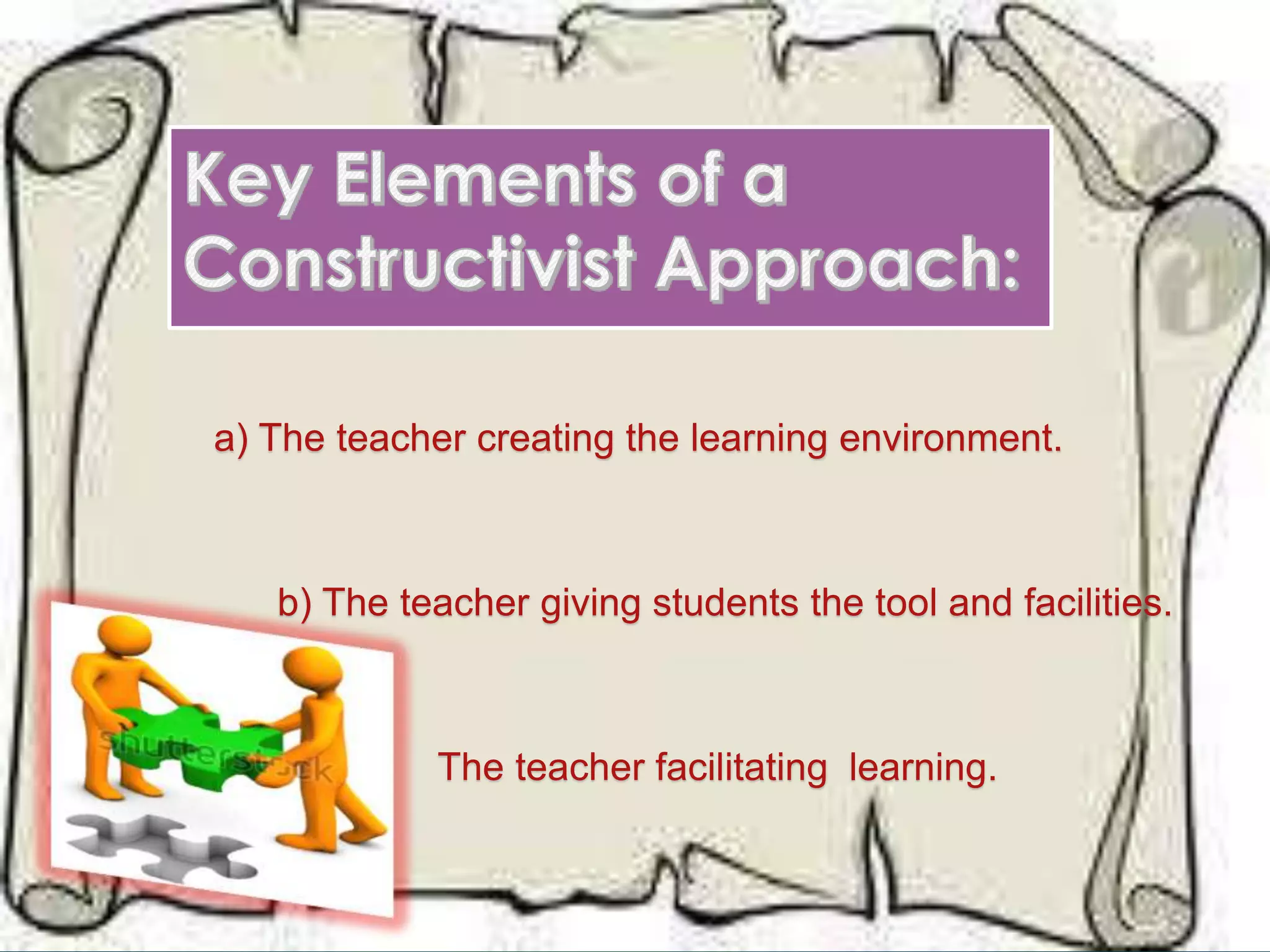
a) The teacher creating the learning environment.
b) The teacher giving students the tool and facilities.
c) The teacher facilitating learning.
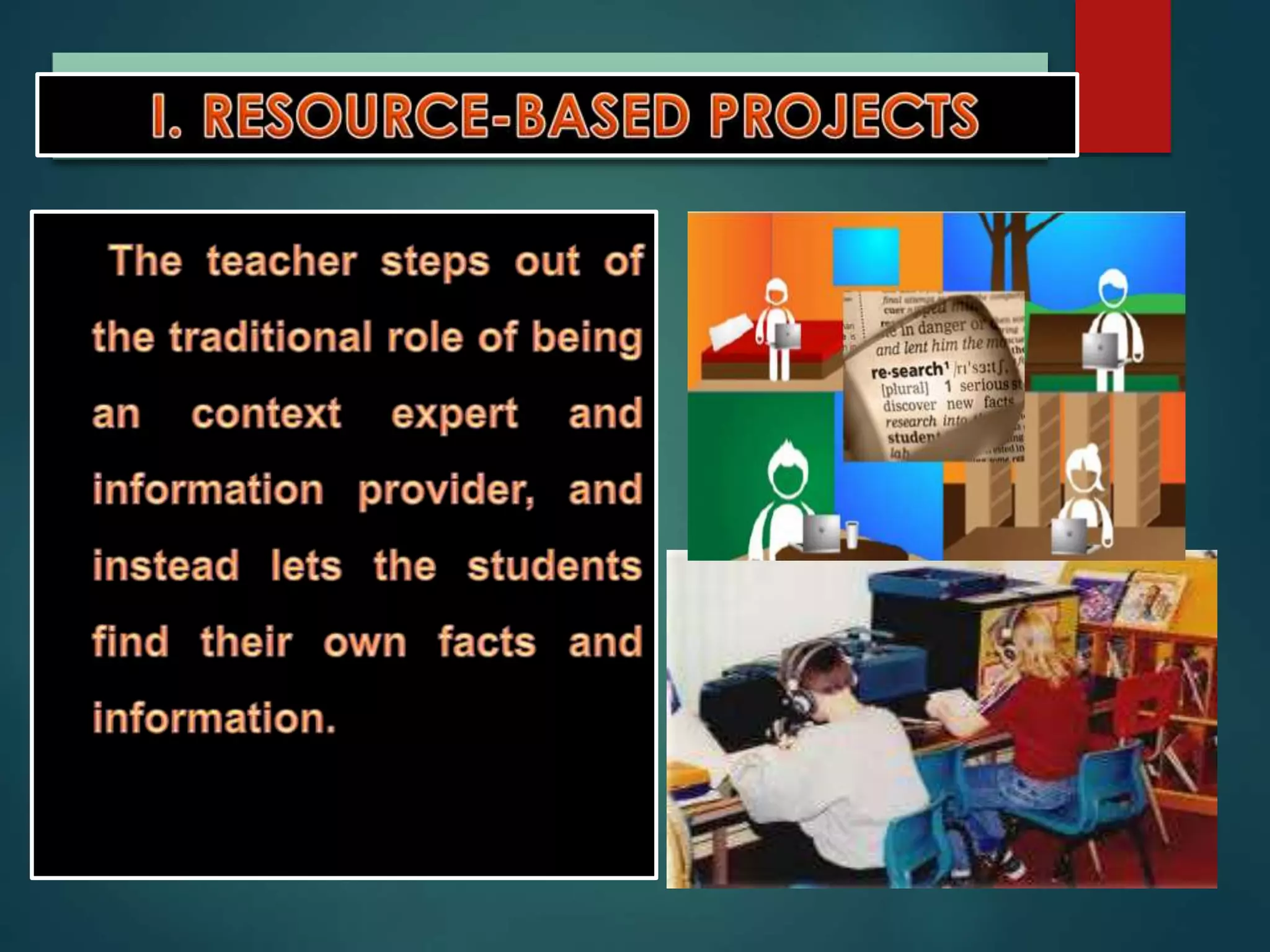
RESOURCE-BASED PROJECTS
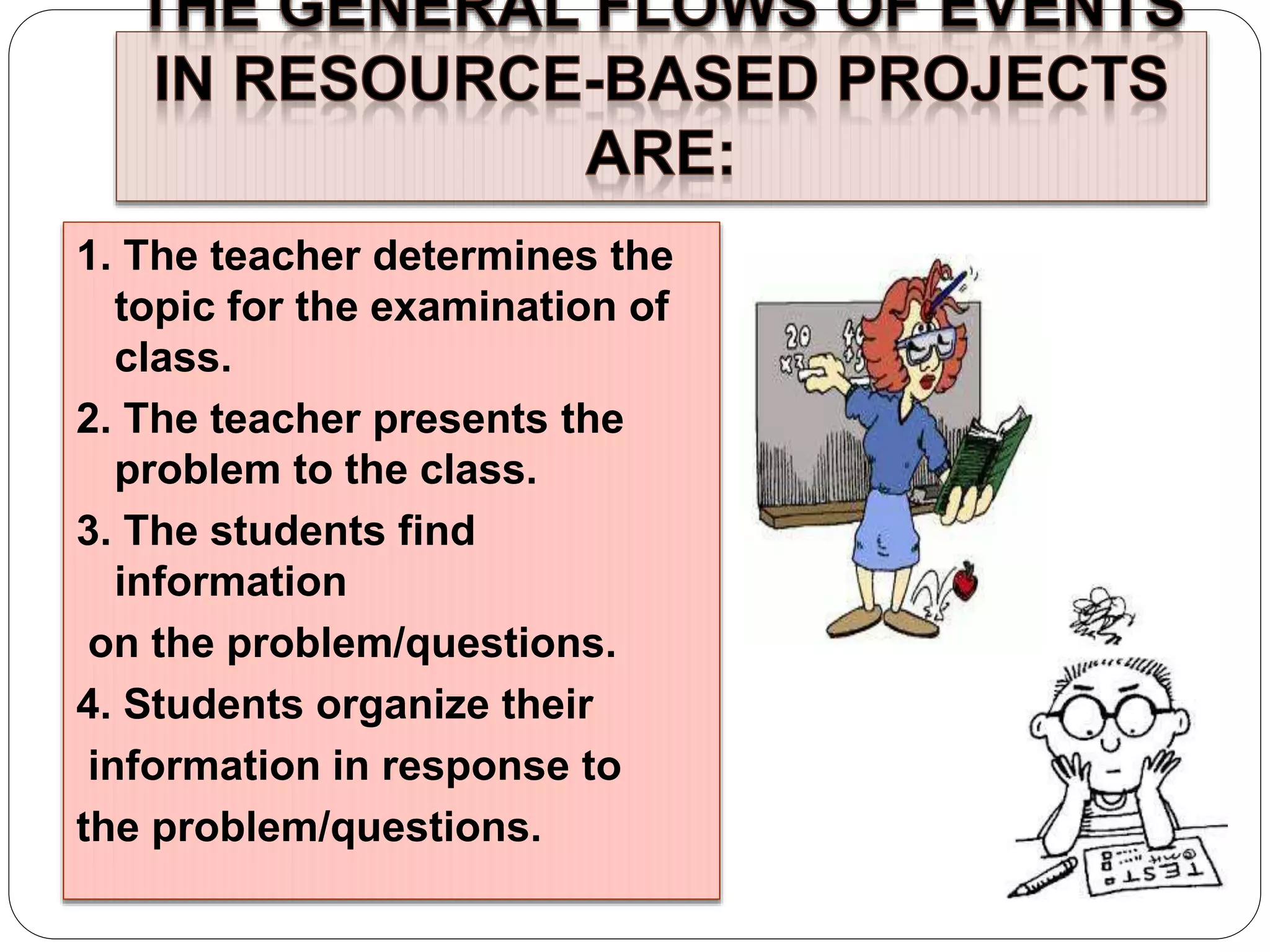
1. The teacher determines the
topic for the examination of
class.
2. The teacher presents the
problem to the class.
3. The students find
information
on the problem/questions.
4. Students organize their
information in response to
the problem/questions.
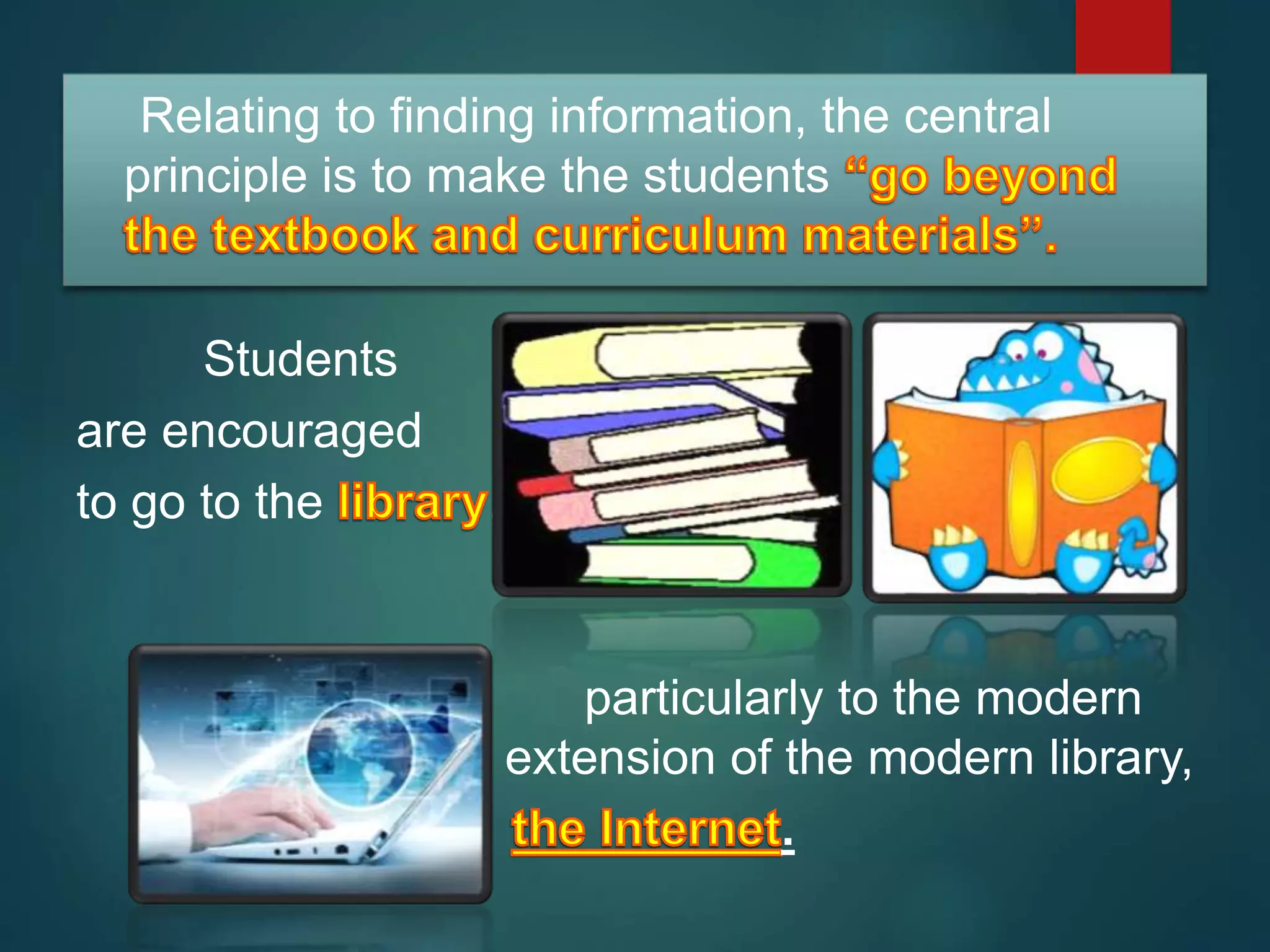
Relating to finding information, the central
principle is to make the students
Students
are encouraged
to go to the ,
particularly to the modern
extension of the modern library,
.
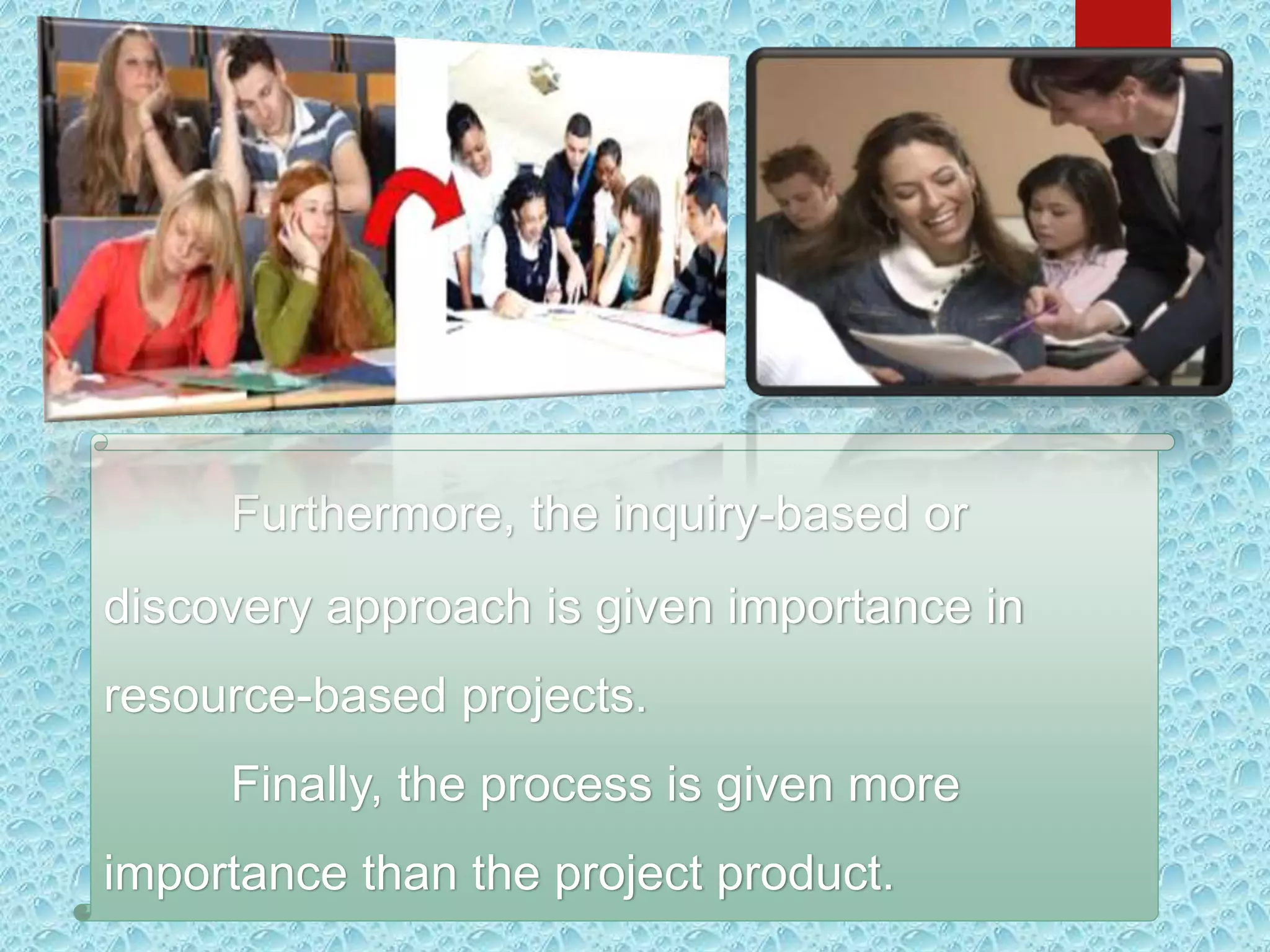
Furthermore, the inquiry-based or
discovery approach is given importance in
resource-based projects.
Finally, the process is given more
importance than the project product.
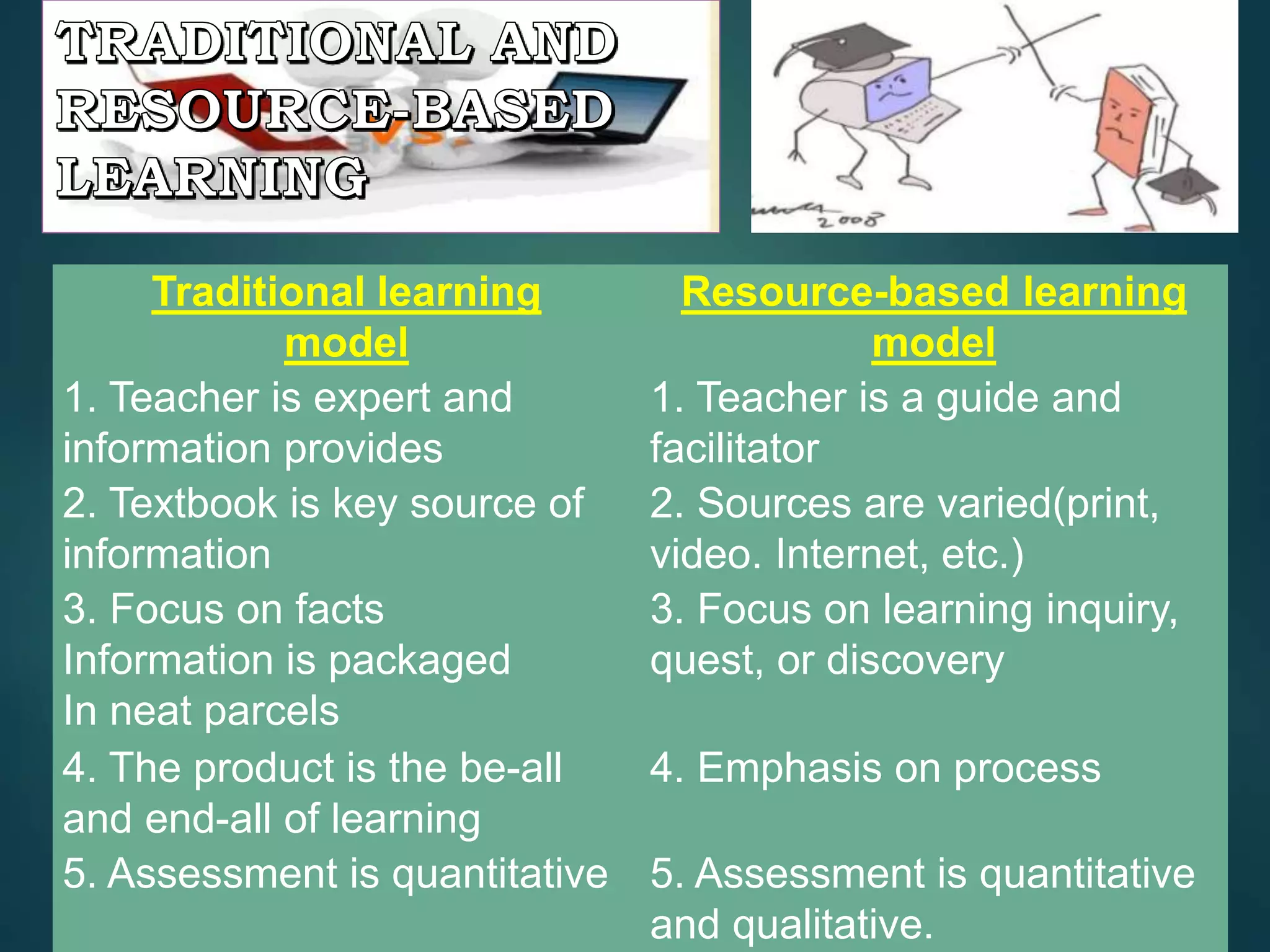
Traditional learning
model
Resource-based learning
model
1. Teacher is expert and
information provides
1. Teacher is a guide and
facilitator
2. Textbook is key source of
information
2. Sources are varied(print,
video. Internet, etc.)
3. Focus on facts
Information is packaged
In neat parcels
3. Focus on learning inquiry,
quest, or discovery
4. The product is the be-all
and end-all of learning
4. Emphasis on process
5. Assessment is quantitative 5. Assessment is quantitative
and qualitative.
In developing
software, creativity as
an outcome should not
be equated with
ingenuity or high
intelligence.
 Analyzing- distinguishing similarities and differences/ seeing the
project as a problem to be solved.
 Synthesizing- making spontaneous connections among ideas,
does generating interesting or new ideas.
 Promoting- selling of a new ideas to allow the public to test the
ideas themselves.
 Define the task- clarify the goal of the
completed project to the student.
 Brainstorm- the students themselves will be
allowed to generate their own ideas on the
project. Rather than shoot down ideas, the
teacher encourages ideas exchange.
 Judge the ideas- the students themselves
make an appraisal for or against any idea.
Only when students are completely off check
should the teacher intervene.
 Act- the students do their work with the
teacher a facilitator.
 Adopt flexibility- the students should be
allowed to shift gears and not follow an action
path rigidly.
III. GUIDED HYPERMEDIA PROJECTS
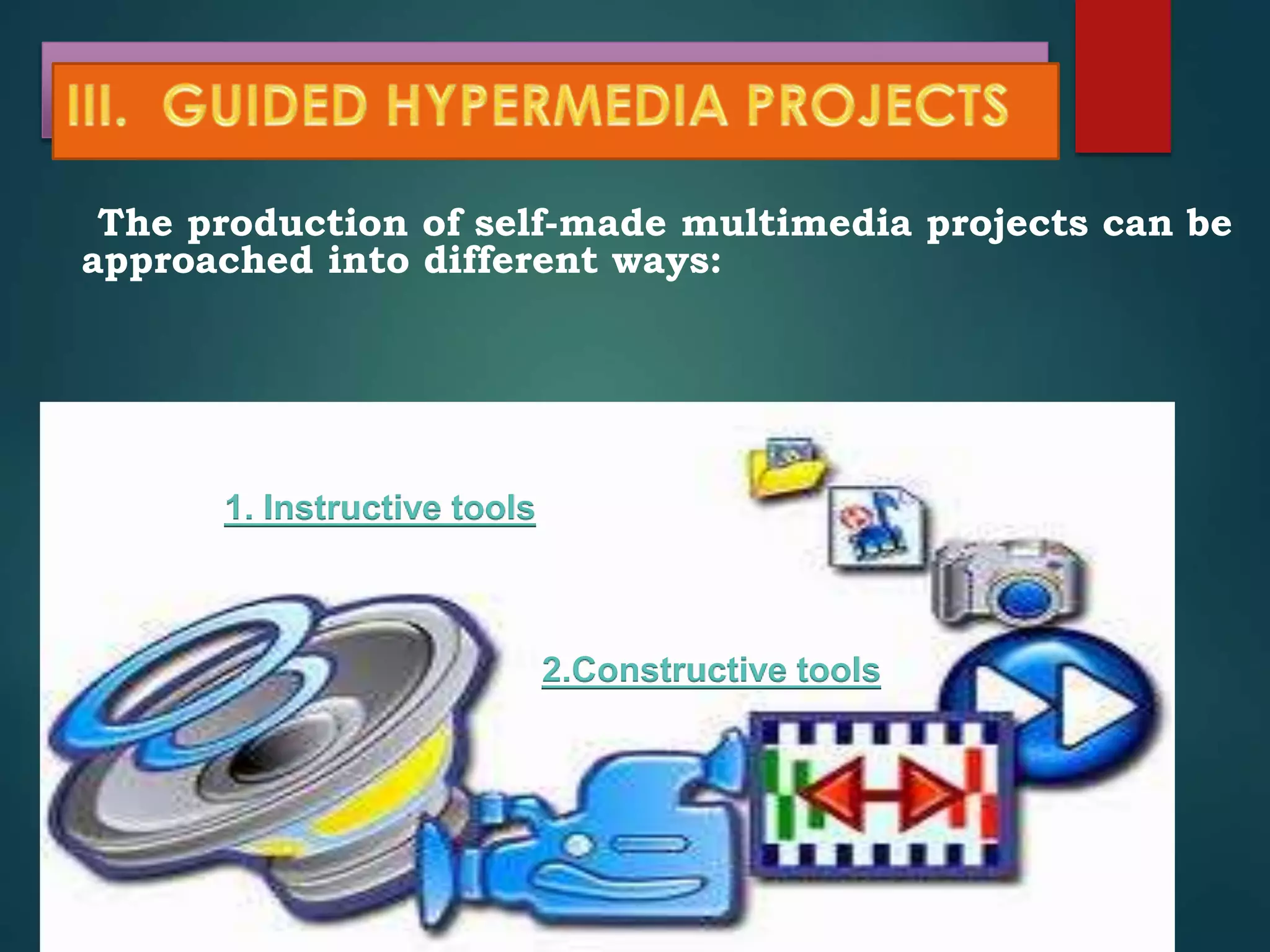
The production of self-made multimedia projects can be
approached into different ways:
1. Instructive tools
2.Constructive tools
- such as in the production
by students of a power-
point presentation of a
selective topic.
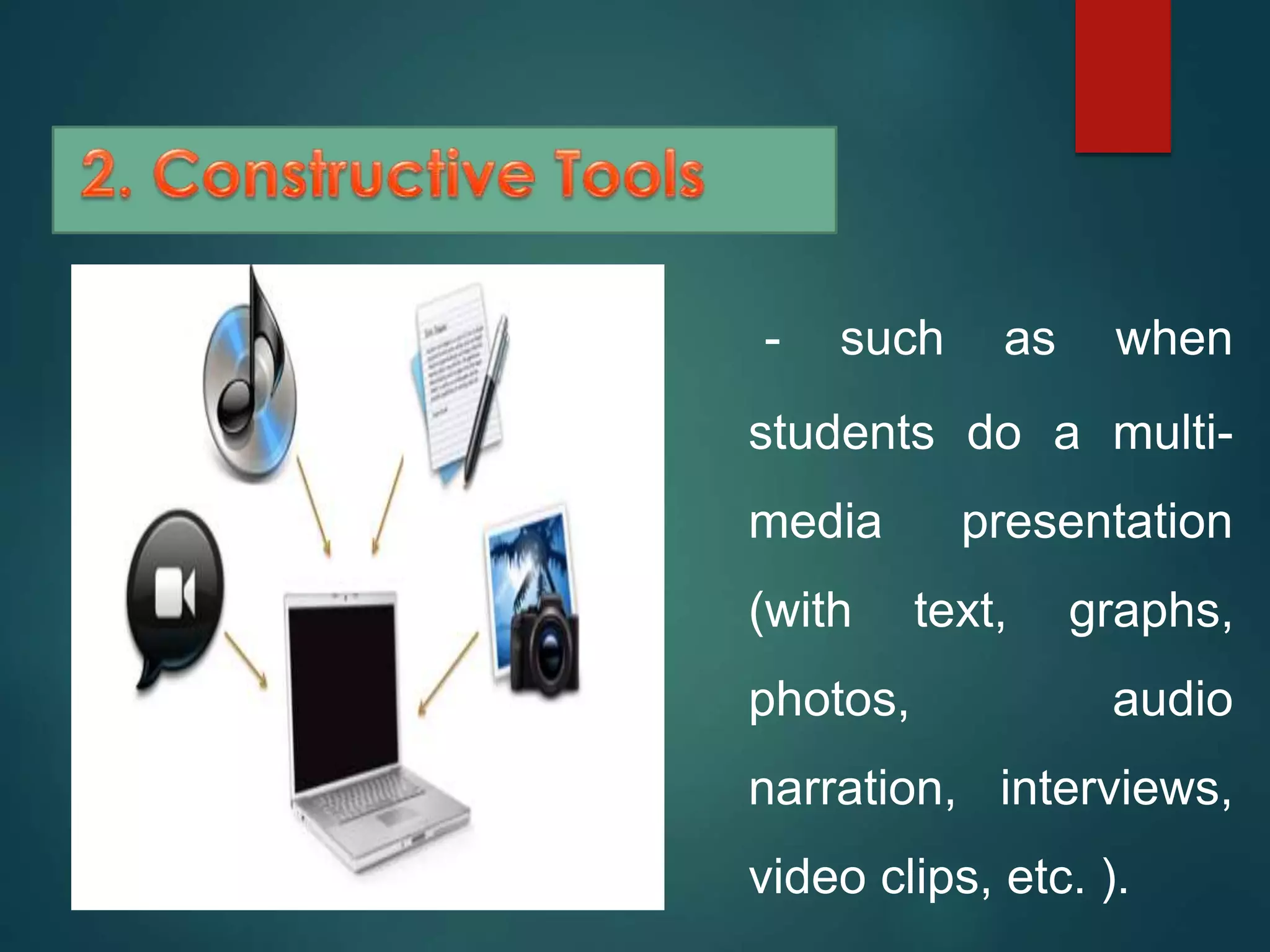
- such as when
students do a multi-
media presentation
(with text, graphs,
photos, audio
narration, interviews,
video clips, etc. ).
IV. WEB-BASED PROJECTS
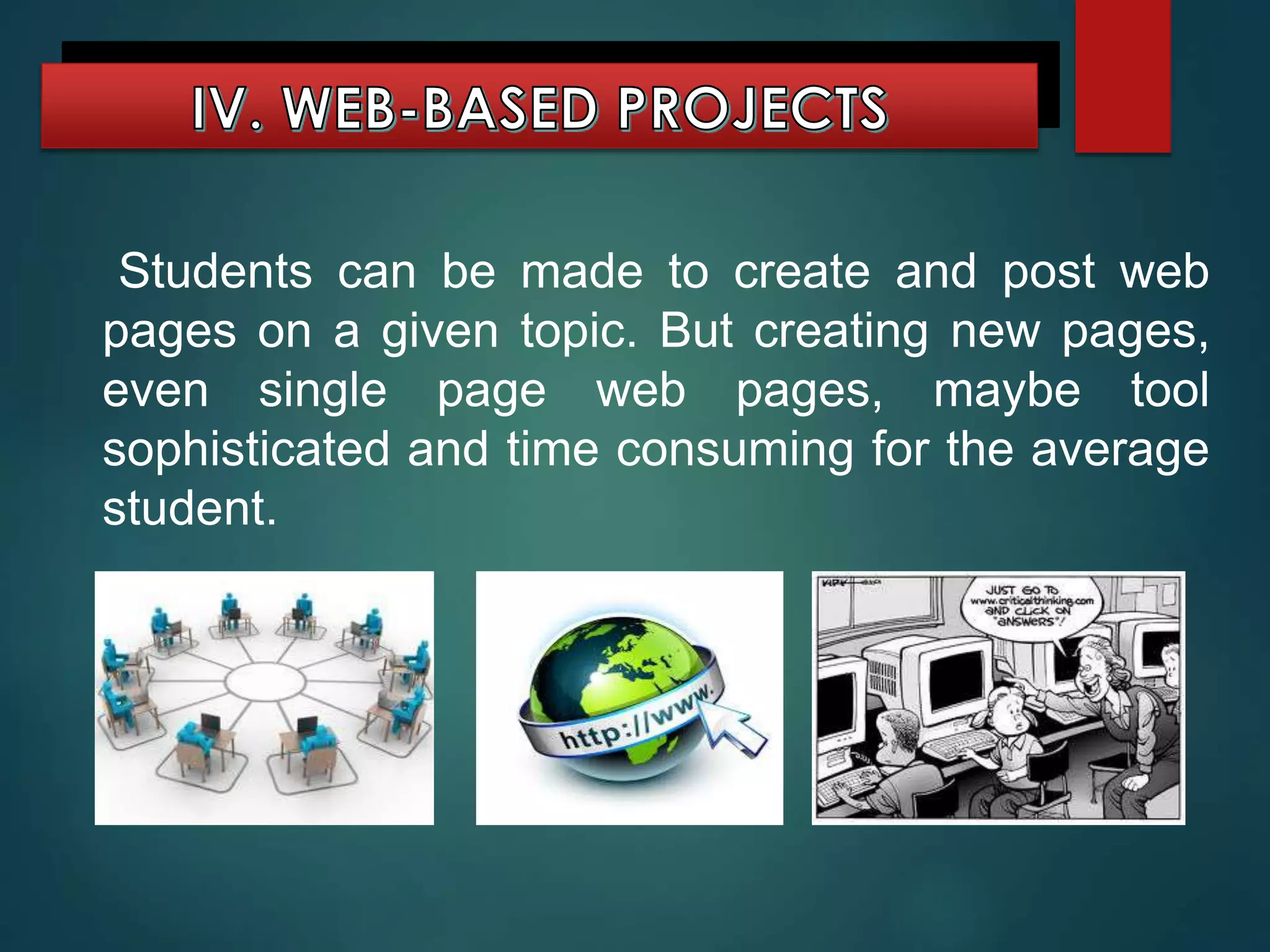
Students can be made to create and post web
pages on a given topic. But creating new pages,
even single page web pages, maybe tool
sophisticated and time consuming for the average
student.
It should be said,
however, that posting of
web pages in the Internet
allows the students (now
the web page creator) a
wider audience. They can
also be linked with other
related sites in the Internet.
But as of now, this
creativity project maybe to
ambitious as a tool in the
teaching-learning process.
Higher thinking skills through it based projects

Higher thinking skills through it based projects

  • 3.
    It is tobe understood that these projects do not address all of the thinking skills shown previously in the Thinking Skills Framework. But these projects represent constructivist project.
  • 4.
    a) The teachercreating the learning environment. b) The teacher giving students the tool and facilities. c) The teacher facilitating learning.
  • 6.
  • 7.
    1. The teacherdetermines the topic for the examination of class. 2. The teacher presents the problem to the class. 3. The students find information on the problem/questions. 4. Students organize their information in response to the problem/questions.
  • 8.
    Relating to findinginformation, the central principle is to make the students Students are encouraged to go to the , particularly to the modern extension of the modern library, .
  • 9.
    Furthermore, the inquiry-basedor discovery approach is given importance in resource-based projects. Finally, the process is given more importance than the project product.
  • 10.
    Traditional learning model Resource-based learning model 1.Teacher is expert and information provides 1. Teacher is a guide and facilitator 2. Textbook is key source of information 2. Sources are varied(print, video. Internet, etc.) 3. Focus on facts Information is packaged In neat parcels 3. Focus on learning inquiry, quest, or discovery 4. The product is the be-all and end-all of learning 4. Emphasis on process 5. Assessment is quantitative 5. Assessment is quantitative and qualitative.
  • 11.
    In developing software, creativityas an outcome should not be equated with ingenuity or high intelligence.
  • 12.
     Analyzing- distinguishingsimilarities and differences/ seeing the project as a problem to be solved.  Synthesizing- making spontaneous connections among ideas, does generating interesting or new ideas.  Promoting- selling of a new ideas to allow the public to test the ideas themselves.
  • 13.
     Define thetask- clarify the goal of the completed project to the student.  Brainstorm- the students themselves will be allowed to generate their own ideas on the project. Rather than shoot down ideas, the teacher encourages ideas exchange.  Judge the ideas- the students themselves make an appraisal for or against any idea. Only when students are completely off check should the teacher intervene.  Act- the students do their work with the teacher a facilitator.  Adopt flexibility- the students should be allowed to shift gears and not follow an action path rigidly.
  • 14.
    III. GUIDED HYPERMEDIAPROJECTS The production of self-made multimedia projects can be approached into different ways: 1. Instructive tools 2.Constructive tools
  • 15.
    - such asin the production by students of a power- point presentation of a selective topic.
  • 16.
    - such aswhen students do a multi- media presentation (with text, graphs, photos, audio narration, interviews, video clips, etc. ).
  • 17.
    IV. WEB-BASED PROJECTS Studentscan be made to create and post web pages on a given topic. But creating new pages, even single page web pages, maybe tool sophisticated and time consuming for the average student.
  • 18.
    It should besaid, however, that posting of web pages in the Internet allows the students (now the web page creator) a wider audience. They can also be linked with other related sites in the Internet. But as of now, this creativity project maybe to ambitious as a tool in the teaching-learning process.