HARDWARE
AND
SOFTWARE
GROUP MEMBERS:
1. Abdullah Rashid
2. Ahsan Ali Baig
3. Muhammad Azeem Khan
4. Mustafa Akram
INTRODUCTION
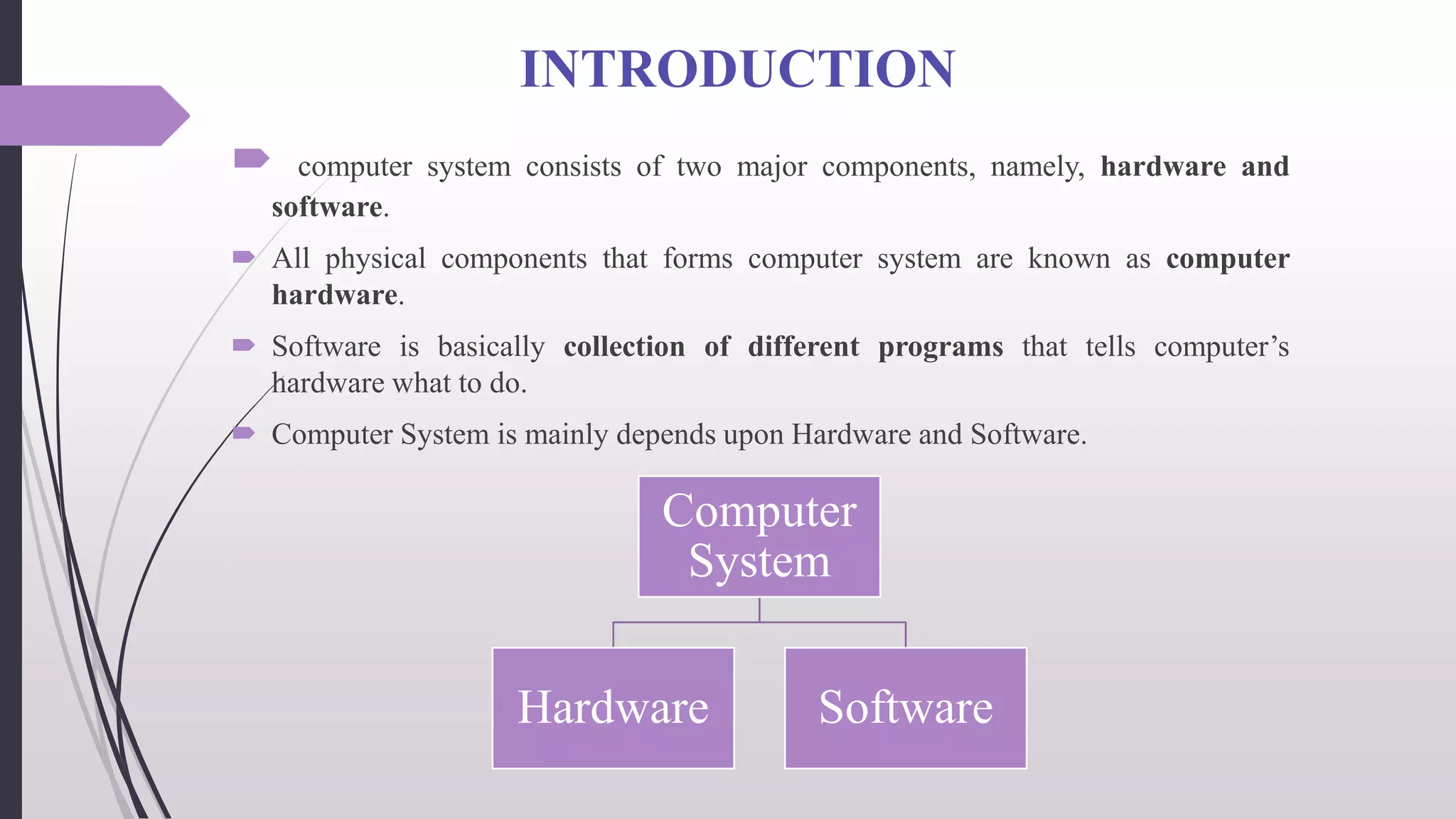
 computer system consists of two major components, namely, hardware and
software.
 All physical components that forms computer system are known as computer
hardware.
 Software is basically collection of different programs that tells computer’s
hardware what to do.
 Computer System is mainly depends upon Hardware and Software.
Computer
System
Hardware Software
HARDWARE & SOFTWARE
 Computer Hardware Basics
External hardware:
• Any hardware device that is located outside the computer.
• a piece of hardware device which is used to enter information to a
computer for processing.
• Examples: keyboard, mouse, track pad (or touchpad), touchscreen,
joystick, microphone, light pen, webcam, speech input, etc.
 Computer Hardware Basics
• A set of instructions or programs that tells a computer what to do or
how to perform a specific task (computer software runs on hardware).
• Main types of software – systems software and application software.
HARDWARE & SOFTWARE
 External hardware
• – any hardware device that is located outside the computer.
• – a piece of hardware device which is used to enter information to a
computer for processing.
• Examples: keyboard, mouse, trackpad (or touchpad), touchscreen,
joystick, microphone, light pen, webcam, speech input, etc.
 Computer software
• Software – a set of instructions or programs that tells a computer
what to do or how to perform a specific task (computer software runs
on hardware).
• Main types of software – systems software and application software.
Comparison
Hardware
 Hardware is further divided into
four main categories:
• Input Devices
• Output Devices
• Secondary Storage Devices
• Internal Components
 Developed using electronic and
other materials
Software
 Software is further divided into
two main categories:
• Application Software
• System Software
 Developed writing using
instructions using a programming
language
Comparison
Hardware
 Hardware is physical in nature and
hence one can touch and see
hardware
 Hardware cannot be infected by
Viruses
 Hardware will physically wear out
over time
Software
 The software cannot be physically
touched but still can be used and
seen
 The software can be infected by
Viruses
 Software does not wear out but it
can be affected by bugs and
glitches
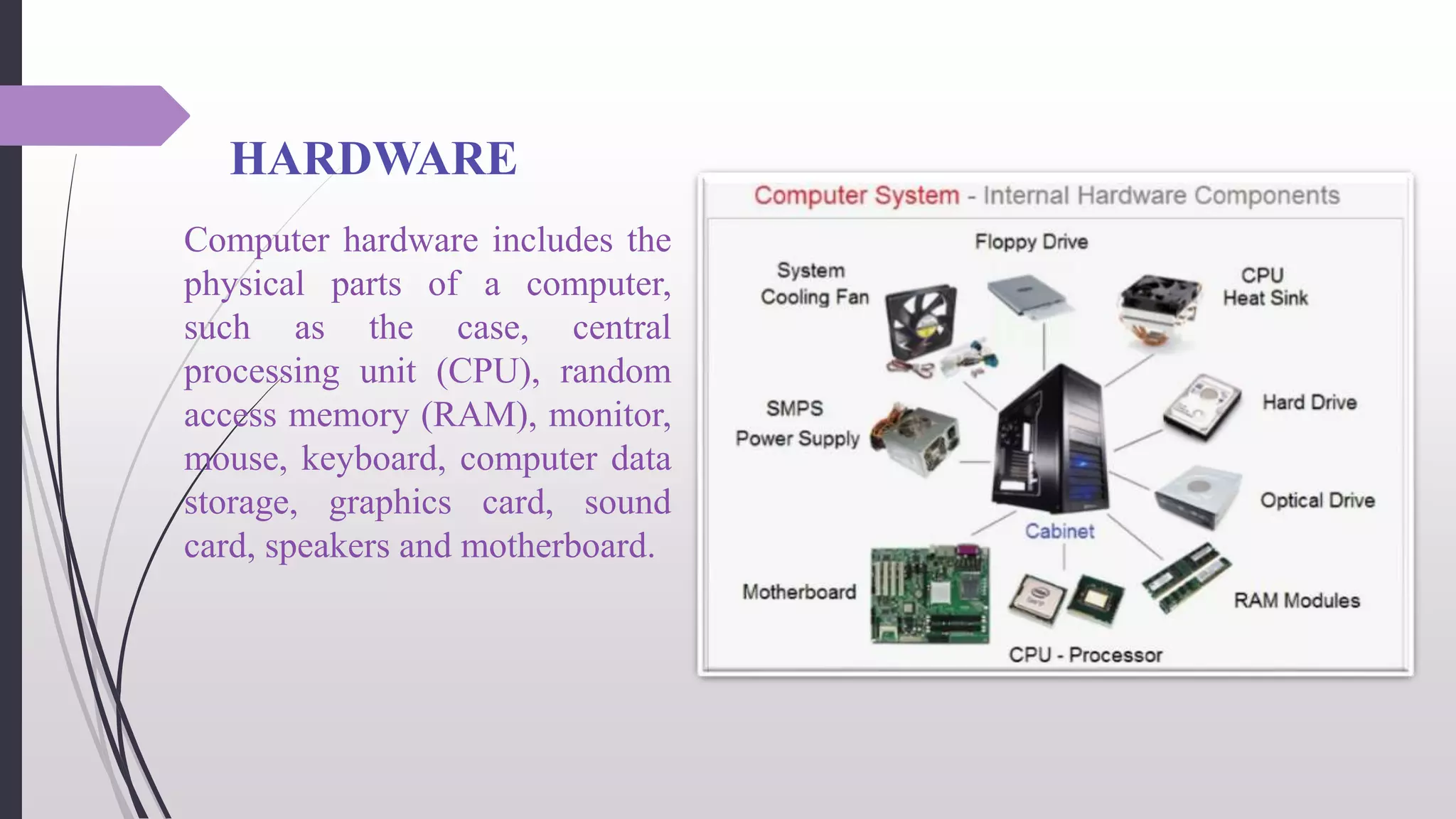
HARDWARE
Computer hardware includes the
physical parts of a computer,
such as the case, central
processing unit (CPU), random
access memory (RAM), monitor,
mouse, keyboard, computer data
storage, graphics card, sound
card, speakers and motherboard.
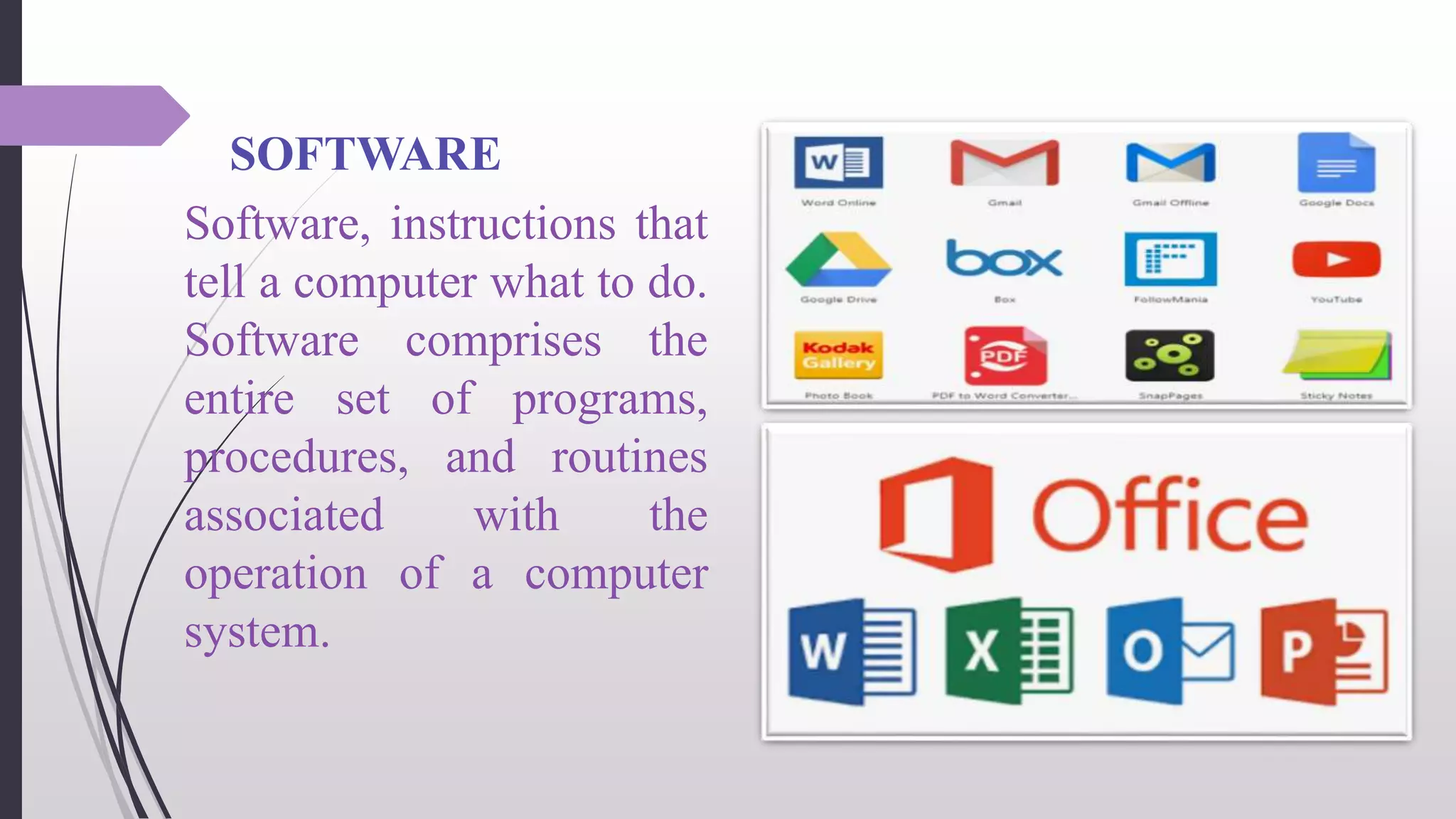
SOFTWARE
Software, instructions that
tell a computer what to do.
Software comprises the
entire set of programs,
procedures, and routines
associated with the
operation of a computer
system.
CONCLUSION
In conclusion, a computer system needs both hardware and
software to function properly. The software serves as the
physical bridge between hardware and software, whereas
hardware is made up of actual components. Hardware requires
software to run correctly.
HYPER LINKS
 https://byjus.com/free-ias-prep/difference-between-
hardware-and-software/
 https://en.wikipedia.org/wiki/Computer_hardware
 https://opentextbc.ca/computerstudies/chapter/computer-
hardware-and-software/
REFERENCE
 https://byjus.com/free-ias-prep/difference-between-hardware-and-
software/
 https://en.wikipedia.org/wiki/Computer_hardware
 https://www.codesansar.com/computer-basics/introduction-to-
computer.htm
 https://opentextbc.ca/computerstudies/chapter/computer-
hardware-and-software/
Any Question ?

Hardware and Software.pptx

  • 1.
    HARDWARE AND SOFTWARE GROUP MEMBERS: 1. AbdullahRashid 2. Ahsan Ali Baig 3. Muhammad Azeem Khan 4. Mustafa Akram
  • 2.
    INTRODUCTION  computer systemconsists of two major components, namely, hardware and software.  All physical components that forms computer system are known as computer hardware.  Software is basically collection of different programs that tells computer’s hardware what to do.  Computer System is mainly depends upon Hardware and Software. Computer System Hardware Software
  • 3.
    HARDWARE & SOFTWARE Computer Hardware Basics External hardware: • Any hardware device that is located outside the computer. • a piece of hardware device which is used to enter information to a computer for processing. • Examples: keyboard, mouse, track pad (or touchpad), touchscreen, joystick, microphone, light pen, webcam, speech input, etc.  Computer Hardware Basics • A set of instructions or programs that tells a computer what to do or how to perform a specific task (computer software runs on hardware). • Main types of software – systems software and application software.
  • 4.
    HARDWARE & SOFTWARE External hardware • – any hardware device that is located outside the computer. • – a piece of hardware device which is used to enter information to a computer for processing. • Examples: keyboard, mouse, trackpad (or touchpad), touchscreen, joystick, microphone, light pen, webcam, speech input, etc.  Computer software • Software – a set of instructions or programs that tells a computer what to do or how to perform a specific task (computer software runs on hardware). • Main types of software – systems software and application software.
  • 5.
    Comparison Hardware  Hardware isfurther divided into four main categories: • Input Devices • Output Devices • Secondary Storage Devices • Internal Components  Developed using electronic and other materials Software  Software is further divided into two main categories: • Application Software • System Software  Developed writing using instructions using a programming language
  • 6.
    Comparison Hardware  Hardware isphysical in nature and hence one can touch and see hardware  Hardware cannot be infected by Viruses  Hardware will physically wear out over time Software  The software cannot be physically touched but still can be used and seen  The software can be infected by Viruses  Software does not wear out but it can be affected by bugs and glitches
  • 7.
    HARDWARE Computer hardware includesthe physical parts of a computer, such as the case, central processing unit (CPU), random access memory (RAM), monitor, mouse, keyboard, computer data storage, graphics card, sound card, speakers and motherboard.
  • 8.
    SOFTWARE Software, instructions that tella computer what to do. Software comprises the entire set of programs, procedures, and routines associated with the operation of a computer system.
  • 9.
    CONCLUSION In conclusion, acomputer system needs both hardware and software to function properly. The software serves as the physical bridge between hardware and software, whereas hardware is made up of actual components. Hardware requires software to run correctly.
  • 10.
    HYPER LINKS  https://byjus.com/free-ias-prep/difference-between- hardware-and-software/ https://en.wikipedia.org/wiki/Computer_hardware  https://opentextbc.ca/computerstudies/chapter/computer- hardware-and-software/
  • 11.
    REFERENCE  https://byjus.com/free-ias-prep/difference-between-hardware-and- software/  https://en.wikipedia.org/wiki/Computer_hardware https://www.codesansar.com/computer-basics/introduction-to- computer.htm  https://opentextbc.ca/computerstudies/chapter/computer- hardware-and-software/
  • 12.