Google Maps API 101 
Sebastian Roming 
GDG Black Forest
What do I need? 
- your favourite IDE 
- Access to the Internet 
That’s all!
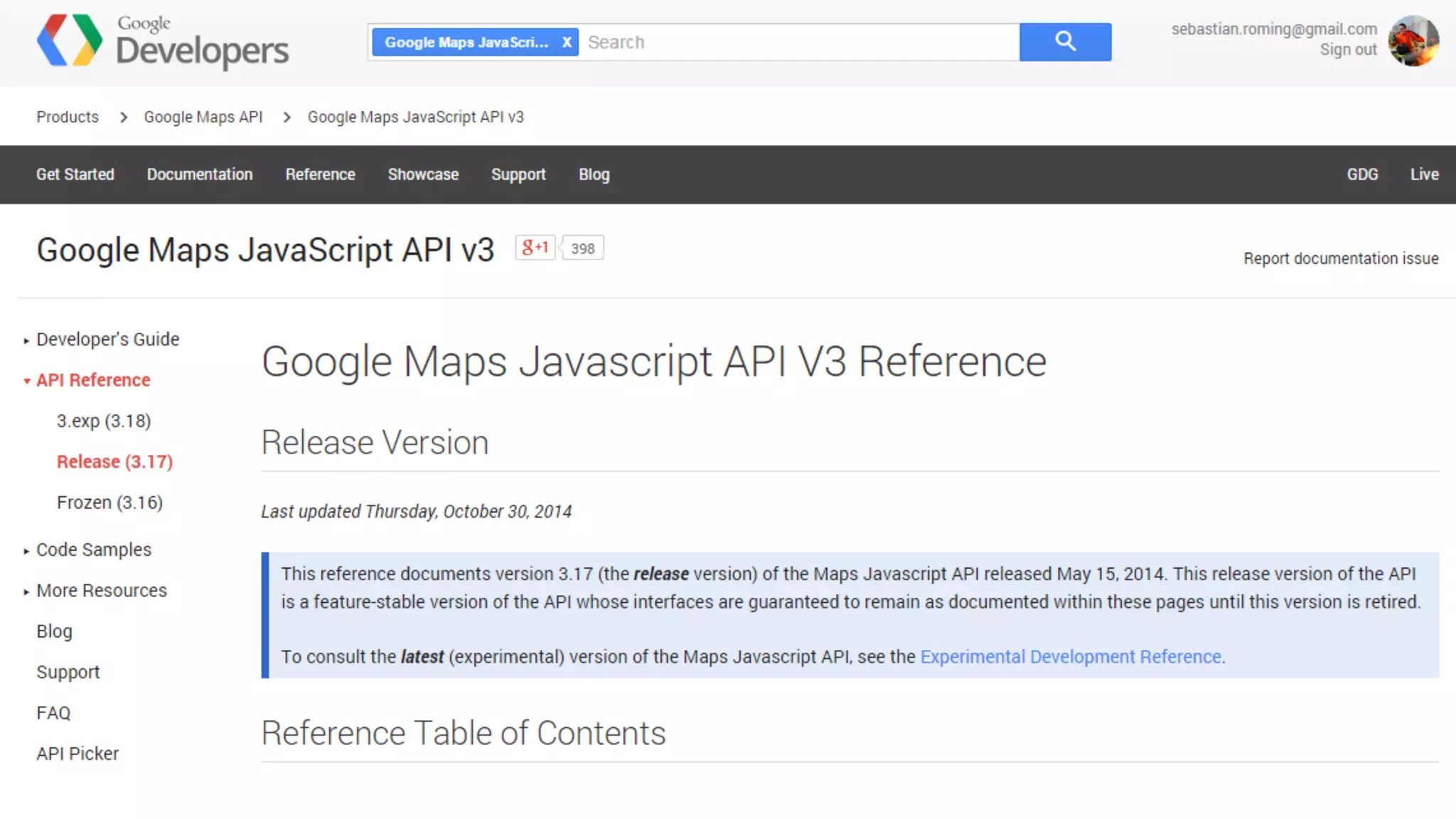
http://developers.google.com
Resources 
-
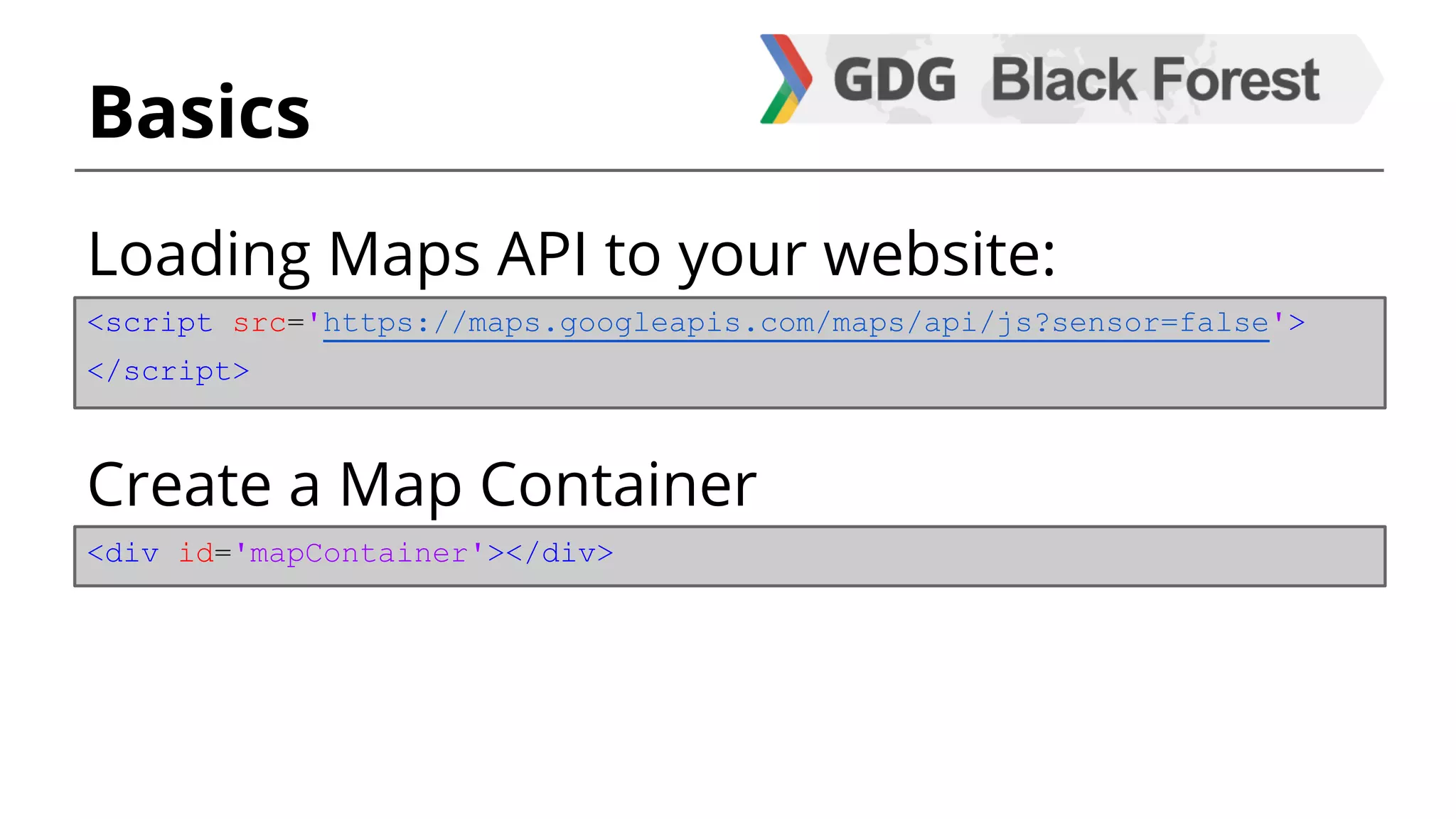
Basics 
Loading Maps API to your website: 
<script src='https://maps.googleapis.com/maps/api/js?sensor=false'> 
</script> 
Create a Map Container 
<div id='mapContainer'></div>
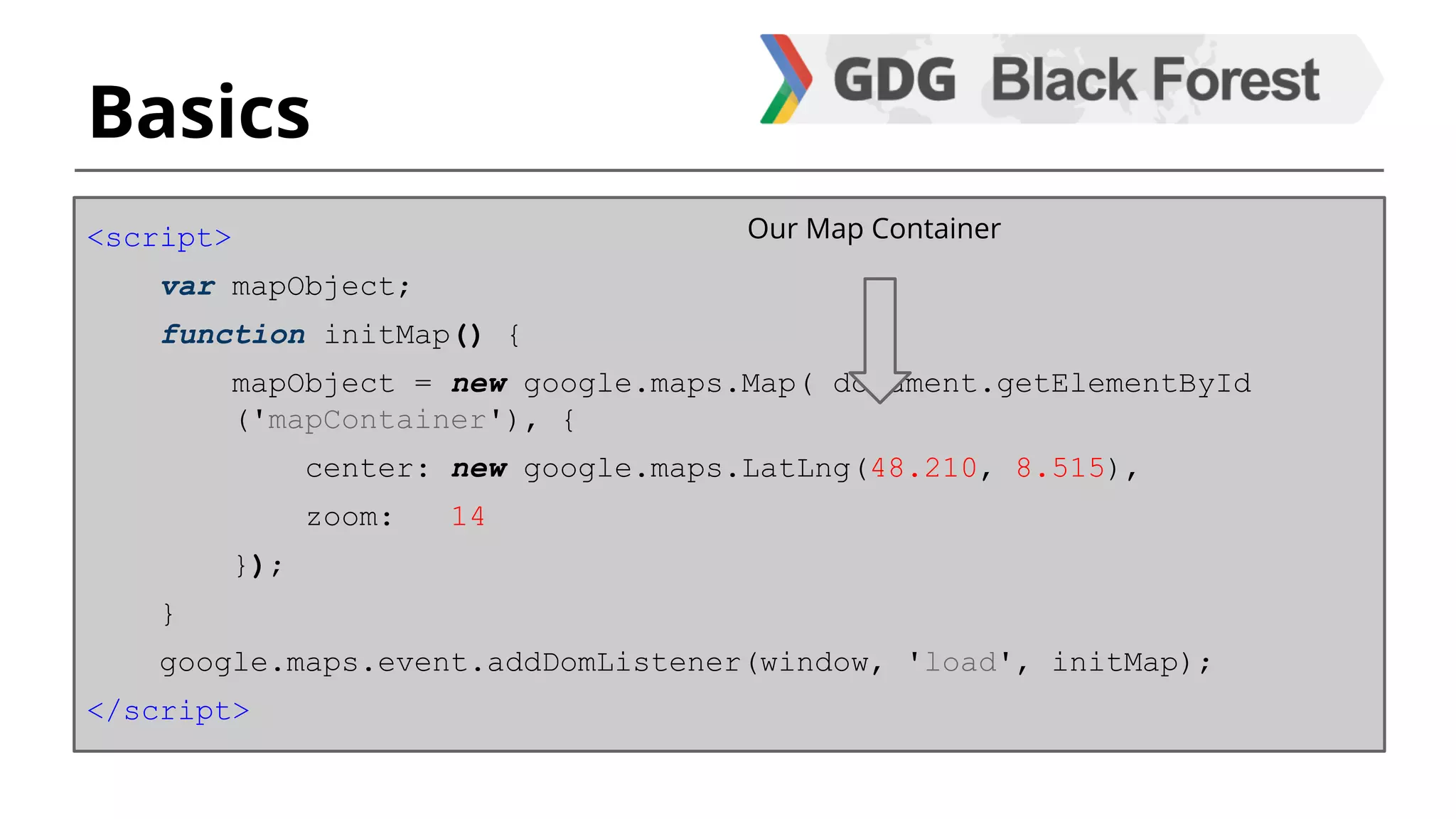
Basics 
<script> 
var mapObject; 
function initMap() { 
mapObject = new google.maps.Map( document.getElementById 
('mapContainer'), { 
center: new google.maps.LatLng(48.210, 8.515), 
zoom: 14 
}); 
} 
google.maps.event.addDomListener(window, 'load', initMap); 
</script> 
Our Map Container
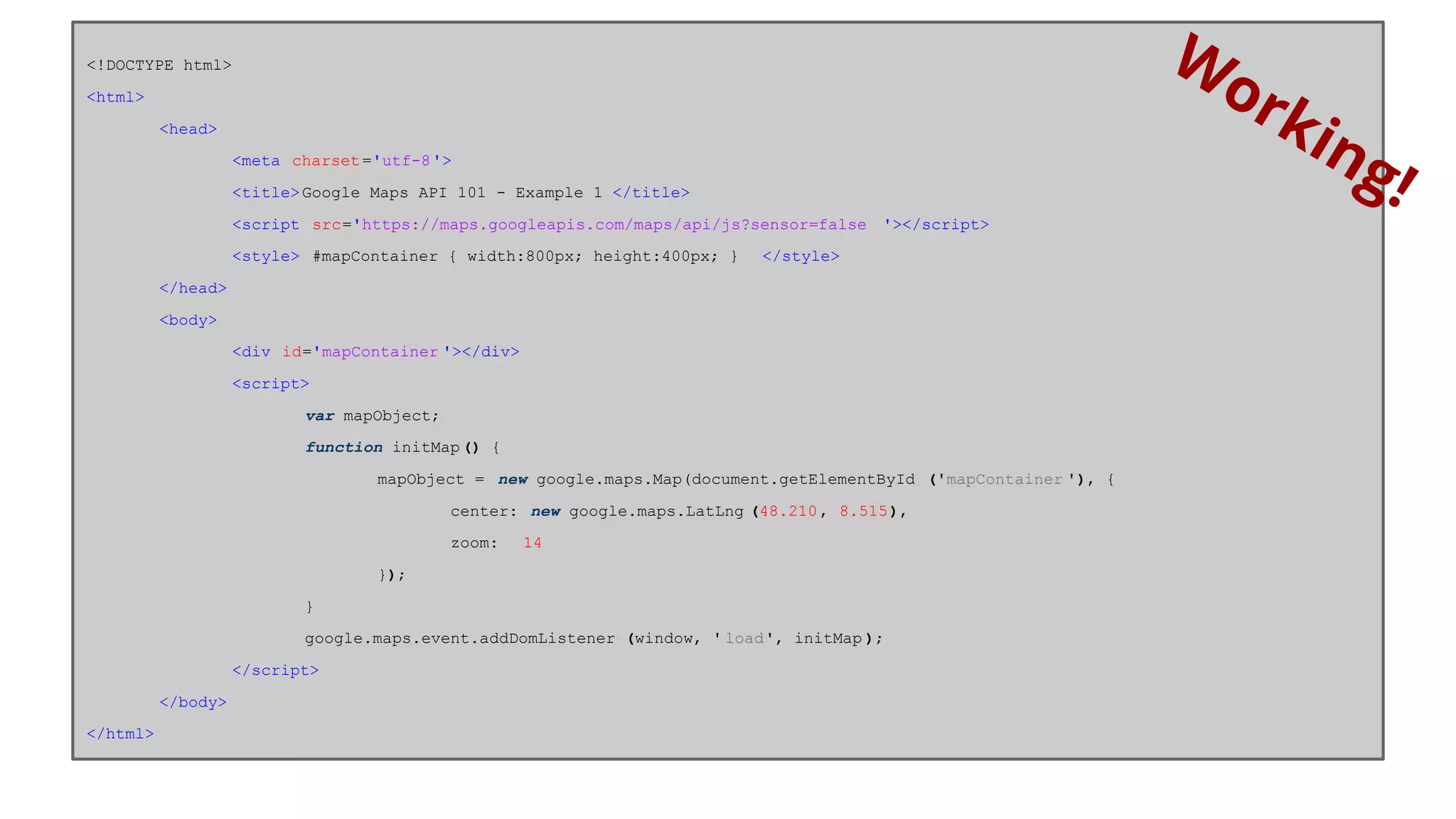
<!DOCTYPE html> 
<html> 
<head> 
<meta charset ='utf-8'> 
<title> Google Maps API 101 - Example 1 </title> 
<script src='https://maps.googleapis.com/maps/api/js?sensor=false '></script> 
<style> #mapContainer { width:800px; height:400px; } </style> 
</head> 
<body> 
<div id='mapContainer '></div> 
<script> 
var mapObject; 
function initMap () { 
mapObject = new google.maps.Map(document.getElementById ('mapContainer '), { 
center: new google.maps.LatLng (48.210 , 8.515), 
zoom: 14 
}); 
} 
google.maps.event.addDomListener (window, ' load', initMap ); 
</script> 
</body> 
</html> 
Working!
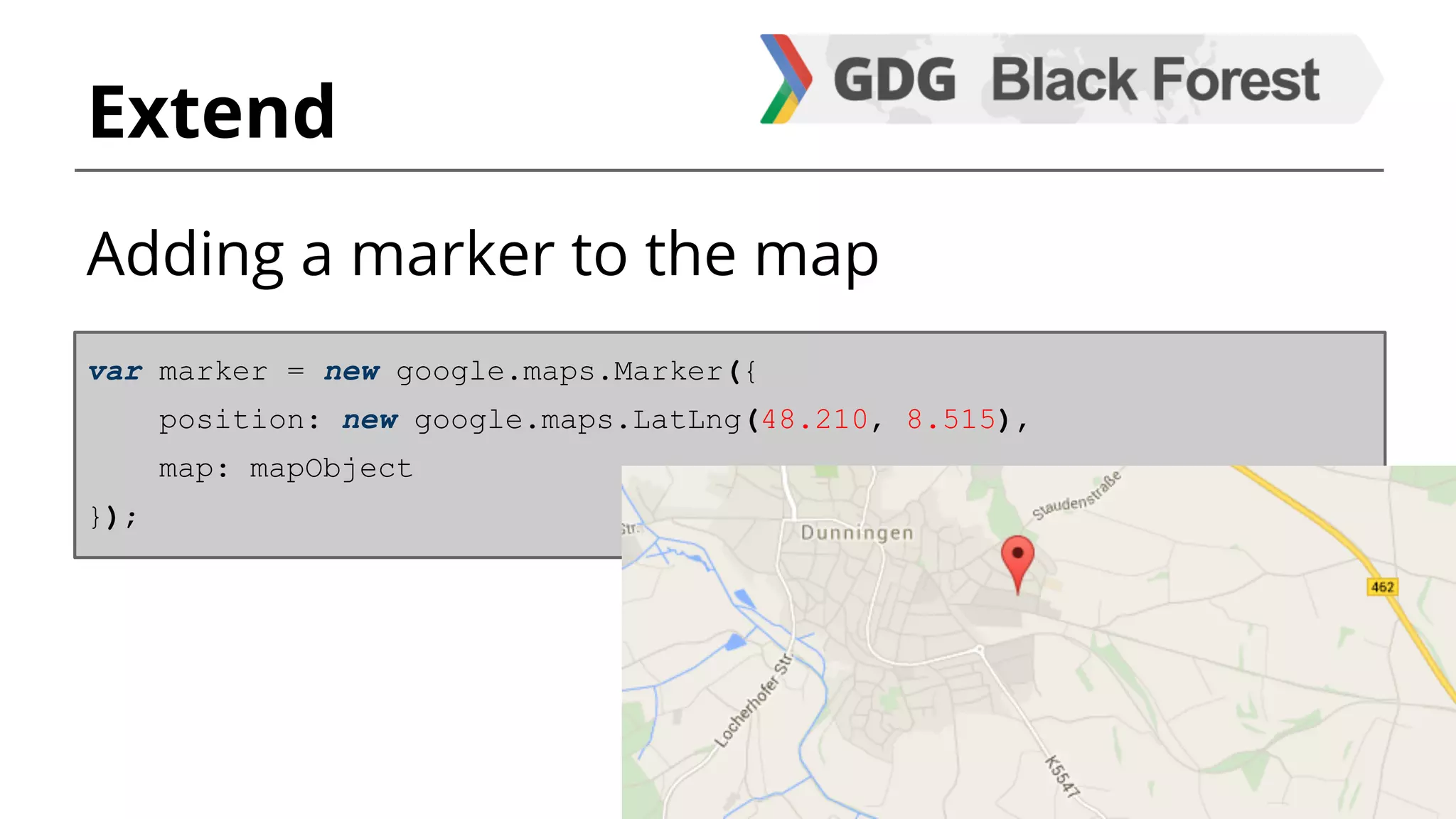
Extend 
Adding a marker to the map 
var marker = new google.maps.Marker({ 
position: new google.maps.LatLng(48.210, 8.515), 
map: mapObject 
});
Features 
- Map styling 
- Custom shapes / markers 
- StreetView 
- Places 
- Geocoding 
- many, many more...
Style your map 
- Adding / removing controls 
- Positioning the controls 
- Adding overlays 
- … 
Be creative, everything is possible!
Translate address to coordinates 
(or vice versa) 
var geocoder = new google.maps.Geocoder(); 
[...] 
Sends request and gets google.maps. 
GeocoderStatus and a result (if there is 
one). 
Geocoding
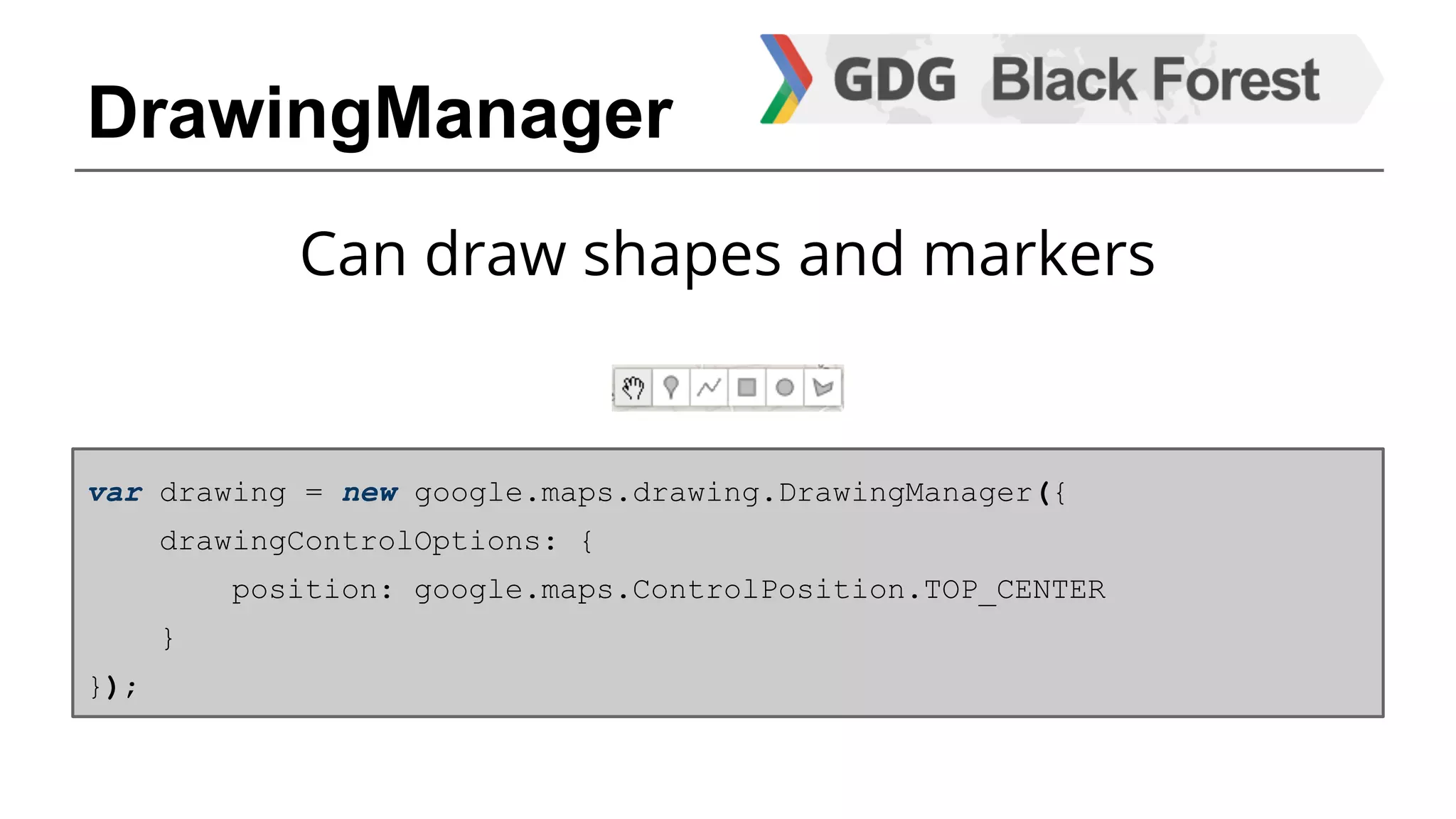
DrawingManager 
Can draw shapes and markers 
var drawing = new google.maps.drawing.DrawingManager({ 
drawingControlOptions: { 
position: google.maps.ControlPosition.TOP_CENTER 
} 
});
Need to know 
Object google.maps = 42!
Want more? 
Gentlemen, start your IDE. 
Let´s code.
Thank you. 
@sebastianroming 
github.com/sebastianroming 
github.com/GDGBlackForest

Google Maps API 101

  • 1.
    Google Maps API101 Sebastian Roming GDG Black Forest
  • 2.
    What do Ineed? - your favourite IDE - Access to the Internet That’s all!
  • 3.
  • 4.
  • 5.
    Basics Loading MapsAPI to your website: <script src='https://maps.googleapis.com/maps/api/js?sensor=false'> </script> Create a Map Container <div id='mapContainer'></div>
  • 6.
    Basics <script> varmapObject; function initMap() { mapObject = new google.maps.Map( document.getElementById ('mapContainer'), { center: new google.maps.LatLng(48.210, 8.515), zoom: 14 }); } google.maps.event.addDomListener(window, 'load', initMap); </script> Our Map Container
  • 7.
    <!DOCTYPE html> <html> <head> <meta charset ='utf-8'> <title> Google Maps API 101 - Example 1 </title> <script src='https://maps.googleapis.com/maps/api/js?sensor=false '></script> <style> #mapContainer { width:800px; height:400px; } </style> </head> <body> <div id='mapContainer '></div> <script> var mapObject; function initMap () { mapObject = new google.maps.Map(document.getElementById ('mapContainer '), { center: new google.maps.LatLng (48.210 , 8.515), zoom: 14 }); } google.maps.event.addDomListener (window, ' load', initMap ); </script> </body> </html> Working!
  • 8.
    Extend Adding amarker to the map var marker = new google.maps.Marker({ position: new google.maps.LatLng(48.210, 8.515), map: mapObject });
  • 9.
    Features - Mapstyling - Custom shapes / markers - StreetView - Places - Geocoding - many, many more...
  • 10.
    Style your map - Adding / removing controls - Positioning the controls - Adding overlays - … Be creative, everything is possible!
  • 11.
    Translate address tocoordinates (or vice versa) var geocoder = new google.maps.Geocoder(); [...] Sends request and gets google.maps. GeocoderStatus and a result (if there is one). Geocoding
  • 12.
    DrawingManager Can drawshapes and markers var drawing = new google.maps.drawing.DrawingManager({ drawingControlOptions: { position: google.maps.ControlPosition.TOP_CENTER } });
  • 13.
    Need to know Object google.maps = 42!
  • 14.
    Want more? Gentlemen,start your IDE. Let´s code.
  • 15.
    Thank you. @sebastianroming github.com/sebastianroming github.com/GDGBlackForest