WebGL para JavaScripters


                  Luz Caballero
Luz Caballero - @gerbille

        Web Opener
Agenda
• Que es WebGL?
• Para qué se puede usar?
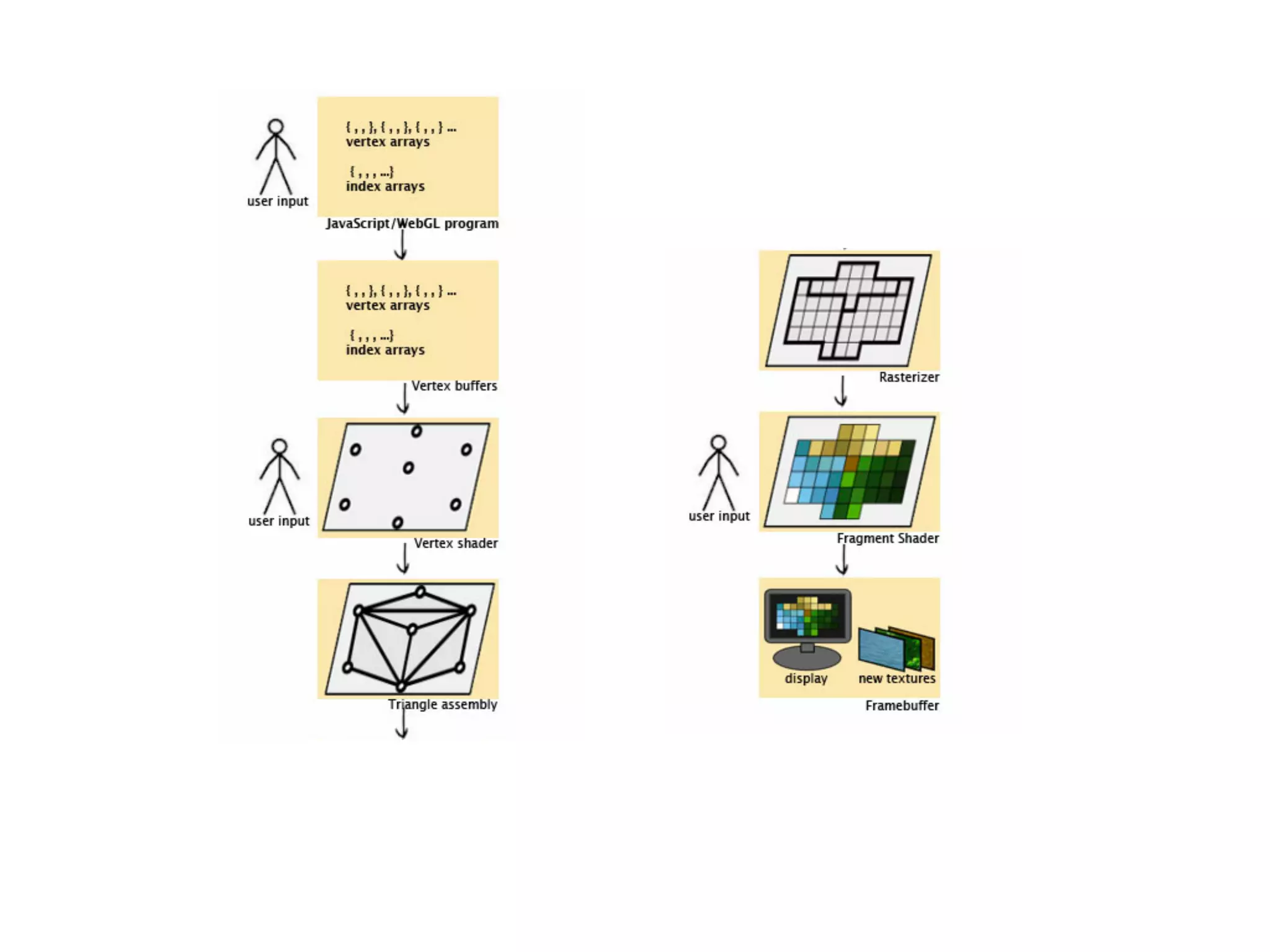
• Cómo funciona?
• Lo que hay que saber para empezar
• Un poco de código
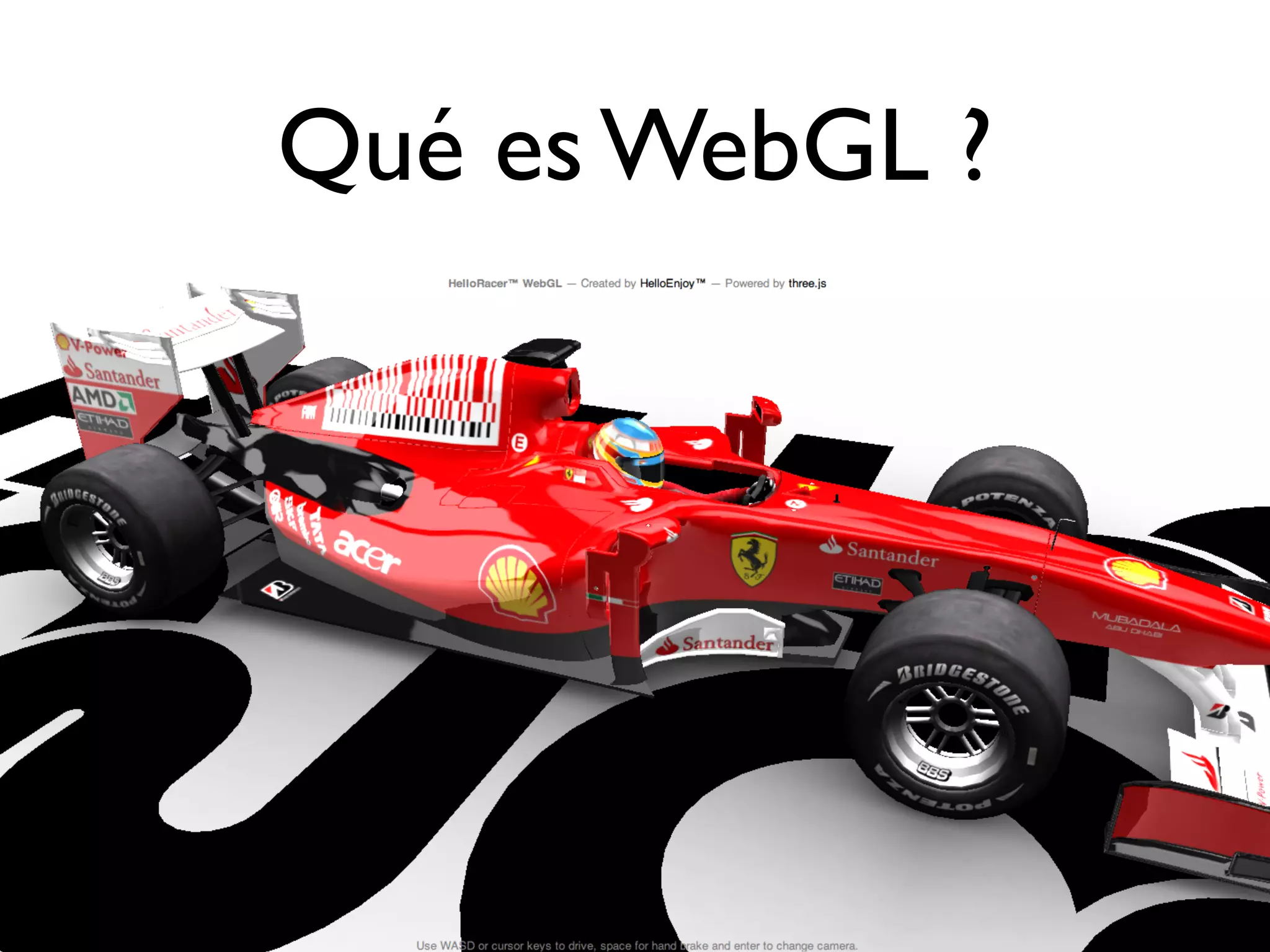
Qué es WebGL ?
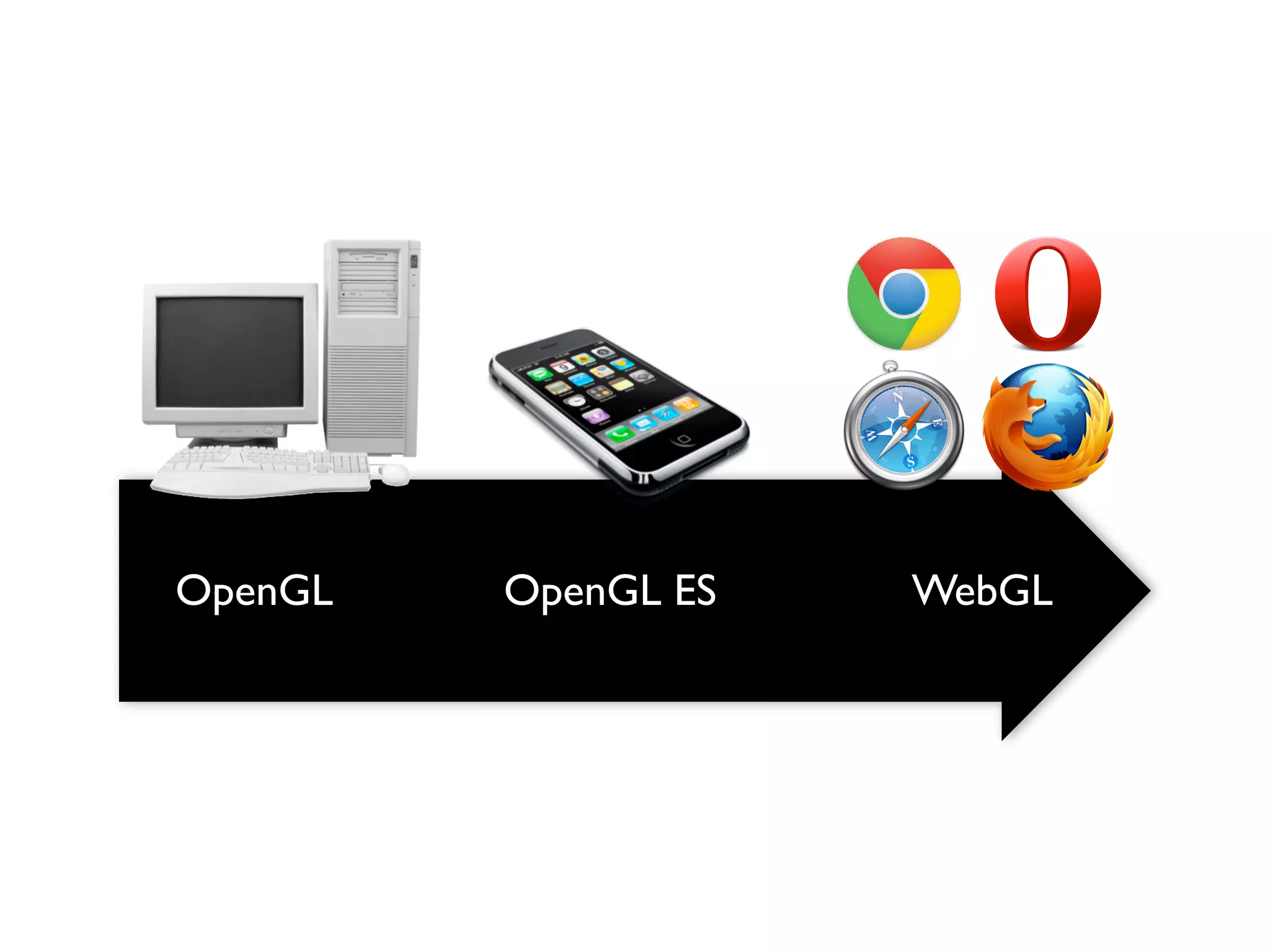
OpenGL   OpenGL ES   WebGL
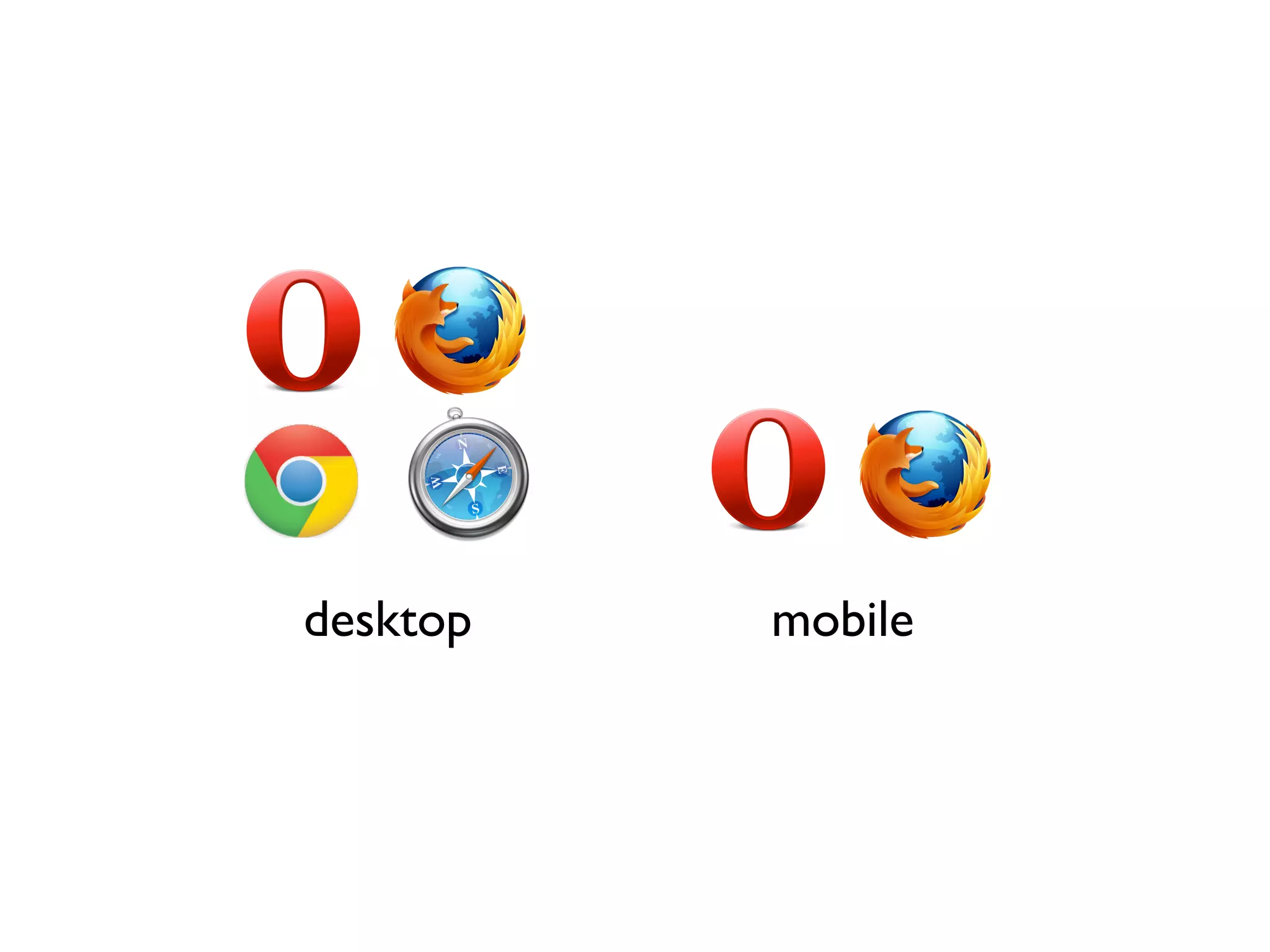
desktop   mobile
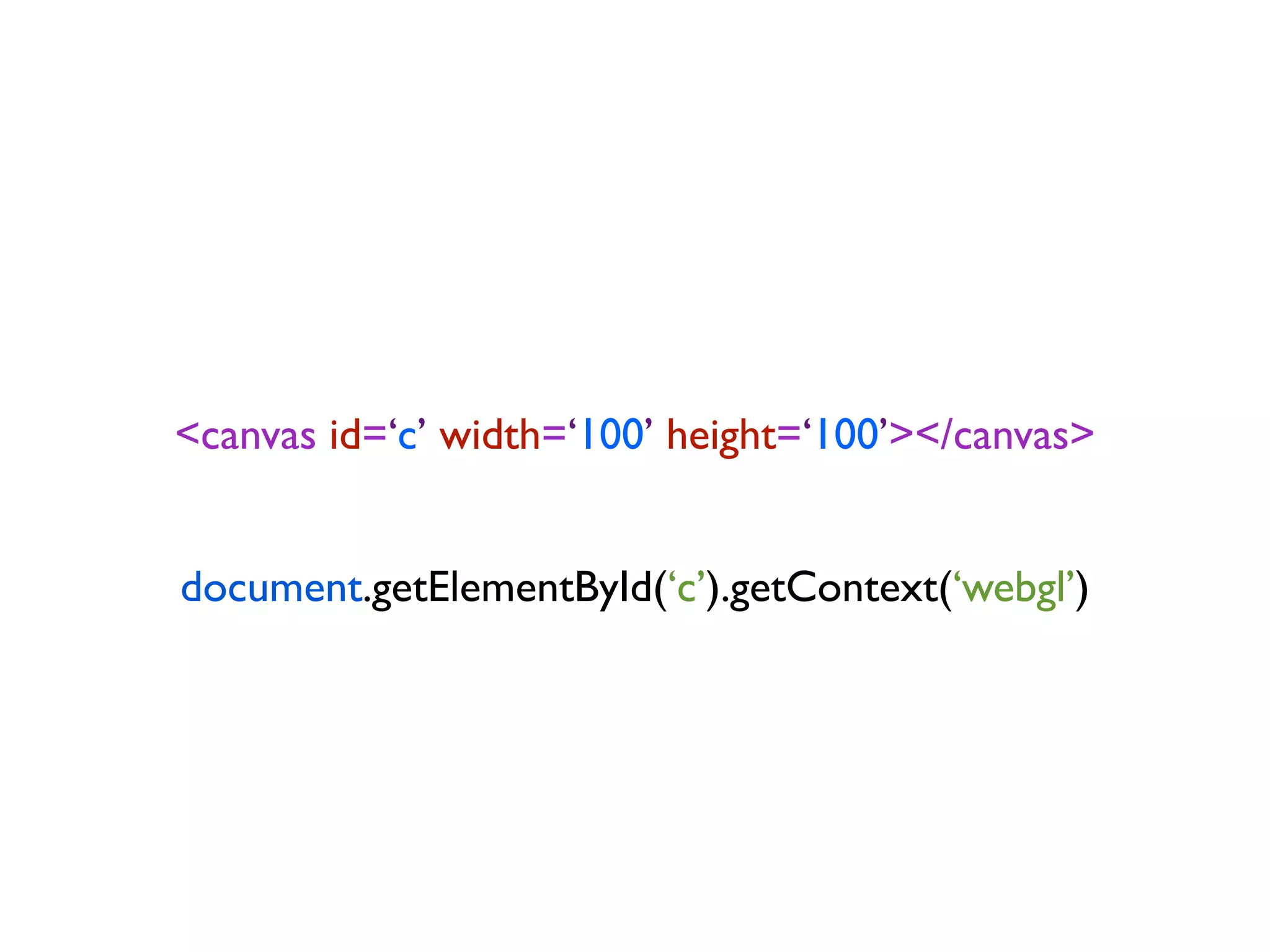
<canvas id=‘c’ width=‘100’ height=‘100’></canvas>


document.getElementById(‘c’).getContext(‘webgl’)
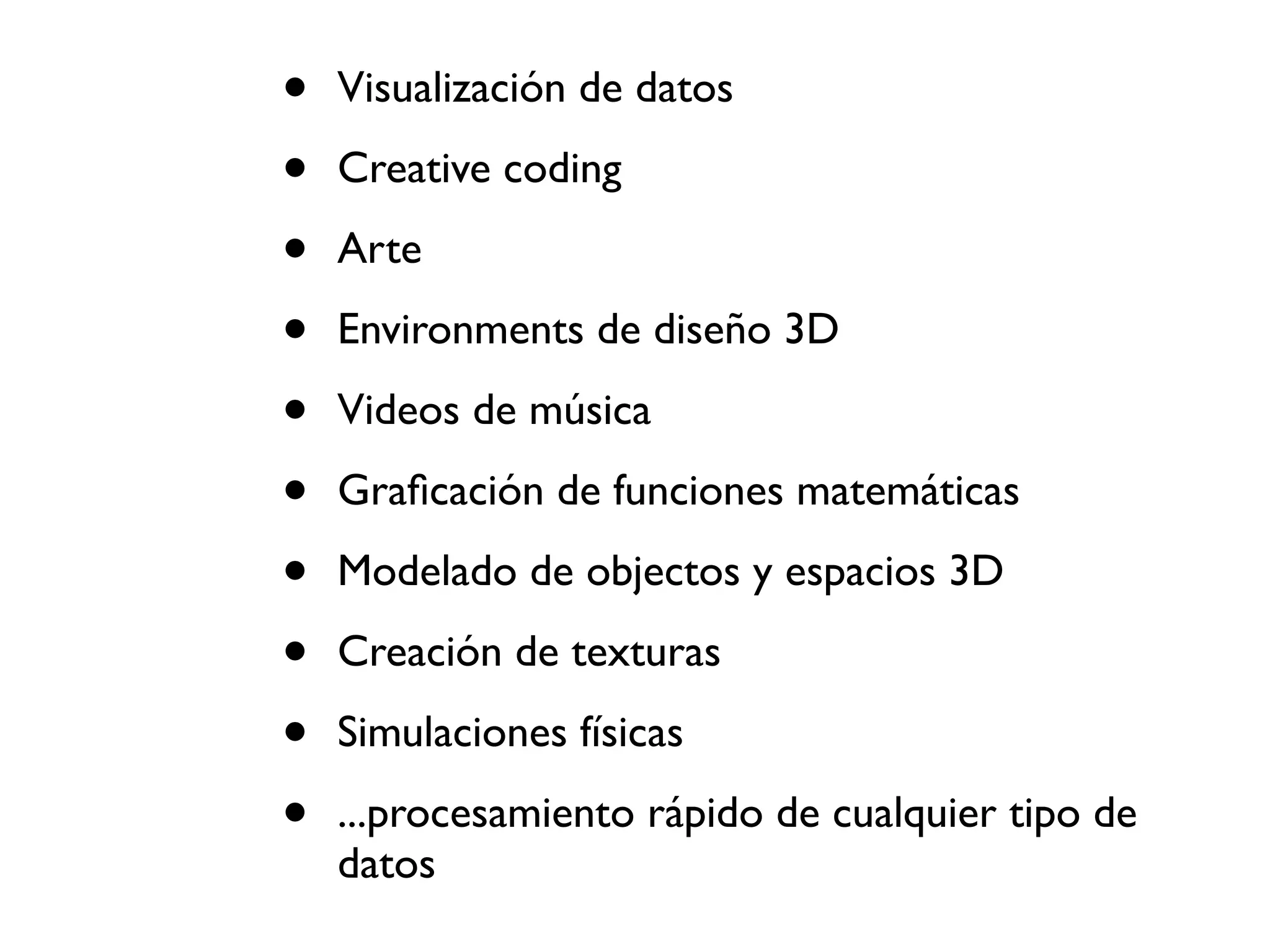
Para qué se puede usar?
•   Visualización de datos

•   Creative coding

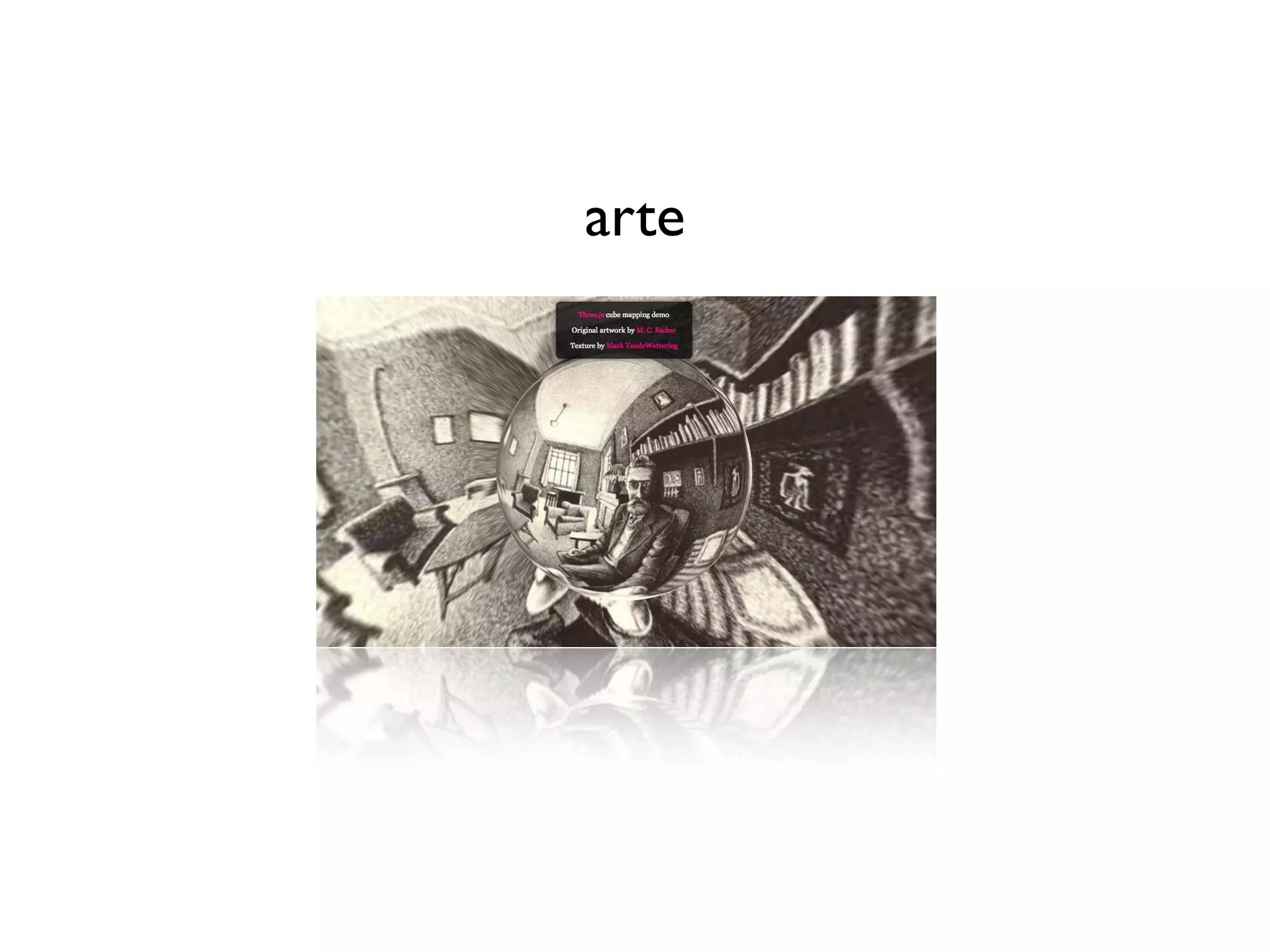
•   Arte

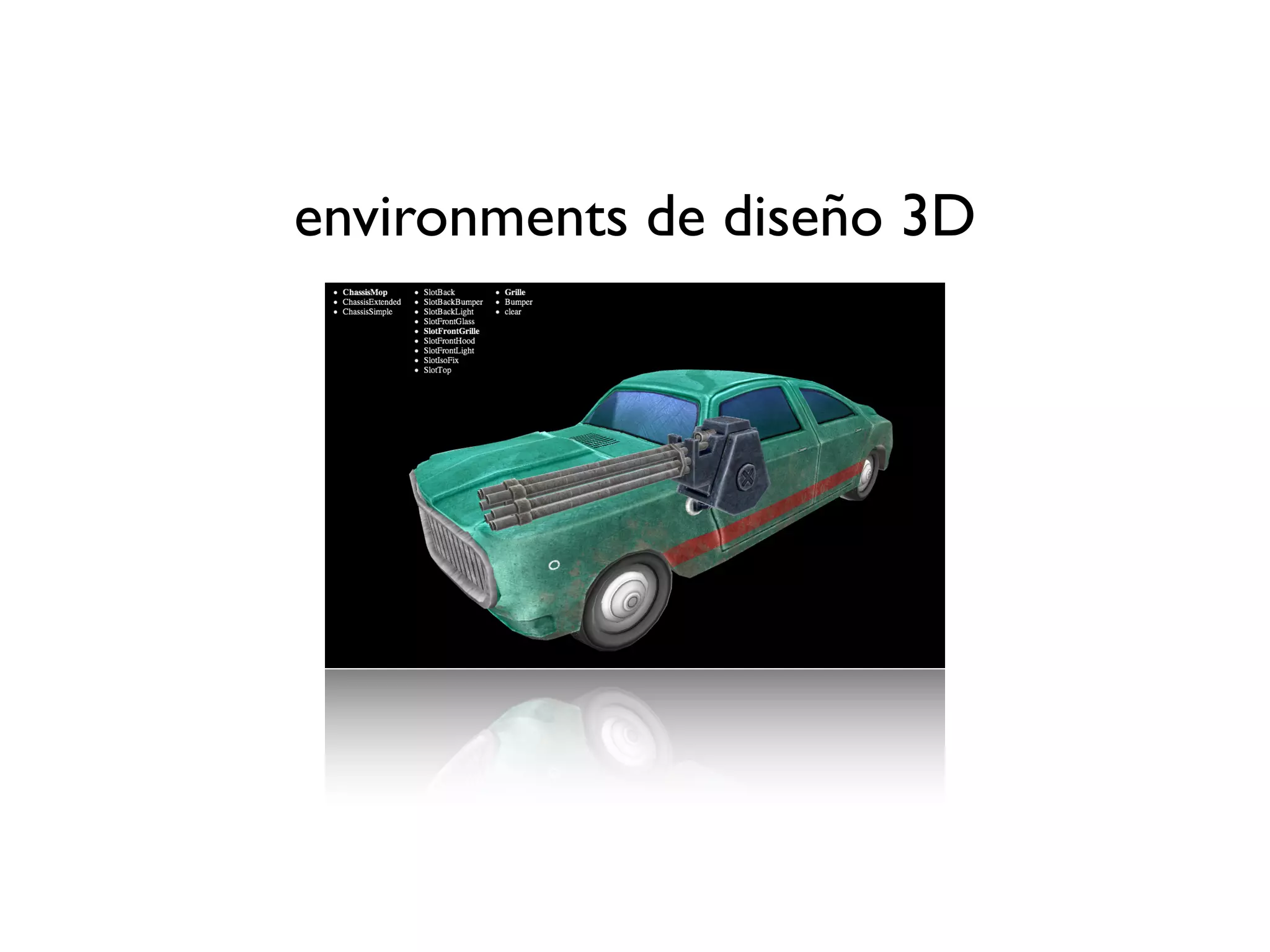
•   Environments de diseño 3D

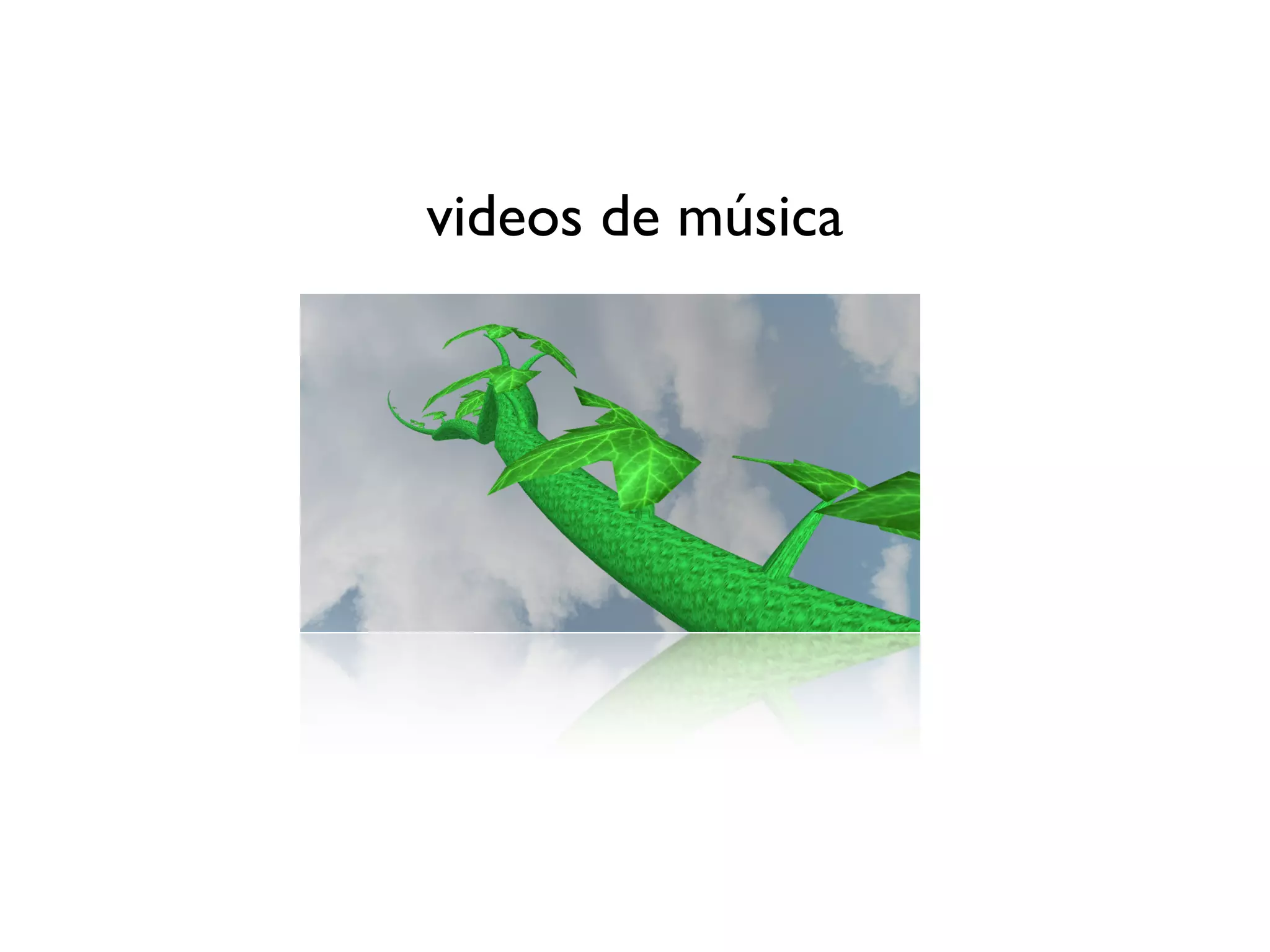
•   Videos de música

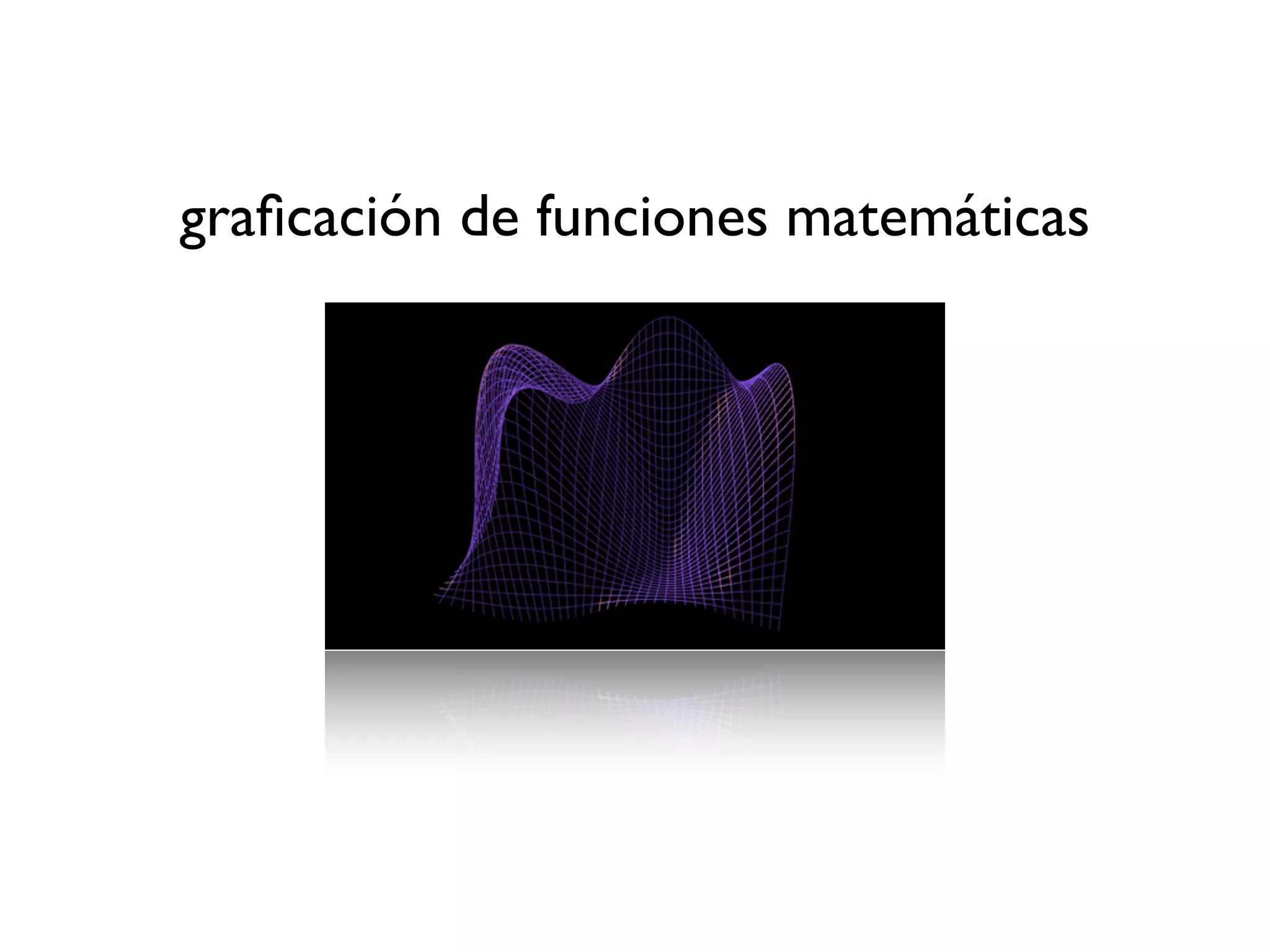
•   Graficación de funciones matemáticas

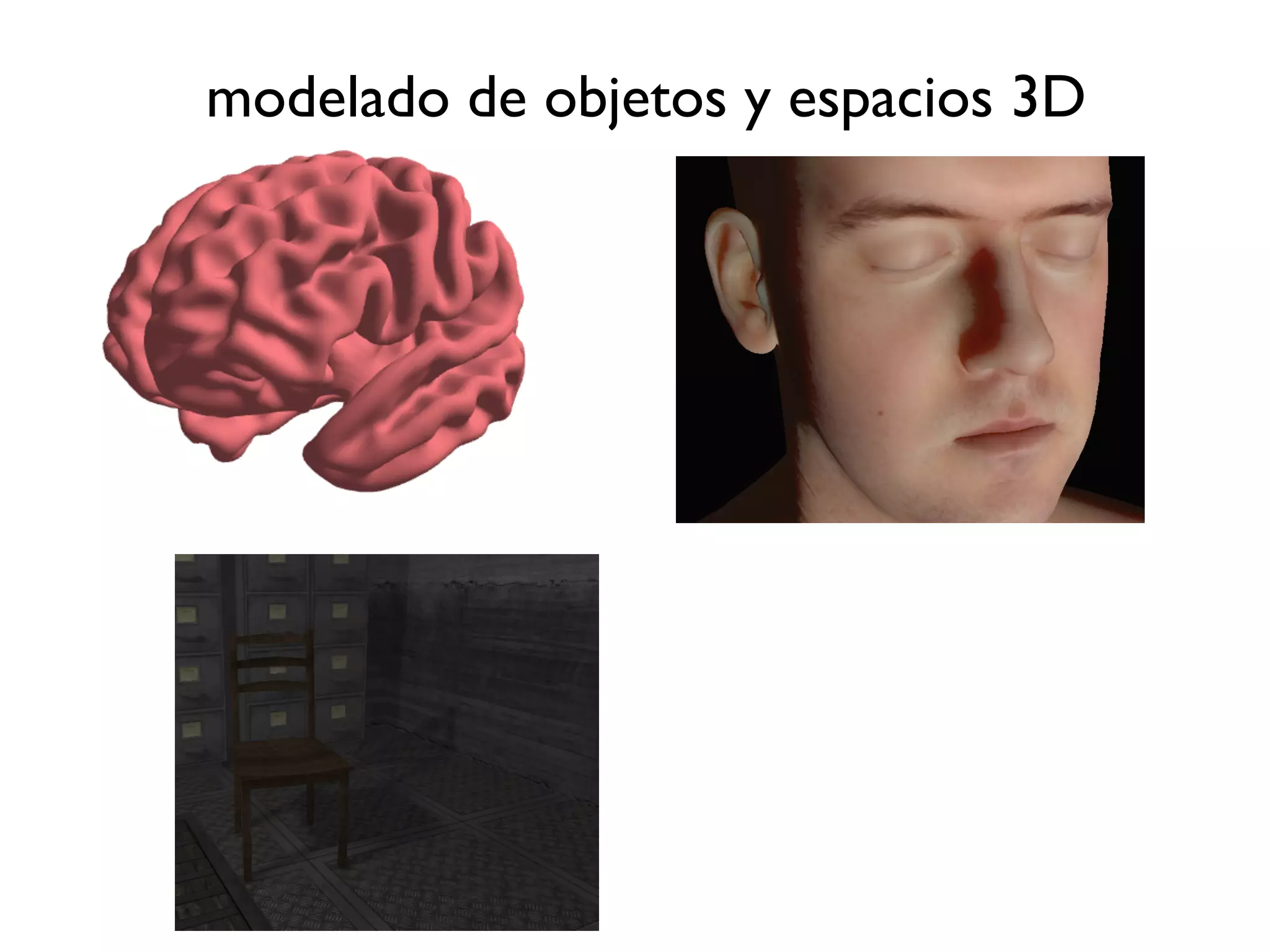
•   Modelado de objectos y espacios 3D

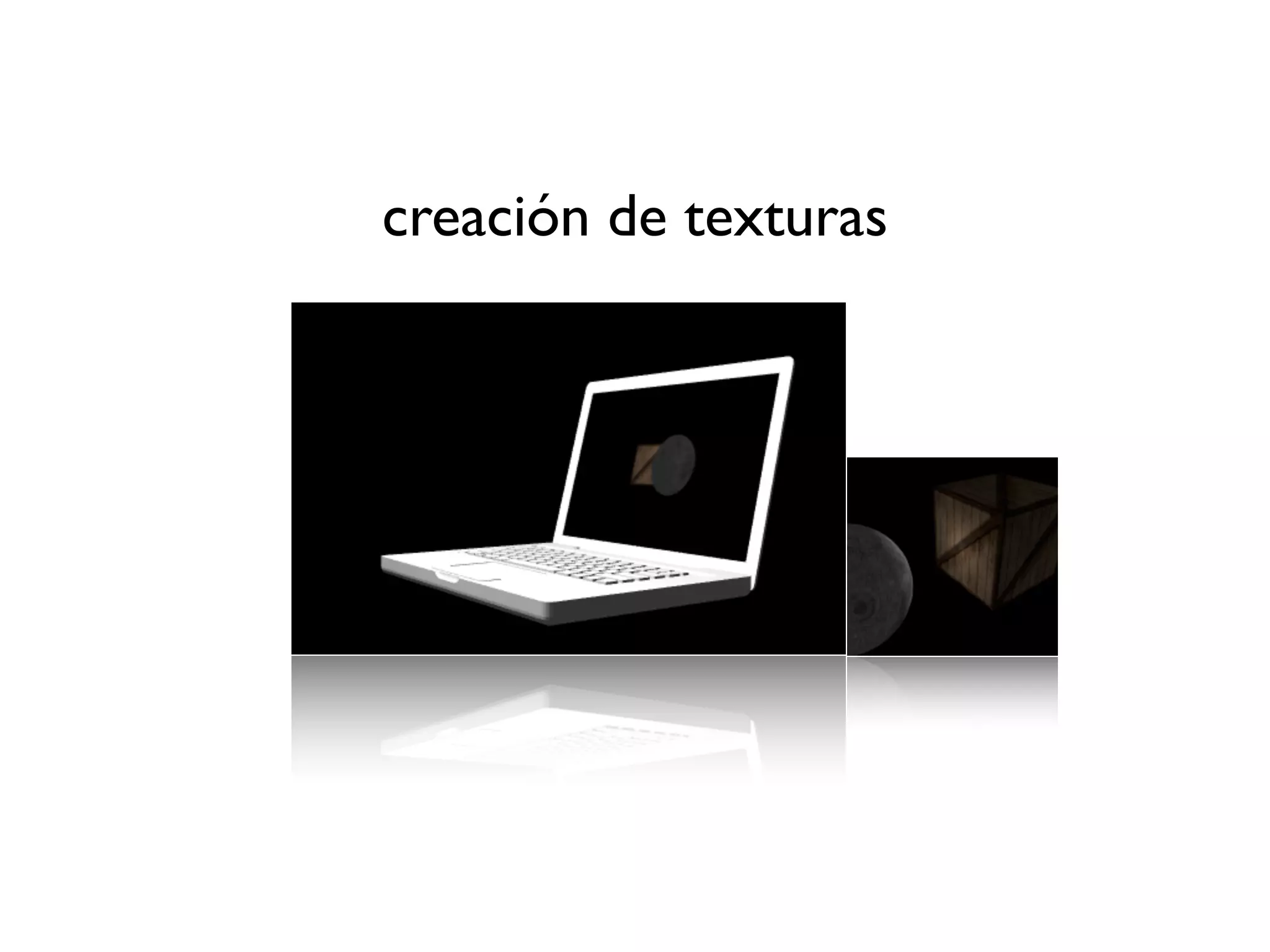
•   Creación de texturas

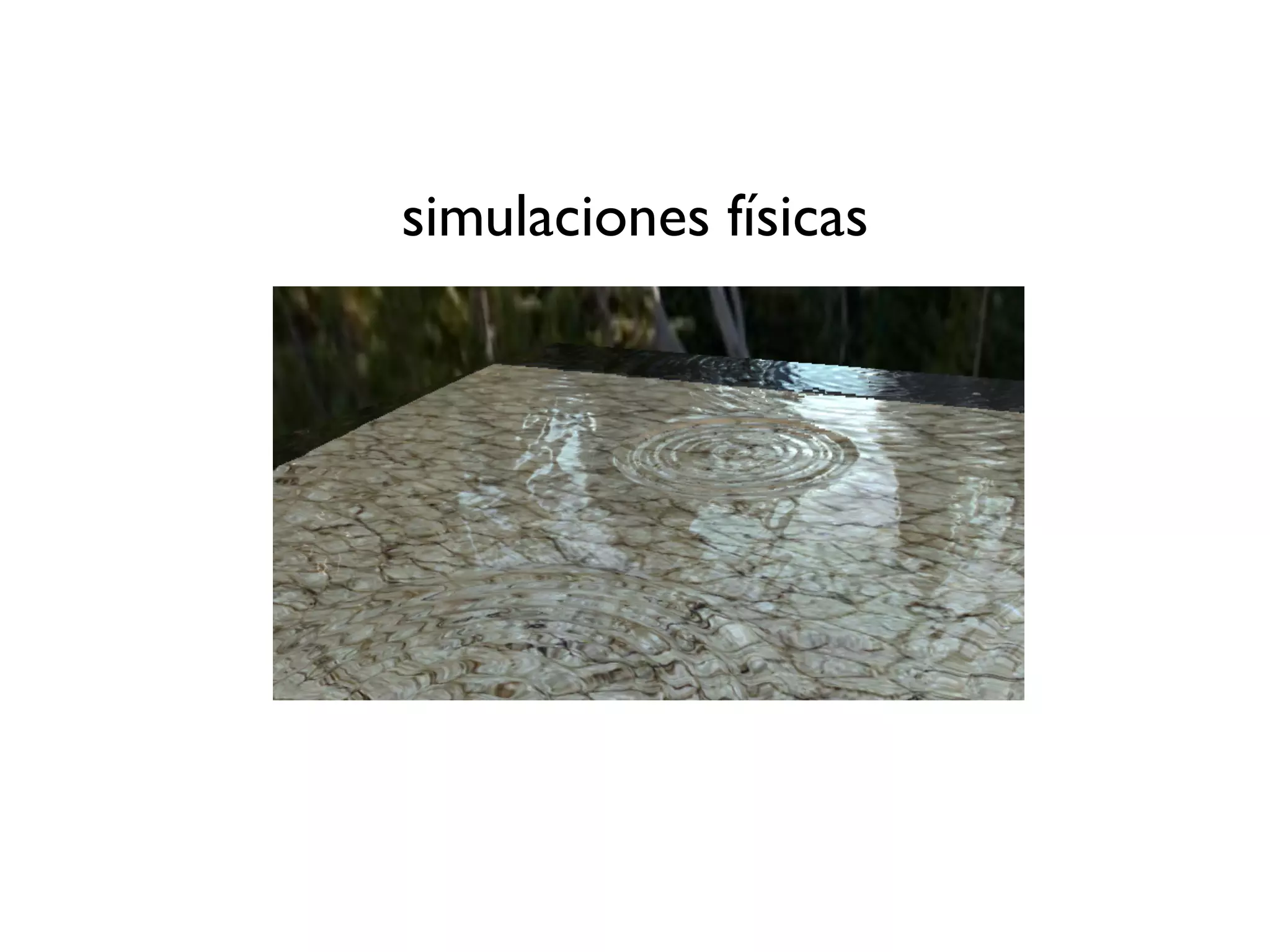
•   Simulaciones físicas

•   ...procesamiento rápido de cualquier tipo de
    datos
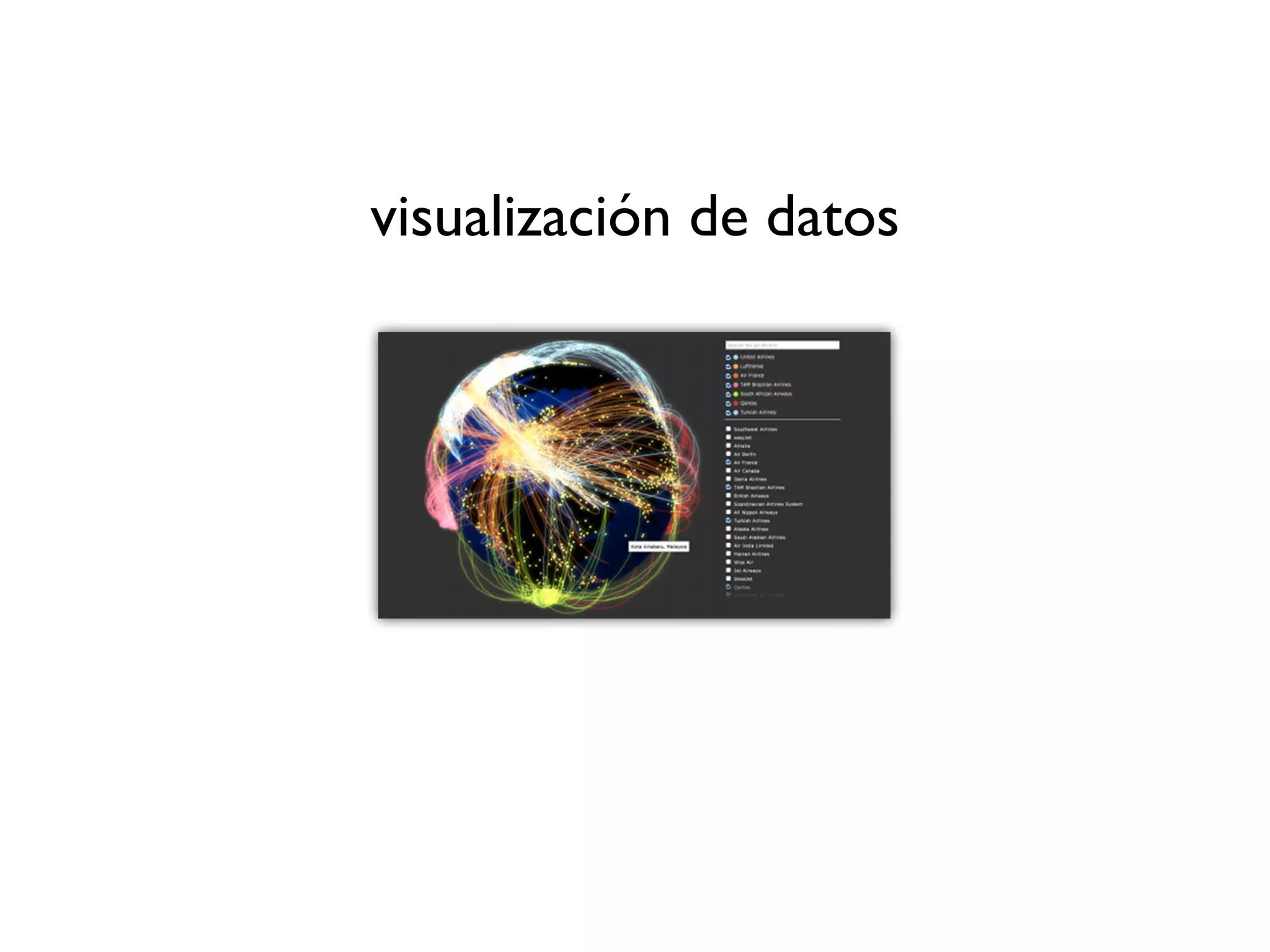
visualización de datos
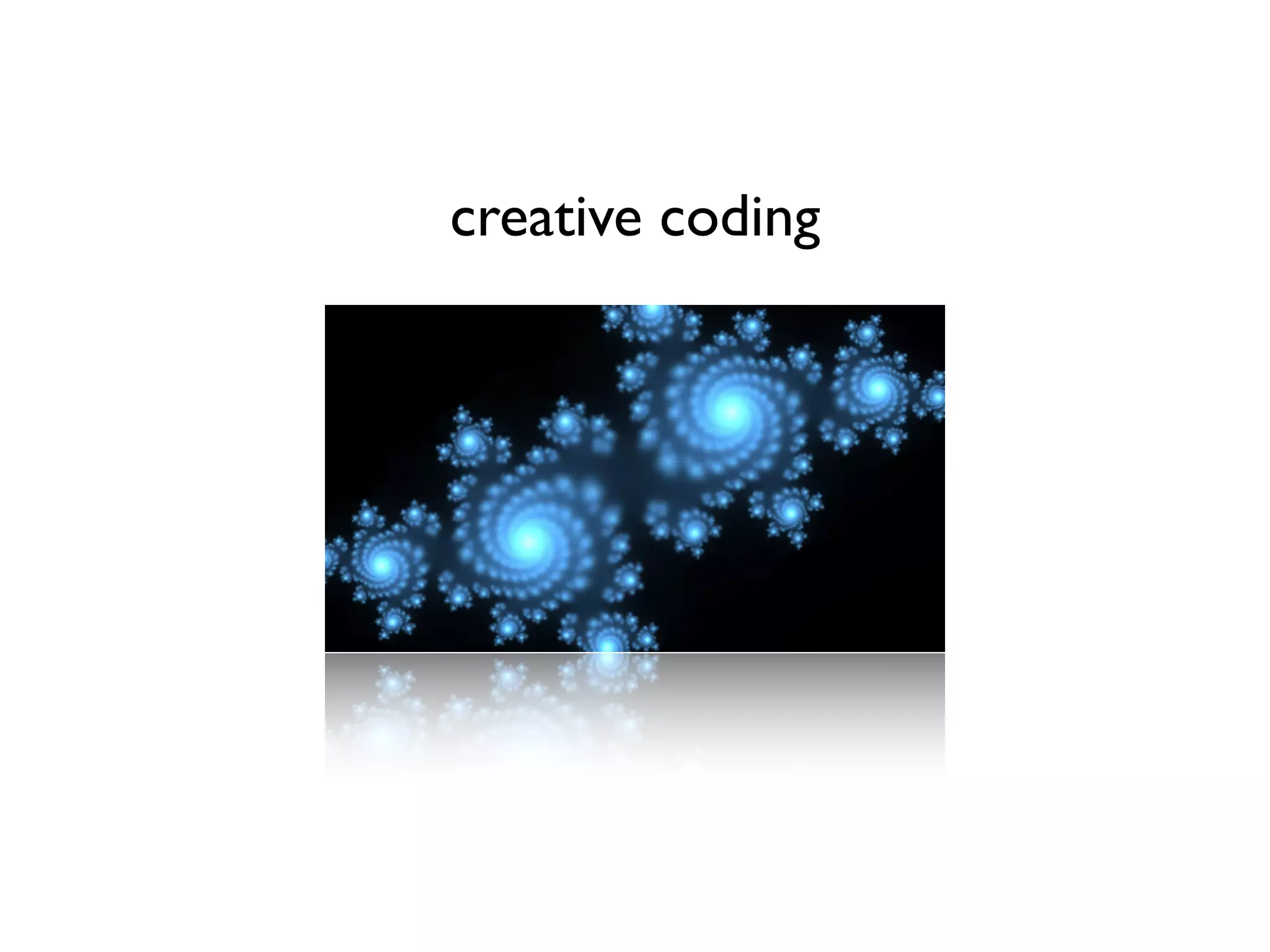
creative coding
arte
environments de diseño 3D
videos de música
graficación de funciones matemáticas
modelado de objetos y espacios 3D
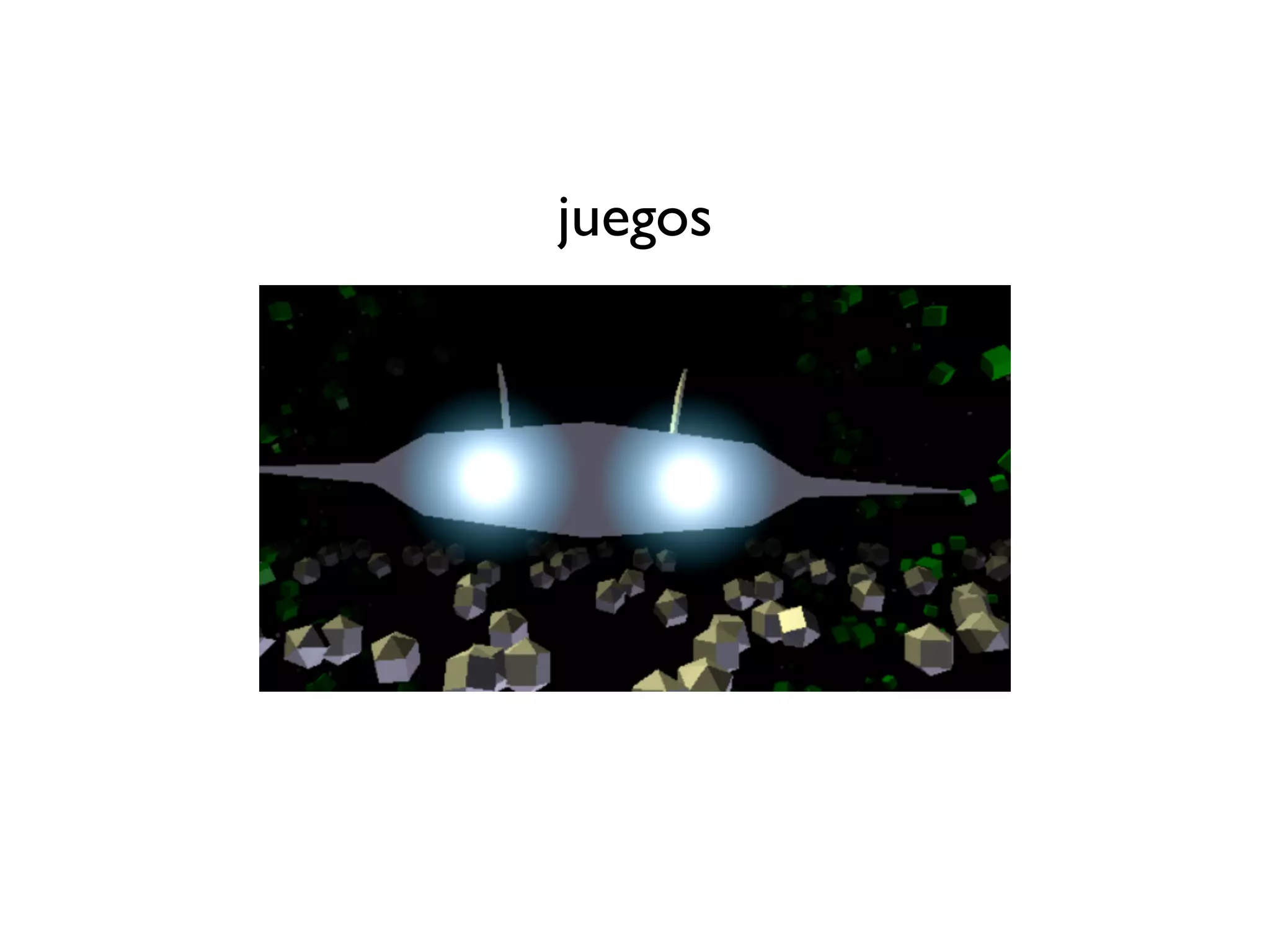
juegos
creación de texturas
simulaciones físicas
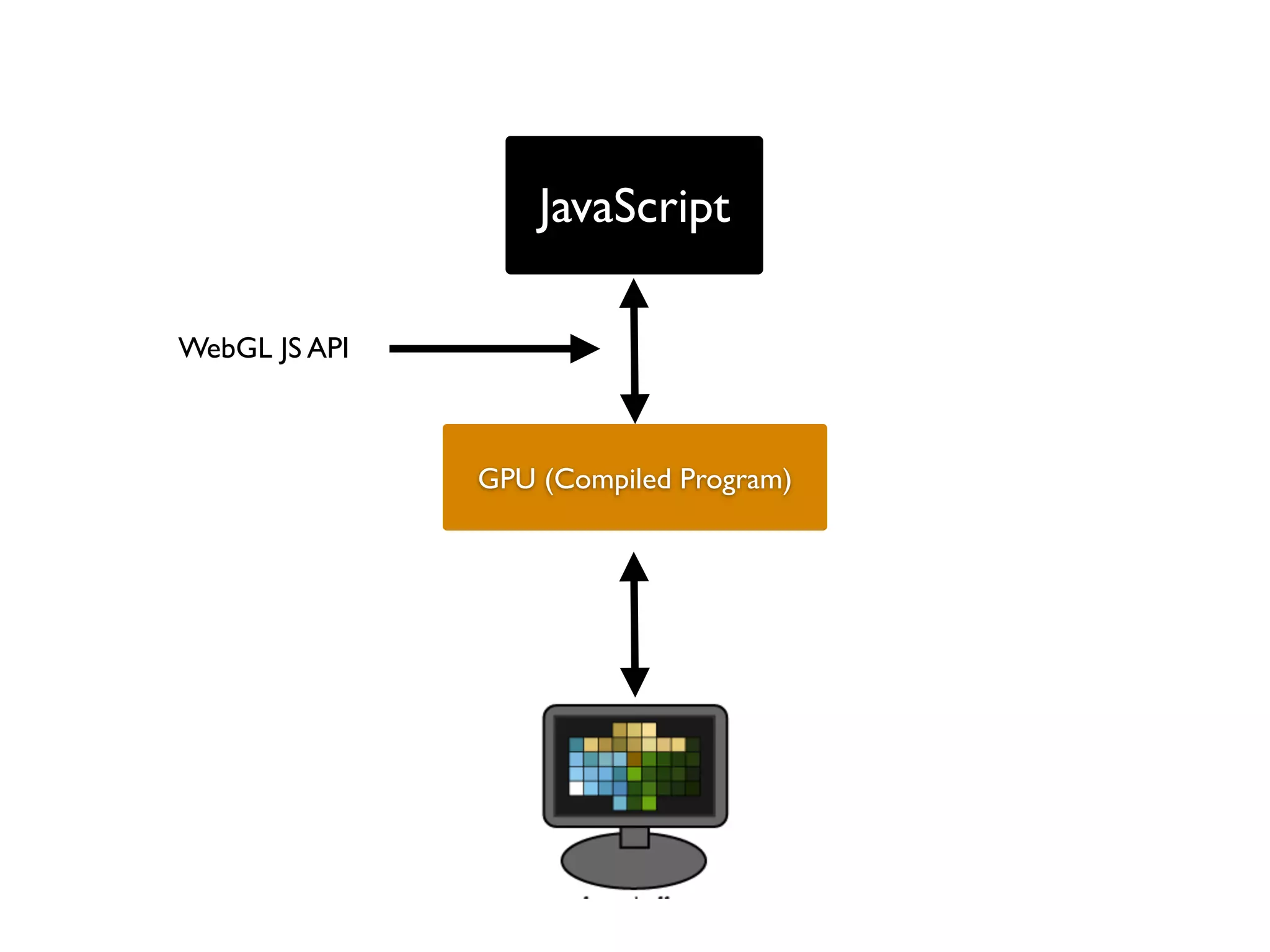
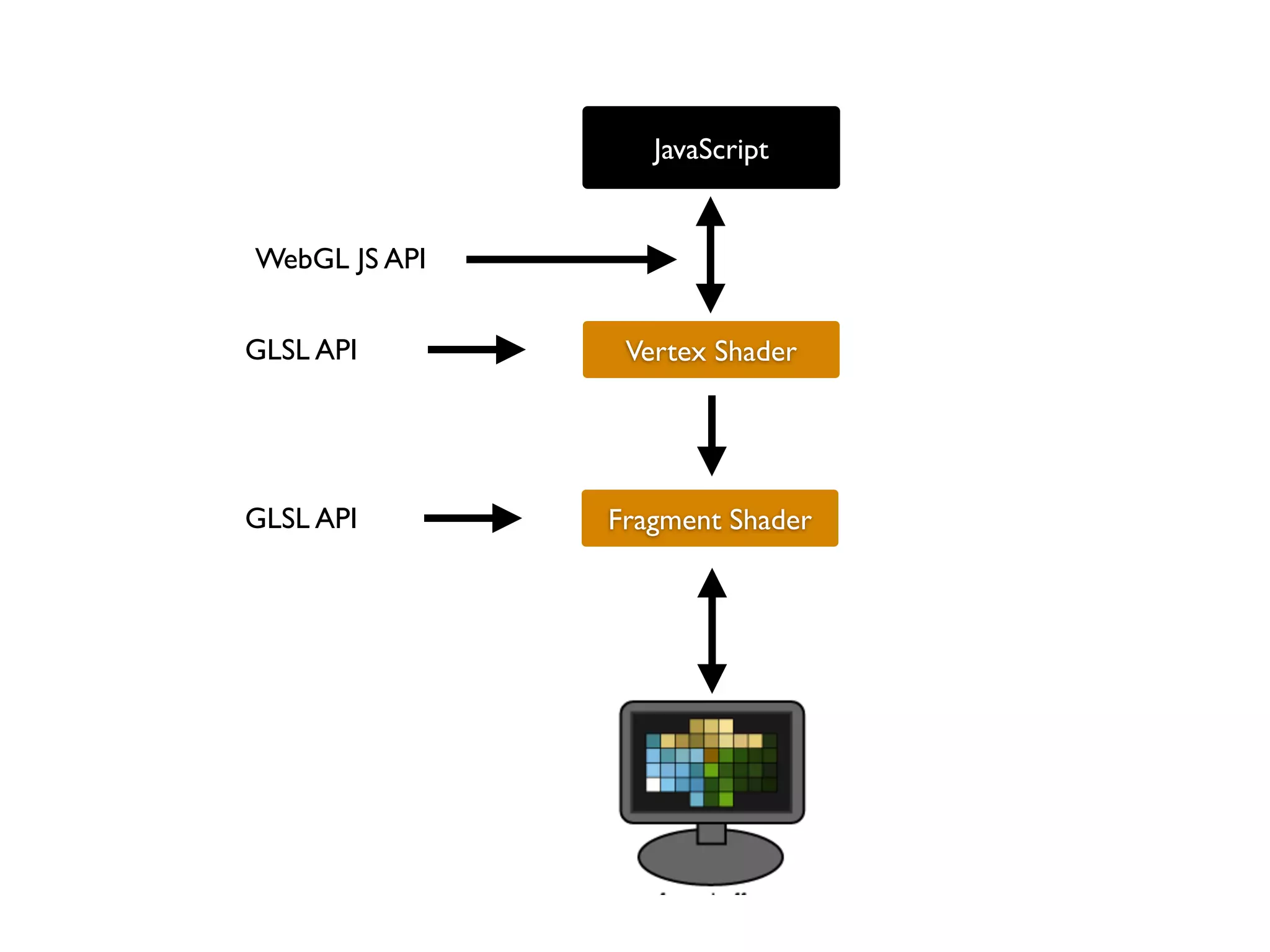
Cómo funciona?
JavaScript

WebGL JS API


               GPU (Compiled Program)
JavaScript


WebGL JS API


GLSL API        Vertex Shader


GLSL API       Fragment Shader
Lo que hay que saber
   para empezar
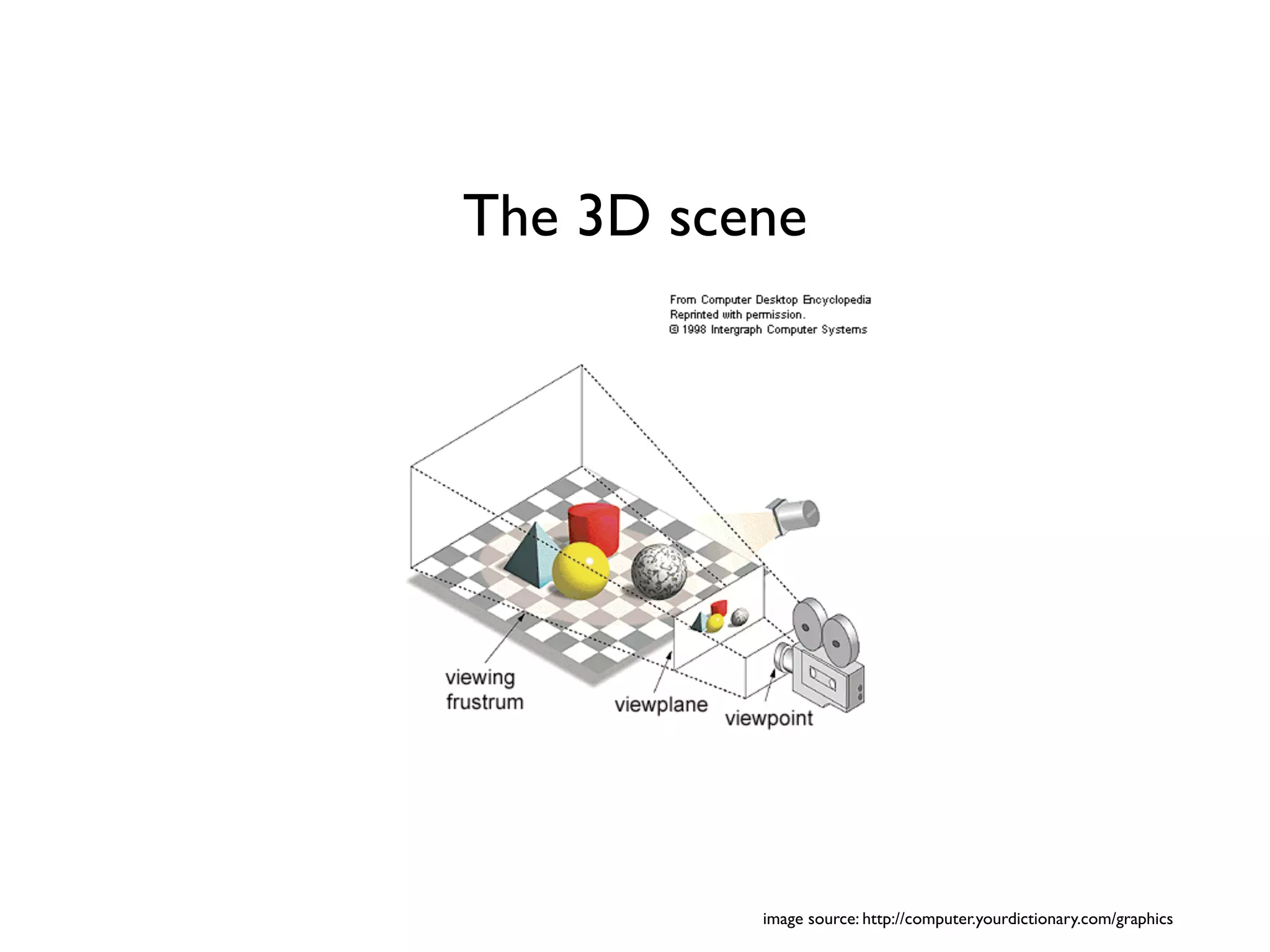
The 3D scene


          image source: http://computer.yourdictionary.com/graphics
Choosing a library
• Three.js
• PhiloGL
• GLGE
• J3D
• TDL
• ...
desktop   mobile
WebGL inspector
Un poco de código
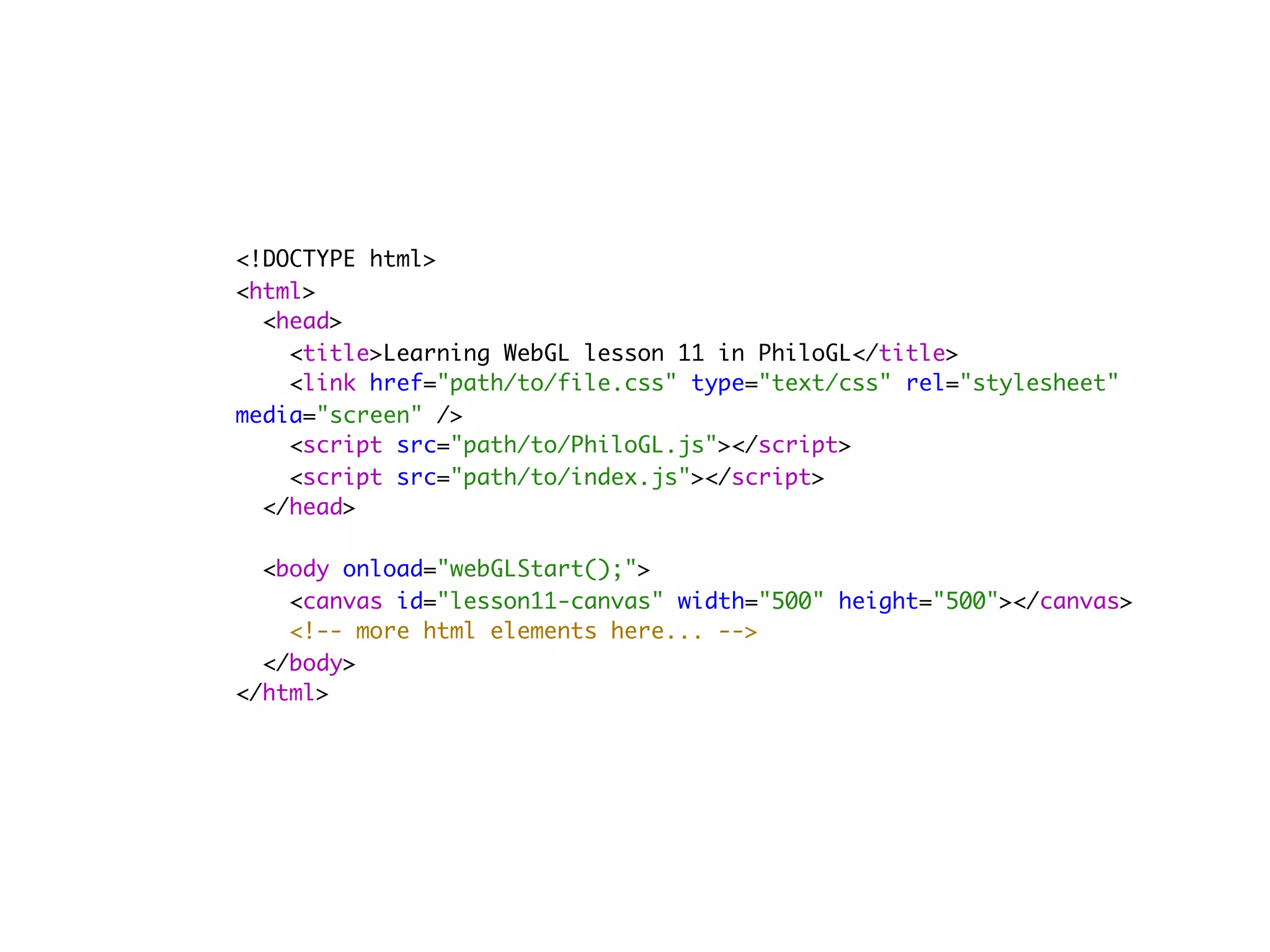
<!DOCTYPE html>
<html>
  <head>
    <title>Learning WebGL lesson 11 in PhiloGL</title>
    <link href="path/to/file.css" type="text/css" rel="stylesheet"
media="screen" />
    <script src="path/to/PhiloGL.js"></script>
    <script src="path/to/index.js"></script>
  </head>
        
  <body onload="webGLStart();">
    <canvas id="lesson11-canvas" width="500" height="500"></canvas>
    <!-- more html elements here... -->
  </body>
</html>
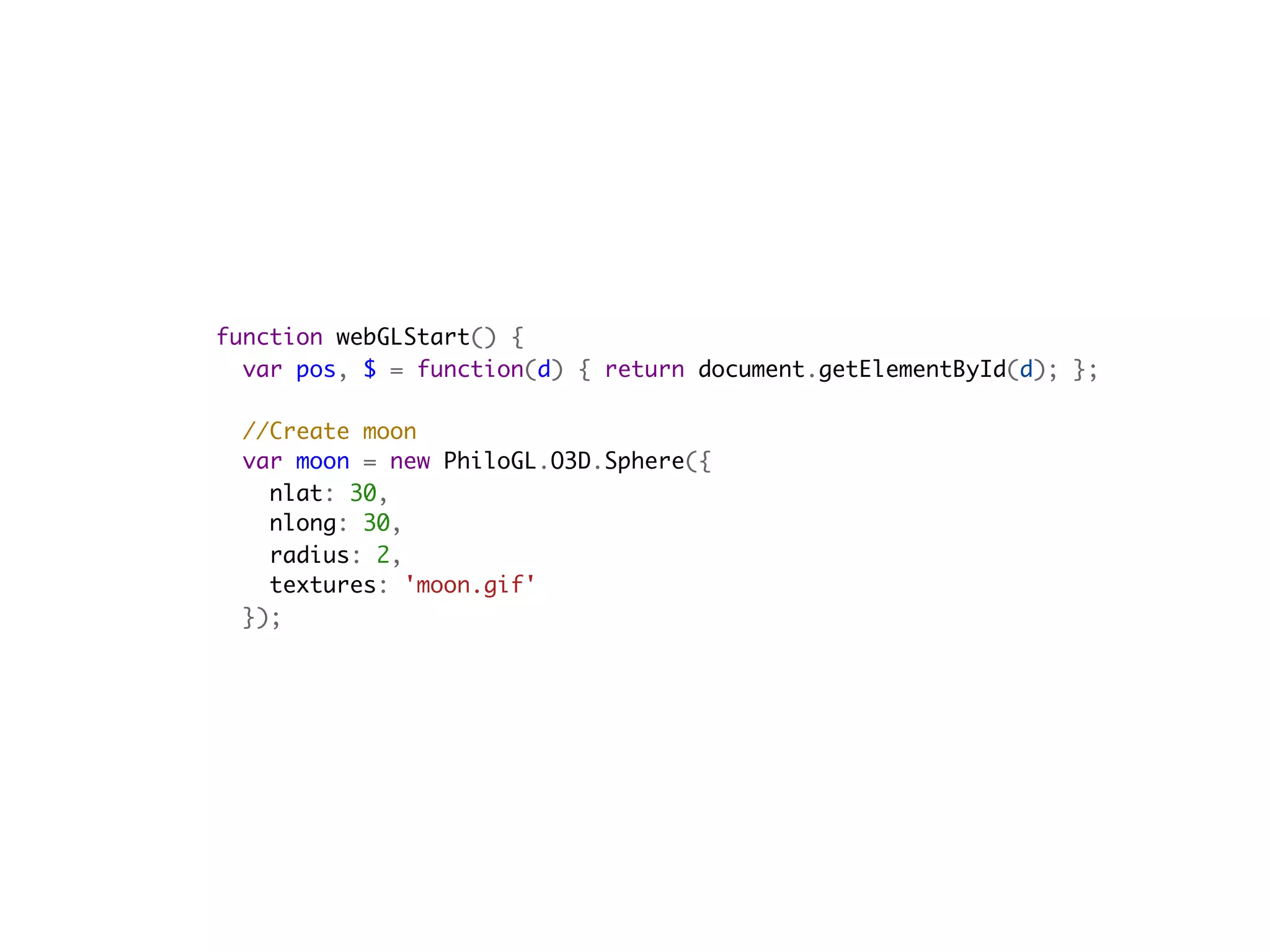
function webGLStart() {
  var pos, $ = function(d) { return document.getElementById(d); };
    
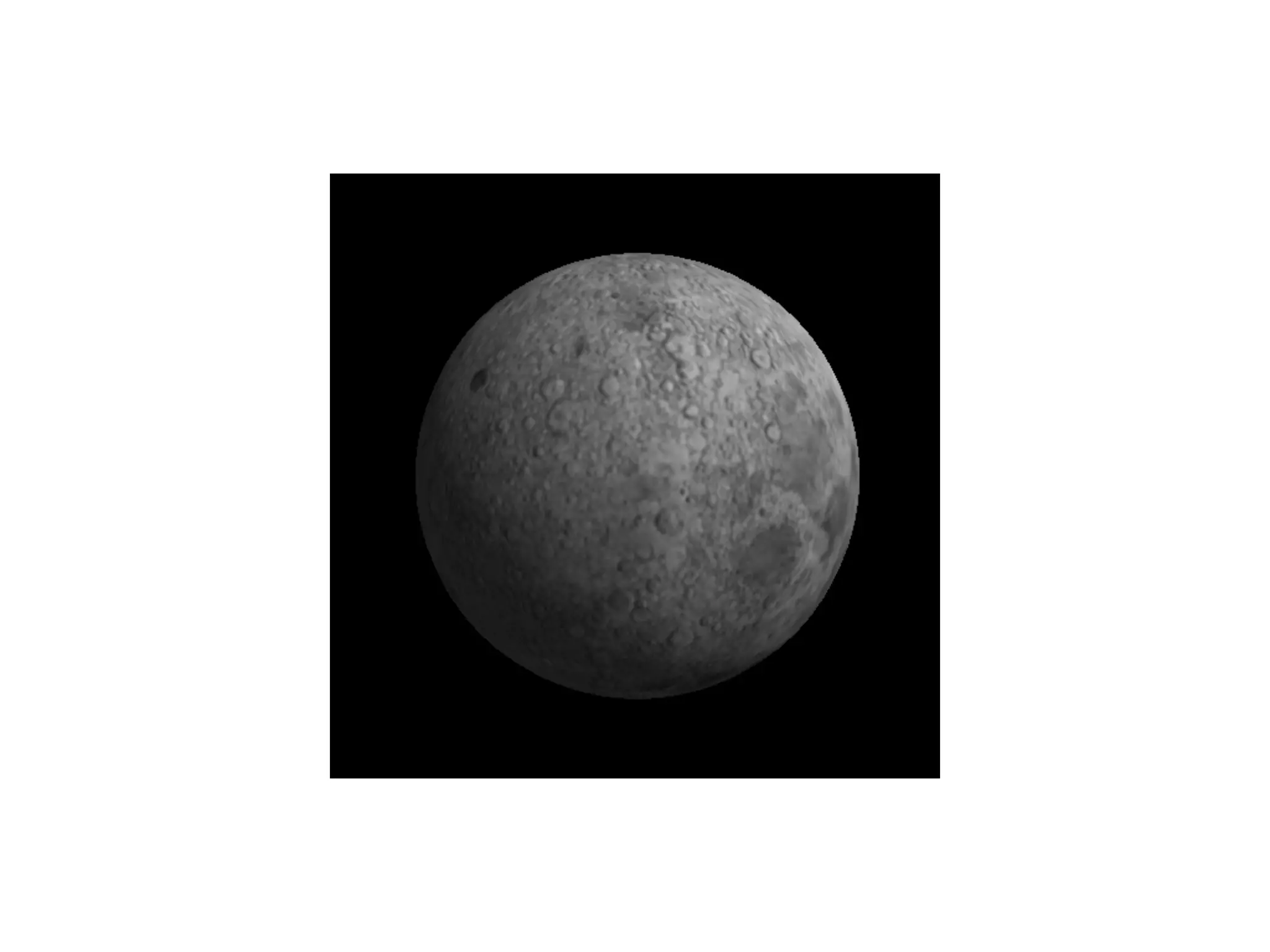
  //Create moon
  var moon = new PhiloGL.O3D.Sphere({
    nlat: 30,
    nlong: 30,
    radius: 2,
    textures: 'moon.gif'
  });
  //Create application
  PhiloGL('lesson11-canvas', {
    camera: {
      position: {
        x: 0, y: 0, z: -7
      }
    },
    textures: {
      src: ['moon.gif'],
      parameters: [{
        name: 'TEXTURE_MAG_FILTER',
        value: 'LINEAR'
      }, {
        name: 'TEXTURE_MIN_FILTER',
        value: 'LINEAR_MIPMAP_NEAREST',
        generateMipmap: true
      }]
    },
    events: {
      onDragStart: function(e) {
        pos = {
          x: e.x,
          y: e.y
        };
      },
      onDragMove: function(e) {
        var z = this.camera.position.z,
        sign = Math.abs(z) / z;

          moon.rotation.y += -(pos.x - e.x) / 100;
          moon.rotation.x += sign * (pos.y - e.y) / 100;
          moon.update();
          pos.x = e.x;
          pos.y = e.y;
        },
        onMouseWheel: function(e) {
          e.stop();
          var camera = this.camera;
          camera.position.z += e.wheel;
          camera.update();
        }
      },
      onError: function() {
        alert("There was an error creating the app.");
      },
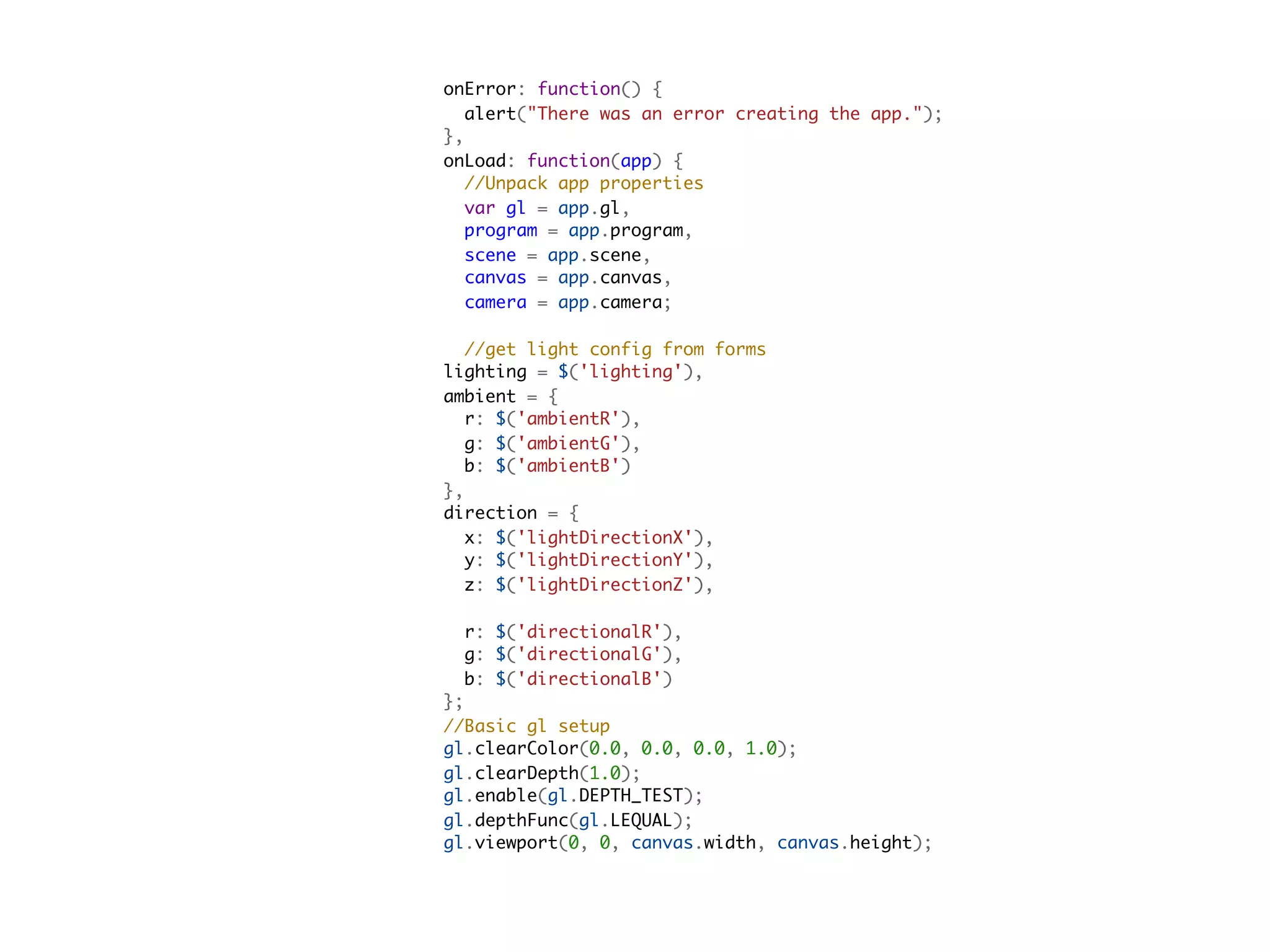
      onLoad: function(app) {
        //Unpack app properties
        var gl = app.gl,
        program = app.program,
        scene = app.scene,
        canvas = app.canvas,
        camera = app.camera;

        //get light config from forms
      lighting = $('lighting'),
      ambient = {
        r: $('ambientR'),
        g: $('ambientG'),
        b: $('ambientB')
      },
      direction = {
        x: $('lightDirectionX'),
        y: $('lightDirectionY'),
        z: $('lightDirectionZ'),

        r: $('directionalR'),
        g: $('directionalG'),
        b: $('directionalB')
      };
      //Basic gl setup
      gl.clearColor(0.0, 0.0, 0.0, 1.0);
      gl.clearDepth(1.0);
      gl.enable(gl.DEPTH_TEST);
      gl.depthFunc(gl.LEQUAL);
      gl.viewport(0, 0, canvas.width, canvas.height);
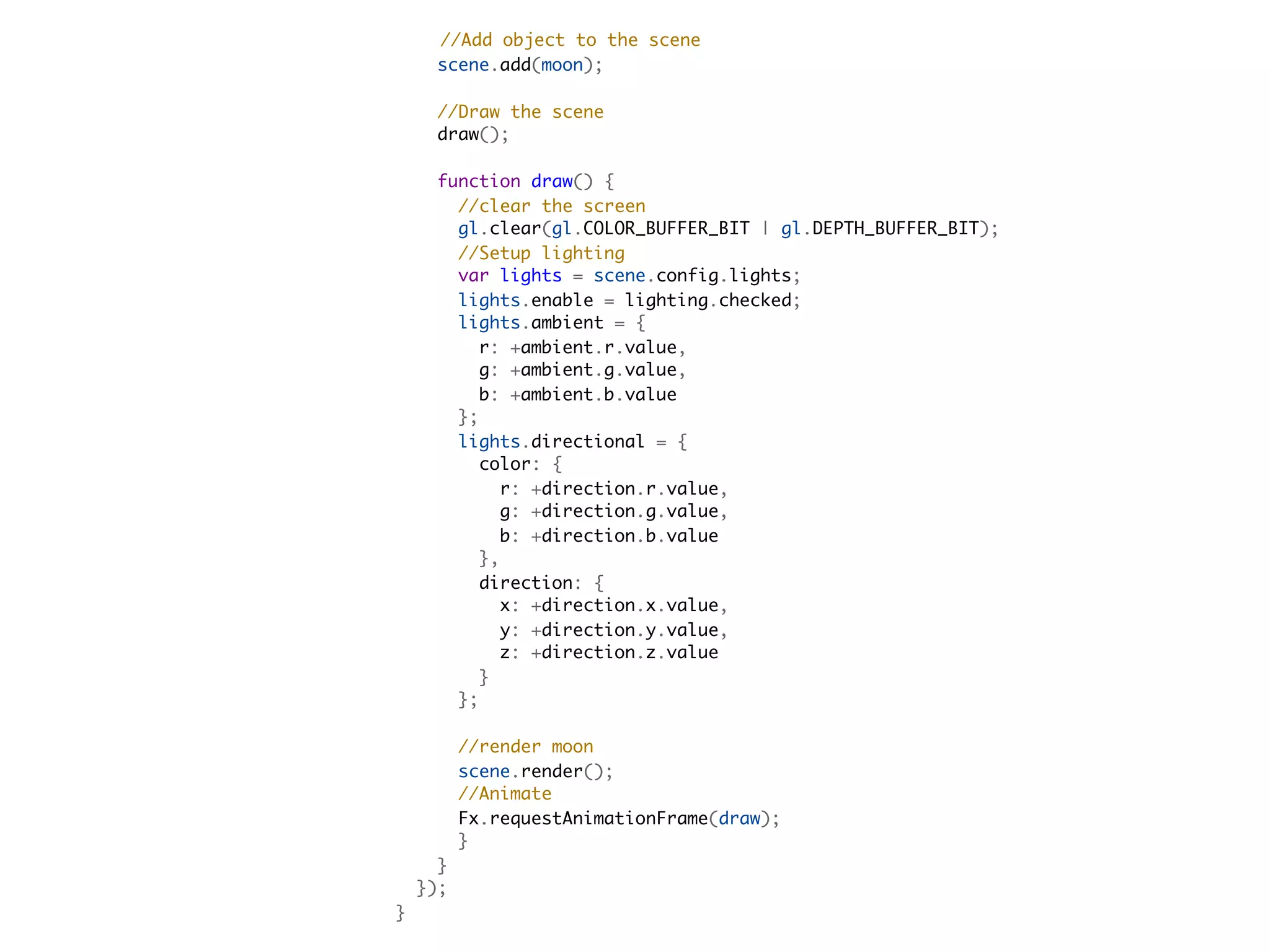
//Add object to the scene
      scene.add(moon);
      
      //Draw the scene
      draw();        

    function draw() {
      //clear the screen
      gl.clear(gl.COLOR_BUFFER_BIT | gl.DEPTH_BUFFER_BIT);
      //Setup lighting
      var lights = scene.config.lights;
      lights.enable = lighting.checked;
      lights.ambient = {
        r: +ambient.r.value,
        g: +ambient.g.value,
        b: +ambient.b.value
      };
      lights.directional = {
        color: {
          r: +direction.r.value,
          g: +direction.g.value,
          b: +direction.b.value
        },
        direction: {
          x: +direction.x.value,
          y: +direction.y.value,
          z: +direction.z.value
        }
      };
  
      //render moon
      scene.render();
      //Animate
      Fx.requestAnimationFrame(draw);
      }
    }
  });
}
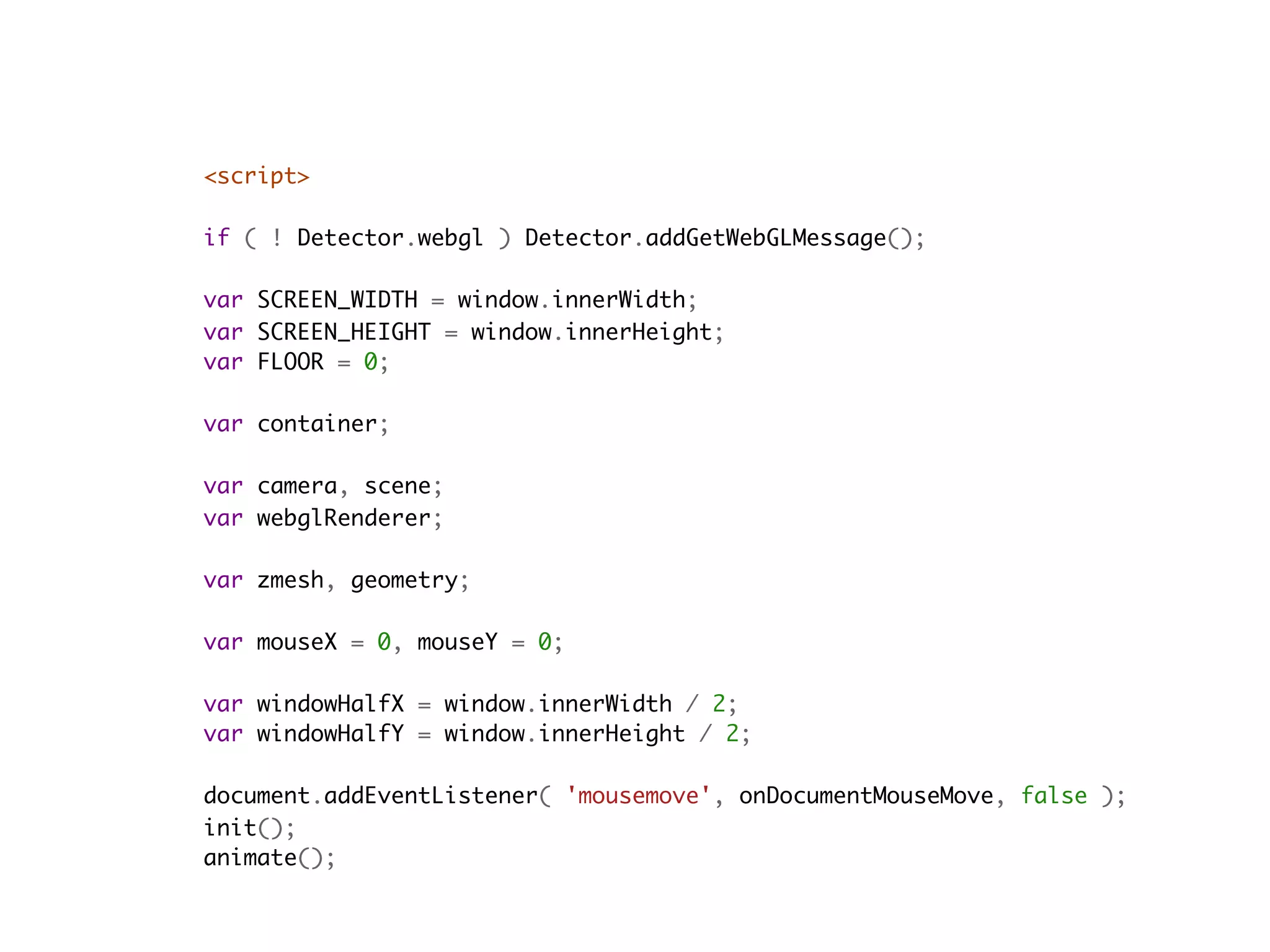
<script>
    
if ( ! Detector.webgl ) Detector.addGetWebGLMessage();

var SCREEN_WIDTH = window.innerWidth;
var SCREEN_HEIGHT = window.innerHeight;
var FLOOR = 0;

var container;

var camera, scene;
var webglRenderer;

var zmesh, geometry;

var mouseX = 0, mouseY = 0;

var windowHalfX = window.innerWidth / 2;
var windowHalfY = window.innerHeight / 2;

document.addEventListener( 'mousemove', onDocumentMouseMove, false );
init();
animate();
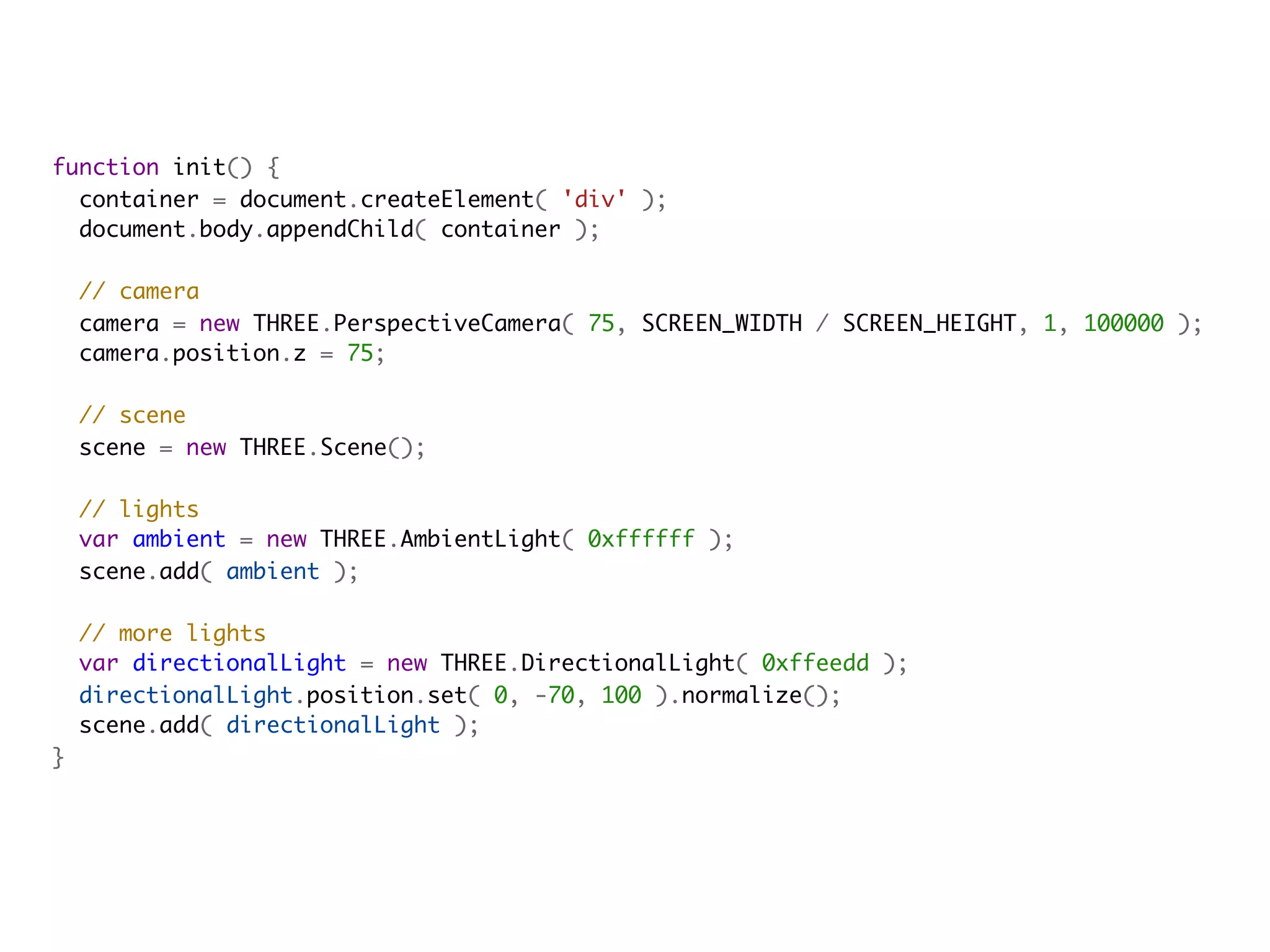
function init() {
  container = document.createElement( 'div' );
  document.body.appendChild( container );
            
  // camera
  camera = new THREE.PerspectiveCamera( 75, SCREEN_WIDTH / SCREEN_HEIGHT, 1, 100000 );
  camera.position.z = 75;
            
  // scene
  scene = new THREE.Scene();

  // lights
  var ambient = new THREE.AmbientLight( 0xffffff );
  scene.add( ambient );
            
  // more lights
  var directionalLight = new THREE.DirectionalLight( 0xffeedd );
  directionalLight.position.set( 0, -70, 100 ).normalize();
  scene.add( directionalLight );
}
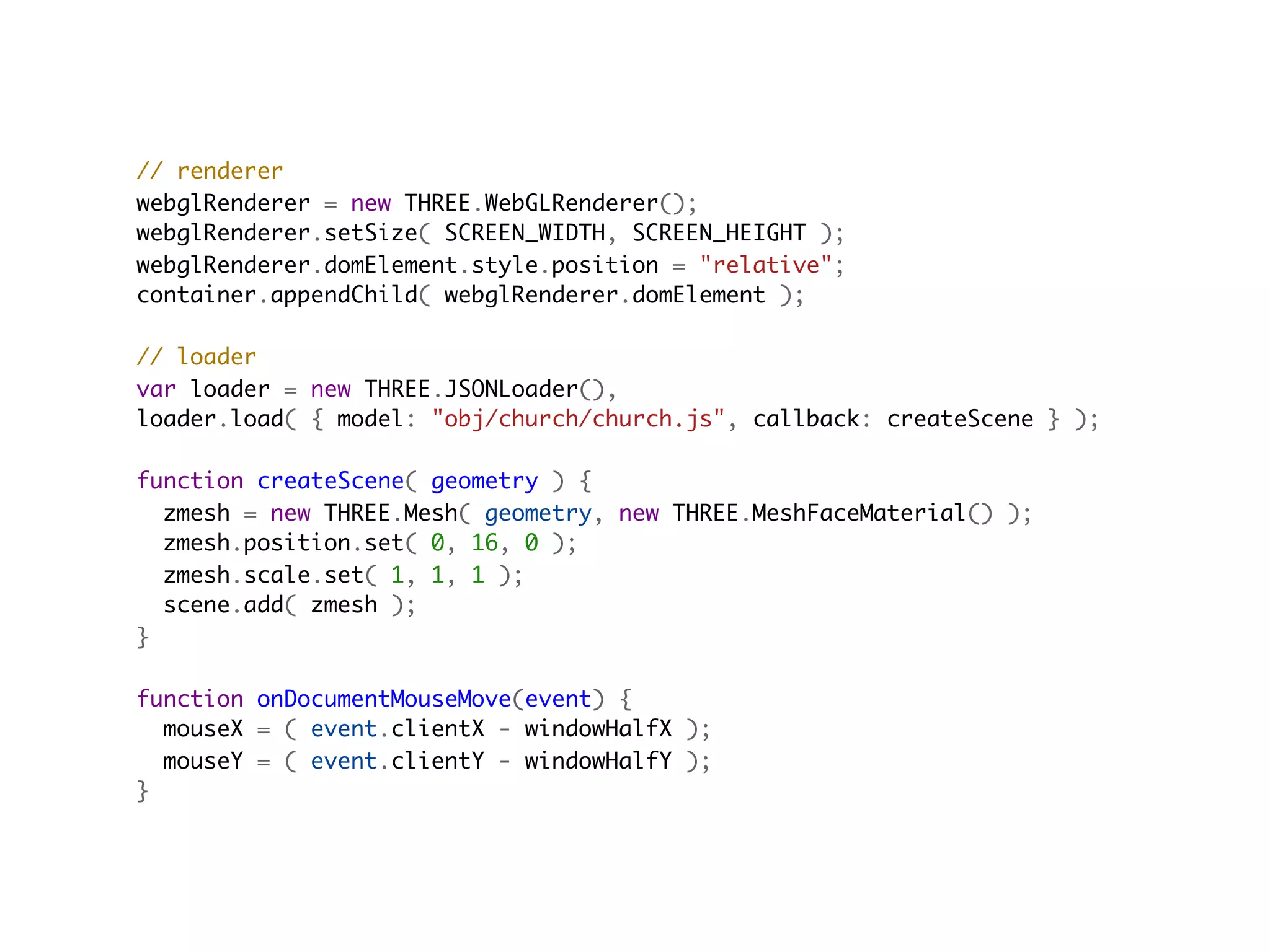
// renderer
webglRenderer = new THREE.WebGLRenderer();
webglRenderer.setSize( SCREEN_WIDTH, SCREEN_HEIGHT );
webglRenderer.domElement.style.position = "relative";
container.appendChild( webglRenderer.domElement );

// loader
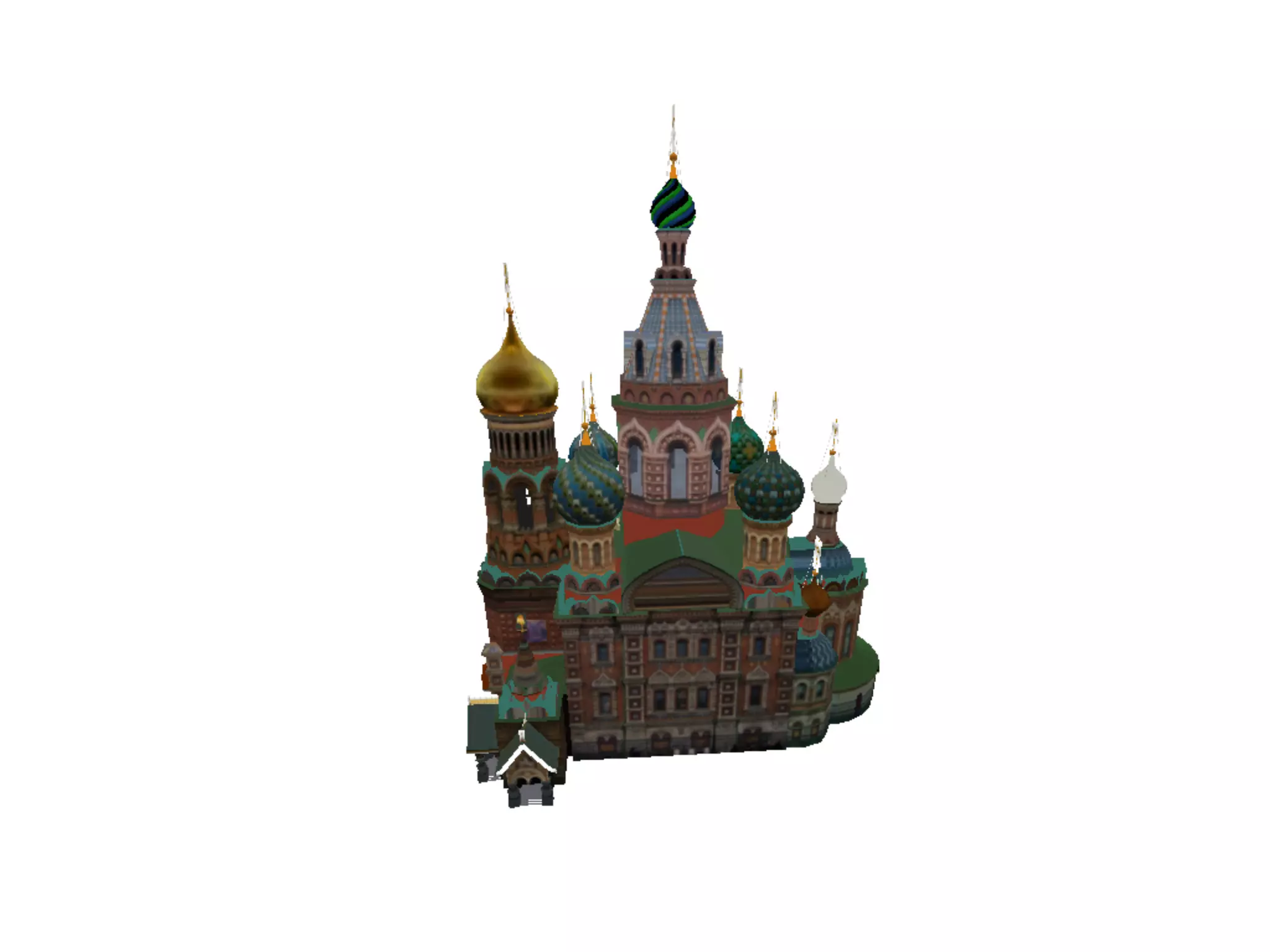
var loader = new THREE.JSONLoader(),
loader.load( { model: "obj/church/church.js", callback: createScene } );
                                         
function createScene( geometry ) {
  zmesh = new THREE.Mesh( geometry, new THREE.MeshFaceMaterial() );
  zmesh.position.set( 0, 16, 0 );
  zmesh.scale.set( 1, 1, 1 );
  scene.add( zmesh );
}

function onDocumentMouseMove(event) {
  mouseX = ( event.clientX - windowHalfX );
  mouseY = ( event.clientY - windowHalfY );
}
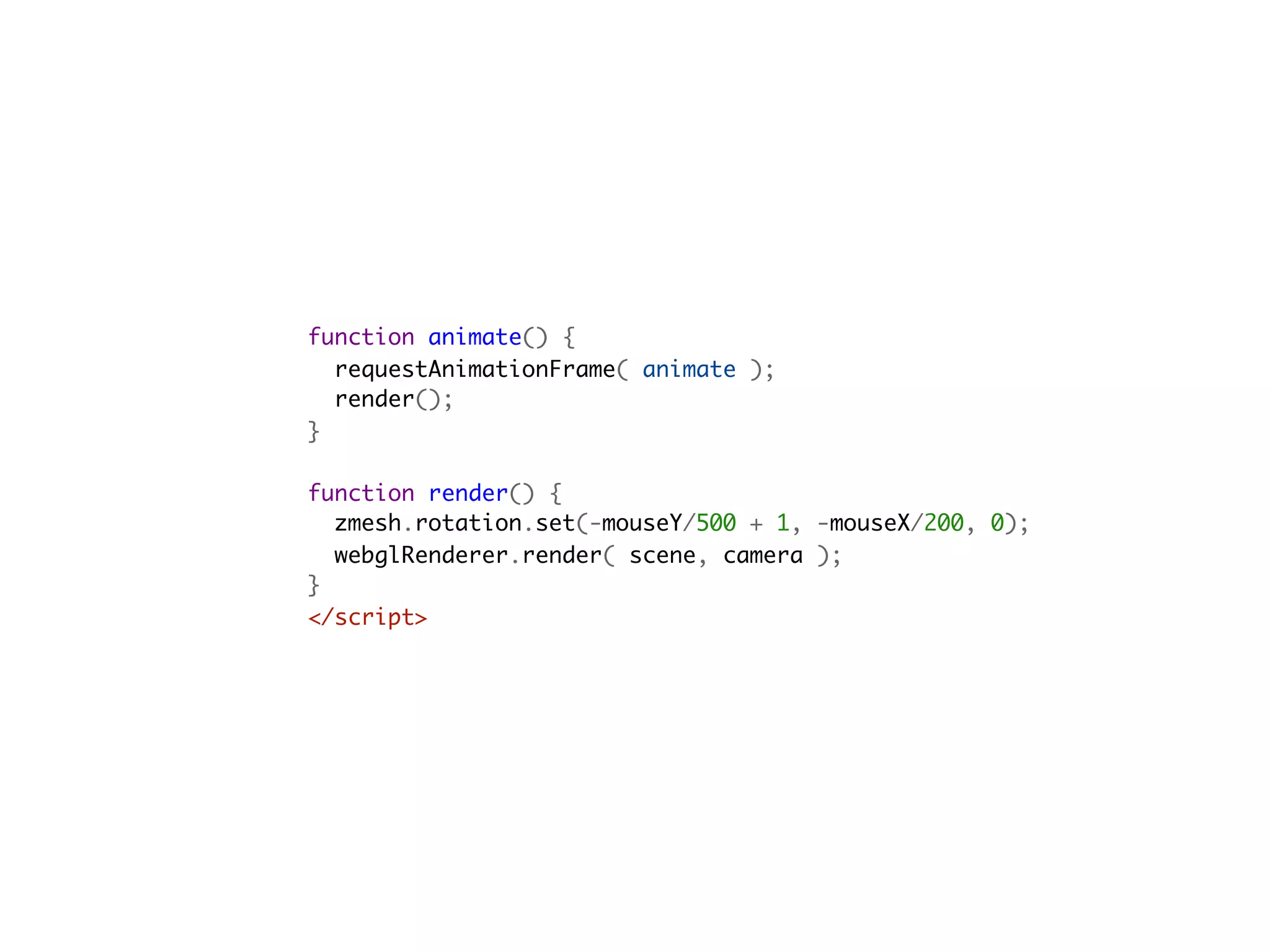
function animate() {
  requestAnimationFrame( animate );
  render();
}

function render() {
  zmesh.rotation.set(-mouseY/500 + 1, -mouseX/200, 0);
  webglRenderer.render( scene, camera );
}
</script>                                         
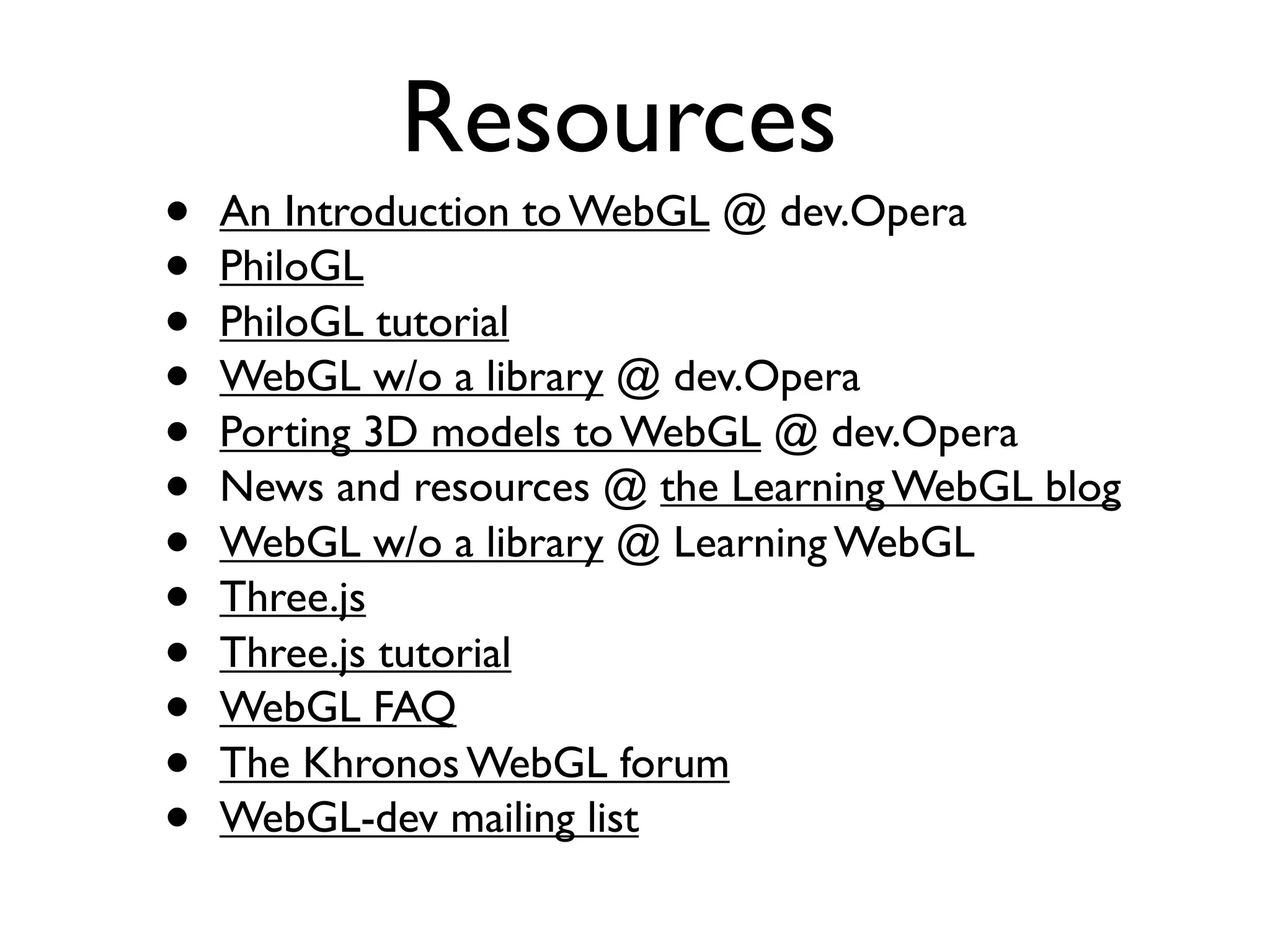
Resources
•   An Introduction to WebGL @ dev.Opera
•   PhiloGL
•   PhiloGL tutorial
•   WebGL w/o a library @ dev.Opera
•   Porting 3D models to WebGL @ dev.Opera
•   News and resources @ the Learning WebGL blog
•   WebGL w/o a library @ Learning WebGL
•   Three.js
•   Three.js tutorial
•   WebGL FAQ
•   The Khronos WebGL forum
•   WebGL-dev mailing list
Thanks!

@gerbille

Webgl para JavaScripters

  • 1.
  • 2.
    Luz Caballero -@gerbille Web Opener
  • 3.
    Agenda • Que esWebGL? • Para qué se puede usar? • Cómo funciona? • Lo que hay que saber para empezar • Un poco de código
  • 4.
  • 5.
    OpenGL OpenGL ES WebGL
  • 6.
    desktop mobile
  • 7.
    <canvas id=‘c’ width=‘100’height=‘100’></canvas> document.getElementById(‘c’).getContext(‘webgl’)
  • 8.
    Para qué sepuede usar?
  • 9.
    Visualización de datos • Creative coding • Arte • Environments de diseño 3D • Videos de música • Graficación de funciones matemáticas • Modelado de objectos y espacios 3D • Creación de texturas • Simulaciones físicas • ...procesamiento rápido de cualquier tipo de datos
  • 10.
  • 11.
  • 12.
  • 13.
  • 14.
  • 15.
  • 16.
    modelado de objetosy espacios 3D
  • 17.
  • 18.
  • 19.
  • 20.
  • 22.
    JavaScript WebGL JS API GPU (Compiled Program)
  • 23.
    JavaScript WebGL JS API GLSLAPI Vertex Shader GLSL API Fragment Shader
  • 24.
    Lo que hayque saber para empezar
  • 25.
    The 3D scene image source: http://computer.yourdictionary.com/graphics
  • 26.
    Choosing a library •Three.js • PhiloGL • GLGE • J3D • TDL • ...
  • 27.
    desktop mobile
  • 28.
  • 29.
    Un poco decódigo
  • 31.
    <!DOCTYPE html> <html>   <head>     <title>LearningWebGL lesson 11 in PhiloGL</title>     <link href="path/to/file.css" type="text/css" rel="stylesheet" media="screen" />     <script src="path/to/PhiloGL.js"></script>     <script src="path/to/index.js"></script>   </head>            <body onload="webGLStart();">     <canvas id="lesson11-canvas" width="500" height="500"></canvas>     <!-- more html elements here... -->   </body> </html>
  • 32.
    function webGLStart() {   varpos, $ = function(d) { return document.getElementById(d); };        //Create moon   var moon = new PhiloGL.O3D.Sphere({     nlat: 30,     nlong: 30,     radius: 2,     textures: 'moon.gif'   });
  • 33.
      //Create application   PhiloGL('lesson11-canvas',{     camera: {       position: {         x: 0, y: 0, z: -7       }     },     textures: {       src: ['moon.gif'],       parameters: [{         name: 'TEXTURE_MAG_FILTER',         value: 'LINEAR'       }, {         name: 'TEXTURE_MIN_FILTER',         value: 'LINEAR_MIPMAP_NEAREST',         generateMipmap: true       }]     },     events: {       onDragStart: function(e) {         pos = {           x: e.x,           y: e.y         };       },       onDragMove: function(e) {         var z = this.camera.position.z,         sign = Math.abs(z) / z;         moon.rotation.y += -(pos.x - e.x) / 100;         moon.rotation.x += sign * (pos.y - e.y) / 100;         moon.update();         pos.x = e.x;         pos.y = e.y;       },       onMouseWheel: function(e) {         e.stop();         var camera = this.camera;         camera.position.z += e.wheel;         camera.update();       }     },
  • 34.
        onError: function() {       alert("There was an error creating the app.");     },     onLoad: function(app) {       //Unpack app properties       var gl = app.gl,       program = app.program,       scene = app.scene,       canvas = app.canvas,       camera = app.camera;       //get light config from forms     lighting = $('lighting'),     ambient = {       r: $('ambientR'),       g: $('ambientG'),       b: $('ambientB')     },     direction = {       x: $('lightDirectionX'),       y: $('lightDirectionY'),       z: $('lightDirectionZ'),       r: $('directionalR'),       g: $('directionalG'),       b: $('directionalB')     };     //Basic gl setup     gl.clearColor(0.0, 0.0, 0.0, 1.0);     gl.clearDepth(1.0);     gl.enable(gl.DEPTH_TEST);     gl.depthFunc(gl.LEQUAL);     gl.viewport(0, 0, canvas.width, canvas.height);
  • 35.
    //Add object tothe scene     scene.add(moon);          //Draw the scene     draw();             function draw() {       //clear the screen       gl.clear(gl.COLOR_BUFFER_BIT | gl.DEPTH_BUFFER_BIT);       //Setup lighting       var lights = scene.config.lights;       lights.enable = lighting.checked;       lights.ambient = {         r: +ambient.r.value,         g: +ambient.g.value,         b: +ambient.b.value       };       lights.directional = {         color: {           r: +direction.r.value,           g: +direction.g.value,           b: +direction.b.value         },         direction: {           x: +direction.x.value,           y: +direction.y.value,           z: +direction.z.value         }       };          //render moon       scene.render();       //Animate       Fx.requestAnimationFrame(draw);       }     }   }); }
  • 37.
    <script>      if (! Detector.webgl ) Detector.addGetWebGLMessage(); var SCREEN_WIDTH = window.innerWidth; var SCREEN_HEIGHT = window.innerHeight; var FLOOR = 0; var container; var camera, scene; var webglRenderer; var zmesh, geometry; var mouseX = 0, mouseY = 0; var windowHalfX = window.innerWidth / 2; var windowHalfY = window.innerHeight / 2; document.addEventListener( 'mousemove', onDocumentMouseMove, false ); init(); animate();
  • 38.
    function init() {   container= document.createElement( 'div' );   document.body.appendChild( container );                // camera   camera = new THREE.PerspectiveCamera( 75, SCREEN_WIDTH / SCREEN_HEIGHT, 1, 100000 );   camera.position.z = 75;                // scene   scene = new THREE.Scene();   // lights   var ambient = new THREE.AmbientLight( 0xffffff );   scene.add( ambient );                // more lights   var directionalLight = new THREE.DirectionalLight( 0xffeedd );   directionalLight.position.set( 0, -70, 100 ).normalize();   scene.add( directionalLight ); }
  • 39.
    // renderer webglRenderer =new THREE.WebGLRenderer(); webglRenderer.setSize( SCREEN_WIDTH, SCREEN_HEIGHT ); webglRenderer.domElement.style.position = "relative"; container.appendChild( webglRenderer.domElement ); // loader var loader = new THREE.JSONLoader(), loader.load( { model: "obj/church/church.js", callback: createScene } );                                           function createScene( geometry ) {   zmesh = new THREE.Mesh( geometry, new THREE.MeshFaceMaterial() );   zmesh.position.set( 0, 16, 0 );   zmesh.scale.set( 1, 1, 1 );   scene.add( zmesh ); } function onDocumentMouseMove(event) {   mouseX = ( event.clientX - windowHalfX );   mouseY = ( event.clientY - windowHalfY ); }
  • 40.
    function animate() {   requestAnimationFrame(animate );   render(); } function render() {   zmesh.rotation.set(-mouseY/500 + 1, -mouseX/200, 0);   webglRenderer.render( scene, camera ); } </script>                                         
  • 41.
    Resources • An Introduction to WebGL @ dev.Opera • PhiloGL • PhiloGL tutorial • WebGL w/o a library @ dev.Opera • Porting 3D models to WebGL @ dev.Opera • News and resources @ the Learning WebGL blog • WebGL w/o a library @ Learning WebGL • Three.js • Three.js tutorial • WebGL FAQ • The Khronos WebGL forum • WebGL-dev mailing list
  • 42.