Download as PDF, PPTX
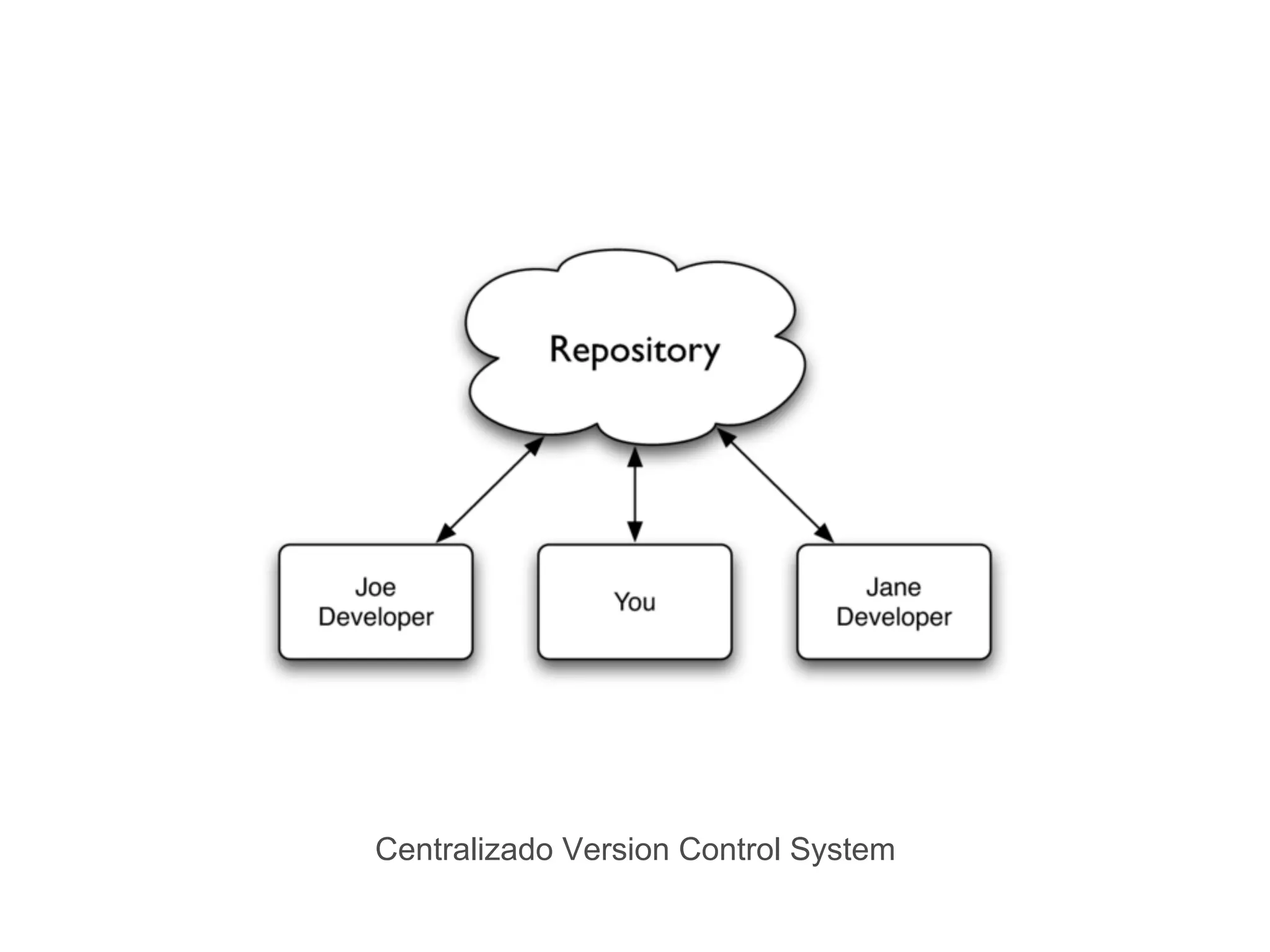
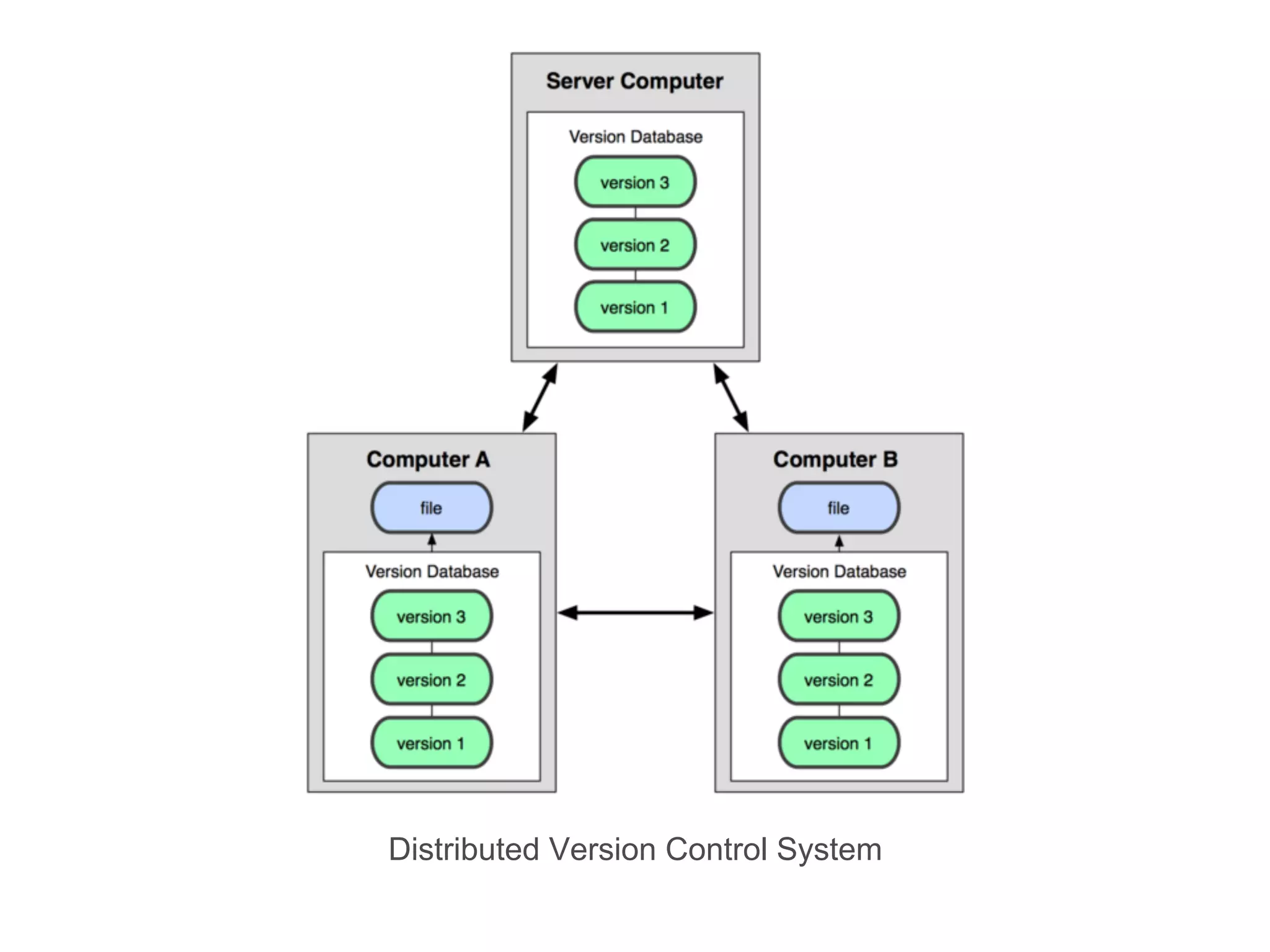
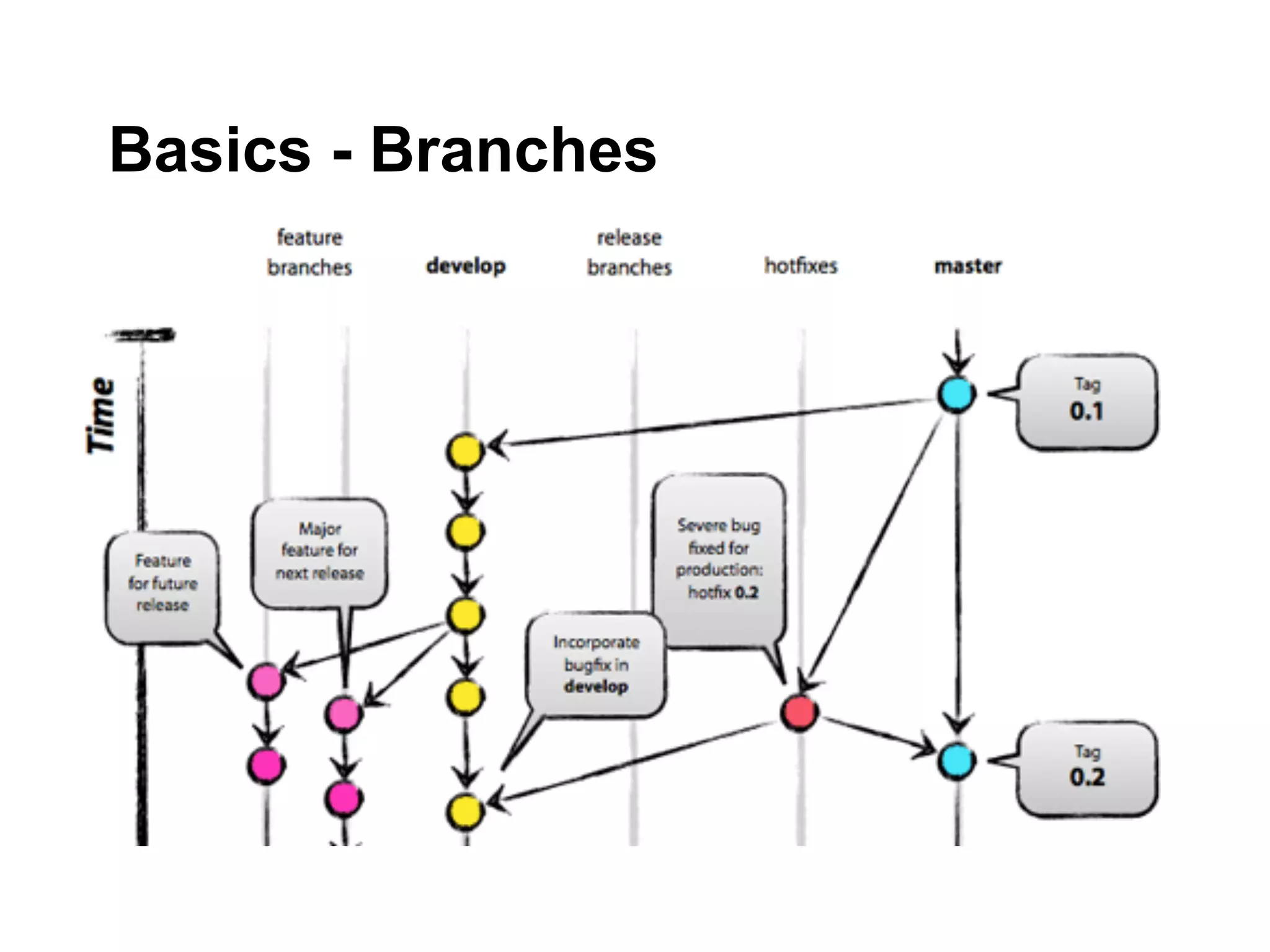
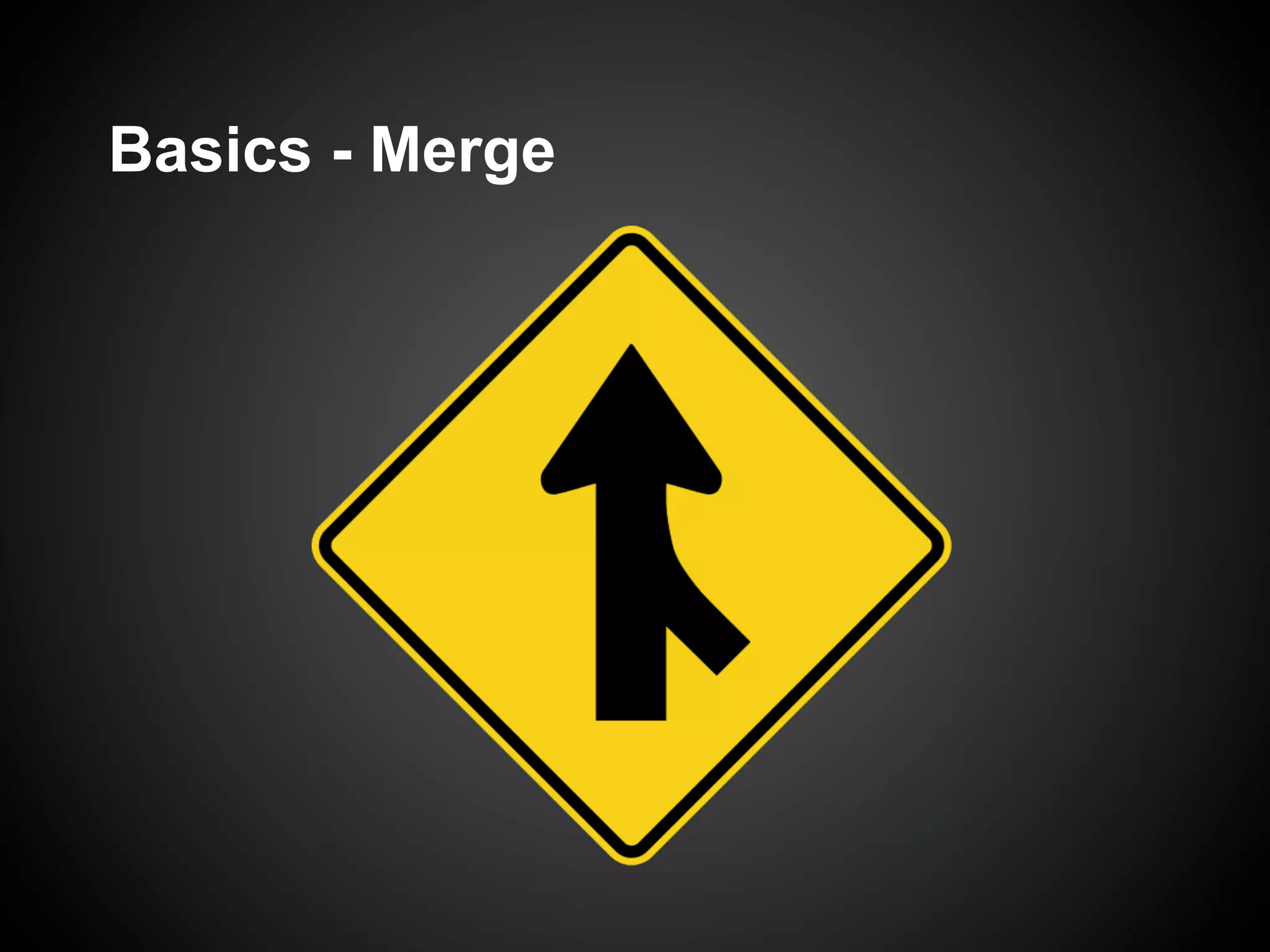
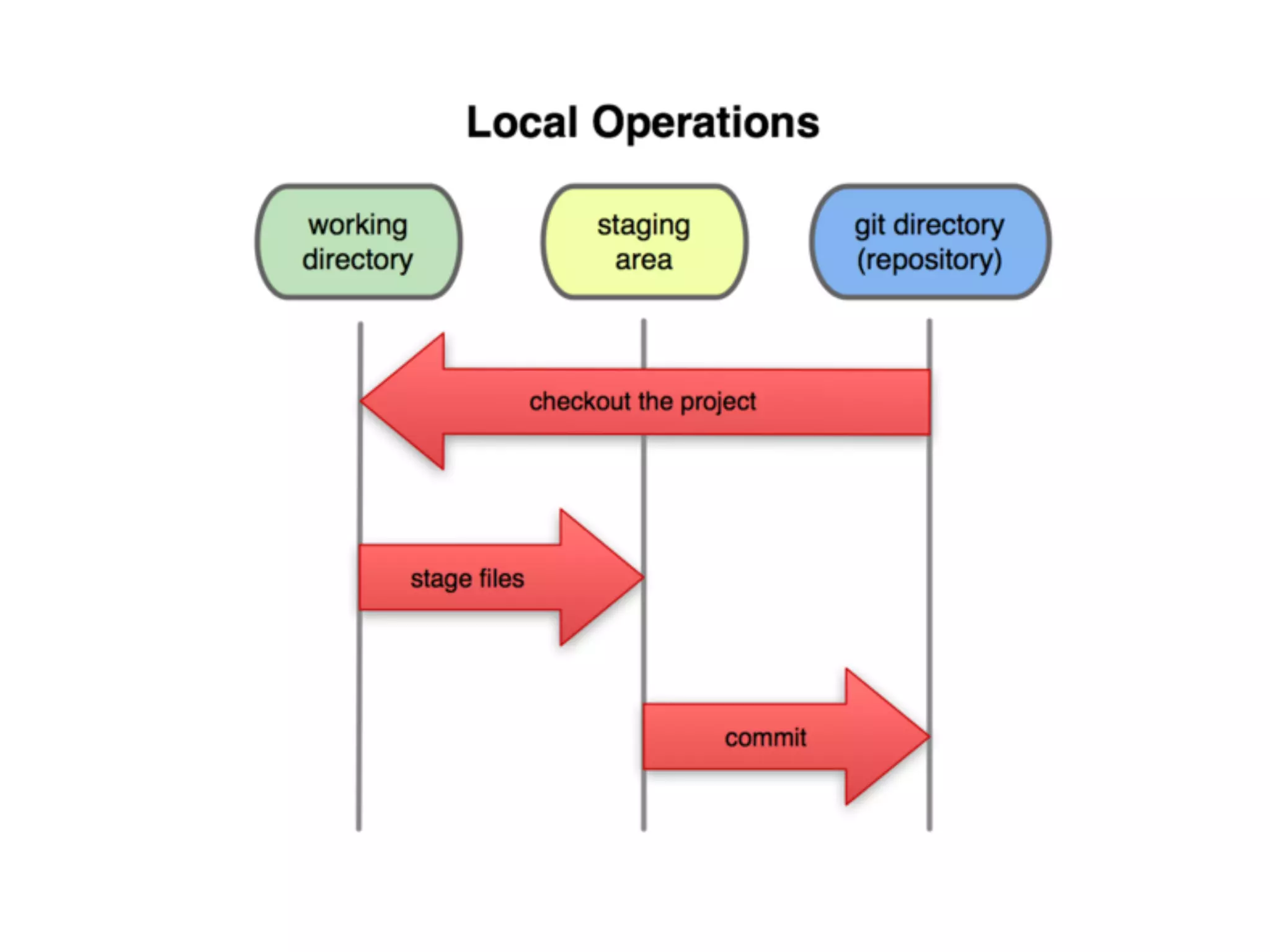
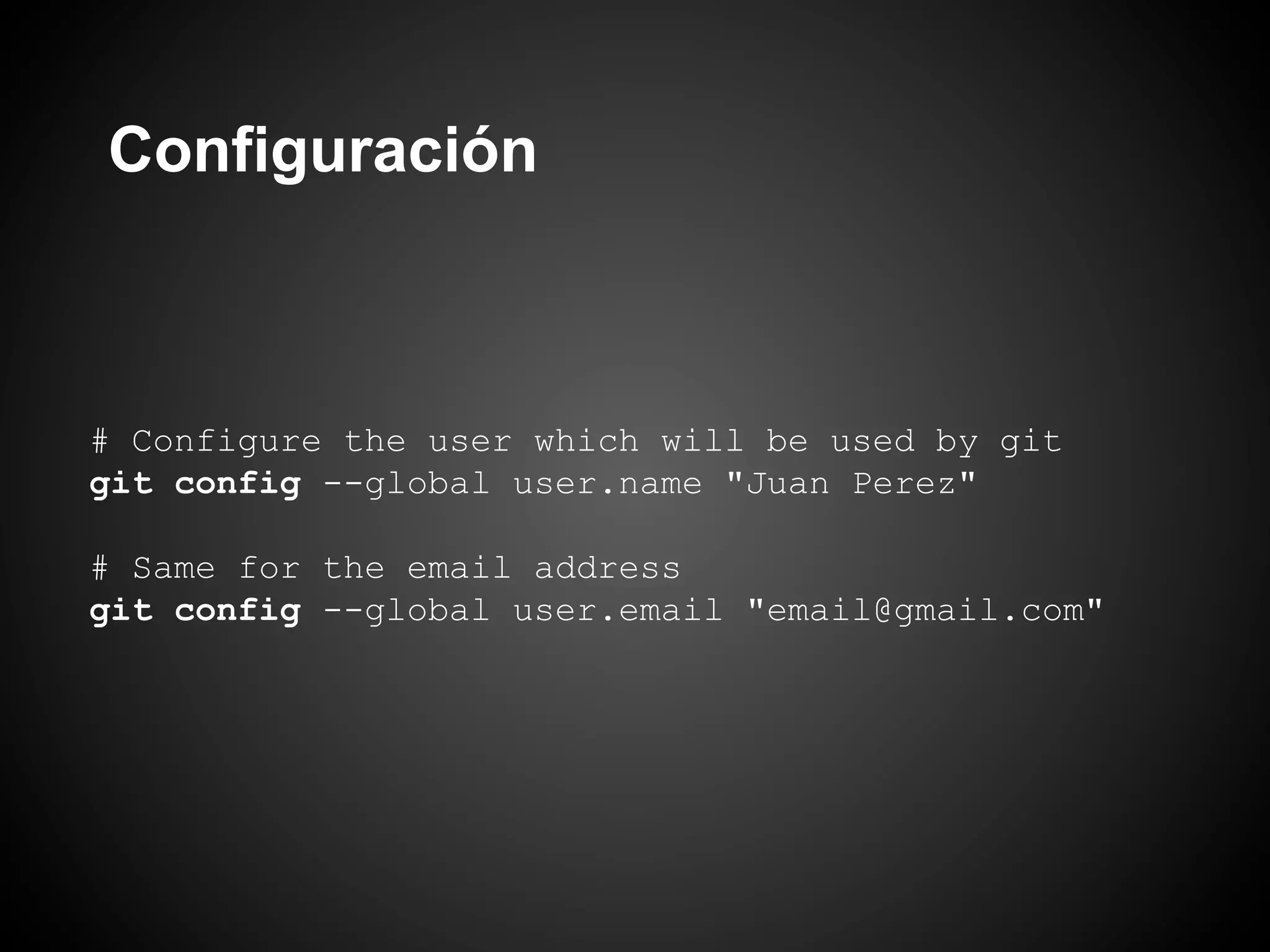
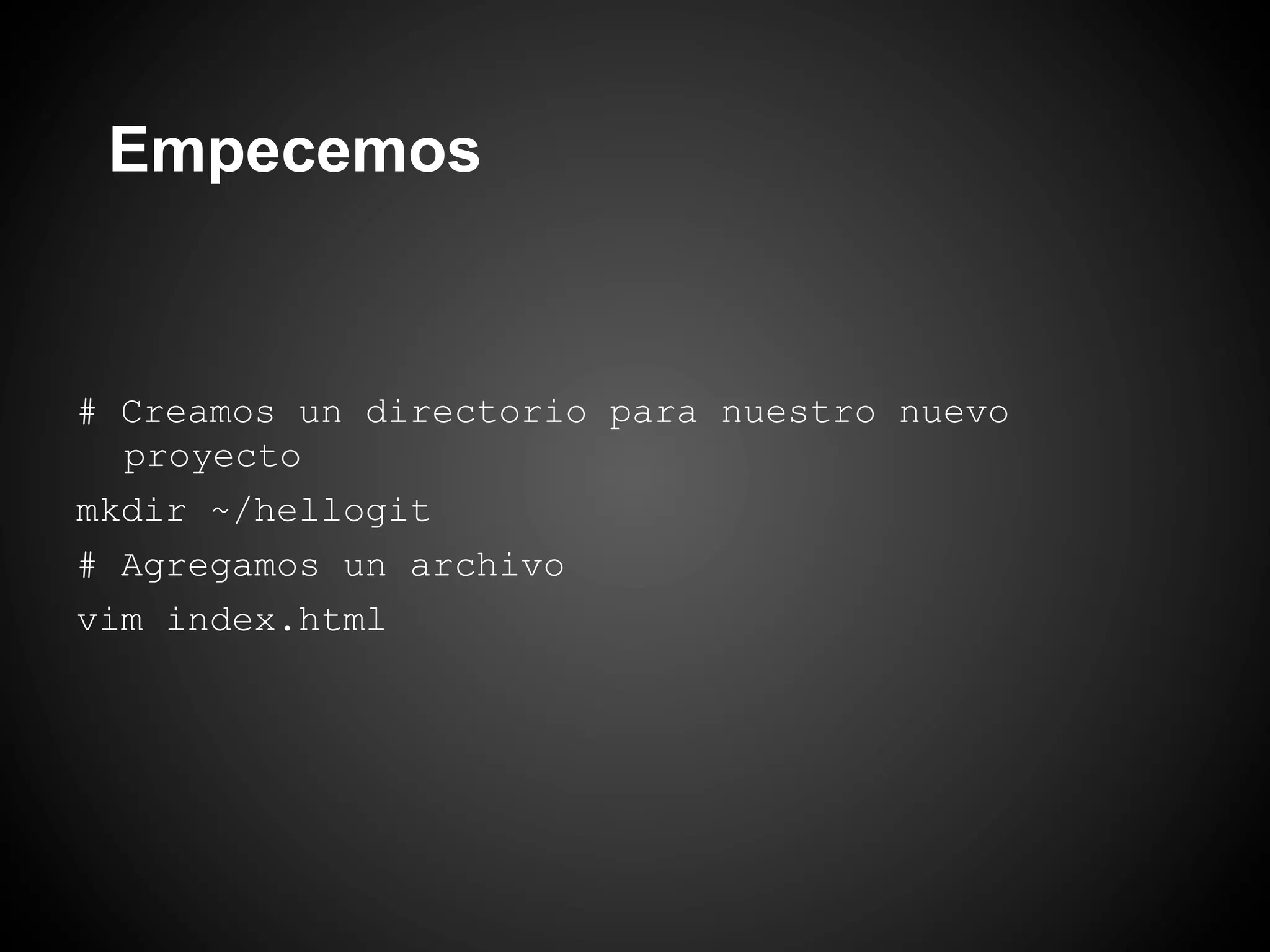
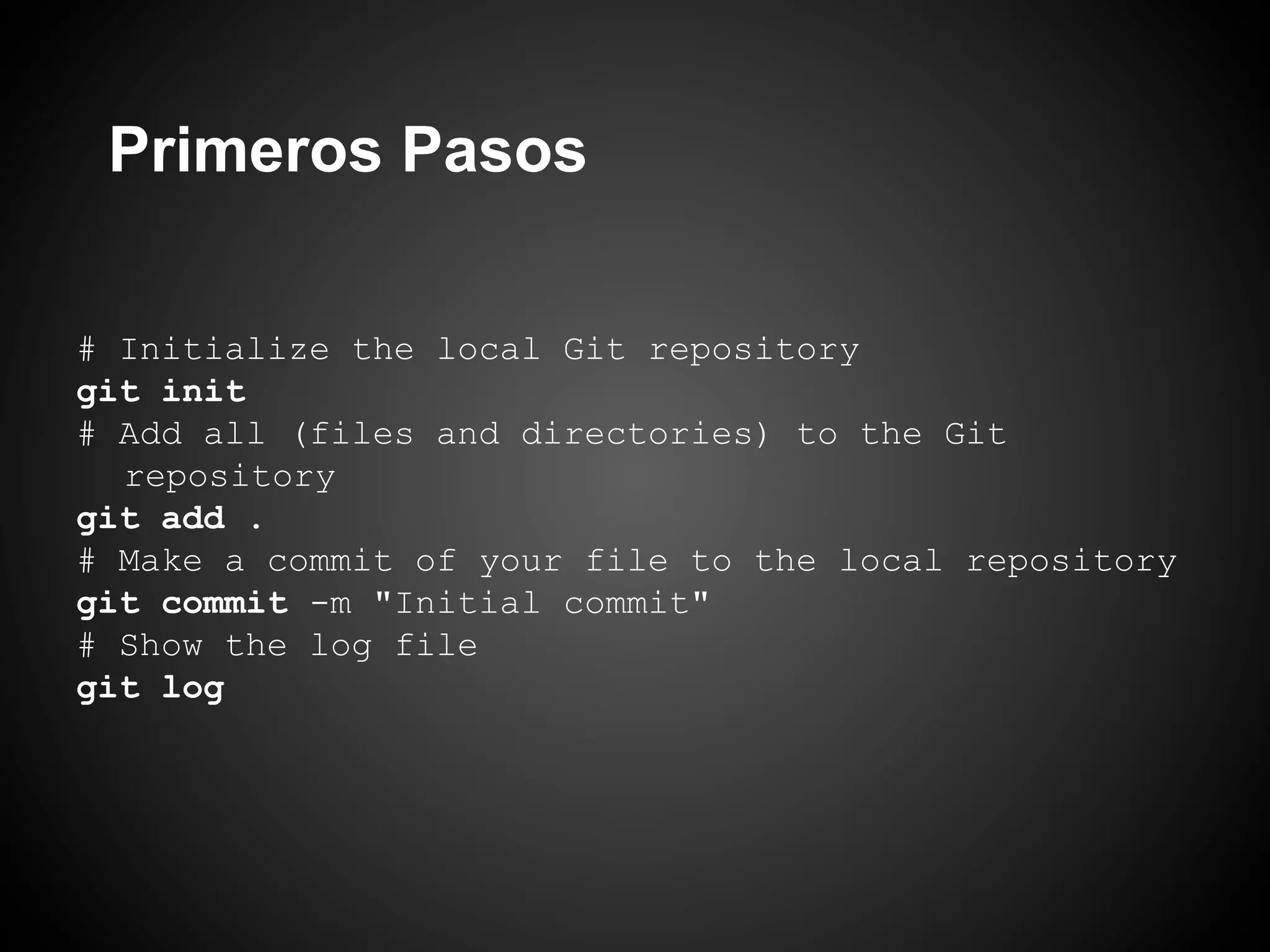
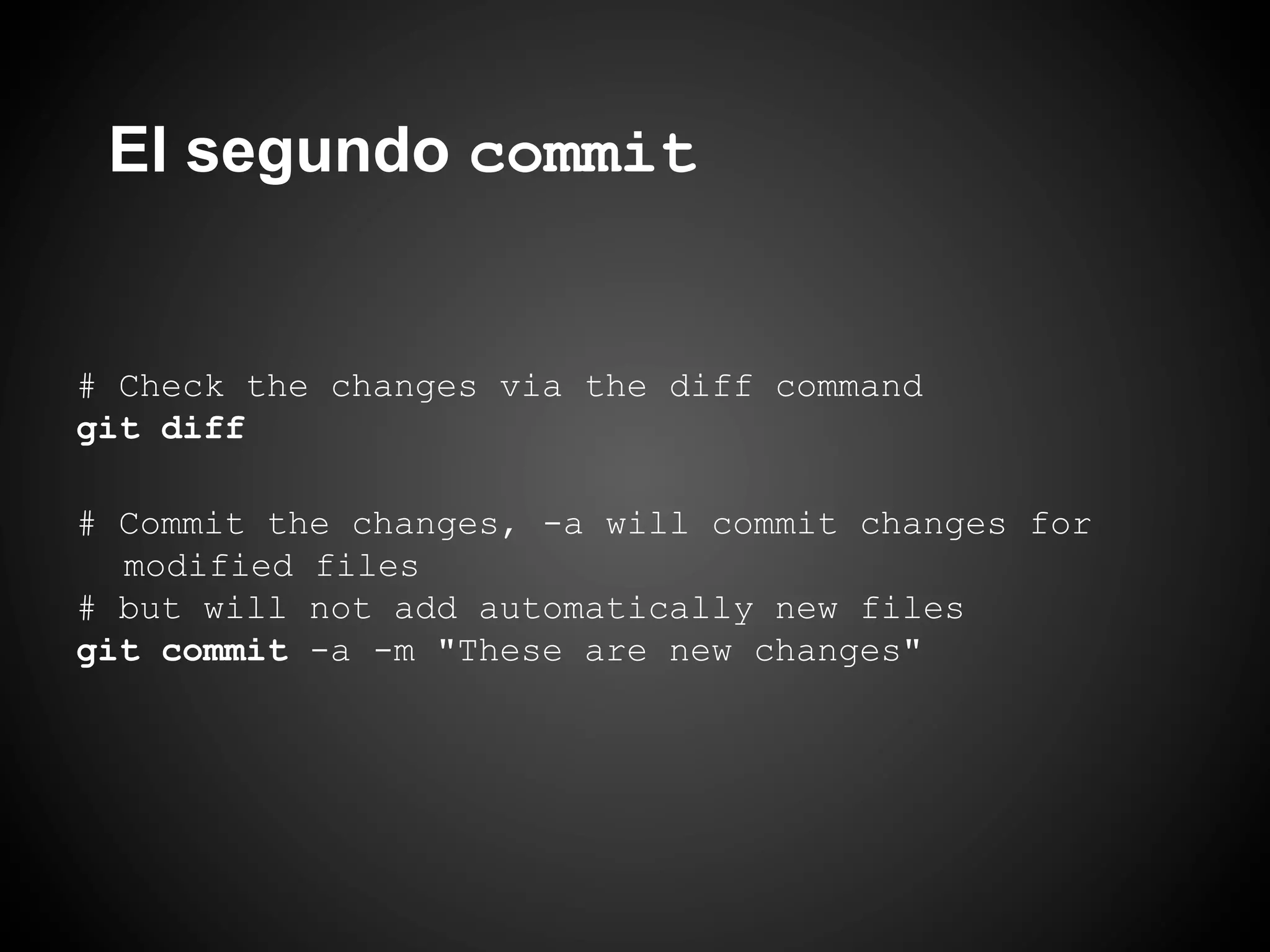
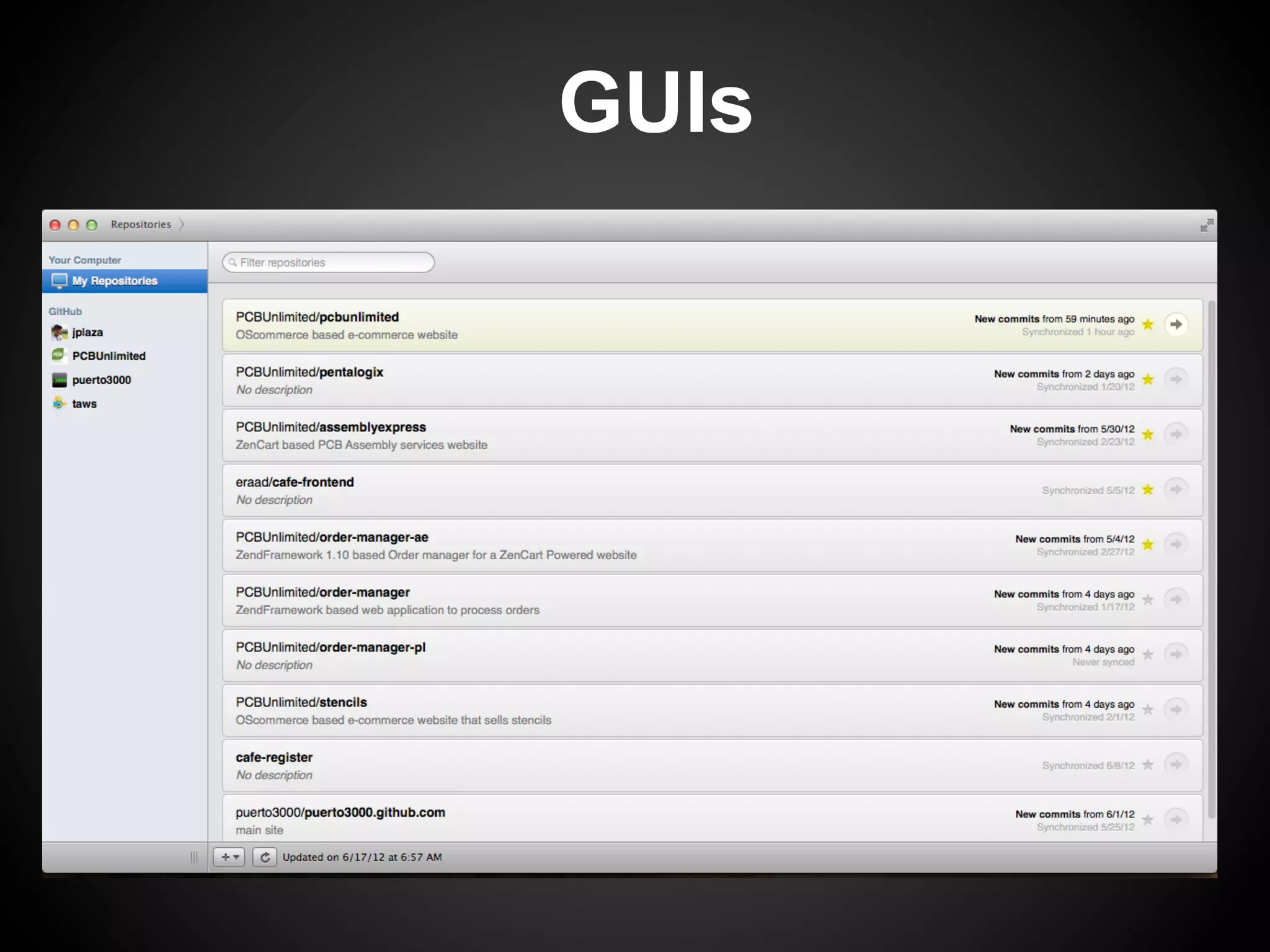
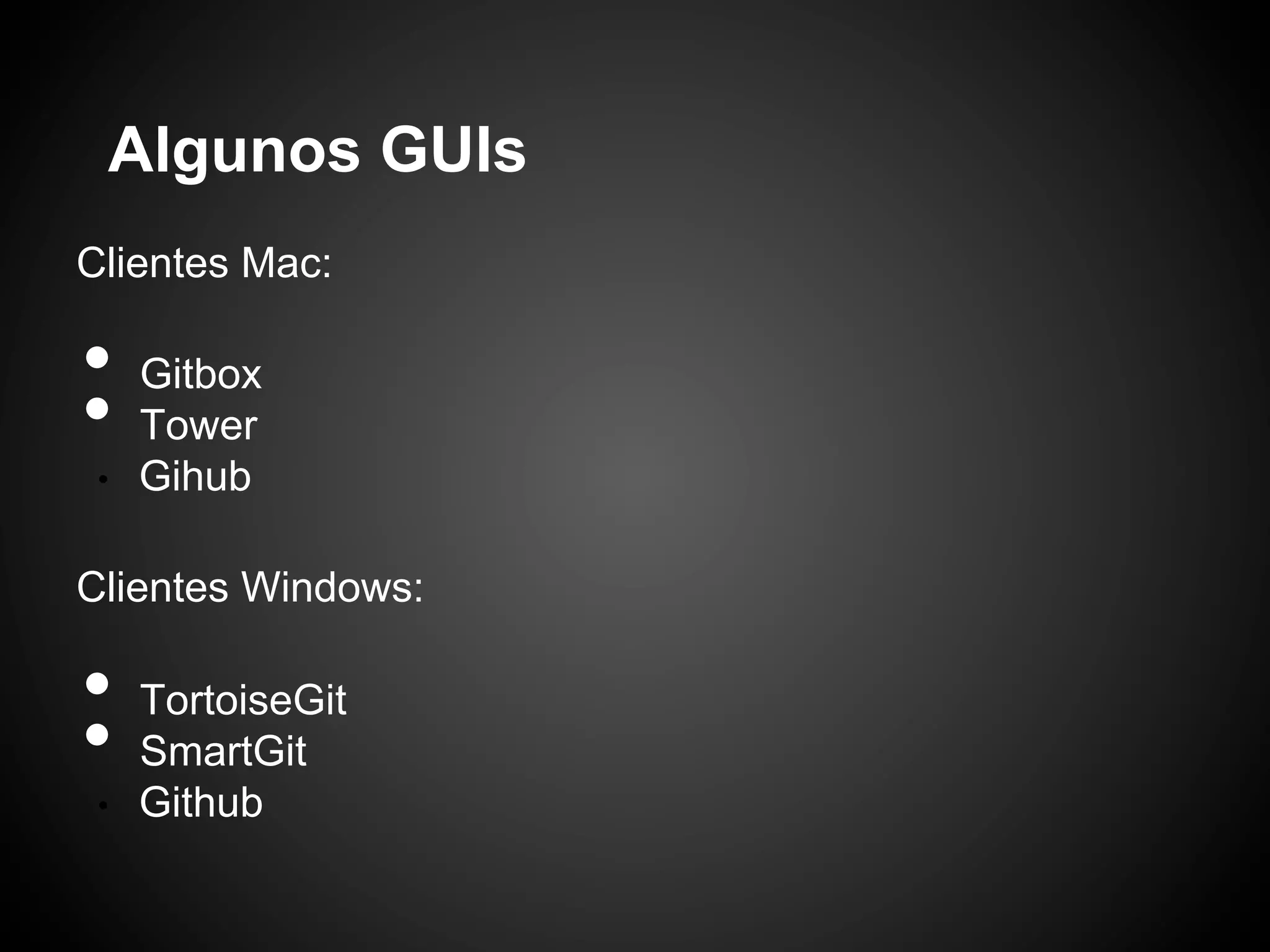

This document discusses Git, an open source distributed version control system. It covers basic Git concepts like repositories, branches, and merging. It then provides instructions for configuring Git with a user name and email. Steps are outlined for initializing a local Git repository, adding and committing files, checking differences between commits, and using GUIs for Git.


![Coded Agents – with UiPath SDK + LangGraph [Virtual Hands-on Workshop]](https://cdn.slidesharecdn.com/ss_thumbnails/codedagentsdeck-251215155422-5497c599-thumbnail.jpg?width=640&height=640&fit=bounds)

![Vibe Coding vs. Spec-Driven Development [Free Meetup]](https://cdn.slidesharecdn.com/ss_thumbnails/vibecodingvsspecdrivendevelopment-251209105622-43f455e7-thumbnail.jpg?width=640&height=640&fit=bounds)


