Git
Introduction to Version control
What is version control
Version control is a system that records changes to a file or set of files over
time so that you can recall specific versions later.
Or in simple terms
Version Control is simply keeping track of changes made to files.
What is Git
Git is a Open Source software program which is a Distributed Version Control
System and was created in 2005 by Linus Torvalds the creator the Linux
Operating System Kernel.
In other words Git helps you keep track of changes made to files and was
created by a very clever programmer.
Working Directory
The working directory is the place where you edit and make changes to your
files.
This would typically be a directory on your machine.
Staging area
The staging area is basically a loading dock where you get to determine what
changes get shipped away.
In other words you can tell git which files you made changes to.
Repository
A git repository is a central location in which data is stored and managed.
In other words the Git repository stores all your files and changes to those
files.
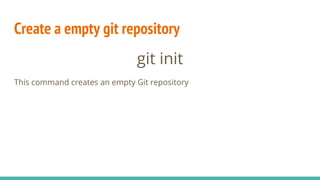
Create a empty git repository
git init
This command creates an empty Git repository
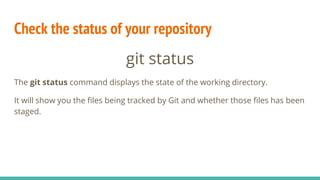
Check the status of your repository
git status
The git status command displays the state of the working directory.
It will show you the files being tracked by Git and whether those files has been
staged.
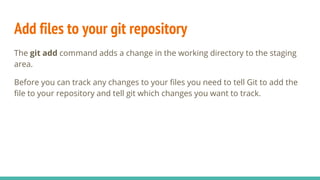
Add files to your git repository
The git add command adds a change in the working directory to the staging
area.
Before you can track any changes to your files you need to tell Git to add the
file to your repository and tell git which changes you want to track.
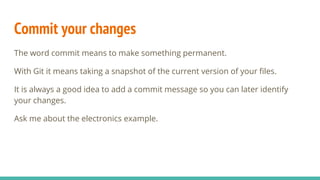
Commit your changes
The word commit means to make something permanent.
With Git it means taking a snapshot of the current version of your files.
It is always a good idea to add a commit message so you can later identify
your changes.
Ask me about the electronics example.
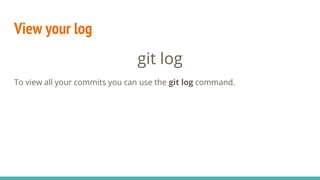
View your log
git log
To view all your commits you can use the git log command.
That’s it!
For now!

Git 01

  • 1.
  • 2.
    What is versioncontrol Version control is a system that records changes to a file or set of files over time so that you can recall specific versions later. Or in simple terms Version Control is simply keeping track of changes made to files.
  • 3.
    What is Git Gitis a Open Source software program which is a Distributed Version Control System and was created in 2005 by Linus Torvalds the creator the Linux Operating System Kernel. In other words Git helps you keep track of changes made to files and was created by a very clever programmer.
  • 4.
    Working Directory The workingdirectory is the place where you edit and make changes to your files. This would typically be a directory on your machine.
  • 5.
    Staging area The stagingarea is basically a loading dock where you get to determine what changes get shipped away. In other words you can tell git which files you made changes to.
  • 6.
    Repository A git repositoryis a central location in which data is stored and managed. In other words the Git repository stores all your files and changes to those files.
  • 7.
    Create a emptygit repository git init This command creates an empty Git repository
  • 8.
    Check the statusof your repository git status The git status command displays the state of the working directory. It will show you the files being tracked by Git and whether those files has been staged.
  • 9.
    Add files toyour git repository The git add command adds a change in the working directory to the staging area. Before you can track any changes to your files you need to tell Git to add the file to your repository and tell git which changes you want to track.
  • 10.
    Commit your changes Theword commit means to make something permanent. With Git it means taking a snapshot of the current version of your files. It is always a good idea to add a commit message so you can later identify your changes. Ask me about the electronics example.
  • 11.
    View your log gitlog To view all your commits you can use the git log command.
  • 12.