Download as PDF, PPTX

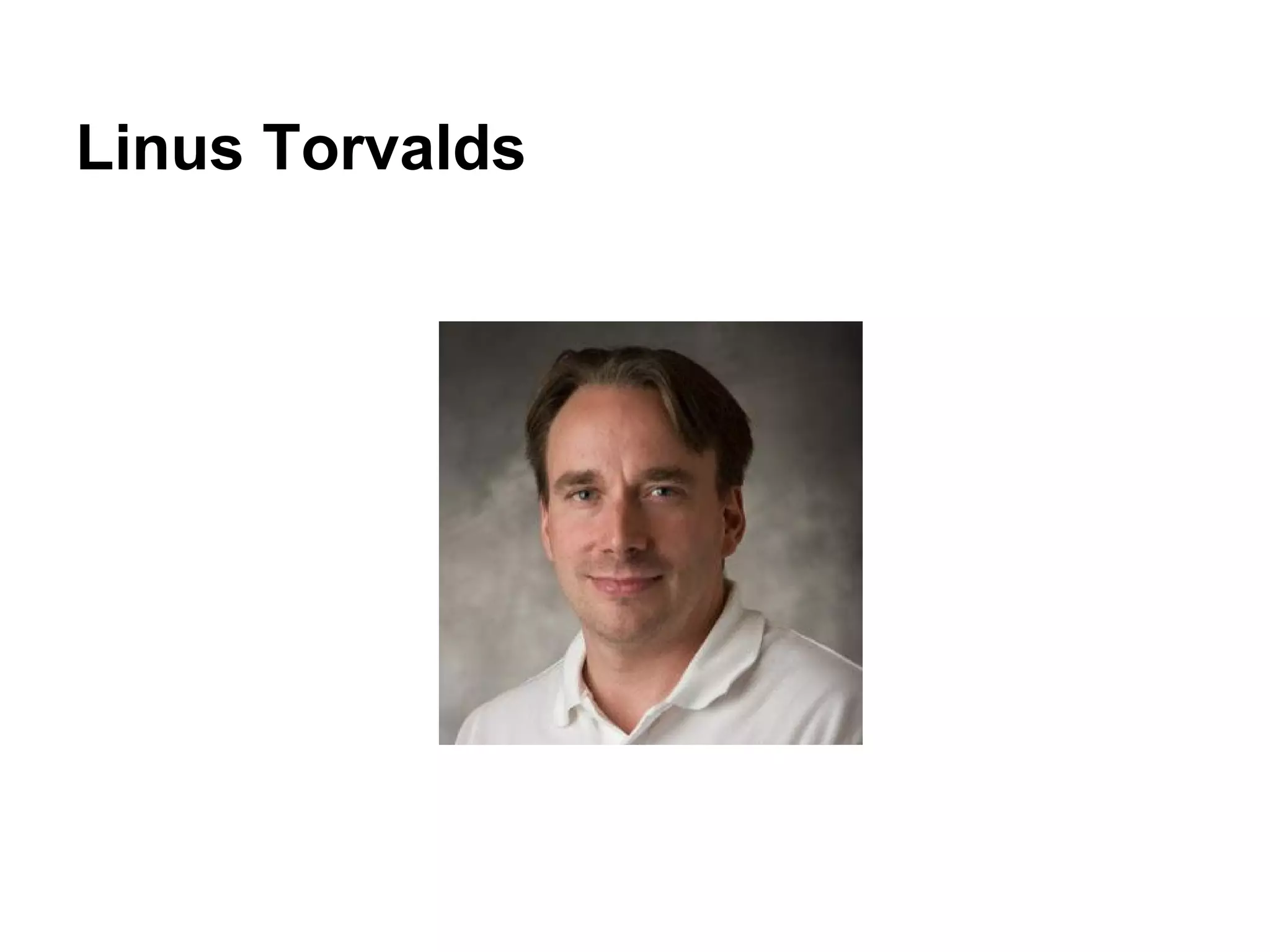
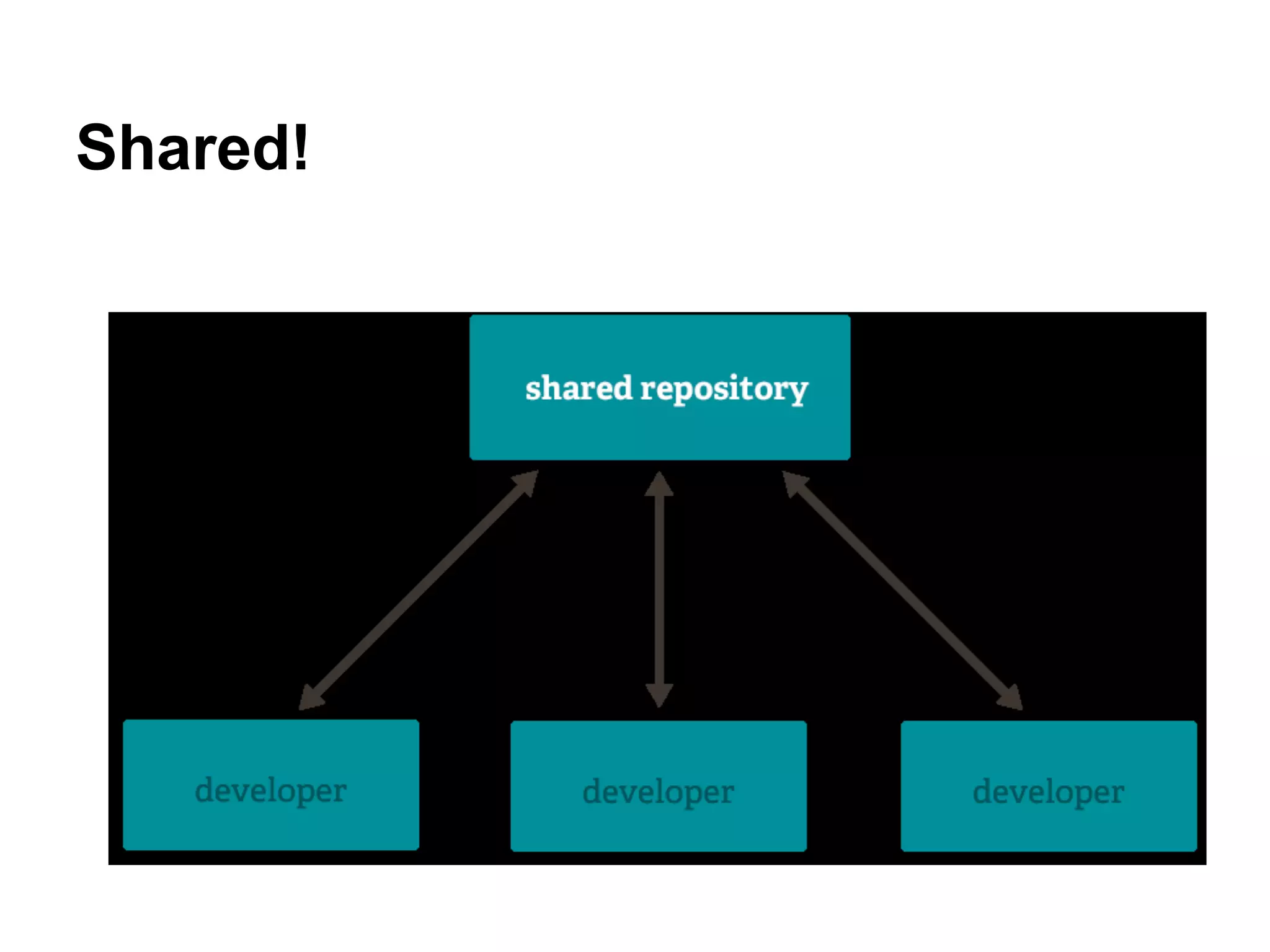
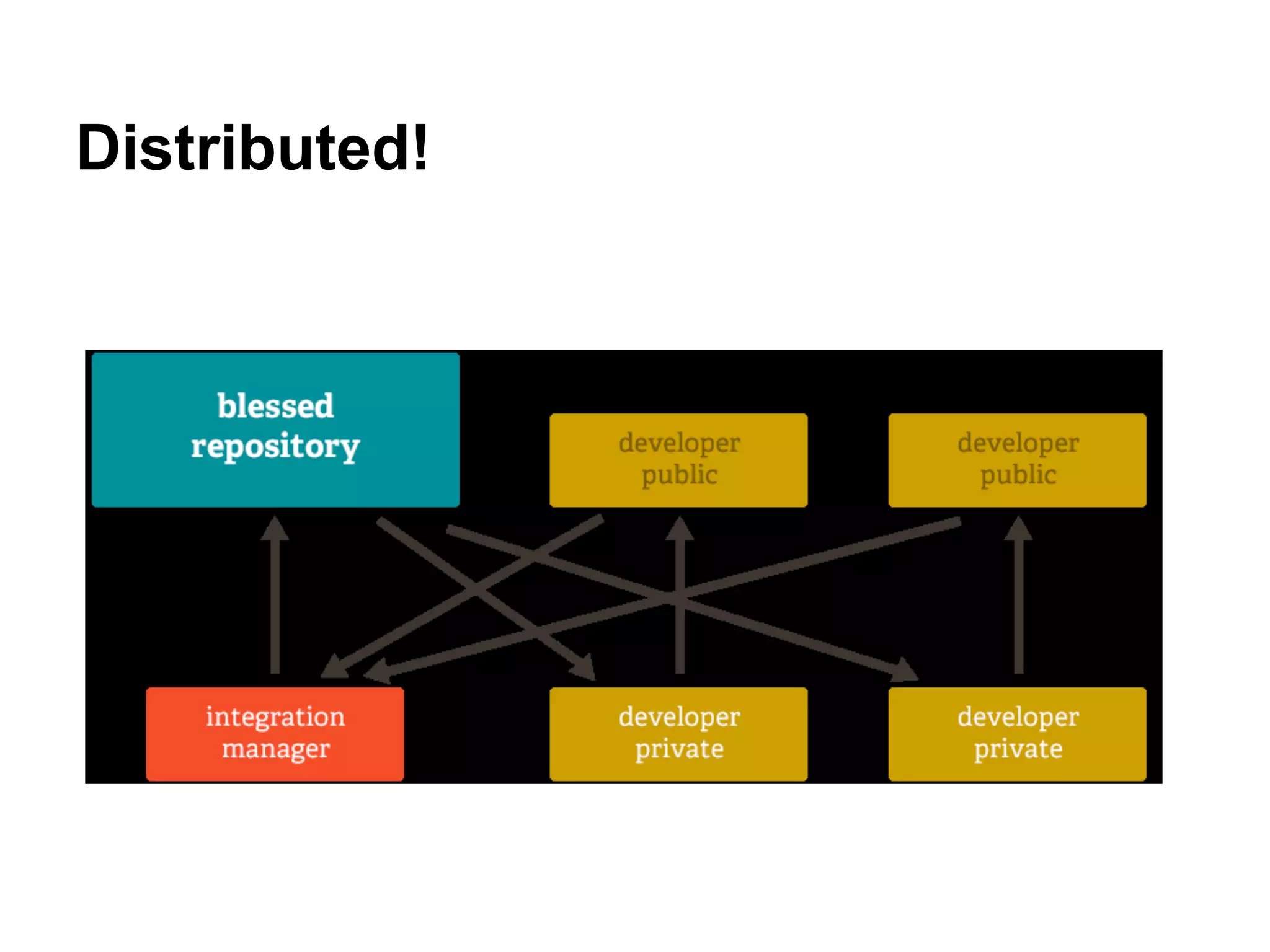
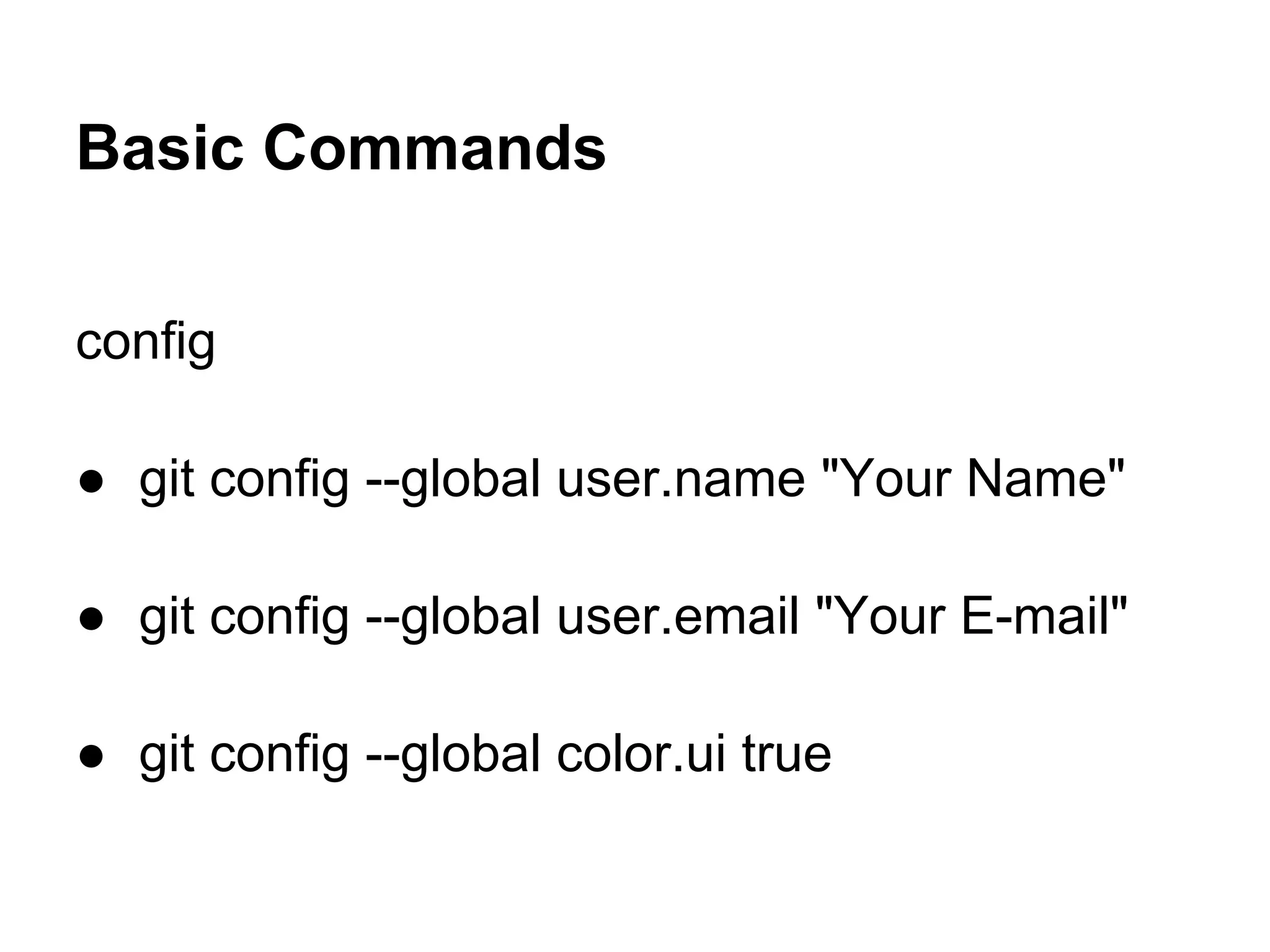
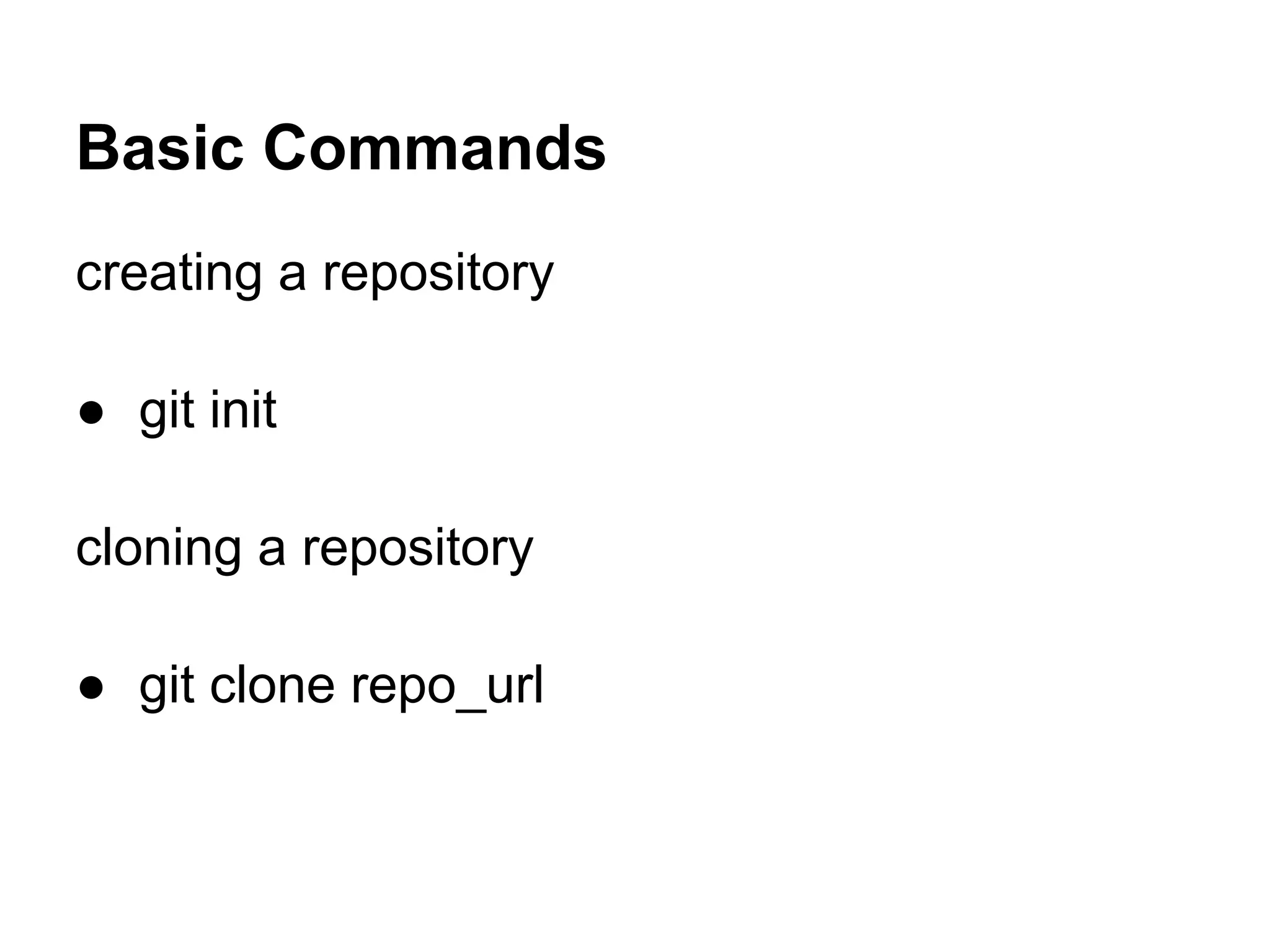
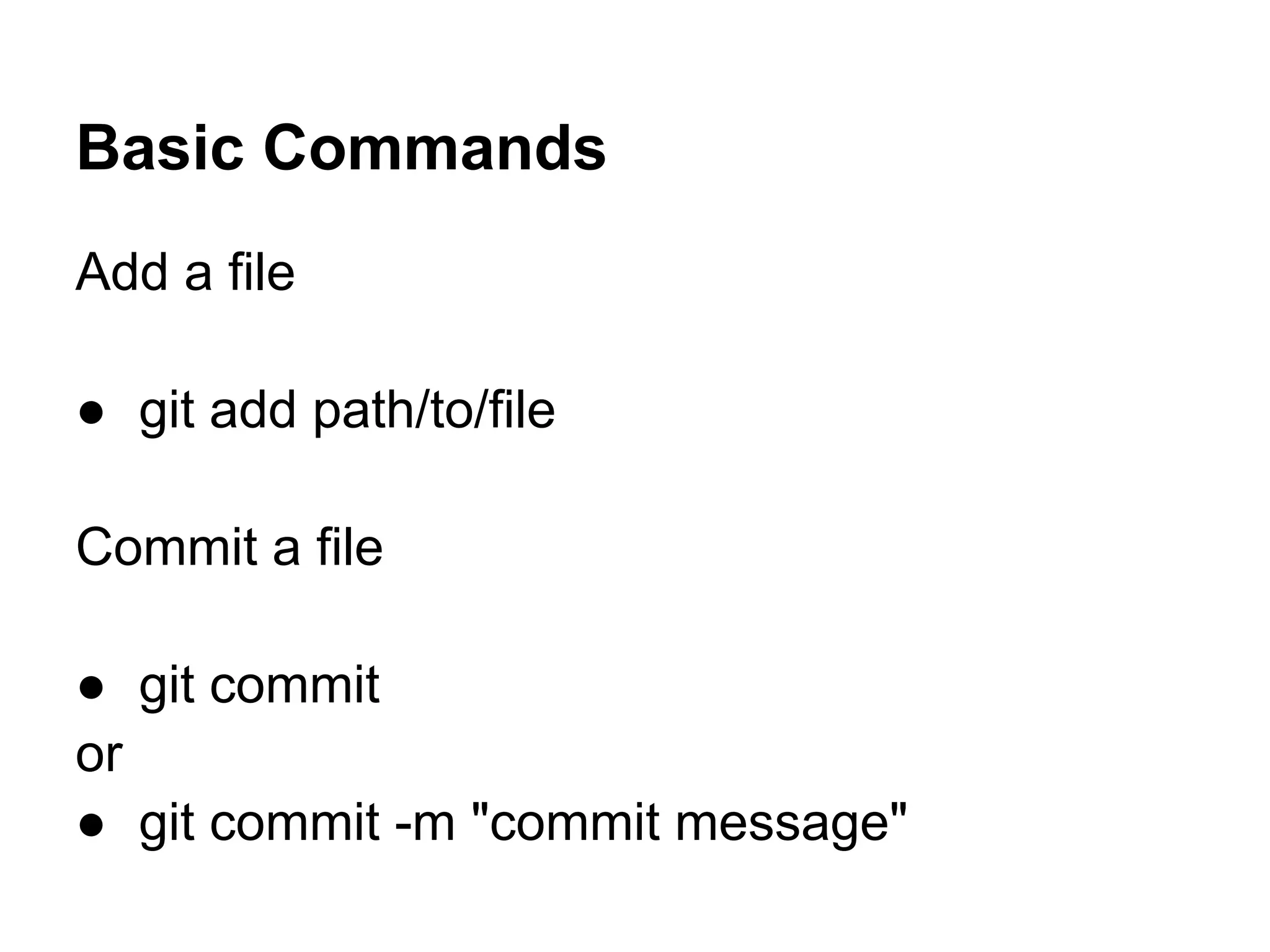
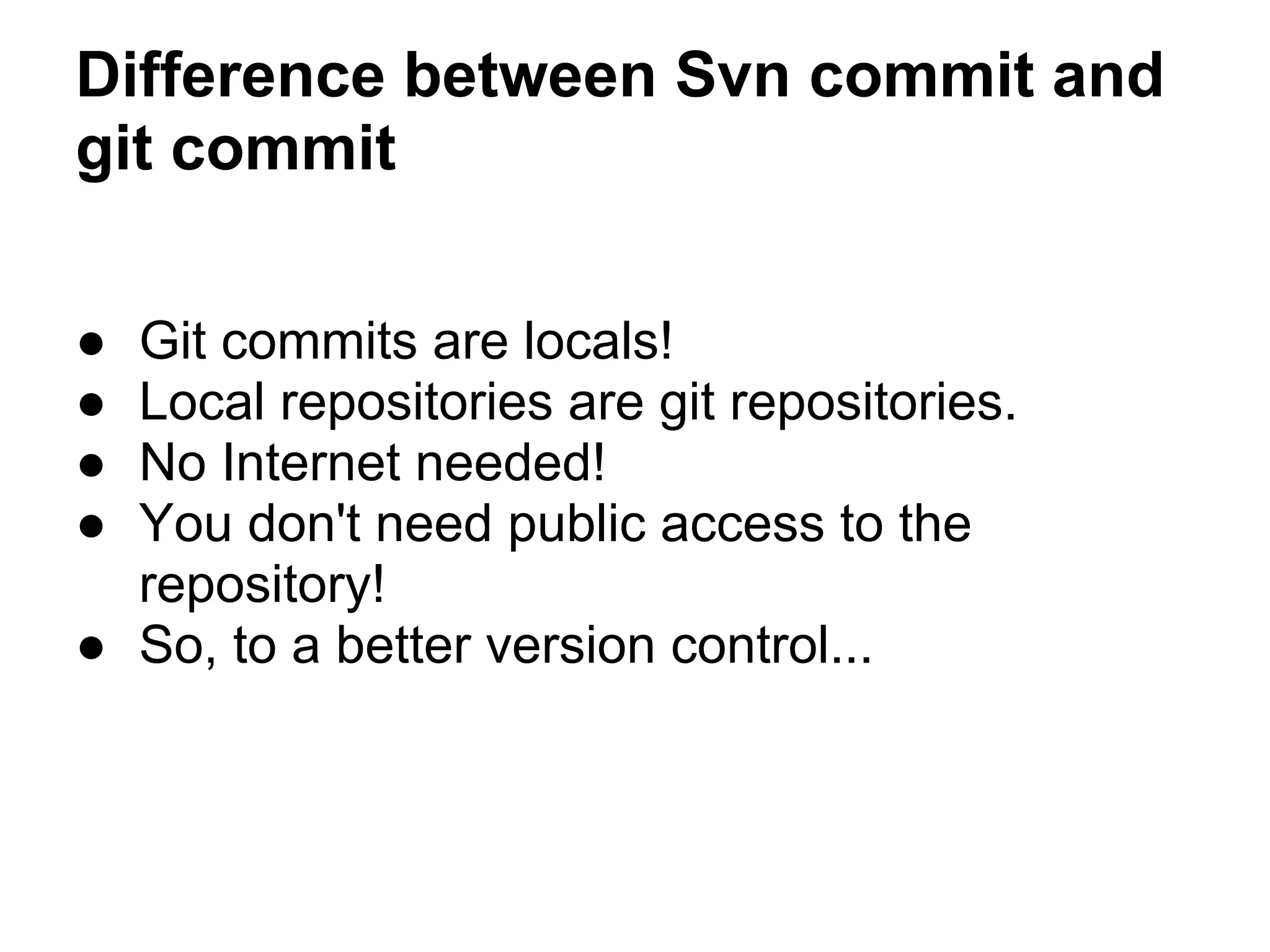
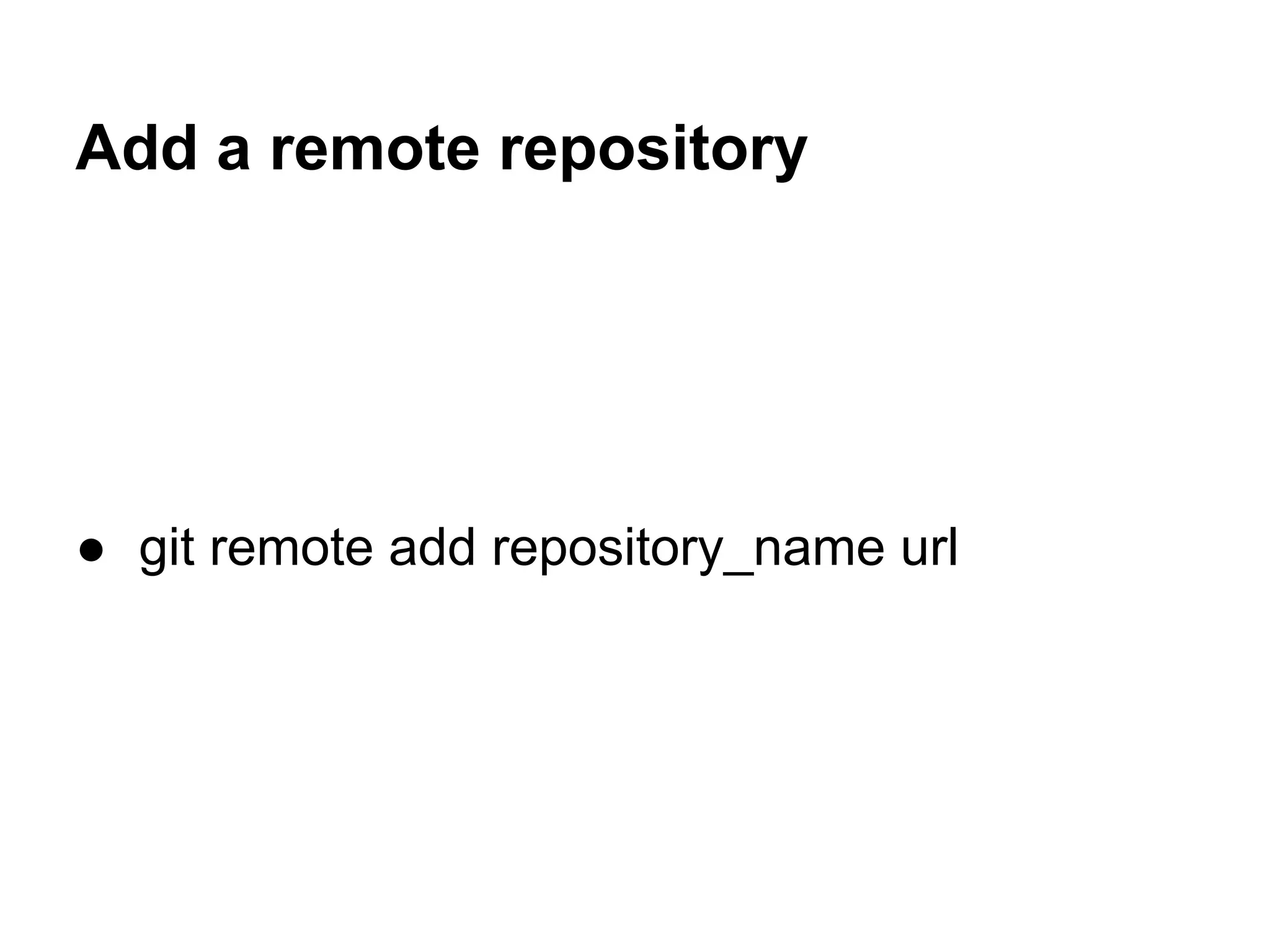
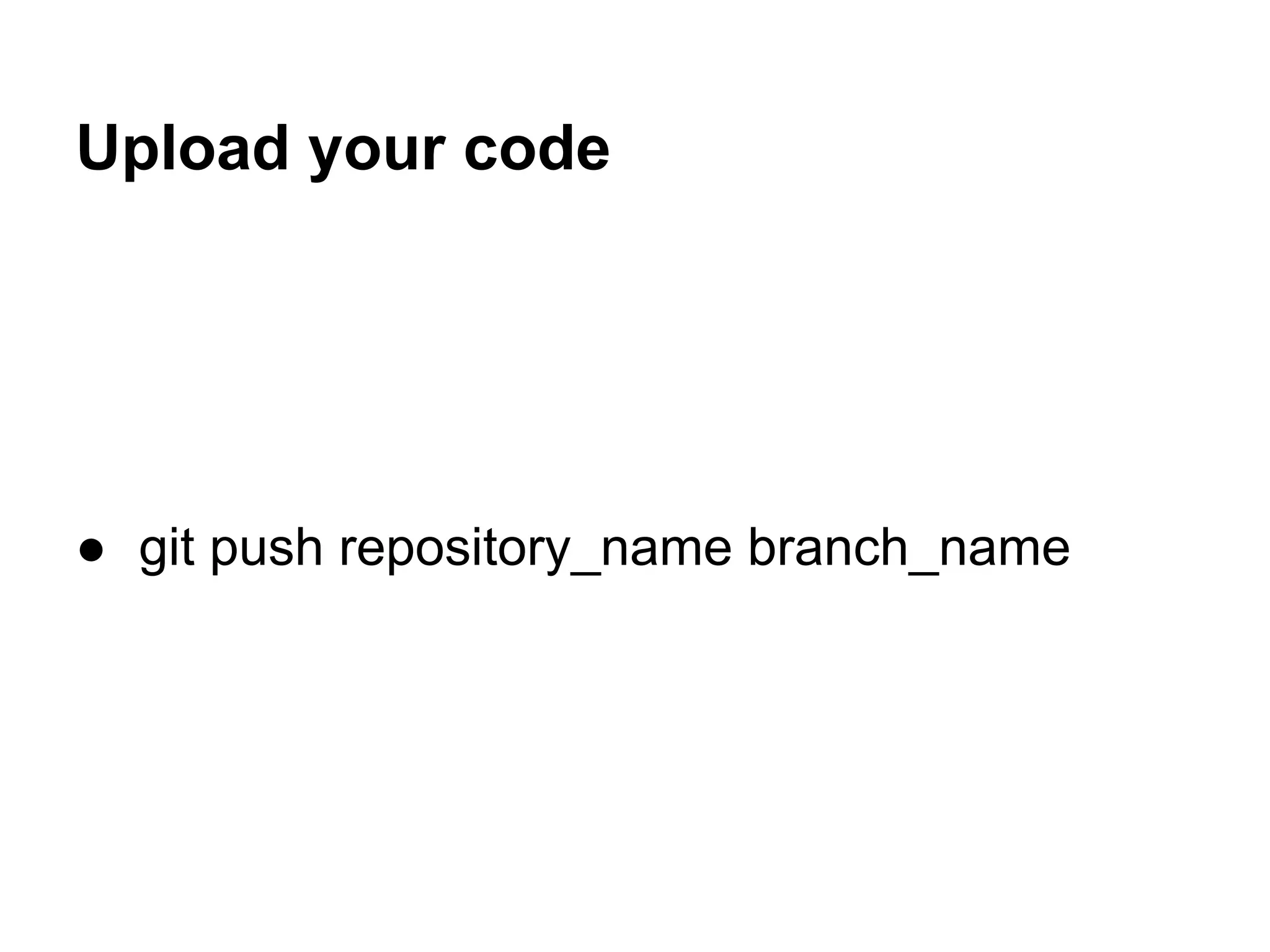
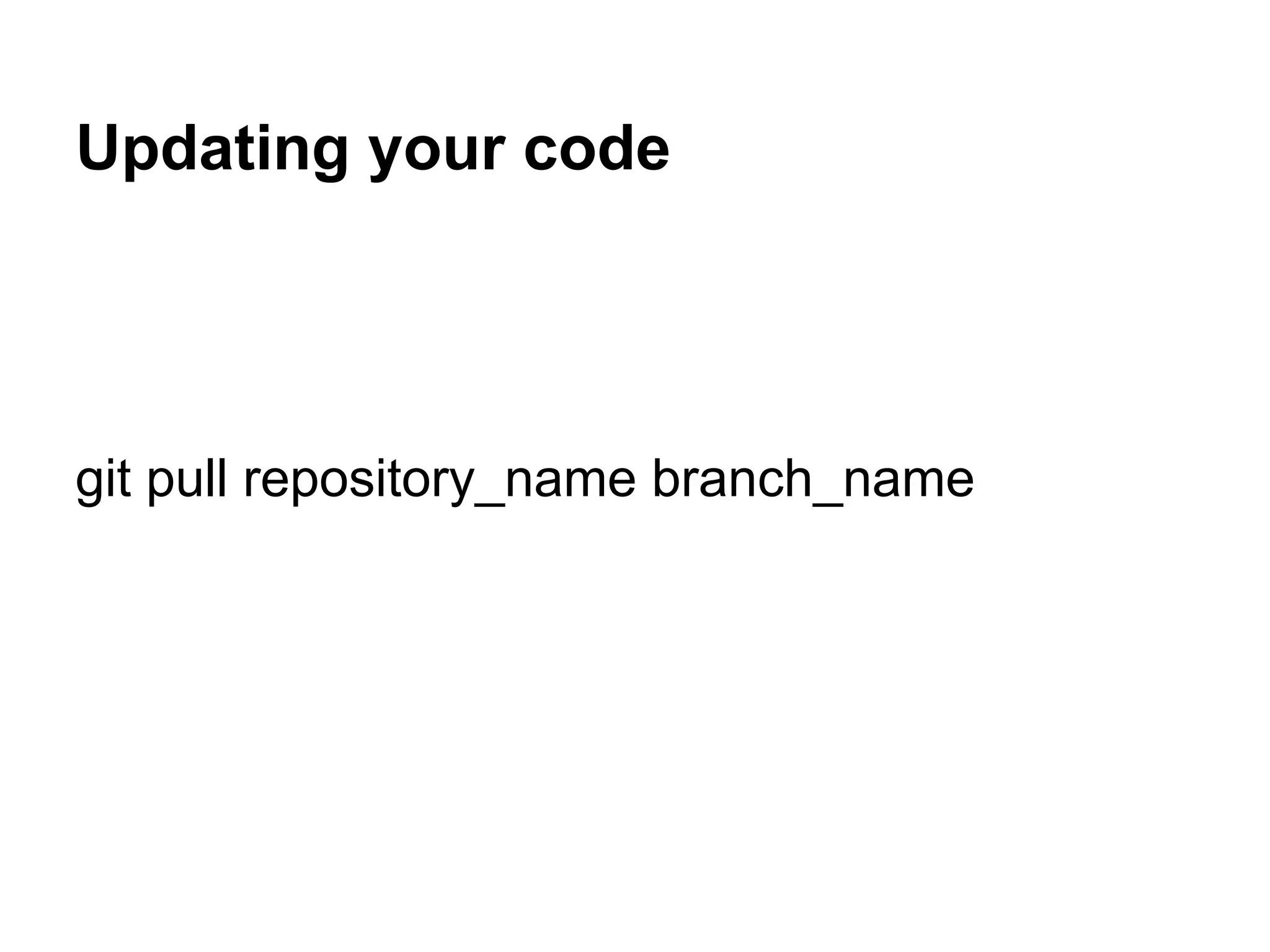
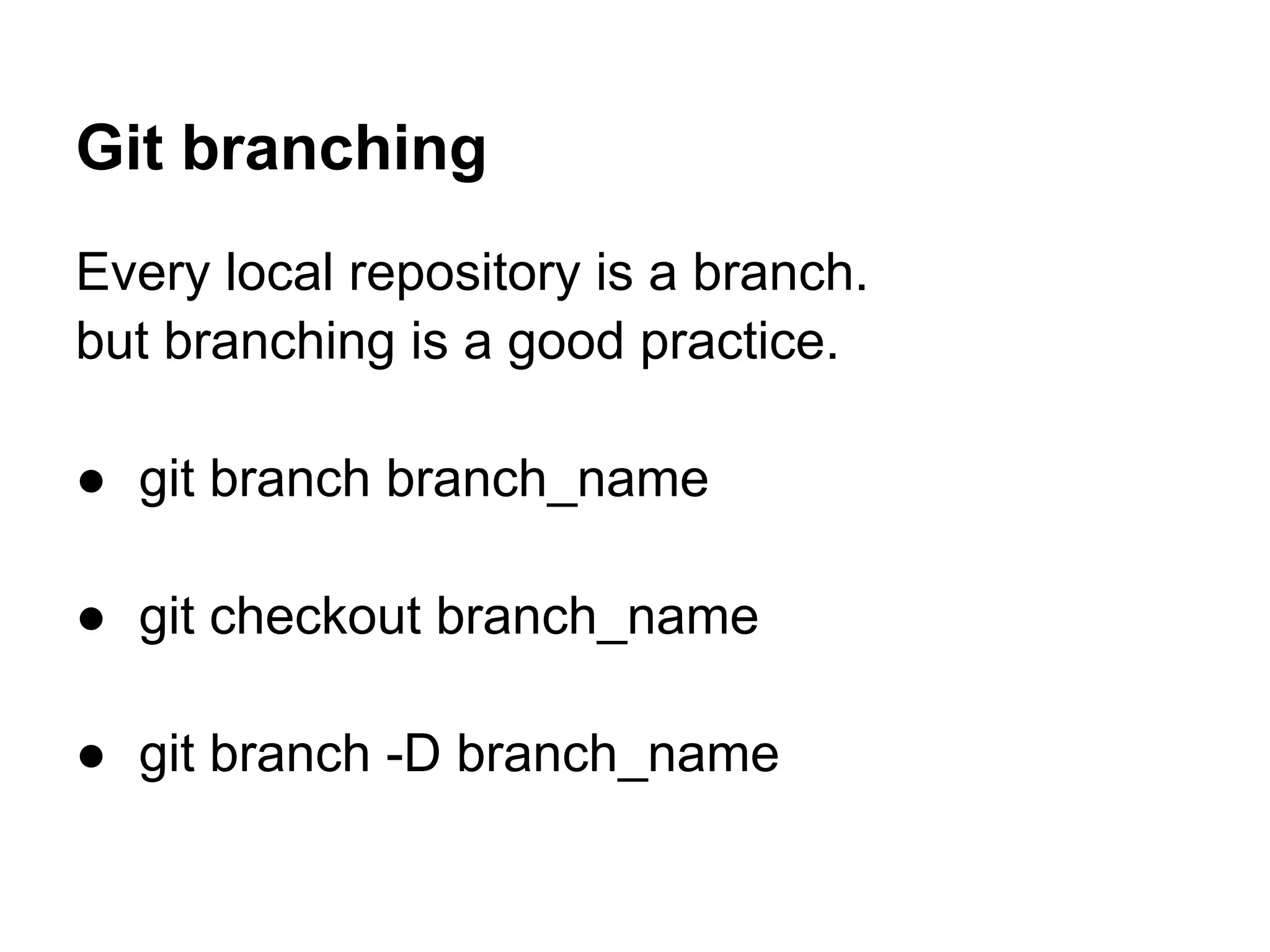
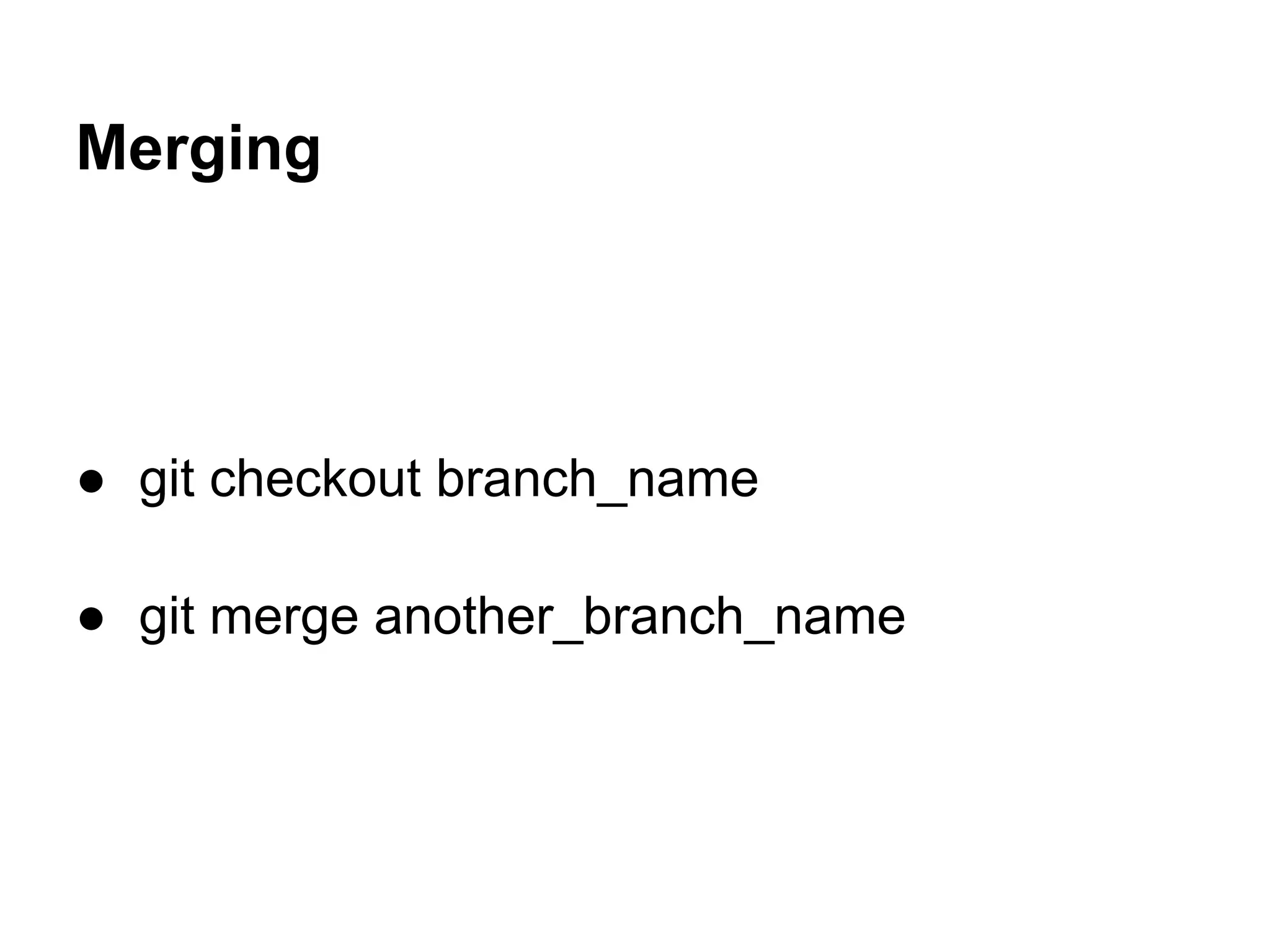


Git is distributed revision control software that allows for version control of code across multiple platforms. It was created by Linus Torvalds and is currently maintained by Junio Hamano. Some basic Git commands include configuring user information with git config, initializing a repository with git init, cloning an existing repository with git commit, adding and committing files. A key difference between Git and SVN is that Git commits are local so code can be committed without internet access. Remote repositories can be added and code can be pushed or pulled between local and remote versions. Branching allows different versions to exist simultaneously and merging brings those branches back together.


