Disclaimer
 I’m not a Git expert or pro 
Agenda
Version control systems
What is Git & Github ?
History of Github
Concepts for Github Users
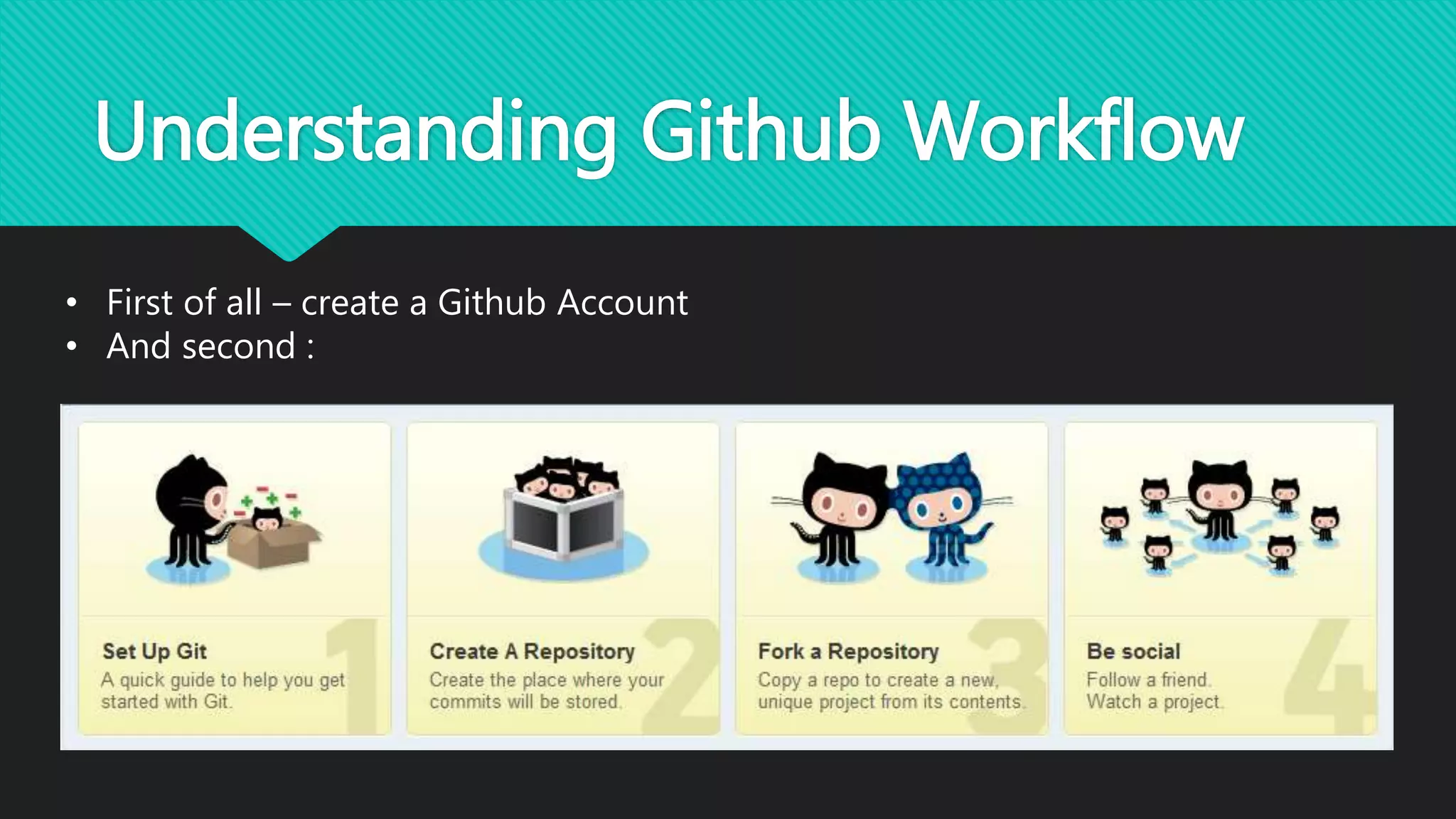
Understanding Github Workflow
Github Desktop Demo
Version control systems
• Version control is a system that records changes to a file or set of
files over time so that you can recall specific versions later.
• Version control (or revision control, or source control) is all about
managing multiple versions of documents, programs, web sites, etc.
 Almost all “real” projects use some kind of version control
 Essential for team projects, but also very useful for individual projects
• Some well-known version control systems are CVS, Subversion,
Mercurial, and Git.
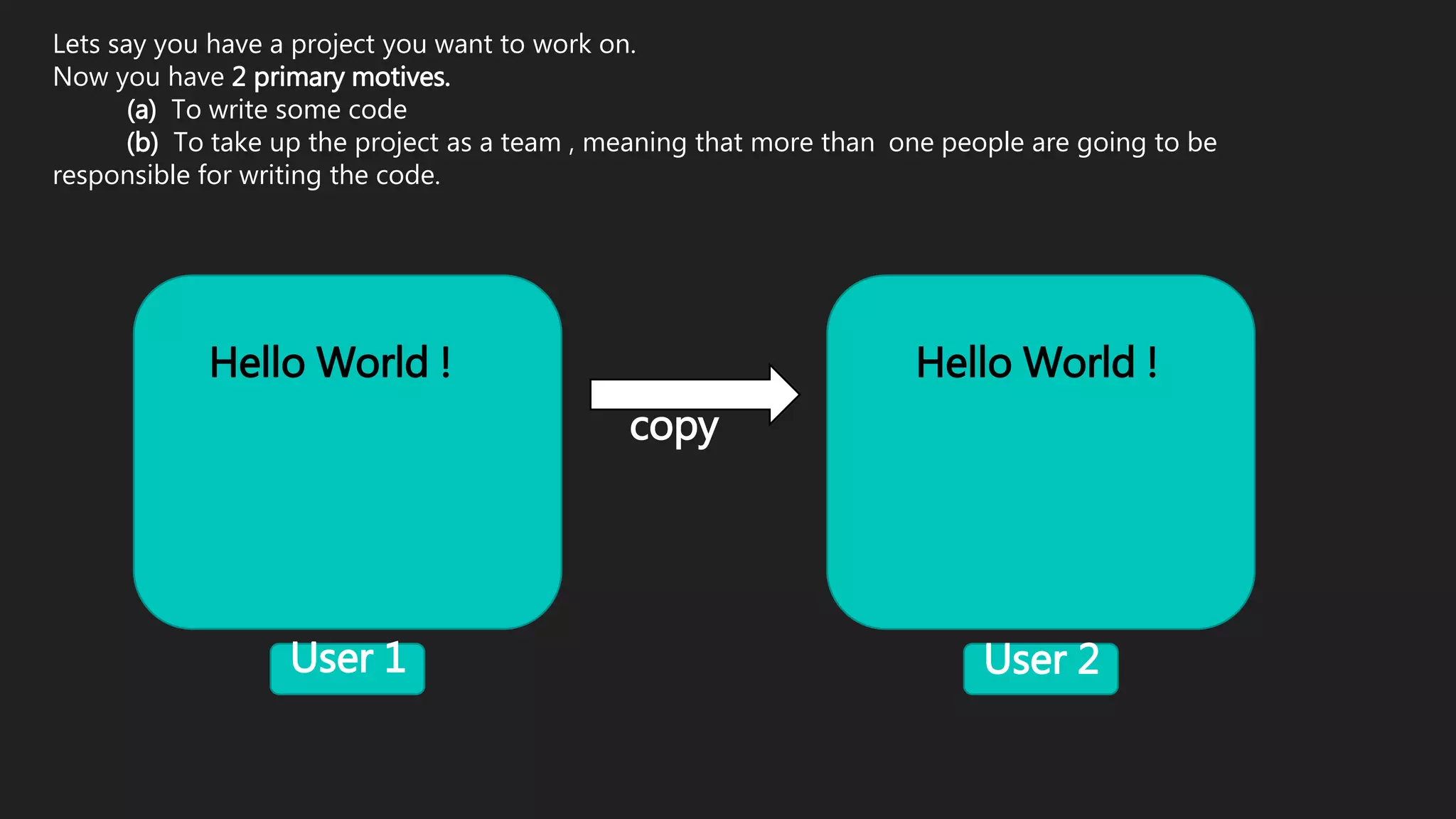
Lets say you have a project you want to work on.
Now you have 2 primary motives.
(a) To write some code
(b) To take up the project as a team , meaning that more than one people are going to be
responsible for writing the code.
User 1 User 2
Hello World !
copy
Hello World !
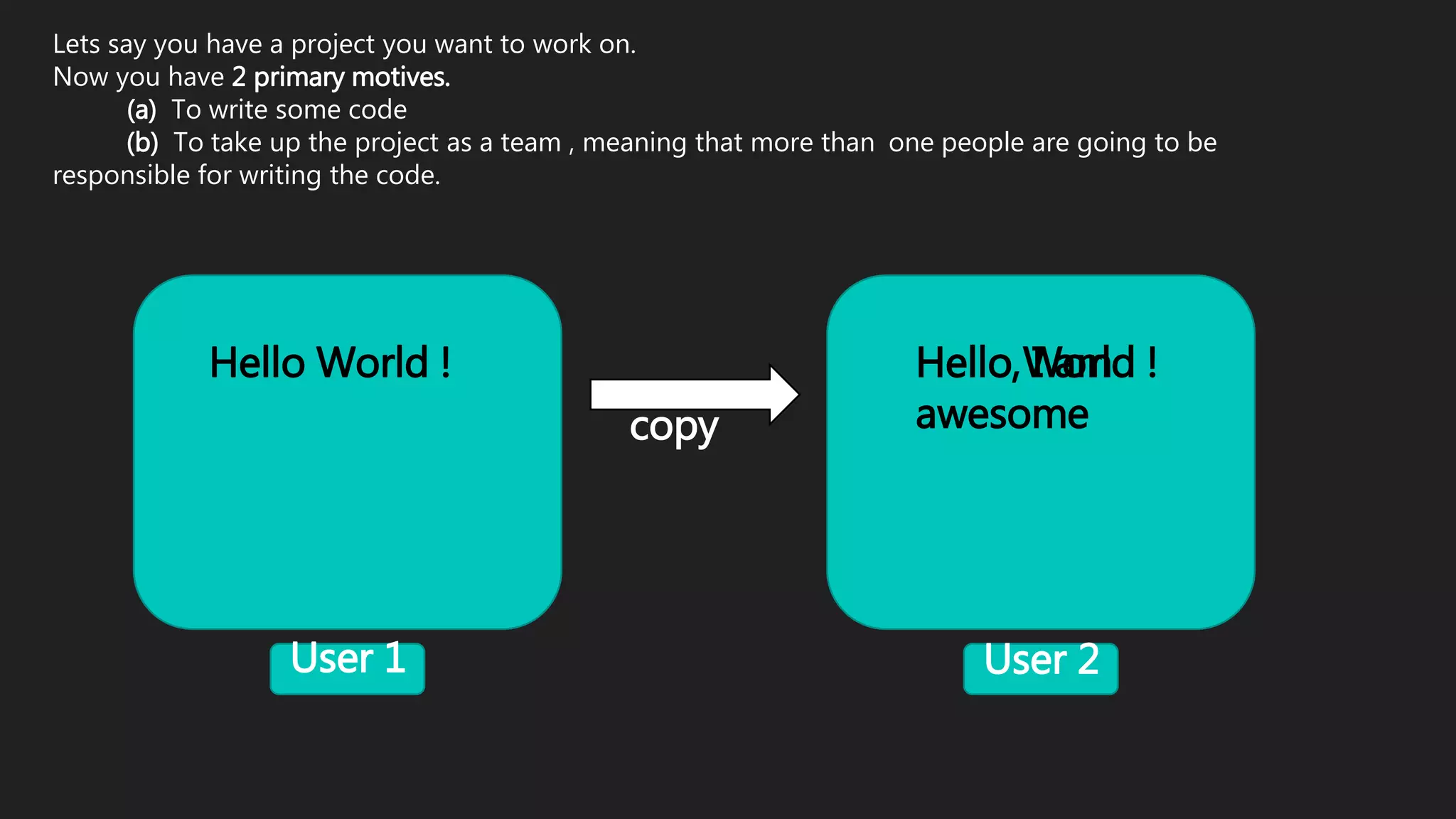
Lets say you have a project you want to work on.
Now you have 2 primary motives.
(a) To write some code
(b) To take up the project as a team , meaning that more than one people are going to be
responsible for writing the code.
User 1 User 2
Hello World !
copy
Hello World !Hello, I am
awesome
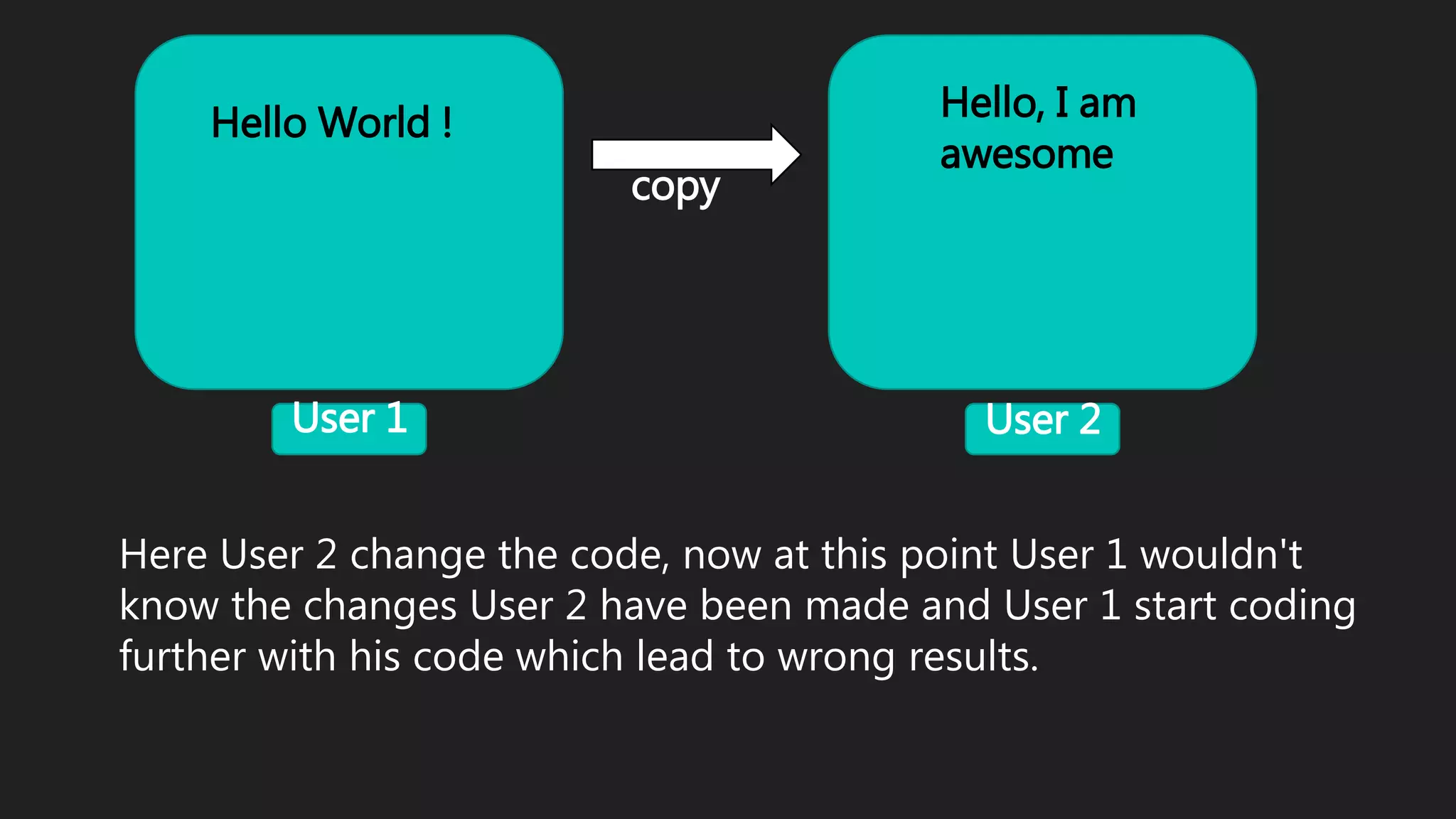
Here User 2 change the code, now at this point User 1 wouldn't
know the changes User 2 have been made and User 1 start coding
further with his code which lead to wrong results.
User 1 User 2
Hello World !
copy
Hello, I am
awesome
What is Git & Github ?
Git:
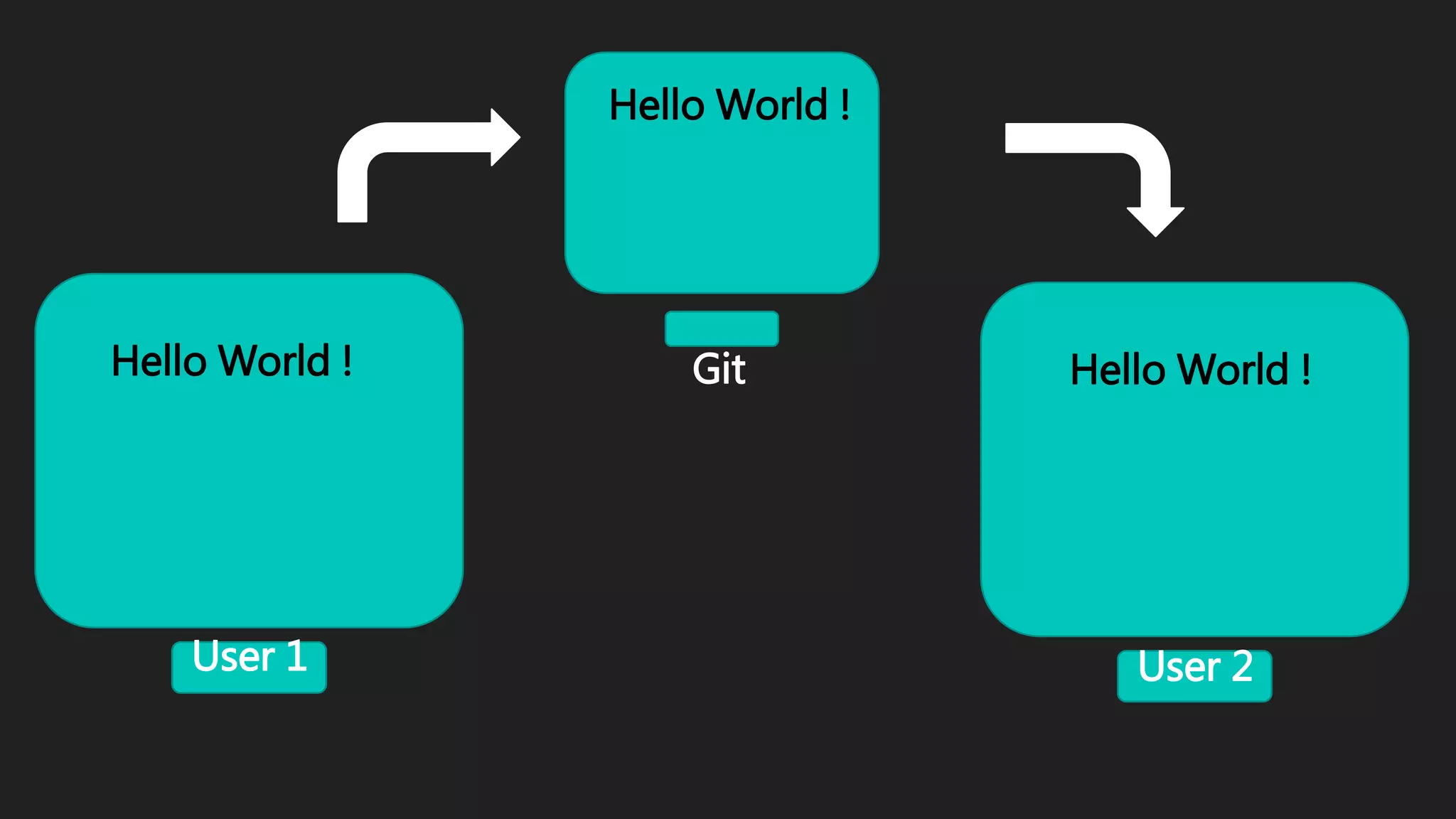
Git is an example of version control
It allows you to :
• Save your code online.
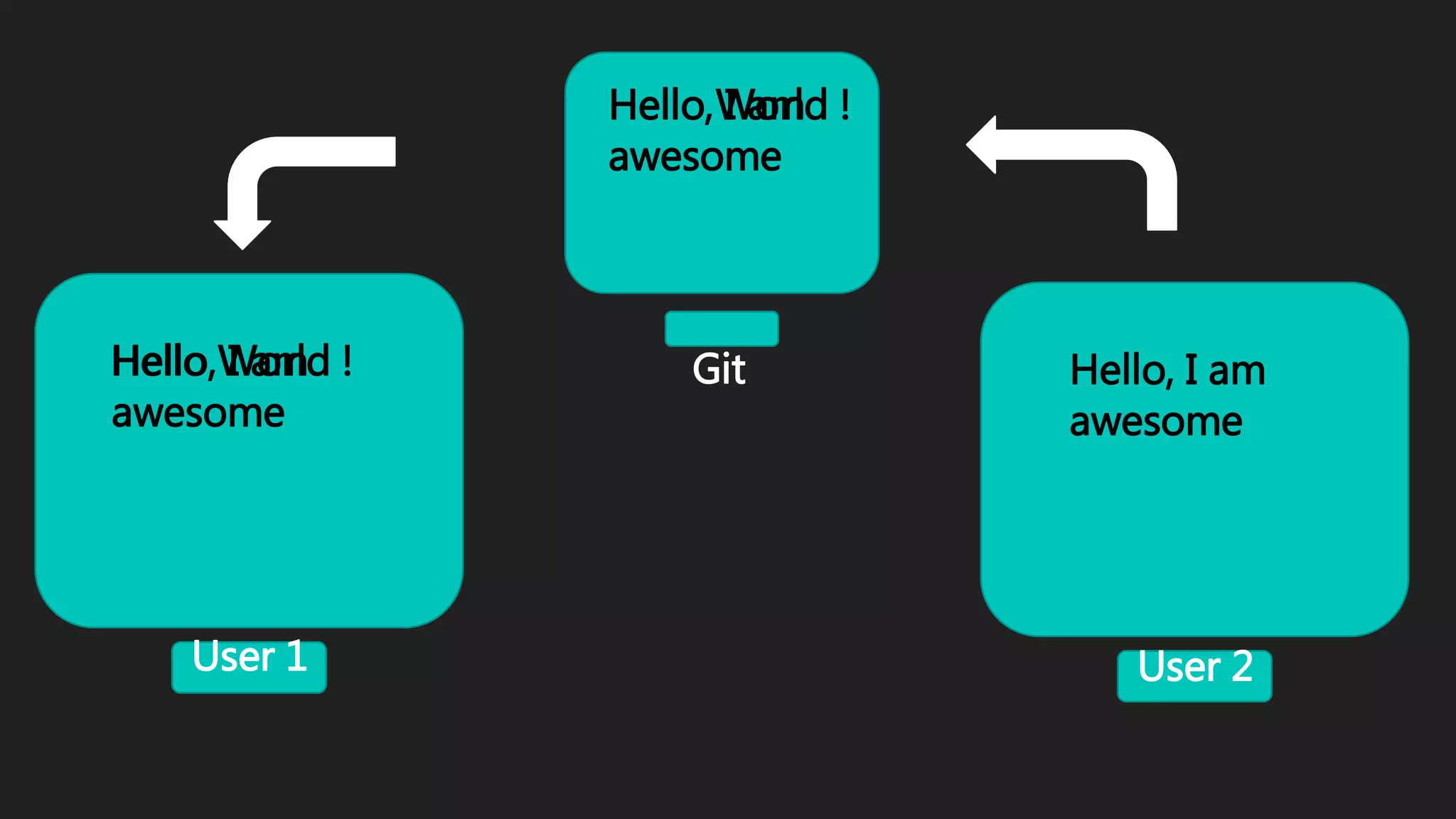
• Git will allow all the developers of a project to see what changes the other one has
made.
• It allows you to discuss issues in your code with other developers.
And a lot more...
User 1 User 2
Hello World ! Hello World !Git
Hello World !
User 1 User 2
Hello World ! Hello, I am
awesome
Git
Hello World !Hello, I am
awesome
Hello, I am
awesome
What is Git & Github ?
Github:
Github is a repository hosting service for Git based on “Ruby on
Rails”.
• While Git is a command line tool, GitHub provides a web-
based graphical interface that works on top of GIT. It can also
be treated as a social platform to share knowledge and work.
• It also provides access control and several collaboration
features, such as wikis and basic task management tools
History of Github
• Founded in 2008 by Tom Preston-Werner
• Funding 0$
• At that time 46 Employees with no middle managers; in other words, "everyone is
a manager" (self-management).Employees can choose to work on projects that
interest them (open allocation).
• And Now 467 Employees.
• 30+ Million Repositories
• 10+ Million Users
Concepts for Github Users
• Repository : A repository is a folder inside which you are going to store
every piece of your code.
• Fork : Copying someone's repository into your account is called forking.
• Upstream : The guy or organisation which owns the code that you forked.
Understanding Github Workflow
• First of all – create a Github Account
• And second :
Github Desktop Demo
We can create repositories by two methods :
• Github GUI Software
• Git Windows PowerShell
DEMO TIME
• Create a Github account
• Set up with Windows
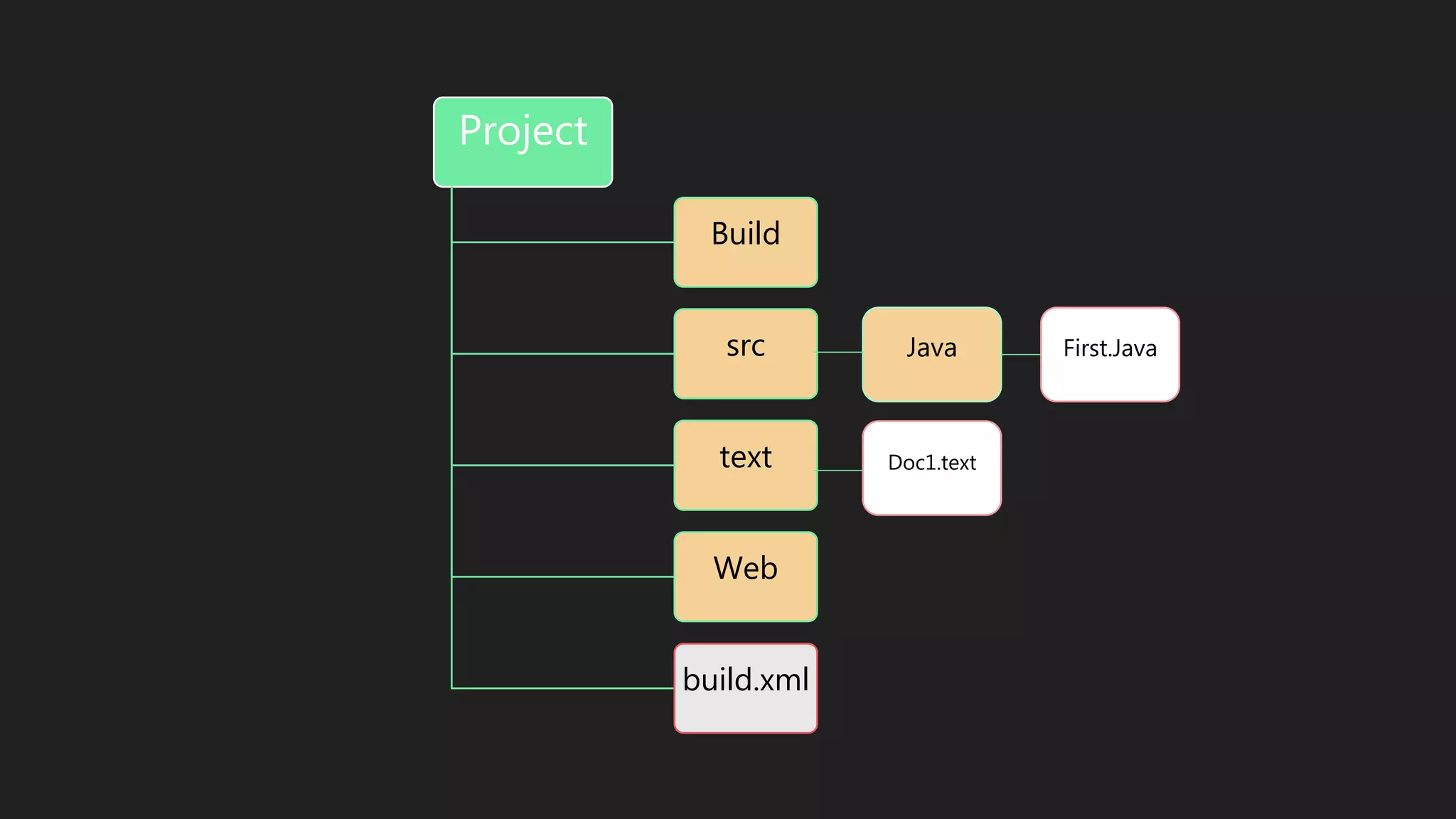
Project
Build
src
text
Web
build.xml
Java
Doc1.text
First.Java
Github Desktop Demo
• Create a repository
• Fork a repository
• Delete a repository
We had done:
REFERENCES
• https://github.com
• http://stackoverflow.com
• http://www.newyorker.com/tech/elements
• https://www.quora.com
Thank You!

Git hub

  • 2.
    Disclaimer  I’m nota Git expert or pro 
  • 3.
    Agenda Version control systems Whatis Git & Github ? History of Github Concepts for Github Users Understanding Github Workflow Github Desktop Demo
  • 4.
    Version control systems •Version control is a system that records changes to a file or set of files over time so that you can recall specific versions later. • Version control (or revision control, or source control) is all about managing multiple versions of documents, programs, web sites, etc.  Almost all “real” projects use some kind of version control  Essential for team projects, but also very useful for individual projects • Some well-known version control systems are CVS, Subversion, Mercurial, and Git.
  • 5.
    Lets say youhave a project you want to work on. Now you have 2 primary motives. (a) To write some code (b) To take up the project as a team , meaning that more than one people are going to be responsible for writing the code. User 1 User 2 Hello World ! copy Hello World !
  • 6.
    Lets say youhave a project you want to work on. Now you have 2 primary motives. (a) To write some code (b) To take up the project as a team , meaning that more than one people are going to be responsible for writing the code. User 1 User 2 Hello World ! copy Hello World !Hello, I am awesome
  • 7.
    Here User 2change the code, now at this point User 1 wouldn't know the changes User 2 have been made and User 1 start coding further with his code which lead to wrong results. User 1 User 2 Hello World ! copy Hello, I am awesome
  • 8.
    What is Git& Github ? Git: Git is an example of version control It allows you to : • Save your code online. • Git will allow all the developers of a project to see what changes the other one has made. • It allows you to discuss issues in your code with other developers. And a lot more...
  • 9.
    User 1 User2 Hello World ! Hello World !Git Hello World !
  • 10.
    User 1 User2 Hello World ! Hello, I am awesome Git Hello World !Hello, I am awesome Hello, I am awesome
  • 11.
    What is Git& Github ? Github: Github is a repository hosting service for Git based on “Ruby on Rails”. • While Git is a command line tool, GitHub provides a web- based graphical interface that works on top of GIT. It can also be treated as a social platform to share knowledge and work. • It also provides access control and several collaboration features, such as wikis and basic task management tools
  • 12.
    History of Github •Founded in 2008 by Tom Preston-Werner • Funding 0$ • At that time 46 Employees with no middle managers; in other words, "everyone is a manager" (self-management).Employees can choose to work on projects that interest them (open allocation). • And Now 467 Employees. • 30+ Million Repositories • 10+ Million Users
  • 13.
    Concepts for GithubUsers • Repository : A repository is a folder inside which you are going to store every piece of your code. • Fork : Copying someone's repository into your account is called forking. • Upstream : The guy or organisation which owns the code that you forked.
  • 14.
    Understanding Github Workflow •First of all – create a Github Account • And second :
  • 15.
    Github Desktop Demo Wecan create repositories by two methods : • Github GUI Software • Git Windows PowerShell
  • 16.
    DEMO TIME • Createa Github account • Set up with Windows
  • 17.
  • 18.
    Github Desktop Demo •Create a repository • Fork a repository • Delete a repository We had done:
  • 19.
    REFERENCES • https://github.com • http://stackoverflow.com •http://www.newyorker.com/tech/elements • https://www.quora.com
  • 20.