Git
by Adham Saad
Contents
• What is Version Control ?
• What is Git
• Installing Git
• Setup Git for the first time
Contents
• Git Basics
o Cloning
o Staging
o Committing
o Pushing
o Reverting
• Git Branching
Contents
• Git Stashing
• Submodules
• Resources
What is Version Control
• Version control is a system that records
changes to a file or set of files over time so
that you can recall specific versions later.
What is Git
• The major difference between Git and any
other VCS (Subversion and friends included)
is the way Git thinks about its data.
• Conceptually, most other systems store
information as a list of file-based changes.
What is Git
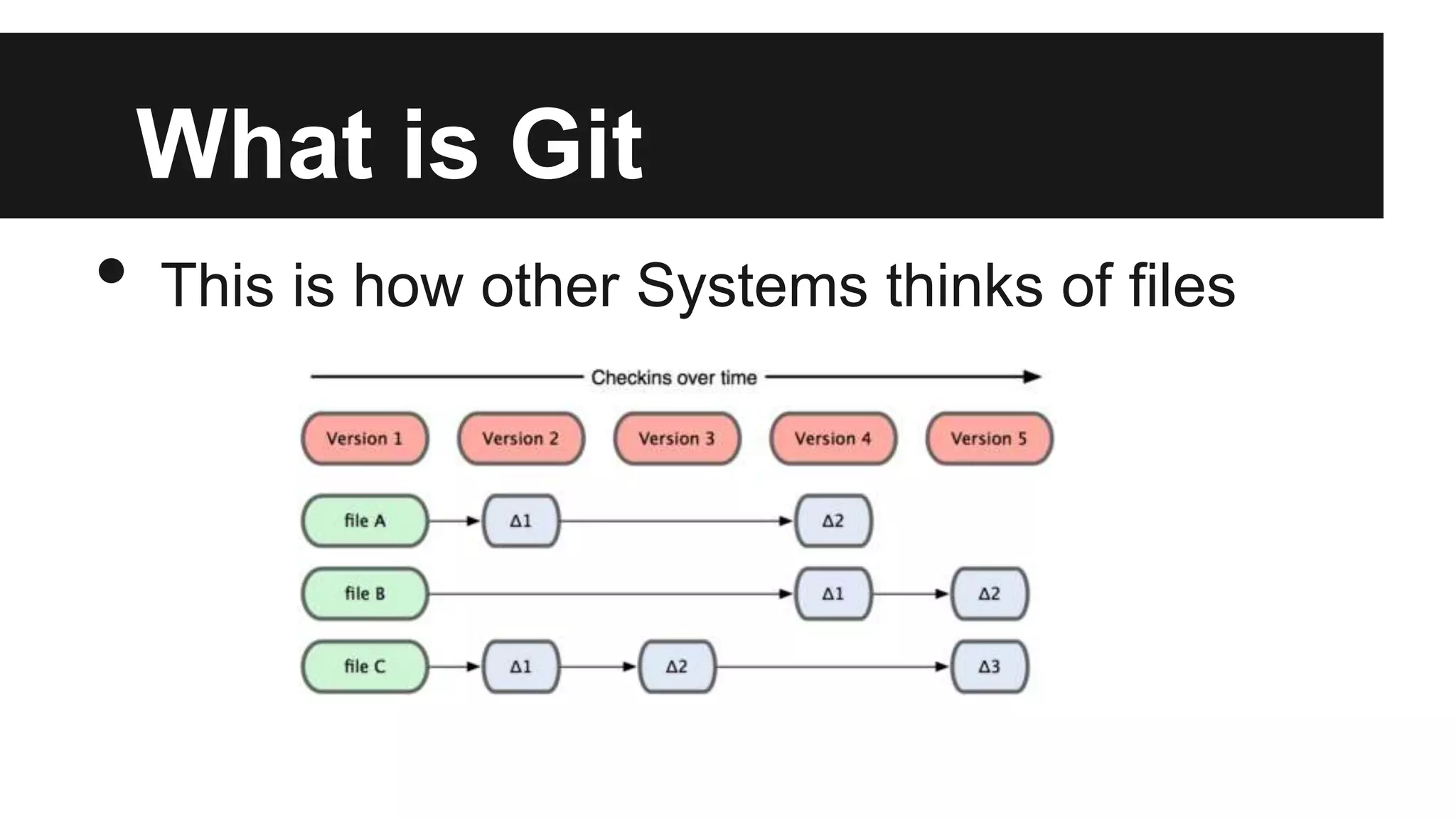
• This is how other Systems thinks of files
What is Git
• Git doesn’t think of or store its data this way.
• Instead, Git thinks of its data more like a set
of snapshots of a mini filesystem.
• Every time you commit, or save the state of
your project in Git, it basically takes a picture
of what all your files look like at that moment
and stores a reference to that snapshot.
What is Git
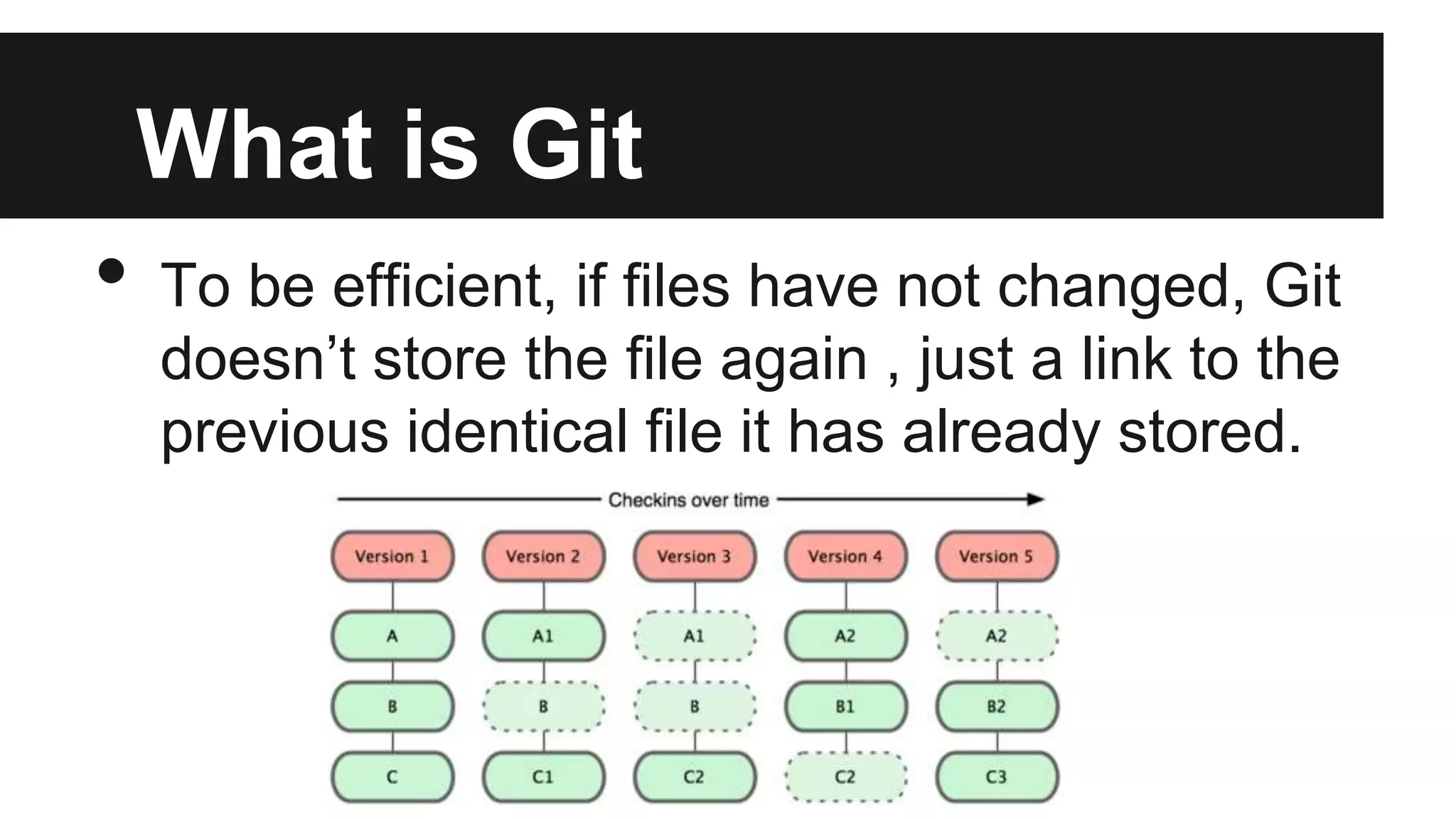
• To be efficient, if files have not changed, Git
doesn’t store the file again , just a link to the
previous identical file it has already stored.
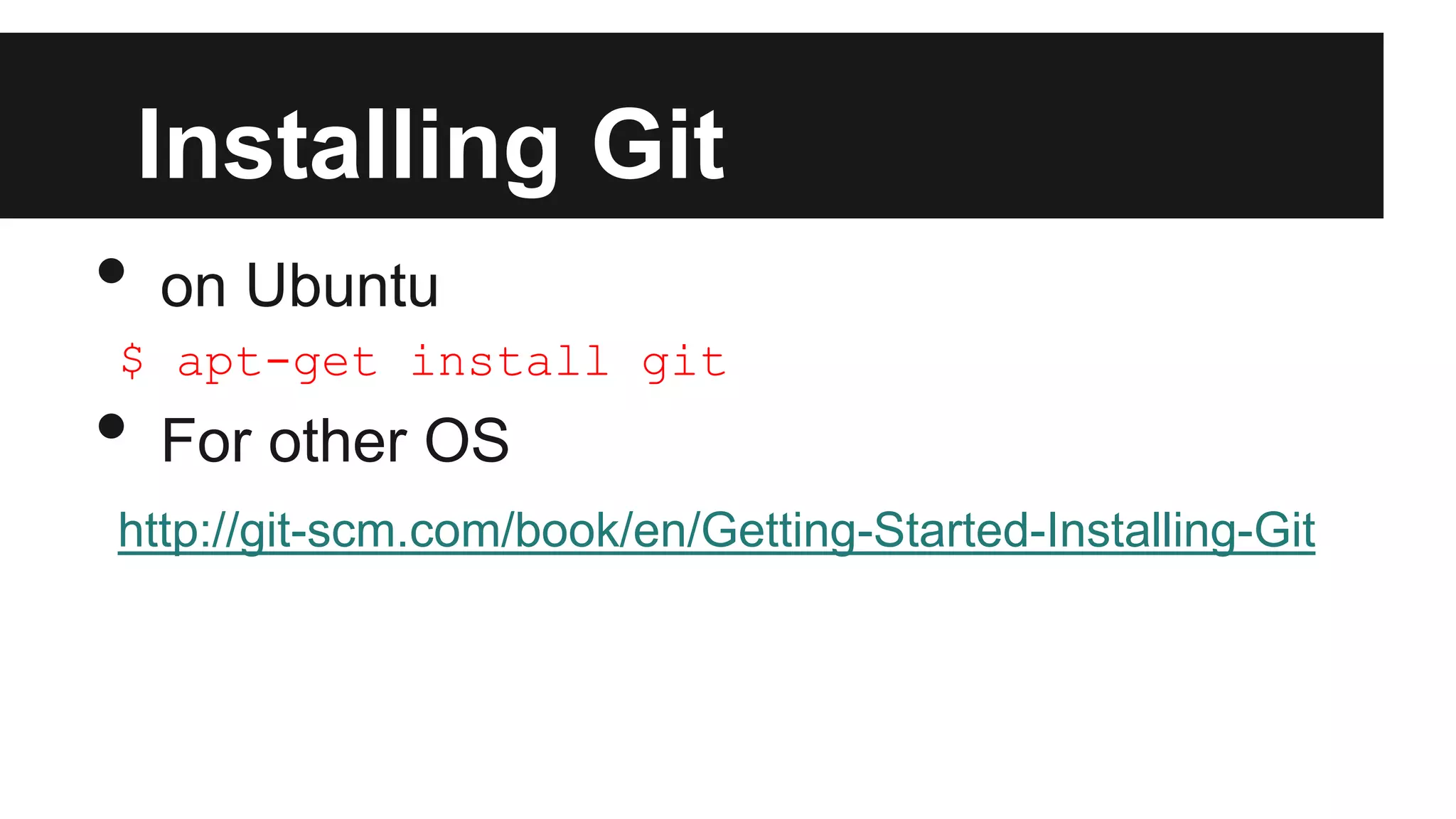
Installing Git
• on Ubuntu
$ apt-get install git
• For other OS
http://git-scm.com/book/en/Getting-Started-Installing-Git
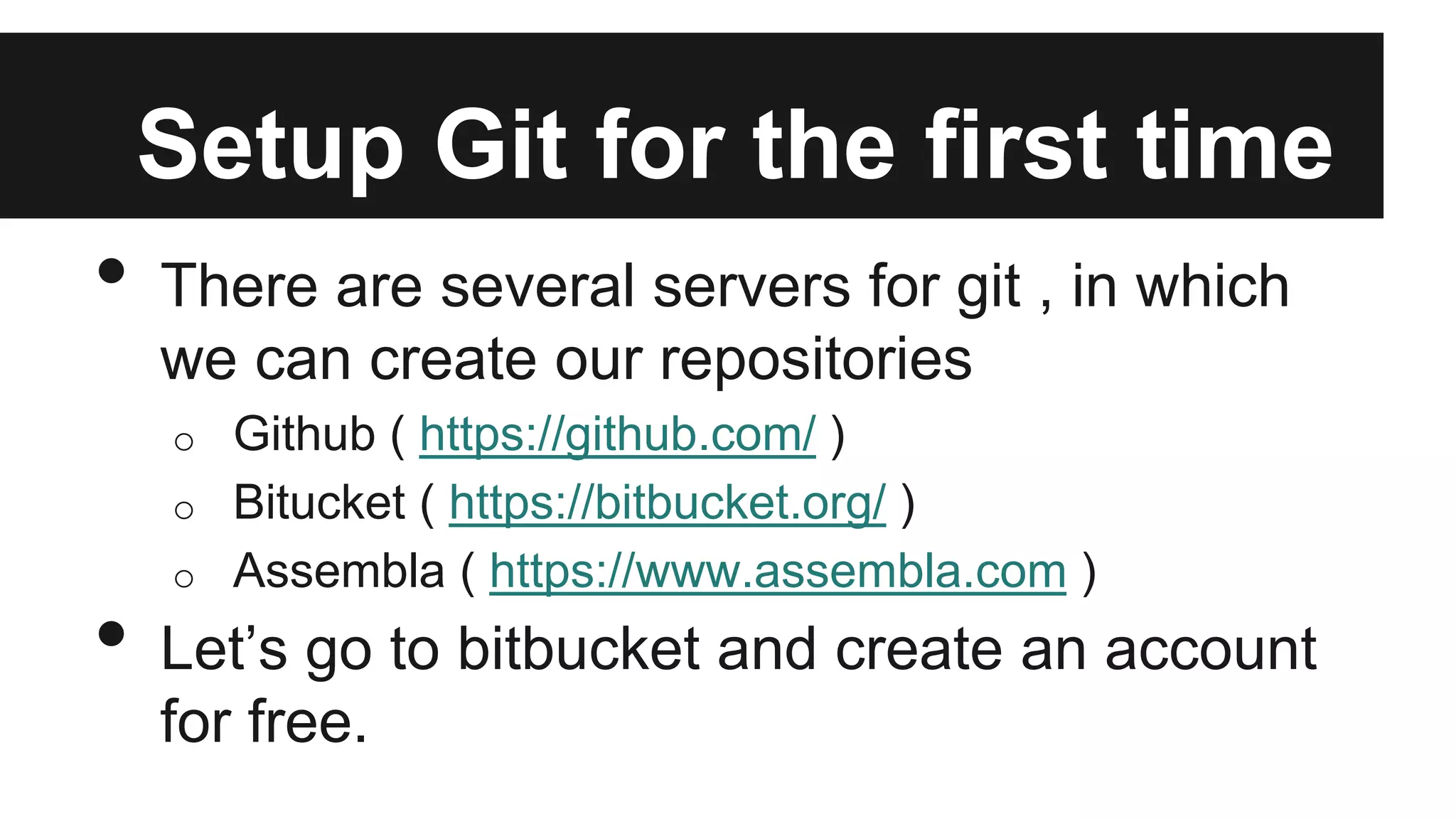
Setup Git for the first time
• There are several servers for git , in which
we can create our repositories
o Github ( https://github.com/ )
o Bitucket ( https://bitbucket.org/ )
o Assembla ( https://www.assembla.com )
• Let’s go to bitbucket and create an account
for free.
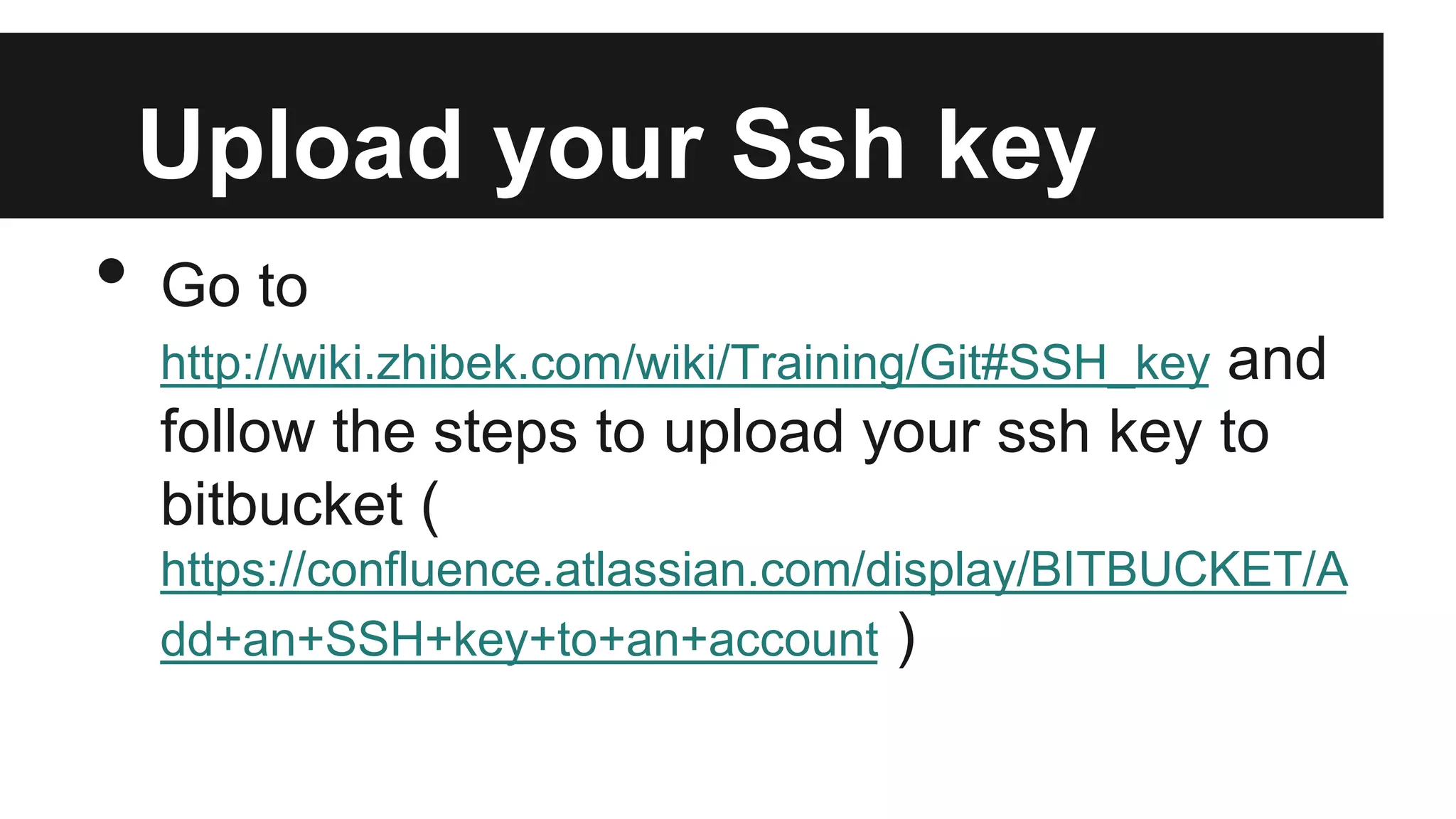
Upload your Ssh key
• Go to
http://wiki.zhibek.com/wiki/Training/Git#SSH_key and
follow the steps to upload your ssh key to
bitbucket (
https://confluence.atlassian.com/display/BITBUCKET/A
dd+an+SSH+key+to+an+account )
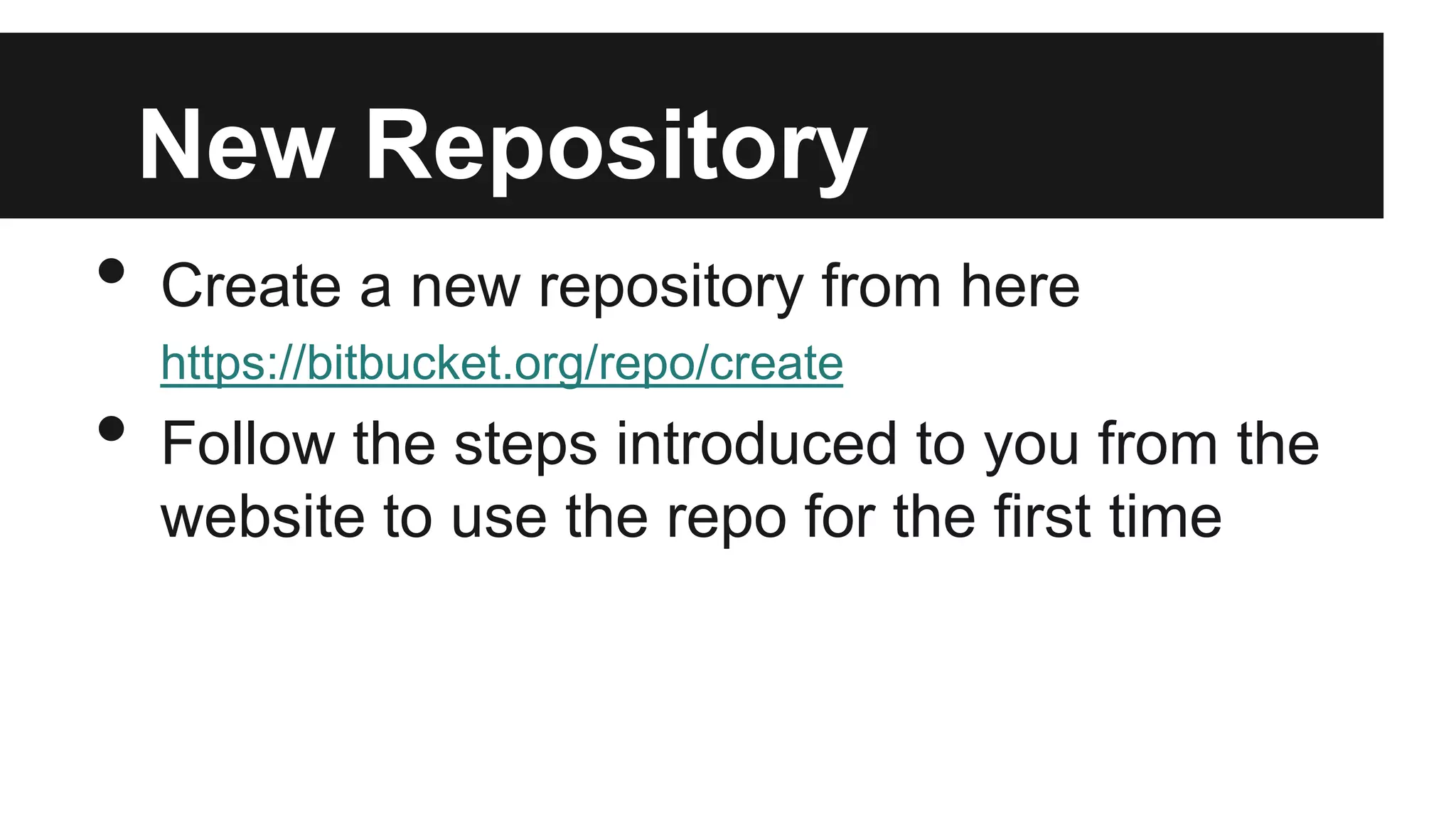
New Repository
• Create a new repository from here
https://bitbucket.org/repo/create
• Follow the steps introduced to you from the
website to use the repo for the first time
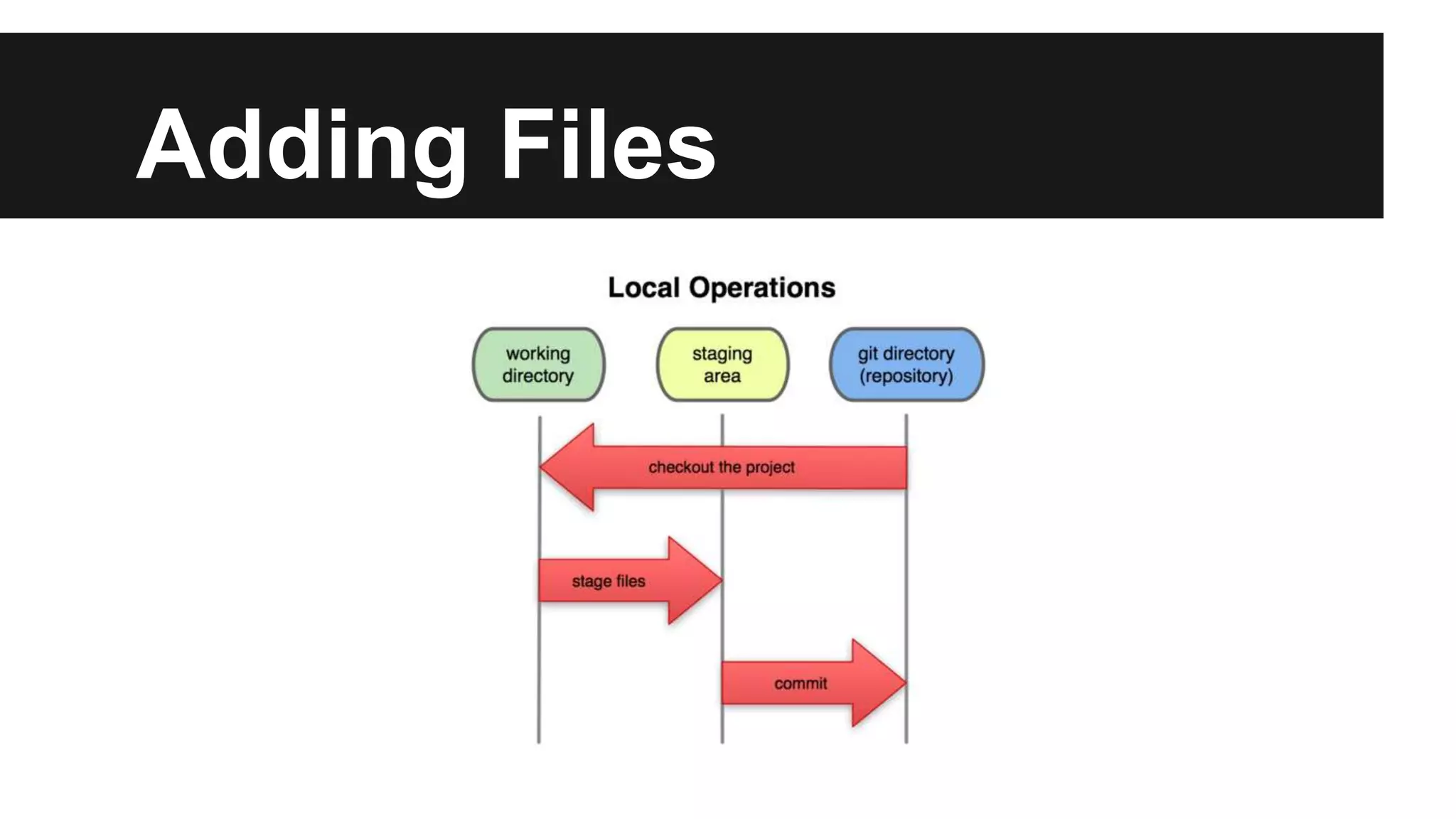
Adding Files
• After cloning your repository , cd to it
• Add a new text file
$ git commit -m “your message”
• Here you have added your files to the
staging state but not to the server
$ git push
• You have added your file to the server
Adding Files
Sharing
• Let’s share one repository with all of us
• One of us will make changes , commit and
push
• The others should see his changes after
running git pull
Branching
• Branching in git is not used to solve day to
day issues , but usually for introducing new
releases , or for working on something
different than the master branch (like design)
Branching
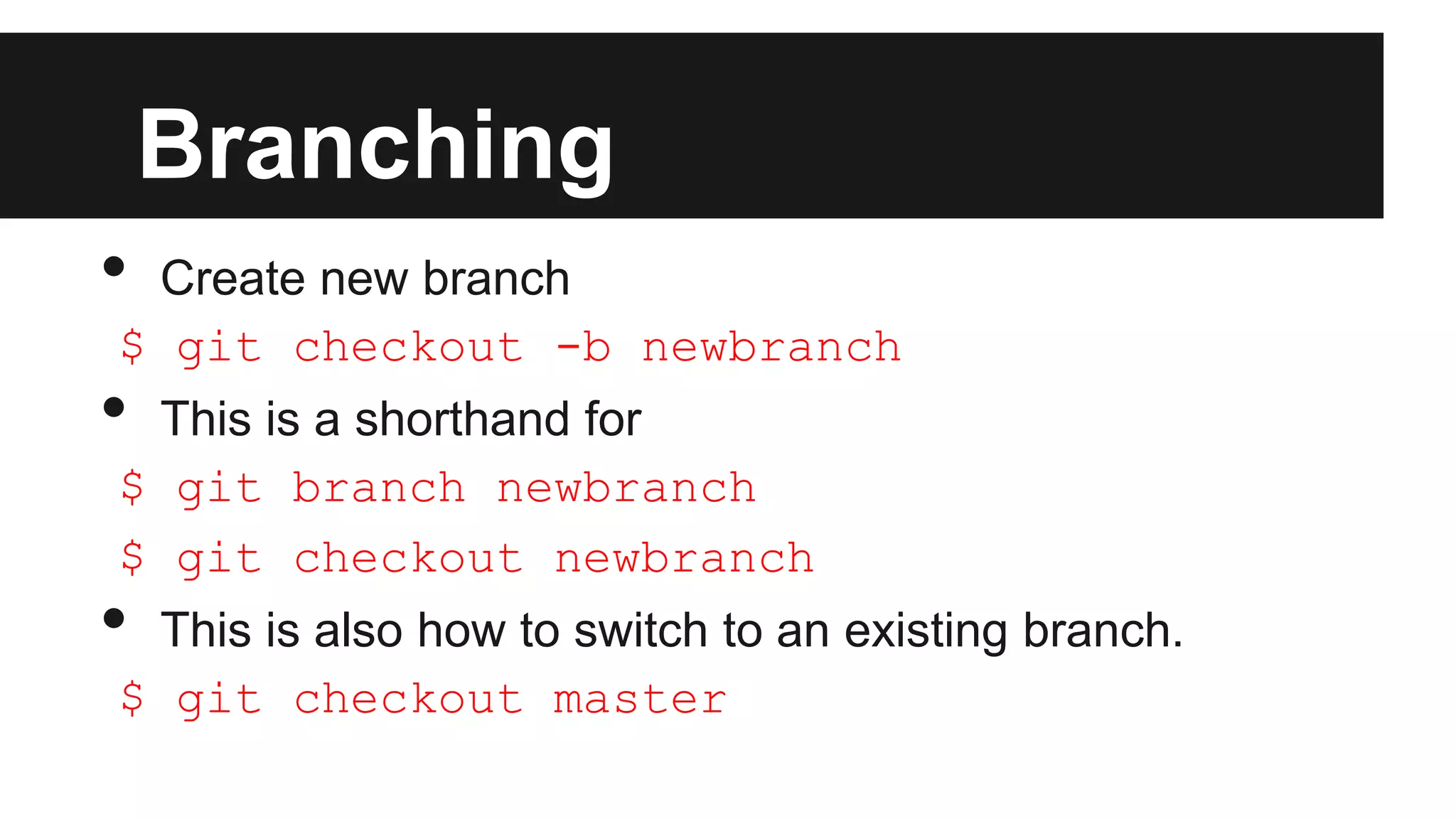
• Create new branch
$ git checkout -b newbranch
• This is a shorthand for
$ git branch newbranch
$ git checkout newbranch
• This is also how to switch to an existing branch.
$ git checkout master
Stashing
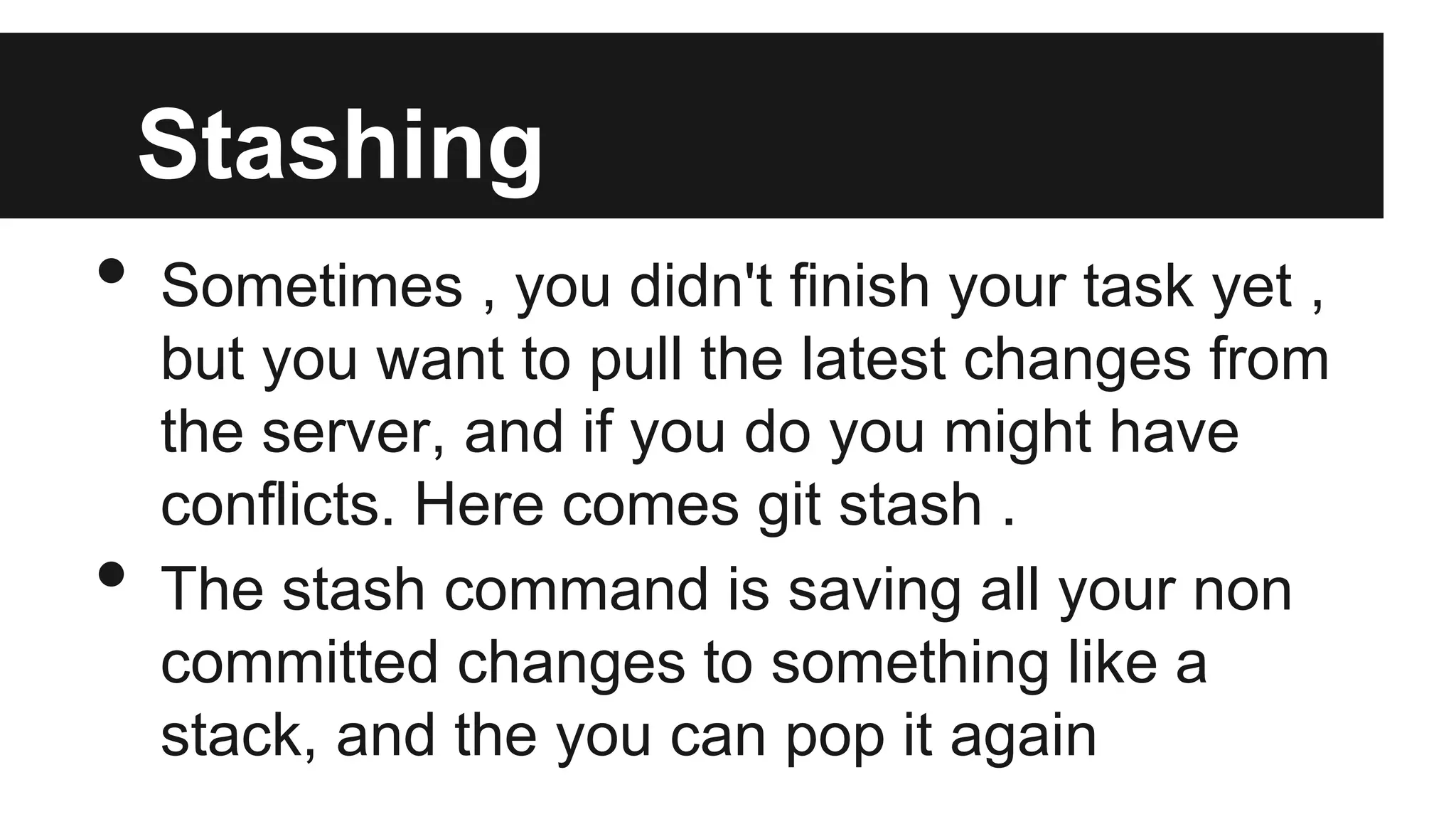
• Sometimes , you didn't finish your task yet ,
but you want to pull the latest changes from
the server, and if you do you might have
conflicts. Here comes git stash .
• The stash command is saving all your non
committed changes to something like a
stack, and the you can pop it again
Stashing
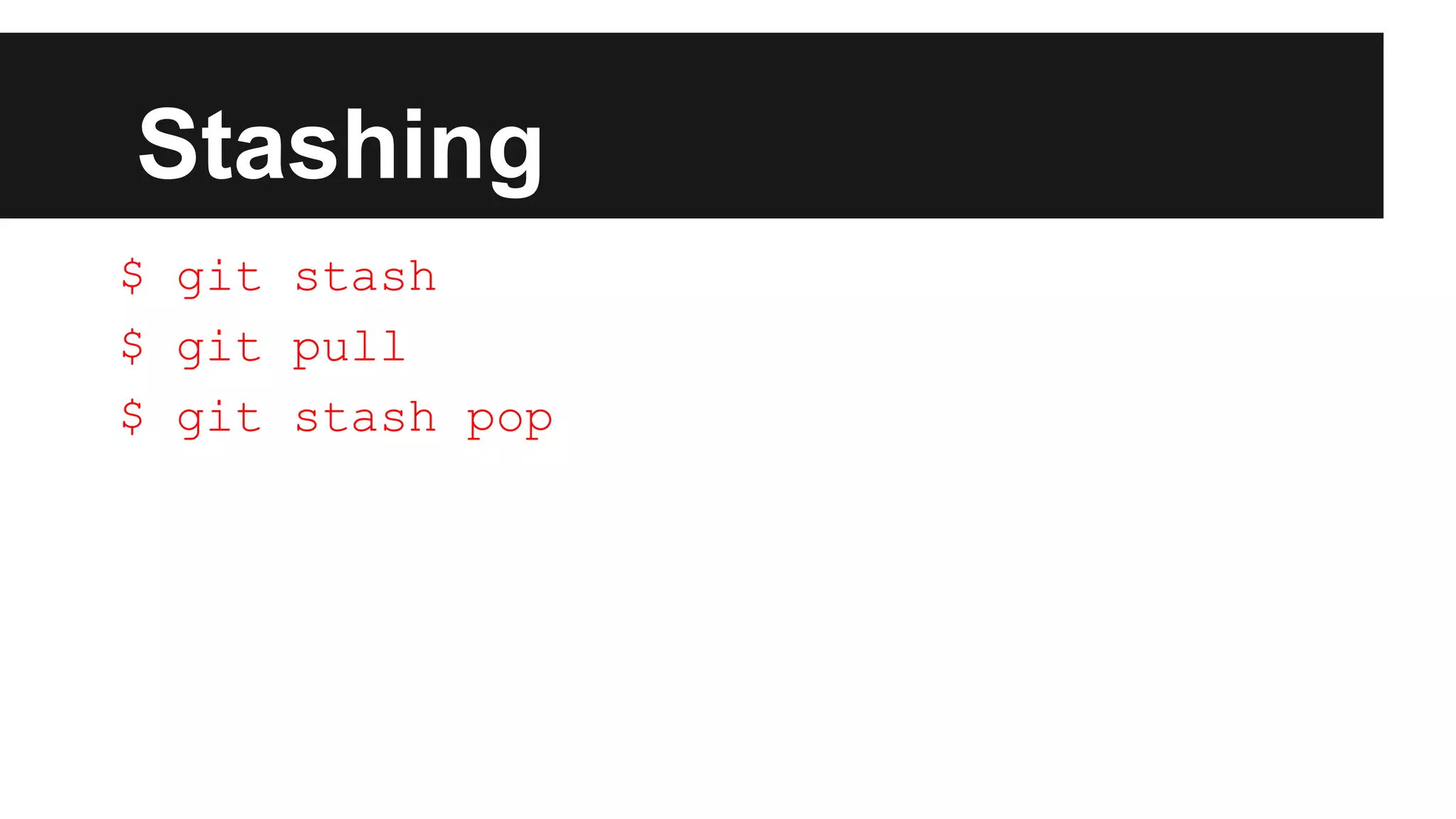
$ git stash
$ git pull
$ git stash pop
Submodules
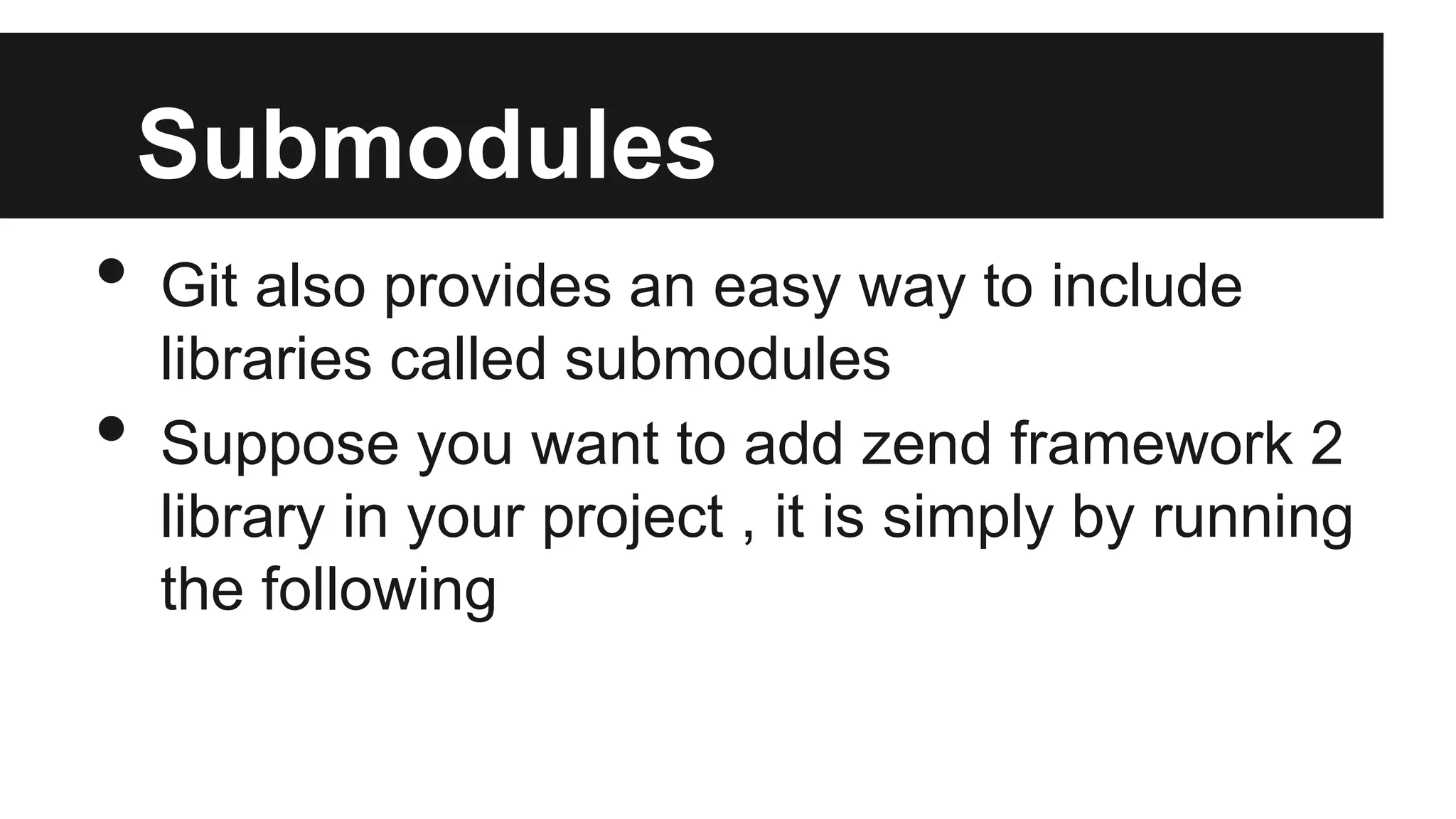
• Git also provides an easy way to include
libraries called submodules
• Suppose you want to add zend framework 2
library in your project , it is simply by running
the following
Submodules
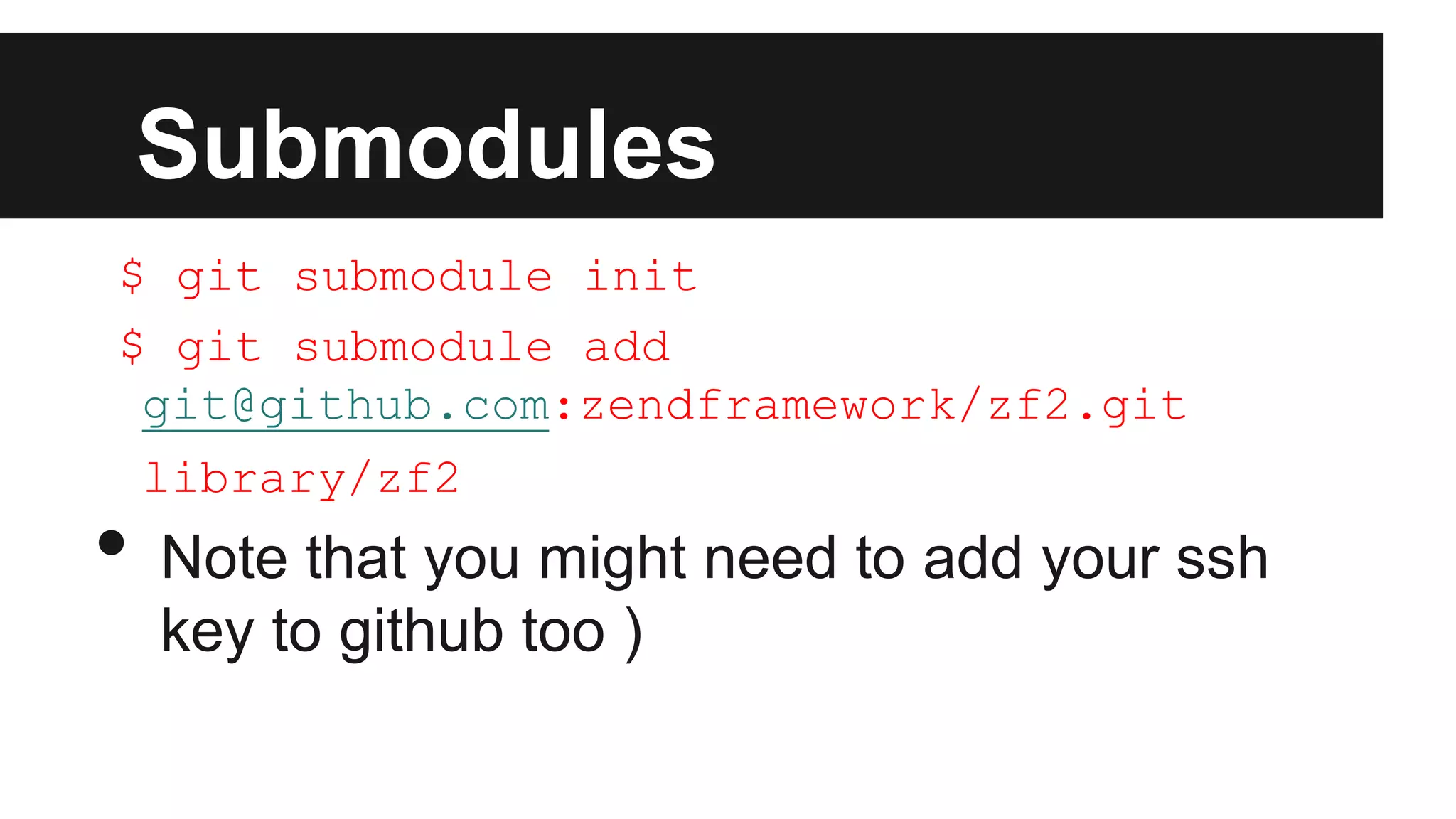
$ git submodule init
$ git submodule add
git@github.com:zendframework/zf2.git
library/zf2
• Note that you might need to add your ssh
key to github too )
Submodules
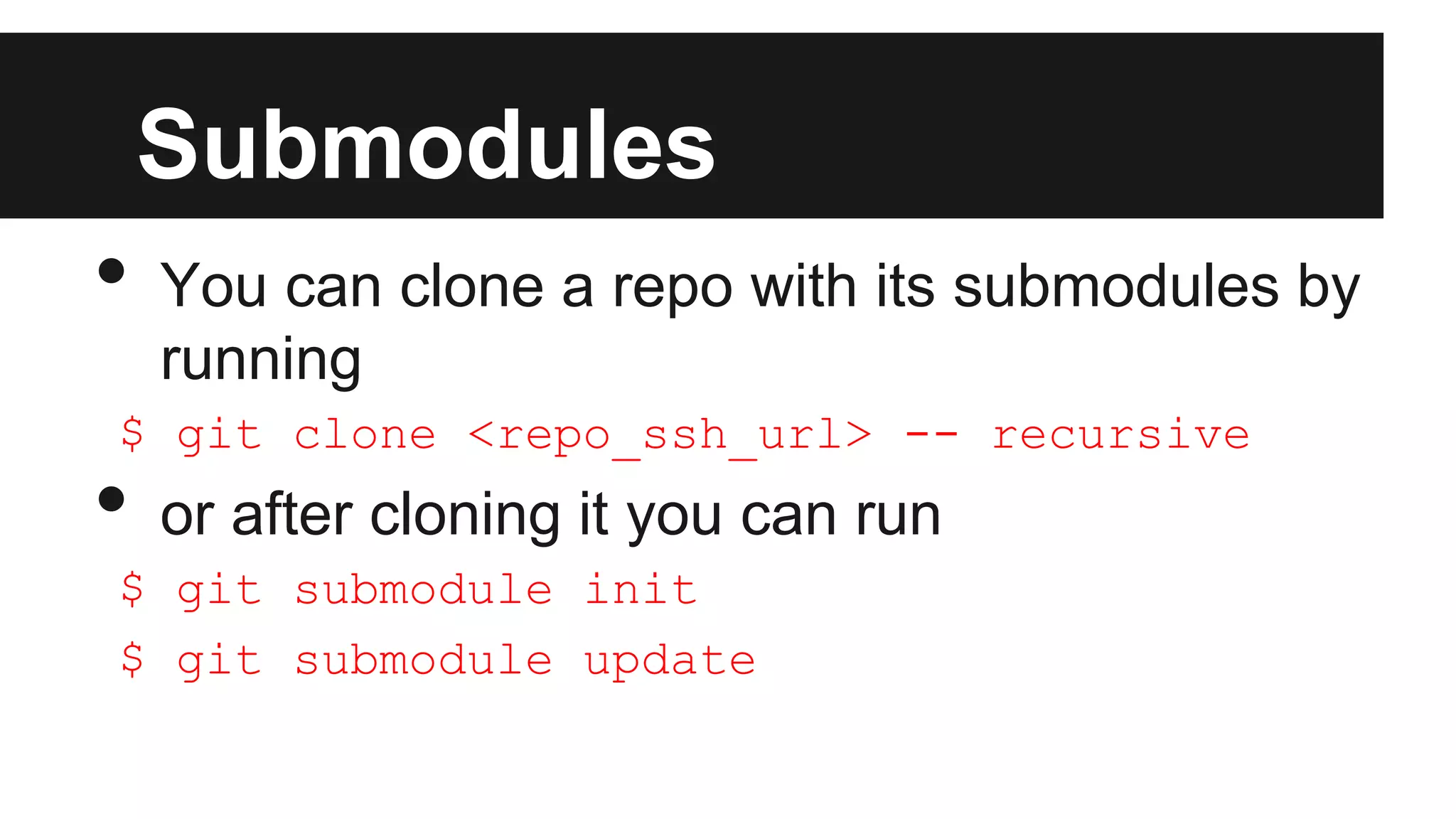
• You can clone a repo with its submodules by
running
$ git clone <repo_ssh_url> -- recursive
• or after cloning it you can run
$ git submodule init
$ git submodule update
Resources
• http://wiki.zhibek.com/wiki/Training/Git (Please
update this page if you found something interesting)
• http://git-scm.com/book
Questions

Git Introductive

  • 1.
  • 2.
    Contents • What isVersion Control ? • What is Git • Installing Git • Setup Git for the first time
  • 3.
    Contents • Git Basics oCloning o Staging o Committing o Pushing o Reverting • Git Branching
  • 4.
    Contents • Git Stashing •Submodules • Resources
  • 5.
    What is VersionControl • Version control is a system that records changes to a file or set of files over time so that you can recall specific versions later.
  • 6.
    What is Git •The major difference between Git and any other VCS (Subversion and friends included) is the way Git thinks about its data. • Conceptually, most other systems store information as a list of file-based changes.
  • 7.
    What is Git •This is how other Systems thinks of files
  • 8.
    What is Git •Git doesn’t think of or store its data this way. • Instead, Git thinks of its data more like a set of snapshots of a mini filesystem. • Every time you commit, or save the state of your project in Git, it basically takes a picture of what all your files look like at that moment and stores a reference to that snapshot.
  • 9.
    What is Git •To be efficient, if files have not changed, Git doesn’t store the file again , just a link to the previous identical file it has already stored.
  • 10.
    Installing Git • onUbuntu $ apt-get install git • For other OS http://git-scm.com/book/en/Getting-Started-Installing-Git
  • 11.
    Setup Git forthe first time • There are several servers for git , in which we can create our repositories o Github ( https://github.com/ ) o Bitucket ( https://bitbucket.org/ ) o Assembla ( https://www.assembla.com ) • Let’s go to bitbucket and create an account for free.
  • 12.
    Upload your Sshkey • Go to http://wiki.zhibek.com/wiki/Training/Git#SSH_key and follow the steps to upload your ssh key to bitbucket ( https://confluence.atlassian.com/display/BITBUCKET/A dd+an+SSH+key+to+an+account )
  • 13.
    New Repository • Createa new repository from here https://bitbucket.org/repo/create • Follow the steps introduced to you from the website to use the repo for the first time
  • 14.
    Adding Files • Aftercloning your repository , cd to it • Add a new text file $ git commit -m “your message” • Here you have added your files to the staging state but not to the server $ git push • You have added your file to the server
  • 15.
  • 16.
    Sharing • Let’s shareone repository with all of us • One of us will make changes , commit and push • The others should see his changes after running git pull
  • 17.
    Branching • Branching ingit is not used to solve day to day issues , but usually for introducing new releases , or for working on something different than the master branch (like design)
  • 18.
    Branching • Create newbranch $ git checkout -b newbranch • This is a shorthand for $ git branch newbranch $ git checkout newbranch • This is also how to switch to an existing branch. $ git checkout master
  • 19.
    Stashing • Sometimes ,you didn't finish your task yet , but you want to pull the latest changes from the server, and if you do you might have conflicts. Here comes git stash . • The stash command is saving all your non committed changes to something like a stack, and the you can pop it again
  • 20.
    Stashing $ git stash $git pull $ git stash pop
  • 21.
    Submodules • Git alsoprovides an easy way to include libraries called submodules • Suppose you want to add zend framework 2 library in your project , it is simply by running the following
  • 22.
    Submodules $ git submoduleinit $ git submodule add git@github.com:zendframework/zf2.git library/zf2 • Note that you might need to add your ssh key to github too )
  • 23.
    Submodules • You canclone a repo with its submodules by running $ git clone <repo_ssh_url> -- recursive • or after cloning it you can run $ git submodule init $ git submodule update
  • 24.
    Resources • http://wiki.zhibek.com/wiki/Training/Git (Please updatethis page if you found something interesting) • http://git-scm.com/book
  • 25.