GETTING STARTED WITH WEB3
—— ALL THINGS METAMASK ——
WALLET SECURITY • CRYPTO • DEFI • NFT • DAPPS • GAMING • HARDWARE WALLETS • SNAPS
A crypto wallet and a gateway democratizing access to the
decentralized web, trusted by over 30 million monthly users.
MetaMask Community Call - All Things MetaMask | October 2022
Presented by: Manbir Singh | Community Manager, MetaMask
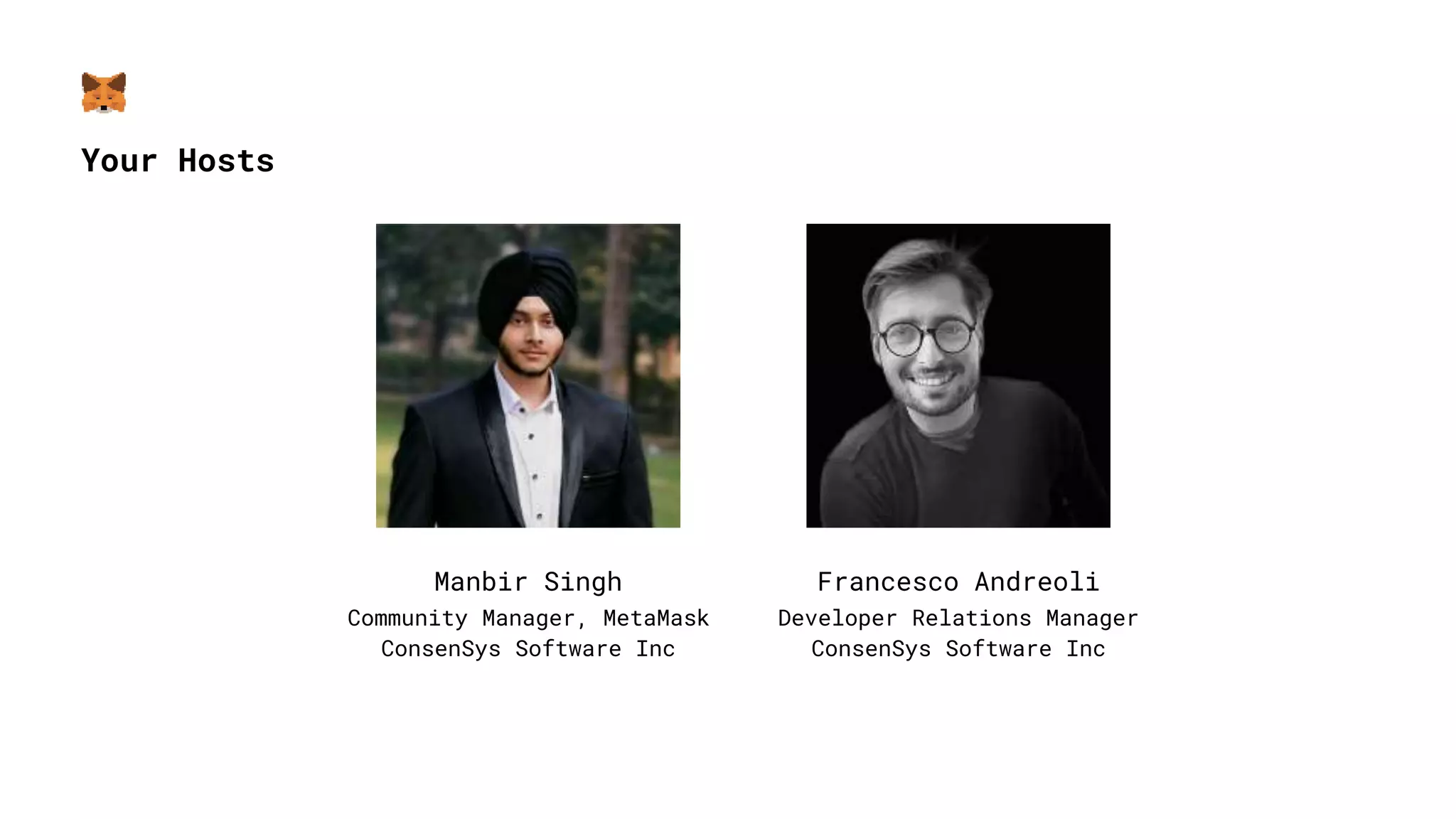
Your Hosts
Manbir Singh
Community Manager, MetaMask
ConsenSys Software Inc
Francesco Andreoli
Developer Relations Manager
ConsenSys Software Inc
Session Outline
● What is MetaMask, Installation and Setup
● Buying Crypto from MetaMask
● Networks and Custom RPCs
● Sending and Receiving Crypto
● MetaMask Swaps
● Etherscan
● Adding a Custom Token
● NFTs and ENS
● Hardware Wallets
● Intro to MetaMask Snaps
● Security Best Practices
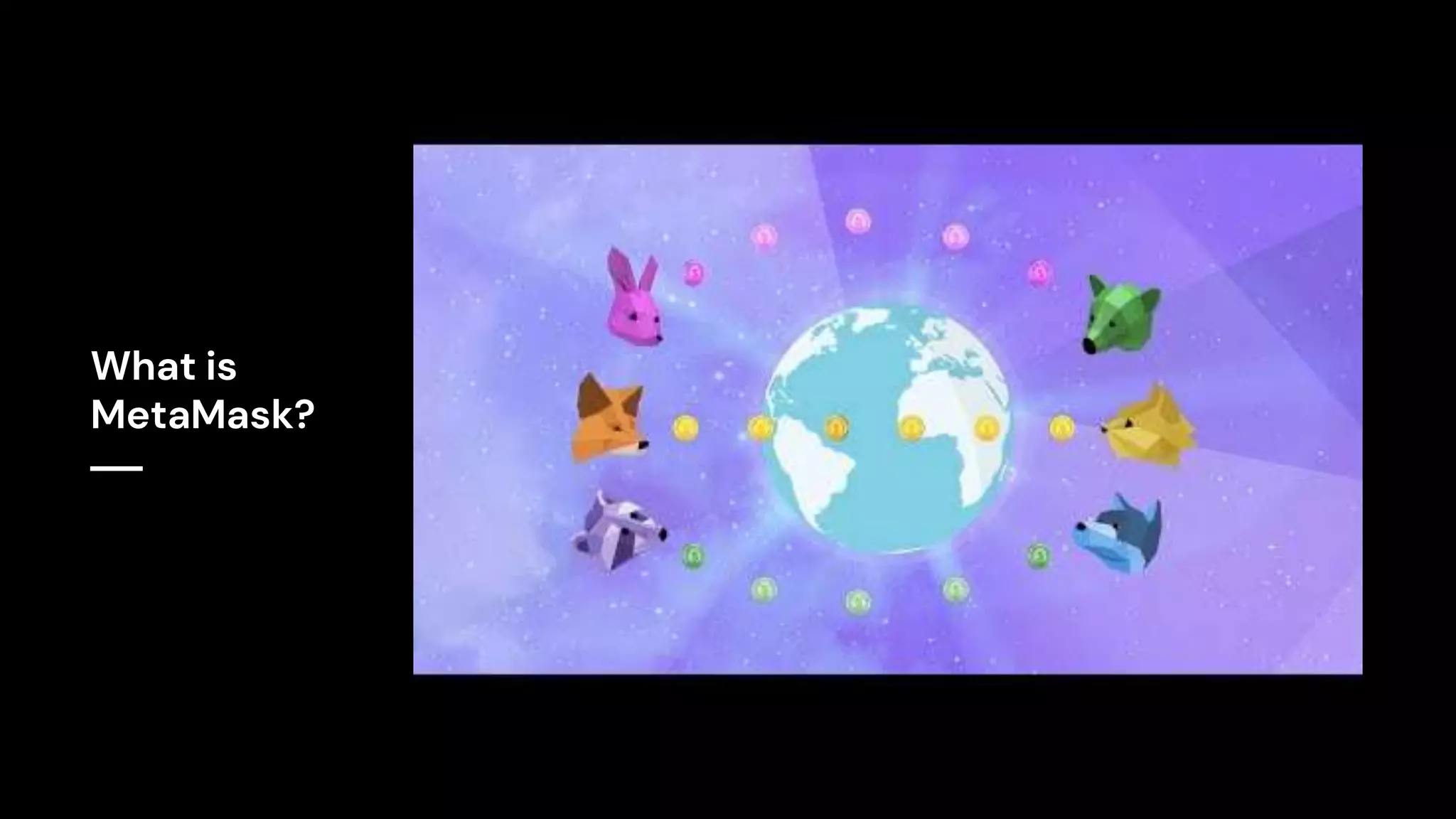
What is
MetaMask?
With Custodial Wallets, the private key is held by the third party
(such as an exchange or a server).
With Non-custodial (or self-custodial) wallets like MetaMask, the user
is in full control of their assets, with the assets being on your
device like a hardware wallet, PC or mobile.
Secret Recovery Phrase: A secret recovery phrase is a master key which
is used to access your accounts and funds on a blockchain network -
also called Seed Phrase.
Password vs SRP: A password simply limits access to your MetaMask
wallet, whereas SRP is used to access your assets on a blockchain
network. You can also use your MetaMask SRP to access your assets from
another wallet.
A public key is like a bank account that identifies an entity with or
without digital assets.
A private key is like a pin of your bank account. It provides control
over your funds.
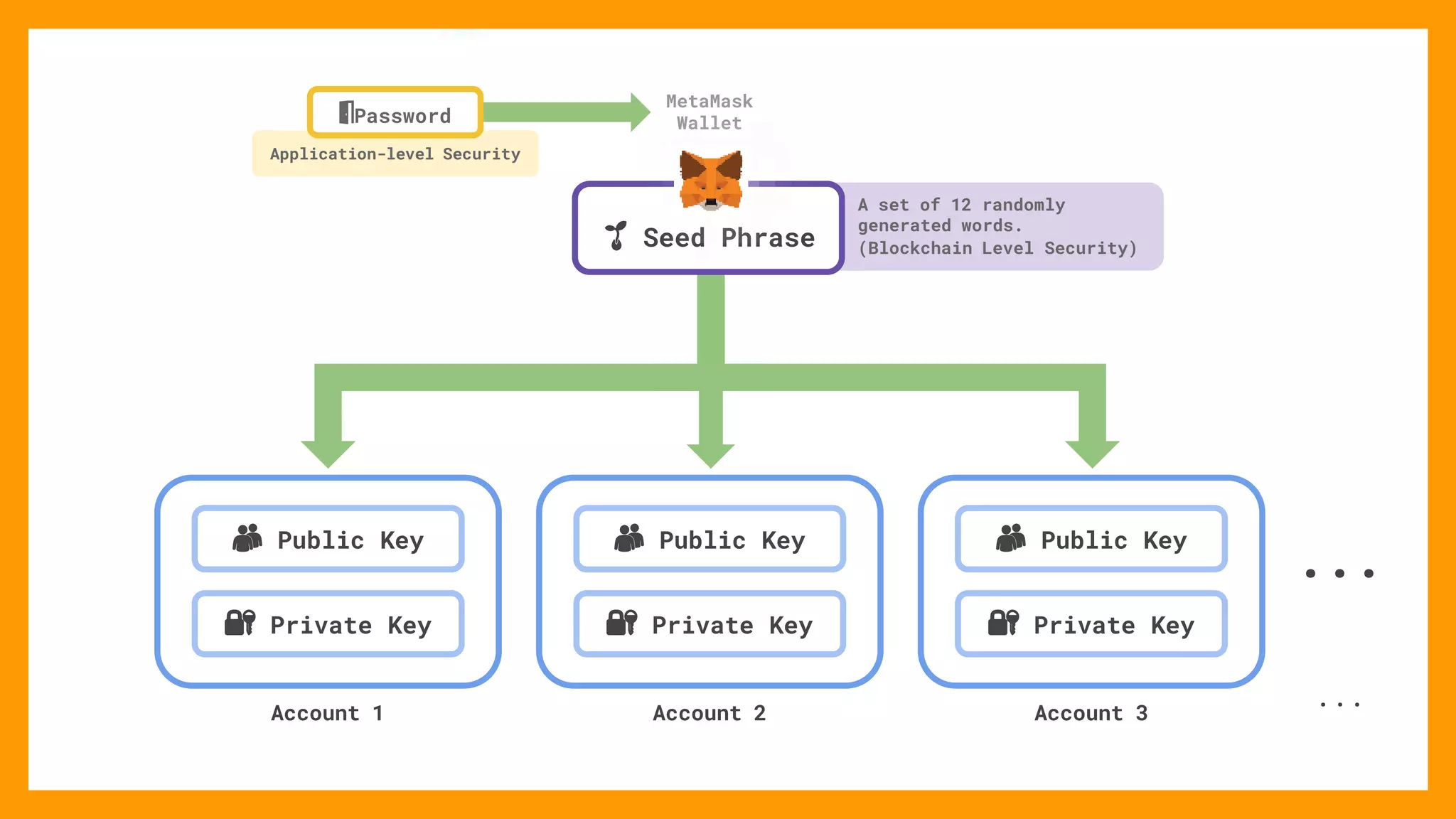
How Does Private Key Relate To Your
Secret Recovery Phrase?
👥 Public Key 👥 Public Key 👥 Public Key
🔐 Private Key 🔐 Private Key 🔐 Private Key
Account 1 Account 2 Account 3
...
...
A set of 12 randomly
generated words.
(Blockchain Level Security)
MetaMask
Wallet
Application-level Security
🚪Password
🌱 Seed Phrase
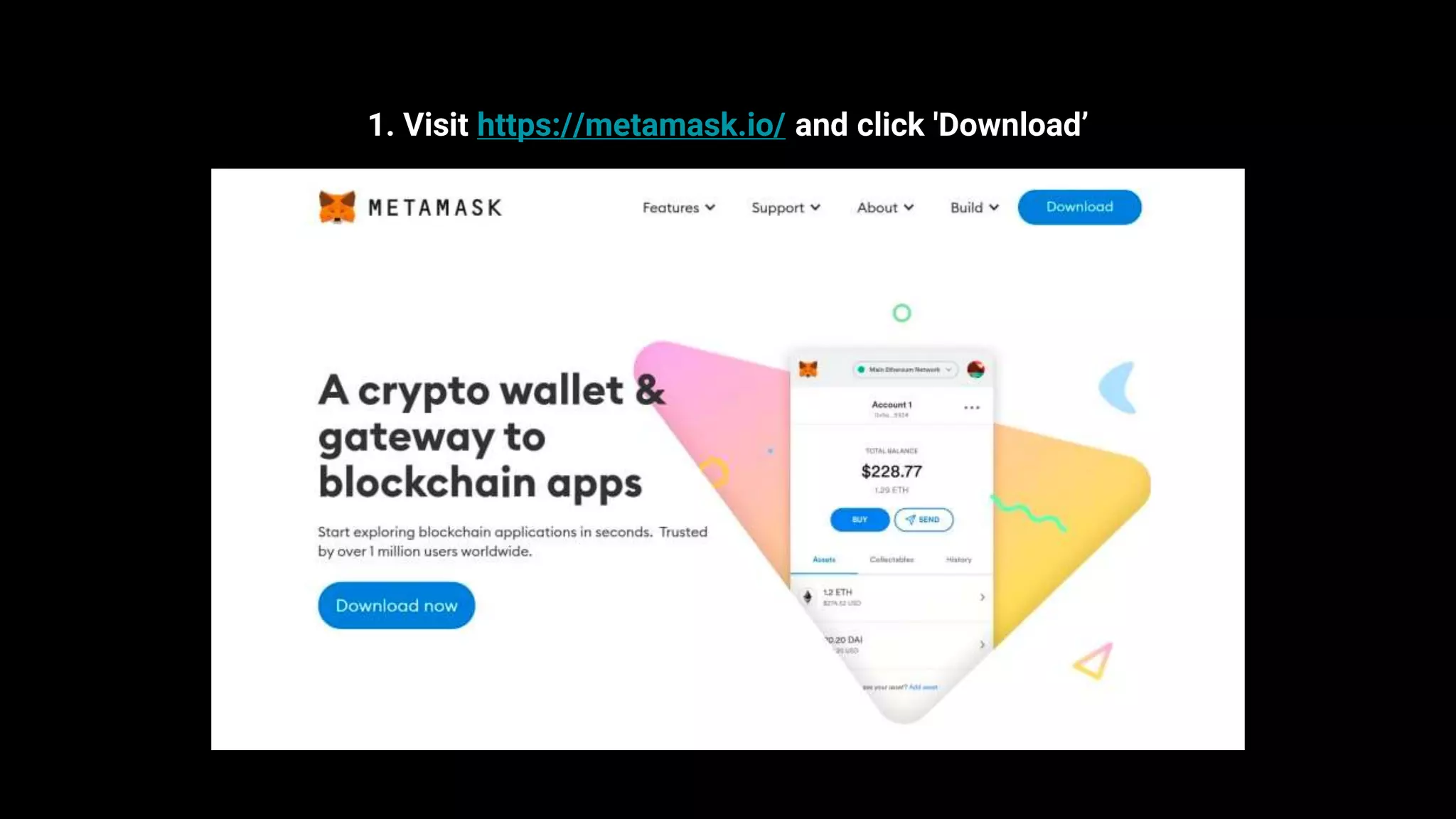
Installation
1. Visit https://metamask.io/ and click 'Download’
Do not store your SRP on your phone, notes app, Google drive etc. Get
a hardware wallet, store it on a password manager or write it down on
a paper and store it in a secure location that only you can access.
A password manager is a software that is used to store and access your
password in a safe and encrypted way. They increase convenience and
security at the same time.
Risks of using a password manager:
● Forgetting your master password
● All sensitive data in one place
● Backup is not always possible
● Not all devices are secure enough
● Quality of password managers
● Level of encryption
Buying Crypto directly from MetaMask
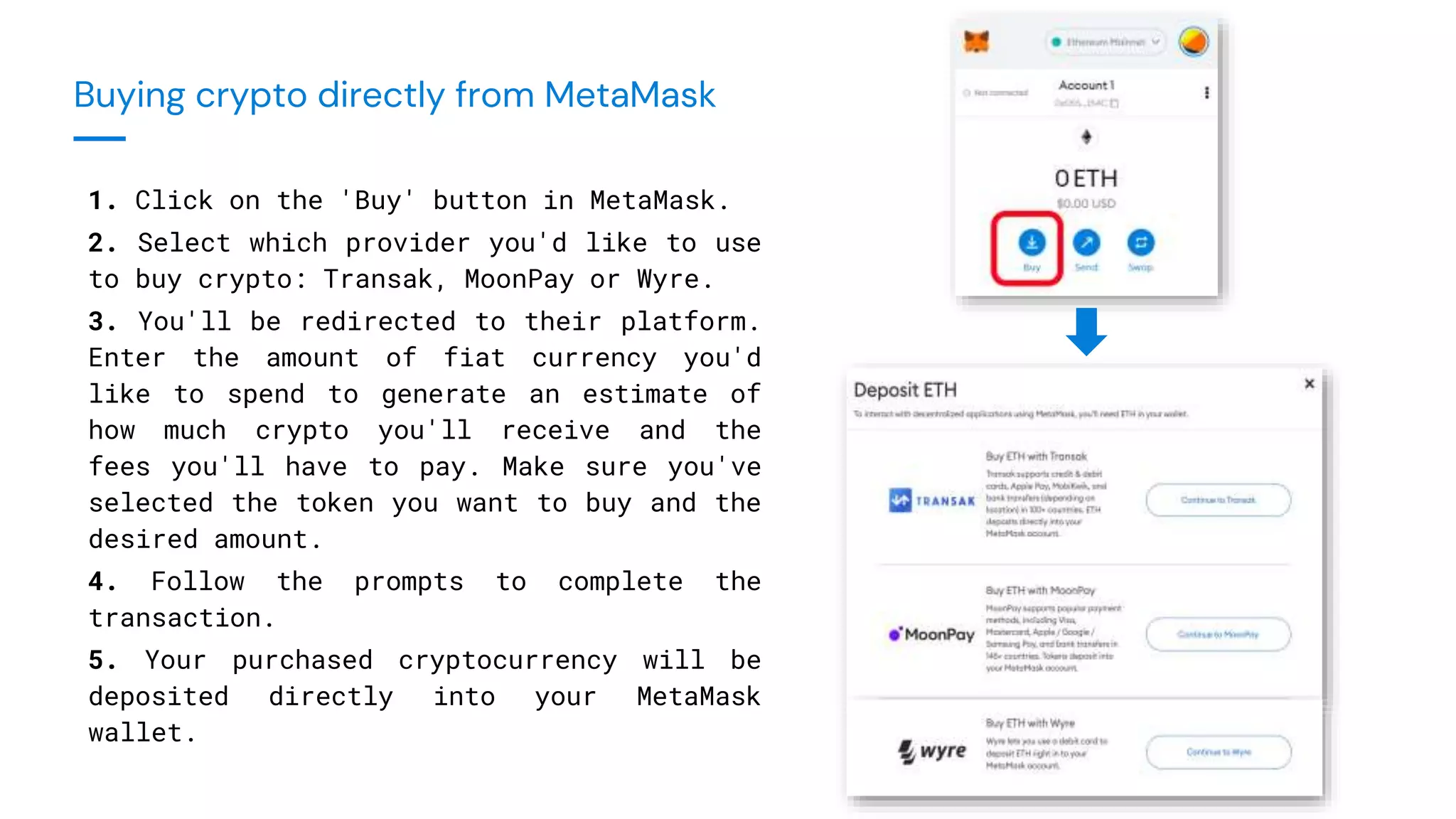
Buying crypto directly from MetaMask
1. Click on the 'Buy' button in MetaMask.
2. Select which provider you'd like to use
to buy crypto: Transak, MoonPay or Wyre.
3. You'll be redirected to their platform.
Enter the amount of fiat currency you'd
like to spend to generate an estimate of
how much crypto you'll receive and the
fees you'll have to pay. Make sure you've
selected the token you want to buy and the
desired amount.
4. Follow the prompts to complete the
transaction.
5. Your purchased cryptocurrency will be
deposited directly into your MetaMask
wallet.
Exploring the decentralised world
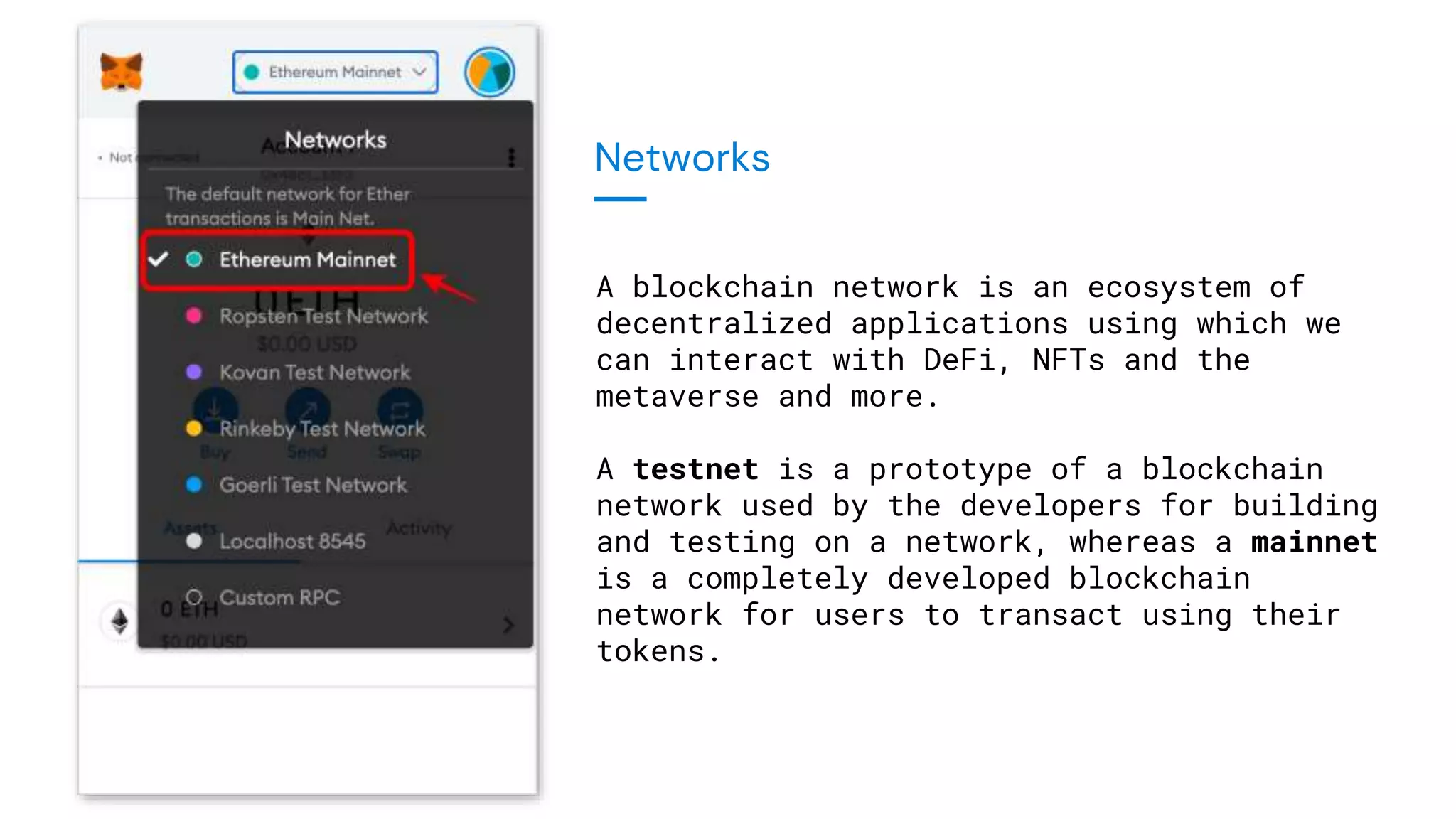
Networks
A blockchain network is an ecosystem of
decentralized applications using which we
can interact with DeFi, NFTs and the
metaverse and more.
A testnet is a prototype of a blockchain
network used by the developers for building
and testing on a network, whereas a mainnet
is a completely developed blockchain
network for users to transact using their
tokens.
A mainnet is where funds are worth money in the market.
A testnet is for developer testing purposes and funds there have no
value in the marketplace because you can get testnet tokens for free.
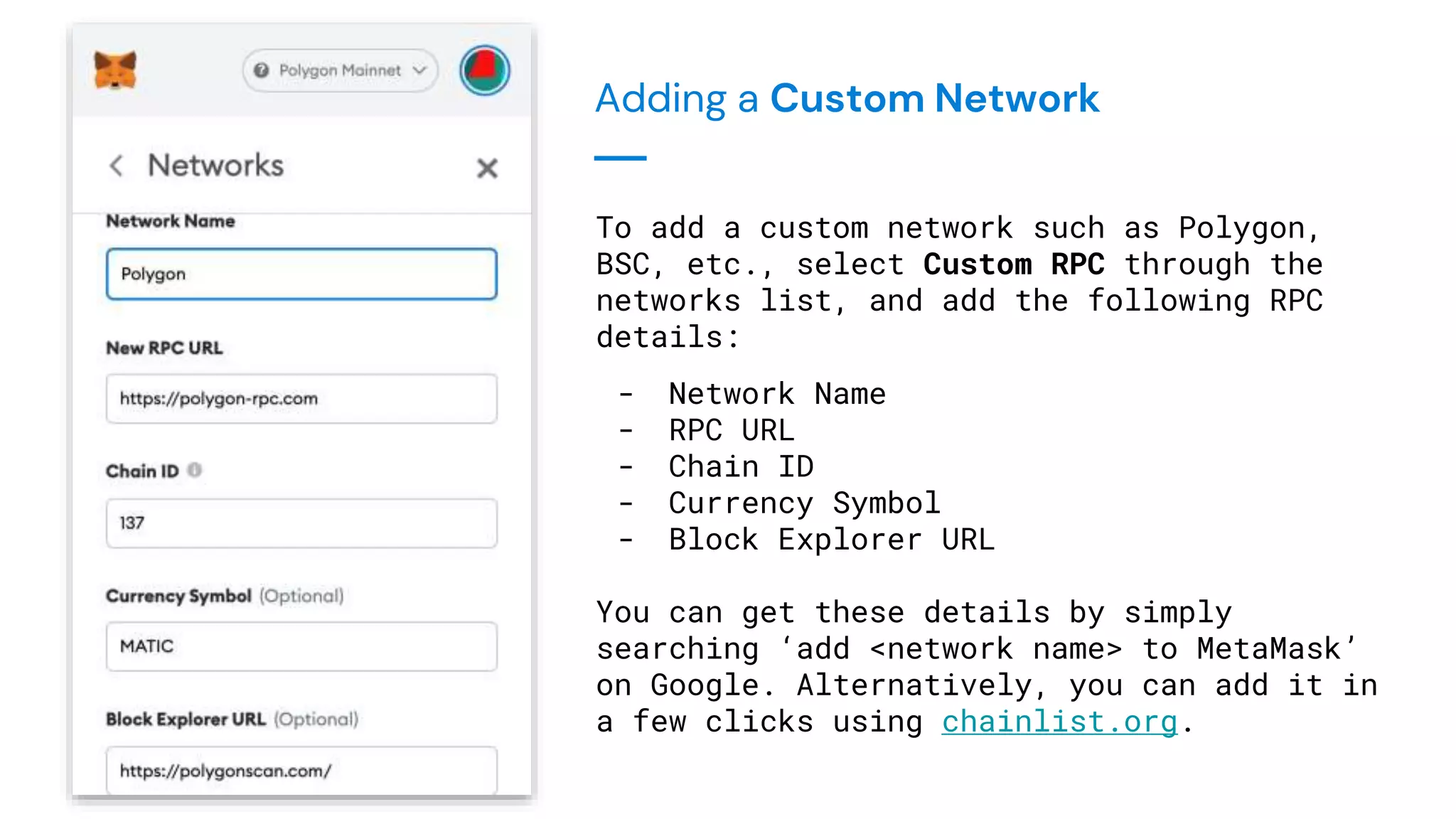
Adding a Custom Network
To add a custom network such as Polygon,
BSC, etc., select Custom RPC through the
networks list, and add the following RPC
details:
- Network Name
- RPC URL
- Chain ID
- Currency Symbol
- Block Explorer URL
You can get these details by simply
searching ‘add <network name> to MetaMask’
on Google. Alternatively, you can add it in
a few clicks using chainlist.org.
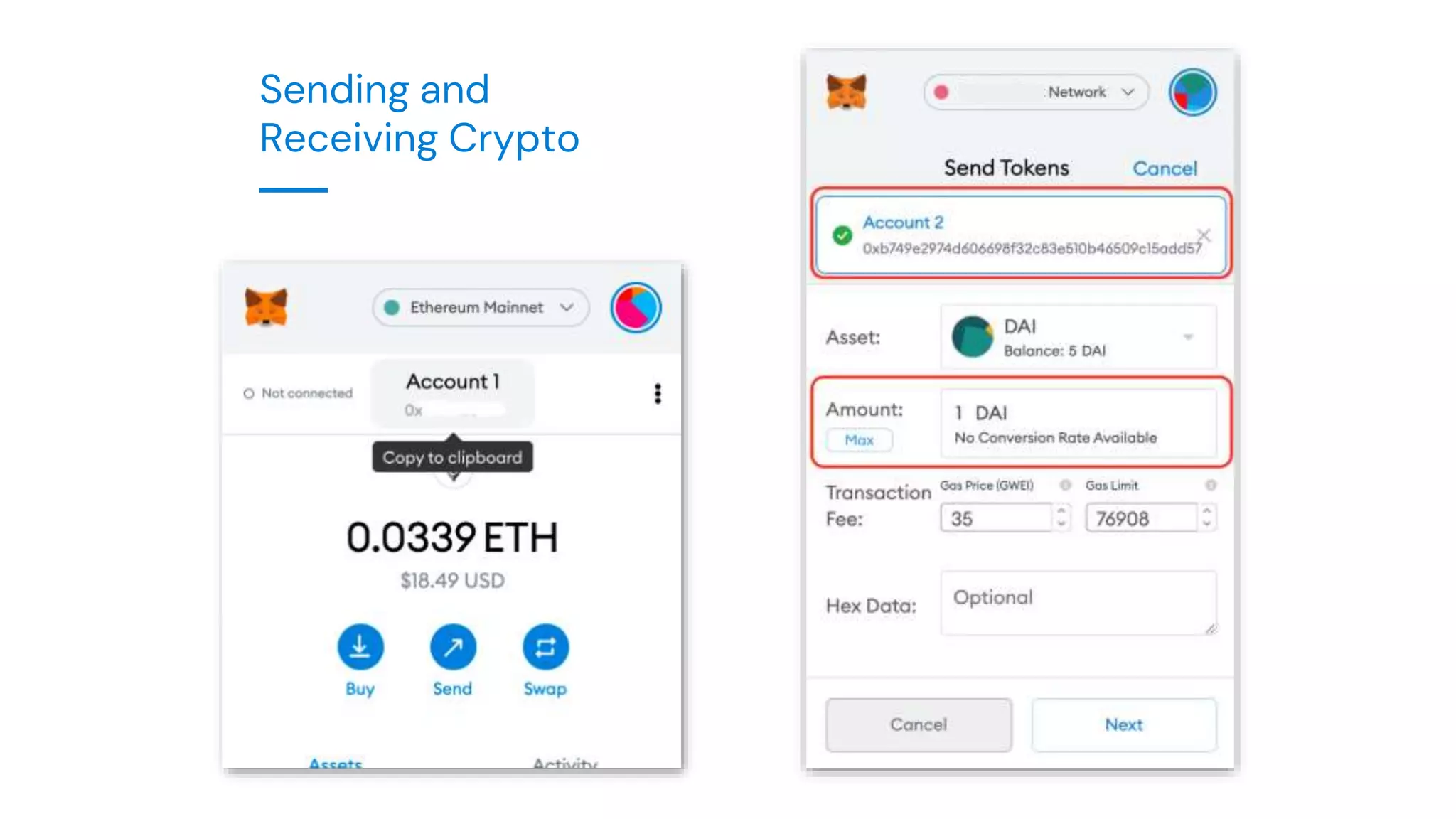
Sending and
Receiving Crypto
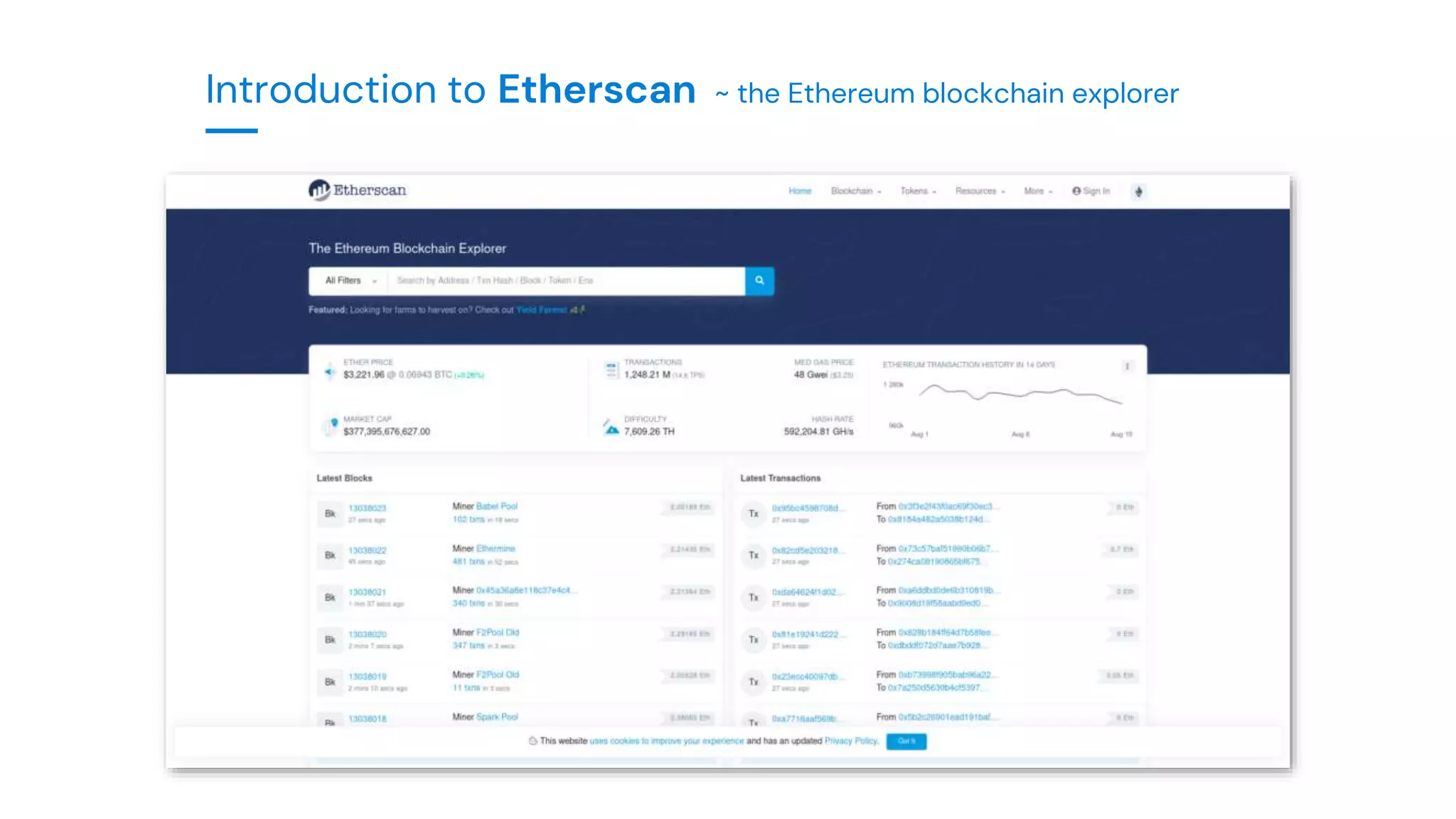
Introduction to Etherscan ~ the Ethereum blockchain explorer
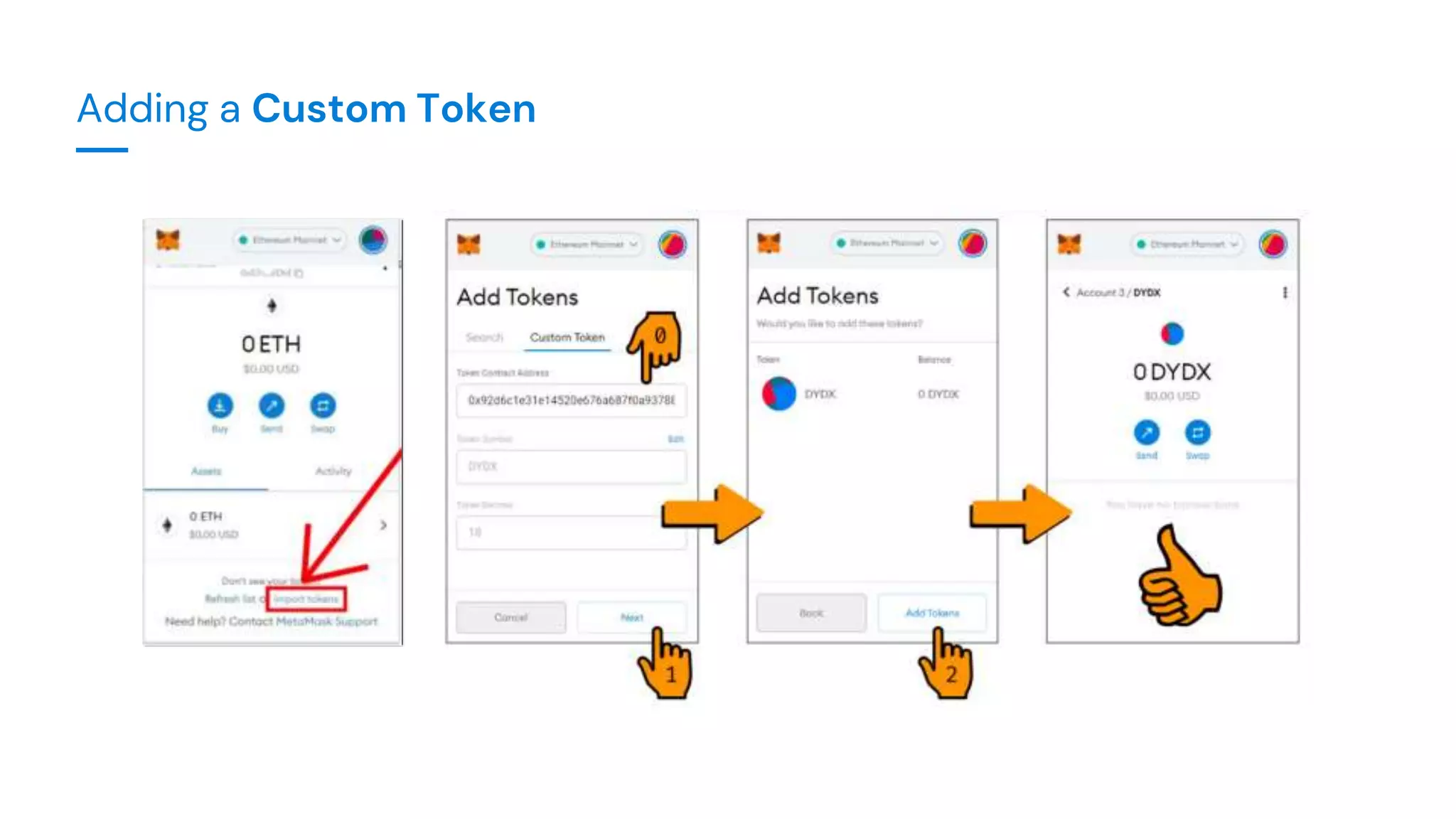
Adding a Custom Token
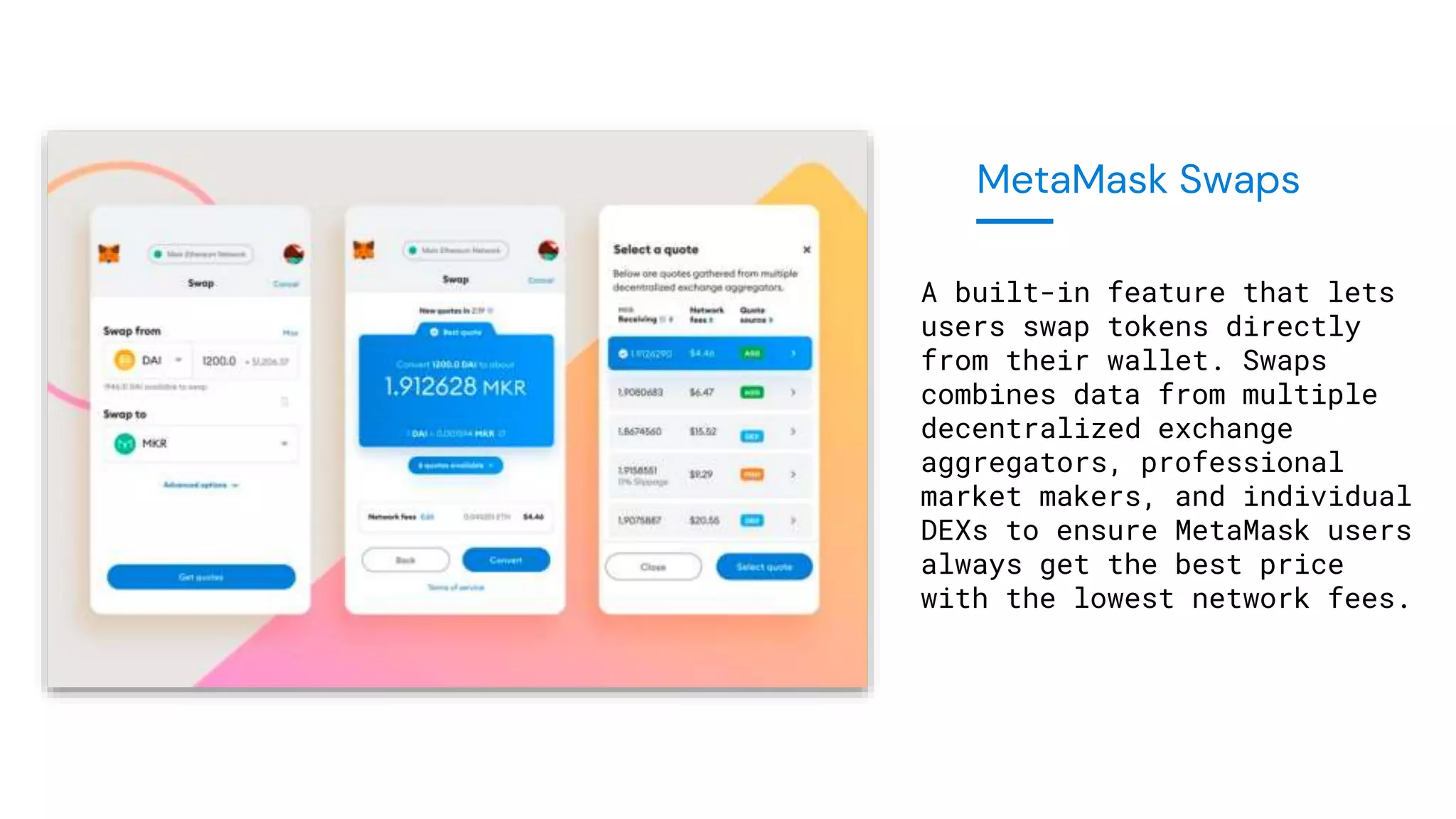
MetaMask Swaps
A built-in feature that lets
users swap tokens directly
from their wallet. Swaps
combines data from multiple
decentralized exchange
aggregators, professional
market makers, and individual
DEXs to ensure MetaMask users
always get the best price
with the lowest network fees.
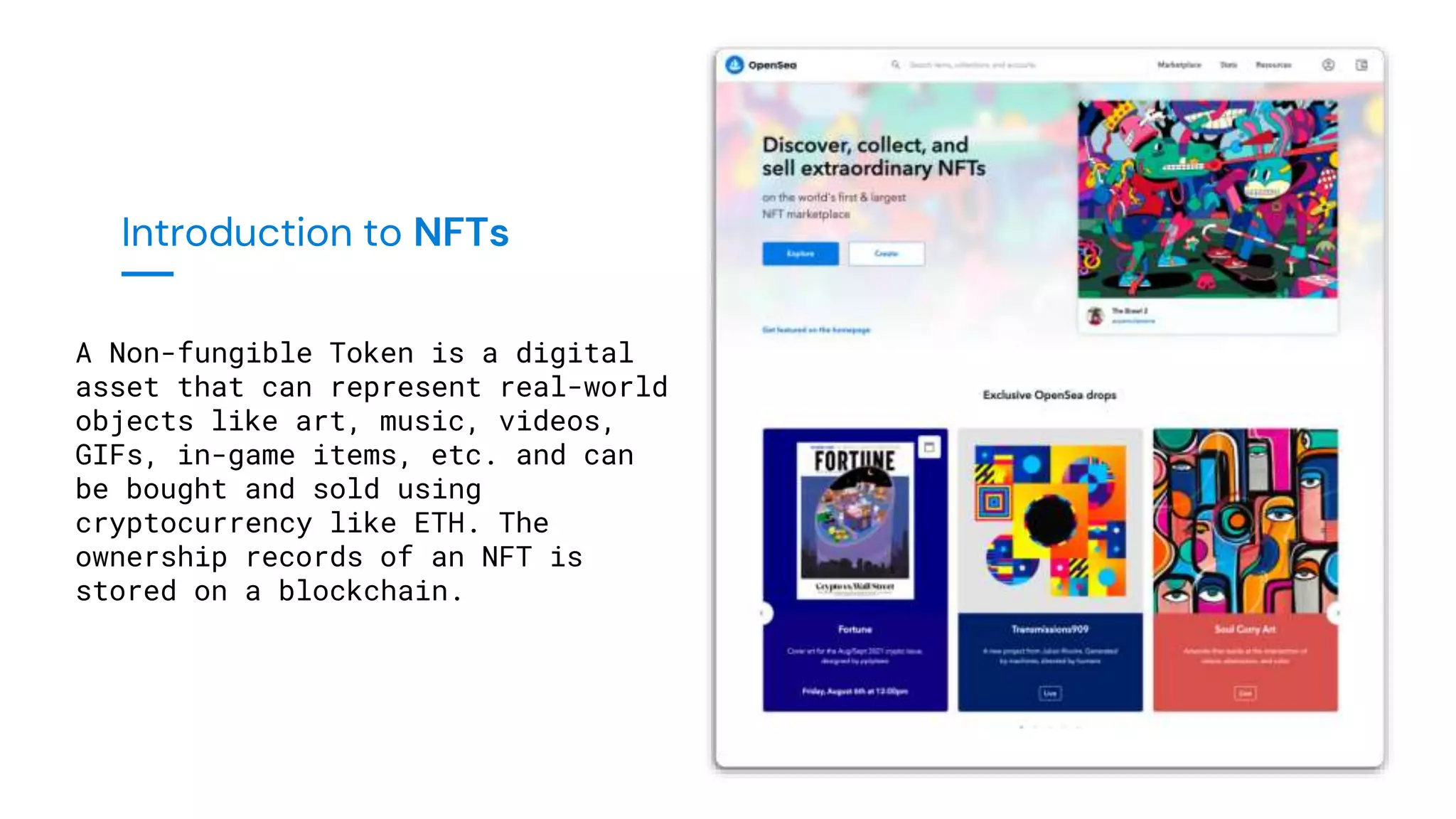
Introduction to NFTs
A Non-fungible Token is a digital
asset that can represent real-world
objects like art, music, videos,
GIFs, in-game items, etc. and can
be bought and sold using
cryptocurrency like ETH. The
ownership records of an NFT is
stored on a blockchain.
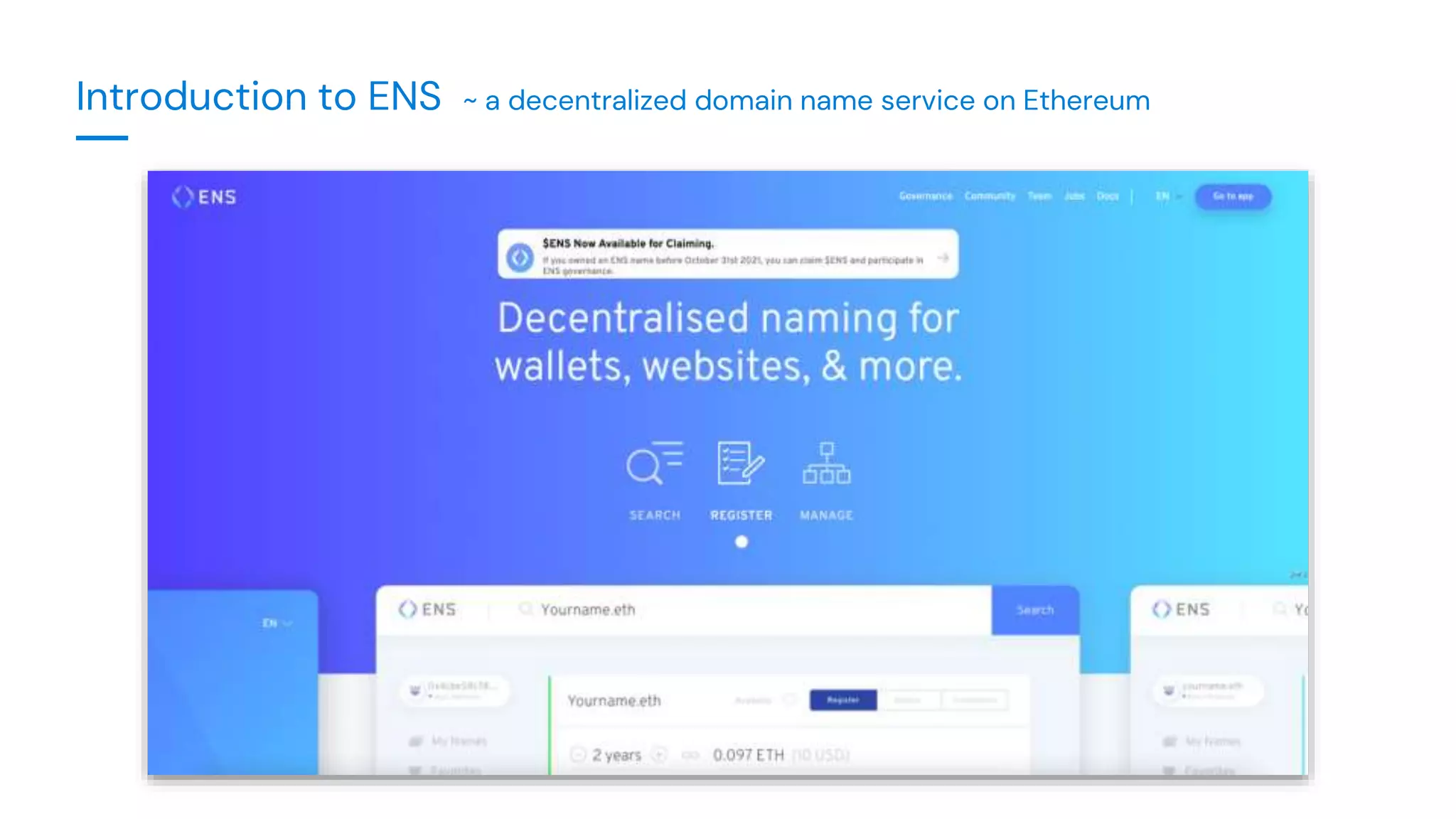
Introduction to ENS ~ a decentralized domain name service on Ethereum
Introduction to Hardware Wallets
Hardware Wallets are devices that are used to hold the private keys of
crypto offline; which means that your private keys are not directly exposed
to the web. It ensures an extra layer of security, and makes sure that you
stay protected from cyber attacks, phishing sites and malware, because the
access to your coins is encrypted by the device.
Whenever you want to sign a transaction, hardware wallets help you do that
without directly connecting to the internet. These devices, just like
MetaMask, require a Secret Recovery Phrase that can be used to backup and
restore your accounts.
IMPORTANT!! - ONLY buy a hardware wallet directly from the manufacturer.
- Unlock your MetaMask
- Select the icon on the top-right corner
- Select ‘Connect Hardware Wallet’
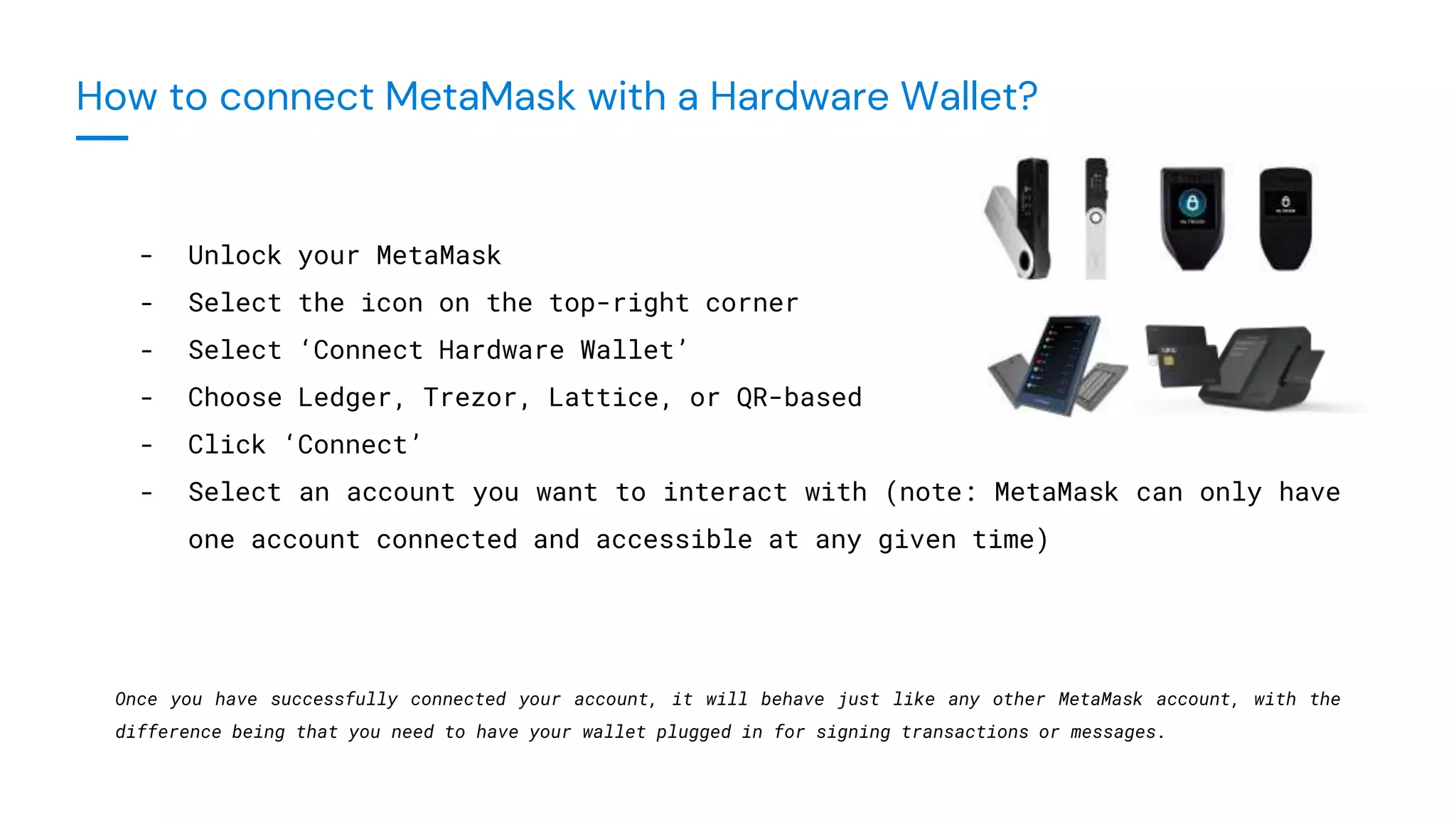
- Choose Ledger, Trezor, Lattice, or QR-based
- Click ‘Connect’
- Select an account you want to interact with (note: MetaMask can only have
one account connected and accessible at any given time)
Once you have successfully connected your account, it will behave just like any other MetaMask account, with the
difference being that you need to have your wallet plugged in for signing transactions or messages.
How to connect MetaMask with a Hardware Wallet?
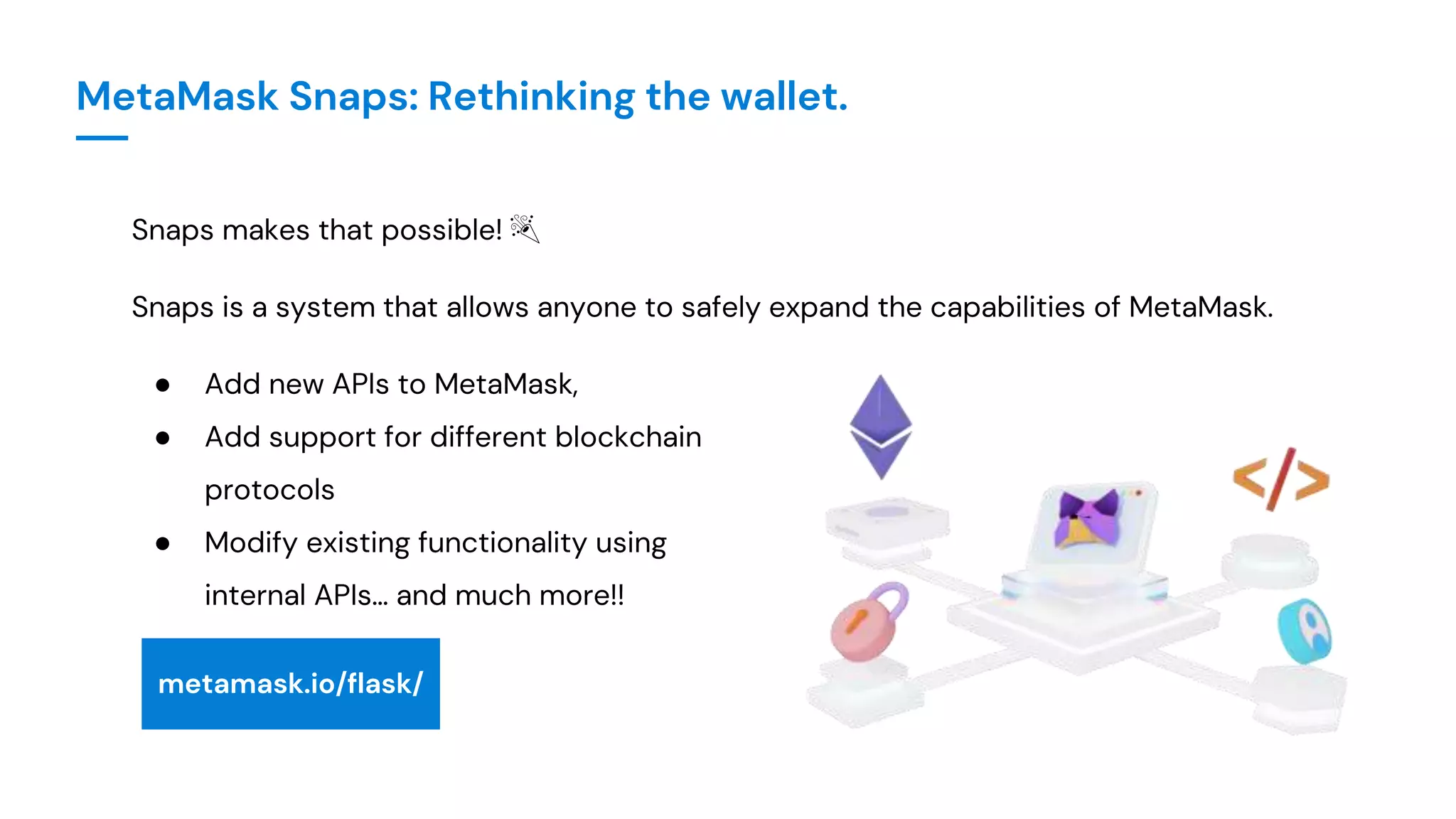
MetaMask Snaps: Rethinking the wallet.
At its core, the basic functionality of a wallet is that
it allows us to interact with the blockchain:
● Stores keys 🔑
● Signs messages ✍️
● Makes transactions 💸
MetaMask Snaps: Rethinking the wallet.
MetaMask has a huge ecosystem of functionality, and yet there is so
much more that it can be.
So why not decentralize it, such that
anyone can build on MetaMask?
MetaMask Snaps: Rethinking the wallet.
Snaps makes that possible! 🎉
Snaps is a system that allows anyone to safely expand the capabilities of MetaMask.
● Add new APIs to MetaMask,
● Add support for different blockchain
protocols
● Modify existing functionality using
internal APIs… and much more!!
metamask.io/flask/
● NEVER share your Secret Recovery Phrase.
● NEVER share your private keys.
● NEVER enter your Secret Recovery Phrase or private keys into
any website online.
● MetaMask Support will NEVER DM to help you.
● NEVER DM someone offering to help.
Security Best Practices
● Beware of fake websites. Official: https://metamask.io/
● Official Help ->
○ https://support.metamask.io/
○ http://community.metamask.io
● DO NOT DM or call any number that claims to be MetaMask Support
● NEVER send your information via email. Do not contact emails sent to you or that
attempt to contact you.
● DO NOT send tokens to people who ask for them. They are scammers, no matter how
sincere they sound.
Key TakeAways
GETTING STARTED WITH WEB3
—— ALL THINGS METAMASK ——
WALLET SECURITY • CRYPTO • DEFI • NFT • DAPPS • GAMING • HARDWARE WALLETS
A crypto wallet and a gateway democratizing access to the
decentralized web, trusted by over 30 million monthly users.

Getting Started in Web3 with MetaMask.pptx

  • 1.
    GETTING STARTED WITHWEB3 —— ALL THINGS METAMASK —— WALLET SECURITY • CRYPTO • DEFI • NFT • DAPPS • GAMING • HARDWARE WALLETS • SNAPS
  • 2.
    A crypto walletand a gateway democratizing access to the decentralized web, trusted by over 30 million monthly users. MetaMask Community Call - All Things MetaMask | October 2022 Presented by: Manbir Singh | Community Manager, MetaMask
  • 3.
    Your Hosts Manbir Singh CommunityManager, MetaMask ConsenSys Software Inc Francesco Andreoli Developer Relations Manager ConsenSys Software Inc
  • 4.
    Session Outline ● Whatis MetaMask, Installation and Setup ● Buying Crypto from MetaMask ● Networks and Custom RPCs ● Sending and Receiving Crypto ● MetaMask Swaps ● Etherscan ● Adding a Custom Token ● NFTs and ENS ● Hardware Wallets ● Intro to MetaMask Snaps ● Security Best Practices
  • 5.
  • 6.
    With Custodial Wallets,the private key is held by the third party (such as an exchange or a server). With Non-custodial (or self-custodial) wallets like MetaMask, the user is in full control of their assets, with the assets being on your device like a hardware wallet, PC or mobile.
  • 7.
    Secret Recovery Phrase:A secret recovery phrase is a master key which is used to access your accounts and funds on a blockchain network - also called Seed Phrase. Password vs SRP: A password simply limits access to your MetaMask wallet, whereas SRP is used to access your assets on a blockchain network. You can also use your MetaMask SRP to access your assets from another wallet.
  • 8.
    A public keyis like a bank account that identifies an entity with or without digital assets. A private key is like a pin of your bank account. It provides control over your funds.
  • 9.
    How Does PrivateKey Relate To Your Secret Recovery Phrase? 👥 Public Key 👥 Public Key 👥 Public Key 🔐 Private Key 🔐 Private Key 🔐 Private Key Account 1 Account 2 Account 3 ... ... A set of 12 randomly generated words. (Blockchain Level Security) MetaMask Wallet Application-level Security 🚪Password 🌱 Seed Phrase
  • 10.
  • 11.
    1. Visit https://metamask.io/and click 'Download’
  • 12.
    Do not storeyour SRP on your phone, notes app, Google drive etc. Get a hardware wallet, store it on a password manager or write it down on a paper and store it in a secure location that only you can access. A password manager is a software that is used to store and access your password in a safe and encrypted way. They increase convenience and security at the same time.
  • 13.
    Risks of usinga password manager: ● Forgetting your master password ● All sensitive data in one place ● Backup is not always possible ● Not all devices are secure enough ● Quality of password managers ● Level of encryption
  • 14.
  • 15.
    Buying crypto directlyfrom MetaMask 1. Click on the 'Buy' button in MetaMask. 2. Select which provider you'd like to use to buy crypto: Transak, MoonPay or Wyre. 3. You'll be redirected to their platform. Enter the amount of fiat currency you'd like to spend to generate an estimate of how much crypto you'll receive and the fees you'll have to pay. Make sure you've selected the token you want to buy and the desired amount. 4. Follow the prompts to complete the transaction. 5. Your purchased cryptocurrency will be deposited directly into your MetaMask wallet.
  • 16.
  • 17.
    Networks A blockchain networkis an ecosystem of decentralized applications using which we can interact with DeFi, NFTs and the metaverse and more. A testnet is a prototype of a blockchain network used by the developers for building and testing on a network, whereas a mainnet is a completely developed blockchain network for users to transact using their tokens.
  • 18.
    A mainnet iswhere funds are worth money in the market. A testnet is for developer testing purposes and funds there have no value in the marketplace because you can get testnet tokens for free.
  • 19.
    Adding a CustomNetwork To add a custom network such as Polygon, BSC, etc., select Custom RPC through the networks list, and add the following RPC details: - Network Name - RPC URL - Chain ID - Currency Symbol - Block Explorer URL You can get these details by simply searching ‘add <network name> to MetaMask’ on Google. Alternatively, you can add it in a few clicks using chainlist.org.
  • 20.
  • 21.
    Introduction to Etherscan~ the Ethereum blockchain explorer
  • 22.
  • 23.
    MetaMask Swaps A built-infeature that lets users swap tokens directly from their wallet. Swaps combines data from multiple decentralized exchange aggregators, professional market makers, and individual DEXs to ensure MetaMask users always get the best price with the lowest network fees.
  • 24.
    Introduction to NFTs ANon-fungible Token is a digital asset that can represent real-world objects like art, music, videos, GIFs, in-game items, etc. and can be bought and sold using cryptocurrency like ETH. The ownership records of an NFT is stored on a blockchain.
  • 25.
    Introduction to ENS~ a decentralized domain name service on Ethereum
  • 26.
    Introduction to HardwareWallets Hardware Wallets are devices that are used to hold the private keys of crypto offline; which means that your private keys are not directly exposed to the web. It ensures an extra layer of security, and makes sure that you stay protected from cyber attacks, phishing sites and malware, because the access to your coins is encrypted by the device. Whenever you want to sign a transaction, hardware wallets help you do that without directly connecting to the internet. These devices, just like MetaMask, require a Secret Recovery Phrase that can be used to backup and restore your accounts. IMPORTANT!! - ONLY buy a hardware wallet directly from the manufacturer.
  • 27.
    - Unlock yourMetaMask - Select the icon on the top-right corner - Select ‘Connect Hardware Wallet’ - Choose Ledger, Trezor, Lattice, or QR-based - Click ‘Connect’ - Select an account you want to interact with (note: MetaMask can only have one account connected and accessible at any given time) Once you have successfully connected your account, it will behave just like any other MetaMask account, with the difference being that you need to have your wallet plugged in for signing transactions or messages. How to connect MetaMask with a Hardware Wallet?
  • 28.
    MetaMask Snaps: Rethinkingthe wallet. At its core, the basic functionality of a wallet is that it allows us to interact with the blockchain: ● Stores keys 🔑 ● Signs messages ✍️ ● Makes transactions 💸
  • 29.
    MetaMask Snaps: Rethinkingthe wallet. MetaMask has a huge ecosystem of functionality, and yet there is so much more that it can be. So why not decentralize it, such that anyone can build on MetaMask?
  • 30.
    MetaMask Snaps: Rethinkingthe wallet. Snaps makes that possible! 🎉 Snaps is a system that allows anyone to safely expand the capabilities of MetaMask. ● Add new APIs to MetaMask, ● Add support for different blockchain protocols ● Modify existing functionality using internal APIs… and much more!! metamask.io/flask/
  • 31.
    ● NEVER shareyour Secret Recovery Phrase. ● NEVER share your private keys. ● NEVER enter your Secret Recovery Phrase or private keys into any website online. ● MetaMask Support will NEVER DM to help you. ● NEVER DM someone offering to help. Security Best Practices
  • 32.
    ● Beware offake websites. Official: https://metamask.io/ ● Official Help -> ○ https://support.metamask.io/ ○ http://community.metamask.io ● DO NOT DM or call any number that claims to be MetaMask Support ● NEVER send your information via email. Do not contact emails sent to you or that attempt to contact you. ● DO NOT send tokens to people who ask for them. They are scammers, no matter how sincere they sound. Key TakeAways
  • 33.
    GETTING STARTED WITHWEB3 —— ALL THINGS METAMASK —— WALLET SECURITY • CRYPTO • DEFI • NFT • DAPPS • GAMING • HARDWARE WALLETS A crypto wallet and a gateway democratizing access to the decentralized web, trusted by over 30 million monthly users.

Editor's Notes

  • #16 We’ll launch Coinbase Pay soon as an option to move crypto from your Coinbase wallet to your MetaMask wallet Personal details shared with the providers is not shared with MetaMask. The improved buy experience to buy crypto recently launched giving you an improved experience that makes it easier to find the most cost-efficient quote to buy crypto for your particular purchase. → checking with Lorenzo if we’re ok to mention this.