
Academic Writing: research, literature
and managing information
Online tools supporting the writing process
Dr Vanessa Camilleri,
Faculty of ICT, University of Malta
23/02/2017
GDS5002 Feminist Research Methods
source: http://bit.ly/2lyVKKb
Outline
• The Literature Review
: A research journey
• Online Search
• Online Research
Management Tools
• Networking &
Connections
How can scholars gain
maximum potential from
the digital tools
available?
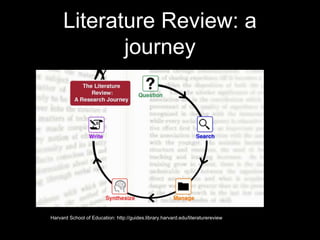
Literature Review: a
journey
Harvard School of Education: http://guides.library.harvard.edu/literaturereview
Searching Online
• Where to start from:
• how to look for information?
• how to detect and filter the crap from the valid
information?
• how can online search contribute to our growth
in the subject area we’re interested in?
Search Engines
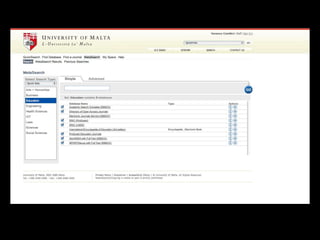
• UoM Library (Hydi)
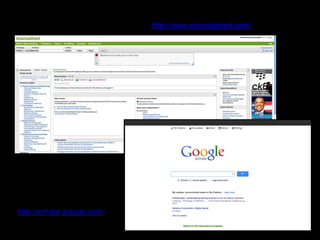
• Science Direct
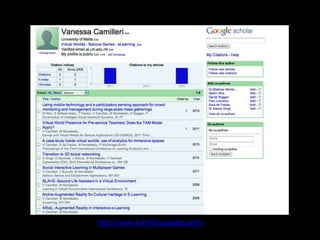
• Google Scholar
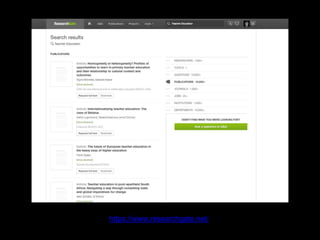
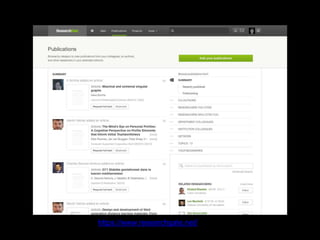
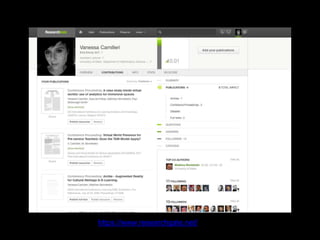
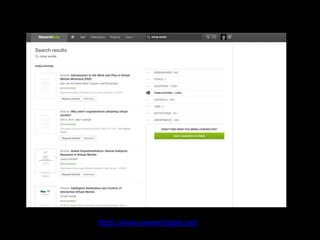
• Researchgate
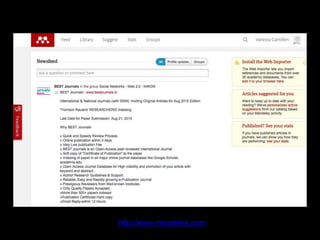
• Mendeley
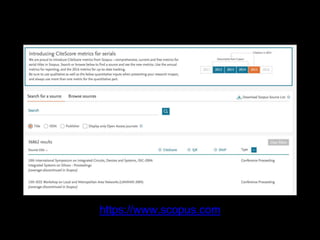
• Scopus
V. Camilleri, Doctoral Seminar
http://scholar.google.com/
http://www.sciencedirect.com/
https://www.researchgate.net/
http://www.mendeley.com/
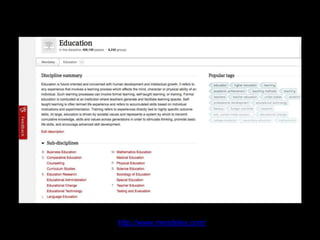
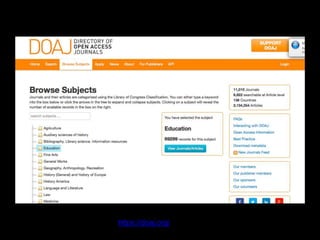
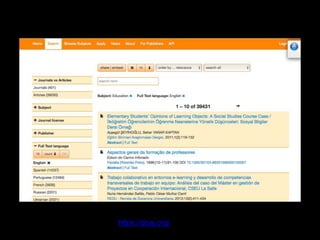
https://doaj.org/
https://doaj.org/
But who is the
digital scholar?
What digital footprints do scholars leave?
How can we follow them?
Impacts for digital scholarship include the
quantity of peer-reviewed online information
sources, the growth of social, peer
academic networks, and the variety and
range of content to draw upon for research
that has broadened to include drafts of
publications, conference presentations,
blog posts, video and audio (Weller, 2011)
source: http://bit.ly/2m4jzYc
Managing your Tools
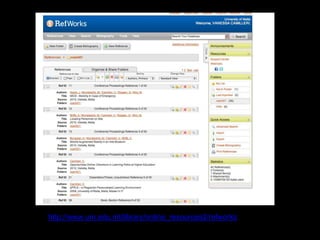
• Using Refworks
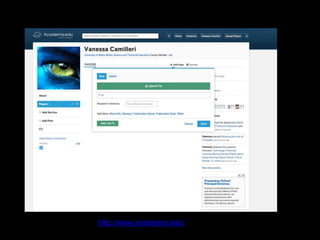
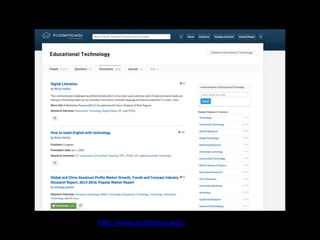
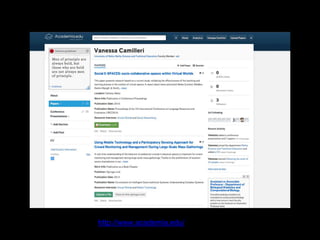
• Using Academia.edu
• Using Google Scholar
• Using ResearchGate
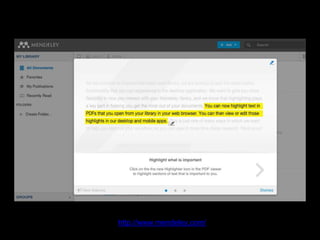
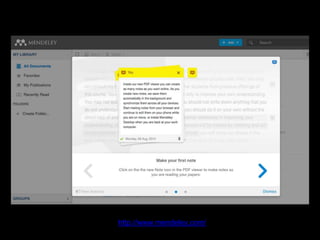
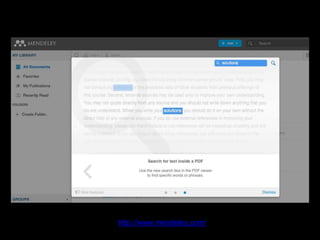
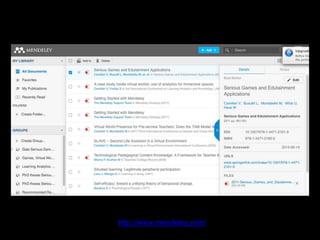
• Using Mendeley Desktop
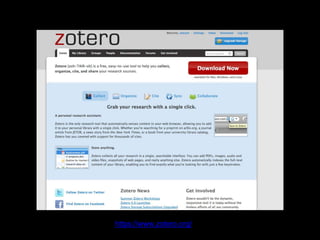
• Using Zotero
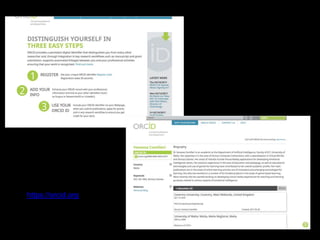
• Using Orcid
http://www.um.edu.mt/library/online_resources2/refworks
http://www.academia.edu/
http://www.scholar.google.com/
https://www.researchgate.net/
http://www.mendeley.com/
https://www.zotero.org/
https://www.scopus.com
Making Connections
• Why share research?
• Peer review
• Idea Generation
• Amplification of ideas
• Networking
https://orcid.org
Sharing Research
• How?
• Online
• Research Groups
• Blogs
• Face-to-Face
• Seminars / Public talks
• Summer Schools
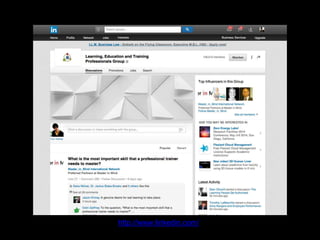
http://www.linkedin.com/
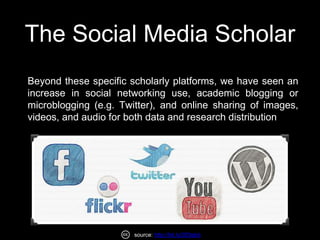
The Social Media Scholar
Beyond these specific scholarly platforms, we have seen an
increase in social networking use, academic blogging or
microblogging (e.g. Twitter), and online sharing of images,
videos, and audio for both data and research distribution
source: http://bit.ly/2lDtabb
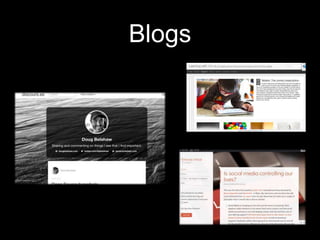
Blogs
Conclusion
• Online tools help researchers:
• Manage online information
• Store publications
• Disseminate personal publications
• Gather feedback
• Network
Conclusion
• Research that is not propagated most
often loses value.
• Use of technology helps make your
research more effective!
Links:
• University of Malta Library: http://www.um.edu.mt/library
• Google Scholar: http://scholar.google.com/
• ScienceDirect: http://www.sciencedirect.com/
• Academia.edu: http://www.academia.edu/
• ResearchGate: https://www.researchgate.net
• Zotero: http://www.zotero.org/ (downloadable)
• Mendeley: http://www.mendeley.com/ (downloadable)
• LinkedIn: http://www.linkedin.com/ (for groups, etc.)
• Directory of Open Access Journals: https://doaj.org
Thank you.
Contact:
email: vanessa.camilleri@um.edu.mt
Blog: http://seriouslyvirtual.wordpress.com/
LinkedIn: mt.linkedin.com/in/vanessacamilleri/
Twitter: @veecam
Skype: vcami01
SecondLife: enaV Follet

GDS5002 -Feminist Research Methods

Editor's Notes

  • #5 The Journey starts with an identification of 5 crucial steps: The question prompting the study needs to be one which is not only of interest to you but also worthy of research. To this end, online databases and searches comes in extremely useful. Searching for information is the second critical step. Although many people would start off by reading books, keeping up to date with current research in your area is very important. One of the fundamental aspects of searching for information is the ability or the acquired skill of detecting crap information. There are sites that are quite helpful in this. My personal favorites are Google Scholar, Science Direct, Springer, IEEExplore. We’ll have some time to explore them briefly. The third important step is that with so much information – how can you manage it effectively? Do you print out everything or maybe write all bits and pieces? It is doable but is it efficient?
  • #6 Searching may sound like an easy task when in fact it takes skill to be able to search well, effectively and efficiently. I believe that there are three major skills that you need to come to terms with – also mentioned in Howard Rheingold’s NetSmart We need to be able to identify sound key words that work for our searches We need to be able to identify good sources that are trustworthy We need to be able to identify what is known as Internet crap and to filter what is good and what is not. We need to be selective and this is an important skill. The tools we use should provide us with help when it comes to academic research. There are a number of freely accessible and trustworthy online tools and applications, including online social media networks that can provide us with knowledge that is sound, valid and reflects current practices.
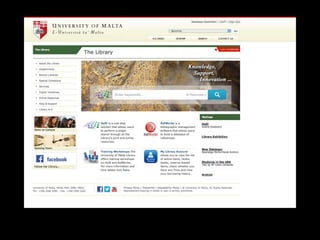
  • #8 To to the point of starting with the obvious I think that every academic research should effectively start out by having a look at the library. The Library at UoM has a steadily increasing (thankfully) online repository of journals. Provided you are logged in through the University of Malta library site you will be able to have access to online journals and articles from any location.
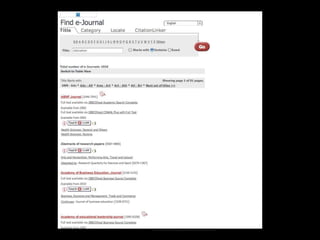
  • #9 You can either choose to browse by journal …
  • #10 … or by article
  • #11 However two of my personal favourite online search databases are Google Scholar and Science Direct. I have to say that this is where I find most of the articles which are more pertinent to my field of study. However these two are very well known in Academic Circles. Most often the search databases would require a login. You can either use your Google Account or else register with a new ID.
  • #12 Another online tool that is also used by a number of academics wishing to disseminate their work is ResearchGate. In this application, as for the others, you can register, to be able to access articles uploaded online directly by the authors.
  • #18 Of course one of the many difficulties of people looking for information online is how to manage the huge amounts of information. What do you do every time you come across a good article. Do you save it on a pen disk? You could but what if you could save it directly to your own personalized cloud based application, that can be synced with all the computers/laptops you might use? The following are such applications, helping you to manage, store, and publish your own papers.