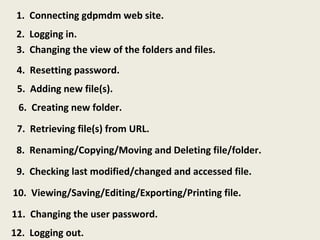
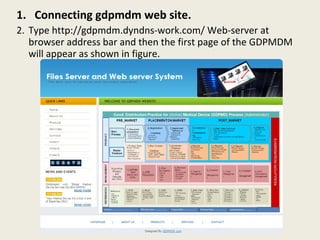
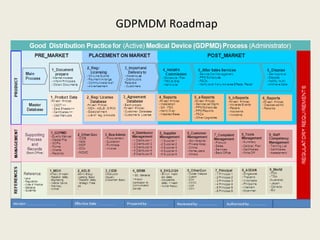
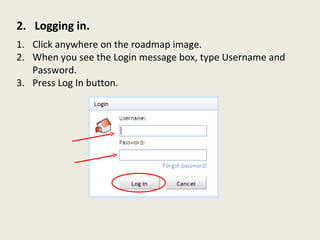
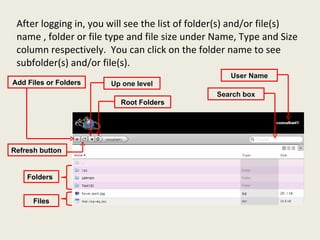
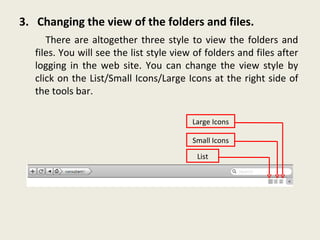
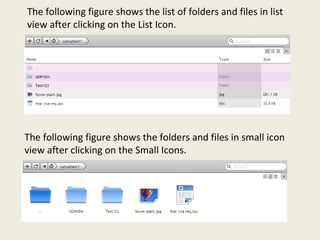
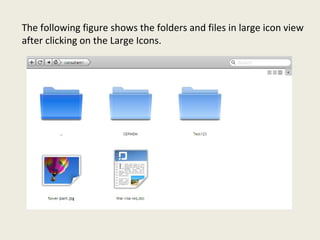
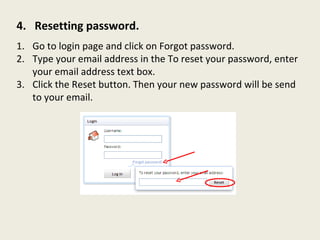
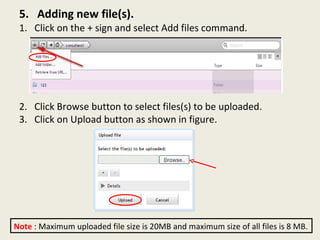
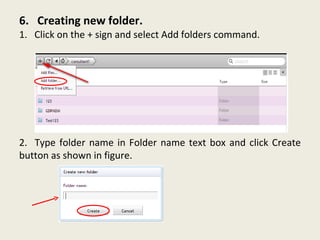
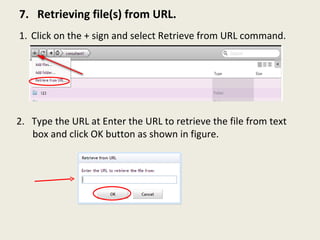
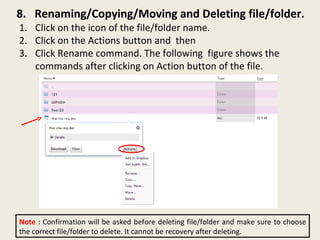
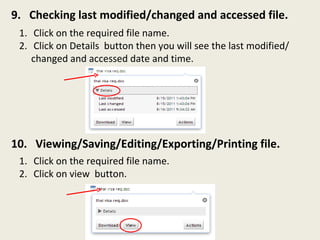
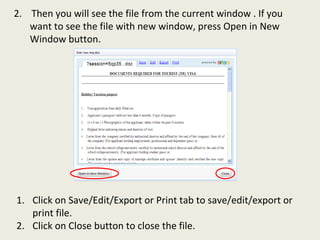
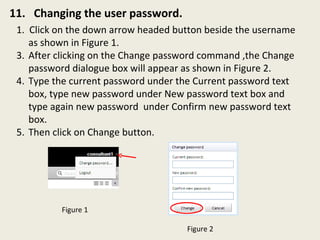
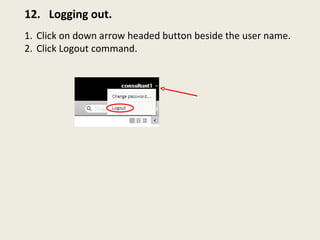
This document summarizes the key features and functions of the GDPMD website user interface. It describes how to connect to the site, log in and out, view and manage files and folders, reset passwords, add new files, create folders, retrieve files from URLs, rename, copy, move, delete and view file details. Screenshots are provided to illustrate the different views and menu options.