Persistent data storage
•Save Data using SQLite
•Save Data using Room
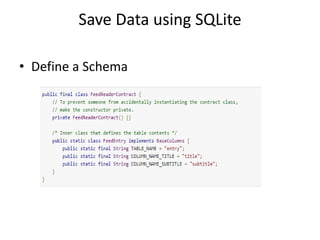
Save Data using SQLite
• Define a Schema
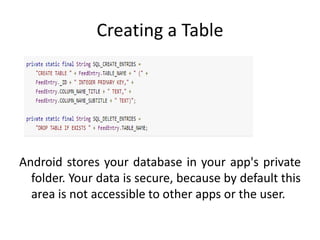
Creating a Table
Android stores your database in your app's private
folder. Your data is secure, because by default this
area is not accessible to other apps or the user.
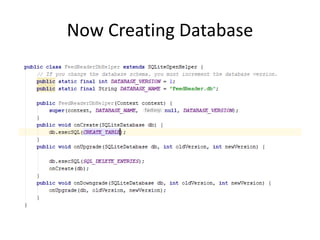
Now Creating Database
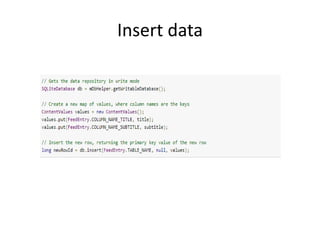
Insert data
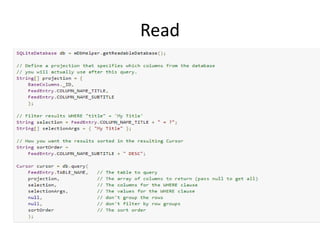
Read
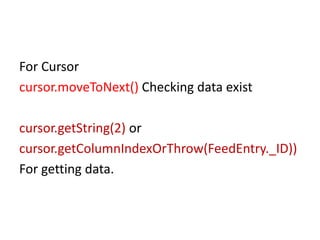
For Cursor
cursor.moveToNext() Checking data exist
cursor.getString(2) or
cursor.getColumnIndexOrThrow(FeedEntry._ID))
For getting data.
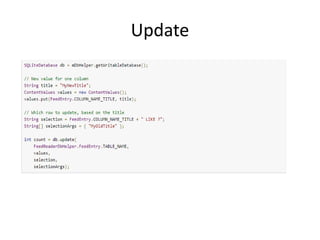
Update
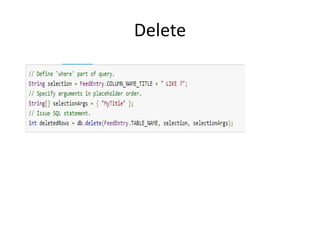
Delete
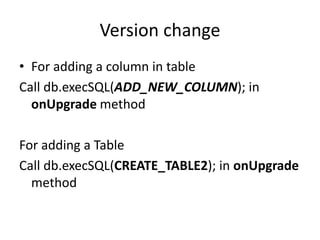
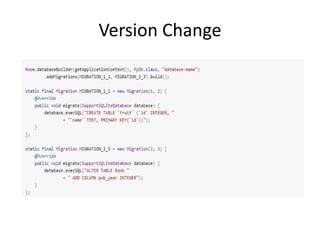
Version change
• For adding a column in table
Call db.execSQL(ADD_NEW_COLUMN); in
onUpgrade method
For adding a Table
Call db.execSQL(CREATE_TABLE2); in onUpgrade
method
Important
• In OnDestroy () Close the database
• Use Background thread like Asyntask
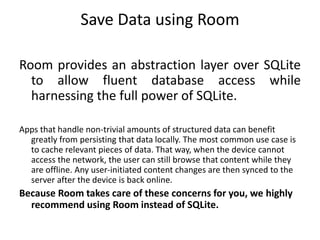
Save Data using Room
Room provides an abstraction layer over SQLite
to allow fluent database access while
harnessing the full power of SQLite.
Apps that handle non-trivial amounts of structured data can benefit
greatly from persisting that data locally. The most common use case is
to cache relevant pieces of data. That way, when the device cannot
access the network, the user can still browse that content while they
are offline. Any user-initiated content changes are then synced to the
server after the device is back online.
Because Room takes care of these concerns for you, we highly
recommend using Room instead of SQLite.
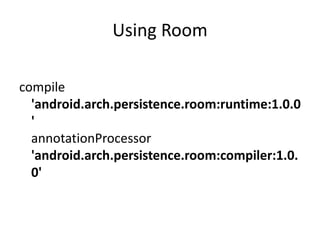
Using Room
compile
'android.arch.persistence.room:runtime:1.0.0
'
annotationProcessor
'android.arch.persistence.room:compiler:1.0.
0'
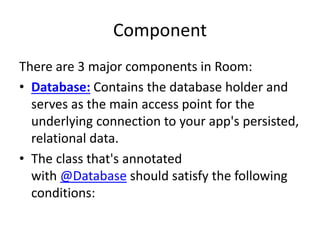
Component
There are 3 major components in Room:
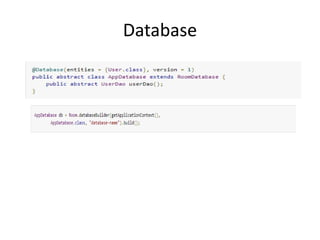
• Database: Contains the database holder and
serves as the main access point for the
underlying connection to your app's persisted,
relational data.
• The class that's annotated
with @Database should satisfy the following
conditions:
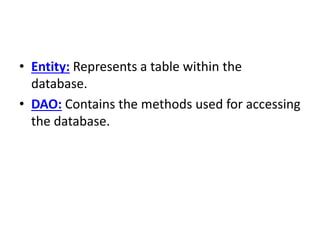
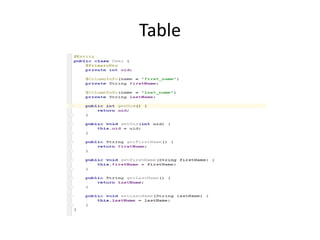
• Entity: Represents a table within the
database.
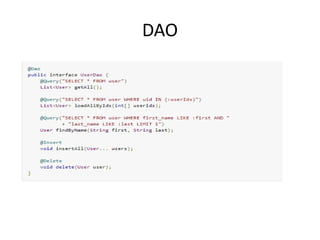
• DAO: Contains the methods used for accessing
the database.
Table
DAO
Database
Version Change
Reference
• SQLite
https://developer.android.com/training/data-
storage/sqlite.html#DeleteDbRow
Room
https://developer.android.com/training/data-
storage/room/index.html
Migration
https://medium.com/google-
developers/understanding-migrations-with-
room-f01e04b07929

GAAD Database presentation