

















The New Responsive Design Workflow:
     From Mobile Web to Mobile App
Ryan Stewart
         Web Developer Evangelist, Adobe

                ryan@adobe.com

                blog.digitalbackcountry.com
                @ryanstewart

                 github.com/ryanstewart


Based in Seattle
Things I Like:
 Beer
 Mountaineering/Hiking/Backpacking
 Geolocation/Mapping stuff
The New Responsive Design Workflow:
     From Mobile Web to Mobile App
Responsive Design
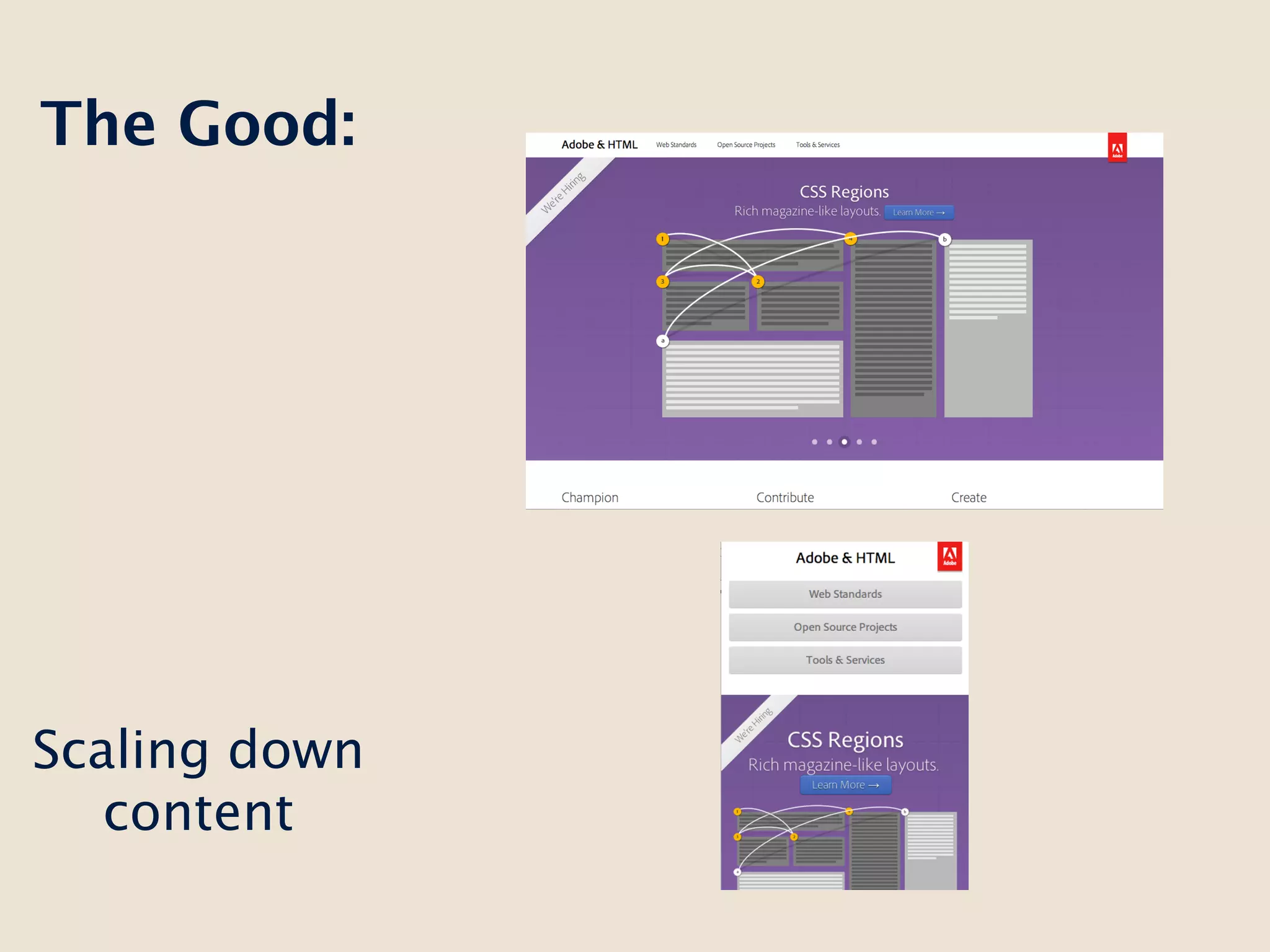
The Good:


Scaling down
   content
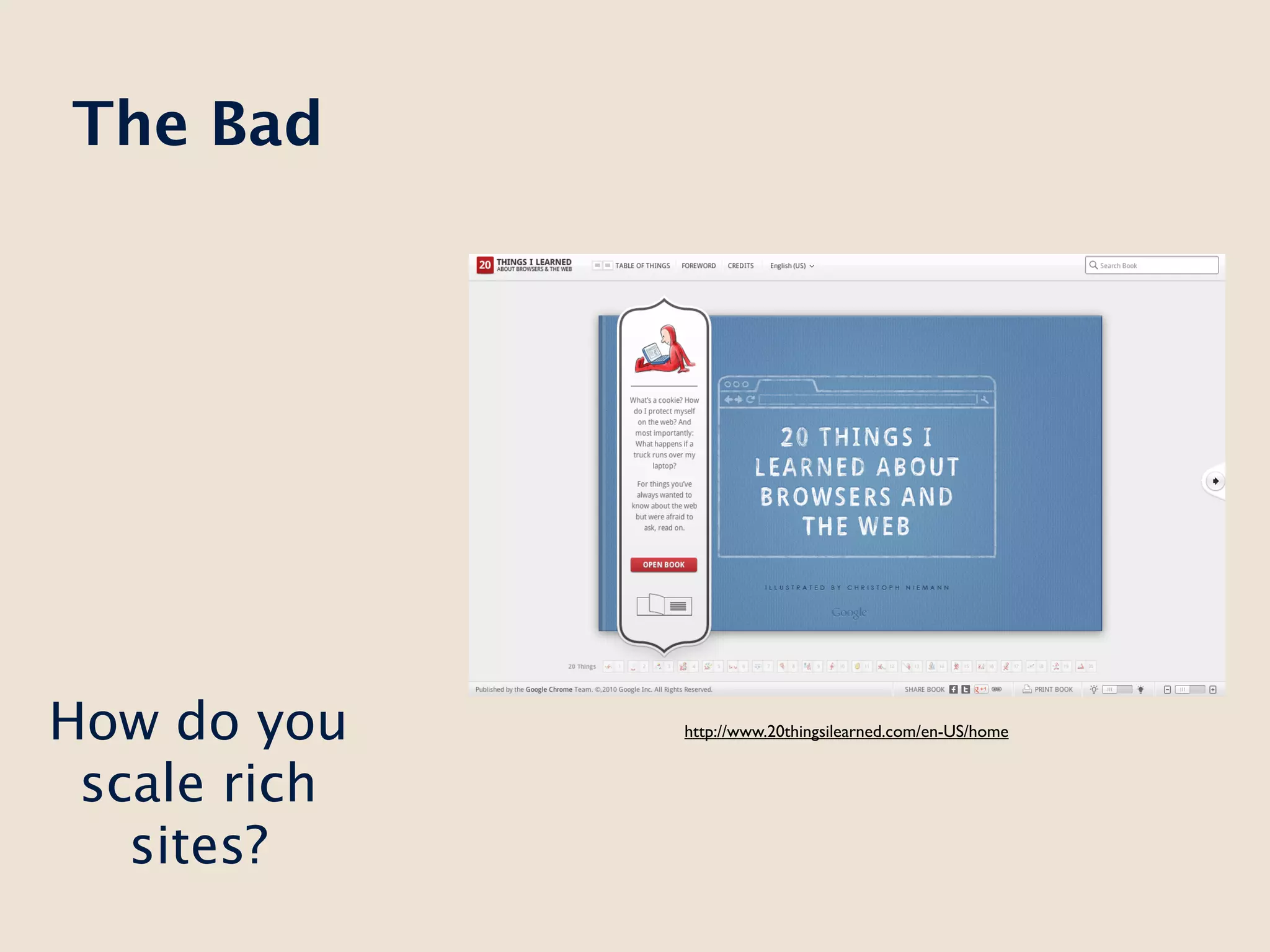
The Bad


How do you    http://www.20thingsilearned.com/en-US/home


 scale rich
   sites?
Long Live the
 m-dot (sort
     of)
But what
   about
 users that
want an app?
Additional
             functionality


What is an    Isolated
  app?       Experience


              One click
               away
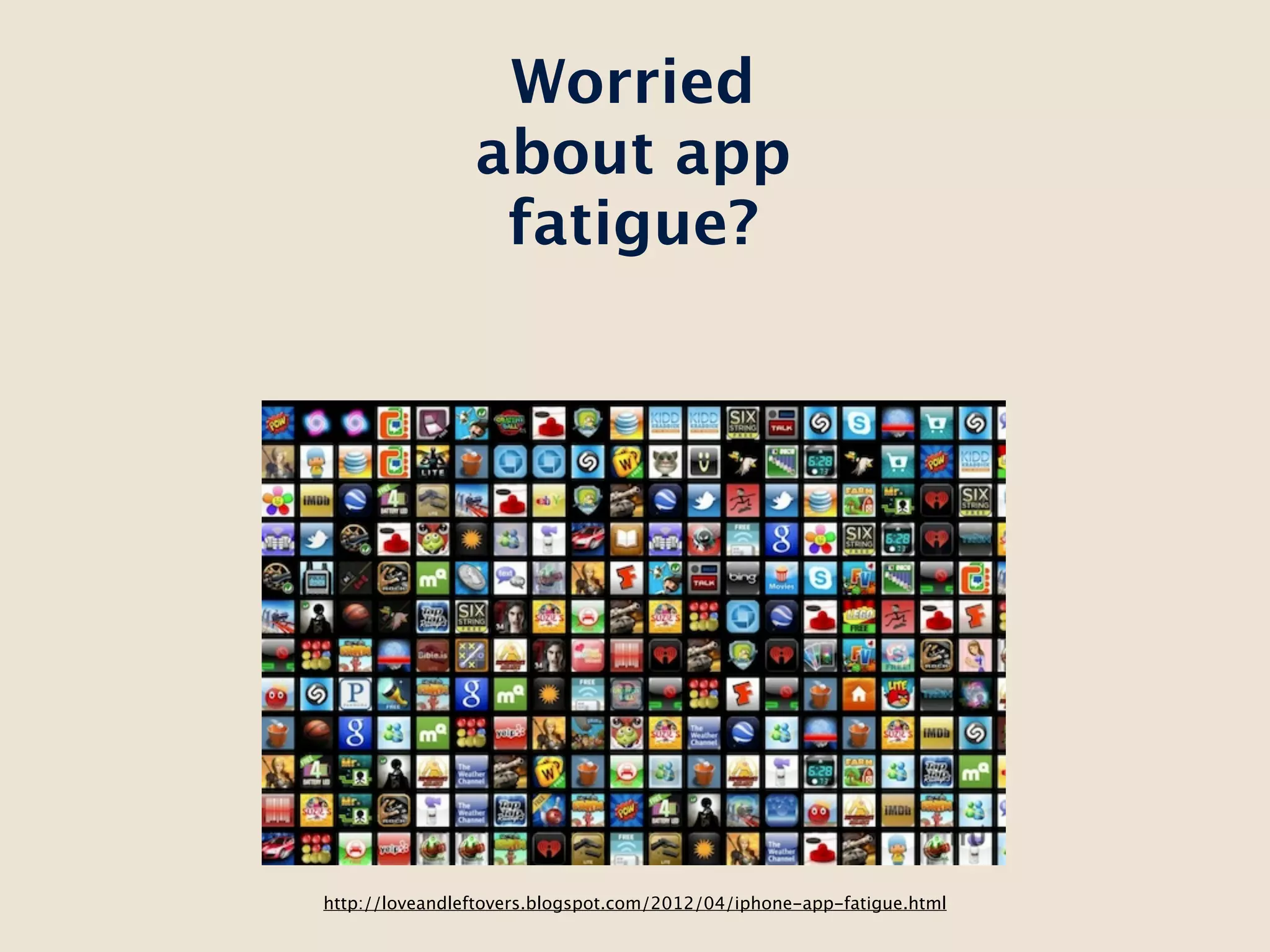
Worried
                about app
                 fatigue?


http://loveandleftovers.blogspot.com/2012/04/iphone-app-fatigue.html
The best of
both worlds

Brought to you
  by HTML5
Create a
                  consistent
                    mobile
                experience for
                 web and app

                 Re-use all the
 The goals of
                code and assets
the workflow:
                  that you can

                   Provide a
                   seamless
                  transition
                 between web
                   and app
What makes
 all of this
 possible?
Design for
  mobile
 web first
Mobile web should be your first design because
 it's going to be the backbone of your mobile
                   experience.
Think about a cross-platform look and feel right
 off the bat. If you're going to take this to mobile
app, you want a look and UI that is unique so you
don't get trapped in something that looks too iOS
                   or too Android.
What paradigms work best for that kind of UI?

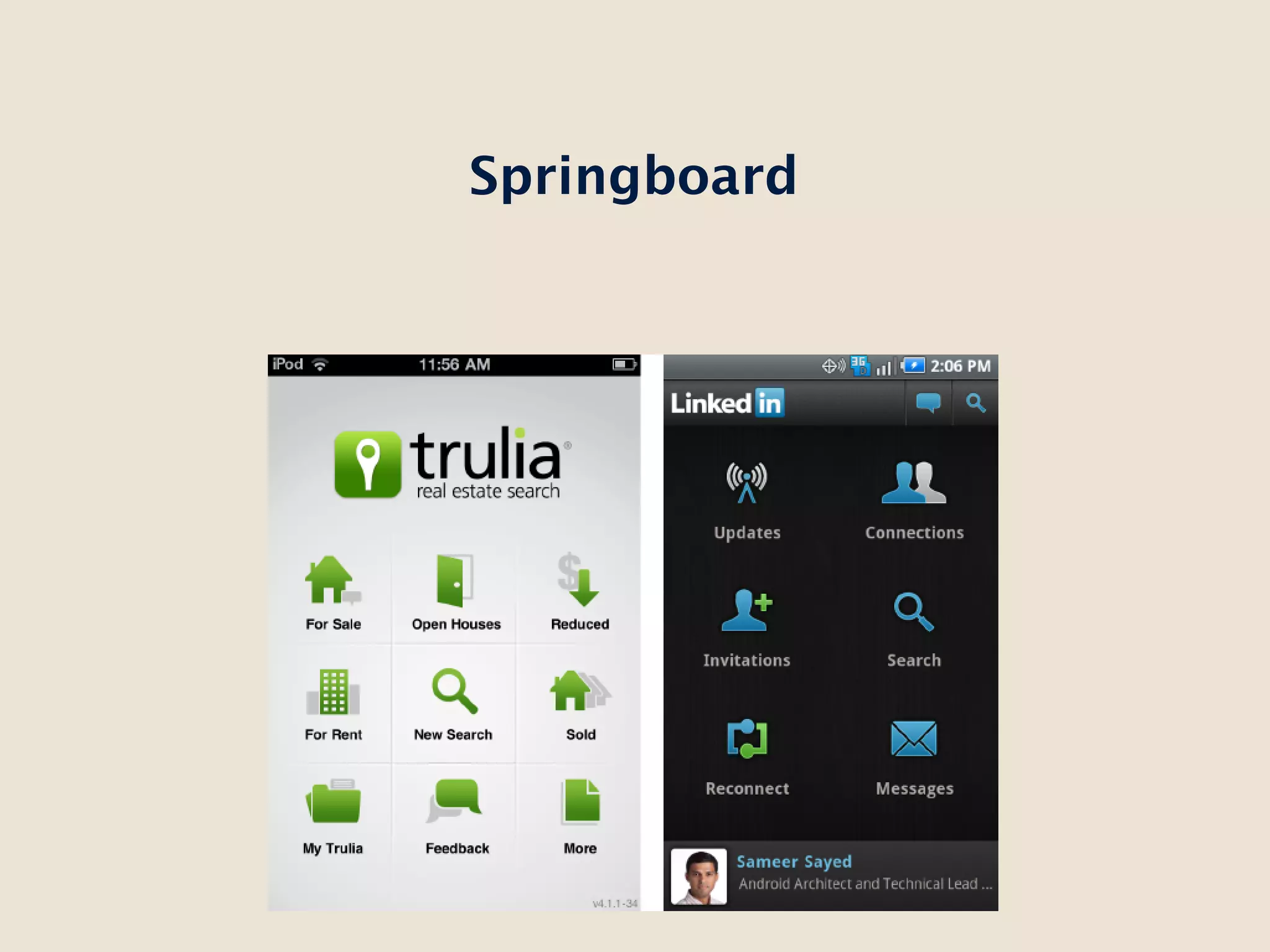
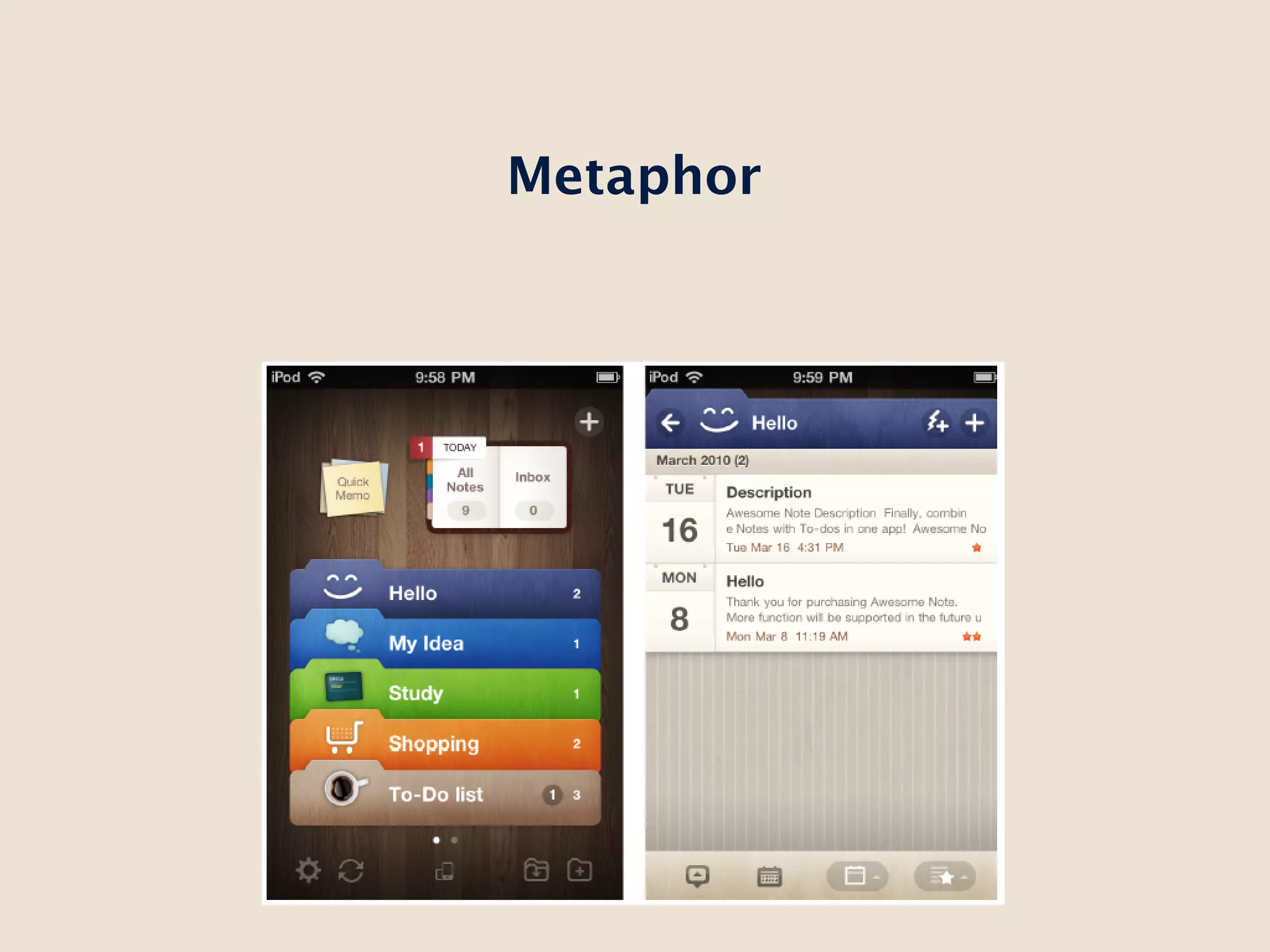
 List or tab-based UIs tend to have very native-
              specific look and feel
Springboard
Metaphor
Other elements and controls?


           This.
What about a “full” responsive design? PC, tablet,
 mobile? In general, why? This is a mobile-first
 design. Not a watered down desktop design.
Mobile Web Development
To Framework or not to Framework?
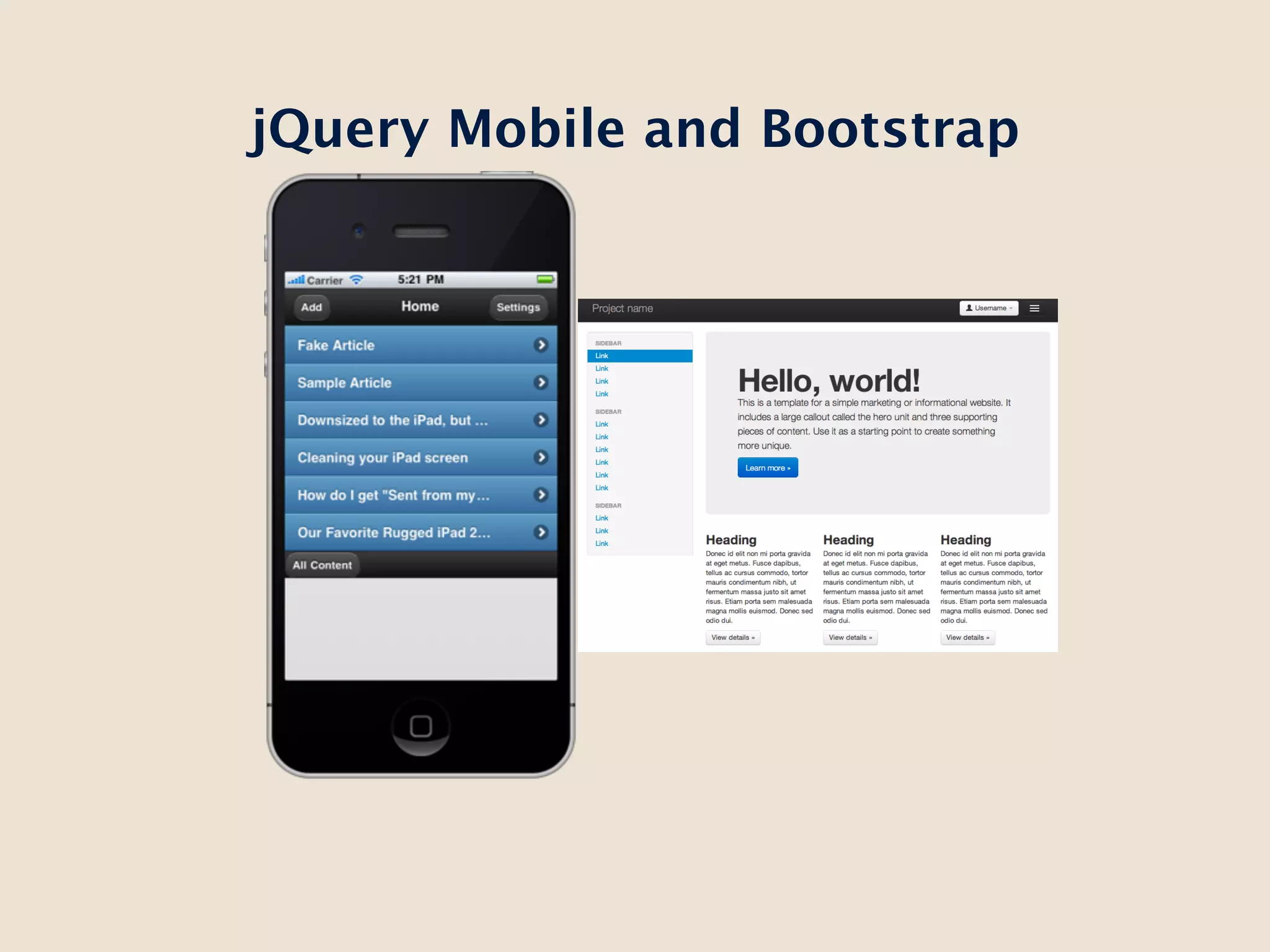
jQuery Mobile and Bootstrap
Developing to the device’s experience.


        http://jquerymobile.com/test/docs/pages/page-transitions.html
Testing - a huge PITA
Hooray Shadow!
Design:
Starting on Native
Think about what features you’re going to add.
      Are they features that require UI or
                enhancements?
The beauty of
  the HTML
    model:
   Laying in
  PhoneGap
PhoneGap provides access to device APIs but lets
you build your UI in HTML/JS/CSS. It packages up
         into a native, store-ready app.
PhoneGap APIs map pretty closely to the W3C
   standards that haven’t been ratified yet
So when some of this ends up in the browser,
  we can reuse a lot of our code (in theory).
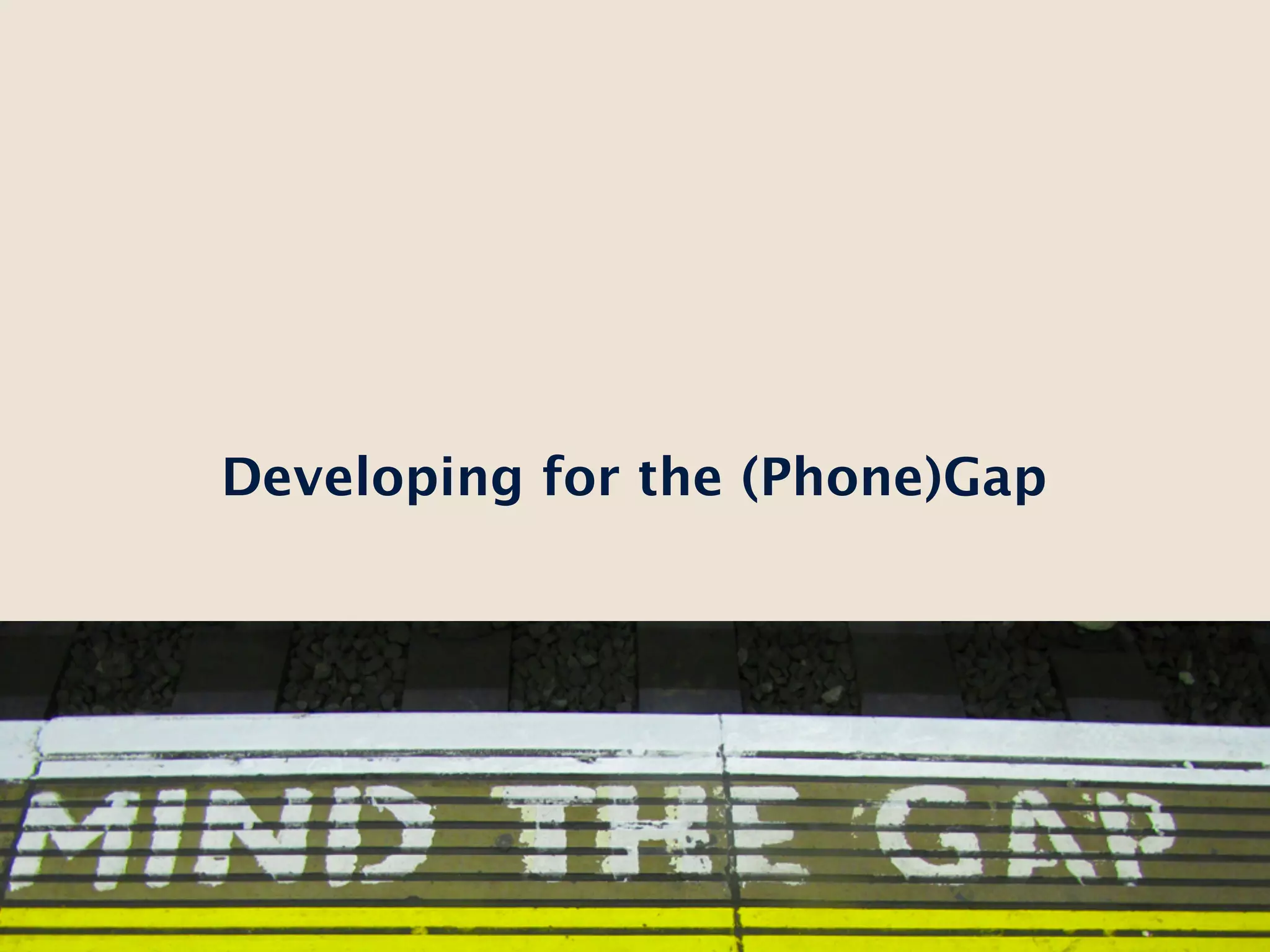
Developing for the (Phone)Gap
You can actually ship your PhoneGap code
within your mobile web app if you want to with
          the onDeviceReady event.
Testing with Weinre
So now we’ve built this cross platform
 experience, what about deployment?
Native SDKs are teh suck
PhoneGap Build!!!
Ryan Stewart
         Web Developer Evangelist, Adobe

                ryan@adobe.com

                blog.digitalbackcountry.com
                @ryanstewart

                 github.com/ryanstewart


Based in Seattle
Things I Like:
 Beer
 Mountaineering/Hiking/Backpacking
 Geolocation/Mapping stuff
Fin.

From mobile browser to mobile app

Editor's Notes

  • #2 \n
  • #3 \n
  • #4 \n
  • #5 \n
  • #6 \n
  • #7 \n
  • #8 http://m.scorpiondesign.com/\n
  • #9 http://m.scorpiondesign.com/\n
  • #10 http://m.scorpiondesign.com/\n
  • #11 http://m.scorpiondesign.com/\n
  • #12 http://m.scorpiondesign.com/\n
  • #13 Scale for everything\n
  • #14 Scale for everything\n
  • #15 Scale for everything\n
  • #16 Scale for everything\n
  • #17 Scale for everything\n
  • #18 Scale for everything\n
  • #19 Scale for everything\n
  • #20 Scale for everything\n
  • #21 Scale for everything\n
  • #22 Scale for everything\n
  • #23 Scale for everything\n
  • #24 Scale for everything\n
  • #25 Scale for everything\n
  • #26 Talk about transitions for iOS versus Android (maybe show them?)\n
  • #27 Talk about transitions for iOS versus Android (maybe show them?)\n
  • #28 Talk about transitions for iOS versus Android (maybe show them?)\n
  • #29 Talk about transitions for iOS versus Android (maybe show them?)\n
  • #30 Talk about transitions for iOS versus Android (maybe show them?)\n
  • #31 Talk about transitions for iOS versus Android (maybe show them?)\n
  • #32 Talk about transitions for iOS versus Android (maybe show them?)\n
  • #33 Talk about transitions for iOS versus Android (maybe show them?)\n
  • #34 Talk about transitions for iOS versus Android (maybe show them?)\n
  • #35 Talk about transitions for iOS versus Android (maybe show them?)\n
  • #36 Talk about transitions for iOS versus Android (maybe show them?)\n
  • #37 Talk about transitions for iOS versus Android (maybe show them?)\n
  • #38 Talk about transitions for iOS versus Android (maybe show them?)\n
  • #39 Talk about transitions for iOS versus Android (maybe show them?)\n
  • #40 Talk about transitions for iOS versus Android (maybe show them?)\n
  • #41 \n
  • #42 Talk about transitions for iOS versus Android (maybe show them?)\n