The document summarizes the process of finalizing a product image in Photoshop. Key steps include:
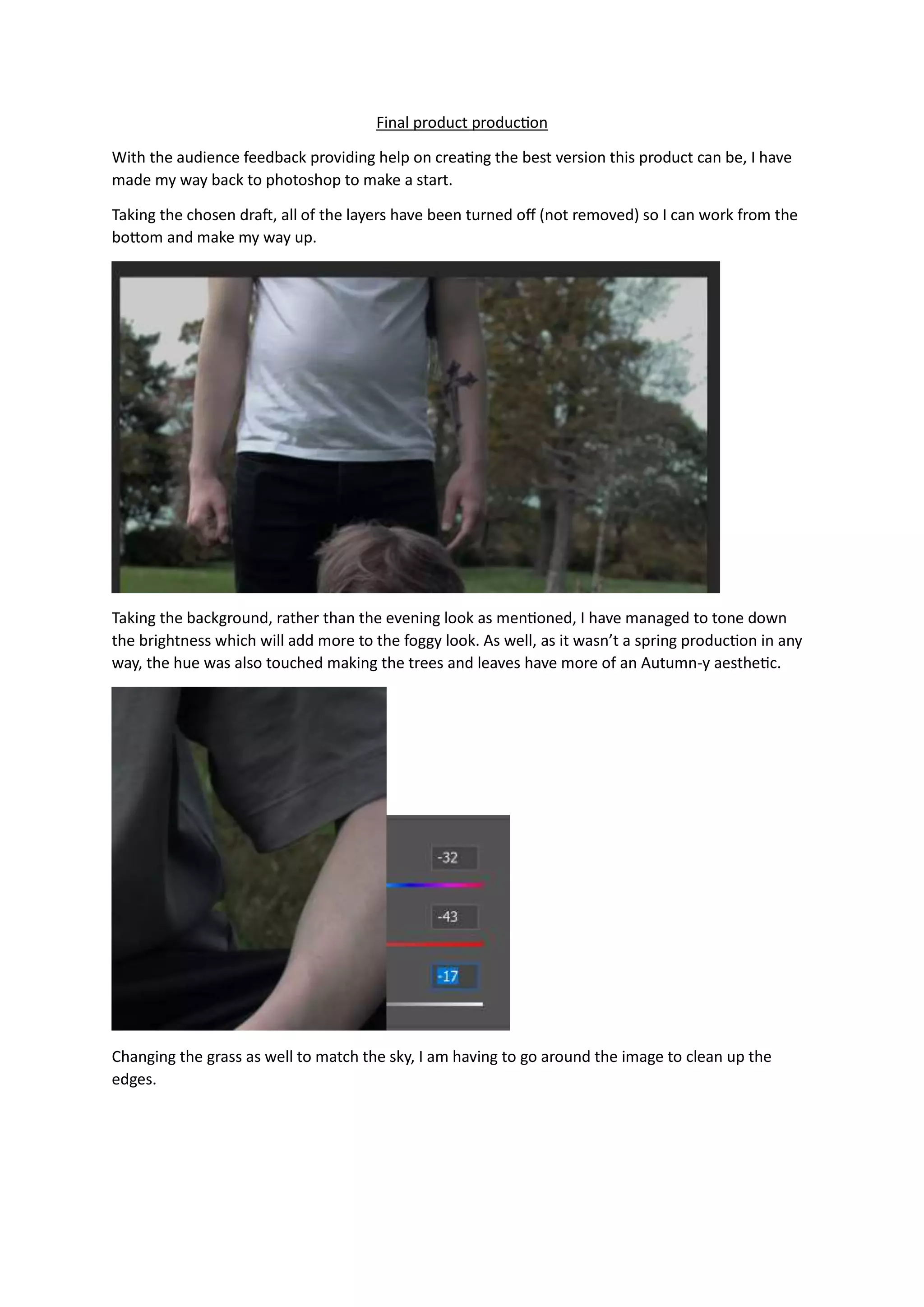
1. Toning down the brightness of the background to add more of a foggy look and changing colors to an autumn aesthetic.
2. Cropping the image slightly and reworking the figure layer to improve the result.
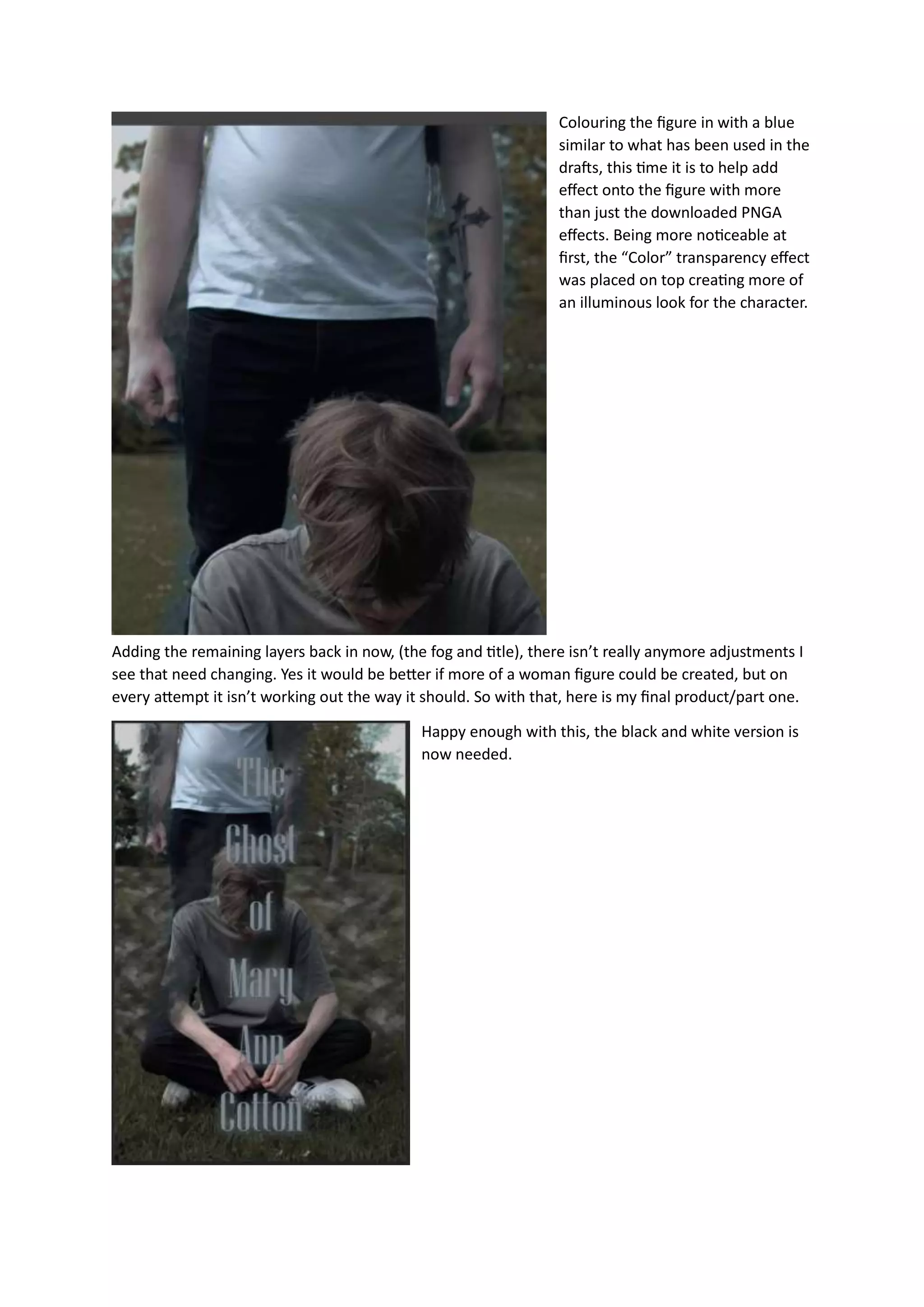
3. Adjusting smoke effects to fit better and coloring the figure blue to add illuminous effect.
4. Adding back in remaining layers and creating a black and white version while keeping tones consistent.