OpenShift Community Day
       Writing Cartridges
    Bill DeCoste
    Principal Software Engineer
    wdecoste@redhat.com


1
Target Audience

You...
● Wish to offer new user services on an OpenShift PaaS
● Customize an existing user service on a PaaS


2
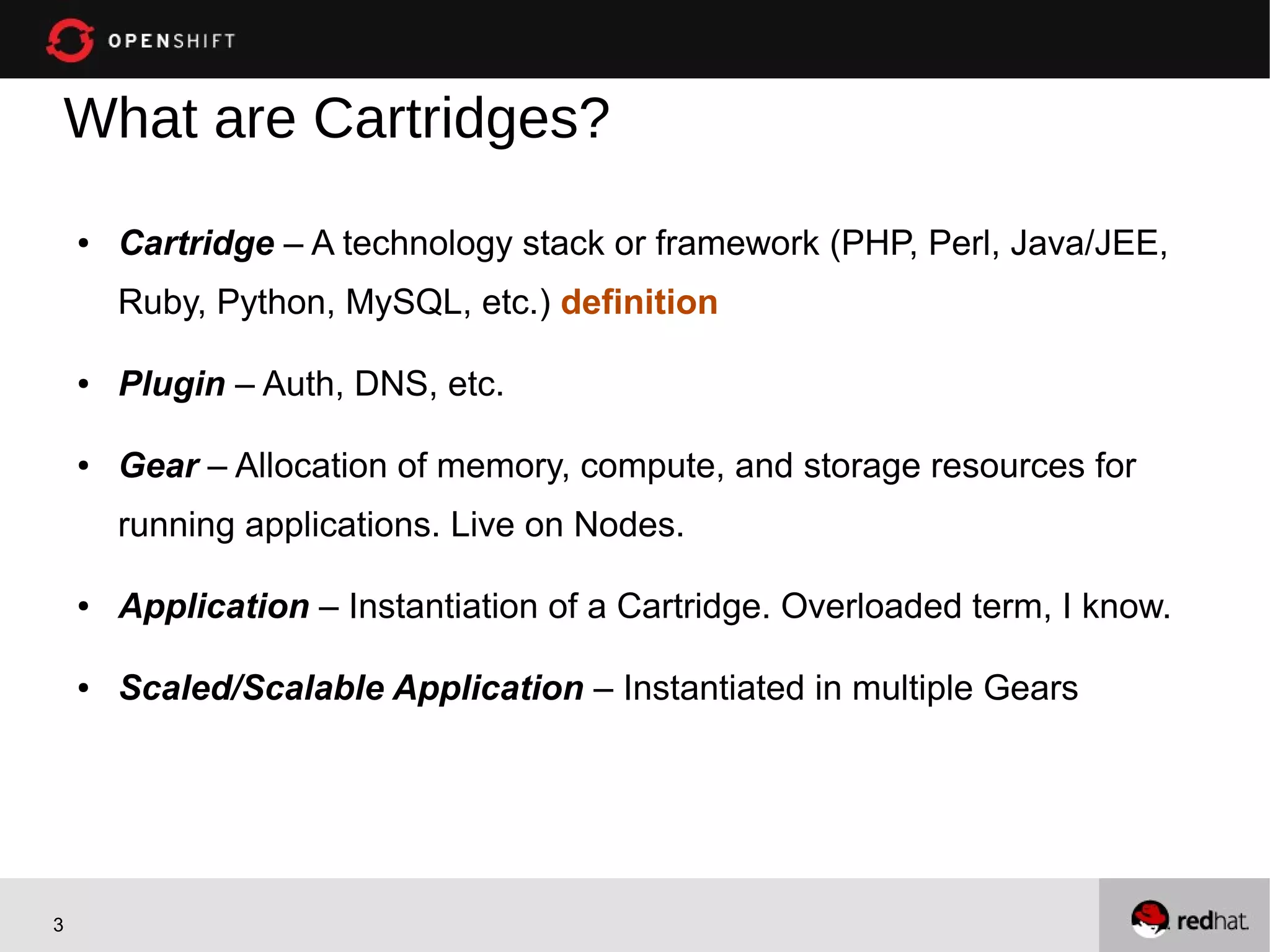
What are Cartridges?
    ●   Cartridge – A technology stack or framework (PHP, Perl, Java/JEE,
        Ruby, Python, MySQL, etc.) definition

    ●   Plugin – Auth, DNS, etc.

    ●   Gear – Allocation of memory, compute, and storage resources for
        running applications. Live on Nodes.

    ●   Application – Instantiation of a Cartridge. Overloaded term, I know.

    ●   Scaled/Scalable Application – Instantiated in multiple Gears


3
Suggestions ...
    ●   Start with a DIY (More significant for Cart V1)
        –   Resolve many installation and configuration issues (e.g. bindings,
            logging)
    ●   Existing Quickstart or sample?
    ●   Start with a similar cartridge
        –   Apache based?
        –   JEE Application Server?
        –   Embeddable Database?


4
Requirements
    ●   The OpenShift Cartridge API consists of:
        –   Executable files
        –   stdout/stderr
        –   Environment variables
    ●   You can use any language but we find bash the fastest
        –   Bash “SDK” provided, other languages planned
    ●   The software you are packaging either needs to be on the system or
        included in your cartridge


5
History – Cartridge V1.0

    ●   Opensource, but not easy to implement or customize
        –   Overly large number of files/scripts
        –   Blurred Node vs Cartridge responsibility
            (e.g. root access required by Cartridge)
        –   Each version required a new Cartridge
    ●   Difficult to maintain
        –   APIs not versioned


6
History – Cartridge V2.0

    ●   Eased implementation, customization, and
        maintenance
         –   Greatly reduced number of files/scripts
         –   Well-defined Cartridge vs Node responsibility
             (e.g. root access not required by Cartridge)
         –   Well-defined and versioned API
         –   Multiple versions supported in single Cartridge
    ●   Documentation:
        https://github.com/openshift/origin-server/blob/master/node/README.writing_cartridges.md


7
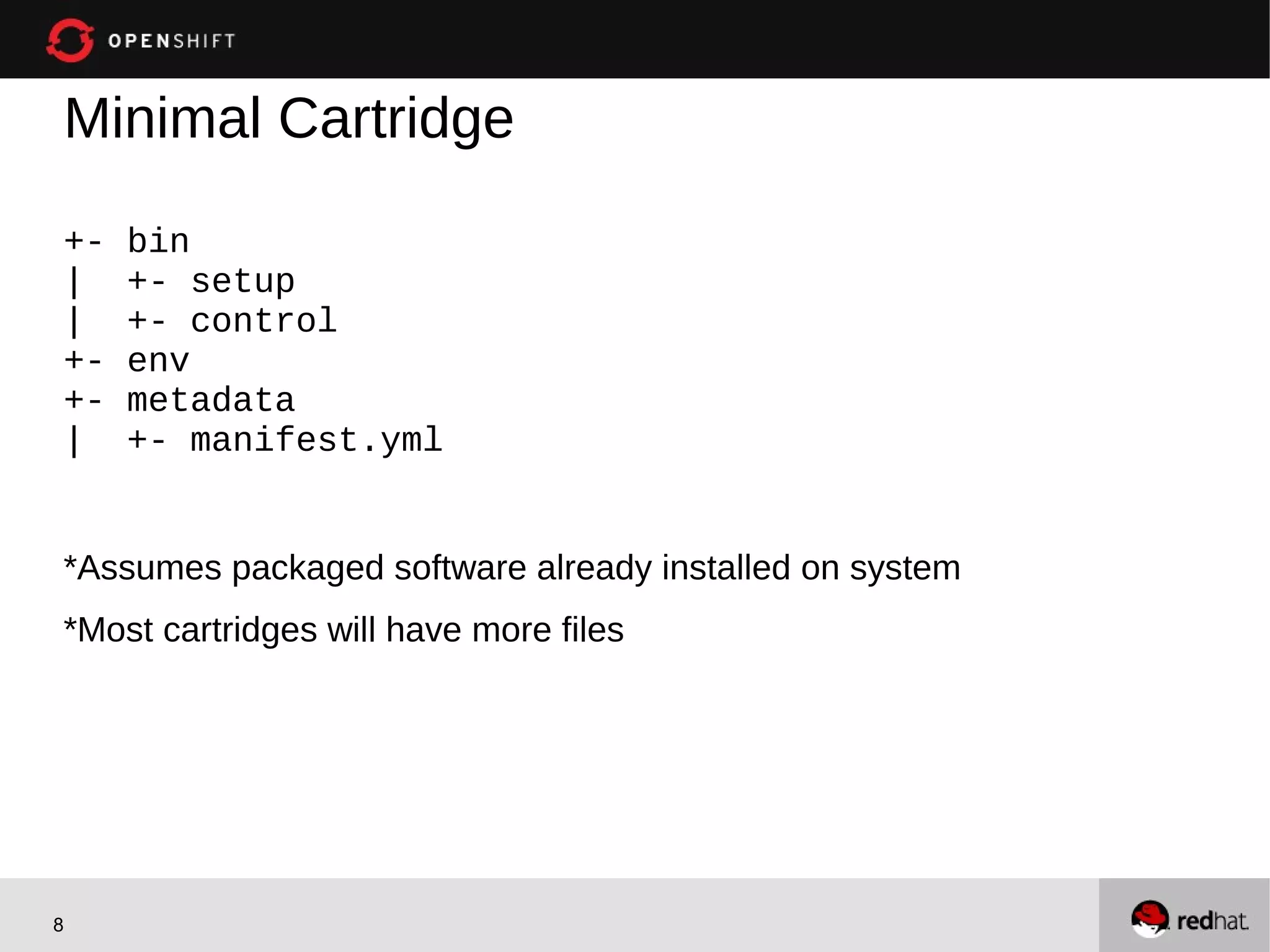
Minimal Cartridge
+-   bin
|    +- setup
|    +- control
+-   env
+-   metadata
|    +- manifest.yml


*Assumes packaged software already installed on system
*Most cartridges will have more files


8
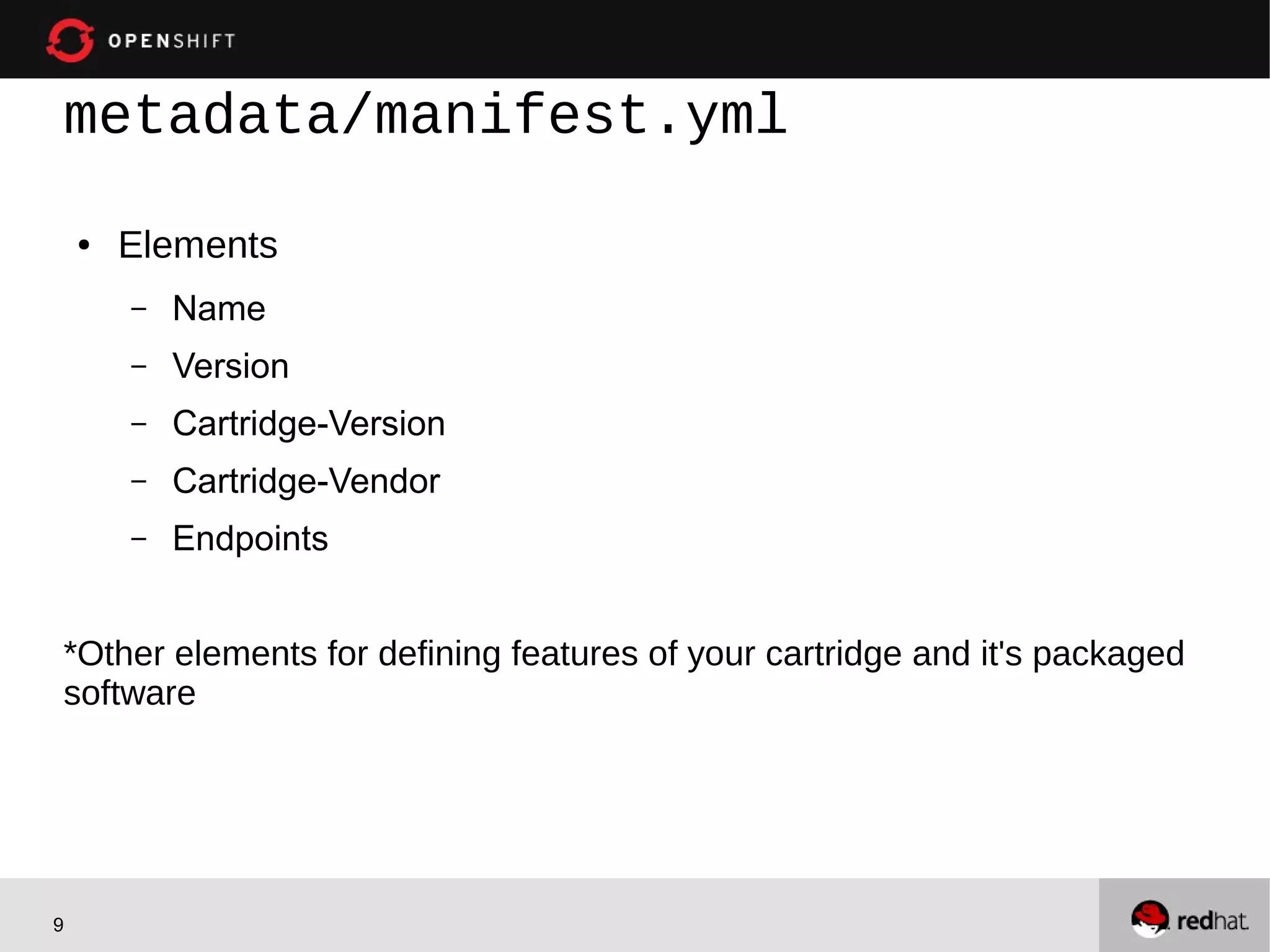
metadata/manifest.yml

    ●   Elements
        –   Name
        –   Version
        –   Cartridge-Version
        –   Cartridge-Vendor
        –   Endpoints


*Other elements for defining features of your cartridge and it's packaged
software


9
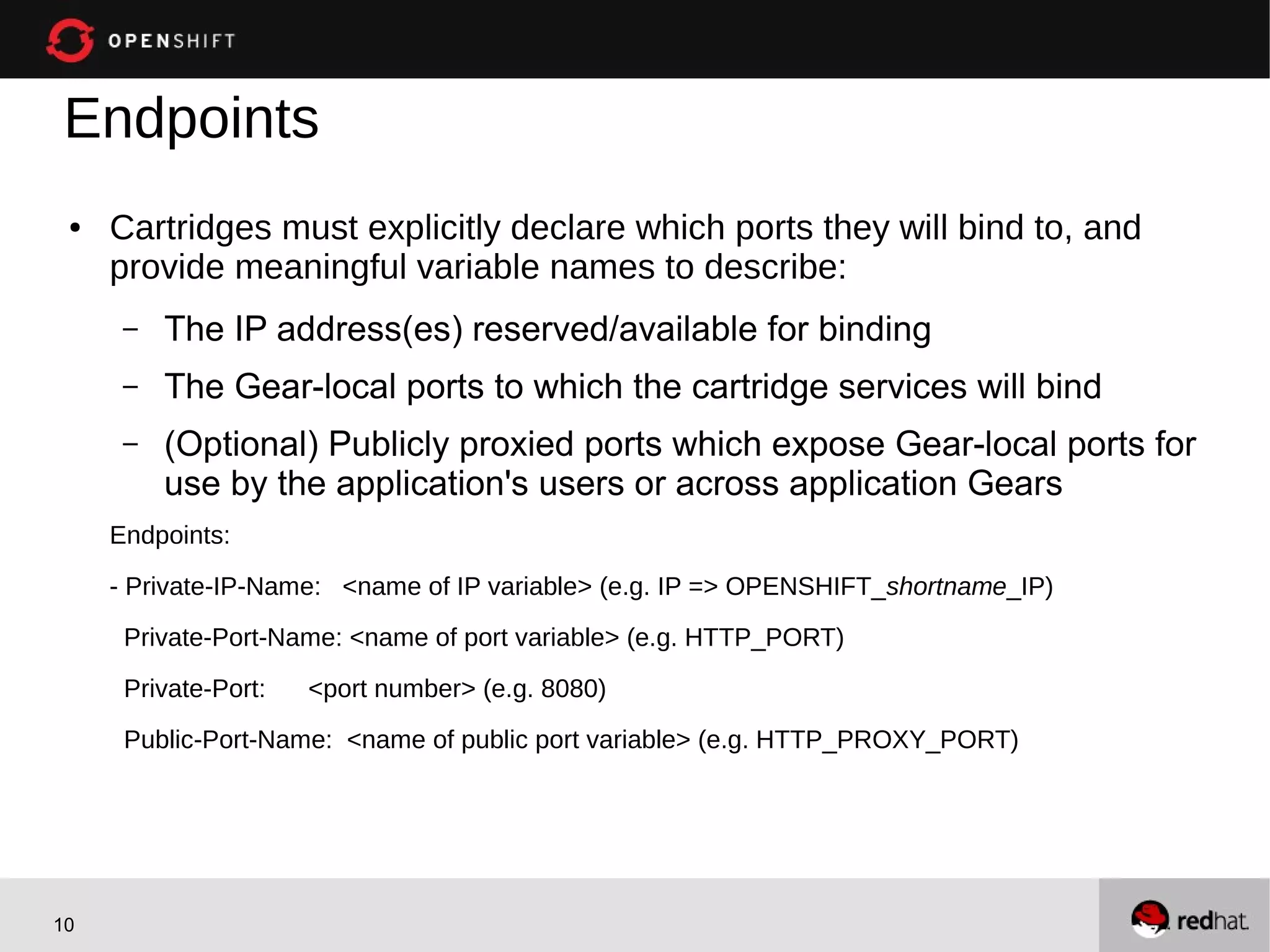
Endpoints
 ●   Cartridges must explicitly declare which ports they will bind to, and
     provide meaningful variable names to describe:
      –   The IP address(es) reserved/available for binding
      –   The Gear-local ports to which the cartridge services will bind
      –   (Optional) Publicly proxied ports which expose Gear-local ports for
          use by the application's users or across application Gears
     Endpoints:

     - Private-IP-Name: <name of IP variable> (e.g. IP => OPENSHIFT_shortname_IP)
      Private-Port-Name: <name of port variable> (e.g. HTTP_PORT)

      Private-Port:   <port number> (e.g. 8080)
      Public-Port-Name: <name of public port variable> (e.g. HTTP_PROXY_PORT)


10
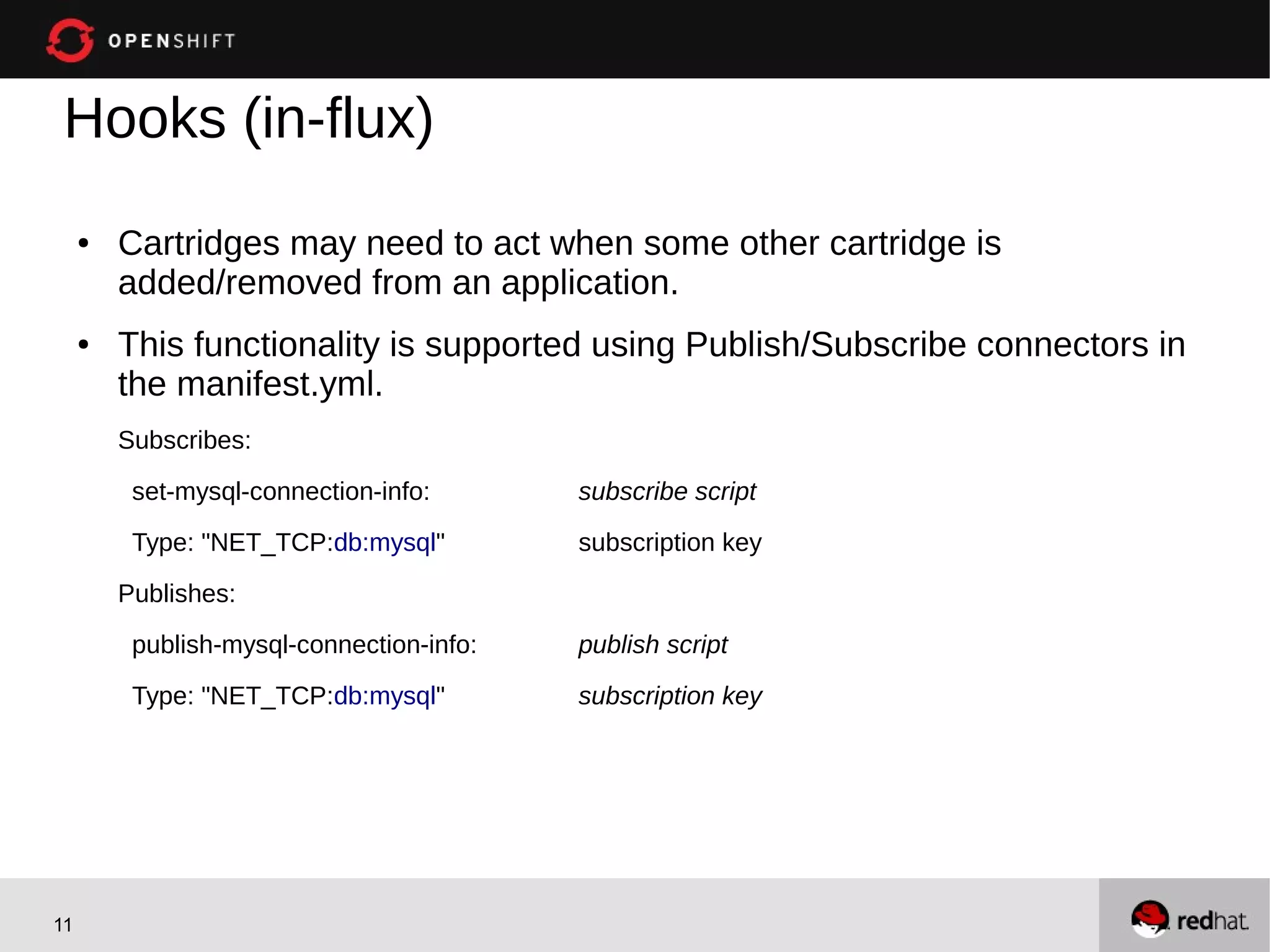
Hooks (in-flux)
     ●   Cartridges may need to act when some other cartridge is
         added/removed from an application.
     ●   This functionality is supported using Publish/Subscribe connectors in
         the manifest.yml.
         Subscribes:

          set-mysql-connection-info:       subscribe script
          Type: "NET_TCP:db:mysql"         subscription key

         Publishes:
          publish-mysql-connection-info:   publish script

          Type: "NET_TCP:db:mysql"         subscription key


11
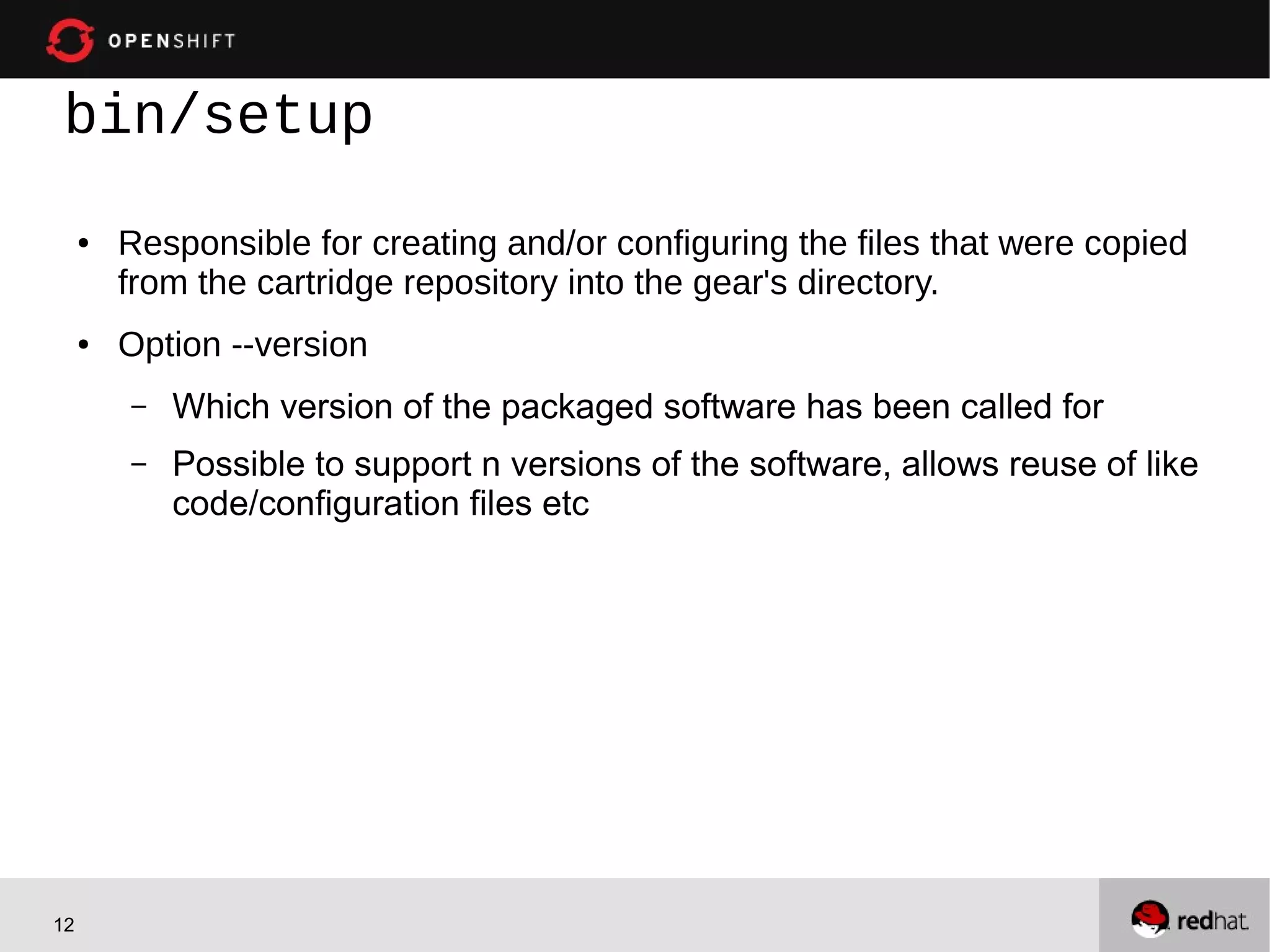
bin/setup
     ●   Responsible for creating and/or configuring the files that were copied
         from the cartridge repository into the gear's directory.
     ●   Option --version
         –   Which version of the packaged software has been called for
         –   Possible to support n versions of the software, allows reuse of like
             code/configuration files etc


12
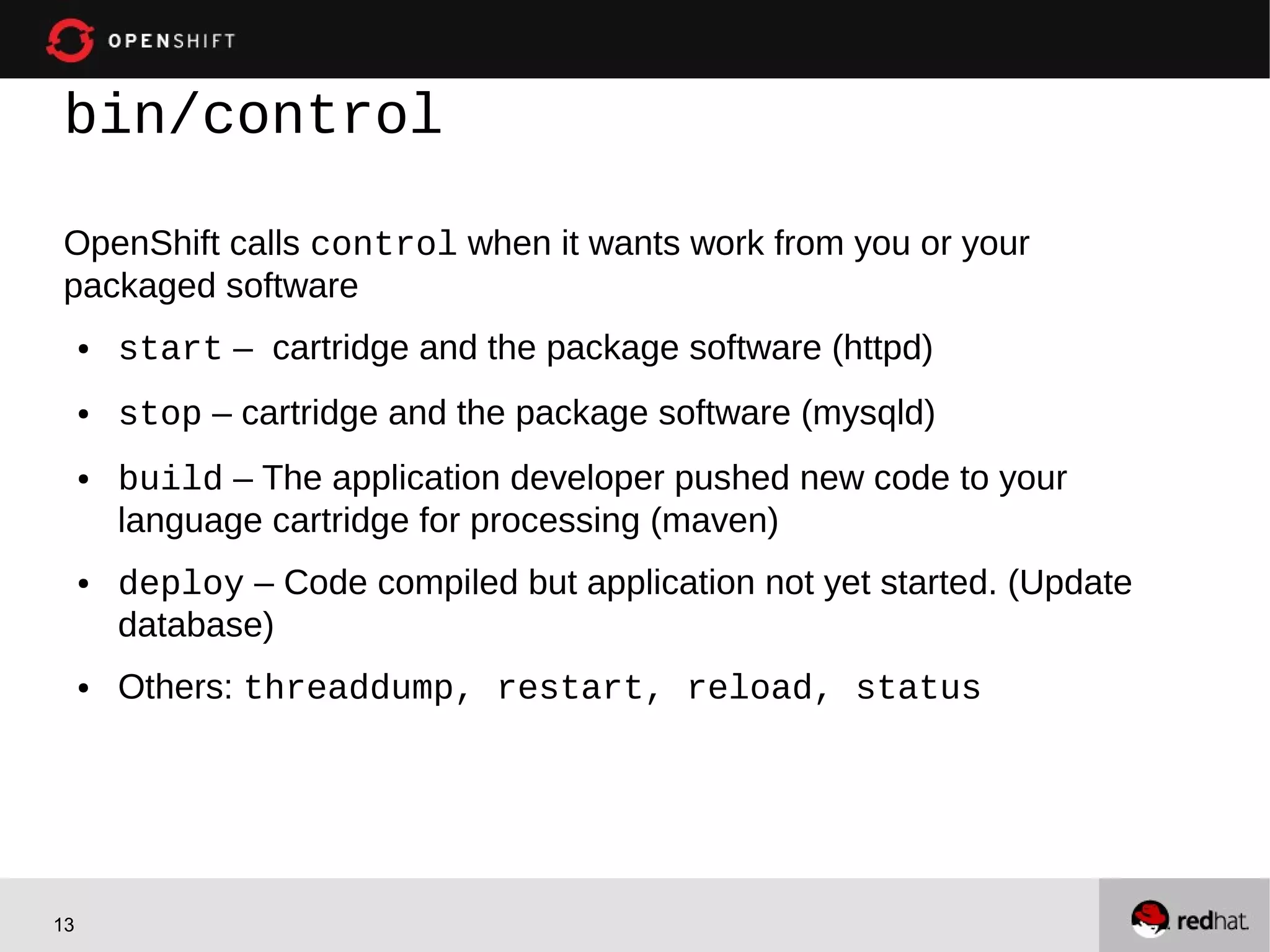
bin/control

OpenShift calls control when it wants work from you or your
packaged software
     ●   start – cartridge and the package software (httpd)
     ●   stop – cartridge and the package software (mysqld)
     ●   build – The application developer pushed new code to your
         language cartridge for processing (maven)
     ●   deploy – Code compiled but application not yet started. (Update
         database)
     ●   Others: threaddump, restart, reload, status


13
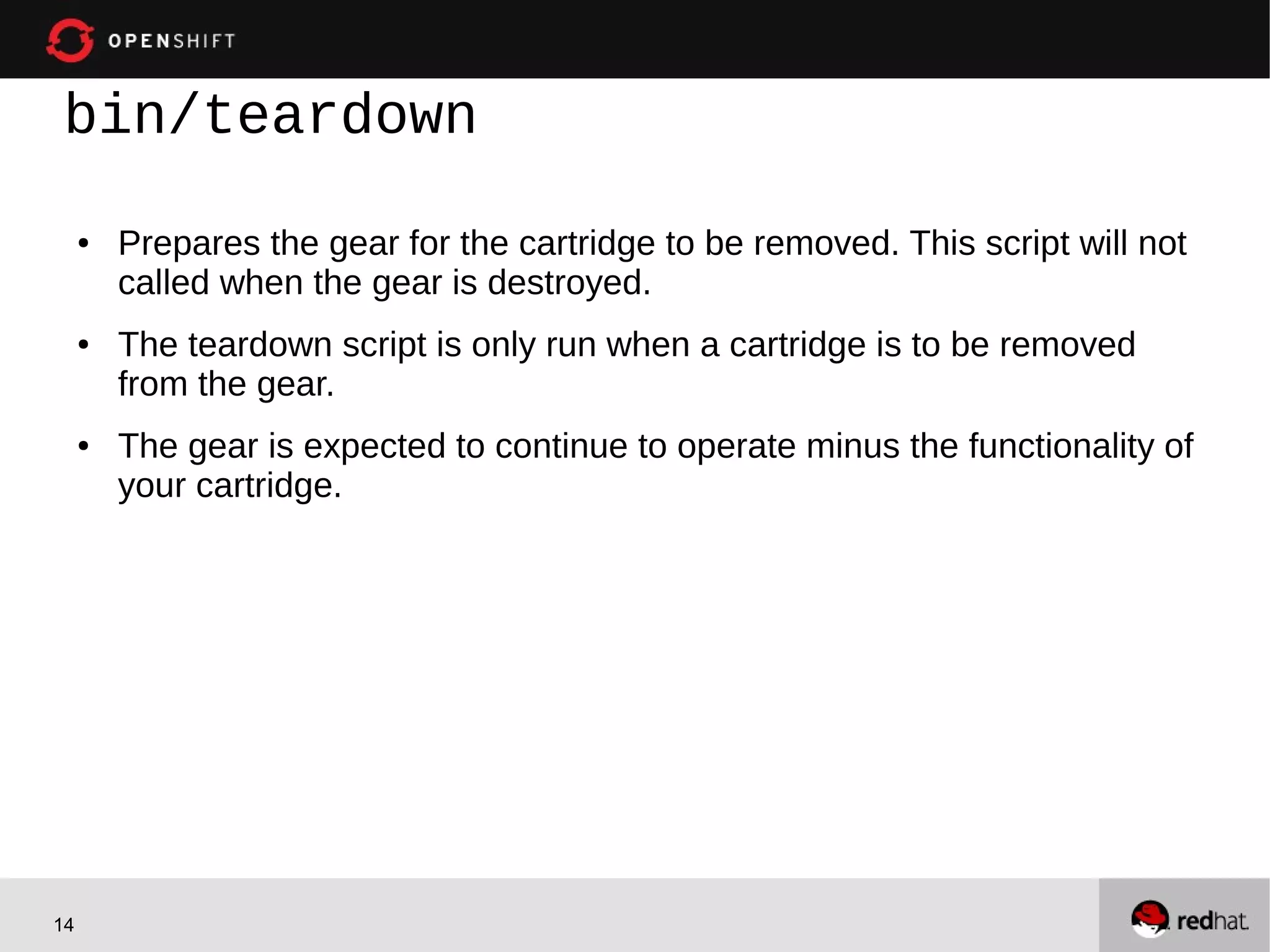
bin/teardown
     ●   Prepares the gear for the cartridge to be removed. This script will not
         called when the gear is destroyed.
     ●   The teardown script is only run when a cartridge is to be removed
         from the gear.
     ●   The gear is expected to continue to operate minus the functionality of
         your cartridge.


14
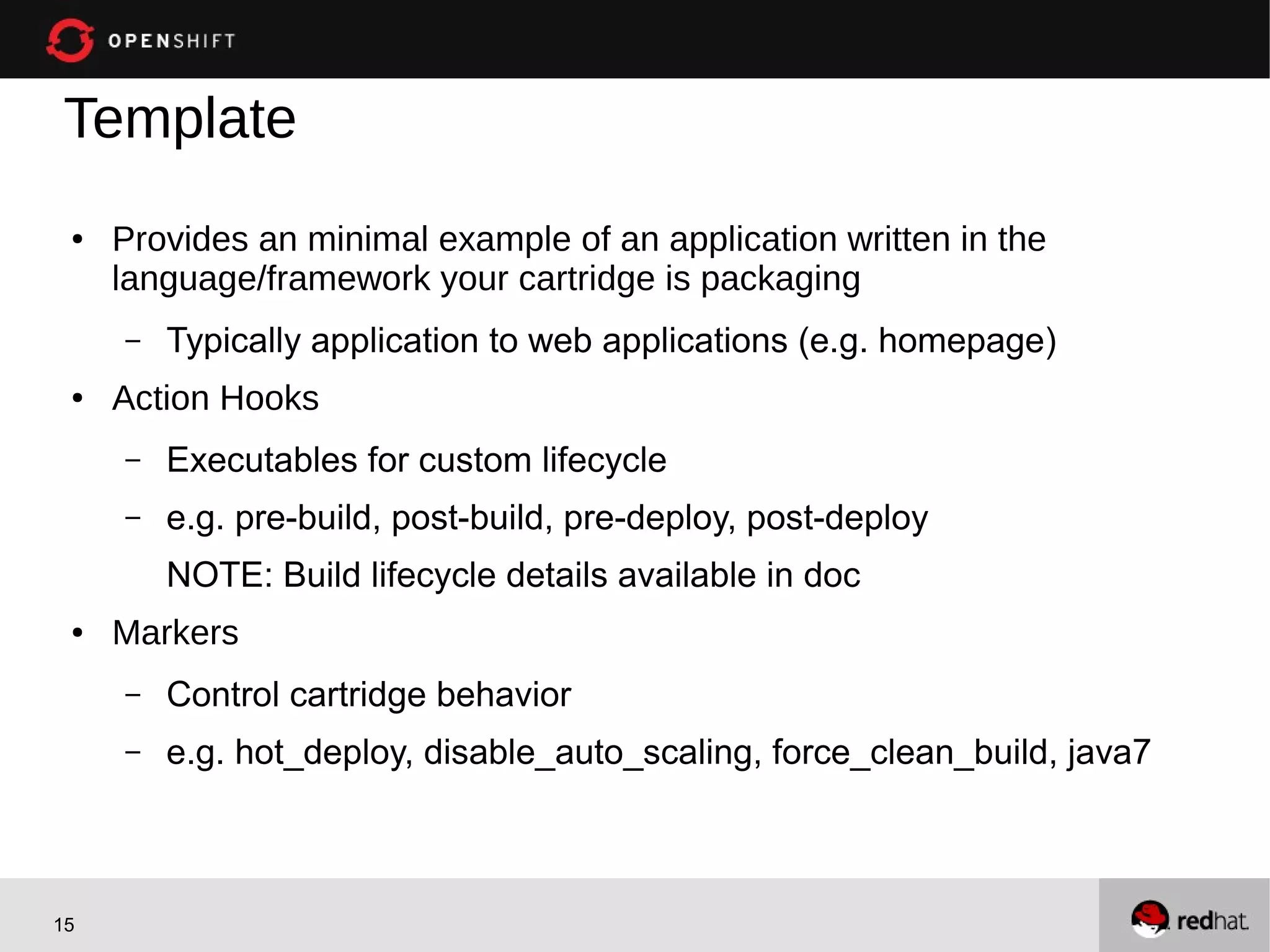
Template
 ●   Provides an minimal example of an application written in the
     language/framework your cartridge is packaging
     –   Typically application to web applications (e.g. homepage)
 ●   Action Hooks
     –   Executables for custom lifecycle
     –   e.g. pre-build, post-build, pre-deploy, post-deploy
         NOTE: Build lifecycle details available in doc
 ●   Markers
     –   Control cartridge behavior
     –   e.g. hot_deploy, disable_auto_scaling, force_clean_build, java7


15
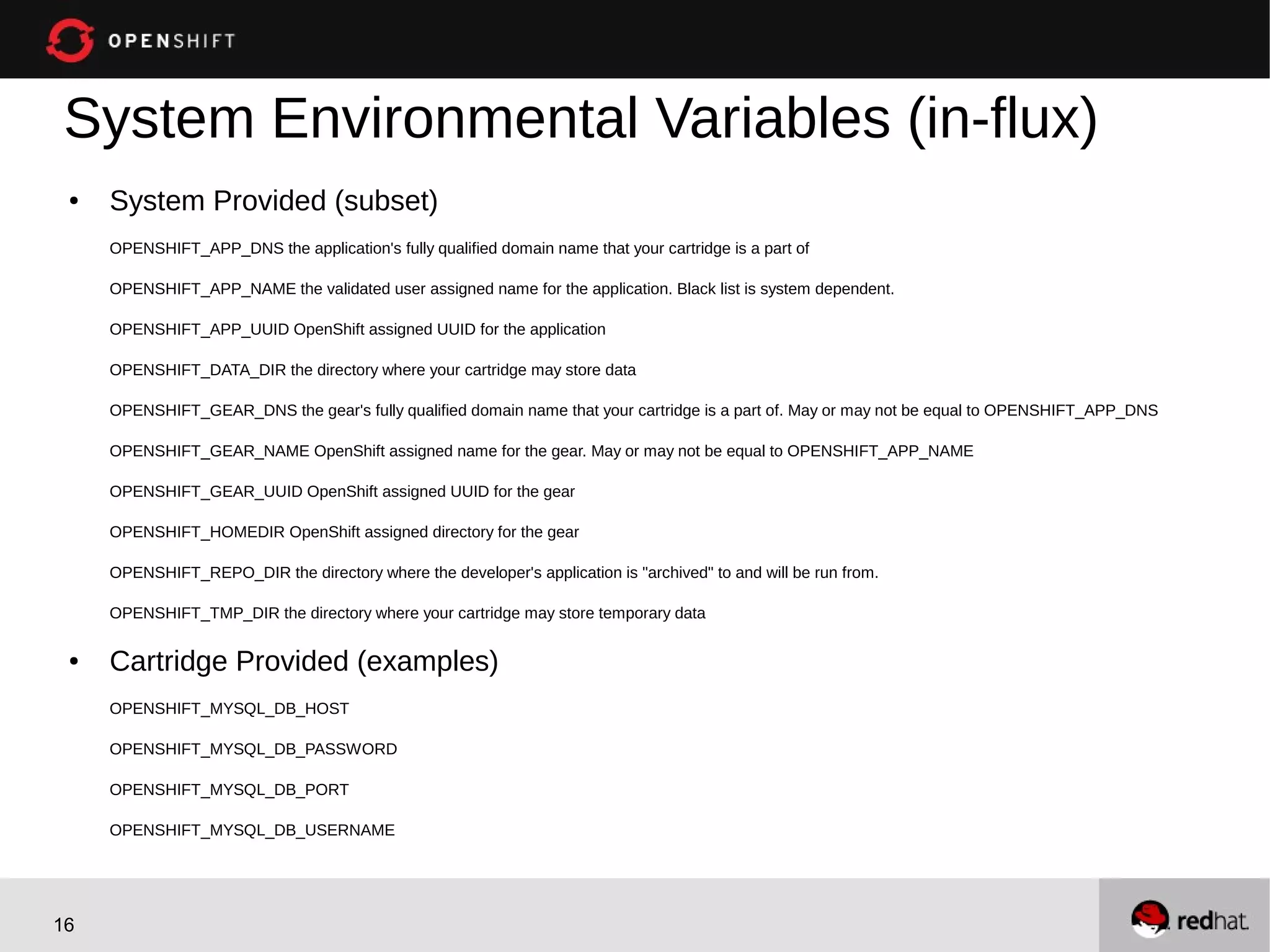
System Environmental Variables (in-flux)
 ●   System Provided (subset)
     OPENSHIFT_APP_DNS the application's fully qualified domain name that your cartridge is a part of

     OPENSHIFT_APP_NAME the validated user assigned name for the application. Black list is system dependent.

     OPENSHIFT_APP_UUID OpenShift assigned UUID for the application

     OPENSHIFT_DATA_DIR the directory where your cartridge may store data

     OPENSHIFT_GEAR_DNS the gear's fully qualified domain name that your cartridge is a part of. May or may not be equal to OPENSHIFT_APP_DNS

     OPENSHIFT_GEAR_NAME OpenShift assigned name for the gear. May or may not be equal to OPENSHIFT_APP_NAME

     OPENSHIFT_GEAR_UUID OpenShift assigned UUID for the gear

     OPENSHIFT_HOMEDIR OpenShift assigned directory for the gear

     OPENSHIFT_REPO_DIR the directory where the developer's application is "archived" to and will be run from.

     OPENSHIFT_TMP_DIR the directory where your cartridge may store temporary data

 ●   Cartridge Provided (examples)
     OPENSHIFT_MYSQL_DB_HOST

     OPENSHIFT_MYSQL_DB_PASSWORD

     OPENSHIFT_MYSQL_DB_PORT

     OPENSHIFT_MYSQL_DB_USERNAME


16
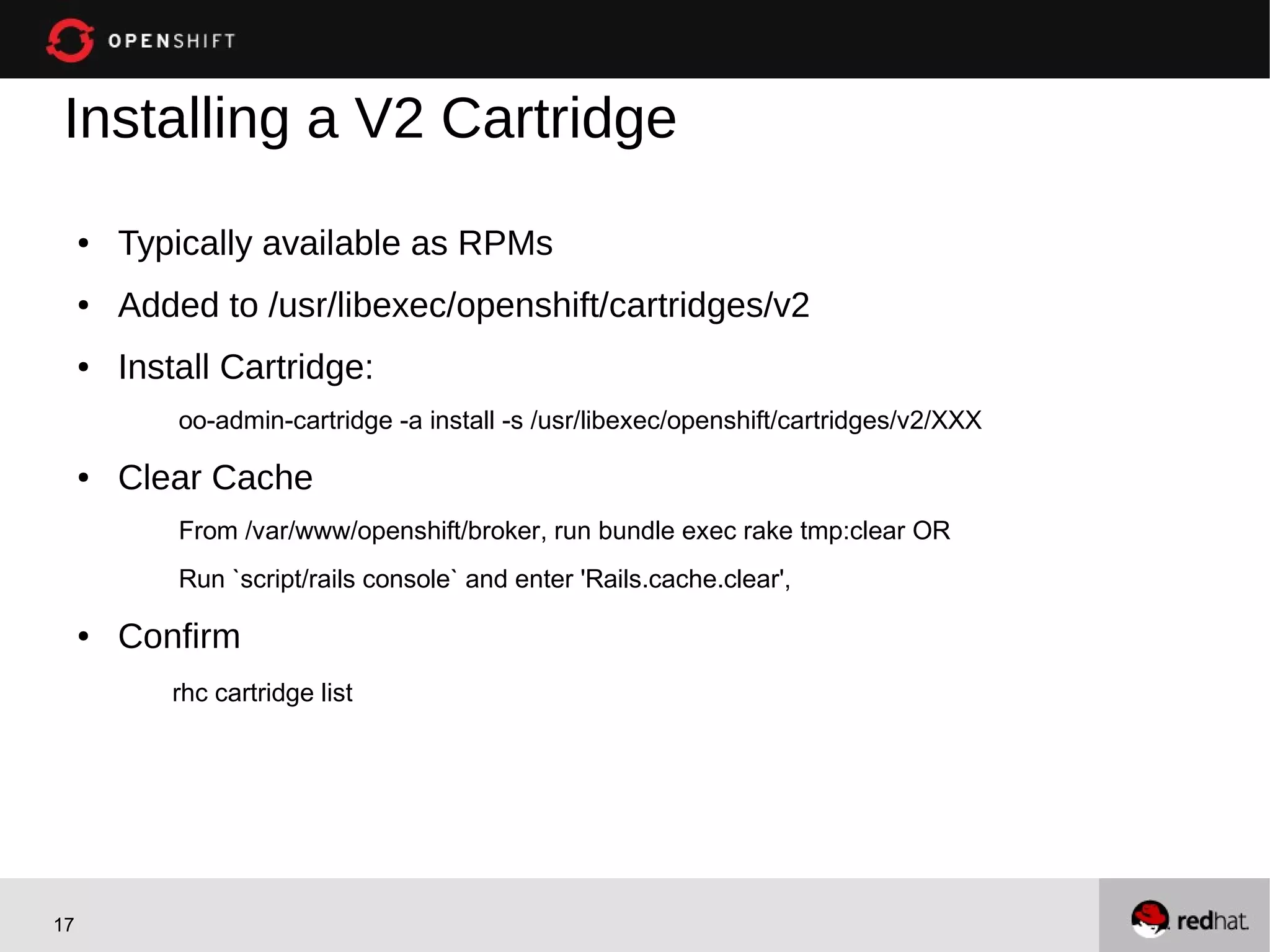
Installing a V2 Cartridge
     ●   Typically available as RPMs
     ●   Added to /usr/libexec/openshift/cartridges/v2
     ●   Install Cartridge:
             oo-admin-cartridge -a install -s /usr/libexec/openshift/cartridges/v2/XXX

     ●   Clear Cache
             From /var/www/openshift/broker, run bundle exec rake tmp:clear OR
             Run `script/rails console` and enter 'Rails.cache.clear',

     ●   Confirm
            rhc cartridge list


17
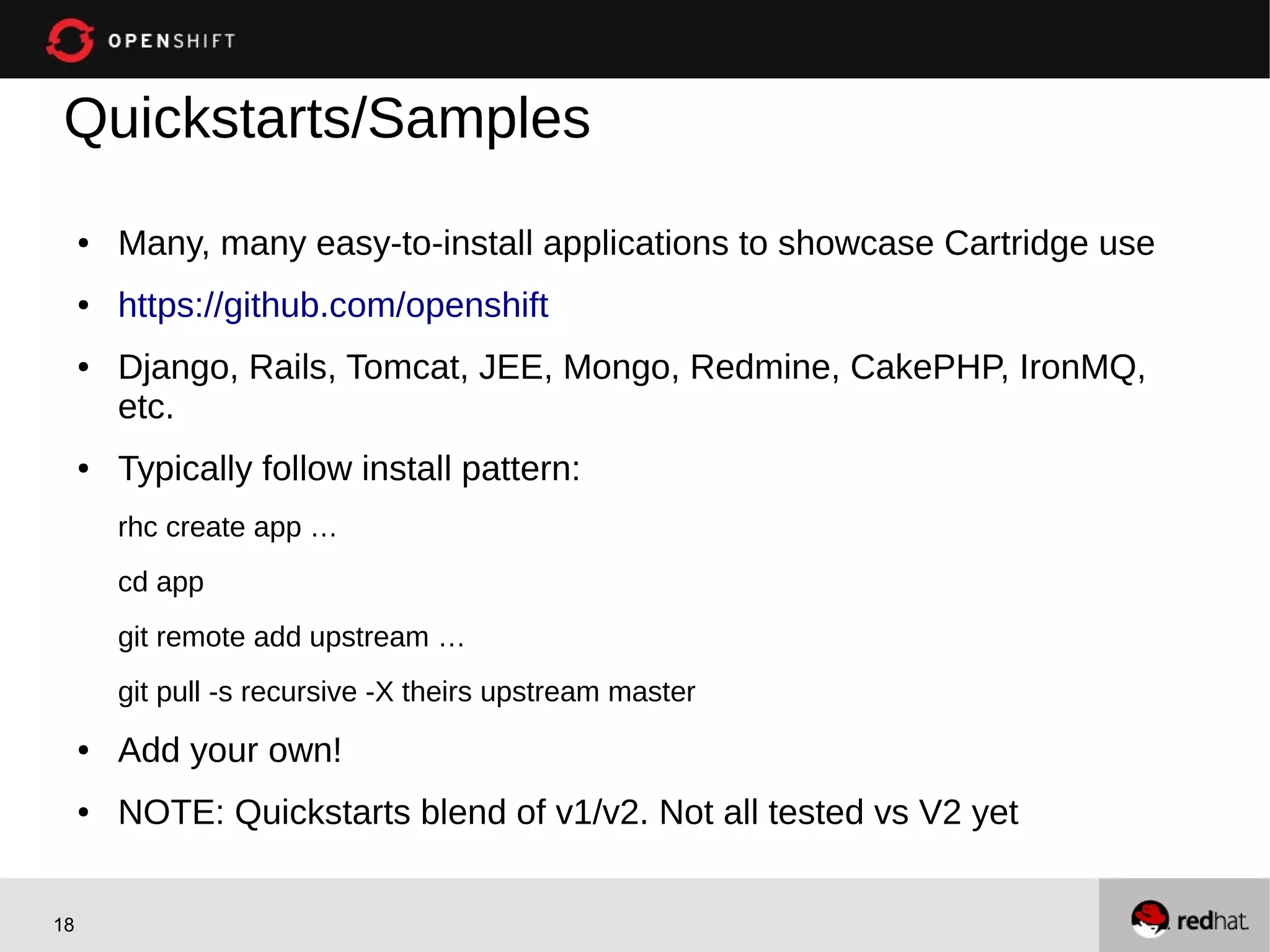
Quickstarts/Samples
     ●   Many, many easy-to-install applications to showcase Cartridge use
     ●   https://github.com/openshift
     ●   Django, Rails, Tomcat, JEE, Mongo, Redmine, CakePHP, IronMQ,
         etc.
     ●   Typically follow install pattern:
         rhc create app …
         cd app
         git remote add upstream …
         git pull -s recursive -X theirs upstream master
     ●   Add your own!
     ●   NOTE: Quickstarts blend of v1/v2. Not all tested vs V2 yet


18
Thank You!


19
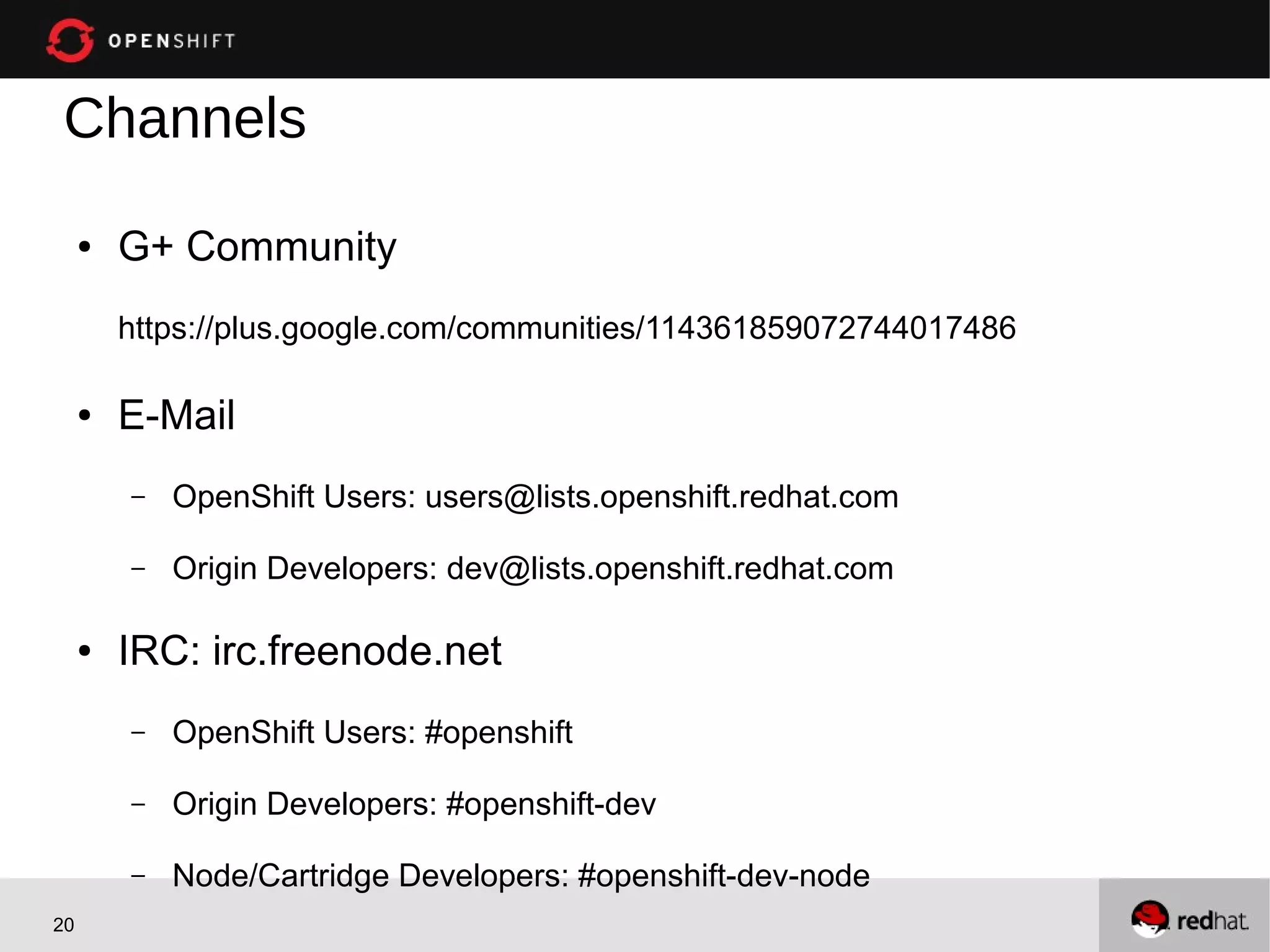
Channels
     ●   G+ Community
         https://plus.google.com/communities/114361859072744017486

     ●   E-Mail
         –   OpenShift Users: users@lists.openshift.redhat.com

         –   Origin Developers: dev@lists.openshift.redhat.com

     ●   IRC: irc.freenode.net
         –   OpenShift Users: #openshift

         –   Origin Developers: #openshift-dev

         –   Node/Cartridge Developers: #openshift-dev-node
20
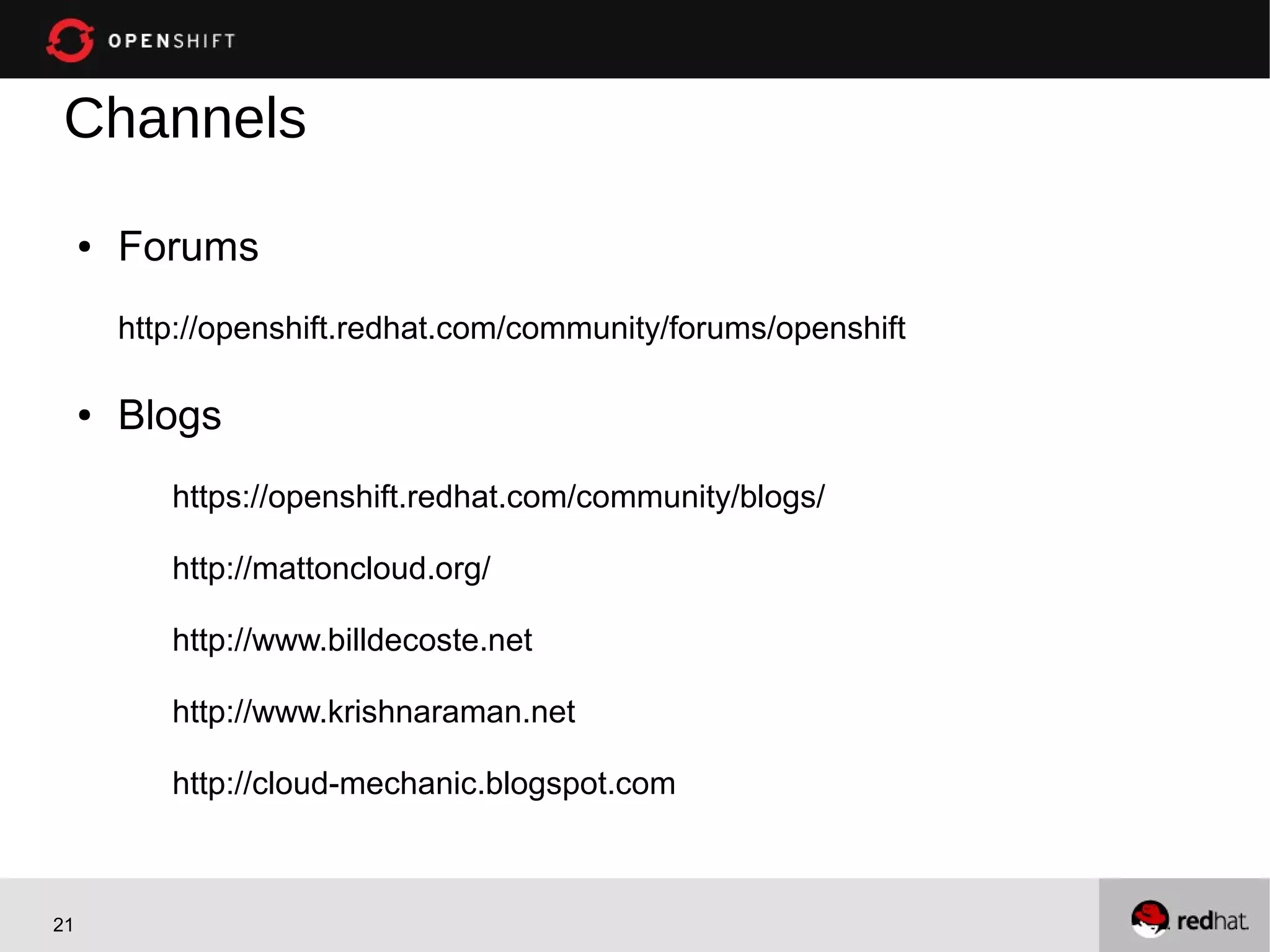
Channels
     ●   Forums
         http://openshift.redhat.com/community/forums/openshift

     ●   Blogs
            https://openshift.redhat.com/community/blogs/

            http://mattoncloud.org/

            http://www.billdecoste.net

            http://www.krishnaraman.net

            http://cloud-mechanic.blogspot.com


21
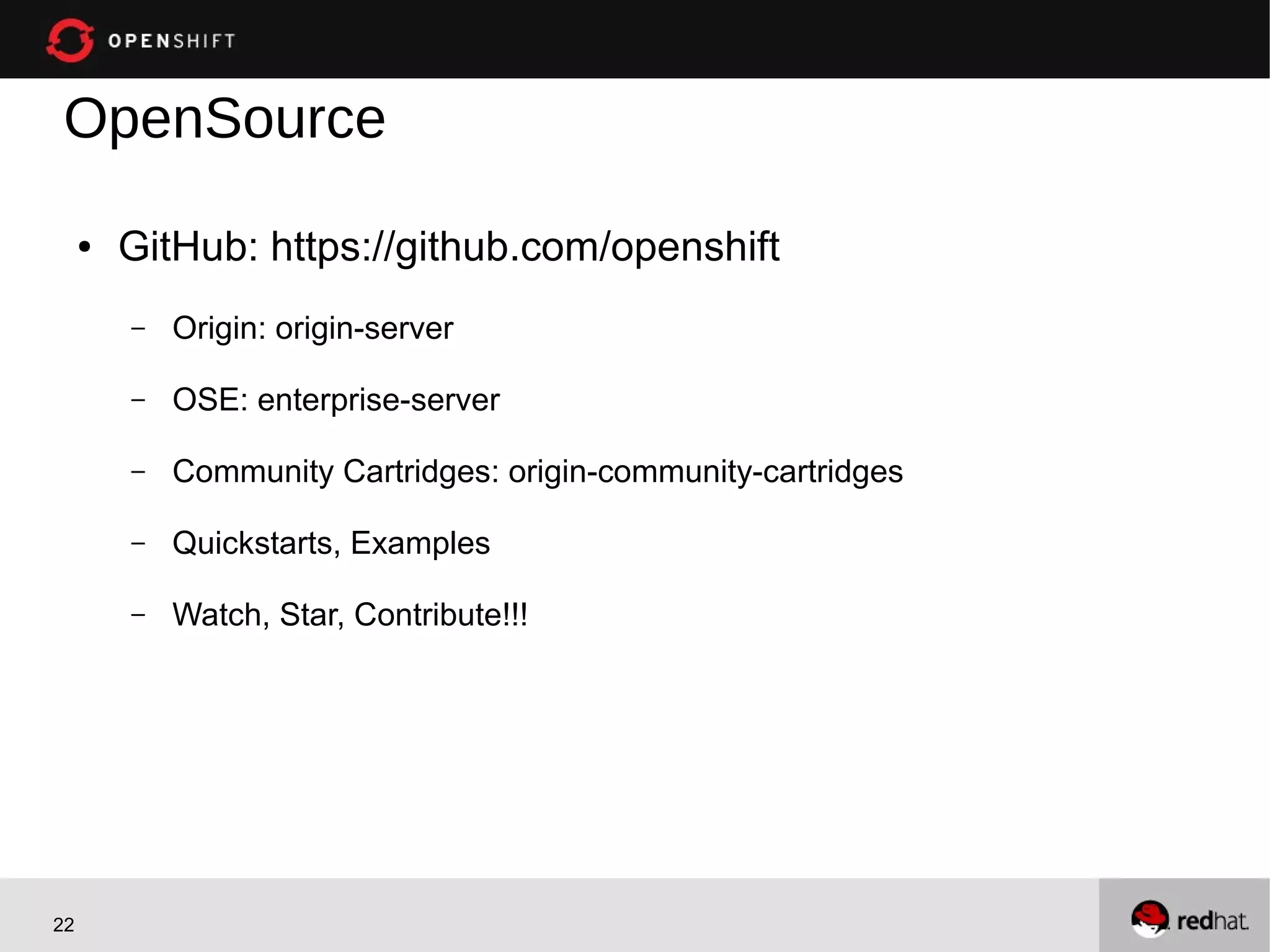
OpenSource
     ●   GitHub: https://github.com/openshift
         –   Origin: origin-server

         –   OSE: enterprise-server

         –   Community Cartridges: origin-community-cartridges

         –   Quickstarts, Examples

         –   Watch, Star, Contribute!!!


22

Extending OpenShift Origin: Build Your Own Cartridge with Bill DeCoste of Red Hat

  • 1.
    OpenShift Community Day Writing Cartridges Bill DeCoste Principal Software Engineer wdecoste@redhat.com 1
  • 2.
    Target Audience You... ● Wishto offer new user services on an OpenShift PaaS ● Customize an existing user service on a PaaS 2
  • 3.
    What are Cartridges? ● Cartridge – A technology stack or framework (PHP, Perl, Java/JEE, Ruby, Python, MySQL, etc.) definition ● Plugin – Auth, DNS, etc. ● Gear – Allocation of memory, compute, and storage resources for running applications. Live on Nodes. ● Application – Instantiation of a Cartridge. Overloaded term, I know. ● Scaled/Scalable Application – Instantiated in multiple Gears 3
  • 4.
    Suggestions ... ● Start with a DIY (More significant for Cart V1) – Resolve many installation and configuration issues (e.g. bindings, logging) ● Existing Quickstart or sample? ● Start with a similar cartridge – Apache based? – JEE Application Server? – Embeddable Database? 4
  • 5.
    Requirements ● The OpenShift Cartridge API consists of: – Executable files – stdout/stderr – Environment variables ● You can use any language but we find bash the fastest – Bash “SDK” provided, other languages planned ● The software you are packaging either needs to be on the system or included in your cartridge 5
  • 6.
    History – CartridgeV1.0 ● Opensource, but not easy to implement or customize – Overly large number of files/scripts – Blurred Node vs Cartridge responsibility (e.g. root access required by Cartridge) – Each version required a new Cartridge ● Difficult to maintain – APIs not versioned 6
  • 7.
    History – CartridgeV2.0 ● Eased implementation, customization, and maintenance – Greatly reduced number of files/scripts – Well-defined Cartridge vs Node responsibility (e.g. root access not required by Cartridge) – Well-defined and versioned API – Multiple versions supported in single Cartridge ● Documentation: https://github.com/openshift/origin-server/blob/master/node/README.writing_cartridges.md 7
  • 8.
    Minimal Cartridge +- bin | +- setup | +- control +- env +- metadata | +- manifest.yml *Assumes packaged software already installed on system *Most cartridges will have more files 8
  • 9.
    metadata/manifest.yml ● Elements – Name – Version – Cartridge-Version – Cartridge-Vendor – Endpoints *Other elements for defining features of your cartridge and it's packaged software 9
  • 10.
    Endpoints ● Cartridges must explicitly declare which ports they will bind to, and provide meaningful variable names to describe: – The IP address(es) reserved/available for binding – The Gear-local ports to which the cartridge services will bind – (Optional) Publicly proxied ports which expose Gear-local ports for use by the application's users or across application Gears Endpoints: - Private-IP-Name: <name of IP variable> (e.g. IP => OPENSHIFT_shortname_IP) Private-Port-Name: <name of port variable> (e.g. HTTP_PORT) Private-Port: <port number> (e.g. 8080) Public-Port-Name: <name of public port variable> (e.g. HTTP_PROXY_PORT) 10
  • 11.
    Hooks (in-flux) ● Cartridges may need to act when some other cartridge is added/removed from an application. ● This functionality is supported using Publish/Subscribe connectors in the manifest.yml. Subscribes: set-mysql-connection-info: subscribe script Type: "NET_TCP:db:mysql" subscription key Publishes: publish-mysql-connection-info: publish script Type: "NET_TCP:db:mysql" subscription key 11
  • 12.
    bin/setup ● Responsible for creating and/or configuring the files that were copied from the cartridge repository into the gear's directory. ● Option --version – Which version of the packaged software has been called for – Possible to support n versions of the software, allows reuse of like code/configuration files etc 12
  • 13.
    bin/control OpenShift calls controlwhen it wants work from you or your packaged software ● start – cartridge and the package software (httpd) ● stop – cartridge and the package software (mysqld) ● build – The application developer pushed new code to your language cartridge for processing (maven) ● deploy – Code compiled but application not yet started. (Update database) ● Others: threaddump, restart, reload, status 13
  • 14.
    bin/teardown ● Prepares the gear for the cartridge to be removed. This script will not called when the gear is destroyed. ● The teardown script is only run when a cartridge is to be removed from the gear. ● The gear is expected to continue to operate minus the functionality of your cartridge. 14
  • 15.
    Template ● Provides an minimal example of an application written in the language/framework your cartridge is packaging – Typically application to web applications (e.g. homepage) ● Action Hooks – Executables for custom lifecycle – e.g. pre-build, post-build, pre-deploy, post-deploy NOTE: Build lifecycle details available in doc ● Markers – Control cartridge behavior – e.g. hot_deploy, disable_auto_scaling, force_clean_build, java7 15
  • 16.
    System Environmental Variables(in-flux) ● System Provided (subset) OPENSHIFT_APP_DNS the application's fully qualified domain name that your cartridge is a part of OPENSHIFT_APP_NAME the validated user assigned name for the application. Black list is system dependent. OPENSHIFT_APP_UUID OpenShift assigned UUID for the application OPENSHIFT_DATA_DIR the directory where your cartridge may store data OPENSHIFT_GEAR_DNS the gear's fully qualified domain name that your cartridge is a part of. May or may not be equal to OPENSHIFT_APP_DNS OPENSHIFT_GEAR_NAME OpenShift assigned name for the gear. May or may not be equal to OPENSHIFT_APP_NAME OPENSHIFT_GEAR_UUID OpenShift assigned UUID for the gear OPENSHIFT_HOMEDIR OpenShift assigned directory for the gear OPENSHIFT_REPO_DIR the directory where the developer's application is "archived" to and will be run from. OPENSHIFT_TMP_DIR the directory where your cartridge may store temporary data ● Cartridge Provided (examples) OPENSHIFT_MYSQL_DB_HOST OPENSHIFT_MYSQL_DB_PASSWORD OPENSHIFT_MYSQL_DB_PORT OPENSHIFT_MYSQL_DB_USERNAME 16
  • 17.
    Installing a V2Cartridge ● Typically available as RPMs ● Added to /usr/libexec/openshift/cartridges/v2 ● Install Cartridge: oo-admin-cartridge -a install -s /usr/libexec/openshift/cartridges/v2/XXX ● Clear Cache From /var/www/openshift/broker, run bundle exec rake tmp:clear OR Run `script/rails console` and enter 'Rails.cache.clear', ● Confirm rhc cartridge list 17
  • 18.
    Quickstarts/Samples ● Many, many easy-to-install applications to showcase Cartridge use ● https://github.com/openshift ● Django, Rails, Tomcat, JEE, Mongo, Redmine, CakePHP, IronMQ, etc. ● Typically follow install pattern: rhc create app … cd app git remote add upstream … git pull -s recursive -X theirs upstream master ● Add your own! ● NOTE: Quickstarts blend of v1/v2. Not all tested vs V2 yet 18
  • 19.
  • 20.
    Channels ● G+ Community https://plus.google.com/communities/114361859072744017486 ● E-Mail – OpenShift Users: users@lists.openshift.redhat.com – Origin Developers: dev@lists.openshift.redhat.com ● IRC: irc.freenode.net – OpenShift Users: #openshift – Origin Developers: #openshift-dev – Node/Cartridge Developers: #openshift-dev-node 20
  • 21.
    Channels ● Forums http://openshift.redhat.com/community/forums/openshift ● Blogs https://openshift.redhat.com/community/blogs/ http://mattoncloud.org/ http://www.billdecoste.net http://www.krishnaraman.net http://cloud-mechanic.blogspot.com 21
  • 22.
    OpenSource ● GitHub: https://github.com/openshift – Origin: origin-server – OSE: enterprise-server – Community Cartridges: origin-community-cartridges – Quickstarts, Examples – Watch, Star, Contribute!!! 22